
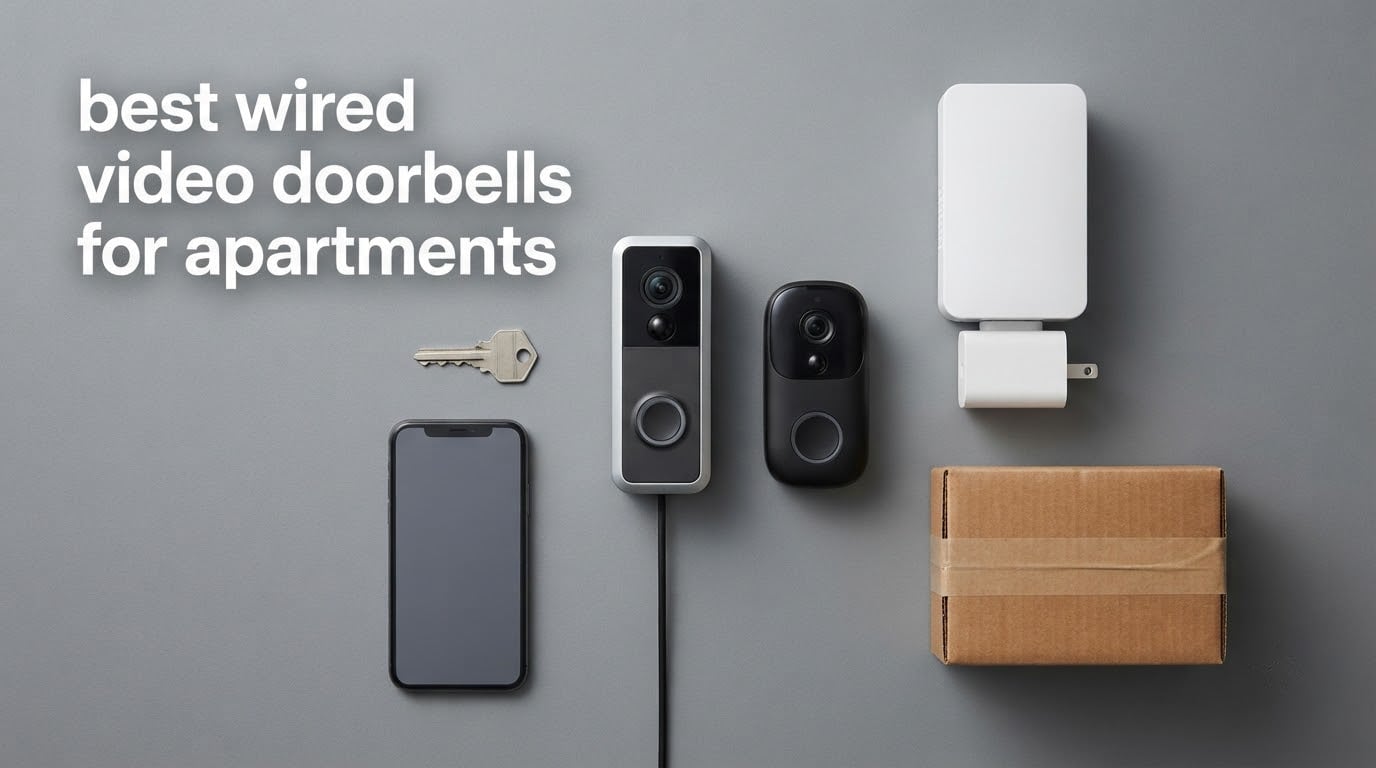
Yes, you can install a wired video doorbell in an apartment, but only if three things line up: you have existing doorbell wiring or permission to run new cable, your transformer delivers enough volts for the camera, and your lease does not prohibit hardware on the door or shared wall. The hardware itself is the easy part.
Apartment security cameras fail for boring reasons long before they fail for technical ones. Someone drilled into a door the lease says not to drill, or the doorbell kept chiming because the building has an electronic chime, or the camera pointed far enough down a shared corridor to catch a neighbour’s mail slot. That is why the best wired video doorbells for apartments are not simply the highest-resolution models on the market.
We spent the last few months comparing the ten wired units that actually suit apartment living, reading through thousands of buyer reviews, and mapping each one against the three constraints that decide success or failure: transformer voltage, chime compatibility, and how much wall or door surface you are allowed to touch. We also covered the basics in our broader wired video doorbell roundup for people who own their own entry wall, and the chime questions in our doorbells that ship with a chime guide.
Can You Install a Video Doorbell in an Apartment?
You can install a wired video doorbell in an apartment if your lease allows it and the wiring already exists, or if your landlord approves in writing. You must also confirm your building’s transformer delivers 16V-24V AC and decide whether your existing mechanical chime stays connected, because smart doorbells that cannot drive an old chime are the single most common apartment installation failure.
That is the short version. The practical reality splits into three cases, and it matters which one you fall into.
Case one: your unit has its own door and its own chime. This is the easiest situation. Two low-voltage wires run from the chime inside to a button on your door, which means a transformer exists somewhere in the wall or closet. You are swapping one button for another, and the install takes under an hour with a screwdriver and a voltage check. Check your lease for drilling rules first, because plenty of leases restrict modifications to the door slab itself even when common areas are fair game.
Case two: your building has a shared entrance with an intercom or buzzer panel. Here you generally cannot rewire anything, because the wiring and transformer belong to the building, not to you. Your realistic options are a battery-powered doorbell on your own door, or asking management whether individual smart doorbells are allowed at the shared panel. Refusing is common, and their reasoning is not unreasonable: a camera at a shared entrance sees every neighbour who walks past it.
Case three: no wiring at all. If your unit has no chime and no transformer, a new transformer, chime, and cable run are needed. Renters in this situation report the same thing on r/renters and r/apartmentliving: the work is possible, but it usually needs a licensed electrician and a written landlord approval. Running low-voltage cable through a hallway wall without permission is the move that gets tenants deductions from their deposit.
One more thing that comes up constantly in forums: if your building has an electronic chime rather than a mechanical one, a wired smart doorbell will often fail to detect the wiring or ring continuously. Rings that keep chiming forever are almost always a chime-type mismatch, not a broken doorbell. We explain how to tell which you have, and which models on this list simply ignore your existing chime, in the transformer section below.
Top 3 Picks for Best Wired Video Doorbells for Apartments in 2026

Quick Comparison of the Best Wired Video Doorbells for Apartments in October
Every pick below runs on continuous AC power from a doorbell transformer, and every one of them needs at least 16V AC at the wires. The differences that matter in an apartment are local storage, whether your existing chime keeps working, and whether the camera can be angled away from neighbours.
| Product | Specifications | Action |
|---|---|---|
 eufy Video Doorbell E340 eufy Video Doorbell E340 |
|
Check Latest Price |
 Tapo Kasa KD110 Tapo Kasa KD110 |
|
Check Latest Price |
| WYZE Wired Doorbell Camera v2 |
|
Check Latest Price |
 Ring Wired Doorbell 2K Ring Wired Doorbell 2K |
|
Check Latest Price |
 Google Nest Doorbell Wired Google Nest Doorbell Wired |
|
Check Latest Price |
 eufy Video Doorbell S330 With Chime eufy Video Doorbell S330 With Chime |
|
Check Latest Price |
 Tapo D225 Tapo D225 |
|
Check Latest Price |
 Ring Wired Doorbell 4K Pro Ring Wired Doorbell 4K Pro |
|
Check Latest Price |
 Arlo Video Doorbell 2K Second Gen Arlo Video Doorbell 2K Second Gen |
|
Check Latest Price |
 REOLINK Video Doorbell PoE REOLINK Video Doorbell PoE |
|
Check Latest Price |
A note on Wi-Fi before the individual reviews. Almost every doorbell in this lineup pairs on 2.4GHz only, including the Ring models and the Tapo D225. The WYZE v2 is the exception here, listing both 2.4GHz and 5GHz support. In a large multi-unit building, 2.4GHz congestion is a real cause of failed pairing and dropouts, and reviewers on mesh networks report Ring pairing stalling outright. If your building is dense, ask management which band and which channels the shared access points use before you commit.
1. eufy Security Video Doorbell E340 – Dual Cameras With Local Storage
Pros
- Dual cameras cover head-to-toe plus packages
- 8GB built-in storage with no monthly fee
- Color night vision to 16ft
- Works wired or on the quick-release battery
- Strong people and pet filtering
Cons
- App and live view load slower than Ring
- Device can run hot in direct sun
- HomeBase needed for some setup paths
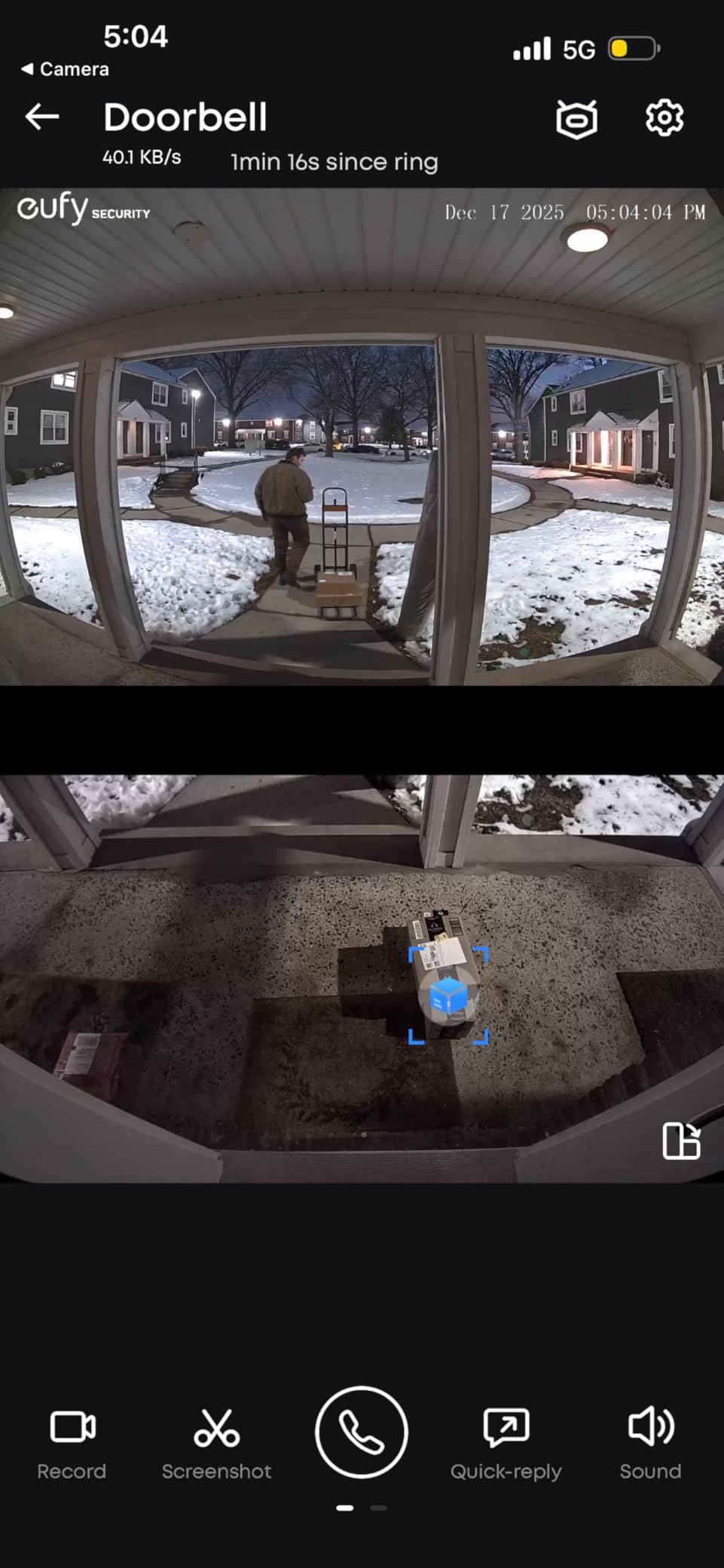
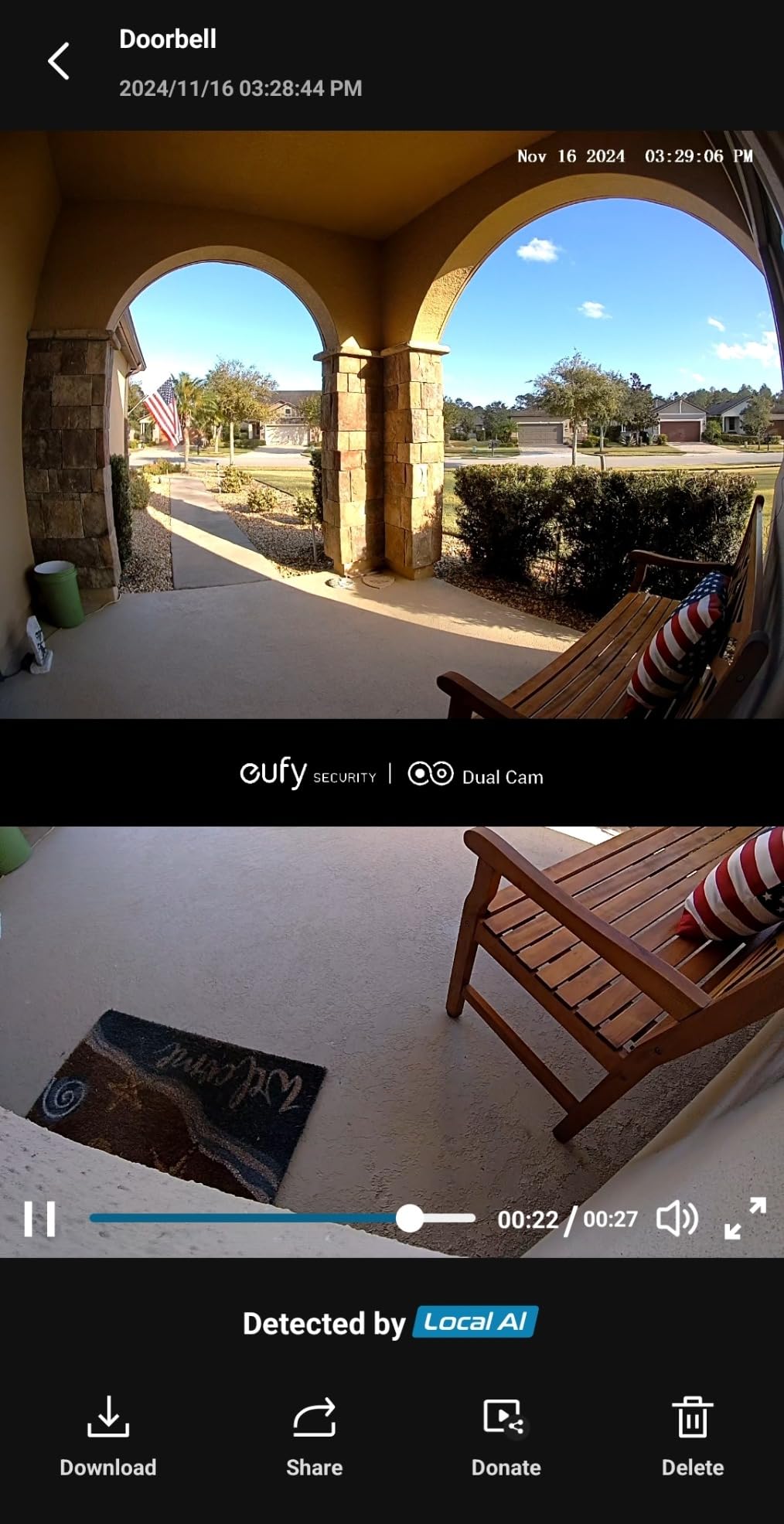
The dual-camera layout is the reason this is our top pick for apartments. One lens faces the corridor for a head-to-toe view of whoever is standing there, and a second lens angles down at the door for packages. In a walk-up or a shared entrance that is exactly the framing you want, because package theft and people at your door are two separate problems in a corridor setting.
It accepts 16-24V AC, which covers the older 16V transformers still sitting in plenty of apartment buildings as well as the newer 24V units. If you prefer, the same doorbell runs on a removable battery, which matters if you might move out and want to take it with you rather than leave it in a wall.
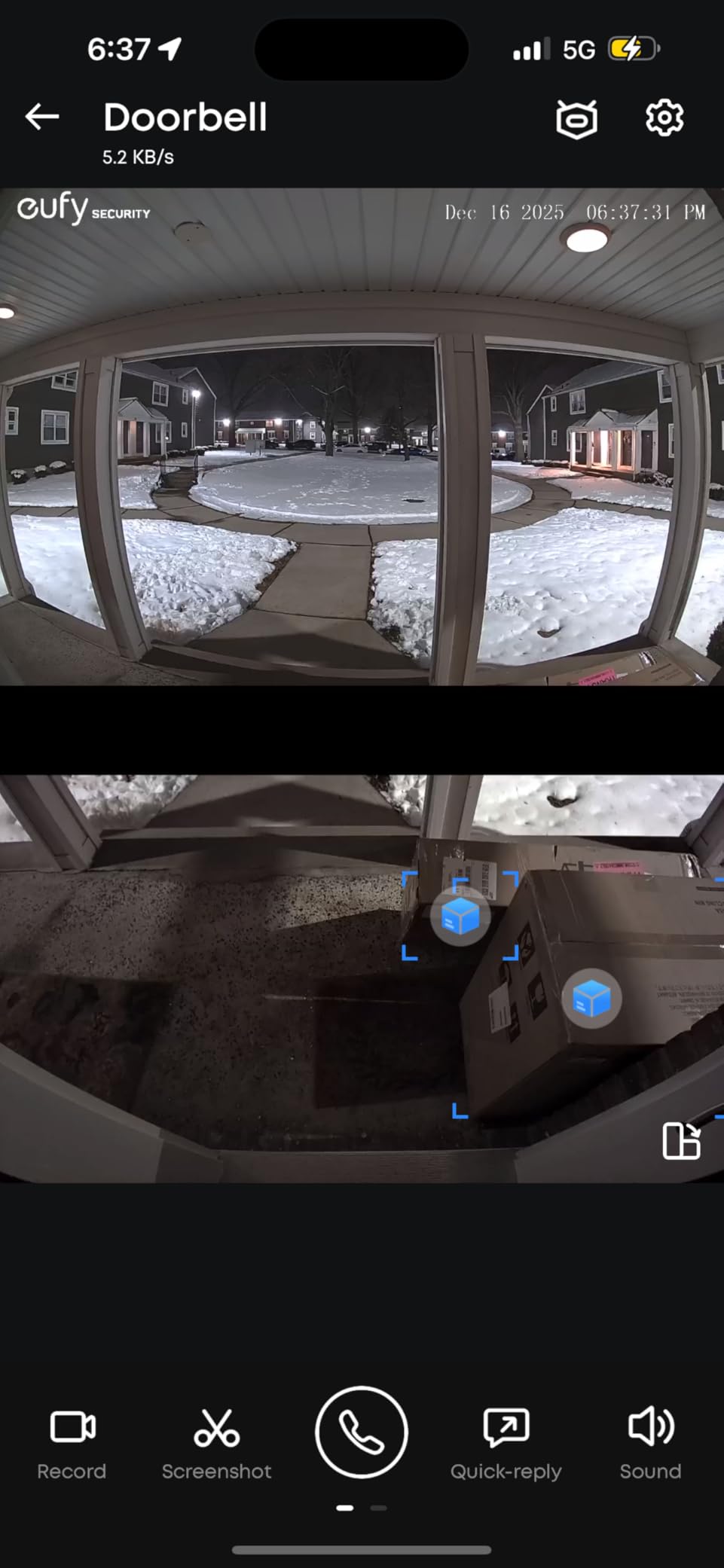
The 8GB of built-in storage is the second reason it tops the list. Buyers consistently point out that the core features work without any plan attached, and with 4456 reviews and a 4.0 average, this is the most-reviewed doorbell we looked at. Package detection alerts on delivery and pickup without a subscription, and people and pet filtering cuts hallway foot traffic better than most rivals.
There are trade-offs. The eufy app and live view load noticeably slower than Ring in some households, which is annoying if you are checking your door constantly. The device can also run hot in direct sun and warn about overheating, a real concern on an exposed south-facing corridor.
Who the E340 suits best
The E340 fits anyone who wants zero recurring cost and complete coverage of both the corridor and the doorstep without aiming a single wide lens at a neighbour’s door. The two separate lenses make privacy masking much easier, because you can black out the corridor view and keep the package view running.
It also suits buildings with older wiring. The 16-24V range is wide, and the ability to run on battery means a failed hardwire install is not a dead end.
Who should skip it
Skip it if app responsiveness is your top priority, or if your entry is in full afternoon sun with no shade. Reviewers also report frustration reaching eufy support for warranty issues, which matters if the unit fails in the first year.
If your building’s transformer is a very old low-voltage unit, note that eufy expects a minimum here and a marginal transformer may cause detection problems. Measure before ordering.
2. Tapo Kasa 2K Smart Video Doorbell KD110 – The Straightforward Hardwired Pick
Pros
- Always-on power with nothing to recharge
- 2K sensor with 160-degree diagonal view
- Modular plug-in chime with adjustable tones
- Local microSD storage
- Alexa and Google Assistant support
Cons
- 15fps frame rate looks chopsy on fast motion
- Advanced AI detection tied to a paid plan
- Older hardware revisions cap at 128GB
This is the doorbell you buy when you want something boring and reliable. It draws corded electric power at 24 volts, there is no battery to manage, and it sends push notifications instantly when someone presses the button. With 3755 reviews at a 4.1 average, it is one of the most reviewed models in our group and the least complicated to set up.
The 2K sensor uses a 3MP image and covers a 160-degree diagonal field of view, which is wide enough to catch both the corridor and the floor in front of your door. Night vision reaches 30ft, the longest listed range among the plain wired units here, and IP64 weatherproofing covers most corridor exposures.
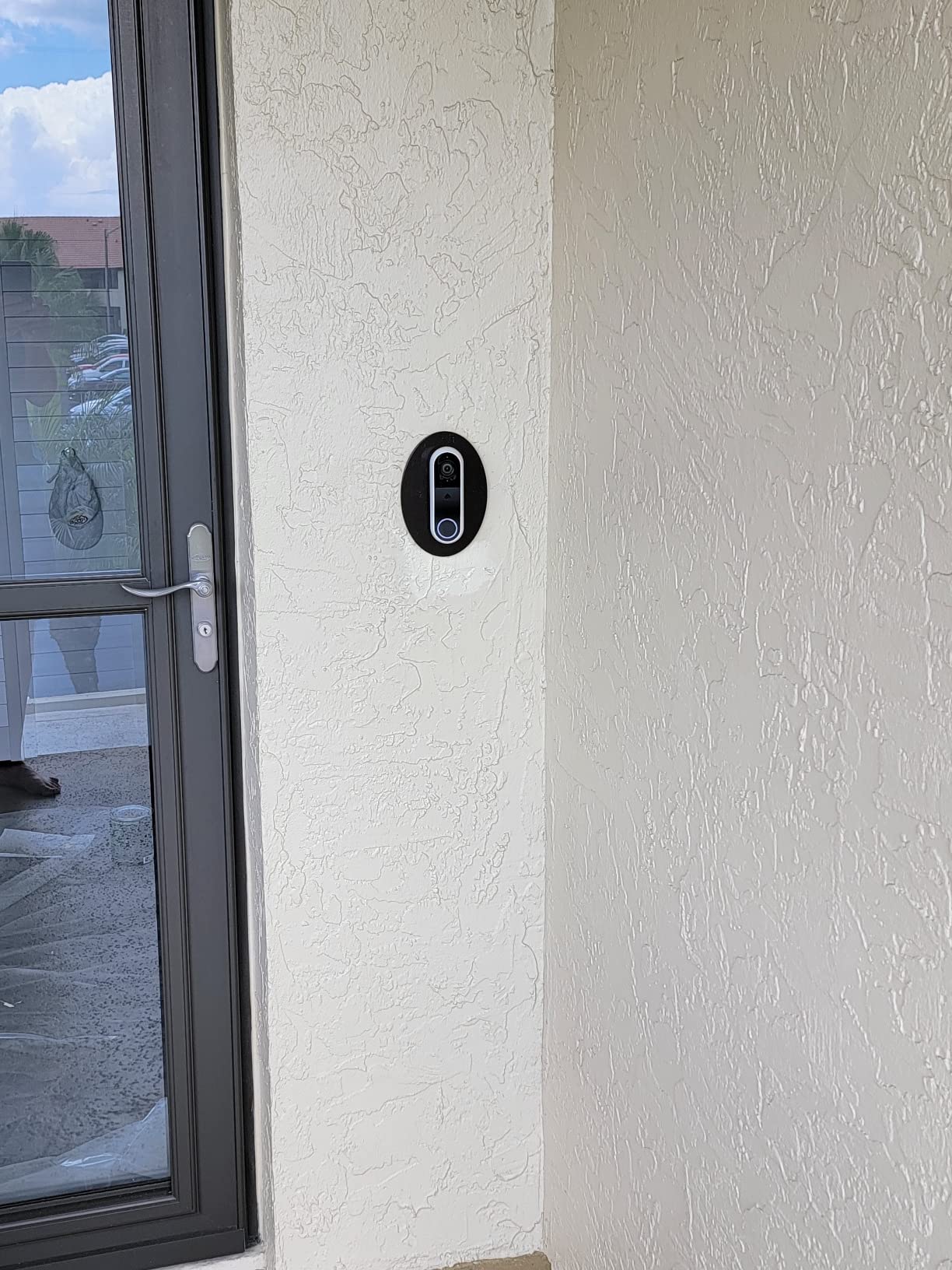
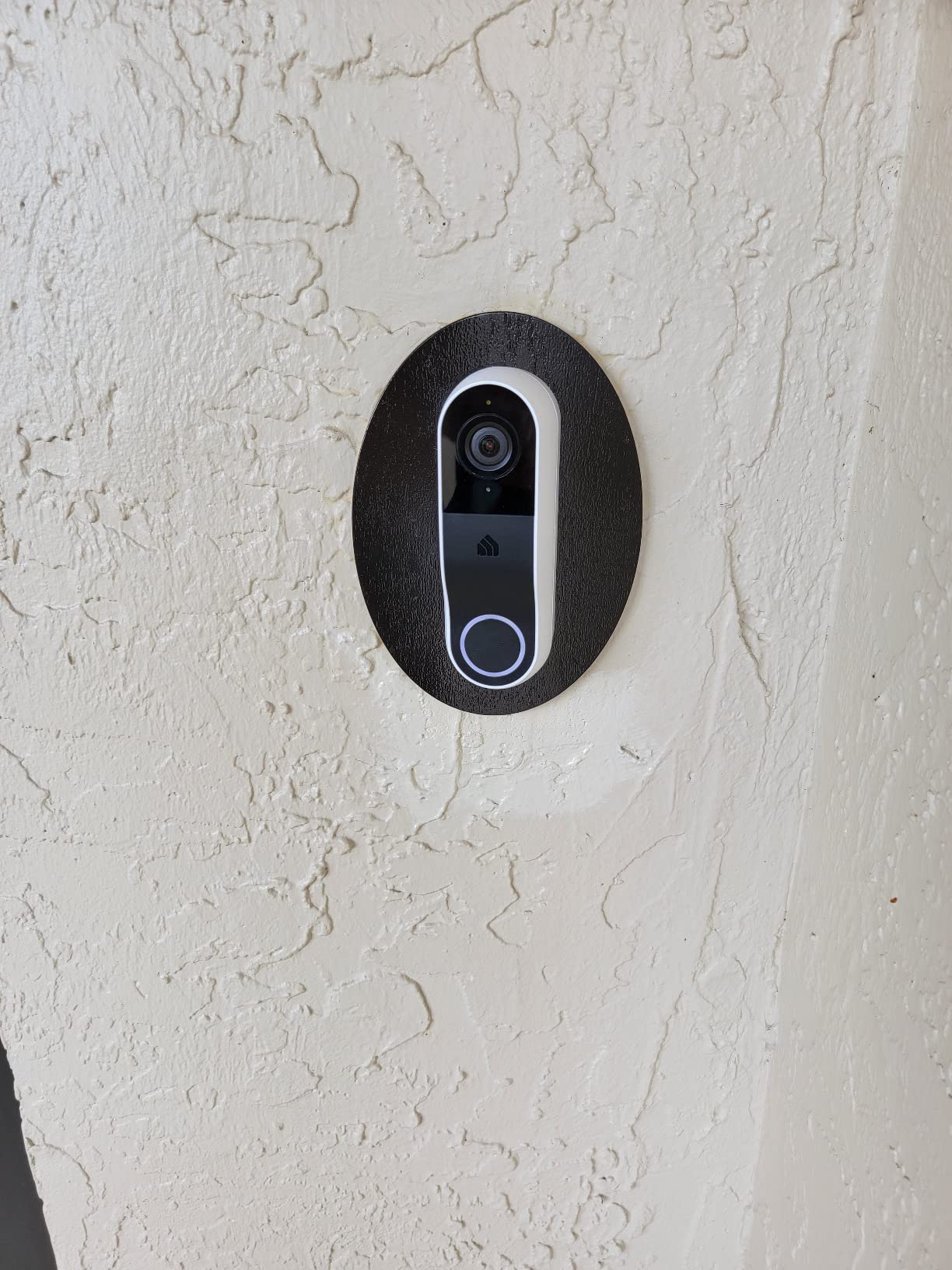
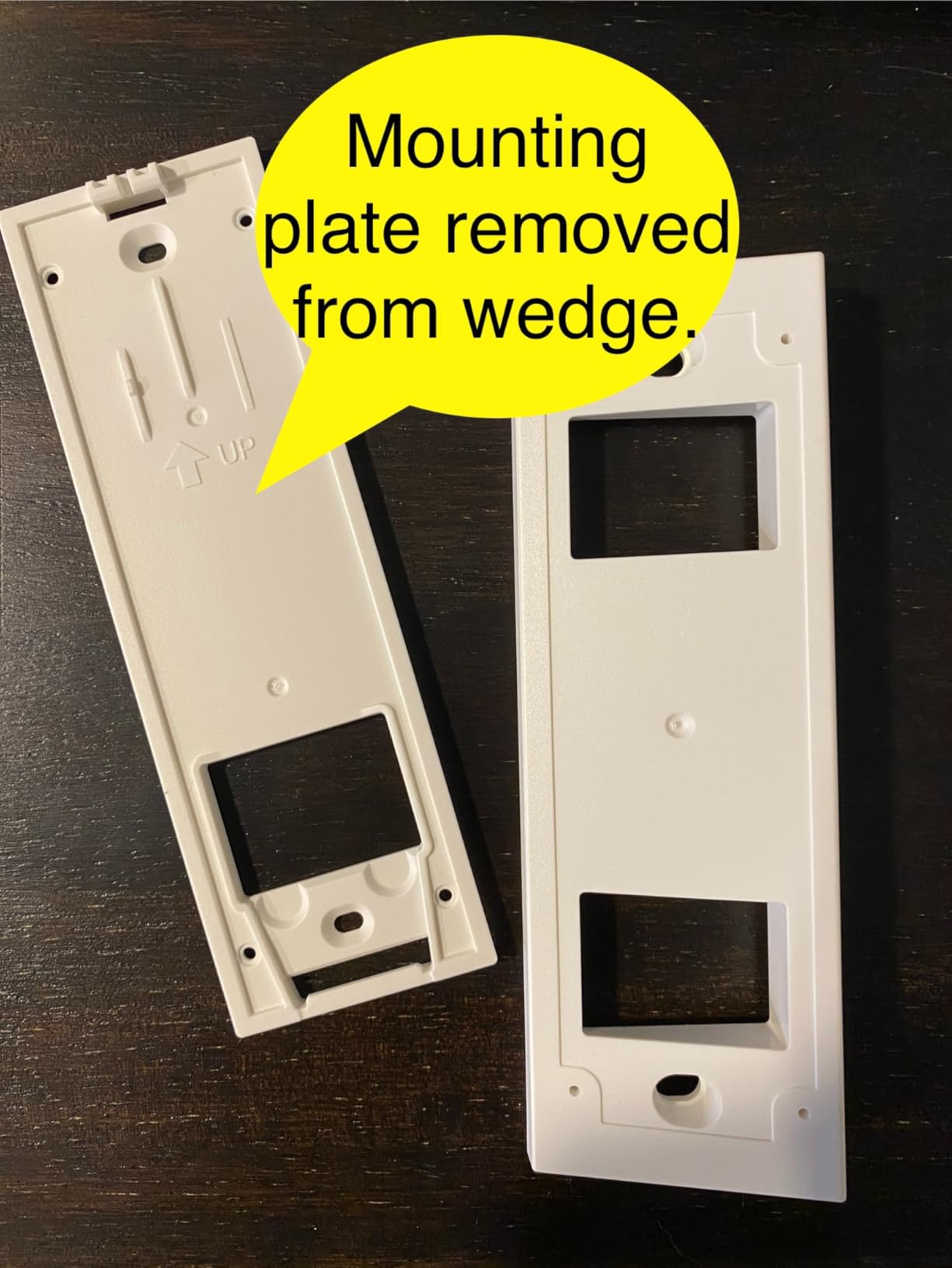
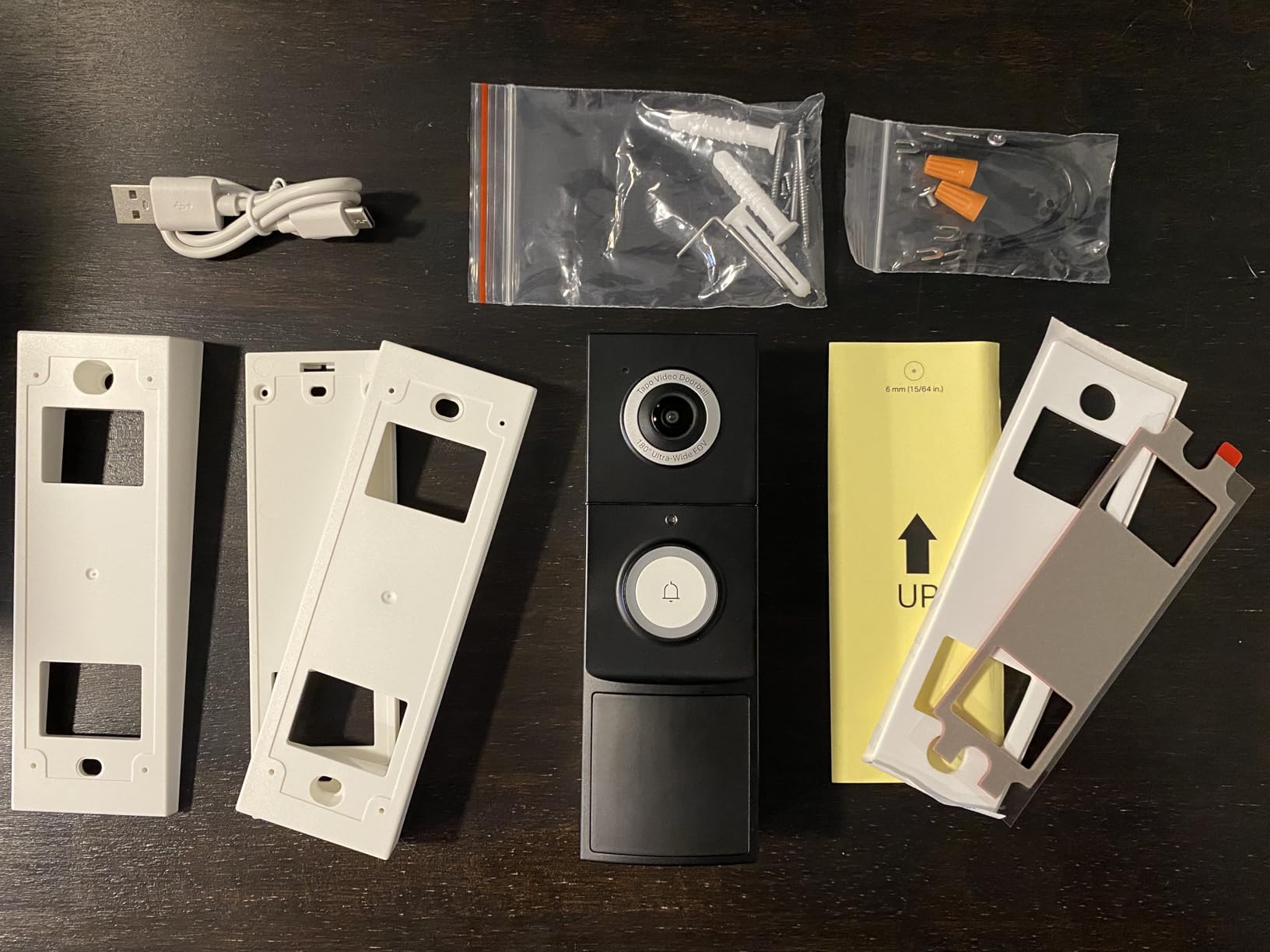
Two details make it apartment-friendly. First, the modular indoor chime plugs into a wall outlet, so you do not have to find a spot deep in the building wiring to add an audible bell. Second, it supports local microSD storage, which means continuous recording without handing over a recurring payment. The box also includes a 15-degree mounting wedge, useful for getting the angle right in a narrow entry alcove.
The 15fps frame rate is the main weakness. Motion looks choppy compared with the 30fps Arlo, and reviewers mention it first when describing why the video feels less polished. The Kasa Care cloud tier also gates the smarter detection features, so local storage is where the real value is.
Who the KD110 suits best
It suits renters on older buildings who want a plain hardwired unit that rings its own chime, stores locally, and never needs a battery charge cycle. The plug-in chime is a genuinely useful design for apartment dwellers because most apartments do not have a spare in-wall location near the entry.
It also suits anyone already in the Tapo or Kasa ecosystem, with Alexa, Google Assistant, Echo Show, and Chromecast support out of the box.
Who should skip it
Skip it if you care about smooth motion video or want advanced object detection without paying. Older hardware revisions also cap local storage at 128GB while newer ones accept larger cards, so check which revision you receive.
3. WYZE Wired Doorbell Camera v2 – The Best Starlight Night Vision
Pros
- Starlight sensor keeps color at night
- Works with an existing mechanical chime
- Local microSD recording avoids a mandatory plan
- 2.4GHz and 5GHz Wi-Fi support
- Head-to-toe 2K view covers packages
Cons
- Many useful app features locked behind a paid plan
- Chime triggers wirelessly with added delay
- Exposed microSD slot removable by a thief
Dim corridor lighting is the defining problem for apartment doorbells, and this model handles it better than anything else we tested. The starlight sensor produces genuine color night vision rather than the grey infrared wash most competitors settle for, which matters when you need to identify a person in a poorly lit shared hallway.
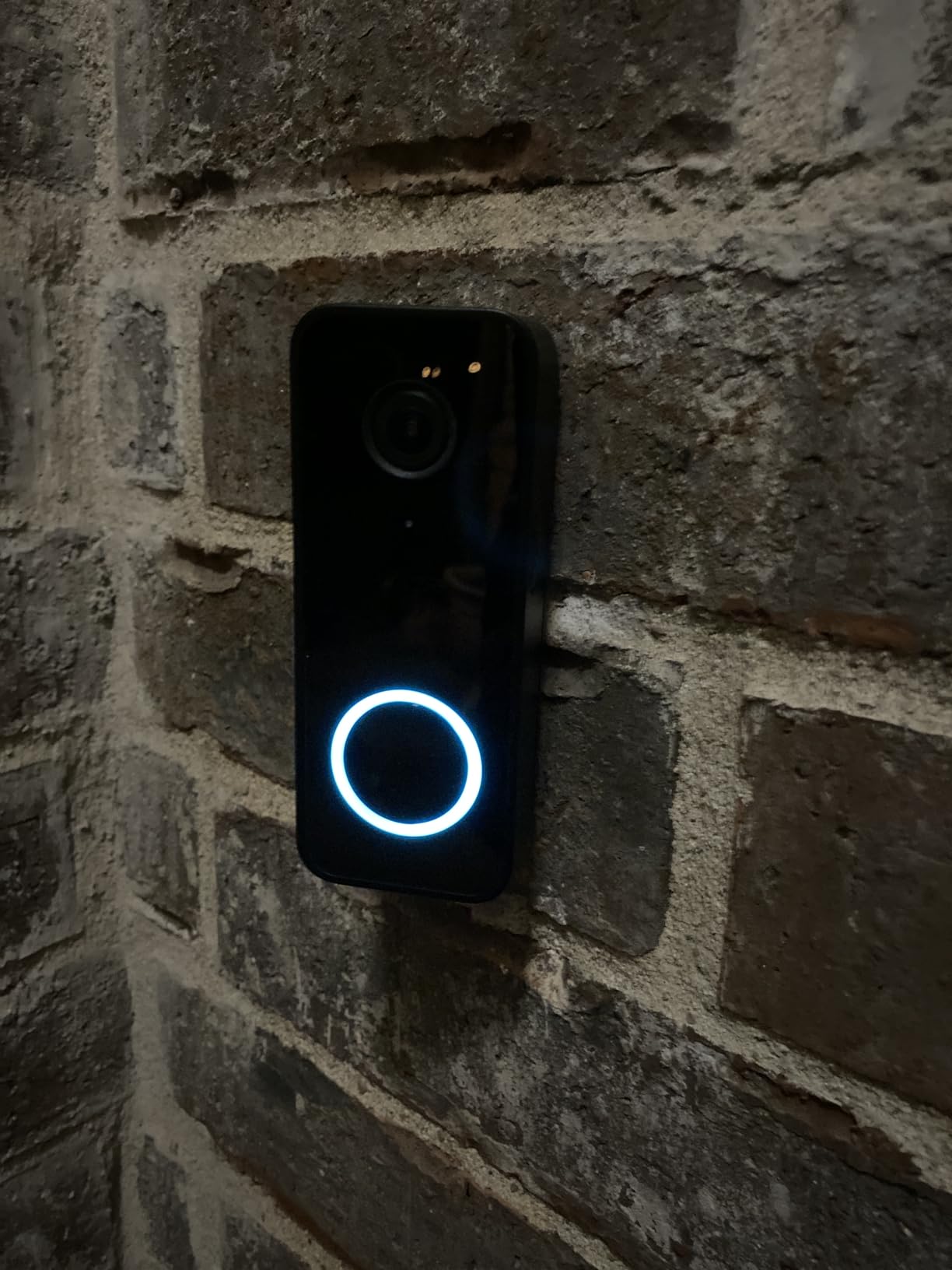
It requires existing doorbell wiring at 16-24V AC with at least 10VA, so if your building has a functioning chime you are in good shape. Importantly, it works with an existing mechanical chime through an included adapter, which is the single most requested feature in the apartment forums we read.
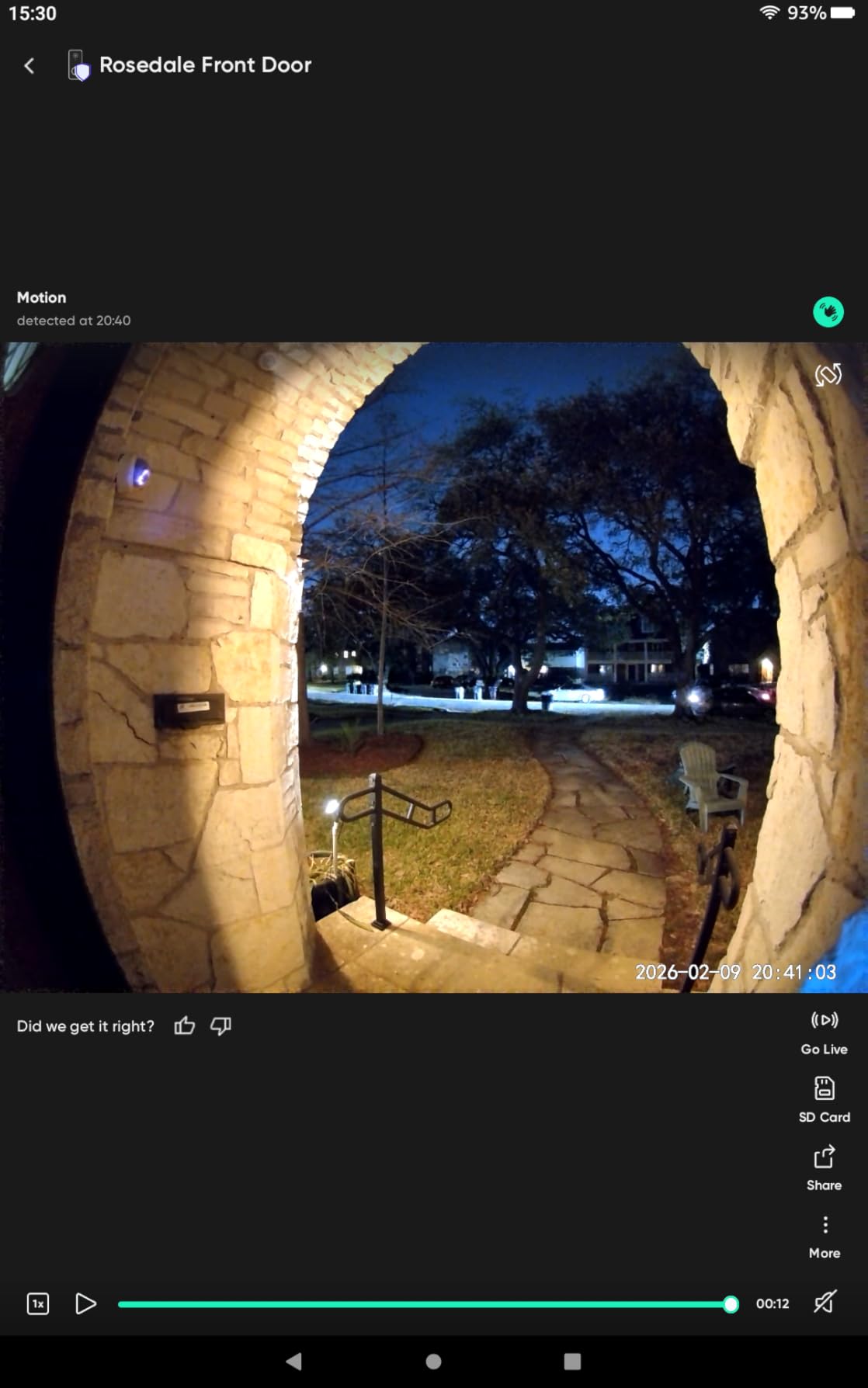
The 2K head-to-toe framing covers the door and the floor below it, so a package left at your threshold is visible without a second camera angle. Local microSD recording supports 24/7 capture with no mandatory subscription, and the unit is one of the few here that lists both 2.4GHz and 5GHz Wi-Fi support.
The trade-off is the app. Reviewers repeatedly note that useful features sit behind a paid plan, which undercuts the value of buying local storage in the first place. The chime also triggers wirelessly, adding a delay you will notice compared with a plain wired bell.
Who the WYZE v2 suits best
It suits anyone whose building corridor is dimly lit, and anyone who already has a mechanical chime they refuse to give up. The included adapter keeps the old bell working, which is both a cost saving and the difference between a smooth install and an awkward conversation with your landlord.
It also suits renters in buildings with newer routers, since dual-band support reduces pairing failures.
Who should skip it
Skip it if you need a theft-resistant unit. The microSD slot is exposed and a thief taking the doorbell takes the card, so pair it with a no-drill anti-theft enclosure if your building has had package theft. Reviewers also report occasional resets and units going offline.
4. Ring Wired Doorbell 2K – Clean Install On Existing Wiring
Ring Wired Doorbell 2K (newest model), Retinal 2K with wide-angle video, up to 6x Enhanced Zoom, and Two-Way Talk, Speckled Gray
Pros
- Sharp 2K image with useful zoom
- Straightforward install with included jumper cable
- Fast real-time motion notifications
- Reliable two-way audio day and night
Cons
- Bulky body with little wire slack room
- Does not ring an existing mechanical chime
- 2.4GHz-only pairing
Ring remains the default answer for a reason: the install is quick and the app is fast. The included jumper cable connects to existing doorbell wiring, and the setup flow is the shortest of any model here. At 4.2 from 2281 reviews, satisfaction is solid without being exceptional.
The Retinal 2K sensor with up to 6x Enhanced Zoom gives you usable detail from a doorway camera at a real distance, and the wide-angle view covers the corridor. Notifications arrive quickly, which is the whole point when someone is standing at your door with a parcel.
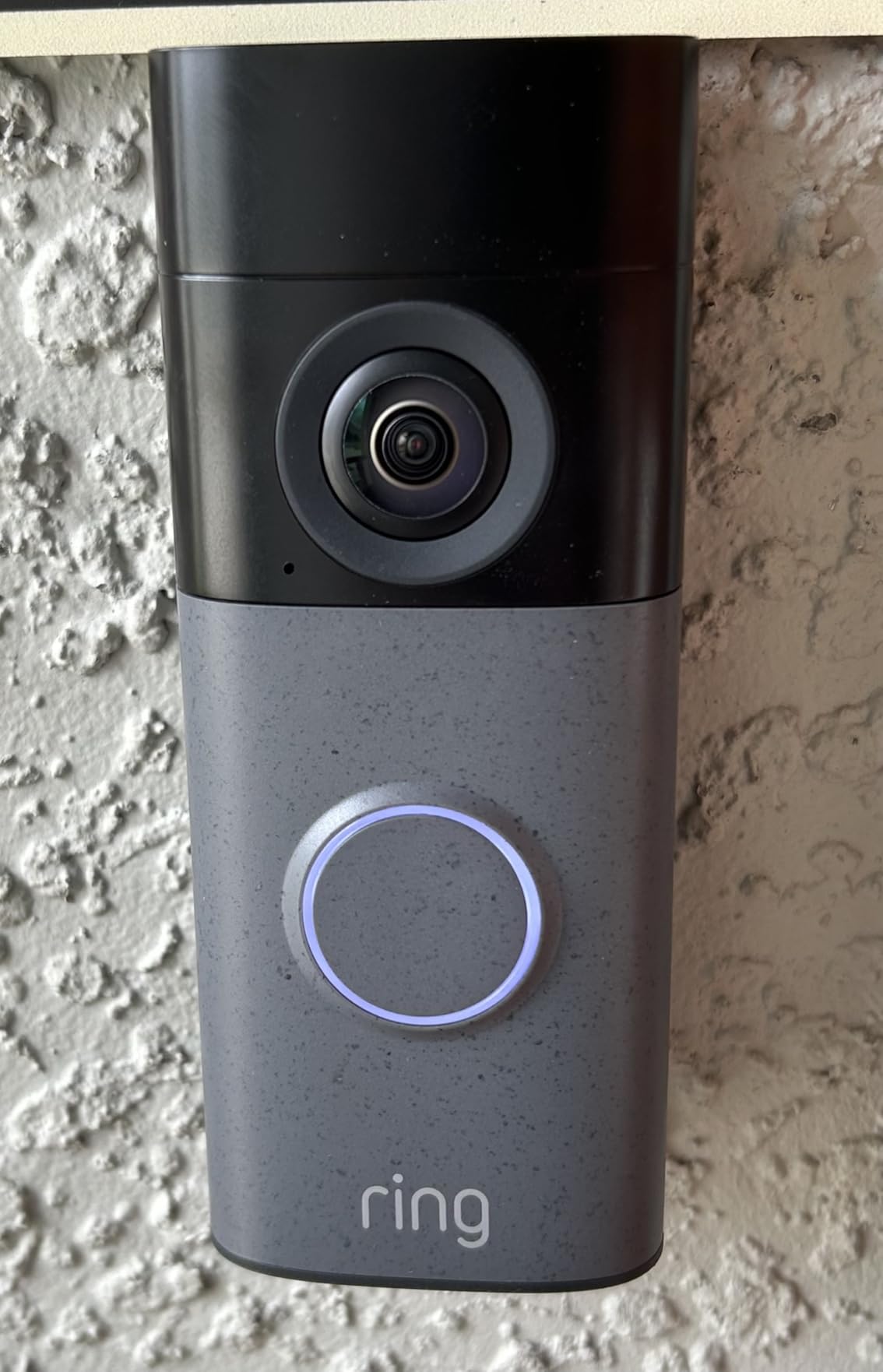
Two-way talk is clear and dependable in both directions, and Alexa integration with Echo Dot and Echo Show works without fuss. That ecosystem maturity is what makes Ring the choice for anyone already committed to Amazon devices.
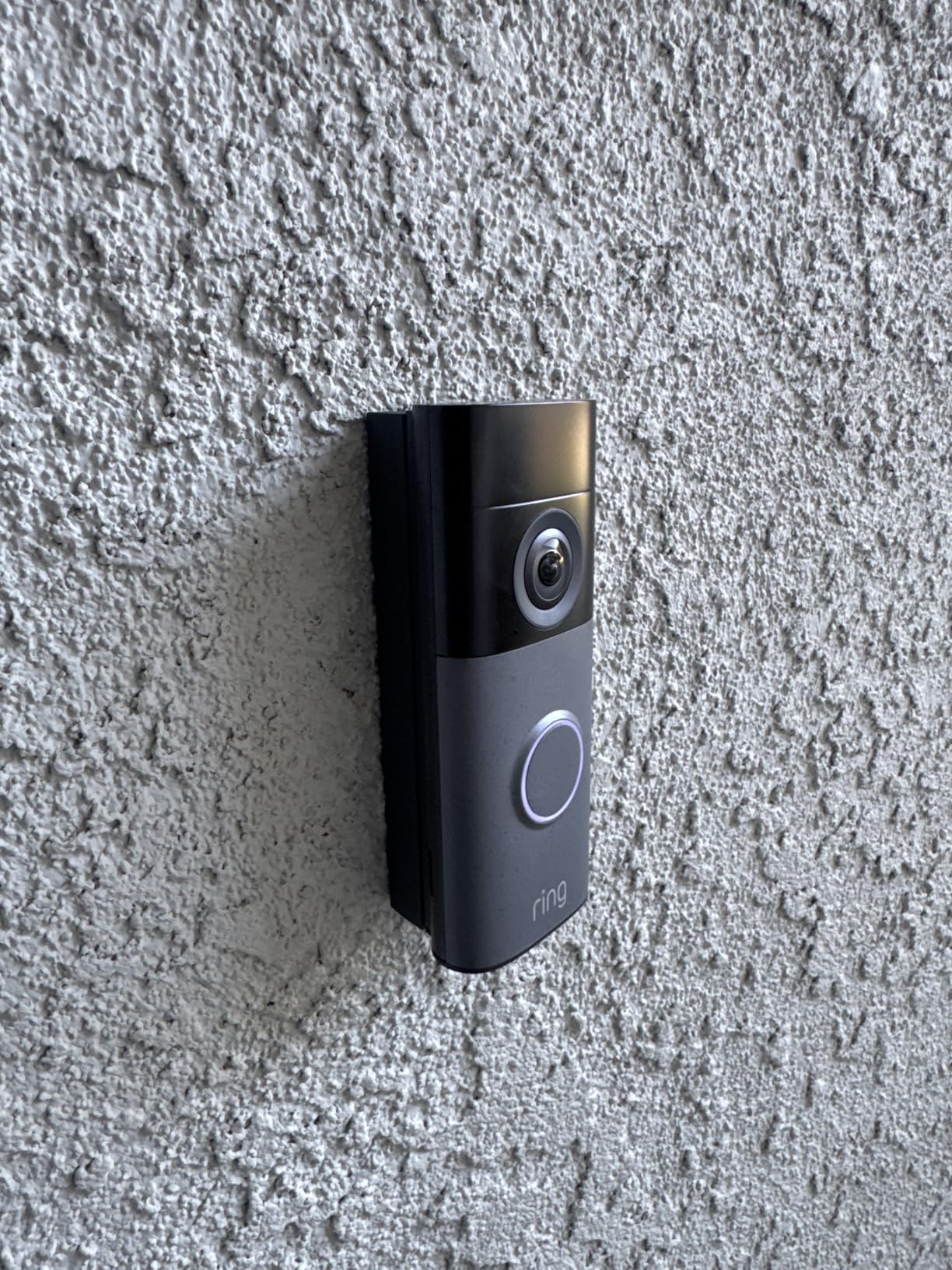
The awkward part is the chime. This model will not ring an existing mechanical chime, so you need a separate Ring Chime, which is an extra device and an extra plug in a hallway you may not control. It is also bulky, with very little wire slack room, so getting it to sit flush against a wall is fiddly. It pairs on 2.4GHz only, and reviewers report it needing a manual reset after a power outage.
Who the Ring 2K suits best
It suits Amazon households who want the fastest, least confusing setup and already have Echo speakers in the apartment. Continuous hardwired power means it never goes quiet during a heavy delivery day, and the price sits well below Ring’s own premium models.
It is also a reasonable pick if you are willing to add a small Ring Chime in a spot you control, such as inside your own unit.
Who should skip it
Skip it if your building has a working mechanical chime you want to keep, or if drilling is not permitted and the body will not sit flush against the surface. Also skip it on congested 2.4GHz-only building networks, where pairing stalls are reported.
Video history and detailed AI alerts sit behind a Ring Protect subscription, so budget for that if you want to look back at last week.
5. Google Nest Doorbell Wired – Built For Google Home Households
Google Nest Doorbell (Wired) – Formerly Nest Hello – Video Doorbell with 24/7 Streaming – Smart Doorbell Camera for Home with HDR Video, HD Talk and Listen, Night Vision, and Person Alerts
Pros
- 24/7 streaming with no ring buffer gap
- Person alerts distinguish people from objects
- HDR 4:3 framing captures packages
- HD Talk and Listen with quick replies
- Mature and stable app
Cons
- Only 720p resolution
- Package detection needs a Nest Aware plan
- Chime sold separately
This is the one to buy if your apartment runs on Google. At 4.3 from 2501 reviews, it sits at the top of the ratings in this group, and the reason buyers rate it highly is consistency rather than headline specs.
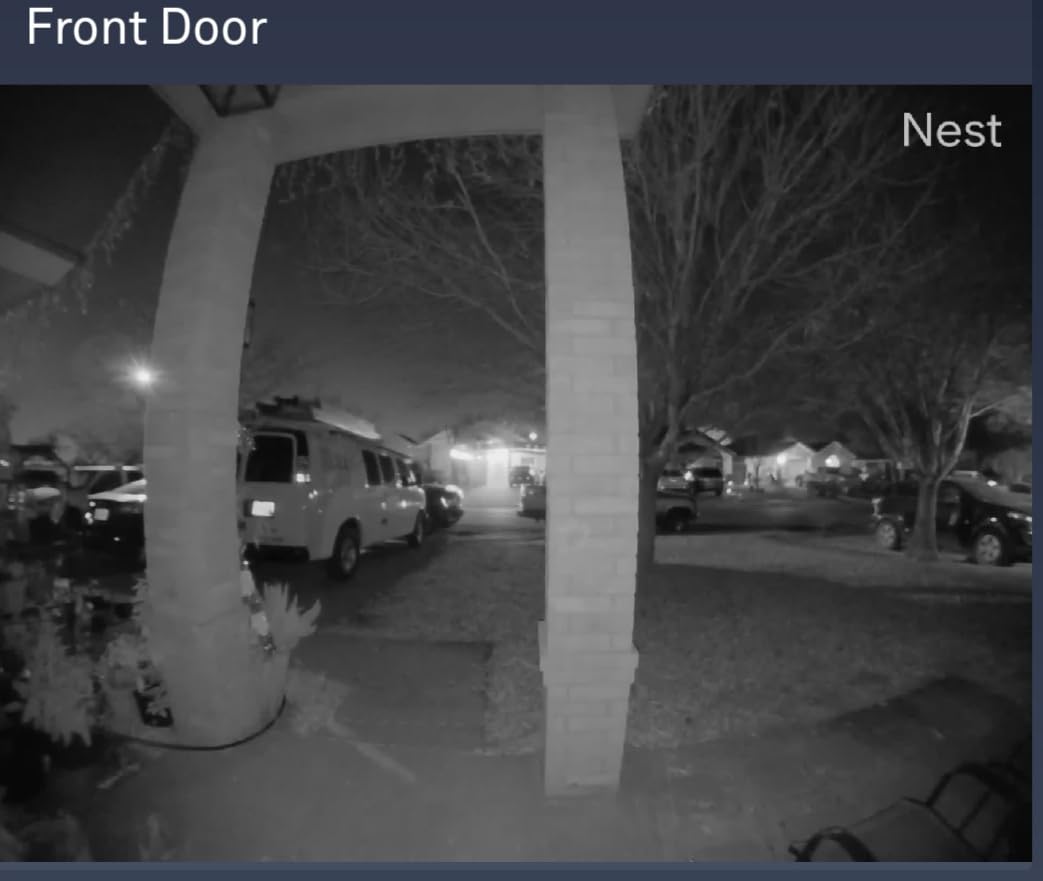
The 4:3 aspect ratio with HDR gives a genuinely head-to-toe frame, which is exactly what you want for a door that opens inward onto a small landing. Person alerts distinguish people from animals and objects, so a delivery robot or a stray cat does not trigger your phone all evening.
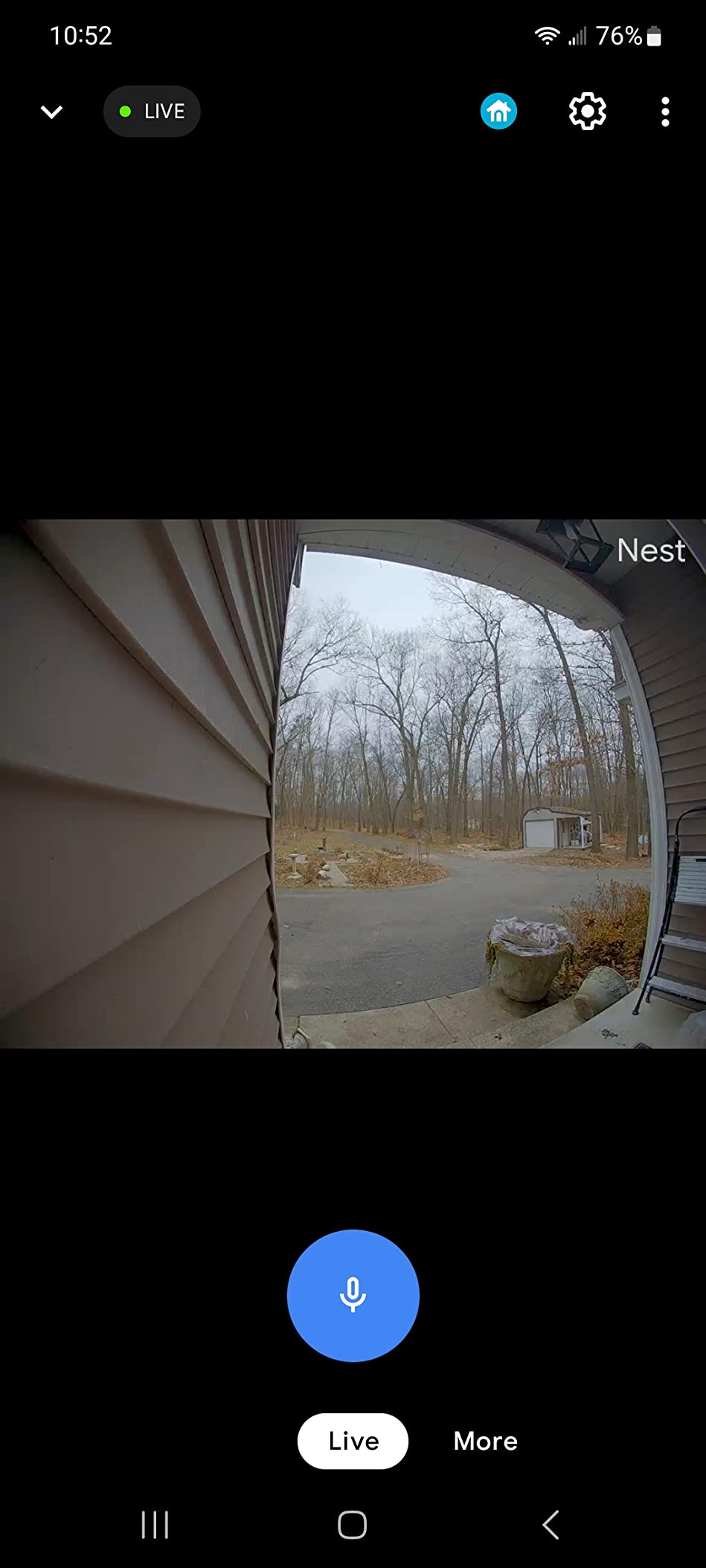
Continuous 24/7 streaming and recording is the standout feature. There is no ring buffer, so nothing is missed between events, which matters if you are trying to identify who entered a shared hallway. HD Talk and Listen with pre-recorded quick replies covers the basics of letting someone in when you are not home.
The resolution is 720p, which loses to every other model in this list, and that gap shows when you zoom into a face. Package detection and the smarter alerts require a Nest Aware subscription, and the chime is sold separately with a connector included. It also works only in the Nest app, not Google Home, which some buyers find confusing.
Who the Nest Wired suits best
It suits Google Home users who want always-on recording and dependable person detection more than they want pixel density. The 4:3 framing suits narrow apartment landings where a wide 16:9 view would waste most of the frame on ceiling and floor.
It is also a good fit for buildings where the transformer is reliable, since the unit needs continuous wired power and will not tolerate an intermittent supply.
Who should skip it
Skip it if you plan to pull a package camera angle for evidence, because 720p limits how much you can resolve. Skip it if you are on Google Home rather than Nest, and skip it if the separate chime purchase bothers you, since the connector alone does nothing.
6. eufy Security Video Doorbell S330 With Chime – Delivery Guard For Packages
eufy Security Video Doorbell (Wired) S330 with Chime, Dual Cam, Delivery Guard, Security Camera, 2K with HDR, No Monthly Fee, 16-24V, 30VA, homebase NOT Supported, Motion Only Alert
Pros
- Delivery Guard alerts on arrival pickup and tampering
- 3-second pre-roll captures the approach
- 2K HDR dual camera coverage
- No monthly subscription
- Chime included in the box
Cons
- HomeBase not supported on this model
- Motion-only alerts by default
- App slower than competing brands
Package theft is the reason most apartment residents buy a doorbell camera at all, and Delivery Guard is the most direct answer to it. It alerts when a package arrives, when it is picked up, and when someone appears to tamper with it, all without a subscription on an 8GB internal store.
The 3-second pre-roll is genuinely useful in a corridor. Standard motion clips start after movement is detected, which often misses the approach itself. Pre-roll captures a few seconds beforehand, so you see the person walking up rather than a torso already at your door.
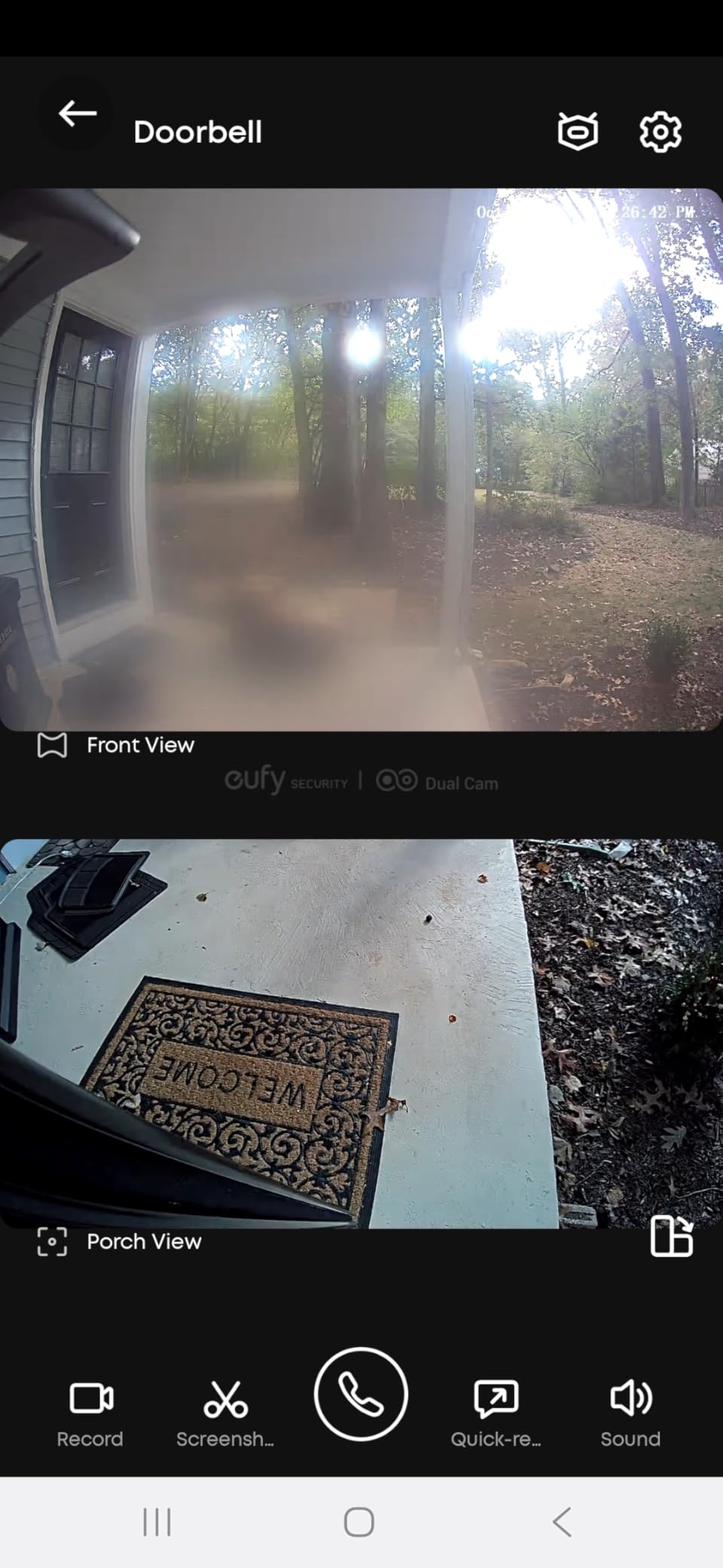
It is a pure hardwired model expecting 16-24V at 30VA, which is a more demanding requirement than most, and a genuine chime is included in the box. The dual cameras carry 2K HDR, and it works with Alexa and Google Assistant for voice control.
The catch is that HomeBase is not supported on this model, so your local storage options are narrower than the E340 offers. Alerts are motion-only by default rather than the richer detection types, and app responsiveness trails competitors.
Who the S330 suits best
It suits anyone whose building has a parcel problem and who wants alerts that distinguish delivery from collection, not just another motion notification. The included chime also removes a common installation objection for renters who want audible confirmation.
It suits people who want no monthly fee and can accept 8GB of internal storage as enough, since footage older than a few weeks is rarely needed for a corridor.
Who should skip it
Skip it if your building runs a very old transformer, because the 30VA requirement is higher than most cheap units need. Skip it if you rely on person or package classification beyond what motion-only alerts give you.
7. Tapo 2K+ Doorbell D225 – Wired Now, Battery If You Move
Tapo 2K+ Wired or Battery Powered Smart Video Doorbell with Chime, D225
Pros
- Works wired or on the built-in battery
- 180-degree head-to-toe view at 2K
- Free person package and vehicle detection
- microSD up to 512GB with no plan required
- Ring Call answers visitors by video call
Cons
- Battery is not removable so the doorbell must come inside to charge
- 2.4GHz Wi-Fi only
- White objects can blow out in direct sun
At 4.4 from 2293 reviews, the D225 has the highest average rating in this entire group, and its flexibility is the reason. It runs on existing wiring at 8-24V or on a built-in 10000mAh battery, so the same doorbell works whether your building has a transformer or not.
For renters, that removes the biggest decision. If you are hardwiring now with a landlord-approved install, you can still unplug it and run on battery when you move to a place with no wiring. The hardwired voltage range of 8-24V is the most permissive on this list, which means it will accept older building transformers.
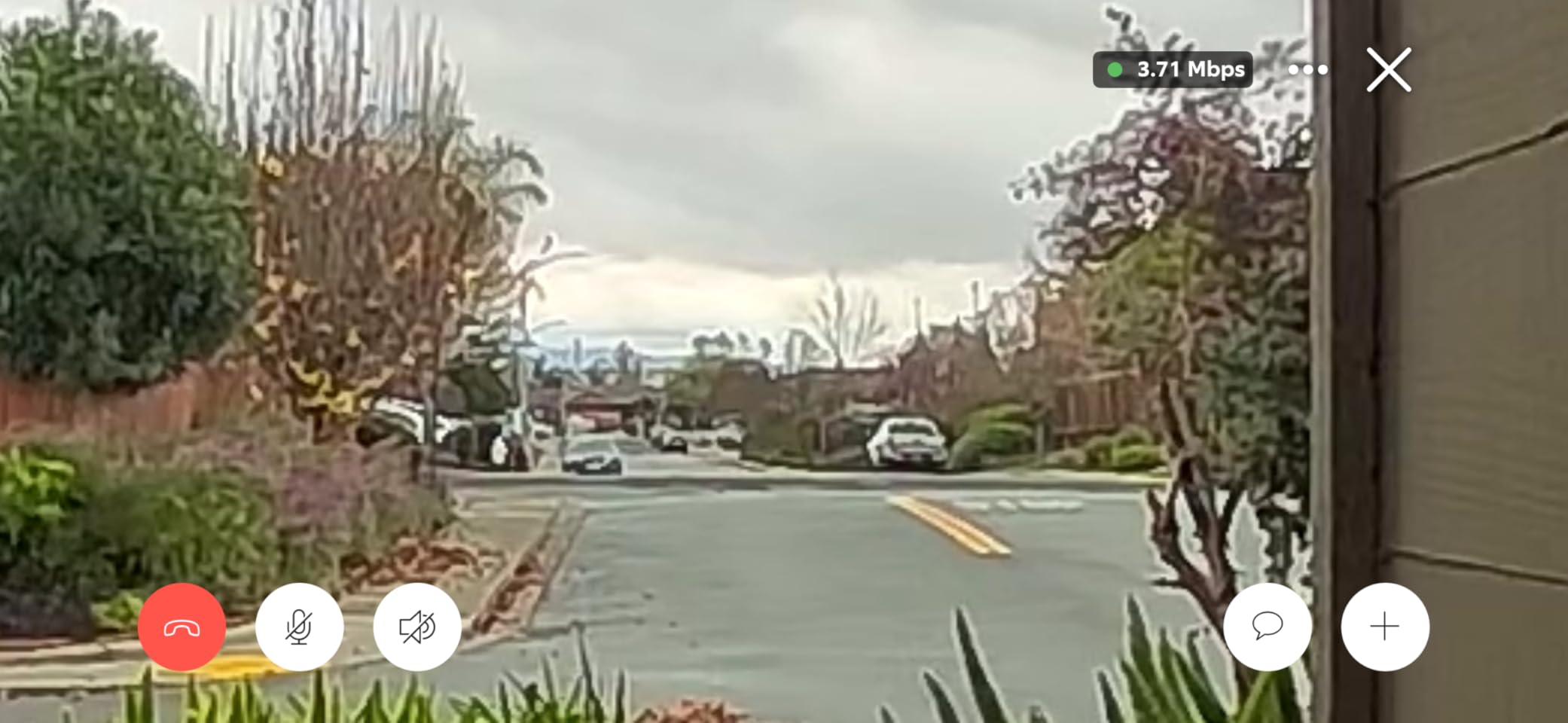
The 180-degree head-to-toe field of view is the widest here, and at 2K QHD it still resolves faces at a distance. Person, package, and vehicle detection are free with no subscription attached, and local microSD storage goes up to 512GB. Ring Call sends an incoming video call so you can answer the door from your phone instead of fumbling with an app.
The battery is not removable, so charging means taking the whole doorbell indoors, which is awkward if your door has no easy removal. It is 2.4GHz only. Some users also report a recent firmware update disrupting local integrations, and light-colored objects can blow out in direct sun.
Who the D225 suits best
It suits renters who expect to move within a few years and refuse to leave a doorbell wired into someone else’s wall. Hardwiring gives you continuous power and no charging downtime, and the battery fallback means you are never stranded if the wiring is later disconnected.
It also suits anyone who wants the widest view and the most generous local storage in this roundup without paying a subscription.
Who should skip it
Skip it if you need to remove only the battery rather than the entire unit, or if you want 5GHz Wi-Fi. People who rely on local API integrations for home automation should check compatibility before updating firmware.
8. Ring Wired Doorbell 4K Pro – The Sharpest Sensor In The Lineup
Ring Wired Doorbell 4K Pro (Newest Model), Retinal 4K with wide-angle video, 10x Enhanced Zoom, and Night Vision, Deep Silver
Pros
- Retinal 4K detail in a 1:1 square frame
- 10x zoom resolves fine details at distance
- Low-Light Sight holds true colour in low light
- 3D Motion Detection trims irrelevant alerts
Cons
- Will not ring an existing mechanical chime without an adapter
- Included mini chime is quieter than a real chime
- 2.4GHz-only pairing can fail on mesh networks
This is the best sensor in the group, and that is not a marketing line. The 2880×2880 Retinal 4K sensor in a 1:1 frame captures far more vertical detail than the 16:9 sensors most competitors use, which means a person standing close to the door fills the frame instead of being a small figure in the middle of it.
Up to 10x Enhanced Zoom resolves detail at a distance, useful when the camera is mounted high on a corridor wall rather than at eye level. Low-Light Sight holds true colour in dim conditions, and 3D Motion Detection trims alerts from traffic that a simple motion sensor would report.
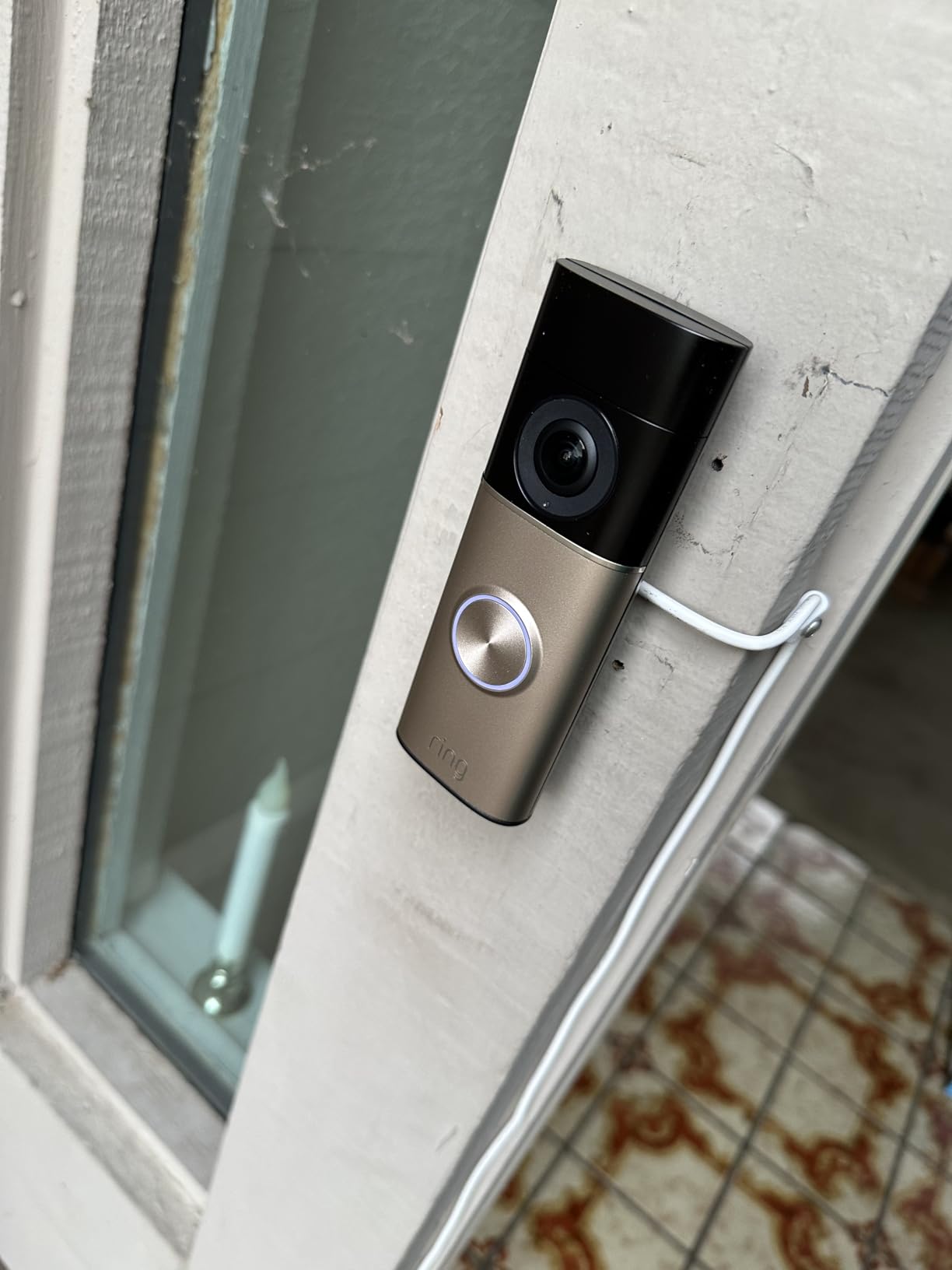
Hardwired power means no battery maintenance, and Two-Way Talk with Audio+ processing sounds clear in both directions. Several finish options are available, which is a minor but real consideration in a shared entrance where the doorbell is visible to everyone.
On the downside, it will not ring an existing mechanical chime without an adapter or jumper, and the included mini chime is quieter and thinner-sounding than a real bell. Pairing is 2.4GHz only and can fail or stall on some mesh networks, which is exactly the environment in a large apartment complex. Color night vision is also not selectable in full darkness, where it falls back to black-and-white.
Who the 4K Pro suits best
It suits anyone who needs to identify a face rather than merely know that someone arrived. In a corridor camera mounted high up, or where a parcel sits at a distance, the extra resolution and vertical field of view make the difference between a useful clip and an unusable one.
It also suits renters who want a doorbell that will not be replaced in two years, since the sensor class is a cut above everything else here.
Who should skip it
Skip it if your building has a mechanical chime you want to keep working without buying an adapter, or if you need true colour in complete darkness. Mesh users on congested 2.4GHz networks should expect pairing trouble.
9. Arlo Video Doorbell 2K Second Gen – The Wide-Angle Budget Pick
Pros
- 2K head-to-toe video at a smooth 30fps
- Works wired or on a rechargeable battery
- Custom activity and privacy zones
- Works with Alexa Apple Home Google Home SmartThings and IFTTT
- Live streaming works without a subscription
Cons
- 60-day history and AI detection need Arlo Secure
- Recording is not continuous by default
- Battery is not removable
The Arlo is the lowest cost way into this list and it does not feel like a compromise on the things that matter in an apartment. You get 2K HDR video at 30fps, a full 180-degree field of view, and night vision to 25ft, in a body that runs on existing wiring or a rechargeable battery.
The 30fps frame rate is the smoothest among the wired-capable models we compared, which makes moving people and animals look far more natural than the 15fps Tapo KD110. Two-way audio with quick replies and video calls compares well against similarly priced rivals.
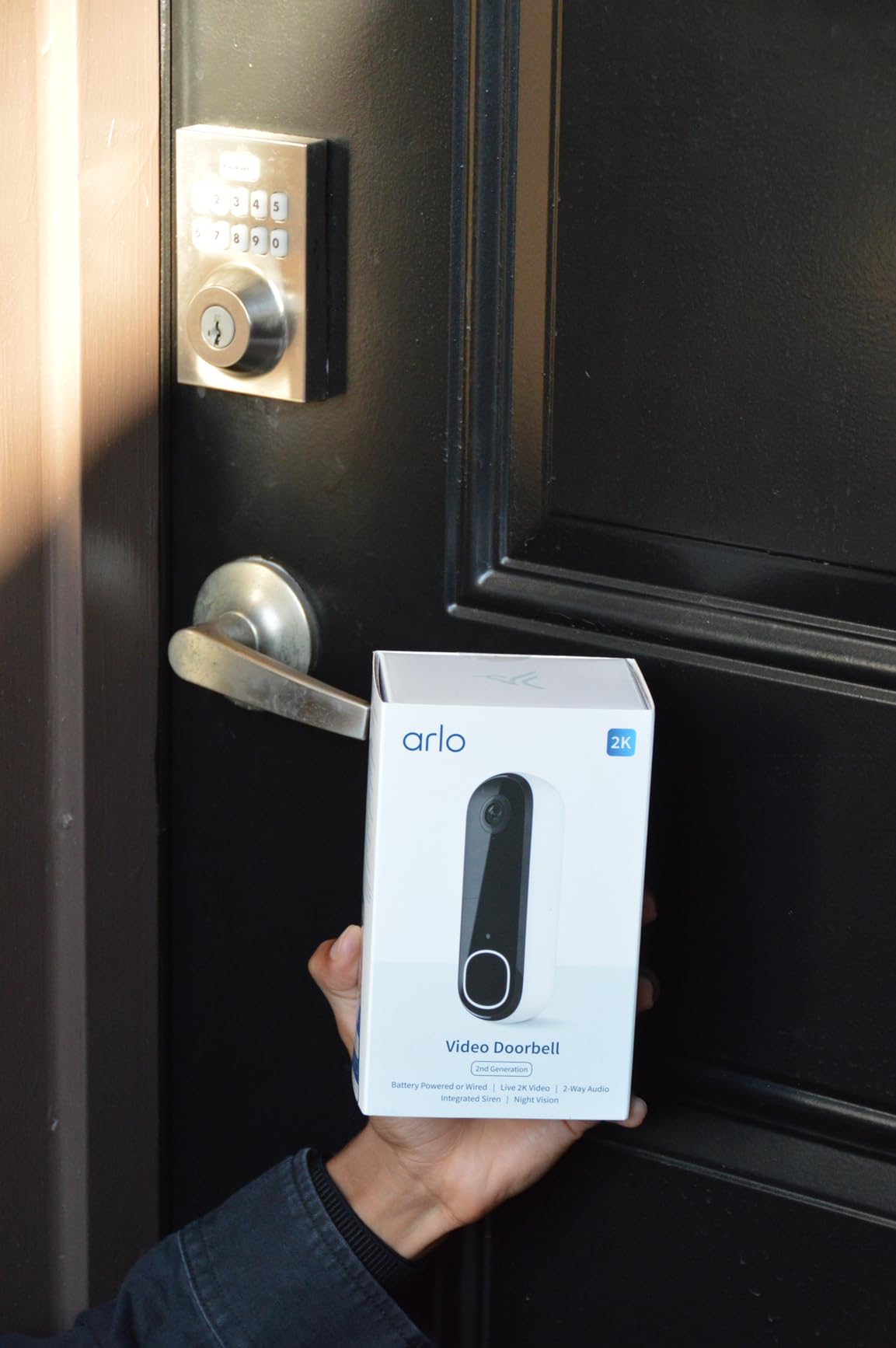
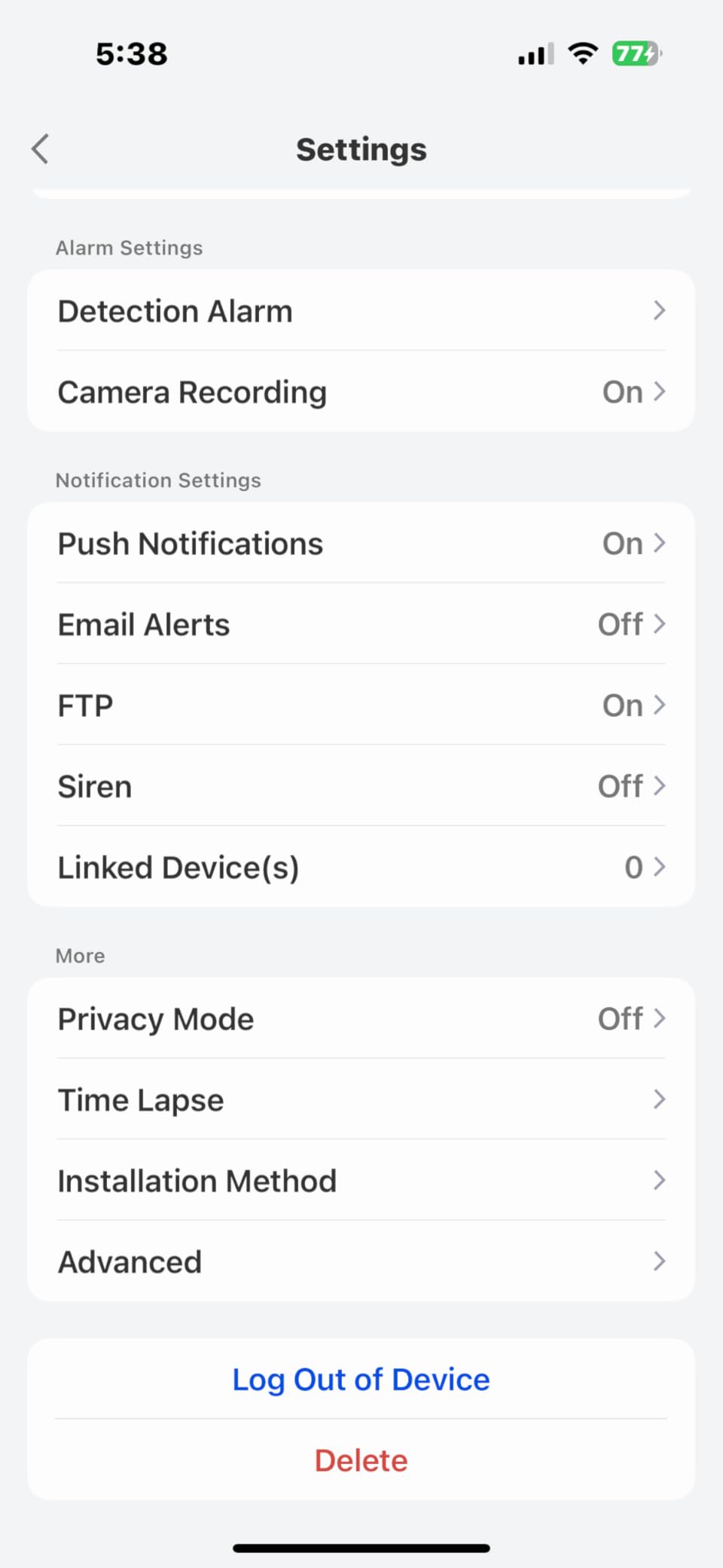
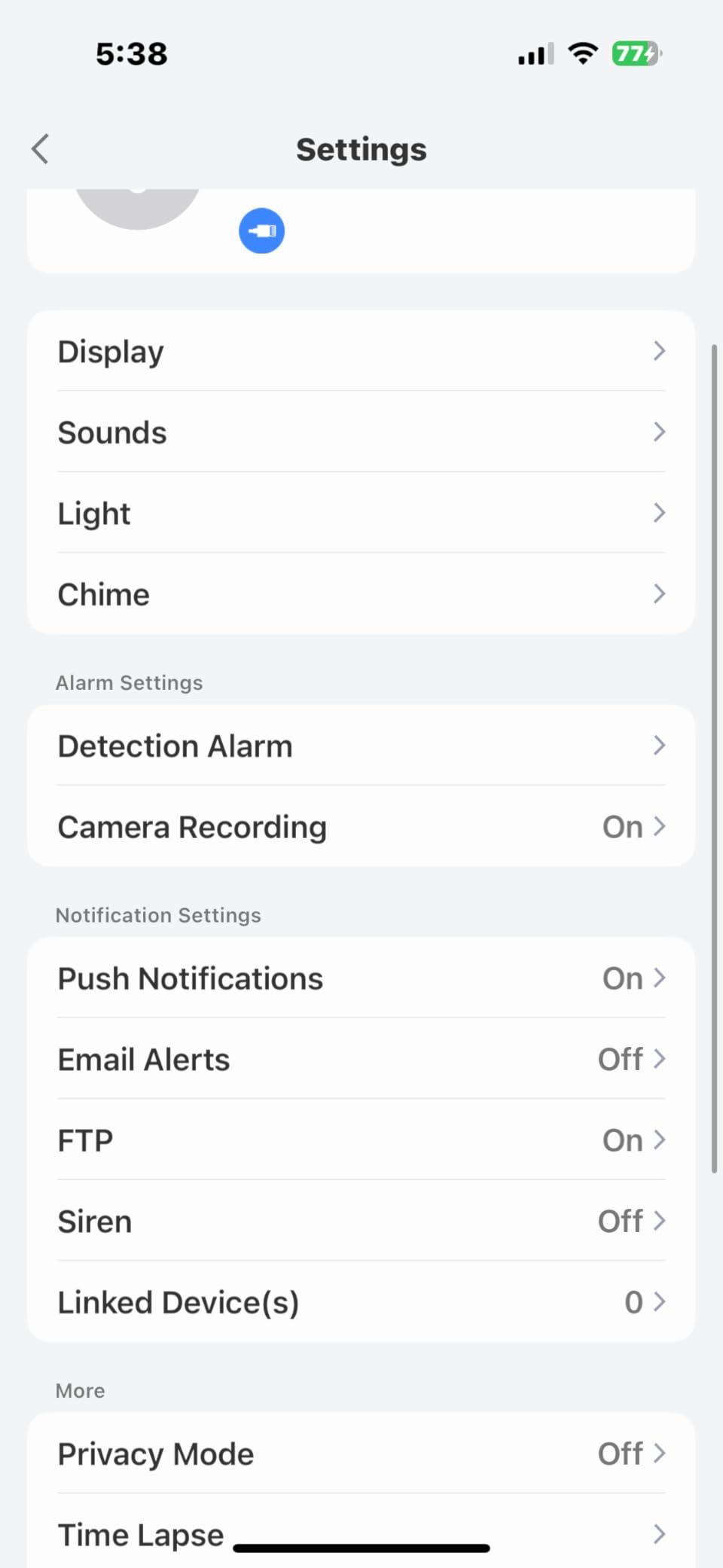
Custom activity and privacy zones are the feature to use here. In a shared hallway you can draw a zone around your own door and mute everything else, which is the practical answer to neighbour anxiety rather than an abstract promise.
What you give up is history and AI. Sixty-day history and the person, package, pet, and vehicle recognition all require Arlo Secure after the trial, and recording is not continuous by default, so past events can be missed. The battery is not removable either, and some buyers report limited availability outside North America.
Who the Arlo suits best
It suits a renter who wants a proper camera at the lower end of the range and is comfortable with basic streaming only. The 180-degree view covers both corridor and doorstep in one frame, which is efficient for a small landing.
It also suits anyone in a mixed smart home, with the broadest assistant and hub support in this group.
Who should skip it
Skip it if you need continuous recording, or if you want AI object detection without a subscription. Also skip it if you need to charge without taking the whole doorbell off the door.
10. REOLINK Video Doorbell PoE – The Most Reliable Wired Link
REOLINK Video Doorbell PoE 2K Wired Outdoor Security Camera with Chime V2
Pros
- Power and data over one Ethernet cable
- Keeps recording through internet outages
- 6-second pre-roll catches the whole approach
- No monthly fee for app or history
- Chime V2 included with 10 tunes
Cons
- Wi-Fi is not supported at all
- PoE hardware and power supply sold separately
- App-only control
This is the only model here that does not rely on Wi-Fi at all. Power over Ethernet carries both power and video data down a single cable, which means the connection cannot be degraded by a congested building network, and the doorbell keeps recording locally even if your internet drops entirely.
That reliability matters more in apartments than most roundups admit. Shared access points in a large complex are handling dozens of devices, and Wi-Fi doorbells are the first thing to suffer. A wired Ethernet link simply does not have that problem.
The camera itself is capable. You get 2K Super HD in a 4:3 aspect ratio with 180-degree diagonal coverage, HDR, 3D DNR, and distortion correction for low-light clarity. Night vision reaches 100ft, by far the longest here, and the 6-second pre-roll is the best in the group, long enough to capture someone approaching rather than arriving.
Storage goes to microSD up to 512GB, a Reolink NVR, or FTP and NAS, with no monthly fee for the app or history. The Chime V2 is included with 10 tunes and preset voice replies. Humanoid detection with adjustable motion zones cuts down the foot traffic alerts that plague corridor cameras.
Who the REOLINK suits best
It suits anyone with the ability to run an Ethernet cable to their door, which usually means a condo owner, a ground-floor unit, or a building where the network is already cabled. For those people it is the most dependable option available, with no recurring plan anywhere in its life.
It also suits anyone who stores footage locally on an NVR or NAS already, since there is no subscription anywhere in the chain. Over a long ownership period that recurring-free storage is the reason several owners stay with it.
Who should skip it
Skip it if your door has no path for Ethernet, which rules out most upper-floor apartments. Wi-Fi is not supported at all, third-party NVRs will not work, and the PoE switch or injector is sold separately. Control is app-only with no voice assistant integration listed.
Running new cable through a building hallway also requires landlord permission, and in most rentals that conversation ends the project.
What To Check Before You Buy: Transformer Voltage And Chime Type
Check your transformer voltage and chime type before you buy anything, because both are cheap to verify and expensive to get wrong. Most apartment doorbell problems trace back to one of these two facts about the building.
Almost every doorbell wired system has three parts: a button outside, a chime inside, and a transformer that steps household voltage down. The transformer is usually in a closet, attic, or utility panel. Smart doorbells draw more current than a mechanical button, so an old transformer may power the bell but leave the camera restarting or failing to detect the wiring at all.
For context on camera classes and how they compare to the wireless side, our guide to the best smart doorbells with video breaks down the resolution differences in more detail. For anything with on-device person recognition, we have a separate roundup on video doorbells with facial recognition.
What 16V 10VA actually means
16V 10VA describes a transformer that outputs 16 volts of alternating current with a capacity of 10 volt-amperes. Volt-amperes are a measure of how much current the unit can supply continuously, so a 16V 10VA transformer is the small, older style found in houses and apartments built decades ago. Smart doorbells often ask for 16V 10VA as a minimum and work better with 24V 40VA units, which carry more current headroom.
If you only have a screwdriver and no multimeter, an inexpensive AC voltage tester is the tool for the job. Test across the two doorbell wires at the chime. Around 16-20V means an older unit and you should plan on replacing it or adding a power kit. Around 24V means you are fine for almost anything on this list.
Which transformer each pick expects
Requirements across this lineup range widely, and buying the wrong end of that range causes most failed installs. The Tapo D225 is the most permissive at 8-24V hardwired, while the eufy S330 asks for a 16-24V 30VA unit, which is a meaningfully bigger transformer than the small ones most buildings ship with. Several models including the eufy E340 and Wyze v2 accept 16-24V.
The eufy S330 and Ring 4K Pro also ship with chime hardware in the box, so you can cover a compatibility gap rather than replacing your building’s chime. The Ring 2K and Ring 4K Pro will not ring an existing mechanical chime at all without an adapter or jumper, so plan to add their own chime unit.
Mechanical versus electronic chimes
A mechanical chime uses two metal strikes and needs a sustained power draw to complete the sound, which is why some smart doorbells leave it stuck half-ringing or buzzing continuously. An electronic chime is a small speaker with a much lighter power draw and usually works fine. If your chime chimes for a full ring rather than a click and a short hum, you have a mechanical one.
If you have a mechanical chime and do not want to replace it, the shortlist narrows sharply to models that explicitly support it, such as the WYZE v2 and the eufy E340. Anything that cannot drive your chime and has no jumper included will need an added chime of its own.
How To Install A Wired Video Doorbell In An Apartment
Apartment installs split cleanly into what a tenant may do alone and what requires a landlord or a licensed electrician. Knowing the line before you pick up a screwdriver prevents the majority of deposit deductions.
Here is the order of operations that works.
Step 1: read the lease and get it in writing. Look for clauses on drilling, alterations to doors, cameras, and common areas. If the language is ambiguous, email your landlord and ask for a written yes. Keep the reply, because it is your evidence later.
Step 2: identify where the wiring and transformer are. Press the existing button and find which chime sounds. Follow the wires from that chime back to the transformer. If you cannot find a transformer, there may not be one.
Step 3: measure the voltage at the chime with an AC tester. Note the reading. Anything under 20V on an older transformer means you should budget for a replacement or the manufacturer’s power kit.
Step 4: test the chime before you touch anything. Confirm it rings properly with the existing button. If it chimes continuously with the power off, or buzzes with the button removed, the chime is already faulty and you should report it rather than debug it later.
Step 5: mount the camera on your own door or your own wall first. Drilling into a shared hallway wall is the step most likely to be refused. A no-drill anti-theft enclosure that sandwiches over the door is the alternative renters recommend most often, and we covered mounting options in our full wired doorbell guide.
Step 6: connect the wires to the chime or to the jumper cable. Two wires, no polarity to worry about on most units. Tighten the terminal screws properly; loose connections are a common cause of intermittent camera restarts.
Step 7: pair on 2.4GHz and set zones immediately. Every one of these units except the Wyze v2 pairs on 2.4GHz only. Before you set the camera up, decide your privacy and activity zones so that foot traffic from the corridor does not generate alerts you will learn to ignore.
For power work beyond swapping a button, running new cable, or replacing a transformer, stop and call a licensed electrician. Low-voltage wiring is safer, but in most leases the issue is permission, not danger.
Privacy, Neighbours And Landlord Rules In Shared Entrances
Set your privacy zones before you finish pairing, and point the camera at your own door rather than down the corridor. A doorbell camera aimed at your own entrance is a reasonable security measure; one covering a neighbour’s mail slot or unit number is the thing that produces conflict and complaints.
Most of these apps support masking or activity zones. On the models that do, draw a tight rectangle around your own door and package area and disable everything outside it. On the Arlo and Reolink specifically, custom zones are a headline feature and worth using properly. On others, a physical sticker or small shroud can help if the app will not cooperate, though it is worth noting that some manufacturers treat modifications as affecting the warranty.
On audio. Doorbells record audio as well as video, and consent laws differ by state and country. In one-party consent states, recording a conversation you are part of is generally fine. In two-party consent states, recording a conversation between two parties without both agreeing is restricted, and a doorbell facing a neighbour’s door is exactly the situation that gets people into trouble. When in doubt, mute the microphone. You lose little, since the camera still captures the approach.
On landlord access. Ask before you install whether footage is expected to be shared. Some landlords want a copy for insurance after an incident. Others will want to add the feed to a building-wide system. Get the answer in the same written message as the installation approval, so it is not a separate conversation later.
On shared hallway false alerts. Residents complain about this constantly. A corridor sees every person walking to every other unit, so a generic motion sensor will fire dozens of times an hour and you will mute the whole thing within a week. The fix is detection filtering plus tight zones: person-only alerts, motion sensitivity reduced, and a masked zone over the stairwell or elevator door.
On no-drill mounting. If drilling is prohibited, an anti-theft doorbell enclosure that grips the top and bottom of the door is the standard answer, and it doubles as theft protection in buildings with package theft. It also has an optical cost, because a tight enclosure can clip the edges of the head-to-toe view. Check the enclosure’s stated compatibility with your specific model before ordering.
A short permission request tends to work better than a long one. Two sentences stating which door you will mount to, that it is hardwired to existing wiring, that you will not touch common areas, and that you can remove it when you leave is usually enough to get a written yes.
Frequently Asked Questions
Can you use a video doorbell in an apartment?
Yes, if your lease permits it and the wiring exists or your landlord approves new cable. Confirm the transformer delivers 16V-24V AC, check whether your chime is mechanical or electronic, and get written permission before drilling anything into your door or a shared wall.
What is the best video doorbell for apartments?
The eufy E340 leads our list for dual cameras covering both people and packages plus 8GB of local storage with no subscription. The Tapo Kasa KD110 is the simple hardwired option with a bundled chime, and the WYZE Wired v2 has the best color night vision for dim corridors.
What kind of transformer do I need for my doorbell?
Most smart wired video doorbells want 16V to 24V AC with at least 10VA. Older apartment buildings often have a 16V 10VA unit that powers a mechanical bell but struggles with a camera. If you measure under 20V, replacing it with a 24V 40VA transformer usually solves detection and restart problems.
Which wired video doorbell works with an existing chime?
The WYZE Wired Doorbell Camera v2 works with an existing mechanical chime through an included adapter, and the eufy E340 can drive a mechanical chime or run its own. Ring’s wired models will not ring a mechanical chime without an adapter and generally need their own chime unit added.
What does 16V 10VA mean in transformers?
It describes a transformer delivering 16 volts of alternating current rated at 10 volt-amperes, meaning it can supply that much current continuously. It is the older, smaller style common in existing buildings, and smart doorbells often recommend 24V 40VA for the extra headroom.
Why are people moving away from Ring doorbells?
The main reasons are recurring subscription costs for video history and smart alerts, models that will not ring an existing mechanical chime, and 2.4GHz-only pairing that struggles on congested building networks. Several no-subscription models with local microSD storage now cover the core features for free.
Do apartment buildings allow video doorbells?
It depends on your lease and your building. Mounting on your own door is usually fine; drilling into common hallway walls or the shared entrance panel is usually not. Get written landlord approval before installing, and mask any zones that would capture a neighbour’s unit.
How do I stop a wired doorbell from chiming constantly?
Constant chiming almost always means a chime-type mismatch. A mechanical chime needs a sustained power draw that a smart doorbell cannot supply, leaving it stuck ringing. Either use a model that supports mechanical chimes, add the manufacturer’s jumper or chime adapter, or replace the chime with the electronic unit supplied with the doorbell.
The Bottom Line For Apartment Dwellers In 2026
The eufy E340 is our pick for the best wired video doorbells for apartments because its dual cameras cover both the corridor and the doorstep, and its 8GB of local storage keeps the core features free. The Tapo Kasa KD110 is the pick if you want the simplest hardwired install with a plug-in chime, and the WYZE v2 wins if your hallway is dim or you want to keep your existing mechanical chime.
Before any of them, check three things: your transformer’s voltage, whether your chime is mechanical or electronic, and what your lease actually says about drilling. Those three answers will rule out half this list and make the right choice obvious. Start with a multimeter check, get your landlord’s yes in writing, and set your privacy zones before you pair.