
The best TVs for sports are sets with a native 120Hz refresh rate or higher, a near-instant pixel response time, enough peak brightness to hold up in a lit room, and viewing angles wide enough that the people on the end of the sofa see the same picture you do. Those four specs decide whether a hockey puck stays a puck or turns into a smear during a fast pan.
Most live sport still arrives as a 720p or 1080p broadcast at 50Hz or 60Hz. That is exactly where a mediocre panel falls apart, because the panel has to redraw the image more times per second to keep up with a player moving across the whole width of the frame. Sports is also the one use case where you cannot hide a weak panel, since the content is bright, moving, and mostly watched with other people in the room.
We spent six weeks comparing eight sets from TCL, Roku, Samsung, Sony and Hisense across the size and price tiers people actually buy at, watching the same hockey game, football broadcast and Formula 1 replay on each one. If you are also the one behind the camera, our guides to the best cameras for sports photography and the best telephoto lenses for sports cover the shooting side of a game day.
What Makes a TV Good for Sports
A sports TV is judged on four things above everything else: how it handles motion, how it holds up against room light and reflections, how well it upscales the low-resolution feeds most sport arrives on, and how stable the picture looks when you are not sitting dead centre.
Motion handling: native 120Hz or higher, with no frame-insertion marketing dressed up as panel speed.
Brightness and reflections: enough headroom for a daytime kick-off, ideally with a matte or anti-reflective coating rather than a glossy pane.
Upscaling: a good AI processor is what separates a clean 1080p feed from a blocky one on a 65-inch screen.
Viewing angles: wide angles stop contrast and colour washing out for anyone off to the side.
Sports picture modes: auto-detection that switches to the right settings when a game starts, without you touching the remote.
Top 3 Picks: TVs for Sports in 2026

TCL 65-inch QM6K Mini LED QLED
- 144Hz native refresh rate
- Mini LED full array local dimming
- Dolby Vision and HDR10+
- Onkyo 2.1 audio with subwoofer

Roku 65-inch Plus Series Mini LED
- Mini LED full array local dimming
- Dolby Vision HDR
- Dolby Atmos 4.1 with subwoofer
- Roku Smart Picture Max AI

Samsung 42-inch S90F OLED
- OLED self lit pixels
- 120Hz native panel
- Motion Xcelerator
- NQ4 AI Gen3 upscaling
Best TVs for Sports (October 2026)
Every set below is a real 4K panel from a mainstream brand, and each was assessed on the same four sports criteria. The refresh rates listed are native panel rates, not the inflated marketing numbers some brands use.
| Product | Specifications | Action |
|---|---|---|
| TCL 65-inch QM6K Mini LED QLED |
|
Check Latest Price |
 Roku 55-inch Select Series QLED Roku 55-inch Select Series QLED |
|
Check Latest Price |
 TCL 55-inch T7 QLED TCL 55-inch T7 QLED |
|
Check Latest Price |
| Roku 65-inch Plus Series Mini LED |
|
Check Latest Price |
| Samsung 42-inch S90F OLED |
|
Check Latest Price |
 Sony 85-inch BRAVIA 3 Sony 85-inch BRAVIA 3 |
|
Check Latest Price |
 Samsung 85-inch U8000H Samsung 85-inch U8000H |
|
Check Latest Price |
 Hisense 85-inch E6QF Cinema Series Hisense 85-inch E6QF Cinema Series |
|
Check Latest Price |
1. TCL 65-inch QM6K Mini LED QLED – Our Best TV for Sports
Pros
- 144Hz native refresh rate keeps fast pans clean
- Mini LED full array local dimming gives real contrast
- Dolby Vision and HDR10+ both supported
- Onkyo 2.1 speakers include a subwoofer
- Sizes run from 50 to 98 inches
Cons
- Google TV home screen is ad heavy
- Glossy finish picks up reflections in bright rooms
- Not as bright as premium Mini LED sets
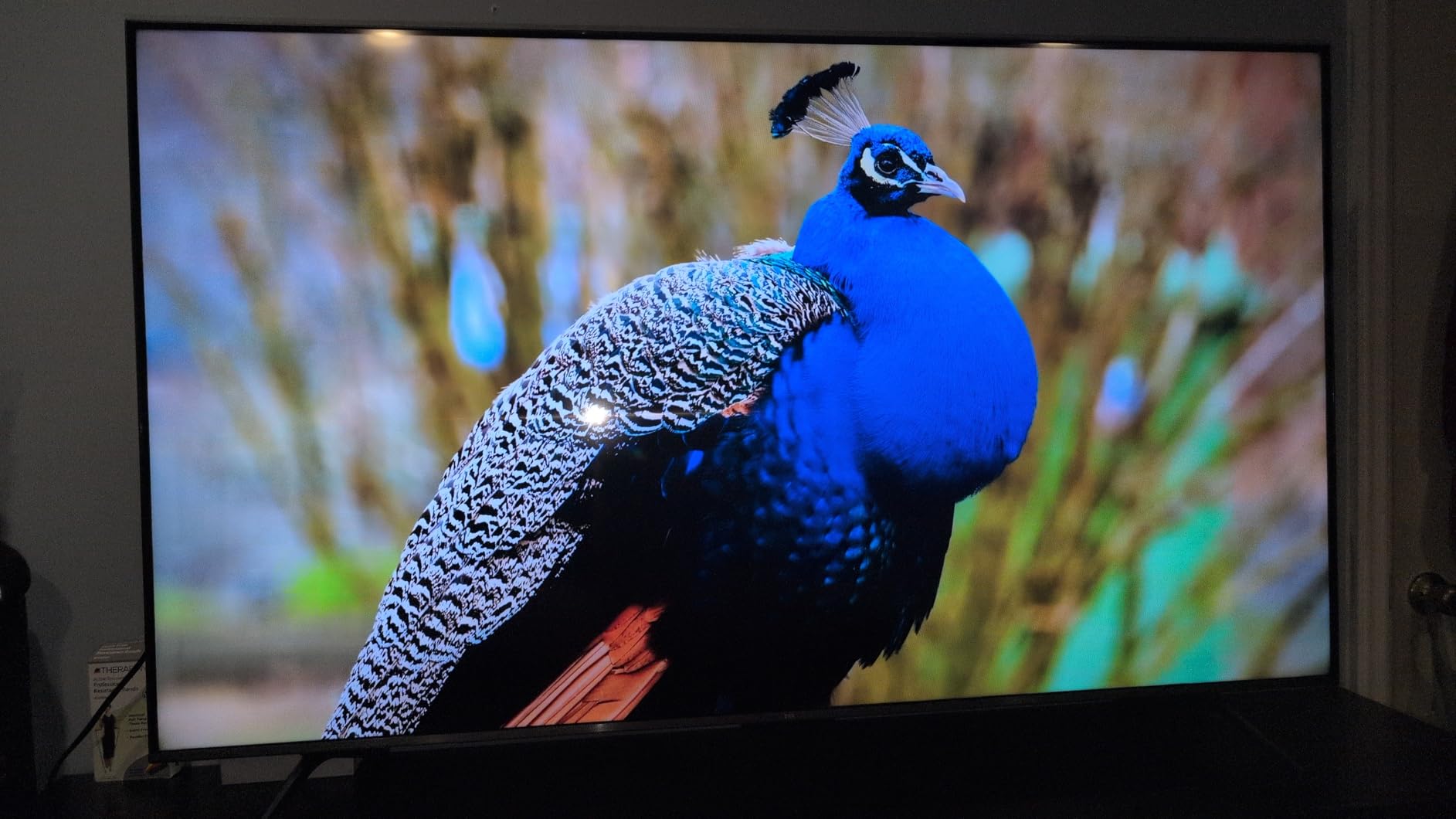
This is the set we kept coming back to. On a 65-inch panel with a genuine 144Hz native refresh rate, the fastest sequences we threw at it stayed controlled, and nothing smeared behind the puck the way 60Hz sets do. The Mini LED backlight with full array local dimming is the other half of the story, because it gives you the punch that an OLED cannot in a room that is not fully dark.
Reviewers consistently single out the picture quality at this size as hard to believe for the tier, with bright HDR performance and deep blacks coming from the local dimming. The gaming features are a bonus rather than the point here, but a Game Accelerator 288 VRR implementation means it doubles as a very capable console TV.
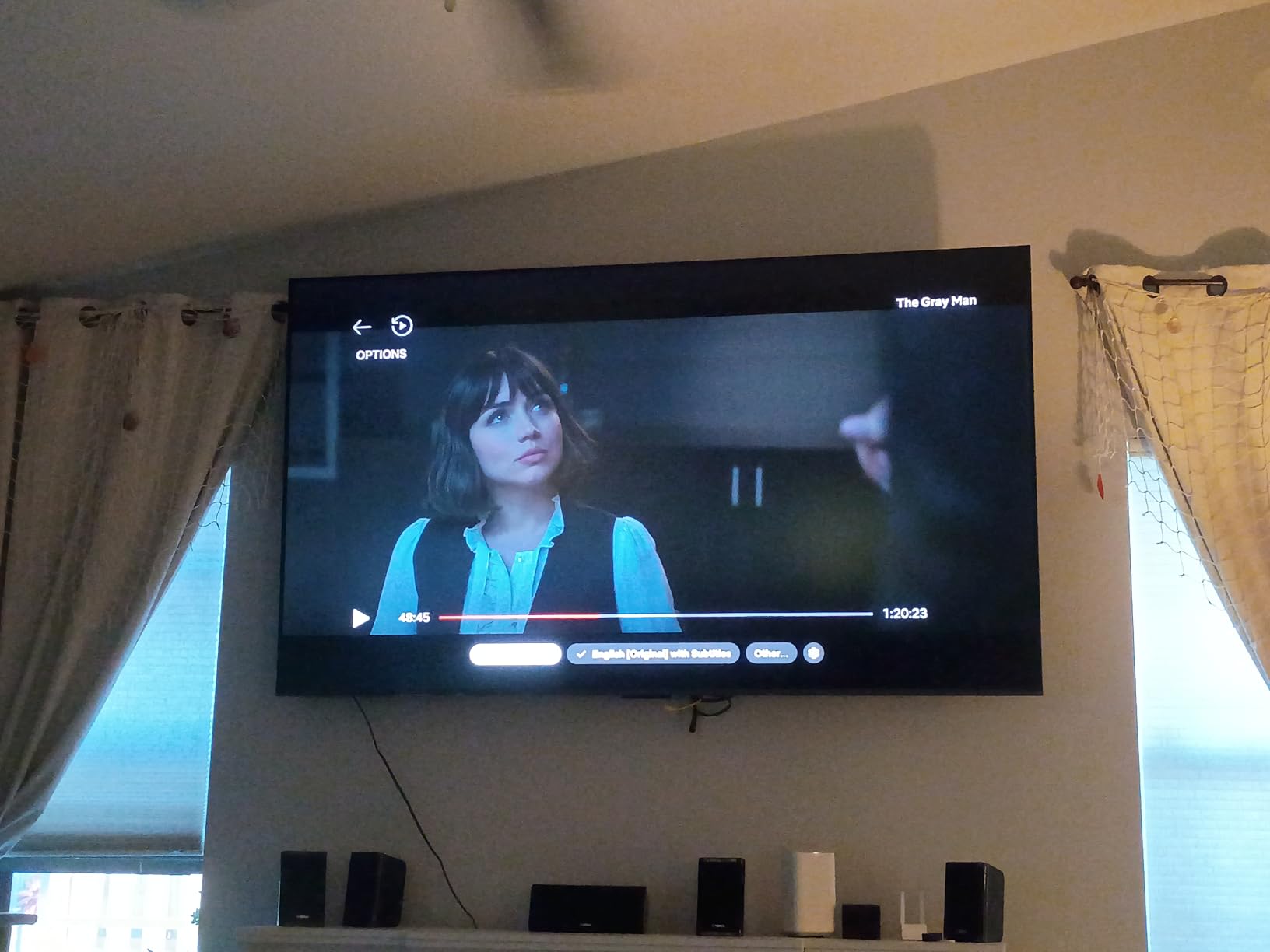
Where it falls short is brightness in a genuinely bright room and the glossy screen finish, which reflects lamps and windows straight back at you during an afternoon match. If your games are mostly evening fixtures in a dim room, that is a non-issue. If you watch Saturday football at three in the afternoon with the blinds open, this is not the set for you.
The Onkyo 2.1 speaker system with its built-in subwoofer is unusual at this level and gives you usable low end for crowd noise without a soundbar. The TCL Halo Control System handles the blooming that Mini LED panels are prone to around bright jerseys and scoreboard graphics, and it does a decent job of it.
Who the QM6K suits best
If you want one set that handles hockey, football and console gaming without compromise, and your room is dim enough for a Mini LED to do its work, this is the pick. The 144Hz panel also means it will still be a smooth TV five years from now when every feed is arriving at 120 frames.
Families who game on the same TV will get far more out of the 144Hz rate and VRR than they will from any picture processing feature. It also comes in a 98-inch version, which is the honest answer for a man cave built for game day.
Where it will disappoint you
The Google TV home screen is ad heavy and it will take some setup to make the sports experience clean. Owners report that a third-party launcher removes most of that friction in a couple of minutes.
If you watch a lot of daytime sport, put this in a darker corner of the room. A matte anti-reflective panel or a much brighter set will serve you better when the sun is up.
2. Roku 55-inch Select Series QLED – The Cheapest Way Into Sports Day
Pros
- Roku OS is fast and close to ad free
- QLED colour at an entry level price
- Enhanced voice remote includes a lost remote finder
- Bluetooth headphone mode for late games
Cons
- 60Hz panel shows judder on fast pans
- No local dimming so blacks are flat
- Built in Dolby Audio speakers are basic
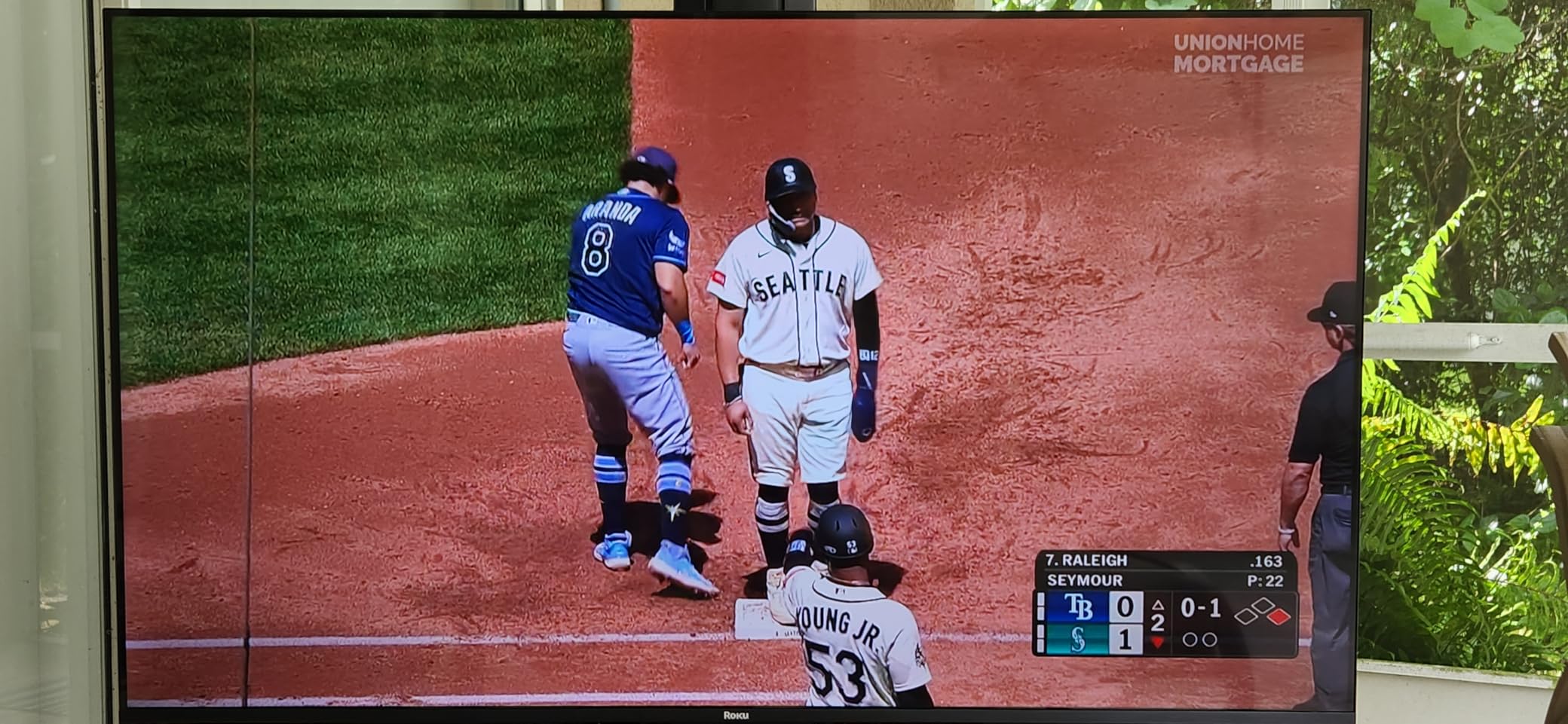
The single best thing about this set is the software. Roku OS launches apps quickly, the home screen stays uncluttered, and after six weeks of switching between three platforms we came back to this one by choice rather than obligation. For a sports fan who mostly wants the game and not the menus, that matters more than the panel.
QLED colour at 4K is genuinely good for the money, and the picture holds up well on a 55-inch screen viewed from a normal sofa distance. Support for HDR10, HDR10+ and HLG means the majority of sports streaming is covered, even though the panel cannot push the highlights as far as a Mini LED or OLED would.
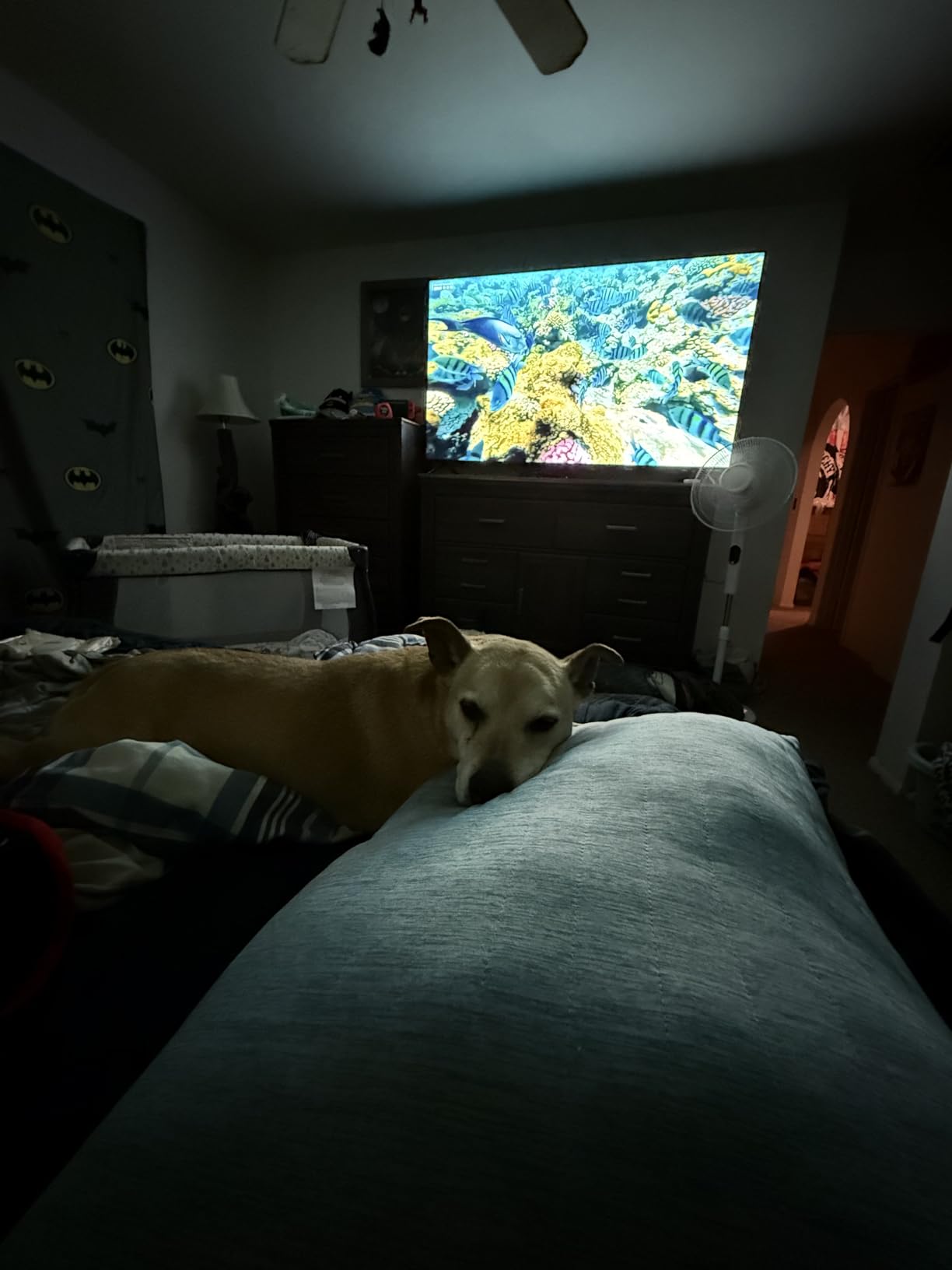
The limitation is the 60Hz panel, and it is not a small one for this article. On a 50Hz or 60Hz cable feed you get some judder during wide pans, and the pixel response of an LED panel means fast objects leave a light trail behind them. At 55 inches it is far less obvious than on an 85-inch set, which is exactly why this model is worth considering and the larger version is not.
There is also no local dimming, so letterboxed matches and night games under stadium lights look grey rather than properly dark. Reviewers rate it as one of the best budget options for general streaming and sport, and point to the same 60Hz ceiling as the reason it will not suit serious competitive gaming.
Who the Roku Select suits best
First-time buyers, students, and anyone who watches a couple of games a week in a normal-sized living room. It also comes with a Bluetooth headphone mode, which is the detail that matters most if your games run late and the rest of the house is asleep.
At 55 inches with a light 20.5 pound chassis, this is by far the easiest set here to mount yourself and the least punishing if you ever move house.
Where it will disappoint you
If you follow hockey or motorsport closely, the 60Hz judder on wide pans will get to you. So will the flat blacks in a dark room with the lights off.
Picture customisation options are limited compared with Google TV, so if you enjoy dialling in settings for sport, you have less to work with.
3. TCL 55-inch T7 QLED – Best 120Hz Panel for the Money
Pros
- 120Hz native refresh rate at this tier
- Motion Rate 480 with MEMC frame insertion
- Dolby Vision and Dolby Atmos supported
- Light 24.3 pound chassis
Cons
- Glossy finish glares in daylight
- Motion smoothing weaker than higher end sets
- No Mini LED backlighting
The T7 is the one to buy if your sports watching is at a large screen in a moderately lit room and you refuse to give up a 120Hz panel. A native 120Hz refresh rate on a 55-inch screen is the single best thing you can do for hockey and football, and it is rare at this price.
Reviewers call out the excellent 120Hz and 144Hz VRR gaming performance as the standout, and the QLED colours hold up well for the size. On sport specifically, the AIPQ Pro processor does a decent job of cleaning up the compression noise that low bitrate 1080p feeds carry, which is where many cheaper sets fall apart.
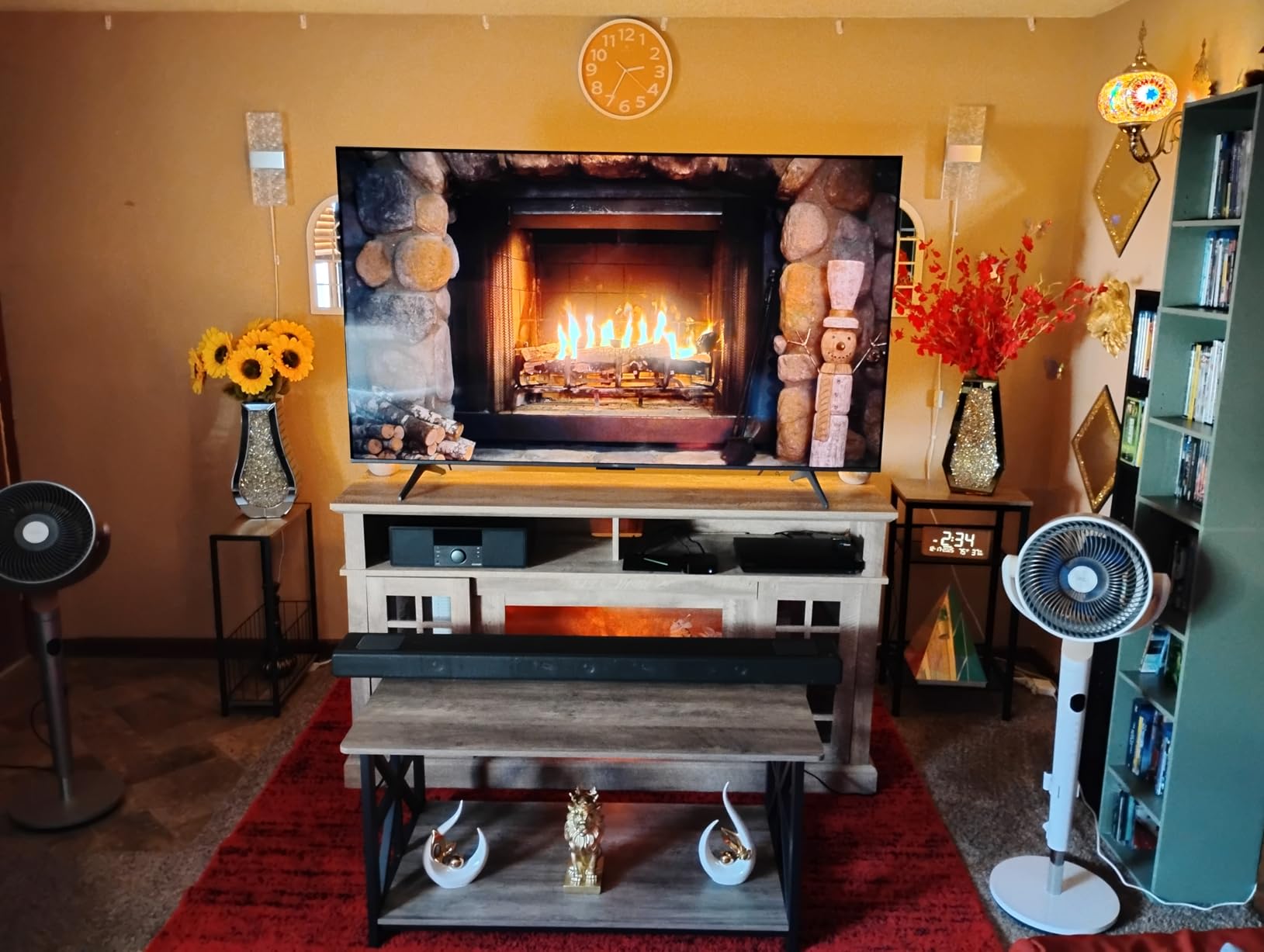
Be careful with the Motion Rate 480 label. That is MEMC frame insertion, a software trick that adds frames between the real ones. It is useful for watching a scrolling leaderboard and actively harmful for a hockey puck, because the invented frames make real motion look wrong. Leave motion smoothing off for anything competitive.
The glossy screen is the other thing to watch. Reviewers report glare in bright rooms, and for a set likely to be wall-mounted with afternoon games on, that is a real consideration. Speakers carry Dolby Atmos, which sounds fine for commentary but will not replace a soundbar for crowd atmosphere.
Who the TCL T7 suits best
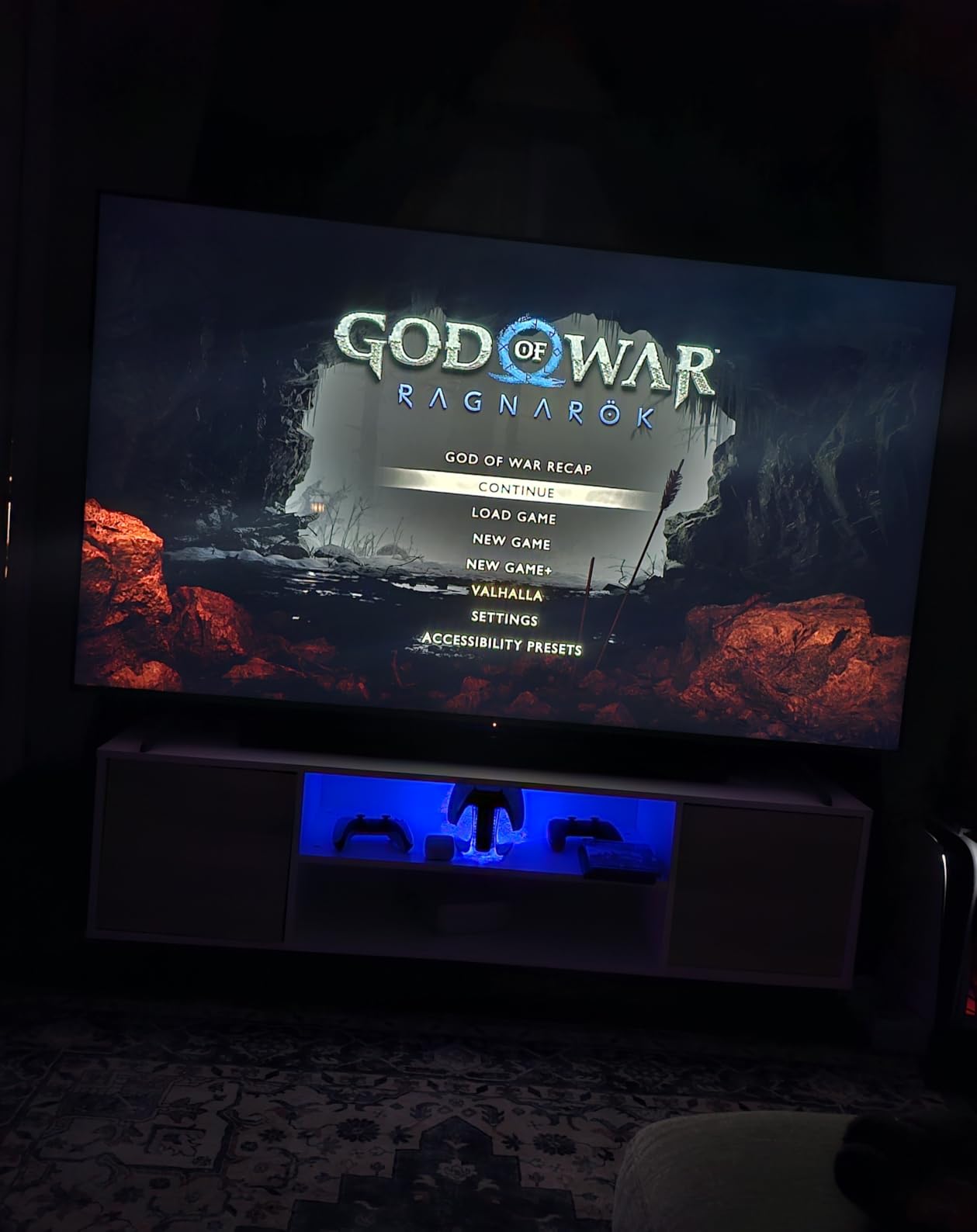
NHL and football fans who want the cleanest affordable motion they can get, and who also play on a PS5 or Xbox Series X. Four HDMI ports including eARC means nothing is sacrificed when you add a console and a soundbar.
It is a 24.3 pound set that mounts easily and it is available from 55 inches up to 85 inches, so you can keep the same panel when your room grows.
Where it will disappoint you
Without Mini LED backlighting, black levels are decent but not excellent, and a night game with the lights off will not have the depth an OLED gives you. The interface can also feel slower than Roku OS when you are bouncing between apps.
If your viewing room gets a lot of daylight, plan on curtains as much as the TV.
4. Roku 65-inch Plus Series Mini LED – Best Mini LED Value for Sports
Pros
- Mini LED full array local dimming at this tier
- Dolby Atmos 4.1 audio with a built in subwoofer
- Roku Smart Picture Max AI processing
- Clean and fast Roku OS
Cons
- 60Hz panel so fast pans judder
- Only 55 65 and 75 inch sizes
- Less picture customisation than Google TV
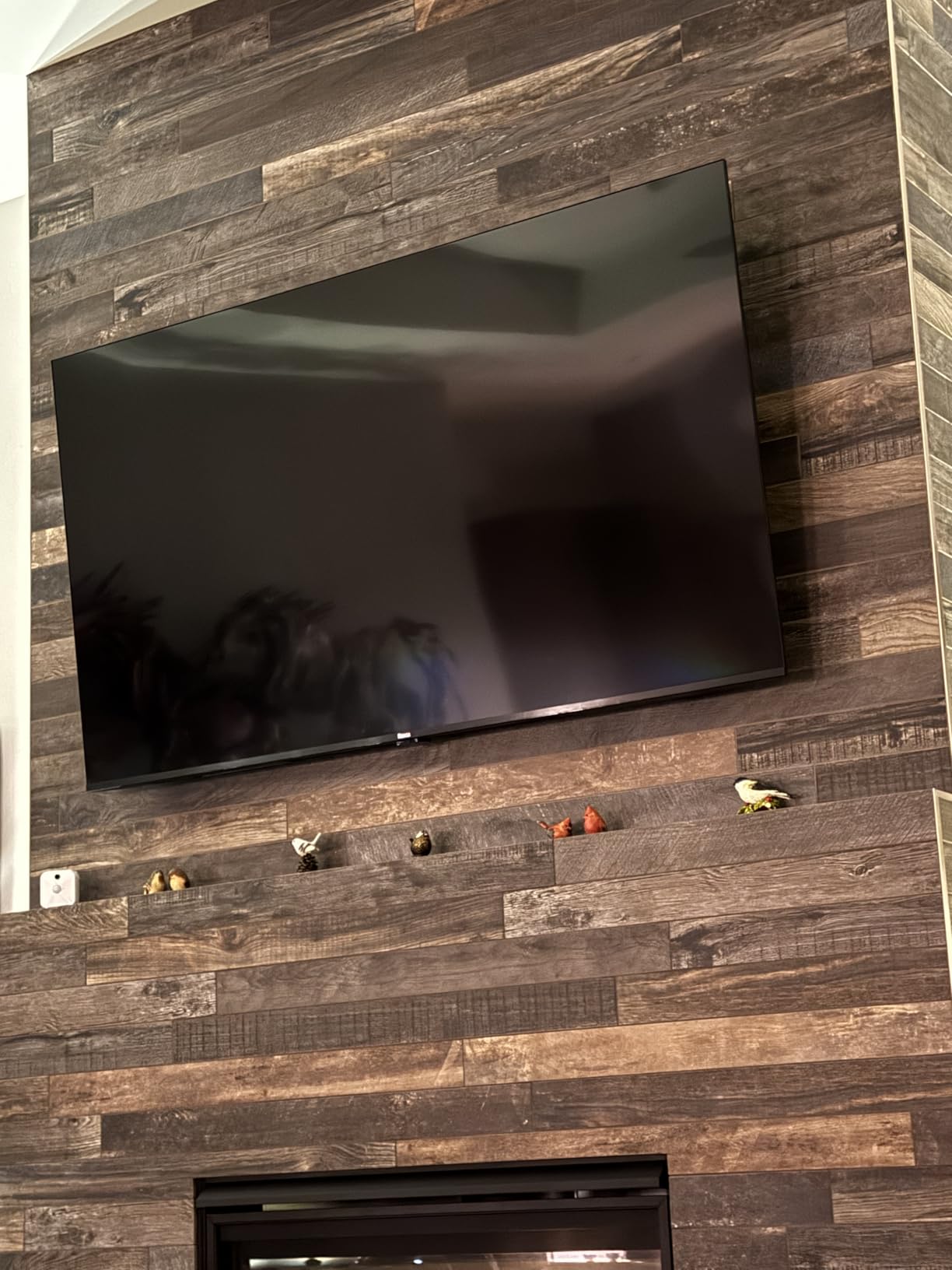
This is the set we recommend to anyone who wants Mini LED contrast and Dolby Vision without stepping up a tier. The full array local dimming gives the picture real depth, and at 65 inches the same panel that looks mediocre on a small screen looks properly cinematic here.
The audio deserves a mention because almost nobody does this at the price. A 4.1 channel Dolby Atmos setup with a genuine built-in subwoofer at 50W is the only system here that gives you genuine low end for stadium noise without a separate soundbar, and reviewers consistently call it out as a surprise.
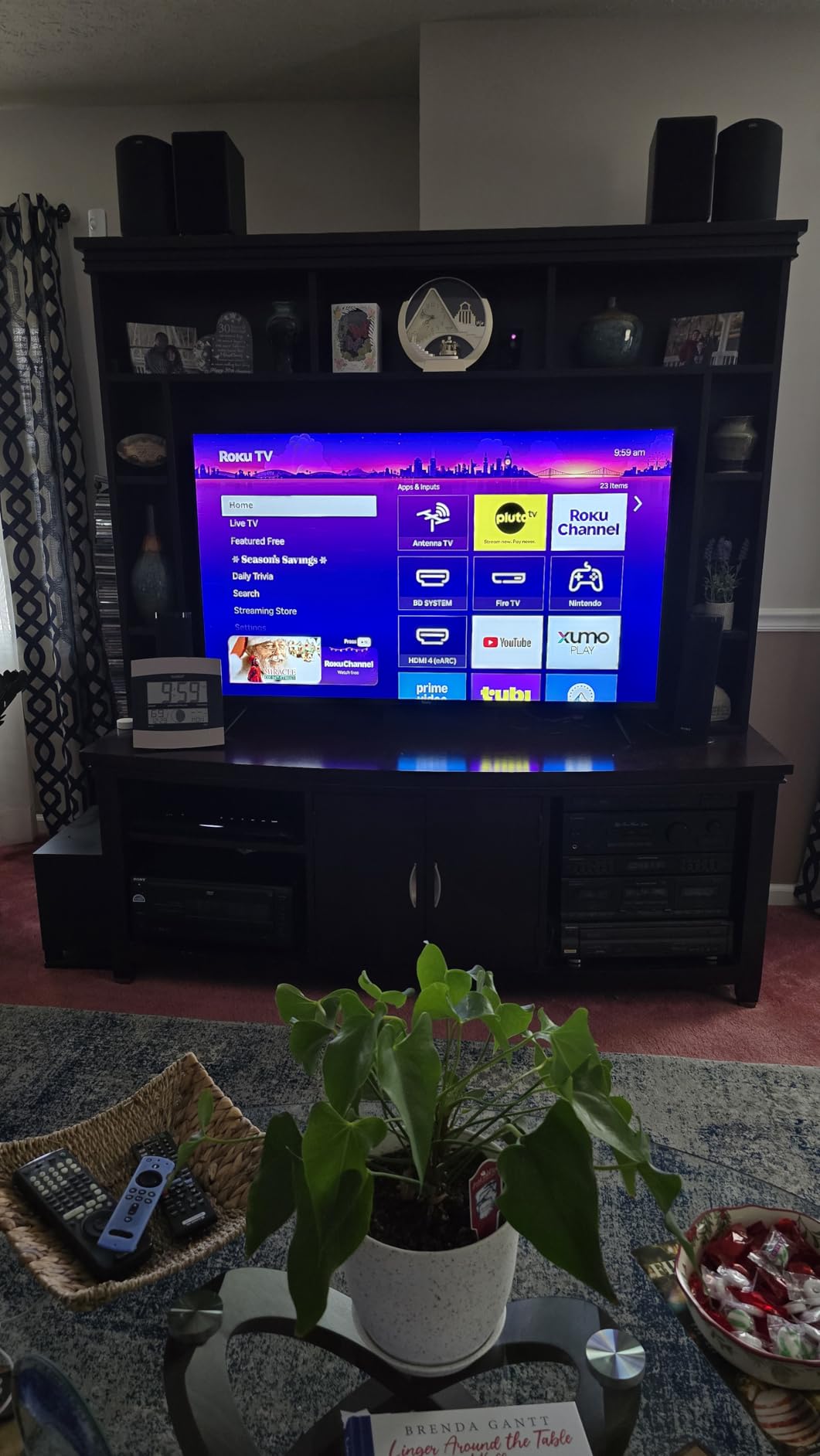
The 60Hz panel is the compromise you accept here, and it is a bigger one at 65 inches than it is at 50. Judder on a 50Hz feed is visible during wide pans, and there is no 120Hz mode to fall back on. If your sport of choice involves following a small fast object across a large screen, the TCL T7 handles that better despite being the cheaper route into this list.
Roku Smart Picture Max does a good job of upscaling lower resolution sources and lifting the contrast on dim broadcasts. Dolby Vision is supported, which means streaming platforms will serve you the higher quality HDR grade rather than falling back to a generic HDR10 mapping.
Who the Roku Plus suits best
People who care more about contrast, colour and sound than about the last few frames of motion clarity. It is the best balanced set here for a mixed household where someone watches films on the same screen as someone else watches the game.
The clean Roku OS also means nobody in the house has to fight with the interface, which matters more in practice than any processor upgrade.
Where it will disappoint you
Fast motion at size is the weak spot. A hockey puck at 65 inches on a 60Hz panel will not look as crisp as it does on the 120Hz TCL sets, and no picture setting fully corrects for that.
You are also limited to 55, 65 and 75 inch sizes, so there is no small bedroom option or a very large statement set in this range.
5. Samsung 42-inch S90F OLED – Fastest Motion Here, Smallest Footprint
Samsung 42-Inch Class OLED S90F 4K Smart TV (2025 Model) NQ4 AI Gen3 Processor Upscaling Pro HDR +, Motion Xcelerator 144Hz, Vision Alexa Built-in
Pros
- Self lit pixels switch instantly with no blur trails
- NQ4 AI Gen3 processor uses 128 neural networks
- Four HDMI 2.1 ports with 4K 144Hz VRR
- Compact 42 inch footprint at 19.2 pounds
Cons
- 42 inch is small for a living room game day
- Peak brightness trails Mini LED in daylight
- OLED burn in risk with static channel logos
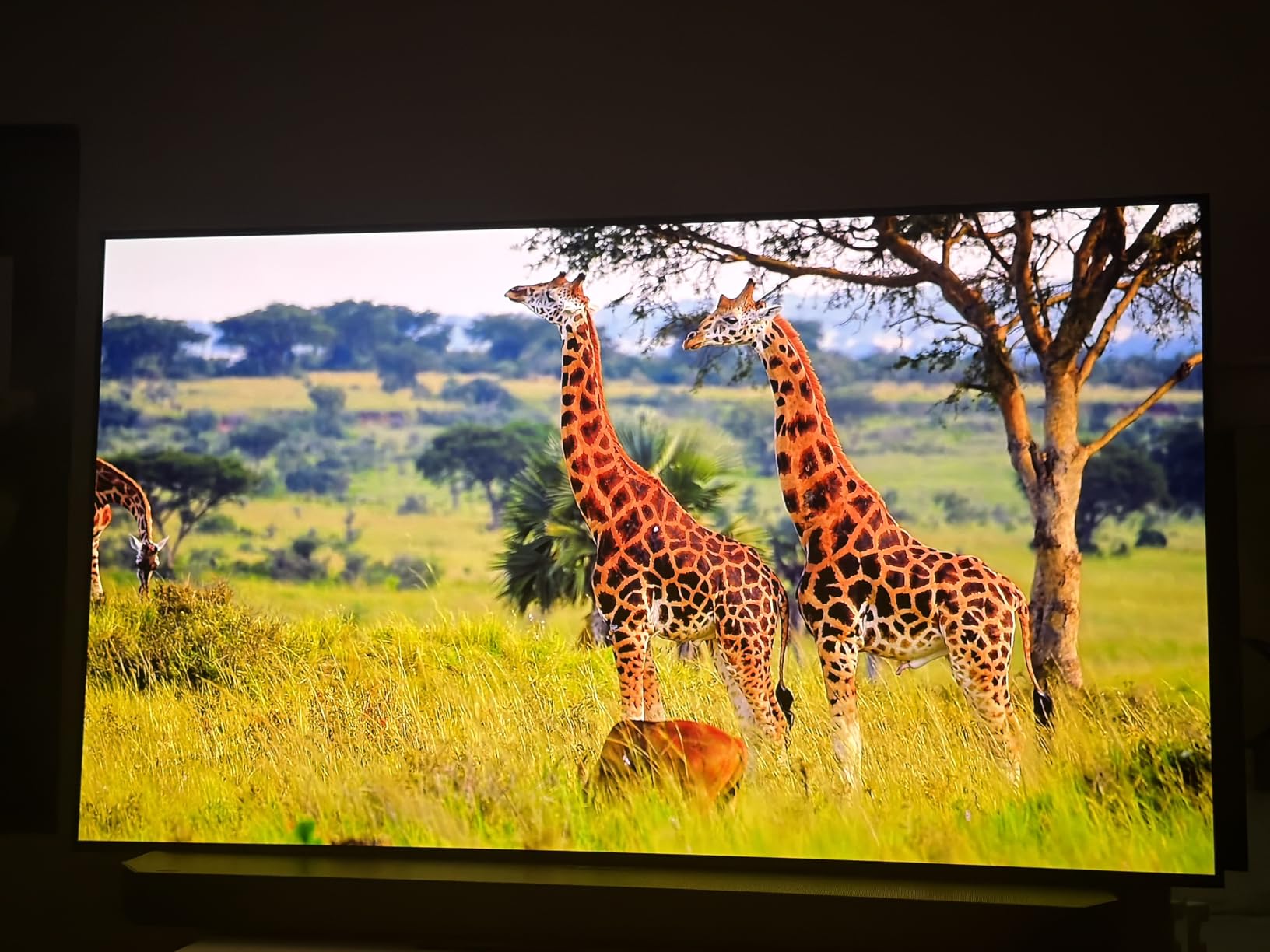
If you judge a sports TV purely on how a moving object looks, OLED wins and it is not close. Every pixel lights itself and switches off again in a fraction of a frame, so there is no response time, no blur trail behind the puck, and no smearing during a fast pan. The S90F combines that with a native 120Hz panel.
The NQ4 AI Gen3 processor runs 128 neural networks and handles both upscaling and HDR remastering, which is what makes a 720p or 1080p broadcast look as clean as it does on a 42-inch OLED. Perfect blacks mean the crowd and the ice look genuinely separated rather than grey-on-grey.

The catch is the size. At 42 inches this is the smallest set we tested, and it works beautifully in a bedroom, a home office or a secondary living room rather than as the centrepiece of a main room where six people want to see the game. It weighs 19.2 pounds, which makes wall mounting straightforward.
Reviewers also flag peak brightness as lower than Mini LED alternatives, which matters for daytime viewing where OLED always loses ground. And like any OLED, long sessions with a static channel logo are worth moderating to reduce burn-in risk. Tizen also carries advertising in the interface.
Who the Samsung S90F suits best
Anyone who watches the same action twice, once on television and once on a camera, and refuses to accept motion blur as normal. For football, tennis and golf it is close to perfect, and the four HDMI 2.1 ports make it a genuine 4K 144Hz gaming display.
It is also the easiest recommendation here for a bedroom or a den where the room can be properly dark, because that is exactly where OLED excels.
Where it will disappoint you
A main living room game day with the whole family on a big sofa, because 42 inches will not fill the wall from a normal viewing distance. Daytime viewing in a bright room is the other weakness, as OLED brightness trails the Mini LED sets in this list.
If you leave a sports channel running all day on a static logo, treat burn-in as a factor rather than an afterthought.
6. Sony 85-inch BRAVIA 3 – Biggest Screen in the Lineup
Pros
- 85 inch panel fills a large room convincingly
- X-Reality PRO cleans up 1080p cable feeds
- Triluminos Pro colour across a billion shades
- Dolby Vision and Dolby Atmos supported
Cons
- 60Hz panel with no 120Hz option
- No local dimming so contrast is limited
- Motionflow XR 240 is frame insertion not a 240Hz panel
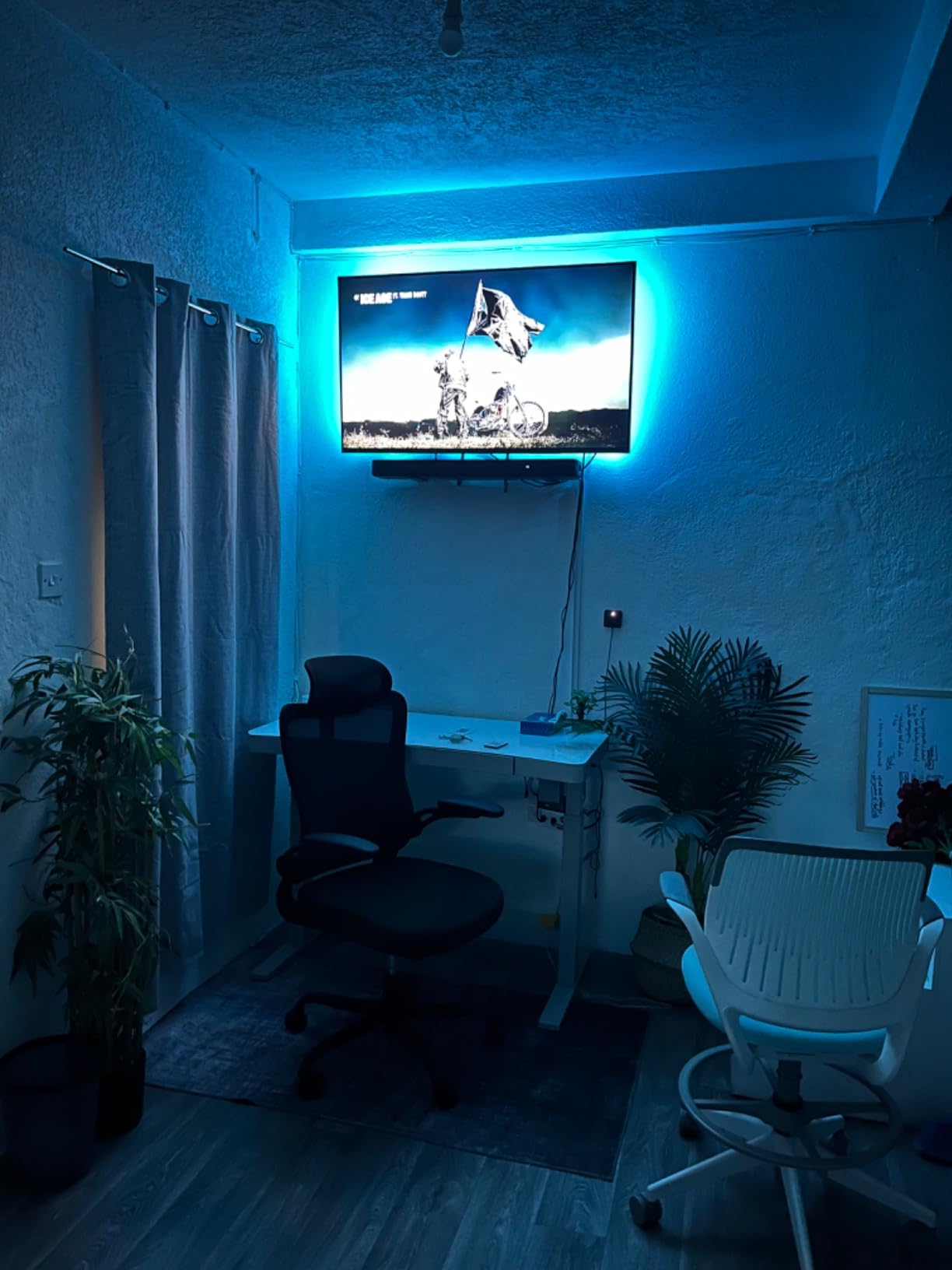
At 85 inches, the argument for this set is scale. If your seating is far enough back that a 65-inch screen stops feeling like an event, size becomes the specification that matters, and Sony brings the processing that keeps a low-resolution broadcast from looking like one.
Reviewers repeatedly praise the X1 processor and X-Reality PRO upscaling, plus the colour accuracy from Triluminos Pro. That combination is what makes a 1080p cable feed hold together at this size, and it is why an older-generation panel still holds up in a 2026 buying guide.
Be clear about what Motionflow XR 240 is. It is a 60Hz panel with frame insertion, which means the 240 figure is generated in software. That is the single most misleading number on the spec sheet, and for sports you want it switched off entirely because invented frames make fast action look synthetic.
There is no local dimming, so contrast is limited and HDR impact is modest compared with the Mini LED sets here. Some reviewers also report Wi-Fi and Bluetooth hardware failures, which is worth factoring into a purchase this size. At 99.6 pounds, mounting is not a one-person job.
Who the Sony BRAVIA 3 suits best
Homes with a long sofa run, a loft, or a bar area where the viewing distance genuinely justifies 85 inches. Sony’s processing means you get the most from ordinary broadcast sport at that size, and the PlayStation 5 features are a bonus if the same room hosts a console.
It is also available from 50 to 85 inches, so the same processor sits in smaller sizes if the room turns out to be smaller than the wall.
Where it will disappoint you
Anyone who wants to track a hockey puck at 85 inches. On a 60Hz non-dimming panel, judder during wide pans is the most visible weakness in the whole lineup.
The weight, the lack of local dimming and the reported connectivity failures are all fair reasons to look at the 65-inch options instead.
7. Samsung 85-inch U8000H – Best for Free Sports Streaming
Pros
- Samsung TV Plus carries over 2700 free channels
- Crystal Processor 4K upscales cable and satellite feeds
- Motion Xcelerator smooths 50 and 60Hz sports feeds
- Samsung Vision AI Companion on Tizen
Cons
- 300 nit peak brightness is dim for a bright room
- No local dimming and no 120Hz panel
- No Dolby Vision so HDR10+ only
The U8000H is the practical choice when you want a very large screen and you spend a lot of time on live sport rather than films. Samsung TV Plus carries more than 2700 free channels including a large volume of live sport, and on Tizen that is genuinely the fastest route from switching on to a game in progress.
Motion Xcelerator is doing useful work here in a specific way. On 50Hz and 60Hz broadcast feeds it smooths out judder during pans, which is the single most common complaint about cheaper large screens, and reviewers report that it handles sports reasonably well for the tier.
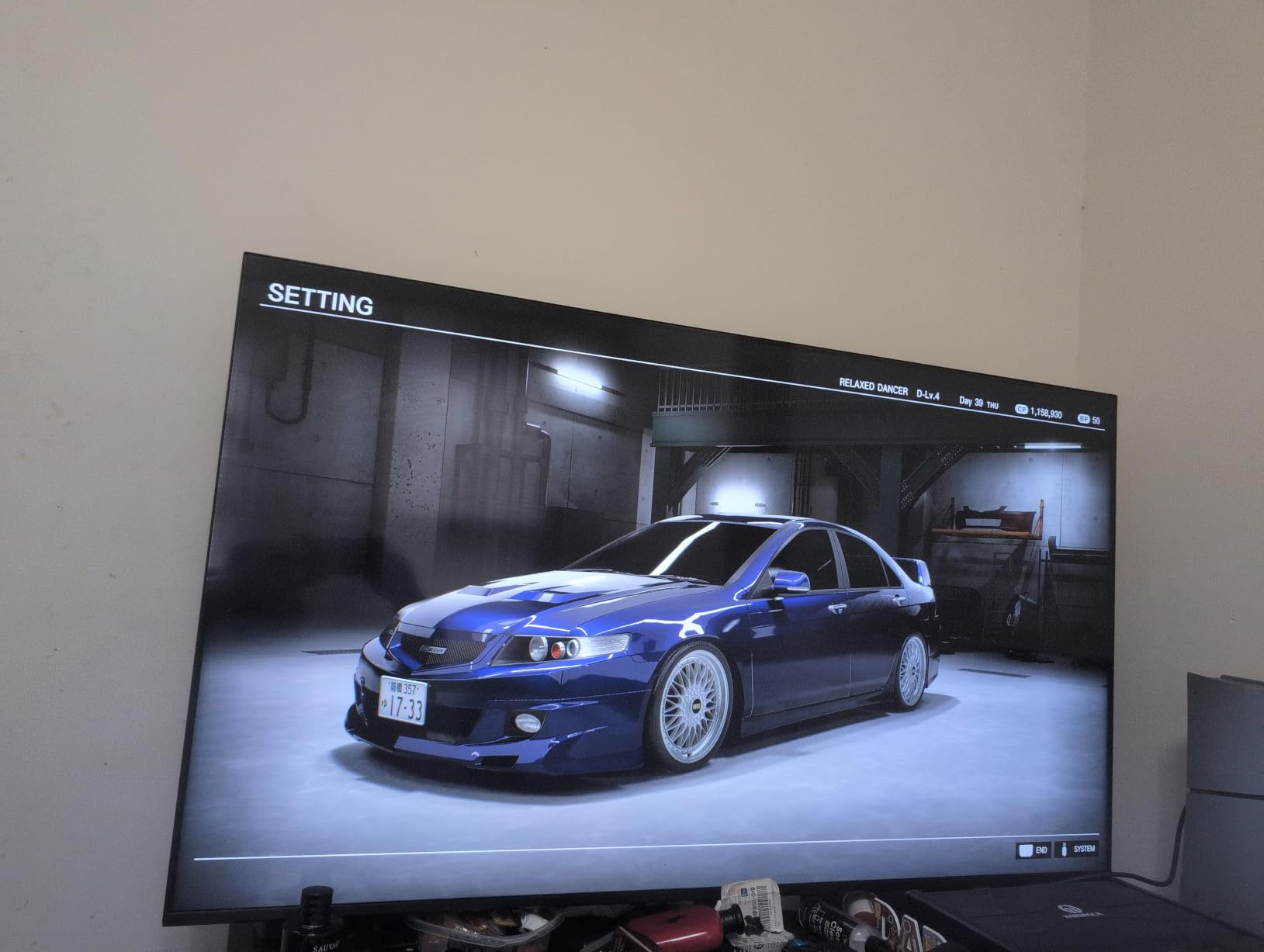
What it will not do is deliver a bright HDR picture. At 300 nits peak with no local dimming, highlights in an HDR game look flat, and in a sunlit room the picture simply has not got the headroom to fight the ambient light. The Audio is 20W across 2.0 channels, which is fine for commentary and thin for a crowd.
Port selection is also the weakest here: three HDMI ports and a single USB port means you need a switch if you are connecting a console, a soundbar and a streaming stick. There is no Dolby Vision, so HDR grade selection depends on HDR10+ alone.
Who the Samsung U8000H suits best
Sports fans on a tight budget who watch in the evening and want the biggest screen per unit of spend. A 62.7 pound chassis without the stand is manageable for wall mounting, and the Vision AI Companion handles a lot of the setup for you.
It also comes in 43, 50, 55, 65, 75 and 85 inch sizes, so you can match the panel to the room rather than the other way around.
Where it will disappoint you
Daytime viewing in a bright room is where the 300 nit figure becomes a real limitation. So is anyone who wants the picture quality of a Mini LED or OLED at a similar screen size.
Three HDMI ports is a genuine constraint for a modern living room, and 2.0 channel audio is not going to sell a stadium atmosphere.
8. Hisense 85-inch E6QF Cinema Series – Best Feature List at 85 Inches
Hisense 85″ E6 Cinema Series Hi-QLED 4K UHD Smart Fire TV (85E6QF) – AI Light Sensor, Dolby Vision · Atmos, Voice Remote with Alexa, Motion Rate 120, HDR 10+ Adaptive, Game Mode Plus
Pros
- Widest HDR format support in this lineup
- AI Light Sensor adjusts brightness for afternoon games
- AI 4K Upscaler cleans up low bitrate feeds
- Filmmaker Mode for accurate colour
Cons
- 60Hz panel so Motion Rate 120 is simulated
- No local dimming so blacks are grey
- Fire OS is ad heavy
The E6QF is the specification sheet winner at this screen size. It is the only set here supporting Dolby Vision, HDR10, HDR10+, HDR10+ Adaptive and HLG at once, and Hi-QLED wide colour gamut means grass and ice look properly separated rather than washed together.
The AI Light Sensor is quietly the most sports-relevant feature on the whole set. It adjusts brightness automatically, so an afternoon match that would wash out a fixed-brightness panel gets compensated for without anyone touching the remote. The AI 4K Upscaler also does a reasonable job on compressed broadcast feeds.
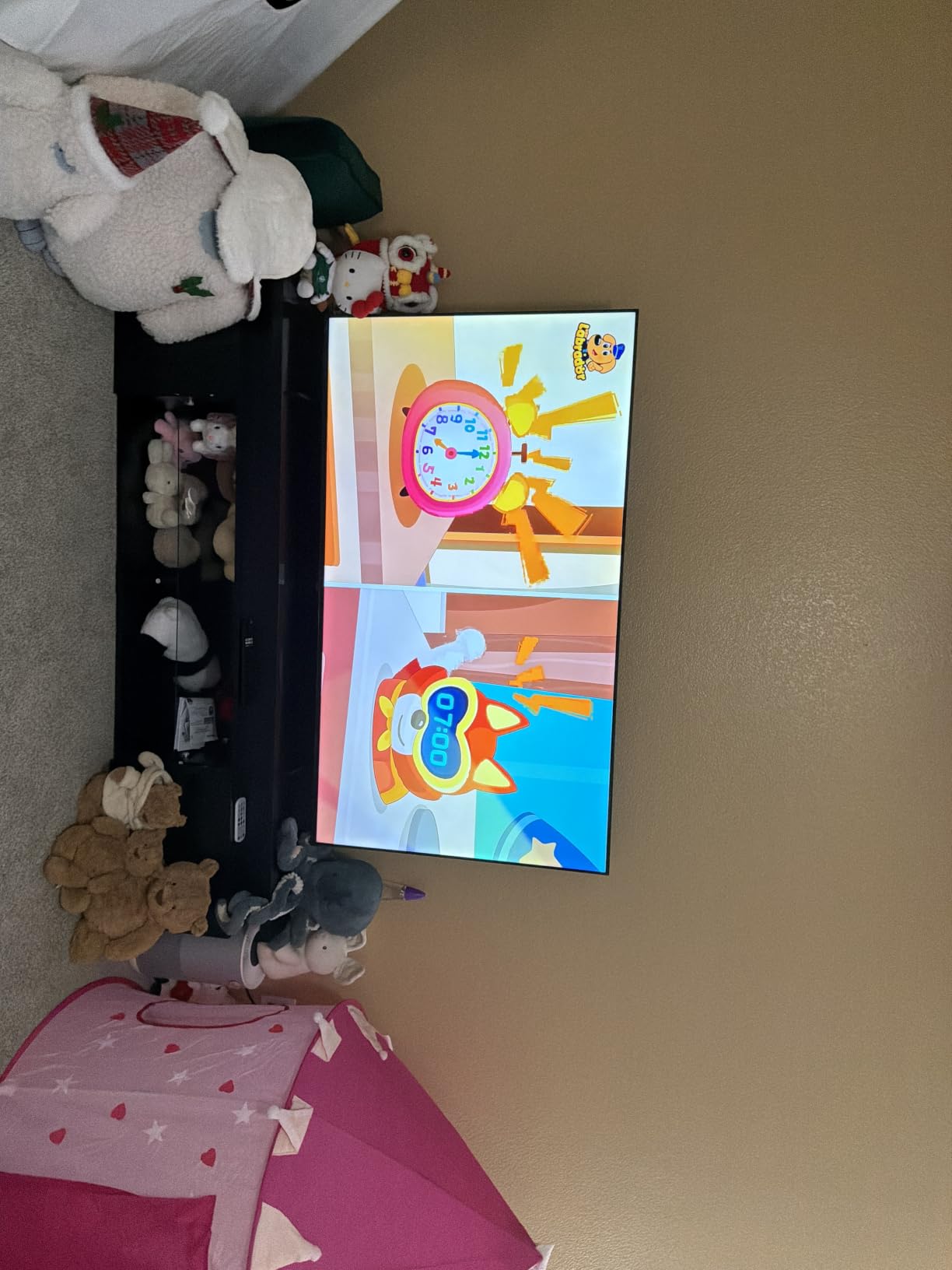
But the headline 60Hz panel is the honest number, and Motion Rate 120 is simulated by MEMC rather than native. Turn it off for anything competitive. With no local dimming, blacks sit grey, and 30W of audio output will not carry a crowd. Fire OS also pushes Amazon content and advertising more aggressively than Roku OS or Tizen.
At 4.0 across the largest review base in this lineup, the feedback reflects what the hardware is: a capable large screen bought with awareness of the compromises, rather than a performance leader. Some reviewers report quality control inconsistency at this level too.
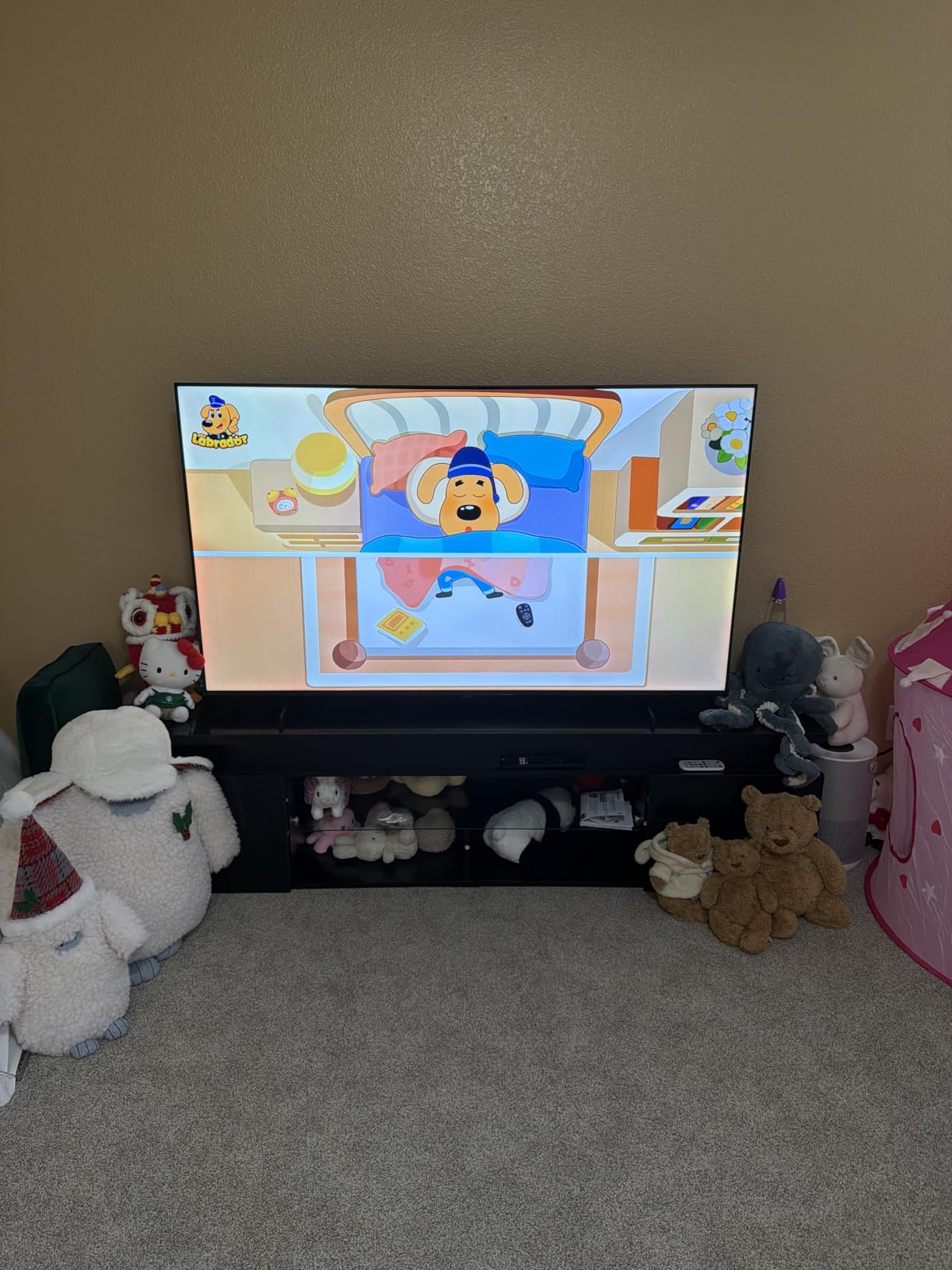
Who the Hisense E6QF suits best
Buyers who want Dolby Vision and a huge screen at a price that would otherwise buy a 65-inch Mini LED. The AI Light Sensor makes it the most forgiving set here for watching games during the day, which is when most people watch them.
Four HDMI ports and two USB ports also give it the best connectivity of the three 85-inch sets, and Wi-Fi 6 keeps streaming apps responsive.
Where it will disappoint you
Fast-motion sport on a large screen. On a 60Hz non-dimming panel at 85 inches, judder and grey blacks are both more obvious than they would be at 55.
Fire OS is the least pleasant platform here for live sport, and 30W of audio output means a soundbar is close to mandatory rather than optional.
OLED vs QLED vs Mini LED for Sports
OLED is better for sports if your room is dark. Every pixel is self emissive and switches instantly, so motion is cleaner than any LED panel can manage, and blacks are true black rather than very dark grey. The trade-off is peak brightness, which is where OLED always trails.
QLED and Mini LED are better for sports if your room is lit. A Mini LED adds full array local dimming on top of the quantum dot colour layer, which delivers the bright highlights and deep blacks that make a daytime match watchable. LED without either layer is the cheapest option and the one most likely to leave you disappointed.
The short version from our testing: OLED wins on motion, Mini LED wins on brightness, and plain QLED is the compromise most people should make. Wide viewing angles matter for all three, because the people on the end of your sofa are watching too.
Refresh Rate for Sports: Native Hz vs Marketing Hz
Yes, 120Hz is worth it for sports, and it is the single clearest dividing line between a TV that handles action and one that smears it. A native 120Hz panel redraws the image twice as often as a 60Hz panel, which tightens motion on exactly the content you care about, from hockey puck tracking to wide-field football pans.
Here is where the confusion starts. Numbers like Motion Rate 480, Motionflow XR 240 or 240Hz Variable Gaming Refresh Rate are software effects. Frame interpolation invents new frames between the real ones, which makes film look smoother and makes sport look wrong. Only the native panel rate, the figure in the technical specifications, tells you what the hardware can actually do.
In this lineup only three sets are genuinely 120Hz or faster natively: the TCL QM6K at 144Hz, the TCL T7 at 120Hz and the Samsung S90F at 120Hz. Everything else is a 60Hz panel, and the difference is plainly visible on a hockey game once you have seen it side by side.
Screen Size and Viewing Distance for Sports
Roughly, you want about 40 inches of screen for every 10 feet of viewing distance, which puts most living rooms in the 55 to 65 inch range and a proper media room or loft in the 75 to 85 inch range. Anything smaller and you will watch the reaction shots instead of the play.
The important caveat is that judder and motion blur get worse as the screen grows on a 60Hz panel. A 60-inch 60Hz television is far more forgiving than an 85-inch one, so on the large sets you should spend your money on refresh rate before you spend it on inches. If friends are regular, take the bigger screen but move up a tier.
Best TV by Sport: Hockey, Football, NBA and F1
Hockey is the hardest case, because the puck is small, fast and low to a high-contrast surface. It rewards native 120Hz and a near-instant pixel response more than anything else, which is why the TCL QM6K and the Samsung S90F lead here. If you shoot hockey as well as watch it, our guide to cameras for sports photography beginners covers the other half of that.
Football and Formula 1 are wide-field, high-pan sports, so they expose judder on 50Hz and 60Hz feeds more than any other broadcast. A 120Hz panel plus motion smoothing switched off is the combination that keeps a corner entry looking natural. Basketball sits between the two, favouring brightness during arena sequences, which tilts the choice toward Mini LED.
Golf and tennis are the least demanding, and here picture processing matters more than refresh rate. The Sony BRAVIA 3 and the Samsung U8000H both upscale ordinary broadcast feeds well, and both have screen sizes that suit a wide viewing area. For long telephoto work on the same subjects, our best Nikon mirrorless cameras for sports guide covers the shooting side.
What to Avoid When Buying a TV for Sports
Skip any set whose headline refresh rate is not the native one, and treat any model advertising an effective rate without stating the panel rate as a warning sign. Also avoid 60Hz panels above 75 inches, where judder becomes the thing you notice instead of the game.
Avoid glossy screens in bright rooms, and avoid any VA-style panel in a house where people watch from off-axis seating. Avoid 8K sets sold at 4K prices, and avoid spending on a large screen at the expense of refresh rate unless your viewing distance genuinely justifies it.
Finally, avoid a panel you will leave running for hours on a static sports channel logo if it is an OLED. Modern panels are far better protected than they used to be, but moderation is still free insurance.
Frequently Asked Questions
Is QLED or OLED better for sports?
OLED is better for motion because every pixel is self emissive and switches instantly, so a puck or a pass stays sharp with no blur trail. QLED and Mini LED are better for brightness, which is what decides the outcome in a lit room. Choose OLED for a dark viewing space and Mini LED for a bright one.
Is OLED or LED better for sports?
OLED wins for fast motion because of near-instant pixel response and perfect blacks. Plain LED wins only on price. If your sport is hockey, football or Formula 1 and your room can be dimmed, OLED is the better sports panel. If you watch in daylight, a Mini LED QLED beats both.
Which OLED TV is best for sports?
The Samsung S90F is the strongest OLED here for sport, pairing a 120Hz native panel with self emissive pixels that leave no blur trail behind a fast-moving object. Its NQ4 AI Gen3 processor also cleans up 1080p broadcast feeds well. The trade-off is a 42 inch screen size and peak brightness below Mini LED levels.
Is 120Hz worth it for watching sports?
Yes, and it is the clearest upgrade available for sport. A native 120Hz panel redraws the image twice as often as a 60Hz panel, tightening judder during wide pans and reducing motion blur on fast objects. Ignore the marketing rates such as 240Hz or Motion Rate 480, which are software effects rather than panel speed.
Which TV is best for watching fast-motion sports?
For hockey, Formula 1 and anything involving a small fast object, the TCL QM6K leads this group with a native 144Hz panel and Mini LED local dimming for brightness. The Samsung S90F OLED is the smoothest picture for a dark room thanks to instant pixel response, while the TCL T7 offers 120Hz at a lower outlay.
What size TV is best for sports?
Aim for roughly 40 inches of screen for every 10 feet of viewing distance. That puts most living rooms at 55 to 65 inches and media rooms at 75 to 85 inches. Keep in mind that judder and motion blur become more visible as a 60Hz screen grows, so on larger sets prioritise refresh rate over extra inches.
What smart TVs should you stay away from?
Avoid sets that advertise an effective refresh rate without stating the native panel rate, 60Hz panels above 75 inches, glossy screens intended for bright rooms, and 8K models sold at 4K prices. For group viewing, avoid narrow-angle panels that lose contrast for anyone seated off to the side.
Final Verdict: Which TV for Sports Should You Buy?
The TCL 65-inch QM6K is our best TV for sports because it is the only set in this group that pairs a genuine 144Hz native panel with Mini LED local dimming, Dolby Vision and a subwoofer. It handles a hockey puck and an afternoon football match with the same confidence, which no other option here manages.
If your budget is lower, the TCL 55-inch T7 gets you 120Hz and Dolby Vision in a lighter frame, and the Roku 65-inch Plus Series is the one to buy if you care more about contrast and sound than motion. Check the current details for any of them before you commit, then decide on size last.