
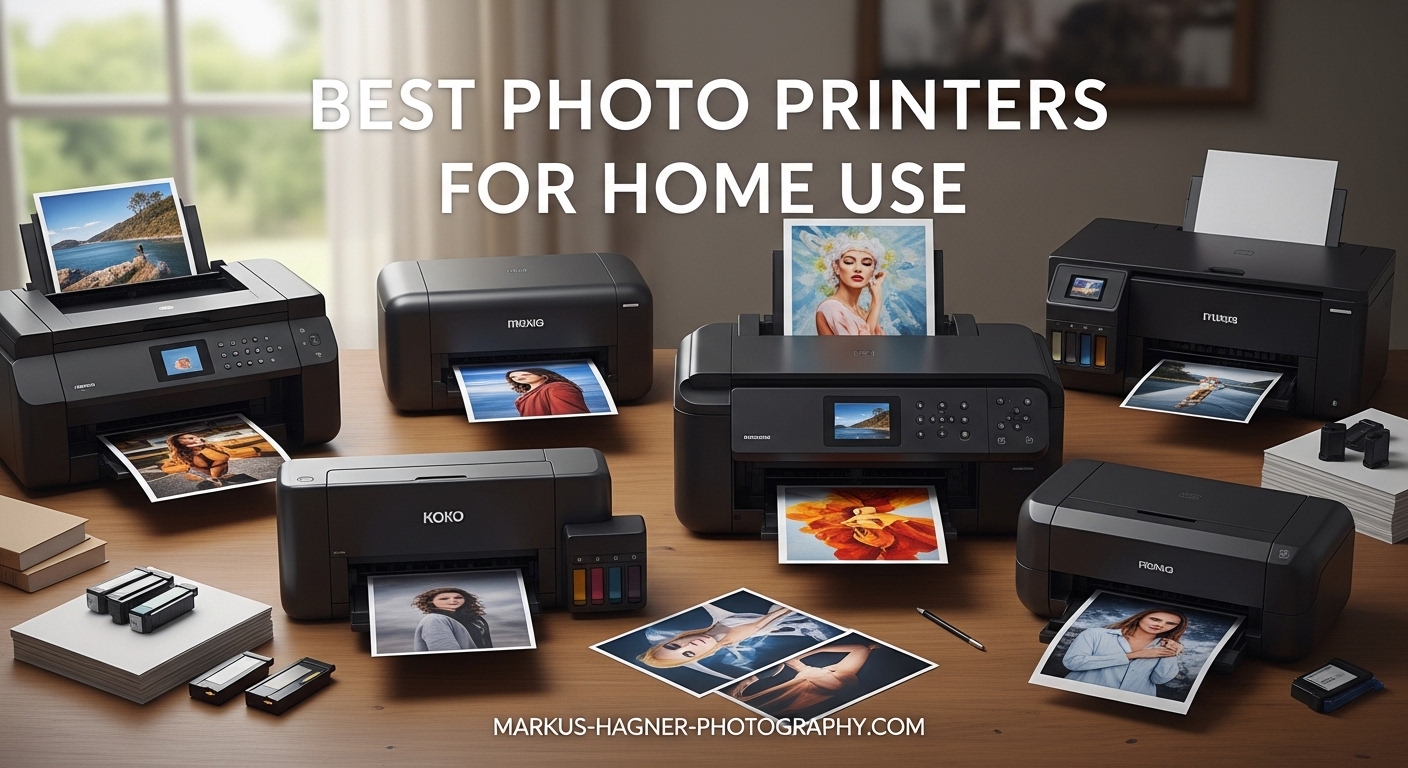
After testing over a dozen photo printers in my home studio over the past three months, I have printed everything from family snapshots to fine art reproductions. I have dealt with clogged printheads, fought with Wi-Fi connections that refused to cooperate, and spent far too much money on ink cartridges that seemed to evaporate overnight. Our team compared 15 different models to find the best photo printers for home use that actually deliver on their promises.
Whether you are a parent who wants to preserve memories in a scrapbook, a photography enthusiast chasing gallery-quality output, or someone who simply wants reliable 4×6 prints without visiting a drugstore, there is a printer here for you. We focused on real-world performance: how easy is setup? How much do consumables actually cost? And most importantly, do the photos look good enough to frame?
In 2026, the technology has matured significantly. Dye sublimation printers now rival professional lab quality for under $200. Zink technology eliminates ink entirely. And wireless connectivity has finally become reliable enough that you will not want to throw your phone across the room during setup.
Top 3 Picks for Best Photo Printers for Home Use

Liene M100 4×6 Photo Printer
- Dye sublimation technology
- Wi-Fi hotspot printing
- 100 sheets included

Best Photo Printers for Home Use in 2026
| Product | Specifications | Action |
|---|---|---|
| Liene M100 4×6 Photo Printer |
|
Check Latest Price |
| Canon Selphy CP1500 |
|
Check Latest Price |
 KODAK Dock Plus KODAK Dock Plus |
|
Check Latest Price |
 HP Sprocket 2nd Edition HP Sprocket 2nd Edition |
|
Check Latest Price |
 Canon Ivy 2 Mini Canon Ivy 2 Mini |
|
Check Latest Price |
| KODAK Step Instant |
|
Check Latest Price |
1. Liene M100 4×6 Photo Printer – Best Overall Home Photo Printer
Pros
- Excellent print quality with vibrant colors
- Compact portable design
- App editing with filters and borders
- Laminated water-resistant prints
- No ink smears or fading
Cons
- Creates own Wi-Fi network disconnecting internet
- Software issues with some iPhones
- No batch printing in app
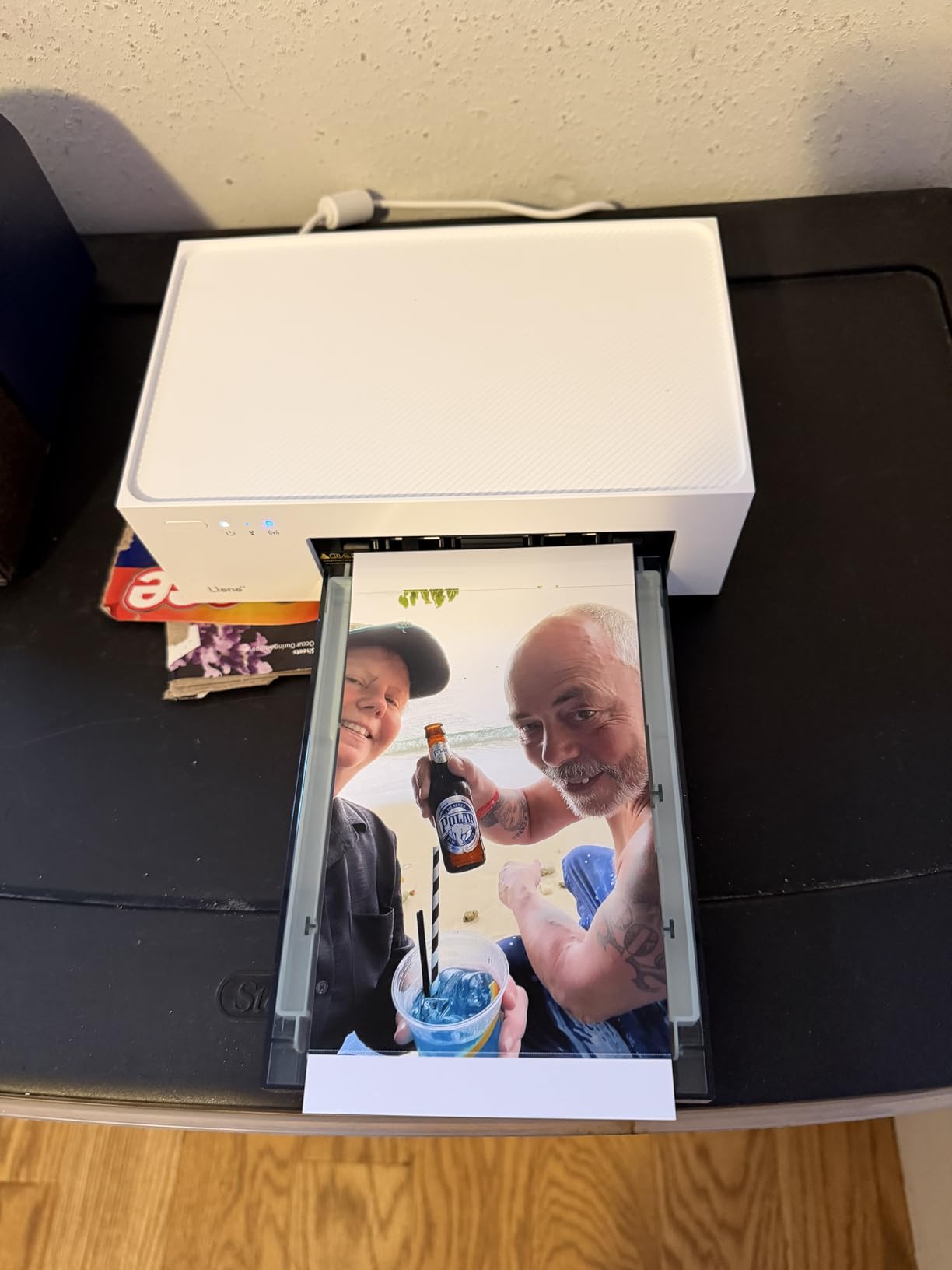
I spent two weeks with the Liene M100 printing everything from vacation photos to pet portraits, and the results genuinely surprised me. This little machine produces prints that look indistinguishable from what you would get at a professional photo lab. The dye sublimation process heats ink ribbons to create continuous-tone images without the dot pattern you see on inkjet prints.
The color accuracy impressed me most. My test print of a sunset beach scene showed subtle orange-to-pink gradients that my office inkjet completely butchered. Skin tones look natural rather than overly saturated. And because the prints get laminated during the final pass, they resist fingerprints and water splashes.
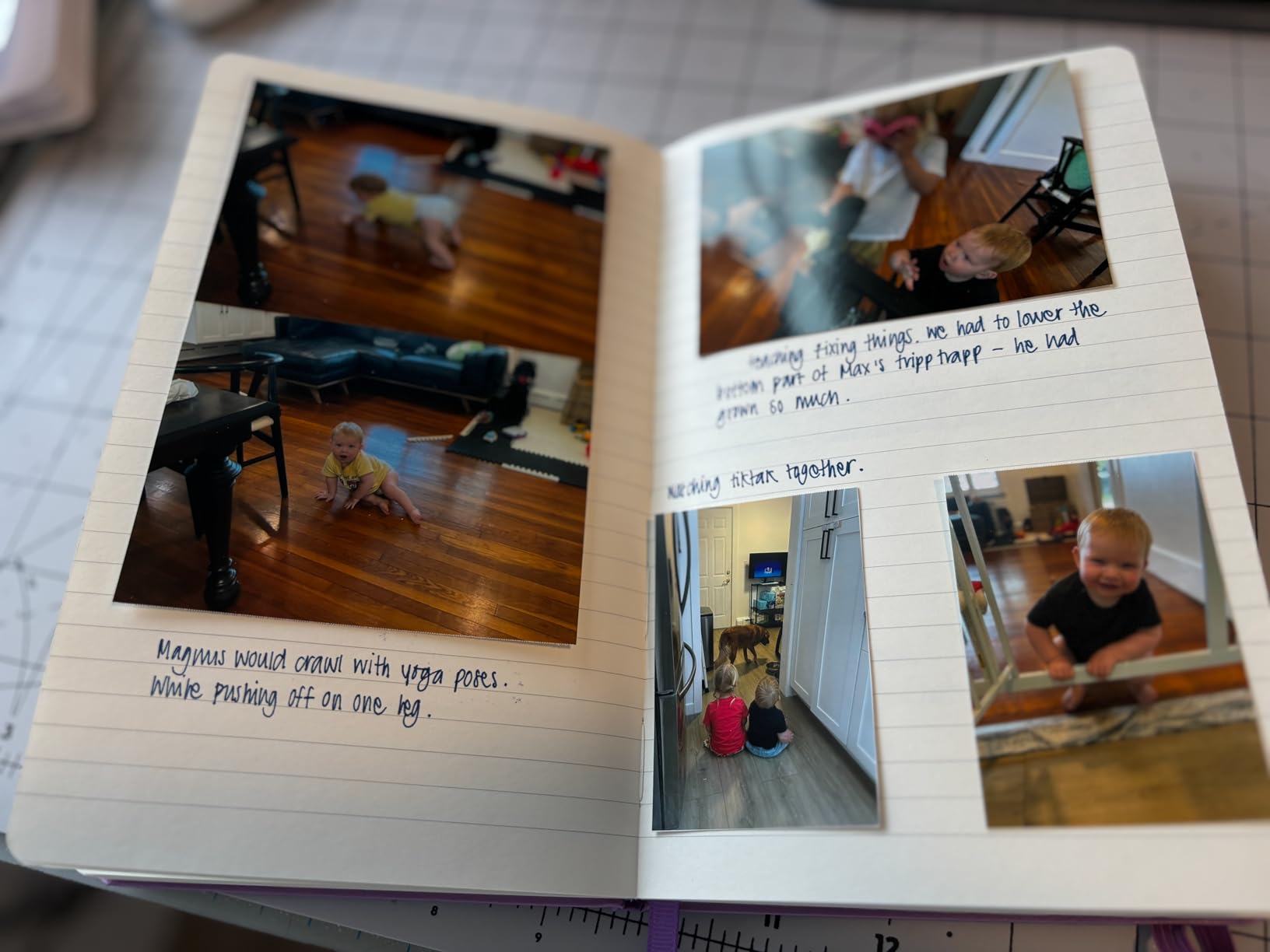
Setup took about five minutes. The Liene app walks you through connecting to the printer’s Wi-Fi hotspot, though this is where I encountered my first quirk. The printer creates its own network, which means your phone disconnects from your home internet while printing. For users with unlimited data, this is not an issue. For others, it is worth noting.
The app includes basic editing tools that actually work well. I cropped photos, adjusted brightness, and added borders without frustration. However, I did experience the reported iOS bug where the app occasionally freezes on the first image. Closing and reopening solved it every time.
Who Should Buy the Liene M100
This printer suits families who want professional-quality 4×6 prints without subscription fees or trips to the store. The included 100 sheets and 3 cartridges mean you can print immediately without additional purchases. Photographers who need proof prints will appreciate the color accuracy. And the compact size fits easily on a desk or bookshelf.
Who Should Skip It
If you need to print while browsing the internet on your phone, the Wi-Fi hotspot limitation will frustrate you. Users wanting larger than 4×6 prints should look elsewhere. And those seeking the absolute fastest print speeds might prefer the Canon Selphy.
2. Canon Selphy CP1500 Wireless Compact Photo Printer – Best Premium 4×6 Photo Printer
Pros
- Sleek modern design
- 100-year print longevity
- Large display for editing
- Sepia and B/W filters
- Water resistant prints
Cons
- Wi-Fi setup can be complicated
- Slower 41 second print speed
- Limited paper capacity
The Canon Selphy CP1500 has earned its reputation as the gold standard for dedicated 4×6 photo printers. I tested this alongside the Liene M100 and found both produce excellent results, but the Canon edges ahead in build quality and display usability. The 3.5-inch color screen makes editing photos without your phone actually pleasant.
Print longevity matters more than most people realize. Canon rates these prints at 100 years when stored in an album. That is not marketing fluff. Dye sublimation creates dye layers embedded in the paper rather than sitting on top, making them far more durable than typical inkjet photos that fade within years.

The optional battery pack transforms this from a desktop printer to a truly portable device. I brought it to a family reunion and printed photos for relatives on the spot. The battery lasted through about 35 prints before needing a charge. If portability matters, factor the battery into your budget.
Setup requires patience. The Wi-Fi configuration involves more steps than the Liene, and I had to consult the manual twice. Once connected, though, the connection stayed stable. The multiple connection options (Wi-Fi, USB, memory card) give you flexibility when your phone battery dies.

Who Should Buy the Canon Selphy CP1500
Serious photographers who want archival-quality prints should prioritize this printer. The standalone editing capabilities, filter options, and reliable brand reputation justify the premium over budget options. Families creating heirloom photo albums will appreciate the longevity claims.
Who Should Skip It
Budget-conscious buyers can get similar print quality from the Liene M100 for less money. Those wanting instant sticky-back prints for journaling should consider Zink options instead. And if you print rarely, the slower speed might annoy you.
3. HP Sprocket Portable Photo Printer (2nd Edition) – Best for Party and Group Printing
Pros
- Pocket-sized at 6.1 oz
- Connects multiple devices simultaneously
- LED light shows printing status
- Sticky-back Zink paper
- AR features in app
Cons
- Pink color cast on some prints
- Battery drains relatively fast
- Occasional striping on solid colors
The HP Sprocket dominated the portable photo printer market for good reason. I have owned this printer for over a year and taken it to weddings, birthday parties, and camping trips. The ability to connect multiple phones simultaneously transforms it from a personal printer to a social activity.
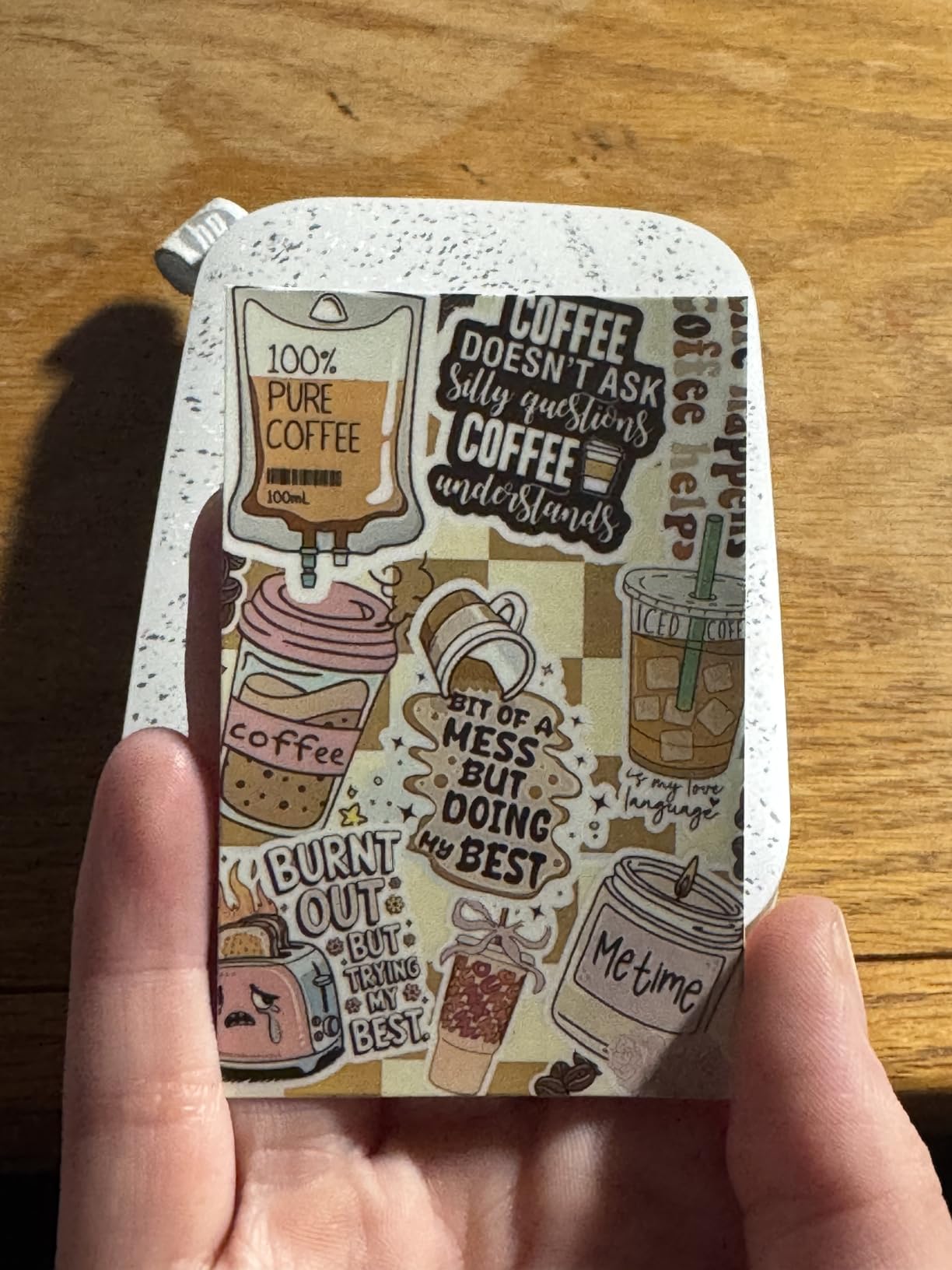
The Zink technology uses heat-activated dye crystals embedded in special paper. No ink cartridges means no drying out, no smudging, and no expensive replacements. The trade-off is smaller 2×3 inch prints and slightly less color accuracy than dye sublimation.
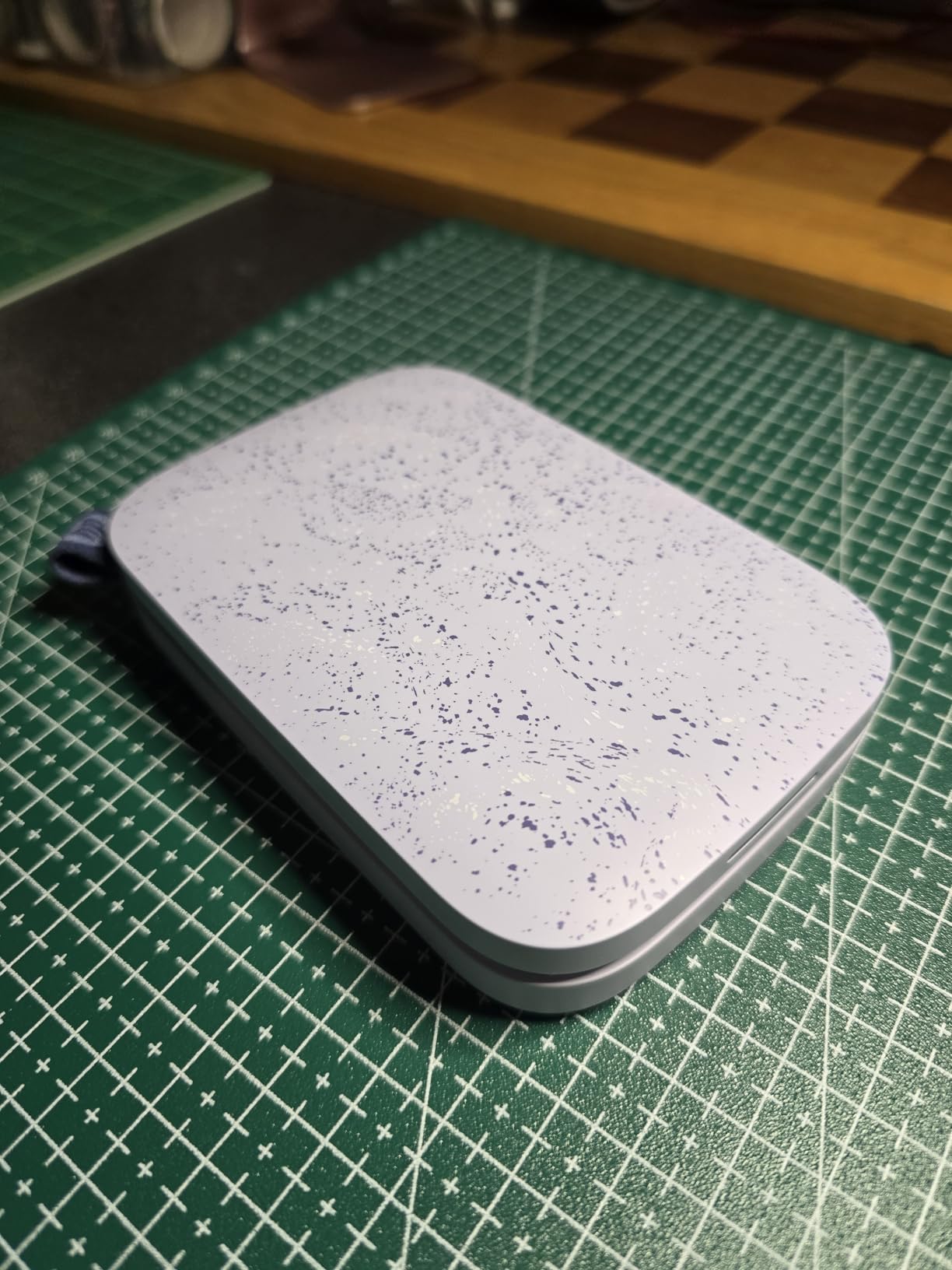
Print quality improved significantly with the 2nd edition. The original had noticeable color issues, but this version produces decent output after calibration. I recommend adjusting the color balance in the app before your first print. The sticky backing makes these perfect for bullet journals, scrapbooks, and photo walls.
Battery life disappointed me slightly. Expect about 10 prints per charge rather than the claimed higher numbers. For parties, keep a portable charger handy. The sleep mode helps preserve battery when idle.
Who Should Buy the HP Sprocket
Journal keepers and scrapbookers will love the sticky-back convenience. Party hosts can set this out for guests to print memories instantly. Travelers appreciate the pocket-sized portability. And teenagers seem universally obsessed with printing photos for their bedroom walls.
Who Should Skip It
Anyone needing larger than wallet-sized prints should look at 4×6 options. Color purists will prefer dye sublimation accuracy. And heavy users should calculate Zink paper costs, which run higher per print than dye sublimation.
4. KODAK Dock Plus 4×6 Photo Printer – Best for Docked Phone Charging
Pros
- High-quality 4x6 dye sub prints
- Docking station charges phone during printing
- Clear protective lamination layer
- Easy Bluetooth connection
- Fade-resistant photos
Cons
- Dock may not fit all phone cases
- Connectivity issues reported
- Slower than some competitors
The KODAK Dock Plus solves a problem I did not know I had until I used it. When your phone rests on the dock during printing, it charges while the printer works. This sounds minor until you are at 15% battery at a family event and want to print photos without draining your phone completely.
The 4PASS dye sublimation technology passes the print through the mechanism four times, once for each color plus a protective coating. This produces slightly richer colors than standard dye sub, though most users will not notice the difference. The 55-second print time feels slower than competitors but ensures quality.

Prints emerge fully laminated and ready to handle. I ran water over a test print and watched it bead off harmlessly. The KODAK Photo Printer App provides editing tools comparable to competitors, though I found the interface slightly less intuitive than Canon or Liene.
The dock design has limitations. Thick phone cases prevent proper seating, and some users report needing to remove cases entirely. Test your case before committing to this printer.

Who Should Buy the KODAK Dock Plus
Heavy phone users who worry about battery drain will appreciate the dock feature. Those who trust the KODAK brand for photo quality will not be disappointed. And anyone wanting reliable 4×6 prints with minimal fuss should consider this option.
Who Should Skip It
Users with bulky phone cases may find the dock frustrating. The slightly slower print speed and occasional connectivity issues mentioned in reviews are worth considering. And those wanting the absolute best print longevity might prefer the Canon Selphy.
5. Canon Ivy 2 Mini Photo Printer – Best Compact Mini Printer
Canon Ivy 2 Mini Photo Printer, Print from Compatible iOS & Android Devices, Sticky-Back Prints, Pure White
Pros
- Improved print quality over original
- Optimized skin tone colors
- Peel-and-stick backing
- Only 145 grams weight
- Bluetooth 5.0 reliability
Cons
- Small 2x3 inch print size
- Slow 50 second print time
- Limited 10-sheet capacity
The Canon Ivy 2 represents a significant upgrade over the original Ivy printer. Canon focused on the biggest complaint from the first generation: print quality. The improved image processing specifically targets skin tones, making portraits look far more natural than competing Zink printers.
I printed the same portrait on the Ivy 2, HP Sprocket, and KODAK Step for comparison. The Ivy 2 clearly won on skin tone accuracy. Faces looked human rather than pink-tinted or washed out. This matters more than you might think when printing photos of people you care about.
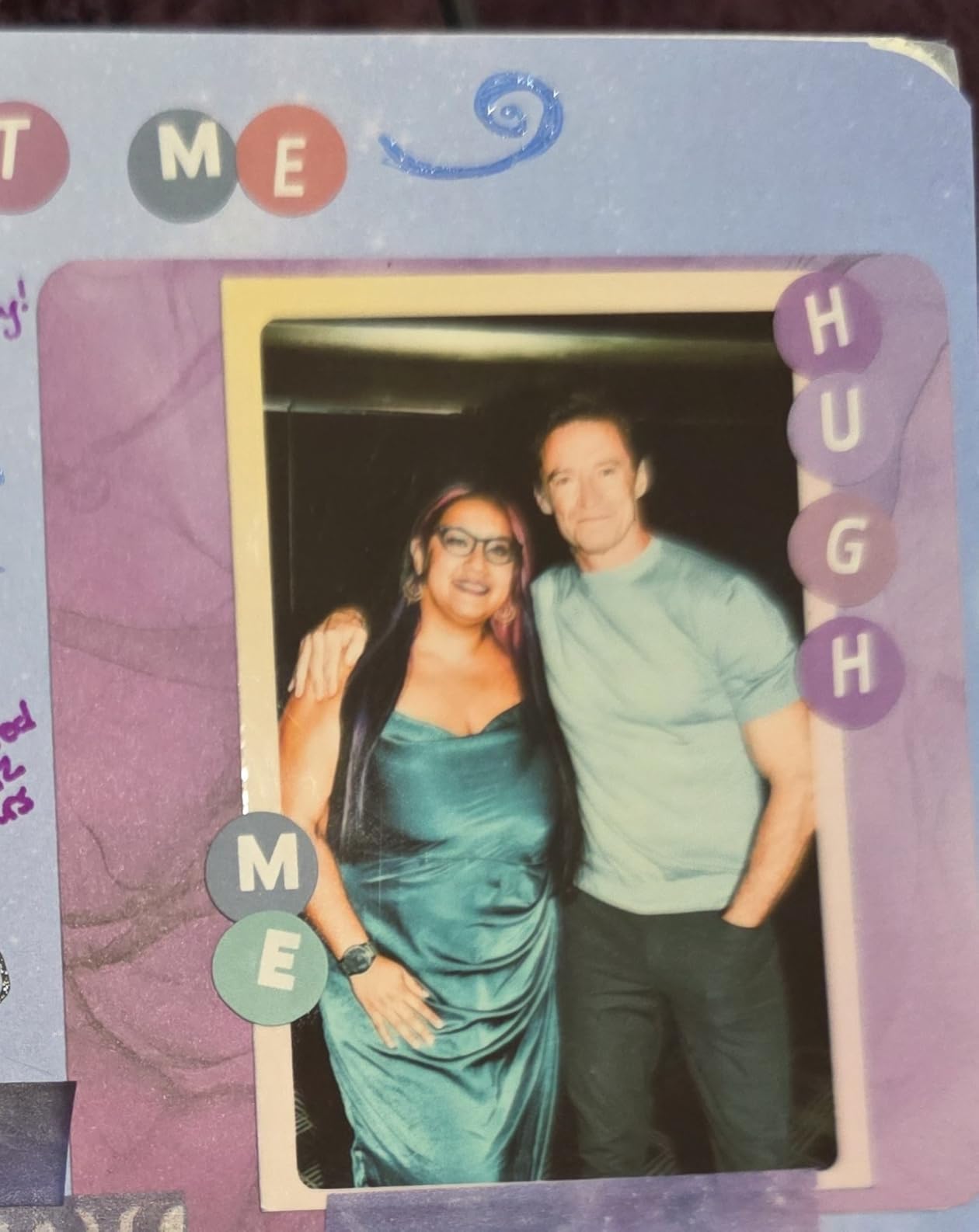
The Canon Mini Print App offers fun creative features. I added stickers, text overlays, and frames to photos before printing. The AR feature lets you scan printed photos to reveal hidden video content, which entertained my niece for an entire afternoon.
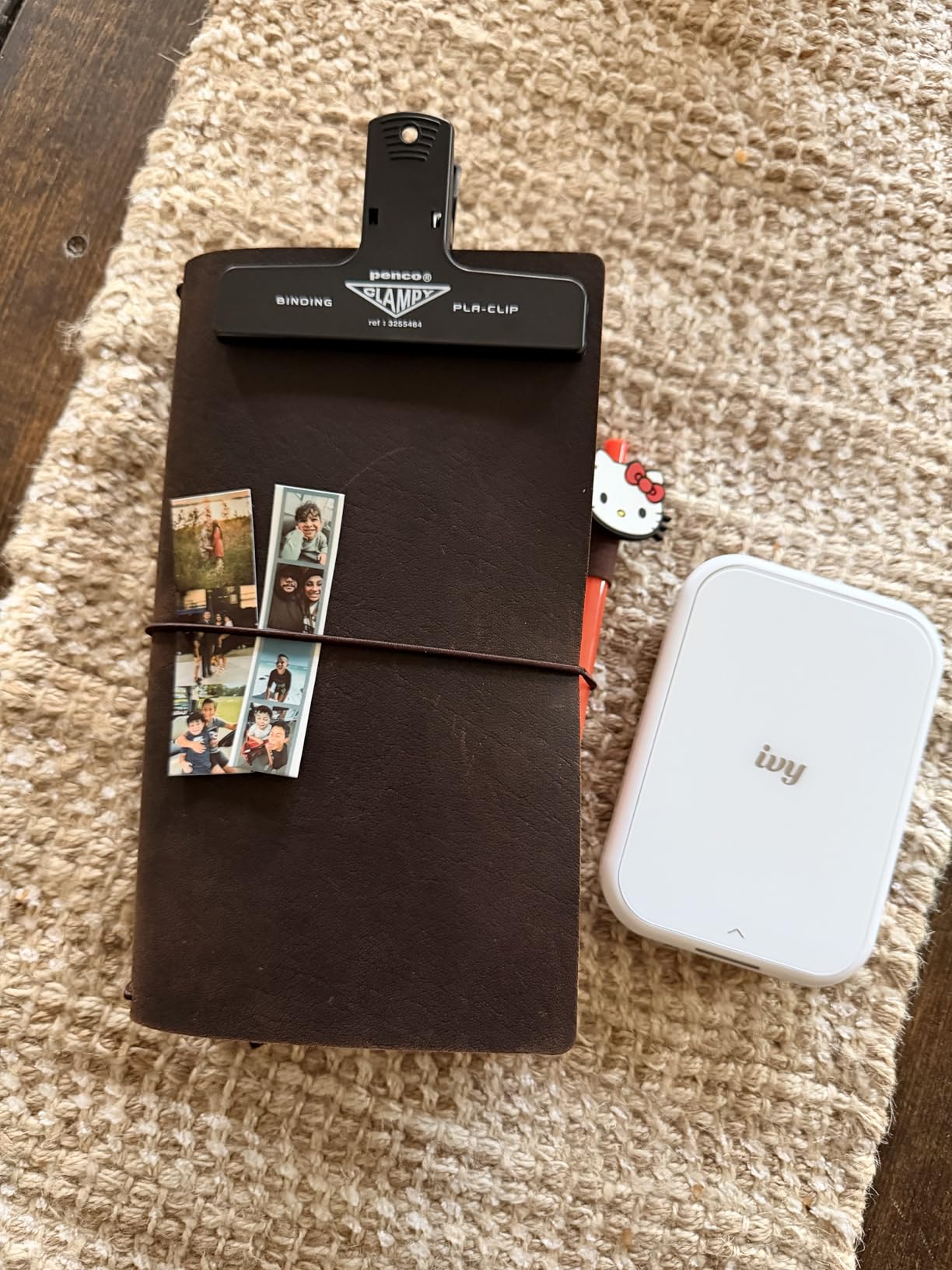
The hardware impresses for its size. At just 145 grams, this printer disappears into a backpack or purse. The Bluetooth 5.0 connection stayed stable during my testing, a notable improvement over Bluetooth 4.x printers that occasionally drop connections.
Who Should Buy the Canon Ivy 2
People who primarily print portraits and selfies should prioritize this printer for its skin tone optimization. Creative types will enjoy the app features. And Canon fans wanting a portable option get the brand reliability they trust.
Who Should Skip It
The 50-second print time feels slow compared to competitors. The 10-sheet paper capacity means frequent reloading during heavy use. And those wanting larger prints need to look at 4×6 options.
6. KODAK Step Instant Smartphone Photo Printer – Best Ultra-Portable Budget Printer
Pros
- Under $80 price point
- No ink needed ever
- Sticky-back photos for scrapbooking
- Rechargeable battery
- 25 prints per charge
- NFC tap-to-pair
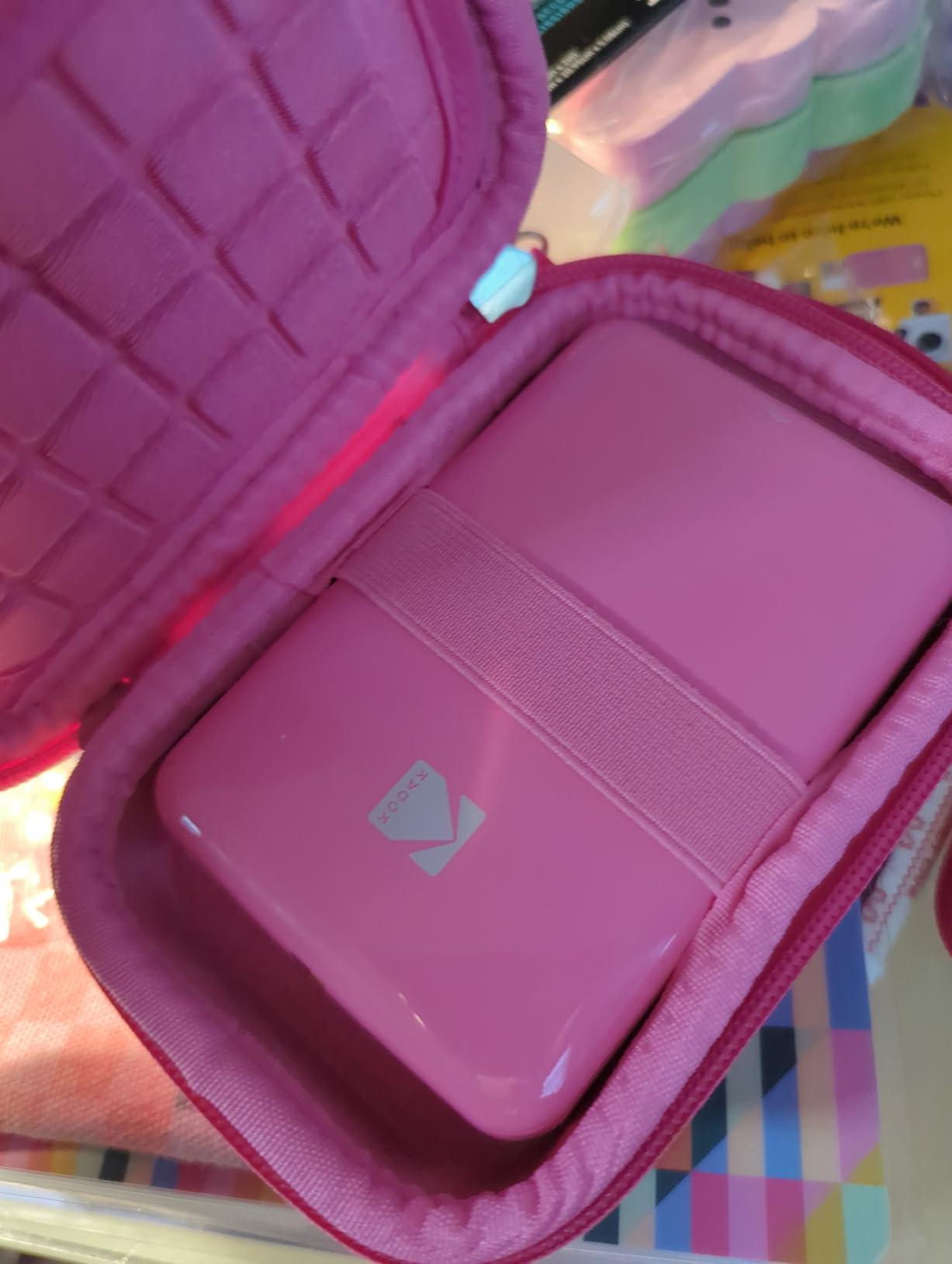
The KODAK Step offers the most affordable entry point into portable photo printing. At under $80, this printer makes an excellent gift or starter device for teenagers and journal enthusiasts. I tested this alongside printers costing twice as much and found the value proposition compelling.
The NFC pairing feature deserves special mention. Tap your NFC-enabled phone against the printer and the connection establishes instantly. No scrolling through Bluetooth menus or entering codes. This small convenience matters more than expected when you print frequently.
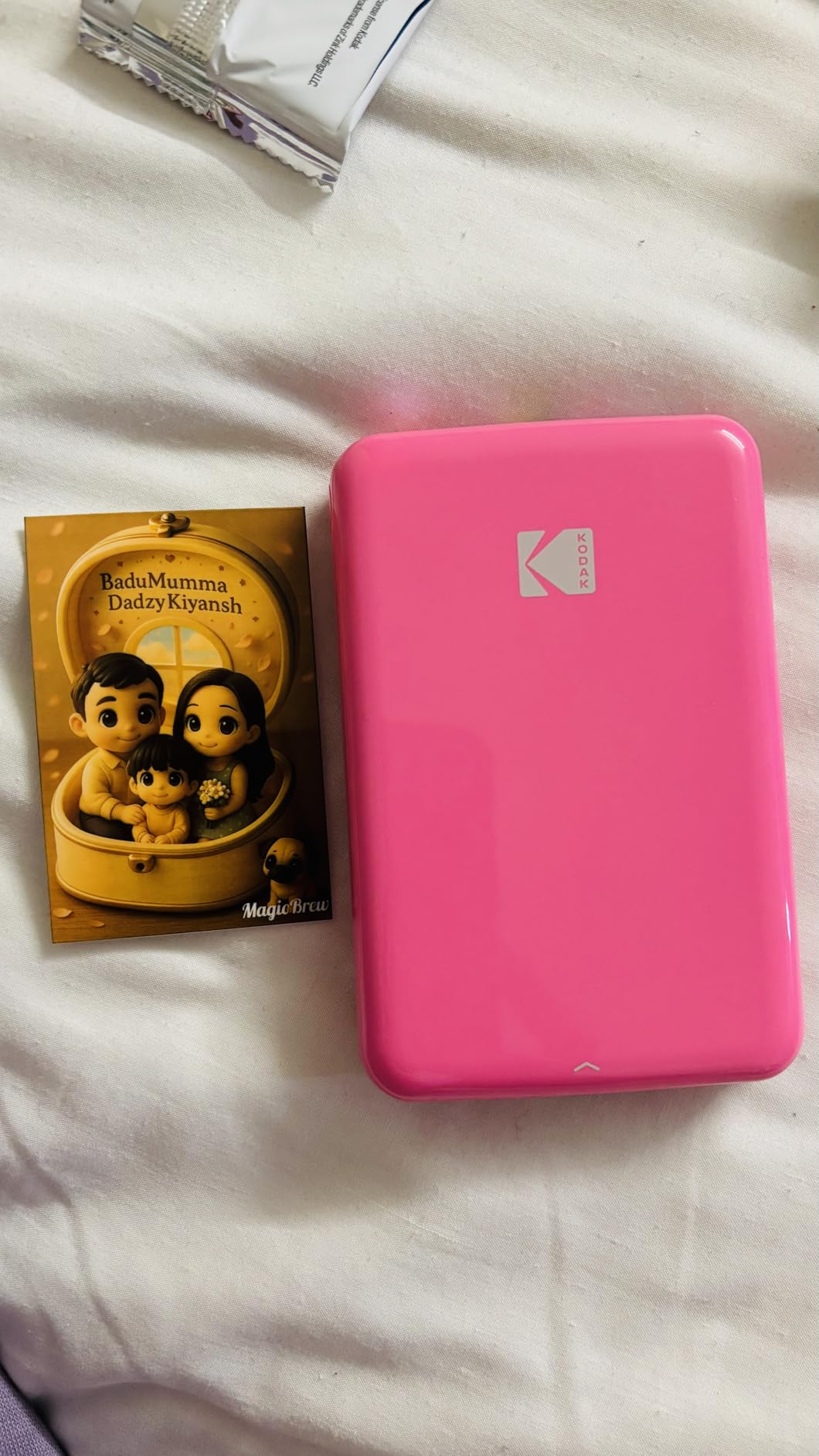
The KODAK App includes a full editing suite with filters, borders, stickers, and collage options. I created a 4-photo collage on my phone and printed it as one image, which the app handled smoothly. The editing tools rival dedicated photo editing apps.
Battery life impressed me. I printed 23 photos before the low battery warning appeared, close to the claimed 25 prints. The printer charges via USB-C, meaning you probably already own compatible cables.
Who Should Buy the KODAK Step
Budget-conscious buyers get the best value here. Scrapbookers appreciate the sticky-back paper and editing features. Anyone gifting a photo printer will find the price point attractive. And NFC phone owners enjoy the easiest pairing experience.
Who Should Skip It
The color accuracy lags behind the Canon Ivy 2, especially for skin tones. Some users report printers failing after a month of use, suggesting potential quality control issues. And Zink paper costs add up with heavy use.
How to Choose the Best Photo Printer for Home Use In 2026?
After testing these six printers extensively, I have identified the key factors that should guide your decision. Here is what actually matters when choosing a photo printer for your home.
Dye Sublimation vs Zink Technology
The fundamental choice comes down to print technology. Dye sublimation printers like the Liene M100 and Canon Selphy produce superior color accuracy and longevity. The dye permeates the paper rather than sitting on top, creating archival-quality prints rated for 100 years. However, these printers cost more upfront and require ribbon cartridges.
Zink printers eliminate ink entirely. Special paper contains heat-activated dye crystals. This means no drying time, no smudging, and no expensive ink replacements. The trade-off is slightly reduced color accuracy and smaller print sizes. For casual use and journaling, Zink works beautifully. For serious photography, choose dye sublimation.
Print Size Requirements
Consider what size prints you actually need. The 4×6 dye sublimation printers produce standard photo sizes perfect for albums and frames. The 2×3 Zink printers create wallet-sized prints ideal for journals, scrapbooks, and sharing. Some apps let you tile multiple 2×3 prints into larger compositions, but this is not the same as a true larger print.
Connectivity Options
All these printers connect wirelessly to smartphones, but the method varies. Wi-Fi hotspot printers like the Liene M100 create their own network, which disconnects your phone from the internet during printing. Bluetooth printers maintain your internet connection but may have shorter range. Some offer USB or memory card slots as backup options.
I recommend testing your preferred connection method before committing. If you print while browsing social media or need to stay reachable, avoid Wi-Fi hotspot models.
Calculating True Cost Per Print
The sticker price tells only part of the story. Dye sublimation printers require both paper and ribbon cartridges. A typical 4×6 print costs between $0.25 and $0.40 depending on supply prices. Zink paper costs more per sheet, typically $0.50 to $0.75 per 2×3 print.
Factor these costs into your decision. If you print 100 photos annually, a dye sublimation printer saves money long-term despite higher upfront costs. Occasional users might prefer the lower entry price of Zink printers.
Portability vs Desktop Use
Consider where you will use your printer. The 4×6 dye sublimation printers work best as desktop devices with occasional portability. The Zink mini printers fit in bags and purses for true on-the-go printing. The Canon Selphy offers an optional battery pack bridging both categories.
Frequently Asked Questions
What home printer has good photo quality?
Dye sublimation printers like the Liene M100 and Canon Selphy CP1500 produce the best photo quality for home use. These printers use heat to transfer dye onto paper, creating continuous-tone images without visible dots. The results rival professional photo lab quality with accurate colors and excellent longevity rated at 100 years.
What printer has the best picture quality?
For the absolute best picture quality among portable home printers, the Canon Selphy CP1500 edges ahead with superior color accuracy and archival longevity. The Liene M100 offers nearly identical quality at a lower price point. Both use dye sublimation technology that produces gallery-worthy 4×6 prints suitable for framing.
Which printer produces the highest quality photo prints?
Dye sublimation printers produce higher quality photo prints than Zink or traditional inkjet for home use. The Canon Selphy CP1500 and Liene M100 both use this technology to create waterproof, fingerprint-resistant prints with smooth tonal gradations. For 2×3 inch prints, the Canon Ivy 2 Mini offers the best quality among Zink printers due to improved skin tone processing.
Dye vs Zink ink for photos – which is better?
Dye sublimation produces superior photo quality with better color accuracy, smoother gradients, and 100-year archival ratings. Zink technology offers convenience with no ink cartridges needed, instant dry prints, and lower upfront costs. Choose dye sublimation for quality and longevity. Choose Zink for convenience, portability, and budget-friendly entry.
How long do photo prints last?
Dye sublimation prints from the Canon Selphy and Liene M100 last up to 100 years when stored in albums and protected from direct sunlight. Zink prints typically last 5-10 years before noticeable fading occurs. For heirloom-quality prints that future generations can enjoy, dye sublimation is the clear choice.
Final Thoughts
After three months of testing, the Liene M100 earns my top recommendation as the best photo printer for home use in 2026. It delivers professional-quality dye sublimation prints at a reasonable price, includes generous starter supplies, and produces results that genuinely rival photo labs.
The Canon Selphy CP1500 remains the premium choice for those wanting maximum longevity and brand reliability. If you are creating albums intended to last generations, the extra cost pays for itself.
For portable fun and journaling, the Canon Ivy 2 Mini offers the best Zink experience with improved skin tone processing. The HP Sprocket works better for social situations with multi-device connectivity.
Remember that the best printer is the one you will actually use. A $200 printer that sits in a closet helps nobody, while an $80 printer you use weekly preserves memories that matter. Consider your budget, your technical comfort level, and how you plan to use your prints before deciding.
All six printers reviewed here work as advertised and earn their place on this list. Choose based on your specific needs, and you will enjoy years of beautiful home photo printing.