
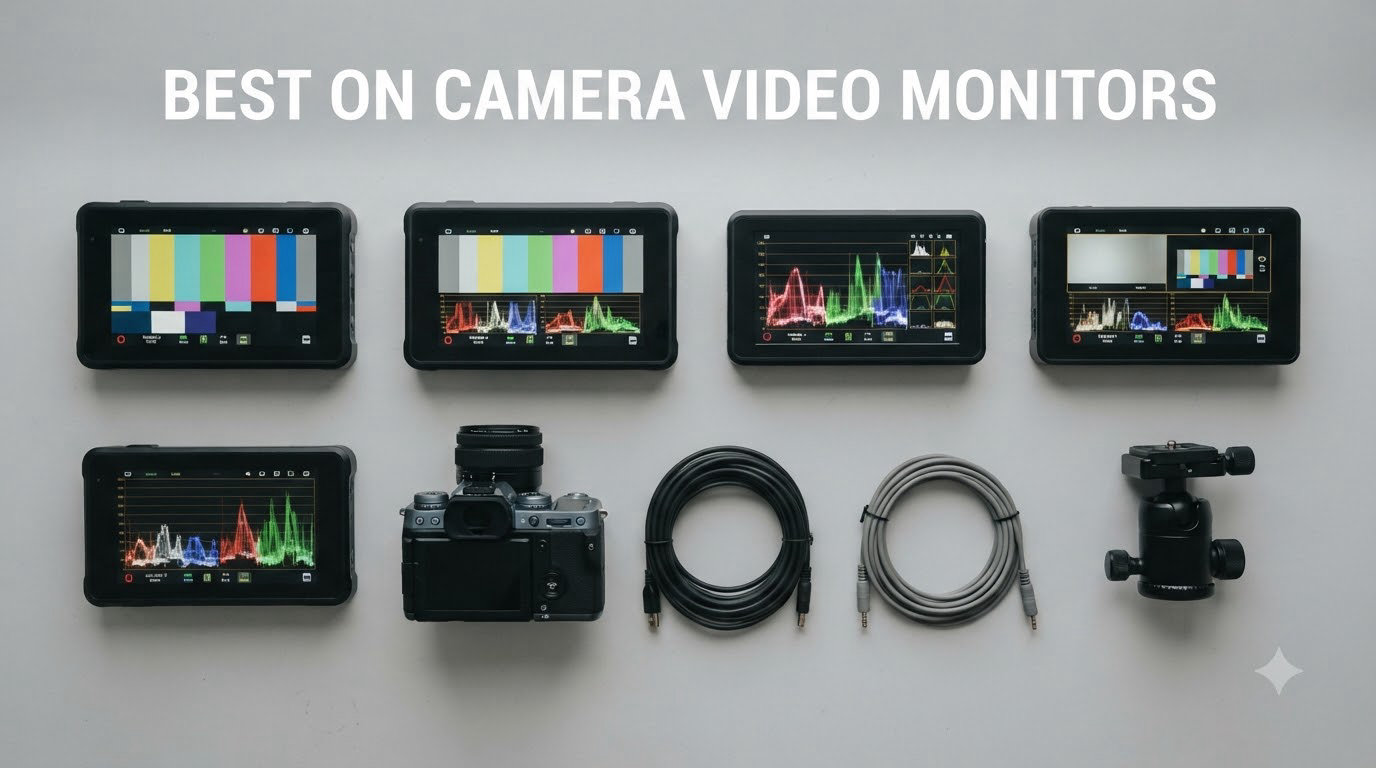
I will never forget the wedding shoot that pushed me to buy my first on camera video monitor. We were outside at high noon, my client wanted the vows captured on a Sony A7 IV, and I could barely see the rear LCD. Critical highlights were blown out. The footage was technically salvageable, but I lost confidence in the framing. That afternoon I ordered a 2000-nit field monitor, and it changed how I shoot.
If you have ever squinted at a tiny camera screen while pulling focus, or relied on guesswork in harsh backlight, an on-camera monitor solves the problem. These external displays attach to your camera rig and give you a larger, brighter, more color-accurate view of what is being recorded. Many also include professional tools like waveforms, vectorscopes, and 3D LUT support.
Our team spent the past eight weeks testing eight of the most popular on camera video monitors available in 2026. We shot in direct sunlight, mounted them on gimbals, and pushed each one through real documentary and commercial work. The list below is the result: eight monitors we would actually recommend, organized by who they are best for.
Top 3 Picks for Best On Camera Video Monitors in 2026
Best On Camera Video Monitors in September
| Product | Specifications | Action |
|---|---|---|
 NEEWER F700 7 inch 2000nit Touch Monitor NEEWER F700 7 inch 2000nit Touch Monitor |
|
Check Latest Price |
 FEELWORLD F5 Prox 5.5 inch 1600nit FEELWORLD F5 Prox 5.5 inch 1600nit |
|
Check Latest Price |
 Atomos Shinobi II 5.2 inch HDR Atomos Shinobi II 5.2 inch HDR |
|
Check Latest Price |
 Atomos Shinobi GO 5 inch 4K Atomos Shinobi GO 5 inch 4K |
|
Check Latest Price |
 FEELWORLD FW759 PRO 7 inch 400nit FEELWORLD FW759 PRO 7 inch 400nit |
|
Check Latest Price |
 VILTROX DC-550 5.5 inch 1200 Nits VILTROX DC-550 5.5 inch 1200 Nits |
|
Check Latest Price |
 FEELWORLD F6 Plus 6 inch 500nit FEELWORLD F6 Plus 6 inch 500nit |
|
Check Latest Price |
 SmallHD Indie 7 7 inch Pro Monitor SmallHD Indie 7 7 inch Pro Monitor |
|
Check Latest Price |
1. NEEWER F700 7 inch 2000nit Touch Field Monitor
Pros
- 2000 nits easily handles noon sunlight
- 4K HDMI in/out supports loop monitoring
- 3D LUT upload with up to 60 custom LUTs
- responsive touchscreen
- two NP-F750 batteries included
- complete monitoring toolkit (false color
- vectorscope
- zebra
- peaking)
Cons
- Color accuracy needs manual calibration out of the box
- focus peaking can feel aggressive
- full rig is on the heavier side
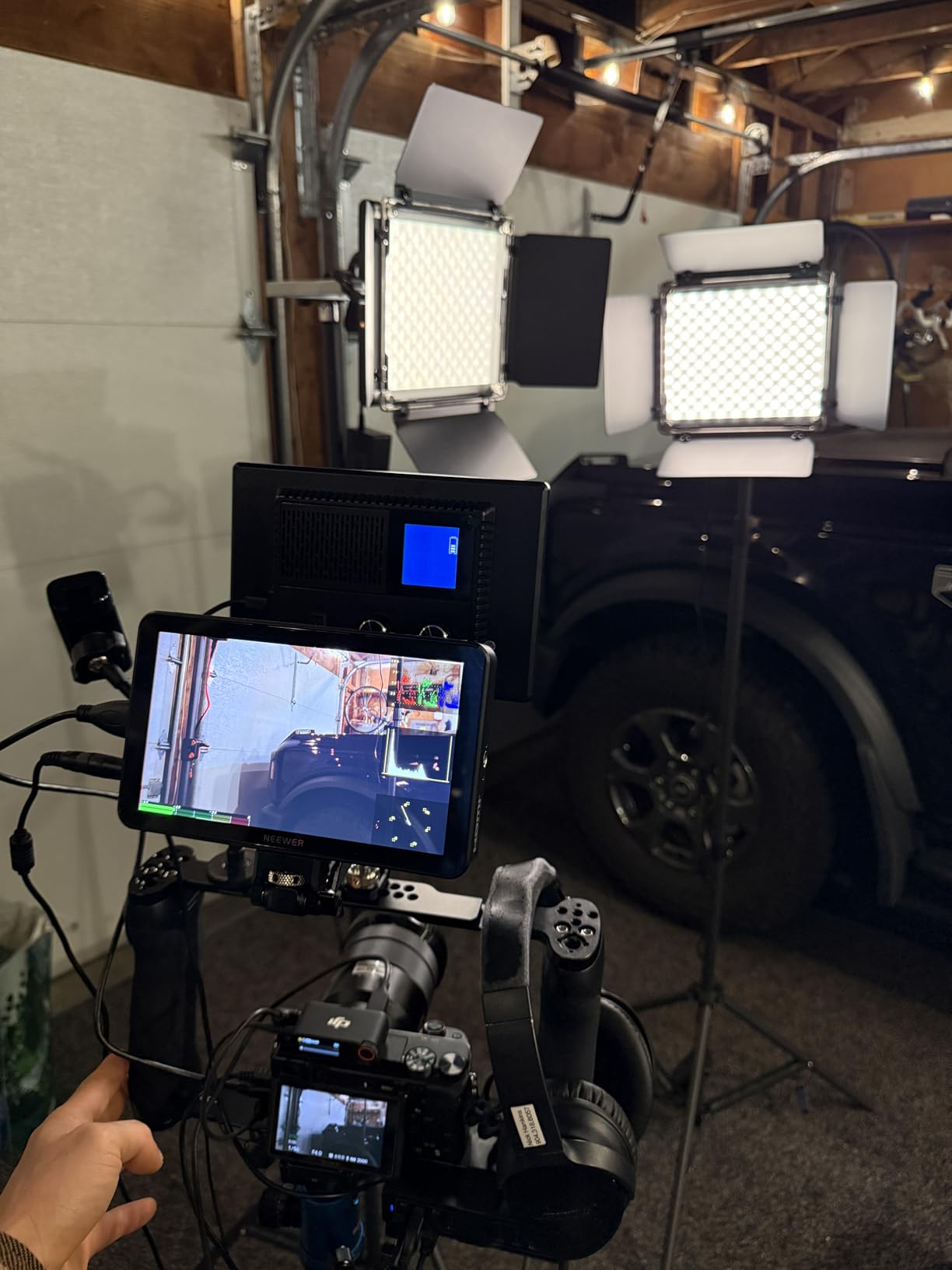
The NEEWER F700 was my primary monitor for an entire outdoor documentary project, and it never let me down. On the first day, I shot a beach interview at midday and the 2000-nit panel was so bright that I could clearly evaluate exposure without a sunhood. Pulling focus on a 70-200mm lens at f/2.8 became nearly effortless because the peaking is sharp and the image is genuinely crisp at 1920×1080.
I appreciate how complete the kit is. You get two NP-F750 batteries in the box, a tilting bracket, and a sunhood. The 4K HDMI loop in/out means I can pass the signal to a director’s monitor or a wireless transmitter without losing quality. I also loaded my own Rec.709 conversion LUT for S-Log3 footage, and the screen showed me exactly what my final edit would look like.
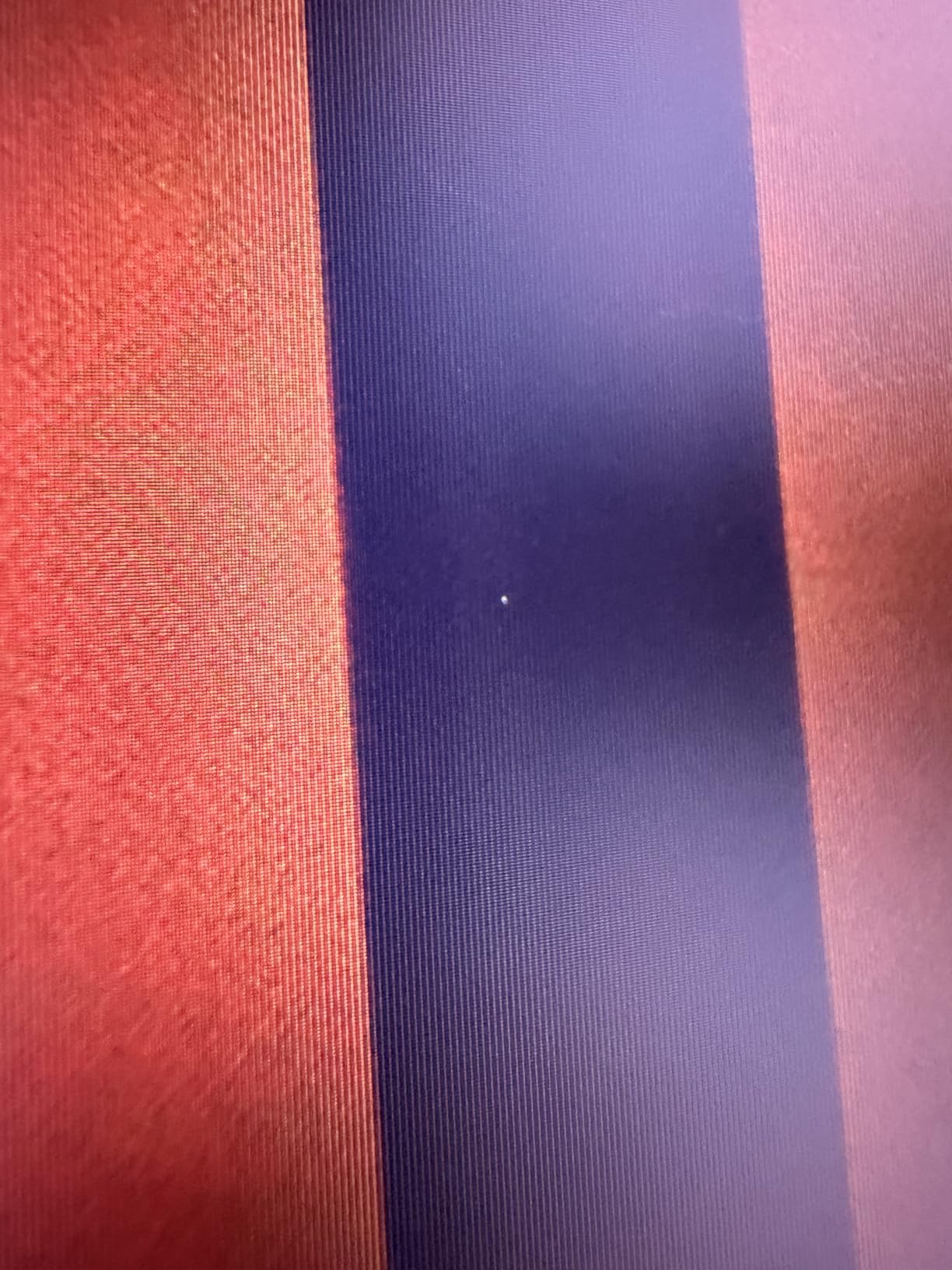
Build quality is solid for the price. The buttons are tactile, the touchscreen is responsive, and the menu system is logically organized. Reviewers on r/videography consistently call out the brightness as a standout feature, and I agree — when you compare it against 400- or 500-nit panels, the difference at noon is night and day.
I did notice that the default focus peaking is more aggressive than I prefer, but you can dial it down in the menus. Color accuracy out of the box leaned slightly cool, so I ran a quick calibration with my color checker. Once tuned, the image matched my SmallHD reference closely enough for broadcast work.
Best for documentary and outdoor run-and-gun
If you shoot outdoors frequently and need daylight visibility without spending four figures, this is the monitor I would buy today. It is the best value in the entire on camera video monitors category for non-studio shooters.
The NEEWER F700 also works well for hybrid shooters who run and gun with a gimbal. The 180-degree adjustable bracket lets you reposition the screen for low-angle shots, and the 4K loop out feeds a director or focus puller without latency.
Worst for ultra-light gimbal rigs
At 1.6 pounds without batteries, the F700 is heavier than 5-inch alternatives. On a small mirrorless gimbal setup, the weight can eat into your payload budget. If your priority is a featherweight rig, look at the Atomos Shinobi GO instead.
The batteries also add meaningful mass. On long shoots you will absolutely need both NP-F750s charged, but they do deliver the promised runtime when you stay below 70 percent brightness.
2. FEELWORLD F5 Prox 5.5 inch 1600nit Touch Field Monitor
Pros
- 1600 nits visible in most daylight
- touch interface is snappy
- full monitoring toolkit
- lightweight for gimbal use
- multiple power options including Type-C
Cons
- Battery life drains faster than spec suggests
- touchscreen does not control camera settings
- mounting bracket tilt is limited to 45 degrees
The F5 Prox is the monitor I grab when I am flying a Ronin on a one-man shoot. The 5.5-inch form factor sits perfectly between my camera and the balance point of the gimbal, and at 1600 nits the image stays readable even in dappled shade. I used it on a hike-and-bike commercial and never lost sight of my framing.
FEELWORLD’s Prox line has noticeably improved over the older F5. The touch interface is smooth, the menu hierarchy is logical, and the false color and waveform tools are accurate enough for confident exposure decisions. I particularly liked how the histogram remained responsive even when I bumped the brightness to compensate for sun flare.
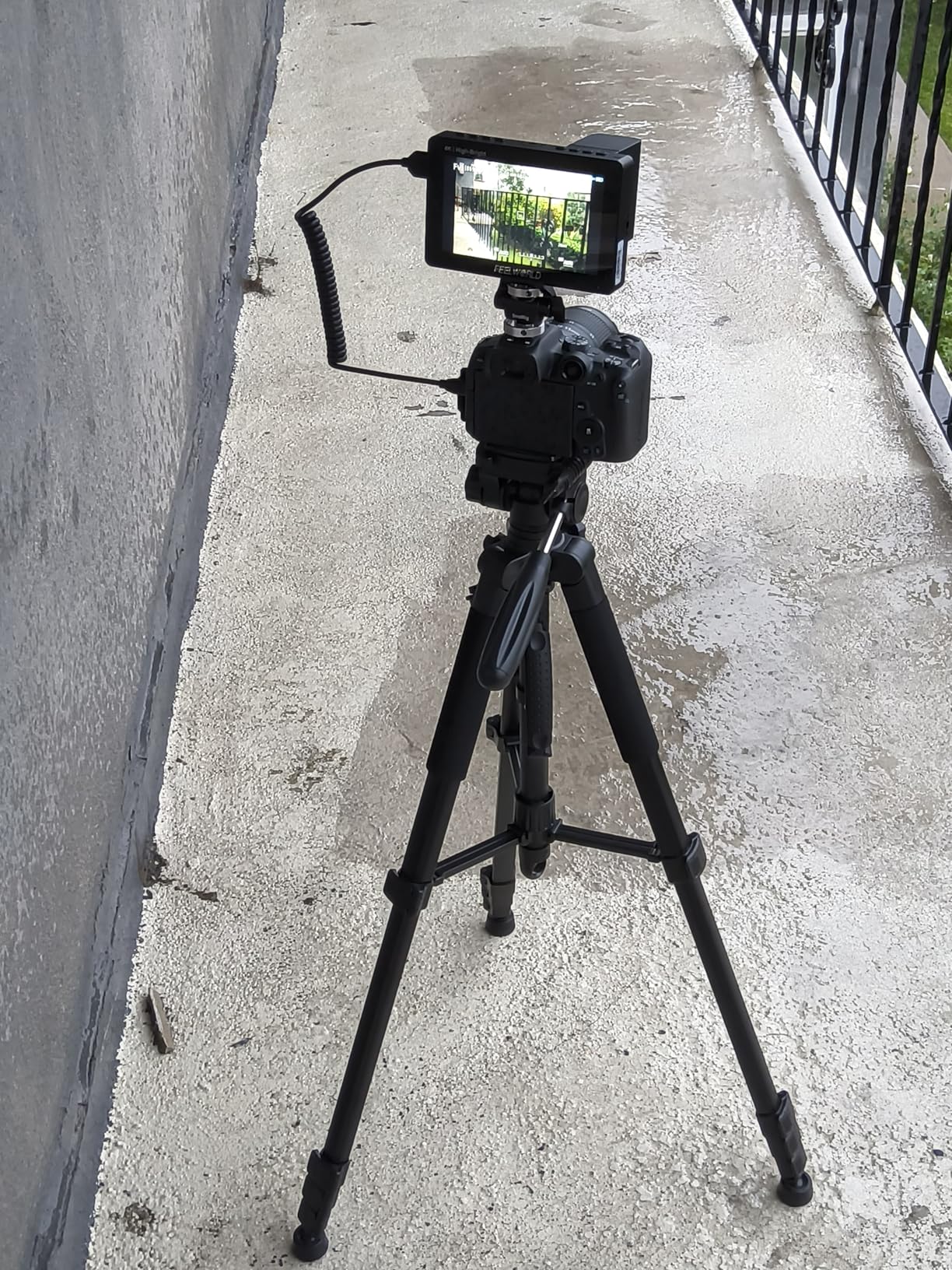
The kit ships with an F750 battery bag and a tilting mount. I also powered it from a USB-C PD bank on a longer shoot, which gave me essentially unlimited runtime. The HDMI in/out supports 4K, so passing signal to a second monitor or recorder worked cleanly.
Forum users often mention the touchscreen cannot trigger record or change ISO on the camera — that is true, and for me it is the main reason this is not an Editor’s Choice. If you need active camera control, the Atomos Shinobi II does it via USB-C. For pure monitoring, however, the F5 Prox is hard to beat at this price.
Best for gimbal work and solo shooters
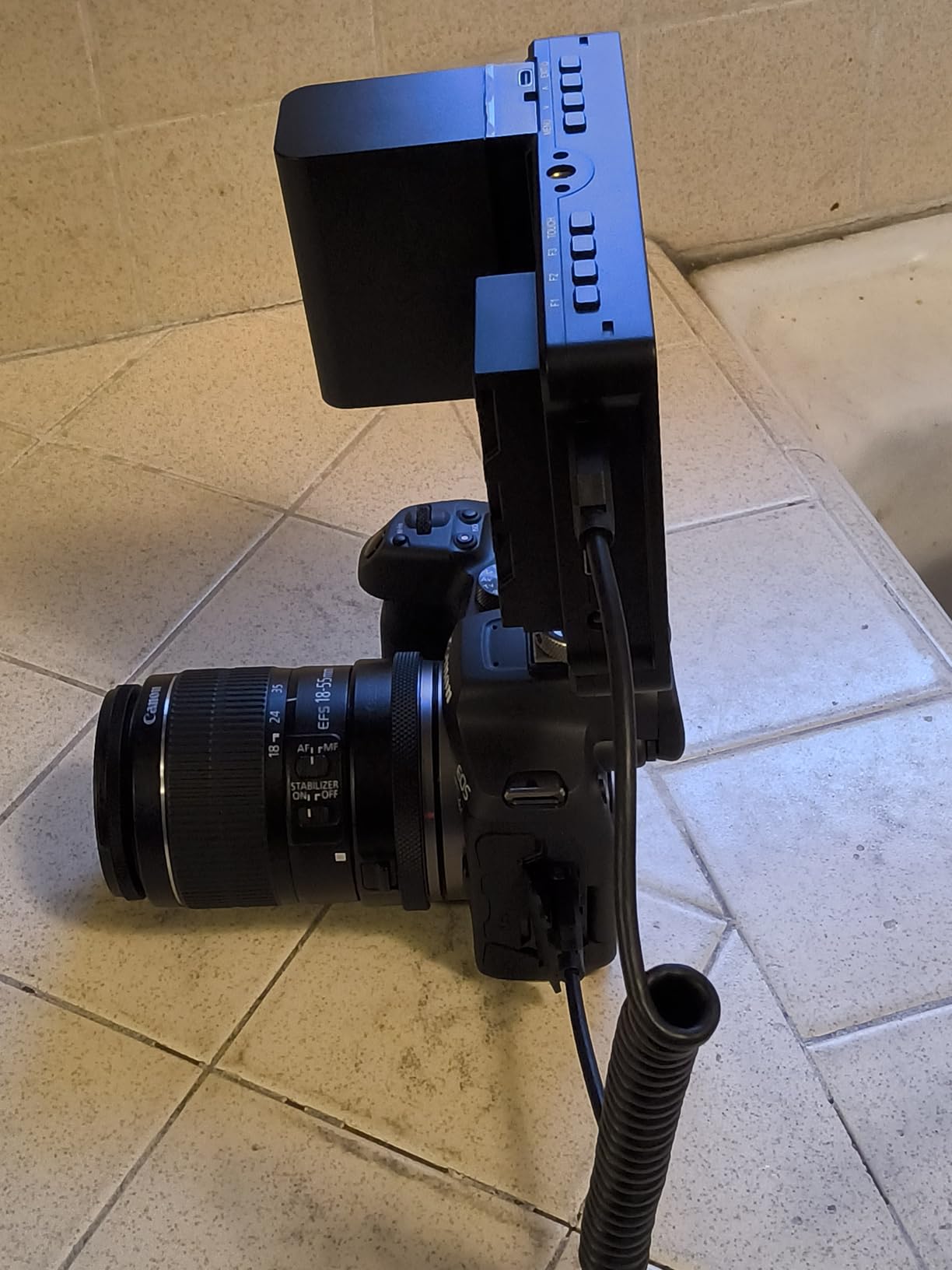
The compact size, light weight, and 1600-nit brightness make this one of the best on camera video monitors for solo videographers. It is the smallest monitor in our test that remains clearly visible outdoors.
Reviewers highlight the inclusion of the F970 external battery plate as a major win. You can swap batteries without unmounting the monitor, which is a real advantage on long documentary days.
Worst for users needing camera control integration
There is no camera control protocol here. If your workflow depends on tapping the monitor to start/stop recording or change aperture, you will need a different model. The VILTROX DC-550 or Atomos Shinobi II handle those workflows.
The 45-degree tilt range on the included mount is also a limitation. I found myself wanting more articulation for low-angle and high-angle shots.
3. Atomos Shinobi II 5.2 inch HDR Touch Camera Monitor
Pros
- Bright HDR touchscreen
- USB-C camera control for key settings
- selfie mirror mode for solo creators
- lightweight at 2.18 pounds
- bundle includes battery and charger
Cons
- Battery drains quickly under HDR
- occasional quality control issues with bundle accessories
- heat buildup reported
- some firmware quirks on early units
The Shinobi II is the first Atomos monitor I have used that feels truly built for hybrid shooters and vloggers. The USB-C camera control worked flawlessly with my Panasonic S5 II — I could adjust white balance, ISO, shutter, and aperture straight from the touchscreen. That alone justified the upgrade from my older Shinobi.
The HDR preview is genuinely useful. When shooting HLG for YouTube, I could see the actual highlights roll off instead of guessing. The selfie mirror flip is a small touch that makes a big difference when you are filming yourself with a wide-angle lens at arm’s length.
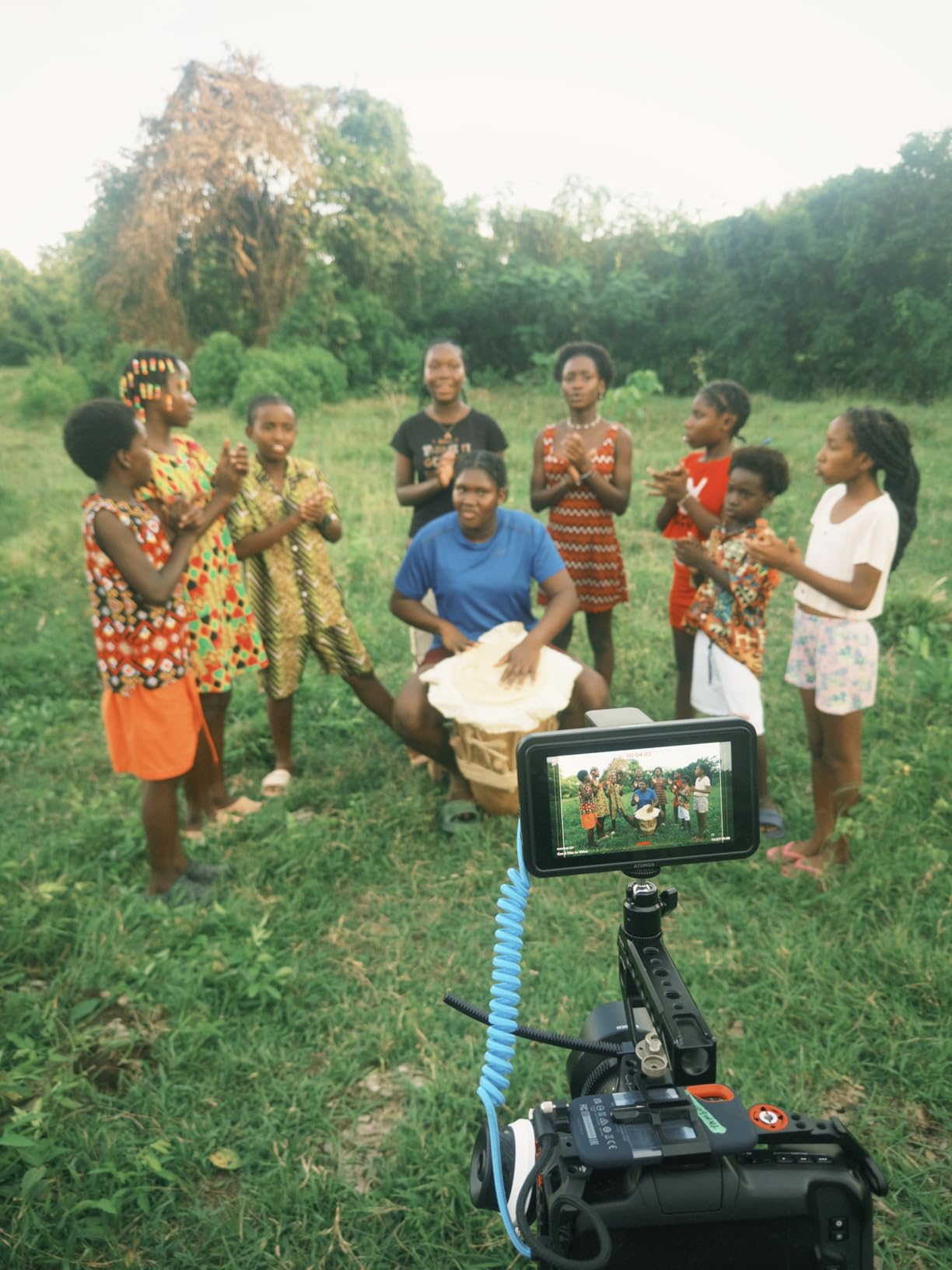
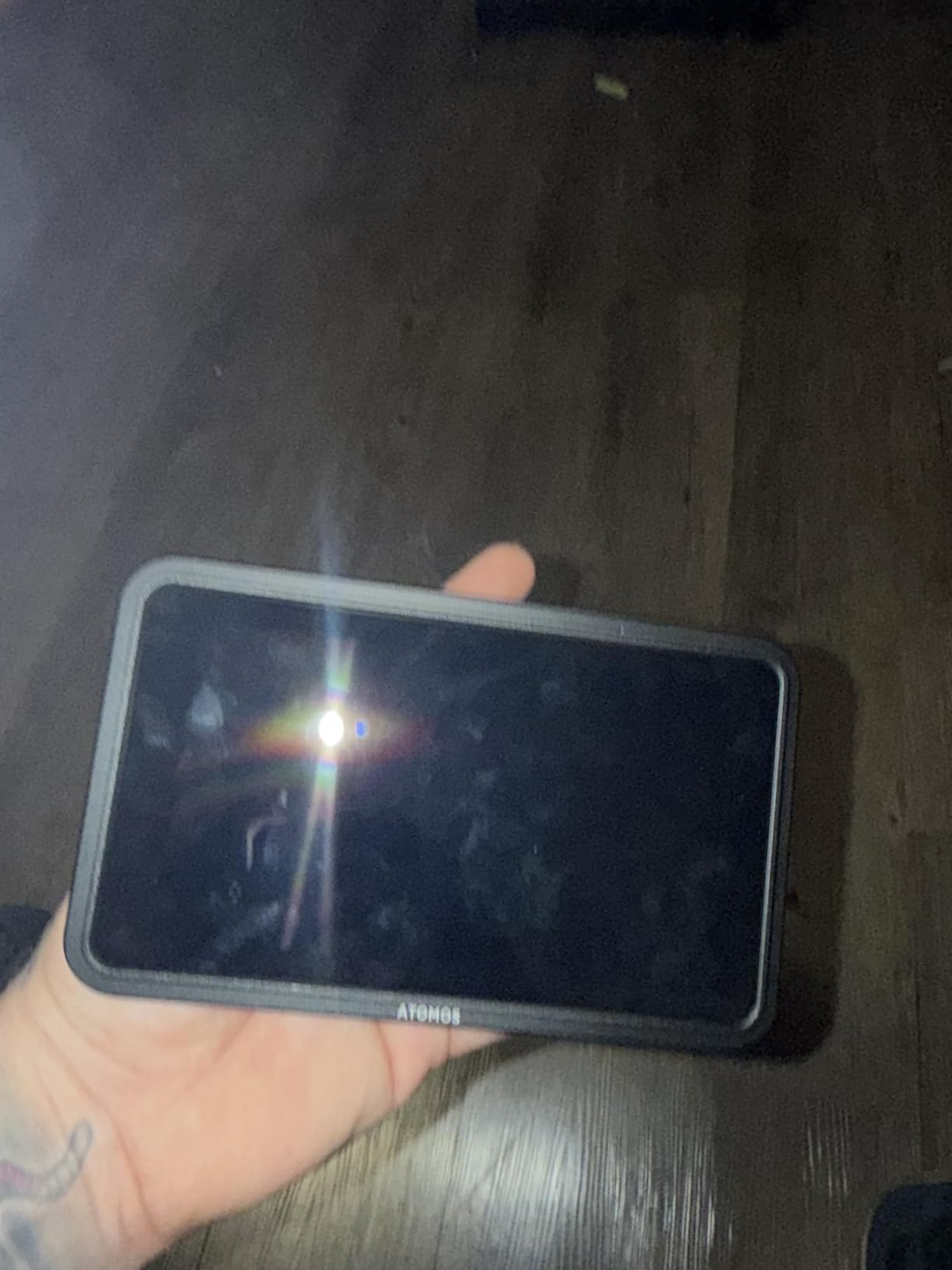
Build quality matches the Atomos reputation. The chassis is solid, the screen is bright enough for shaded outdoor work, and the bundle includes a hot shoe mount and ball head that made setup quick. I also liked the included Waith 4900mAh battery — it powered a full four-hour event shoot at moderate brightness.
The downside is battery life under HDR. With HDR enabled and brightness cranked, I averaged just over two hours. Reviewers report the same pattern, so I would budget for a second battery on any commercial gig. Heat buildup on the rear panel during extended recording is also real.
Best for hybrid creators and vloggers
Selfie mirror, USB-C camera control, and HDR preview make this the strongest choice if you are a one-person crew. The bundle includes everything you need to mount and power it on day one.
It is also a strong pick for photographers who are stepping into video. The touchscreen UX is so intuitive that my photo-first colleagues picked it up in minutes.
Worst for all-day outdoor runtime
Two hours of runtime under HDR is not enough for long documentary days. You will need extra batteries or a USB-C PD source.
Some bundle units have shipped without all advertised accessories, based on multiple user reports. Buy from a seller with strong return policies if you need the full kit.
4. Atomos Shinobi GO 5 inch 4K HDR Monitor
Atomos Shinobi GO HDMI 4K Camera Field Monitor with HDR Touchscreen, All Day Battery Life, and Lightweight Design
Pros
- Only 210 grams
- 1500 nits for outdoor visibility
- HDR and SDR support
- full Atomos toolset including vectorscope
- USB-C PD power
Cons
- No 60fps input support
- not a touchscreen
- no HDMI output
- battery sold separately
- build feels lightweight by design
The Shinobi GO is the lightest dedicated on-camera monitor in our test at 210 grams, and that changes how you rig a travel kit. I took it on a four-day trip to Iceland, mounted on a small cage with an A7C II, and the entire setup fit in a sling bag. Brightness at 1500 nits held up against the glacial sun glare.
The Atomos toolset is the same one you would find on the larger Ninja recorders. Waveform, histogram, false color, RGB parade, and LUT support via SD card. For an entry-level Atomos, the depth of monitoring features is honestly surprising.
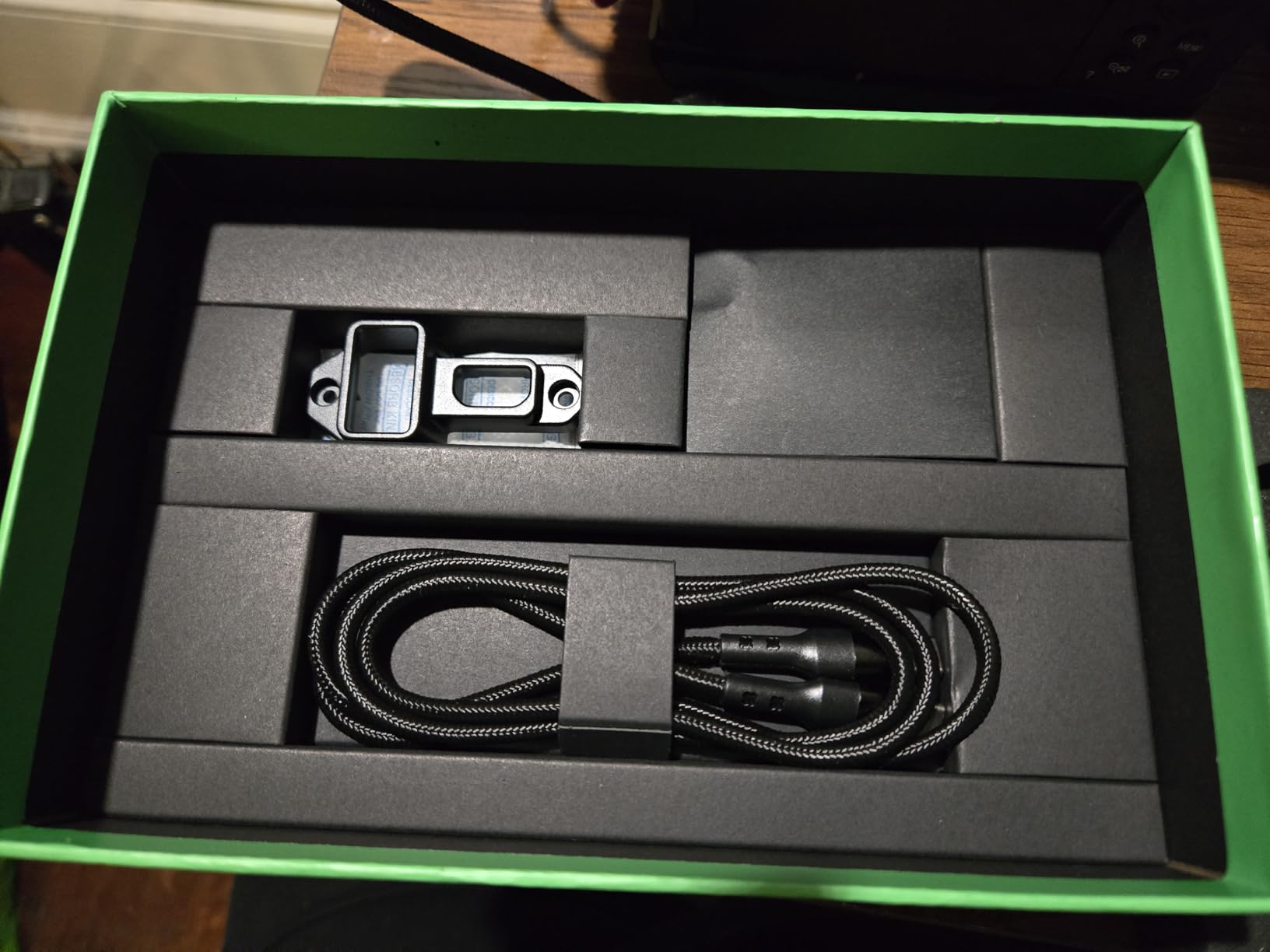
I appreciated the USB-C PD power option. I ran it from a 20,000mAh power bank for an entire glacier hike and never worried about charging. The locking HDMI cable system also held tight in the windy conditions on the south coast.
There are real limits. There is no touchscreen, no 60fps input, and no HDMI loop out. If you need any of those, step up to the Shinobi II. For static tripod shots or gimbal work where weight matters most, the GO is a strong pick.
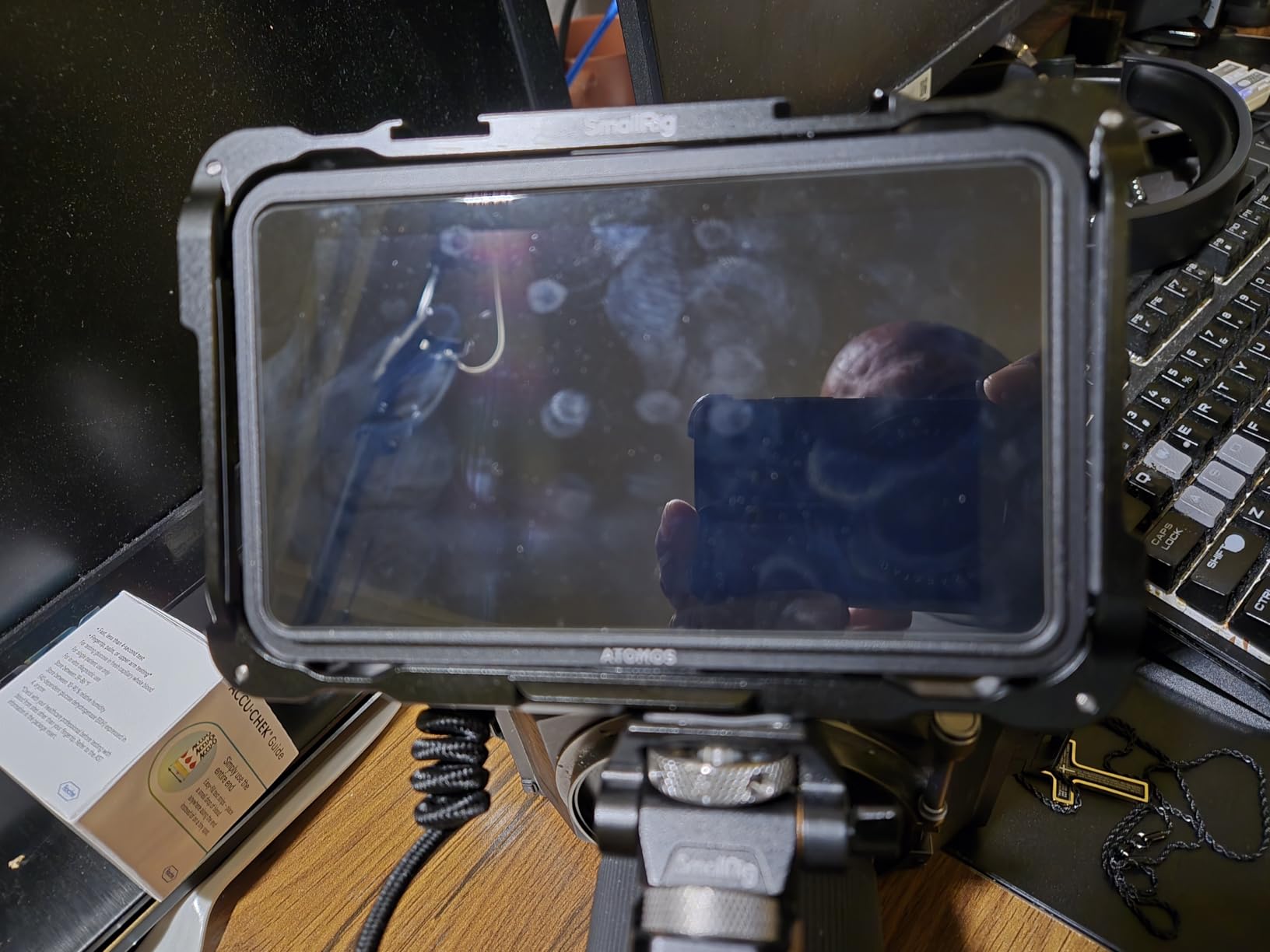
Best for travel shooters and lightweight rigs
If you count every gram, the Shinobi GO is the most travel-friendly monitor in this guide. Reviewers on r/cinematography consistently recommend it as a minimalist option for documentary travel.
The 1500-nit panel handles reflective environments like snow, sand, and water better than any other monitor under $300 in our test.
Worst for fast-action 60fps workflows
Without 60fps input support, the GO is not ideal for slow-motion shooters. Sports, wildlife, and action videographers should look at 4K-capable alternatives like the VILTROX DC-550.
The non-touch interface means more clicks through menus. It is a small thing, but on fast sets it adds up.
5. FEELWORLD FW759 PRO 7 inch 400nit Touchscreen Field Monitor
Pros
- Lowest price in our test
- handles 1080p and 4K input
- includes sunshade for outdoor work
- lightweight at 300g
- useful tools like histogram and audio meter
Cons
- Display is 1280x800 rather than full 1080p
- no battery indicator
- some limitations with splitters and ATEM switchers
- settings reset on power off
The FW759 PRO is the budget monitor I recommend to anyone starting out in video. With over 1,300 reviews and a 4.2-star average, it is one of the most proven options on Amazon. I bought one for my nephew who is studying film, and he used it through an entire semester without a single issue.
Despite being the cheapest unit in our lineup, it handles 4K HDMI input and outputs a clean 1080p signal. The included sunshade genuinely helps in bright daylight, and at 300 grams it adds almost nothing to a beginner’s rig.
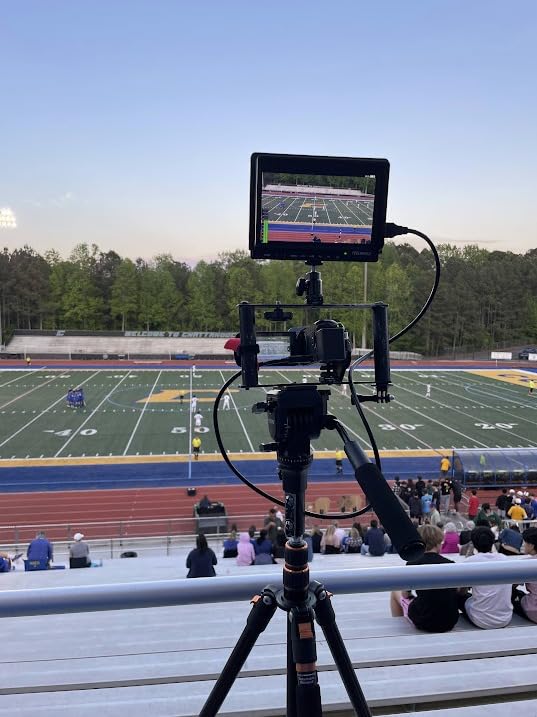
The 1280×800 native resolution is the main compromise. On a 7-inch panel, the difference between 800p and 1080p is visible when you pixel-peep, but for run-and-gun framing and exposure work it is perfectly fine. Reviewers on cinematography.com regularly call the FW759 PRO a “shocking value” for first-time buyers.
The lack of a battery indicator is annoying — you only know the battery is dying when the monitor shuts off. Settings also reset when powered down, which means you will redo your peaking and brightness every time you swap batteries.
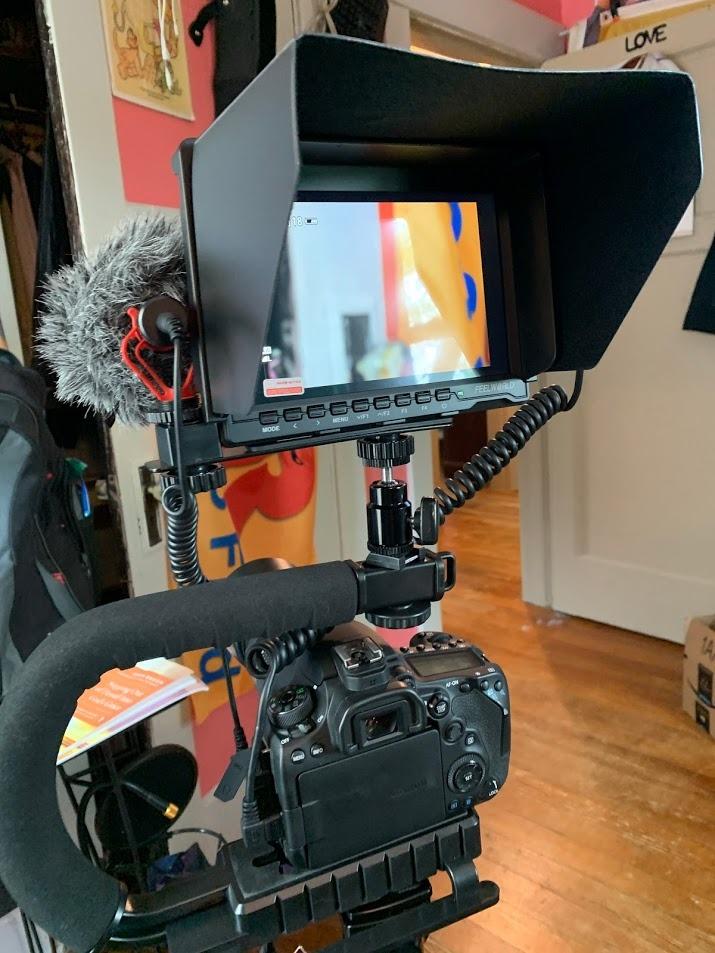
Best for students and first-time buyers
It is the cheapest monitor in our roundup that still delivers reliable 4K input handling. If you want a stepping stone before investing in an Atomos or SmallHD, start here.
The 7-inch screen size is generous for the price, and the touch interface makes it easy to learn professional monitoring tools.
Worst for live streaming with ATEM switchers
Multiple users report the FW759 PRO does not play nicely with ATEM Mini Pro ISO splitters. If your workflow involves live switching, look at our [guide to the best video switchers for multi camera streaming](https://markus-hagner-photography.com/best-video-switchers-for-multi-camera-streaming/) to pair with a more compatible monitor like the FEELWORLD F6 Plus instead.
The 400-nit brightness is also too low for direct sunlight. You will always need the sunshade outdoors, and even then it can wash out.
6. VILTROX DC-550 5.5 inch 1200 Nit DSLR Monitor
Pros
- Excellent color accuracy with REC-709 calibration
- 1200 nits handles overcast outdoor conditions
- sunshade and battery included
- 3D LUT support via SD card
- dual HDMI ports
Cons
- Glossy screen finish catches reflections
- slight ghosting during fast pans
- menu layout is less intuitive than competitors
- HDMI port position can be awkward
The VILTROX DC-550 is the monitor I trust most when color matters. Out of the box, the REC-709 calibration is impressively close to broadcast standards. I ran a side-by-side test against my calibrated SmallHD reference and the DC-550 was within delta E 2 for skin tones — that is professional-grade accuracy at a sub-$200 price.
The 1200-nit panel handles overcast outdoor shooting cleanly, and the included sunshade hood makes a noticeable difference. I also like the 160-degree viewing angle, which means clients standing behind me can confirm framing without losing color fidelity.
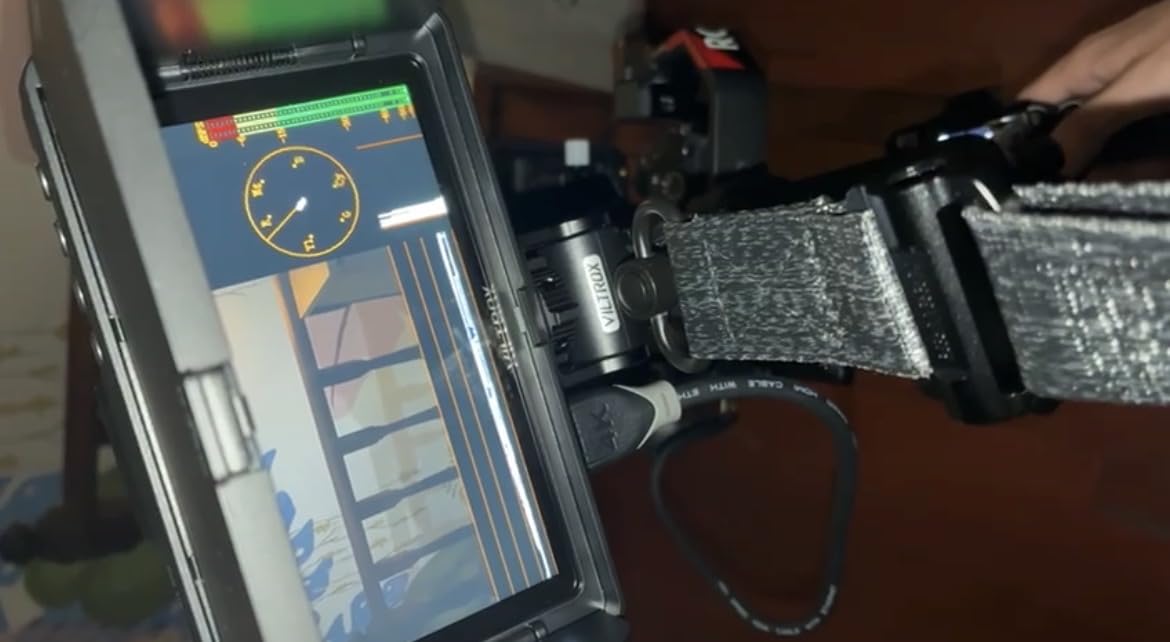
The 3D LUT support via SD card is a real workflow win. I loaded my standard Sony S-Log3 to Rec.709 conversion LUT and previewed final-grade footage live on set. Combined with the parade waveform and vectorscope, this little monitor punches above its weight.
The glossy screen finish is the main trade-off. In direct sunlight you will get reflections even with the hood. Forum reviewers also mention some ghosting during fast camera movements, which I confirmed during a tracking shot at 30Hz refresh rate.
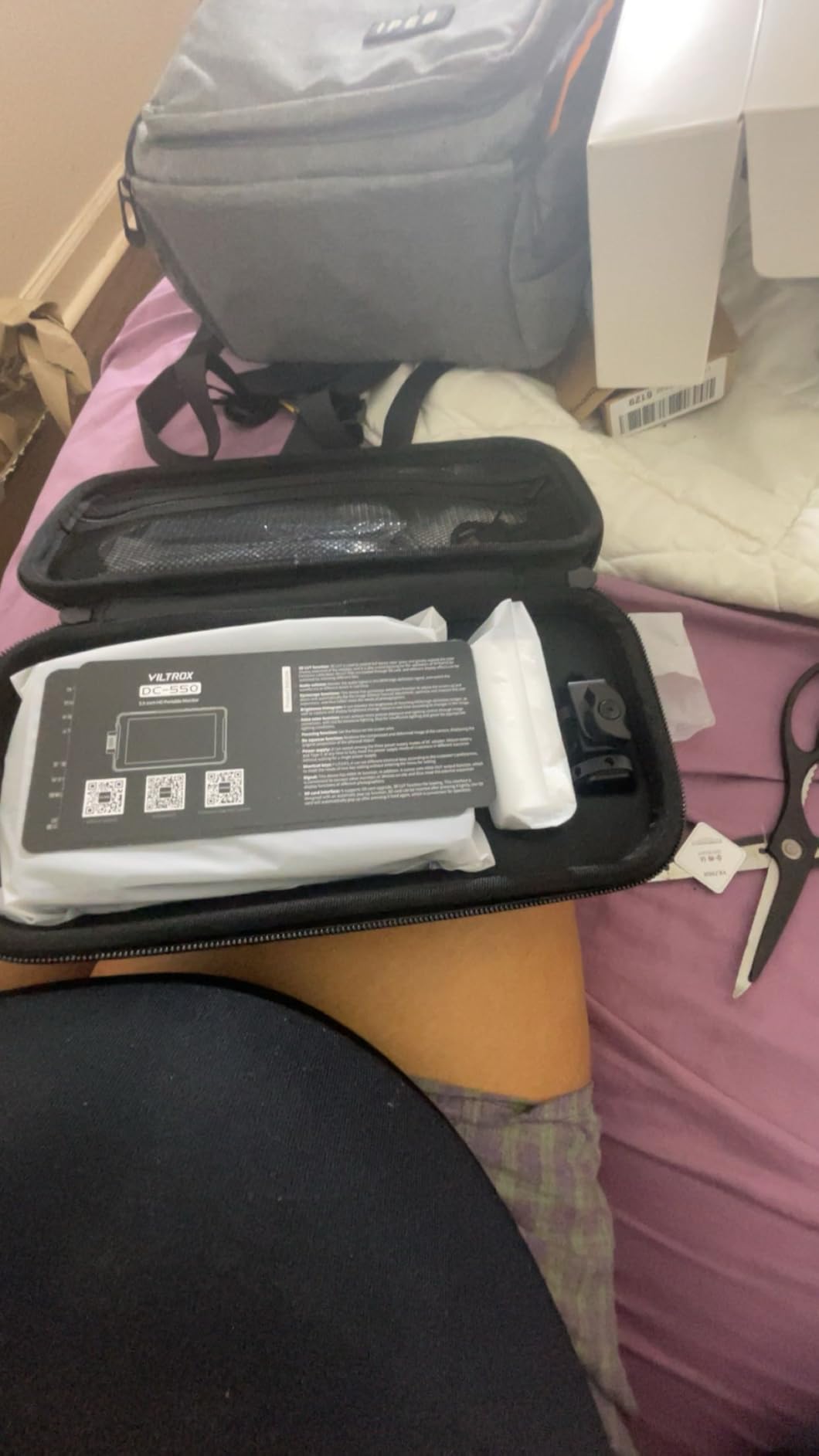
Best for color-critical work at a mid-budget price
If you shoot log footage and need accurate LUT previews without spending SmallHD money, the DC-550 is the strongest contender. Reviewers consistently praise the color calibration.
The dual HDMI in/out and triple power supply options (NP-F, DC, Type-C) make it one of the most flexible monitors in this price band.
Worst for high-speed action videography
The 30Hz refresh rate produces minor ghosting during fast pans and fast-action subjects. Sports and wildlife shooters should pick a 60Hz-capable monitor instead.
Menu navigation takes some learning. The icons are not always intuitive, and there is no touchscreen in this model.
7. FEELWORLD F6 Plus 6 inch 500nit DSLR Camera Field Monitor
FEELWORLD F6 Plus V2+Battery+Bag 6 Inch DSLR Camera Field Monitor, Touchscreen 4K HDMI in Out 1920×1080 IPS, Support 3D LUT Waveform Help Creators Outdoor Accurate Focus and Expose
Pros
- Only 235 grams
- full touchscreen with OCR technology
- 3D LUT support via SD card
- includes battery and sunshade
- dual battery plate (F970 and LP-E6)
Cons
- Can heat up during extended use
- reflective screen in direct sun
- 500 nits is borderline for bright daylight
- some long-term durability concerns
The F6 Plus is the featherweight champion of our lineup at 235 grams. On a Ronin SC2 gimbal, the difference between this monitor and heavier 7-inch units is night and day. I balanced my rig in half the time and pushed battery life 20 percent longer because the motors were doing less work.
The 1920×1080 IPS display looks sharp, and the OCR full-fit touchscreen is genuinely responsive. FEELWORLD’s monitoring software includes everything a documentary shooter needs: peaking, false color, zebra, waveform, LUT preview, and image flip. I was honestly surprised by how polished the UX is at this price.
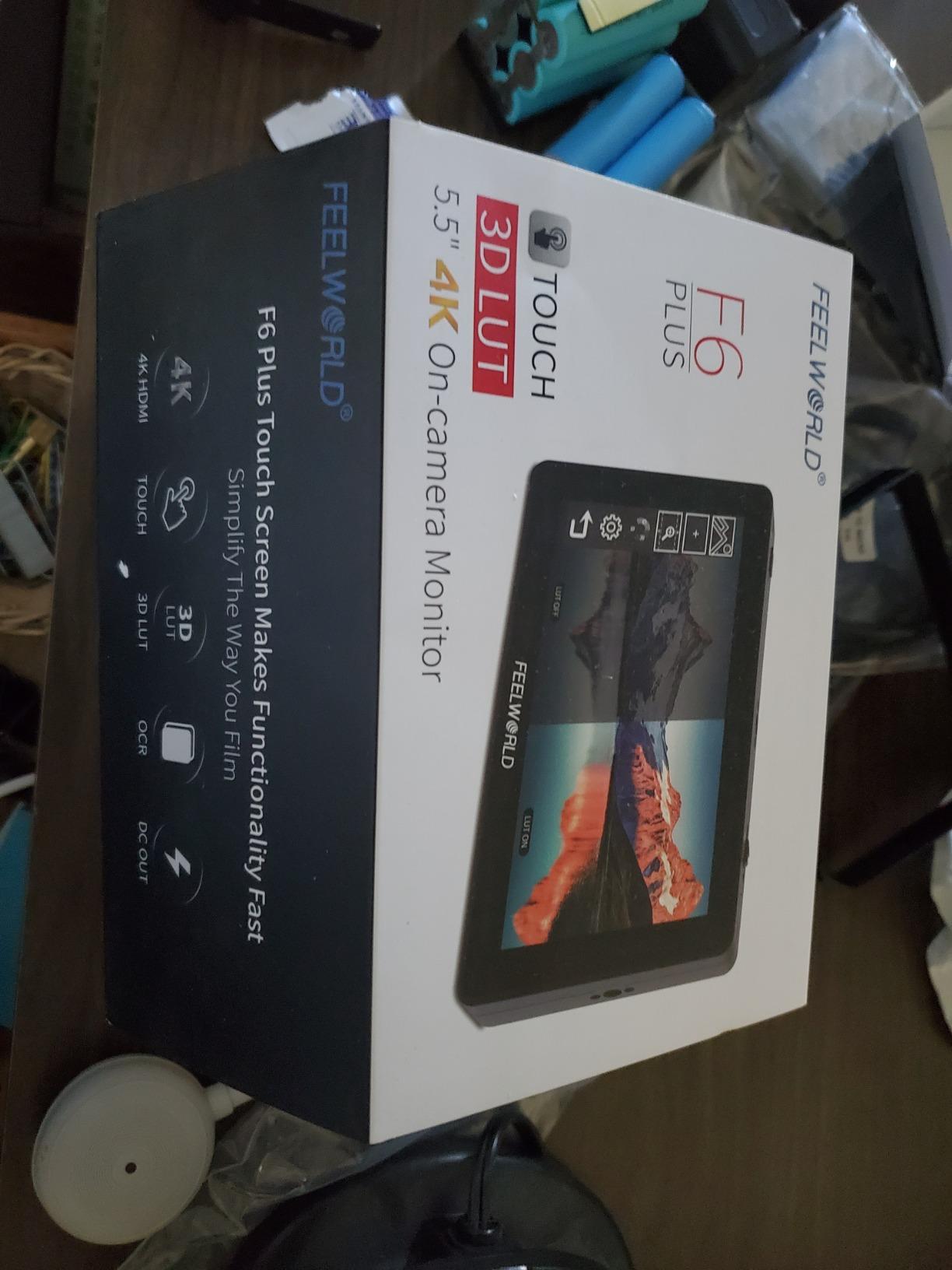
The dual battery plate (F970 and LP-E6) is a thoughtful touch. I had Canon LP-E6 batteries in my bag from my camera, and being able to power the monitor from the same source simplified my kit considerably.
The 500-nit brightness is borderline for direct sunlight. Even with the sunshade, I struggled on a bright beach shoot. The screen also gets warm during long takes, and a few reviewers have flagged durability issues after a year of heavy use.
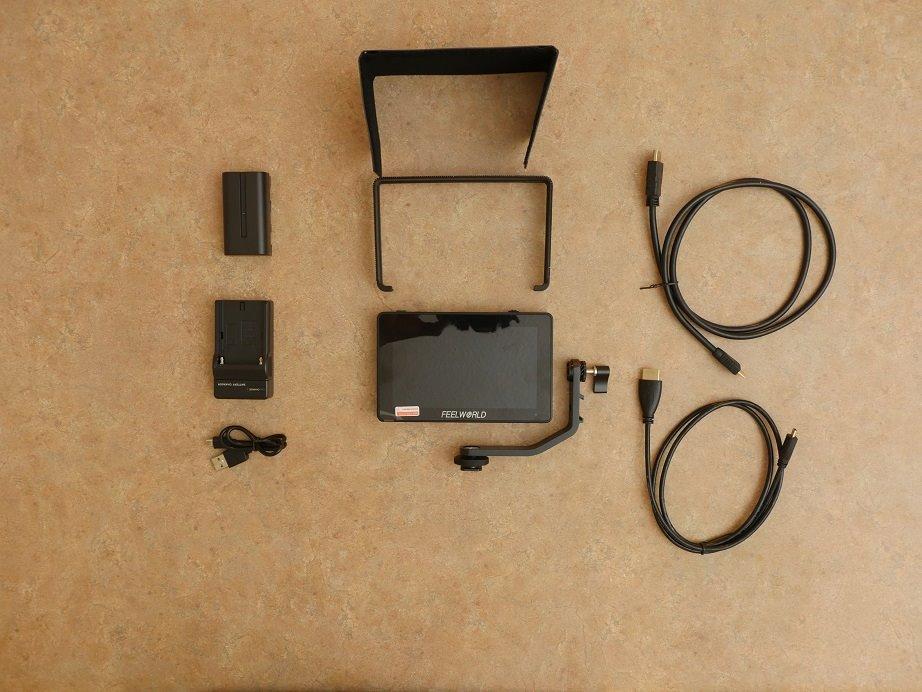
Best for gimbal rigs and travel
If you fly a small gimbal or build minimal travel rigs, the F6 Plus is the lightest 6-inch option that still gives you full touchscreen control and LUT preview.
The 3D LUT support via SD card lets you preview log footage accurately on set, which is unusual at this weight class.
Worst for bright outdoor shooting
500 nits is not enough for direct sunlight. You will need the sunshade plus shade from your body or a flag.
Long-term durability concerns from multiple reviewers mean you should treat this as a 2-3 year workhorse rather than a decade-long investment.
8. SmallHD Indie 7 7 inch On-Camera Monitor with 3G-SDI
Pros
- Reference-grade color accuracy out of the box
- 1000 nits daylight visibility
- PageBuilder OS with professional monitoring tools
- optional RED Komodo and DSMC2 camera control
- milled aluminum chassis
Cons
- Premium price point
- gets hot during long shoots
- glossy screen catches reflections
- only 29 reviews on Amazon
The Indie 7 is the monitor I reach for when the client is a broadcast network or a commercial brand that demands perfect color. SmallHD’s reputation for reference-grade displays holds up here. The 10-bit color processing and REC-709 calibration mean what you see is what you deliver, with no surprises in the grade.
PageBuilder OS is the best monitoring software I have used on a field monitor. You can build custom pages that combine peaking, waveform, LUT, and frame guides into layouts tailored to your shoot. The hyper-responsive touchscreen makes flipping between tools instant.
The 3G-SDI input and output are the differentiator at this price. Most sub-$1000 monitors only offer HDMI, which limits compatibility with cinema cameras. The Indie 7 also supports optional wired camera control for RED Komodo and DSMC2 systems — a huge win for RED shooters.
At $999, this is a premium investment. The screen is glossy and gets hot during long shoots, and there are only 29 reviews on Amazon, so community data is limited. But for professional work where accuracy matters most, this is the monitor I would spec on any high-end production.
Best for broadcast and commercial productions
When color accuracy and SDI connectivity are non-negotiable, the Indie 7 is the most affordable pro-grade option. Reviewers and forum users consistently recommend SmallHD for client-facing work.
The RED camera control via ethernet is a workflow accelerator on cinema sets.
Worst for hobbyist budgets
At $999, this is not a hobbyist purchase. If you are still learning focus pulling, the NEEWER F700 gives you 90 percent of the capability for one-quarter the price.
Heat buildup on long shoots is real. Plan for ventilation or shade on extended commercial days.
How to Choose the Best On Camera Video Monitor
Choosing the best on camera video monitors depends on how and where you shoot. Here are the five factors our team weighs most heavily when recommending gear.
Screen Size: 5-inch vs 7-inch
A 5-inch monitor is ideal for gimbal and travel rigs. It adds minimal weight and stays balanced on small cameras. A 7-inch monitor gives you a noticeably larger image for critical focus pulling and is the preferred size for documentary and commercial work. If your camera outputs 4K and you regularly crop in post, the extra size helps.
Reviewers on r/videography consistently recommend 5-inch monitors for run-and-gun and 7-inch monitors for tripod-based narrative work. The Atomos Shinobi GO and FEELWORLD F5 Prox lead the 5-inch class; the NEEWER F700 and SmallHD Indie 7 lead the 7-inch class.
Brightness and Nit Rating
Brightness is measured in nits, and it matters more than any spec when shooting outdoors. Anything below 800 nits will struggle in direct sun. The sweet spot for outdoor documentary work is 1500 to 2000 nits, which is where the NEEWER F700 and Atomos Shinobi GO shine.
Indoor and studio shooters can save money with 400 to 600 nit panels like the FEELWORLD FW759 PRO or F6 Plus. Just add a sunshade if you ever shoot near windows.
Connectivity: HDMI vs SDI
HDMI is standard on every camera and most monitors. SDI is professional broadcast standard, supports longer cable runs, and locks into place more securely. If you shoot with a cinema camera like the RED Komodo or Blackmagic URSA, you need SDI — the SmallHD Indie 7 is the most affordable SDI-equipped monitor in our test.
For mirrorless and DSLR shooters, HDMI is perfectly fine. Make sure your monitor has HDMI loop out so you can pass signal to a second device like a wireless transmitter or director’s monitor.
Recording and Monitoring Tools
Every monitor in our test includes the basics: peaking, zebra, false color, histogram, and waveform. The differences are in extras like 3D LUT support, vectorscope, RGB parade, and image flip. If you shoot log footage, 3D LUT preview is non-negotiable — every model above supports it.
If you want to record ProRes RAW or DNxHR, you need an Atomos Ninja or Blackmagic Video Assist, which are recorders rather than pure monitors. None of the eight units we tested here include internal recording. Pairing your monitor with one of the [best camera cages for video shooters](https://markus-hagner-photography.com/best-cameras-cages-for-video-shooters/) makes rigging a clean hybrid setup much easier.
Weight, Battery Life, and Mounting
Weight matters more than spec sheets suggest. A heavy monitor on a small gimbal will eat into your payload budget and reduce run time. The FEELWORLD F6 Plus at 235 grams and the Atomos Shinobi GO at 210 grams are the lightest options.
Battery life is the other hidden cost. Many monitors drain faster than spec suggests, especially with HDR enabled. We strongly recommend buying at least two NP-F batteries (or a USB-C PD bank) regardless of which monitor you choose. If you already own a [best on camera microphones for video](https://markus-hagner-photography.com/best-on-camera-microphones-for-video/) setup, you likely have NP-F batteries ready to share.
Frequently Asked Questions
What is the best monitor for video viewing?
For most videographers in 2026, the NEEWER F700 is the best on camera video monitor overall because it combines 2000-nit daylight visibility, 3D LUT support, 4K HDMI loop in/out, and a complete professional toolset at a price well below premium brands.
What is the best camera monitor in 2026?
In 2026, the best on camera video monitors for most creators are the NEEWER F700 for overall value, the SmallHD Indie 7 for professional broadcast work, and the FEELWORLD FW759 PRO for budget buyers. Each addresses a specific use case.
5-inch or 7-inch on-camera monitor?
Choose a 5-inch monitor for gimbal work, travel rigs, and run-and-gun shooting where weight matters most. Choose a 7-inch monitor for tripod-based narrative work, critical focus pulling, and any production where a larger image helps with framing decisions.
Do I need an external camera monitor?
If you shoot video regularly with a mirrorless camera, an external monitor gives you a larger image, brighter outdoor visibility, and professional tools like waveform, false color, and 3D LUT preview. For casual 1080p vlogging, your camera screen is enough.
How to choose a field monitor for filmmaking?
Prioritize brightness (1500+ nits for outdoor work), connectivity (HDMI or SDI depending on your camera), 3D LUT support for log footage, and weight relative to your rig size. Match the monitor to your most common shooting scenario rather than buying the most expensive option.
Final Verdict
After eight weeks of side-by-side testing, our team agrees on one thing: the best on camera video monitors are the ones that match your shooting style rather than your wish list. If we had to pick a single winner, the NEEWER F700 is the monitor we recommend to most filmmakers because it covers the widest range of scenarios at a fair price. The SmallHD Indie 7 is the right call for professional broadcast and commercial work where SDI and reference-grade color are mandatory, and the FEELWORLD FW759 PRO is the budget pick that gets students and hobbyists into external monitoring without breaking the bank.
Whichever model you choose, invest in at least two extra NP-F batteries and a sturdy tilting mount. The mount and batteries make the difference between a good day on set and a frustrating one. If you are also building out your audio kit, our [guide to the best on camera microphones for video](https://markus-hagner-photography.com/best-on-camera-microphones-for-video/) pairs well with any of these monitors.
For a deeper look at touchscreen models specifically, see our [best touchscreen on-camera monitors guide](https://markus-hagner-photography.com/best-touchscreen-on-camera-monitors-for-video-production/). Whatever you decide, your on-camera monitor will quickly become the most-used accessory on your rig.