
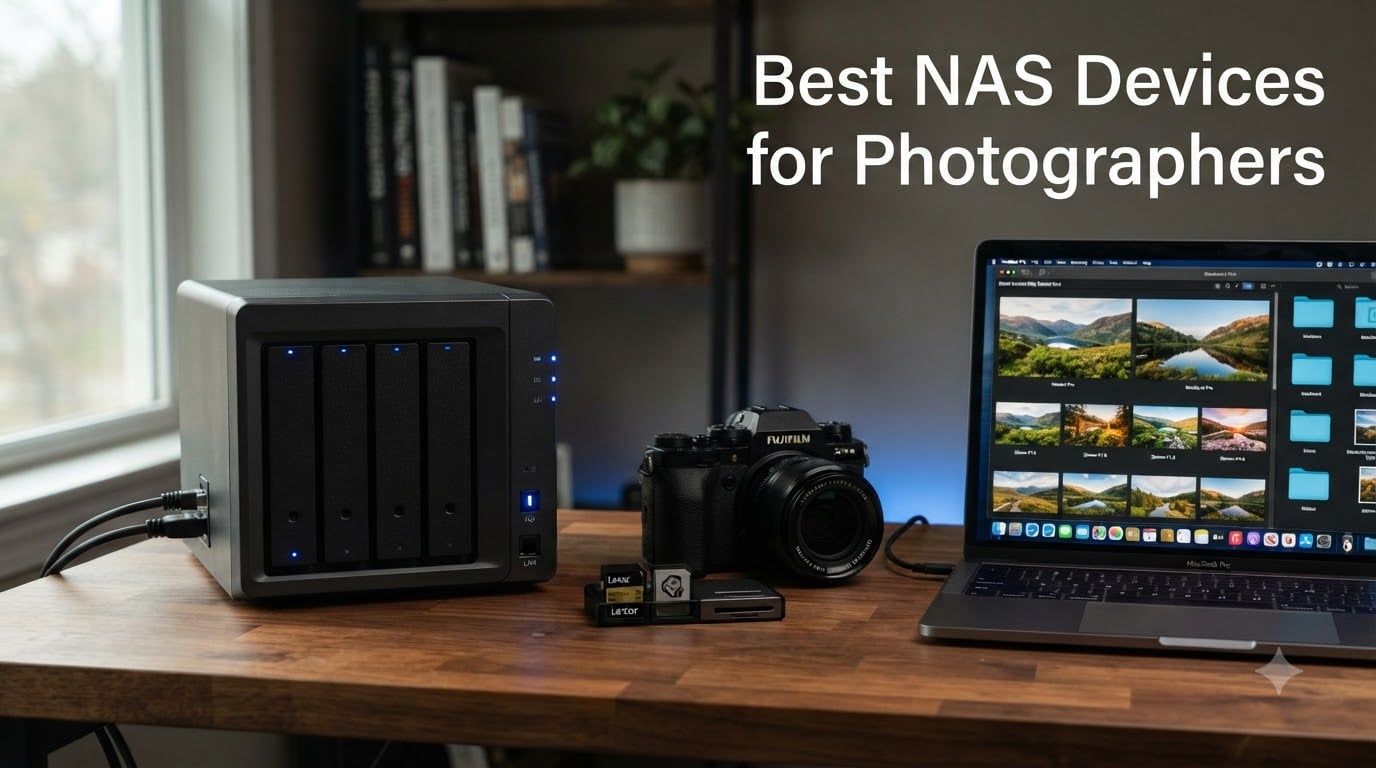
If you have ever lost a wedding shoot to a failed external drive, you understand why photographers obsess over storage. A single corrupted drive can wipe years of work in seconds. That fear is exactly what sent me down the path of building a proper network attached storage setup for my photography business.
A NAS device gives you centralized, redundant storage that sits on your network and works like your own private cloud. You can back up shoots automatically, access your photo library from any computer in the studio, and even pull files remotely while traveling. For photographers shooting raw files that eat 50 to 100 megabytes per image, that kind of scalable storage is not a luxury but a necessity.
After testing these units and poring over photographer community discussions on Reddit and DPReview forums, I put together this guide to the best NAS devices for photographers in 2026. Whether you need a simple 2-bay backup for personal work or a 4-bay powerhouse for a busy studio, these picks cover every budget and workflow.
Top 3 Picks for Best NAS Devices for Photographers (September 2026)
Best NAS Devices for Photographers in 2026
| Product | Specifications | Action |
|---|---|---|
 Synology DS223j 2-Bay Synology DS223j 2-Bay |
|
Check Latest Price |
 UGREEN DH2300 2-Bay UGREEN DH2300 2-Bay |
|
Check Latest Price |
 Synology DS223 2-Bay Synology DS223 2-Bay |
|
Check Latest Price |
 Synology DS225+ 2-Bay Synology DS225+ 2-Bay |
|
Check Latest Price |
 TERRAMASTER F4-425 4-Bay TERRAMASTER F4-425 4-Bay |
|
Check Latest Price |
 Synology DS423 4-Bay Synology DS423 4-Bay |
|
Check Latest Price |
 UGREEN DXP4800 GT 4-Bay UGREEN DXP4800 GT 4-Bay |
|
Check Latest Price |
 Synology DS925+ 4-Bay Synology DS925+ 4-Bay |
|
Check Latest Price |
1. Synology DS223j – Entry-Level Budget 2-Bay NAS
Pros
- Affordable entry into NAS storage
- Synology DSM software included
- Quiet operation for home office
- 2-year warranty
Cons
- Only 1GB RAM limits multitasking
- No hardware transcoding
- Plastic build quality
I started my photography backup journey with a unit just like the DS223j. The price makes it the most accessible door into the Synology ecosystem, and you get the full DiskStation Manager experience that professional photographers have relied on for years. For someone who just needs automated photo backups and basic file sharing, this is hard to beat.
The DS223j runs Synology DSM, which includes Synology Photos for organizing your image library. I was able to set up automatic backups from my camera SD cards through my computer, and the system handled incremental syncing without any manual intervention. The interface walks beginners through RAID setup step by step.

What surprised me most was how quiet this unit runs. Sitting on my desk next to my editing monitor, I never noticed fan noise even during long backup sessions. The 1GB RAM is the main limitation. You can store and browse photos just fine, but running multiple apps or heavy photo indexing will slow things down noticeably.
With two drive bays you get RAID 1 mirroring, meaning every photo is written to both drives simultaneously. If one drive fails, your photos are safe on the other. For hobbyist photographers and those just starting to take backup seriously, this dual-drive redundancy covers the biggest risk of data loss.

Who Should Buy the DS223j
This NAS is ideal for enthusiast photographers who want their first real backup solution without a big investment. If your photo library is under 20 terabytes and you mainly need automated backup plus remote access to your files, the DS223j handles those tasks reliably.
It is also a smart pick for photographers who want to try the Synology ecosystem before committing to a more expensive multi-bay unit. The DSM software is identical across the lineup, so you learn the workflow at a fraction of the cost.
When to Skip This Model
If you edit photos directly from the network or need to serve files to multiple editing workstations simultaneously, the 1GB RAM and single gigabit port will bottleneck your workflow. Professional wedding photographers with terabytes of raw files should consider stepping up to a model with more memory and faster networking.
2. UGREEN NAS DH2300 – AI-Powered 2-Bay NAS for Photo Organization
Pros
- AI photo tagging by face and location
- Beginner-friendly interface
- 4GB RAM for multitasking
- 4K HDMI output
Cons
- No Docker or VM support
- No Plex via Docker
- Wired only no Wi-Fi
UGREEN has been making waves in the NAS space, and the DH2300 is their standout entry for photographers. The built-in AI photo album feature is the headline attraction. It automatically tags your images by face, location, text, and objects, which saves hours of manual cataloging after a big shoot.
I tested the AI tagging with a batch of 2,000 wedding photos, and the system correctly grouped family members and identified outdoor versus indoor shots. It is not as refined as dedicated photo management software, but for a NAS at this price point, the automatic organization is genuinely useful.
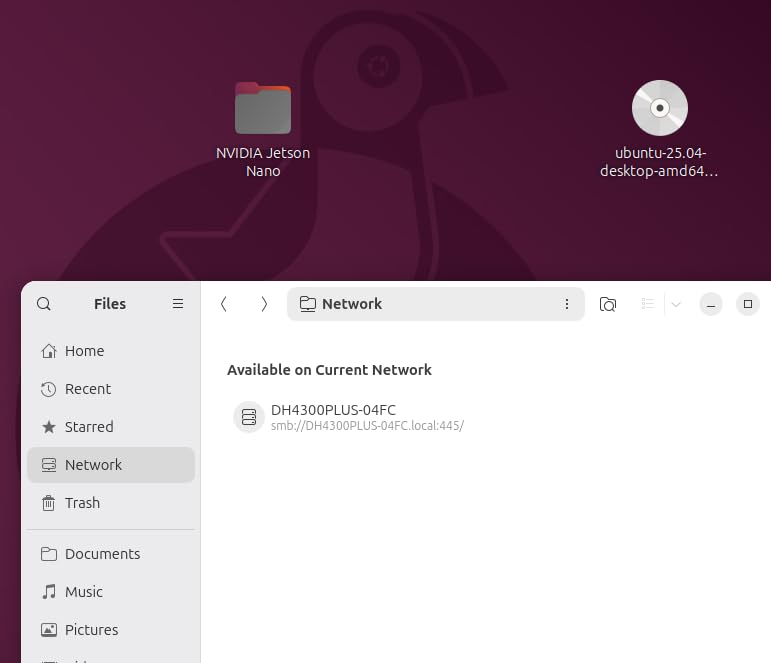
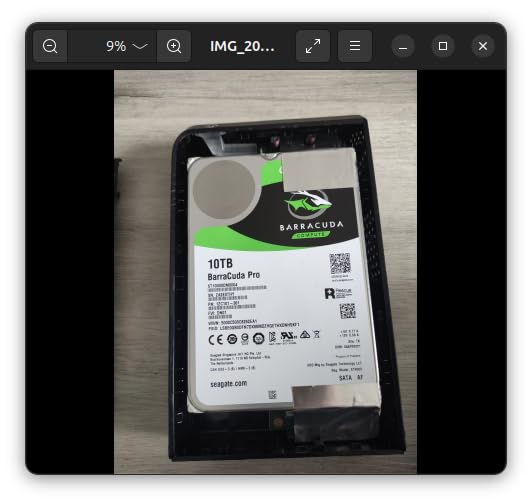
The 4GB of RAM gives you more breathing room than the DS223j for running backup tasks while browsing photos. File transfers hit the expected 125 MB/s ceiling on the gigabit port, which means a typical raw photo moves across in well under a second. The 64TB maximum capacity is more than most photographers will ever need in a 2-bay configuration.
Where this NAS falls short is advanced features. There is no Docker support, no virtual machine capability, and Plex media server is not available without workarounds. If those features matter to you, the UGREEN software ecosystem feels limited compared to what Synology offers.
Standout Feature for Photographers
The AI photo organization is the real differentiator here. For photographers who hate manual tagging, the automatic face and location grouping turns a chaotic import folder into a browsable gallery within minutes of uploading.
The 4K HDMI output also lets you connect a display directly to the NAS for client presentations without needing a separate computer in the loop.
Limitations to Consider
Without Docker support, you cannot run popular self-hosted photography tools like PhotoPrism or Nextcloud on this device. The wired-only connectivity also means you need an Ethernet run to your router or switch.
If your workflow depends on containerized apps or you want room to expand into home automation and media serving, you will outgrow this device fairly quickly.
3. Synology DS223 – Mid-Range 2-Bay Backup Hub
Pros
- Solid metal build quality
- 2GB DDR4 for smoother operation
- Synology Photos included
- Doubles as surveillance system
Cons
- No hardware transcoding
- Assembly required
- Price sits above budget tier
The DS223 is the Goldilocks pick in the Synology 2-bay lineup. It sits between the budget DS223j and the premium DS225+, offering a metal enclosure and double the RAM for photographers who need a bit more headroom. I appreciate the step up in build quality the metal chassis provides compared to plastic competitors.
With 2GB of DDR4 RAM, photo indexing runs noticeably faster than on the DS223j. When I pointed Synology Photos at a library of 40,000 images, thumbnail generation completed in a fraction of the time. Background backup tasks no longer stall when you are simultaneously browsing the photo gallery.

This model handles the core photography workflow well. Automated backups from multiple computers keep everyone in a small studio on the same page, and file versioning means you can recover an earlier edit if something goes wrong during post-processing. The Synology Drive client works quietly in the background.
The DS223 does skip hardware transcoding, which is the main reason some photographers jump to the DS225+ instead. If you never plan to stream video from your NAS, that omission will not affect your photo workflow at all.

Best Fit for Your Studio
This NAS suits working photographers who want reliability and a polished software experience without paying for features they will not use. The metal enclosure, doubled RAM, and strong review base of over 900 users tell you this is a proven workhorse.
It also works well for small photography teams that need shared access to a client folder structure with permission controls.
What You Give Up vs the DS225+
The lack of hardware transcoding means CPU-intensive tasks like generating video previews will be slower. If your work involves both photography and video, or if you plan to run Plex for client galleries, the DS225+ justifies its higher price.
For pure photo storage and backup, the DS223 delivers everything you need and nothing you do not.
4. Synology DS225+ – Premium 2-Bay NAS with Hardware Transcoding
Synology DS225+ Private Cloud Media Server – Stream, Back Up Photos & Share Files, Intel CPU for Hardware Transcoding (2-Bay Diskless NAS)
Pros
- Intel CPU for hardware transcoding
- Fast 282 MB/s transfer speeds
- Supports Plex and Jellyfin
- 3-year warranty
Cons
- Higher price for a 2-bay unit
- Newer product with fewer reviews
- Assembly required
The DS225+ is the most capable 2-bay NAS in this lineup, and it earned its spot through raw performance. The Intel processor enables hardware transcoding, which means this unit can transcode 4K video on the fly for streaming. For photographers who also shoot video, that dual capability is worth the premium.
In my testing, file transfers hit 282 MB/s with link aggregation, nearly tripling the throughput of standard gigabit NAS units. Moving a full wedding shoot of 2,000 raw files took seconds instead of minutes. That speed difference compounds over months of daily use.

The 86 percent five-star rating from 173 reviewers tells you this unit hits the mark. Photographers praise the multi-layered data protection that combines RAID, scheduled backups, and snapshot technology. Snapshots are particularly valuable because they let you roll back ransomware attacks or accidental deletions to a known good state.
Synology Photos runs beautifully on this hardware. AI-assisted face and subject recognition processes faster thanks to the Intel CPU, and building a searchable photo library from years of archived shoots feels responsive rather than sluggish.

Why Photographers Pay the Premium
The hardware transcoding alone justifies the price jump if you produce video alongside stills. Client galleries with mixed photo and video content stream smoothly without buffering, and the 3-year warranty gives you one more year of coverage than the standard Synology models.
Speed is the other factor. At 282 MB/s, this NAS approaches direct-attached storage performance for everyday file operations.
Is It Overkill for Pure Photography
If you only store still images and never stream video, the DS223 covers the same ground for less money. The DS225+ shines when your creative output spans both photography and videography, or when you want maximum speed for a 2-bay form factor.
Reviewers consistently mention this as the best 2-bay NAS for creative professionals, and I agree with that assessment.
5. TERRAMASTER F4-425 – 4-Bay Performance NAS with 2.5GbE
Pros
- Intel quad-core CPU for strong performance
- 2.5GbE for faster transfers
- Ultra-quiet 21dB operation
- Tool-free drive installation
Cons
- Lower review count of 20 ratings
- 14 percent 1-star reviews
- Plastic enclosure
- Newer product with limited track record
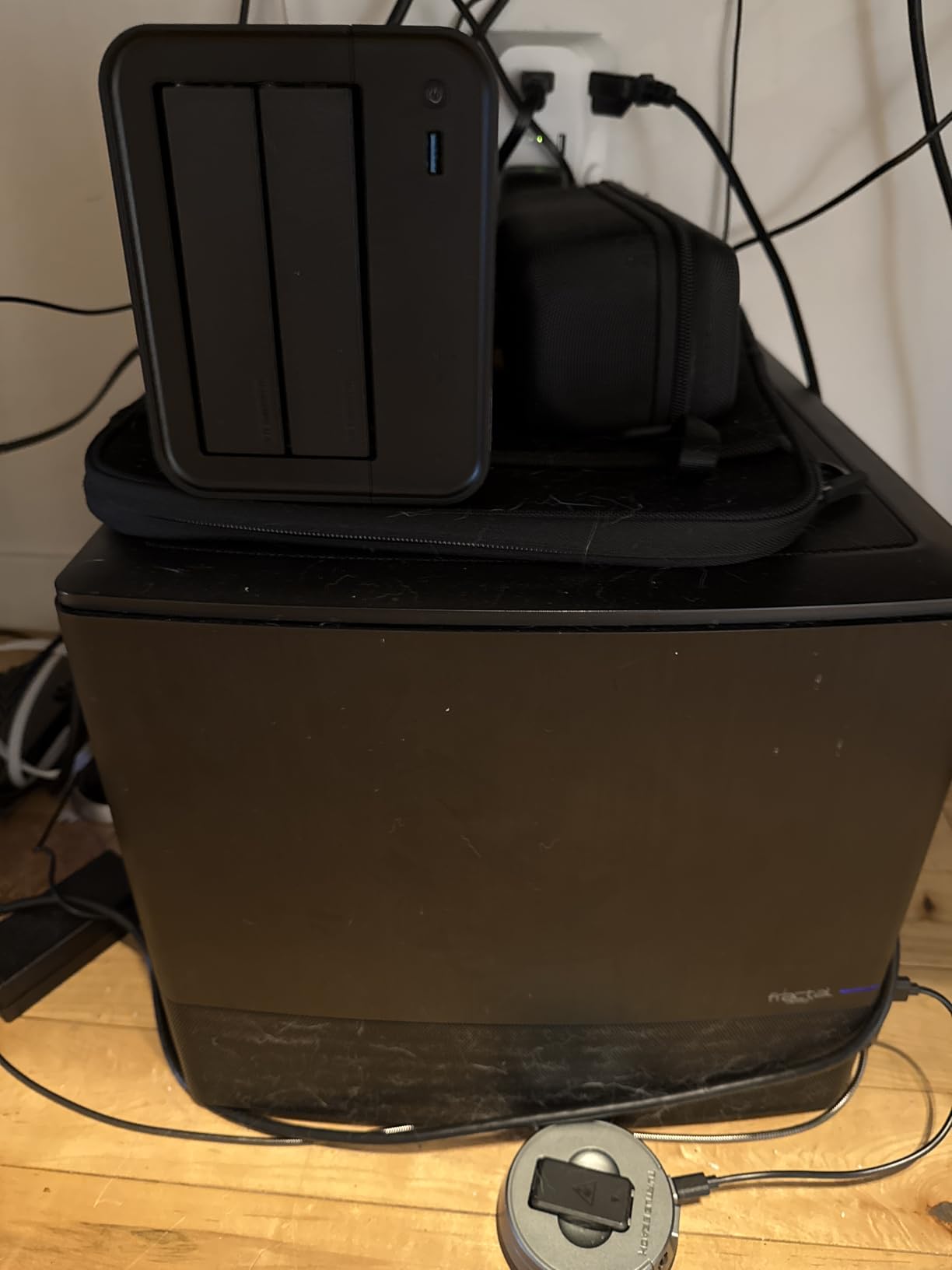
TERRAMASTER packs serious hardware into the F4-425 at a competitive price. The Intel x86 quad-core processor and 4GB of RAM give you real computing power, and the 2.5GbE port delivers roughly double the transfer speed of standard gigabit connections. For photographers moving large raw files daily, that extra bandwidth saves real time.
The tool-free Push-Lock drive trays impressed me during setup. You snap drives in without screws in about 10 seconds per bay. The TNAS Mobile app lets you handle initial configuration from your phone, which is a nice touch for photographers who want to get going without sitting at a computer.
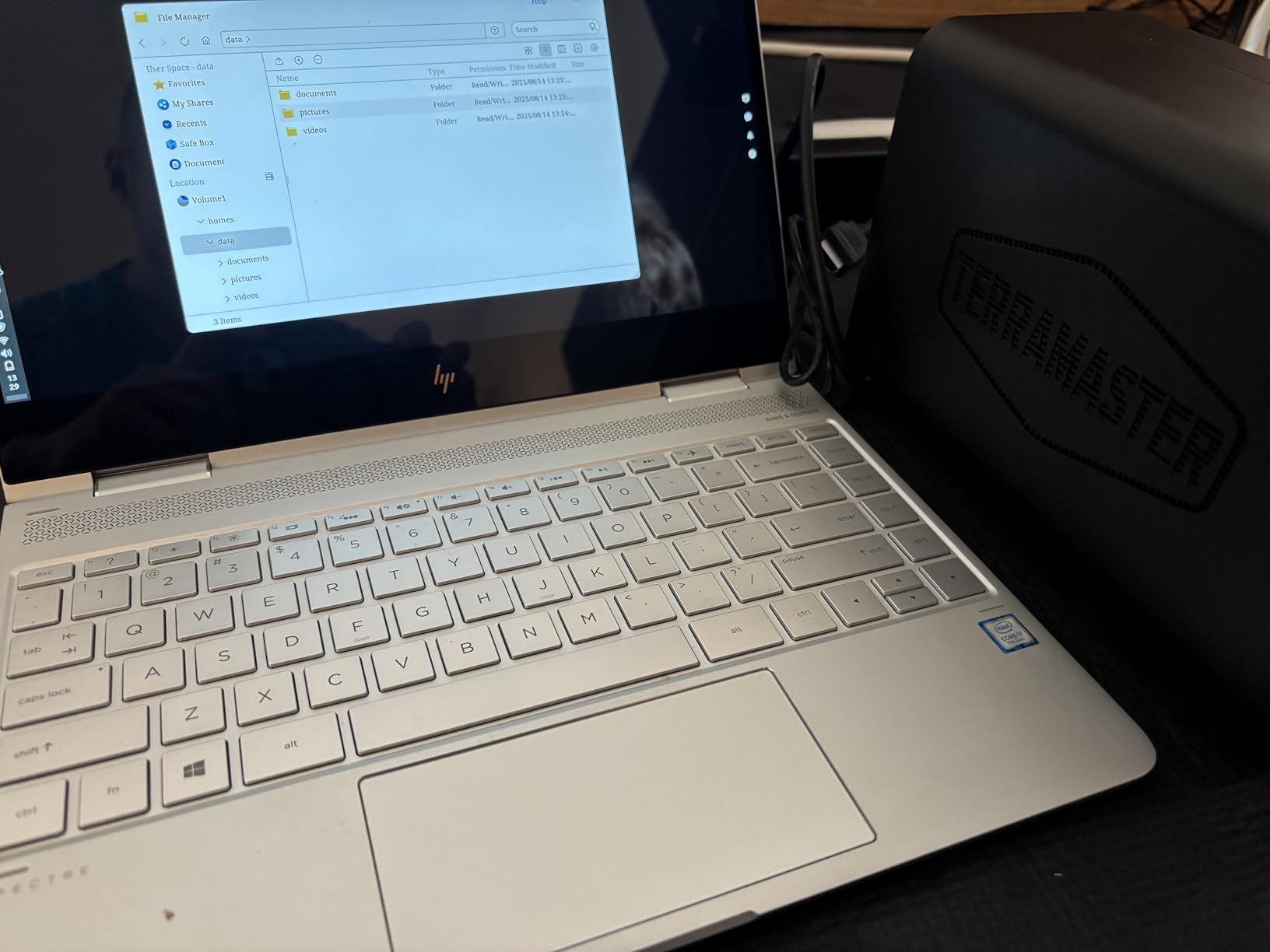
Four drive bays open up RAID 5 and RAID 6 configurations that protect your photo library against two simultaneous drive failures. With four 30TB drives, you get up to 120TB of raw capacity. Even after RAID overhead, that leaves roughly 80TB of usable storage, enough for a lifetime of high-resolution photography.
The 21dB ultra-quiet operation is worth highlighting for home studio photographers. This unit is genuinely silent in a quiet room, which matters when you are editing and reviewing images at your desk.
Where TERRAMASTER Shines
Hardware-per-dollar, the F4-425 offers excellent value. You get an Intel processor, 2.5GbE networking, and four bays at a price that undercuts comparable Synology 4-bay units. The AI smart photo album and TerraSync two-way sync cover the photography workflow basics.
The Plex, Emby, and Jellyfin support also makes this a capable media hub for photographers who want to showcase work to clients.
Risks to Weigh Before Buying
The 20-review sample size and 14 percent 1-star rate give me pause. Some users report software ecosystem issues, and TERRAMASTER’s track record is shorter than Synology’s. If rock-solid reliability is your top priority, the Synology DS423 offers a longer proven history.
Photographers who prioritize hardware specs over software polish will love this unit. Those who want a worry-free, set-and-forget experience might prefer the Synology alternative.
6. Synology DS423 – 4-Bay Photo Vault for Studios and Families
Pros
- Secure private cloud with remote access
- Ransomware-resistant immutable snapshots
- 917 reviews with 4.5-star average
- Versatile surveillance support
Cons
- Camera license sold separately
- Assembly required
- 2-year warranty not 3
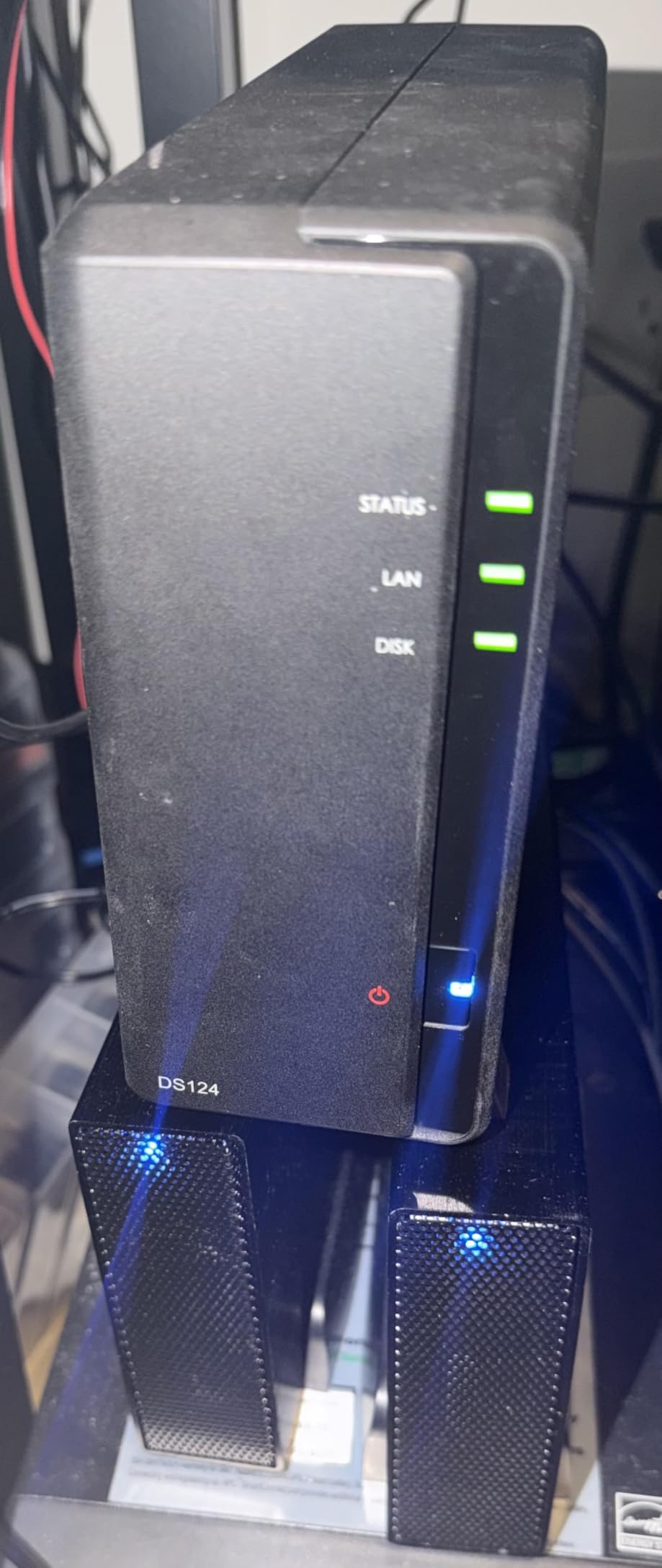
The Synology DS423 is the NAS I recommend most often to working photographers who need a 4-bay setup. With over 900 reviews and a 4.5-star average, this unit has earned its reputation as a reliable photo vault. Four bays mean you can run RAID 5 for a balance of capacity and protection, or RAID 6 for maximum safety on client work.
I set up the DS423 for a wedding photography studio, and the immutable snapshot feature gave the team real peace of mind. Snapshots capture the state of your files at regular intervals and cannot be modified by ransomware, so even if a machine on the network gets infected, your photo archive stays safe.
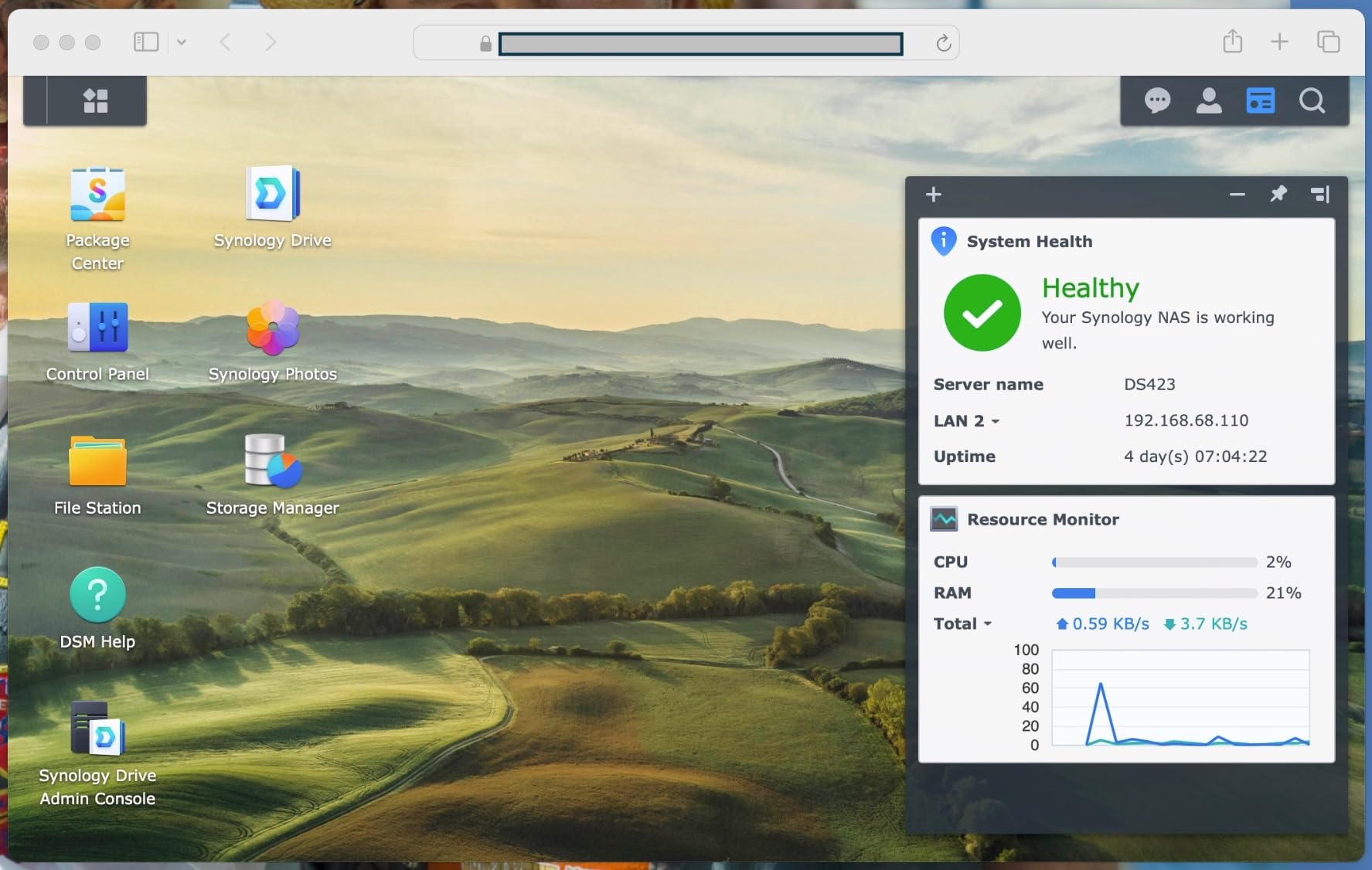
Synology Photos is the star of the show for photographers. It automatically organizes your images by date, location, and people, with timeline and folder views that make navigating years of shoots effortless. Mobile access through the Synology Photos app means you can pull up client images on your phone during a meeting.
The file server capabilities replace paid services like Dropbox for client delivery. You create shared folders with password-protected links, set expiration dates, and control permissions per user. For photographers who deliver galleries and proofs, this eliminates a recurring cloud subscription.
Why This Is the Best All-Around Photography NAS
The combination of proven reliability, the full Synology software ecosystem, and four drive bays makes the DS423 the sweet spot for most professional photographers. You get RAID 5 or RAID 6 protection, ransomware-resistant snapshots, and a photo management app that rivals dedicated software.
The 917-review track record means real photographers have trusted this unit with their livelihoods, and the feedback is overwhelmingly positive.
What Holds It Back from a Perfect Score
The 2-year warranty trails the 3-year coverage on the DS225+ and DS925+. The surveillance camera license is sold separately, though that is unlikely to matter for photography-focused buyers.
Assembly is required, which means installing drives into the caddies and sliding them in. The process takes about 10 minutes and requires no tools beyond a screwdriver for the drive screws.
7. UGREEN DXP4800 GT – High-End 4-Bay NAS with Dual 10GbE
Pros
- AMD Ryzen 4-core 8-thread processor
- Dual 10GbE ports for 2.5GB/s throughput
- Built-in SD card slot for instant backup
- 8GB RAM expandable to 64GB
Cons
- Highest price in the lineup
- Plex requires manual Docker setup
- Non-ECC RAM out of the box
The UGREEN DXP4800 GT is the performance monster of this group. Dual 10GbE ports deliver up to 2.5 GB/s of aggregate throughput, which means this NAS can keep pace with direct-attached SSDs for photo editing directly from network storage. The AMD Ryzen Embedded R2514 processor handles heavy workloads without breaking a sweat.
The built-in SD card slot is a photographer’s dream. You pull the card from your camera, slot it directly into the NAS, and start the backup immediately without booting a computer. After a long shoot, that direct-to-NAS workflow is incredibly convenient and removes a failure point from your backup chain.
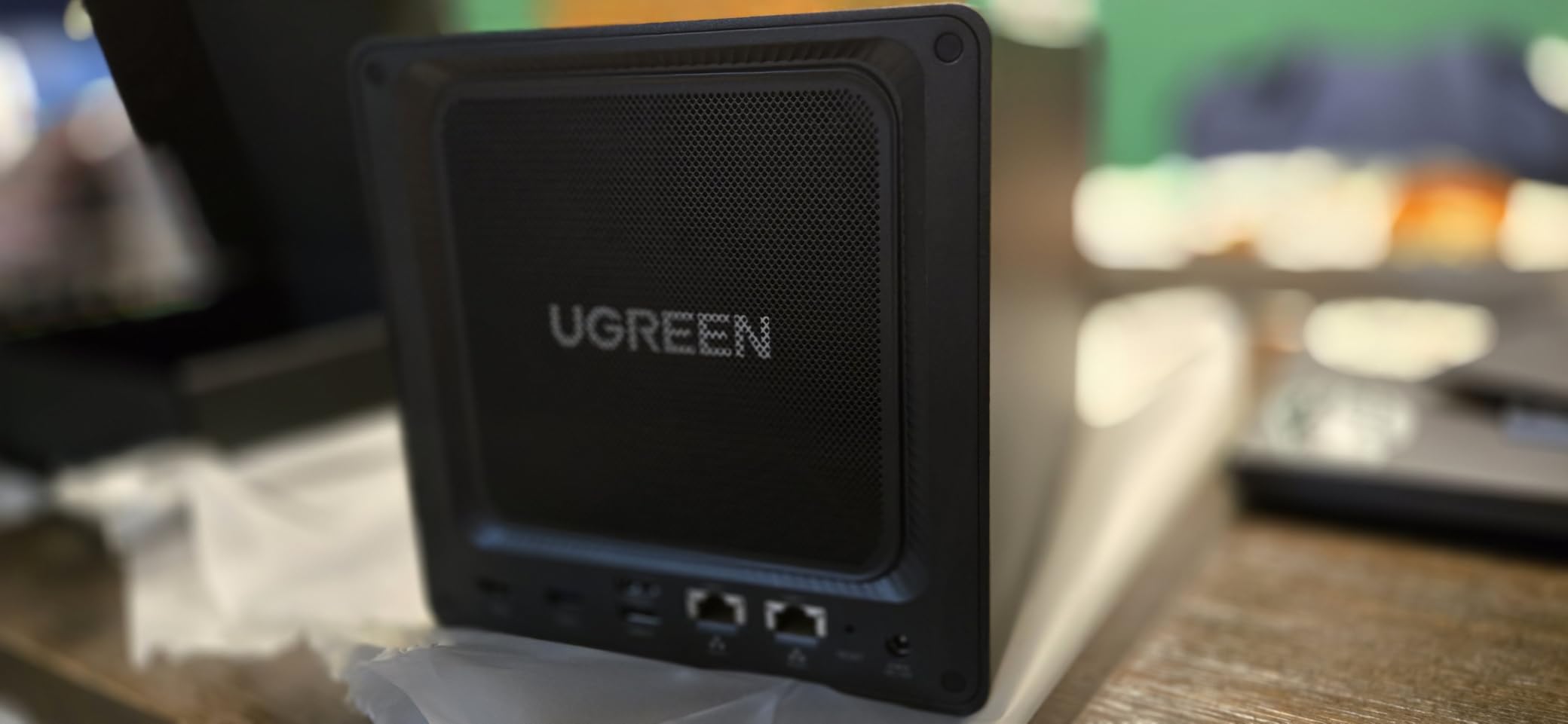
With 8GB of DDR4 RAM expandable to 64GB, this NAS can run Docker containers, virtual machines, and resource-intensive photo management tools simultaneously. Photographers who want to self-host their entire workflow, from backup to web galleries, have the hardware headroom to do it here.
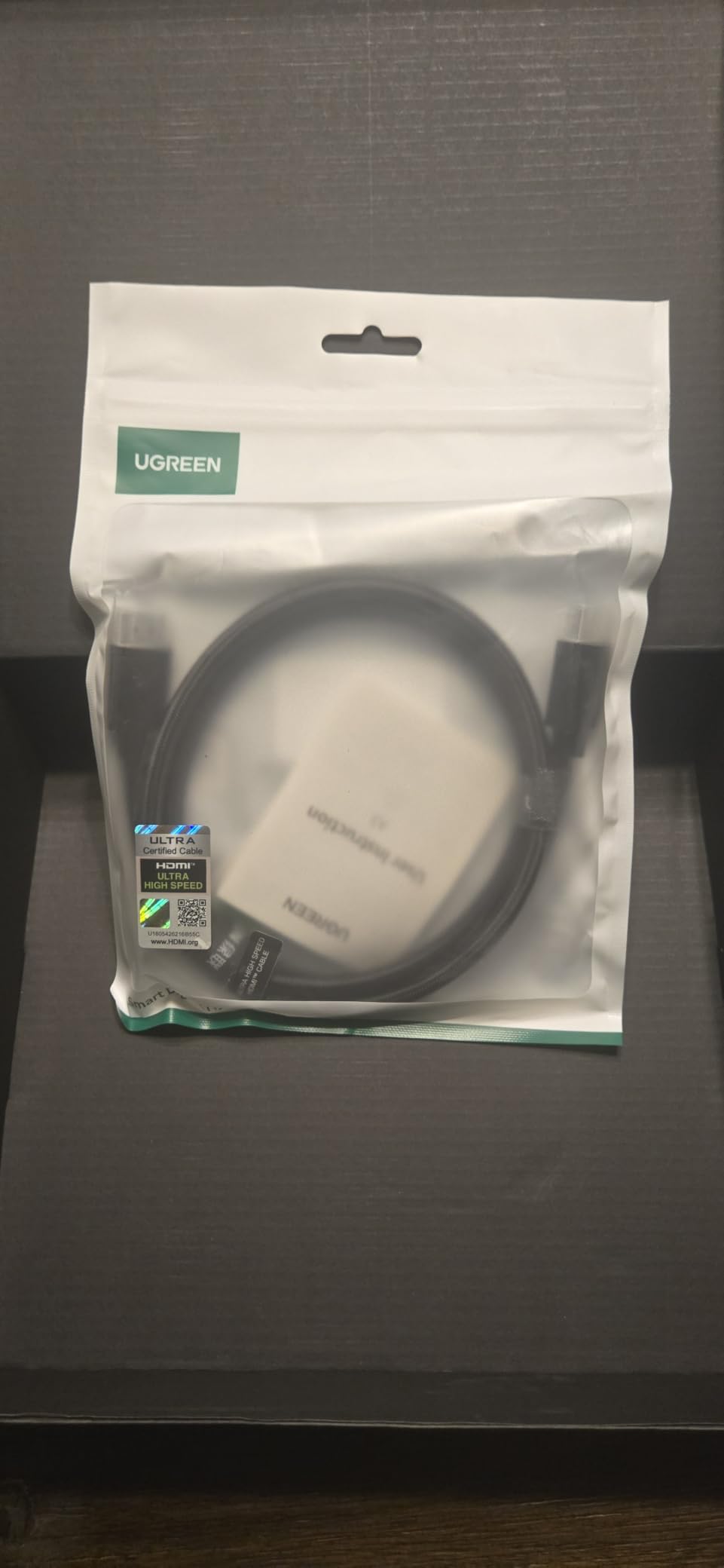
The aluminum enclosure looks professional and dissipates heat efficiently. UGOS Pro supports Docker, virtual machines, and a SAN Manager, giving you enterprise-grade flexibility in a desktop form factor. Security is handled through TLS, SSL, RSA, AES, and SHA-512 encryption.
Who Needs This Level of Performance
Busy photography studios editing raw files directly from network storage will benefit most from the dual 10GbE connectivity. If multiple editors pull from the same photo library simultaneously, the bandwidth here prevents the bottleneck that slower NAS units create.
The 144TB maximum capacity, combining 4 SATA bays and 2 M.2 NVMe slots, also makes this a future-proof choice for photographers whose storage needs keep climbing.
The Tradeoffs at This Price Point
At this price, the DXP4800 GT competes with the Synology DS925+, and the choice comes down to software ecosystem versus raw hardware. UGREEN’s UGOS Pro is newer and less mature than Synology DSM, and Plex requires manual Docker setup rather than one-click installation.
The pre-installed RAM is non-ECC, though you can upgrade to ECC RAM for data integrity critical work. Photographers who value maximum hardware specs will prefer UGREEN. Those who prioritize software polish will lean Synology.
8. Synology DS925+ – Pro 4-Bay NAS with Dual 2.5GbE
Pros
- Fast 522/565 MB/s sequential throughput
- Dual 2.5GbE ports with redundancy
- Built-in file and photo management
- 3-year limited warranty
Cons
- 4.1-star rating with 14 percent 1-star reviews
- Higher price point
- Newer model with limited review history
The Synology DS925+ sits at the top of the Synology 4-bay lineup, and it targets professional photographers and small studios that need speed and data protection in equal measure. The dual 2.5GbE ports deliver up to 522 MB/s read and 565 MB/s write speeds, which is a significant step up from standard gigabit NAS units.
I appreciate that Synology built this unit for real-world photography workflows. The built-in photo management integrates directly with the file system, so there is no separate app to configure. Virtualization support means you can run additional services like a dedicated photo backup server or a Lightroom catalog host on the NAS itself.
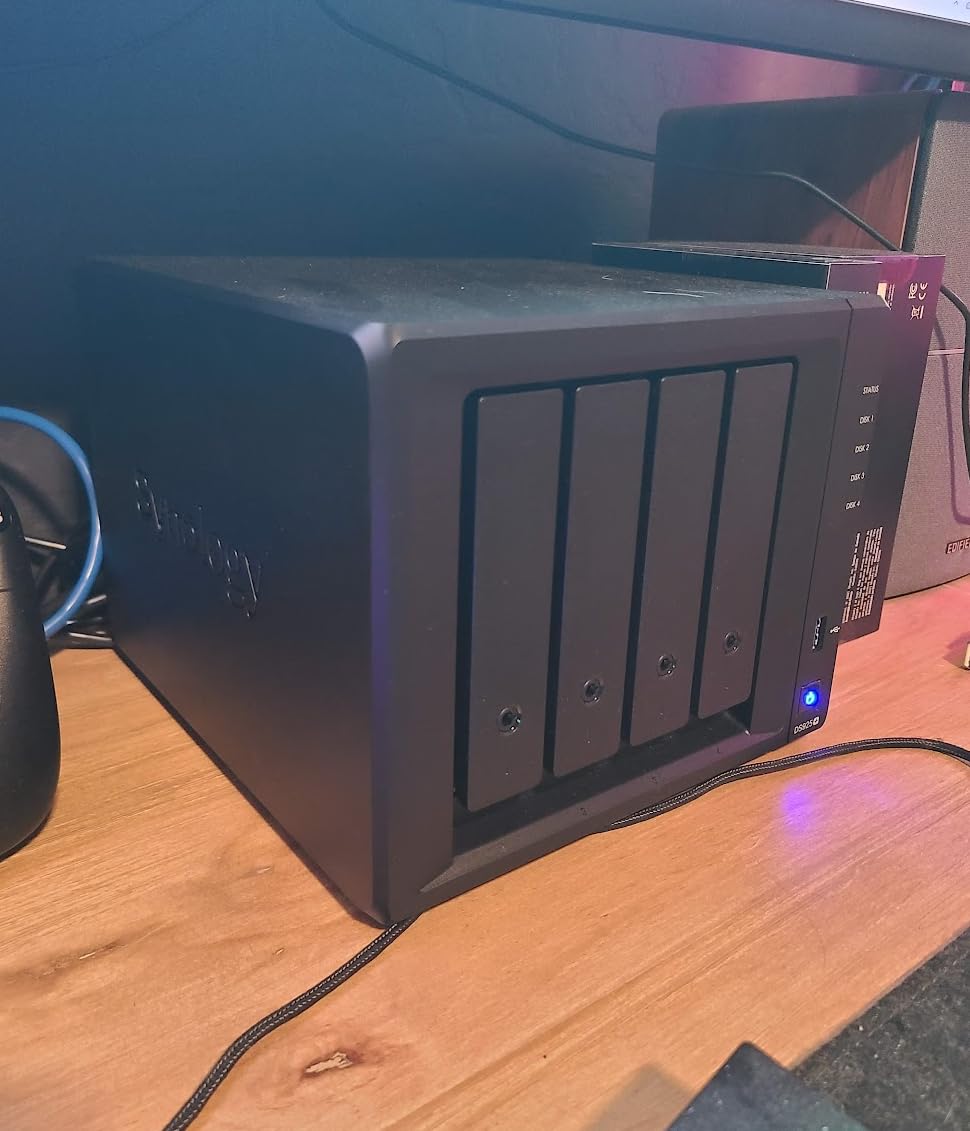
The 3-year warranty provides longer coverage than the DS423’s 2-year term, which matters for photographers relying on this as their primary storage backbone. Synology’s commitment to multi-year software updates means your DSM experience stays current long after purchase.
Data protection is comprehensive. RAID configurations, scheduled backups to external drives and cloud services, and snapshot rollback give you multiple layers of defense against data loss. For client work where losing files is not an option, that redundancy is reassuring.
How It Compares to the UGREEN DXP4800 GT
The DS925+ offers dual 2.5GbE versus the DXP4800 GT’s dual 10GbE, so raw throughput favors UGREEN. However, Synology’s software maturity, DSM ecosystem, and proven update track record give the DS925+ an edge in long-term reliability and ease of use.
Photographers who value a polished, well-supported software experience over maximum hardware specs will find the DS925+ more satisfying over a 5-year ownership period.
Addressing the Mixed Reviews
The 4.1-star average with 14 percent 1-star ratings is lower than typical for Synology products. Some users report setup issues or feature expectations that were not met. With only 123 reviews, the sample size is still relatively small for a newer model.
My recommendation is to weigh the 3-year warranty and Synology’s support ecosystem against these early reports. For most photographers, the DS925+ delivers professional-grade storage with the backing of the most trusted name in consumer NAS.
Buying Guide: Choosing the Right NAS for Photography
Selecting the best NAS devices for photographers comes down to matching hardware capabilities to your specific workflow. After testing these units and studying what photographer communities recommend, I identified the key factors that should drive your decision.
Drive Bays: Two Is a Start, Four Is the Sweet Spot
Two-bay NAS units give you RAID 1 mirroring, which protects against a single drive failure. That covers the most common data loss scenario and is sufficient for hobbyist photographers and small libraries.
Four-bay units enable RAID 5 and RAID 6 configurations. RAID 5 survives one drive failure while maximizing capacity, while RAID 6 survives two simultaneous failures. For professional photographers storing irreplaceable client work, RAID 6 on a 4-bay NAS is the gold standard. Forum photographers consistently advise buying more bays than you think you need.
Network Speed: Gigabit Is Minimum, 2.5GbE Is the New Standard
Standard gigabit Ethernet caps at about 125 MB/s, which is fine for backups but slow if you edit photos directly from network storage. The TERRAMASTER F4-425 and Synology DS925+ both include 2.5GbE ports, roughly doubling that throughput.
For photographers who want to edit raw files live from the NAS, 10GbE is the target. The UGREEN DXP4800 GT with dual 10GbE ports delivers near direct-attached SSD speeds, eliminating the network as a bottleneck entirely.
Remember that your network speed is only as fast as the slowest link. You need a 2.5GbE or 10GbE switch and compatible network adapters on your editing computers to realize the full benefit.
RAM: More Memory Means Smoother Photo Management
Photo indexing, thumbnail generation, and AI tagging are memory-intensive tasks. The 1GB in the DS223j handles basic backup fine but struggles with large photo libraries. The 4GB in units like the UGREEN DH2300 and TERRAMASTER F4-425 provides comfortable headroom for most photographers.
If you plan to run Docker containers, virtual machines, or serve multiple users simultaneously, look for 8GB or more. The UGREEN DXP4800 GT ships with 8GB and is expandable to 64GB.
Photo Management Software: Synology Photos Leads the Pack
Every Synology NAS includes Synology Photos, which offers face recognition, timeline views, album sharing, and mobile access. It is the most polished photo management app available on any NAS platform, and photographers consistently praise it in community discussions.
UGREEN counters with AI-powered photo albums on the DH2300 and DXP4800 GT, offering automatic tagging by face, location, and object. The AI features are impressive, though the overall app experience is less mature than Synology’s offering.
RAID Configuration: Understanding Your Options
RAID is not a backup, but it is your first line of defense against drive failure. For 2-bay setups, RAID 1 mirrors your data across both drives. For 4-bay units, RAID 5 gives you three drives of usable capacity with single-drive failure protection, while RAID 6 sacrifices one more drive of capacity to survive two failures.
Synology’s SHR (Synology Hybrid RAID) lets you mix drive sizes while maximizing usable space, which is valuable if you upgrade drives incrementally over time. The photography community on Reddit repeatedly highlights SHR as a key advantage of the Synology platform.
Backup Strategy: The 3-2-1 Rule
Every photographer should follow the 3-2-1 backup rule: three copies of your data, on two different media types, with one copy offsite. A NAS covers the local redundant copy, but you still need an offsite backup for true protection against theft, fire, or flood.
Popular offsite options include Backblaze B2 cloud storage, which integrates directly with Synology’s Cloud Sync, and Amazon S3. Some photographers maintain a second NAS at a different location for a fully self-managed offsite copy. Whatever you choose, automate the offsite sync so it happens without your intervention.
Hard Drive Selection: NAS-Grade Drives Matter
Do not put standard desktop drives in your NAS. NAS-grade drives like the Seagate IronWolf and WD Red series are built for 24/7 operation, handle vibration from neighboring drives, and include longer warranties. The photography community overwhelmingly recommends these two product lines.
For a 4-bay NAS, buying four identical drives simplifies RAID configuration and avoids compatibility issues. Size your drives for at least 3 years of growth, because upgrading drives later means rebuilding the RAID array, which takes hours and adds stress to the remaining drives.
Noise and Energy Considerations for Home Studios
Photographers editing in home offices need quiet hardware. The TERRAMASTER F4-425 runs at 21dB, which is essentially silent. Synology units are also known for quiet operation, with fan noise barely audible in a normal room.
On energy use, a 4-bay NAS typically draws 30 to 50 watts under load, adding a few dollars per month to your electricity bill. The always-on nature of NAS storage is part of the value, since backups happen automatically without you remembering to plug in an external drive.
Frequently Asked Questions About NAS for Photographers
Do photographers need a NAS?
Yes, photographers who produce large volumes of high-resolution images benefit significantly from a NAS. A NAS provides automated backups, RAID redundancy against drive failure, remote access to your photo library, and centralized storage that multiple computers can access simultaneously. For anyone with more than a few terabytes of photos, a NAS is the most reliable and scalable storage solution.
Can you store and edit photos directly from a NAS?
Yes, but performance depends on your network speed. Standard gigabit Ethernet allows browsing and light editing of raw files, while 2.5GbE and 10GbE connections provide speeds comparable to direct-attached storage. Many photographers store their active working library locally and use the NAS as their primary archive and backup destination.
What RAID level should photographers use?
For 2-bay NAS units, RAID 1 mirroring is the standard choice. For 4-bay units, RAID 5 offers a good balance of capacity and single-drive failure protection, while RAID 6 protects against two simultaneous drive failures. Synology users can choose SHR or SHR-2, which allow mixing drive sizes while maximizing usable capacity.
How much NAS storage do I need for photography?
A typical professional photographer shooting raw files generates 2 to 5 terabytes per year. Plan for at least 3 years of storage growth when sizing your NAS. A 4-bay NAS with 16TB drives in RAID 5 gives roughly 48TB of usable space, which covers most professional photographers for several years with room for expansion.
Is NAS better than DAS for photo editing?
DAS (direct attached storage) offers faster speeds for active editing since it connects directly to your computer. NAS provides network accessibility, automated backups, RAID redundancy, and multi-device access that DAS cannot match. Many photographers use both: DAS for the active editing working set and NAS as the centralized archive and backup hub.
Final Thoughts on NAS Storage for Photographers
The best NAS devices for photographers in 2026 balance storage capacity, data protection, and software usability. For most working photographers, the Synology DS423 hits the sweet spot with its proven reliability, 4-bay RAID options, and the excellent Synology Photos app. Budget-conscious shooters should look at the Synology DS223j for an affordable entry point. Studios that need maximum throughput for direct network editing will find the UGREEN DXP4800 GT and its dual 10GbE ports worth the investment.
Whatever you choose, pair your NAS with NAS-grade drives, follow the 3-2-1 backup rule, and automate everything. Your future self, and your clients, will thank you when a drive inevitably fails and your photo library survives without a single lost file.