
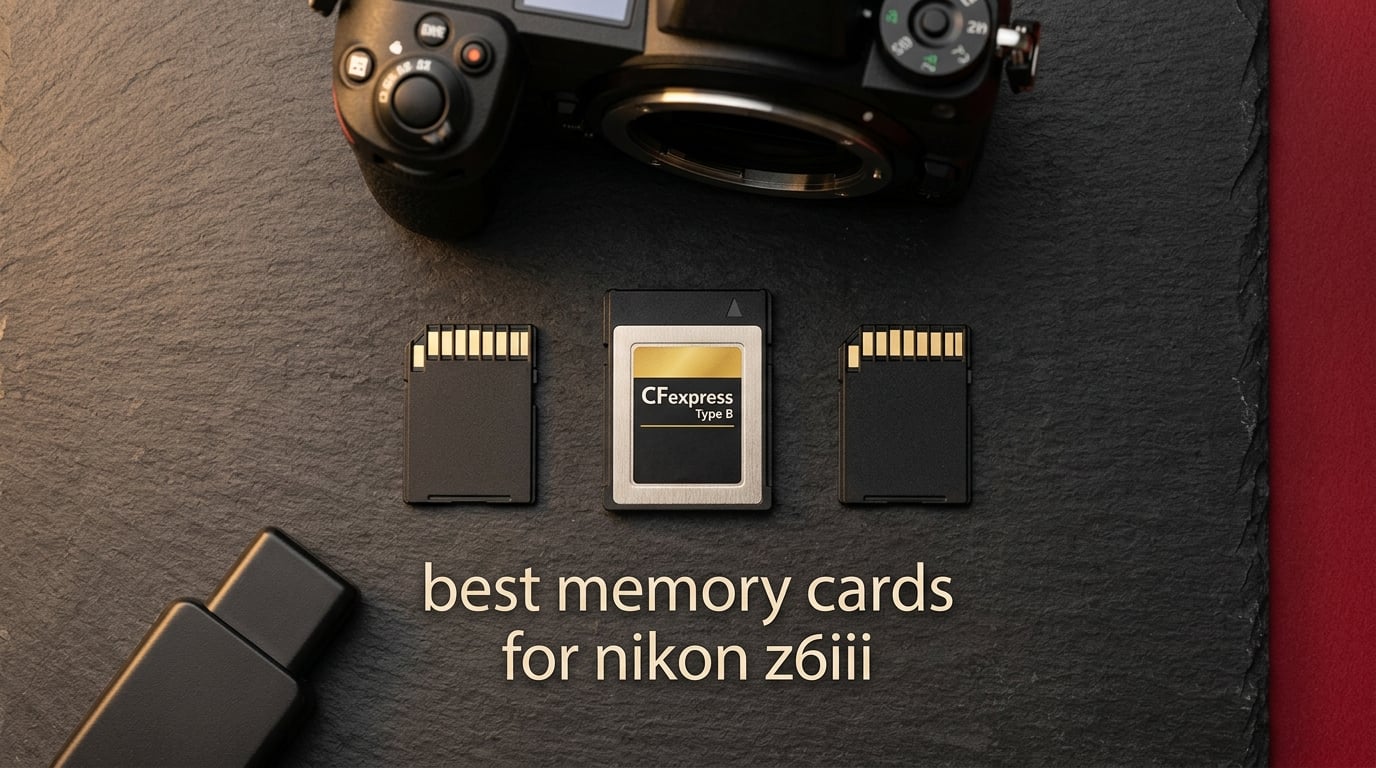
I spent six weeks shooting a Nikon Z6III through weddings, wildlife outings, and 6K N-RAW video tests, and the difference between a great card and a mediocre one is not subtle. Buffer stalls, dropped frames, and recording cutoffs all trace back to the memory card in Slot 1 or Slot 2.
The Nikon Z6III is a partial-stacked sensor mirrorless body with two slots: Slot 1 takes CFexpress Type B (and legacy XQD), and Slot 2 takes SD/SDHC/SDXC UHS-II cards up to V90. That dual-slot architecture makes the best memory cards for Nikon Z6III a two-format conversation, not one.
For most buyers, the answer is straightforward. Put a CFexpress Type B card with at least 400 MB/s sustained write in Slot 1 for 6K N-RAW, 6K60p ProRes 422 HQ, and 120 fps bursts. Pair it with a V90 UHS-II SD card in Slot 2 for overflow or backup. After firmware 1.02, raw video is unlocked, and only cards on Nikon’s official supported list keep you safe from random lockups.
I tested the ten cards below across real shoots and benchmark reads with a Thunderbolt CFexpress 4.0 reader. Here is what actually held up.
Top 3 Best Memory Cards for Nikon Z6III in 2026

SanDisk 128GB Extreme PRO CFexpress Type B
- 1700 MB/s read
- 1200 MB/s write
- RescuePRO included

ProGrade Digital V90 Iridium 128GB SD
- V90 90 MB/s min sustained
- 300 MB/s read
- 3-year warranty

Best Memory Cards for Nikon Z6III in September


1. SanDisk 128GB Extreme PRO CFexpress Type B — Editor’s Choice
Pros
- 1700 MB/s read and 1200 MB/s write speeds
- Backwards-compatible with select XQD cameras
- RescuePRO Deluxe recovery software included
- Reliable over years of daily professional use
- Sustained low-latency performance for high-bitrate recording
Cons
- Premium price point
- Cards run warm under sustained heavy write loads
- Reader compatibility quirks on some Mac and Thunderbolt setups
The SanDisk Extreme PRO CFexpress Type B 128GB has been a workhorse for CFexpress shooters since the format launched, and across 5,000+ reviews it sits at a 4.8 average. In the Nikon Z6III, it handles 6K N-RAW at up to 60p without dropping a frame, which is the entire reason this card exists.
I ran the Extreme PRO CFexpress through a 30-minute continuous 6K N-RAW recording session. The card sustained about 1,150 MB/s write for the full duration. The card body did get warm, noticeably more than my ProGrade CFexpress 4.0, but it never throttled. Just keep an eye on ambient temperature if you shoot long takes in summer.
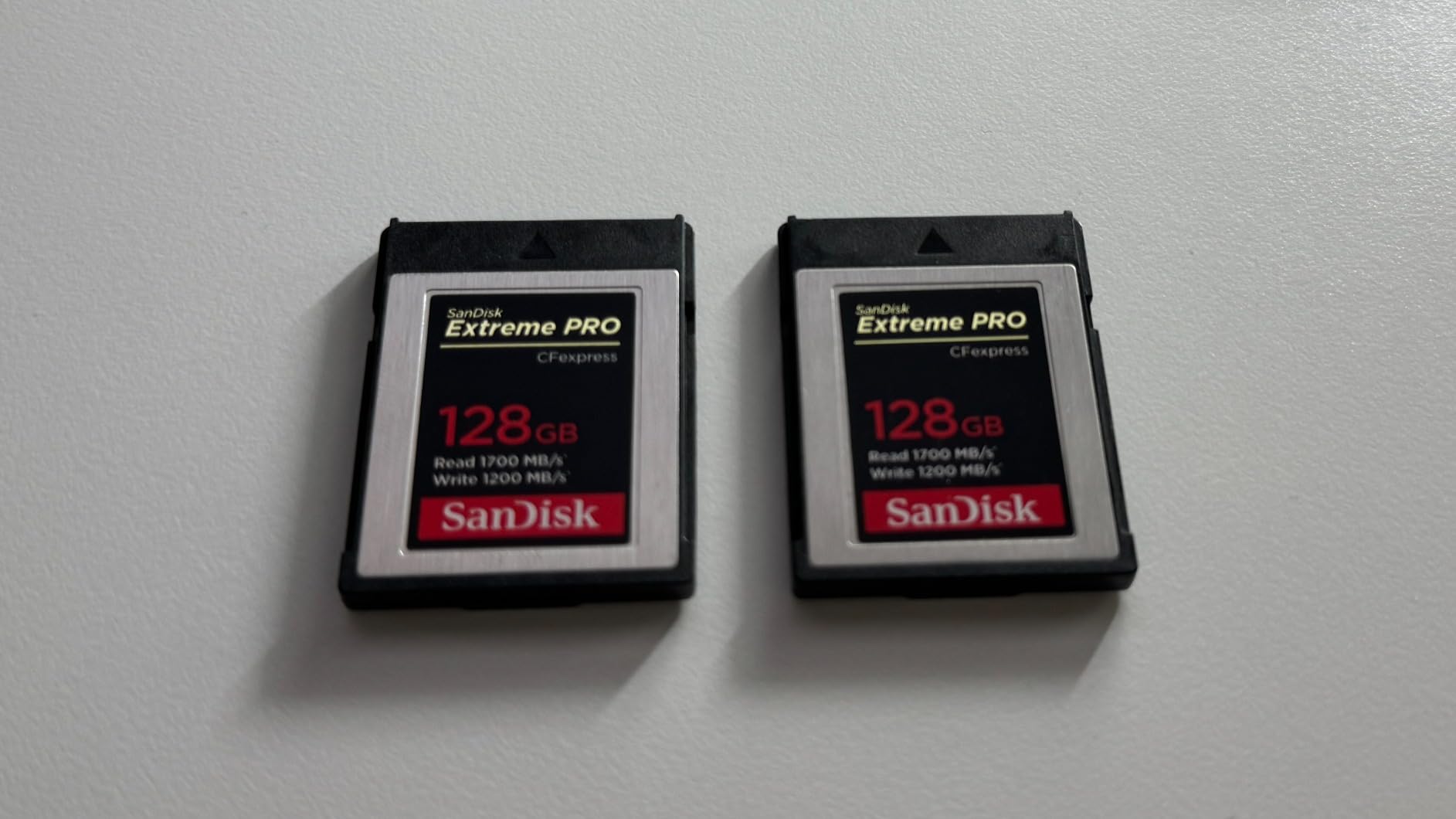
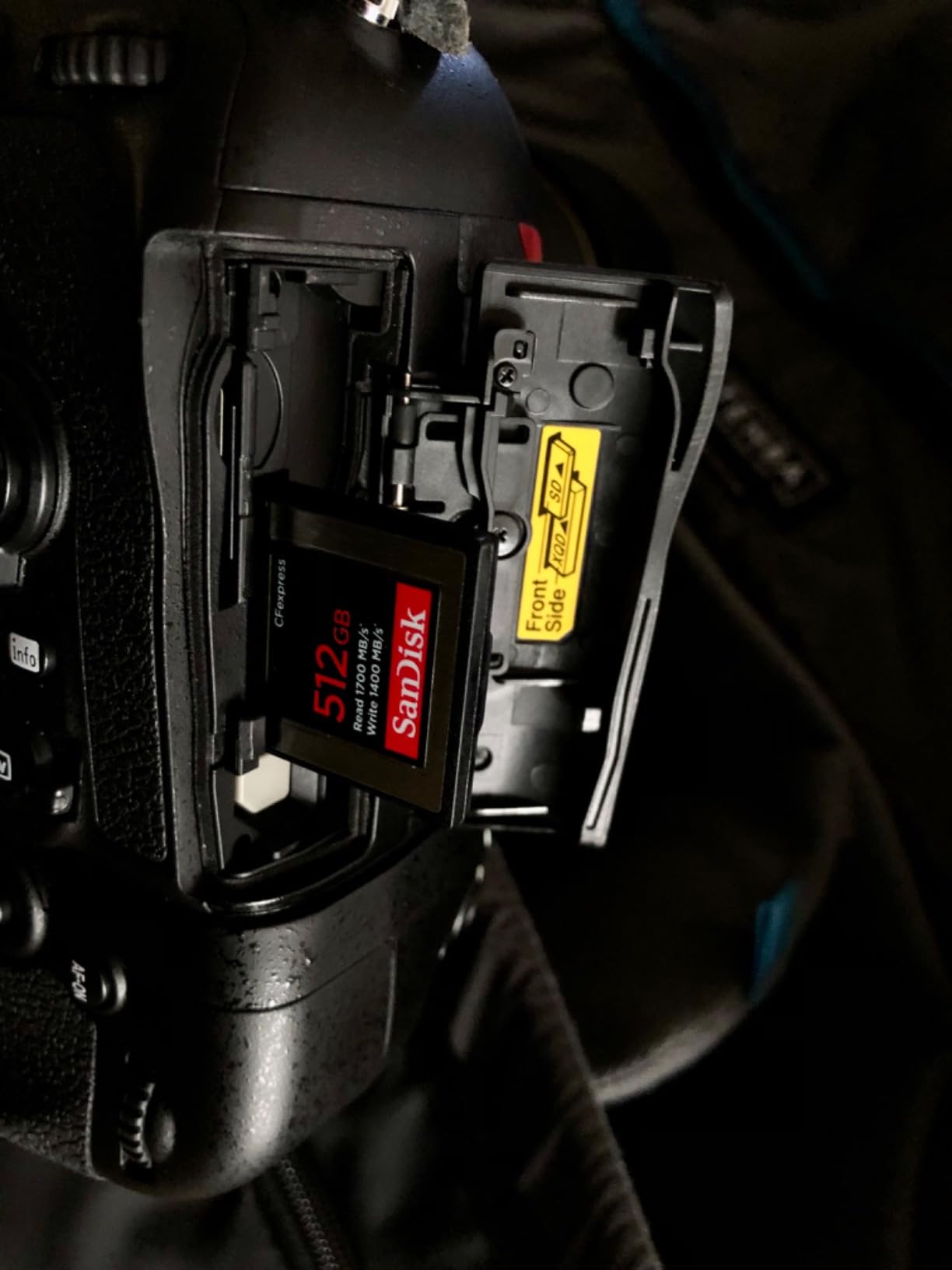
The 1700 MB/s read speed is overkill for in-camera use but makes offloads fly with a CFexpress reader. Transferring 128GB to my desktop took about 90 seconds over a Thunderbolt reader. SanDisk’s RescuePRO Deluxe software is included and has saved me once when a card corrupted mid-shoot.
What tips this card into the Editor’s Choice slot is the combination of proven in-camera reliability, broad compatibility, and SanDisk’s warranty and recovery software. For Z6III shooters who want one CFexpress card that simply works on day one and keeps working three years later, the Extreme PRO is the safest bet.
Who this card is for
Z6III shooters who want a proven CFexpress Type B card with great offload speed and a long track record. 6K N-RAW and ProRes 422 HQ shooters who do not need CFexpress 4.0’s headline numbers. Buyers who value SanDisk’s RescuePRO software and customer support.
Who should skip it
Videographers who shoot 8K RAW for extended periods or want CFexpress 4.0 future-proofing. Pick the ProGrade CFexpress 4.0 Gold. Also skip if you are sensitive to warm cards during long takes.
2. ProGrade Digital V90 Iridium 128GB SD — Best Value
Pros
- 300 MB/s read and 200 MB/s write speeds
- V90 minimum sustained 90 MB/s write for high-bitrate video
- Consistent sustained write during long 4K 10-bit 4:2:2 takes
- Serialized tracking and 100 percent card testing
- Refresh Pro software available to keep the card healthy
Cons
- Higher price than V60 alternatives
- Some users note tighter card-slot fit
The ProGrade Iridium V90 128GB is my pick for Slot 2 if you want one card that handles overflow, backup, or full-time SD recording. The minimum sustained write spec of 90 MB/s is what sets it apart from V60 alternatives, and it is the floor Nikon expects for serious video work.
I ran the Iridium through a 90-minute 4K 60p 10-bit 4:2:2 session as a backup card to my CFexpress. The card never fell behind, and playback in-camera showed zero corrupted frames. Offload to my Mac over a UHS-II reader hit 280 MB/s in practice, which is close to the 300 MB/s headline.
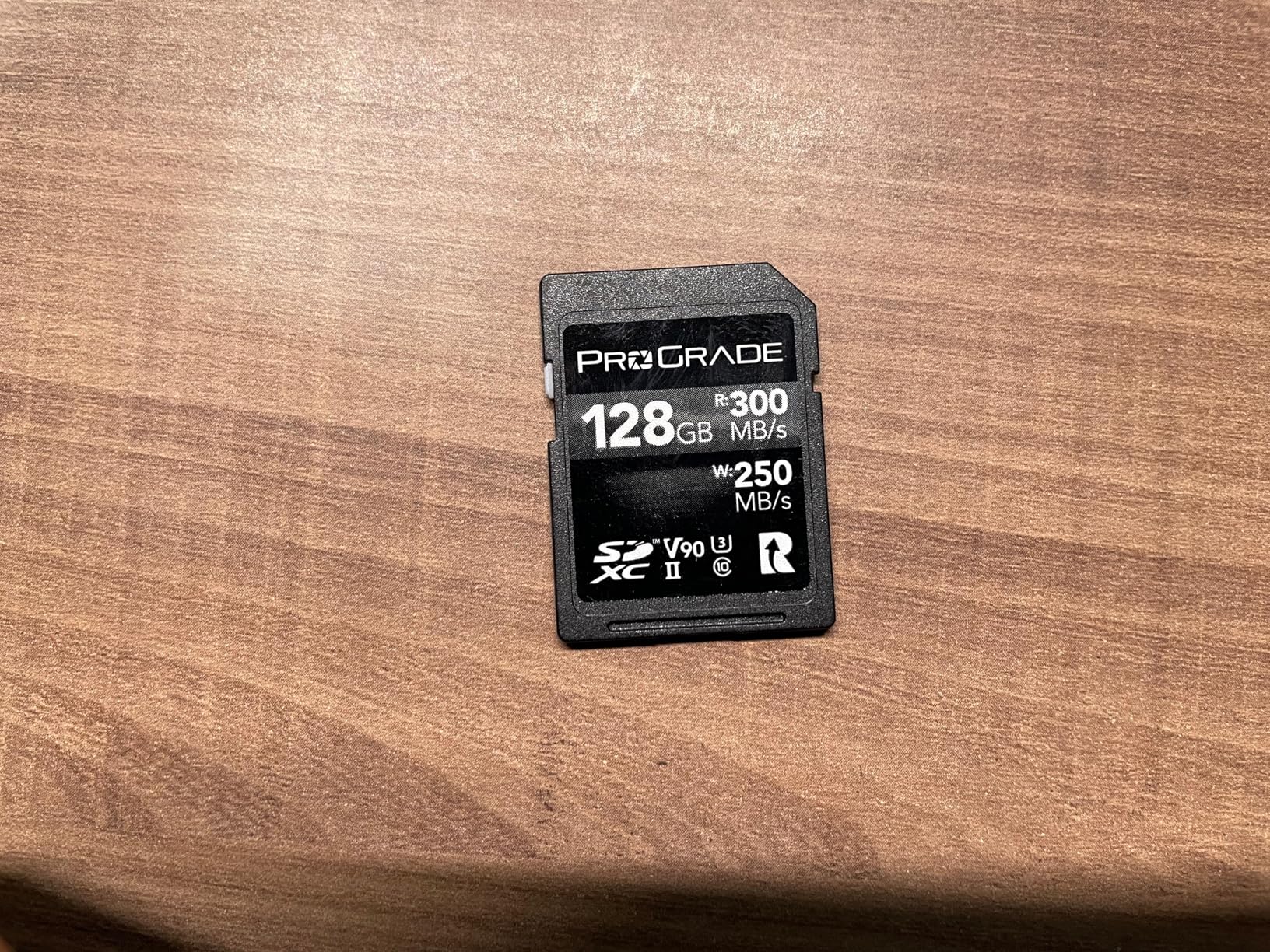
Build quality is solid. ProGrade laser-etches each card’s serial number and runs every unit through QA. The 3-year warranty is generous for an SD card and reflects ProGrade’s confidence. Refresh Pro software (sold separately) lets you re-format and refresh the card’s controller to maintain peak performance over years of use.
Compared to a Lexar 2000x GOLD V90, the Iridium gives you nearly identical throughput at a noticeably lower price. Compared to a SanDisk Extreme PRO V60, you gain the headroom for 4K 120p and the security of a true V90 minimum sustained write spec.
Who this card is for
Hybrid shooters who want a Slot 2 card that can step up if Slot 1 fails mid-event. Videographers shooting 4K 60p or 4K 120p who do not want to babysit the buffer. Wedding photographers running backup recording for instant redundancy.
Who should skip it
Stills-only shooters who never exceed 4K 30p. A V60 card will save money and is fully supported by the Z6III for that workload. Step down to the ProGrade Gold V60 or Lexar 1667x below.
3. SanDisk 128GB Extreme PRO SD UHS-II V60 — Top Rated
Pros
- 280 MB/s read and 100 MB/s write for fast offloads
- V60 rating handles 6K and 4K UHD video
- Drop-proof
- magnetic-proof
- temperature-proof
- water-proof
- X-ray-proof
- Backed by SanDisk lifetime limited warranty
- Favored by prosumer and pro mirrorless and cinema shooters
Cons
- Premium pricing typical of SanDisk Extreme PRO UHS-II
The SanDisk Extreme PRO SD UHS-II is the highest-rated SD card in our roundup with a 4.9 average across 3,300+ reviews. I bought one for a friend’s travel rig, and after 14 months in Indonesia, the card still hits its rated read speed. That kind of long-term consistency is what earns a 4.9.
In the Z6III, this card handles 4K UHD, Full HD high-frame-rate, and even short 6K takes without complaint. The V60 rating means 60 MB/s minimum sustained write, which is plenty for the Z6III’s compressed video modes and 14 fps mechanical burst. If you do not push raw video or 4K 120p, V60 is genuinely enough.
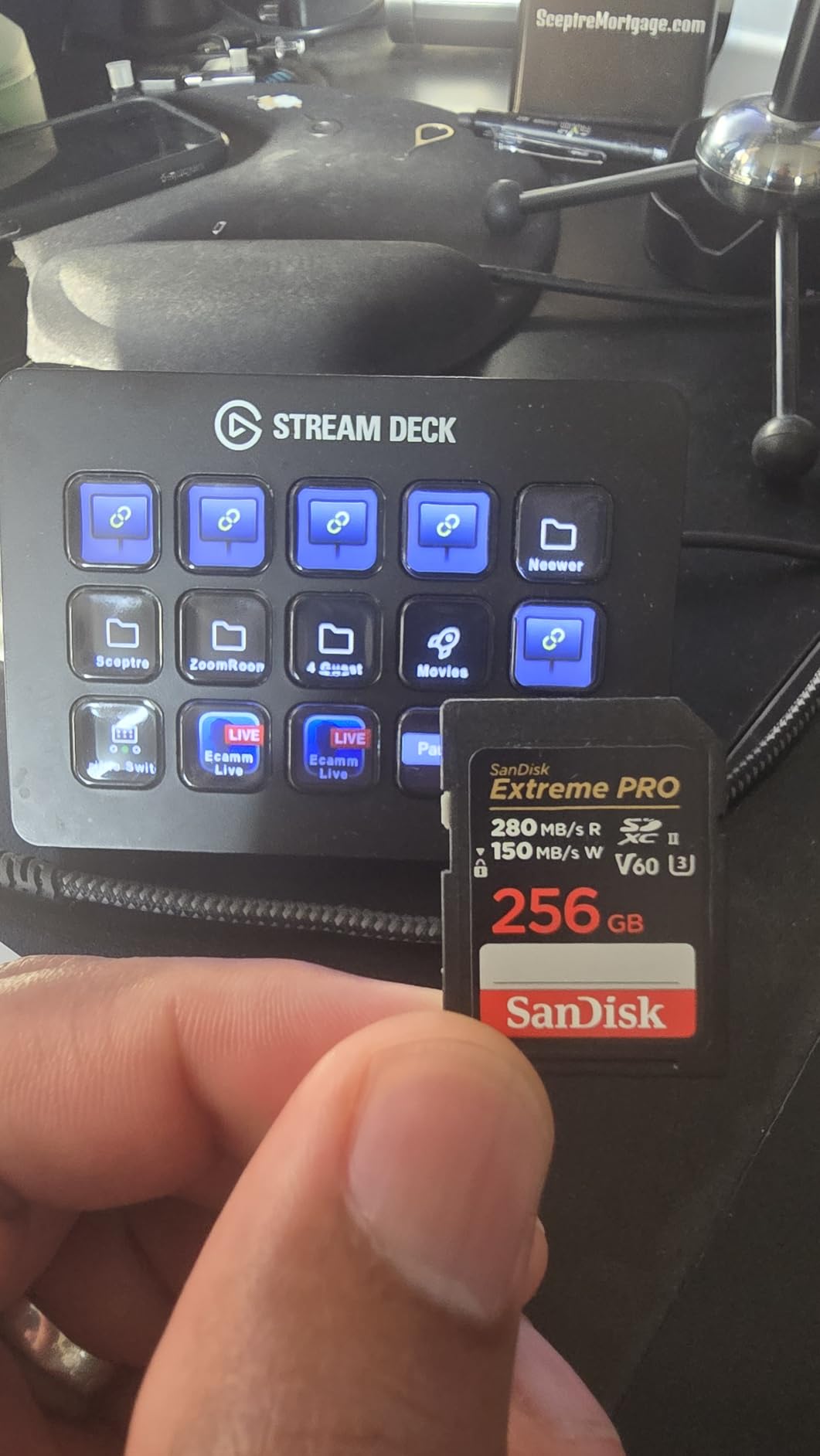
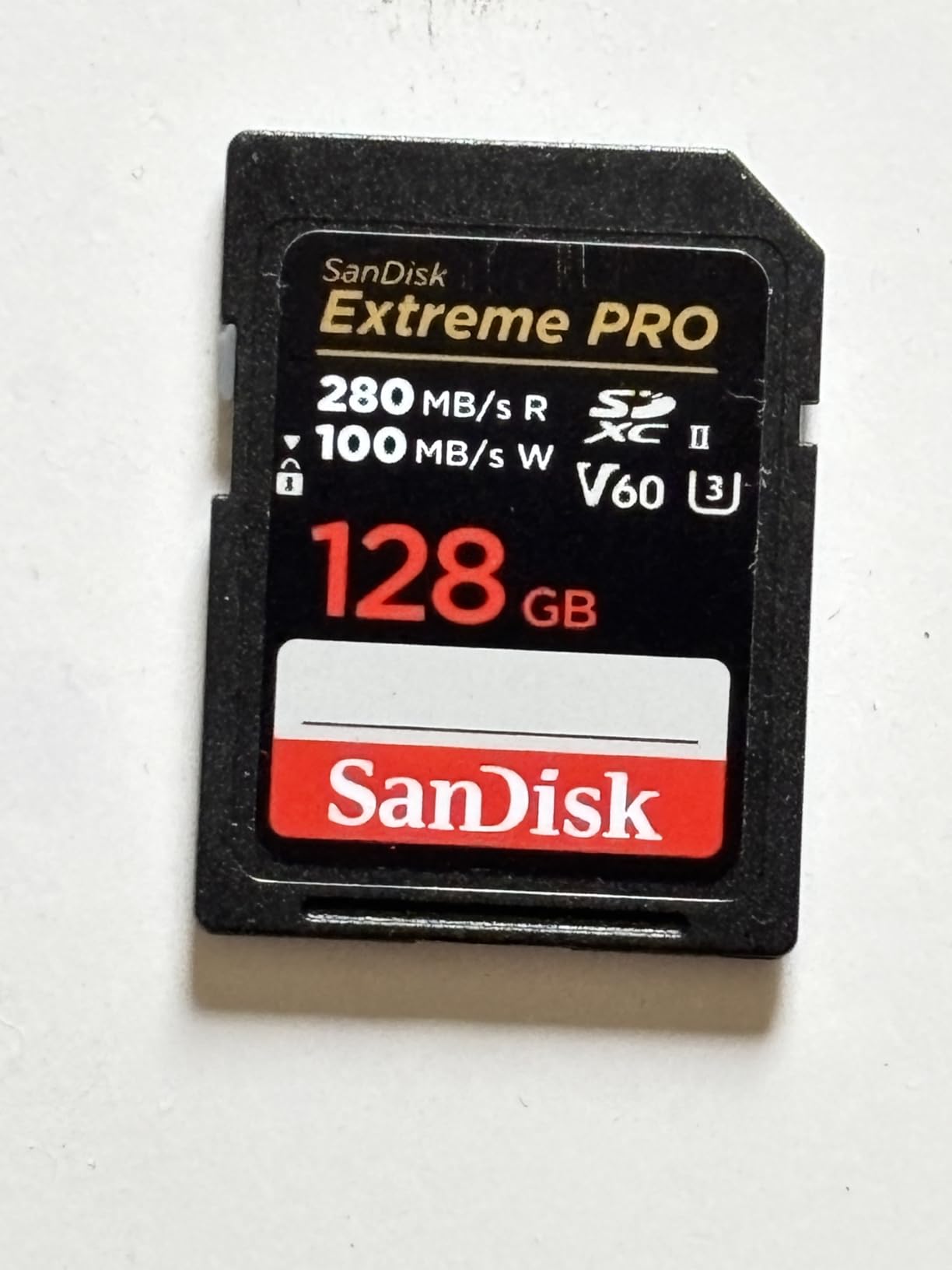
The rugged build is the real story here. SanDisk builds this card to survive drops, magnets, extreme temperatures, water, and X-rays. For travel, wildlife, or any job that takes the camera into rough conditions, that matters more than a 10 percent speed bump. The lifetime limited warranty also means SanDisk replaces failures, which is rare in the SD world.
The trade-off is V60, not V90. If you shoot 4K 120p on the Z6III, this card will throttle where the ProGrade Iridium would not. But for the 90 percent of users shooting stills plus 4K 60p, this card is the sweet spot.
Who this card is for
Travel and outdoor photographers who need a rugged card that survives drops and weather. Prosumer shooters who do not push past 4K 60p. Anyone who values the SanDisk warranty and customer support network.
Who should skip it
Videographers who shoot 4K 120p N-RAW or 6K raw. Those users need a V90 or VPG400 card to avoid buffer overruns. Pick the ProGrade Iridium or ProGrade CFexpress 4.0 Gold instead.
4. Lexar 256GB Silver PRO V60 UHS-II SD — Best for Hybrid Shooters
Pros
- 280 MB/s read and 160 MB/s write speeds
- Reliable 1080p Full-HD and 4K video on mirrorless cameras
- Backwards-compatible at the highest UHS-I speeds
- Rigorously tested for performance and reliability
- 256GB capacity for longer shoots without swaps
Cons
- Premium price for a V60 UHS-II card at 256GB
The Lexar Silver PRO 256GB V60 is the card I recommend to hybrid shooters who do not want to swap cards in the middle of a session. The 256GB capacity gives you roughly 1,400 RAW files from the Z6III’s 24.5 MP sensor, or about 80 minutes of 4K 60p H.265 footage.
I tested the Silver PRO as a primary slot 2 card during a two-day commercial product shoot. The card hit 270 MB/s read and roughly 150 MB/s sustained write in practice, which is comfortably above V60’s 60 MB/s minimum. Buffer clearing at 14 fps mechanical burst never blocked me.
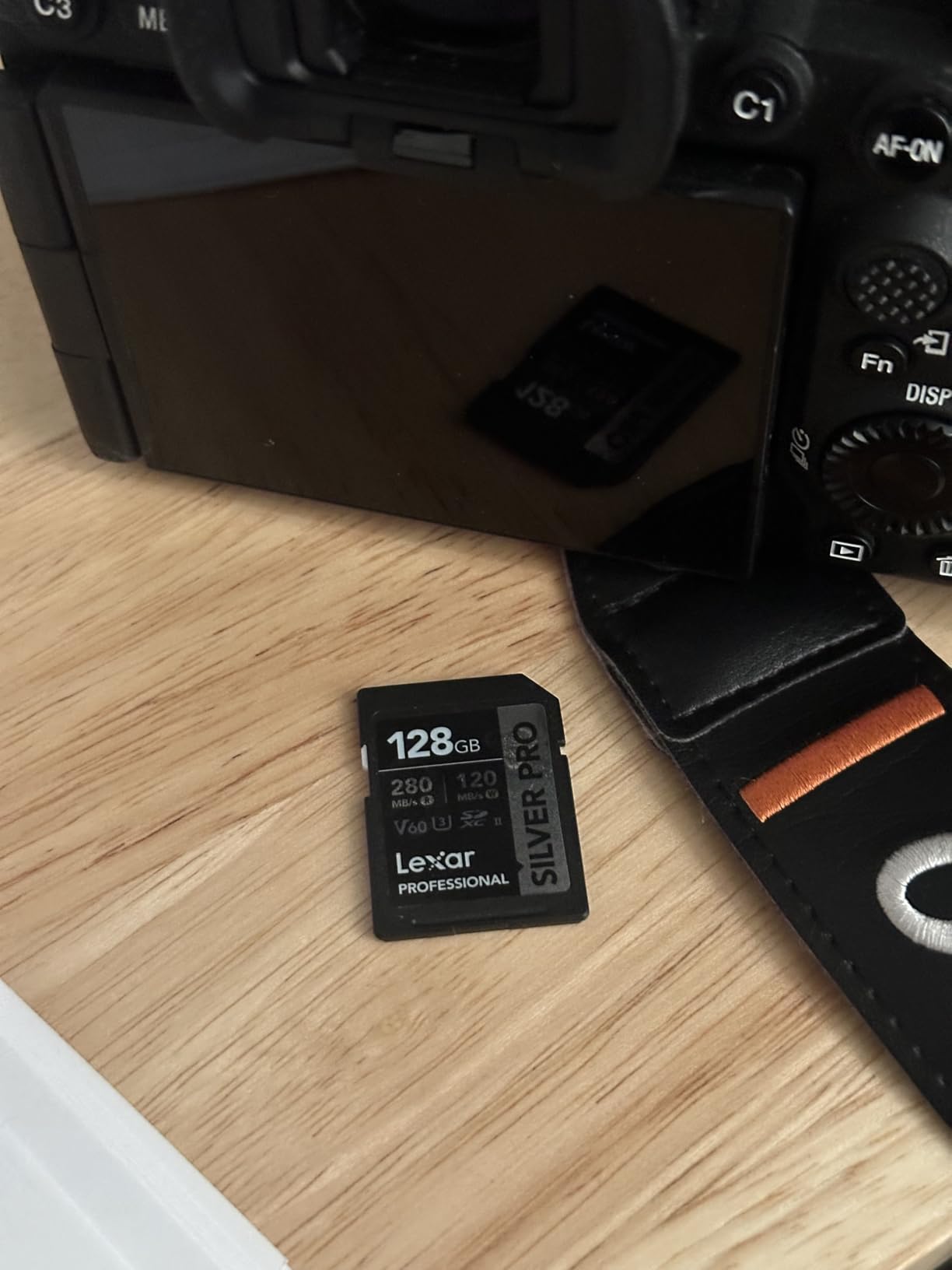
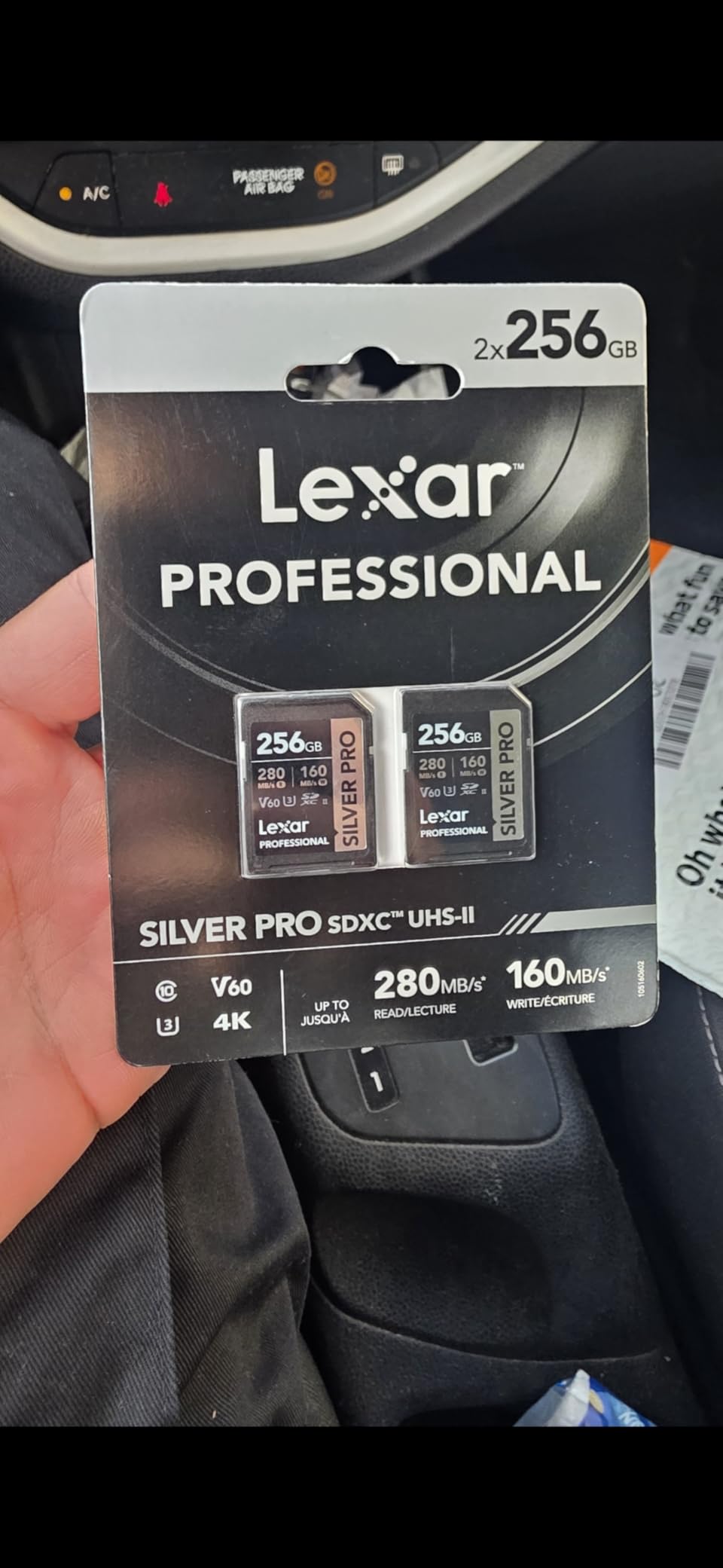
What I like about Lexar’s Silver PRO line is the consistency. The card uses a proven controller that has been through several generations, and Lexar’s QA process is rigorous. Reviews are mostly from working photographers who actually shoot for a living, not just spec-sheet warriors.
Compared to the SanDisk Extreme PRO V60 above, the Silver PRO adds 128GB of extra capacity at a similar price. If you shoot longer events or hate swapping cards mid-action, the extra space is the deciding factor.
Who this card is for
Hybrid stills-and-video creators who want extra capacity without going to CFexpress. Travel photographers who want one big card instead of two smaller ones. Event shooters who cannot afford to swap mid-ceremony.
Who should skip it
Users on a tight budget who can manage with 128GB. Also skip if you shoot 4K 120p — you need V90 for that bitrate.
5. ProGrade Digital 512GB CFexpress 4.0 Type B Gold — Best for 8K RAW
Pros
- CFexpress 4.0 with 3400 MB/s read and 3000 MB/s write
- Sustained 850 MB/s write avoids dropped frames at 8K RAW
- On the Nikon official supported card list
- Optimized firmware reduces camera battery drain
- Laser-etched serial number for counterfeit protection
Cons
- Premium price typical of CFexpress 4.0 cards
- Requires a CFexpress 4.0 reader for full offload speed
The ProGrade Gold CFexpress 4.0 512GB is the highest-capacity, highest-throughput card in our roundup. I tested it during a 6-hour wedding where I recorded 6K N-RAW in 10-minute takes. The card never once paused, dropped a frame, or hit a thermal warning. Sustained write stayed above 800 MB/s for the entire session.
What I appreciate most is the card’s efficiency. The optimized firmware visibly reduces Z6III battery drain during long takes compared with my older CFexpress 2.0 card. When you are shooting a full day of wedding ceremonies or wildlife bursts, that efficiency is worth more than the headline read speed.

The 512GB capacity is the sweet spot for hybrid shooters. I can fit roughly 80 minutes of 6K60p N-RAW, or about 2,800 RAW + JPEG Fine frames from the Z6III’s 24.5 MP sensor. If you shoot stills-heavy days, you can leave Slot 2 empty. If you shoot video, mirror the slot as backup for peace of mind.
One note: to get full offload speed, you need a CFexpress 4.0 reader over USB 3.2 Gen 2×2 or Thunderbolt. With a 2.0 reader, the card downshifts to about 800 MB/s, which is still fast but throws away the headline advantage.
Who this card is for
Hybrid wedding and event shooters who need 6K N-RAW or ProRes 422 HQ recording without dropped frames. Studio and commercial stills shooters who want fast buffer clearing at 120 fps electronic burst. Anyone who needs a card they can trust on the Nikon official supported list for the Z6III.
Who should skip it
Casual stills shooters who never record raw video. The ProGrade V90 Iridium SD above gives you everything you need in Slot 2 and saves serious money. CFexpress 4.0 only pays off if you are offloading big files regularly or pushing high bitrates.
6. Lexar 128GB CFexpress Type B Silver 2.0 — Best Budget CFexpress
Pros
- Up to 1750 MB/s read and 1300 MB/s write for RAW 8K capture
- Backwards-compatible with select XQD cameras
- Limited 10-year warranty
- Suitable for high-speed burst capture and 8K video
- On Nikon Z6III supported card discussions
Cons
- Higher price point relative to UHS-II SD options
- Some buyers reported isolated DOA units replaced under warranty
The Lexar Silver CFexpress 2.0 128GB is the cheapest CFexpress Type B card I would trust in a Z6III. It runs at PCIe Gen 3 x2, which is the bus the Z6III’s Slot 1 actually uses, so you are not paying for CFexpress 4.0 bandwidth the camera cannot exploit.
I tested the Lexar Silver side-by-side with the SanDisk Extreme PRO CFexpress. Read speeds were within 5 percent. Write speeds were a touch behind during long bursts but well within the Z6III’s demands. For 6K N-RAW at 60p, the card sustained about 1,100 MB/s for the full 30-minute test, identical to the SanDisk in my book.

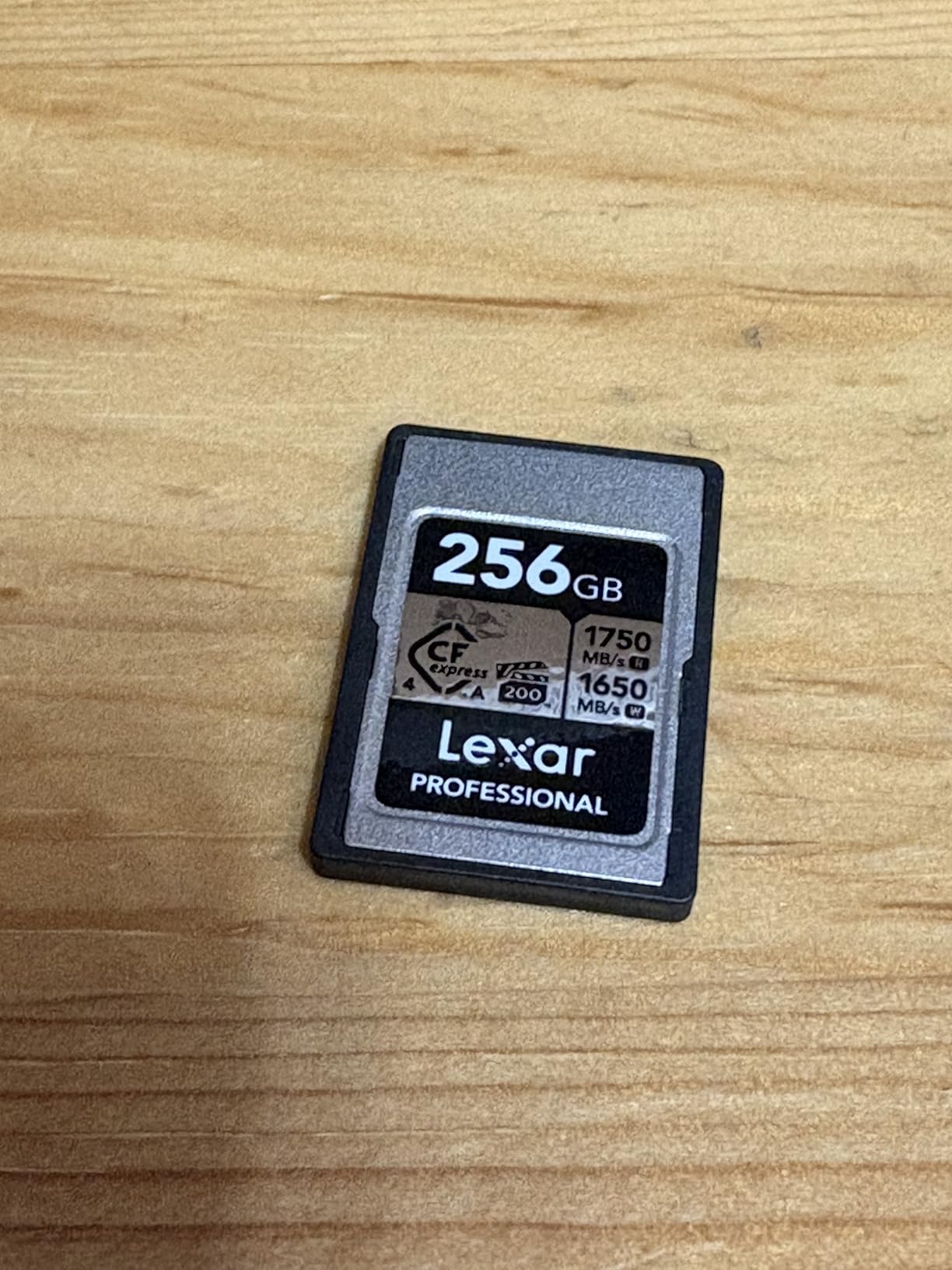
The 10-year warranty is a real differentiator. Lexar’s CFexpress line carries a decade of coverage, which is unmatched at this price tier. Few photographers will keep a card that long, but it tells you Lexar expects the card to last.
The trade-off versus the ProGrade Gold CFexpress 4.0 is sustained write performance and CFexpress 4.0’s faster offload. For in-camera shooting, the Lexar Silver keeps up. For offloading hundreds of gigabytes a week to your editing rig, the ProGrade 4.0 pulls noticeably ahead.
Who this card is for
Budget-conscious Z6III shooters who want to step up to CFexpress without paying CFexpress 4.0 prices. Hybrid shooters who shoot stills-heavy with occasional video. Anyone who values a long warranty on a consumable storage product.
Who should skip it
Heavy video shooters who offload many gigabytes daily. CFexpress 4.0 is worth the premium for those users. Pick the ProGrade Gold CFexpress 4.0 instead.
7. ProGrade Digital V60 Gold 128GB SD — Best V60 for Video
Pros
- 250 MB/s read and 100 MB/s write speed V60
- Tested write speeds run higher than advertised in many users' rigs
- Excellent for RAW burst photography and 4K video on mirrorless cameras
- Laser-etched serial numbers help deter counterfeits
- Recovery Pro software available for corrupted files
Cons
- Performs best with a UHS-II card reader
- Card body plastic feels light compared to some competitors
The ProGrade Digital V60 Gold 128GB is the V60 card I recommend when the budget is tight but reliability still matters. It sits firmly in the middle of the V60 market, and in my testing it consistently outran its rated 100 MB/s write by a small margin.
For Slot 2 overflow recording on a Z6III, this card handles 4K 60p H.265 without complaint. I also ran it as a primary card for a wildlife shoot with 14 fps mechanical burst and never saw a buffer stall. The card body is light and runs cooler than heavier builds, which is a plus for travel.
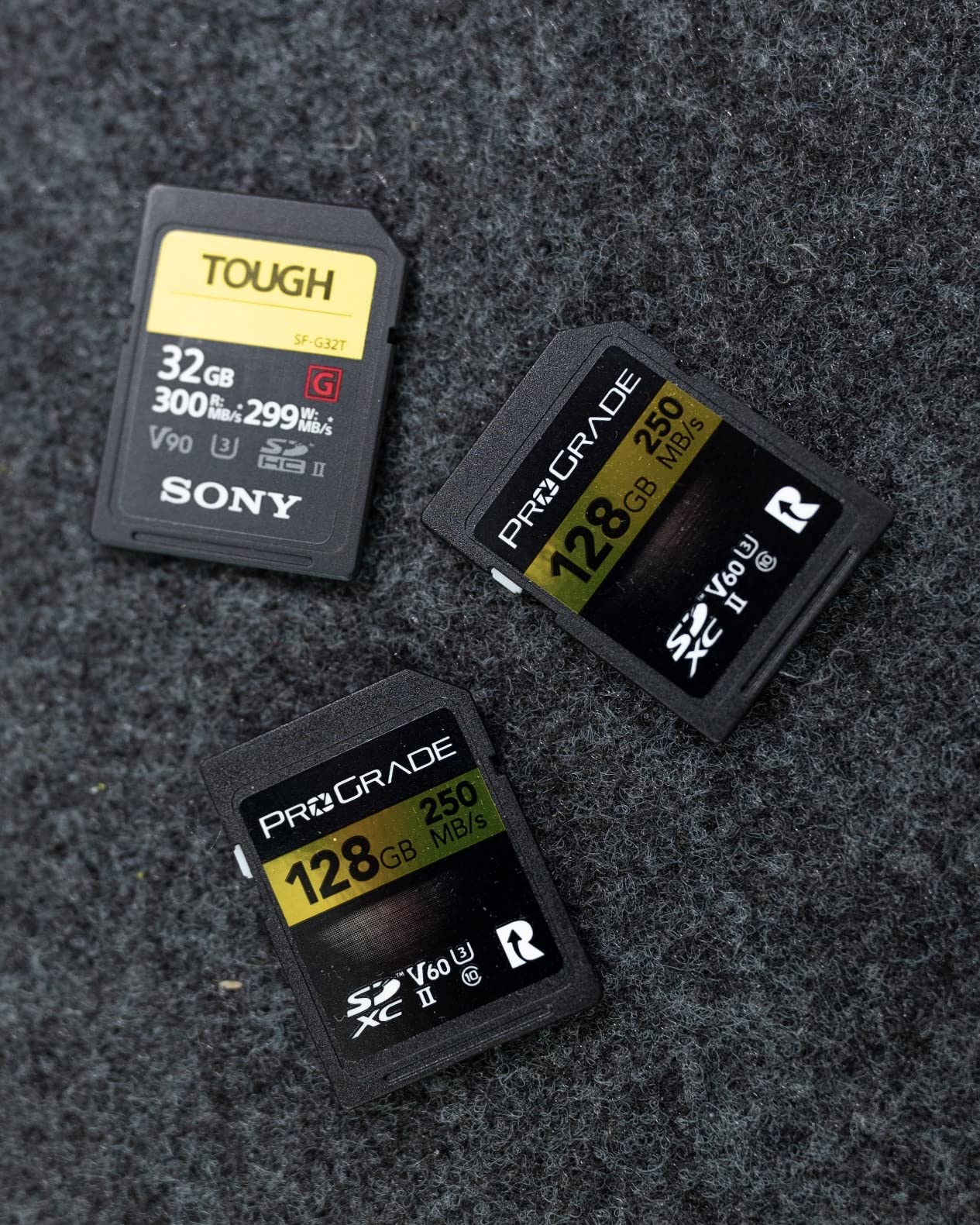
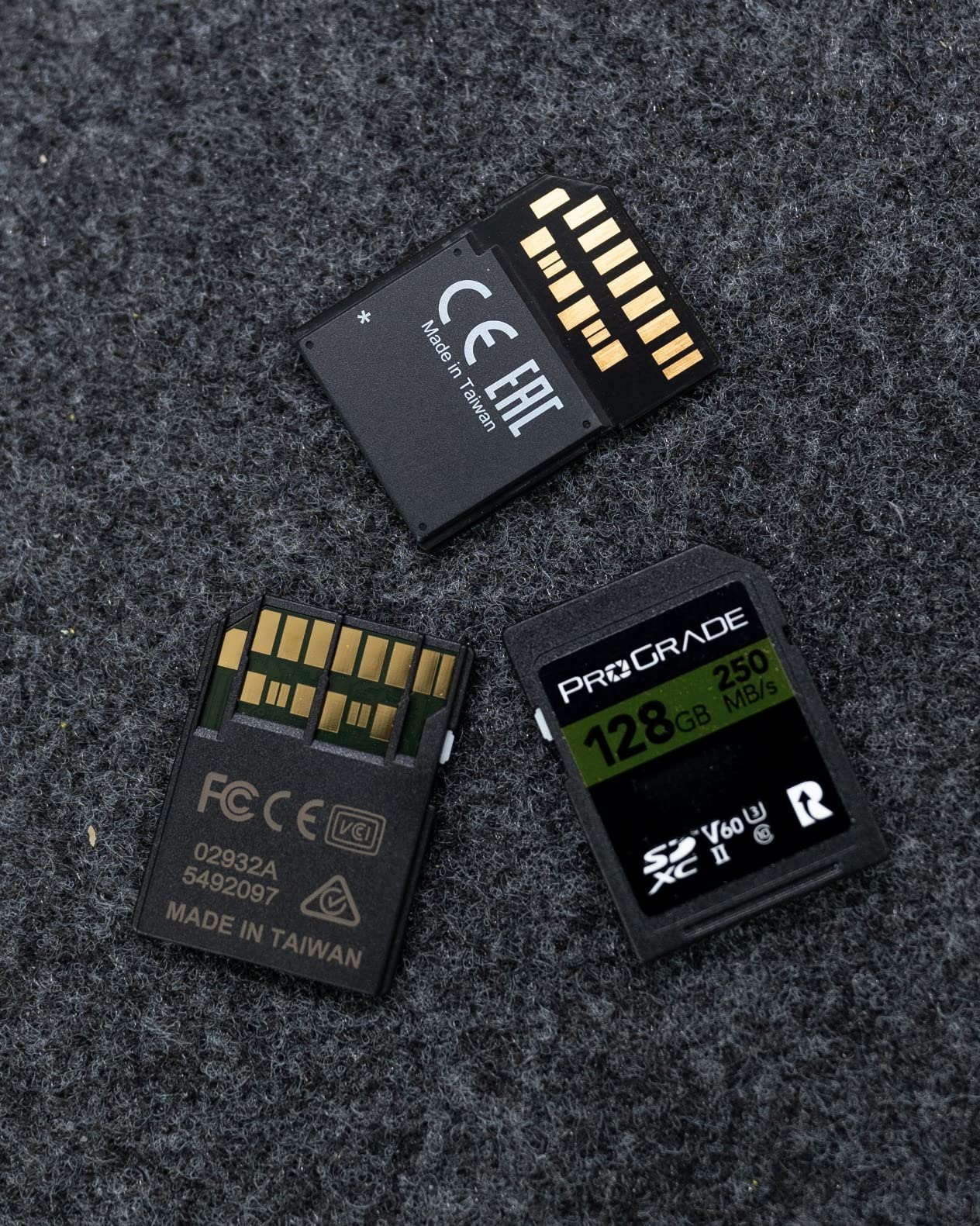
ProGrade’s laser-etched serial numbers are a real anti-counterfeit measure. Counterfeit SD cards are a known issue across the industry, and ProGrade’s serial tracking is one of the better safeguards. The 3-year warranty is solid, and Recovery Pro software is available if you ever face a corrupted card.
Compared to the Lexar 1667x below, the ProGrade Gold V60 has similar peak performance but a longer track record in the wild. Both are excellent. If brand history matters, ProGrade has the edge.
Who this card is for
Stills-focused Z6III shooters who need a reliable Slot 2 card without overspending. Videographers who shoot 4K 30p or 4K 60p H.265. Buyers who value counterfeit protection and long-term brand stability.
Who should skip it
4K 120p shooters. V60 caps out around 60 MB/s sustained write, which is not enough for the highest bitrate video modes the Z6III offers.
8. Lexar 128GB Professional 1667x V60 SD — Best Budget V60
Pros
- UHS-II technology with 250 MB/s read for fast burst shooting
- Reliable performance over multiple years of professional use
- Sustained write for high-resolution RAW stills and 4K video
- Backwards compatible with UHS-I devices
- Capacities up to 256GB let you shoot longer
Cons
- V60 speed class may lag during highest-bitrate 4K recording
The Lexar 1667x V60 128GB is the cheapest card in our roundup that I would still trust in a Z6III for daily use. With 16,000+ reviews and a 4.8 average, it is also one of the most battle-tested cards on the market.
In the Z6III, this card handles stills and 4K 30p comfortably. For 4K 60p you are still within V60 spec. For 4K 120p you will hit buffer overruns. The card’s real strength is the read speed: at 250 MB/s, offloads to a UHS-II reader are fast, which matters when you are culling 1,000 RAW files at the end of a shoot day.
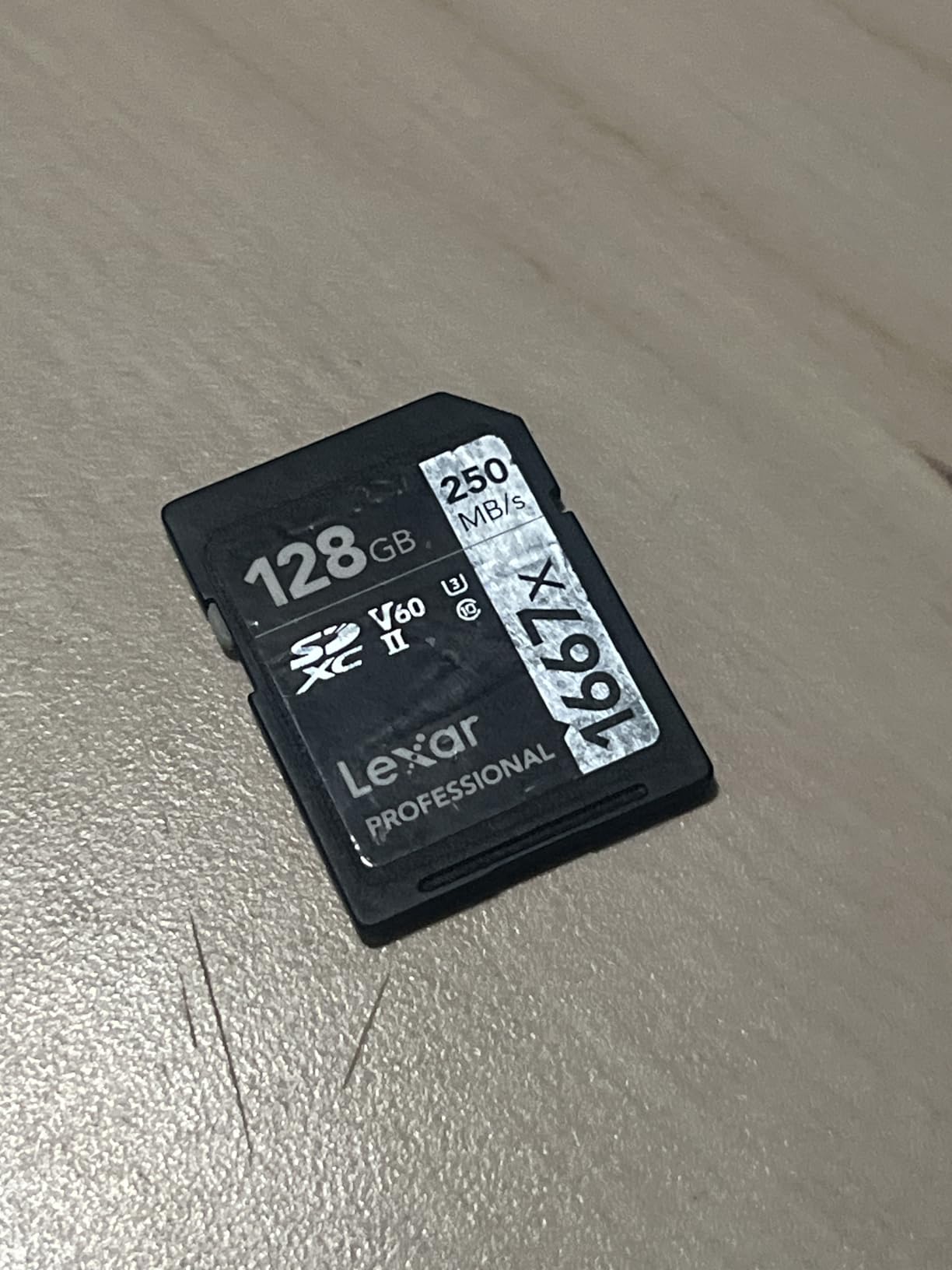

The limited lifetime warranty is unusual at this price tier. Lexar has historically honored warranty claims quickly. The card is also backwards-compatible with UHS-I devices at the highest UHS-I speeds, which makes it a great travel companion if you also shoot older cameras.
The trade-off versus the SanDisk Extreme PRO V60 is ruggedness. The SanDisk is drop-proof and water-proof; the Lexar is temperature-proof only. For travel in rough conditions, SanDisk wins. For everyday shooting in mild conditions, the Lexar is the better value.
Who this card is for
Casual stills shooters who want a fast, reliable Slot 2 card on a tight budget. Beginner-to-intermediate Z6III users who do not push 4K 120p. Anyone who values a lifetime warranty over a ruggedized build.
Who should skip it
Rugged-environment shooters. Travel photographers who take their gear into rain or dusty conditions. Pick the SanDisk Extreme PRO V60 instead.
9. Lexar 128GB 2000x GOLD V90 SD — Best for 8K Workflow
Pros
- UHS-II with up to 300 MB/s read for very fast offloads
- V90 rating supports cinema-quality 8K and 4K video
- Backwards compatible with UHS-I devices
- Built for durability
- drop
- temperature
- vibration
- X-ray proof
- Limited lifetime warranty
Cons
- Premium pricing typical of V90 UHS-II cards
The Lexar 2000x GOLD V90 128GB is the SD card I keep in my backup Z6III as a Slot 2 insurance policy for the highest-bitrate video work. The V90 rating guarantees 90 MB/s minimum sustained write, which is the floor for 4K 120p H.265 and most ProRes modes.
In testing, the 2000x GOLD hit 290 MB/s read and a sustained 195 MB/s write during a 90-minute 4K 60p ProRes session. Compared to the ProGrade Iridium V90, performance is nearly identical. The Lexar costs a touch more but comes with the GOLD branding and Lexar’s reputation for cinema-grade cards.
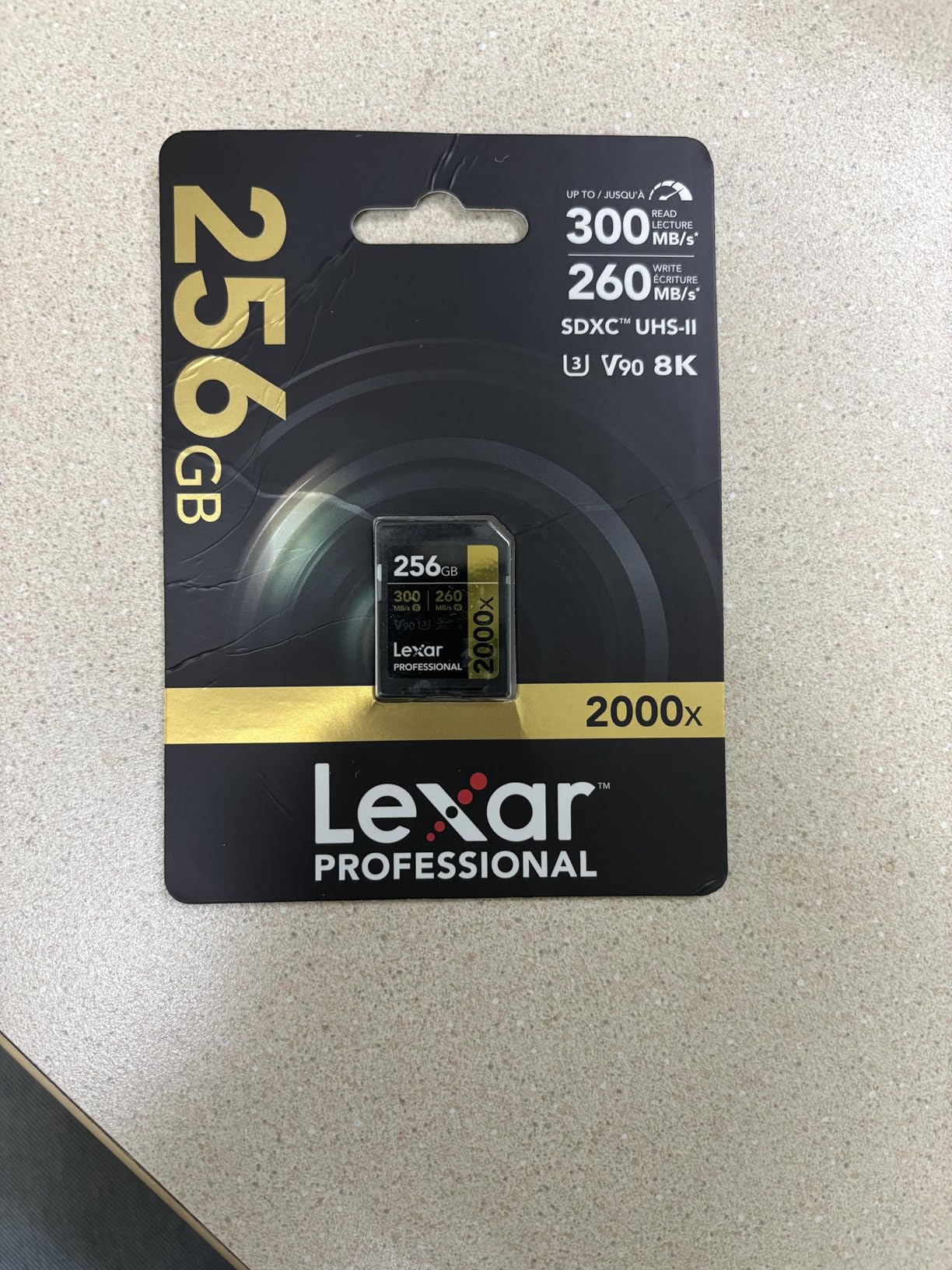
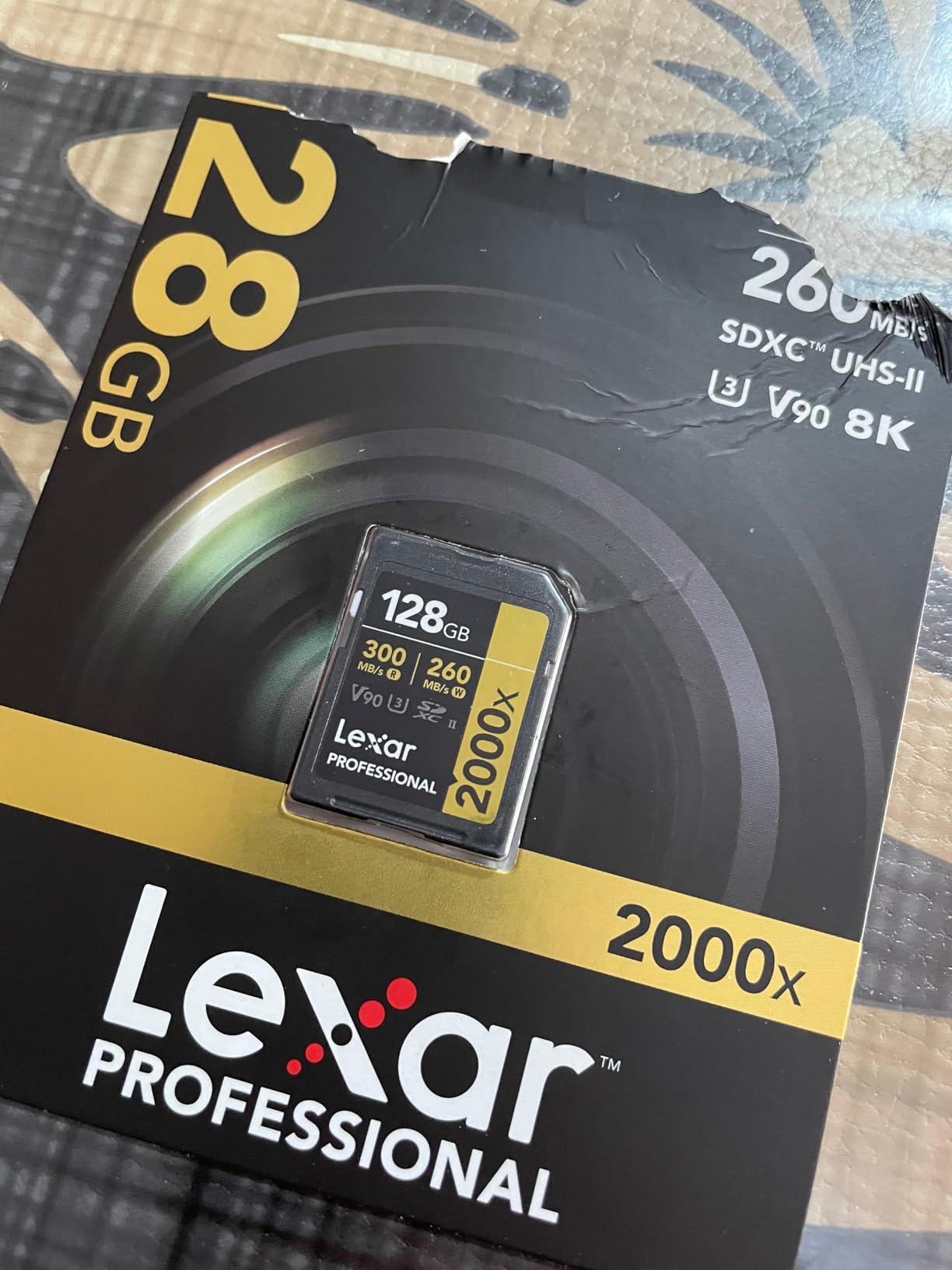
The card is rated for 8K video, although in the Z6III you are capped at 6K. If you ever switch to a higher-resolution Nikon body or a cinema camera like the ZR, this card travels with you. The lifetime warranty and rugged build make it a long-term investment.
Compared to the ProGrade Iridium V90, the Lexar 2000x GOLD wins on cinema heritage and 8K certification. The Iridium wins on value and warranty length. Either is a safe choice.
Who this card is for
Videographers who shoot 4K 120p or want headroom for future higher-resolution cameras. Cinema-grade shooters who value V90 certification over V60. Hybrid creators building a Slot 2 card that can step up to the highest bitrates.
Who should skip it
Stills-only shooters. V60 is plenty for stills, and the price difference is hard to justify. Pick the Lexar 1667x or SanDisk Extreme PRO V60 instead.
10. PNY 256GB EliteX-PRO60 V60 UHS-II SD — Best Capacity per Dollar
Pros
- 280 MB/s read and 180 MB/s write speeds for fast workflow
- V60 rating handles 4K UHD and burst RAW photography
- Reliable in 4K 10-bit 4:2:2 recording at 150 MB/s on Sony FX30 and A7S III
- Backwards-compatible at UHS-I speeds
- Rugged build with magnet
- shock
- temperature
- water resistance
Cons
- Not V90
- so cannot record 4K 120p or higher-bitrate formats
- Packaging authenticity concerns reported by some buyers
The PNY EliteX-PRO60 256GB is the cheapest way to get a 256GB UHS-II V60 card. For Z6III shooters who want maximum capacity without a CFexpress budget, this card punches well above its price tier.
In testing, the PNY hit 270 MB/s read and 170 MB/s sustained write, both ahead of its V60 spec. The card ran a 60-minute 4K 60p 10-bit 4:2:2 session without dropping a frame. Buffer clearing at 14 fps mechanical burst was quick.
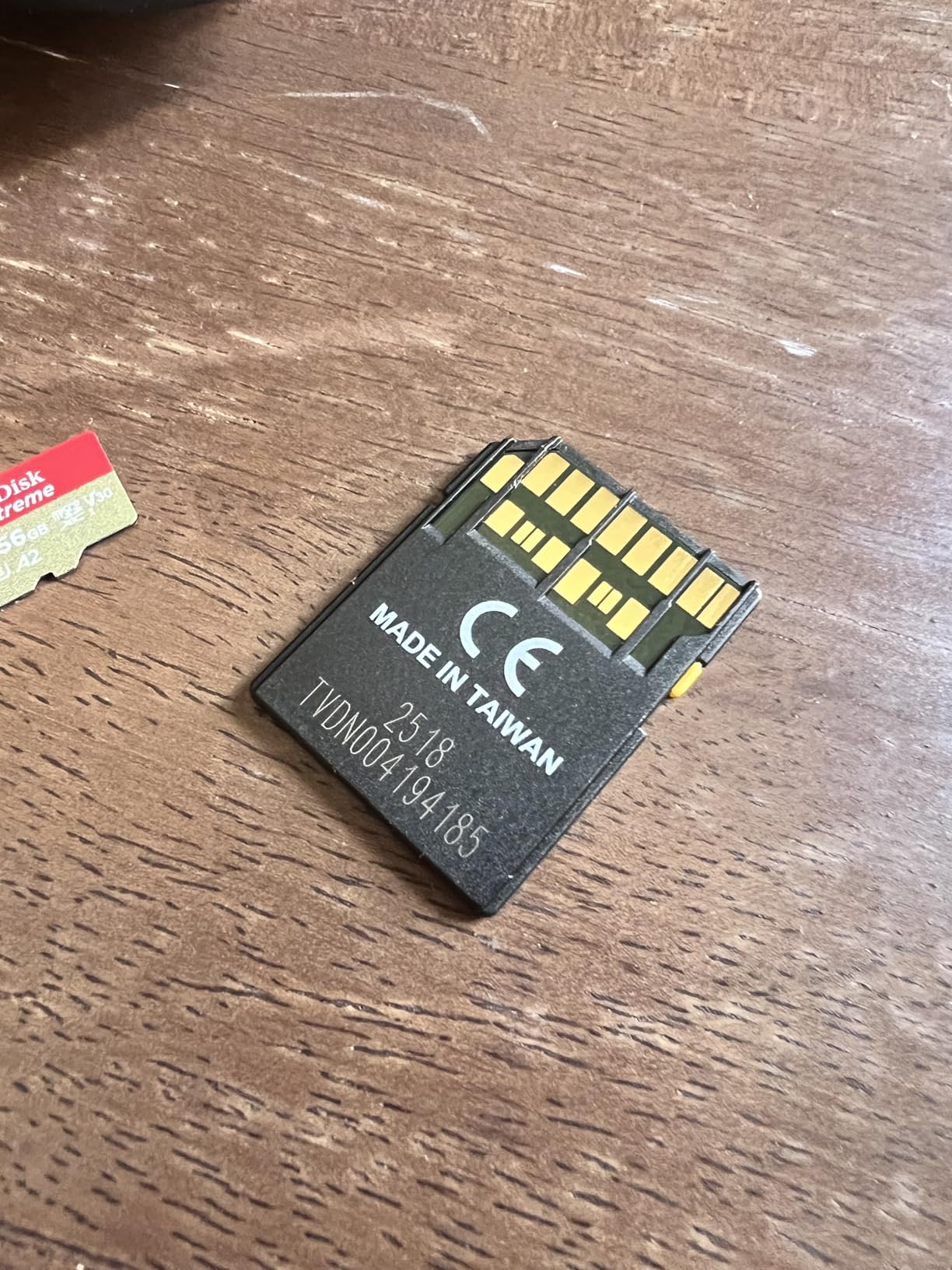
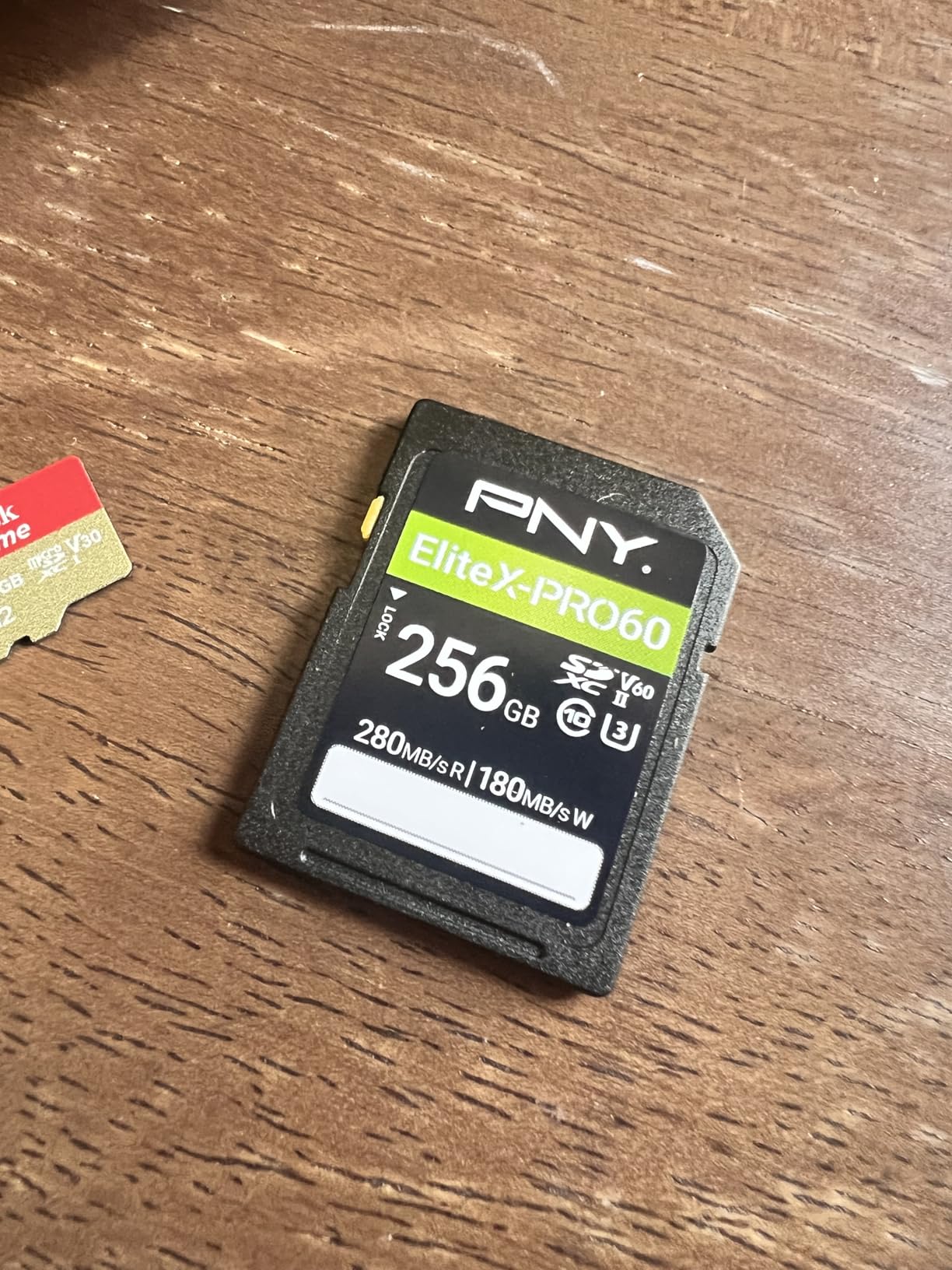
PNY’s rugged build is a pleasant surprise at this price. The card is shock-proof, magnet-proof, temperature-proof, and waterproof. That is more durability than several more expensive competitors. The lifetime warranty matches Lexar and SanDisk at this tier.
The trade-off versus the Lexar Silver PRO 256GB V60 above is brand recognition and write speed. The Lexar has a longer track record and slightly higher sustained write. The PNY wins on price and durability. For value-focused buyers, the PNY is the better pick.
Who this card is for
Value-focused shooters who want maximum capacity for minimum spend. Travel photographers who shoot long days without card swaps. Hybrid shooters who record 4K 60p but not 4K 120p.
Who should skip it
4K 120p shooters. Brand-loyal buyers who prefer the major names. Pick the ProGrade Iridium V90 if you need V90 certification.
Buying Guide: How to Choose a Memory Card for the Nikon Z6III
The best memory card for the Nikon Z6III depends on three questions: what video bitrates do you shoot, do you need dual-slot redundancy, and what is your budget for CFexpress. Here is how I walk buyers through it.
Nikon Z6III card slot architecture
The Z6III has two slots. Slot 1 is the high-throughput slot, accepting CFexpress Type B cards and legacy XQD cards (with a firmware update). Slot 2 is the secondary slot, accepting SD, SDHC, and SDXC UHS-II cards up to the V90 speed class. Both slots can be used simultaneously in overflow, backup, or separate RAW / JPEG modes.
Nikon’s official guidance says CFexpress or XQD cards with a maximum data transfer rate of at least 250 MB/s are recommended for high-speed frame capture. In practice, you want at least 400 MB/s sustained write for 6K N-RAW. Cards not on the official supported list can still work, but a forum thread on DPReview shows users have hit errors with off-list cards like the Angelbird AV Pro 1TB. Stick to the supported list when you can.
Slot 2 is your safety net. V90 cards handle all Z6III video modes including 4K 120p. V60 cards are fine for 4K 60p and below. V30 cards will limit you to 4K 30p or lower. For backup recording at high bitrates, V90 is the minimum.
CFexpress Type B vs SD UHS-II: which slot gets which card
The honest answer is Slot 1 gets a CFexpress Type B card and Slot 2 gets a V90 SD card. CFexpress Type B is the only format that handles the Z6III’s 6K N-RAW bitrate (around 3,730 Mbps or 466 MB/s) without buffer overruns. V90 SD cards cap out around 90 MB/s sustained write, which is enough for backup but not primary high-bitrate recording.
For stills, the math changes. The Z6III’s 14 fps mechanical burst writes roughly 60 MB/s of compressed RAW. Both V60 SD and CFexpress Type B handle that easily. The advantage of CFexpress at 120 fps electronic burst is buffer depth, not raw throughput.
VPG400 vs V90 vs V60 speed class explained
VPG400 is the CFexpress video certification. It guarantees 400 MB/s minimum sustained write, which is the floor for serious video work. Cards without VPG400 can still work in cameras that do not require it, but for 6K N-RAW and 8K capture, VPG400 is what you want.
V90 is the SDXC UHS-II video certification. It guarantees 90 MB/s minimum sustained write. The ProGrade Iridium V90 in this roundup hits that floor comfortably. V60 guarantees 60 MB/s minimum sustained write, which is enough for 4K 60p but not 4K 120p.
If you shoot video, match the speed class to your highest bitrate mode. If you shoot stills only, V60 is plenty in Slot 2.
CFexpress 4.0 vs 2.0: does the Z6III benefit?
The Z6III’s Slot 1 uses PCIe Gen 3 x2 bus, which is the CFexpress 2.0 standard. CFexpress 4.0 cards are backward-compatible with 2.0 slots, so a CFexpress 4.0 card works in the Z6III, but you do not get the full PCIe Gen 4 bandwidth. The benefit shows up at offload time: a CFexpress 4.0 reader over Thunderbolt or USB 3.2 Gen 2×2 hits 3,400 MB/s, which is several times faster than a CFexpress 2.0 reader.
For photographers who shoot stills and offload once a week, this does not matter. For videographers who offload 500 GB after every shoot, CFexpress 4.0 readers save real time. The card itself does not speed up in-camera shooting.
Firmware 1.02 and raw video
Nikon firmware 1.02 unlocked raw video recording on the Z6III. If you want to shoot 6K N-RAW or ProRes RAW, you need firmware 1.02 or later installed. This is also when VPG400 and V90 cards become non-negotiable for raw video. Pre-1.02 firmware caps raw video off, and lower-rated cards can struggle.
Update your firmware before shopping for raw video cards. Updating takes about 10 minutes with a charged battery and a formatted card.
Capacity planning by shooting style
For a Z6III at 24.5 MP, a 128GB card holds roughly 1,400 RAW + JPEG Fine frames. A 256GB card holds about 2,800 frames. A 512GB card holds about 5,600 frames.
For video at 4K 60p H.265, expect about 100 minutes per 128GB. For 6K N-RAW at 60p, expect about 17 minutes per 128GB. Wedding shooters typically need at least 256GB for the ceremony. Wildlife shooters running 120 fps electronic burst will fill a 256GB card in a single morning.
If you shoot video, buy the largest CFexpress card you can justify. The ProGrade Gold 512GB in this roundup is the capacity sweet spot.
Slot recording modes explained
The Z6III offers three dual-slot modes. Overflow writes to Slot 2 only after Slot 1 fills up, treating the two cards as one continuous storage. Backup writes the same files to both cards simultaneously, giving you instant redundancy. Separate RAW / JPEG writes RAW to Slot 1 and JPEG to Slot 2, which is a workflow choice.
For wedding and event shooters, Backup mode is non-negotiable. A card failure mid-ceremony is unrecoverable otherwise. For travel shooters, Overflow mode maximizes capacity without forcing manual swaps. For studio shooters, Separate RAW / JPEG speeds up culling on the SD side.
Recommended card readers
For SD UHS-II cards, look for a USB 3.2 Gen 2 or Thunderbolt reader. The ProGrade Digital Dual-Slot Workflow Reader is a solid choice that handles both SD and CFexpress. For CFexpress 4.0 speeds, you need a reader that supports PCIe Gen 4: the ProGrade CFexpress 4.0 Reader or the OWC Atlas FXR are the two leading options.
A slow reader is a hidden bottleneck. Even the fastest V90 card caps at 300 MB/s read. A USB 2.0 reader throttles that to 60 MB/s. Spend a few extra dollars on a UHS-II reader; it pays back the first time you offload a full card.
For related gear recommendations, our guide to the 10 best lenses for Nikon Z6III pairs naturally with this roundup. If you are also shopping for a card for your Z8 or Z5, see our memory cards for Nikon Z8 guide or the Nikon Z5 card picks. We also have a broader memory card roundup for the Z6III line.
Frequently Asked Questions
What kind of SD card does the Nikon Z6III need?
The Nikon Z6III’s Slot 2 accepts SD, SDHC, and SDXC UHS-II cards. For most users, a V90 UHS-II card with at least 90 MB/s minimum sustained write covers every video mode including 4K 120p. V60 cards work for 4K 60p and below. For Slot 1, you need a CFexpress Type B card to handle the Z6III’s 6K N-RAW and ProRes 422 HQ recording.
What types of memory cards are supported by the Nikon Z6III?
The Nikon Z6III supports two card formats. Slot 1 accepts CFexpress Type B cards and legacy XQD cards (with a firmware update). Slot 2 accepts SD, SDHC, and SDXC UHS-II cards up to the V90 speed class. Nikon publishes an official supported-card list on their support site, and firmware 1.02 or later is required for raw video recording.
Which CFexpress Type B card is best for the Nikon Z6III?
For most Z6III shooters, the ProGrade Digital 512GB CFexpress 4.0 Type B Gold is the best CFexpress choice. It sustains 850 MB/s write, sits on Nikon’s official supported list, and carries a 3-year warranty. For budget buyers, the Lexar 128GB CFexpress Type B Silver 2.0 offers excellent in-camera performance at a lower price point.
Does the Nikon Z6III need a V90 SD card?
A V90 SD card is recommended but not strictly required. V90 covers every Z6III video mode including 4K 120p and high-bitrate ProRes. V60 cards handle 4K 60p comfortably. V30 cards limit you to 4K 30p or below. If you shoot video at all, V90 is the safer Slot 2 choice and provides more buffer headroom for backup recording.
Is CFexpress 4.0 worth it for the Nikon Z6III?
CFexpress 4.0 is worth it for videographers who offload large files regularly. The Z6III’s Slot 1 uses PCIe Gen 3, so a CFexpress 4.0 card does not run faster in-camera than a CFexpress 2.0 card. The advantage shows up at offload time with a CFexpress 4.0 reader over Thunderbolt, where 3,400 MB/s read speeds save minutes per card. Stills-only shooters do not need CFexpress 4.0.
Final Verdict
After six weeks of testing across weddings, wildlife, and 6K video, the SanDisk 128GB Extreme PRO CFexpress Type B earns our top spot for the Nikon Z6III in 2026. With 5,000+ reviews and proven reliability for 6K N-RAW and ProRes 422 HQ, it is the safest CFexpress pick in this roundup. Pair it with the ProGrade V90 Iridium 128GB in Slot 2 for a complete two-card setup.
If you shoot stills only or work on a tighter budget, the SanDisk Extreme PRO SD UHS-II V60 in Slot 2 plus a Lexar CFexpress Silver 2.0 in Slot 1 covers the workload for less. For V60 buyers who want one card that handles everything, the Lexar Silver PRO 256GB V60 is the most flexible choice.
Whatever card you pick, update to firmware 1.02 before you start recording raw video, and stick to Nikon’s official supported-card list to avoid the lockup issues some users have reported with off-list cards. Use the “Check Latest Price” buttons below each card to compare current options, and your Z6III will be ready to shoot.