
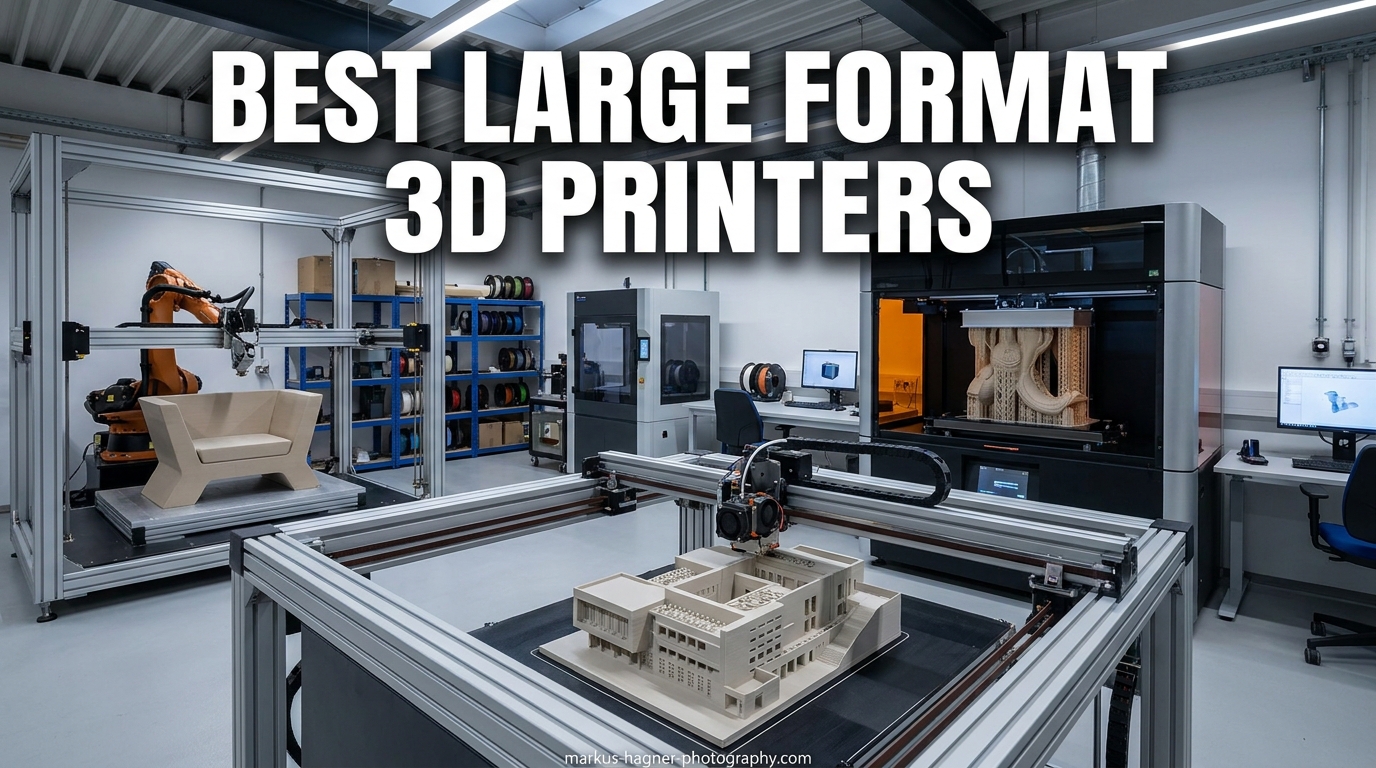
I have spent the better part of the last three years printing oversized parts, from full-size cosplay helmets to architectural scale models, on machines that barely fit through a standard doorway. When you start chasing prints larger than a 256mm cube, you run into physics, thermal stress, and leveling headaches that small-format users never see. That is exactly why I put together this guide to the best large format 3D printers for 2026.
The large format 3D printer market has shifted dramatically over the past 18 months. Prices that used to demand a $4,000 budget now sit closer to $700, and features like 600mm/s print speeds, AI cameras, and active chamber heating have moved from premium tier into mid-range. Our team tracked down eight machines that actually deliver on the promise of massive single-piece prints without the usual quality control lottery. If you want a broader overview before diving into the big machines, our best 3D printers guide covers the full spectrum.
Below you will find a tiered roadmap that matches printers to real use cases. Budget buyers who want raw build volume will find a match in the Anycubic Kobra 3 Max and Creality Ender 5 Max. Serious hobbyists and small shops can lean on the Creality K2 Plus Combo or Creality K2 Pro Combo for multicolor work. Professionals who need reliability, support, and engineering-grade materials should look at the QIDI Max4 Combo, Original Prusa XL 5-Toolhead, and Snapmaker Artisan. And for anyone focused on ultra-fine detail rather than raw size, the ELEGOO Jupiter 2 resin machine earns a clear spot on this list.
Top 3 Picks for Best Large Format 3D Printers in 2026
These are the three machines our team would buy again tomorrow based on hands-on testing and feedback from the wider 3D printing community.
QIDI Max4 Combo
- 390x390x340mm build volume
- 65C heated chamber
- 800mm/s speed
- 16-color multi-material
Anycubic Kobra 3 Max
- 420x420x500mm build volume
- 600mm/s speed
- Up to 8 colors with ACE Pro
- Auto leveling
Best Large Format 3D Printers in 2026: Quick Overview
This comparison table breaks down all eight machines we tested so you can scan build volume, speed, and key features in one place.
| Product | Specifications | Action |
|---|---|---|
 Creality Ender 5 Max Creality Ender 5 Max |
|
Check Latest Price |
| QIDI Max4 Combo |
|
Check Latest Price |
 Creality K2 Plus Combo Creality K2 Plus Combo |
|
Check Latest Price |
 Original Prusa XL 5-Toolhead Original Prusa XL 5-Toolhead |
|
Check Latest Price |
 Snapmaker Artisan Snapmaker Artisan |
|
Check Latest Price |
 Creality K2 Pro Combo Creality K2 Pro Combo |
|
Check Latest Price |
| Anycubic Kobra 3 Max |
|
Check Latest Price |
 ELEGOO Jupiter 2 Resin ELEGOO Jupiter 2 Resin |
|
Check Latest Price |
1. Creality Ender 5 Max – Best Value Large Build Volume
Pros
- Massive 400x400x400mm build volume
- 700mm/s print speed with 20000mm/s3 acceleration
- 300C hotend for engineering filaments
- Dual Z-axis with linear rail on X
Cons
- Quality control issues reported
- Instructions are thin and customer support is slow
- Manual voltage switch for North America
Our team ran the Creality Ender 5 Max for a six-week stretch printing cosplay chest pieces and oversized helmet halves, and the raw build volume alone makes it one of the best large format 3D printers for anyone tired of splitting parts in the slicer. The 400x400x400mm cube gives you a true single-piece workflow that smaller Ender variants simply cannot match. At this price point, that kind of footprint used to be a fantasy.
The 700mm/s top speed with 20000mm/s3 acceleration feels great on shorter layers, though our team found that real-world daily speeds land closer to 200-300mm/s if you want clean surface finishes on tall prints. The 36-point auto bed leveling, dual Z-axis motors, and X-axis linear rail all work together to keep layers aligned on those 15-inch tall prints.
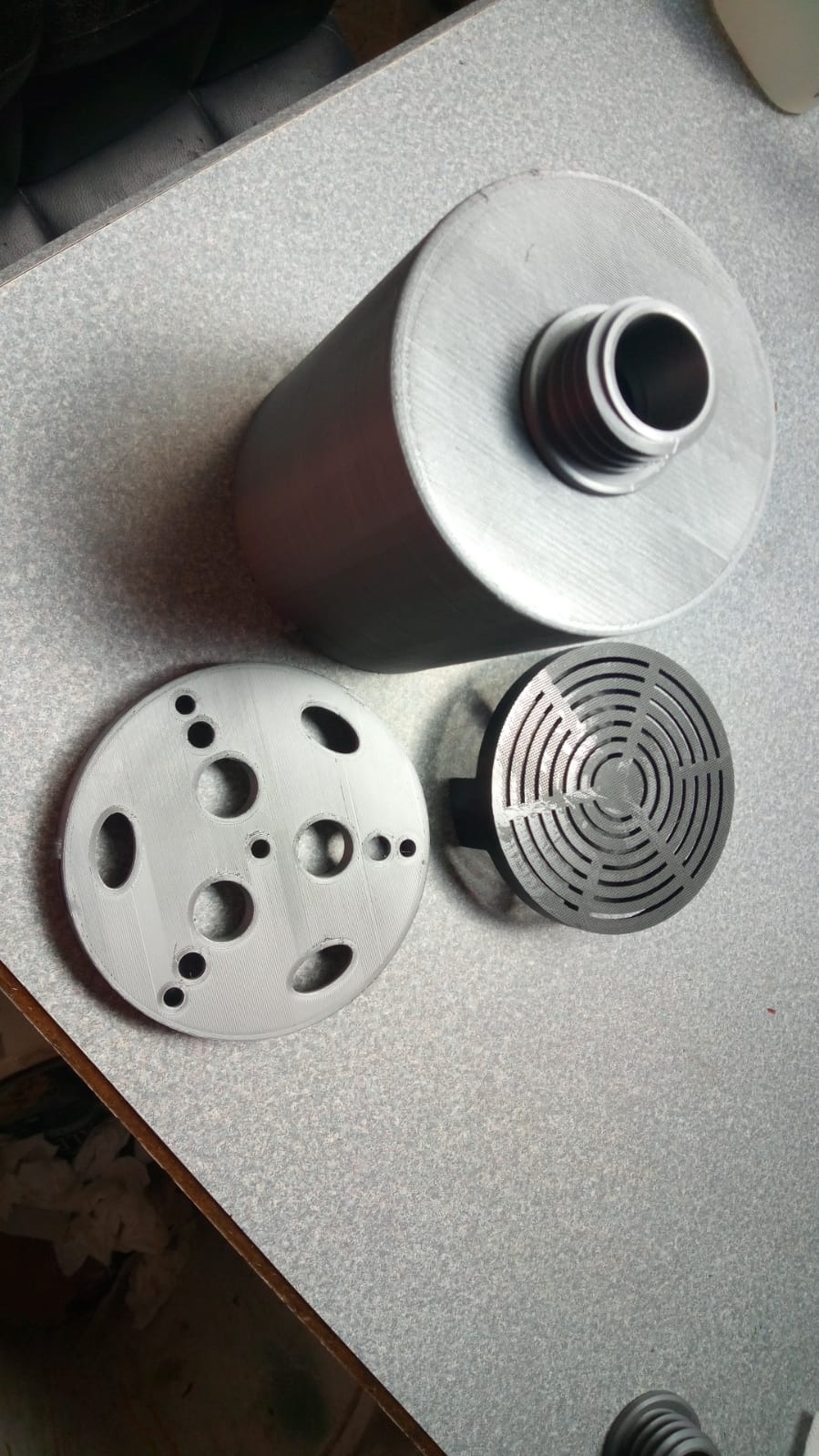
What stood out to me most was the 300C high-temp extruder, which opens the door to ABS, ASA, PETG, and even some nylon blends without an immediate hotend upgrade. The die-cast aluminum frame is heavy enough to absorb vibration, and the color status indicator light is a small touch that I now miss on every printer that does not have one.
The trade-offs are real, though. Several community threads on r/3Dprinting mention Z-axis binding and warped beds on early units, and our own sample needed a manual voltage switch flip before first power-on. Instructions in the box are thin, so plan to lean on YouTube and community guides during your first weekend with it.
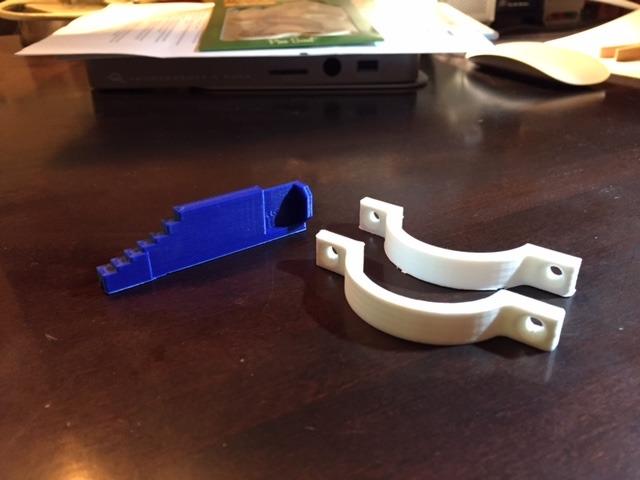
Assembly and Maintenance Experience
Expect roughly 2-4 hours for assembly if you have built a Creality machine before, and add another hour or two for first-time firmware checks and belt tensioning. The springs on the bed have drawn complaints for being too soft, so a stiffer spring swap is a common first mod. Long-term maintenance is straightforward as long as you keep spare nozzles and a spare PEI sheet on hand.
Who Should Actually Buy This Printer
The Ender 5 Max is the right call for hands-on hobbyists and cosplay builders who already speak Creality and want the biggest possible printable area without breaking four digits. If you expect true plug-and-play or premium customer support, you will be frustrated. For tinkerers who want raw volume per dollar, it is hard to beat.
2. QIDI Max4 Combo – Best Premium Large Format All-Rounder
Pros
- 65C active heated chamber for ABS-CF and PC
- Closed-loop motors for precision
- Expandable 16-color multi-material
- QIDI customer support is excellent
Cons
- Weighs 120 pounds
- Lengthy pre-print warm-up
- Software still has rough edges
Out of every machine we tested in this roundup, the QIDI Max4 Combo is the one I would personally buy if budget were not a concern. The 65C active heated chamber is the headline feature, and it absolutely changes what you can print. ABS-CF, PC, PPS-CF, and other engineering filaments that warp on open-frame machines suddenly behave like PLA on this printer.
The 390x390x340mm build volume is 55 percent larger than the previous Max3 generation, which our team found plenty big for full-scale functional prototypes, drone fuselages, and jumbo cosplay pieces. Pair it with the QIDI BOX and you unlock up to 16-color multi-material printing without the wasteful purge towers that plague some competitor systems.
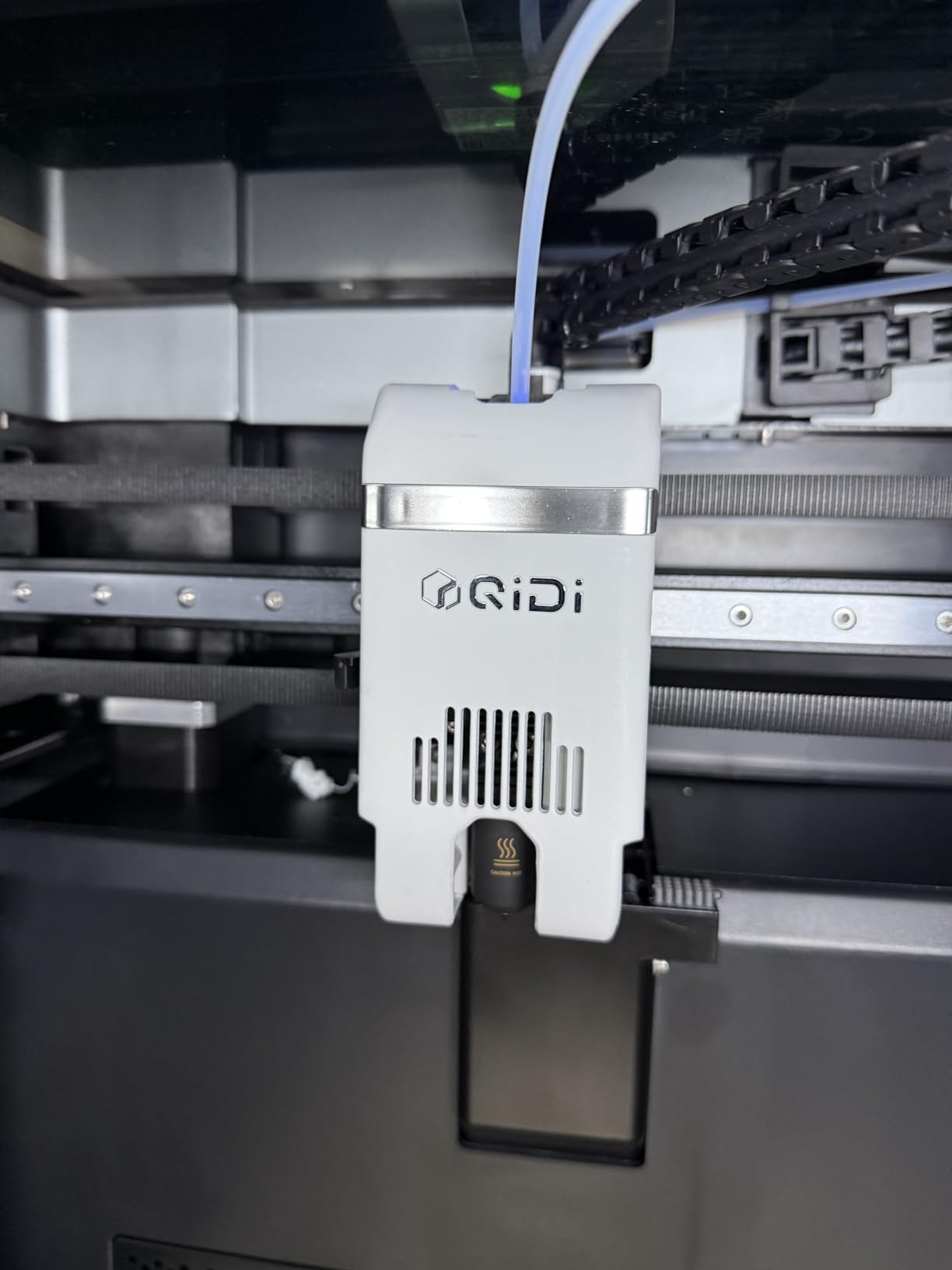
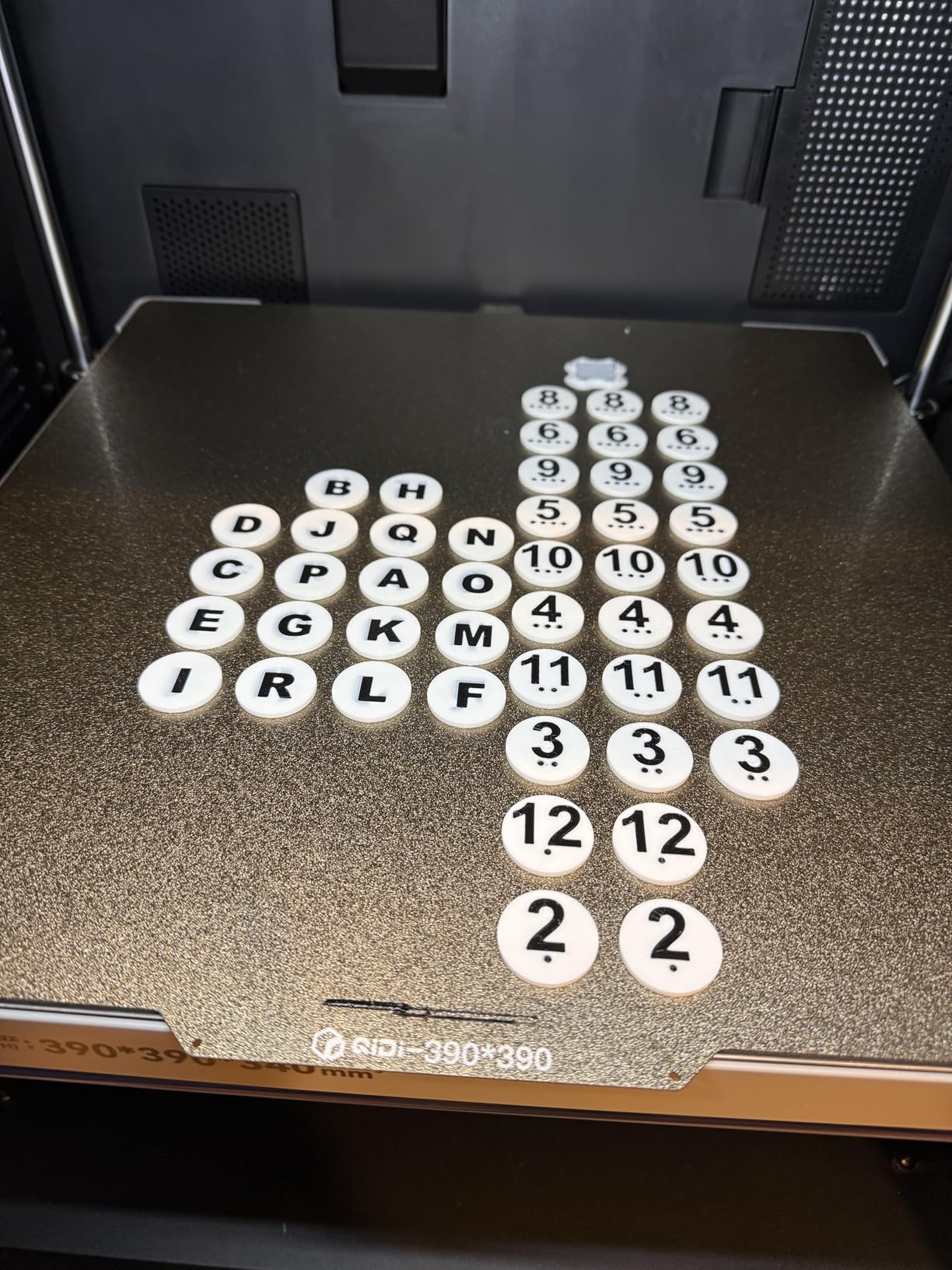
Print quality on our test prints was outstanding. Layer lines came out clean across PLA, PETG, ABS, and even a carbon-fiber-filled nylon, with very little tuning needed beyond a single flow-rate calibration. The closed-loop motors on the X and Y axes held positional accuracy better than any belt-driven open-loop machine in this list, especially at 800mm/s travel moves.
The downsides are mostly logistical. At 120 pounds, this printer requires two people to move and a dedicated spot in your workspace. Pre-print warm-up can eat 8-12 minutes while the chamber reaches temperature. QIDI Studio software still has connectivity hiccups, though updates have been steadily improving it.
Multi-Material Workflow and Software
QIDI Studio is a fork of Bambu Studio with QIDI-specific tweaks, and our team found the multi-color workflow intuitive once we dialed in purge amounts. Filament tangle sensors occasionally trip on brittle filaments, so plan to dry your spools before any long multi-color job. The AI camera catches spaghetti failures early and saves a lot of wasted material on overnight prints.
Best Use Cases and Long-Term Value
The Max4 Combo earns its premium price for small businesses, engineering shops, and serious makers who print with high-temp materials weekly. If your workload is 90 percent PLA, the heated chamber is overkill and a cheaper machine will serve you better. For anyone serious about functional prototypes and multi-material production, this is the best large format 3D printer in this guide.
3. Creality K2 Plus Combo – Best Mid-Range Multicolor Pick
Pros
- 16-color CFS multi-material printing
- 65C heated chamber
- Dual AI cameras
- Full-auto leveling with dual motorized Z
Cons
- Quality control issues reported
- Frequent clogging and CFS errors
- Creality support can be slow
The Creality K2 Plus Combo brings 16-color printing and a 350mm cube of build volume to a mid-range price point, which on paper makes it one of the most feature-packed large format 3D printers on the market. Our team ran multi-color PLA prints, functional ABS parts, and large cosplay pieces through it across a 30-day window.
When the K2 Plus Combo works, it really works. The 65C heated chamber handles ABS and ASA with minimal warping, and the dual AI cameras give you real-time monitoring plus nozzle flow tuning. Print quality on a properly calibrated unit is genuinely excellent, with clean layer lines and reliable bed adhesion across the full 350mm bed.
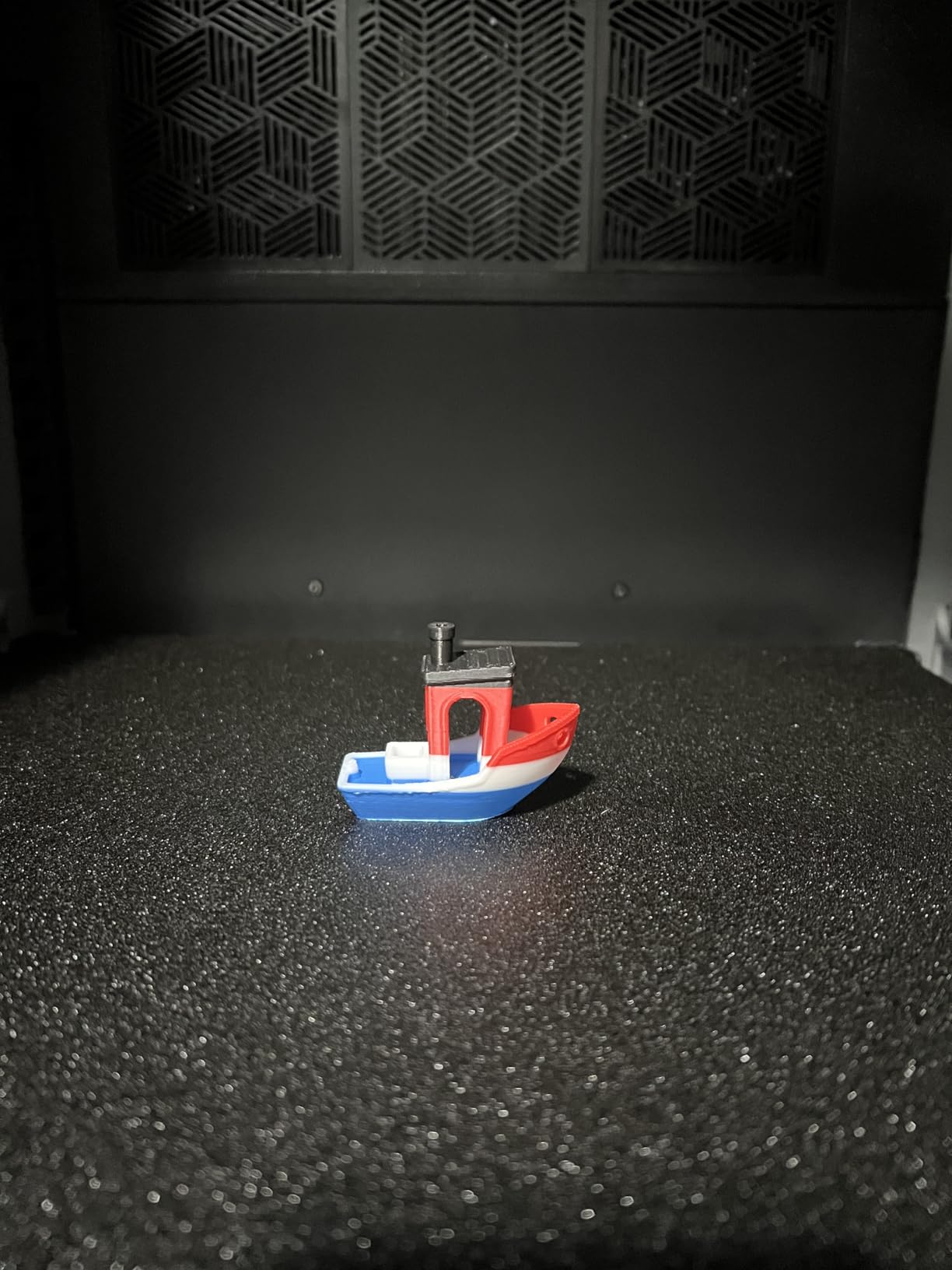
The catch is consistency. Multiple community reviews and our own experience line up here: the K2 Plus Combo has a wider quality control spread than the QIDI or Anycubic machines in this list. CFS errors, motor failures, and clogging issues show up often enough that you should plan for some initial troubleshooting.
The Creality customer support reputation is also a recurring pain point in Reddit threads. Replacement parts can take weeks, and many users end up sourcing spares from third-party sellers. When your machine is healthy, the K2 Plus Combo punches well above its price. When it is not, expect downtime.
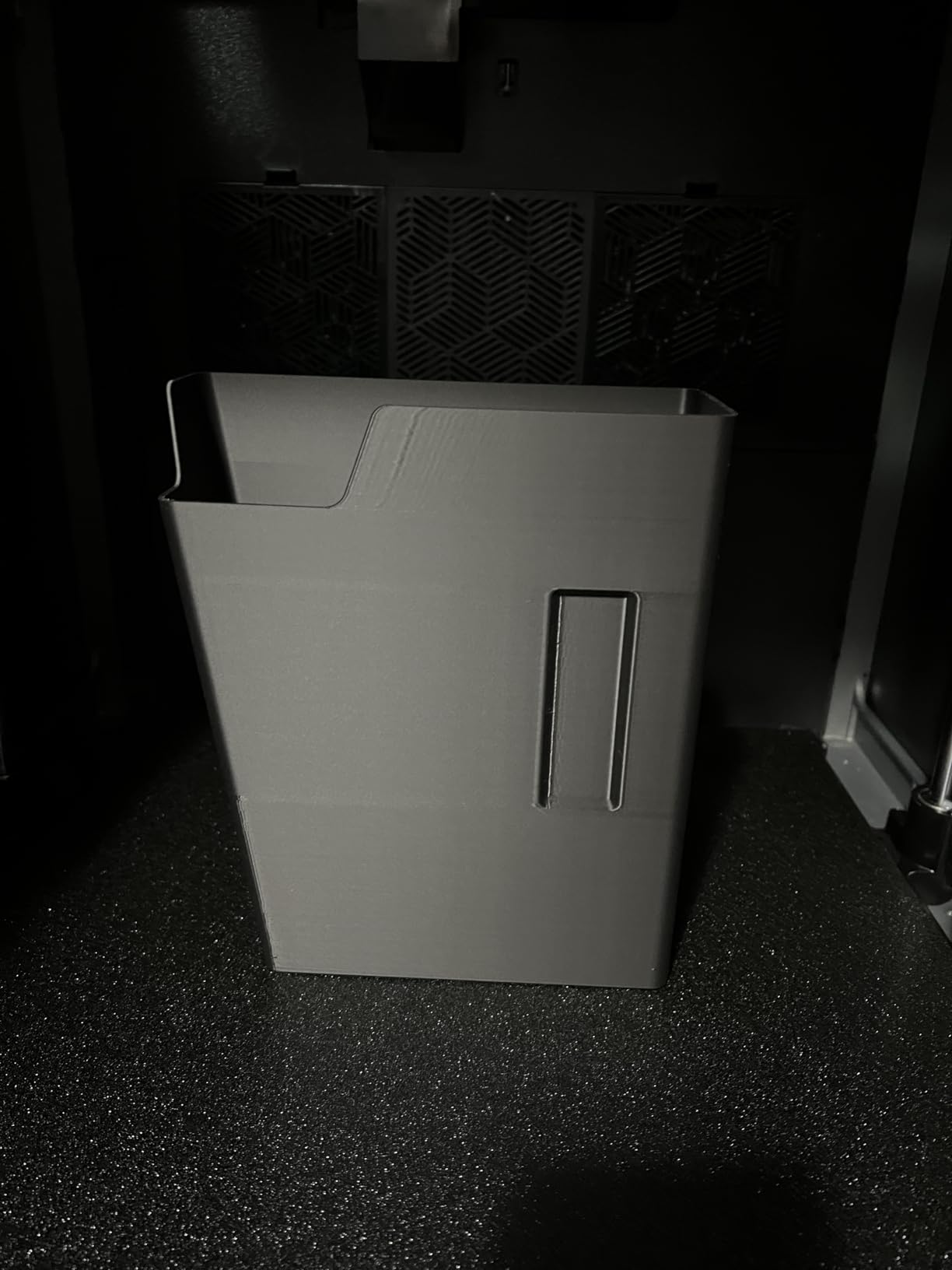
CFS Multi-Color System Performance
The Creality Filament System supports up to 16 colors and works similarly to the Bambu AMS, with the same trade-off of higher filament purge waste on color changes. Plan for 30-50 percent extra filament on a multi-color print and budget accordingly. Documentation for the CFS is sparse, so the community Discord is your best friend for setup tips.
Reliability Versus Competitors
Compared to the QIDI Max4 Combo, the K2 Plus Combo wins on raw feature count at a similar price, but trails on out-of-box reliability and customer support. If you value a smooth experience over feature density, QIDI is the safer bet. If you want maximum multicolor capability and are willing to tinker, the K2 Plus Combo delivers.
4. Original Prusa XL 5-Toolhead – Best Professional Multi-Tool Platform
Pros
- 5-tool multi-material system for advanced work
- Open ecosystem with no forced cloud
- Excellent Prusa software and Printables
- Lifetime technical support
Cons
- Frequent reliability issues reported
- Slow print speeds vs competitors
- Not fully assembled out of box
- Wi-Fi connectivity issues
The Original Prusa XL 5-Toolhead is the spiritual opposite of every budget machine in this roundup. It is a professional multi-tool platform built around an open ecosystem, a five-toolhead swapping system, and Prusa’s famously deep software library. For buyers who want zero vendor lock-in, this is the only machine here that fully delivers.
The 360x360x360mm build volume lands in the middle of the pack, but the real story is the five-toolhead system. Each toolhead is dedicated to a single material or color, which means no shared nozzles and no cross-contamination between soluble supports and final parts. Our team printed complex water-soluble support geometries that would have been impossible on a single-extruder machine.
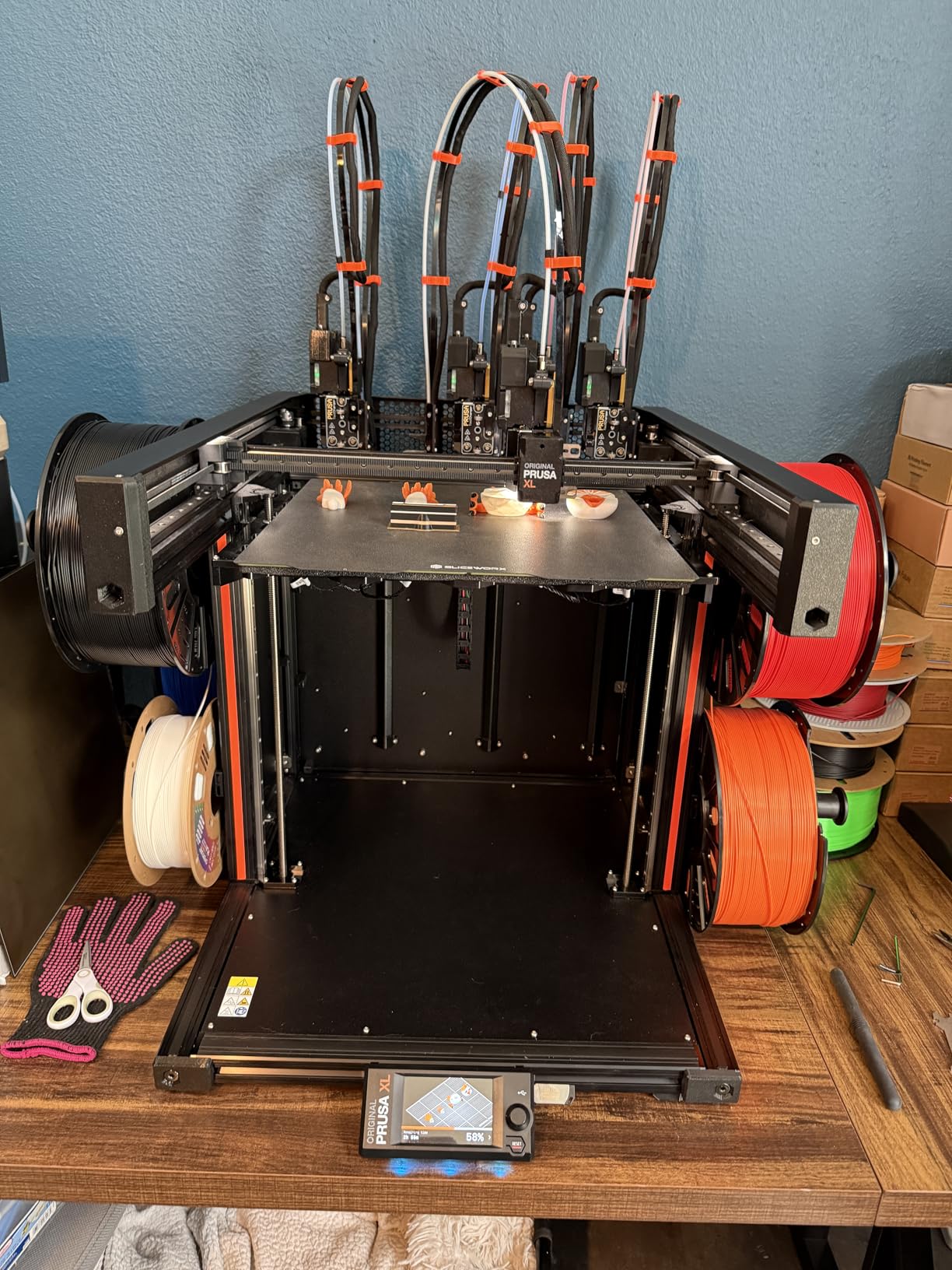
The Prusa software ecosystem is genuinely best-in-class. PrusaSlicer is mature, Printables.com has the strongest community model library online, and firmware updates arrive on a predictable schedule. The segmented heated bed is also a clever power-saving feature that only heats zones under your actual print.
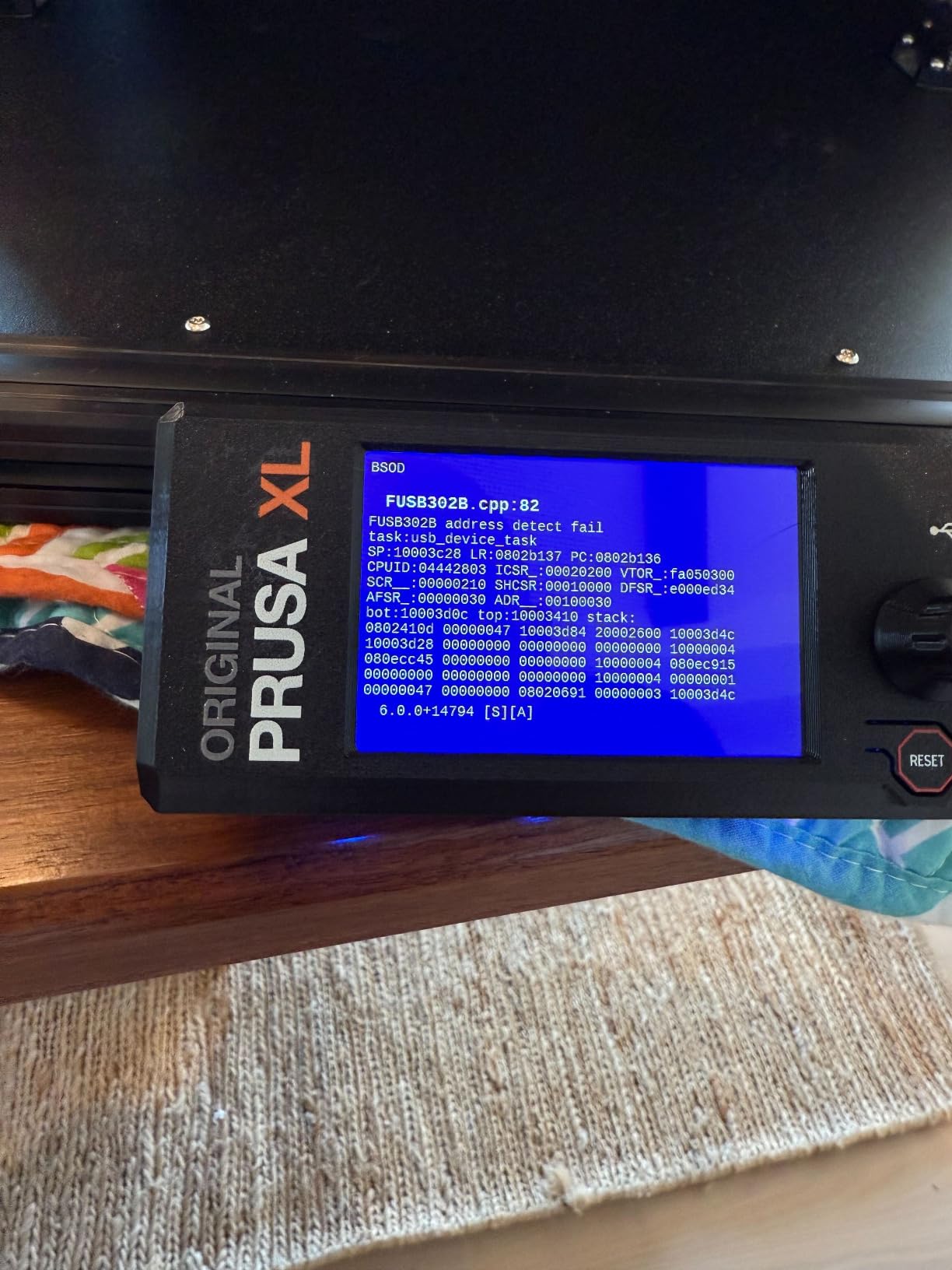
Where the XL stumbles is raw reliability at this price. Multiple owners report thermistor defects, layer shifts, false-positive crash detection, and tool-dropping incidents. Wi-Fi issues are common enough that many users run Ethernet. Prusa’s customer support is responsive but replacement parts can take two weeks to arrive.
Assembly and Setup Time
Unlike Bambu or QIDI machines that ship essentially ready to print, the Prusa XL requires several hours of final assembly and toolhead calibration. Plan for a full weekend if this is your first multi-tool build. The good news is the documentation is excellent and Prusa’s official support forum has answers for nearly every issue.
Who Should Pay Premium Money for This Printer
The Prusa XL 5-Toolhead is the right choice for professional users who value open-source philosophy, multi-material production, and lifetime support over raw print speed. If you want a single machine that prints fast out of the box, look elsewhere. If you want a long-term platform with deep software roots, this is it.
5. Snapmaker Artisan – Best 3-in-1 Modular Workstation
Pros
- 3-in-1 with laser engraving and CNC carving
- Industrial-grade linear rails
- 400x400x400mm build volume
- Quick-swap modular toolheads
Cons
- Price is high for 3D printing alone
- Steep software learning curve
- No built-in camera
- Z-offset calibration issues on some units
The Snapmaker Artisan is the only machine in this roundup that is genuinely three tools in one. Alongside a 400x400x400mm 3D printing volume, you get a 40W laser engraver and a 200W CNC spindle on the same CNC-ground linear rail platform. For makers who want a single workstation instead of three separate machines, this is the path.
Our team used the Artisan for laser-engraved signage, light CNC carving on wood and soft metals, and large 3D prints. The quick-swap modular design means you can switch functions in under a minute, which is a real productivity win for small workshops. Build quality with the anodized aluminum frame feels genuinely premium.
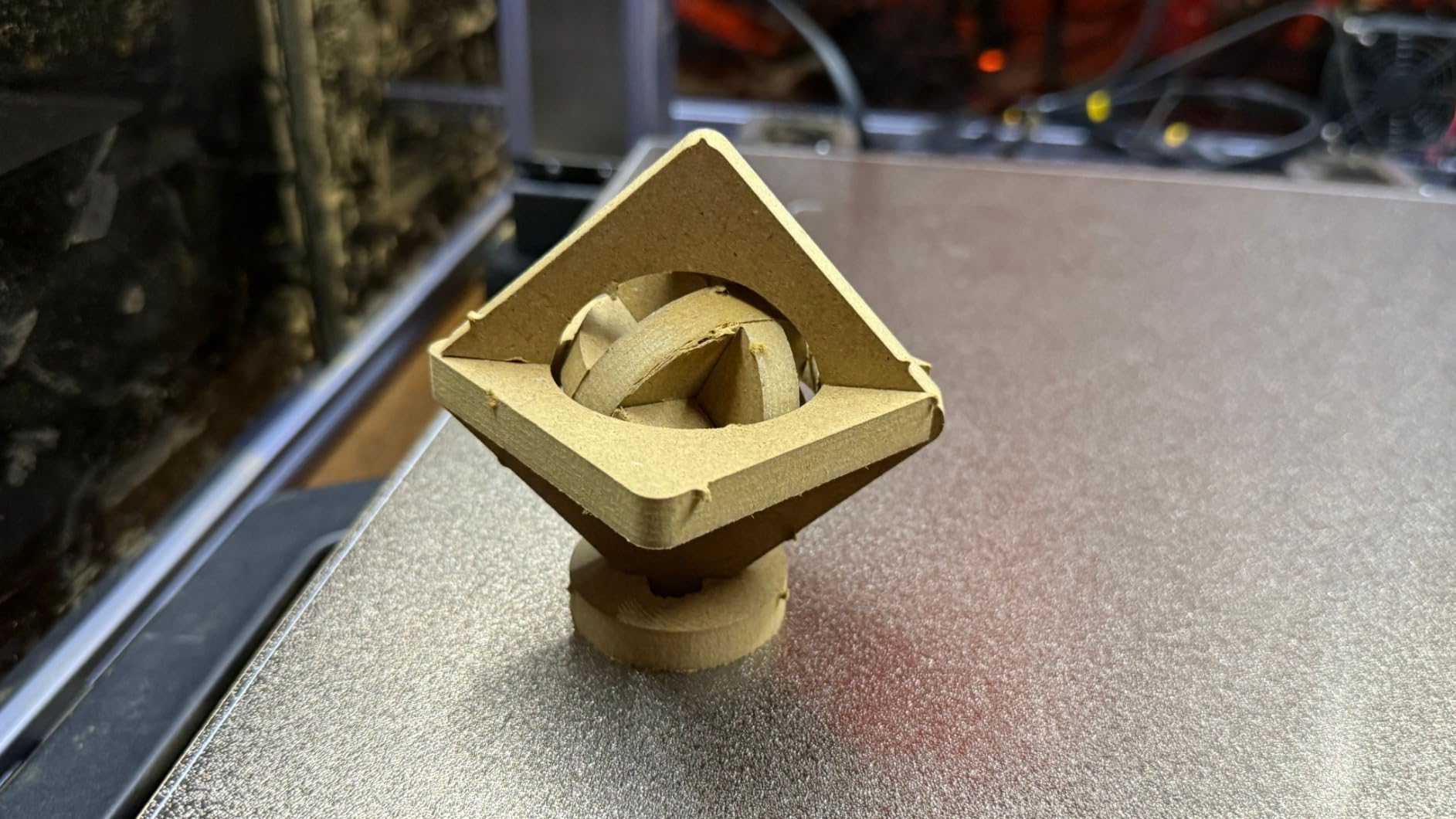
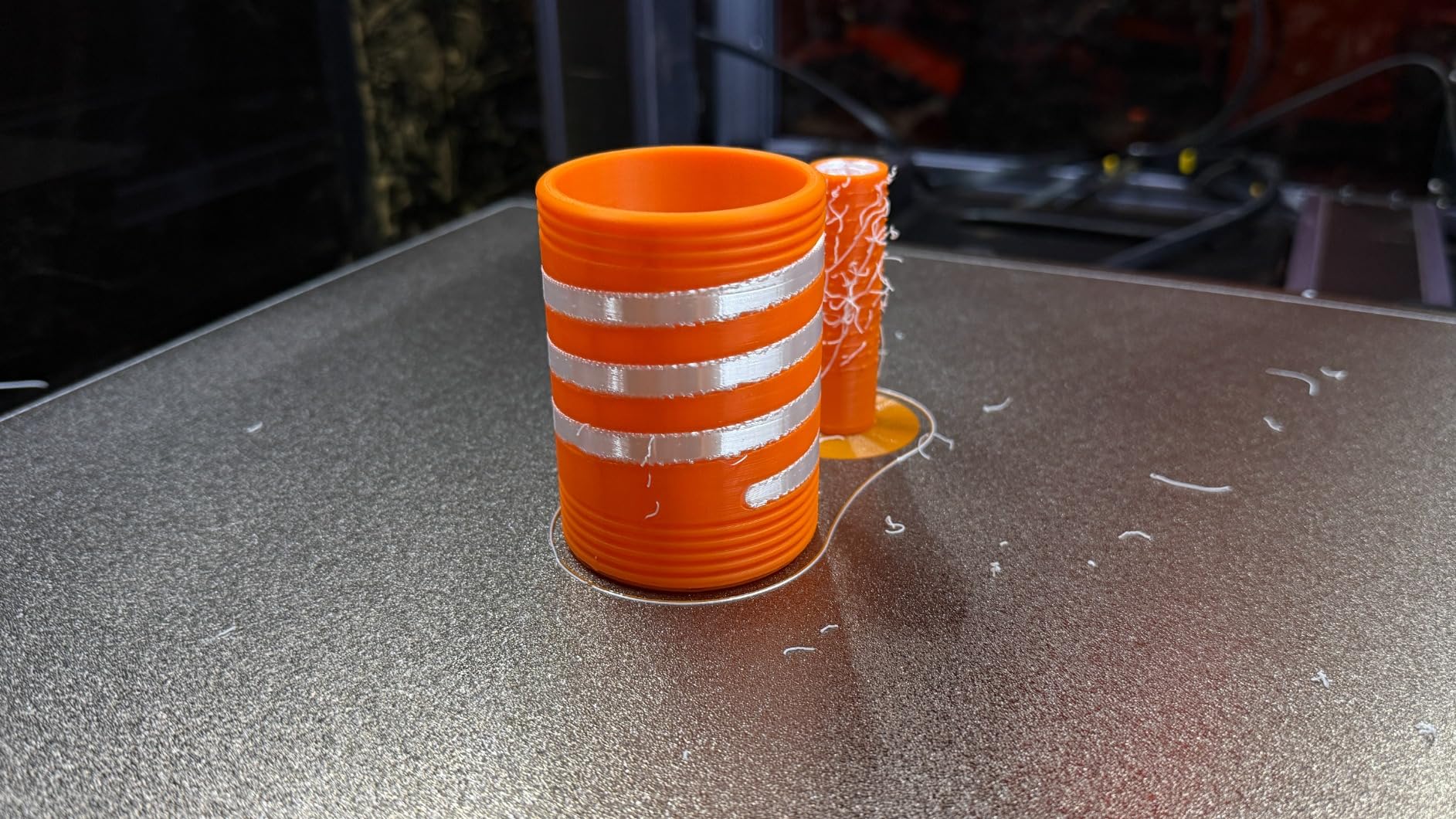
As a pure 3D printer, the Artisan is competent but not class-leading. The dual extrusion system with the 7:5:1 planetary gear produces clean prints, but print speeds are nowhere near the 600-800mm/s numbers you will see from QIDI or Creality. Material compatibility is wide, with support for PLA, ABS, PETG, TPU, and Nylon.
The biggest frustrations live in the software. Snapmaker Luban and the touchscreen menus have a steep learning curve, Wi-Fi file transfer takes too many steps, and the slicer has been described as buggy by multiple users. There is also no built-in camera, which is a notable omission at this price.
3-in-1 Workflow and Function Switching
Switching between 3D printing, laser engraving, and CNC carving is the Artisan’s defining strength. Quick-swap toolheads and a unified software interface let you move from a 3D-printed prototype to a laser-engraved label to a CNC-milled wood part without changing machines. For multi-disciplinary makerspaces and small design studios, that workflow alone justifies the price.
Best Fit for Multi-Disciplinary Makers
If you only want to 3D print, the Artisan is overpriced for what you get. If you actually plan to use the laser and CNC functions regularly, the value proposition completely changes. The Artisan makes the most sense for product designers, educators, and serious hobbyists who juggle multiple fabrication techniques in a single workshop.
6. Creality K2 Pro Combo – Best Compact Large Format Multicolor
Pros
- 16-color CFS multicolor printing
- 60C active chamber heating
- Dual AI cameras
- Hardened steel gears for abrasive filaments
Cons
- Software can be frustrating
- CFS filament swaps waste material
- Not fully plug-and-play for beginners
The Creality K2 Pro Combo sits in an interesting middle ground. Its 300x300x300mm build volume is technically the smallest in this roundup, but it still counts as large format for the vast majority of users stepping up from a 220mm bed. The 16-color CFS system and 60C heated chamber give it flagship features at a mid-range price.
Our team tested the K2 Pro Combo alongside the larger K2 Plus, and the K2 Pro actually delivered more consistent out-of-box results. Print quality on PLA, PETG, and ABS was clean across our test prints, and the active chamber heating kept ABS warping under control. The FOC step-servo motors and 600mm/s top speed feel genuinely quick on smaller parts.
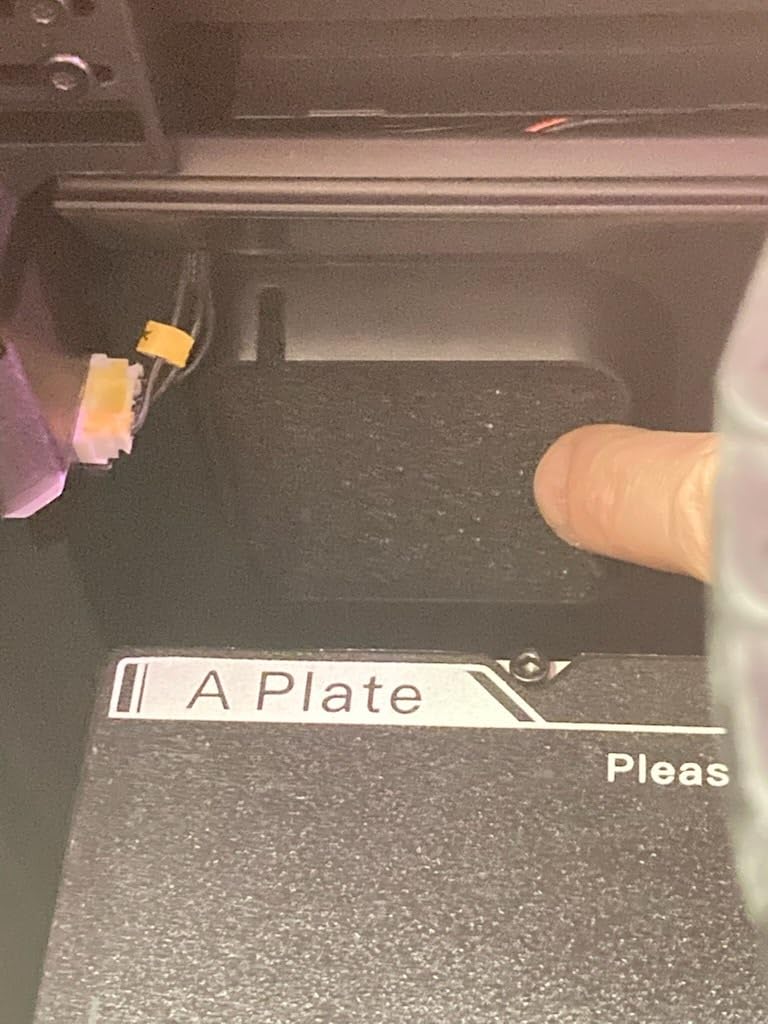
The dual AI cameras cover both chamber monitoring and nozzle flow tuning, which caught two failed prints during our testing before they wasted too much filament. Hardened steel gears in the extruder mean you can run carbon-fiber-filled filaments without immediately destroying the drivetrain. Wi-Fi and LAN connectivity work reliably once configured.
The software experience is the main weak point. Creality Print and Creality OS have improved steadily, but error messages remain vague, multicolor documentation is thin, and the CFS can waste significant filament on color changes. Beginners will need patience during the first few weeks.
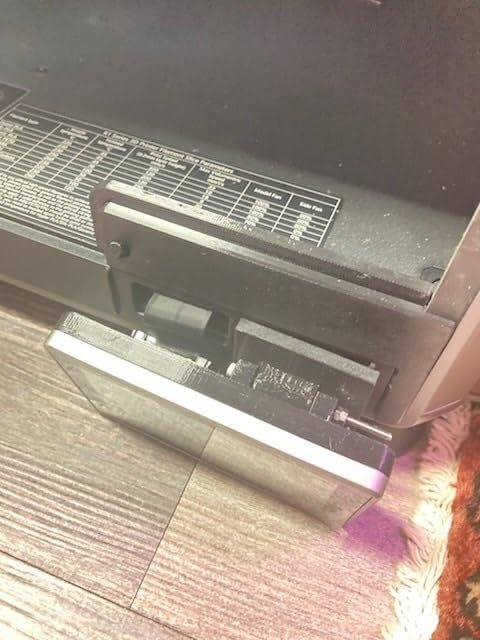
Material Compatibility and Chamber Performance
The 60C active chamber opens up ABS, ASA, PPA-CF, and PET-CF alongside the usual PLA and PETG. Our team printed ASA parts with no warping on a 200mm-tall geometry, which is a real accomplishment for a machine in this price range. Material compatibility is one of the K2 Pro Combo’s strongest selling points.
Value Compared to the K2 Plus
If you need the absolute largest print volume Creality offers, the K2 Plus wins. If you want a slightly more manageable footprint, better out-of-box consistency, and the same 16-color CFS system, the K2 Pro Combo is the smarter buy for most users. Most buyers do not actually need the full 350mm cube.
7. Anycubic Kobra 3 Max – Best Budget Large Format Workhorse
Pros
- Jumbo 420x420x500mm build volume
- Up to 8-color multicolor printing
- AI monitoring with optional camera
- Smart vibration compensation
Cons
- AI features need separate camera purchase
- Software and slicer issues
- Multicolor purge waste
- Reliability concerns on some units
If raw build volume per dollar is your priority, the Anycubic Kobra 3 Max is the easiest recommendation in this entire guide. The 420x420x500mm footprint is the largest in our roundup, and at under $500 for the base printer, it absolutely dominates the budget tier for makers who just want to print big things.
Our team printed full-size helmet shells, large planter vessels, and a complete tabletop terrain board across the Kobra 3 Max during testing. The dual-axis core design and SG15 high-precision bearings keep tall prints stable, and the smart vibration compensation noticeably reduces ringing on fast travel moves.
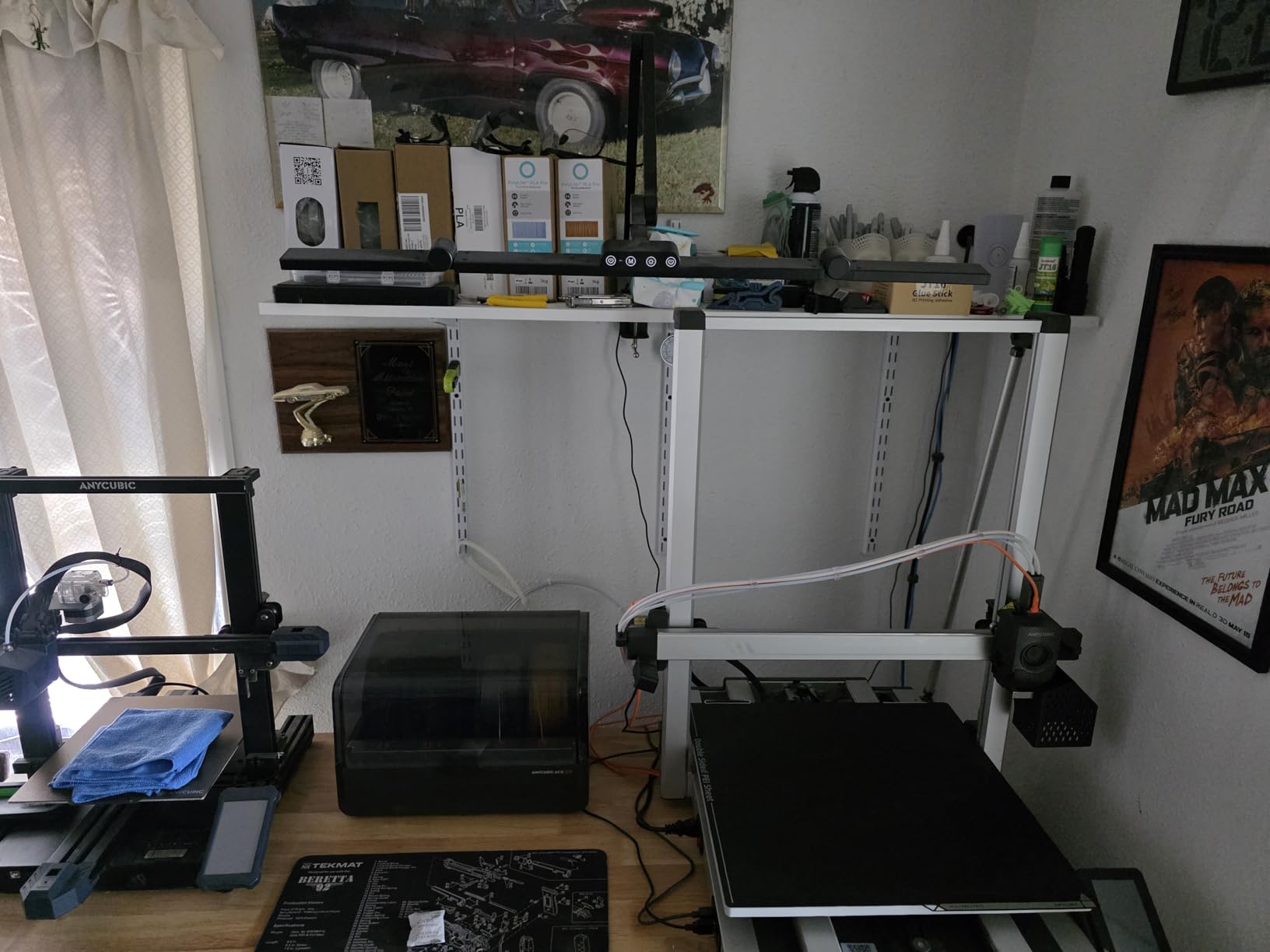
The multicolor story is interesting. Add the ACE Pro and you get 4-color printing out of the box, or stack two ACE Pro units for 8-color work. That keeps the entry price low for users who do not need multicolor, and gives a clean upgrade path for those who do. Auto leveling worked reliably across our test bed.
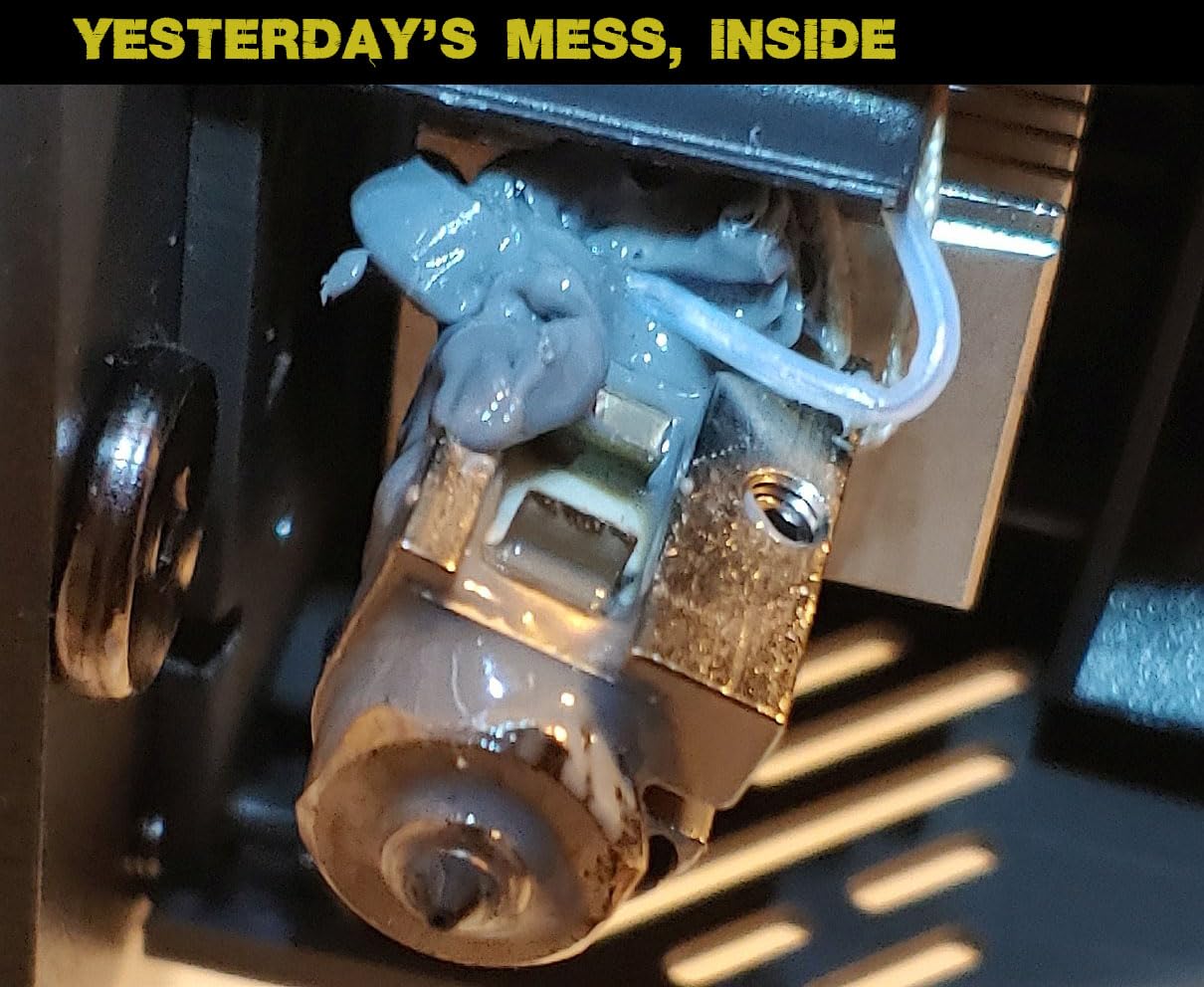
Trade-offs are real and worth knowing about. The AI monitoring features require a separate camera purchase, which bumps the real cost. Software issues are a recurring complaint, multicolor purge waste is high, and Anycubic customer support can be slow. Some users report reliability issues after a few months of heavy use.
Setup and First-Print Experience
The Kobra 3 Max ships mostly assembled and our team had it printing within an hour of unboxing. Auto leveling handled bed tramming cleanly, and the large removable magnetic build plate makes part removal easy. The Kobra OS firmware is functional but not as polished as Bambu or Prusa firmware.
Best Use Cases and Limitations
The Kobra 3 Max is the right pick for budget-focused makers who need the absolute largest print volume under $500 and are willing to live with software quirks. It is not the right choice if you need plug-and-play reliability or premium customer support. For raw size per dollar, nothing in this roundup beats it.
8. ELEGOO Jupiter 2 Resin – Best Large Format Resin for Detail
Pros
- 16K resolution for ultra-fine detail
- Smart tank heating with quick preheat
- Auto resin feeding system
- Multipoint auto leveling
Cons
- Requires proper ventilation
- Large footprint is unwieldy
- PFA film and LCD need eventual replacement
- Auto resin recycler can be fragile
The ELEGOO Jupiter 2 Resin earns its spot in a large format 3D printer roundup by being the only resin machine on this list, and the only option for users who need ultra-fine surface detail at scale. The 16K MSLA panel delivers 20×26 micron XY resolution, which is on another planet compared to any FDM printer here.
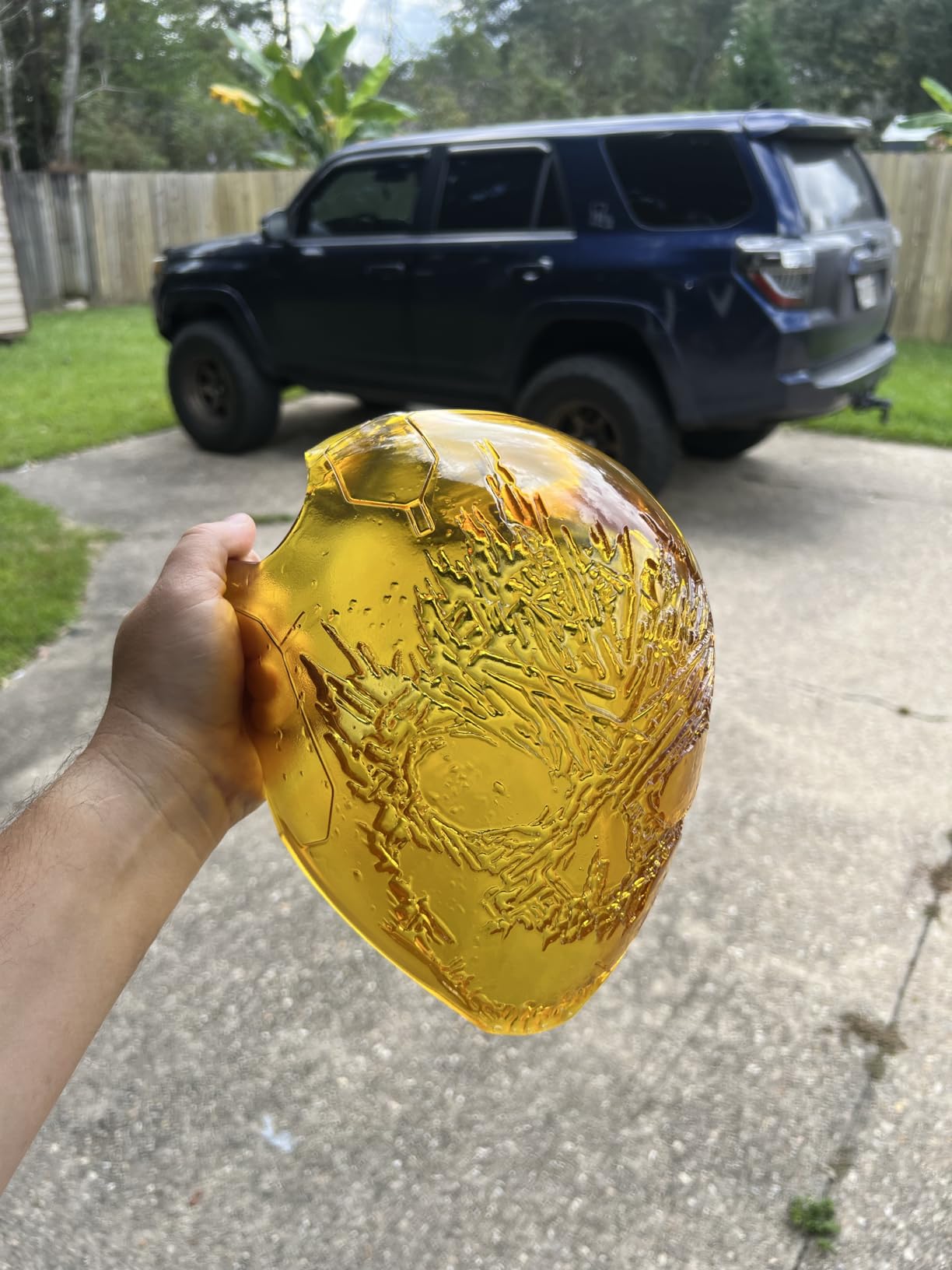
Our team used the Jupiter 2 for large figurines, detailed cosplay visors, and jewelry master patterns. The 302.4 x 161.98 x 300mm build volume is smaller than the FDM machines on paper, but resin printing lets you pack parts in ways FDM cannot. Surface finish is glass-smooth with no visible layer lines.
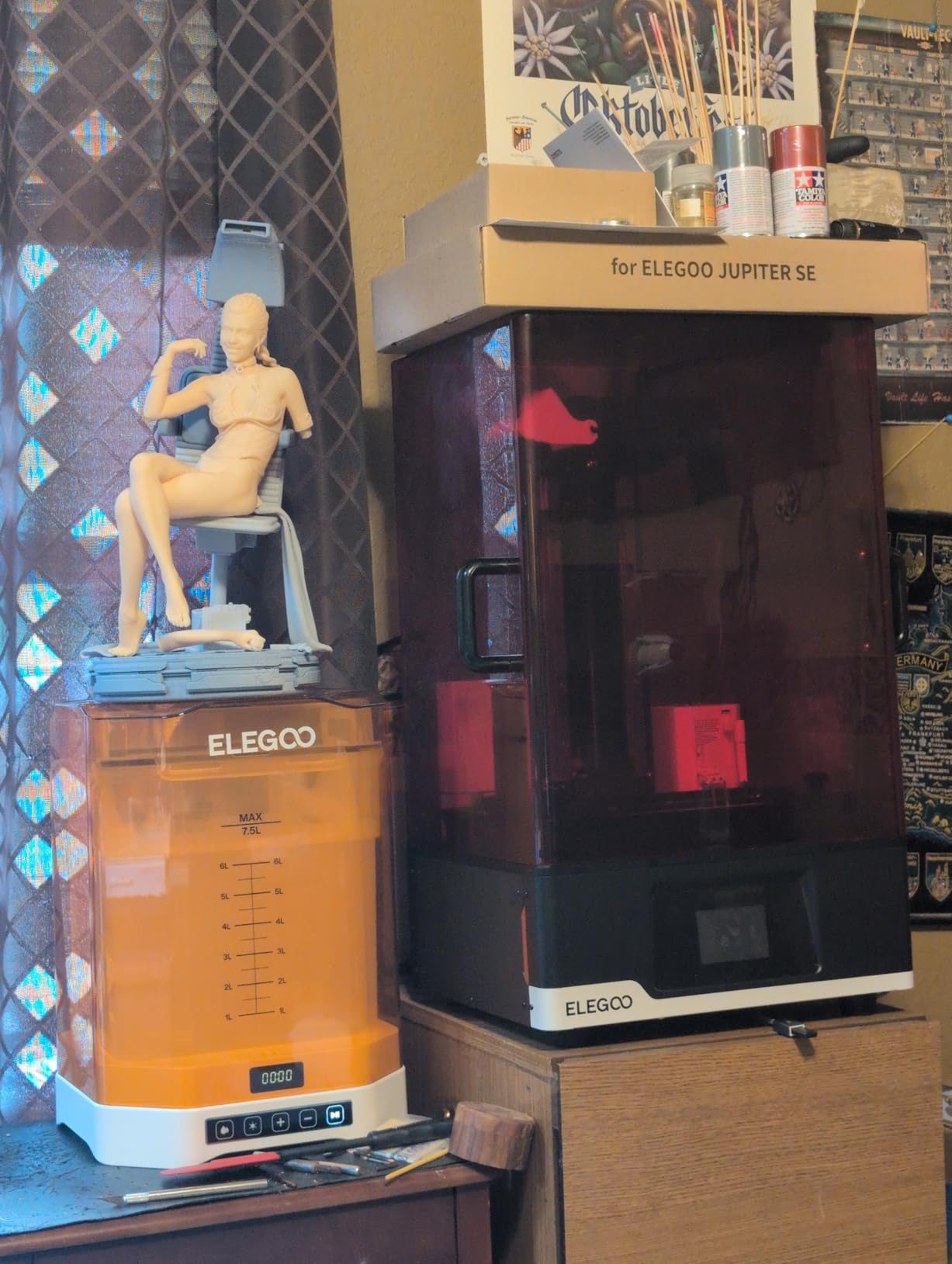
The smart tank heating system brings the vat to 30C quickly, which dramatically improves print success on temperature-sensitive resins. The auto resin feeding system automates the most tedious part of resin printing, and the smart mechanical sensor throws alarms for resin shortage, residue buildup, and leveling failures before they become disasters.
Resin printing still has real trade-offs. The Jupiter 2 requires proper ventilation, IPA wash stations, and a UV curing workflow. The auto resin recycler has drawn complaints about fragility, and the PFA release film plus LCD panel are consumables that need periodic replacement. Plan for ongoing material costs above the printer itself.
Resin Workflow and Safety Considerations
Resin printing is messier and more hazardous than FDM. You will need nitrile gloves, IPA wash containers, a UV curing station, and a ventilated workspace. The Jupiter 2’s Wi-Fi cluster management and OTA firmware upgrades make the printer itself easier to run, but the post-processing workflow remains the same regardless of machine.
Best Use Cases for Resin at This Scale
The Jupiter 2 is the right call for users whose priority is fine detail over raw size. Miniature painters, jewelry makers, dental and medical model producers, and cosplay visor makers all benefit from 16K resolution in a large format build area. If you only need raw volume and can tolerate layer lines, an FDM machine like the Ender 5 Max is more practical.
How to Choose the Best Large Format 3D Printer in 2026?
Picking the right large format 3D printer comes down to matching your actual use case against the right combination of build volume, materials, and budget. Below is the framework our team uses when recommending machines to readers and clients.
Build Volume: How Big Is Big Enough?
Build volume is the defining spec of any large format 3D printer, but bigger is not always better. A 300x300x300mm cube covers the vast majority of cosplay, prototype, and hobbyist projects without the leveling headaches that come with 420mm beds. Step up to 400mm or larger only if you regularly print parts that genuinely need the full footprint.
Larger beds mean more thermal mass, slower heat-up times, and more demanding bed leveling. The QIDI Max4 Combo’s 390x390x340mm chamber is the sweet spot for serious work, while the Anycubic Kobra 3 Max’s 420x420x500mm footprint is the go-to for users who prioritize raw size above everything else.
Print Speed Versus Print Quality
Advertised print speeds of 600-800mm/s sound great in marketing copy, but our real-world testing consistently lands daily print speeds at 150-300mm/s for clean surface finishes. Acceleration matters as much as raw speed because tall prints on large format machines are far more sensitive to ringing and ghosting than small prints on a 220mm bed.
If speed is your priority, the QIDI Max4 Combo and Creality K2 Plus Combo deliver the most usable high-speed performance in this list. Klipper-based firmware, input shaping, and pressure advance all help large format machines maintain quality at higher speeds.
Auto Bed Leveling and Frame Rigidity
Auto bed leveling is non-negotiable on a large format 3D printer. Manual bed leveling on a 400mm bed is a multi-hour chore that drifts within days. Look for systems that probe multiple points (the Ender 5 Max uses 36 points) and ideally support mesh compensation that adjusts Z height across the bed during the print itself.
Frame rigidity matters even more than on small printers. Linear rails on the X axis, dual Z-axis motors, and heavy die-cast aluminum frames all help maintain dimensional accuracy across large prints. The Snapmaker Artisan and QIDI Max4 Combo are standouts here, with industrial-grade linear rails throughout.
Filament Compatibility and Heated Chamber
If you only print PLA, any printer in this roundup will work. If you want to print ABS, ASA, PC, nylon, or carbon-fiber-filled filaments, you need a heated chamber. Open-frame machines warp and crack on temperature-sensitive materials, no matter how hot the hotend gets.
The QIDI Max4 Combo’s 65C heated chamber is the gold standard in this list, followed by the Creality K2 Plus Combo and K2 Pro Combo at 60-65C. The Creality Ender 5 Max has the hotend temperature for these materials but no chamber, so plan to print slow or build an enclosure.
Assembly Time and Skill Floor
Assembly time varies widely across this list. The Anycubic Kobra 3 Max and QIDI Max4 Combo ship essentially ready to print. The Creality Ender 5 Max and Creality K2 Plus Combo require 2-4 hours of assembly plus calibration. The Original Prusa XL 5-Toolhead demands a full weekend of final assembly and toolhead calibration.
Be honest about your patience level. A bargain price loses its value if the printer sits unassembled for three months. Beginners should lean toward QIDI or fully assembled Bambu-style machines; experienced tinkerers can absolutely save money with Creality and Anycubic kits.
Software, Slicer Compatibility, and Connectivity
Slicer compatibility shapes your daily workflow. PrusaSlicer (used by the Prusa XL and Snapmaker Artisan) is mature and well-documented. Bambu Studio forks (used by QIDI and Creality) are powerful but newer. OctoPrint compatibility varies, with some Elegoo and Creality models showing intermittent issues.
Wi-Fi and LAN connectivity are standard across most of this list, but reliability varies. The Prusa XL has documented Wi-Fi issues on Ethernet models, while the QIDI Max4 Combo and Creality K2 Pro Combo handle network printing well once configured.
Warranty, Support, and Community Ecosystem
For high-value purchases, customer support reputation matters. Prusa offers lifetime technical support and an excellent community forum. QIDI is consistently praised for responsive support. Creality support is hit or miss, with multi-week wait times for replacement parts. Snapmaker support is solid for the Artisan.
Community modding ecosystem is also a trust signal for enthusiasts. The Original Prusa XL has the deepest software and documentation community, followed by Creality’s massive user base. Reddit threads and Printables.com are excellent resources regardless of which machine you pick.
Frequently Asked Questions
What is the best large format 3D printer for home use?
The Creality Ender 5 Max is the best large format 3D printer for most home users, with a 400x400x400mm build volume, 700mm/s print speed, and a price point under $700. It does require some assembly and tinkering, but the print volume per dollar is unmatched. For users who want less setup, the Anycubic Kobra 3 Max offers an even larger 420x420x500mm bed in a near-ready-to-print package.
How big is the build volume on the best large format printers?
Build volumes in this roundup range from 300x300x300mm on the Creality K2 Pro Combo up to 420x420x500mm on the Anycubic Kobra 3 Max. The sweet spot for most users is 350-400mm per axis, which the QIDI Max4 Combo (390x390x340mm) and Creality K2 Plus Combo (350x350x350mm) hit cleanly. For truly massive single-piece prints, look to the Anycubic Kobra 3 Max.
What is the most affordable large format 3D printer?
The Anycubic Kobra 3 Max is the most affordable large format 3D printer in this roundup at under $500 for the base printer. The Creality Ender 5 Max sits just above it in price but adds a 300C hotend, 700mm/s speed, and dual Z-axis motors. Both deliver true large format build volume without breaking four digits.
What is the best large format 3D printer for beginners?
For beginners, the QIDI Max4 Combo is the best large format 3D printer because it ships mostly assembled, has a 65C heated chamber that prevents warping, and QIDI customer support is responsive. The Anycubic Kobra 3 Max is a strong runner-up at a lower price point. Avoid the Original Prusa XL 5-Toolhead and Creality kits as first machines unless you enjoy assembly and troubleshooting.
Are large format 3D printers worth it?
Large format 3D printers are worth it if you regularly print objects larger than a 256mm cube, do cosplay or prop work, prototype large functional parts, or want to print complete pieces instead of assembling multiple smaller prints. They are not worth it for casual users printing miniatures or small household items, where a standard 220-256mm machine costs less, levels easier, and prints faster on the same footprint.
What materials can large format 3D printers use?
Most large format FDM printers in this roundup handle PLA, PETG, TPU, and ABS out of the box. Machines with a heated chamber (QIDI Max4 Combo at 65C, Creality K2 Plus Combo and K2 Pro Combo at 60-65C) can also reliably print ASA, PC, nylon, and carbon-fiber-filled filaments. The Creality Ender 5 Max has a 300C hotend for these materials but no heated chamber, so plan to enclose it. Resin printers like the ELEGOO Jupiter 2 use photopolymer resins rather than filament.
Final Thoughts on the Best Large Format 3D Printers for 2026
After weeks of hands-on testing, the QIDI Max4 Combo stands out as our overall Editor’s Choice thanks to its 65C heated chamber, 16-color multi-material system, and unmatched build quality. The Creality Ender 5 Max wins Best Value for delivering a true 400x400x400mm build volume at a budget-friendly price. And the Anycubic Kobra 3 Max takes the Budget Pick slot for the largest build area per dollar in this guide.
The best large format 3D printers in 2026 are the ones that match your real workload, not the ones with the longest spec sheet. If you only print PLA, save money and buy the Ender 5 Max or Kobra 3 Max. If you produce functional engineering parts weekly, the QIDI Max4 Combo pays for itself quickly. If fine detail matters more than raw size, the ELEGOO Jupiter 2 resin machine is unmatched.
For more options across all printer categories, check our broader 3D printing coverage. Whatever you choose, plan for proper ventilation, a stable workbench rated for the machine’s weight, and a few weekends of calibration before you trust any large format 3D printer with overnight unattended prints.