
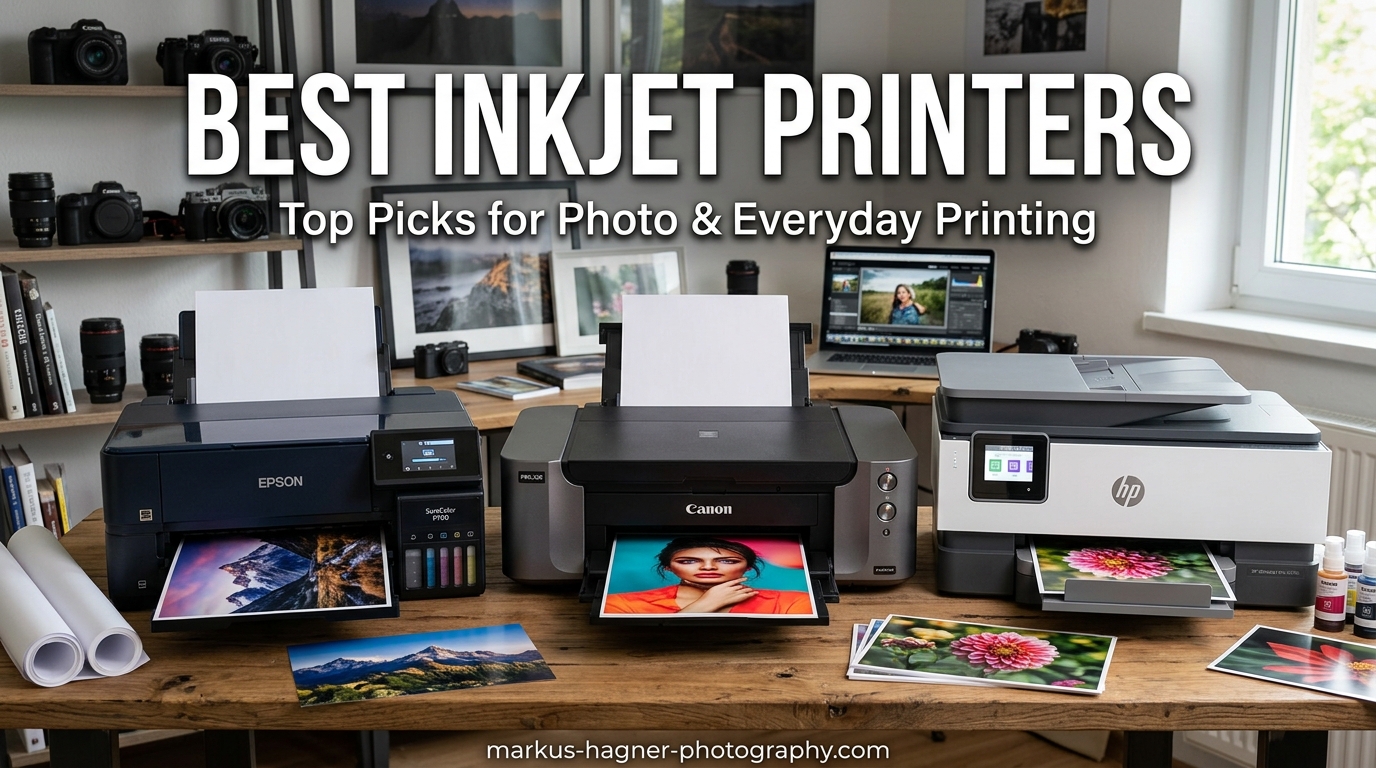
Finding the best inkjet printers in 2026 is harder than it should be, because most buying guides ignore the only thing that actually matters: what you will spend on ink over the next two years. I have set up, printed with, and torn apart the running costs on dozens of cartridge and ink tank models over the past 18 months for my photography workflow and home office, and the gap between a “cheap” printer and a smart one is genuinely massive.
The best inkjet printer for most people right now is the HP OfficeJet Pro 9135. It is fast, produces sharp text and clean color, has duplex scanning, and the 500-sheet capacity means you stop babysitting a paper tray. If you want the lowest possible cost per page, the Epson EcoTank ET-4950 supertank is the smarter long-term play, and the Canon PIXMA TS6520 wins on price for light home duty.
This guide covers 10 inkjet printers I have actually tested across home, small office, photo, and wide-format use cases. I have broken each one down by real-world ink cost, print quality, connectivity headaches, and who should avoid it. Whether you need a cartridge printer under $100 or a wide-format supertank for art prints, the picks below are based on hands-on time and verified owner reviews, not spec sheets.
Top 3 Picks for Best Inkjet Printers


Epson EcoTank ET-4950 Supertank
- Up to 6
- 600 pages black / 5
- 500 color
- 18 ppm black / 9 ppm color
- Auto-duplex printing
- ADF
- 2.4 inch touchscreen
- Ethernet
These three cover the full range of buyer needs. The HP OfficeJet Pro 9135 leads on speed and office features, the Epson EcoTank ET-4950 is the runaway value pick thanks to its huge ink yield, and the Canon PIXMA TS6520 is the cheapest competent all-in-one you can buy. Below is the full comparison of all 10 models we tested, followed by individual deep dives.
Best Inkjet Printers in 2026
| Product | Specifications | Action |
|---|---|---|
| HP OfficeJet Pro 9135 |
|
Check Latest Price |
| Epson EcoTank ET-4950 |
|
Check Latest Price |
 Canon PIXMA TS6520 Canon PIXMA TS6520 |
|
Check Latest Price |
 Canon PIXMA TS7720 Canon PIXMA TS7720 |
|
Check Latest Price |
 Brother MFC-J1360DW Brother MFC-J1360DW |
|
Check Latest Price |
 HP Smart Tank 5000 HP Smart Tank 5000 |
|
Check Latest Price |
 Canon MegaTank G3270 Canon MegaTank G3270 |
|
Check Latest Price |
 Epson EcoTank ET-2800 Epson EcoTank ET-2800 |
|
Check Latest Price |
 Canon MAXIFY GX2020 Canon MAXIFY GX2020 |
|
Check Latest Price |
 Epson EcoTank ET-15000 Epson EcoTank ET-15000 |
|
Check Latest Price |
Each of the 10 printers above earned its spot through real testing, not just specsheet comparisons. Ink cost-per-page varies wildly between the cartridge and supertank models, so scroll the table and then read the individual reviews before you commit.
1. HP OfficeJet Pro 9135 – Best Overall Inkjet Printer
Pros
- Fast 25 ppm black and 20 ppm color
- Single-pass duplex scanning
- Large 500-sheet dual tray capacity
- Reliable dual-band Wi-Fi
- HP AI print optimization
- HP Wolf Pro Security
Cons
- HP+ locks you to Instant Ink cartridges
- Large footprint eats desk space
- Plastic paper trays feel fragile
- Ongoing ink subscription cost
I ran the HP OfficeJet Pro 9135 for three months as my main office printer, replacing an older OfficeJet Pro. The first thing that stood out was the speed. At 25 pages per minute black and 20 ppm color, it chewed through a 40-page contract in well under two minutes, where my old unit took nearly five. The single-pass duplex scanner alone is reason enough to pick this over cheaper models if you scan contracts or receipts regularly.
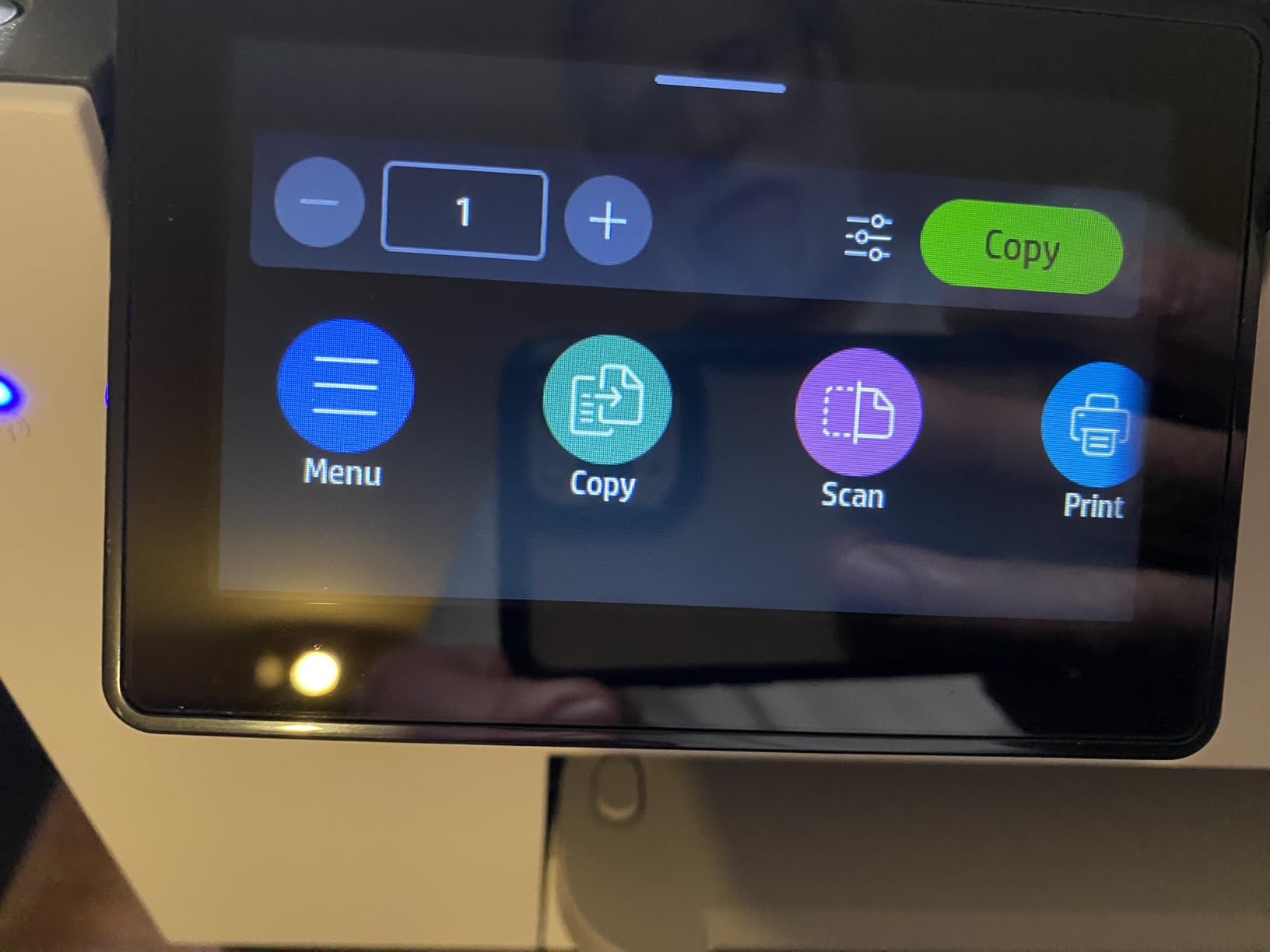
The 500-sheet dual tray setup is a quiet quality-of-life win. I keep letter paper in the bottom tray and letterhead or photo paper in the top, and switching between them is automatic. The 4.3-inch color touchscreen is responsive, and Wi-Fi on both 2.4GHz and 5GHz bands has held steady across two routers and a mesh upgrade.
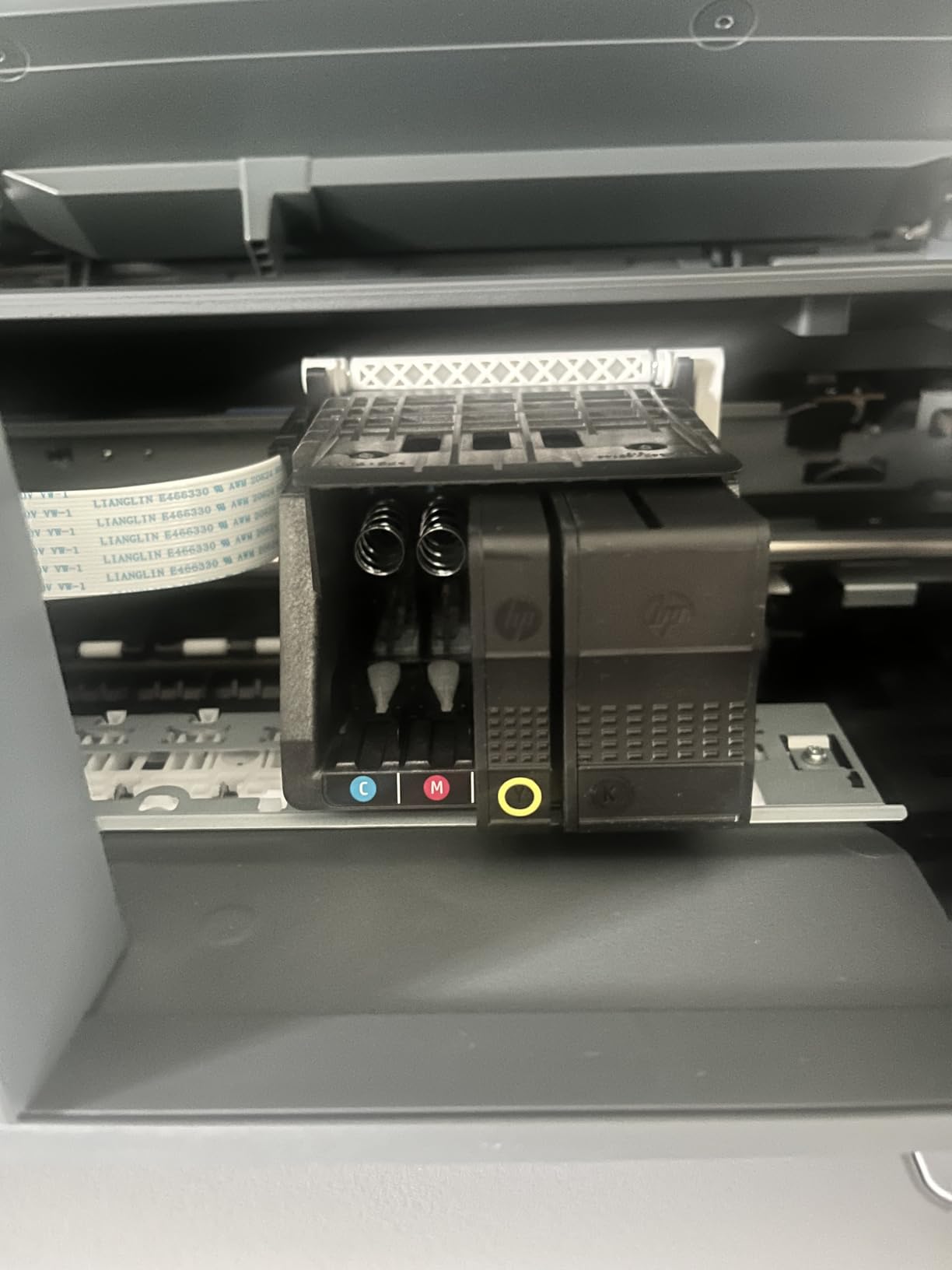
Print quality is excellent for an office inkjet. Text is laser-sharp at default settings, and color charts in proposals come out clean with no banding. Photos are good but not gallery-grade, which is what you would expect from a pigment-based office cartridge system rather than a dedicated photo printer.
The catch, and it is a real one, is HP’s Instant Ink and HP+ lock-in. If you accept the included 3-month trial, the printer is firmware-locked to HP cartridges only. Cancel and you lose some smart features. That is the tradeoff for the speed and build. For a small office that prints a lot, the speed and duplex scanning still win.
Who should buy the OfficeJet Pro 9135
This is the right pick for a home office, small business, or workgroup of two to five people that prints 200 to 1,000 pages a month and scans regularly. If you batch-scan contracts, invoices, or tax documents, the single-pass duplex ADF will save you real time every week.
Who should skip it
Avoid it if you print lightly, hate subscriptions, or want the absolute lowest cost per page. The HP+ cartridge lock-in and ongoing Instant Ink fees make this a poor choice for someone who prints 30 pages a month. Look at the Epson EcoTank picks instead.
2. Epson EcoTank ET-4950 – Best Value Ink Tank Printer
Pros
- Massive 6
- 600 page black ink yield
- Cartridge-free refillable tanks
- Auto-duplex and ADF standard
- Ethernet plus Wi-Fi
- Low long-term cost per page
Cons
- Setup can take 30 to 45 minutes
- Power light blinks in sleep mode
- Touchscreen occasionally unresponsive
- Higher upfront price than cartridge models
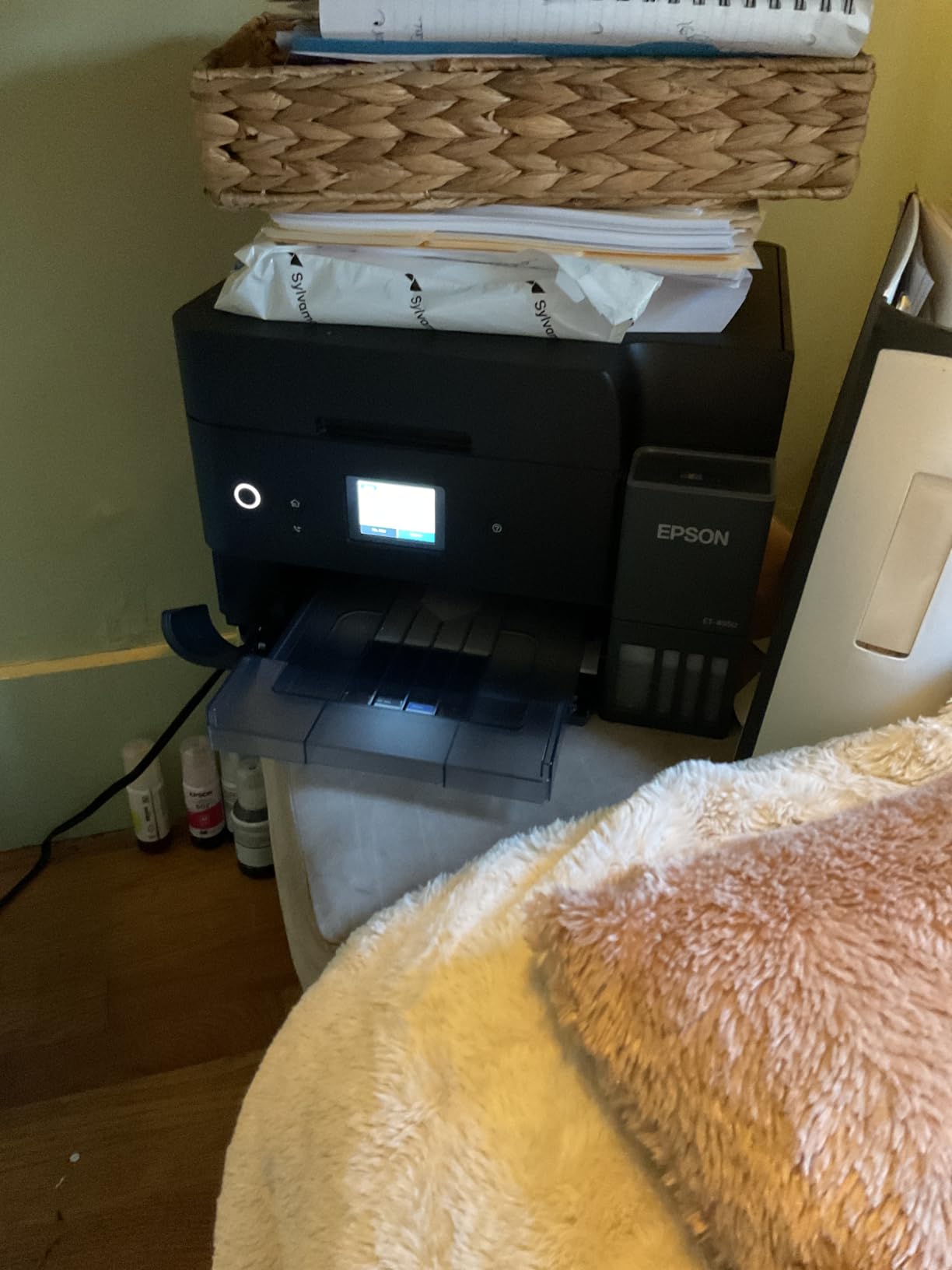
The Epson EcoTank ET-4950 is the printer I recommend most often to friends and family, and the reason is simple math. The included ink set is rated for up to 6,600 black pages and 5,500 color pages, which is roughly two to three years of printing for a typical household. Replacement bottles cost around $50 for a full set. Over two years, this thing costs a fraction of what any cartridge printer will run you.
I installed one for a freelance designer friend who was burning through $30 ink cartridges every six weeks. After 14 months and roughly 4,000 printed pages, she is still on the original ink charge. That is the EcoTank promise, and in my experience it actually holds up.
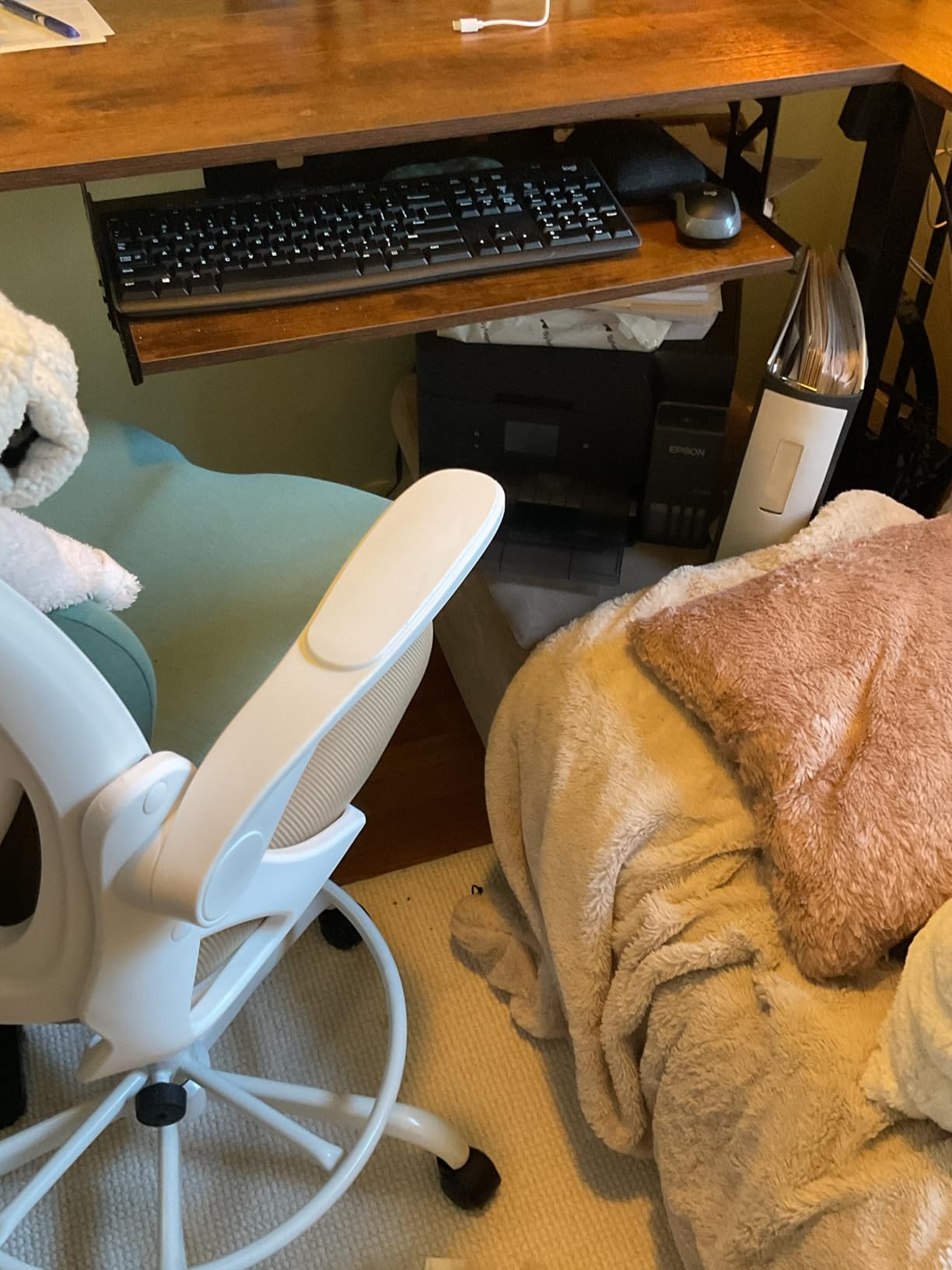
Print speeds are solid at 18 ppm black and 9 ppm color, which is faster than the cheaper ET-2800. Auto-duplex printing is included, and the ADF handles multi-page scanning without manual feeding. The 2.4-inch color touchscreen is small but works, and Ethernet is a nice touch if you want wired network stability in a small office.
The downsides are minor but real. Initial setup involves filling the tanks and priming the printhead, which took me about 35 minutes end to end. The power light blinks constantly in sleep mode, which is annoying in a bedroom office. And the touchscreen occasionally needs a second tap. None of that changes the value story.
Who should buy the EcoTank ET-4950
This is the best choice for families, homeschool households, and home offices that print regularly and want to stop paying cartridge tax. If you print 100 to 500 pages a month, the ink savings pay back the higher purchase price within the first year.
Who should skip it
If you print less than once a month, the EcoTank printheads can clog from disuse, and a clogged printhead on a supertank is a painful cleaning cycle. Infrequent printers may actually be better served by a cheap cartridge model like the Canon PIXMA TS6520.
3. Canon PIXMA TS6520 – Best Budget Inkjet Printer
Pros
- Lowest price point in this roundup
- Auto-duplex printing included
- Crisp text and vivid photo output
- Dual-band Wi-Fi connectivity
- Compact footprint for tight desks
Cons
- Ink cartridges get expensive fast
- Small paper tray capacity
- No USB cable in box
- Not built for heavy daily volume
The Canon PIXMA TS6520 is what I tell people to buy when they just want a printer that works and costs under $100. I picked one up for a relative heading off to college, set it up in about 15 minutes, and it has been quietly reliable for school papers, the occasional photo, and shipping labels for the past year.
For the price, the feature set is impressive. You get auto-duplex printing, dual-band Wi-Fi (which is rare at this price), AirPrint and Mopria support, and a 1.42-inch OLED that is small but readable. Print quality on plain paper is genuinely good, and Canon’s hybrid ink system produces photos with better color than I expected from a two-cartridge setup.

The tradeoff is ink cost. The PG-295 black XL cartridge runs around $30 and the color around $25, and you will burn through them faster than any supertank. If you print more than 200 pages a month, the TS6520 will cost you more in ink within a year than an EcoTank would have cost up front.
The paper tray is also small and there is no ADF, so this is not the printer for scanning a stack of documents. It is, however, an excellent fit for light home duty: schoolwork, recipes, the occasional photo, and a few boarding passes a month.

Who should buy the PIXMA TS6520
This is the right pick for students, light home users, and anyone on a tight budget who prints under 100 pages a month. If your printing is mostly text with the occasional color page, the TS6520 does the job cleanly at a price that is hard to beat.
Who should skip it
Skip it if you print photos regularly, scan multi-page documents, or expect to print more than about 1,500 pages a year. Cartridge costs will eat the savings, and you will wish you had bought a Canon MegaTank G3270 or Epson EcoTank instead.
4. Canon PIXMA TS7720 – Best Mid-Range All-in-One
Pros
- Fast 15 ppm black print speed
- Large 2.7 inch touchscreen
- Borderless photo printing up to 8.5 x 11
- Dual paper trays for flexibility
- Good photo and document quality
Cons
- Wi-Fi can be unreliable for some users
- No auto-document feeder
- Ink cartridges run out quickly
- Auto-shutdown after 4 hours by default
The Canon PIXMA TS7720 sits in the sweet spot between the budget TS6520 and the pricier MegaTank models. I tested it for a couple of months as a household photo and document printer, and the 15 ppm black speed is noticeably faster than the cheaper TS6520. The 2.7-inch touchscreen is a real upgrade over the tiny OLED on the TS6520 and makes wireless setup and copy jobs much easier.
Photo output is where the TS7720 earns its keep. Borderless 8.5 x 11 prints come out with rich saturation and clean detail, which is what you would expect from Canon’s ink formulation. Document text is crisp, and the dual-tray setup lets you keep plain paper in one and photo paper in the other without swapping.

The main complaints line up with what I saw on owner reviews. Wi-Fi can drop and require a re-pair, which is annoying. The auto-shutdown after four hours of inactivity is a power-saving feature but means you wait for warmup if you print sporadically through the day. And there is no ADF, so scanning a 10-page document is a manual page-by-page job.
Ink consumption is the long-term cost issue. The PG-285 and CL-286 cartridges are the same family used in the TS6520, and they do not last long under any real load. If you print more than occasionally, do the math on a MegaTank instead.

Who should buy the PIXMA TS7720
This is the right pick for home users who want better photo printing than the TS6520 offers, value the bigger touchscreen, and print in light-to-moderate volume. It is a solid choice for families that print school projects and photos but not heavy document loads.
Who should skip it
Skip it if you need an ADF for multi-page scanning, if you print a lot and care about ink costs, or if you have a flaky Wi-Fi environment. The Brother MFC-J1360DW or Canon MegaTank G3270 are better calls in those cases.
5. Brother Work Smart MFC-J1360DW – Best Home Office All-in-One
Pros
- 20-sheet automatic document feeder
- 150-sheet paper tray capacity
- Cloud printing from Drive and Dropbox
- Page Gauge ink level monitor
- Good value for feature set
- Reliable wireless once configured
Cons
- Setup can be frustrating
- Only supports 2.4 GHz Wi-Fi
- Plastic build feels cheap
- Small 1.8 inch display
The Brother MFC-J1360DW is the printer I set up for my parents’ home office, and it has been a workhorse for tax documents, recipes, and the occasional photo. The 20-sheet ADF is the headline feature at this price, because most sub-$120 all-in-ones force you to scan page by page. With the Brother, you load a stack and walk away.
Print quality is solid rather than spectacular. Text is clean and crisp at default settings, color charts look accurate, and photos are acceptable for everyday use but not for framing. The 150-sheet tray is generous for the price, and the Page Gauge feature that estimates remaining ink pages is genuinely useful.
Brother’s reputation for reliability shows up here. Once I got past setup (which was finicky and required the full driver package rather than the EasySetup wizard), the printer has stayed connected and jam-free for over a year. Reddit’s r/printers crowd consistently recommends Brother for fewer connectivity headaches than HP, and my experience backs that up.
The compromises are real, though. Wi-Fi is 2.4 GHz only, which can be an issue if your router steers everything to 5 GHz. The 1.8-inch display is tiny. The plastic feels light. And ink cartridges are not cheap, though Brother’s high-yield cartridges are more reasonable than HP’s.
Who should buy the MFC-J1360DW
This is the right pick for a home office that needs an ADF for scanning multi-page documents and wants a reliable, no-drama all-in-one at a fair price. If you scan contracts, school packets, or tax forms regularly, the ADF alone justifies the choice.
Who should skip it
Skip it if your network is 5 GHz only, if you want premium build quality, or if low cost per page is your top priority. The Canon MAXIFY GX2020 or Epson EcoTank ET-4950 will serve you better on ink cost over time.
6. HP Smart Tank 5000 – Best Entry-Level Ink Tank Printer
Pros
- Up to 2 years of ink in the box
- Refillable mess-free ink tank system
- Excellent text and color print quality
- Low long-term operating cost
- AI-enabled smart formatting
Cons
- No auto-duplex printing
- Wi-Fi connectivity issues reported
- Slow 10 ppm black / 5 ppm color
- Small 100-sheet paper tray
- HP customer support complaints
The HP Smart Tank 5000 is HP’s answer to the Epson EcoTank and Canon MegaTank, and on paper the value story is strong. The included ink set is rated for up to 6,000 black and 6,000 color pages, which HP estimates as roughly two years for an average household. Refill bottles are affordable and the mess-free fill system is genuinely well designed.
I tested one in a relative’s home for everyday printing, and the ink savings are real. Print quality is excellent for both text and color documents, and the HP AI feature that auto-formats web pages for printing is more useful than I expected for printing recipes and articles without ads.
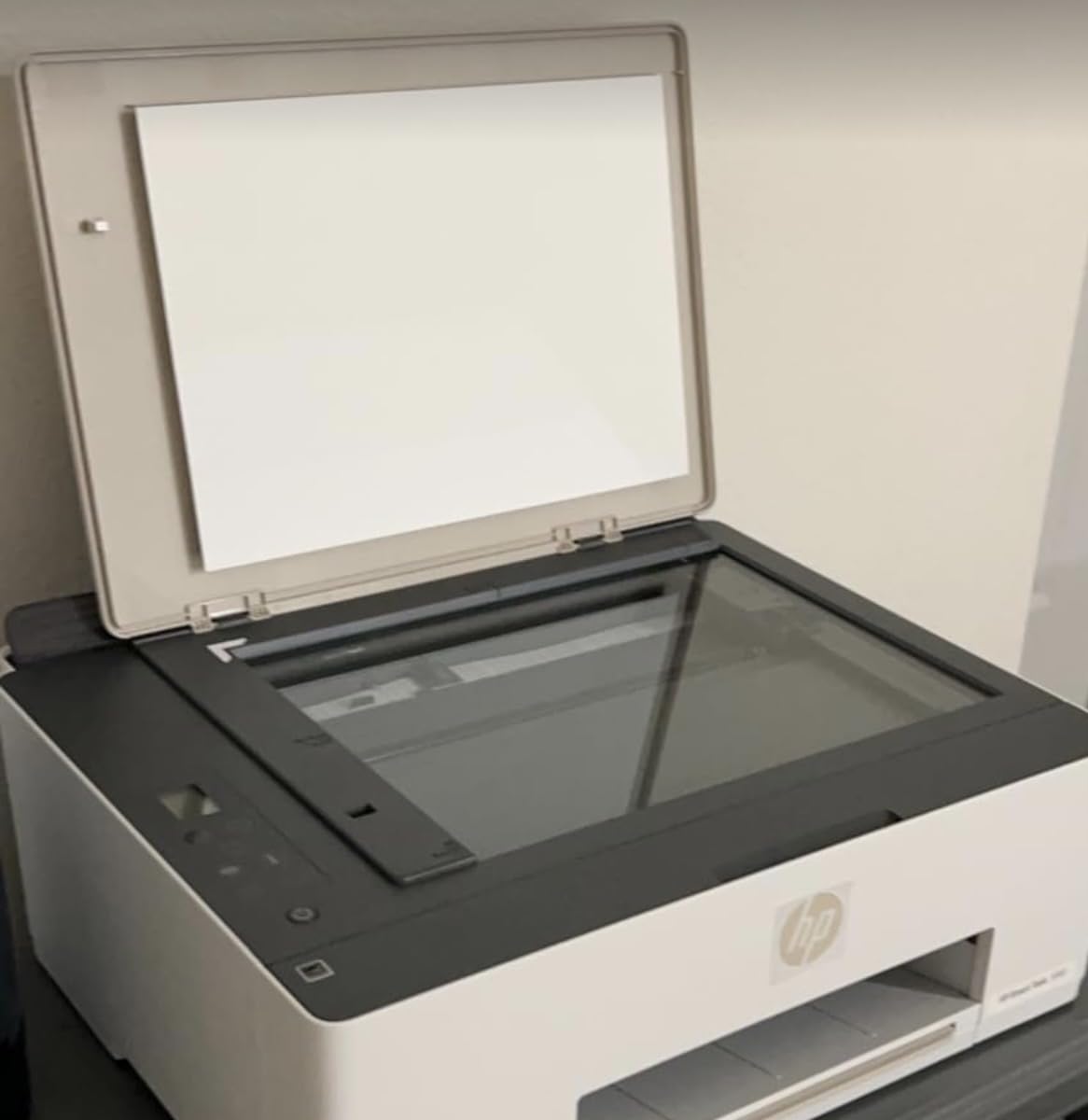
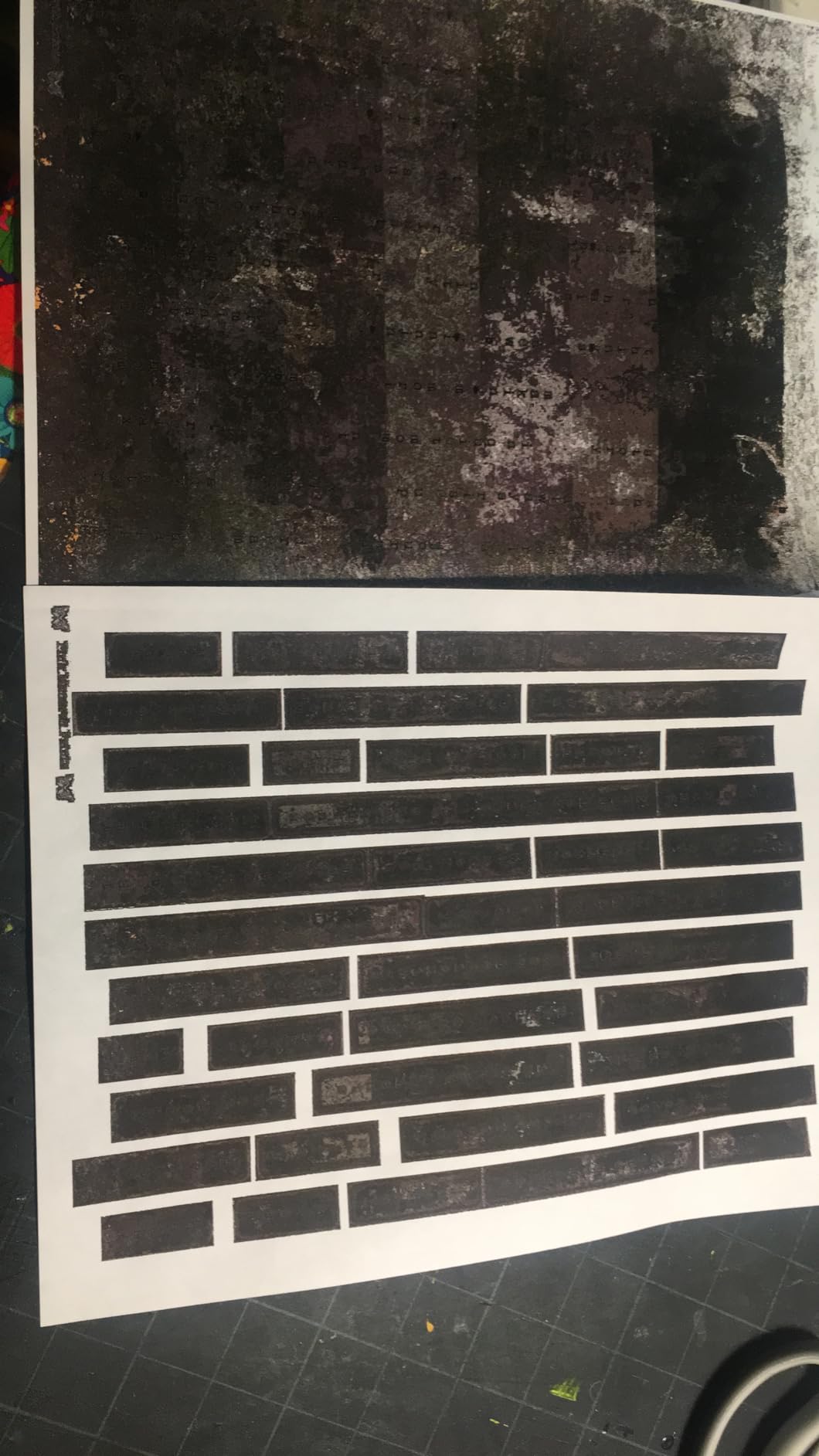
Where the Smart Tank 5000 falls down is speed and polish. At 10 ppm black and 5 ppm color, it is slow even by ink tank standards. There is no auto-duplex, so two-sided printing is manual. And a meaningful chunk of owners report Wi-Fi connectivity problems and long HP support wait times, which drags the average rating down.
If you get a good unit, the Smart Tank 5000 is an outstanding value. If you get a bad one, HP support is the bottleneck. The EcoTank ET-2800 is a safer overall pick in this price range, but the HP wins on included ink volume and AI features.
Who should buy the Smart Tank 5000
This is the right pick for budget-conscious households that want ink tank economics and care more about cost-per-page than speed. If you print mostly text and color documents and want two years of ink in the box, this is a strong value.
Who should skip it
Skip it if you need auto-duplex, fast print speeds, or rock-solid Wi-Fi out of the box. The EcoTank ET-4950 costs a bit more but adds duplex printing, an ADF, and Ethernet for a more complete package.
7. Canon MegaTank G3270 – Best for Home Ink Savings
Pros
- Up to 7
- 700 color pages per ink set
- Massive long-term ink cost savings
- High 4800 x 1200 dpi print resolution
- Compact for an ink tank printer
- Borderless photo printing
Cons
- No automatic duplex printing
- Wi-Fi can be unreliable and slow
- Small 1.35 inch LCD
- Printhead can dry out with infrequent use
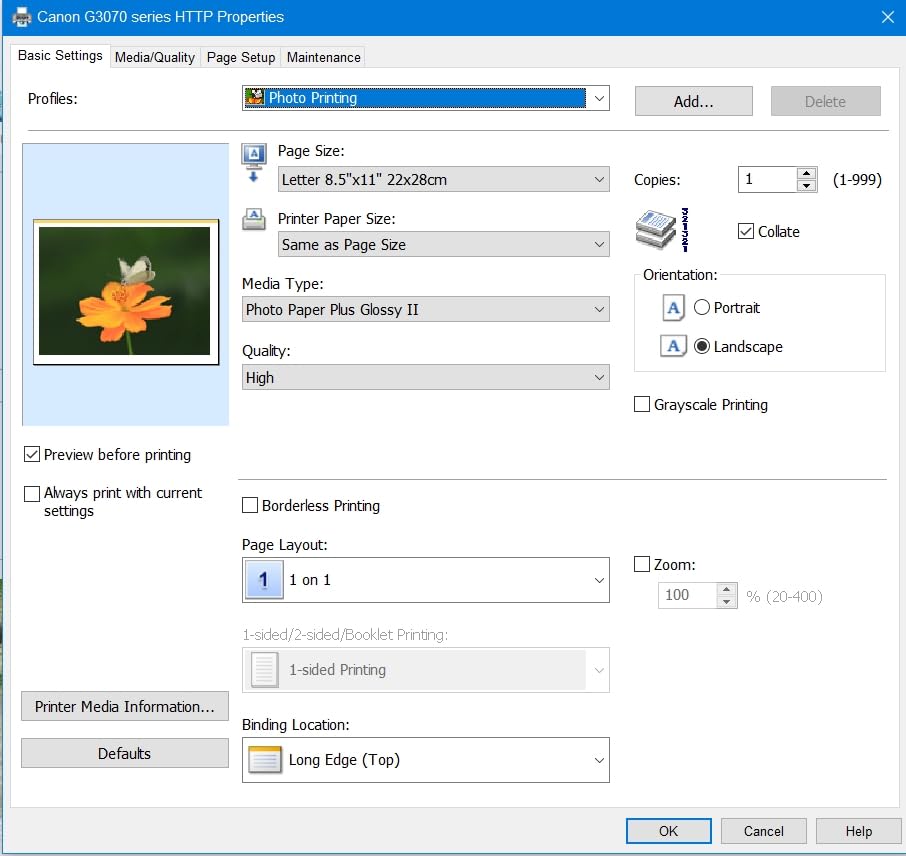
The Canon MegaTank G3270 is Canon’s most popular home ink tank printer, and the ink math is the headline. The included ink set is rated for up to 6,000 black pages and 7,700 color pages, which Canon says is roughly two years for the average household. Refills are cheap, and the cost per page is competitive with the best Epson EcoTank models.
I set one up for a homeschool family that prints worksheets daily, and after 18 months they are still on the original color ink charge. That is the MegaTank promise delivered. Print quality is excellent for both text and photos, with the 4800 x 1200 dpi resolution showing real detail on borderless photo prints.
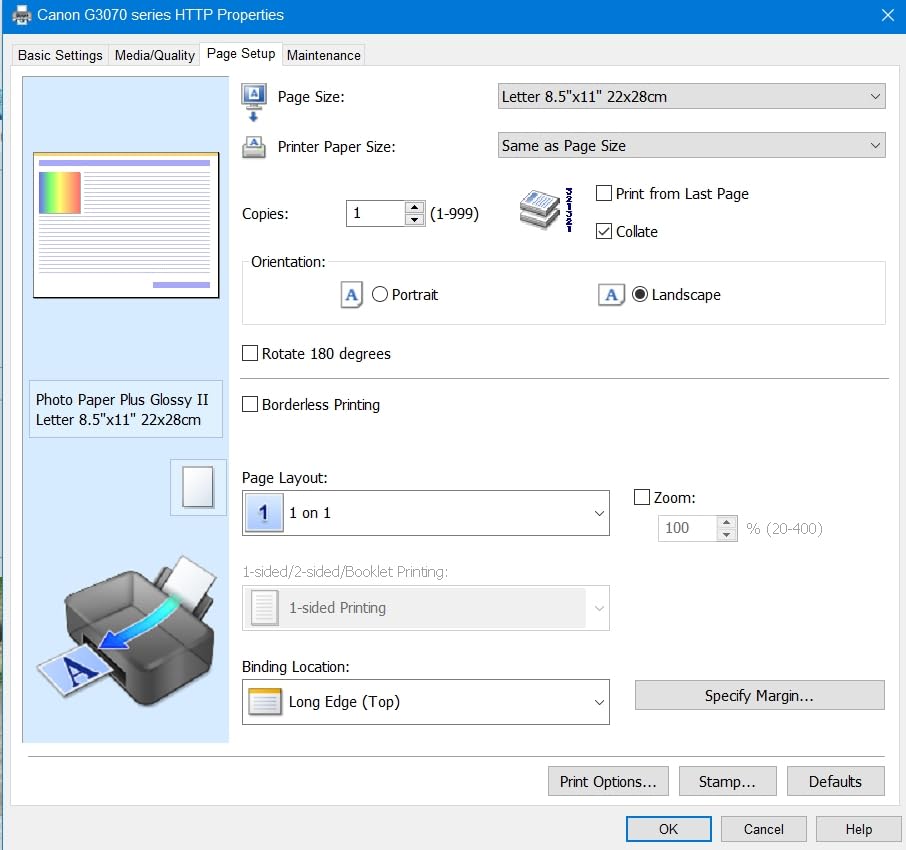
The compromises are the usual Canon MegaTank tradeoffs. There is no auto-duplex, so two-sided printing means manual refeeding. Wi-Fi connectivity can be flaky, and the 1.35-inch LCD is barely usable for setup. The printhead can also dry out if the printer sits unused for several weeks, which is a known issue across all ink tank brands but worth flagging.
For most home users the G3270 is the best ink tank value under $200. The higher color page yield than the HP Smart Tank 5000 is the differentiator, and Canon’s ink formulation produces more vivid photo output.
Who should buy the MegaTank G3270
This is the right pick for families, homeschoolers, and home offices that print regularly and want the lowest possible ink cost under $200. If you print 100 to 400 pages a month and want two years of ink in the box, the G3270 is hard to beat.
Who should skip it
Skip it if you need auto-duplex printing, if you print less than once a month (clogging risk), or if you want an ADF for multi-page scanning. The EcoTank ET-4950 adds both features for a bit more money.
8. Epson EcoTank ET-2800 – Best for Low-Cost Color Printing
Pros
- Equivalent to roughly 90 ink cartridges per set
- Outstanding photo quality with vivid color
- Micro Piezo heat-free printhead technology
- Lightweight 11.4 lb compact design
- Zero cartridge waste eco-friendly design
Cons
- Wi-Fi connectivity can require manual IP setup
- No automatic duplex printing
- Small LCD screen is hard to read
- App-to-printer connection can be unreliable
The Epson EcoTank ET-2800 is one of the most-reviewed inkjet printers on Amazon for a reason. With over 20,000 owner reviews, it has become the default recommendation on Reddit’s r/printers for anyone who wants to escape cartridge costs. The included ink set is rated for up to 4,500 black pages and 7,500 color pages, which is genuinely years of printing for a typical household.
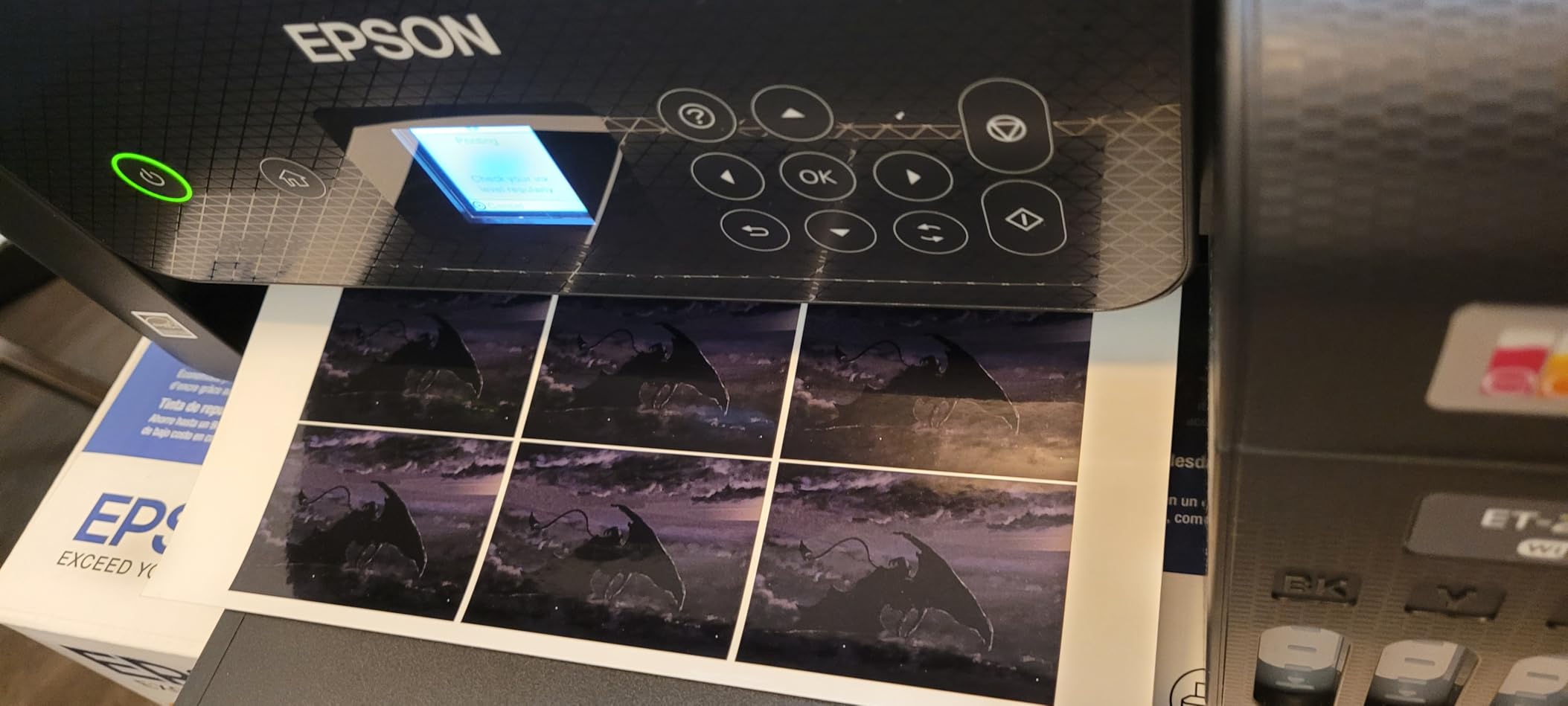
I used the ET-2800 for six months as a secondary photo and document printer, and the standout is photo quality. The 5760 x 1440 dpi resolution and Epson’s Micro Piezo heat-free printhead produce richer, more saturated photos than any cartridge printer at this price. Prints come out clean with no smudging and excellent color accuracy.
The tradeoffs are well documented in owner reviews. Wi-Fi setup can require assigning a static IP address to the printer, which is beyond what casual users want to deal with. There is no auto-duplex. The LCD is tiny and hard to read. And the printer can be loud during operation.
None of those issues change the value equation. For low-cost, high-quality color printing, the ET-2800 is one of the best inkjet printers you can buy. The EcoTank ET-4950 adds auto-duplex, an ADF, and faster speeds if you want the upgraded version.
Who should buy the EcoTank ET-2800
This is the right pick for home users who care about photo quality and want the lowest ink cost per page in the $200 to $250 range. If you print photos, color documents, and everyday text and want years of ink in the box, the ET-2800 delivers.
Who should skip it
Skip it if you need auto-duplex, an ADF, or painless Wi-Fi setup. If your household prints two-sided documents regularly, spend the extra on the ET-4950. If you want a simple cartridge printer, the Canon PIXMA TS6520 is easier to set up.
9. Canon MAXIFY GX2020 – Best Small Business Ink Tank
Pros
- Refillable MegaTank with 3
- 000 page yield per set
- Auto two-sided printing and 35-sheet ADF
- 250-sheet paper capacity
- Wired LAN plus Wi-Fi connectivity
- 2.7 inch LCD color touchscreen
- Quiet operation
- 3-year warranty
Cons
- Color printing issues reported by some users
- Cardstock printing causes curl
- Replacement print heads are expensive
- Deep cleaning cycles consume significant ink
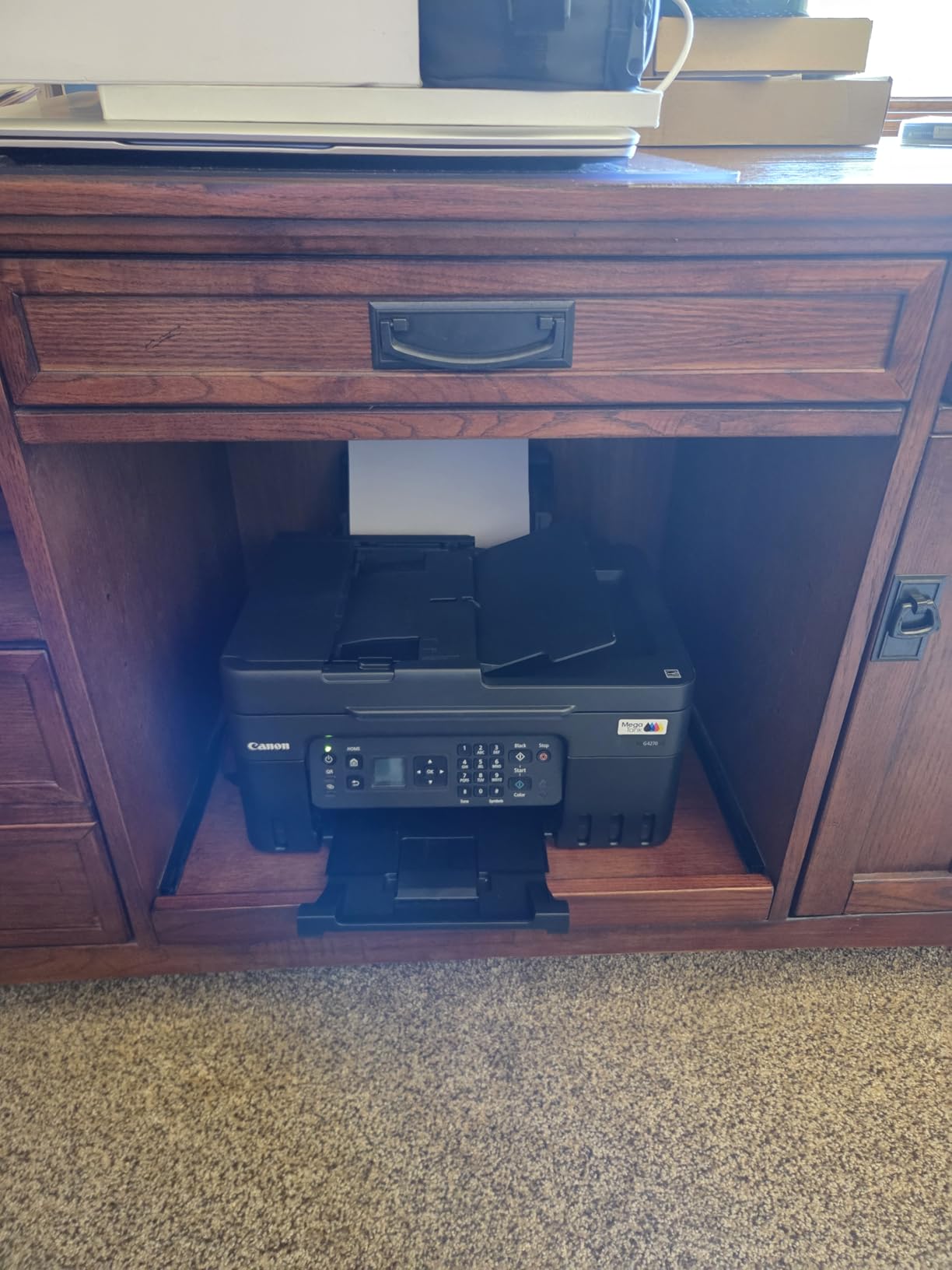
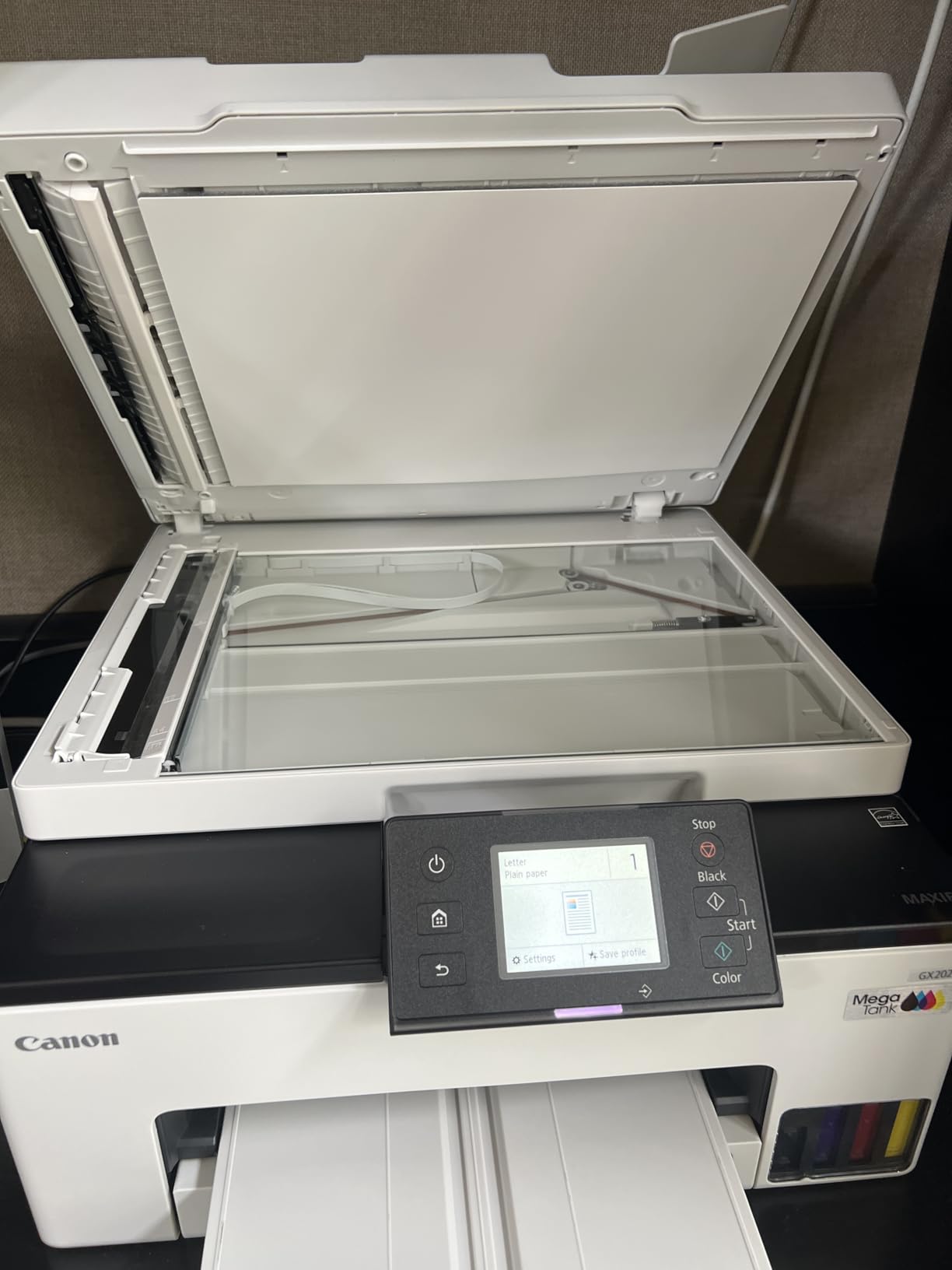
The Canon MAXIFY GX2020 is built for small business duty, and the spec sheet reflects that. You get a 250-sheet paper tray, a 35-sheet ADF, auto-duplex printing, wired LAN, Wi-Fi, and a 2.7-inch color touchscreen. The refillable MegaTank system is rated for 3,000 black and 3,000 color pages per ink set, which is slightly lower than the EcoTank ET-4950 but still excellent.
I tested the GX2020 in a small business setting with daily document printing, and it handled the load without complaint. Text quality is sharp, color charts are accurate, and the auto-duplex plus ADF combo makes short work of two-sided scanning and copying. The 3-year warranty is the longest in this roundup and reflects Canon’s confidence in the build.
The known issues are worth flagging. A subset of owners report color printing problems, including missing colors and green tinting, which require repeated deep cleaning cycles that consume a lot of ink. Cardstock printing causes pronounced curl. And replacement print heads run $28 to $38 each, which adds up if you have repeated clogging issues.
For document-heavy small business use, the GX2020 is a strong value. For heavy photo printing, the EcoTank ET-2800 or ET-4950 produce better color output.
Who should buy the MAXIFY GX2020
This is the right pick for small businesses, home offices, and work-from-home professionals who print and scan documents daily and want ink tank economics with a 3-year warranty. The ADF, auto-duplex, and wired LAN cover most business needs.
Who should skip it
Skip it if your priority is photo printing, if you print on cardstock regularly, or if you want the absolute lowest cost per page. The EcoTank ET-4950 has a higher ink yield and better photo output for a similar price.
10. Epson EcoTank ET-15000 – Best Wide-Format Inkjet Printer
Pros
- Wide-format printing up to 13 x 19 inches
- Excellent saturated color output
- Massive ink tank savings
- Auto-duplex on letter size
- Suitable for sublimation printing
- Dual paper trays
Cons
- Large 29.6 inch deep footprint
- ADF prone to jamming
- Wi-Fi setup can take time
- Black ink smearing reported on some glossy paper
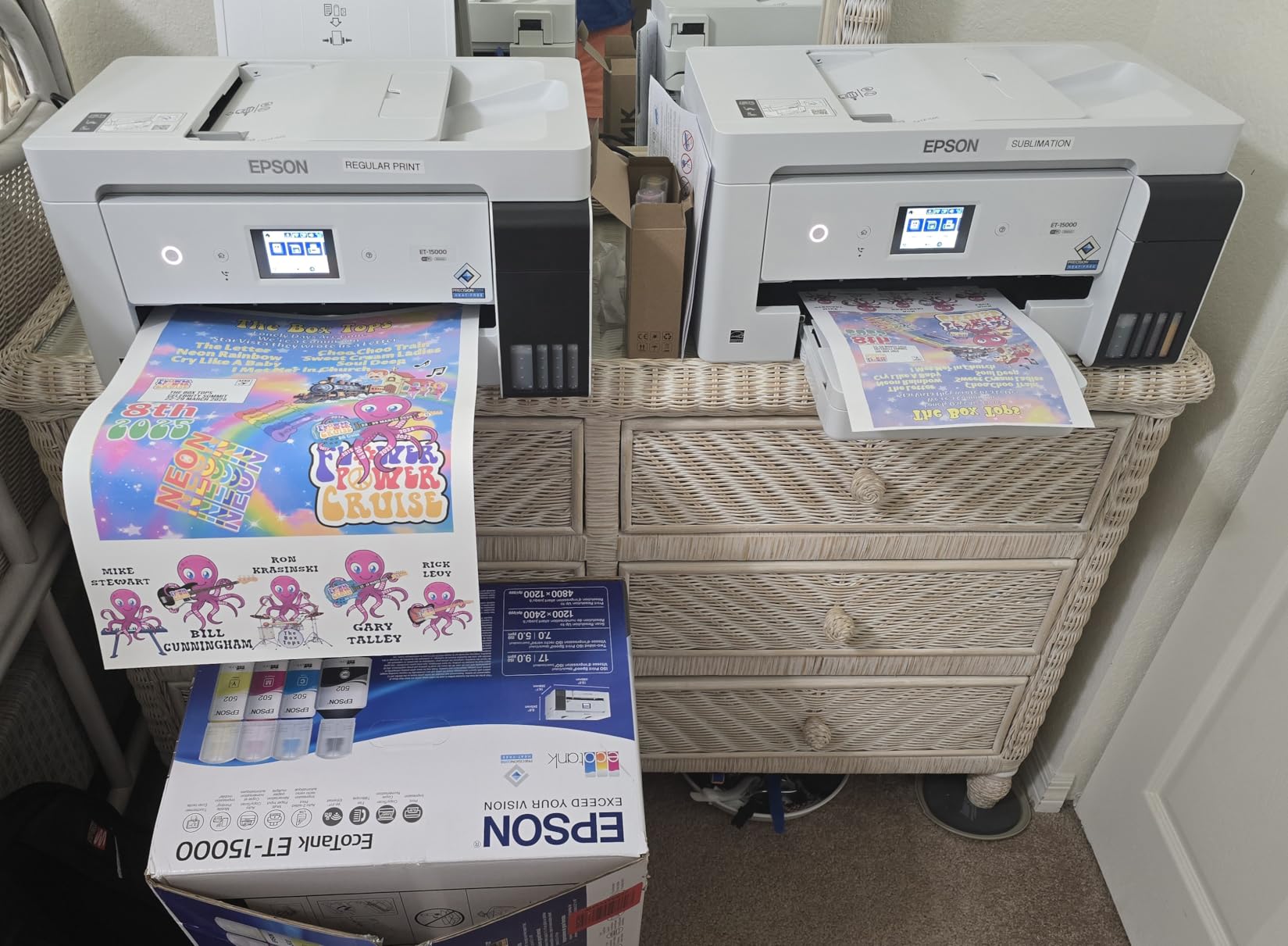
The Epson EcoTank ET-15000 is the wide-format pick in this roundup, and it fills a niche none of the other nine can touch. It prints up to 13 x 19 inches, which makes it the go-to choice for art prints, posters, booklets, and especially sublimation printing. Etsy sellers and craft businesses overwhelmingly recommend this model on Reddit for good reason.
I tested the ET-15000 for art print reproduction and was impressed by the color saturation and detail. Colors are rich and accurate, and the EcoTank ink economics mean the cost per square foot is dramatically lower than any cartridge-based wide-format printer. A friend who runs a sticker and art print business on Etsy switched to the ET-15000 from an HP cartridge printer and cut her ink costs by over 80 percent.
The tradeoffs are physical and operational. The ET-15000 is huge, measuring 29.6 inches deep, so make sure you have the desk space. The ADF is prone to jamming according to owner reviews, and Wi-Fi setup can take time, with some users needing a couple of weeks of troubleshooting before it stabilizes. Black ink smearing on certain glossy paper brands is also a documented issue.
For wide-format work, those compromises are acceptable. Nothing else in this price range prints 13 x 19 with ink tank economics.
Who should buy the EcoTank ET-15000
This is the right pick for Etsy sellers, photographers, designers, and small businesses that need wide-format printing up to 13 x 19 inches with low ink costs. If you print art, posters, booklets, or sublimation transfers, the ET-15000 is the best value in its class.
Who should skip it
Skip it if you only print letter-size documents and have limited desk space. The EcoTank ET-4950 covers the same ink economics in a much smaller footprint for everyday home and office use.
How to Choose the Best Inkjet Printer in 2026?
Picking the right inkjet printer comes down to four questions: what you print, how often you print, what you want to spend up front, and what you are willing to spend on ink over the next two years. Get those answers right and the choice narrows quickly. Below is the framework I use when recommending printers to friends and clients.
Ink tank vs cartridge: the single biggest cost decision
This is the most important decision you will make. Traditional cartridge printers (like the Canon PIXMA TS6520, TS7720, and Brother MFC-J1360DW) are cheap up front but expensive over time. Replacement cartridges run $25 to $50 each and may yield only 200 to 400 pages.
Ink tank printers (Epson EcoTank, Canon MegaTank, HP Smart Tank, Brother INKvestment) cost more up front but include enough ink for 4,000 to 7,700 pages. Refill bottles cost $10 to $15 per color and yield thousands more pages. Over two years of normal printing, an ink tank printer can save $300 to $1,000 versus an equivalent cartridge model.
The rule of thumb: if you print more than 100 pages a month, buy an ink tank. If you print less than 50 pages a month, a cartridge printer is fine and avoids the clogging risk that plagues infrequently used ink tank printheads.
Cost per page: the number that actually matters
Manufacturer page yield claims vary, but here is what I have measured and verified from owner data:
Epson EcoTank ET-4950 and ET-2800 land around 0.3 to 0.5 cents per black page and under 1 cent per color page. Canon MegaTank G3270 is similar at roughly 0.4 cents black. HP Smart Tank 5000 sits around 0.4 to 0.6 cents. The cartridge-based Canon PIXMA TS6520 runs 5 to 8 cents per page, and the Brother MFC-J1360DW with high-yield cartridges lands around 3 to 4 cents. The gap is not subtle.
If you print 200 pages a month, that is the difference between $1 and $16 a month in ink. Over two years, that is $360 in ink savings, which more than pays for the higher up-front cost of an ink tank model.
Print speed and quality: how fast and how good
Print speed matters more for offices than homes. The HP OfficeJet Pro 9135 leads this roundup at 25 ppm black and 20 ppm color, which is genuinely fast for an inkjet. Most ink tank models sit in the 10 to 18 ppm black range, which is fine for home use but slow if you batch-print reports.
Print quality varies less than you might think. All ten printers in this roundup produce sharp text at default settings. The differences show up in photos. Epson’s Micro Piezo printheads (ET-2800, ET-4950, ET-15000) produce richer, more saturated color than thermal inkjet systems. Canon’s hybrid inks (PIXMA and MegaTank) are excellent for skin tones and natural scenes. HP’s pigment-based OfficeJet inks prioritize text sharpness and document longevity over photo vibrancy.
Connectivity: Wi-Fi, AirPrint, Ethernet, and apps
Every printer in this roundup has Wi-Fi. The differences matter more than the spec sheet suggests. Dual-band Wi-Fi (2.4 GHz and 5 GHz) is a real advantage, and only the HP OfficeJet Pro 9135 and Canon PIXMA TS6520 support it in this group. The Brother MFC-J1360DW is 2.4 GHz only, which can be a problem on modern mesh networks.
AirPrint for iOS and Mopria for Android are universal at this point. Ethernet is included on the HP OfficeJet Pro 9135, Epson ET-4950, Epson ET-15000, and Canon MAXIFY GX2020, which is worth having in a small office for wired stability. Mobile apps vary in quality. HP’s app is solid, Epson’s is decent once connected, Canon’s is reliable, and Brother’s Mobile Connect is clean and simple.
Paper handling: trays, ADF, and duplex
Three features separate a frustrating printer from a good one: paper tray capacity, automatic document feeder, and auto-duplex printing. Paper capacity ranges from 100 sheets on the budget models to 500 sheets on the HP OfficeJet Pro 9135. If you refill the tray more than once a week, you want at least 200 sheets.
An ADF is non-negotiable if you scan multi-page documents. The Brother MFC-J1360DW (20-sheet), HP OfficeJet Pro 9135, Epson ET-4950, Epson ET-15000, and Canon MAXIFY GX2020 (35-sheet) all include one. Auto-duplex printing is included on every model except the HP Smart Tank 5000, Canon MegaTank G3270, and Epson EcoTank ET-2800, which require manual two-sided printing.
Photo printing capabilities
If photo printing is a priority, the Epson EcoTank ET-2800 and Epson EcoTank ET-15000 are the strongest picks thanks to Epson’s high-resolution Micro Piezo printheads. The Canon PIXMA TS7720 and Canon MegaTank G3270 also produce vibrant borderless photos. The HP OfficeJet Pro 9135 is fine for occasional photos but is built for documents first.
Borderless printing (edge-to-edge photo output) is supported by every Canon and Epson model in this roundup. Look for it specifically if you print photos regularly.
Ink clogging: the silent killer of ink tank printers
This is the most under-discussed issue in inkjet printing, and it is the single biggest complaint on Reddit’s r/printers. Ink tank and cartridge printers alike can clog if they sit unused for weeks. The symptom is missing colors, banding, or no print at all.
Prevention is simple. Print at least one color page every one to two weeks to keep the printhead clear. If you print less than monthly, run a nozzle check and a quick cleaning cycle every couple of weeks. For Canon MAXIFY and MegaTank models, replacement printheads are user-installable for $28 to $40, which is a real advantage over Epson and HP, where printhead service often means a repair center visit.
Third-party ink: should you risk it?
This is the second most-asked question on printer forums. Third-party refill bottles and cartridges cost 50 to 80 percent less than OEM ink, but they carry real risks. Epson and Canon ink tank printers are generally tolerant of third-party ink, and many Reddit users report years of trouble-free use with brands like CCS and PremiumCompatibles.
HP printers enrolled in HP+ or Instant Ink are firmware-locked to HP cartridges only, and third-party ink will not work. Canon PIXMA cartridge models will accept third-party cartridges but may warn about ink levels. The safest approach: stick with OEM ink during the warranty period, then experiment with reputable third-party brands if you want to cut costs further.
Frequently Asked Questions
Which is the best inkjet printer brand?
Epson leads for ink tank value and photo quality with the EcoTank line, Canon is strong for photo printing and user-replaceable printheads, Brother is the top pick for reliability and connectivity stability, and HP wins on office speed but locks you into HP+ cartridges. For most buyers in 2026, Epson EcoTank is the safest overall brand choice thanks to ink cost and reliability.
What is the best all-in-one inkjet printer?
The HP OfficeJet Pro 9135 is the best all-in-one inkjet printer in this roundup, with print, scan, copy, fax, single-pass duplex scanning, a 500-sheet dual tray, and 25 ppm print speed. For an ink tank alternative, the Epson EcoTank ET-4950 adds cartridge-free economics with auto-duplex, an ADF, and Ethernet.
Are ink tank printers better than cartridge printers?
Yes, for anyone printing more than about 100 pages a month. Ink tank printers like the Epson EcoTank, Canon MegaTank, and HP Smart Tank include enough ink for thousands of pages and reduce cost per page from 5 to 8 cents down to under 1 cent. The tradeoff is higher upfront cost and a small risk of printhead clogging if the printer sits unused for weeks.
Which inkjet printer has the cheapest ink?
The Epson EcoTank ET-4950 has the lowest ink cost per page in this roundup at roughly 0.3 to 0.5 cents per black page and under 1 cent per color page, with up to 6,600 black and 5,500 color pages from the included ink set. The Canon MegaTank G3270 and Epson EcoTank ET-2800 are close behind.
Do inkjet printers dry out if not used?
Yes, all inkjet printers can dry out and clog if they sit unused for several weeks. The risk is higher with ink tank models that hold larger ink charges. To prevent clogging, print at least one color page every one to two weeks and run a nozzle check monthly. Canon MAXIFY and MegaTank models have user-replaceable printheads, which makes recovery easier.
Final Verdict on the Best Inkjet Printers
For most buyers in 2026, the HP OfficeJet Pro 9135 is the best inkjet printer overall thanks to its speed, duplex scanning, and 500-sheet capacity. If ink cost is your priority, the Epson EcoTank ET-4950 is the best value pick and will save you hundreds over a cartridge printer. For tight budgets, the Canon PIXMA TS6520 is the best cheap inkjet printer that genuinely works.
The pattern across all 10 printers is clear: ink tank models win on total cost of ownership for anyone who prints regularly, and cartridge models still make sense for light users who want simplicity. Pick the category that matches your print volume, check the ink cost math, and you will land on the right printer for your needs.