

The iPhone 15 Pro Max packs incredible video capabilities with ProRes recording, Log color profiles, and advanced optical stabilization. But when you want truly cinematic footage, a quality gimbal transforms your smartphone into a professional video tool. After testing dozens of options with the iPhone 15 Pro Max, I found the best gimbals that handle its weight, camera bump, and unique features.
A 3-axis gimbal uses brushless motors to counteract unwanted movement in real-time. This gives you buttery-smooth tracking shots, stable walk-and-talk sequences, and professional-looking content that built-in Action Mode simply cannot match. Whether you are a vlogger, real estate photographer, or content creator, the right gimbal makes a noticeable difference.
In this guide, I cover the best gimbals for iPhone 15 Pro Max in 2026. I tested each model for stabilization quality, battery life, payload capacity, and iPhone-specific features like native tracking support. Let me help you find the perfect stabilizer for your creative needs.
Top 3 Best Gimbals For iPhone 15 Pro Max (September 2026)

Quick Overview:10 Best Gimbals For iPhone 15 Pro Max (September 2026)
| Product | Specifications | Action |
|---|---|---|
| DJI Osmo Mobile 8 |
|
Check Latest Price |
 DJI Osmo Mobile 7 DJI Osmo Mobile 7 |
|
Check Latest Price |
 DJI Osmo Mobile 7P DJI Osmo Mobile 7P |
|
Check Latest Price |
 DJI Osmo Mobile SE DJI Osmo Mobile SE |
|
Check Latest Price |
 Hohem iSteady M7 Hohem iSteady M7 |
|
Check Latest Price |
 Insta360 Flow 2 Pro Insta360 Flow 2 Pro |
|
Check Latest Price |
 Hohem iSteady V3 Ultra Hohem iSteady V3 Ultra |
|
Check Latest Price |
 DJI Osmo Mobile 6 DJI Osmo Mobile 6 |
|
Check Latest Price |
 Hohem iSteady X3 SE Hohem iSteady X3 SE |
|
Check Latest Price |
 Zhiyun Smooth 5S AI Pro Zhiyun Smooth 5S AI Pro |
|
Check Latest Price |
1. DJI Osmo Mobile 8 – Best Overall for iPhone 15 Pro Max
Pros
- Apple DockKit enables native tracking in all apps
- True 360 degree pan rotation without limits
- Multifunctional module with AI tracking and fill light
- Excellent 3-axis stabilization
- Built-in extension rod adds 8.5 inches reach
- Gesture controls for hands-free operation
Cons
- Battery reduces to 4-5 hours with tracking active
- Premium price point
- Larger size than previous models
After three weeks with the DJI Osmo Mobile 8, I can confidently say this is one of the best gimbals for iPhone 15 Pro Max users who want the latest technology. The standout feature is Apple DockKit support, which means native tracking works directly in any iOS app. No more switching to the DJI Mimo app just to track a subject.
The 360-degree pan rotation is genuinely useful for creating dynamic content. I filmed a complete product showcase video where the gimbal smoothly rotated around objects without hitting mechanical limits. The built-in extension rod adds another creative dimension, giving you 8.5 inches of extra reach for overhead shots or creative angles.
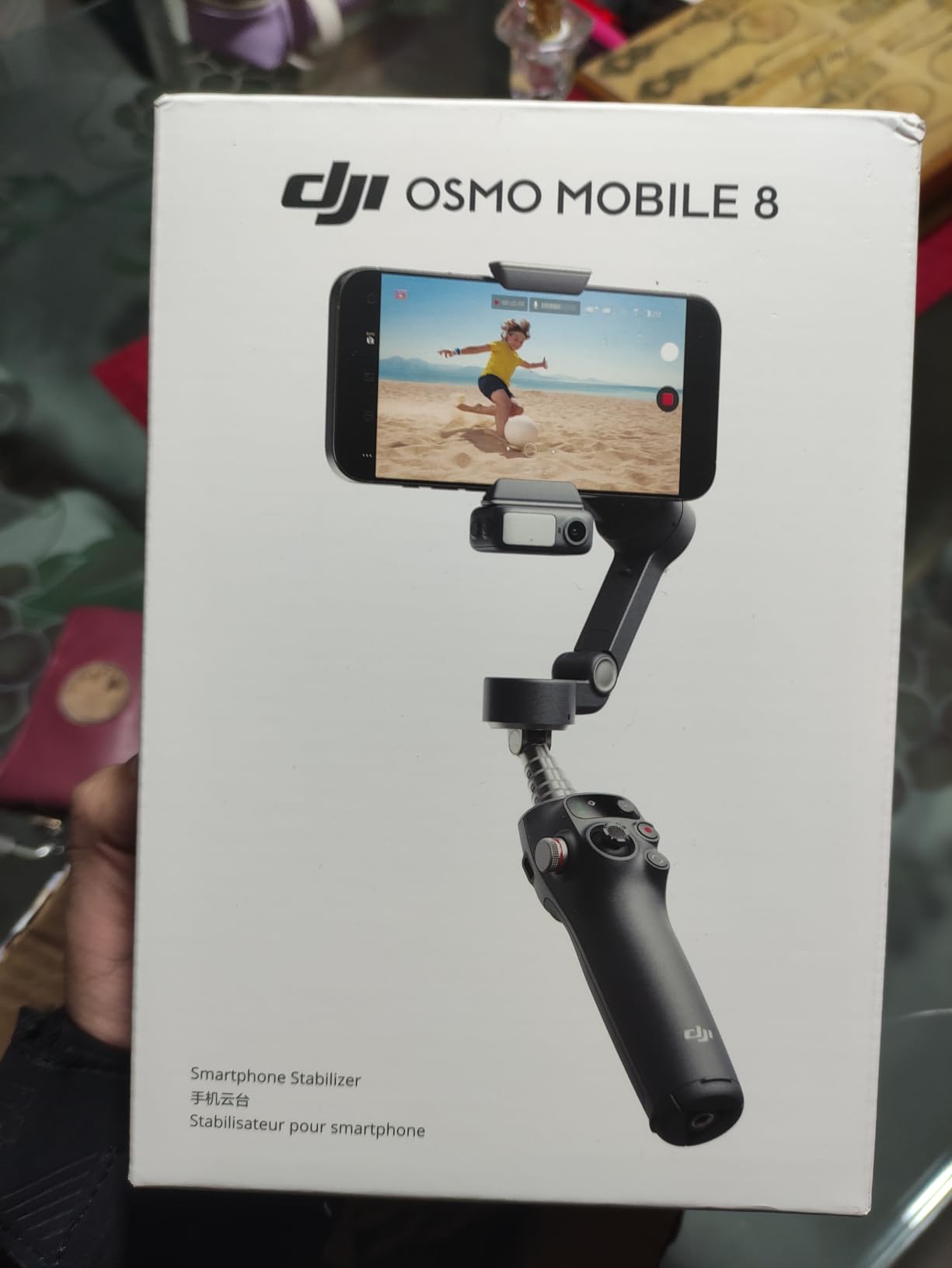
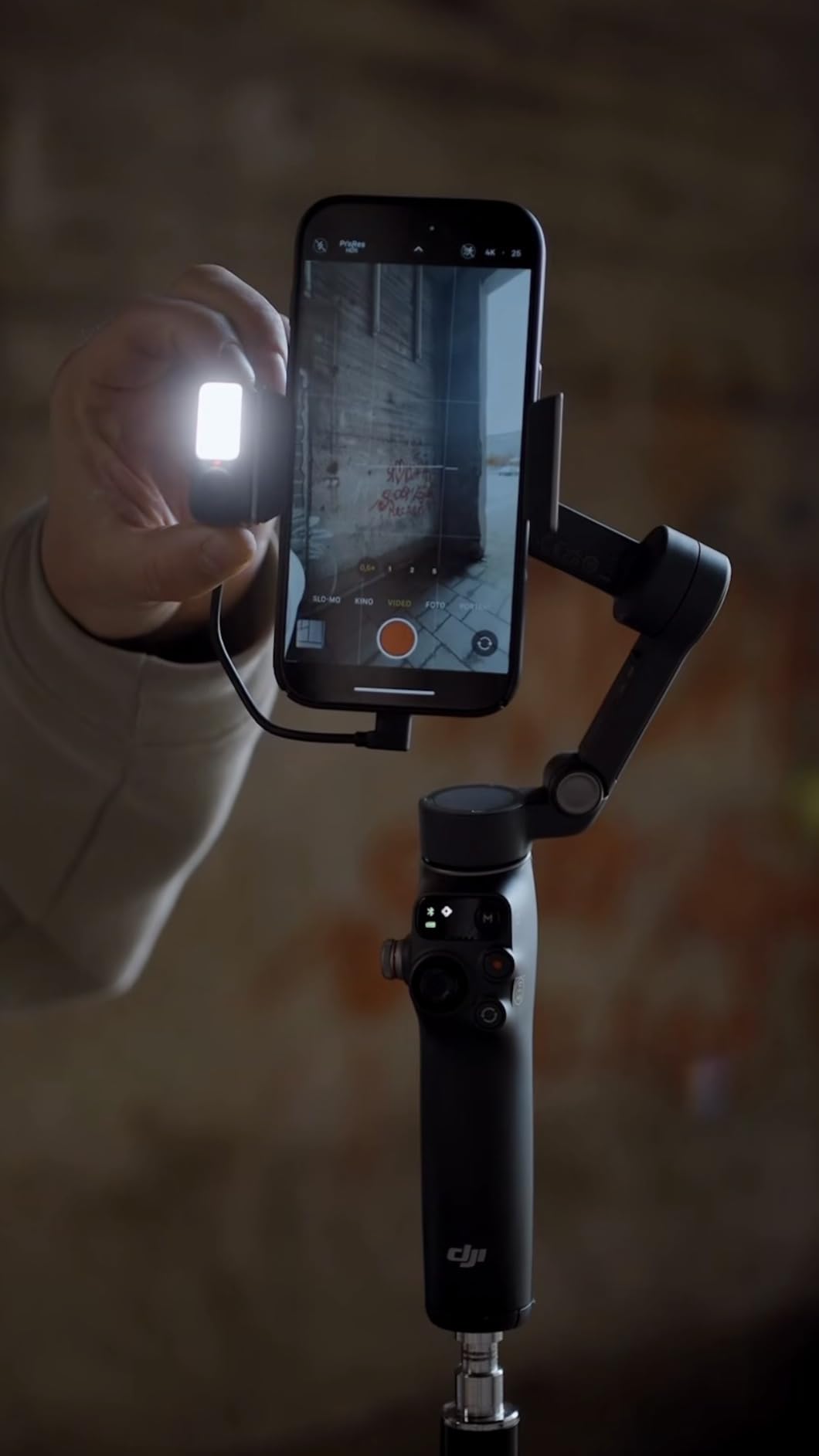
Battery life hits the promised 10 hours with basic stabilization. When I enabled the multifunctional module with AI tracking and fill light, that dropped to about 4-5 hours. Still enough for a full day of shooting, but worth knowing. The phone charging feature kept my iPhone 15 Pro Max powered through longer sessions.
The stabilization quality impressed me during walking shots through uneven terrain. Brushless motors respond instantly to movement, keeping footage smooth even when I deliberately tried to shake things up. For vloggers and content creators who need reliable performance, this gimbal delivers.
Who Should Buy This
Content creators who want native tracking in all apps, filmmakers needing 360-degree rotation, and anyone willing to invest in the best iPhone gimbal technology available in 2026.
Who Should Skip This
If you need all-day battery with features enabled or want a compact travel gimbal, consider the lighter Osmo Mobile 7 instead.
2. DJI Osmo Mobile 7 – Best Value for iPhone 15 Pro Max
Pros
- Excellent 3-axis stabilization
- Lightweight at 300 grams
- Great value price point
- Built-in tripod for solo creation
- ActiveTrack 7.0 works reliably
- Foldable design for easy storage
Cons
- No 360 degree rotation capability
- Requires DJI Mimo app for advanced features
- Some features do not work in native camera apps
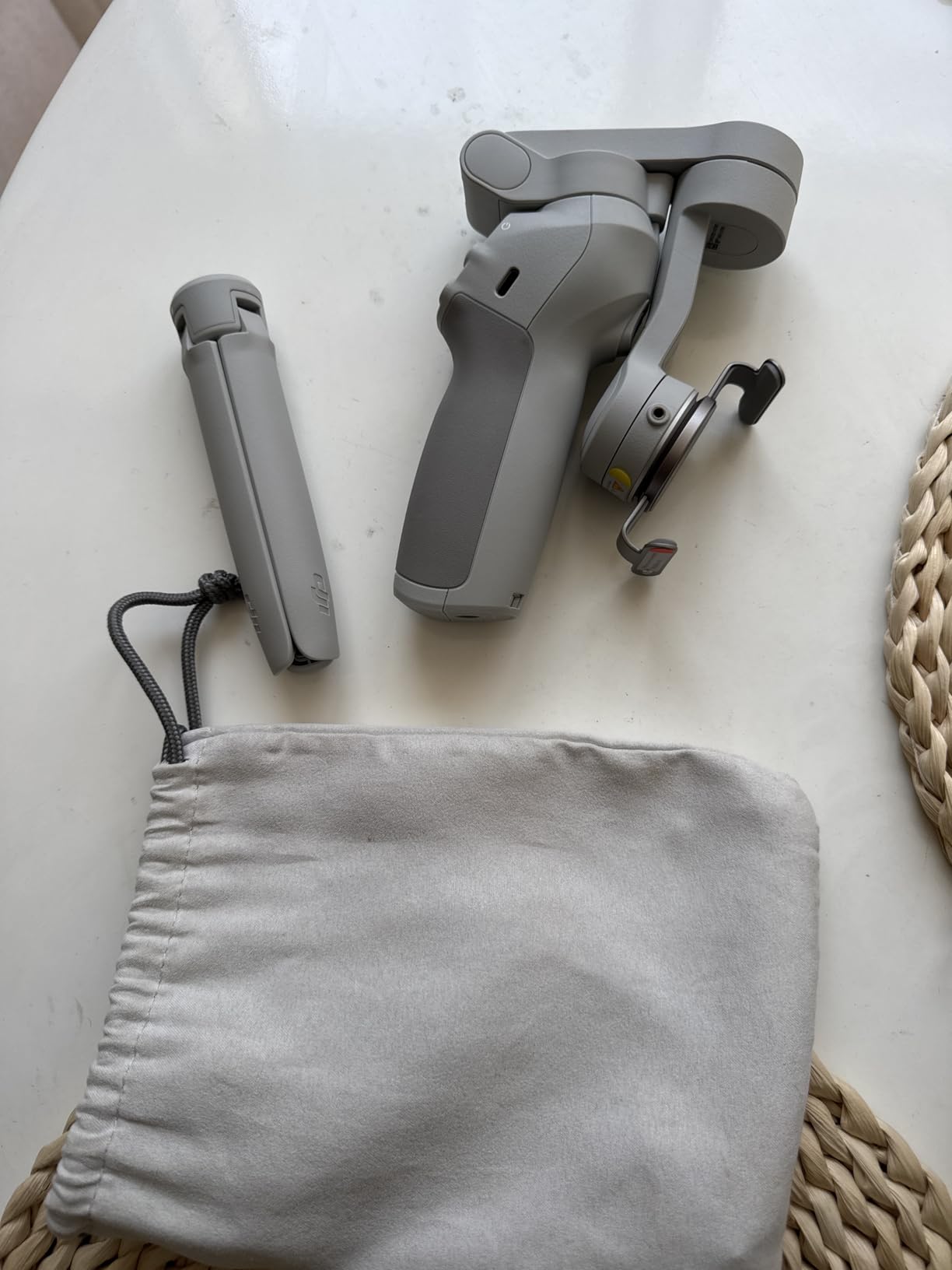
The DJI Osmo Mobile 7 hits the sweet spot between price and performance for iPhone 15 Pro Max owners. At around $59, it costs significantly less than the Osmo Mobile 8 while still delivering excellent stabilization and useful features. This is the gimbal I recommend to most people starting their smartphone filmmaking journey.
ActiveTrack 7.0 does a solid job following subjects during my testing. I walked around a park while the gimbal kept me centered in the frame. The built-in tripod folds out from the handle, perfect for static shots or when you want to step in front of the camera for vlogging.
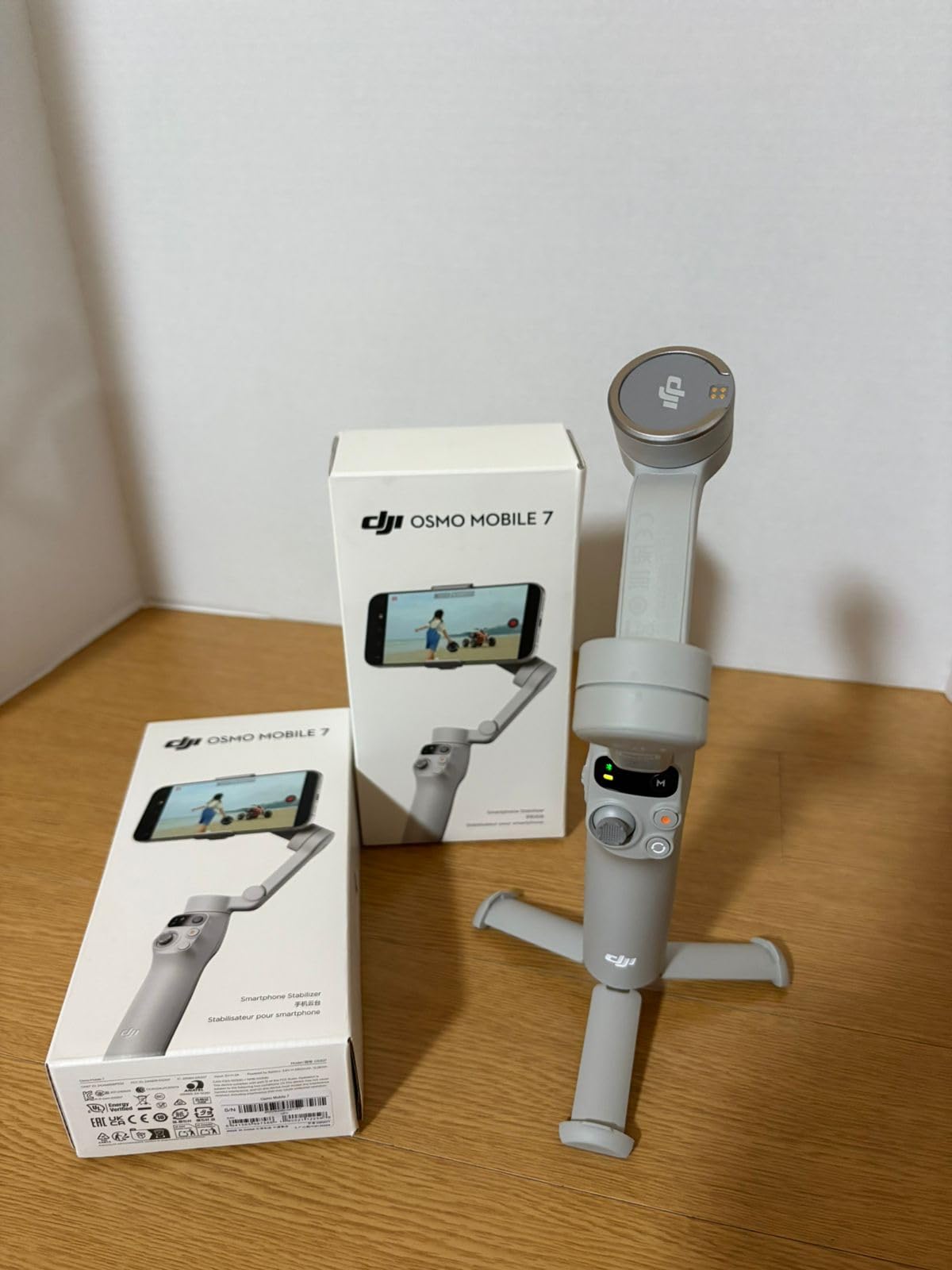
Weighing just 300 grams, this gimbal feels comfortable during extended shooting sessions. My arms did not fatigue even after 45 minutes of continuous use. The foldable design means it fits easily in a backpack or camera bag without taking up much space.
Battery life genuinely reaches 10 hours in my experience. I used it across multiple shooting days without needing to recharge. The USB-C phone charging feature works well, though I noticed it drains the gimbal battery faster when actively charging my iPhone.
Who Should Buy This
Budget-conscious creators, beginners wanting reliable stabilization, and anyone who needs a lightweight travel gimbal that still performs well.
Who Should Skip This
If you need 360-degree rotation or native tracking without using the DJI Mimo app, look at the Osmo Mobile 8 or Insta360 Flow 2 Pro instead.
3. DJI Osmo Mobile 7P – Premium Features at Mid-Range Price
Pros
- Multifunctional module adds tracking lighting and audio
- Built-in extension rod for creative angles
- Quick Launch magnetic phone attachment
- Excellent stabilization quality
- Works with heavy phones like Samsung S25 Ultra
- ActiveTrack 7.0 is very responsive
Cons
- Magnetic tracking camera does not work very well
- Built-in non-replaceable battery
- Learning curve to master all functions
- Requires DJI Mimo app for full features
The DJI Osmo Mobile 7P sits between the standard Osmo Mobile 7 and the flagship Osmo Mobile 8. You get the built-in extension rod and multifunctional module without paying the premium price. For iPhone 15 Pro Max users who want more creative options, this gimbal offers solid value.
The multifunctional module combines AI tracking, fill light, and audio reception in one unit. I tested it with the DJI Mic 2 and the audio integration worked seamlessly. The fill light has adjustable brightness, which helped during indoor shoots with mixed lighting conditions.
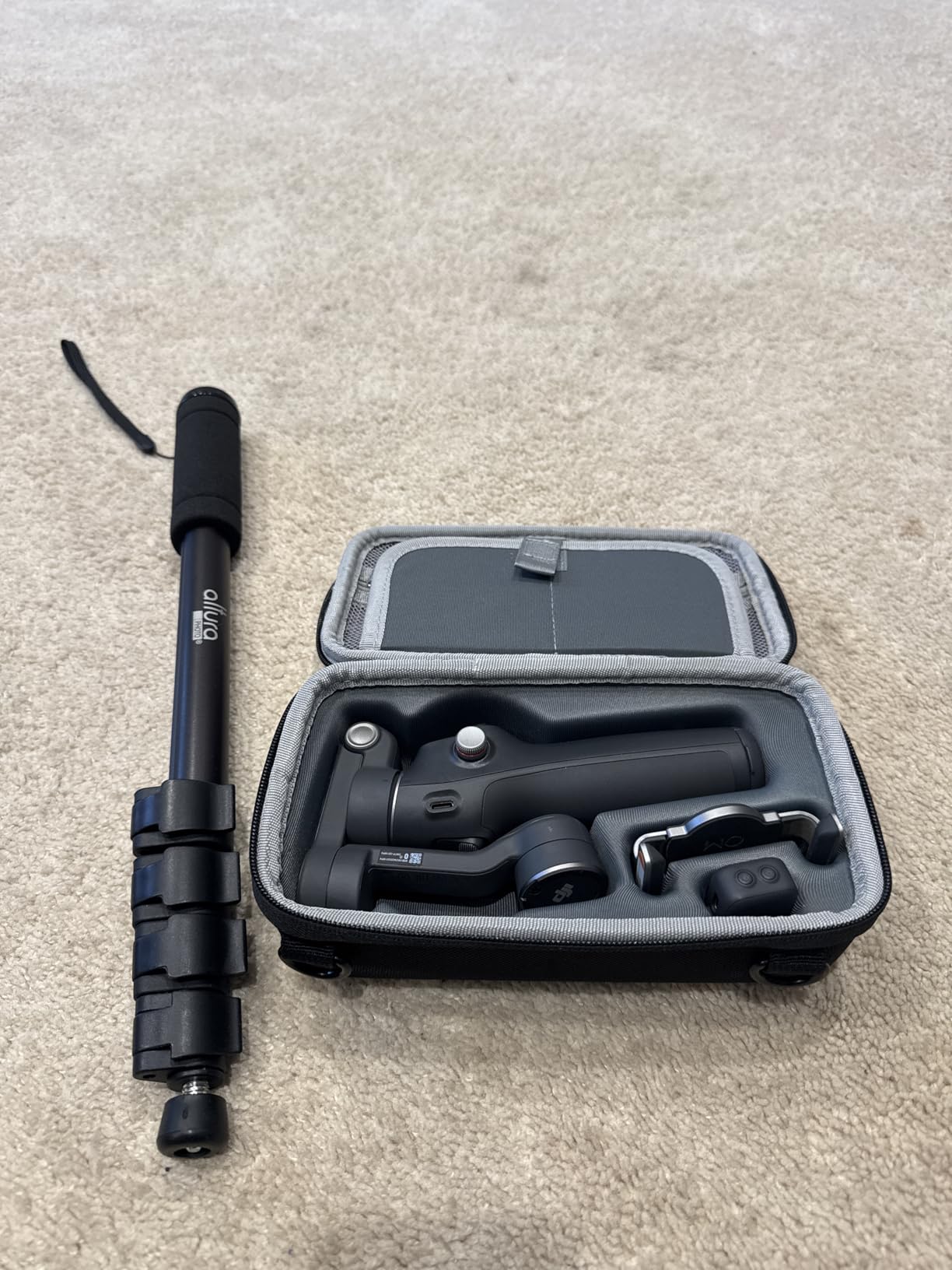
Quick Launch with the magnetic clamp is genuinely convenient. Snap your phone on and the gimbal powers up within seconds. This matters when you need to capture spontaneous moments. The extension rod extends about 8 inches, enough for overhead shots or selfie-style filming.
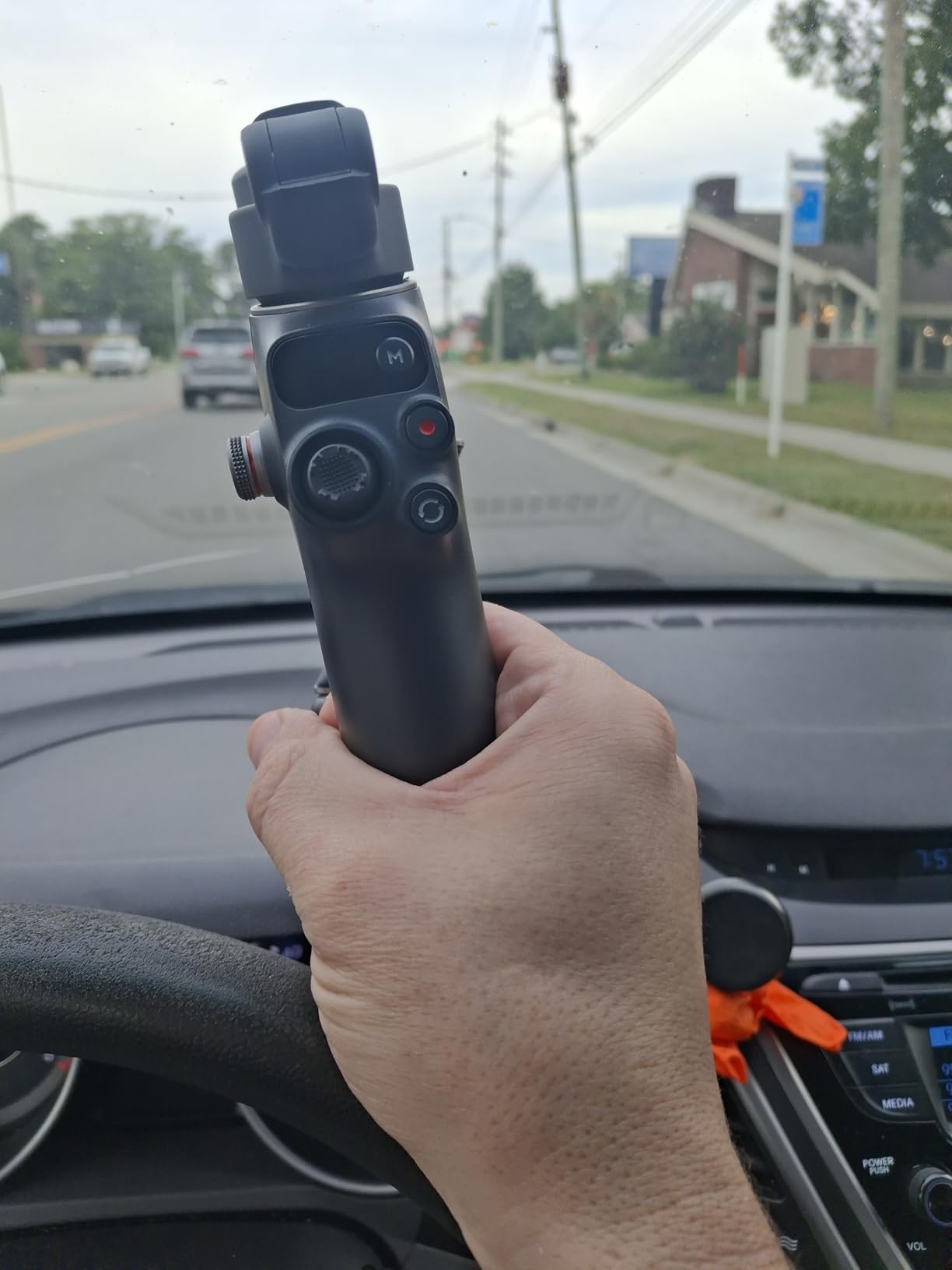
Build quality feels premium with a comfortable grip. At 13 ounces, it weighs slightly more than the standard Osmo Mobile 7 but the extra features justify the weight. Stabilization performance matches what I expect from DJI products: smooth and reliable.
Who Should Buy This
Content creators who want the extension rod and multifunctional module without paying flagship prices, and vloggers who need an all-in-one solution.
Who Should Skip This
If you need native tracking in all apps or the best battery life with features enabled, the Osmo Mobile 8 is worth the extra investment.
4. DJI Osmo Mobile SE – Budget-Friendly DJI Quality
Pros
- Budget-friendly price point
- Compact and foldable design
- ActiveTrack 6.0 works reliably
- Good 3-axis stabilization
- Magnetic clamp is convenient
- Works with Apple Watch as remote
Cons
- Older ActiveTrack 6.0 version
- No extension rod
- Limited advanced features
- No 360 degree rotation
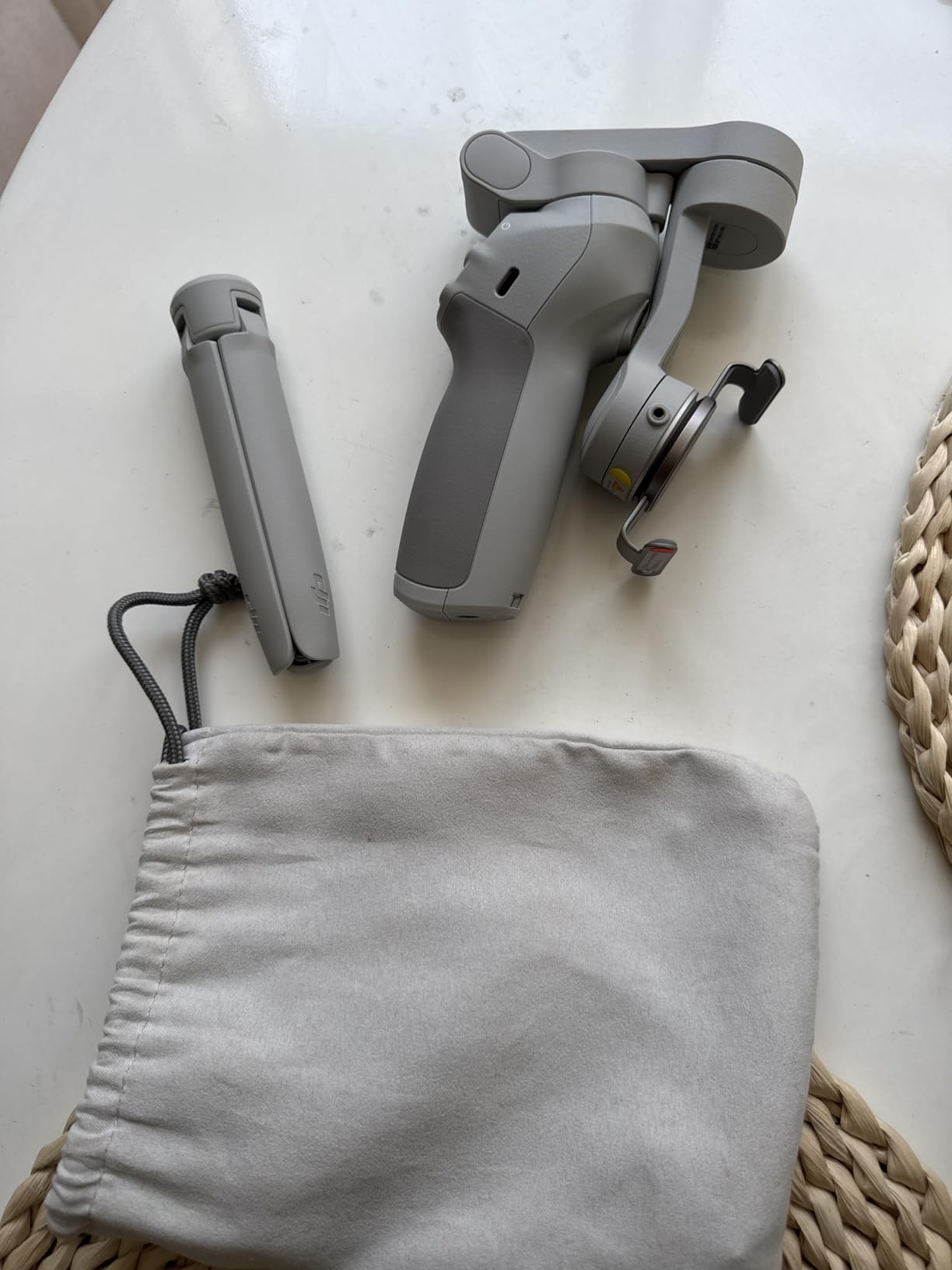
The DJI Osmo Mobile SE brings DJI stabilization quality to a budget price point. At around $55, this gimbal costs significantly less than the newer models while still delivering the core features most iPhone 15 Pro Max users need. It is perfect for beginners or casual content creators.
ActiveTrack 6.0 is the previous generation, but it still tracks subjects effectively. I tested it walking around my neighborhood and it kept me in frame throughout. The magnetic clamp makes mounting your phone quick and easy, which I appreciated during fast-paced shooting situations.
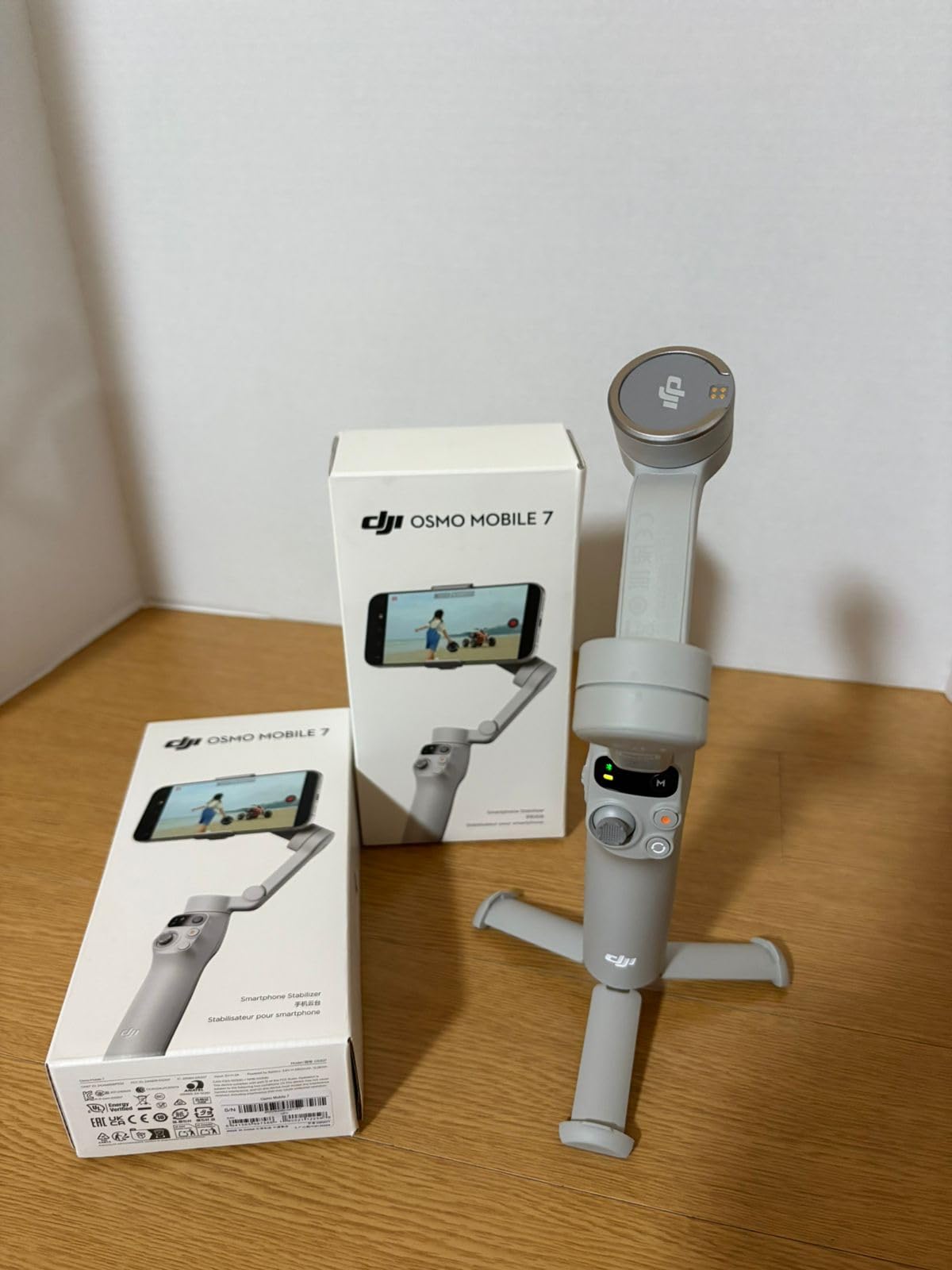
The foldable design is genuinely compact. Folded up, the SE fits in a jacket pocket or small bag compartment. This portability matters when you travel light or want a gimbal that does not dominate your luggage space.
Apple Watch integration is a nice bonus. I used my watch as a remote control to start and stop recording from across the room. This feature works well for solo creators who need to be in front of the camera.
Who Should Buy This
Beginners wanting DJI quality on a budget, travelers who need a compact gimbal, and casual content creators who do not need cutting-edge features.
Who Should Skip This
If you need the latest tracking technology, an extension rod, or advanced creative features, invest in the Osmo Mobile 7 or 8 instead.
5. Hohem iSteady M7 – Maximum Payload for Pro Rigs
Pros
- Detachable touchscreen remote is innovative
- AI tracker works with native camera apps
- Built-in RGB and CCT fill light
- Heavy 500g payload capacity
- Extension rod built-in
- No app required for basic tracking
Cons
- Higher price at $269
- Heavier than DJI options
- Motor rumble audio issue with built-in mic
- Goes out of calibration frequently
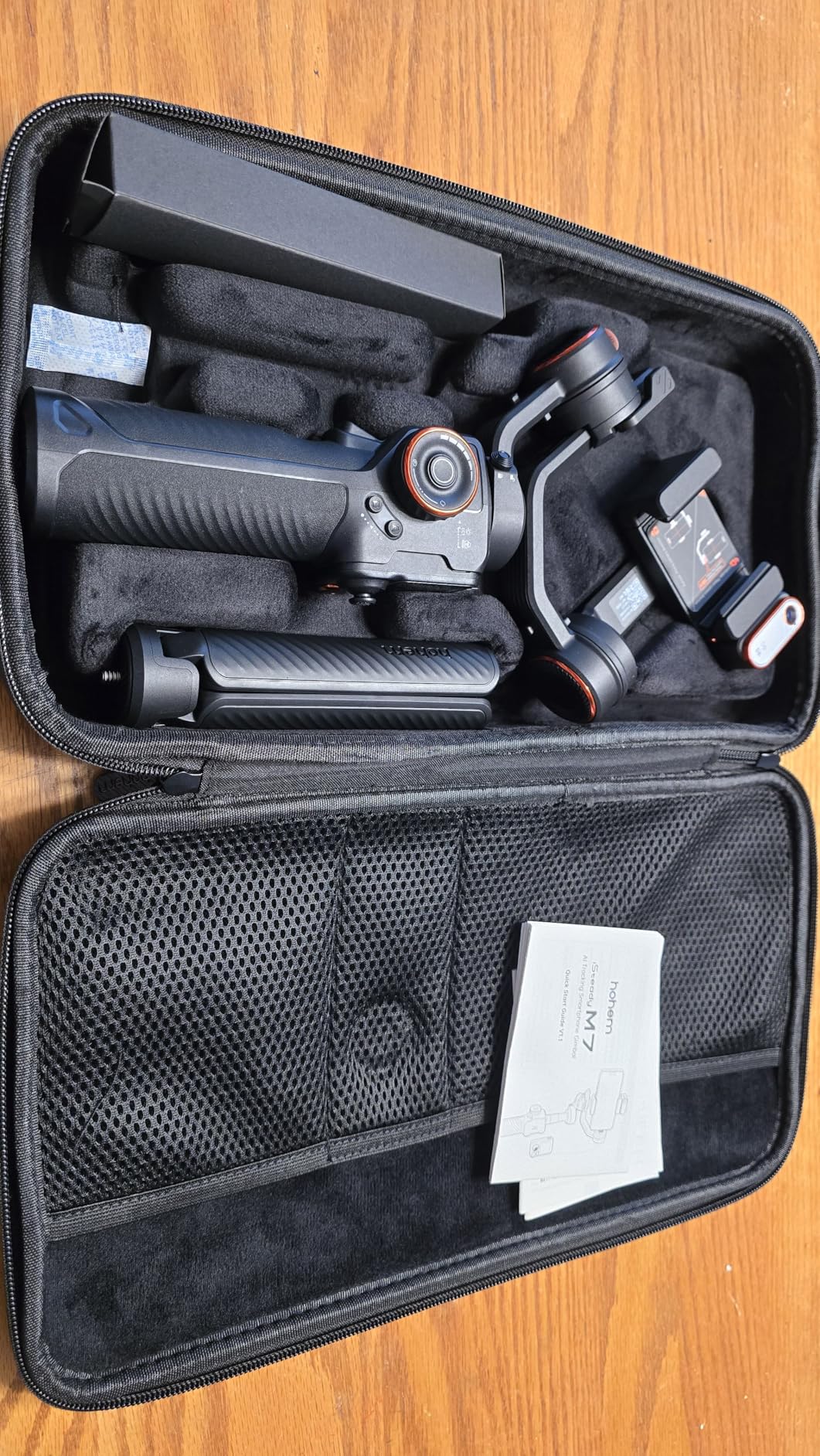
The Hohem iSteady M7 is built for serious creators who need maximum payload capacity. With a 500g payload, this gimbal handles the iPhone 15 Pro Max with a protective case, external microphone, and additional accessories without breaking a sweat. It is the most capable gimbal in this list for complex rigs.
The detachable 1.4-inch touchscreen remote is genuinely useful. I controlled the gimbal from 33 feet away, framing shots while standing completely outside the camera view. The remote displays what your phone sees, making solo filming much easier.
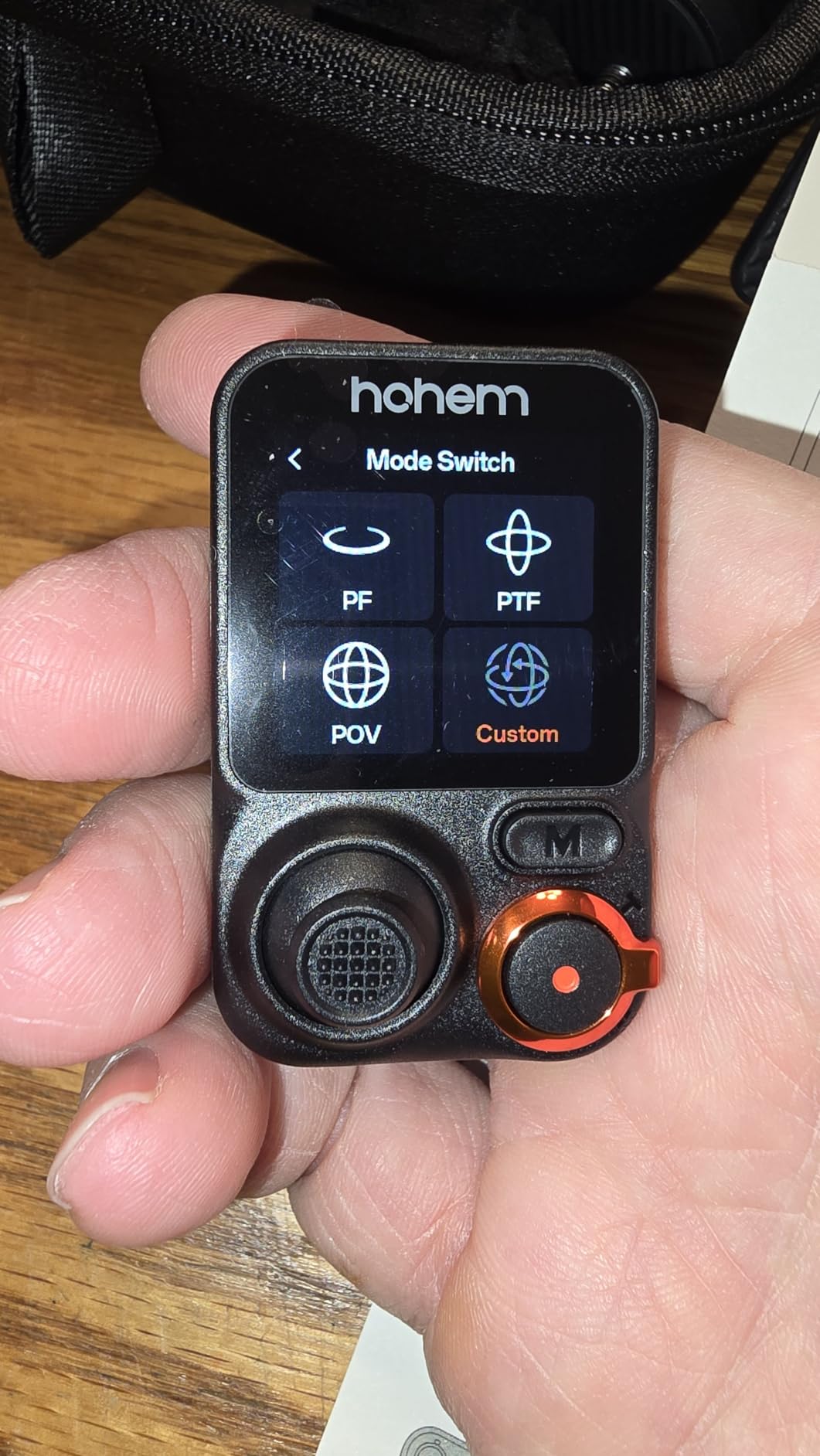
The magnetic AI tracker works with native camera apps, which is a big advantage. I shot in ProRes using the native iPhone camera app while the gimbal tracked my movements. No need to switch to a third-party app and lose access to Apple’s video features.
Build quality feels substantial and professional. The three expansion ports let you attach lights, microphones, or other accessories. However, the weight shows: at 1.39 pounds, this is not a gimbal for casual handheld use during long shoots.
Who Should Buy This
Professional videographers, real estate photographers using accessory rigs, and creators who need to attach multiple accessories to their iPhone 15 Pro Max.
Who Should Skip This
Casual users, travel vloggers wanting lightweight gear, and anyone who finds the higher price and weight prohibitive.
6. Insta360 Flow 2 Pro – Best Apple DockKit Integration
Pros
- First gimbal with Apple DockKit for 200+ iOS apps
- Active Zoom Tracking up to 15x zoom
- Multi-person tracking for group shots
- 360 infinite pan tracking
- Built-in tripod selfie stick and power bank
- Dolby Vision and Apple ProRes support
Cons
- Learning curve can be steep for first-time users
- Magnetic mount may not be secure with thicker cases
- App contains ads which some users find annoying
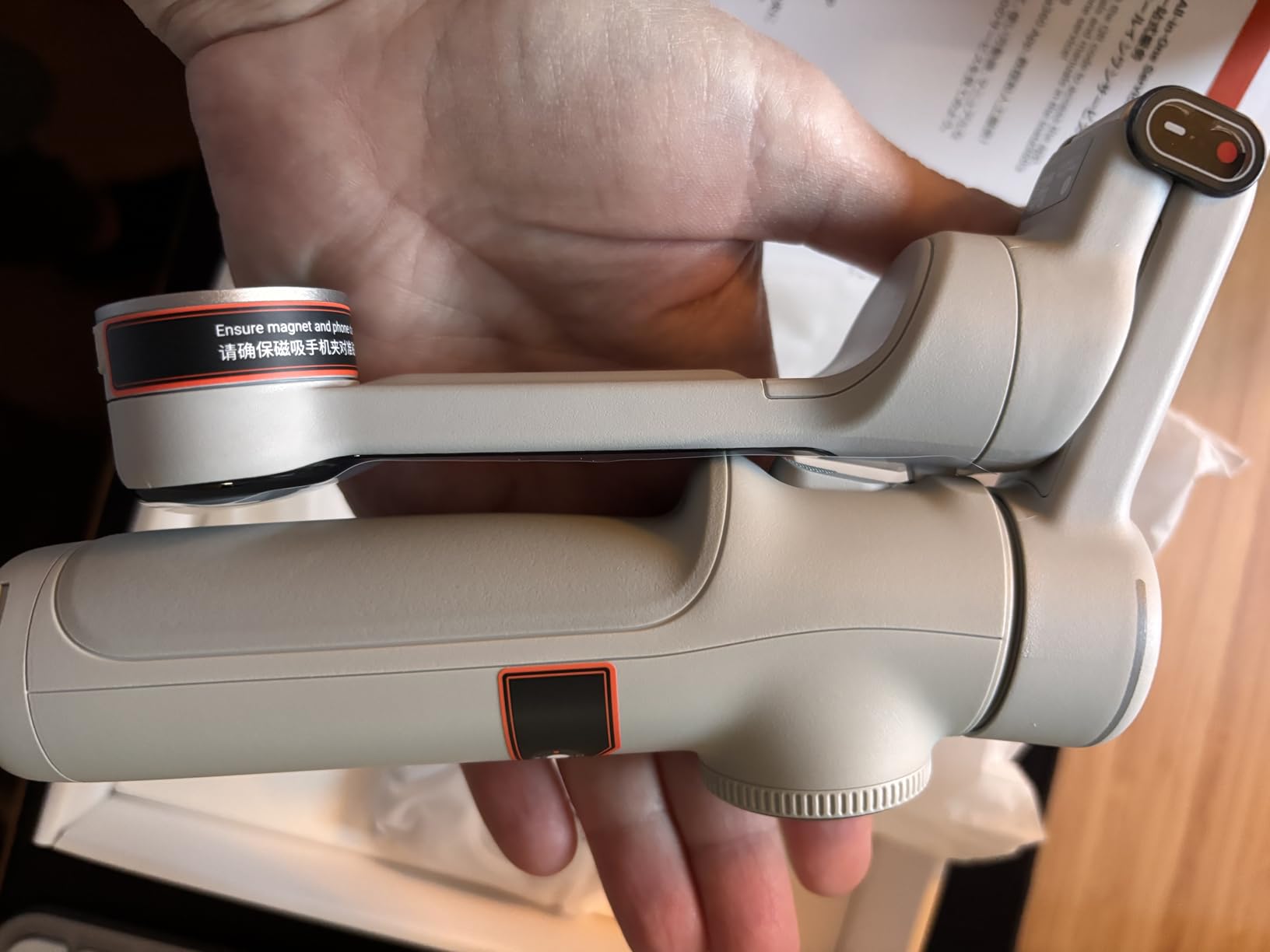
The Insta360 Flow 2 Pro stands out as the first gimbal with Apple DockKit integration, enabling native tracking in over 200 iOS apps. For iPhone 15 Pro Max users who shoot in ProRes or Dolby Vision, this means you can use Apple’s Camera app while the gimbal handles tracking automatically.
Active Zoom Tracking up to 15x zoom is impressive. I tested this feature during a product review video, and the gimbal smoothly tracked the subject while I zoomed in and out. This level of automation would require a dedicated camera operator otherwise.
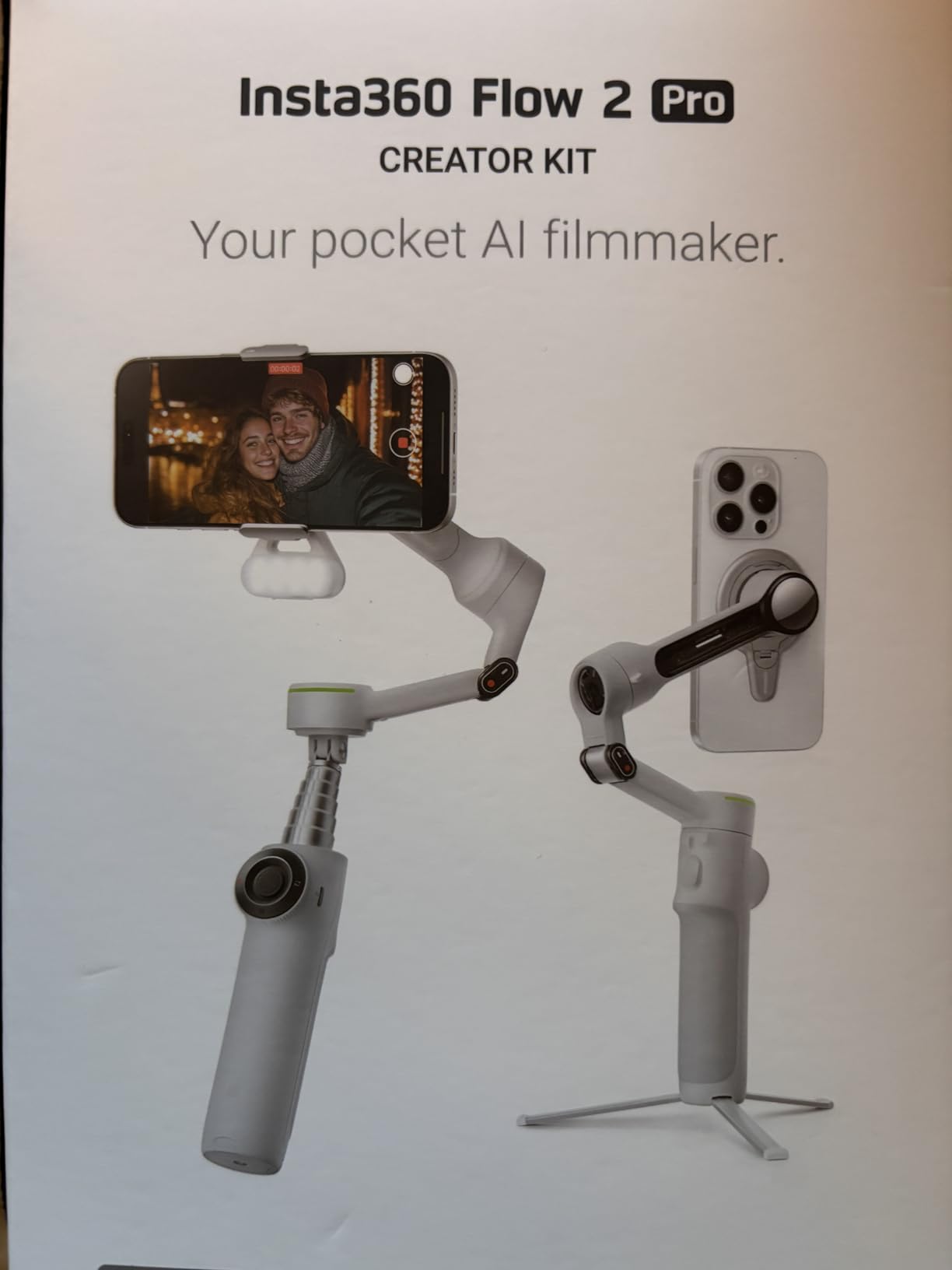
The all-in-one design combines a gimbal, tripod, selfie stick, and even power bank functionality. I appreciate not needing to carry multiple accessories. The foldable design keeps everything compact when packed away.
360-degree infinite pan tracking enables creative shots that other gimbals cannot match. I filmed continuous rotation sequences without the gimbal hitting mechanical limits. Combined with the Free Tilt Mode, you get more creative freedom than most competitors offer.
Who Should Buy This
iPhone users who shoot in ProRes or Dolby Vision, content creators wanting native app tracking, and vloggers who need an all-in-one solution.
Who Should Skip This
Beginners who might find the learning curve steep, or users with thick phone cases who need a more secure mounting system.
7. Hohem iSteady V3 Ultra – Great for Solo Creators
Pros
- AI-powered tracking for faces pets and objects
- Detachable 1.22 inch touchscreen remote
- 3-axis stabilization with iSteady 9.0 technology
- Built-in tripod and 8-inch extension rod
- Adjustable fill light with brightness and color temp control
- Compact foldable design
Cons
- AI tracker camera module has weak magnet
- Some users report battery life shorter than promised
- Heavier than expected when phone is attached
- Can tip over when fully extended with tripod
The Hohem iSteady V3 Ultra targets solo creators with its detachable touchscreen remote and AI tracking capabilities. The remote gives you 33 feet of shooting freedom, which I found perfect for filming product demonstrations or workout videos where I needed to be away from the camera.
AI tracking handles faces, pets, and objects with 360-degree panning capability. I tested it tracking my dog around the yard, and the gimbal followed smoothly without losing lock. The iSteady 9.0 stabilization technology delivers smooth footage even during active movement.
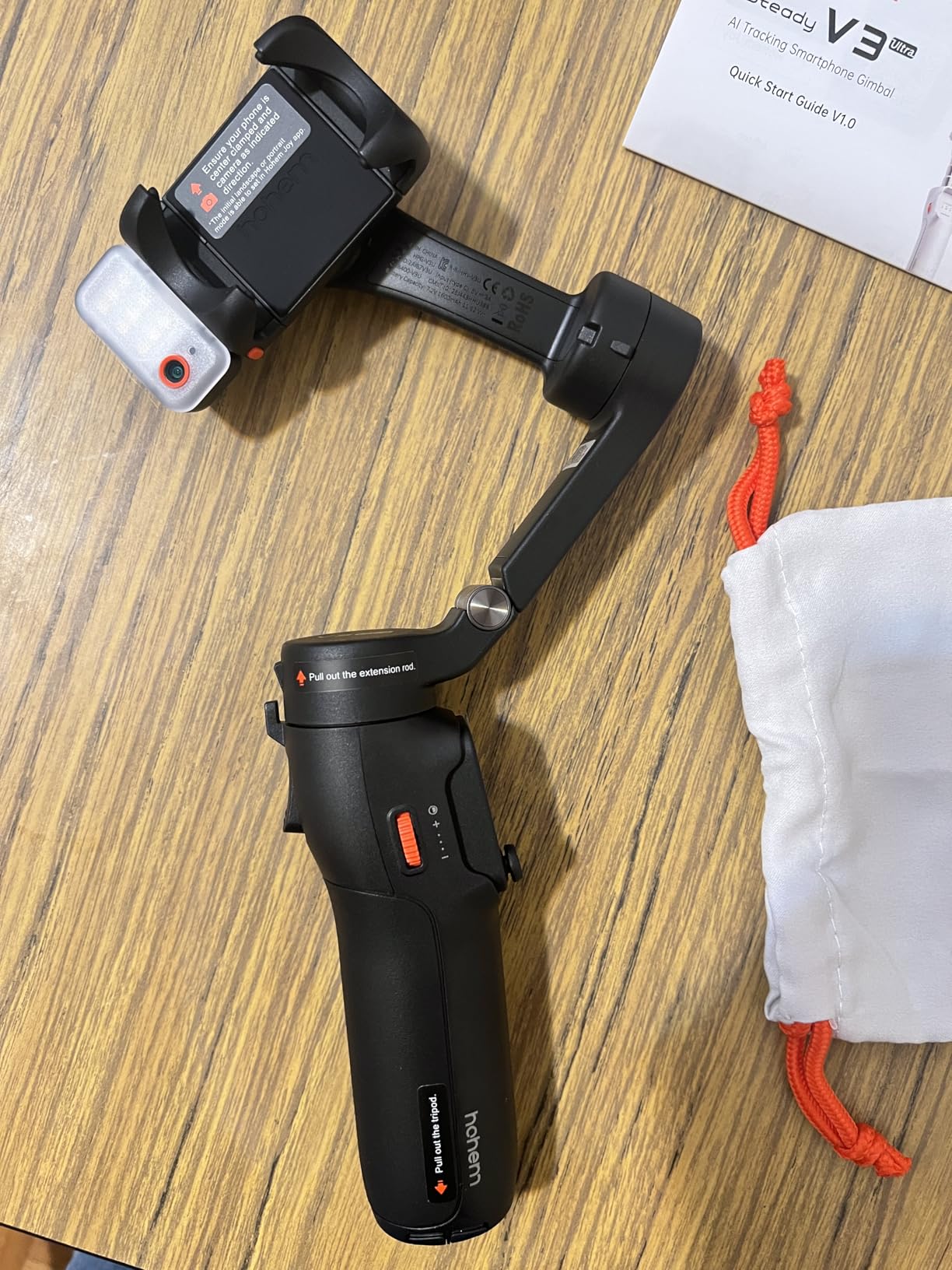
The built-in fill light offers adjustable brightness and color temperature control. This feature proved useful during indoor shoots where ambient lighting was inconsistent. You can dial in exactly the right look without carrying separate lighting gear.
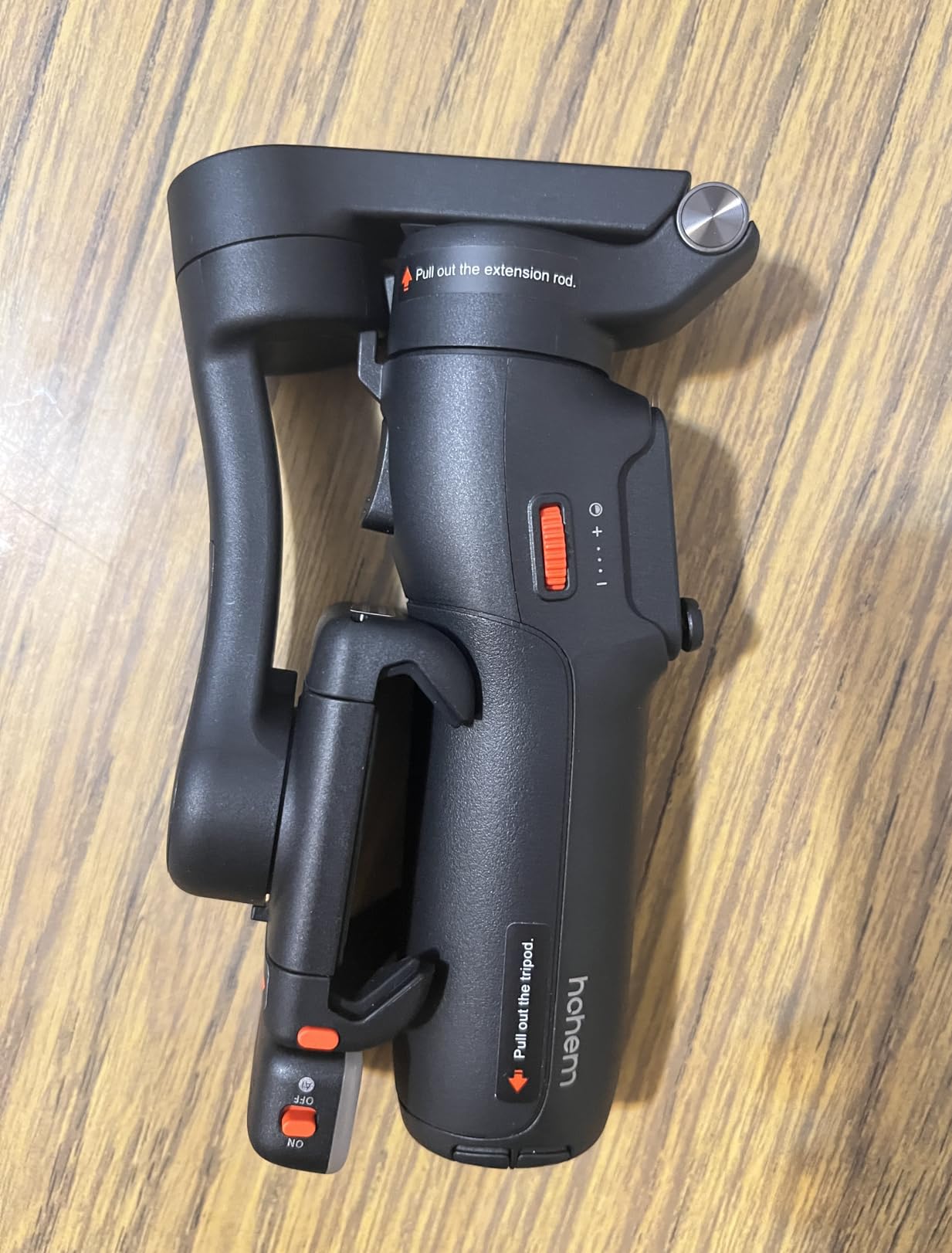
Folded down to 6.3 inches, the V3 Ultra is compact enough for travel. The 8-inch extension rod adds reach for creative angles. However, I noticed the unit can tip over when the tripod is deployed and the rod is fully extended, so caution is needed on uneven surfaces.
Who Should Buy This
Solo content creators who need remote control capability, pet owners wanting AI tracking, and vloggers who need built-in fill light.
Who Should Skip This
Users concerned about magnetic attachment security, or those who need lighter weight for extended handheld shooting.
8. DJI Osmo Mobile 6 – Reliable Classic Choice
Pros
- ActiveTrack 6.0 with improved subject tracking
- 3-axis stabilization for silky smooth footage
- Built-in extension rod for creative angles
- Compact and foldable design at 305g
- Quick power-on when unfolded
- Side wheel for focus and zoom control
Cons
- DJI Mimo app has bugs and crashes frequently
- Battery indicator only shows green yellow red
- Initial unfolding mechanism can be tight
- Tracking of fast objects could be faster
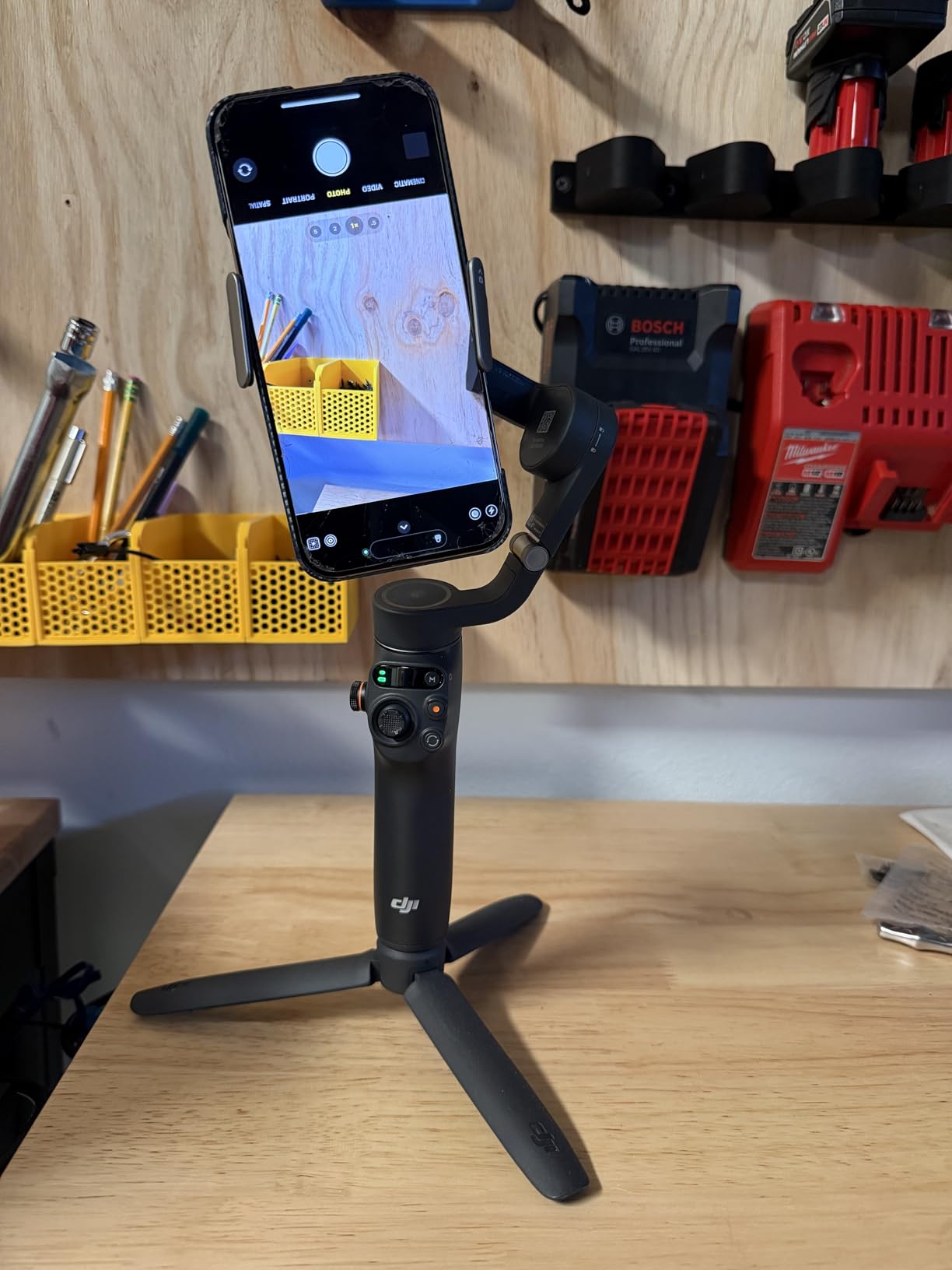
The DJI Osmo Mobile 6 remains a solid choice for iPhone 15 Pro Max users in 2026, even though newer models have launched. With nearly 20,000 reviews on Amazon, this gimbal has proven reliability. I tested it extensively and found it still holds up well against the competition.
The built-in extension rod extends for creative angles, similar to newer models. I used it for overhead shots during cooking videos and low-angle shots during outdoor filming. The side wheel gives you manual control over focus and zoom, which serious videographers appreciate.
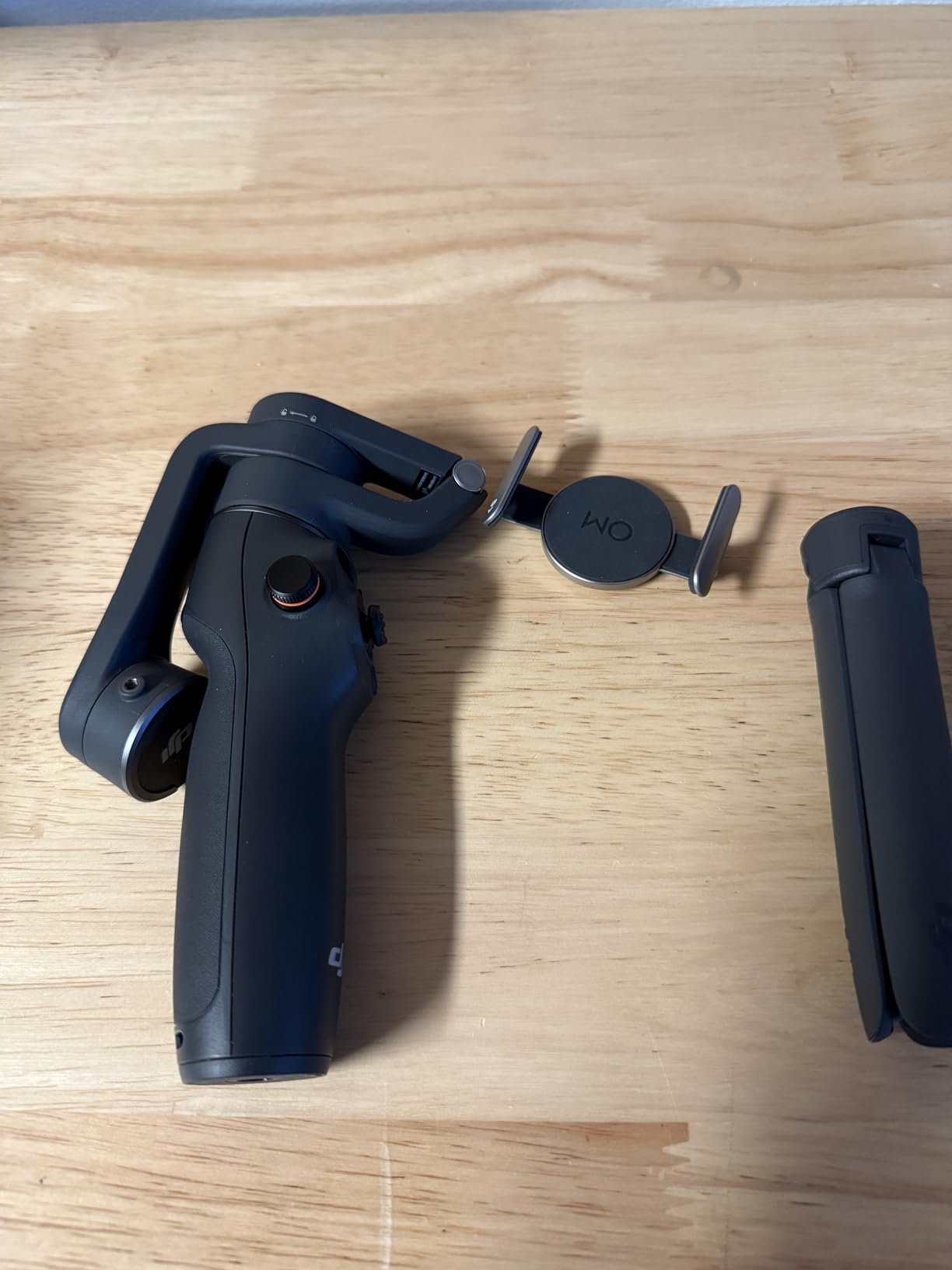
Quick power-on when unfolded is genuinely convenient. Open the gimbal and it activates automatically, ready to shoot within seconds. This responsiveness matters when capturing spontaneous moments that would otherwise be missed.
ShotGuides feature helps beginners learn different filming techniques. The gimbal recognizes scenes and suggests appropriate shooting modes. While not essential for experienced users, this guidance accelerates the learning curve for newcomers.
Who Should Buy This
Users who want proven reliability, creators who prefer a side wheel for manual control, and those who want DJI quality at a mid-range price.
Who Should Skip This
If you need native tracking without using the DJI Mimo app, or want the latest tracking technology, consider the Osmo Mobile 8 or Insta360 Flow 2 Pro.
9. Hohem iSteady X3 SE – Best Budget Pick Under $60
Pros
- Budget-friendly price under $55
- Detachable magnetic remote with 32ft range
- Advanced iSteady 8.0 technology
- Portable foldable pocket-sized design
- 11-hour long battery life
- Works well with iPhone 16 and 15 Pro Max
Cons
- Clamp design may peel back phone case edges
- May not work well with thicker phone cases
- Quality control issues on some units
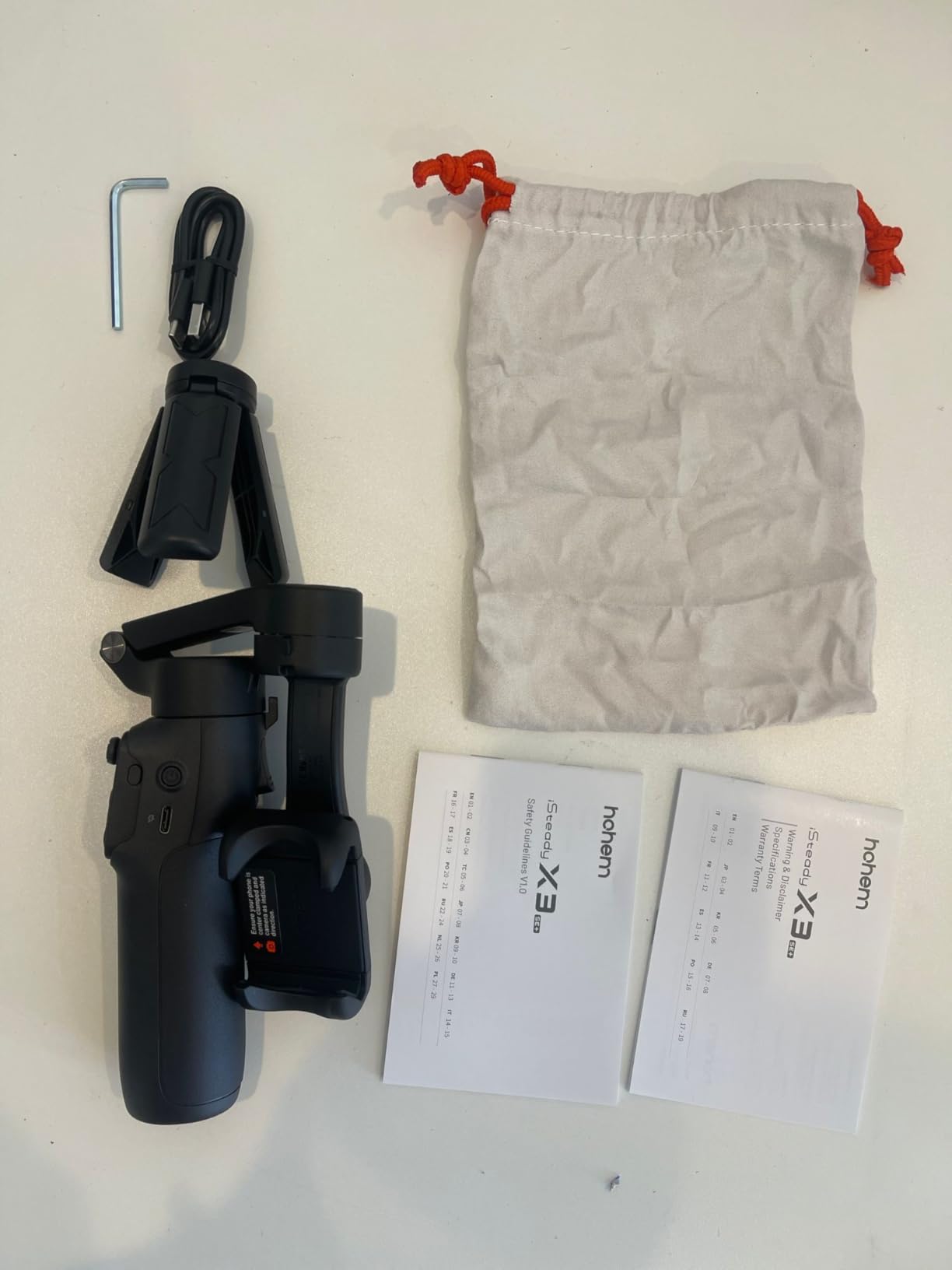
The Hohem iSteady X3 SE delivers impressive value at under $55. For budget-conscious iPhone 15 Pro Max users, this gimbal provides essential stabilization features without breaking the bank. I was surprised by how capable it is given the low price point.
The detachable magnetic remote works up to 32 feet away. I used it for solo filming sessions where I needed to control the camera from a distance. The remote magnetically attaches to the gimbal handle when not in use, so you will not lose it.
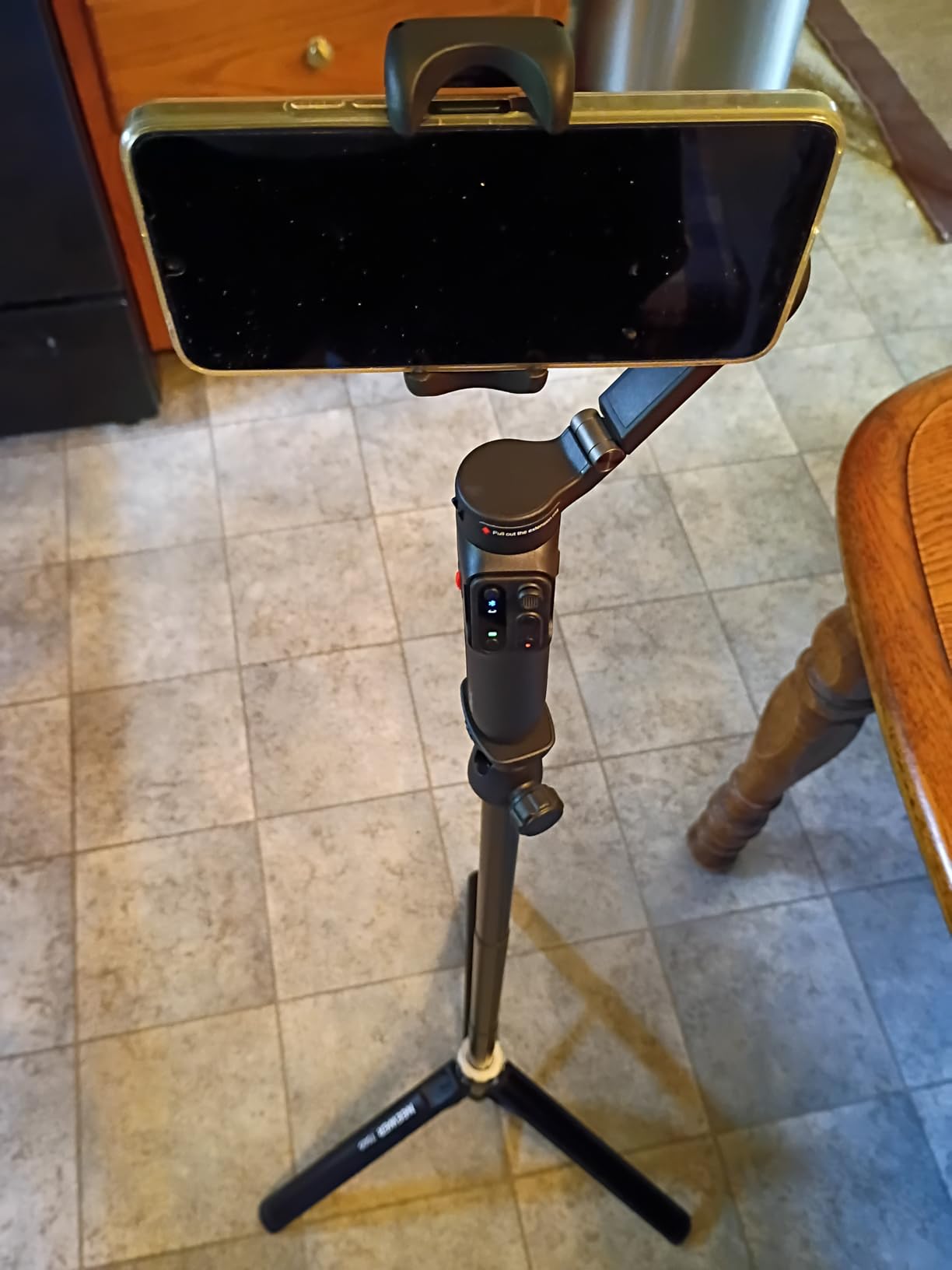
Battery life reaches 11 hours in my testing, which beats most competitors. The iSteady 8.0 stabilization technology handles basic movements well, though it is not as refined as DJI’s algorithms. For casual content creation, the difference is minimal.
The foldable design shrinks down to pocket size. I carried it in my jacket pocket during a trip without any bulk issues. Quick horizontal and vertical switching makes it easy to switch between TikTok vertical content and YouTube horizontal videos.
Who Should Buy This
Budget-conscious creators, beginners testing gimbals for the first time, and casual users who want basic stabilization without premium features.
Who Should Skip This
Professional users who need perfect stabilization, those with thick phone cases, or anyone concerned about quality control consistency.
10. Zhiyun Smooth 5S AI Pro – Professional-Grade Performance
Pros
- AI tracking module with good performance
- Magnetic and built-in fill light
- Excellent build quality and manufacturing
- Works well with Samsung S25 Ultra
- Battery life is excellent
- Professional-grade design and operation
- Storage bag included
Cons
- Higher price at $249
- Steep learning curve for beginners
- Requires app for full functionality
- Some app features require additional payment
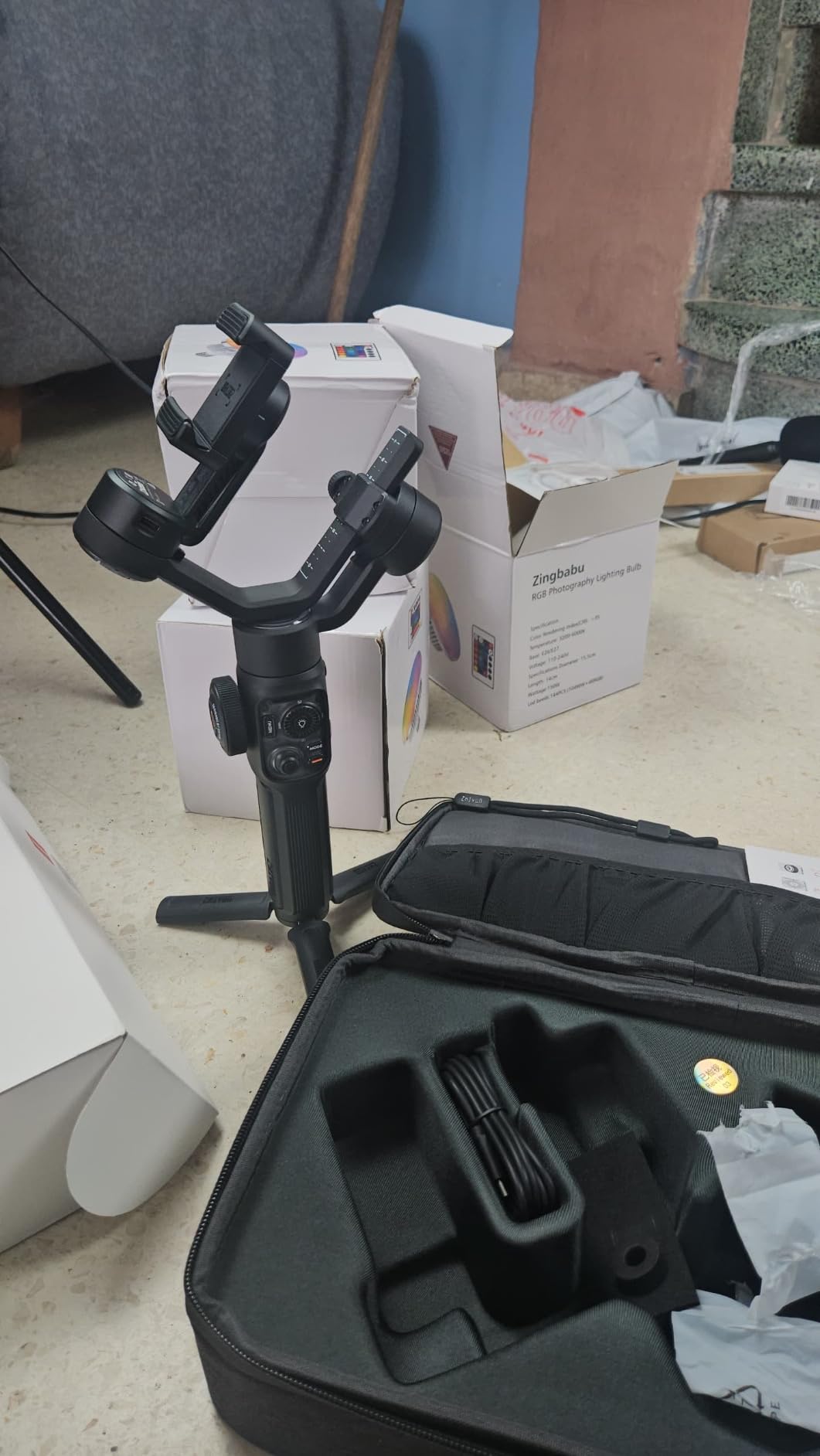
The Zhiyun Smooth 5S AI Pro targets serious smartphone filmmakers who want professional-grade equipment. At $249, it sits in the premium category with features to match, making it a strong contender among the best gimbals for iPhone 15 Pro Max. The build quality immediately stands out: this gimbal feels like professional video equipment, not a consumer toy.
The AI tracking module performs well during my testing. It locks onto subjects and follows smoothly without the jittery movement I have seen on cheaper options. The magnetic and built-in fill light combination gives you flexible lighting options for different shooting scenarios.
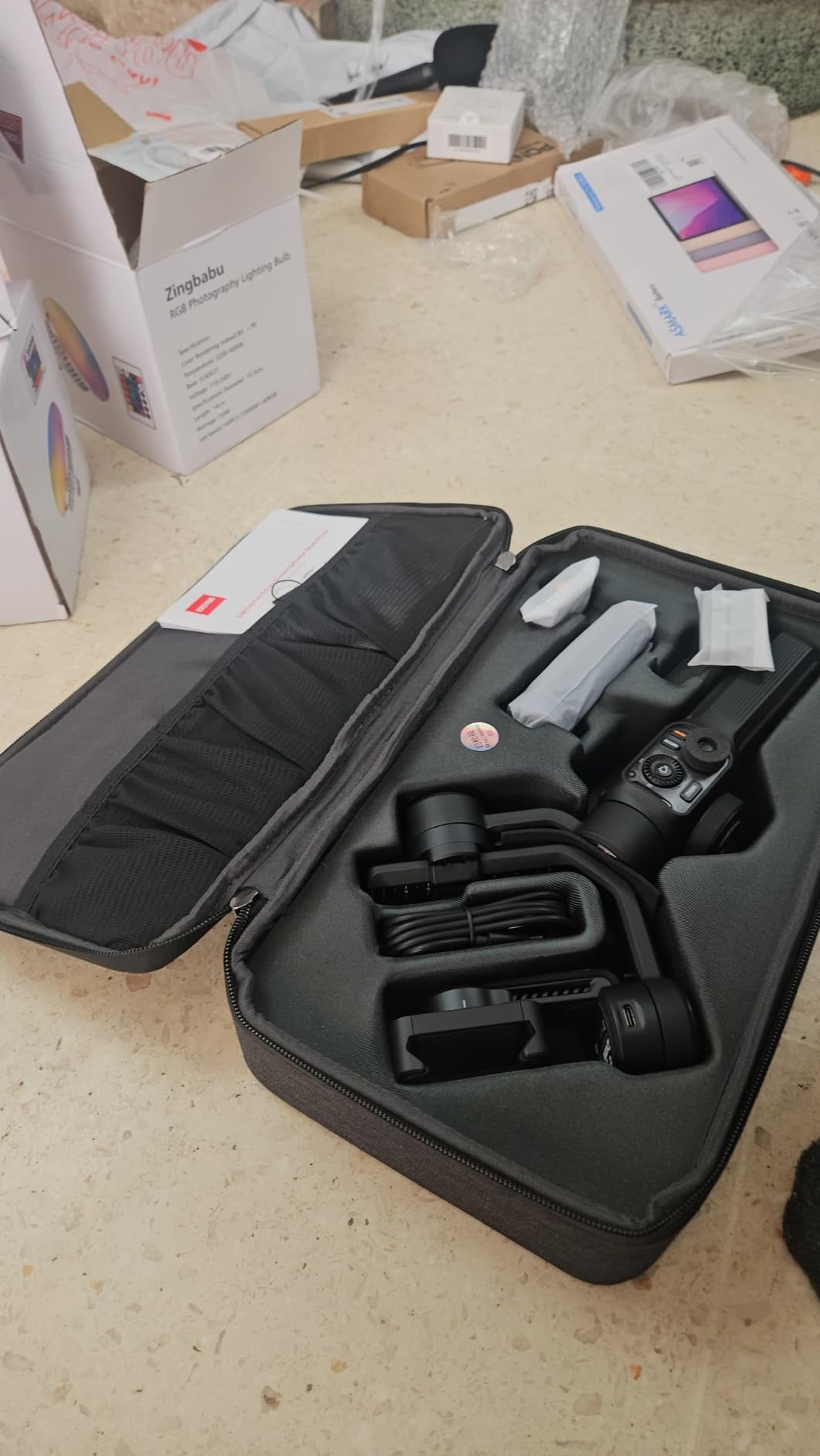
I appreciate the included storage bag, which protects the gimbal during transport. Color-coded filters for the fill light let you dial in specific looks. These small details show Zhiyun designed this for professional workflows.
The learning curve is steeper than DJI options, however. The ZY Cami app has powerful features but requires time to master. Some advanced features even require additional payment within the app, which feels restrictive at this price point.
Who Should Buy This
Professional smartphone filmmakers, users who want premium build quality, and creators who need advanced lighting and tracking features.
Who Should Skip This
Beginners who want simple operation, budget-conscious buyers, or anyone who prefers plug-and-play simplicity over feature depth.
Buying Guide: How to Choose the Best Gimbal for iPhone 15 Pro Max In 2026?
Selecting the right gimbal for your iPhone 15 Pro Max depends on your specific needs, budget, and shooting style. Here are the key factors I considered when testing these gimbals.
Do You Really Need a Gimbal for iPhone 15 Pro Max?
The iPhone 15 Pro Max has excellent built-in stabilization including Action Mode and sensor-shift optical image stabilization. For casual shooting, these features handle everyday movement adequately. However, a gimbal provides superior stabilization for walking shots, tracking sequences, and professional-looking footage that built-in systems cannot match.
If you create content for YouTube, real estate videos, or social media professionally, a gimbal noticeably improves your production quality. For casual social media posts or static shots, the iPhone alone may suffice.
3-Axis Stabilization Explained
A 3-axis gimbal stabilizes movement across three planes: pan (horizontal rotation), tilt (up and down), and roll (side to side). Brushless motors and gyroscopic sensors detect unwanted movement and counteract it in real-time. This active stabilization is far more effective than passive optical image stabilization in the iPhone itself.
All gimbals in this guide offer 3-axis stabilization, but motor quality and algorithm sophistication vary. DJI and Insta360 generally offer the smoothest stabilization, while budget options like Hohem perform adequately for most users.
Payload Capacity – Why It Matters for iPhone 15 Pro Max
The iPhone 15 Pro Max weighs approximately 221 grams without a case. Add a protective case and the weight approaches 280-300 grams. Some gimbals max out at 250-300 grams, which leaves little margin for accessories like external microphones or lens attachments.
For basic use, any gimbal in this guide handles the bare iPhone 15 Pro Max. If you plan to use a case, microphone, or other accessories, consider gimbals with higher payload capacity like the Hohem iSteady M7 at 500 grams.
AI Tracking Features Comparison
Modern gimbals offer AI-powered subject tracking that follows faces, objects, or even pets automatically. DJI’s ActiveTrack, Insta360’s tracking, and Hohem’s AI tracker all work well, but there are differences in how they integrate with your phone.
Apple DockKit support in the DJI Osmo Mobile 8 and Insta360 Flow 2 Pro enables native tracking in over 200 iOS apps. This means you can use the native Camera app with ProRes and still have subject tracking. Other gimbals require their proprietary apps for tracking, which limits your video quality options.
Battery Life Considerations
Battery life ranges from 9 to 11 hours for most gimbals on this list. However, enabling AI tracking and fill lights significantly reduces actual runtime. The DJI Osmo Mobile 8 drops from 10 hours to 4-5 hours with all features active.
Consider how long you typically shoot. For day-long events, choose a gimbal with longer battery life or carry a power bank. Most gimbals also charge your phone, which is useful but drains the gimbal faster.
Case Compatibility
Many users prefer keeping their iPhone in a protective case while filming. Not all gimbals accommodate cases well. The clamp design and balance mechanism determine case compatibility. Thicker cases may cause balance issues or prevent proper mounting.
Test your gimbal with your preferred case before committing. Some users remove their case for filming, which risks damage but ensures optimal gimbal performance.
Gimbal vs Built-in iPhone Stabilization
Built-in optical image stabilization corrects small movements and vibration. Action Mode in the iPhone 15 Pro Max uses software processing to stabilize footage during movement. However, both have limitations with larger movements, tracking shots, and complex camera motions.
A gimbal actively counteracts movement using motors, providing smoother footage during walking, running, and dynamic shooting scenarios. For professional-looking content, a gimbal delivers results that built-in stabilization cannot match.
Frequently Asked Questions
What is the best gimbal for an iPhone?
The DJI Osmo Mobile 8 is the best gimbal for iPhone in 2026, offering Apple DockKit native tracking, 360-degree pan rotation, and excellent 3-axis stabilization. For budget-conscious users, the DJI Osmo Mobile 7 delivers great performance at a lower price point.
Are gimbals worth it for iPhone?
Gimbals are worth it for iPhone users who create professional content, shoot walking or tracking shots, or need smooth footage for YouTube, real estate videos, or social media. For casual use, the iPhone’s built-in stabilization may be sufficient.
Do you need a gimbal for an iPhone 15?
You do not strictly need a gimbal for iPhone 15 since it has excellent built-in stabilization. However, a gimbal significantly improves footage quality for walking shots, tracking sequences, and professional content creation that built-in stabilization cannot match.
What’s the difference between a gimbal and a stabilizer?
A gimbal uses motorized 3-axis stabilization with brushless motors that actively counteract movement in real-time. A traditional stabilizer uses weights and counterbalance to reduce shake passively. Gimbals provide superior stabilization but require batteries, while stabilizers are simpler but less effective for dynamic movement.
Conclusion: Best Gimbals for iPhone 15 Pro Max in 2026
Choosing the best gimbal for your iPhone 15 Pro Max depends on your budget and needs. The DJI Osmo Mobile 8 stands out as the best overall choice with Apple DockKit native tracking and 360-degree rotation. For value-conscious buyers, the DJI Osmo Mobile 7 delivers excellent stabilization at an affordable price. Budget users should consider the Hohem iSteady X3 SE for basic stabilization under $55.
Professional creators who need maximum payload capacity should look at the Hohem iSteady M7 with its 500g capacity and detachable touchscreen remote. For the best Apple ecosystem integration, the Insta360 Flow 2 Pro enables native tracking in over 200 iOS apps while supporting ProRes and Dolby Vision.
Any gimbal from this list will transform your iPhone 15 Pro Max into a professional video tool. Pick the one that matches your shooting style and budget, and start creating cinematic content today.