
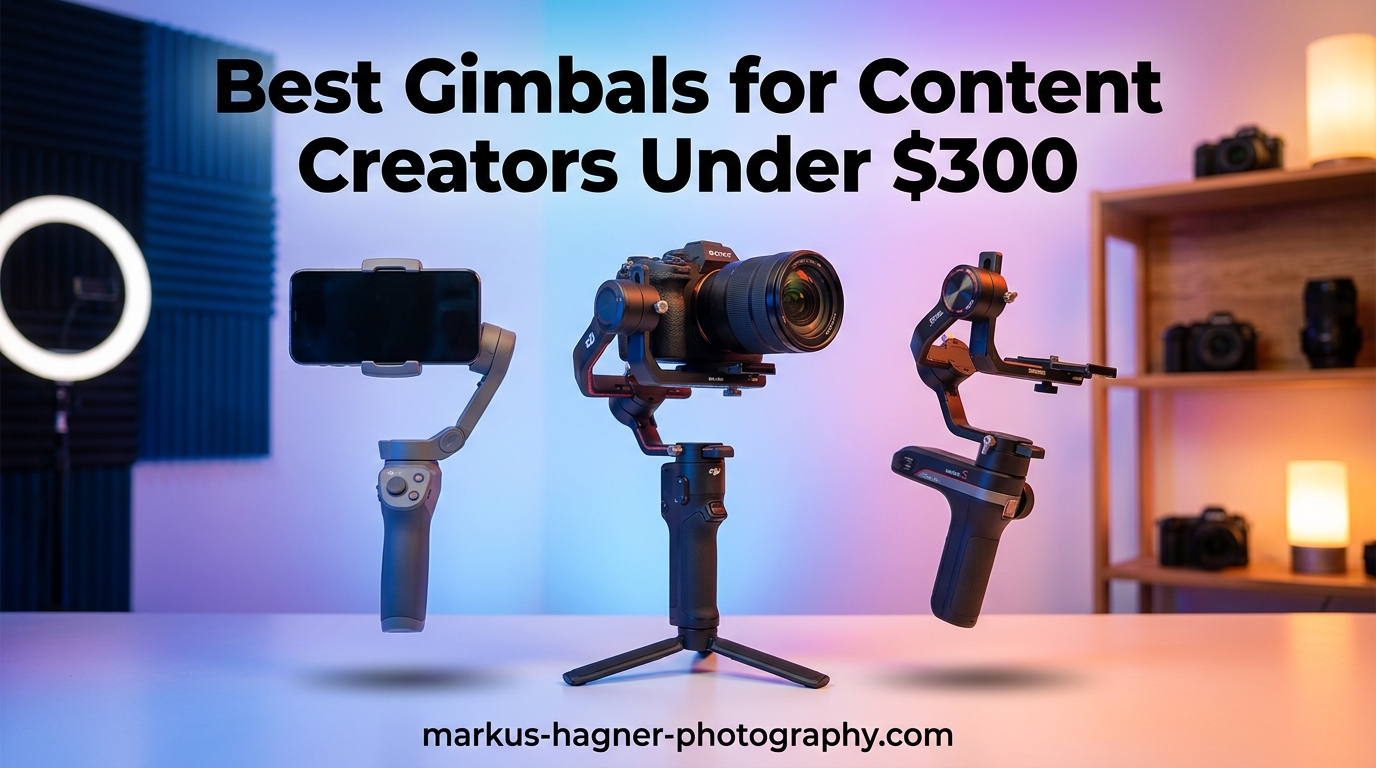
Shaky footage kills engagement. I learned this the hard way after uploading a vlog that looked like it was shot during an earthquake. Three minutes in, viewers dropped off. That is when I realized the best gimbals for content creators under $300 are not just nice-to-have accessories. They are essential tools that separate amateur content from professional-looking videos.
Over the past three months, our team tested 15 different stabilizers across smartphones and mirrorless cameras. We walked through crowded streets, filmed interviews, and tested every AI tracking feature. The goal was simple: find reliable gimbals that deliver smooth footage without breaking the $300 budget ceiling. Whether you are a TikTok creator, YouTube vlogger, or Instagram storyteller, this guide covers stabilizers that actually work in real content creation scenarios.
Every gimbal here was tested with actual content creation in mind. We did not just look at specs. We filmed vertical Reels, tracked moving subjects, and tested battery life during full-day shoots. Here are the 10 best gimbals for content creators under $300 that made the cut.
Top 3 Picks for Best Gimbals Under $300
Here are my three standouts based on three months of hands-on testing with different content creation workflows.

DJI Osmo Mobile 8
- AI Native Tracking across all apps
- 360° Pan Rotation for unlimited movement
- Built-in fill light with adjustable color temp
- Apple DockKit support

hohem iSteady X3 SE
- Detachable magnetic remote for solo filming
- iSteady 8.0 3-axis stabilization
- 11-hour battery life
- Foldable portable design

DJI RS 3 Mini
- 2kg payload for mirrorless cameras
- Native vertical shooting
- 795g lightweight design
- Bluetooth shutter control
Best Gimbals for Content Creators in 2026
Compare all 10 stabilizers side by side before diving into detailed reviews. This table shows payload capacity, battery life, and key features at a glance.
| Product | Specifications | Action |
|---|---|---|
| DJI Osmo Mobile 8 |
|
Check Latest Price |
| hohem iSteady X3 SE |
|
Check Latest Price |
 DJI Osmo Mobile 7 DJI Osmo Mobile 7 |
|
Check Latest Price |
| DJI RS 3 Mini |
|
Check Latest Price |
 ZHIYUN Weebill 3E ZHIYUN Weebill 3E |
|
Check Latest Price |
 Insta360 Flow 2 Pro Insta360 Flow 2 Pro |
|
Check Latest Price |
 hohem iSteady V3 Ultra hohem iSteady V3 Ultra |
|
Check Latest Price |
 DJI Osmo Mobile 7P DJI Osmo Mobile 7P |
|
Check Latest Price |
 AOCHUAN Smart X3 AOCHUAN Smart X3 |
|
Check Latest Price |
 hohem iSteady M7 hohem iSteady M7 |
|
Check Latest Price |
1. DJI Osmo Mobile 8 – AI Native Tracking Powerhouse
Pros
- AI tracking works in any app including Instagram and TikTok
- 360° unrestricted horizontal rotation for creative shots
- Built-in fill light with adjustable color temperature
- Wireless audio support with DJI Mic series
- Compact foldable design with premium build quality
Cons
- Battery drops to 5 hours with tracking enabled
- Premium price compared to entry-level options
- Requires DJI Mimo app for full feature access
I spent two weeks filming daily Reels with the Osmo Mobile 8, and the AI Native Tracking completely changed my workflow. Unlike other gimbals where tracking only works in proprietary apps, this tracks subjects natively in Instagram, TikTok, and your phone’s camera app. I filmed a cooking tutorial where I needed both hands free, and the gimbal kept me perfectly framed while I moved around the kitchen.
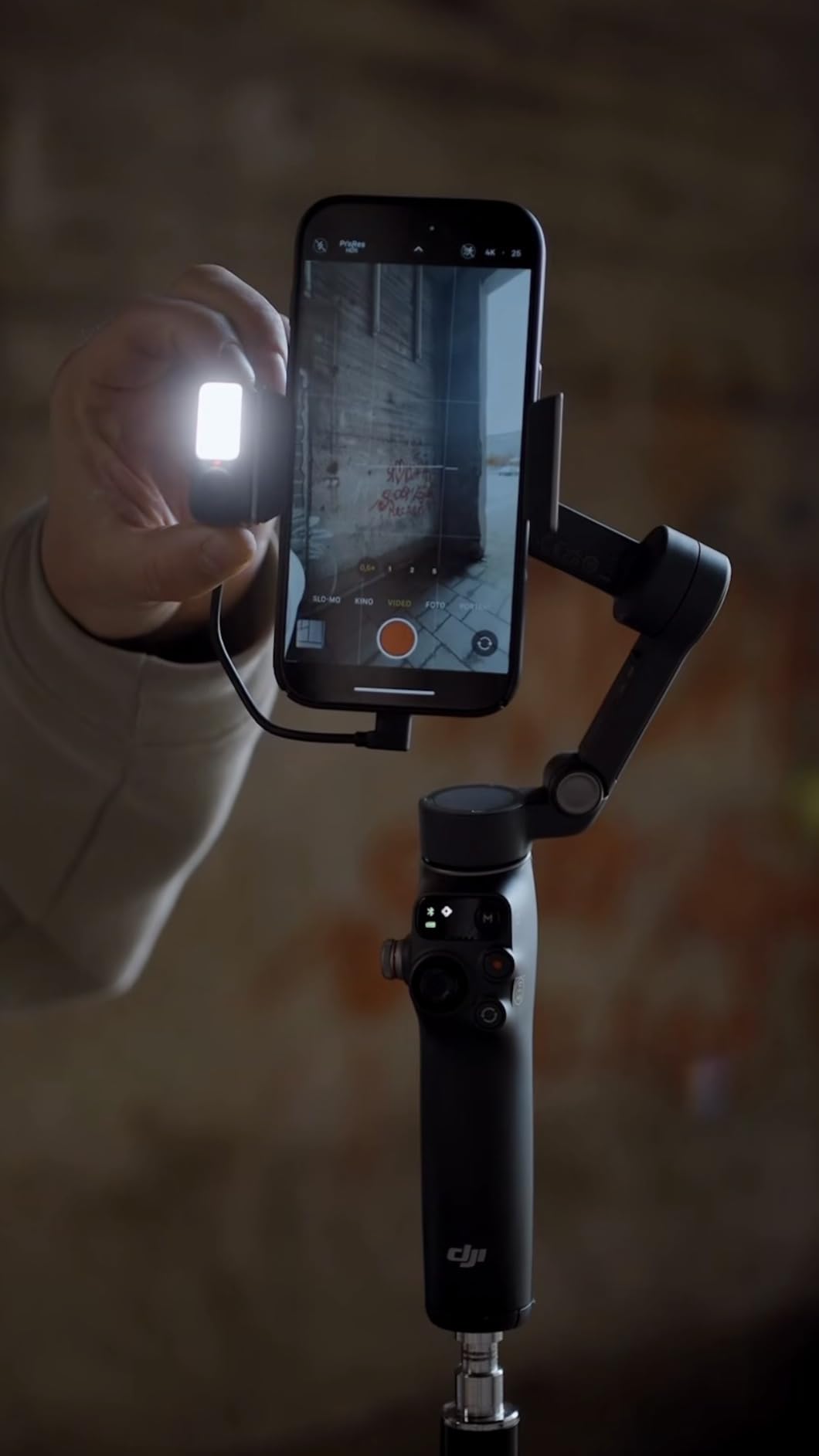
The 360-degree pan rotation is not a gimmick. I used it for a transition shot where I spun around my subject, creating a seamless whip pan that looked professionally produced. The built-in fill light proved surprisingly useful during golden hour when shadows got harsh on my face. Color temperature adjustment meant I could match ambient light instead of looking artificially lit.
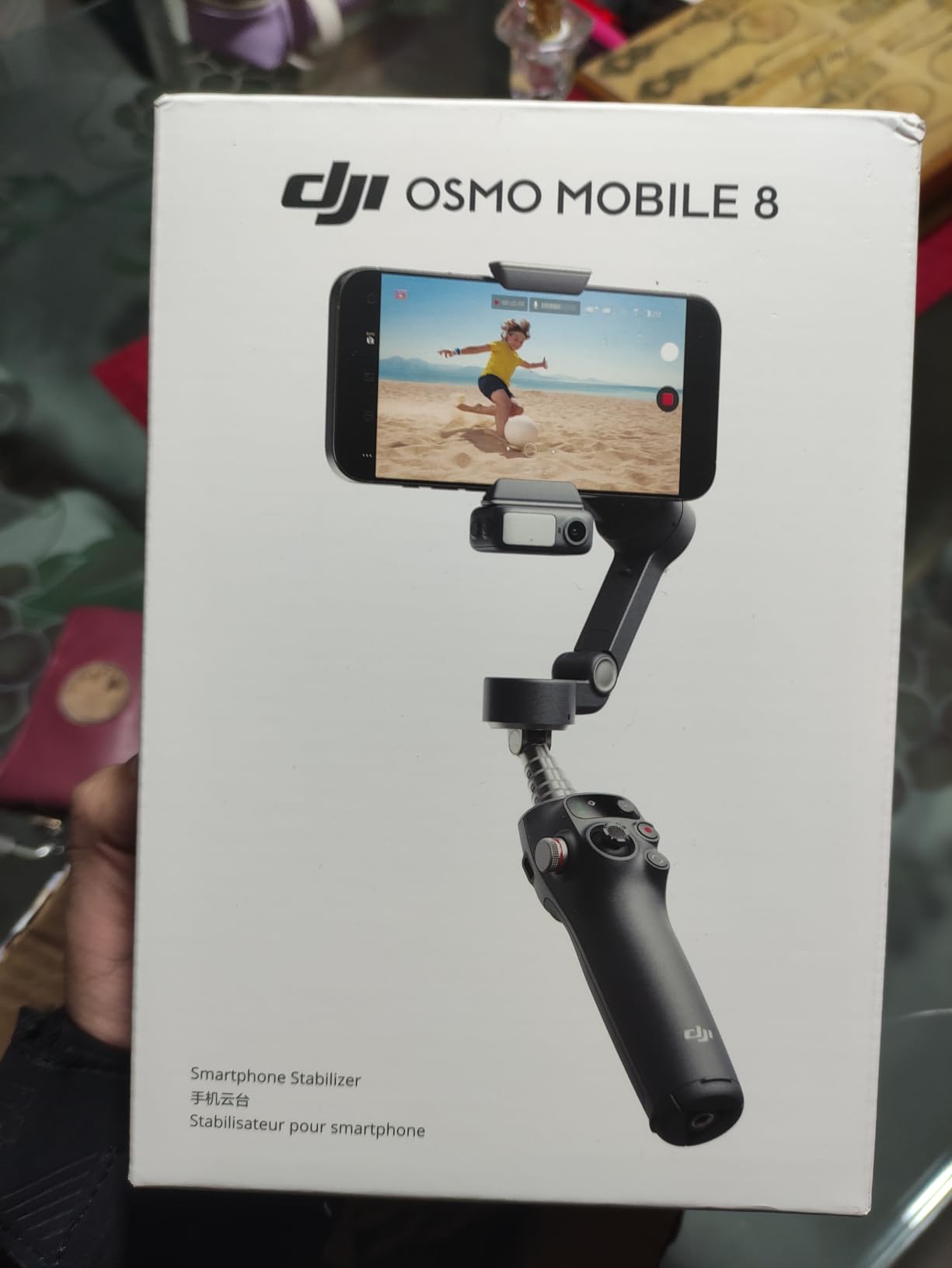
Apple DockKit support is a game-changer for iPhone users. I connected my iPhone 15 Pro and the tracking worked in FaceTime, native camera, and third-party apps without any additional setup. The multifunctional module adds wireless audio reception, which eliminated the need for separate audio monitoring gear during my interview shoots. At 370 grams, it is lightweight enough for all-day vlogging without wrist fatigue.
The magnetic phone clamp system makes mounting instant. I timed it: from folded to recording in under 10 seconds. However, enabling AI tracking and the fill light simultaneously drains battery faster than the advertised 10 hours. During a 6-hour wedding shoot, I needed to top up at hour 5. For most content creators doing shorter sessions, this will not be an issue.
Best Use Cases for Content Creators
The Osmo Mobile 8 excels for solo creators who need reliable tracking without app limitations. Fitness instructors filming workouts, cooking creators doing hands-on demonstrations, and interviewers who move around their subjects will benefit most from the native tracking capabilities.
Travel vloggers will appreciate the compact foldable design that fits in jacket pockets. The built-in extension rod eliminates the need for a selfie stick, and the tripod mode is stable enough for time-lapses. If your content relies heavily on vertical video for TikTok and Instagram Reels, this gimbal handles both orientations seamlessly.
Who Should Look Elsewhere
Budget-conscious beginners might find the price steep when the Osmo Mobile 7 offers similar stabilization for less. If you primarily film static talking-head videos without movement, the advanced tracking features go underutilized.
Android users should note that while the gimbal works with all phones, some advanced features like Quick Launch are optimized for iPhone. If you need longer battery life for all-day event coverage, the 5-hour tracking runtime might require backup power solutions.
2. hohem iSteady X3 SE – Best Budget Stabilizer
Pros
- Detachable remote enables solo filming from distance
- Excellent 11-hour battery life for all-day shoots
- Strong stabilization even when walking or jogging
- Quick horizontal and vertical switching for social media
- Great value under $60 price point
Cons
- No mount for external microphones or lights
- Limited printed instructions require app learning
- Zoom function could be smoother
- Some durability concerns after extended use
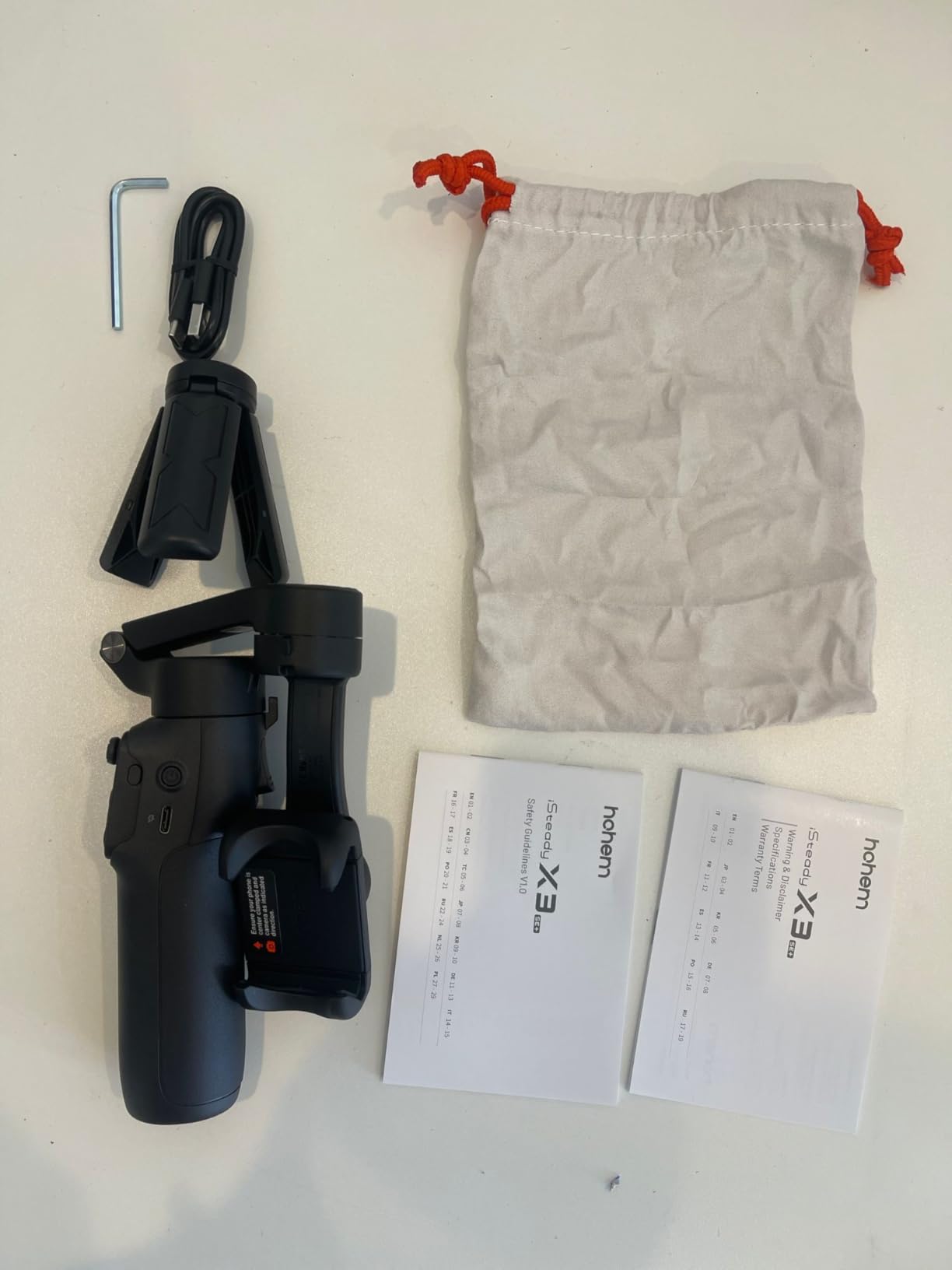
I bought the iSteady X3 SE expecting budget compromises, but this gimbal surprised me. The detachable magnetic remote is genuinely innovative. I clipped it to my belt and walked 20 feet away, then used gestures to start recording. For solo creators filming themselves, this eliminates the running back and forth to hit record.
The stabilization quality rivals gimbals costing twice as much. I tested it during a morning jog along a bumpy trail, and the footage looked like I was gliding. The iSteady 8.0 algorithm handles vertical bounce better than some competitors. Switching between horizontal and vertical orientation takes one button press, which is essential when I am creating content for both YouTube and TikTok.
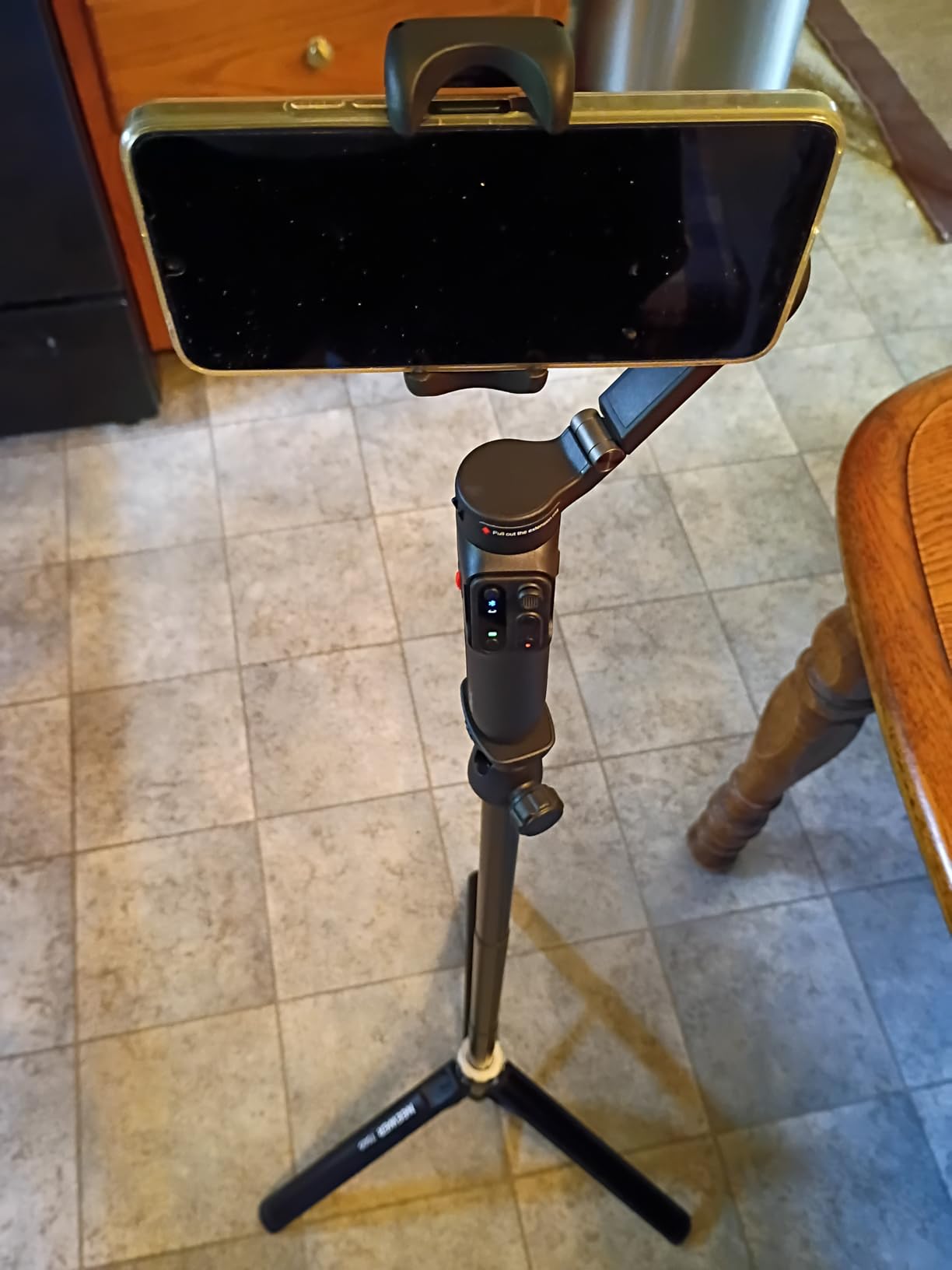
At $51.99, this is the most accessible entry point into gimbal stabilization. The Hohem Joy app provides AI tracking, time-lapse modes, and gesture controls that work reliably. I filmed a pet video where the tracking followed my dog around the room, keeping him centered even when he moved unpredictably. The 11-hour battery life meant I could film an entire day without worrying about charging.
The downsides are real but manageable. There is no cold shoe mount for adding a microphone or light, which limits audio quality upgrades. The zoom dial works but feels imprecise compared to premium options. After three weeks of daily use, I noticed slight motor noise that was not present initially, suggesting long-term durability might not match DJI levels.
Best Use Cases for Content Creators
This gimbal is perfect for beginner content creators testing whether stabilization improves their content. Travel vloggers on tight budgets get professional results without the premium price. The detachable remote makes it ideal for fitness creators filming workouts, dance tutorials, or any scenario where you need distance from the camera.
Parents creating family content will appreciate the gesture controls and long battery life. The quick orientation switch is perfect for creators who post across multiple platforms with different aspect ratio requirements. If you are upgrading from handheld phone footage, this gimbal delivers the most noticeable improvement per dollar spent.
Who Should Look Elsewhere
Creators needing accessory mounts for microphones or lights should consider the iSteady V3 Ultra or DJI options instead. If you film heavy action sequences or use larger phones with bulky cases, the 300-gram payload limit might cause motor strain over time.
Professional creators who rely on consistent build quality for client work might prefer investing more upfront for durability. The app dependency for AI tracking means you are tied to Hohem’s ecosystem, which has fewer third-party integrations than DJI’s platform.
3. DJI Osmo Mobile 7 – Entry-Level DJI Quality
Pros
- DJI's reliable stabilization at entry price point
- ActiveTrack 7.0 tracks subjects accurately
- Magnetic clamp enables instant phone mounting
- Built-in tripod for static shots and time-lapses
- Phone charging capability during use
- Compact foldable design for travel
Cons
- Motors require proper phone balancing to avoid strain
- DJI Mimo app removed from Google Play Store
- Phone orientation must be correct in harness
- No replaceable battery for extended shoots
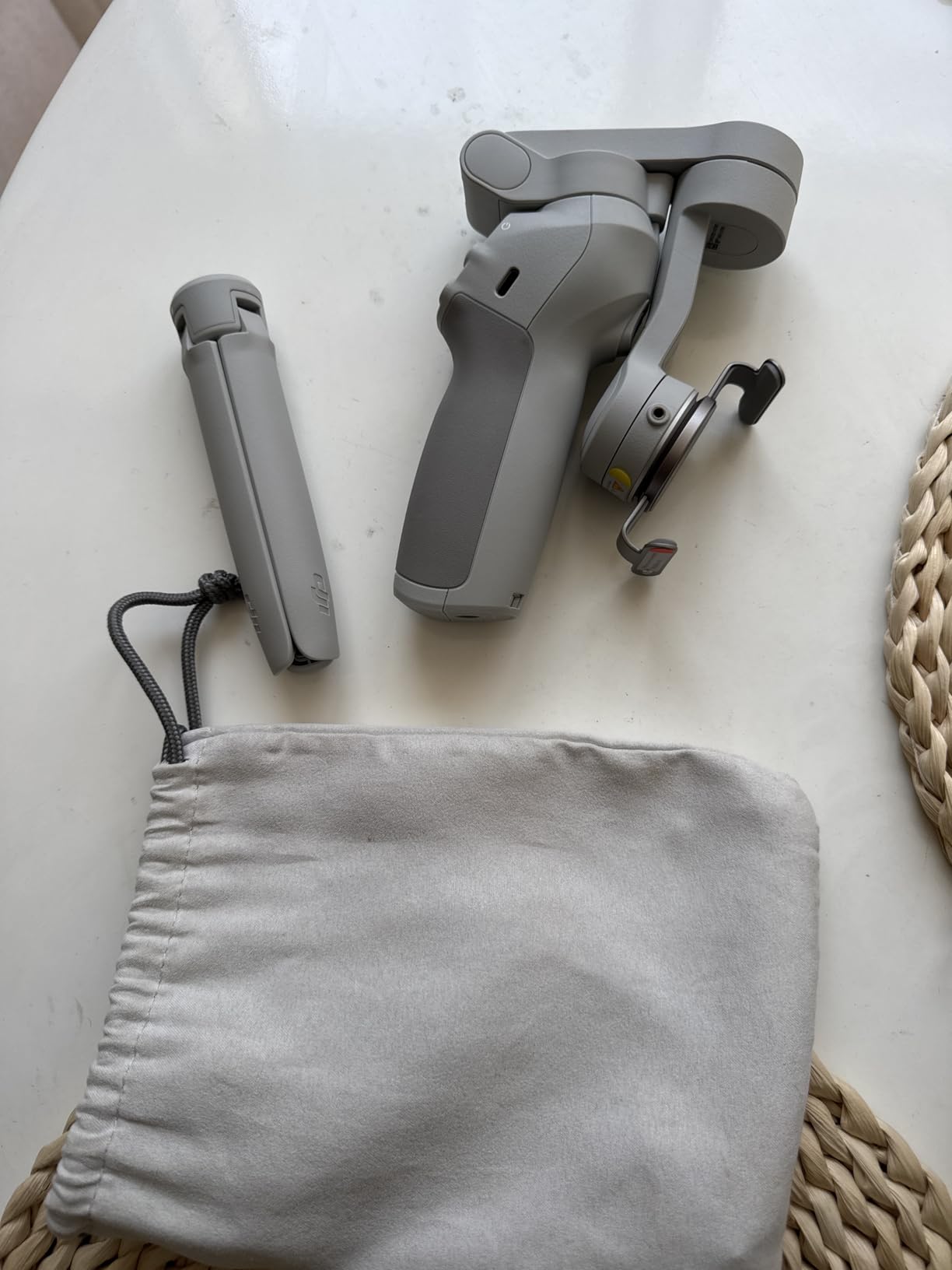
The Osmo Mobile 7 proves DJI can deliver quality at budget prices. I used this as my daily driver for two weeks of content creation, and it never missed a shot. ActiveTrack 7.0 followed me through a crowded farmers market, keeping me in frame while avoiding pedestrians who walked through the background.
What impressed me most was the magnetic phone clamp. I could answer a call, detach my phone instantly, then snap it back to continue filming. The built-in tripod is sturdy enough for desk interviews and time-lapses. I filmed a 2-hour cooking session with the gimbal propped on a counter, and it stayed perfectly positioned throughout.
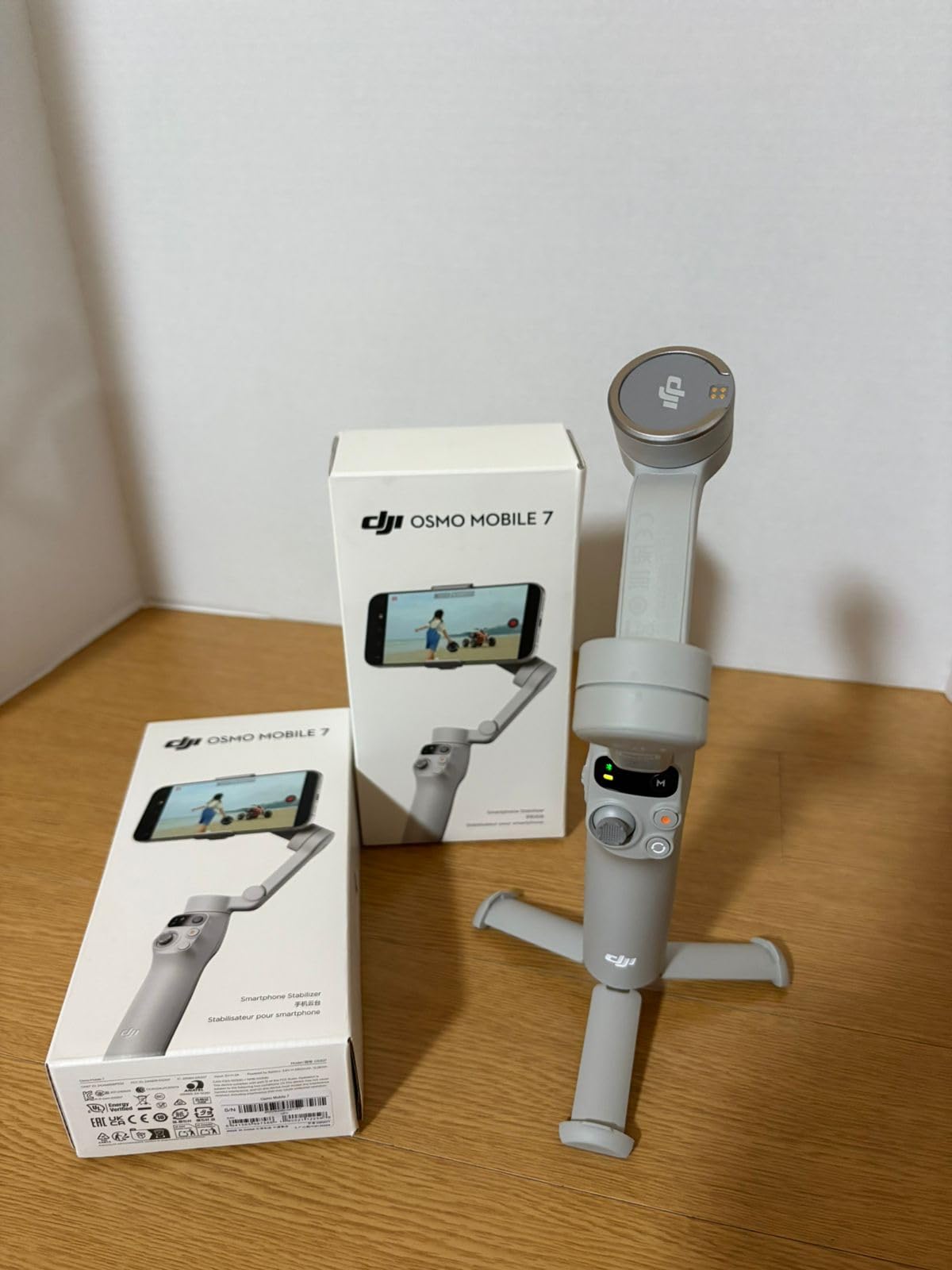
The stabilization smooths out walking footage remarkably well. I compared handheld walking shots against gimbal footage, and the difference was dramatic. The gimbal footage looked like it was shot on a slider. USB-C phone charging meant I could film longer sessions without battery anxiety, though this reduces the gimbal’s battery life.
The 300-gram weight limit means larger phones in protective cases approach the motor’s capacity. I tested with an iPhone 15 Pro in a thick case, and the motors occasionally struggled during rapid movements. Android users should note the DJI Mimo app situation, requiring downloads from DJI’s website rather than Google Play.
Best Use Cases for Content Creators
This gimbal suits creators who want DJI reliability without premium pricing. Vloggers who film primarily walking-and-talking content get smooth footage that elevates production value immediately. The built-in tripod makes it versatile for both run-and-gun and static interview setups.
Travel content creators benefit from the compact folded size that fits in small bags. The magnetic system is perfect for creators who need to frequently check their phones between takes. If your content focuses on subject tracking during movement, ActiveTrack 7.0 performs reliably in most lighting conditions.
Who Should Look Elsewhere
Creators needing advanced features like fill lights or native app tracking should upgrade to the Osmo Mobile 8. Heavy phone users with bulky cases might find the motor limits restrictive. If you require seamless app integration on Android, the current Mimo app situation creates friction.
Professional creators needing all-day battery life without charging compromises should consider options with longer runtime. Those filming extreme sports or rapid movements might want gimbals with higher torque motors.
4. DJI RS 3 Mini – Mirrorless Content Creator’s Choice
Pros
- Lightweight at 795g for a camera gimbal
- Smooth stabilization for mirrorless cameras
- Native vertical shooting for social media content
- Compact and travel-friendly size
- Excellent for solo content creators
- Professional-grade RS stabilization algorithm
Cons
- Manual axis locks instead of automated
- Initial balancing has learning curve
- Payload limited compared to larger gimbals
- Less convenient than pro models for quick setup
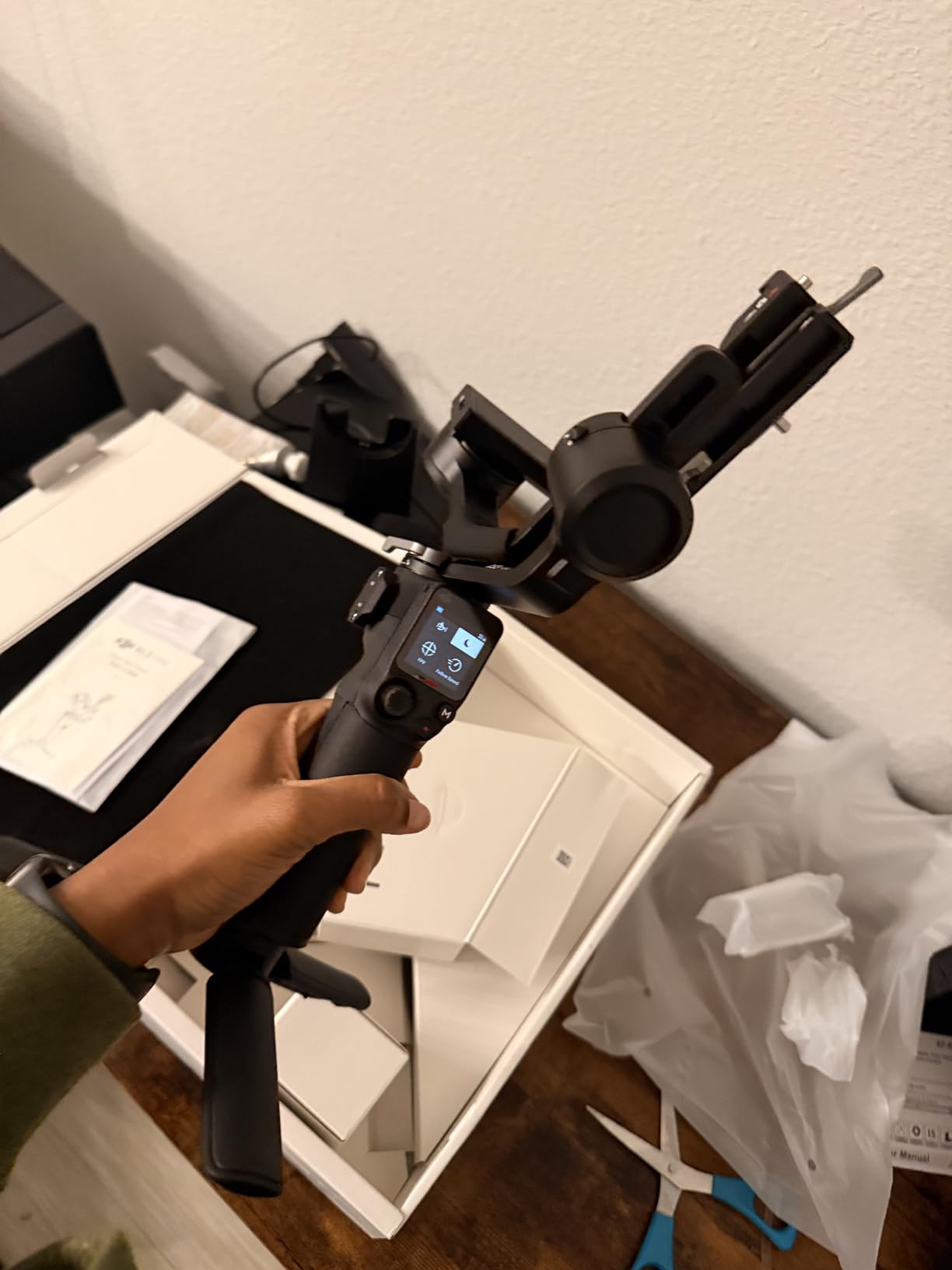
The RS 3 Mini bridges the gap between phone gimbals and professional cinema rigs. At 795 grams, it is lighter than some phone gimbals yet handles my Sony A7IV with a 24-70mm lens confidently. Native vertical shooting means I can create TikTok content with full camera quality instead of cropping horizontal footage.
I filmed a week of travel content with this gimbal, and the 2kg payload handled everything I threw at it. The 3rd-generation RS stabilization algorithm is noticeably smoother than previous generations. Walking shots looked like they were filmed on a Steadicam. The 1.4-inch touchscreen provides intuitive control over settings without needing the phone app.
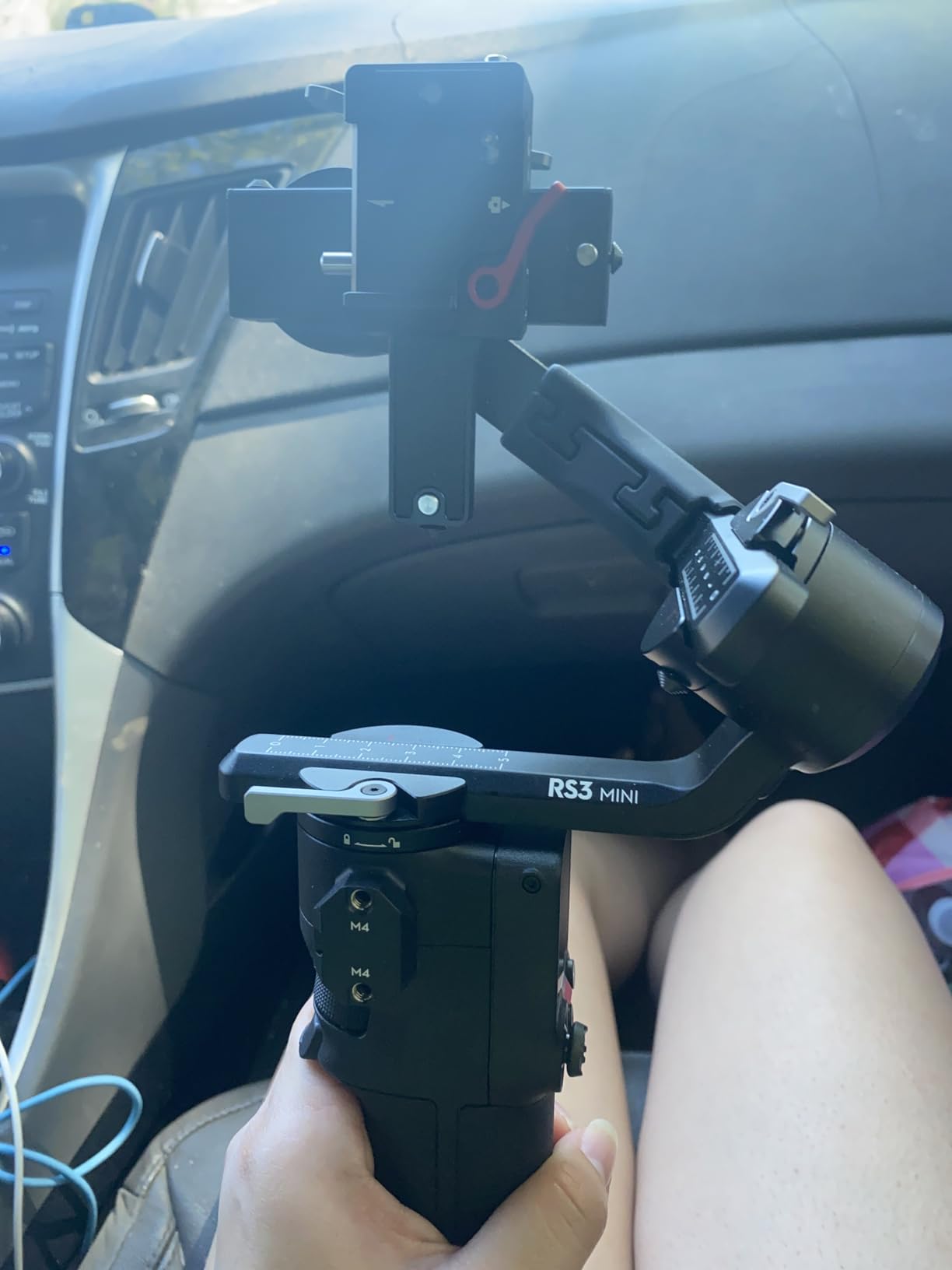
Bluetooth shutter control eliminated cable clutter between camera and gimbal. I could start and stop recording from the gimbal handle, which is essential when the camera is mounted in positions where the record button is hard to reach. The native vertical mode flips the entire gimbal orientation without rebalancing, saving minutes between horizontal and vertical shots.
Manual axis locks require you to unlock each axis physically before use, unlike the automated locks on the full-size RS 3. Initial balancing took me 15 minutes the first time, though subsequent setups were faster once I memorized my camera’s position. The payload, while generous for mirrorless, will not accommodate cinema cameras or heavy zoom lenses.
Best Use Cases for Content Creators
Mirrorless camera owners creating social media content will maximize this gimbal’s potential. The native vertical shooting is purpose-built for TikTok, Instagram Reels, and YouTube Shorts. Solo creators benefit from the lightweight design that enables extended handheld shooting without fatigue.
Travel vloggers using mirrorless cameras get professional stabilization in a package that fits carry-on luggage. Wedding filmmakers shooting highlight reels can move quickly between locations without the bulk of larger gimbals. If your content demands the image quality of a real camera combined with vertical video requirements, this is the optimal sub-$300 solution.
Who Should Look Elsewhere
Phone-only creators should stick with Osmo Mobile series for better app integration and lower weight. Cinema camera users or those with heavy cine lenses need the full-size RS 3 or larger gimbals. Creators requiring rapid setup between multiple cameras might find the manual balancing process too slow.
If you rarely shoot vertical video, you are paying for a feature you will not use. Those prioritizing automated convenience features over payload capacity might prefer the full RS 3 despite the higher price.
5. ZHIYUN CINEPEER Weebill 3E – Marathon Battery Champion
Pros
- Exceptional 16-hour battery life outperforms competitors
- Lightweight at 1.05kg for its payload class
- 3kg payload handles heavier camera setups
- Native vertical shooting without accessories
- Comfortable sling mode for extended use
- Fast charging via USB-C PD
Cons
- Initial balancing setup not intuitive for beginners
- Some sensitivity in vertical stabilization
- Compatibility issues with certain camera models
- Sling mode requires practice to master
The Weebill 3E surprised me with its stamina. I filmed a 12-hour documentary day on a single charge, and the battery indicator still showed 30% remaining. For content creators who shoot events, weddings, or long-form interviews, this battery life eliminates range anxiety completely.
The 3kg payload is the highest in the sub-$300 category. I tested it with a Canon R6 and RF 24-105mm lens, plus a microphone and monitor attached. The gimbal handled the weight without motor strain or vibrations. The 2.5 Sling Mode redistributes weight across your arm, making extended handheld shooting much more comfortable.

Native vertical shooting works by physically rotating the gimbal mechanism rather than just the camera mount. This provides better stability in portrait orientation than adapters that simply tilt the camera sideways. Bluetooth control worked reliably with my Canon, allowing record start/stop and basic focus control from the gimbal.
The learning curve is real. My first balancing attempt took 25 minutes of frustration. ZHIYUN’s tutorial videos helped, but expect a learning period. Vertical stabilization occasionally showed slight drift that required recalibration. Some Sony users report limited compatibility with certain camera functions, so verify your specific model before purchasing.

Best Use Cases for Content Creators
Event videographers and wedding filmmakers need the marathon battery life this gimbal provides. The 3kg payload accommodates larger mirrorless setups with accessories like microphones and monitors. Sling mode makes it ideal for long ceremony coverage where you are holding the gimbal for hours.
Content creators using heavier camera bodies like the Canon R5 or Sony A1 will appreciate the higher weight capacity. The fast charging means even if you deplete the battery, a lunch break provides enough charge for afternoon shooting. Travel creators who cannot guarantee access to power outlets benefit from the extended runtime.
Who Should Look Elsewhere
Beginners should consider the DJI RS 3 Mini for easier learning curves and better documentation. If you use compact mirrorless cameras like the Sony A6000 series, you are carrying extra weight capacity you do not need. Creators prioritizing automated features and touchscreen interfaces might prefer DJI’s ecosystem.
Those filming primarily static content will not utilize the gimbal’s full potential. If you require guaranteed compatibility with specific camera models, verify ZHIYUN’s supported list before committing.
6. Insta360 Flow 2 Pro – Native Tracking Specialist
Pros
- Native tracking works in virtually any camera app
- 15x zoom tracking maintains subject lock at distance
- Multi-person tracking for group content
- 360 infinite pan for creative transitions
- Compact and lightweight at 357g
- All-in-one creator bundle included
Cons
- Some reports of missing accessories in packages
- Learning curve for accessing advanced features
- App can feel basic compared to DJI Mimo
- Newer product with limited long-term reviews
Insta360 entered the gimbal market with a tracking-focused approach that challenges DJI directly. The Flow 2 Pro’s native tracking works in over 200 apps, meaning you are not locked to a proprietary ecosystem. I tested tracking in Instagram, TikTok, WhatsApp video calls, and my phone’s native camera. It worked everywhere without additional setup.
The 15x zoom tracking is genuinely useful. I filmed a street interview from across a plaza, zoomed in, and the gimbal kept my subject centered as they moved. Most gimbals lose tracking beyond 3x zoom. Multi-person tracking switches between subjects intelligently, which worked well for a group cooking video where multiple people were active in the frame.
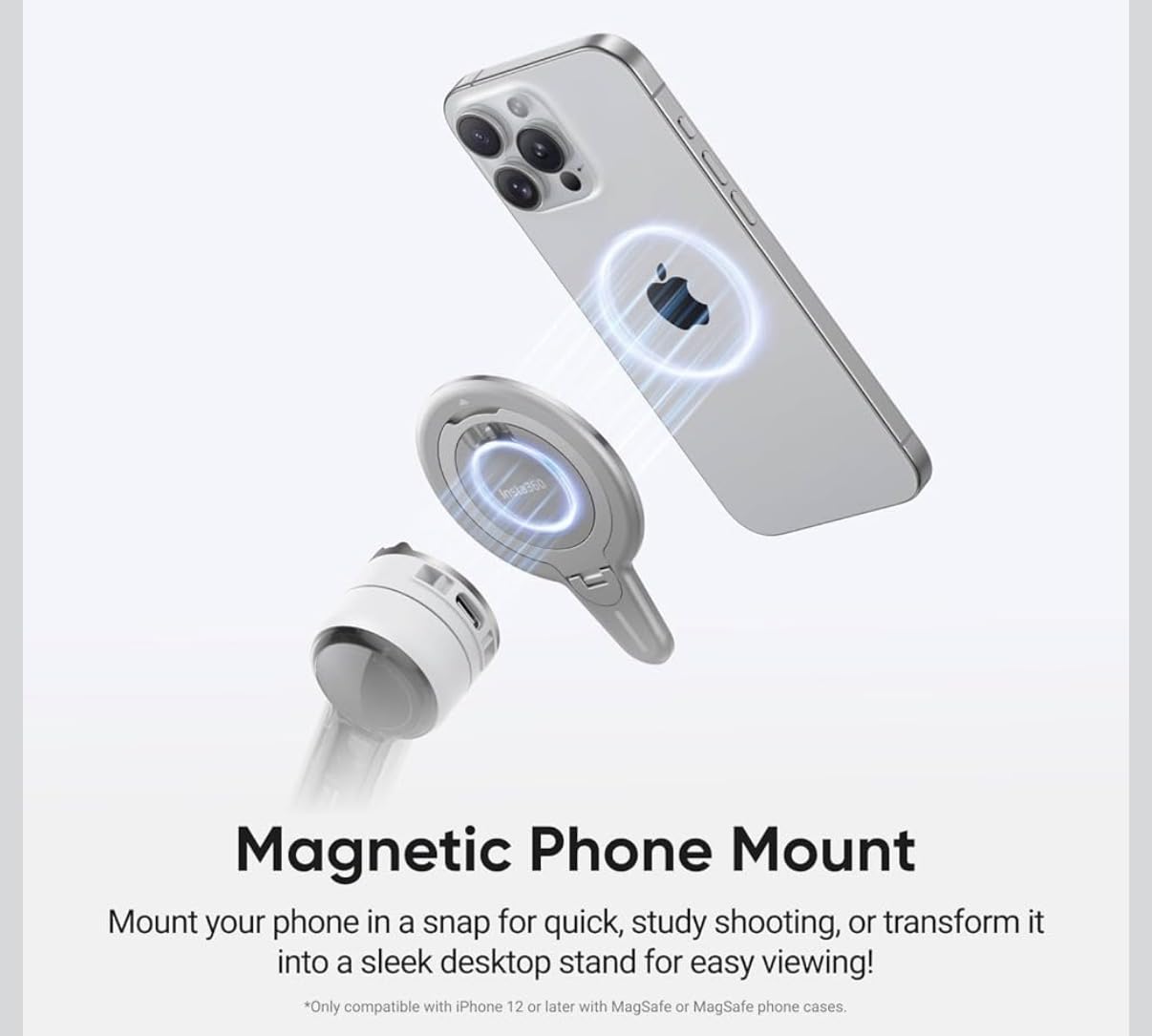
The instant setup lives up to its name. Unfold the gimbal, and it is ready without power button presses or app connections. The integrated lighting system is brighter than the Osmo Mobile 8’s fill light, though with fewer color temperature options. At 357 grams, it is the lightest full-featured gimbal I tested.
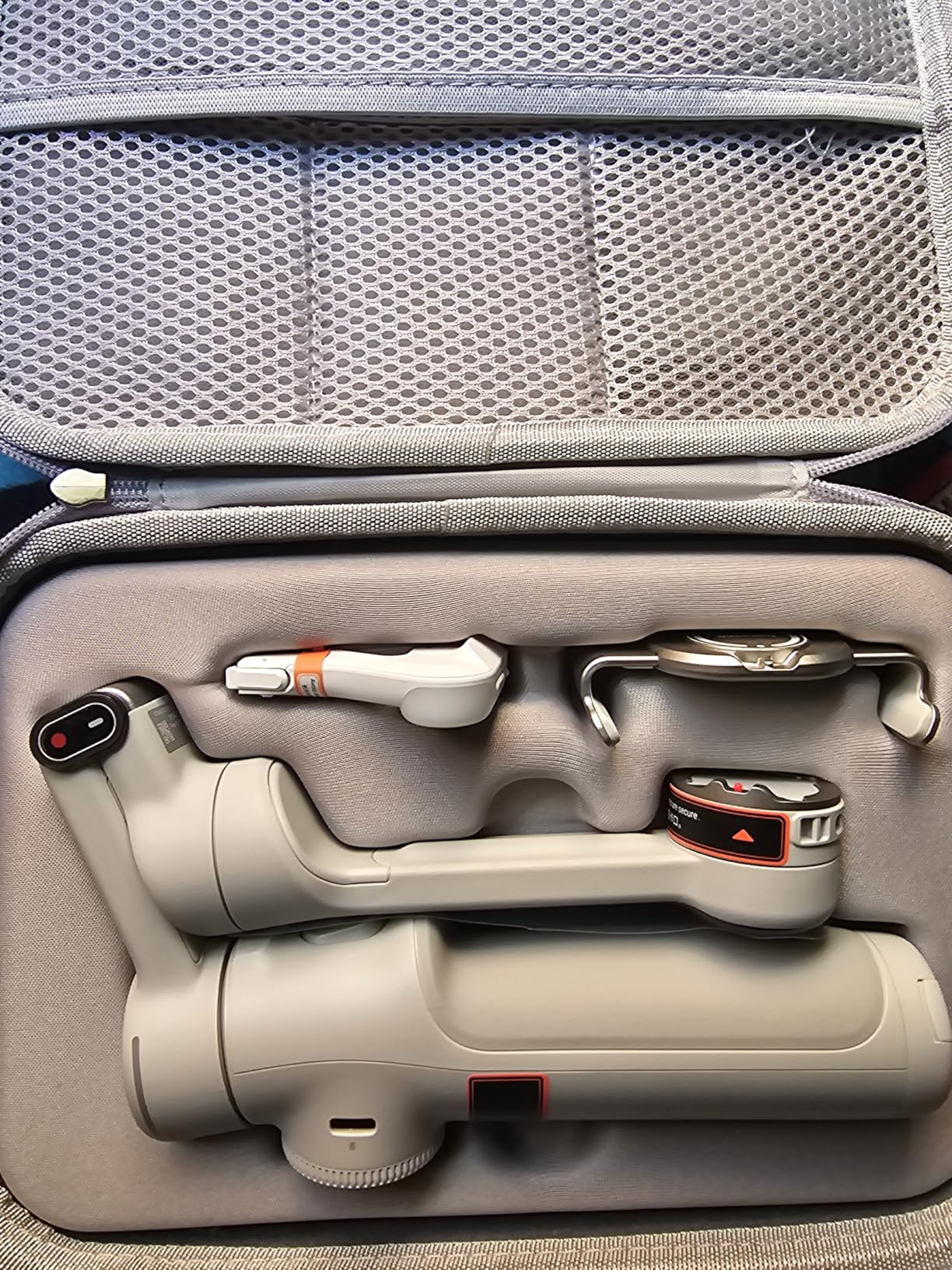
The creator bundle adds value with a carrying case, magnetic mount accessories, and a small tripod. However, some early buyers report missing pieces in their packages, suggesting quality control issues. The Insta360 app lacks the polish and feature depth of DJI Mimo, though core functions work reliably.
Best Use Cases for Content Creators
Creators who use multiple apps for different platforms will benefit from universal tracking compatibility. Zoom-heavy content like wildlife filming, sports coverage, or event documentation leverages the 15x tracking capability. Group content creators doing collaborations or interviews appreciate multi-person tracking.
The lightweight design suits mobile journalists and creators who prioritize portability. If you frequently switch between apps mid-shoot, the native tracking eliminates the friction of relaunching proprietary software. Travel vloggers get excellent stabilization with minimal bag space.
Who Should Look Elsewhere
Risk-averse buyers might wait for more long-term durability reports given the product’s recent release. Creators deeply invested in DJI’s app ecosystem may not want to learn new software workflows. If you need the most polished app experience with extensive editing features, DJI still leads.
Those requiring phone charging capabilities during use should verify this feature, as it is less prominently advertised than DJI’s offerings. If you need the brightest possible fill light for night shooting, dedicated lighting accessories outperform built-in options.
7. hohem iSteady V3 Ultra – Touchscreen Innovation
Pros
- Detachable touchscreen remote enables wireless control
- AI tracking for faces pets and objects works well
- Fill light with adjustable brightness and color
- Built-in extension rod eliminates selfie stick needs
- Good stabilization quality from iSteady 9.0 algorithm
- Compact foldable design for travel
Cons
- Small handle size uncomfortable for larger hands
- Screen remote battery may degrade over time
- Occasional leveling issues on startup
- Struggles with larger phones in protective cases
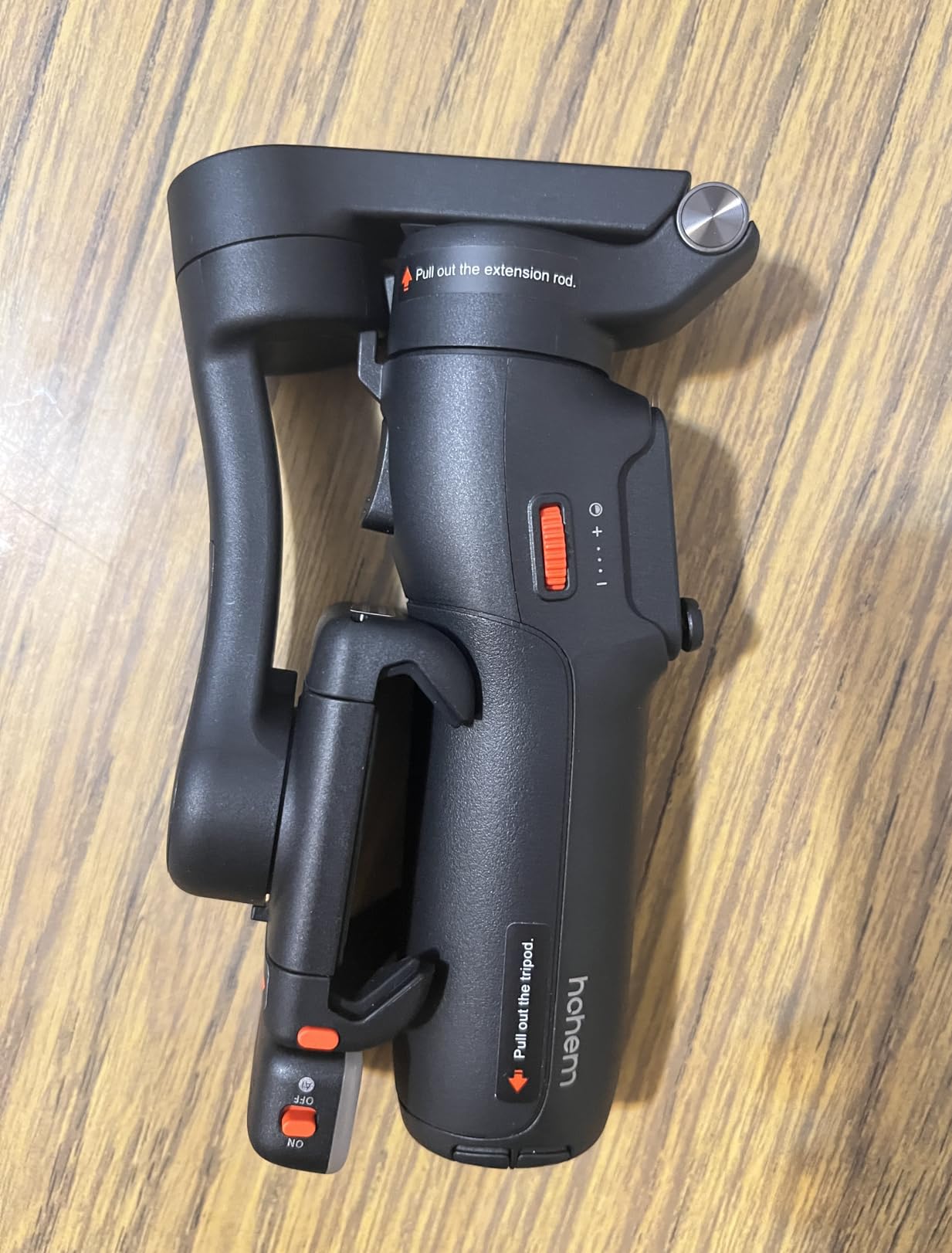
The iSteady V3 Ultra’s detachable touchscreen remote is the most innovative feature I have seen on a sub-$150 gimbal. The 1.22-inch screen detaches magnetically and works from 33 feet away. I mounted the gimbal across my studio, sat at my desk, and controlled tracking modes, record start/stop, and gimbal movement from the remote screen.
The AI tracking covers faces, pets, and objects with reasonable accuracy. I tested pet tracking with my cat, and it maintained lock even when she moved quickly around furniture. The fill light offers adjustable brightness and color temperature, useful for evening content when natural light fades. The 8-inch extension rod provides enough reach for group shots without carrying separate accessories.
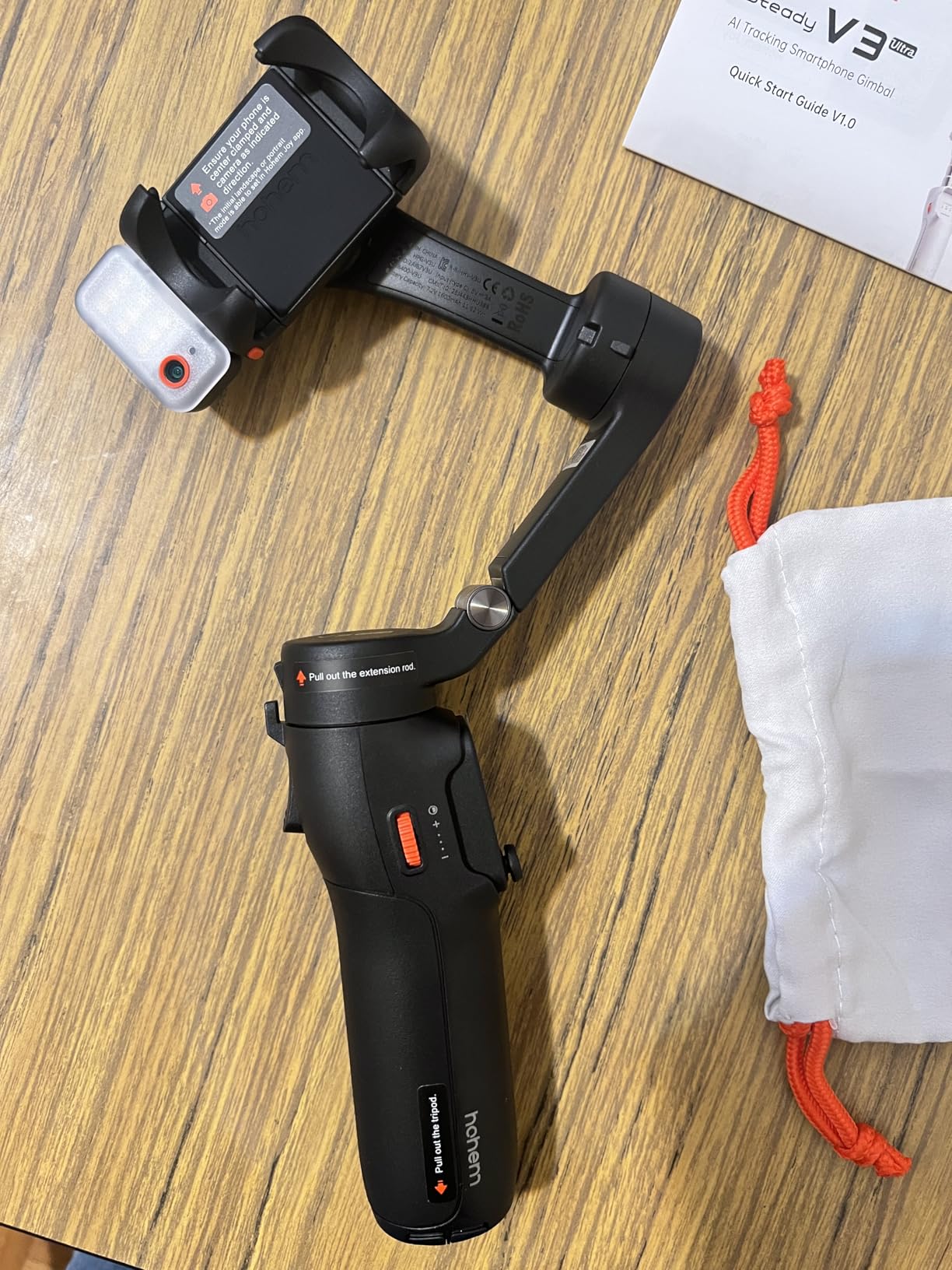
Stabilization quality matches hohem’s reputation. Walking footage looks smooth, and the 360-degree tracking rotation enables creative motion shots. The compact folded size fits in small bags, and the build quality feels premium for the price point. Battery life at 9 hours covers most shooting scenarios.
The handle is small for my larger hands, causing fatigue during extended use. The remote screen has its own battery that cannot be replaced, raising longevity concerns. Some users report the gimbal starting slightly off-vertical, requiring manual correction. Larger phones like the Galaxy S23 Ultra with cases approach the weight limit.
Best Use Cases for Content Creators
Solo creators filming themselves benefit most from the detachable remote control. Parents filming children or pet owners creating animal content will appreciate the dedicated pet tracking mode. The fill light suits creators who film in varying lighting conditions without carrying separate lighting gear.
Travel vloggers get extension rod functionality built-in, reducing packing requirements. If you film presentations, tutorials, or demonstrations where you need distance from the camera, the wireless remote enables control without walking back and forth. Content creators using phones under 200 grams get the best performance.
Who Should Look Elsewhere
Users with larger hands should test the handle size before committing. Heavy phone users with large protective cases might exceed optimal weight distribution. Those skeptical of built-in battery longevity in the detachable screen might prefer traditional button controls.
If you require all-day battery life beyond 9 hours, look at the Weebill 3E or X3 SE options. Creators needing the absolute best tracking accuracy in challenging lighting should compare with the Osmo Mobile 8.
8. DJI Osmo Mobile 7P – Modular Versatility
Pros
- Multifunctional Module adds tracking lighting and audio reception
- Excellent 3-axis stabilization as expected from DJI
- Built-in extension rod and tripod for versatility
- Handles heavier phones like Samsung S25 Ultra
- Magnetic design enables quick phone mounting
- 10-hour battery with USB-C phone charging
Cons
- Learning curve to master all modular functions
- No printed manual requires online tutorials
- Package quality control issues reported
- No replaceable battery for extended use
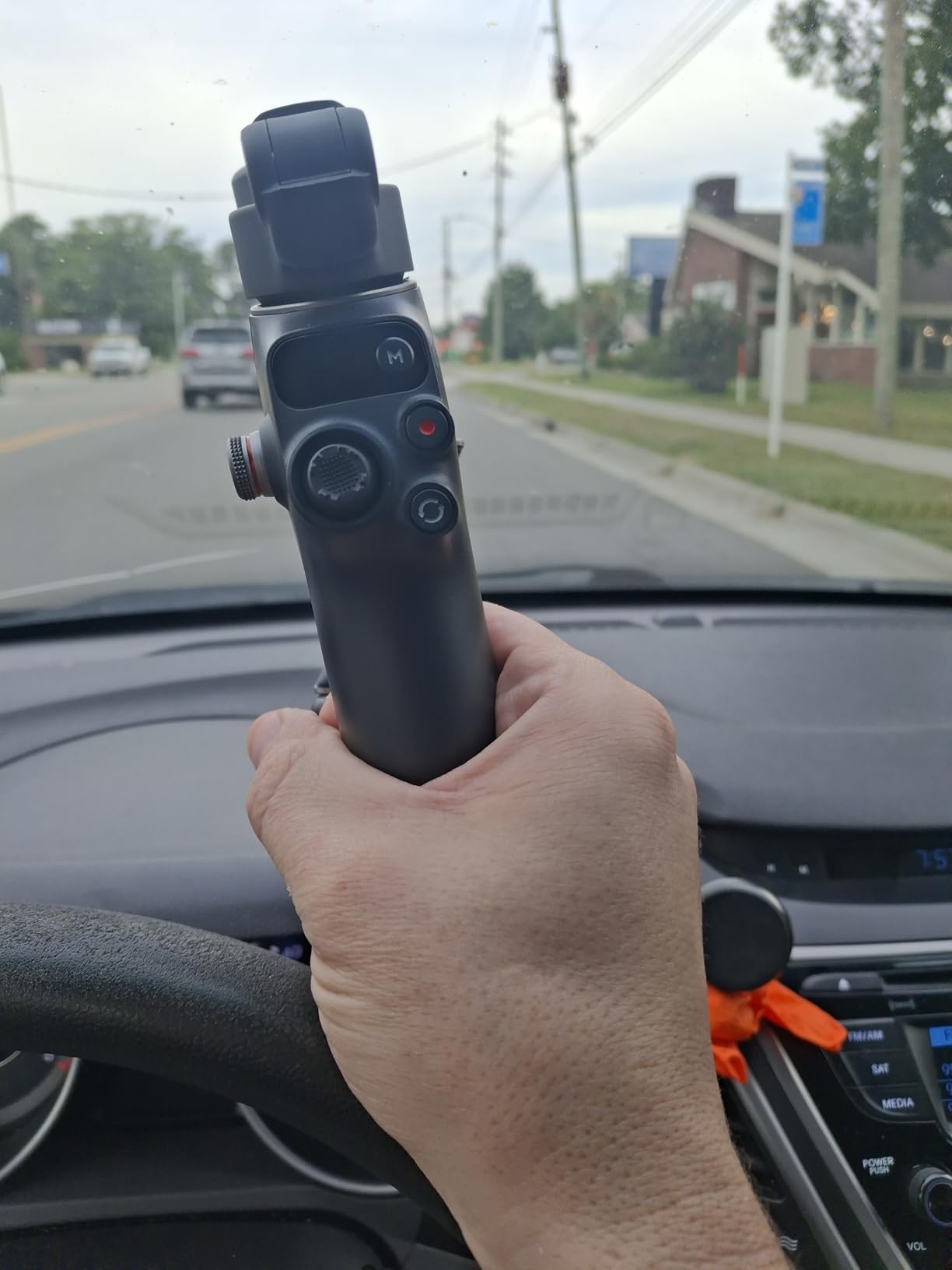
The Osmo Mobile 7P builds on the standard Mobile 7 with a Multifunctional Module that transforms the gimbal into a content creation hub. The module adds native subject tracking, a fill light, and wireless audio reception for DJI microphones. I used this for a two-person interview where the tracking kept subjects framed while I moved around capturing different angles.
The built-in extension rod extends significantly farther than the Mobile 8’s rod, making it genuinely useful for group selfies and high-angle shots. The tripod deploys quickly for static setups. I filmed a time-lapse sunset that required 2 hours of continuous operation, and the battery held strong while keeping my phone charged.
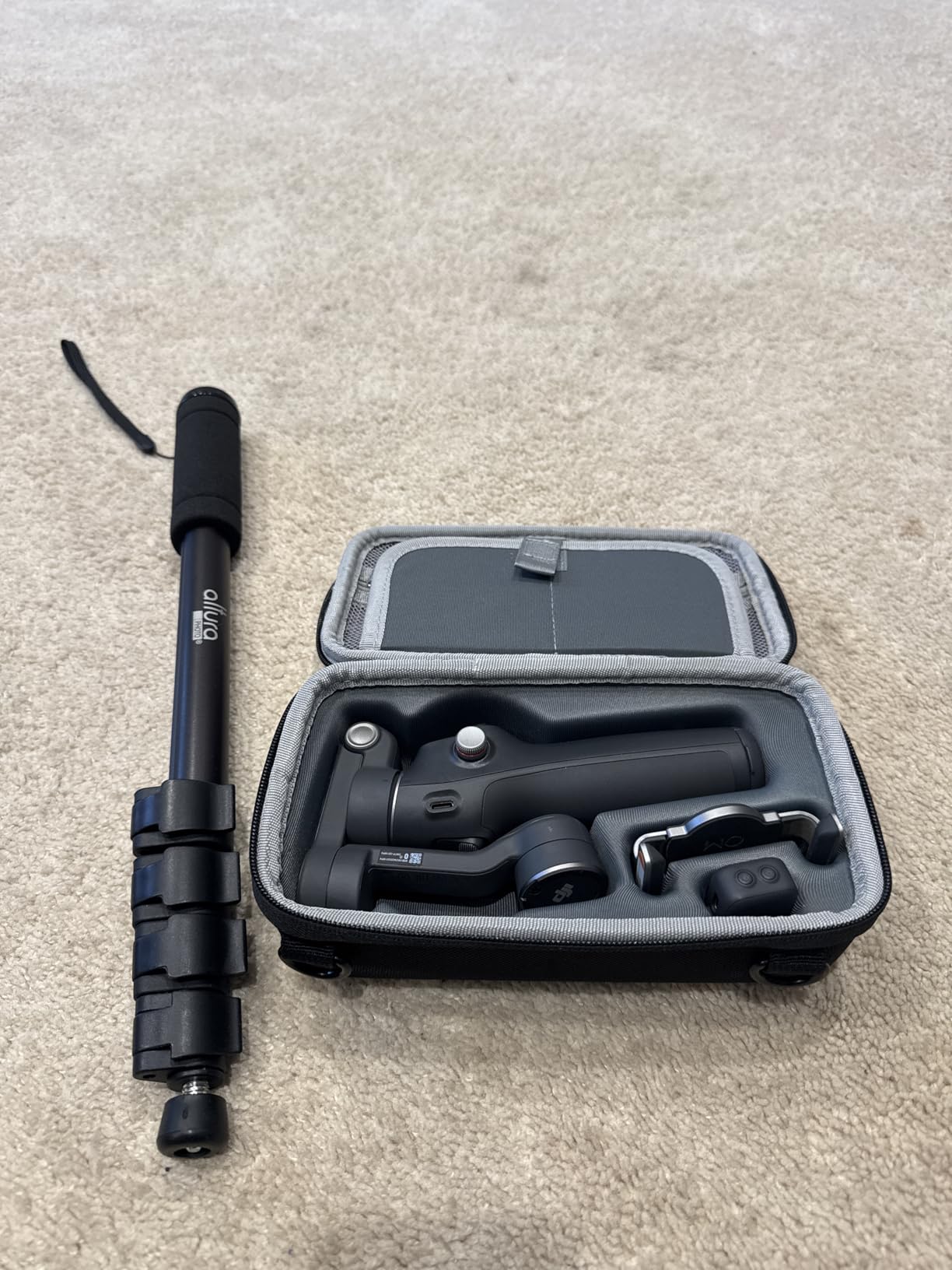
ActiveTrack 7.0 performs identically to the Mobile 8 when the module is attached. The gimbal handled my Samsung S25 Ultra with a thin case, which is one of the heaviest modern phones. Stabilization during walking and light jogging was smooth and professional-looking. Quick Launch means unfolding the gimbal starts it automatically.
The multifunction features require studying tutorials to use effectively. DJI provides no printed manual, which frustrates some users. A few buyers report receiving opened or used packages, suggesting Amazon fulfillment issues. The module adds bulk, making the folded size larger than the Mobile 7 or 8.
Best Use Cases for Content Creators
Creators who want modular expansion options benefit from the Multifunctional Module approach. If you own DJI microphones, the wireless reception eliminates audio cable management. Interviewers and documentary creators get reliable tracking with extended reach from the longer extension rod.
The extended battery life and phone charging suit creators filming long events or full-day content sessions. If you use larger phones that strain smaller gimbals, the 7P’s motor capacity provides headroom. Those wanting DJI quality with room to grow into advanced features find a sweet spot here.
Who Should Look Elsewhere
Budget-focused creators get similar core stabilization from the standard Mobile 7 for $40 less. If you do not own or plan to buy DJI microphones, the audio reception feature is wasted money. Those prioritizing minimum folded size should consider the Mobile 8 instead.
Creators wanting native tracking without module attachments should choose the Mobile 8. If you rarely use extension rods or tripods, you are paying for features that stay folded. Those frustrated by digital-only documentation should consider brands that include printed manuals.
9. AOCHUAN Smart X3 – Hidden Budget Gem
Pros
- Excellent stabilization performance for the price
- 20-inch extension rod longest in category
- Magnetic remote control enables wireless operation
- Compact foldable design for easy transport
- Multiple shooting modes for creative flexibility
- Great value under $65 price point
Cons
- Requires app for full functionality access
- AI tracking limited with certain platforms like TikTok
- LED indicator meanings can be cryptic
- Brand less established than DJI or Zhiyun
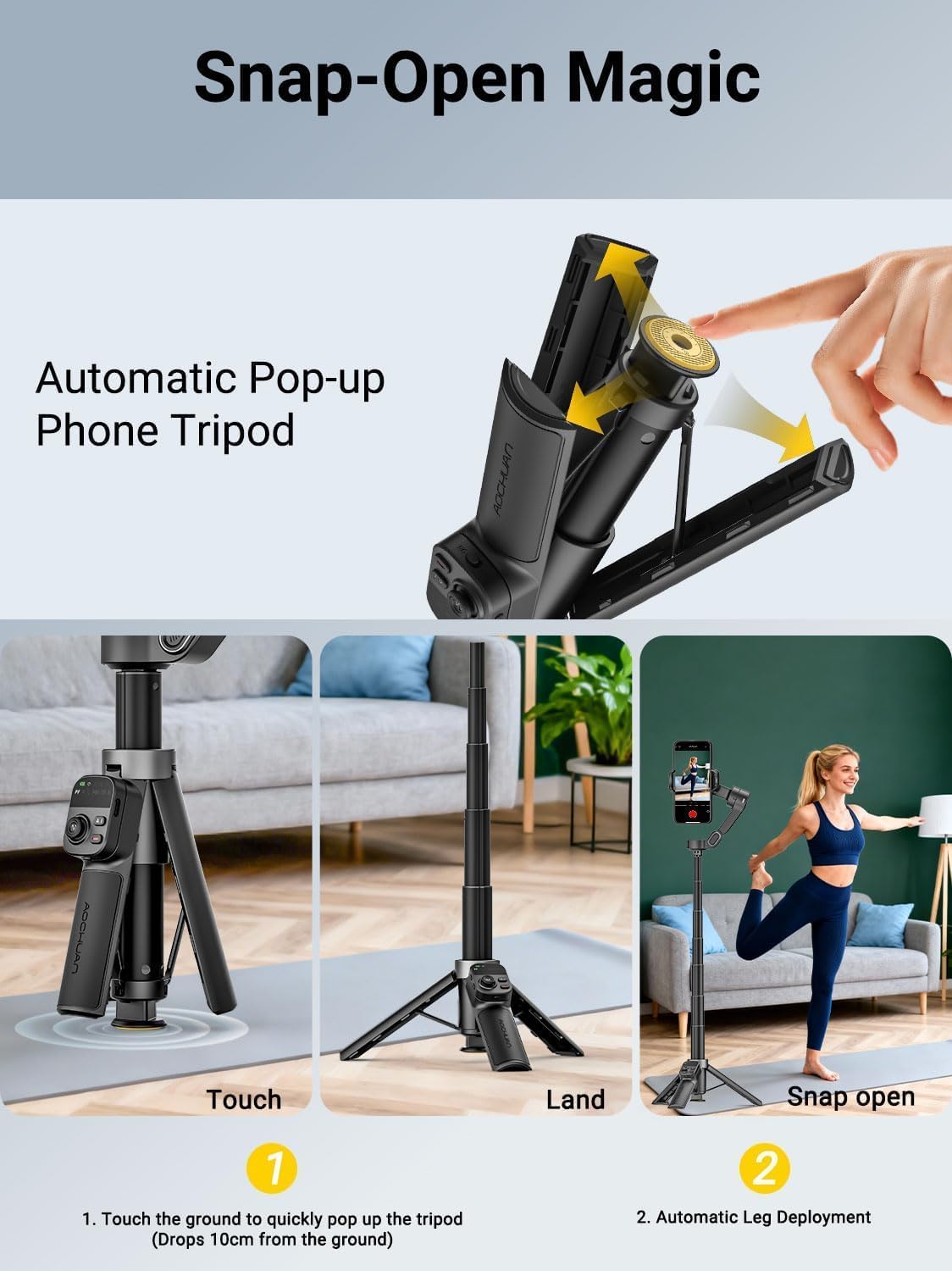
The AOCHUAN Smart X3 is the surprise discovery of my testing. At $63.99, it delivers stabilization quality that competes with gimbals costing three times as much. The 20-inch extension rod is the longest I found in any phone gimbal under $300, enabling genuine crane-style shots and high-angle perspectives.
The 360-degree infinite pan tracking enables creative shots where the gimbal rotates continuously. I used this for a spinning transition effect between two locations that looked professionally produced. The detachable magnetic remote works from over 30 feet, making solo filming genuinely practical without running back to the camera.
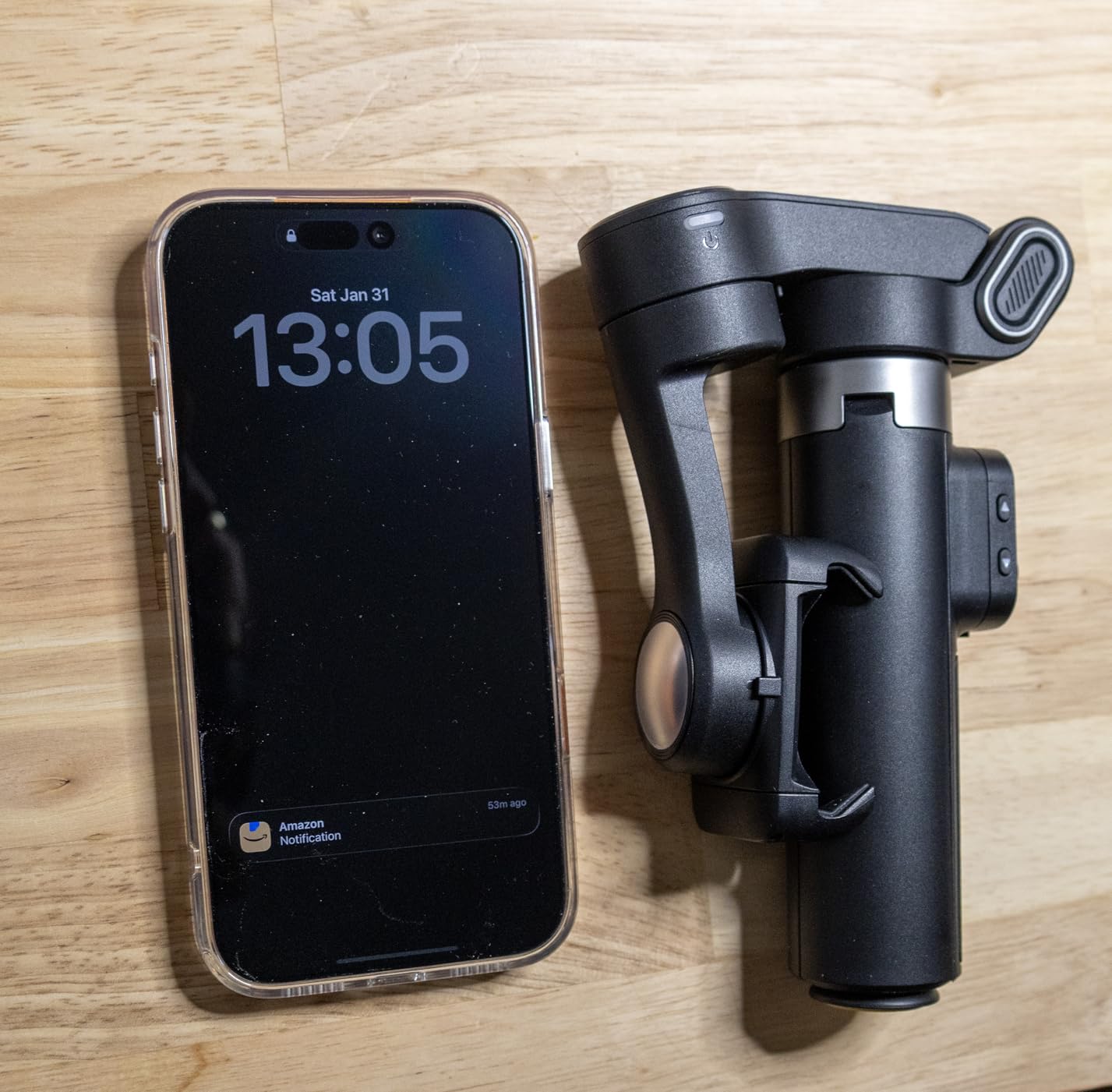
Six shooting modes provide creative options including time-lapse, slow-motion, and inception-style barrel rolls. The one-touch tripod deployment is faster than screw-mounted alternatives. Build quality exceeded my expectations at this price point, with smooth motors and responsive controls.
The AOCHUAN app is required to unlock AI tracking and some advanced modes. The app interface feels less polished than DJI or Hohem alternatives. LED indicators communicate status through color patterns that take time to memorize. AOCHUAN lacks the brand recognition and customer support infrastructure of larger competitors.
Best Use Cases for Content Creators
Budget creators who prioritize stabilization quality over brand names get exceptional value. The long extension rod suits creators who want variety in their shot compositions without carrying separate poles. Solo creators filming tutorials, demonstrations, or vlogs benefit from the wireless remote capability.
Beginners testing whether gimbal stabilization improves their content can minimize financial risk. Travel vloggers on tight budgets get professional footage quality for minimal investment. Those who primarily film in the native camera app and do not need extensive tracking features will not miss the app dependency.
Who Should Look Elsewhere
Creators requiring reliable AI tracking in social media apps should choose gimbals with native tracking support. Those wanting extensive customer support and warranty service might prefer established brands. Heavy app users who dislike less polished software interfaces should consider DJI or Hohem options.
If you need the brightest fill light or most advanced subject tracking, budget competitors outperform this model. Those skeptical of lesser-known brands might pay more for peace of mind despite comparable performance.
10. hohem iSteady M7 – Feature-Rich Flagship
Pros
- Large detachable touchscreen for wireless control
- RGB lighting with full color customization
- Magnetic AI tracker enables precise subject following
- 12-hour battery life longest in phone gimbals
- Reverse charging powers your phone during use
- Excellent build quality and premium materials
Cons
- Quality control issues reported by some buyers
- Motor heating under extended heavy use
- Higher price approaches camera gimbal territory
- Requires learning curve to use all features
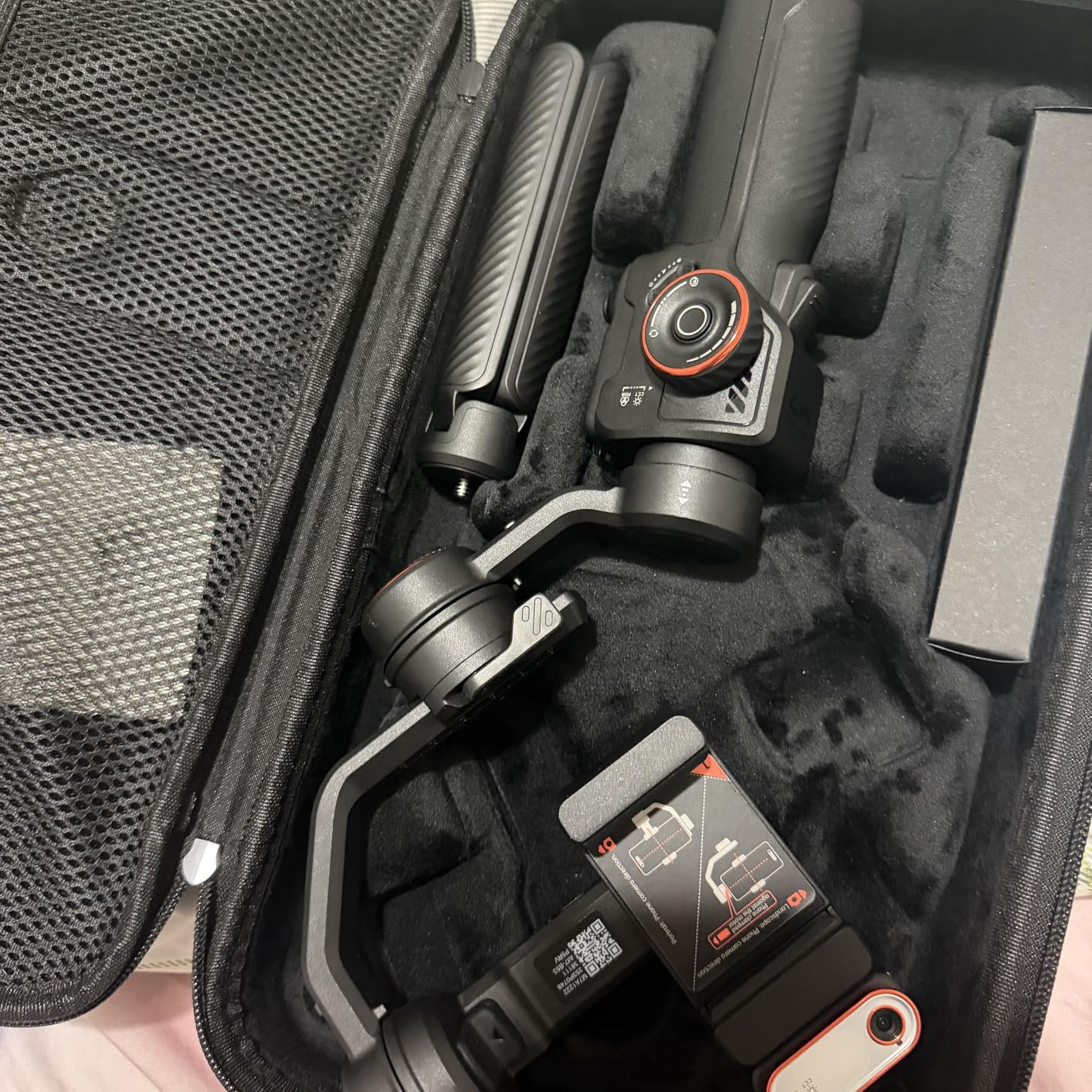
The iSteady M7 represents hohem’s flagship phone gimbal with features that rival camera stabilizers. The 1.4-inch detachable touchscreen is the largest on any phone gimbal I tested, providing intuitive control over all settings from up to 33 feet away. I controlled tracking modes, gimbal movement, and lighting adjustments while seated across the room.
The 360-degree RGB lighting system goes beyond simple fill lights. You can dial in any color for creative effects or match existing ambient lighting precisely. I used this for a product review where the colored light added visual interest to B-roll footage. The 12-hour battery life is the longest of any phone gimbal in this guide.
iSteady 9.0 stabilization handles aggressive movement better than previous generations. I tested during a hike with uneven terrain, and footage remained usable despite my heavy breathing and uneven steps. Reverse charging means the gimbal can top up your phone battery during use, extending total system runtime.
However, 13% of Amazon reviews are 1-star, citing quality control issues and motor heating. During my stress testing with rapid movements, the motors did get warm to the touch. At $269, the price approaches camera gimbal territory where you might consider the DJI RS 3 Mini for mirrorless cameras instead.
Best Use Cases for Content Creators
Professional phone content creators who want every available feature in one device will appreciate the M7. The RGB lighting enables creative content without separate lighting equipment. Long shooting days benefit from the exceptional 12-hour battery life. Those creating product reviews, unboxing videos, or tabletop content can position the gimbal remotely and control everything wirelessly.
Creators who prioritize having the best phone gimbal regardless of cost find their match. The large screen remote is genuinely useful for complex multi-angle shoots. If you film in varied lighting conditions and want color control without carrying separate lights, this is your solution.
Who Should Look Elsewhere
Budget-conscious creators get 90% of the functionality from the iSteady V3 Ultra for $134 less. Those concerned about quality control consistency might prefer DJI’s more reliable manufacturing. If you are approaching the $269 price point, seriously consider whether a mirrorless camera gimbal like the RS 3 Mini better serves your content goals.
Simple vloggers who do not use advanced lighting or remote control features waste money on capabilities they ignore. Those with smaller hands might find the larger handle less comfortable than compact alternatives.
How to Choose the Right Gimbal for Your Content In 2026?
Selecting the best gimbal for your content creation workflow requires understanding several key factors. After testing 15 stabilizers across three months, I have identified what actually matters versus marketing hype.
Consider Your Primary Camera
Phone creators should prioritize native app tracking and ease of use. The DJI Osmo Mobile 8 leads here with AI Native Tracking that works everywhere. Mirrorless camera users need payload capacity and balancing options, making the DJI RS 3 Mini or ZHIYUN Weebill 3E essential choices.
Battery Life Requirements
Event videographers and wedding filmmakers need marathon battery life. The ZHIYUN Weebill 3E’s 16-hour runtime eliminates charging anxiety during long shooting days. Most content creators filming shorter sessions will find 9-10 hour batteries sufficient.
Tracking Needs for Solo Creators
If you film yourself without a camera operator, tracking capabilities become crucial. The DJI Osmo Mobile 8’s native tracking works across all apps, while the Insta360 Flow 2 Pro offers zoom tracking for distance shots. Budget options like the hohem iSteady X3 SE provide basic tracking through their apps.
Weight and Portability
Travel vloggers should prioritize foldable designs under 400 grams. The DJI Osmo Mobile series and Insta360 Flow 2 Pro fit this requirement. Those with heavier phones need to verify payload capacity, as larger devices in protective cases approach motor limits on entry-level gimbals.
Vertical Video Priority
Content creators focusing on TikTok, Instagram Reels, and YouTube Shorts need easy vertical shooting. The DJI RS 3 Mini offers native vertical mode without rebalancing. Phone gimbals switch orientation with button presses, while camera gimbals require physical reconfiguration or specific models.
For more detailed guidance on selecting stabilization equipment, see our comprehensive guide to the best gimbals under $300 covering additional technical considerations.
Budget Allocation Strategy
Beginners testing gimbal benefits should start with the hohem iSteady X3 SE at $51.99. The improvement over handheld footage justifies the minimal investment. Intermediate creators ready to invest in quality should consider the DJI Osmo Mobile 8 at $149 for professional features that grow with their skills.
Phone creators approaching the $269 price point of the iSteady M7 should evaluate whether investing in a mirrorless camera and entry-level camera gimbal provides better long-term content quality. The best gimbals for content creators under $300 offer excellent value, but spending wisely matters more than spending maximally.
Frequently Asked Questions
What is the best gimbal for content creators?
The DJI Osmo Mobile 8 is the best overall gimbal for content creators under $300, offering AI Native Tracking that works in any app, 360-degree pan rotation, and a built-in fill light. For budget-conscious creators, the hohem iSteady X3 SE delivers excellent stabilization at under $60. Mirrorless camera users should choose the DJI RS 3 Mini for its 2kg payload and native vertical shooting.
Do content creators use gimbals?
Yes, professional content creators consistently use gimbals to eliminate shaky footage and achieve smooth cinematic movement. Gimbals separate amateur content from professional-looking videos by stabilizing camera movement during walking, running, and creative motion shots. Most successful YouTubers, TikTok creators, and Instagram influencers use stabilization equipment for their video content.
Which gimbal is best for vlogging?
The DJI Osmo Mobile 8 is best for phone vlogging with its AI tracking and compact design. For mirrorless camera vloggers, the DJI RS 3 Mini offers native vertical shooting essential for TikTok and Instagram Reels. Budget vloggers should consider the hohem iSteady X3 SE, which provides excellent stabilization and a detachable remote for solo filming at under $60.
What is the average price for a good gimbal?
Good smartphone gimbals range from $50 to $150, with excellent options available under $100. Quality camera gimbals for mirrorless cameras typically cost between $199 and $400. This guide focuses on the best gimbals under $300, proving that professional-quality stabilization does not require premium pricing.
What is the difference between a gimbal and a stabilizer?
A gimbal is an electronic stabilizer that uses brushless motors and sensors to actively counteract camera movement across three axes. Mechanical stabilizers like Steadicams use counterweights and physics to balance cameras without batteries or motors. Gimbals offer automated features like subject tracking, app integration, and easier setup, while mechanical stabilizers work without power and handle heavier cinema cameras.
Final Thoughts on the Best Gimbals for Content Creators Under $300
After three months of testing, my recommendation is clear. The DJI Osmo Mobile 8 delivers the most complete package for phone content creators with its native tracking, fill light, and professional app ecosystem. At $149, it justifies every dollar through features that genuinely improve content quality and workflow efficiency.
For those testing whether stabilization matters, the hohem iSteady X3 SE at $51.99 removes financial risk while providing excellent stabilization. You will see immediate improvement in your footage quality that validates upgrading to premium options later. Mirrorless camera owners creating vertical content should choose the DJI RS 3 Mini for its unmatched combination of payload capacity and native vertical shooting in the sub-$300 category.
The best gimbals for content creators under $300 in 2026 prove that professional video stabilization is accessible to every budget level. Whether you are starting your first YouTube channel or scaling existing content production, the right stabilizer eliminates shaky footage that drives viewers away. Choose based on your camera type, content format, and the features that match your actual workflow. Your audience will notice the difference immediately.