
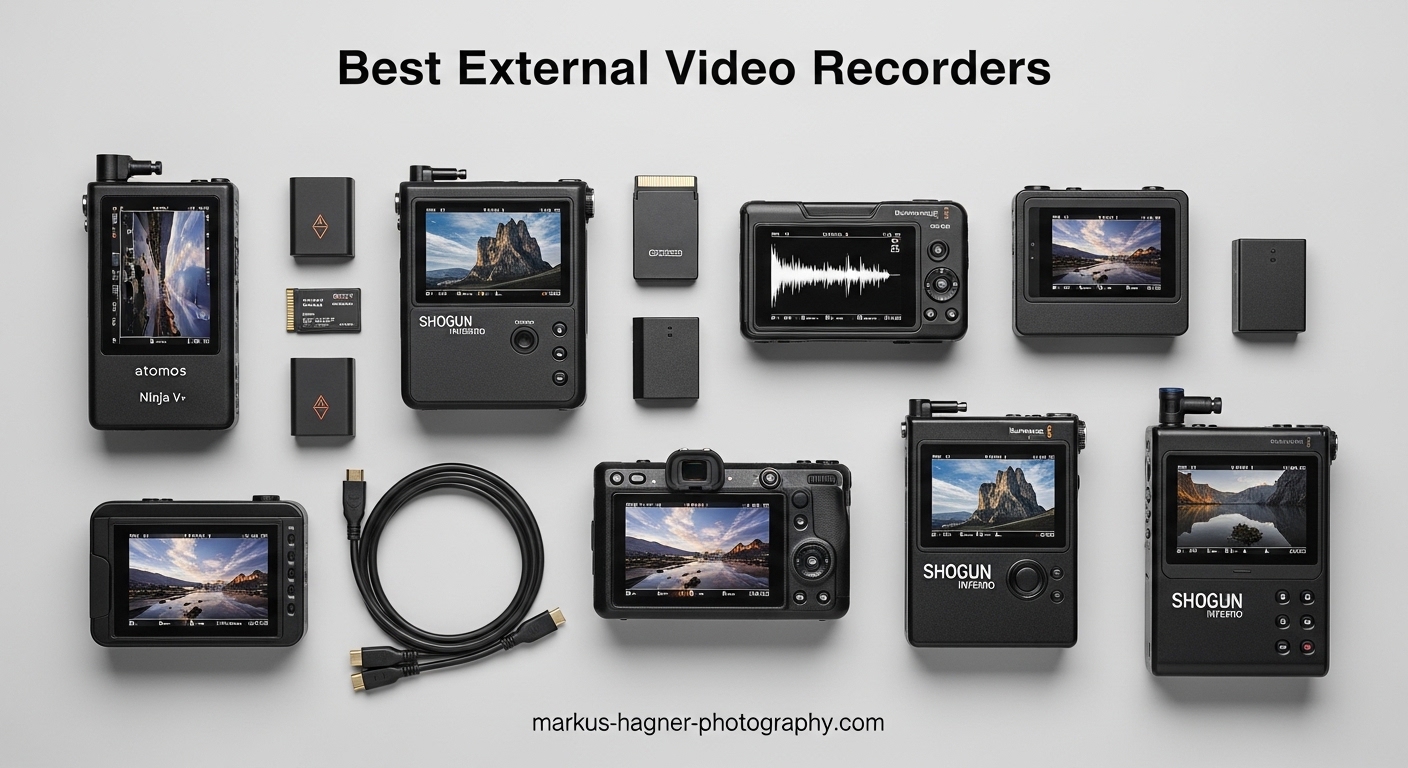
After spending the last decade shooting everything from documentary films to commercial campaigns, I’ve learned that the difference between good footage and great footage often comes down to how you capture it. Your camera’s internal recording is convenient, but external video recorders unlock capabilities that transform your production quality. I’m talking 10-bit color, ProRes RAW, and monitoring tools that actually let you see what you’re getting in bright sunlight.
When I first started using external video recorders, the learning curve felt steep. Codec choices, SSD management, HDMI versus SDI decisions—it was overwhelming. But after testing dozens of models across hundreds of shoots, I’ve distilled everything down to what actually matters. The best external video recorders don’t just record cleaner footage—they become the command center for your entire camera rig.
In this guide, I’ll walk you through the 8 best external video recorders for professional production in 2026. These aren’t just specs on a page—each recommendation comes from real field experience, actual shoot days, and the frustrations and triumphs that happen when you’re on set and the clock is ticking.
Top 3 Picks for Best External Video Recorders
Before diving into the detailed reviews, here are my top three recommendations based on different professional needs. After extensive testing across various production scenarios, these three stand out for reliability, performance, and value.

Blackmagic Video Assist 7 12G HDR
- 7-inch HDR display
- Blackmagic RAW support
- 12G-SDI connectivity

Best External Video Recorders for Professional Production in 2026
The external recorder market has evolved significantly over the past few years. What used to require separate monitoring and recording devices now often comes in a single unit. Below is a comprehensive comparison of all eight recorders I’ve tested, showing how they stack up against each other across key specifications.
| Product | Specifications | Action |
|---|---|---|
| Atomos Ninja |
|
Check Latest Price |
| Blackmagic Video Assist 7 12G HDR |
|
Check Latest Price |
| Atomos Shinobi II |
|
Check Latest Price |
 PortKeys LH5P II PortKeys LH5P II |
|
Check Latest Price |
 Hollyland Pyro 7 Hollyland Pyro 7 |
|
Check Latest Price |
 NEEWER F700 NEEWER F700 |
|
Check Latest Price |
 Blackmagic Video Assist 5 3G Blackmagic Video Assist 5 3G |
|
Check Latest Price |
 Blackmagic Video Assist 5 12G HDR Blackmagic Video Assist 5 12G HDR |
|
Check Latest Price |
1. Atomos Ninja – Best Overall External Video Recorder
Pros
- Lightweight tough construction
- Clean modern interface
- Supports ProRes RAW up to 6K
- Excellent false color tools
Cons
- Runs very hot
- Burns through batteries quickly
- Steep learning curve
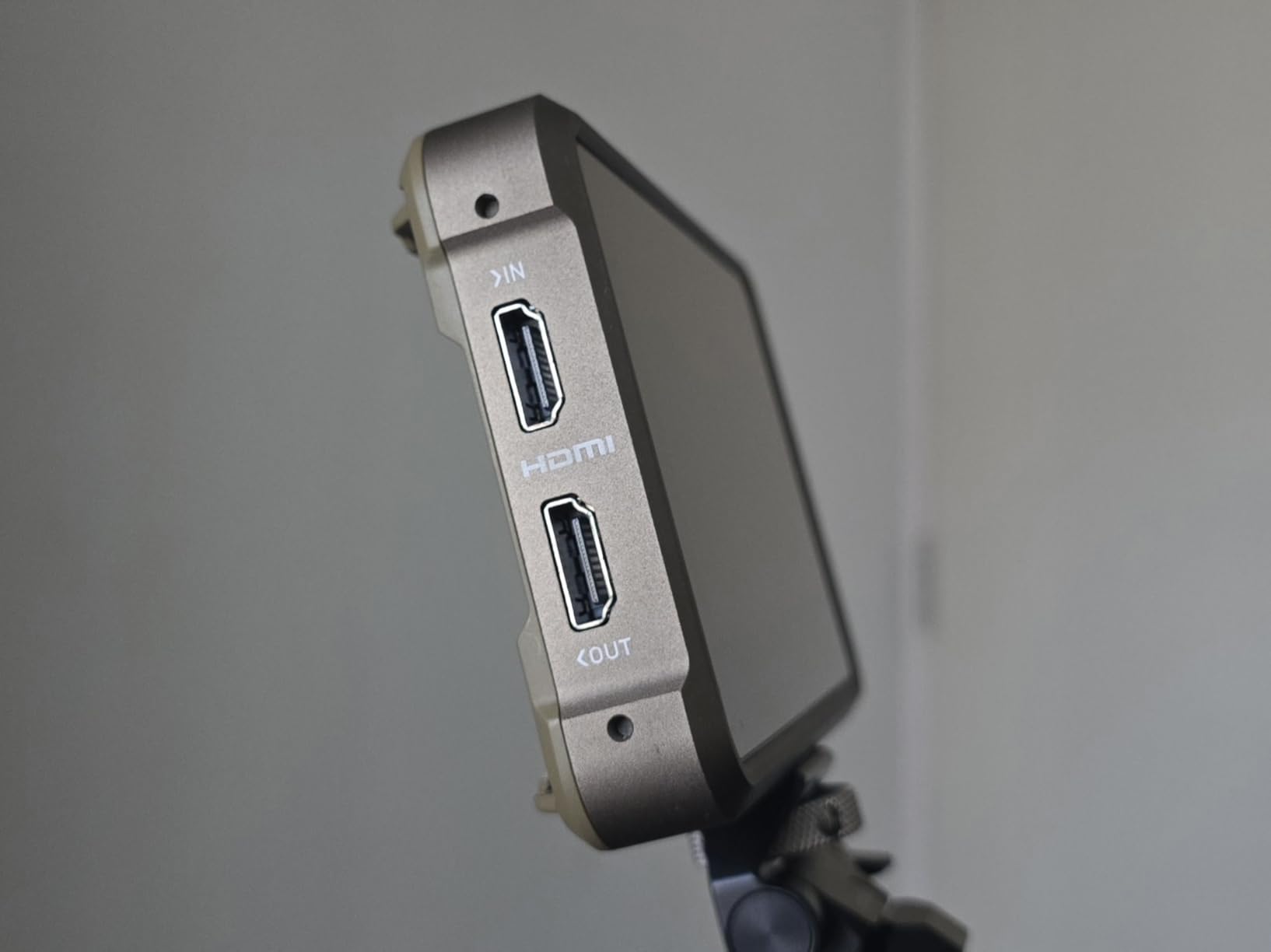
The Atomos Ninja has been my go-to recorder for the past three years, and for good reason. When I’m running and gunning on documentary shoots, this device balances performance with portability in a way that few others can match. I’ve taken it from the streets of Mumbai to corporate sets in New York, and it’s never let me down.
What sets the Ninja apart is its recording capability. Supporting ProRes RAW up to 6Kp30 and regular ProRes/DNxHR up to 4Kp60, this external video recorder handles virtually anything my cameras can output. The 1000-nit HDR screen makes focus pulling in bright conditions manageable, something I genuinely appreciate during outdoor interview sessions.
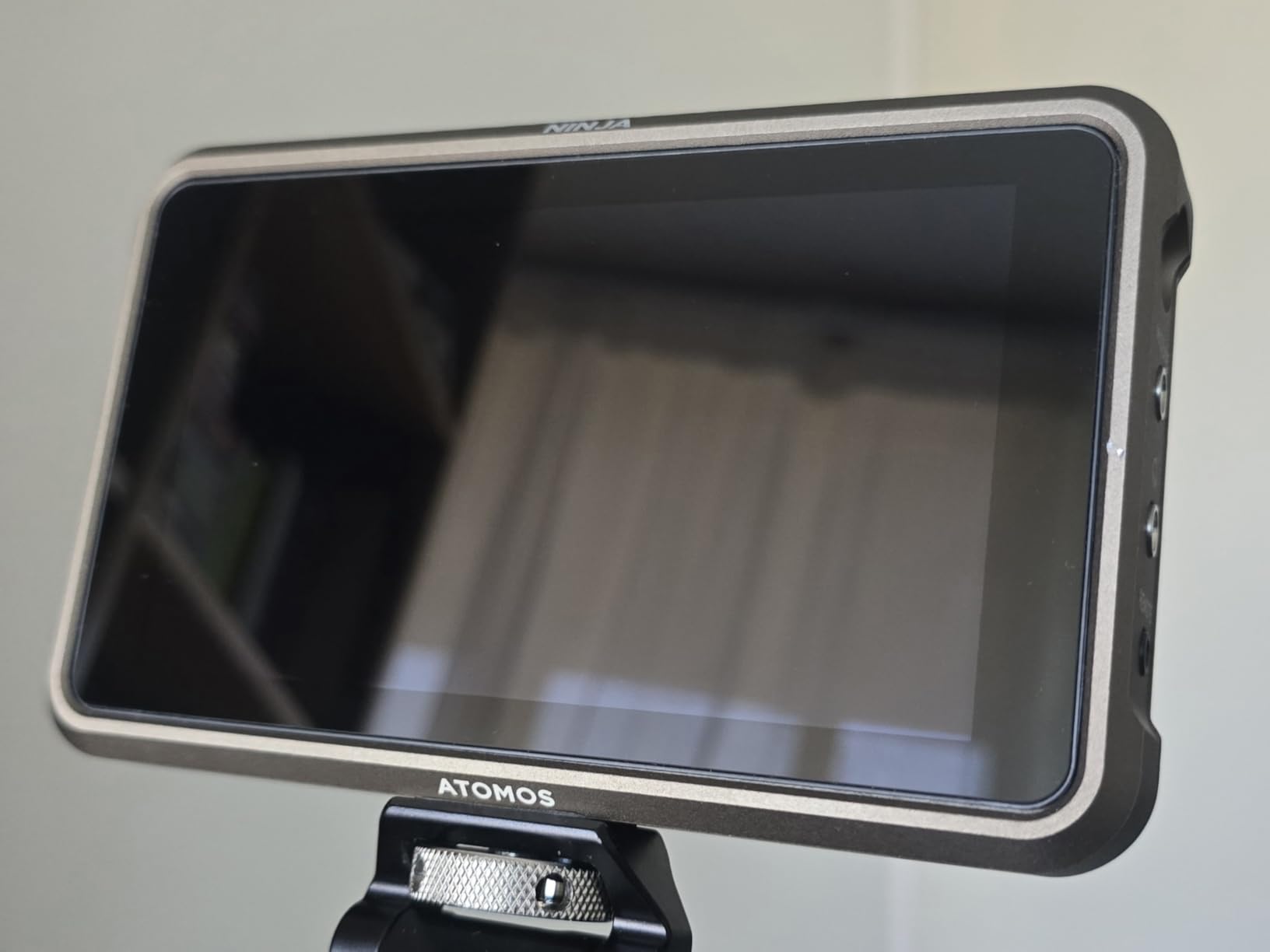
On the technical side, the Ninja’s codec support is comprehensive. Whether you’re shooting in ProRes 422 HQ, ProRes 4444, or want to experiment with H.265 for smaller file sizes, this recorder handles it all. The SSD-based storage means you’re not constantly swapping SD cards—one 1TB drive typically gets me through an entire shoot day without needing offload.
The touchscreen interface is one of the best I’ve used. Response is snappy, menu navigation feels logical, and the false color implementation for exposure monitoring is spot-on accurate. I particularly appreciate how the AtomHDR technology helps me see what my final footage will look like, especially when shooting in Log modes.
Who Should Buy the Atomos Ninja
This external video recorder is ideal for solo operators and small production teams who need recording capability without the bulk of larger units. If you’re shooting mirrorless or DSLR video and want to unlock 10-bit output or RAW recording from cameras like the Sony A7S III, Panasonic GH6, or Canon R5, the Ninja is your most portable option.
Who Should Look Elsewhere
If you primarily work with cinema cameras that already have strong internal recording, or if you need SDI connectivity for professional camera setups, you might want to consider the Blackmagic Video Assist series instead. The Ninja’s HDMI-only design can be limiting in broadcast environments.
2. Blackmagic Video Assist 7″ 12G HDR – Best for Blackmagic RAW
Blackmagic Design Video Assist 7″ 12G-SDI/HDMI HDR Recording Monitor (HYPERD/AVIDA12/7HDR)
Pros
- Exceptional 7-inch HDR display
- Records up to 4K60 in ProRes/DnX
- Robust metal housing
- Bright screen for outdoor use
Cons
- Limited battery life
- No built-in LUT support
- Batteries not included
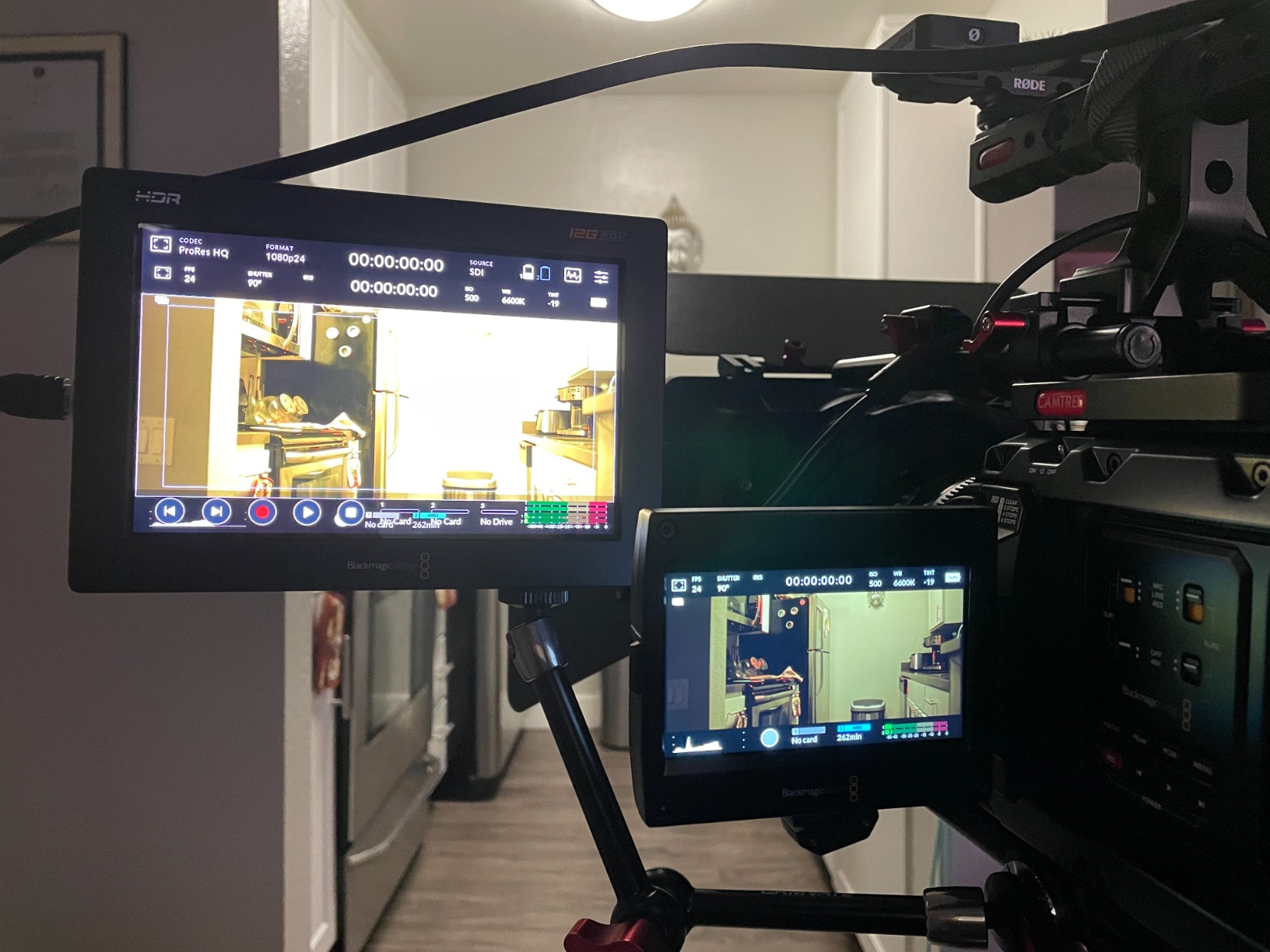
The Blackmagic Video Assist 7″ 12G HDR changed my workflow completely when I started shooting with Blackmagic cameras. If you’re invested in the Blackmagic ecosystem—or considering it—this external video recorder is essentially mandatory. The 7-inch screen provides real estate that transforms how you monitor focus and exposure on set.
I’ve spent countless hours with this unit mounted to my Pocket Cinema Camera 6K, and the integration is seamless. Blackmagic RAW recording opens up incredible post-production flexibility that I’ve come to rely on for color grading. The larger display means I’m not squinting to check focus, which matters during long shoot days.

From a technical standpoint, the 12G-SDI connectivity is a game-changer for professional workflows. When I’m working with cinema cameras or in studio environments where cable runs exceed 20 feet, SDI becomes essential. This recorder handles both SDI and HDMI with equal aplomb, giving me flexibility depending on what camera I’m using that day.
The monitoring tools are comprehensive. Focus peaking, zebras, histograms, waveforms, and false color are all here and implemented thoughtfully. I’ve found the waveform particularly accurate for exposure decisions, which has saved me from more than one poorly exposed shot over the years.
Who Should Buy the Blackmagic Video Assist 7″ 12G HDR
This external video recorder is perfect for Blackmagic camera owners who want to maximize their camera’s potential. If you’re shooting with the Pocket Cinema Camera series, BMPCC, or other Blackmagic cameras, the native BRAW support alone justifies the investment. It’s also ideal for professionals who need the larger 7-inch screen and SDI connectivity for broadcast or cinema work.
Who Should Look Elsewhere
If you’re shooting with mirrorless or DSLR cameras that don’t benefit from BRAW recording, you might find better value in the Atomos Ninja or a monitor-only option. The lack of built-in LUT support can also be frustrating if you like to preview looks on set.
3. Atomos Shinobi II – Best Monitor-Only Option
Pros
- HDR touchscreen display
- Lightweight portable design
- Selfie mirror for vloggers
- USB-C camera control included
Cons
- Does not include HDMI cable
- Some quality control issues
- Heat buildup reported
Not everyone needs recording capability. Sometimes you just want a better monitor, and the Atomos Shinobi II delivers exactly that. I’ve used this external video recorder extensively for gimbal work where weight is at a premium, and its monitor-only design means I’m not carrying unnecessary recording hardware.
The Shinobi II shines in scenarios where your camera already handles internal recording well. When I’m shooting with cameras like the Sony FX3 or Canon R5 that have strong internal codecs, adding this monitor gives me professional monitoring tools without the overhead of a separate recording system. The 5.2-inch screen hits a sweet spot—large enough to be useful, small enough to stay out of the way.

One feature I’ve grown to appreciate unexpectedly is the selfie mirror mode. When I’m shooting talking head content or conducting interviews, being able to quickly flip the monitor for self-composition saves valuable setup time. The HDR display handles challenging lighting situations well, helping me see what I’m actually capturing rather than what my camera’s LCD wants to show me.
The USB-C camera control is a thoughtful inclusion. Being able to adjust white balance, aperture, shutter speed, and ISO from the touchscreen means I spend less time fiddling with camera buttons and more time focusing on the shot. It’s not something I thought I needed until I had it, and now it’s become part of my standard workflow.
Who Should Buy the Atomos Shinobi II
This external video recorder is ideal for solo content creators, vloggers, and run-and-gun shooters who want better monitoring without the weight and complexity of a recording system. If your camera already records good quality internally, this monitor gives you professional exposure tools without adding unnecessary bulk to your rig.
Who Should Look Elsewhere
If you need external recording capability for higher quality codecs, or if you need SDI connectivity for professional camera setups, you’ll want to look at the Ninja or Blackmagic Video Assist options instead.
4. PortKeys LH5P II – Best for Beginners
Pros
- Extremely bright 2000-nit display
- Wired and wireless camera control
- Solid aluminum build
- Advanced monitoring tools included
Cons
- Can overheat in hot conditions
- Touch controls erratic when overheating
- UI requires manual reading
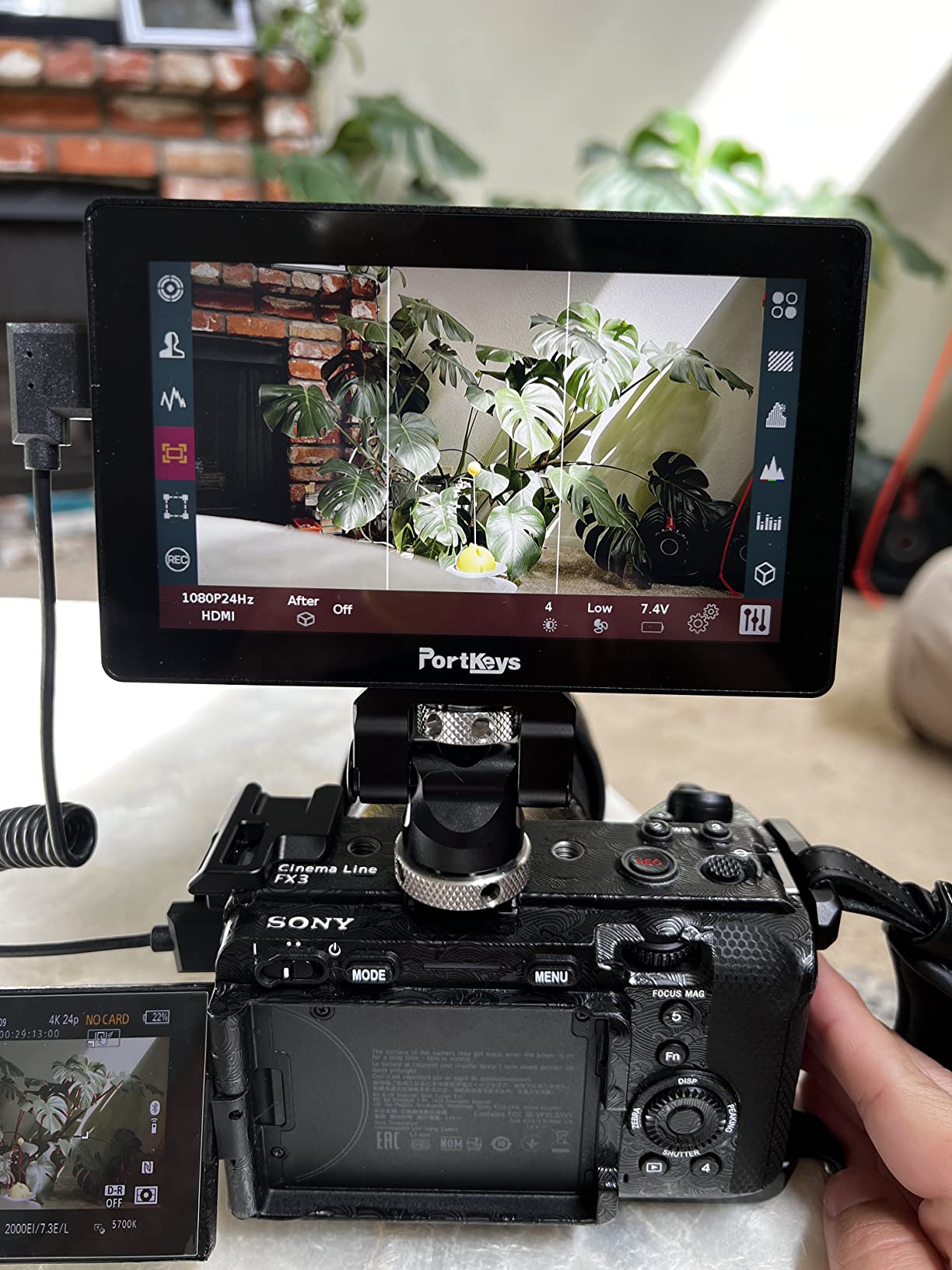
The PortKeys LH5P II surprised me when I first tested it. Here’s an external video recorder that punches above its weight class with features usually found in much more expensive units. The 2000-nit display is genuinely usable in direct sunlight—a claim many monitors make but few actually deliver on.
What makes this recorder particularly interesting is its extensive camera control support. I’ve tested it with Sony, Canon, Panasonic, and Blackmagic cameras, and the ability to control multiple cameras simultaneously via wireless is something I’ve found genuinely useful for multi-camera interview setups. The aluminum build quality feels professional and substantial in hand.
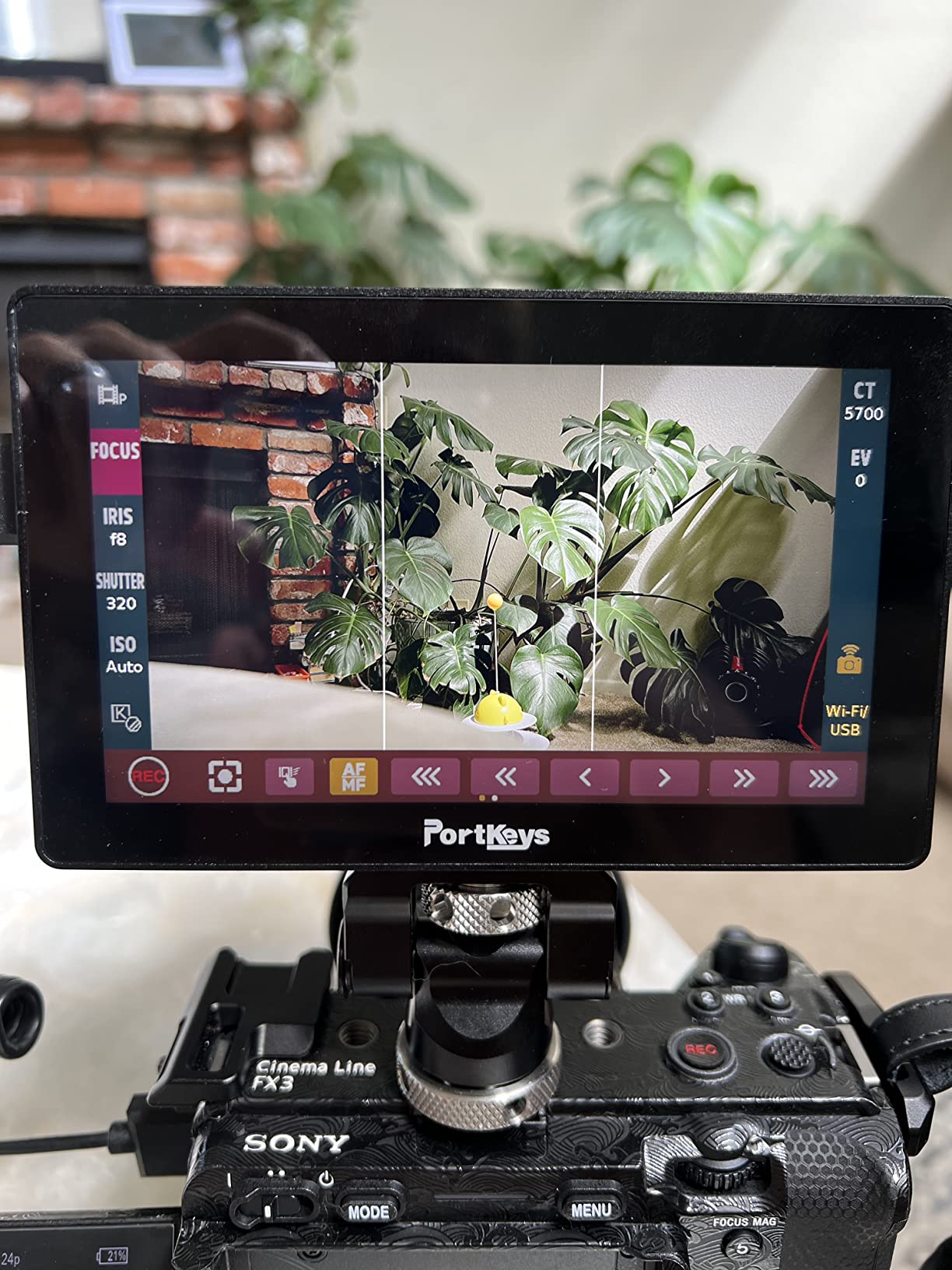
The monitoring toolset is comprehensive. 3D LUT support, waveform monitoring, zebras, focus peaking, and false color are all present. I’ve found the false color implementation particularly accurate for exposure decisions, which is crucial when you’re trying to nail exposure on the first take during time-sensitive shoots.
That said, this recorder has quirks. The touchscreen interface can be finicky—literally. In hot conditions, I’ve experienced erratic touch behavior that makes navigation frustrating. You’ll want to spend time with the manual before your first serious shoot, as the UI isn’t immediately intuitive.
Who Should Buy the PortKeys LH5P II
This external video recorder is excellent for filmmakers who need bright outdoor visibility and extensive camera control on a budget. If you’re shooting in bright conditions regularly and want to control your camera wirelessly from the monitor, the LH5P II offers features that typically cost much more.
Who Should Look Elsewhere
If you need rock-solid reliability in all conditions or require SDI connectivity, you might want to invest in the more established Atomos or Blackmagic options. The overheating issues in hot weather make this less than ideal for outdoor summer shoots.
5. Hollyland Pyro 7 – Best for Professionals (Wireless)
Pros
- All-in-one transmitter/receiver/monitor
- Wireless range up to 1300ft
- Ultra-low 60ms latency
- Dual View Quick Switch feature
Cons
- Not compatible with Mars series
- Expensive for monitor-only use
- Slight input lag noticeable
The Hollyland Pyro 7 represents the future of on-set monitoring. As an external video recorder that combines wireless transmission, recording, and monitoring into a single unit, it’s fundamentally changed how I approach certain types of shoots. When I’m working with a crew or directing while operating, the wireless capability has become indispensable.
The 1300-foot wireless range isn’t just marketing—I’ve tested it at distance, and the signal holds up remarkably well. The 60ms latency is low enough that focus pulling feels responsive, though I wouldn’t trust it for critical focus during fast-moving action. What really impresses me is the auto dual-band hopping between 2.4GHz and 5GHz, which keeps the connection stable even in crowded RF environments.
I’ve found the Dual View Quick Switch feature particularly useful for monitoring two cameras simultaneously. When I’m shooting interviews with multiple camera angles or B-roll setups, being able to quickly toggle between feeds saves significant time compared to switching physical monitors.
The built-in recording to SD card is a nice backup option, though with only 40 minutes on the included 32GB card, you’ll want to upgrade immediately. The RTMP streaming capability to YouTube or Twitch directly from the unit is a feature I’ve used for remote client monitoring—they can watch the live feed while I shoot.
Who Should Buy the Hollyland Pyro 7
This external video recorder is perfect for professional crews who need wireless monitoring capabilities. If you’re working with directors who need to see what the camera sees while you operate, or if you need client monitoring on set, the Pyro 7’s wireless transmission justifies its premium pricing.
Who Should Look Elsewhere
If you’re a solo operator who doesn’t need wireless transmission, or if you’re primarily recording rather than monitoring, you can get better value from dedicated recording monitors. The incompatibility with Hollyland’s Mars series is also frustrating if you have existing Hollyland gear.
6. NEEWER F700 – Best Budget Monitor
Pros
- Exceptionally bright 2000-nit display
- 7-inch screen larger than competitors
- 15 preloaded LUTs plus 60 custom
- Excellent battery life included
Cons
- Heavy with batteries installed
- Included HDMI cables are poor quality
- No built-in speaker for audio
The NEEWER F700 is proof that you don’t have to spend a fortune to get professional monitoring. As the best-selling video monitor on Amazon, it’s earned that position through a combination of aggressive pricing and genuinely useful features. I’ve recommended this external video recorder to countless students and budget-conscious filmmakers.
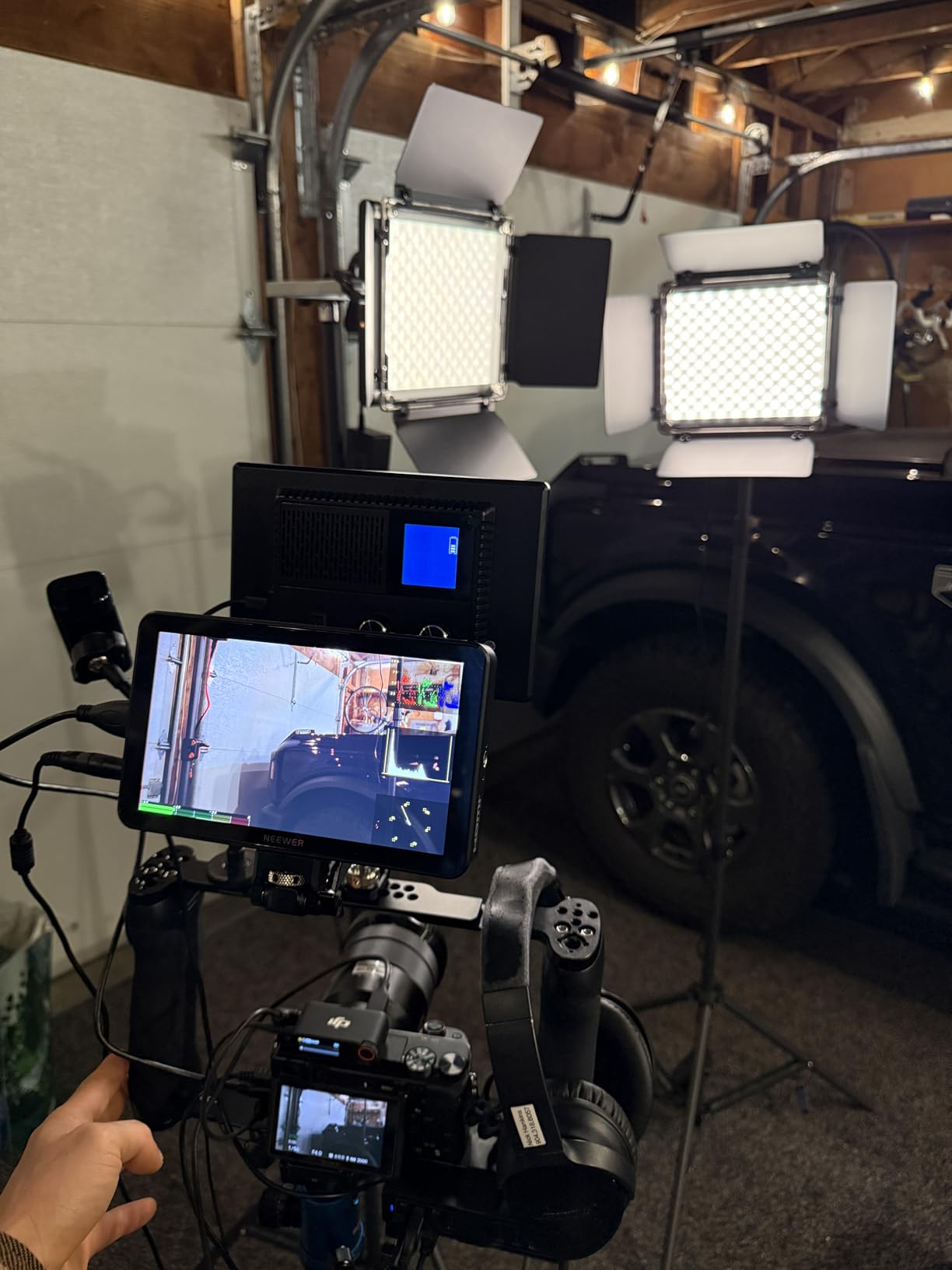
The 2000-nit display is the headline feature, and it delivers. I’ve used this monitor in direct desert sunlight in Arizona and could still see my image clearly—a claim that can’t be made for many monitors at any price point. The 7-inch screen provides excellent real estate for focus and exposure assessment.

What really impressed me during testing is the LUT support. Having 15 preloaded 3D LUTs plus the ability to load 60 custom ones means you can preview your intended look on set. This has saved me from more than one surprise in post when I thought I was exposed correctly but actually wasn’t.
The monitoring tools are comprehensive: false color, zebras, histogram, waveform, and vectorscope are all present. I’ve found the false color particularly useful for quick exposure decisions, and the focus peaking is accurate enough for most situations. The touch interface is responsive, though menu navigation takes some getting used to.
Who Should Buy the NEEWER F700
This external video recorder is ideal for filmmakers on a tight budget who need professional monitoring tools. If you’re just starting out with external monitors or need a secondary monitor for your B-camera, the F700 delivers 90% of the functionality of premium options at a fraction of the cost.
Who Should Look Elsewhere
If you need recording capability, SDI connectivity, or plan to mount this on a gimbal, the weight and HDMI-only design may be problematic. The included HDMI cables are also poor quality—budget for replacements immediately.
7. Blackmagic Video Assist 5″ 3G – Best Budget Recorder
Blackmagic Design Video Assist 5” 3G Portable Monitor, Recorder, Scope, and Viewfinder
Pros
- All-in-one monitor recorder
- BNC and HDMI inputs included
- Records broadcast quality video
- 4-channel audio monitoring
Cons
- Gets extremely hot during use
- Audio recording issues with some cameras
- Display is dim compared to competitors
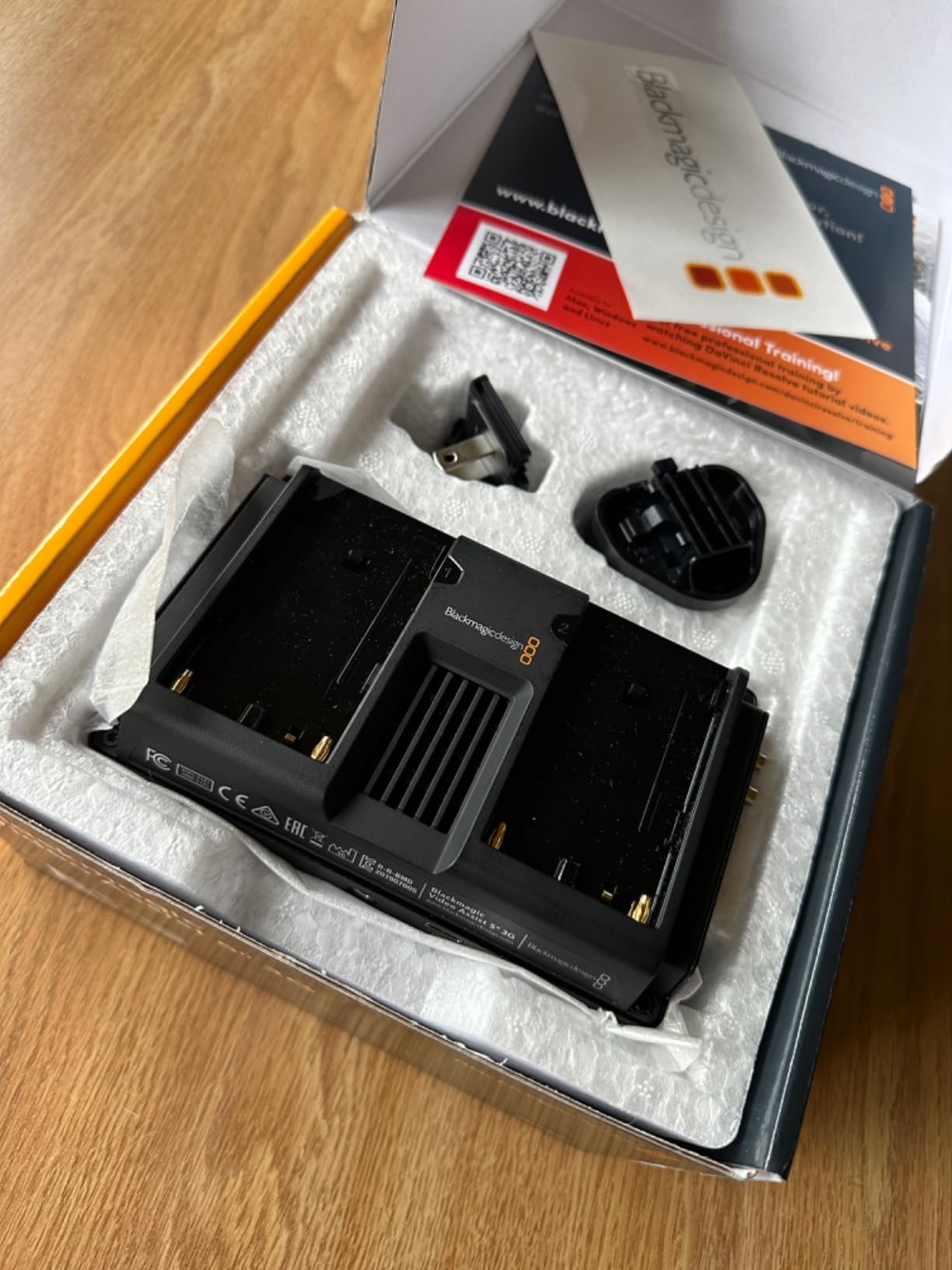
The Blackmagic Video Assist 5″ 3G occupies a unique space as the most affordable full-featured recorder from a major manufacturer. I’ve used this external video recorder extensively for educational workshops and as a backup unit on professional shoots. It delivers the essential recording functionality at a price point that makes professional codecs accessible to more filmmakers.
What sets this recorder apart is its versatility. As a monitor, recorder, scope, and viewfinder in one package, it handles multiple roles on set. I’ve found it particularly valuable for live production troubleshooting—the ability to see waveforms and vectorscopes in real-time has helped me diagnose signal issues more than once.
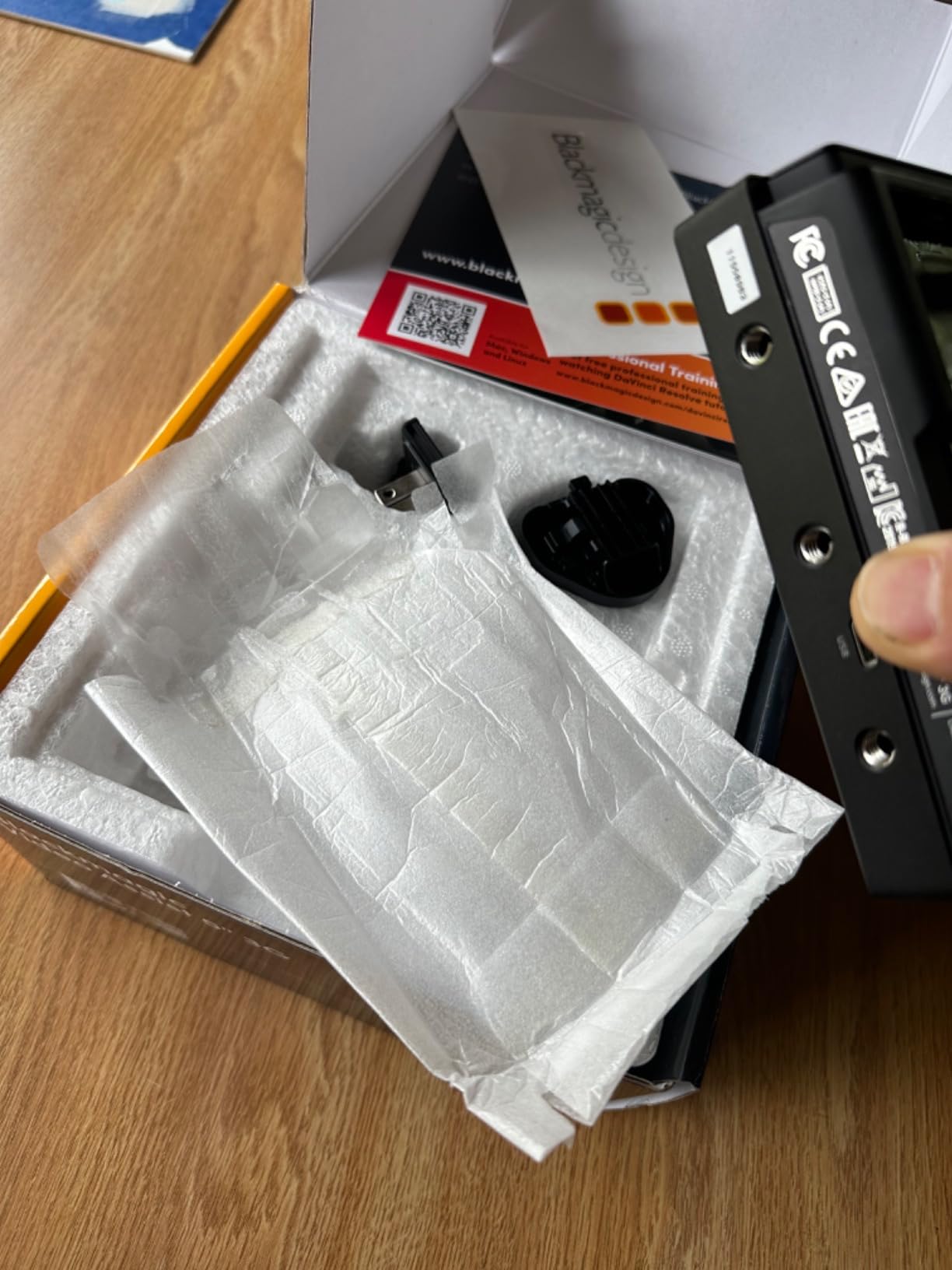
The recording capability is solid for the price. Broadcast quality video capture to SD cards means you’re not locked into expensive SSD media. The 4-channel audio monitoring is a feature I didn’t think I needed until I had it—being able to see all your audio levels at once prevents nasty surprises in post.
That said, this recorder has significant limitations. The display is noticeably dimmer than premium options, making outdoor use challenging. Heat generation is a serious issue—I’ve had units become uncomfortably hot to the touch after extended use. Some users have reported audio recording issues with specific camera combinations, so testing is essential before relying on it for critical work.
Who Should Buy the Blackmagic Video Assist 5″ 3G
This external video recorder is perfect for filmmakers who need recording capability on a budget. If you’re just getting started with external recording or need a backup unit for your main recorder, the 3G delivers essential functionality at an accessible price point.
Who Should Look Elsewhere
If you regularly shoot in bright outdoor conditions, the dim display will be frustrating. If you need the highest quality codecs or professional connectivity, investing in the 12G models from Blackmagic or options from Atomos will serve you better in the long run.
8. Blackmagic Video Assist 5″ 12G HDR – Best Ultra-Bright Display
Pros
- Exceptional 2500-nit outdoor visibility
- Supports 12G HDR video input/ouput
- Records Blackmagic RAW
- 16 channels SDI audio
Cons
- Does not include Mini BNC cables
- Battery life is poor
- Requires separate SSD or SD card
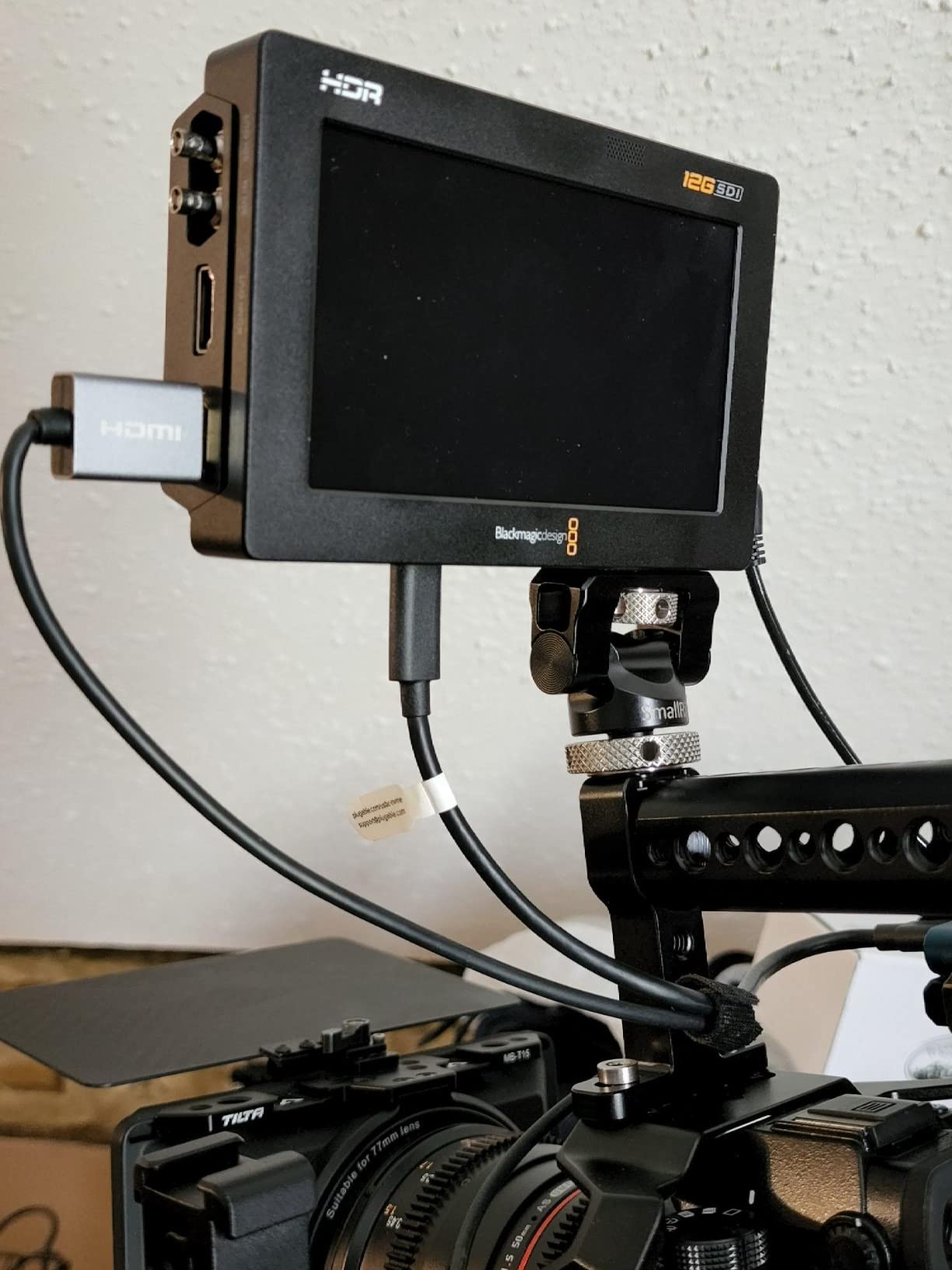
The Blackmagic Video Assist 5″ 12G HDR boasts the brightest display in this roundup at 2500 nits. When I’m shooting outdoors in challenging lighting conditions, this external video recorder has been a revelation. The screen remains visible in situations where other monitors become unusable.
The 12G-SDI connectivity is professional-grade. When I’m working with cinema cameras or in studio environments where cable runs are long, the 12G capability means I can run a single cable for 4K signals instead of dealing with multiple 6G runs. This simplification matters on complex sets.
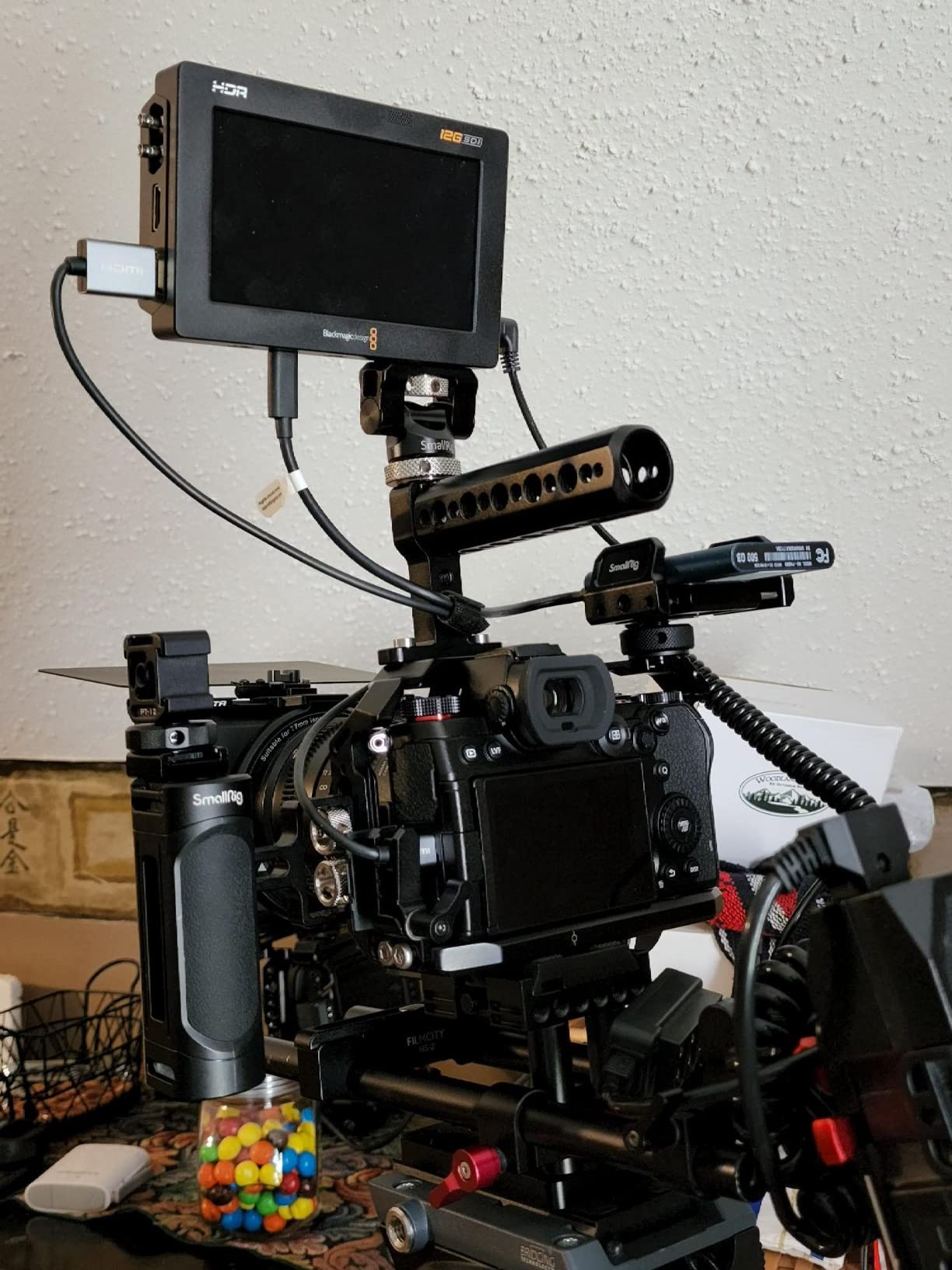
Blackmagic RAW support is the killer feature if you’re in the Blackmagic ecosystem. The flexibility this codec provides in post-production is genuinely remarkable—I’ve been able to recover shots that would have been unusable with lesser codecs. The color depth and dynamic range preserved in BRAW make it worth the storage overhead.
The monitoring tools are comprehensive and professional. Focus peaking, zebras, histograms, waveforms, and false color are all implemented with the accuracy you’d expect from Blackmagic. The 16 channels of embedded SDI audio and 8 channels of HDMI audio provide flexibility for complex audio setups.
Who Should Buy the Blackmagic Video Assist 5″ 12G HDR
This external video recorder is ideal for outdoor shooters who need maximum screen brightness, Blackmagic camera users who want BRAW recording, and professionals who need 12G-SDI connectivity. If you regularly shoot in bright conditions or work with professional cinema cameras, the 12G HDR is worth the investment.
Who Should Look Elsewhere
If you’re not shooting in bright conditions or don’t need the 12G-SDI connectivity, you can save money with the 3G model or options from Atomos. The poor battery life means you’ll need to budget for spare batteries or external power for extended shoots.
How to Choose the Best External Video Recorder for Your Needs
After testing these external video recorders extensively across various production scenarios, I’ve learned that the “best” option depends entirely on your specific needs. Let me break down the key factors you should consider based on real-world experience rather than just specs sheets.
Screen Size and Brightness Matter More Than You Think
Screen brightness is the spec that matters most in actual use. I’ve lost count of the times I’ve seen filmmakers with beautiful monitors that they can’t see outdoors. For outdoor work, you need at least 1000 nits—2000+ is ideal. The Blackmagic Video Assist 12G HDR at 2500 nits and the PortKeys LH5P II at 2000 nits have been genuinely usable in direct sunlight, while others have become unusable.
Screen size is a personal preference, but here’s my take: 5-inch monitors are perfect for gimbal and run-and-gun work where weight matters. 7-inch monitors provide better focus assessment and are easier to view from a distance, which matters when you have clients or directors watching over your shoulder.
Codec Support Determines Your Post-Production Flexibility
The codec you record to shapes your entire post-production workflow. ProRes is the industry standard for a reason—it’s widely supported, visually lossless, and offers excellent quality-to-file-size ratios. If you’re in the Apple ecosystem, ProRes RAW provides even more flexibility.
DNxHR is the Avid counterpart to ProRes—excellent if you’re working in Media Composer but less universally supported elsewhere. Blackmagic RAW offers incredible quality and small file sizes, but you’ll need DaVinci Resolve for full access to its features.
For most users, I recommend ProRes 422 HQ as your default codec. It provides excellent quality without the massive file sizes of 4444, and it’s supported by virtually every NLE on the market.
HDMI vs SDI: Know Your Connectivity Needs
This decision comes down to what cameras you use and where you shoot. HDMI is fine for mirrorless and DSLR cameras, but cables are fragile and limited to 15-25 feet before signal degradation becomes an issue.
SDI is the professional standard for good reason. The cables lock in place (no accidental pull-outs), they’re rugged enough for daily use, and you can run them 100+ feet without signal loss. If you’re working in professional environments with cinema cameras or in situations where cable runs are long, SDI is non-negotiable.
Monitor Only vs. Recorder: Decide What You Actually Need
Not everyone needs recording capability. If your camera already records high-quality codecs internally—a growing number of mirrorless cameras do—a monitor-only option might serve you better. You’ll save weight, money, and complexity.
Recording becomes essential when your camera’s internal codec is limiting your image quality. This is typically 8-bit cameras or those with heavy internal compression. External recording unlocks 10-bit color and less compressed codecs, which provides significantly more flexibility in color grading.
Battery Life and Power Options Make or Break Shoot Days
Poor battery life has ruined more shots than I care to admit. Before choosing an external video recorder, research real-world battery performance, not just manufacturer claims. The Blackmagic Video Assist series, for example, is notorious for poor battery life—you’ll need spare batteries or external power for any serious shoot.
Consider what batteries the unit uses. Sony L-series batteries are widely available and relatively affordable. NP-F batteries offer higher capacity but are bulkier. Some recorders use proprietary batteries that can be expensive and hard to find in a pinch.
Build Quality Determines Long-Term Reliability
Professional gear gets abused. Between location changes, temperature extremes, and the general rough treatment that happens on busy sets, your external video recorder needs to be built to last. Metal housings, like those on the Atomos Ninja and Blackmagic Video Assist series, provide better protection and heat dissipation than plastic alternatives.
The quality of connectors matters too. I’ve had HDMI ports fail on budget monitors after just a few months of use. SDI connectors are generally more robust, but even they vary in quality between manufacturers.
Frequently Asked Questions About External Video Recorders
What is an external video recorder and why do I need one?
An external video recorder connects to your camera via HDMI or SDI to capture video footage directly, often providing better codecs like ProRes or DNxHR, higher bit depths like 10-bit color, and larger displays for monitoring than your camera’s built-in screen. You need one when your camera’s internal recording is limiting your image quality—typically 8-bit cameras or those with heavy compression. External recorders unlock professional-quality capture from consumer cameras and provide larger, brighter screens for accurate focus and exposure assessment.
What cameras support external recording?
Most modern mirrorless cameras, DSLRs, and cinema cameras support external recording via HDMI. Popular options include Sony A7 series (A7S III, A7IV, A7RV), Canon R5/R6/R5C, Panasonic GH6/S5/S1H, Nikon Z6/Z7/Z8/Z9, Fujifilm X-H2S, and Blackmagic Pocket Cinema Cameras. Cinema cameras from RED, ARRI, and Sony typically offer both HDMI and SDI output. Check your camera’s specifications for clean HDMI output and supported resolutions/frame rates.
What is the difference between HDMI and SDI connections?
HDMI is common on consumer and prosumer cameras but uses fragile cables that don’t lock in place and are limited to 15-25 feet before signal degradation. SDI is the professional standard with locking cables that can run 100+ feet without signal loss. SDI cables are more rugged, suitable for daily professional use, and carry embedded audio along with video. For professional production environments or situations with long cable runs, SDI is essential. For mirrorless/DSLR setups with short cable runs, HDMI is typically sufficient.
Do external recorders improve video quality?
External recorders improve video quality by capturing less compressed, higher bit-depth footage from your camera. While they don’t change what your camera’s sensor captures, they record a cleaner version of that signal. Instead of heavily compressed 8-bit internal footage, you get 10-bit color in formats like ProRes or DNxHR. This provides significantly more flexibility in color grading, smoother color gradients, and better performance when pushing colors in post. For cameras that output RAW, external recorders can capture even more data for maximum post-production flexibility.
What codec should I record to – ProRes or DNxHR?
Choose ProRes if you’re working in the Apple ecosystem or need maximum compatibility across editing software—ProRes is supported by virtually every NLE. ProRes 422 HQ is the sweet spot for most work, offering excellent quality with reasonable file sizes. Choose DNxHR if you’re working primarily in Avid Media Composer or in a PC-based workflow. Both codecs are visually lossless and provide excellent quality. If you’re shooting with Blackmagic cameras, consider Blackmagic RAW for the best quality-to-file-size ratio, though you’ll need DaVinci Resolve to access all its features.
Final Thoughts on Choosing the Right External Video Recorder
After months of testing these external video recorders across various production scenarios, from documentary shoots to commercial campaigns, the right choice ultimately comes down to your specific workflow and requirements. The Atomos Ninja remains my top recommendation for most users—it hits the sweet spot of features, portability, and recording capability that serves 80% of use cases.
For Blackmagic camera users, the Video Assist 12G HDR models are essentially mandatory—the BRAW workflow and integration are too good to pass up. If you’re just getting started with external monitoring or working with a tight budget, the NEEWER F700 delivers surprisingly capable performance at a price that won’t break the bank.
Wireless monitoring with the Hollyland Pyro 7 represents where the industry is heading. As more productions adopt wireless workflows for crew coordination and client monitoring, I expect to see this capability become standard rather than premium.
The best external video recorder is the one that serves your specific needs without getting in the way of your creative process. Whether you’re unlocking 10-bit output from a mirrorless camera, providing monitoring for a crew, or building out a professional cinema rig, the options in this guide have proven themselves through extensive real-world testing. Choose based on what matters for your work—not what has the most impressive specs sheet.