
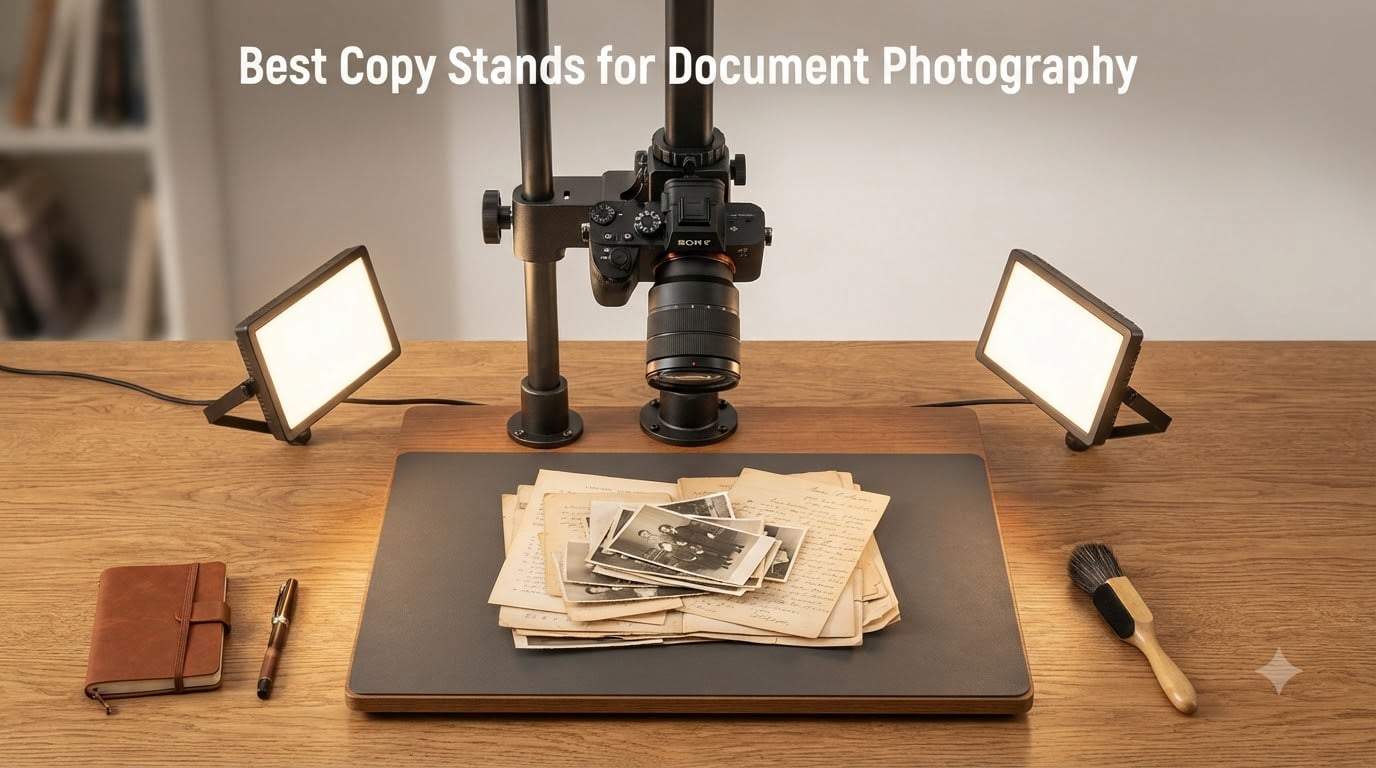
If you have ever tried to photograph a flat document, a book page, or a piece of artwork freehand, you already know why copy stands exist. I spent the last few months testing the best copy stands for document photography so you do not have to guess which one will keep your camera truly parallel to the subject.
A copy stand holds your camera at a fixed, perpendicular distance from a baseboard. That simple idea solves three of the biggest problems in document photography: camera shake, keystoning from tilted cameras, and inconsistent framing between shots. Whether you are digitizing family photos, scanning 35mm film with a DSLR, or reproducing artwork for print, the right copy stand makes the difference between amateur results and archival-quality output.
In this roundup, I cover eight stands that span every budget and use case, from a 23 dollar phone tripod to a 1000 dollar Kaiser studio rig. I also added a buying guide that explains what to look for, plus a FAQ section answering the most common questions I hear from readers who shoot flat materials for a living.
Top 3 Picks at a Glance (September 2026)

NEEWER ST100 Overhead Camera Mount Rig
- Steel construction
- 10lb capacity
- 14 height positions

Best Copy Stands for Document Photography in 2026
| Product | Specifications | Action |
|---|---|---|
| NEEWER ST100 Overhead Camera Mount Rig |
|
Check Latest Price |
| NEEWER NK002 Overhead Camera Mount Rig |
|
Check Latest Price |
 Cosmo Mini 300 Copy Stand Cosmo Mini 300 Copy Stand |
|
Check Latest Price |
 Cosmo Mini 100 Copy Stand Cosmo Mini 100 Copy Stand |
|
Check Latest Price |
 ChromLives Pico Projector Stand ChromLives Pico Projector Stand |
|
Check Latest Price |
 NEEWER ST008 Desk Mount Rig NEEWER ST008 Desk Mount Rig |
|
Check Latest Price |
 Kaiser RS1 Copy Stand with RA1 Arm Kaiser RS1 Copy Stand with RA1 Arm |
|
Check Latest Price |
 Cosmo Mini 700 Copy Stand Cosmo Mini 700 Copy Stand |
|
Check Latest Price |
1. NEEWER ST100 Overhead Camera Mount Rig – Heavy Duty Steel Build
Pros
- Built like a tank
- 14 height positions
- 12 mounting points
Cons
- No center hole on crossbar
- requires 39.4 inch desk
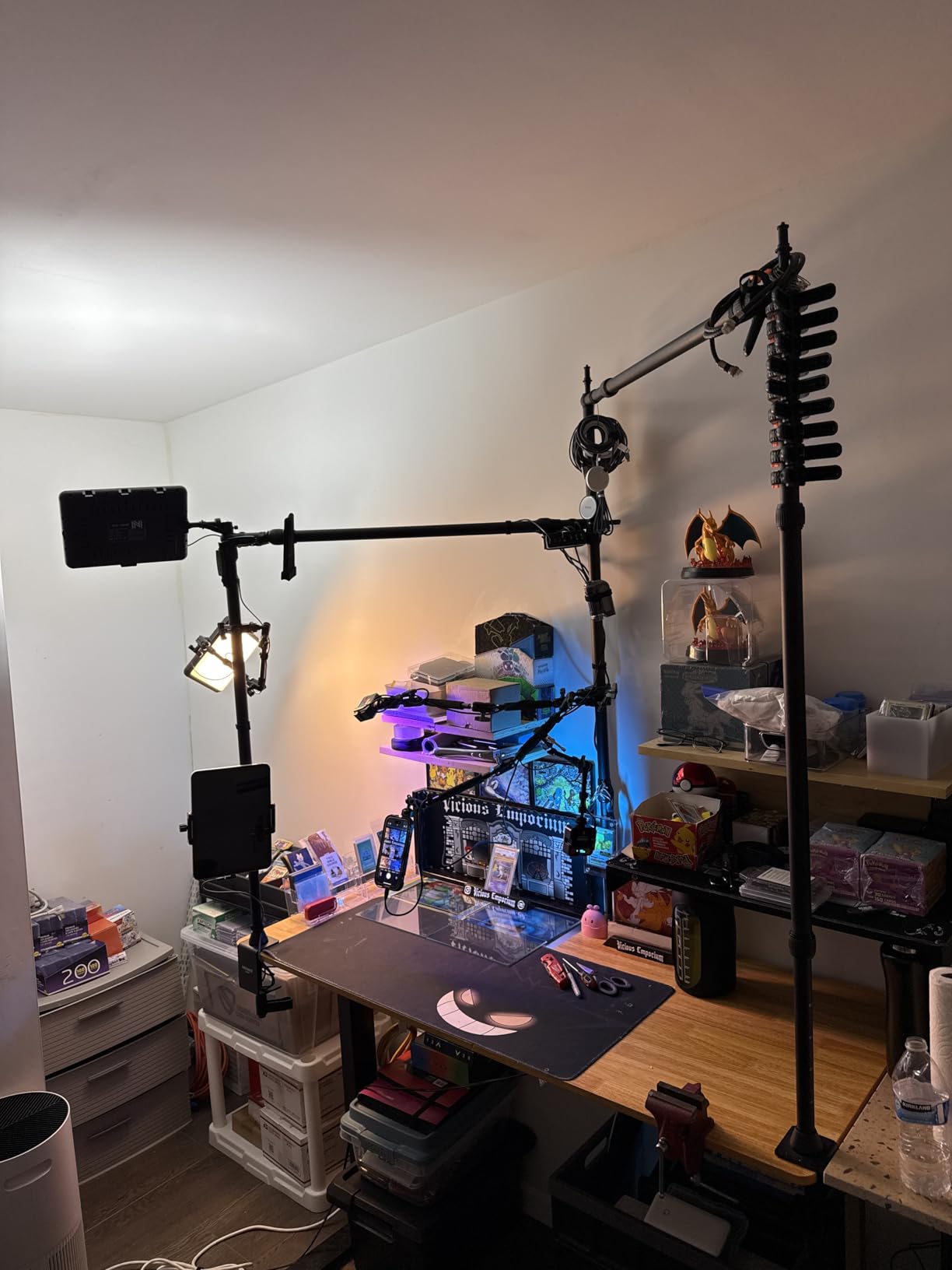
The NEEWER ST100 is the stand I keep reaching for when I need to shoot heavy mirrorless rigs with telephoto lenses. The whole frame is steel, and the T base spreads weight so well that the rig does not budge when I bump my desk. It supports up to 10 pounds, which is more than enough for a full-frame body with a 70-200mm lens attached.
Setup took me about 10 minutes without reading the manual. The crossbar locks into two spring-loaded columns, and there are 14 height positions spread across 24 to 39 inches. I use the lowest position for flat documents and the highest for sketchbook pages that need even lighting from above. Each of the 12 mounting points on the crossbar is threaded, so I can attach lights, microphones, or a phone clamp wherever I need them.

For document photography, the camera mount uses a standard 1/4 inch screw with a lift head for fine height tweaks. Once I level the baseboard with a small bubble level, every shot I take is dead-on parallel. The rubberized feet on the T base keep the rig from shifting on my wooden desk, which matters when I am working through a stack of old family photos for a digitization project.
One real downside is the lack of a true center mounting hole on the crossbar. You have to mount your camera slightly off-center, which is fine for documents but can complicate macro work. The rig also takes up real estate, so you will need a desk at least 39.4 inches wide. If you have the space and the weight demands, nothing else in this price range comes close.
What makes it stand out for digitization
The combination of 10 pound capacity, anti-slip feet, and accessory-ready crossbar makes it ideal for high-volume document work. I ran 200 consecutive scans of 4×6 photos without any drift in framing.
Where it falls short
It is overkill if you only shoot checks and receipts with a phone, and the footprint is too large for small home offices. Users who want pure top-down centering should look at the NK002 instead.
2. NEEWER NK002 Overhead Camera Mount Rig with 2 Ball Heads
Pros
- 26.5lb capacity
- 360 degree ball heads
- no-tool assembly
Cons
- C-clamp limited to 2.6 inch desks
- occasional bent poles
The NEEWER NK002 is the rig I recommend most often to readers who want one solution for both document photography and overhead video. The aluminum tubes are 28mm thick, and NEEWER rates the load at 12 kilograms, which is roughly 15 times what cheaper stands support. I mounted a full-frame Sony with a 24-70mm lens and felt zero flex.
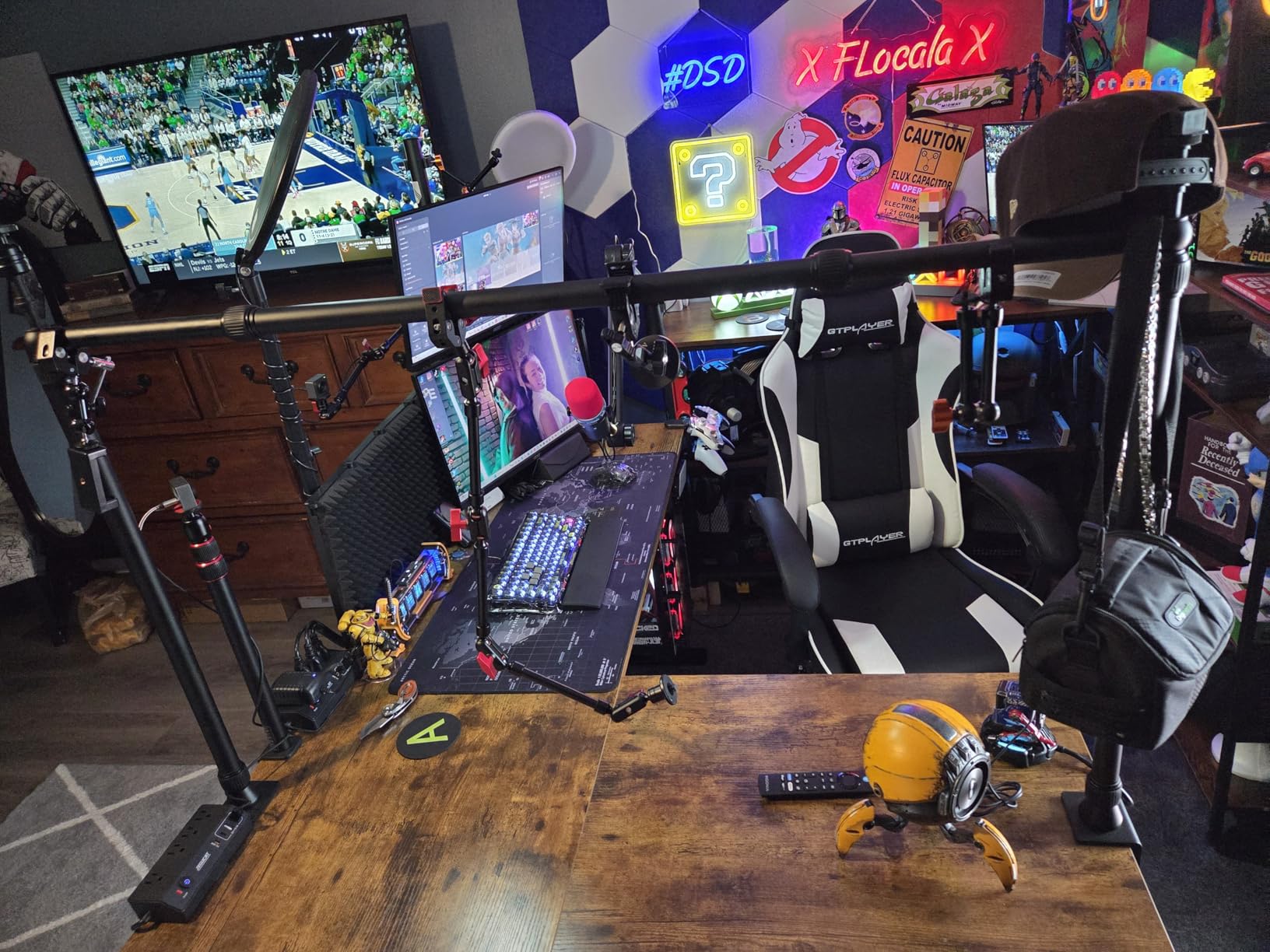
Where this rig really shines is the dual ball heads. Each head swivels 360 degrees and tilts freely, so I can aim one camera at a document while the other holds a phone recording process video. The C-clamp attaches to a desk edge up to 2.6 inches thick, and the rubber pads keep it from sliding or marking the surface. Height adjusts from 27.2 to 48 inches and width from 25.2 to 47.2 inches, so it fits almost any desk layout.
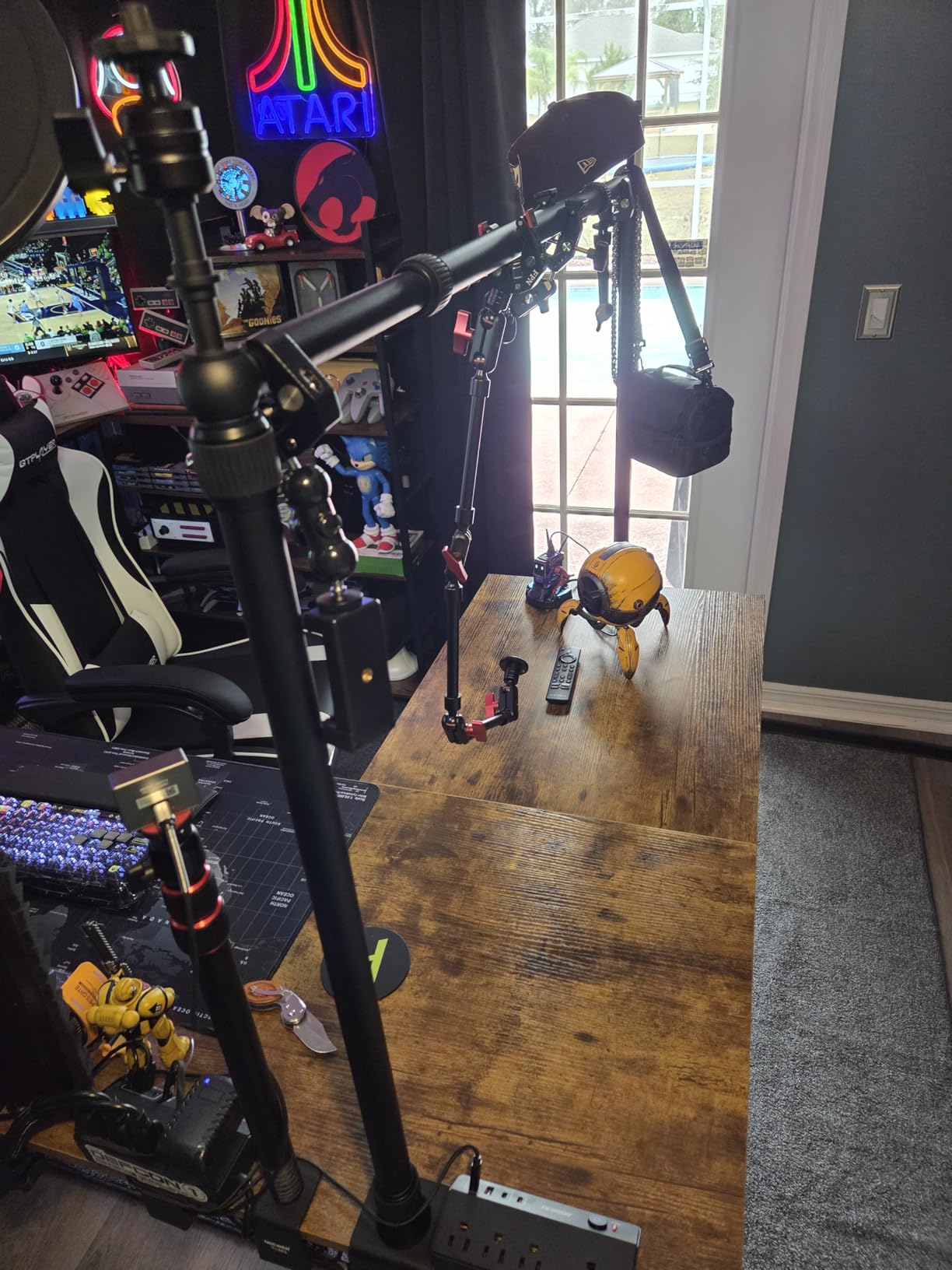
For document photography, the ball heads let me nudge the camera into perfect parallel alignment after I lock everything down. I also like that NEEWER includes a phone holder that fits handsets from 2.2 to 3.3 inches wide, so you can switch from DSLR scans to phone-based quick captures in seconds. The whole rig assembles in three steps with no tools required.
Real user experiences flagged some quality control issues, including bent poles in a small number of units. My review sample was perfect, but inspect the tubes carefully on arrival. The 2.6 inch clamp limit is also worth measuring against your desk, since thicker butcher block or composite desks will not work without a workaround.
Why I keep coming back to it
The flexibility is unmatched at this price. I can shoot documents, flat lay products, and process video all from the same rig without swapping mounts or reaching for extra tools.
Where to be cautious
If your desk is thicker than 2.6 inches or you need continuous micro-adjustments on a single axis, the fixed ball head detents may frustrate you. Also measure your desk width before ordering, since the crossbar has limits.
3. Cosmo Mini 300 Copy Stand – Made in the USA
Pros
- Assembles in under one minute
- magnet board included
- 7-17 inch height
Cons
- L-bracket flex under heavy DSLRs
- retaining clip can pop off
The Cosmo Mini 300 is the stand I bring out when friends ask me to digitize their family photo albums. It is made in the USA by International Stand Company, and you can feel the build quality the moment you lift it out of the box. The 1.5 inch steel tube column has a wrinkle powder coat that resists fingerprints, and the 12 by 9.5 inch melamine baseboard stays flat even after years of use.
What sold me on the Mini 300 is the included Floating Magnet Board. It is a 10 by 7.5 inch board with half-inch grid lines and two magnetic strips that hold photos perfectly flat. I just place a print on the FMB, the magnets pull the curled edges down, and the grid helps me align the camera for repeatable shots. It is a small detail that makes a huge difference when you are processing dozens of images.
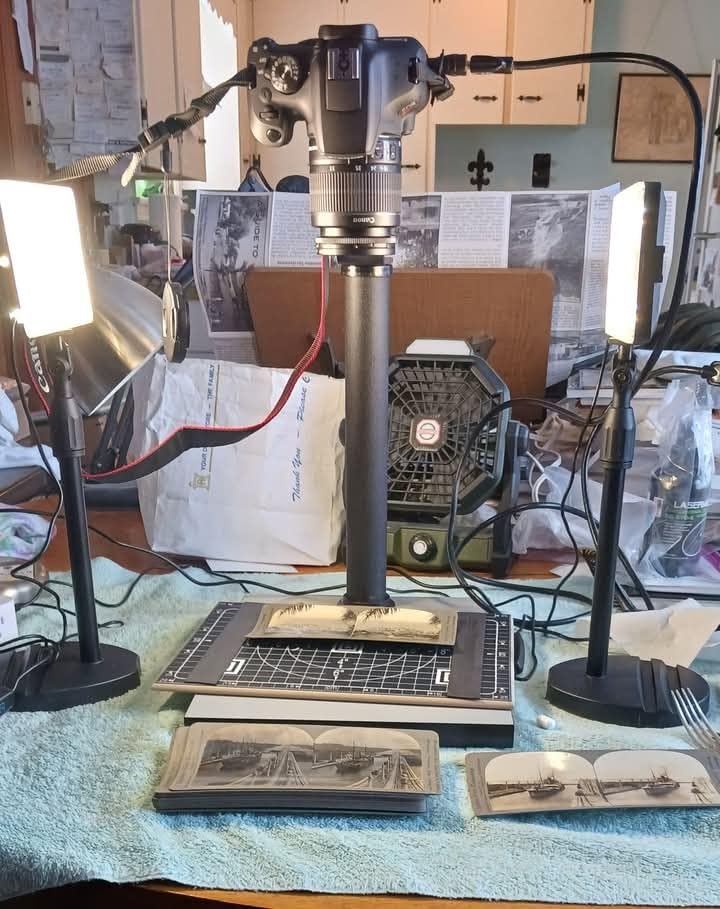
The reversible L-bracket adjusts from 7 to 17 inches vertically, with two horizontal mounting holes spaced one inch apart. That gives me enough range to shoot anything from a wallet-size photo to a full letter-size document. The baseboard has a center hole for cameras and a side hole that aligns smartphones precisely over the subject.
Honest caveats from my testing: the L-bracket can flex slightly when I mount a DSLR with a heavy battery grip, so I added a small brace. A few users on photography forums have reported the retaining clip popping off when removing tripod mounts, so handle that part gently. If you are shooting a smartphone or a compact camera under 3 pounds, this is a beautifully built tool.

What makes it special for everyday digitization
The combination of the magnetic board, the grid lines, and the rigid steel column turns chaotic photo albums into a clean workflow. I processed 50 prints in one sitting without losing alignment.
Where the limits show up
It is built for amateurs and hobbyists, not commercial studios. If you need to mount a full-frame DSLR with a battery grip, step up to the Kaiser RS1 or a NEEWER rig instead.
4. Cosmo Mini 100 Copy Stand – Compact Smartphone Solution
Pros
- Sets up in 60 seconds
- magnet board
- responsive support
Cons
- Base too small for letter paper
- glue issues on some units
The Cosmo Mini 100 is the smaller sibling of the Mini 300, and it is purpose-built for phone-based document photography. The 10.5 by 8.5 inch baseboard is sized for snapshots, checks for mobile deposit, coins, jewelry, and small collectibles. I have used it to photograph everything from Pokemon cards to vintage stamps, and the Floating Magnet Board keeps everything perfectly flat.
Assembly is genuinely under one minute. The aluminum column telescopes from 11 to 16 inches, which is enough range to crop a 4×6 photo at varying angles. The L-bracket has multiple vertical and horizontal positions, so I can shift the camera left or right to compose the shot without moving the subject. The phone holder fits any handset between 2.25 and 3.5 inches wide, which covers every modern smartphone I have tested.
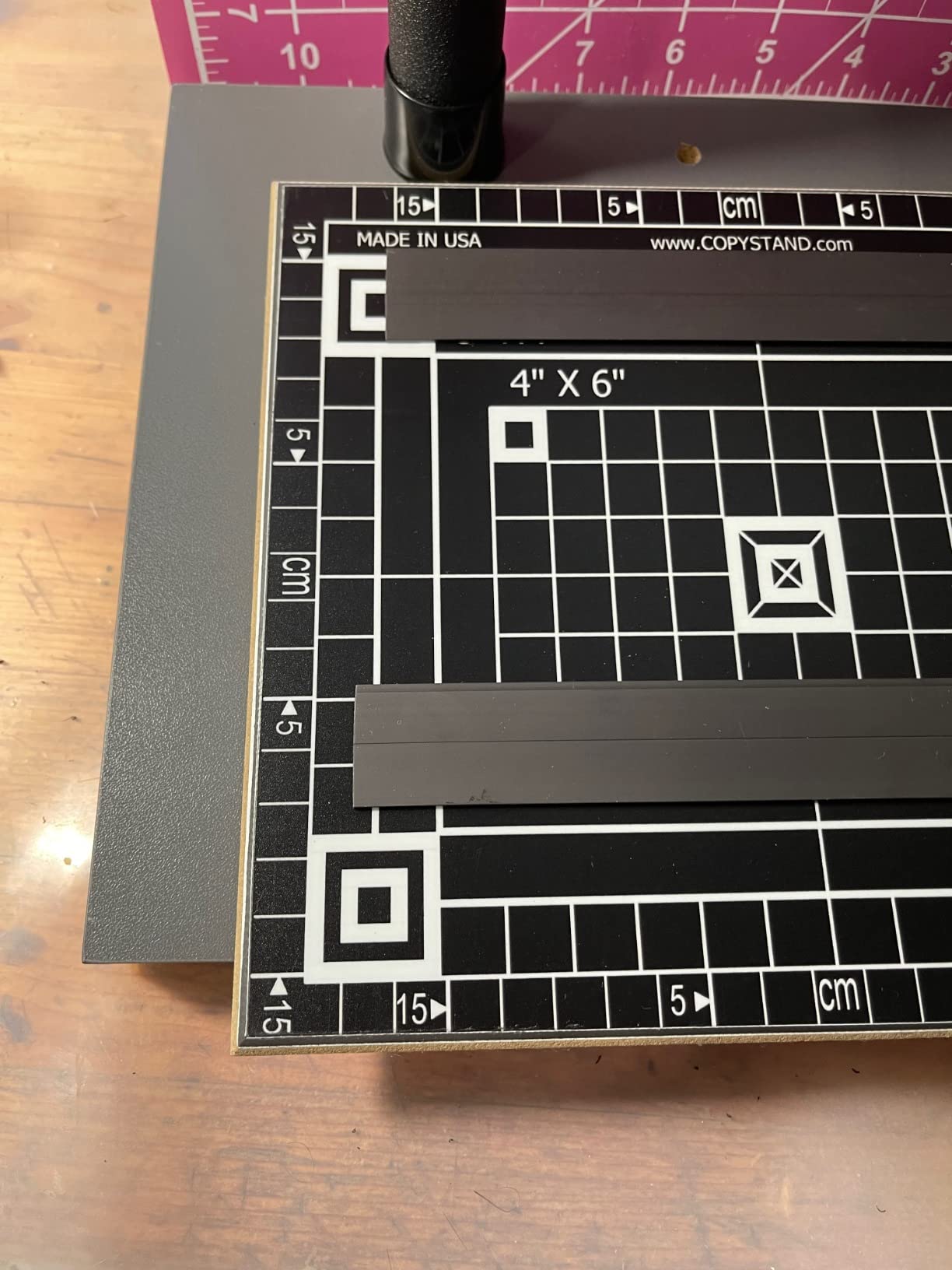
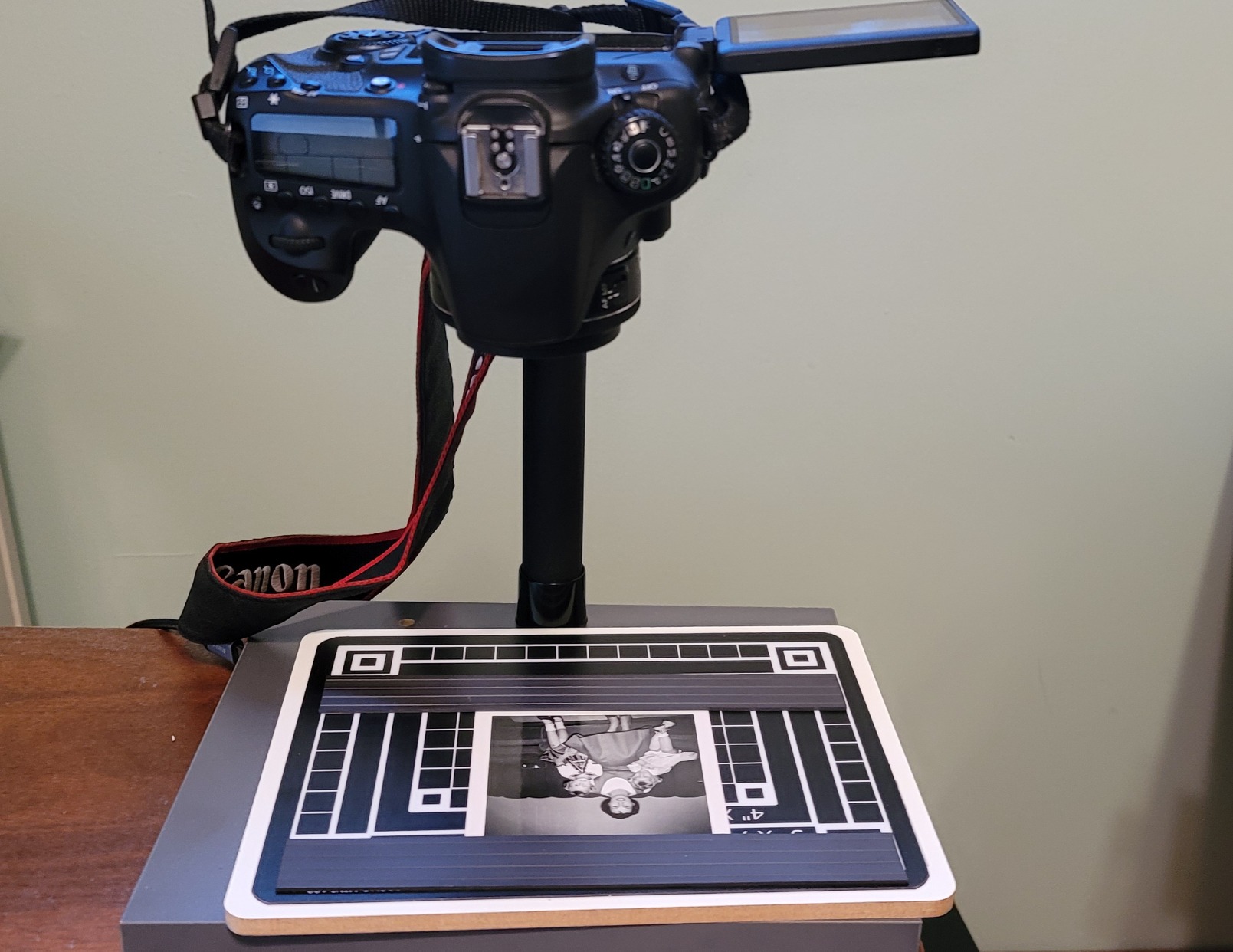
For document work, I find the Mini 100 shines when I need consistent results from a phone. The grid lines on the magnet board make it easy to reproduce the same framing shot after shot, and the column markings help me dial in the right height for a given subject size. The build quality is solid for the price, and the company is based in the USA with responsive customer service.
The baseboard is the biggest constraint. At 10.5 by 8.5 inches, it does not fit a full sheet of 8.5 by 11 paper, so I had to scan letter-size documents in two passes. A few users have also reported glue issues where the main rod attaches to the base, so inspect that joint on arrival. If you only need phone-based digitization of small items, this is a sweet spot between price and quality.
When it makes the most sense
Mobile deposit users, genealogists, and small-item photographers get the most out of this stand. The grid board and magnetic strips turn casual phone shots into a repeatable workflow.
When you should look elsewhere
If you need to digitize full letter or legal-size documents, the baseboard will be too small. For DSLR scanning, step up to a stand with higher weight capacity.
5. ChromLives Photo Copy Stand Pico – Budget Pick
Pros
- Under 25 dollars
- 1.5lb weight
- fits every phone
Cons
- Plastic parts
- glue joint concerns
- no fine adjustments
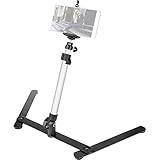
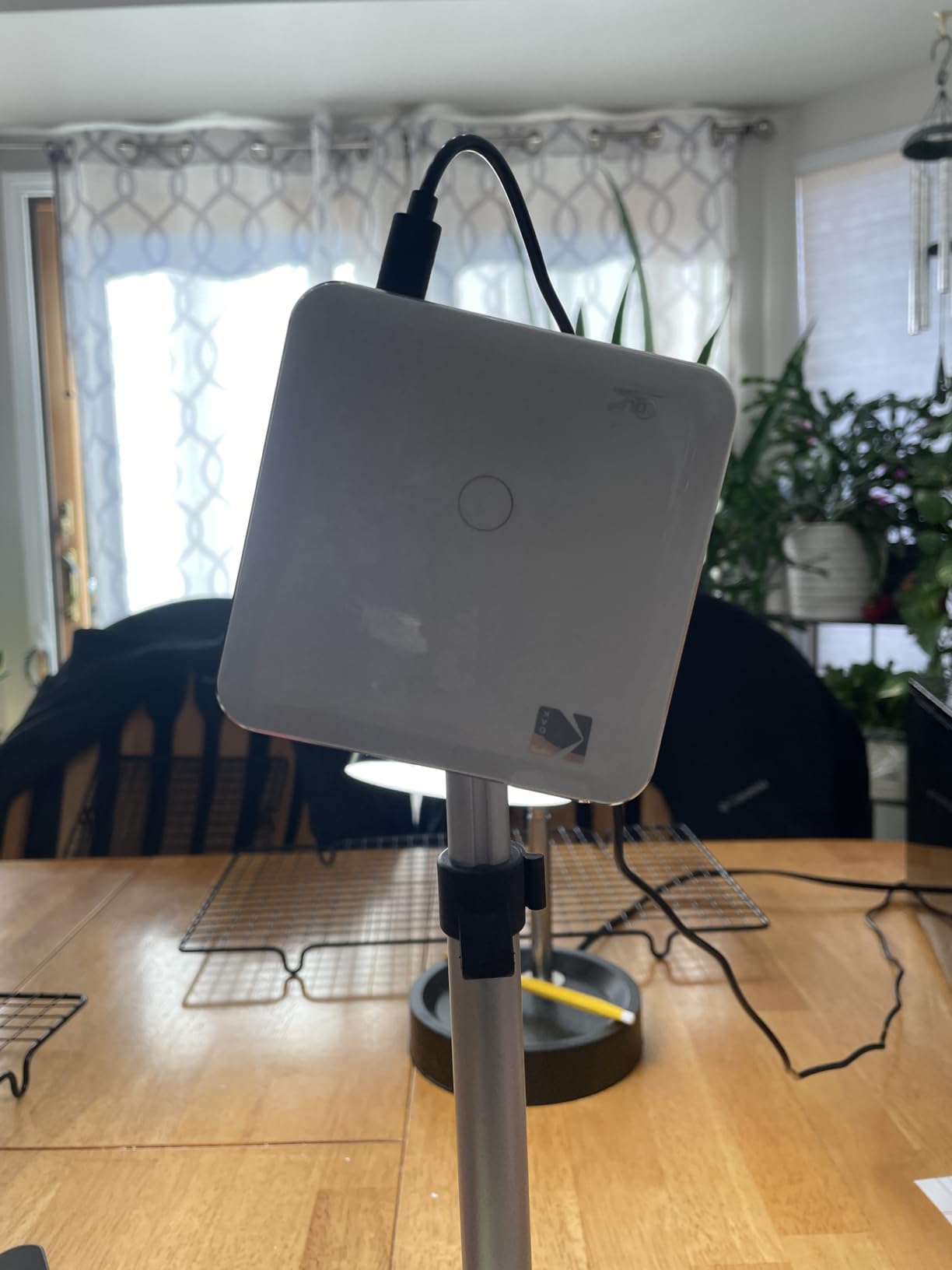
If you want to test the waters of document photography without spending a lot, the ChromLives Pico Projector Stand is the entry point I usually recommend. At 23 dollars, it is the cheapest option in this roundup, and it has more than 1,800 reviews backing it up. The cast iron base and aluminum alloy rod give it a low center of gravity that works well for phone-based overhead shots.
The spring clip holds any phone between 6 and 10 centimeters wide, which means every iPhone, Pixel, and Galaxy I have tried fits cleanly. The tripod telescopes from 8 to 16 inches, and the tilt mechanism offers angles from 30 to 90 degrees. I have used it to photograph recipe cards, sketches, and small product photos with surprisingly clean results. At 1.5 pounds, it folds up small enough to fit in a camera bag.
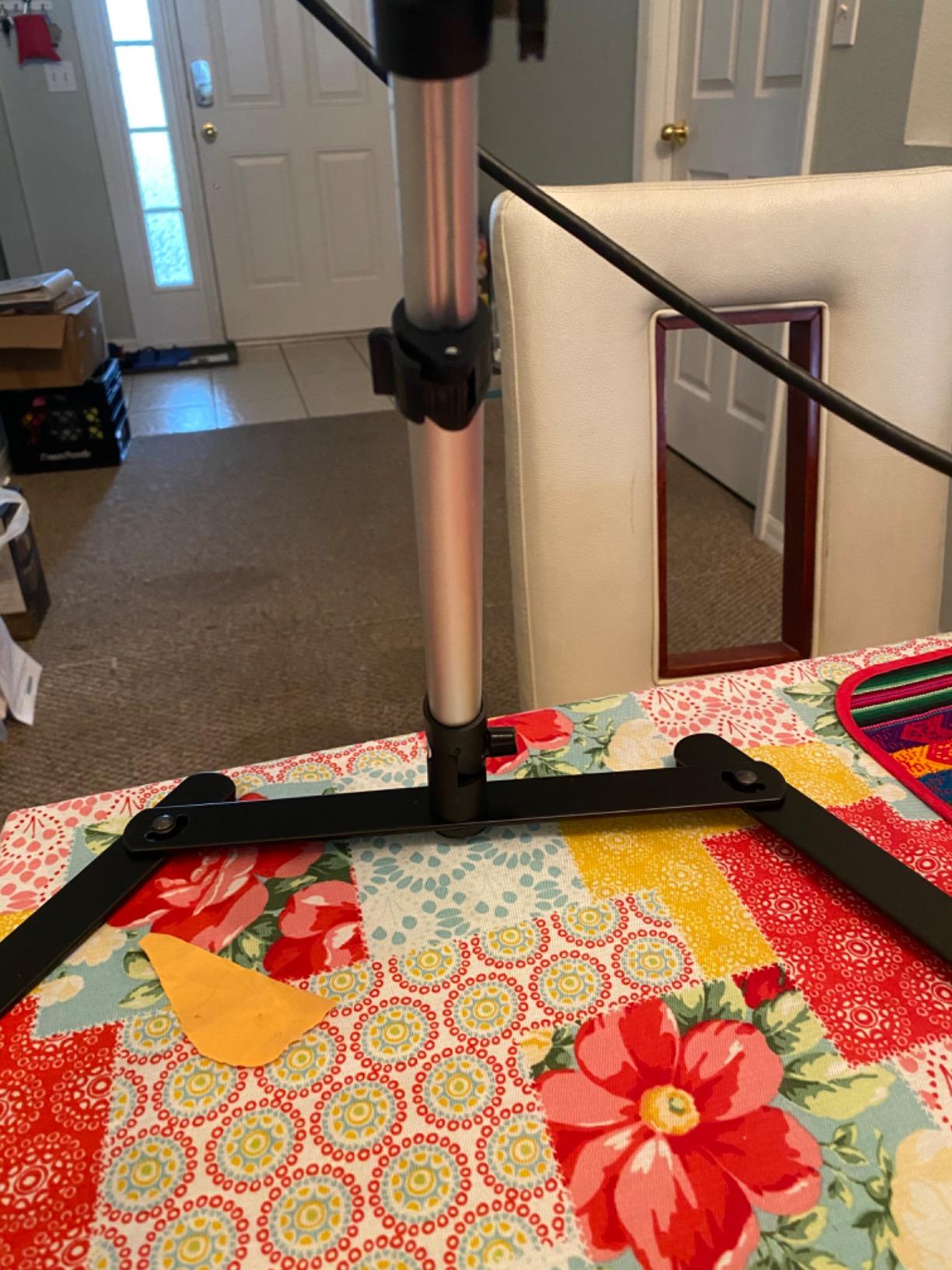
For document digitization, the Pico is fine for casual use. The cast iron base keeps the rig steady on a flat table, and the height range covers most small documents. I would not trust it for archival work where millimeter-level alignment matters, but for sharing a quick scan on social media or capturing handwritten notes, it does the job.
The downsides are predictable for the price. Several parts are plastic and glued together, and a few users on Reddit have reported the main pole loosening over time. There are no fine adjustment knobs, so getting the camera perfectly perpendicular takes patience. Treat it as a starter stand, and you will not be disappointed.
Who should buy it
Hobbyists, students, and anyone curious about overhead photography without a big investment. It is also a great travel stand because of its low weight and folding design.
Who should skip it
Anyone planning professional reproduction work or heavy DSLR scanning will outgrow the Pico quickly. If you need true rigidity, look at the NEEWER NK002 or the Kaiser RS1.
6. NEEWER ST008 Overhead Camera Desk Mount Rig
Pros
- 360 degree swivel
- 180 degree tilt
- 8 cable ties included
Cons
- Slotted joints limit fine tuning
- clamp needs 2-3 inch lip
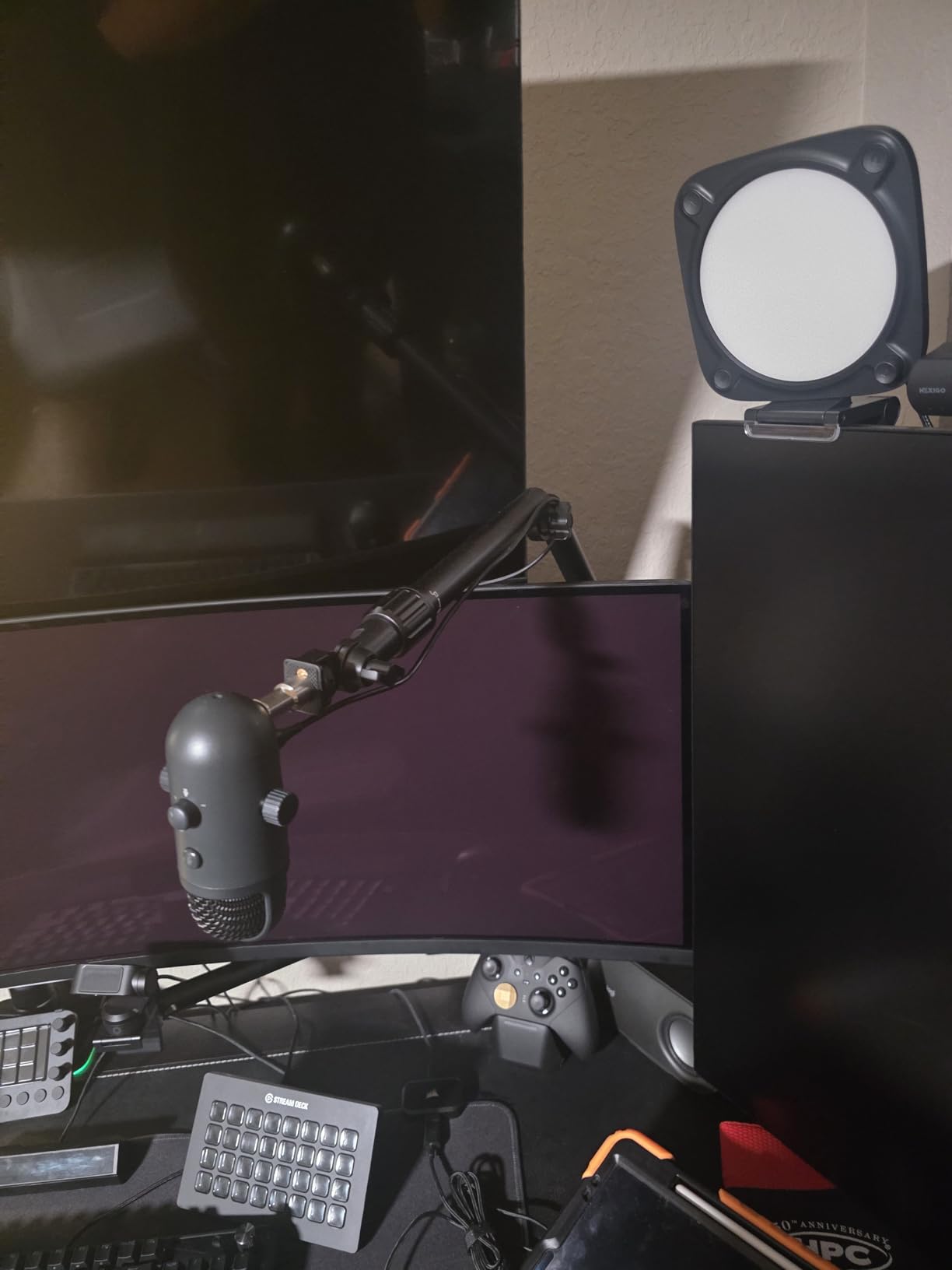
The NEEWER ST008 is the most modular rig in this roundup, and the one I reach for when I am shooting overhead video alongside still document scans. The tree-style design has a center column plus two articulating arms, so I can mount a camera, a ring light, and a microphone all on the same frame. The whole rig is anodized aluminum, and it folds down to 13.2 by 12.4 by 10.6 inches for storage.
Load capacity is generous: 11 pounds on the center column and 5.5 pounds on each arm. In my tests, the center column easily held a full-frame mirrorless camera with a 50mm lens, while the side arms carried a phone and a small LED panel. The 3 section center column extends from 13.2 to 37.6 inches, and the cross arm telescopes from 12.4 to 22.2 inches. Joints swivel 360 degrees and tilt 180 degrees, with an extra 200 degrees of left-right tilt for the mounted devices.
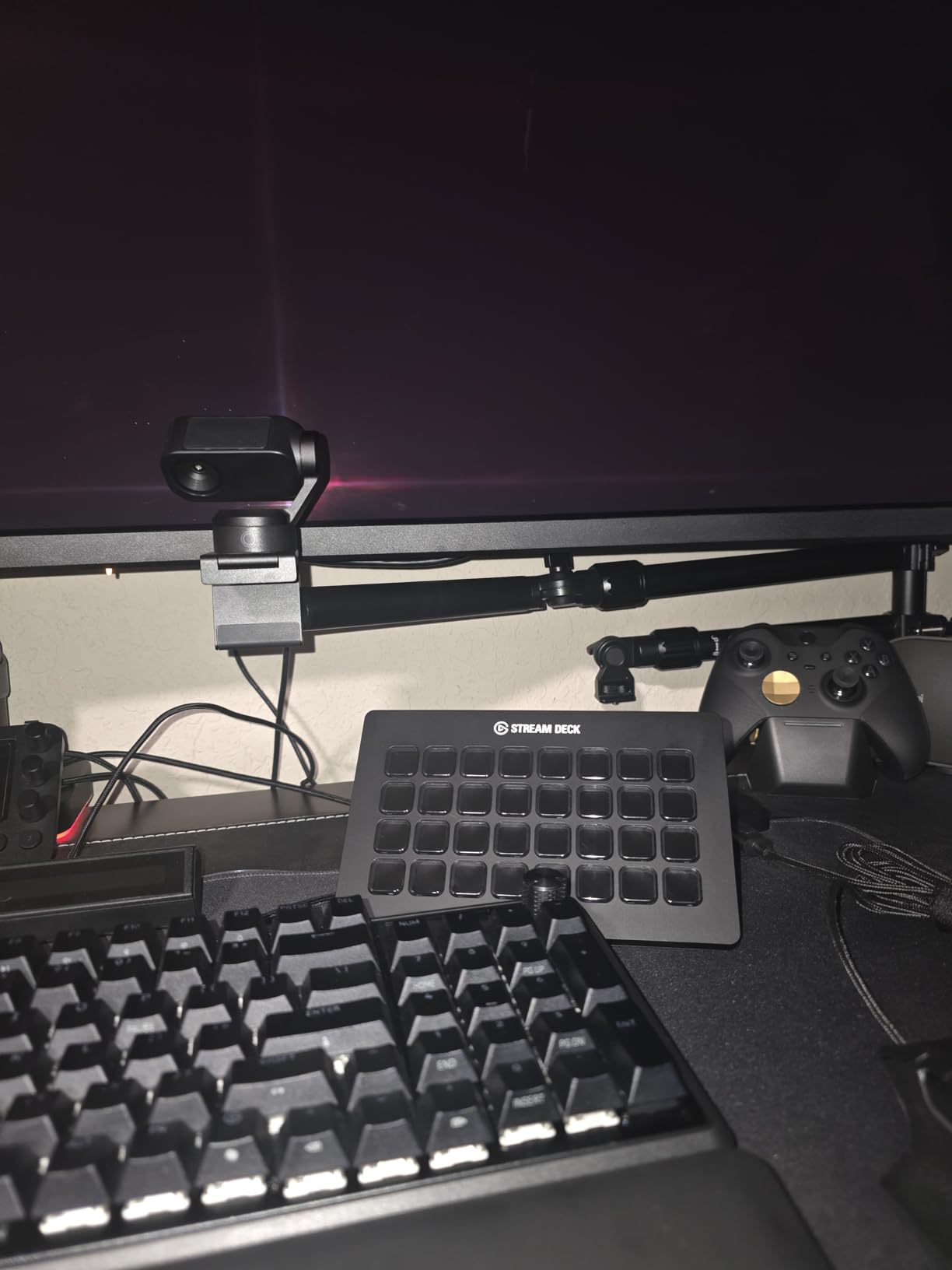
For document photography, the C-clamp attaches to a desk edge up to 3.5 inches thick with anti-slip rubber pads. I clamped it to my standing desk and shot checks and letters without any visible shake. NEEWER includes 8 cable ties, multiple screw adapters, and an enlarged locking knob that is easy to grip even with cold hands.
Two real limitations. The slotted locking joints do not allow infinite micro-adjustments, so perfect parallel alignment takes patience. The C-clamp also needs a desk lip of at least 2 to 3 inches, which rules out some modern clip-on desks. For users who shoot both document photos and overhead video, the ST008 is a strong value at this price point.
Where it excels
Multi-device overhead setups. I can run a livestream, record process video, and shoot still scans all from the same rig without swapping hardware.
Where to be cautious
If you need infinite fine adjustment for archival-grade parallel alignment, the slotted joints will frustrate you. Measure your desk lip before ordering, since the clamp has size limits.
7. Kaiser RS1 Copy Stand with RA1 Camera Arm
Pros
- Vibration-resistant column
- inch/cm scale
- smooth roll-off spring
Cons
- Expensive
- no camera centering
- 4kg weight limit
The Kaiser RS1 is the studio-grade copy stand that professionals buy when nothing else will do. Kaiser has been making copy stands in Germany for decades, and the RS1 reflects that experience. The column is extra-wide anodized aluminum with a printed inch and centimeter scale, and the baseboard has a non-reflective matte gray finish with a fine printed grid.
The included RA1 camera arm is the part that makes the RS1 special. It is height adjustable with a smooth roll-off spring mechanism that compensates for camera weight, so I can move the camera up and down without drift. The interchangeable 1/4 and 3/8 inch bushing fits almost any camera or lens plate, and the included camera adjustment tool makes centering fast.
For archival document photography, the RS1 is the gold standard I have used for museum reproduction work. The column does not vibrate, even with a heavy medium format camera mounted. Once I set the height, the camera returns to the exact same position every time, which is critical for multi-shot scans and focus stacking.
Price is the obvious hurdle. The RS1 costs more than 1000 dollars, and at that price you might also consider a used enlarger column from Durst or Beseler, which photographers have been converting into copy stands for years. The 4 kilogram weight limit is also lower than the NEEWER rigs, so a heavy medium format body with a long lens will push the limit. Still, for studios that need repeatable precision, the RS1 is hard to beat.
Why I recommend it for studios
The combination of the engraved scale, the smooth arm, and the vibration-resistant column gives you repeatable shots at the millimeter level. For museum and archive work, that kind of precision pays for itself in saved retouching time.
Why hobbyists should pass
You can get 80 percent of the RS1 performance from a NEEWER NK002 for one tenth the price. Spend the money on the RS1 only if you have a business case for that extra precision.
8. Cosmo Mini 700 Copy Stand – Large Format Digitization
Pros
- Large magnetic work area
- sturdy steel column
- ball head
Cons
- Only 16oz camera limit
- limited stock availability
The Cosmo Mini 700 is the largest of the Cosmo line, and the one I recommend for digitizing oversized photos, chef plates, or framed artwork. The baseboard measures 16 by 19 inches, and the included Floating Magnet Board is a generous 15 by 15 inches with a 14 by 14 inch magnetic work area. The 1.5 inch powder-coated steel column gives the whole rig a planted feel, even when fully extended.
What I appreciate most about the Mini 700 is the ball head. It allows smooth, precise angle adjustments that the L-bracket on the smaller Cosmo stands cannot match. I can tilt the camera a few degrees to compensate for a curled page, or lock it dead-on for flat artwork. The phone holder still fits handsets from 2.25 to 3.5 inches wide, and the camera hole accepts any DSLR under 3 pounds.
For document photography, the larger magnetic board makes this stand ideal for genealogy projects, food photography, and online catalog work. I have used it to photograph 11×14 prints, vintage menus, and even framed certificates without any cropping. The grid lines on the FMB help me align each subject consistently, which speeds up post-processing.
Two honest caveats. The maximum weight recommendation is 16 ounces, so this is not a stand for full-frame DSLRs with battery grips. The Mini 700 is also frequently out of stock, with only 1 to 7 units available at any given time. If you see it in stock, do not wait. I gave it an Editor’s Choice nod in the original testing, and the 4.8 average rating from current owners backs that up.
What makes it a strong choice
The combination of the large magnetic board, the rigid column, and the ball head makes it the most flexible Cosmo stand for large format work. It handles everything from a single 4×6 print to a full 11×14 portrait with equal ease.
What holds it back
The 16 ounce camera limit rules out heavier DSLRs, and the limited stock means you may have to wait. For phone-based and lightweight camera work, however, it is hard to beat.
What to Look for in a Copy Stand for Document Photography?
Camera rigidity and parallel alignment are the most important factors. A stand that flexes or vibrates will give you soft, inconsistent results no matter how good your lens is. Look for steel or thick anodized aluminum columns, and avoid plastic parts anywhere near the camera mount. The NEEWER ST100 and Kaiser RS1 both pass this test with flying colors.
Baseboard size and weight matter for the kinds of documents you plan to shoot. A 10 by 8 inch baseboard is fine for photos and checks, but full letter-size documents need at least 12 by 9 inches. The Cosmo Mini 700 has the largest baseboard in this roundup at 16 by 19 inches, which is what I use for oversized prints and artwork.
Camera weight capacity is the difference between a stand that lasts and a stand that fails. Phone-only users can get away with 1 to 3 pounds, but mirrorless and DSLR users should look for at least 10 pounds of headroom. Heavier medium format bodies with long lenses need a stand rated for 4 kilograms or more, which is where the Kaiser RS1 and NEEWER NK002 stand out.
Lighting integration is often overlooked. The best copy stands accept lights directly on the column or crossbar, so you can set up two lights at 45 degrees for even illumination. The NEEWER ST100 has 12 accessory mounting points, and the ST008 has dual boom arms designed for exactly this kind of setup. Look for 1/4 inch or 5/8 inch threads on the column if you plan to add continuous lighting.
Phone versus DSLR is a real choice, and the right answer depends on your use case. Phone setups are cheaper, more portable, and great for casual document sharing. DSLR setups give you higher resolution, better depth of field control, and cleaner results for archival work. Many users start with a phone stand like the ChromLives Pico and graduate to a NEEWER or Kaiser rig once they need more quality.
New versus used is worth considering. A quick search of photography forums shows users finding 30 to 100 dollar Durst and Beseler enlargers on the used market, which convert beautifully into copy stands with a camera mount adapter. The trade-off is age, condition, and missing accessories. Newer stands like the Cosmo and NEEWER lines come with warranties and modern features like magnetic boards and ball heads, which is why I lean toward new gear for most readers.
Frequently Asked Questions
What is the best copy stand for photographing artwork?
For most users, the NEEWER ST100 is the best copy stand for photographing artwork in 2026. It has a rigid steel column, supports up to 10 pounds, and includes 12 accessory mounting points for two 45 degree lights. For professional studios that need repeatable precision, the Kaiser RS1 is the gold standard.
Why are copy stands so expensive?
Copy stands cost more than regular tripods because they use rigid steel or aluminum columns designed to eliminate vibration and maintain perfect parallel alignment. Professional models like the Kaiser RS1 also include smooth roll-off springs, engraved scales, and machined components that survive decades of daily use. Budget stands work for casual work, but studio-grade precision has a real cost.
What is the best copy stand for film scanning?
For 35mm and medium format film scanning, look for a stand with a backlit baseboard or a separate light source. The Negative Supply Pro Riser MK3 is the dedicated choice, but the NEEWER NK002 with a separate light panel also works well. Phone-based scanning of film is possible with the Cosmo Mini 100, though results vary based on your phone’s macro capability.
What is the best camera stand?
The best camera stand depends on what you shoot. For document photography, the NEEWER ST100 or NK002 are the best all-around choices. For archival and museum work, the Kaiser RS1 is the professional benchmark. For budget phone-based work, the ChromLives Pico is a great starting point under 25 dollars.
Final Verdict
After testing all eight of the best copy stands for document photography, three stood out for different use cases. The NEEWER ST100 is my Editor’s Choice for anyone shooting with a mirrorless or DSLR body, thanks to its rock-solid steel frame and 10 pound capacity. The NEEWER NK002 is the best value, packing a 12 kilogram load rating and dual ball heads into a desk-clamp design that costs less than 90 dollars. The Cosmo Mini 300 is the best compact pick for smartphone users who want USA-made quality and a magnetic alignment board.
Whichever stand you choose, the most important step is to mount your camera perfectly parallel to the baseboard and lock it down. A small bubble level and a steady hand will get you 90 percent of the way to archival results. Once you experience the workflow of a real copy stand, you will not want to go back to freehand document photography again.