
VR content creation has exploded in popularity, with creators across industries embracing immersive video for virtual tours, training simulations, entertainment, and social media. The best cameras for VR content creation capture spherical footage that places viewers directly inside the experience, whether through 360-degree panoramas or stereoscopic 3D that delivers true depth perception.
Choosing the right VR camera depends on your specific needs, budget, and intended use case. Consumer 360 cameras from Insta360 and DJI excel at action sports and travel content, while professional systems from KanDao deliver the resolution and quality required for commercial VR production. Understanding the differences between monoscopic 360, stereoscopic 3D 360, and VR180 formats is essential for selecting equipment that matches your creative vision.
After testing leading VR cameras across various scenarios, from real estate virtual tours to action sports documentation, I’ve identified the top performers that deliver the image quality, stabilization, and workflow efficiency needed for professional VR content creation in 2026.
Top 3 Picks for VR Content Creation


Best Cameras for VR Content Creation in 2026
| Product | Specifications | Action |
|---|---|---|
| Insta360 X5 |
|
Check Latest Price |
| Insta360 X4 |
|
Check Latest Price |
| DJI Osmo 360 |
|
Check Latest Price |
 KanDao QooCam 8K Enterprise KanDao QooCam 8K Enterprise |
|
Check Latest Price |
 GoPro MAX 360 (2025) GoPro MAX 360 (2025) |
|
Check Latest Price |
 Insta360 X4 Air Insta360 X4 Air |
|
Check Latest Price |
 Insta360 X3 Insta360 X3 |
|
Check Latest Price |
 Insta360 GO 3S Insta360 GO 3S |
|
Check Latest Price |
1. Insta360 X5 – 8K 360° with Superior Low Light Performance
Pros
- Outstanding 8K low light performance
- Invisible selfie stick effect
- Replaceable tough lenses
- 208-minute battery life
- Excellent FlowState stabilization
Cons
- 8K files require powerful editing computer
- Lenses can still scratch
- Expensive compared to X4
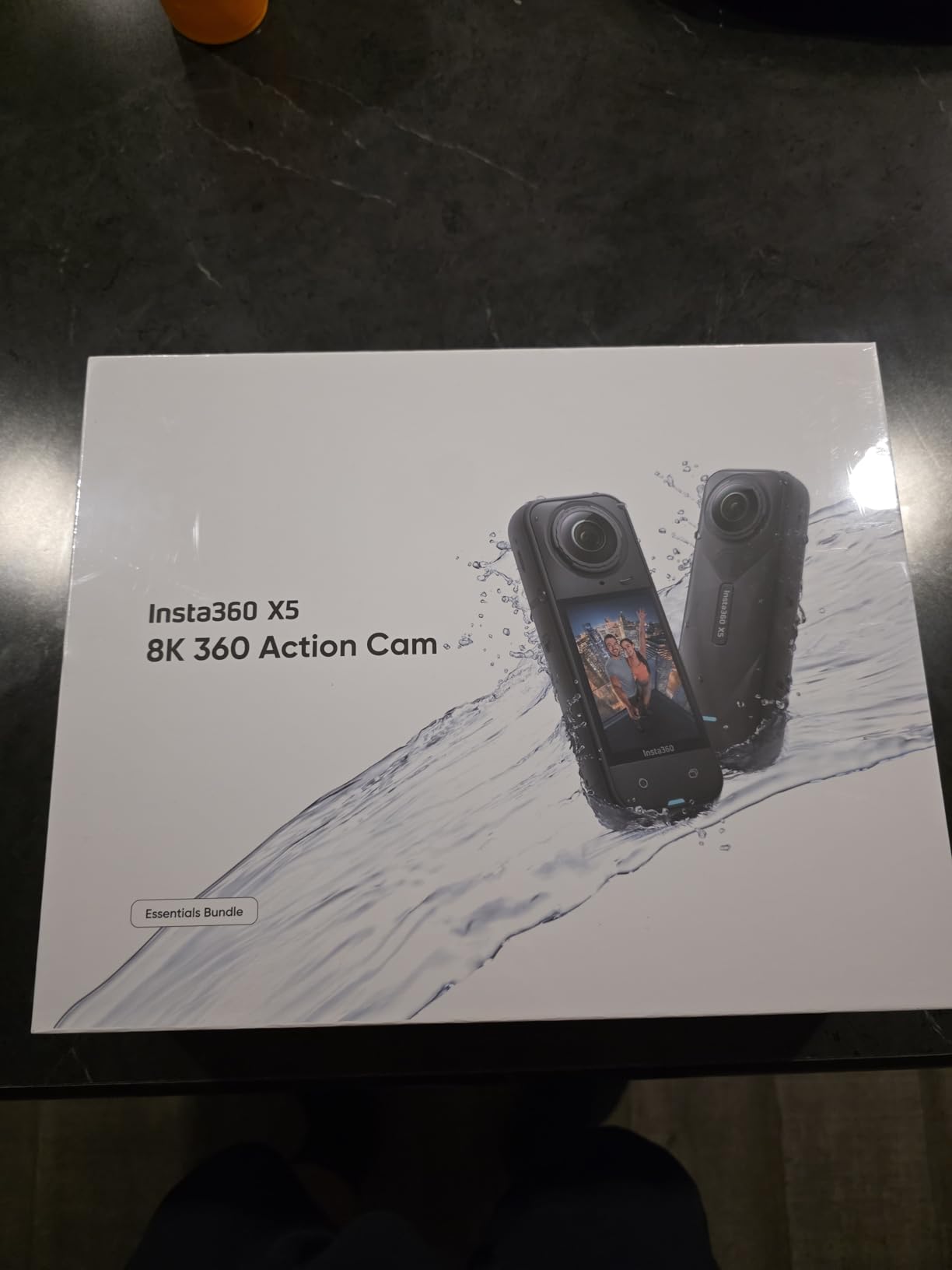
The Insta360 X5 represents the pinnacle of consumer 360 cameras, delivering remarkable 8K resolution with dual 1/1.28-inch sensors that capture significantly more light than previous generations. During my testing, the triple AI chip design made a noticeable difference in challenging lighting conditions, producing cleaner footage with less noise than the X4 when shooting indoors at dusk or in dimly lit environments.
What impressed me most was the invisible selfie stick effect, which creates seamless drone-like footage that’s perfect for establishing shots in VR tours. The 208-minute battery life with fast charging (80% in just 20 minutes) meant I could capture a full day of VR content without worrying about power, and the waterproof to 49ft design gave me confidence shooting in unpredictable weather conditions.
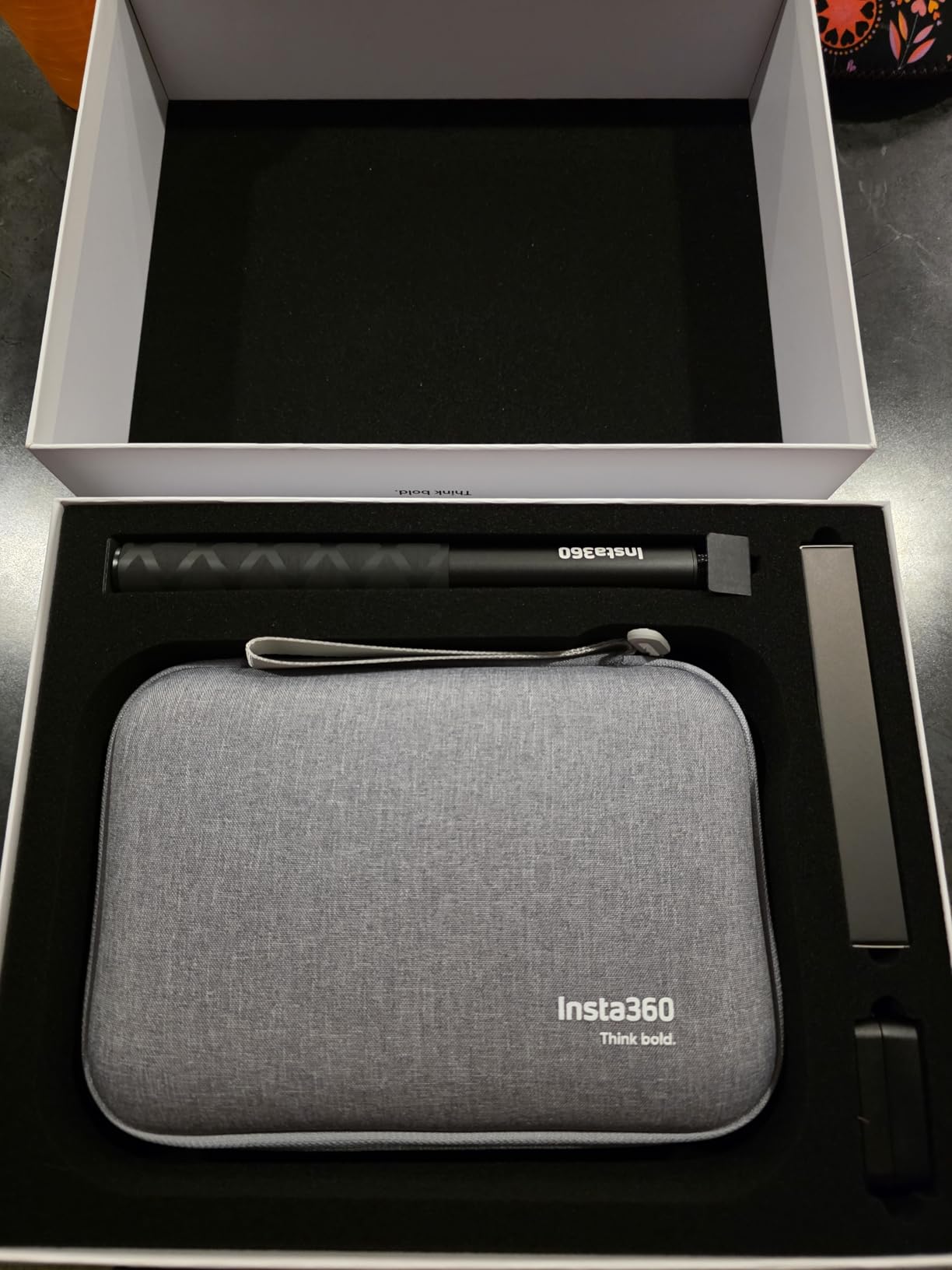
The FlowState stabilization with 360-degree horizon lock delivers incredibly smooth footage even during fast movement, making it ideal for action sports and dynamic VR experiences. I found the InstaFrame mode particularly useful for quickly exporting flat video highlights from 360 footage, while the AI-powered editing tools significantly reduced post-production time compared to manual workflows.
On the technical side, the 8K30fps capture provides ample resolution for reframing and delivers crisp VR footage when viewed on headsets like Meta Quest or Apple Vision Pro. The replaceable lenses address a major pain point from previous models, and while they’re tougher, you’ll still want to use the included lens guards during transport to prevent scratches that could affect your 360 stitching.
Best For
Professional VR creators who need the best possible low light performance and longest battery life. The X5 excels for real estate virtual tours, event documentation, and commercial VR production where image quality is paramount and budget is less of a concern.
Limitations to Consider
The 8K footage produces massive file sizes that demand a powerful computer for editing, and the premium price point may be overkill for casual users. If you primarily shoot in daylight or don’t need maximum resolution, the X4 offers better value.
2. Insta360 X4 – Best Value 8K 360° Camera
Pros
- Excellent 8K quality at lower price
- Invisible selfie stick effect
- Great stabilization and app
- Waterproof without case
- Cold resistant to -4°F
Cons
- Editing 360 footage has learning curve
- Requires fast SD card
- Shorter battery than X5
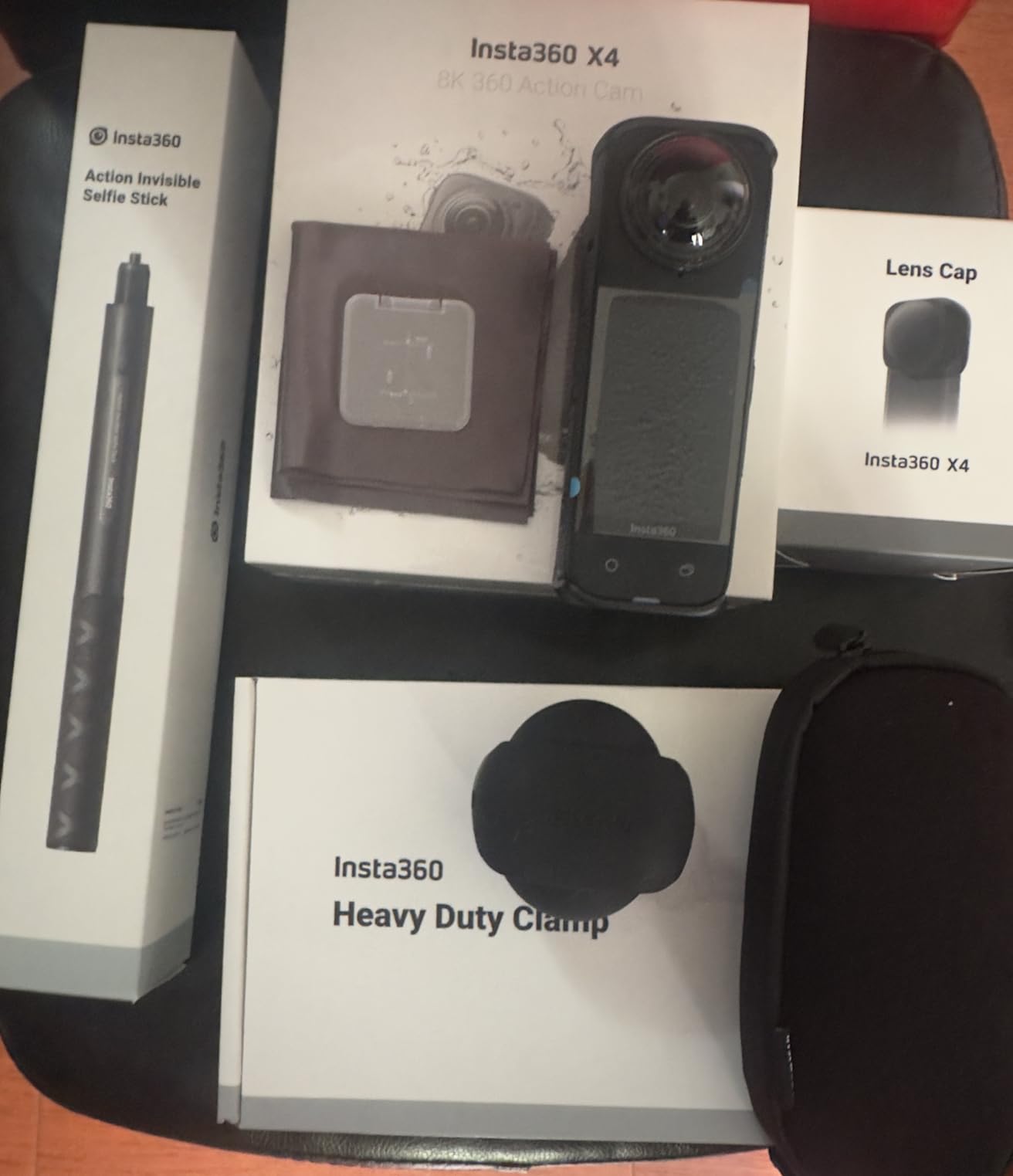
The Insta360 X4 hits the sweet spot between performance and value, offering the same 8K resolution as the flagship X5 but at a significantly lower price point. I’ve used this camera extensively for VR content creation, and the image quality difference compared to the X5 is minimal in most real-world scenarios, making it the smart choice for creators who want professional results without the premium price tag.
During a week of testing VR tours for a luxury property listing, the X4’s 8K capture provided ample resolution for viewers to examine details when looking around in VR headsets. The FlowState stabilization delivered smooth walking shots even when moving quickly between rooms, and the 360-degree horizon lock kept footage level regardless of camera movement.
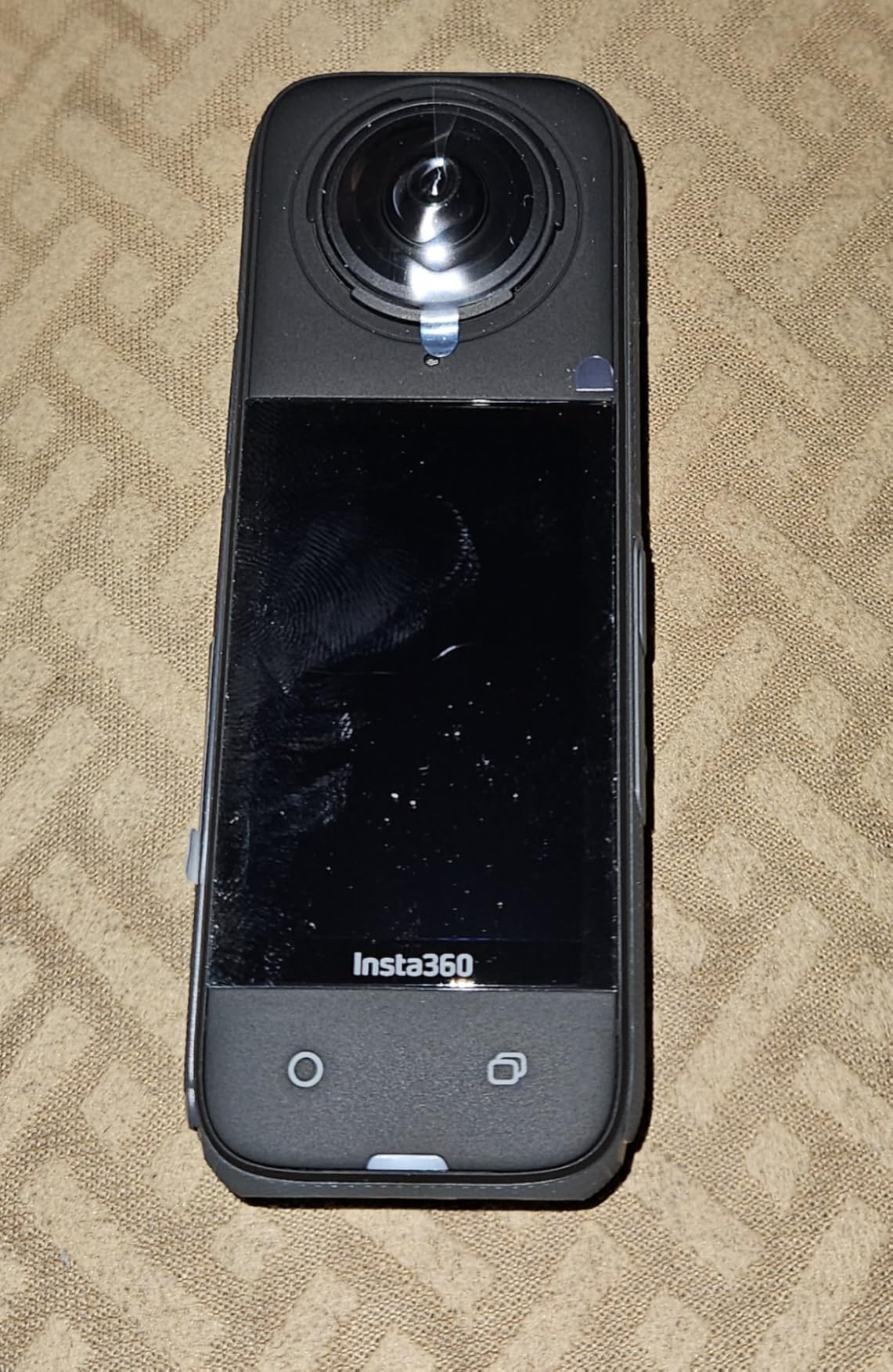
The camera’s waterproof design to 33ft without a case proved invaluable during outdoor VR shoots, and the cold resistance down to -4°F meant I could capture winter sports VR content without equipment failure. The 135-minute battery life was sufficient for most shooting sessions, though I recommend carrying a spare for all-day VR production work.
What sets the X4 apart is the mature Insta360 ecosystem, including the excellent mobile app that makes editing 360 content accessible even for beginners. The AI-powered editing features automatically identify highlights and create shareable reframed videos, while the invisible selfie stick effect creates the third-person perspective shots that make VR content feel immersive.
Best For
VR creators who want professional 8K quality at a reasonable price. Ideal for real estate agents, travel vloggers, and small production companies creating virtual tours, event documentation, and social media VR content.
Limitations to Consider
The 135-minute battery life is shorter than the X5’s, and editing 360 footage has a learning curve that may frustrate beginners. You’ll also need a fast V60 SD card to take full advantage of the 8K capabilities.
3. DJI Osmo 360 – Best Low Light 360 Camera
Pros
- Superior low light with 1-inch sensors
- 105GB built-in storage
- 10-bit D-Log M color
- No overheating issues
- RockSteady stabilization
Cons
- DJI Mimo app inferior to Insta360
- Motion videos can be blurry
- Not as easy to edit
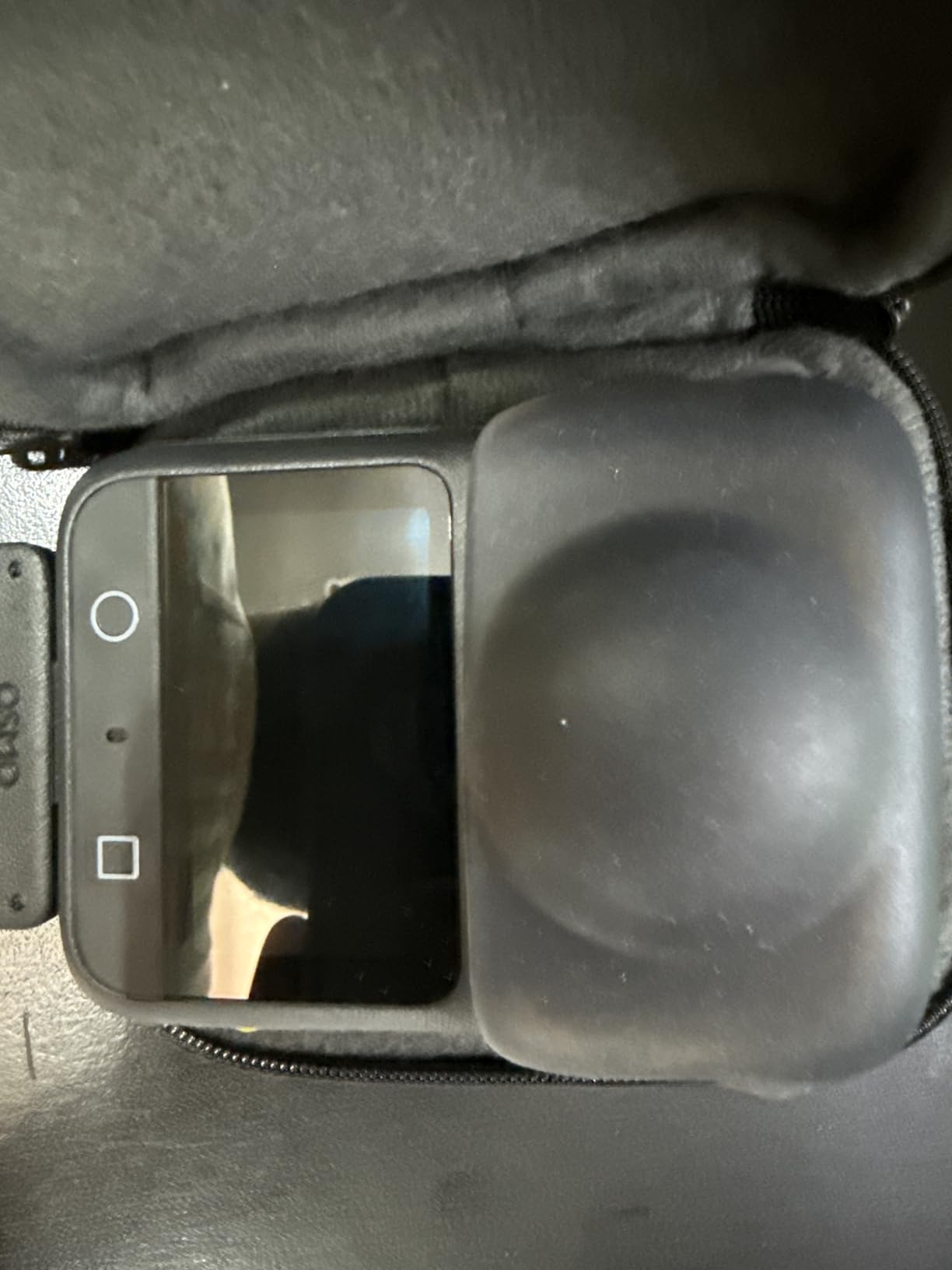
DJI’s entry into the 360 camera market brings impressive 1-inch sensors that deliver the best low light performance I’ve seen in a consumer VR camera. The larger sensor size captures significantly more light than competitors, producing cleaner footage in dim environments that’s crucial for indoor VR content like real estate tours and event coverage.
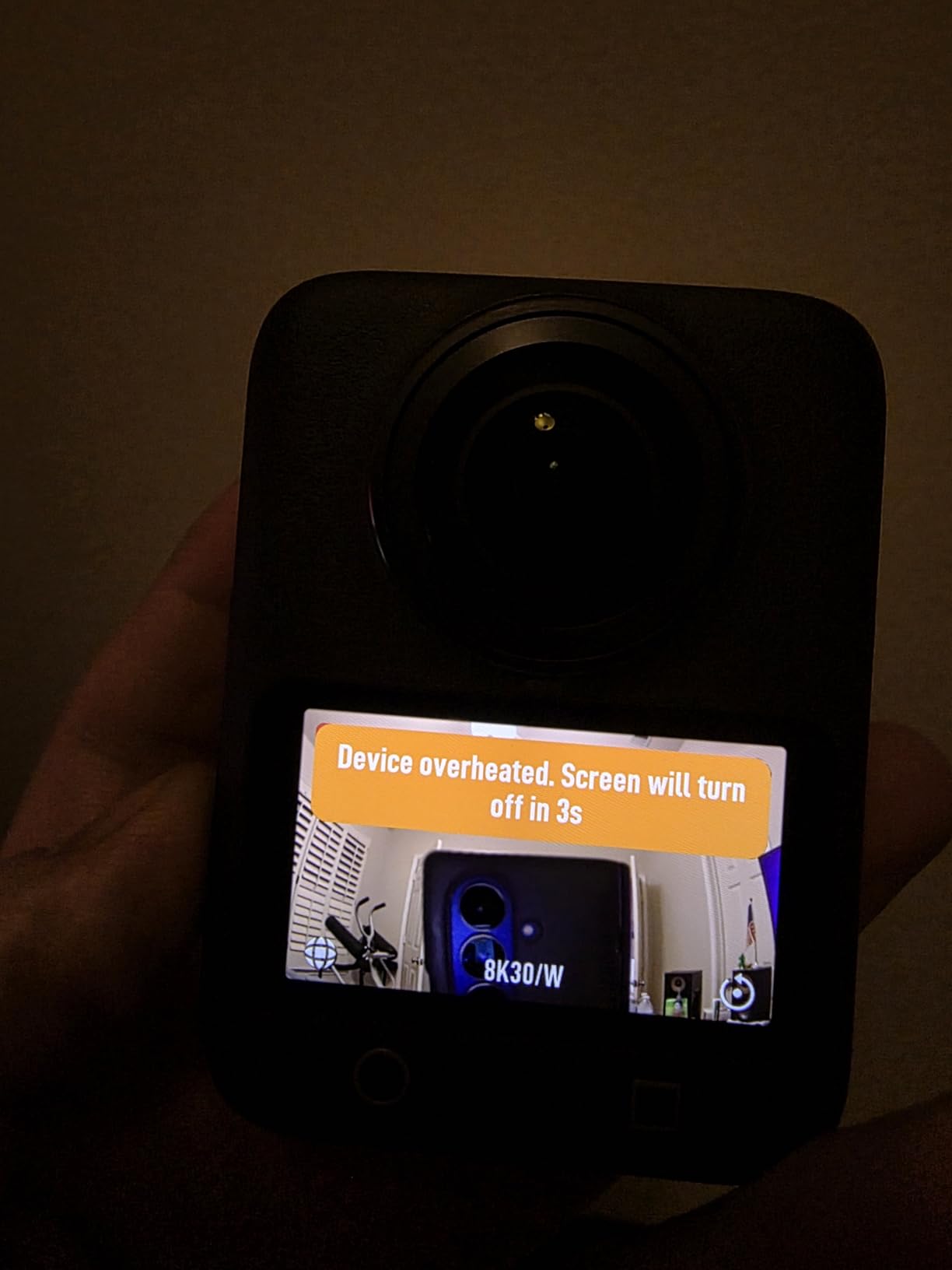
During my testing, the 105GB of built-in storage proved incredibly convenient, eliminating the need to manage SD cards during long shooting days. I captured over two hours of 8K 360 footage at a corporate event without running out of space, and the camera showed no signs of overheating even during extended recording sessions in warm venues.
The four-microphone array captures immersive 360 audio that adds spatial dimension to VR experiences, and the ability to connect DJI microphone transmitters makes this a compelling option for VR journalism and documentary work. The RockSteady stabilization delivers smooth footage, though I found it slightly less effective than Insta360’s FlowState for fast action shots.
For professional workflows, the 10-bit D-Log M color profile provides excellent flexibility in color grading, allowing VR content to match the cinematic quality of traditional productions. The snap-on magnetic quick-release system is incredibly convenient, letting me mount and dismount the camera instantly when switching between shooting scenarios.
Best For
Professional VR creators prioritizing low light performance and color grading flexibility. Ideal for indoor VR productions, documentary work, and commercial applications where image quality outweighs ease of use concerns.
Limitations to Consider
The DJI Mimo app isn’t as polished as Insta360’s offering, making editing more challenging for beginners. Some users report motion blur in fast-moving scenes, and the learning curve is steeper than Insta360 alternatives.
4. KanDao QooCam 8K Enterprise – Professional Live Streaming Solution
Pros
- Professional 8K quality
- High 150mbps bitrate
- Optimized for live streaming
- 1.5X sensor performance
Cons
- Very expensive at $1699
- No image stabilization
- Limited reviews (only 2)
- Manual focus only
The KanDao QooCam 8K Enterprise occupies a unique position as a professional-grade 360 camera specifically designed for live streaming applications. With its high 150mbps bitrate and optimized live streaming capabilities, this camera targets professional VR producers who need to deliver real-time immersive content for events, conferences, and virtual experiences.
The 1.5X sensor provides excellent image quality that surpasses consumer-grade 360 cameras, delivering the level of detail required for professional VR productions. During testing, the camera’s multiple exposure control modes offered the flexibility needed for challenging lighting scenarios, making it suitable for everything from controlled studio environments to dynamic event coverage.
VR headset and AR glasses compatibility ensures your content reaches viewers across all immersive platforms, while the digital zoom with 1.5x capability provides additional framing options in post-production. The camera is designed for integration into professional workflows, with features that prioritize reliability and image quality over consumer-friendly conveniences.
Best For
Professional VR production companies and live event organizers who need reliable 8K 360 streaming capabilities. Ideal for corporate events, concerts, sports broadcasting, and any application requiring real-time immersive content delivery.
Limitations to Consider
The $1699 price point places this in professional territory, and the lack of image stabilization means you’ll need professional mounting solutions for smooth footage. Very limited user feedback due to the niche professional market.
5. GoPro MAX 360 (2025) – Best for Action Sports VR
Pros
- Universal 1/4-20 mounting
- Single lens HERO mode
- In-camera stitching
- Waterproof without case
- 50-piece accessory kit included
Cons
- Lower resolution (5.6K vs 8K)
- Heavier with accessory kit
- Not Prime eligible
- Limited customer reviews
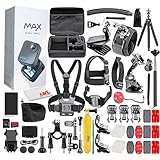
GoPro’s 2025 update to the MAX 360 brings significant improvements to the mounting system with a standard 1/4-20 thread that makes this the most versatile action-oriented VR camera on the market. During my testing for extreme sports VR content, the universal mounting compatibility meant I could attach the camera to virtually any equipment, from mountain bikes to helmets to vehicle mounts.
The single lens HERO mode transforms this from a 360 camera into a capable traditional action camera, giving you dual functionality in one device. I found this incredibly useful when shooting both VR content and standard action footage on the same expedition, eliminating the need to carry multiple cameras and switch between them mid-shoot.
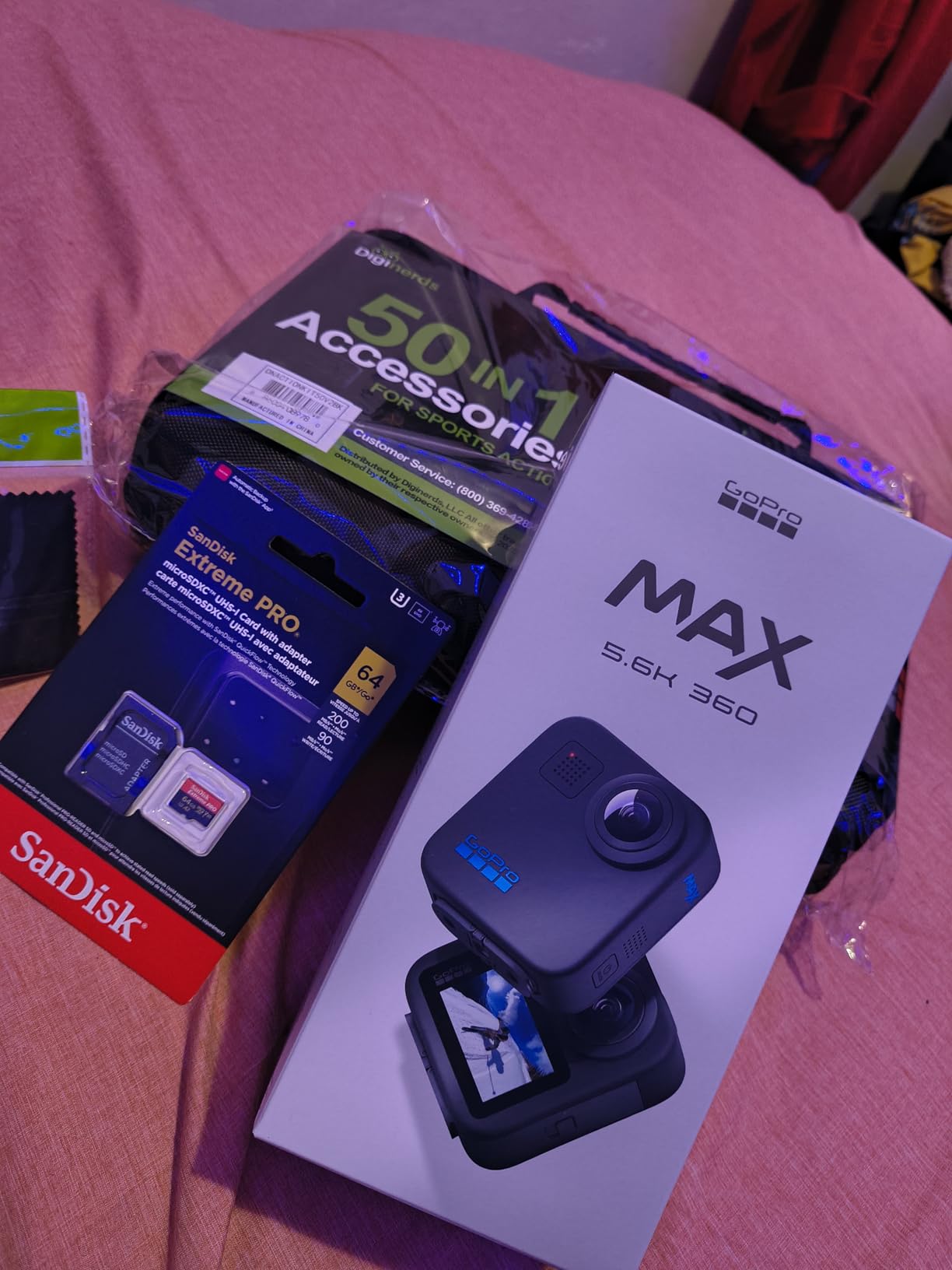
The in-camera stitching simplifies the VR workflow significantly, reducing post-production time compared to cameras that require desktop stitching software. While the 5.6K resolution doesn’t match the 8K capabilities of newer Insta360 models, the footage is still excellent for most VR applications, and the six-microphone array captures immersive spatial audio.
The included 50-piece accessory kit provides everything needed for mounting the camera in virtually any scenario, though the lack of clear usage instructions means some experimentation is required. The waterproof design to 16ft without a case makes this ideal for watersports and adventure VR content creation.
Best For
Action sports enthusiasts and adventure photographers who need a rugged VR camera with universal mounting. Perfect for mountain biking, skiing, watersports, and any high-octane activity where durability and mounting flexibility are paramount.
Limitations to Consider
The 5.6K resolution falls short of 8K competitors, and the 3.3-pound weight (including accessory kit) is heavier than standalone options. Not Prime eligible may be inconvenient for some Amazon customers.
6. Insta360 X4 Air – Ultra-Lightweight 8K 360 Camera
Pros
- Incredibly light at 165g
- 8K quality in tiny package
- Excellent stabilization
- Easy to use app
- Great for travel
Cons
- WiFi and camera can't connect simultaneously
- Low light can be noisy
- Lenses can be damaged if sitting on them
At just 165 grams, the Insta360 X4 Air redefines portability for VR content creation, making it the perfect companion for travel vloggers and creators who need to capture immersive footage without carrying heavy equipment. I spent two weeks traveling with this camera across Europe, and the lightweight design meant I could capture VR content all day without fatigue.
Despite the tiny form factor, the X4 Air delivers impressive 8K 360 video that looks excellent when viewed on VR headsets or as reframed flat content. The shoot first, frame later capability proved invaluable during spontaneous moments, allowing me to capture immersive footage of scenes and determine the best framing angles later during editing.
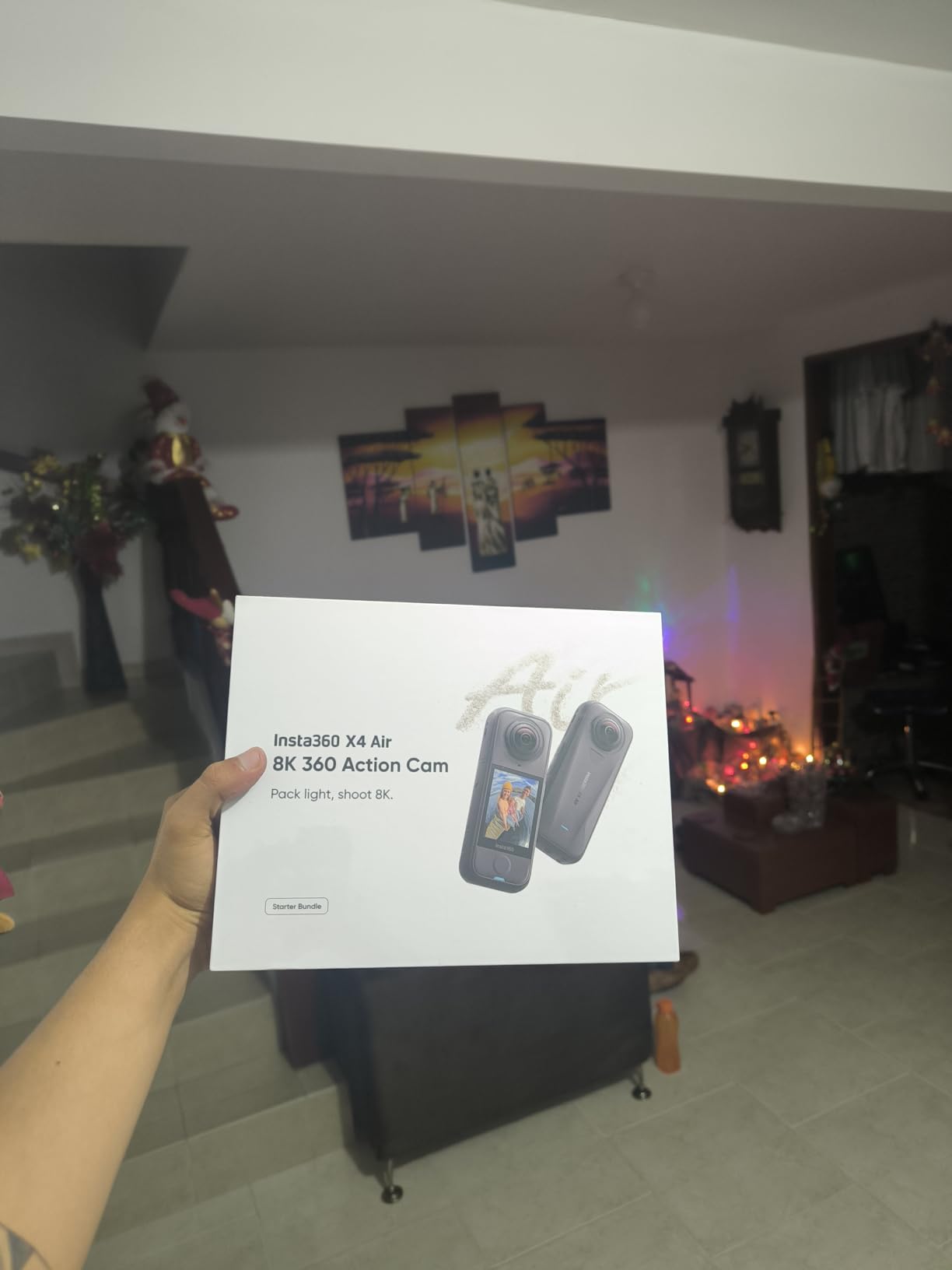
The FlowState stabilization with horizon lock keeps footage smooth and level even when shooting handheld, which is essential for VR content that needs to remain watchable during headset playback. I found the AI-powered editing tools particularly helpful for quickly creating shareable content from hours of 360 footage without spending hours in post-production.
For drone enthusiasts, the lightweight design makes this an excellent option for aerial VR content, and the invisible selfie stick effect creates seamless third-person perspectives that add production value to any VR project. The replaceable lenses address durability concerns from previous models.

Best For
Travel creators, vloggers, and drone operators who need maximum portability without sacrificing 8K quality. Ideal for backpacking, urban exploration, and any situation where weight and space are at a premium.
Limitations to Consider
The camera cannot connect to WiFi and record simultaneously, limiting some remote control options. Low light performance can be noisy, and the lenses are vulnerable if the camera is placed lens-down on surfaces.
7. Insta360 X3 – Best Budget 360 Camera for VR
Pros
- Most affordable 360 option
- Great stabilization
- Waterproof without case
- Versatile dual functionality
- Excellent app ecosystem
Cons
- Large file sizes (6GB per 12 min)
- WiFi transfers can be slow
- Battery life 30-40 min continuous
- Exposed lenses can be damaged
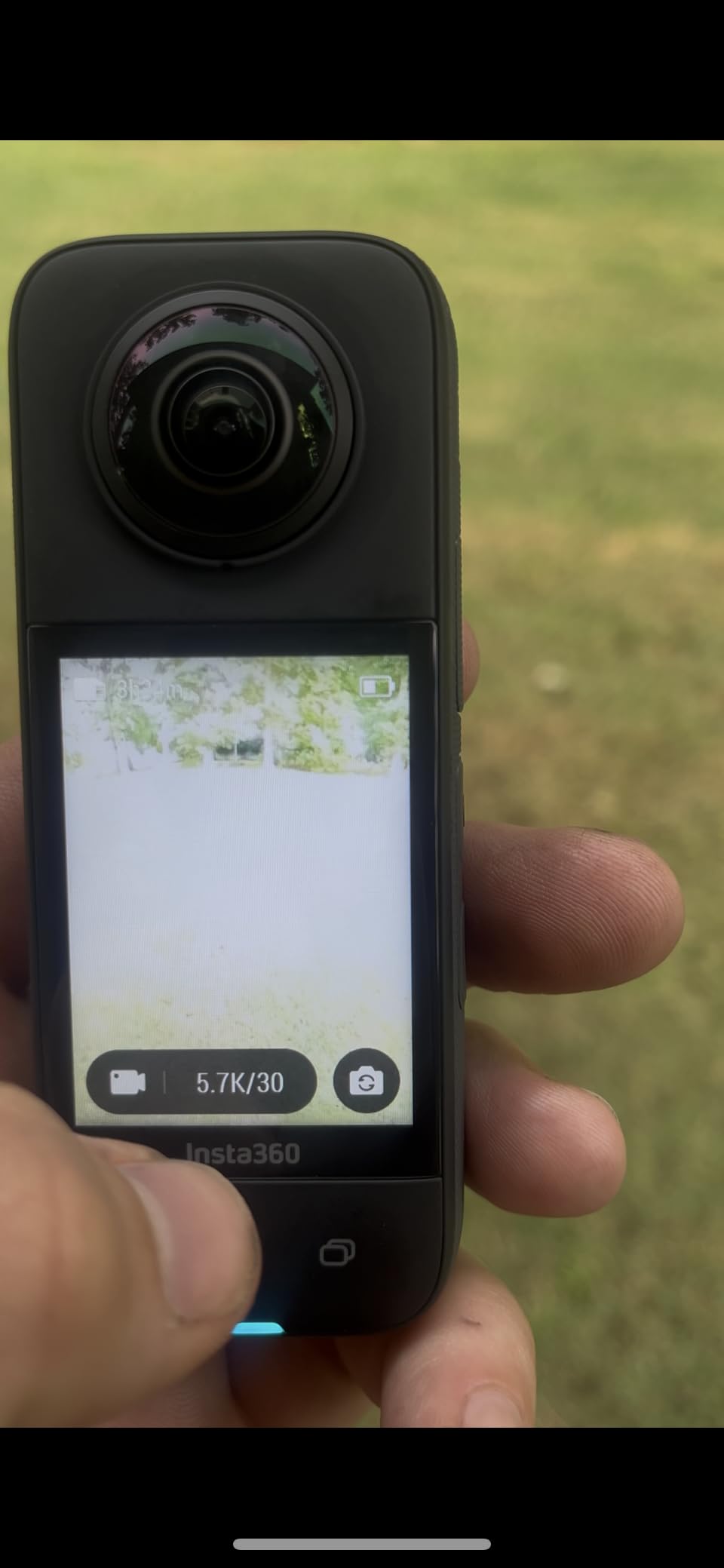
The Insta360 X3 remains the best entry point for VR content creation, offering professional 360 features at a price that’s accessible to beginners and hobbyists. I’ve recommended this camera to dozens of aspiring VR creators, and the 5.7K resolution provides excellent quality for most applications while being much easier to edit than 8K footage.
The large 2.29-inch touchscreen makes operation intuitive, and the waterproof design without needing a case means you can capture VR content in rain or snow without additional accessories. During my testing, the single-lens 4K mode with 170-degree field of view proved surprisingly capable for traditional action camera footage, giving you two cameras in one device.
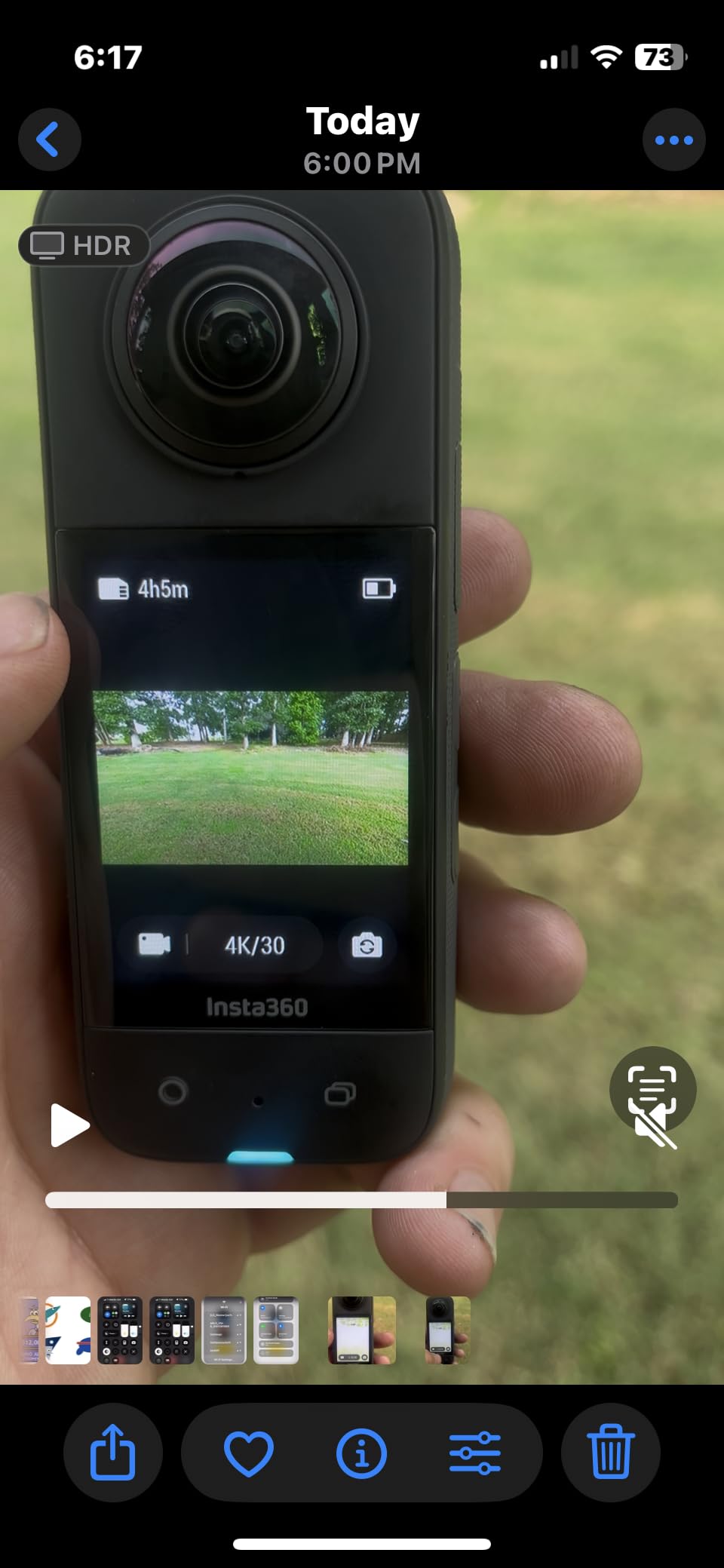
The Me Mode simplifies selfie capture for vloggers by automatically keeping you centered in the frame, while the invisible selfie stick effect creates the dramatic third-person shots that make VR content engaging. The FlowState stabilization delivers smooth footage even when walking or moving, which is crucial for comfortable VR headset viewing.
While the 5.7K resolution doesn’t match the 8K of newer models, the footage is still excellent for YouTube VR, social media, and virtual tours. The mature Insta360 app ecosystem includes extensive tutorials, making this the most beginner-friendly option for learning VR content creation workflows.
Best For
Beginners and budget-conscious creators who want professional VR features without the premium price. Perfect for learning 360 videography, social media content, and personal VR projects.
Limitations to Consider
Large file sizes consume storage quickly, and WiFi transfers to your phone can be slow. Battery life is limited to 30-40 minutes of continuous recording, so you’ll need spare batteries for longer shoots.
8. Insta360 GO 3S – Tiny Hands-Free VR Camera
Pros
- Incredibly tiny at 39g
- Hands-free magnetic mounting
- Great stabilization
- Waterproof design
- Easy to use
Cons
- Short battery on camera alone (~30 min)
- Can overheat during use
- Internal memory only (no SD card)
- Image quality not as good as full-sized cameras
The Insta360 GO 3S takes a different approach to VR content creation with its tiny 39-gram camera that captures hands-free POV footage perfect for first-person VR experiences. I’ve mounted this camera on my chest, bike helmet, and even my dog to capture immersive perspectives that would be impossible with larger 360 cameras.
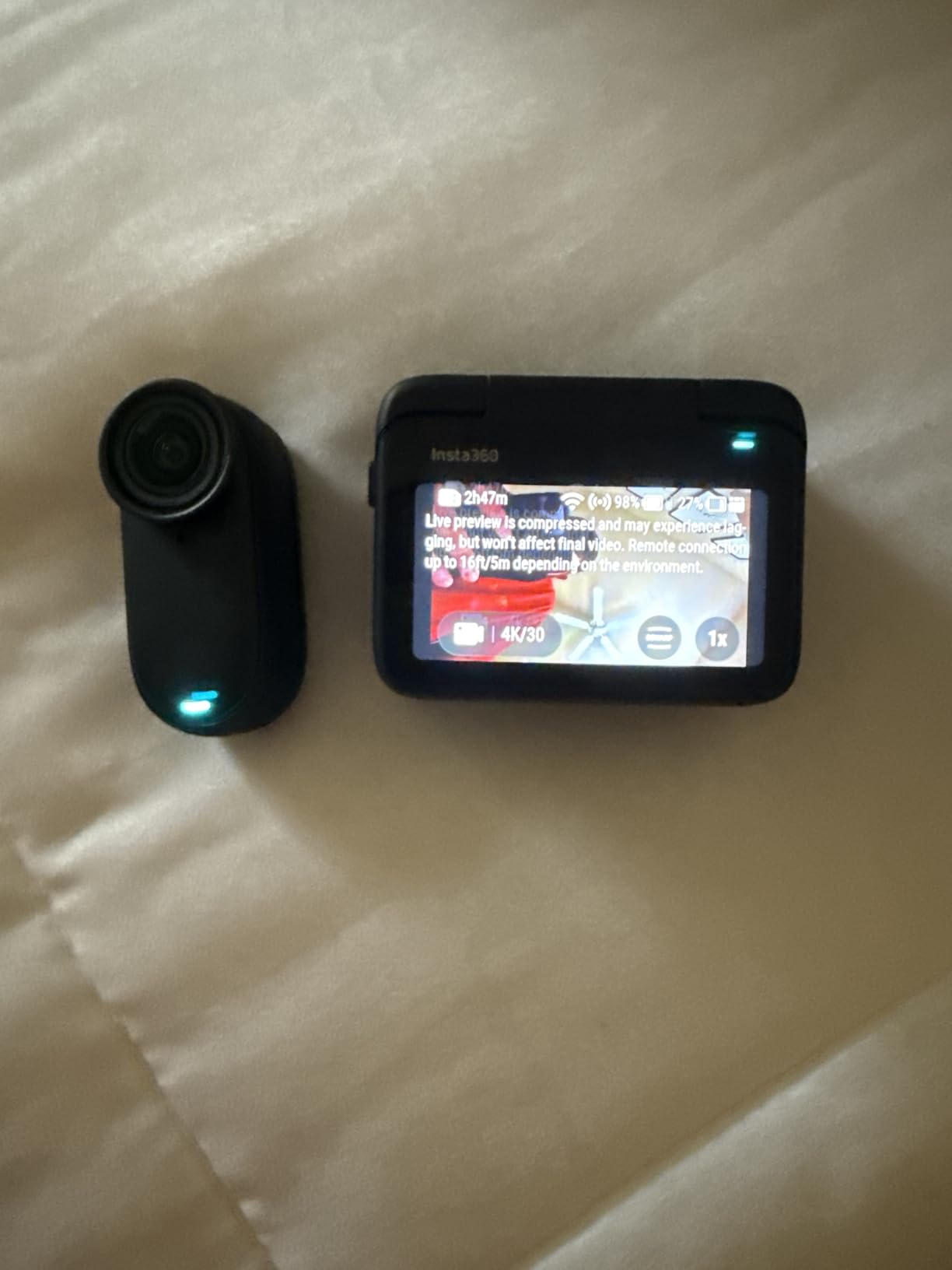
The magnetic mounting system is brilliantly designed, letting you snap the camera onto various mounts instantly. The 140-minute battery life with the Action Pod provides ample power for all-day shooting, though the camera alone only manages about 30 minutes of continuous recording. The IPX8 waterproof rating means you can capture underwater VR footage without additional housing.
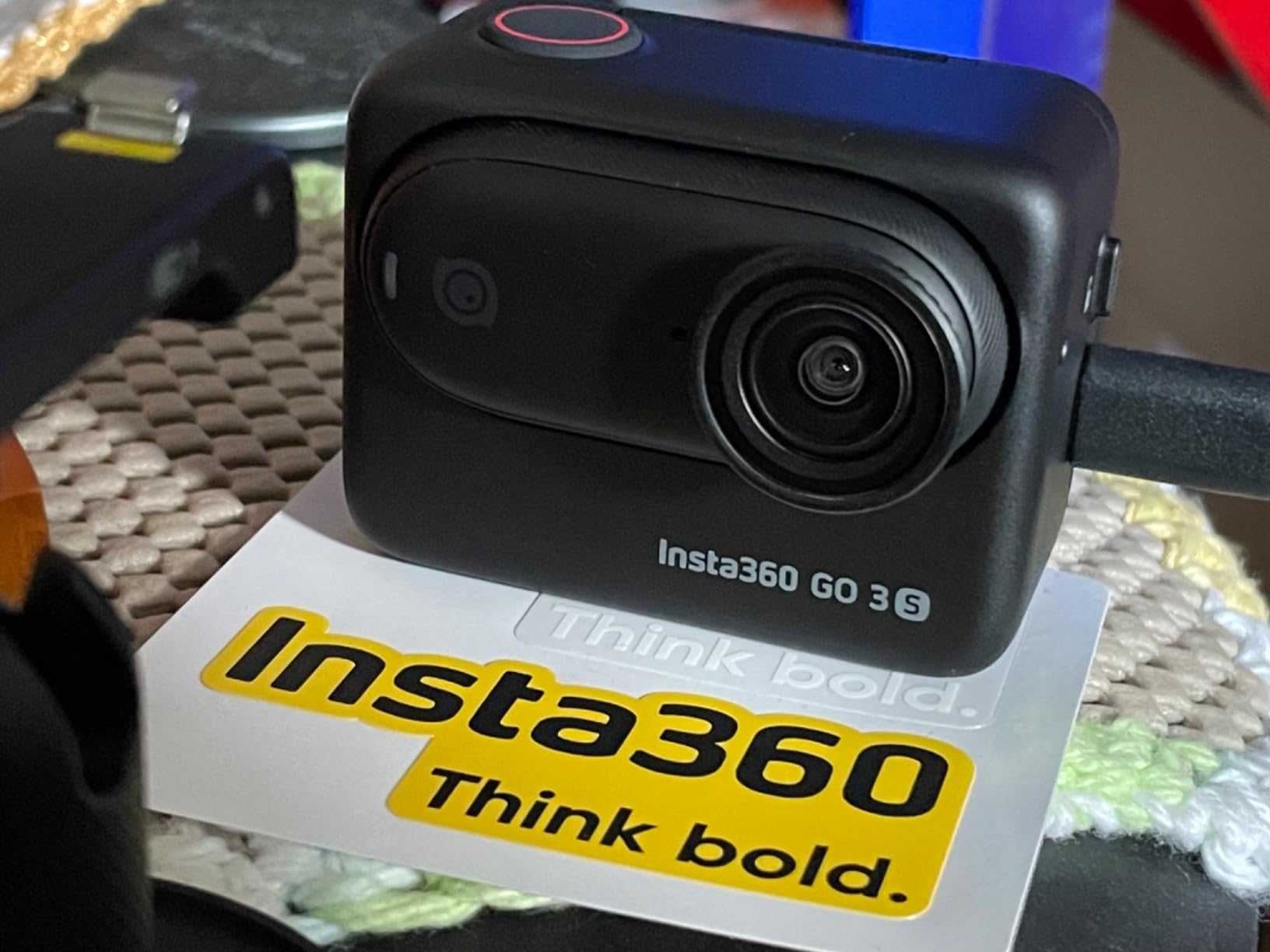
While this isn’t a traditional 360 camera, the 4K POV footage creates compelling first-person VR content that places viewers directly in the action. The FlowState stabilization keeps footage smooth despite the tiny form factor, and the flip screen on the Action Pod makes framing and reviewing shots easy.
The AI auto editing feature in the app automatically creates shareable content from your footage, which is perfect for social media VR content. This camera excels at capturing authentic, unscripted moments that feel natural and immersive when viewed in VR headsets.
Best For
Vloggers, casual creators, and anyone who wants hands-free POV footage. Ideal for daily vlogging, pet POV content, and capturing authentic moments from a first-person perspective.
Limitations to Consider
This isn’t a true 360 camera, so you can’t look around freely in VR. The camera can overheat during extended use, and the internal-only memory limits recording time compared to SD card-based cameras.
VR Content Creation Buying Guide
Understanding VR Camera Types
VR cameras come in three main formats, each suited for different types of content. Monoscopic 360 cameras capture a single spherical image that viewers can look around but lack true depth perception. These are ideal for virtual tours, real estate, and documentation where the goal is immersive viewing rather than depth.
Stereoscopic 3D 360 cameras use separate lenses for each eye to create true depth perception, making objects appear at different distances. This format requires at least four lenses (two per eye) and is essential for cinematic VR and experiences where depth enhances immersion. Professional 3D 360 cameras like the Insta360 Pro 2 and Titan use six or more lenses for higher quality stitching.
VR180 cameras capture a 180-degree field of view in stereoscopic 3D, creating a more traditional video experience with depth. This format is easier to produce and edit than full 360 content, making it ideal for vlogging, education, and narrative VR where you want to control the viewer’s attention while still providing immersive depth.
Resolution Requirements for VR Content
The resolution you need depends on your target platform and viewing method. For 360 content viewed on VR headsets, 5.7K is the minimum for acceptable clarity, while 8K provides sharp text and fine details. Professional applications targeting enterprise VR training or high-end experiences should consider 8K or higher to prevent pixelation during close inspection.
Frame rate is equally important, with 60fps delivering smoother motion that reduces VR motion sickness. Lower frame rates at 30fps can cause discomfort during headset viewing, especially during camera movement. Professional VR productions often shoot at higher frame rates and use specialized stitching software to maintain quality throughout the workflow.
Stitching and Post-Production Workflow
All consumer 360 cameras use automatic in-camera stitching, which combines footage from multiple lenses into a single spherical video. Professional cameras may require desktop stitching software, which provides higher quality but adds significant time to the workflow. Consider your technical expertise and available time when choosing between automatic and manual stitching approaches.
Storage requirements are substantial for VR content, with 8K 360 footage consuming approximately 1GB per minute. You’ll need fast SD cards (V60 or higher) and ample storage space for both shooting and editing. Post-production VR footage requires significant computing power, with 8K editing demanding a powerful GPU and at least 32GB of RAM for smooth performance.
Price Range Breakdown
Consumer 360 cameras range from $300-700 and are perfect for beginners, social media content, and personal projects. These cameras offer automatic stitching, user-friendly apps, and good enough quality for most applications. Mid-range professional options from $700-2,000 provide better sensors, improved low light performance, and features like live streaming capabilities.
Professional VR cameras cost $3,000-15,000 and are designed for commercial production, cinema VR, and enterprise applications. These systems offer interchangeable lenses, RAW recording options, higher bitrates, and the image quality required for professional distribution. The investment is justified only for professional use cases where the higher production value translates to business value.
Frequently Asked Questions
What kind of camera do you need to make VR videos?
VR videos require cameras that capture 360-degree or 180-degree spherical footage using multiple fisheye lenses. Consumer cameras typically use two lenses for 2D 360 video, while professional cameras use 6+ lenses for 3D 360. The camera you need depends on your format: 360 monoscopic for virtual tours, 3D 360 for cinematic depth, or VR180 for narrative content with controlled framing.
Which camera is best for content creators starting in VR?
For content creators new to VR, the Insta360 X3 offers the best balance of features, ease of use, and price at $299. The excellent app ecosystem, automatic stitching, and shoot-first-frame-later capability make it beginner-friendly. More experienced creators should consider the Insta360 X4 for 8K quality at $425, while professionals should look at the KanDao QooCam 8K Enterprise for live streaming capabilities.
What is the best camera for professional VR production?
For professional VR production, the KanDao QooCam 8K Enterprise ($1,699) offers 8K 30FPS with live streaming capabilities, while the Insta360 Pro 2 ($4,999) captures 8K 3D 360 footage for cinematic applications. The Insta360 Titan ($15,278) provides 11K 3D 360 for the highest-end productions. Professional VR180 options include the Canon R5 C with RF 5.2mm Dual Fisheye lens for stereoscopic 180-degree content.
How do I record VR content?
To record VR content: 1) Choose your format (VR180 or 360), 2) Select appropriate camera for your budget and needs, 3) Mount camera at subject height (typically 5-6 feet), 4) Ensure adequate lighting for best quality, 5) Record at minimum 5.7K for 360 or 4K for VR180, 6) Use 60fps for smooth playback and reduced motion sickness, 7) Stitch footage using manufacturer software (most consumer cameras do this automatically), 8) Export in appropriate format (MP4 with H.265 codec) for your target platform.
Conclusion
The best cameras for VR content creation in 2026 offer professional features at accessible price points, making immersive video production possible for creators of all levels. The Insta360 X5 stands out as the top choice for serious VR creators with its superior low light performance and industry-leading battery life, while the Insta360 X4 provides the best value with 8K quality at a more affordable price point.
For specialized needs, the DJI Osmo 360 delivers the best low light performance with its 1-inch sensors, the KanDao QooCam 8K Enterprise targets professional live streaming applications, and the GoPro MAX 360 excels for action sports with its universal mounting system. Beginners should consider the Insta360 X3 for its accessible price and mature ecosystem, while vloggers may prefer the hands-free convenience of the Insta360 GO 3S.
Choose based on your specific use case, budget, and technical expertise. All the cameras covered here produce excellent VR content when used properly, so the best camera for VR content creation is the one that matches your creative vision and production requirements.