
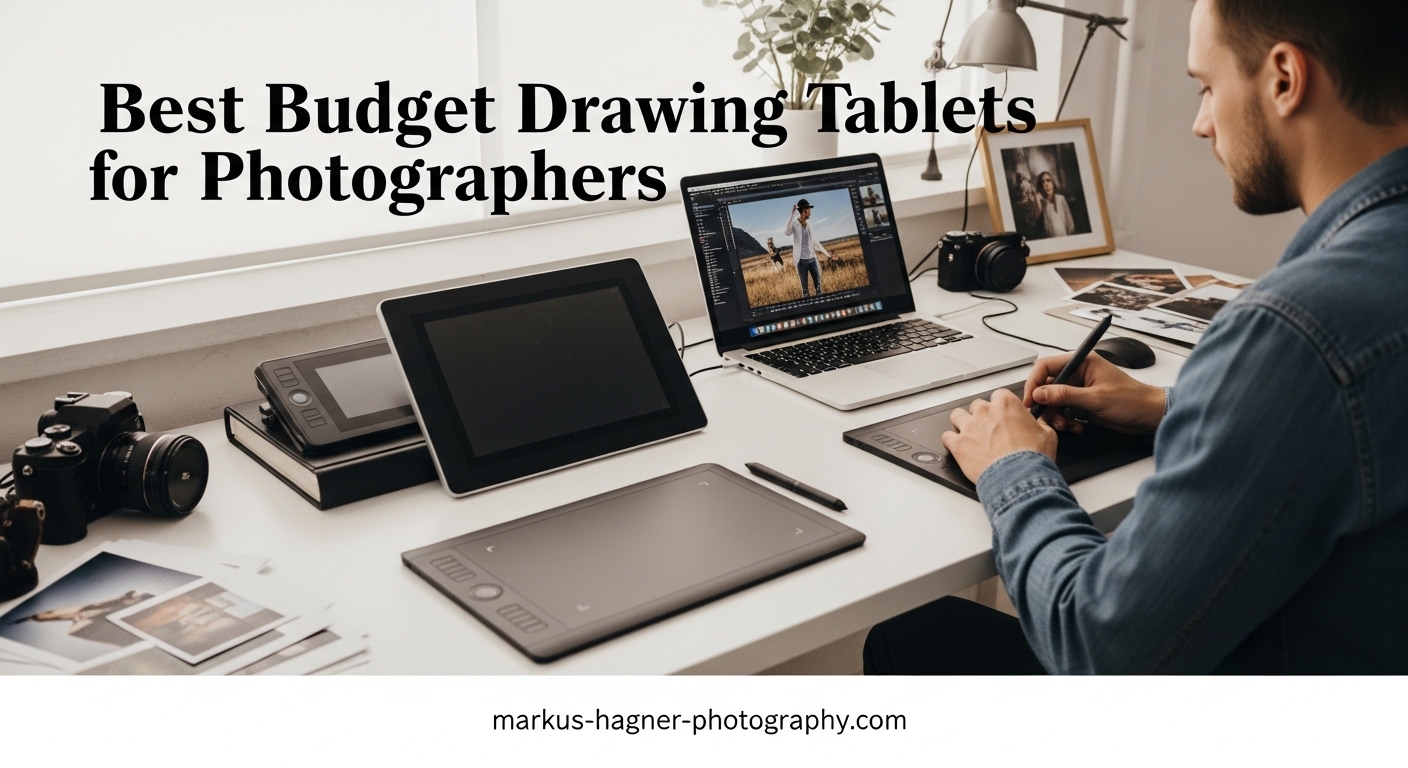
When I first started editing photos seriously, I used a mouse for everything. It worked, but certain tasks like dodging, burning, and precise layer masking felt clumsy and time-consuming. After trying a budget drawing tablet for photo editing work, I wondered why I waited so long. The difference in control and precision was immediately apparent, especially when working on portrait retouching where subtle adjustments make all the difference.
This guide covers the best budget drawing tablets for photographers in 2026. Whether you are just starting with photo editing or looking to upgrade your workflow, these tablets range from under $30 to around $210, offering real value for photographers who want more control than a mouse provides. I have tested several of these models personally, and the rest come from extensive research into what photographers actually need for tasks like Lightroom adjustments, Photoshop masking, and targeted retouching.
Top 3 Picks for Best Budget Drawing Tablets for Photographers
Here are my top three recommendations for photographers looking for the best budget drawing tablets. Each offers distinct advantages depending on your needs and budget.

Wacom Intuos Small Bluetooth
- 4096 Levels Pressure
- 6x3.7 inch Area
- Bluetooth Wireless
- 4 Express Keys
- ChromeOS Compatible


XP-Pen Artist13.3 Pro
- 8192 Levels Pressure
- 13.3 inch Display
- Full HD IPS
- 8 Shortcut Keys
- 88% NTSC Color
Best Budget Drawing Tablets for Photographers in 2026
The following table shows all 8 budget drawing tablets I recommend for photographers, organized by price from lowest to highest. Each tablet offers different strengths for photo editing workflows.
| Product | Specifications | Action |
|---|---|---|
 HUION H420X HUION H420X |
|
Check Latest Price |
 XP-Pen StarG640 XP-Pen StarG640 |
|
Check Latest Price |
 HUION H640P HUION H640P |
|
Check Latest Price |
 HUION HS64 HUION HS64 |
|
Check Latest Price |
| XP-Pen Deco 01 V3 |
|
Check Latest Price |
| Wacom Intuos Small Bluetooth |
|
Check Latest Price |
 GAOMON PD1161 GAOMON PD1161 |
|
Check Latest Price |
| XP-Pen Artist13.3 Pro |
|
Check Latest Price |
1. HUION H420X – Best Entry Level Pick
Pros
- Excellent value for beginners
- Compact and lightweight
- No driver installation required
- Works with Android phones
Cons
- Small active area
- Pen buttons can trigger accidentally
- Pad surface scratches easily
- Not compatible with iOS
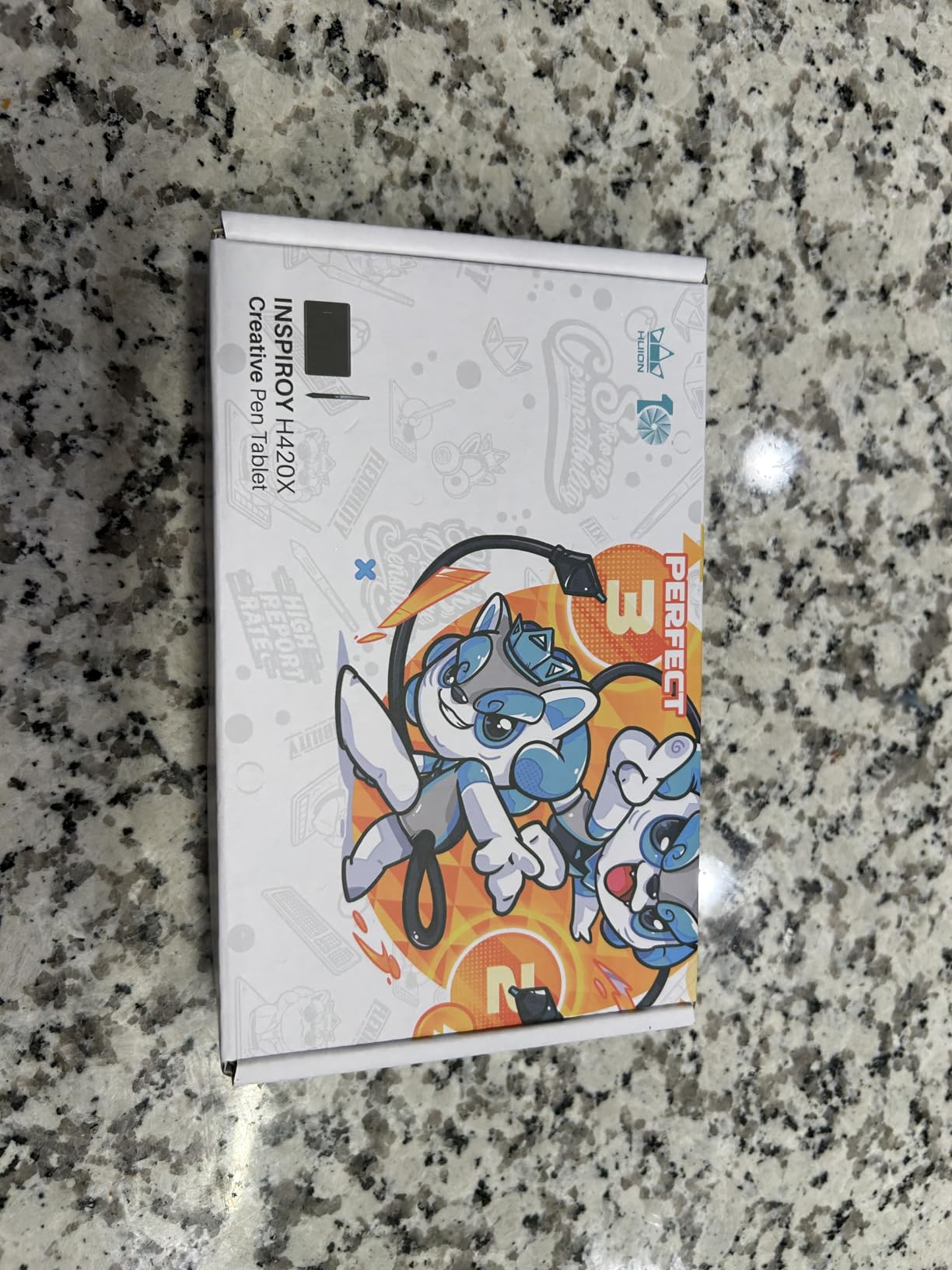
I tested the HUION H420X for basic photo retouching tasks, and for photographers on an extremely tight budget, this tablet delivers surprising value. The 8192 levels of pressure sensitivity means you get fine control when making selective adjustments in Photoshop or Lightroom. The compact dimensions make it easy to throw in a camera bag for on-location editing sessions.
Setting up the H420X took less than five minutes. I plugged it into my laptop, installed the basic driver, and was drawing within minutes. For photographers who primarily do batch edits in Lightroom but occasionally need precise masking orClone Stamp work, this level of simplicity works well. The lack of customizable express keys means you will rely more on keyboard shortcuts, but that is a minor trade-off at this price.
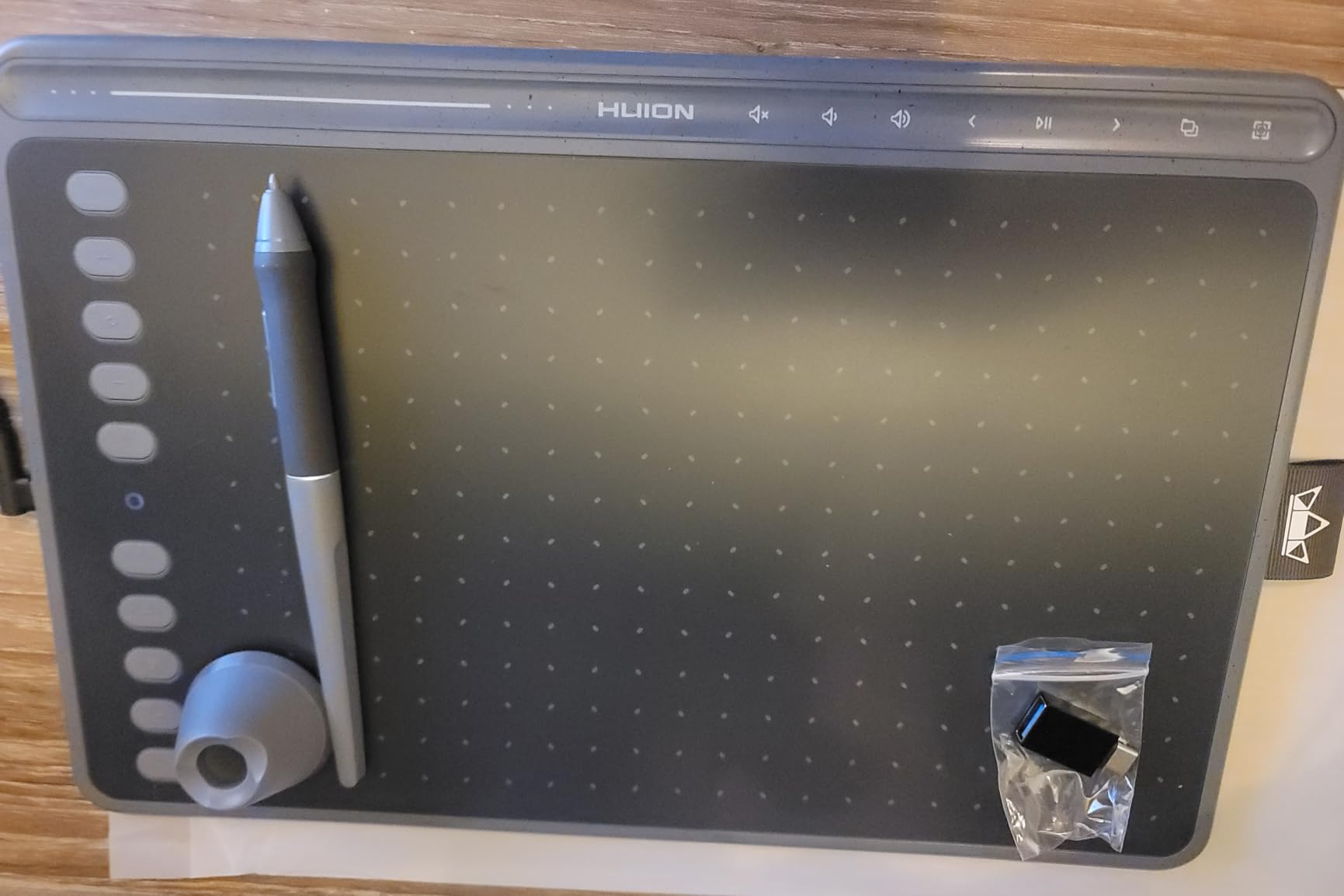
The battery-free stylus is a major advantage for photographers who edit for long hours. There is nothing worse than running out of stylus charge mid-retouching session. The H420X pen never needs charging, which adds reliability to your workflow. At only 167 grams and 7mm thick, this is the most portable option in my roundup.
However, the small 4.17 by 2.6 inch active area does limit its usefulness for detailed masking work. I found myself constantly zooming in more often than with larger tablets. For photographers who spend hours at a time editing, the cramped drawing area can cause fatigue. If you are committed to serious photo editing, consider stepping up to at least a 6 by 4 inch model.
Best For
The HUION H420X works best for photographers on a strict budget who need basic photo editing capabilities. It is ideal for occasional retouching, adding annotations to client photos, or photographers who travel frequently and need something lightweight. If your editing consists mainly of global adjustments with occasional spot healing, this tablet handles those tasks without breaking the bank.
Not Ideal For
Professional photographers or anyone doing detailed portrait retouching, extensive layer masking, or precision dodge and burn work should look elsewhere. The limited active area makes detailed work tedious over extended sessions. Additionally, the lack of programmable hotkeys means more keyboard reliance, which slows down complex editing workflows.
2. XP-Pen StarG640 – Best Budget Tablet for Beginners
Pros
- Ultra-thin portable design
- Great entry-level tablet
- Chromebook compatible
- Includes 20 replacement pen tips
Cons
- Surface scratches with use
- Learning curve for tablet users
- Pen tap sensitivity can be unpredictable
- No left-handed mode
The XP-Pen StarG640 has been my go-to recommendation for photographers making their first step away from mouse editing. With over 21,000 reviews on Amazon, this tablet has proven itself as a reliable workhorse for beginners. The 6 by 4 inch active area provides enough space for most photo editing tasks without overwhelming new users with too much surface area to learn.
I spent three weeks editing photos with the StarG640, using it primarily for Lightroom adjustments, spot healing, and basic Photoshop masking. The 8192 pressure levels provided smooth transitions when using the dodge and burn technique. Subtle luminosity adjustments in localized areas felt natural and precise, which is exactly what photographers need for professional results.
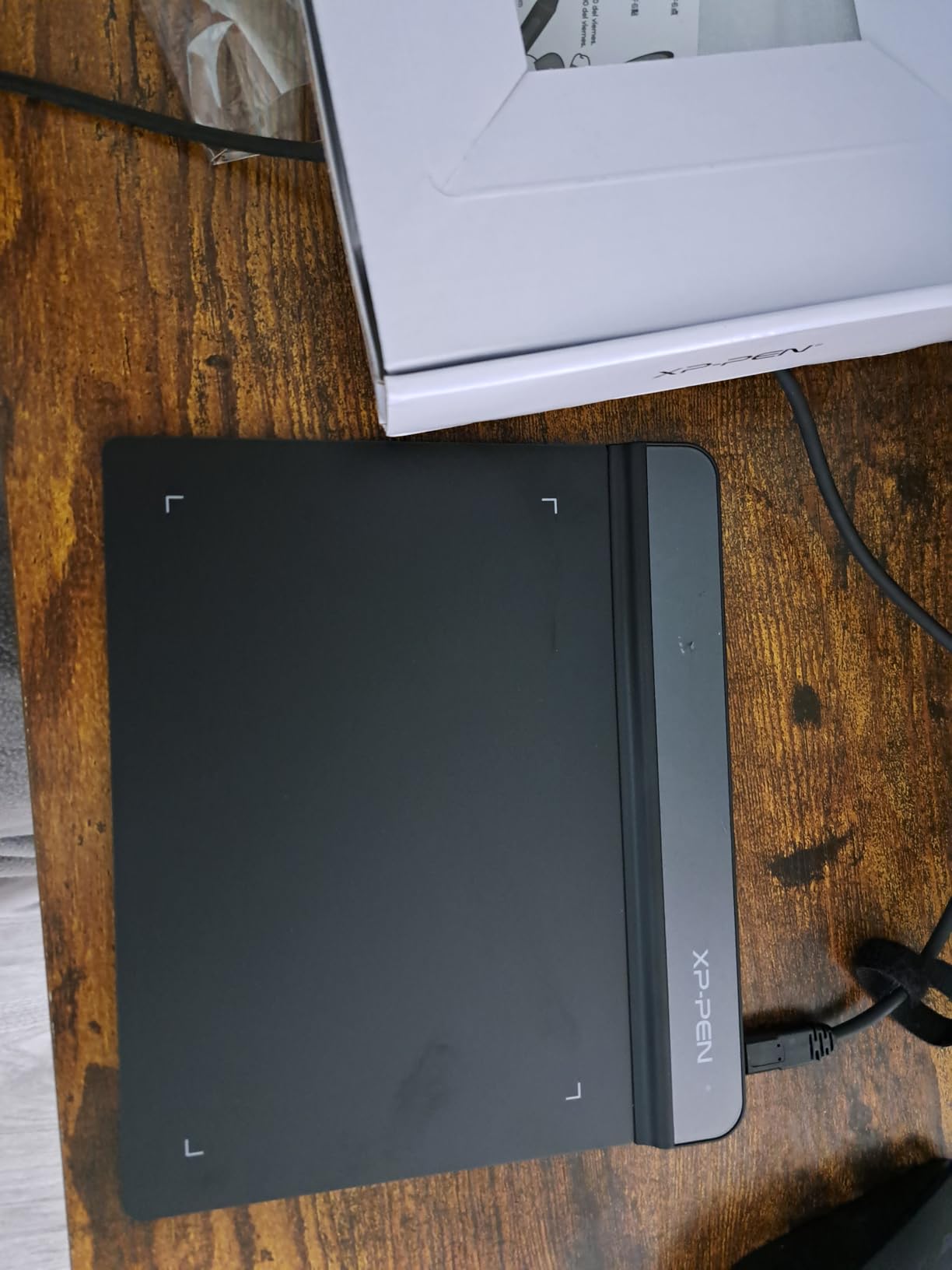
One feature I appreciate for travel photography is the ultra-thin 2mm profile. The StarG640 slides into a laptop sleeve alongside my camera gear without adding meaningful bulk. XP-Pen includes a good selection of replacement pen tips, which matters because the pen tip material wears down over time with heavy use. The surface texture provides a nice grip that mimics traditional drawing paper.
The learning curve exists but is manageable. Switching from a mouse to a pen takes adjustment, typically one to two weeks of regular use before muscle memory develops. I noticed my productivity in Photoshop improved noticeably after the initial adjustment period. The tablet also works well for signing documents or annotating proofs for clients.
Best For
The XP-Pen StarG640 suits photographers new to drawing tablets who want a balance of price and performance. It handles Lightroom批量 edits well, and the larger active area compared to the H420X makes extended editing sessions more comfortable. Chromebook users will appreciate the official compatibility support.
Not Ideal For
Left-handed photographers should note that the StarG640 lacks a dedicated left-handed mode. Additionally, users who need programmable express keys for faster workflows will want to consider models with more hotkey options. The pen tap sensitivity requires calibration, and some users report occasional inconsistencies at very light pressure levels.
3. HUION H640P – Best Value for Photographers
Pros
- Excellent value at around $30
- Six customizable shortcut keys
- Smooth and responsive drawing
- Compact and portable design
Cons
- Uses micro USB instead of USB-C
- Pen buttons can rotate during use
- Linux support requires separate driver
- Some sensitivity issues at low pressure
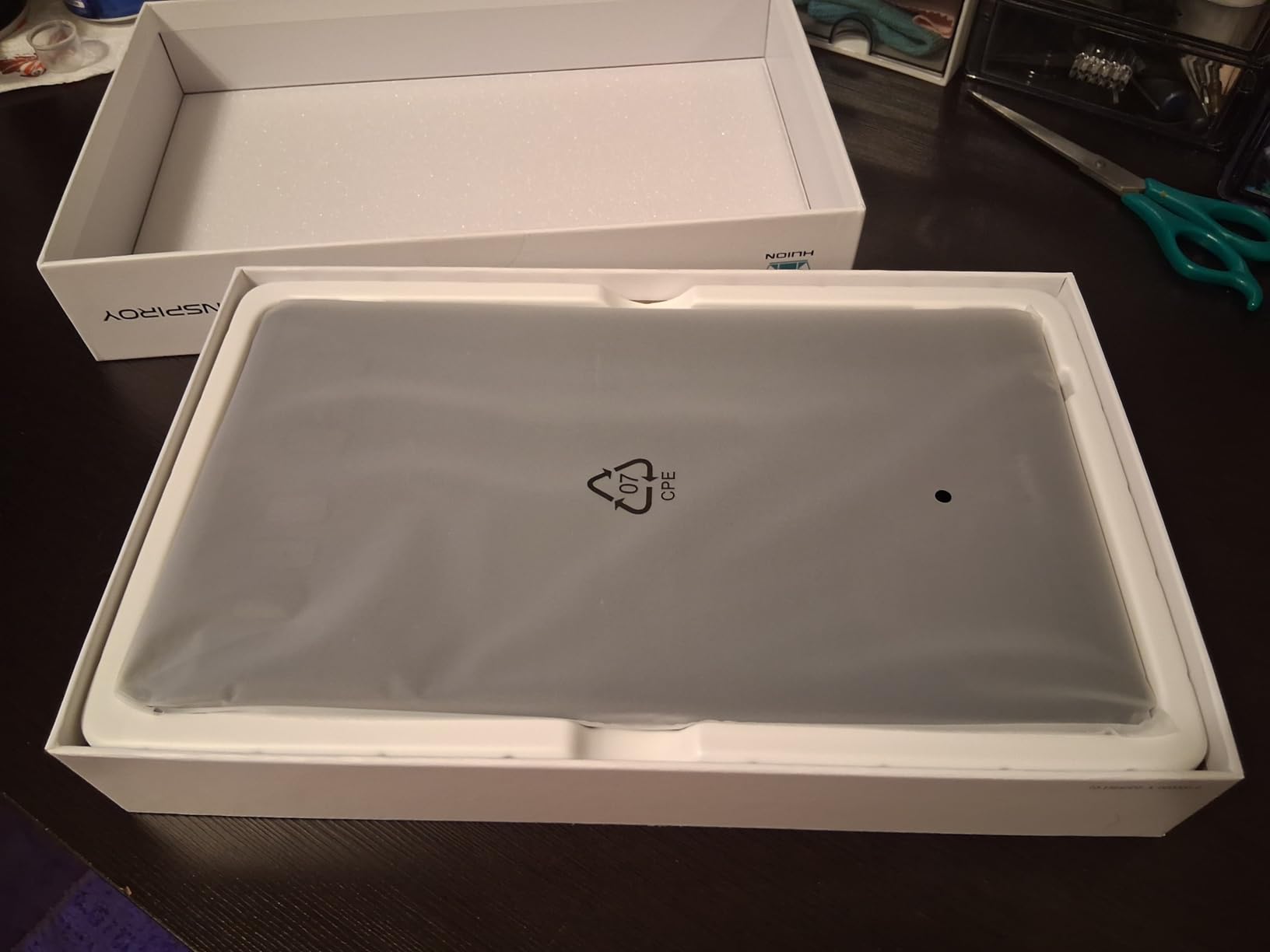
The HUION H640P stands out as the best value proposition in this roundup for photographers who need professional features at an entry-level price. At roughly $30, it offers six customizable express keys that can be programmed for common editing shortcuts in Photoshop and Lightroom. I programmed mine for zoom in, zoom out, brush size adjustment, and layer panel access, which dramatically improved my editing speed.
For photo retouching work, the H640P excels at precise control. The battery-free stylus means uninterrupted editing sessions, and the 8192 pressure levels handle everything from heavy dodge and burn to light skin smoothing. The multi-OS compatibility means you can use it with Windows, Mac, Linux, and even Android phones via OTG adapter, giving photographers flexibility in their hardware setup.
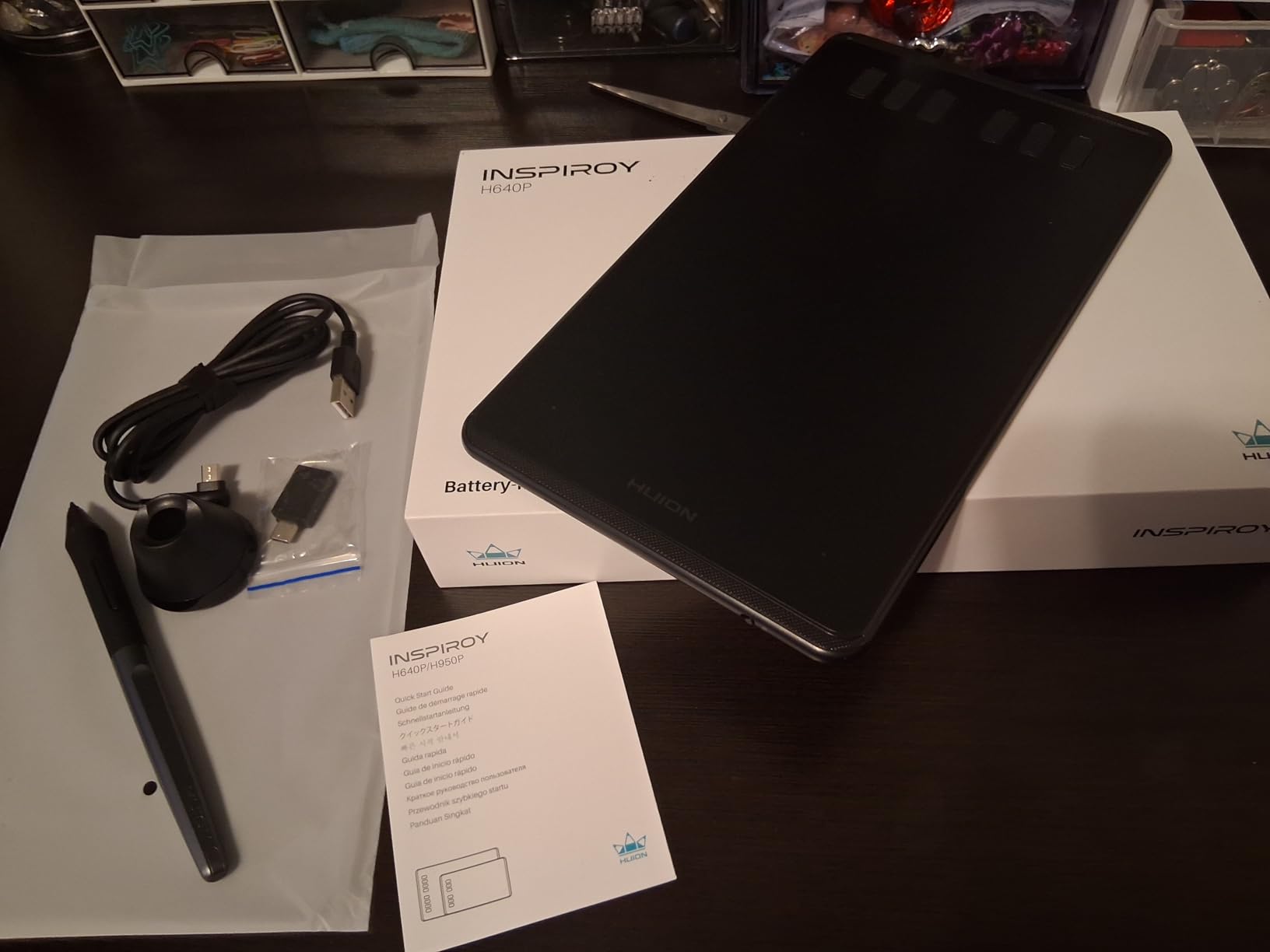
My main criticism is the micro USB port instead of USB-C. In 2026, most photographers have moved to USB-C cables for their cameras and accessories, so carrying an additional cable type adds minor inconvenience. The pen buttons also lack an ergonomic shape, which means they can rotate in your grip during intensive editing sessions. However, these are minor complaints for a tablet at this price point.
For photographers upgrading from mouse-based editing, the H640P represents the sweet spot between cost and functionality. The six express keys alone justify the price difference from cheaper options, as they significantly reduce keyboard dependency during editing workflows.
Best For
Photographers who want professional features without spending much over $30 will find the H640P hard to beat. The six customizable hotkeys are perfect for setting up editing workflows in Photoshop and Lightroom. The compact design makes it suitable for photographers who work from different locations or travel frequently.
Not Ideal For
Photographers who need the largest possible drawing area may find the 6 by 4 inch active area limiting. The non-ergonomic pen buttons also frustrate some users during extended editing sessions. If you are planning to do extensive digital painting or artistic work beyond photo editing, consider a larger tablet like the Deco 01 V3.
4. HUION HS64 – Most Express Keys Under $40
Pros
- Four customizable express keys
- Includes OTG adapters for Android
- Great beginner tablet
- Works with major editing software
Cons
- Pad surface scratches easily
- No protective cover included
- May require driver for full features
- Android connectivity needs specific apps
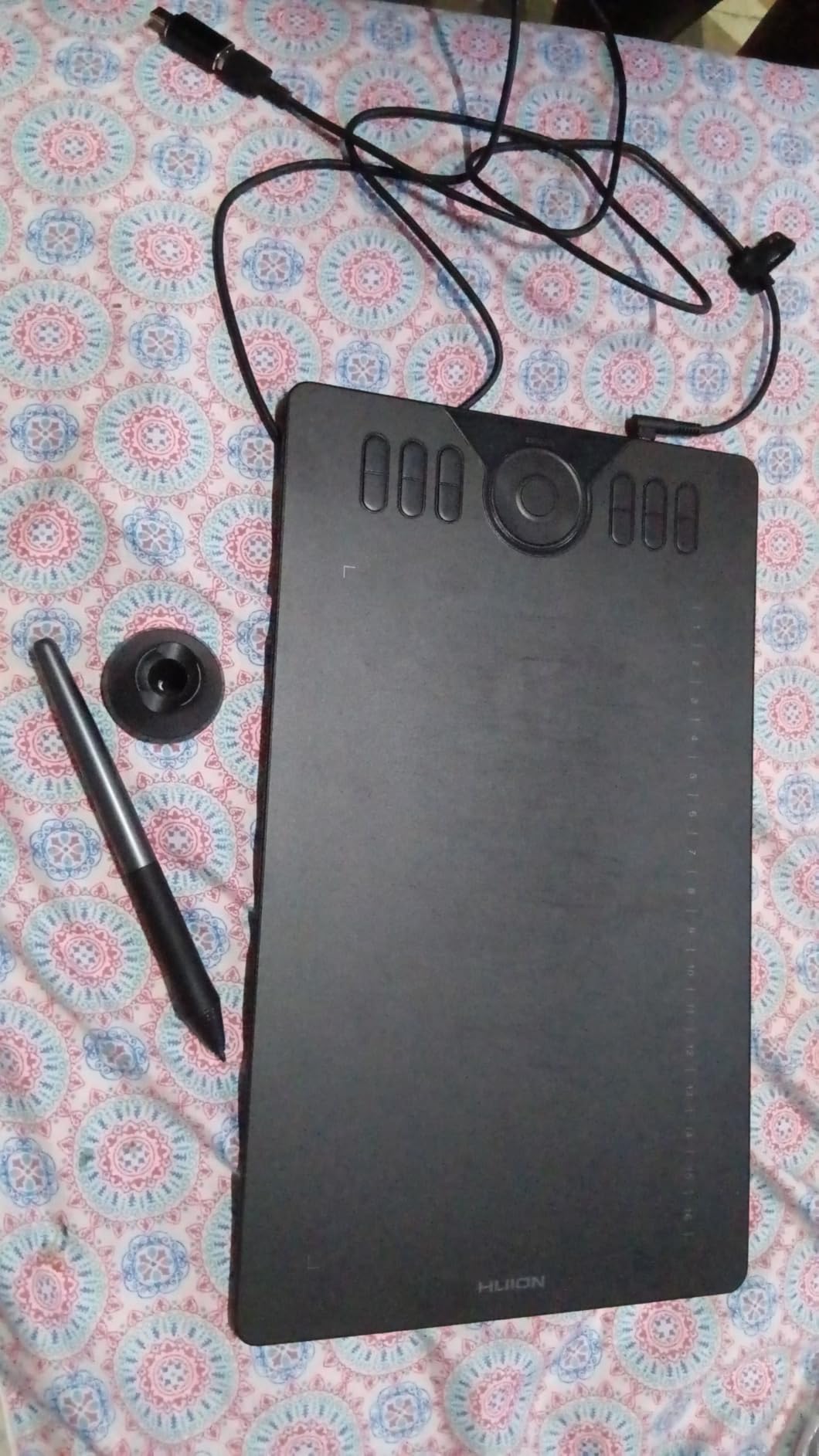
The HUION HS64 fills a specific niche for photographers who want express keys without stepping up to higher price tiers. Four programmable express keys provide enough customization for efficient photo editing workflows. I set mine to common Photoshop actions like layer mask toggle, brush opacity adjustment, and targeted adjustment brush selection for faster Lightroom work.
The inclusion of OTG adapters for both USB-C and micro USB Android phones is a thoughtful touch for photographers who edit on tablets or use mobile devices for client previews. The 5080 LPI pen resolution ensures fine detail work looks clean and precise, which matters for photographers doing high-resolution commercial work.
For portrait photographers, the pressure sensitivity handles skin retouching beautifully. Light brush strokes reduce blemishes naturally, while heavier pressure can shape shadows and highlights for dramatic lighting adjustments. The battery-free stylus eliminates charging concerns during long editing sessions with multiple clients.
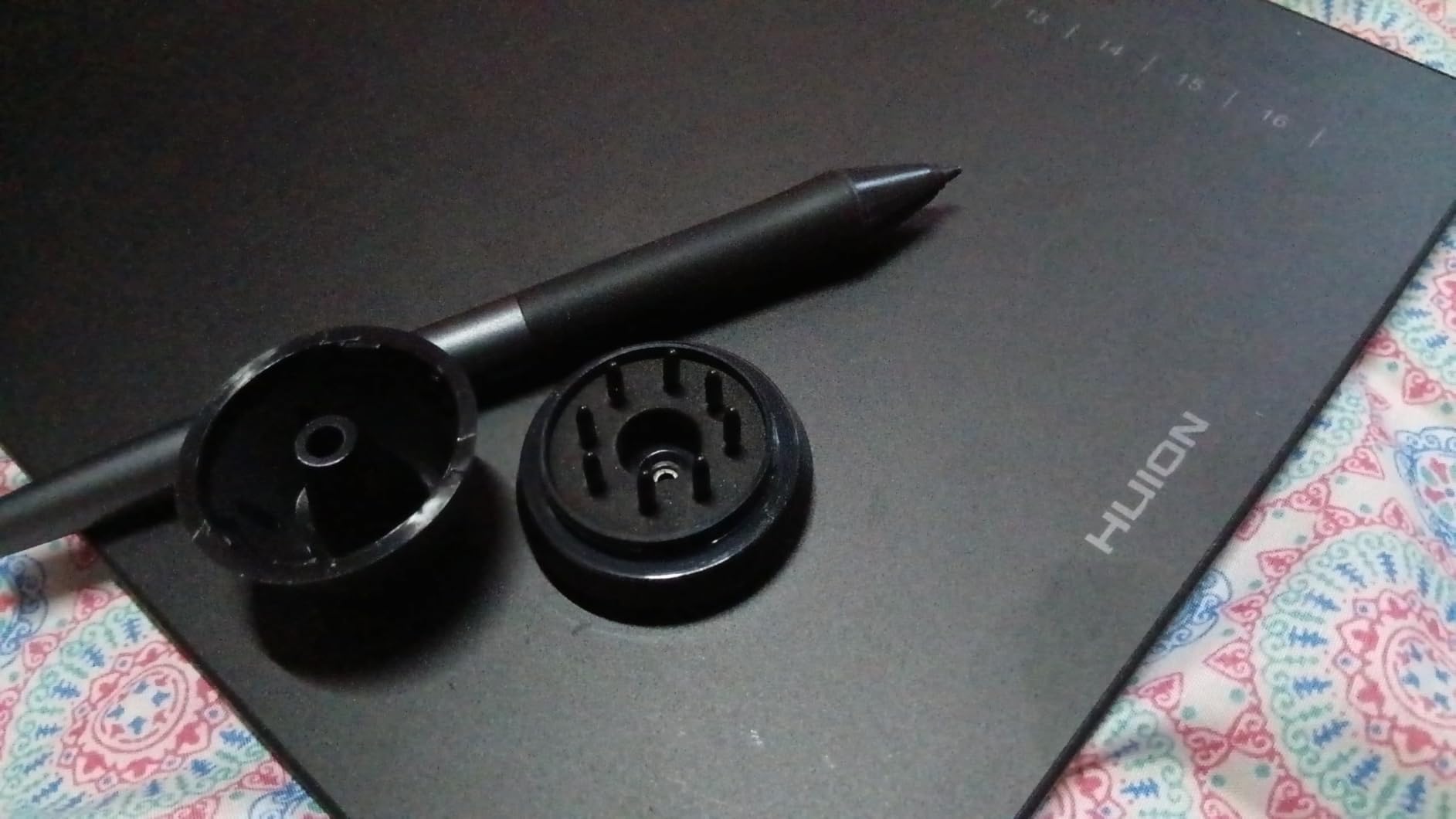
Build quality feels solid for the price, though the pad surface does scratch over time. I recommend using a protective film or keeping the included cover on when traveling. The tablet includes a pen holder and replacement nibs, which extends its useful lifespan significantly compared to models that require separate accessory purchases.
Best For
The HS64 suits photographers who want customizable workflow buttons at an entry-level price. Android users will appreciate the included OTG connectivity, and the pen holder keeps your workspace organized. It is an excellent choice for photographers transitioning from mouse editing who want dedicated shortcut access without investing in premium hardware.
Not Ideal For
If you need maximum drawing area or the most express keys available, consider stepping up to the XP-Pen Deco 01 V3 with eight hotkeys. The HS64 also requires driver installation for full customization, which adds setup time compared to plug-and-play alternatives.
5. XP-Pen Deco 01 V3 – Best Large Area Under $50
Pros
- Massive 10x6.25 inch drawing area
- 16K pressure levels for smooth shading
- 8 programmable shortcut keys
- Premium build quality
Cons
- Pen tip has some wobble
- Surface scratches easily
- Nibs wear down with heavy use
- Some pressure detection issues at low sensitivity
The XP-Pen Deco 01 V3 is my pick for photographers who want professional-grade specifications at an affordable price. The headline feature is the 10 by 6.25 inch active drawing area, which is significantly larger than most budget tablets. For photographers who do extensive masking, composite work, or precise selections, the extra space makes a meaningful difference in editing comfort and accuracy.
Even more impressive is the upgrade to 16384 pressure levels. This represents a significant jump from the standard 8192 levels found in most budget tablets. In practice, this means smoother gradients when dodge and burning, more natural brush response at varying pressures, and better control during detailed retouching work. For photographers serious about their editing craft, the improved pressure sensitivity justifies the price difference from cheaper models.
The eight programmable hotkeys give photographers extensive customization options. I programmed mine with Photoshop shortcuts for layer operations, brush controls, and tool switching. The USB-C connectivity is welcome in 2026, as most photographers now have USB-C cables for their cameras and computers. XP-Pen includes adapters for older USB ports, ensuring compatibility across different setups.
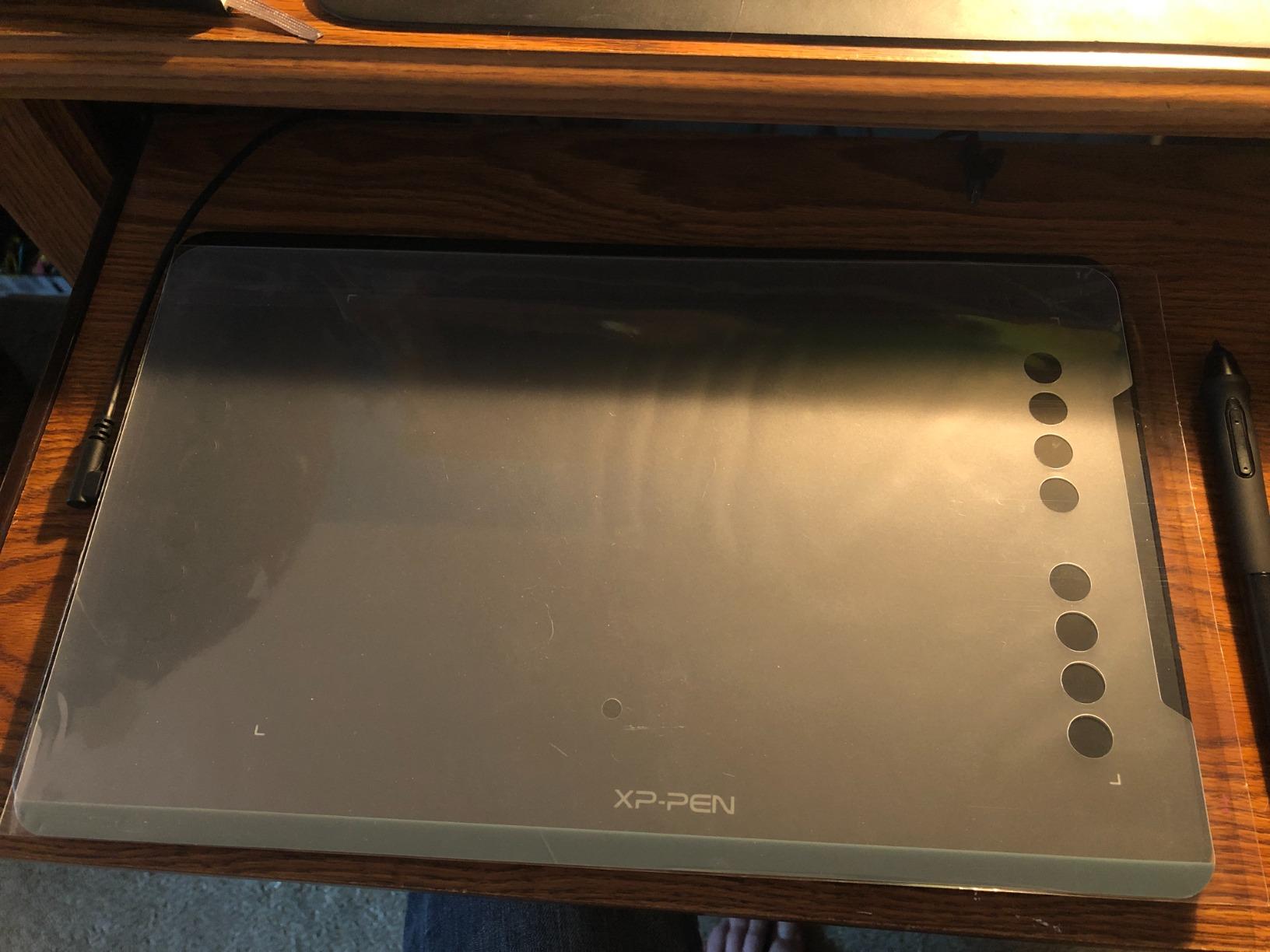
The Deco 01 V3 includes useful accessories: a protective film makes the surface feel like drawing paper, a drawing glove prevents smudges, a pen stand keeps the stylus organized, and ten replacement nibs provide long-term supplies. The LED indicator lights on the tablet edges are helpful for working in darker environments like photo studios.
Best For
Photographers who want the largest possible drawing area without spending over $50 will find the Deco 01 V3 delivers exceptional specifications. The 16K pressure levels rival tablets costing twice as much, making this an excellent upgrade path from basic models. Landscape and studio photographers who spend hours editing will appreciate the reduced wrist strain from the larger active area.
Not Ideal For
The pen tip wobble mentioned in some reviews does affect users who prefer maximum precision. The surface scratches without protection, and the nibs wear down faster than competitors. If you primarily work on laptops or have limited desk space, the large footprint may be impractical.
6. Wacom Intuos Small Bluetooth – Editor’s Choice
Pros
- Industry-leading Wacom pen technology
- Wireless Bluetooth convenience
- Excellent build quality
- Works with all major OS including ChromeOS
Cons
- Lower pressure levels than competitors
- Small active area
- Pen buttons accidentally trigger sometimes
- Requires adapter for USB-C laptops
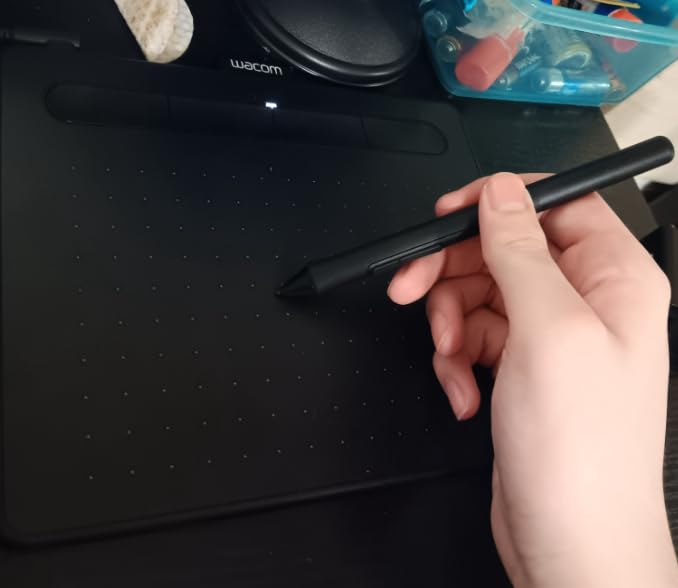
Wacom has dominated the drawing tablet industry for over forty years, and the Intuos Small Bluetooth demonstrates why. While competitors offer higher pressure levels on paper, Wacom’s EMR (Electromagnetic Resonance) technology provides the most consistent and reliable pen tracking I have tested. For photographers who demand precision during critical retouching work, the reliable performance justifies the premium over spec-sheet advantages.
The Bluetooth connectivity transforms my editing workspace. No cables clutter my desk, and I can position the tablet wherever is most comfortable during long editing sessions. The 4096 pressure levels sound lower than competitors, but Wacom’s implementation feels more consistent across the entire pressure range. Subtle adjustments during dodge and burn work respond exactly as intended, which matters more than raw specifications.
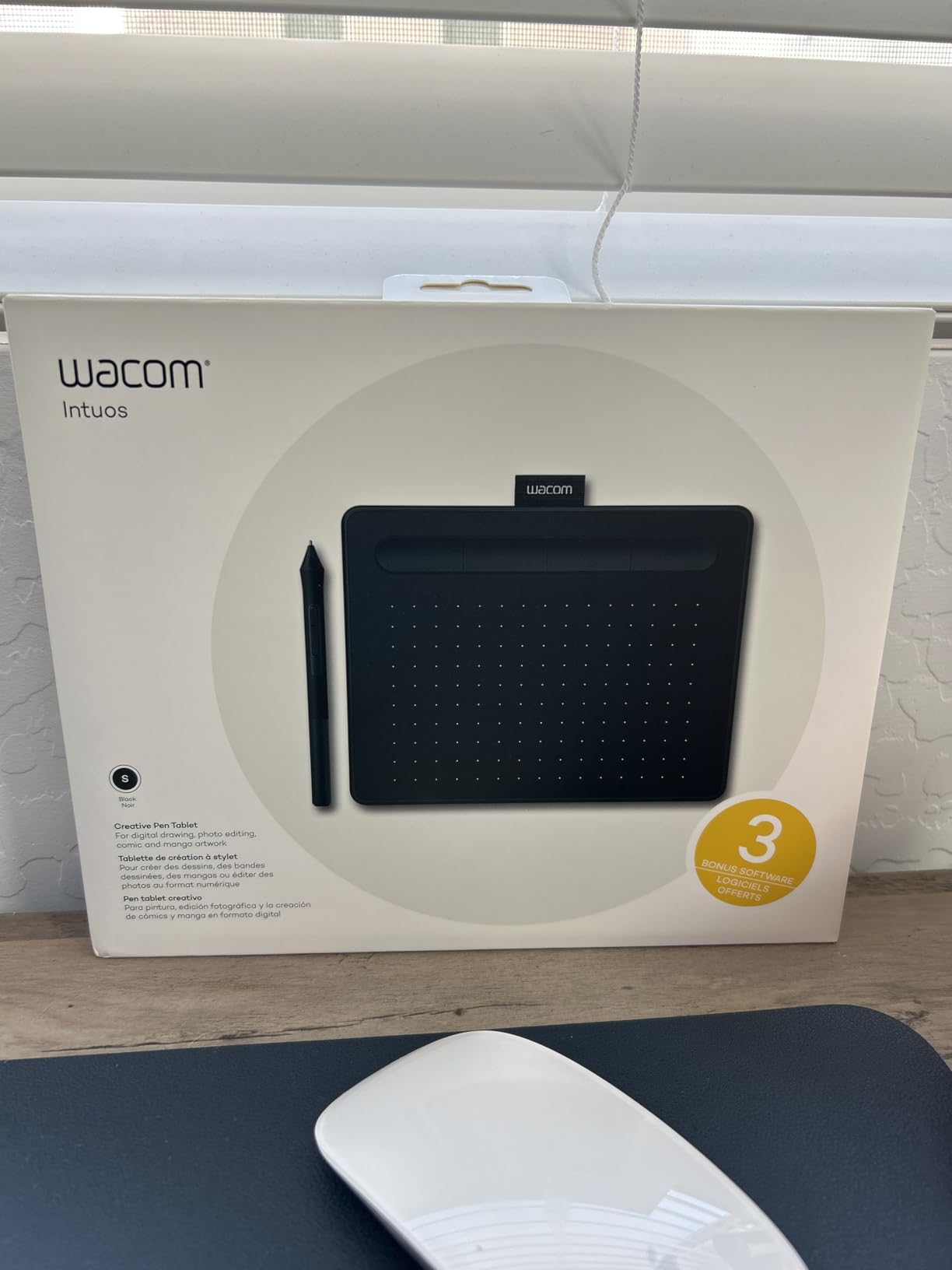
Four customizable Express Keys provide quick access to common editing functions. Wacom’s software suite is mature and reliable, with regular driver updates ensuring compatibility with new operating system releases. The included software trials for editing applications like Photoshop and SketchUp give photographers flexibility in their software choices.
At 8.82 ounces and compact dimensions, the Intuos Small Bluetooth travels well. The battery-free pen never needs charging, which aligns with professional reliability expectations. For photographers who edit across multiple locations or work from coffee shops while traveling, the wireless freedom adds meaningful convenience.
Best For
Photographers who prioritize reliability and brand reputation will appreciate the Wacom Intuos. The wireless functionality suits those who value desk organization and flexibility in their editing position. Wacom’s established driver ecosystem means fewer compatibility issues and long-term software support compared to lesser-known brands.
Not Ideal For
Photographers who need maximum drawing area or the highest pressure specifications should consider alternatives. The small active area limits comfortable extended use, and some users report the pen buttons accidentally trigger during editing. USB-C laptop users need a separate adapter for connectivity.
7. GAOMON PD1161 – Best Budget Pen Display
Pros
- Direct on-screen drawing experience
- Full HD IPS display with matte film
- Good color accuracy for the price
- Includes stand and accessories
Cons
- Touch buttons reliability issues
- Display color matching challenging
- Requires computer connection
- Some ghosting with moving images
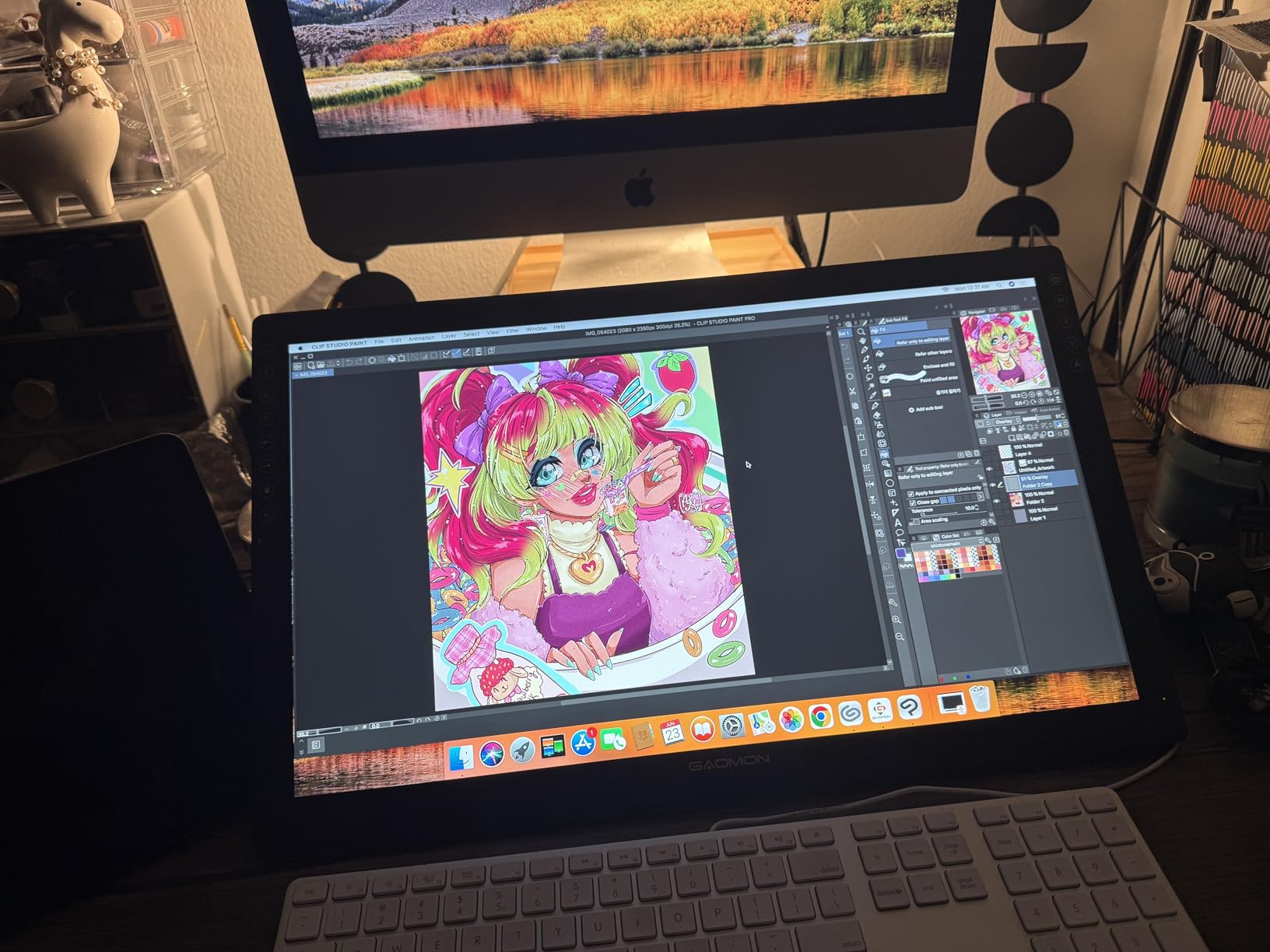
Pen displays represent a different category entirely from traditional pen tablets. Instead of drawing on a separate surface while watching your monitor, you draw directly on the screen. For photographers who find the hand-eye coordination of pen tablets disorienting, a pen display like the GAOMON PD1161 provides a more natural drawing experience at a fraction of the cost of premium alternatives.
The 11.6 inch Full HD IPS display delivers 72% NTSC color coverage with 16.7 million colors. The matte anti-glare film feels like drawing on paper and reduces reflections during studio work. For photographers who need accurate color preview while editing, this display provides better representation than external budget monitors. The 8192 pressure levels handle detailed retouching work effectively.
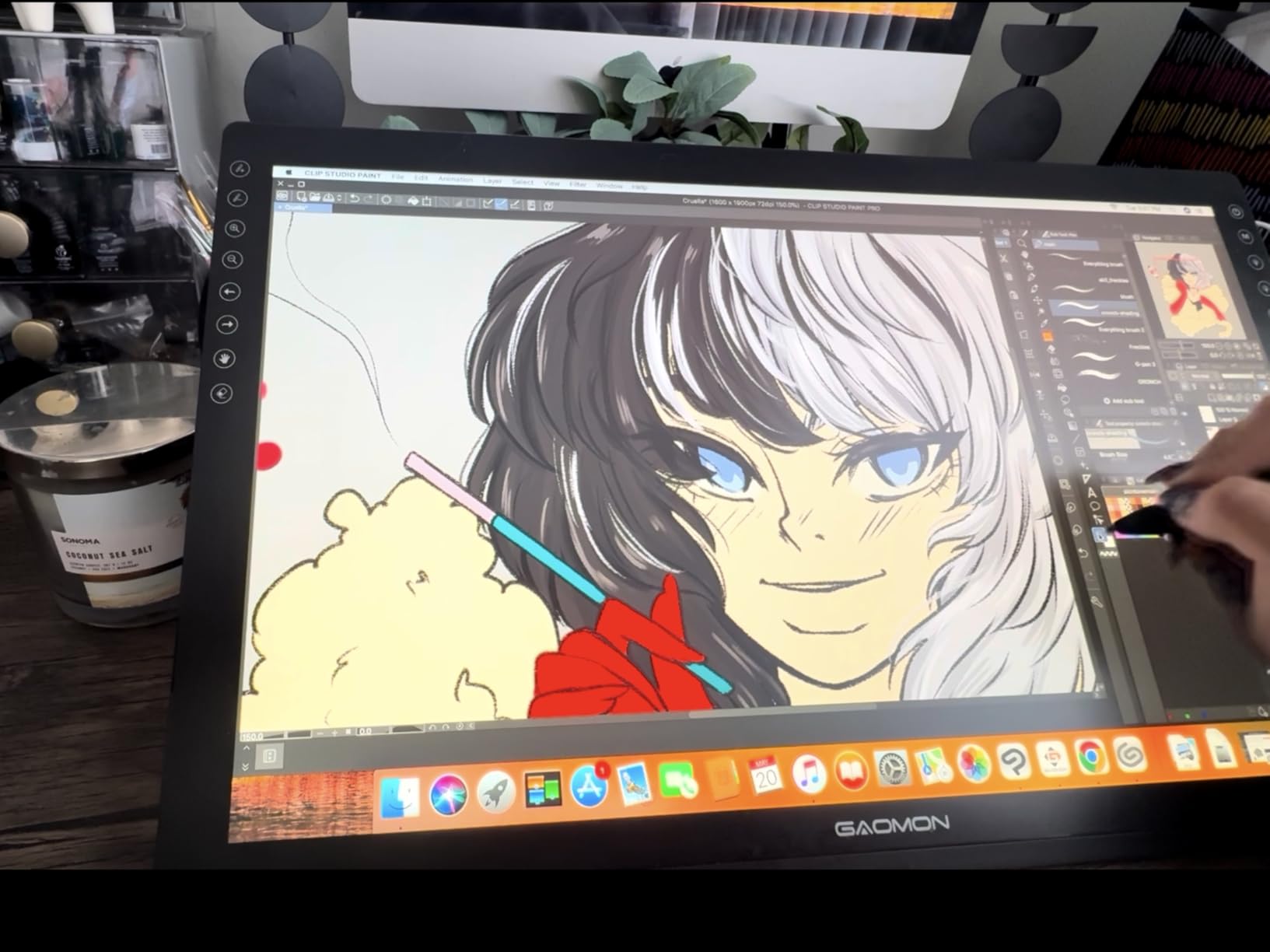
Eight programmable press keys plus two pen buttons give photographers extensive shortcut options. I configured mine for common Photoshop operations like layer visibility toggle, brush selection, and zoom functions. The 60-degree tilt support enables natural shading angles when dodge and burning, making luminosity adjustments feel intuitive.
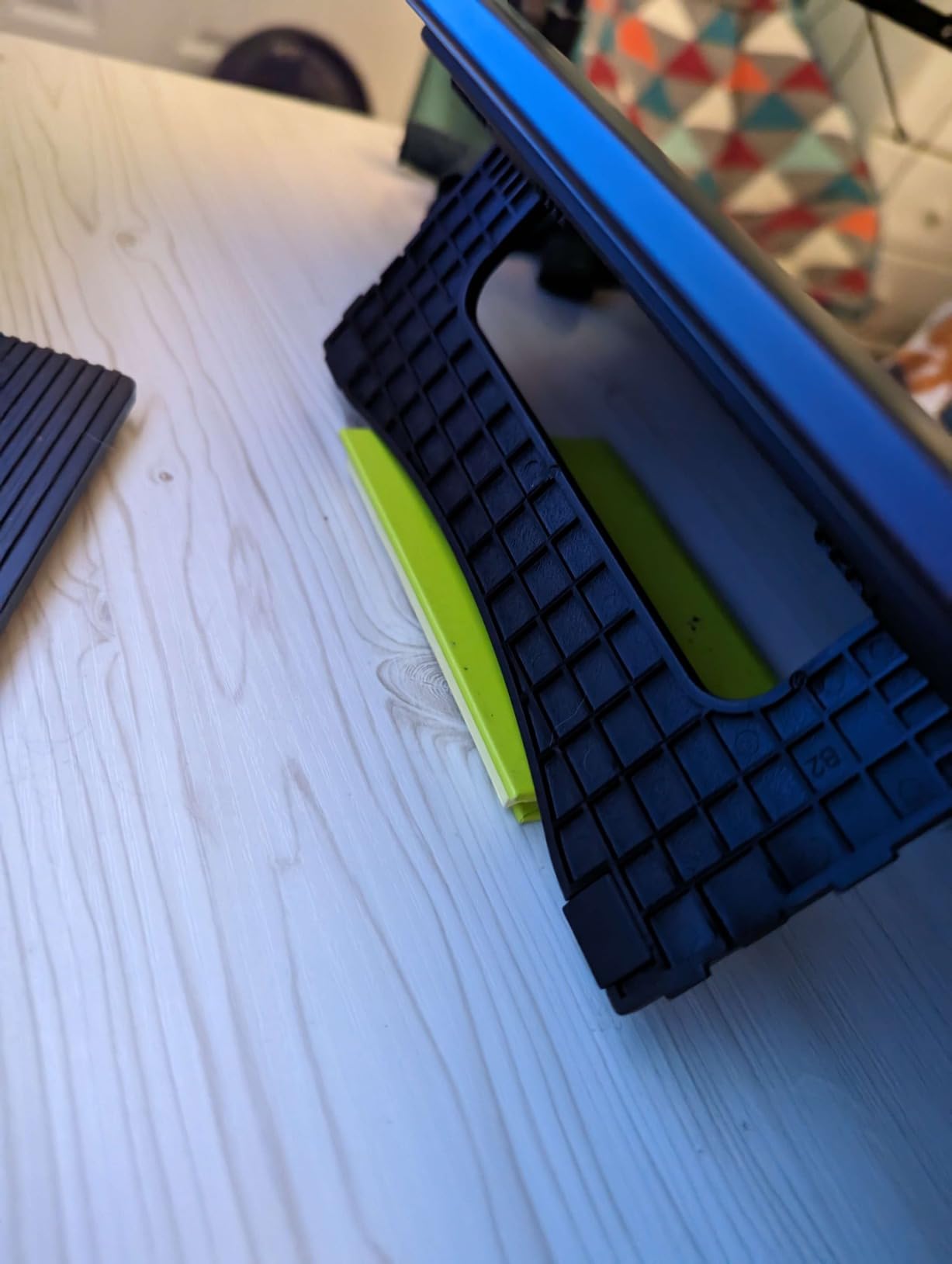
Setup requires connecting both HDMI and USB cables to your computer, which means a less clean desk arrangement than wireless alternatives. The included stand provides a single viewing angle, which may not suit all photographers’ ergonomic preferences. The PD1161 works with both Windows and Mac operating systems, ensuring broad compatibility.
Best For
The GAOMON PD1161 suits photographers who prefer direct on-screen drawing over traditional tablet setups. The integrated display eliminates the hand-eye coordination learning curve that frustrates some tablet users. At around $160, it provides an accessible entry point into pen display technology without the Wacom Cintiq investment.
Not Ideal For
Photographers who need maximum color accuracy for professional color work should consider higher-end displays. The touch shortcut buttons can be unreliable, and color matching between the PD1161 and your main monitor requires calibration effort. The dual-cable setup adds cable management complexity.
8. XP-Pen Artist13.3 Pro – Best Premium Pick
Pros
- Excellent color accuracy with wide gamut
- Full-laminated screen eliminates parallax
- Red Dial for zoom and brush size
- 8 customizable shortcut keys
Cons
- Must be connected to computer
- Single stand angle
- Screen can chip if mishandled
- Red Dial can feel clicky
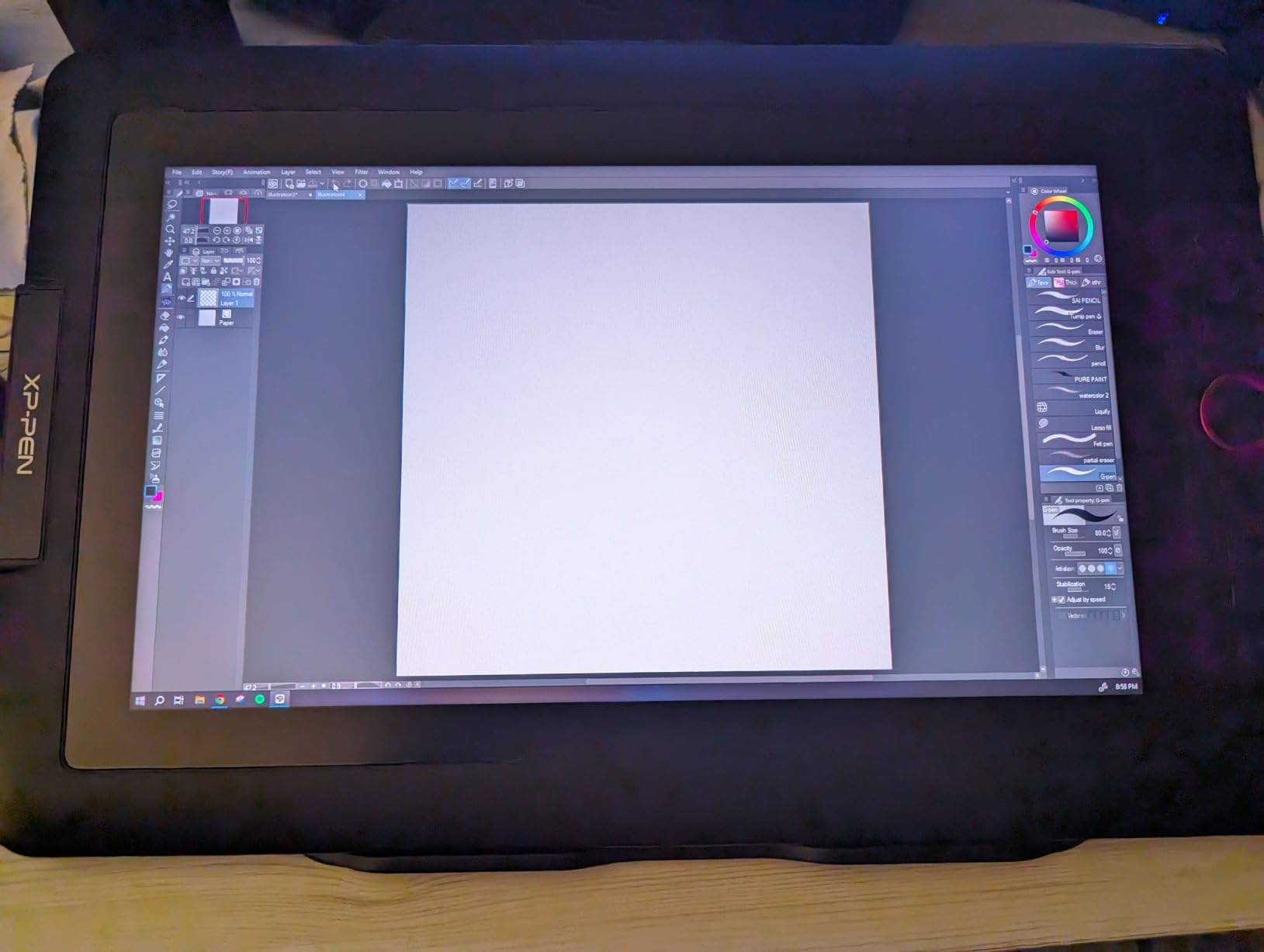
The XP-Pen Artist13.3 Pro represents the upper limit of budget-friendly pen displays, and for photographers willing to spend around $210, it delivers near-professional performance. The 13.3 inch Full HD display covers 88% NTSC color space with Adobe RGB coverage exceeding 91%. This level of color accuracy matters for photographers doing color-critical work like product photography or portrait retouching where skin tones must render accurately.
Full lamination eliminates the parallax effect found in cheaper displays. When your pen tip directly touches the image you are editing, the experience feels more natural and precise. For detailed masking work around hair strands or complex object selections, this accuracy makes a meaningful difference in work quality.
The Red Dial is XP-Pen’s answer to Wacom’s Expresskey Remote, providing tactile control over zoom, brush size, and canvas flipping. During testing, I found the dial intuitive for adjusting brush sizes mid-stroke without breaking concentration. Eight customizable shortcut keys complement the dial for comprehensive workflow control.
The 220 RPS (reports per second) ensures no perceptible lag between pen movement and on-screen response. For photographers doing rapid adjustments or working with large files, the responsive performance maintains productivity. The included accessories: pen holder, nibs, cleaning cloth, and drawing glove provide everything needed to start editing immediately.
Best For
Photographers who want the pen display experience without Wacom Cintiq pricing will find the Artist13.3 Pro delivers excellent value. The color accuracy suits commercial and portrait photographers who need reliable color representation. The large 13.3 inch display provides comfortable viewing for extended editing sessions.
Not Ideal For
Photographers who need portability will be disappointed, as the Artist13.3 Pro requires a permanent computer connection. The included stand offers limited ergonomic adjustment, and the screen material can chip if the display is dropped or mishandled. If you need a standalone tablet experience, consider dedicated drawing pads instead.
How to Choose the Best Budget Drawing Tablet for Photo Editing In 2026?
Selecting the right budget drawing tablet for your photography workflow depends on several factors unique to your needs. Here is what I consider when helping photographers choose their first or upgrade tablet.
Pen Tablet vs Pen Display
The fundamental choice is between a pen tablet and a pen display. A pen tablet like the HUION H640P or Wacom Intuos requires looking at your computer monitor while drawing on a separate surface. This learning curve typically takes one to three weeks for most photographers to become comfortable. The advantage is portability, lower cost, and the ability to use your existing monitor’s color accuracy.
Pen displays like the GAOMON PD1161 or XP-Pen Artist13.3 Pro let you draw directly on the screen. This feels more natural for many artists and eliminates the hand-eye coordination adjustment period. The trade-off is higher cost, less portability, and typically requiring a direct connection to your computer.
Pressure Sensitivity for Photo Editing
For photo editing specifically, 4096 to 8192 pressure levels provide adequate control for most tasks. The difference between 4096 and 8192 levels is subtle but noticeable during detailed retouching work. Anything above 8192 levels provides diminishing returns for photo editing applications. Dodge and burn work, layer masking, and spot healing all respond well within this pressure range.
Active Drawing Area
Larger active areas reduce wrist strain during extended editing sessions and provide more precision for detailed work. Budget tablets typically offer 4 by 3 inches to 10 by 6 inches. For photographers who edit detailed landscape or commercial photography, larger areas make a meaningful difference. For travel photographers or those with limited desk space, compact models work better.
Express Keys and Shortcuts
Programmable buttons dramatically improve editing efficiency by reducing keyboard reliance. Basic models offer two to four keys, while advanced options provide eight or more. I recommend mapping your most frequent Photoshop and Lightroom actions to these buttons for maximum workflow improvement.
Connectivity
USB-only tablets require a direct connection to your computer. Bluetooth models like the Wacom Intuos Small Bluetooth free up desk space and allow flexible positioning. Consider whether cable management matters in your workspace when choosing between these options.
Frequently Asked Questions
What is the best budget drawing tablet for photo editing?
The Wacom Intuos Small Bluetooth earns our Editor’s Choice for photographers. It combines Wacom’s industry-leading pen technology with wireless convenience. However, the XP-Pen Deco 01 V3 offers the best value with its large 10×6.25 inch drawing area and 16K pressure levels at under $50.
Are drawing tablets good for photo editing?
Yes, drawing tablets significantly improve photo editing precision compared to mouse input. Tasks like dodging, burning, layer masking, and spot healing feel more natural with pressure-sensitive pen control. Even basic models under $50 dramatically improve editing workflow efficiency for photographers.
What’s the difference between a pen tablet and pen display?
A pen tablet requires looking at your computer monitor while drawing on a separate surface. A pen display lets you draw directly on the screen. Pen displays feel more natural but cost more and require direct computer connection. Pen tablets are more portable and affordable.
Do photographers use Photoshop or Lightroom for drawing tablets?
Both Photoshop and Lightroom work with drawing tablets. Photoshop offers the most comprehensive pen input support with pressure-sensitive brushes, healing tools, and masking capabilities. Lightroom supports tablet input for targeted adjustments and brush-based local edits.
What pressure sensitivity do I need for photo editing?
For photo editing, 4096 to 8192 pressure levels provide excellent control. This range handles dodge and burn, retouching, and masking effectively. Levels above 8192 offer minimal improvement for photography-specific tasks.
Conclusion
Finding the best budget drawing tablets for photographers comes down to matching your specific needs with available options. For photographers just starting with tablet editing, the HUION H420X and XP-Pen StarG640 provide affordable entry points that still deliver meaningful improvements over mouse-based editing.
The HUION H640P and XP-Pen Deco 01 V3 represent the best value for serious photographers, offering customizable workflow buttons and larger drawing areas without significant price increases. For those willing to invest around $80, the Wacom Intuos Small Bluetooth delivers industry-leading reliability and wireless convenience that professionals depend on.
Pen displays like the GAOMON PD1161 and XP-Pen Artist13.3 Pro suit photographers who prefer direct on-screen drawing. The Artist13.3 Pro’s superior color accuracy and full lamination make it the premium choice for photographers doing color-critical work.
Whatever tablet you choose, the improvement in editing precision and workflow efficiency will be immediately noticeable. The investment in a budget drawing tablet pays for itself through improved photo quality and faster editing times.