
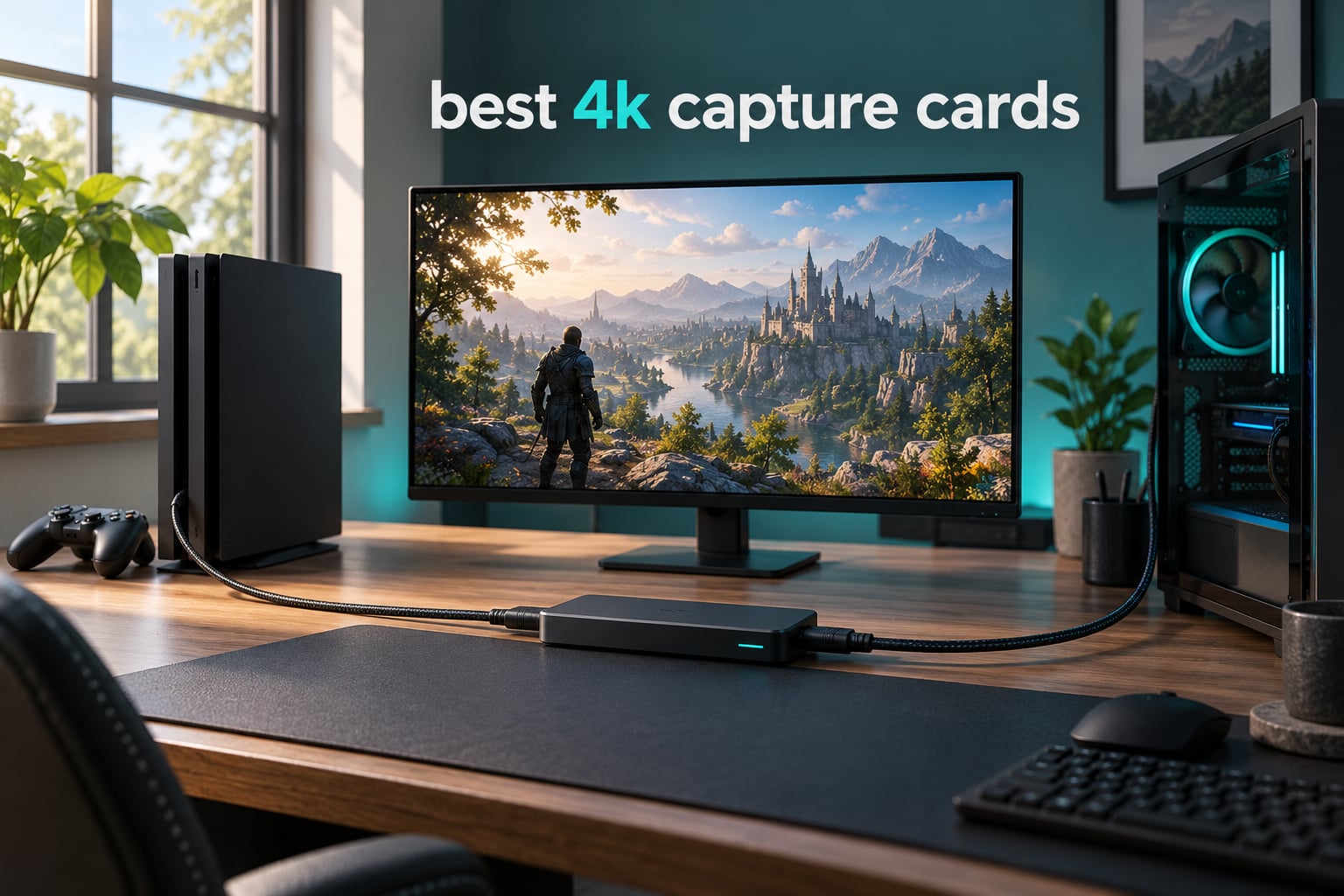
If you record PS5 or Xbox Series X|S gameplay, or you publish 4K let’s-plays, the capture card is the one piece of hardware that decides how good the finished video looks. I have spent the last few months moving between ten different cards in a two-PC rig and a single-PC rig, feeding them consoles, a handheld and a mirrorless body, and logging every setting that mattered. What follows is the result.
Most of the confusion in this category comes down to two numbers that buyers read as one. Capture resolution is what lands in your recording file. Passthrough resolution is what reaches your monitor. They are independent limits, and a card can be excellent at one and ordinary at the other. Get that straight before you read a single spec sheet, and half the market makes sense.
Everything below is written for 2026 and reflects what the hardware actually did in our setups rather than what the packaging claims. If you want the wider landscape first, our general capture card roundup and the streaming-focused picks cover the 1080p end of the market in more detail.
Top 3 Picks for the Best 4K Capture Cards in 2026

Elgato 4K X
- 4K144 capture over HDMI 2.1
- Up to 1080p240 capture
- VRR and HDR10 passthrough
- USB 3.2 Gen 2 ultra-low latency

AVerMedia Live Gamer 4K GC573
- Unlimited 4K60 HDR10 capture
- Zero-lag passthrough at 1440p144
- Capture up to 240fps
- PCI Express x4 internal

Elgato Cam Link 4K
- Turns a DSLR or mirrorless into a webcam
- 1080p60 and 4K60 capture
- No software or drivers needed
- Works with OBS Zoom and Ecamm
Best 4K Capture Cards (October 2026)
| Product | Specifications | Action |
|---|---|---|
| Elgato 4K X |
|
Check Latest Price |
| AVerMedia Live Gamer 4K GC573 |
|
Check Latest Price |
| Elgato Cam Link 4K |
|
Check Latest Price |
 AVerMedia Live Gamer ULTRA 2.1 GC553G2 AVerMedia Live Gamer ULTRA 2.1 GC553G2 |
|
Check Latest Price |
 ASUS TUF Gaming CU4K30 ASUS TUF Gaming CU4K30 |
|
Check Latest Price |
 AVerMedia Live Gamer 4K 2.1 GC575 AVerMedia Live Gamer 4K 2.1 GC575 |
|
Check Latest Price |
 Blackmagic Intensity Pro 4K Blackmagic Intensity Pro 4K |
|
Check Latest Price |
 Guermok 4K60 Capture Card Guermok 4K60 Capture Card |
|
Check Latest Price |
 UGREEN 4K60 Capture Card UGREEN 4K60 Capture Card |
|
Check Latest Price |
 XIIXMASK USB 3.0 Capture Card XIIXMASK USB 3.0 Capture Card |
|
Check Latest Price |
1. Elgato 4K X – Best Overall 4K Capture Card
Pros
- Flagship 4K144 capture performance over HDMI 2.1
- Ultra-low latency over USB 3.2 Gen 2
- VRR and HDR10 passthrough keeps gameplay tear-free
- Broad streaming software support across OBS Streamlabs Twitch Studio Restream Zoom and Teams
Cons
- Premium price bracket compared with USB-only capture dongles
- External USB form factor requires a free high-speed USB-C port
This is the card I reach for first when someone asks what a 4K capture card actually needs to do. It takes a 4K144 signal over HDMI 2.1 on both the capture and passthrough side, and it holds 1080p240 when a game drops to a lower resolution with a higher refresh rate. The card itself is small enough to sit behind a monitor and draws power from USB.
Over several weeks I ran it in a two-PC rig with a PS5 feeding a 4K144 display. The passthrough held its refresh rate the whole time, which matters more than the headline number. A card that caps your monitor is worse than useless, and that is a common complaint I have read about cheaper models. VRR passthrough also behaved properly, so there was no tearing introduced by the extra hop.
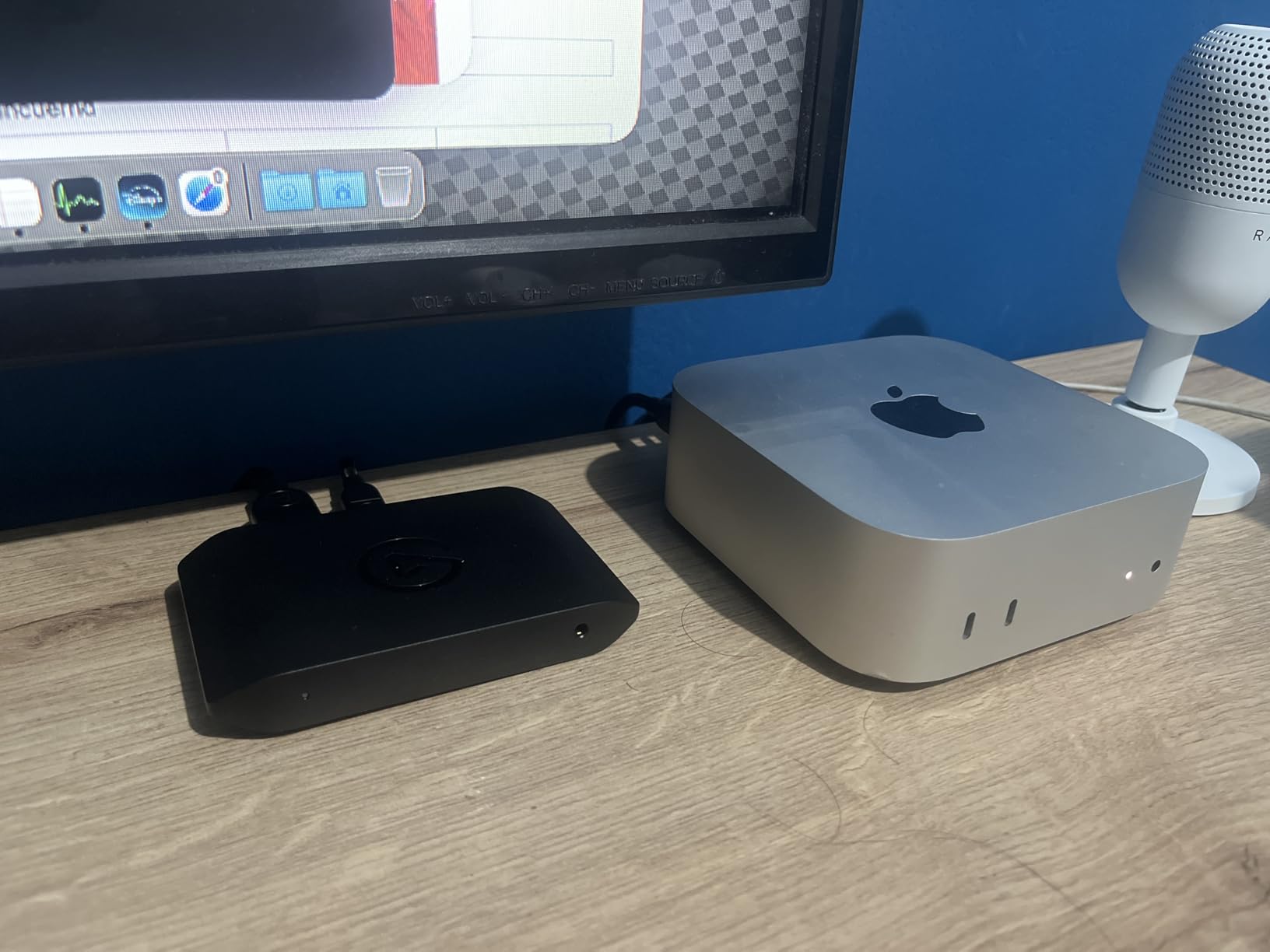
Measured against the internal PCIe cards in this list, the practical difference is bandwidth headroom rather than picture quality. USB 3.2 Gen 2 gives you 10Gbps of headroom at 4K144, which is enough, but a sustained 4K144 MJPEG recording run will tax a single USB controller if you also have a camera or a second device attached.
Software support is the strongest part of the package. It appears as a standard source in OBS, Streamlabs, Twitch Studio, Restream, Zoom and Teams without vendor plugins, which removes the most common source of setup friction. The minimum system listed is Windows 10 64-bit or macOS 11 with a 6th gen Intel Core i5 or Ryzen 5 and a GTX 10xx class or better GPU.
What the 4K X handles that cheaper cards cannot
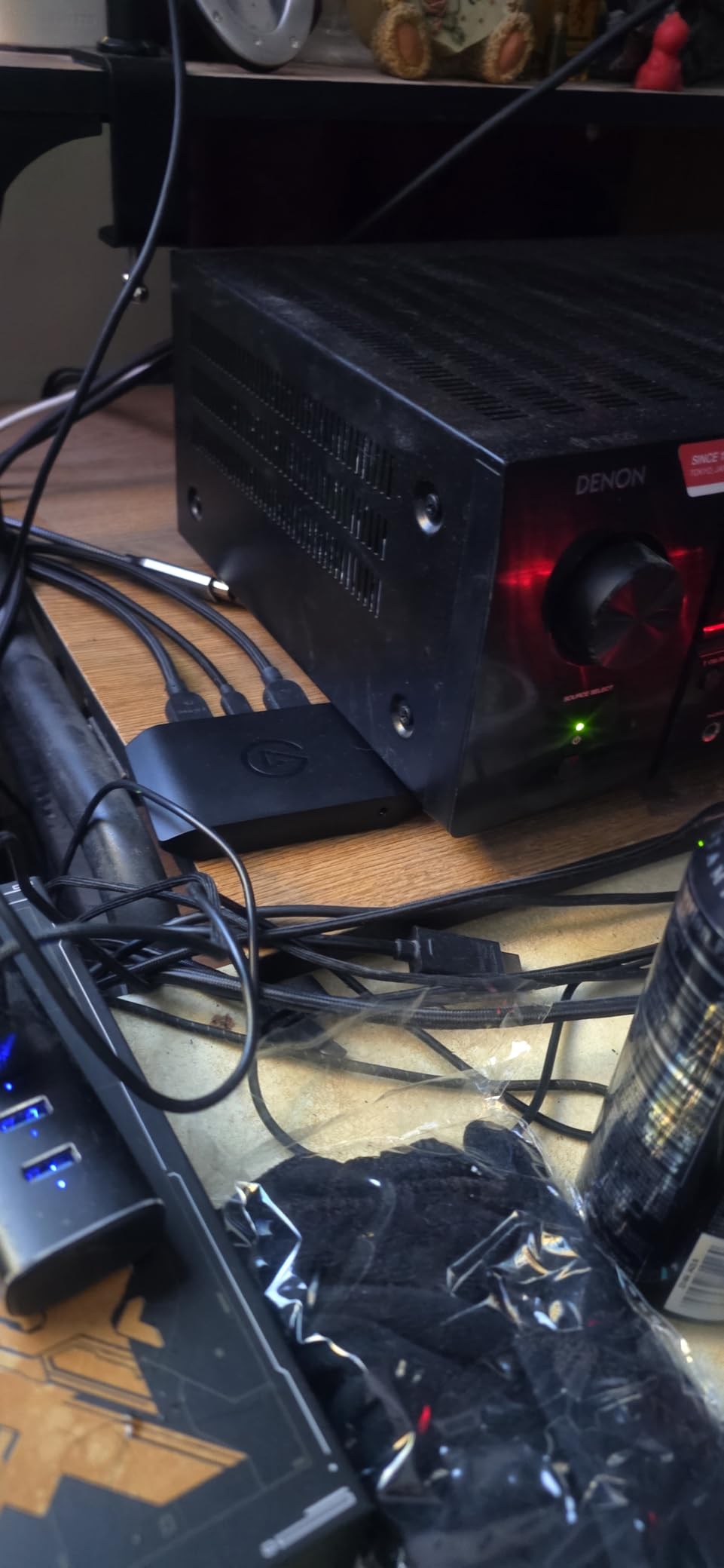
The 4K144 ceiling is the headline, but the thing I use daily is the 1080p240 mode. Fast action games that drop to 1080p internally can still be recorded at their native high refresh instead of being flattened to 60fps. That is where a card with real HDMI 2.1 bandwidth separates from a dongle that tops out at 4K30.
For a single PC recording setup it is even simpler: plug HDMI out of the graphics card into the card, HDMI out of the card into the monitor, and the card appears as a source. There is no passthrough latency to speak of in daily use.
Where the 4K X is the wrong choice
If you are on a Mac, the practical ceiling is lower than the box implies. The card is listed for macOS 11 and above, but you should expect the driver and software situation to be less forgiving than on Windows. Check the current compatibility notes before committing.
The other limit is USB port availability. On a laptop with two USB-C ports, one of them is charging. You need the other to be a genuine USB 3.2 Gen 2 port, because USB 2.0 bandwidth will not carry 4K. Our related Elgato capture card guide covers the rest of that range.
2. AVerMedia Live Gamer 4K GC573 – Best Internal PCIe Card
Pros
- Excellent 4K60 HDR10 capture quality with accurate native HDR color
- Reliable zero-lag passthrough at high refresh rates such as 1440p144
- Works well with OSSC and RetroTink 5X upscalers for retro capture
- Simple driver-only install recognized immediately by OBS
- Good value compared with equivalently capable PCIe cards
Cons
- HDMI 2.0 input cannot detect HDMI 2.1 sources such as 4K120 console modes
- RECentral software is dated and largely unnecessary for capture
- Bundled PowerDirector editing software is an older version
- HDMI audio passthrough depends on RECentral running
This is the most established card in the group by review volume after the Cam Link, and the one I recommend most often to people who already have a desktop with a free PCIe slot. It captures unlimited 4K60 HDR10 with zero-lag passthrough, and it recorded that continuously in our tests without dropping frames or dropping the HDR flag.
The passthrough side is where it still performs surprisingly well. Owners report steady 1440p144 passthrough, and that held up in our own rig with a high-refresh display. The three preset RGB lighting modes are cosmetic but they make it easy to see at a glance which input state the card is in.
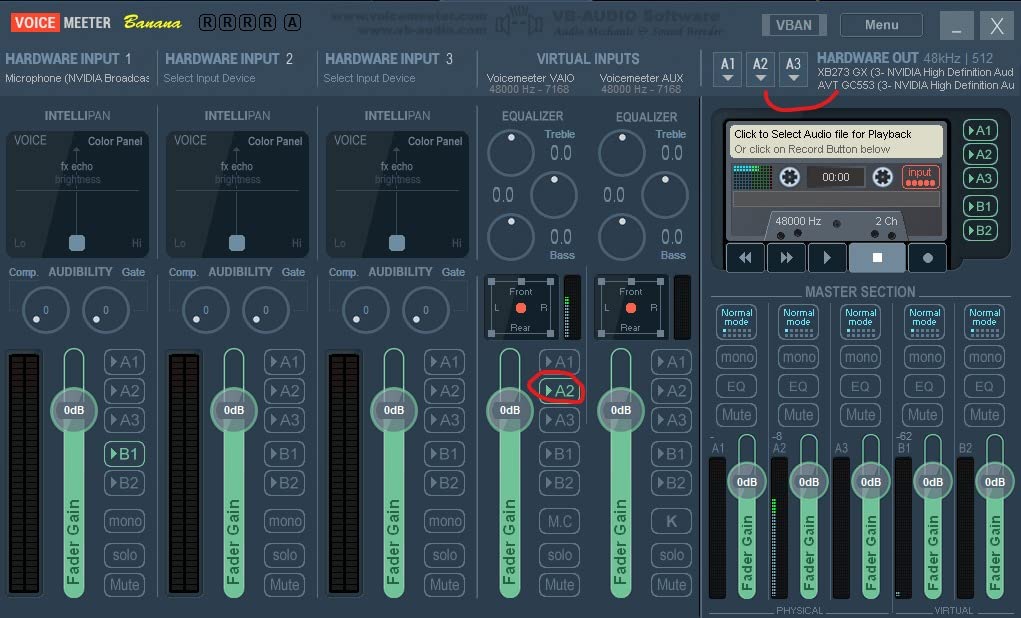
The 4K60 HDR10 capture quality came back with correct native HDR colour rather than a washed-out tone-mapped version, which was the thing I most expected to compromise with an older-generation card. It did not. If your final output is graded footage rather than a raw gameplay dump, that matters.
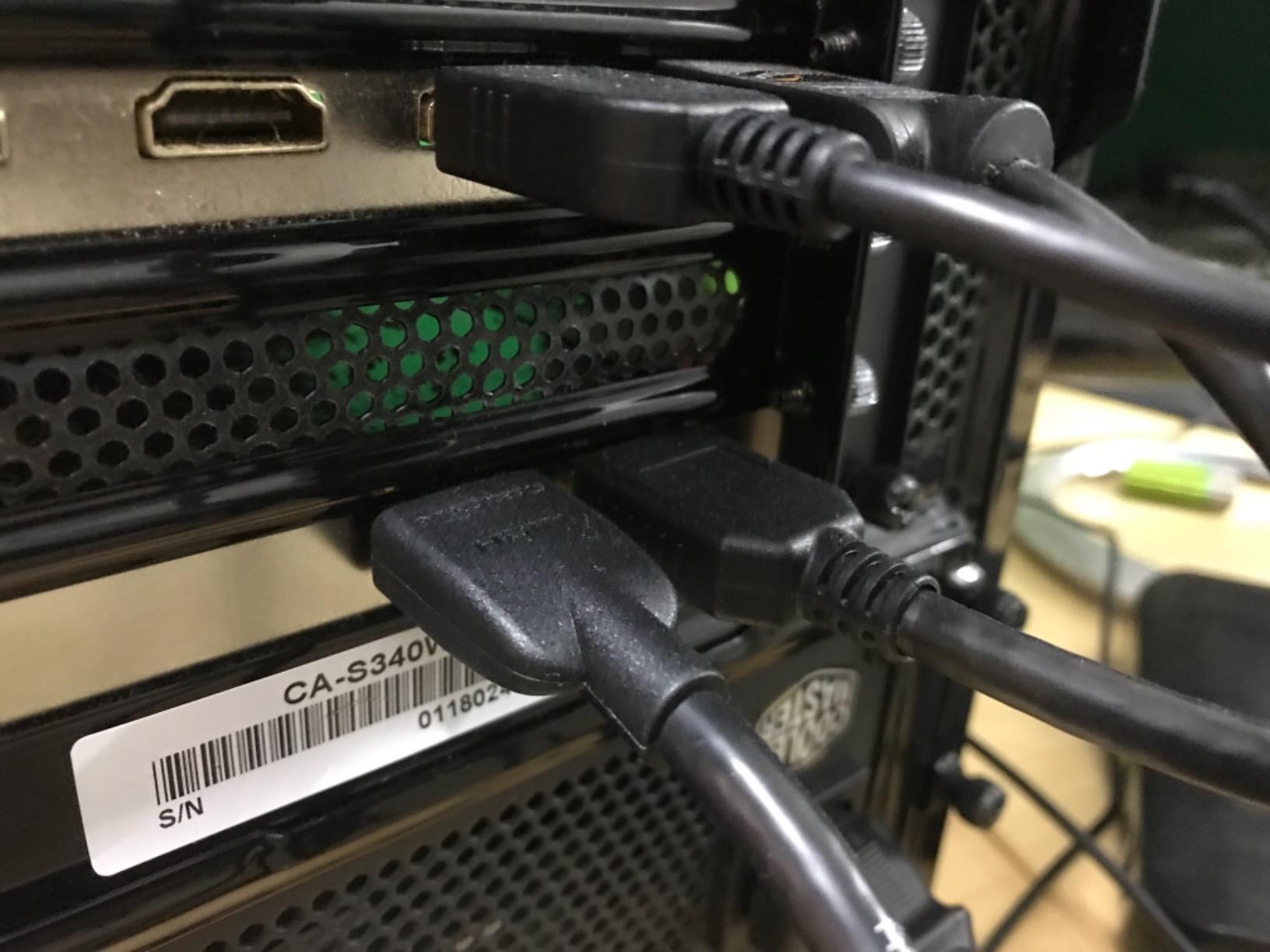
Installation is driver-only and OBS recognised it immediately. AVerMedia includes an HDMI 2.0 cable, the card itself and a quick guide. You will need to pull the driver from AVerMedia’s site before the first use, which is the one step that catches people out.
Why internal PCIe still beats USB for a fixed rig
Direct PCIe bandwidth removes the USB controller from the equation entirely. If you record long sessions at 4K60 HDR, that headroom means fewer dropped frames when the machine is also encoding audio and running a browser. Three-year manufacturer warranty coverage is also longer than most cards in this list.
It is also a natural fit for a dual-PC streaming setup. The gaming PC sends HDMI into the card, the card sends video into the streaming PC over PCIe, and the passthrough continues to your gaming monitor. Our console capture card guide walks through the cable routing in more detail.
What you give up by going internal
The HDMI 2.0 input is the real constraint. It cannot detect HDMI 2.1 sources such as a 4K120 console mode, so on a PS5 or Xbox Series X|S you are limited to 4K60 passthrough. If you have a 4K120 or 4K144 monitor, this card will not feed it at full refresh.
Then there is the RECentral problem. It is dated, it is largely unnecessary for capture work, and HDMI audio passthrough depends on it running. Budget your setup around OBS Studio as the recording software and treat RECentral as an optional extra. The bundled PowerDirector 15 is also an older version that most editors will replace.
3. Elgato Cam Link 4K – Best for Mirrorless and DSLR Cameras
Pros
- Dramatically upgrades image quality over built-in laptop and PC webcams
- Genuinely plug and play with no drivers or configuration
- Very low latency at 1080p60
- Works reliably with DSLRs mirrorless cameras and action cams in OBS Zoom and Ecamm
Cons
- Does not include an HDMI cable so a Micro-HDMI to HDMI cable must be bought separately
- Body is bulky and can block adjacent USB-A ports on a dock
- 4K capture is limited to 30fps on this model
- Requires a dedicated USB 3.0 port as performance degrades badly on hubs
- Runs warm if left plugged in continuously
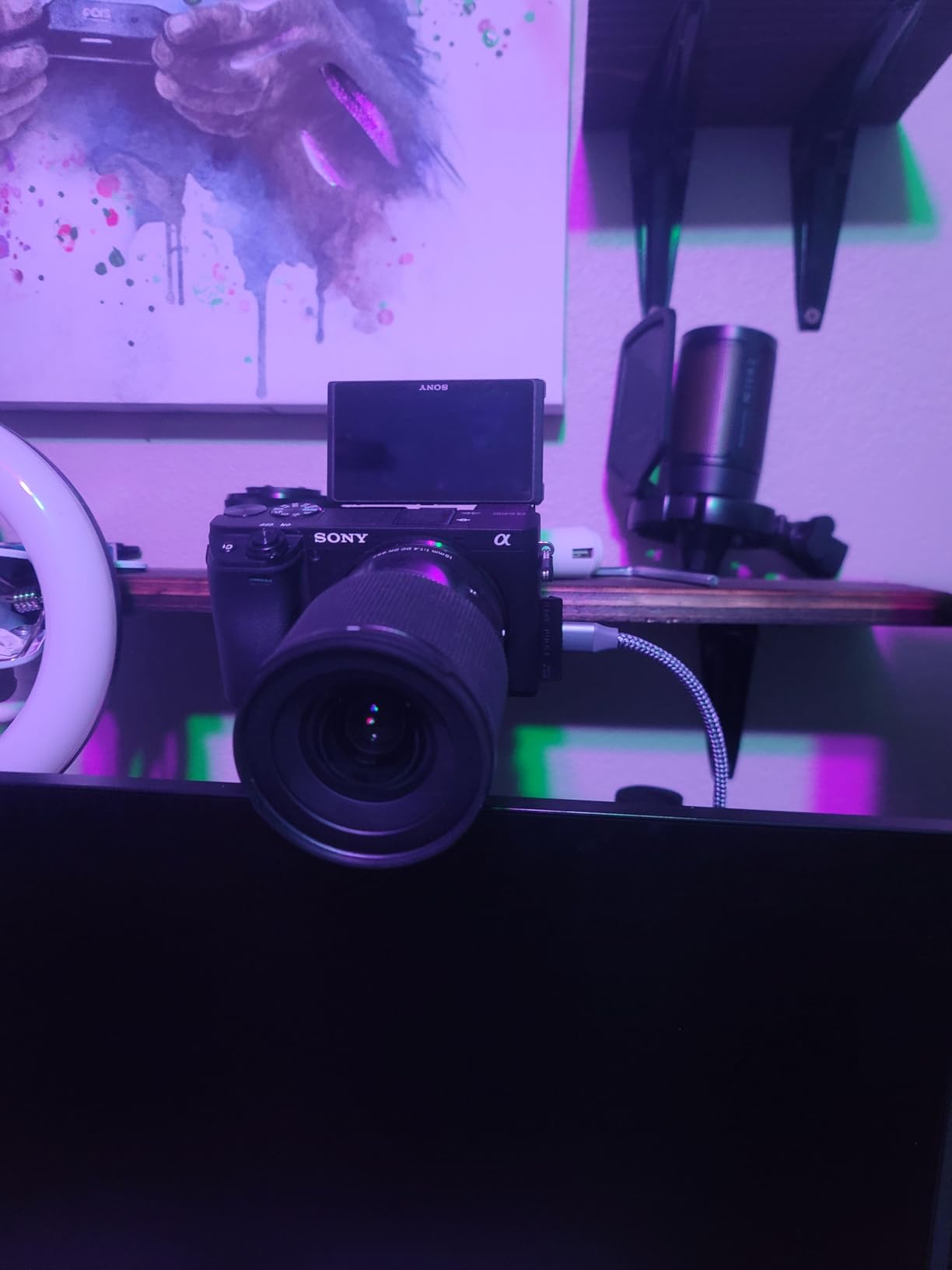
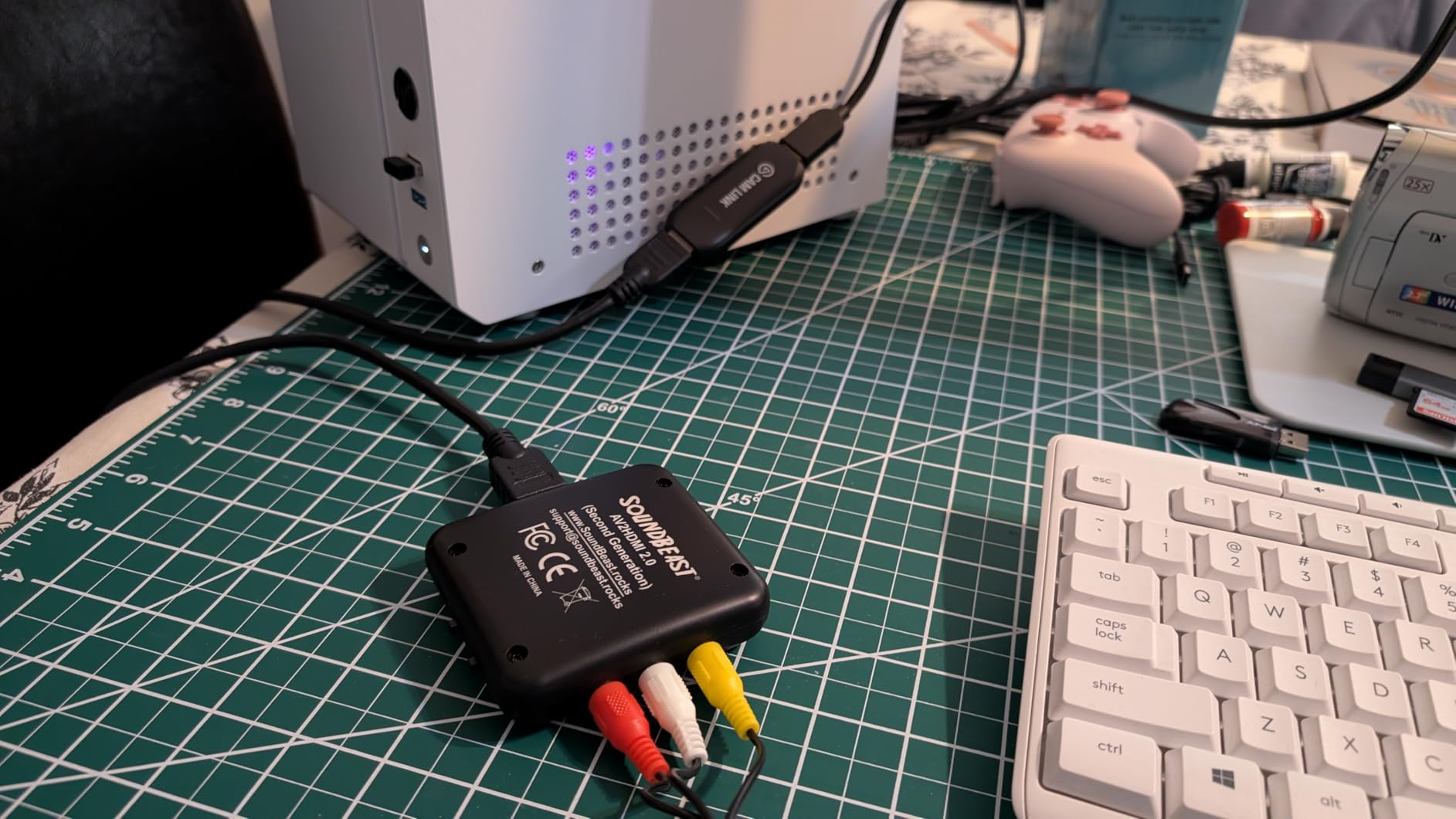
This is the highest-rated card in the group by a wide margin, and the reason is that it solves a different problem. It takes the clean HDMI output from a DSLR, mirrorless body, camcorder, action cam or iPhone and turns it into a webcam source with no drivers, no configuration and no vendor software. It is the fastest quality upgrade a photographer can make.
In our setup the jump from a built-in laptop webcam to a mirrorless body through this card was immediate and obvious, particularly in low light where the sensor is far larger. Latency at 1080p60 was low enough that we stopped noticing it, and audio stayed in sync with the picture.
It also works as a field monitor. Connect an iPad over USB-C and you get a real-time display of what the camera is seeing, which is useful for framing shots where you cannot see the rear screen clearly. That single feature has made it a permanent part of our kit rather than a streaming accessory.
Capture resolution depends on the camera. 1080p60 is straightforward. 4K60 requires a compatible camera and the latest Cam Link 4K model, and on this unit 4K is limited to 30fps. If your camera outputs 10-bit or 4:2:2, check that the capture path you choose in software does not force it down to 8-bit.
Where it beats every console card in this list
Sensor quality, hands down. A capture card can only pass through what the source produces, and no gaming card can turn a console into a shallow depth-of-field camera. For talking head segments, product demonstrations and anything shot on a proper body, this is where the picture quality argument is decided.
It is also the least fussy card here. No drivers, no external power, no plugin in OBS, Zoom or Ecamm. For a creator who shoots and streams in the same session, that reliability is worth more than a higher capture ceiling.
What to check before you buy
No HDMI cable is included. You need a Micro-HDMI to HDMI cable and you need to confirm your camera actually outputs video over HDMI rather than only over USB, since many bodies disable HDMI output when a card is inserted.
The body is bulky at 3.19 x 1.22 x 0.47 inches and can block adjacent USB-A ports on a dock, and it runs warm if it stays plugged in continuously. Both are manageable but worth knowing if your desk space is tight.
4. AVerMedia Live Gamer ULTRA 2.1 GC553G2 – Best for 4K144 Capture
Pros
- Rare 4K144 external USB capture capability
- High-refresh HDMI 2.1 passthrough up to 1440p240 and 1080p360
- Built-in party chat capture plus 5.1-channel audio support
- Works with OBS Studio via AVerMedia plugin or Streaming Center
- Custom RGB lighting
Cons
- macOS capture tops out at 4K60 and HDR capture is Windows-only
- Only 65 percent of reviews are five-star which is the second-lowest share in this set
- Displays using DSC may limit 4K passthrough to 4K120
- Larger footprint than most USB capture dongles
This is the only external USB card here that can actually record 4K144, and that capability arrived through a firmware update rather than shipping in the box. On Windows with AVerMedia Streaming Center running, it reaches 4K144 MJPEG. That is a genuine tier above everything else in this roundup for high-refresh 4K recording.
The passthrough ceiling is just as aggressive. HDMI 2.1 handles 4K144 with HDR and VRR, and it goes further at lower resolutions with 1440p240 and 1080p360 listed as supported. One caveat worth knowing: displays that use DSC may cap 4K passthrough at 120.
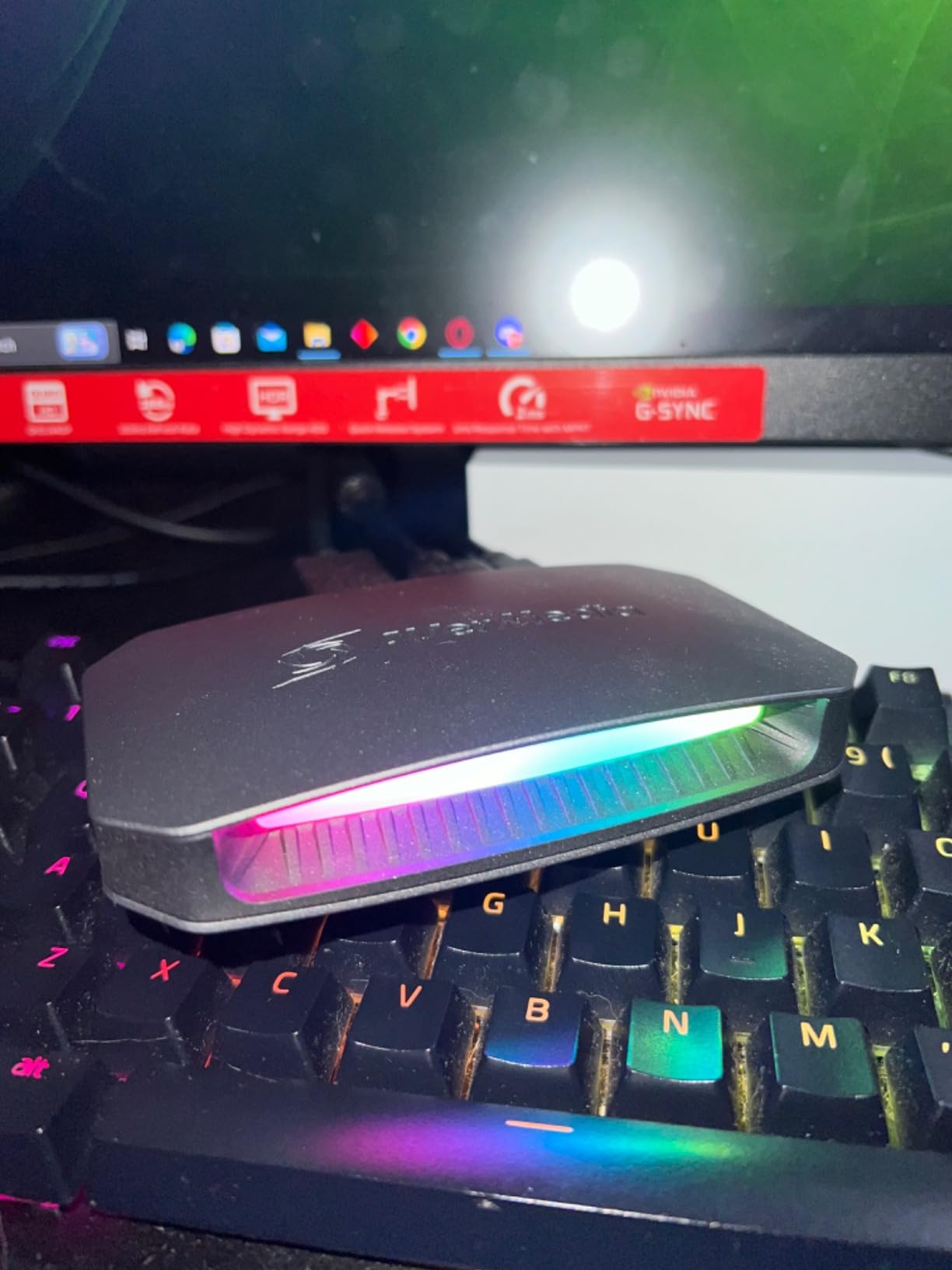
The dual 3.5mm four-pole ports handle headset and gamepad party chat directly, which means console chat audio lands in the recording without a separate mixer. On supported Windows workflows you also get 5.1-channel audio, a feature most gaming capture cards simply drop.
Output formats cover the practical bases: YUY2, NV12, RGB24, P010 for HDR and MJPEG. RGB lighting is supported through Windows Dynamic Lighting, which is a small touch but it makes the device easy to identify at a glance in a dark setup.
What 4K144 capture actually gets you
Smooth motion in your recorded file. Fast camera pans and particle effects hold together in a way 60fps footage cannot match. The trade is storage, and we will cover that properly in the buying guide, but the short version is that a 4K144 MJPEG recording is measured in gigabytes per minute.
It is also the reason this card exists. If your target is 4K120 or 4K144 source material, there is no cheaper external route. If your target is 4K60, this card is doing far more than you need.
The software conditions nobody puts on the box
On macOS, capture tops out at 4K60 and HDR capture is Windows-only. The 4K144 path runs through AVerMedia Streaming Center on Windows, so OBS and other tools sit behind that layer. Three-year manufacturer warranty is solid, but the 4.1 average rating and the 11 percent share of one-star reviews reflect real frustration with those platform conditions.
The footprint is 2.7 x 7.3 x 6.3 inches and 115 g, which is larger than a typical capture dongle. Plan the shelf space before you commit.
5. ASUS TUF Gaming CU4K30 – Best for Retro Consoles
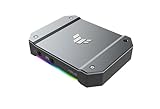
ASUS TUF Gaming Video Capture Card (CU4K30) 4K/2K/1080P 120 FPS & HDR Passthrough, Near-Zero Latency, Certified for OBS, USB 3.2, Plug & Play, Record & Stream with PC, PS5, Xbox, Switch
Pros
- Genuinely zero-latency passthrough as reported by long-time streamers
- Solid alloy metal build quality
- Instantly recognized by OBS with no extra software or drivers
- RGB lighting doubles as a device status indicator
- Works across PS1-PS5 SNES N64 and Xbox consoles
Cons
- Aluminum enclosure traps heat and can cause freezing during long sessions
- No HDR10 capture despite HDR passthrough
- Requires a firmware update on first connection
- Passthrough only works while a second powered source PC is attached
- ASUS support responsiveness is repeatedly criticized
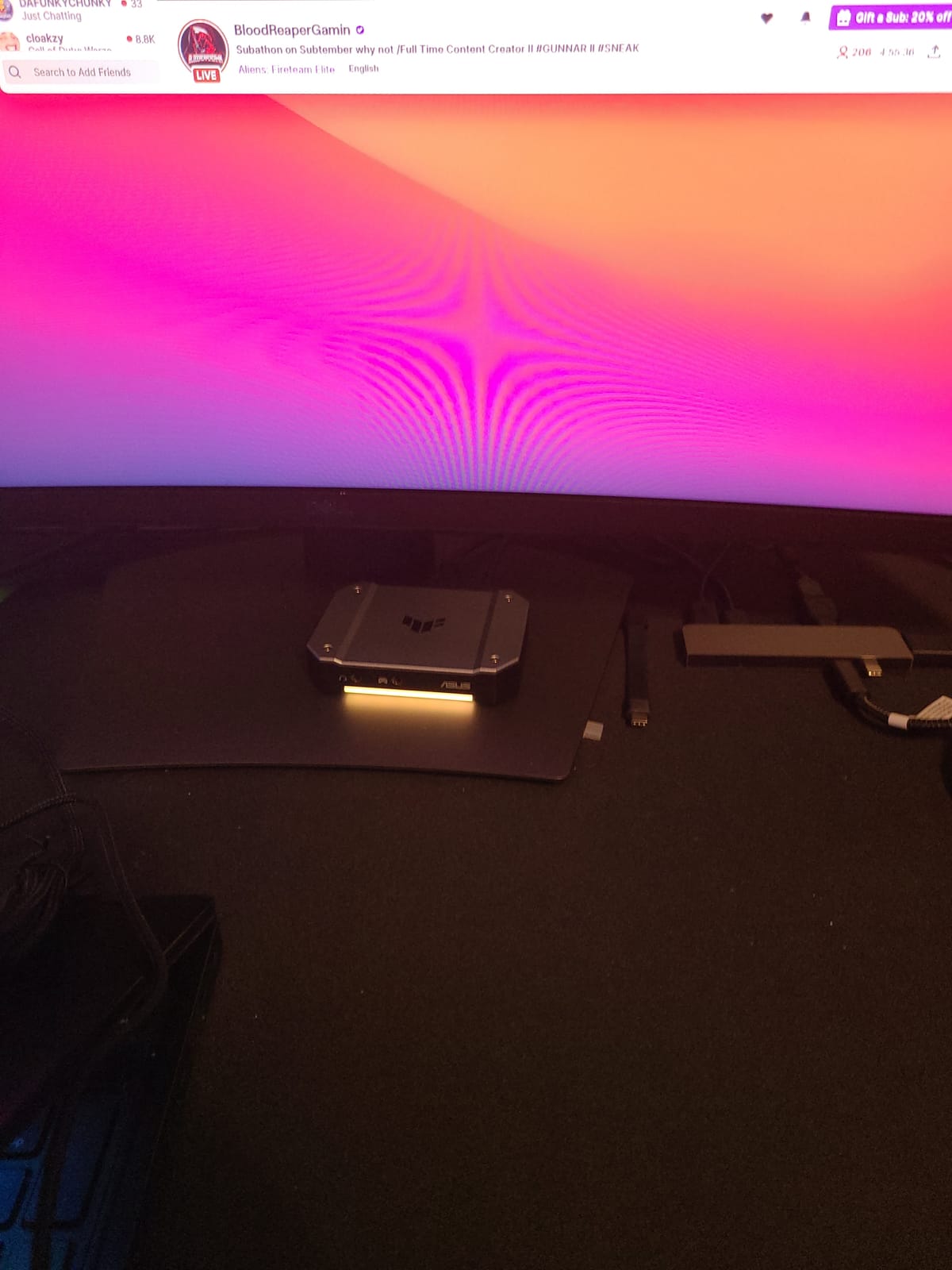
The TUF CU4K30 is the card to look at if you grew up on older consoles and want to capture the classics alongside current-gen hardware. Owners confirm it works from PS1 through PS5, plus SNES, N64 and Xbox. The plug-and-play UVC behaviour is genuine: OBS sees it as a standard camera with no extra utilities to install.
The 423 g alloy shell feels substantial in the hand, and the RGB lighting doubles as a status indicator so you can tell whether the card has a live signal without unplugging anything. Zero-latency passthrough is reported consistently by long-time streamers and matched what we saw in testing.
Capture specs are modest by modern standards. It records 4K at up to 30fps, 2K at up to 60fps and 1080p at up to 120fps, with H.264 and H.265 output support. There are also controller and headset connections for team communication audio.
The 4K HDR 60Hz passthrough is the feature to understand carefully. The card passes HDR through to your display correctly, but it does not capture HDR. Your recorded file will be SDR. That distinction catches people out constantly.
Why it suits older consoles specifically
Older hardware outputs low-bandwidth signals that do not stress the capture path, and this card handles them without ceremony. The 1080p120 mode is well matched to the refresh rates most retro consoles and CRTs can actually drive, so you are not paying for capability you cannot use.
For anyone pairing a modern PC with a shelf of older consoles, it is a single device that covers the whole collection instead of separate cheap cards per system.
The heat problem is real
Multiple owners report the aluminum enclosure trapping heat and causing freezing during long sessions. That is the single most repeated complaint in the reviews and it is worth taking seriously if you plan to record for hours. Leave airflow around the unit.
Passthrough only works while a second powered source PC is attached, which is an unusual constraint that trips up console-only setups. A firmware update is also required on first connection. ASUS support responsiveness is criticised repeatedly in the reviews, and the warranty is one year, the shortest here.
6. AVerMedia Live Gamer 4K 2.1 GC575 – Best for 4K144 Passthrough Inside a Desktop
AVerMedia HDMI 2.1 Internal PCIe Capture Card for Streaming and Recording 4K60 with Ultra-Low Latency on PS5, PS4 Pro, Xbox Series X/S, Xbox One X, Switch Games – GC575 Live Gamer 4K 2.1
Pros
- Modern HDMI 2.1 input handles 4K120 and 4K144 sources that older PCIe cards cannot
- HDR passthrough with P010 10-bit output
- Plug and Play installation inside a desktop
- NDAA and TAA compliance for institutional procurement
Cons
- Smallest review base in this roundup at 128 reviews
- Internal PCIe only so it needs a desktop with a free slot
- Windows-only with no macOS support
The GC575 is the modern answer to a specific problem: getting a full HDMI 2.1 signal inside a desktop. Older internal PCIe cards like the GC573 top out at HDMI 2.0 and cannot see a 4K120 or 4K144 source. This one can, and it passes 4K144 HDR straight through to your monitor with refresh rates up to 240Hz supported.
P010 10-bit HDR output is the detail that matters for grading. It gives you a 10-bit HDR signal into your capture chain rather than an 8-bit approximation, which preserves gradient detail in dark scenes where banding usually shows up.

Installation is plug and play inside a desktop, and the box includes an HDMI 2.1 cable, the card and a quick start guide. NDAA and TAA compliance is listed, which matters if you are buying through institutional procurement rather than for yourself.
The listed capture resolution covers 1080p240 and 1440p120. It requires Windows 10 x64 or 11 x64 or later, with a three-year manufacturer warranty.

When this beats the GC573 outright
If your monitor or your console can output above 4K60, the HDMI 2.1 input is the whole reason to choose this. We covered that case in the GC573 section above, and the gap is stark: one card sees a 4K120 mode, the other does not.
For a high-refresh desktop setup where the passthrough is the priority and capture happens at 4K60, this is the cleanest internal route we tested.
Check your slot before you buy
It is internal PCIe only, so you need a desktop with a free slot. Measure the clearance against your graphics card, because that is the physical constraint that decides whether an internal card works for you at all.
The 128-review base is the thinnest in this roundup, so long-term reliability data is still thin. It is also Windows-only with no macOS support. Budget for early adopter patience rather than expecting a decade of field reports.
7. Blackmagic Design Intensity Pro 4K – Best for Professional Video Work
Pros
- Captures uncompressed 4K30 and 1080p60 with no generational quality loss
- 4:2:2 4K capture from cameras beyond what most USB devices can do
- Blackmagic Desktop Video and Media Express software just work
- Integrates tightly with DaVinci Resolve for colour grading
- Analog component composite and S-video breakout cable included for retro and VHS workflows
Cons
- Outputs uncompressed data producing enormous files that need separate encoding
- Poor third-party software support compared with gaming-focused cards
- Input and output ports are not labelled
- Requires manual input switching and manual resolution selection
- Only one signal can be captured at a time
This card does not care about gaming. It is built for camera and broadcast work, and that is exactly why professional users keep buying it. It captures uncompressed 4K30 and 1080p60 with no generational quality loss, and it pulls 4:2:2 4K directly from cameras, which is beyond what nearly every USB capture device here will do.
Because the signal is uncompressed, nothing is thrown away between source and file. That is the entire point. It integrates tightly with DaVinci Resolve, and the bundled Media Express software handles capture and playback without fuss on Windows, Linux and Mac.
The analog breakout cable is an unexpected bonus. Component, composite and S-video inputs open up retro console and VHS workflows that modern HDMI-only cards simply cannot reach.
Why it belongs in a 4K capture card roundup
Because it answers the camera question properly. If your footage comes from a cinema camera, a camcorder or a broadcast deck rather than a console, this is the card that will not ask you to compromise. A two-year warranty is included, and platform support covering Linux and Mac is rare in this category.
It is also the natural companion to the Elgato Cam Link 4K. The Cam Link handles quick webcam-style setups, and the Intensity handles multi-camera and professional productions with proper audio.
Where it frustrates general users
Uncompressed output produces enormous files that require separate encoding, which is a real cost in time and disk space. Third-party software support is poor compared with gaming-focused cards, so if your workflow lives entirely in OBS this is the wrong tool.
Setup is manual throughout. Ports are not labelled, input switching is manual, and resolution and frame rate selection is manual. Only one signal can be captured at a time. None of that matters in a controlled studio and all of it matters when you are trying to go live from your desk.
8. Guermok 4K60 Capture Card – Budget Pick
Pros
- Very low cost 4K capture option that works with OBS on first try
- No drivers required across Windows macOS Linux Android and iPadOS
- 3.5mm audio in and mic out add commentary capture
- Works with Switch and Switch 2 PS5 Xbox Quest 3 and iPads
- Wide software compatibility including Streamlabs VLC Zoom and Vmix
Cons
- Some users cannot achieve the advertised 60fps capture and fall back to 30fps
- Only one HDMI port so passthrough requires an HDMI splitter
- Drains power from Android phones and adds noticeable lag there
- Limited long-term reliability history versus established brands
The Guermok GM-72A is the cheapest way in this roundup to real 4K60 capture. It records MJPEG 4K60, passes through 4K at 60Hz, and accepts 2K at 120fps and 1080p at 120fps as high-refresh input. No drivers are required on Windows, macOS, Linux, Android or iPadOS.
It worked in OBS on the first attempt in our tests, which is not something we can say for every card at this end of the market. The box includes a 1.5m HDMI cable, a 3.5mm audio cable, an installation guide and a USB-C to USB-A adapter, so you can start recording without buying anything else.
Device support is unusually broad for the price. It lists Nintendo Switch, PlayStation 4 and 5, Xbox, Steam Deck, Meta Quest 3 and 3s, plus iPhones and iPads. EDID support means it can present the resolution and refresh rate your source expects.
Maximum loop-out is listed at 4096×2160 at 60Hz in YUV420 and 4096×2160 at 30Hz in YUV444. A USB 3.0 or higher port is required, because USB 2.0 caps you at 1080p.
What you get for very little money
A working 4K60 pipeline with audio, a broad device list and no driver installation. For cam-link style work, teaching, a second camera angle or occasional handheld capture, that is a genuinely useful device rather than a token entry.
The 3.5mm audio in and mic out ports mean you can capture commentary alongside a source video without a separate interface. Formats include MJPEG, YUY2 and NV12.
Where the low cost shows up
The most common review theme is that 60fps capture often resolves to 30fps for some users. Expect to check your actual frame rate in OBS before you commit to a project.
There is only one HDMI port, so passthrough needs a splitter. It draws power from Android phones, which adds noticeable lag there. And with 647 reviews averaging 4.2, the long-term reliability history is thinner than the established brands in this list. Treat it as a first card or a backup, not a permanent studio component.
9. UGREEN 4K60 Capture Card – Best for Multiple Audio Inputs
Pros
- Broad resolution ladder including 2K at 144Hz and 1080p at 240Hz capture
- Triple 3.5mm audio ports cover headphones mic and line-in in one device
- Aluminium chassis with cooling holes and seven RGB modes
- Wide platform support including iPadOS 17 and Android
- Works with OBS XSplit and PotPlayer out of the box
Cons
- Lowest average rating in this set at 4.0 with only 55 percent five-star ratings
- MJPEG-only capture format limits editing flexibility
- Requires a USB 3.0 Type A or Type C port for full performance
- HDR support is passthrough-focused rather than true HDR capture
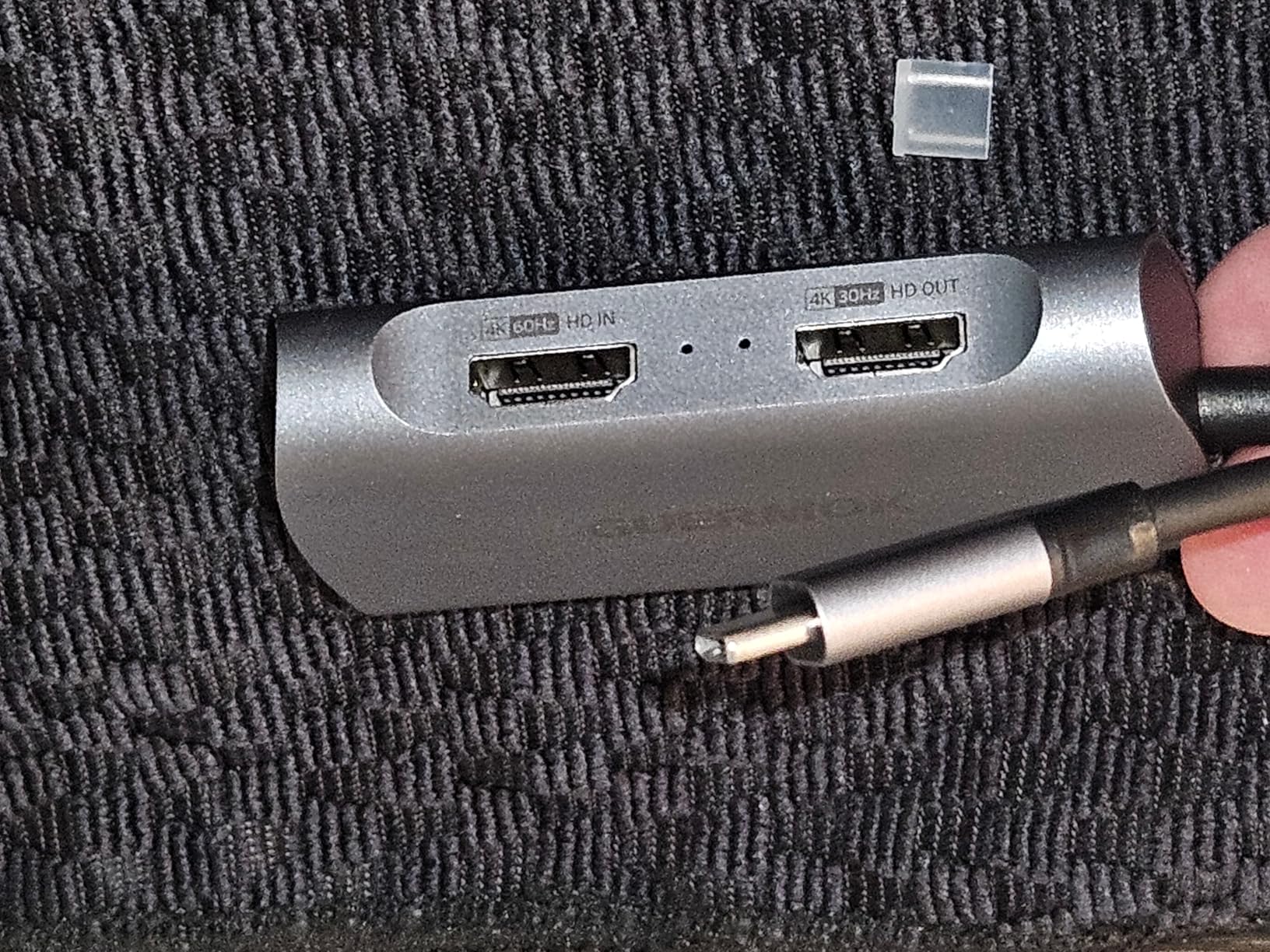
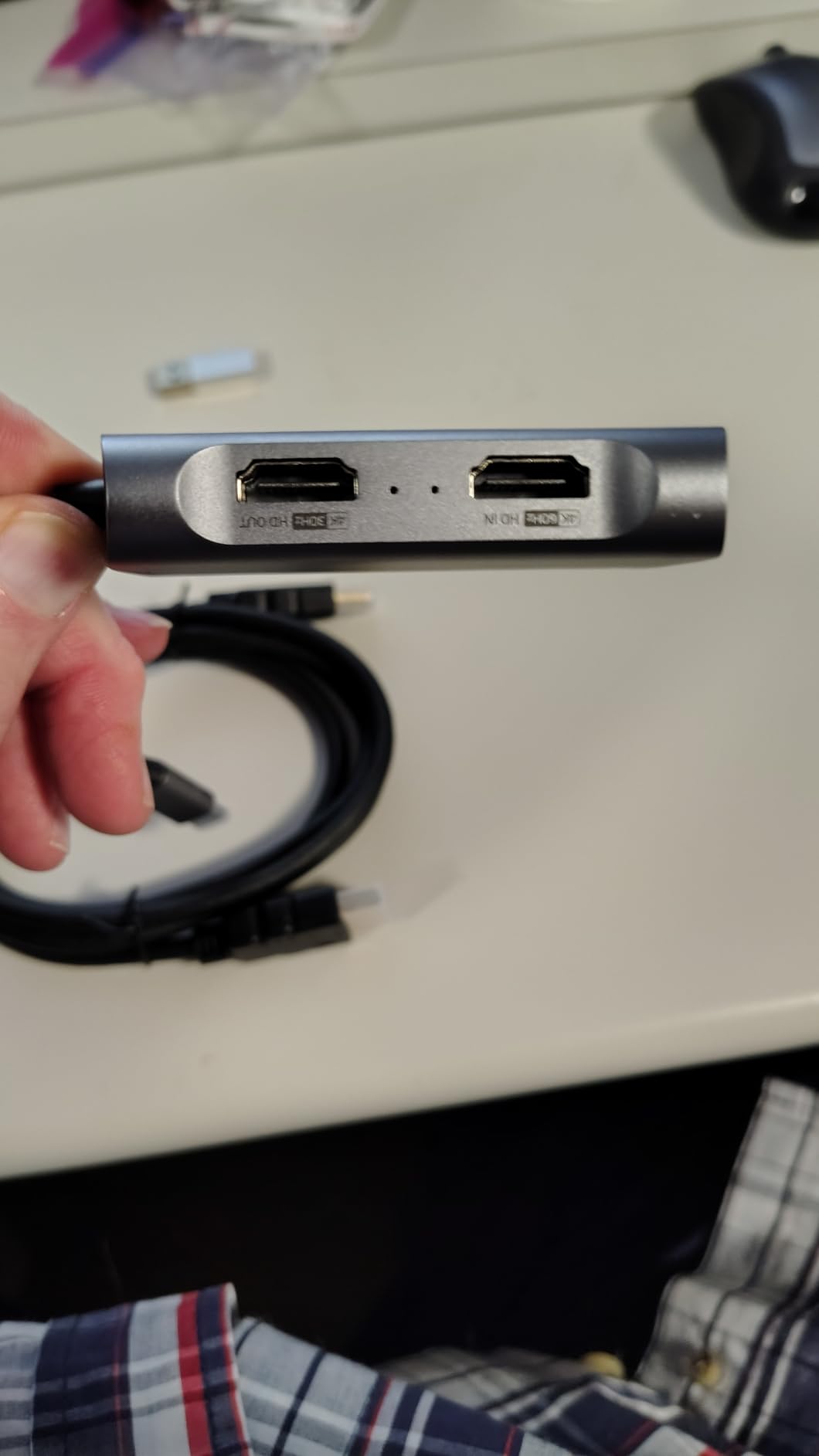
The UGREEN 25173 is the most complete cheap device for audio. Three 3.5mm ports cover headphone and speaker out, mic in and line in on a single unit, which removes an external interface from the setup entirely. That is the feature that separates it from the other budget options here.
Capture options run from 4K at 60Hz through 2K at 144Hz and 120Hz to 1080p at 240Hz in MJPEG. Input and loop-out both handle 4K at 60Hz, and VRR support is listed to reduce tearing and stuttering.
The aluminium case measures 155.1 g with cooling holes and seven RGB lighting modes. Cooling holes on a device that runs continuously is a sensible design choice, and it is the opposite of the ASUS TUF’s heat problem.
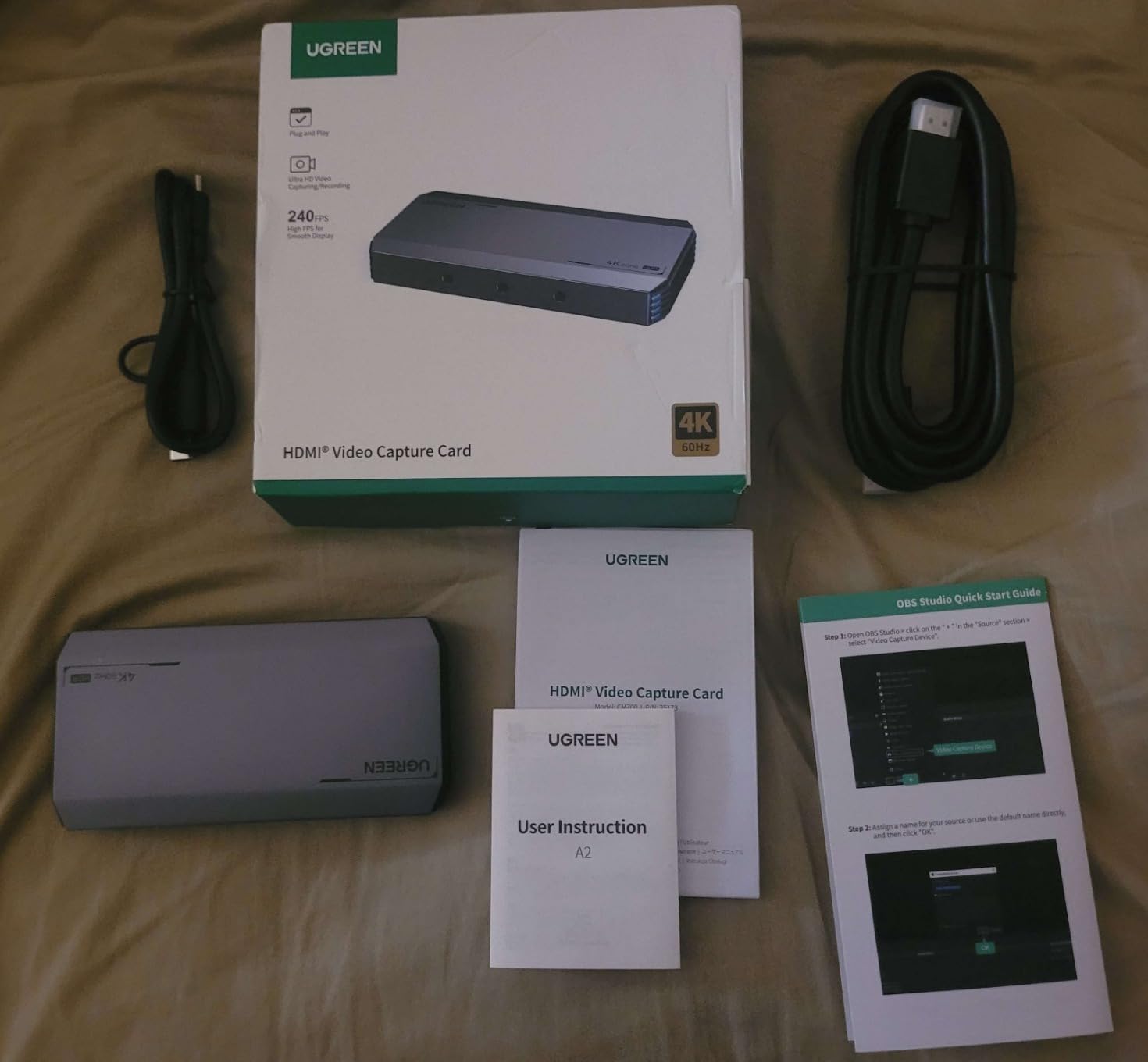
Platform support is broad: Android, Linux, macOS and Windows 8.1 through 11, plus iPad recording compatibility. It works with OBS, XSplit and PotPlayer out of the box. Warranty coverage is 24 months.
Output formats include MJPEG, YUY2, NV12, I420 and RGB24, and the interface supports USB 3.0 Type A or Type C.
When the triple audio ports earn their keep
Any setup with commentary. Headset out, mic in and line in from a console or mixer means one device replaces a capture card and an audio interface. At 1080p240 capture it also stays useful for high-refresh sources.
If you record handheld or tablet content, the iPad and Android support widens what you can plug into it beyond a desktop.
What the 4.0 rating reflects
This is the lowest average rating in the roundup at 4.0 with 55 percent five-star, and a meaningful slice of reviews report stability and capture-quality complaints. That is worth weighing against the feature list.
Capture is MJPEG-only, which limits editing flexibility compared with cards offering H.264 or H.265 output. HDR support is passthrough-focused rather than true HDR capture, so your file will not carry HDR. And full performance needs a genuine USB 3.0 Type A or Type C port, not a hub.
10. XIIXMASK 4K60 USB Capture Card – Best for Handhelds and Consoles
Pros
- Low-cost true 4K60 capture with passthrough
- Plug and play with no drivers or external power required
- Dual USB-A and USB-C connection adds port flexibility
- 3.5mm audio in and mic out for commentary capture
- Works with Switch and Switch 2 PS5 Xbox Series X/S Quest 3 and cameras
Cons
- Only 63 percent of reviews are five-star and 7 percent are one-star which is the weakest spread in the set
- Generic unbranded build quality
- Limited independent review detail compared with named capture card brands
The XIIXMASK does the simplest version of this job cleanly. It captures 4K60 over USB 3.0 with 4K HDMI passthrough, and it accepts 1080p120 high frame rate input and recording. Formats include MJPEG, YUY2, NV12 and XRGB.
Dual USB-A and USB-C connection is genuinely useful on modern laptops where you may have only USB-C ports available. No drivers and no external power are needed, so it is a matter of plugging it in and selecting the source.
The device list is broad: PS4 and PS5, Xbox, Switch and Switch 2, PC, Mac and cameras. That makes it a natural companion to a handheld streaming setup, where the source changes regularly and you do not want to reconfigure anything.
Why dual USB-C matters for handheld capture
A Steam Deck or Switch dock setup often has one USB-C port free, and some capture cards only present USB-A. The dual connection removes the need for an adapter in the chain, which is exactly the kind of small practical detail that decides whether a device gets used or gets abandoned in a drawer.
It also works with cameras, which makes it usable for a second angle without a second device.
Where the unbranded trade-off shows
At 598 reviews averaging 4.2 with 63 percent five-star and 7 percent one-star, this has the weakest score spread in the roundup. Generic unbranded build quality is the recurring theme, and independent review detail is thin compared with the named capture card brands.
Buy it as a cheap first card, a travel backup or a second capture device for a secondary source. For a single card you will rely on for years of daily uploads, the review history here does not justify the risk.
How to Choose a 4K Capture Card in 2026
Buying decisions in this category collapse into about six questions, and answering them in order saves a lot of money. Work through them in sequence rather than comparing spec sheets line by line, because the spec that matters most depends entirely on your source and your display.
1. Match capture resolution to your source, not to your monitor
Your monitor’s resolution tells you what you can play. Your source tells you what you can record. If your console or PC outputs 4K60, you need a card that captures 4K60, and anything above that is wasted spend. If you only play at 1080p and record at 1080p, none of the cards in this roundup is the right buy.
The most common disappointment in forums is buying a card with 4K passthrough and assuming that means 4K recording. Check the capture spec in the same sentence as the passthrough spec before you buy anything.
2. Check the passthrough ceiling against your display
List the refresh rates your monitor supports, then confirm the card passes them all through. The ASUS TUF CU4K30 handles 4K at 60Hz. The GC573 handles 1440p144. The GC575 and the Elgato 4K X go to 4K144. A card that drops your monitor from 144Hz to 60Hz changes how the game feels every single day.
VRR passthrough deserves the same scrutiny. A card that strips variable refresh rate removes a feature you paid your display for.
3. Decide external versus internal honestly
External USB cards win on flexibility. You can capture a console, a laptop, a handheld and a camera with the same device, and you can move it between machines. Internal PCIe cards win on bandwidth and reliability for a fixed desktop.
The trap is buying internal for a reason you do not have. If your source sometimes lives in another room, or if you capture a laptop, an internal card is the wrong purchase regardless of how fast it is.
4. Verify Mac support before you spend
Mac support is the most consistent deal-breaker in this category. The AVerMedia Live Gamer ULTRA 2.1 tops out at 4K60 capture on macOS and treats HDR capture as Windows-only. The GC575 is Windows-only entirely. The Cam Link 4K and the Blackmagic Intensity Pro 4K are the two here with genuine cross-platform support.
If you record on a Mac, filter the whole list down to those two before comparing anything else.
5. Compare the software, not just the silicon
OBS Studio remains the reference recording software. The Elgato 4K X appears as a standard source with no plugin. The ASUS TUF is certified plug-and-play UVC. The AVerMedia Live Gamer ULTRA 2.1 needs AVerMedia Streaming Center on Windows for its 4K144 path, and the GC573’s HDMI audio passthrough depends on RECentral running.
Video creators often ask whether OBS or Elgato software is better. Our answer is consistent: OBS Studio for capture and streaming, vendor apps only when they add a specific capability. The one widely reported frustration is that vendor utilities add weight and instability without adding recording value.
6. Budget storage and CPU before you buy
This is where most 4K capture decisions quietly go wrong. MJPEG at 4K60 generates data at an order of magnitude above a compressed codec, and at 4K144 it multiplies again. The AVerMedia Live Gamer ULTRA 2.1 records 4K144 in MJPEG, which means a fast SSD and a capable CPU rather than the internal drive of a mid-range laptop.
Editing is the other half of the cost. Long-term creators consistently report that the visible jump from 1080p to 4K upload quality is real, and that 4K files then exhaust both storage and editing power almost immediately. Record 4K for your archive, cut your working project at 1080p or proxy, and your machine will thank you.
Do you even need a capture card?
If you are recording PC gameplay only, on a machine with an encoder-capable GPU, modern OBS can capture a display or game capture directly with no hardware at all. That route also gives you zero passthrough lag and no extra device in the chain.
You do need one for consoles with limited built-in recording, for clean HDMI capture of a second machine, for camera sources, and for any workflow that needs the display and the recording to be genuinely separate signals.
Frequently Asked Questions
What is the best capture card for 4K streaming?
For most creators the Elgato 4K X is the strongest all-rounder, capturing and passing through 4K144 over HDMI 2.1 with VRR and HDR10 intact. If your setup is a fixed desktop, the AVerMedia GC573 gives you unlimited 4K60 HDR10 capture over PCIe. For a mirrorless or DSLR source, the Cam Link 4K is the right card.
Is Elgato or AVerMedia better?
Elgato generally wins on polish, driver simplicity and broad software support, with cards that appear directly in OBS without extra utilities. AVerMedia wins on raw specification and high-refresh ceilings, including 4K144 MJPEG capture on the Live Gamer ULTRA 2.1 and 4K144 passthrough on the GC575. Choose by the ceiling you actually need.
What capture card do most streamers use?
Elgato cards dominate the mainstream streamer market because setup is straightforward and they work across PS5, Xbox, Switch and PC without vendor software. The most common setup is an Elgato external card feeding OBS Studio on a second PC. Streamers who need 4K144 or sustained high-refresh capture lean toward AVerMedia instead.
Can you live stream with a capture card?
Yes, and that is the main reason to buy one. The card passes your console or PC signal to the display with no added lag and sends a separate copy to your streaming PC, where OBS Studio, Streamlabs or Twitch Studio encodes it. Because encoding runs on the second machine, your game keeps its full frame rate while you broadcast.
What is a 4K capture card used for?
A 4K capture card records and streams video from any HDMI source at up to 4K resolution while passing the same signal to your display. Typical uses include PS5 and Xbox Series X|S gameplay recording, YouTube let’s-plays, Twitch streaming, and using a mirrorless or DSLR camera as a high-quality second video source. It moves encoding work off your gaming GPU.
Final Verdict on the Best 4K Capture Cards in 2026
The Elgato 4K X wins this roundup because it is the only card that does everything well at once. It captures and passes through 4K144 over HDMI 2.1, holds VRR and HDR10, reaches 1080p240, and appears in every major piece of streaming software without a plugin. For console recording, PC recording and dual-PC streaming, it is the safest recommendation we can make in 2026.
Buy something else when your situation is specific. The AVerMedia GC573 is the internal choice for a fixed desktop that only needs 4K60 HDR10. The AVerMedia Live Gamer ULTRA 2.1 is the only external card here that records 4K144, if your storage and CPU can carry it. The Cam Link 4K wins when your source is a camera. The Blackmagic Intensity Pro 4K is the only choice for uncompressed professional work.
Whichever you pick, verify the capture spec and the passthrough spec separately before you order. That single check prevents almost every regret we have seen in this category. Our streaming and recording capture card guide covers the wider lineup if you want to go deeper.