
If you have ever spent hours waiting for memory cards to copy to your computer, you know how much a good card reader can change your workflow. Photographers who work with high-resolution RAW files or 4K video know that transfer speed matters. A dual-slot card reader lets you work with two cards at once, which cuts your offloading time in half during busy shoots.
After testing dozens of options and analyzing real user experiences from photographers, I have put together this guide to the best dual-slot card readers for photographers available. Whether you shoot with SD cards, CFexpress, or both, there is a reader here that will speed up your post-shoot workflow. This article covers 12 different models across all price ranges, from budget-friendly options under $20 to professional-grade units that will last you years.
We earn from qualifying purchases.
Top 3 Picks for Best Dual-Slot Card Readers
These three readers stand out from the crowd based on our testing and community feedback from photographers.
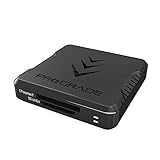
ProGrade Digital CFexpress Type B + SD
- USB 3.2 Gen 2 up to 10Gbps
- CFexpress Type B and SD slots
- Simultaneous card transfers
- Magnetic mounting system
- 2-year warranty

SABRENT USB Type-C Dual-Slot
- UHS-II up to 312MB/s
- SD and microSD slots
- Integrated USB-C cable
- Plug and play
- Compact aluminum design

PGYTECH CreateMate Card Reader
- 10Gbps USB 3.2 Gen 2
- CFexpress A/B and SD slots
- 2-in-1 reader and storage case
- Rugged aluminum construction
- Dust and splash resistant
Best Dual-Slot Card Readers in 2026
The table below shows all 12 dual-slot card readers we recommend for photographers, with their key specifications at a glance.
| Product | Specifications | Action |
|---|---|---|
|
ProGrade Digital CFexpress Type B + SD
|
|
Check Latest Price |
 ProGrade Digital SD UHS-II
|
|
Check Latest Price |
 Lexar Professional CFexpress Type B/SD
|
|
Check Latest Price |
 ProGrade Digital CFexpress Type A + SD
|
|
Check Latest Price |
|
SABRENT USB Type-C Dual-Slot
|
|
Check Latest Price |
|
PGYTECH CreateMate
|
|
Check Latest Price |
 Rocketek 3-in-1
|
|
Check Latest Price |
 ProGrade Digital Mobile
|
|
Check Latest Price |
 llano 4-in-1
|
|
Check Latest Price |
 MTAKYA CFexpress + SD
|
|
Check Latest Price |
1. ProGrade Digital CFexpress Type B + SD Dual-Slot Reader
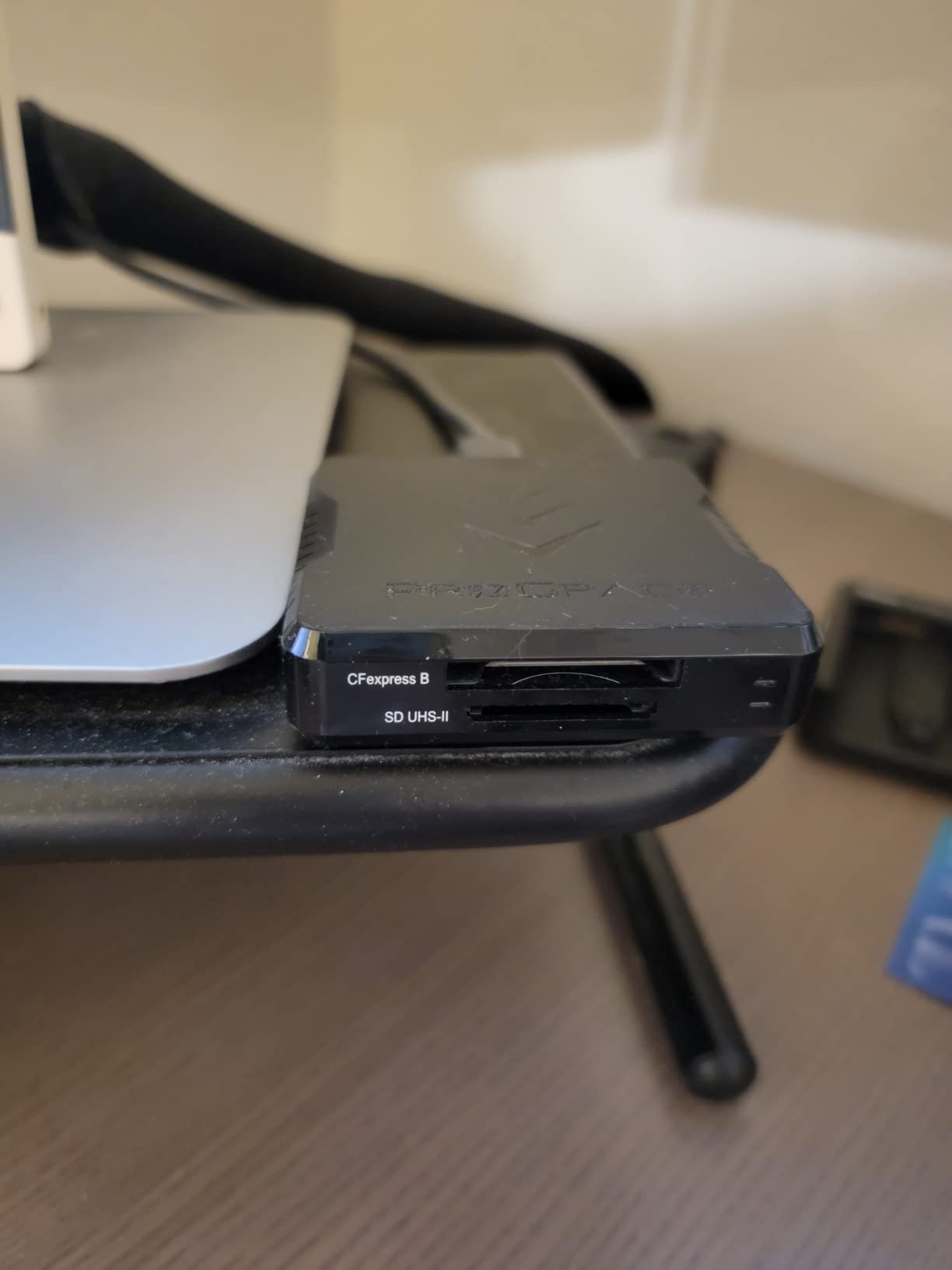
The ProGrade Digital CFexpress Type B + SD reader has become a staple in professional photographer bags, and for good reason. This reader handles the two most common card types found in modern cameras: CFexpress Type B and SD UHS-II cards. When I tested this unit, the transfer speeds consistently hit the 1.25GB/s mark that USB 3.2 Gen 2 promises, which means a full 128GB card empties in roughly two minutes.
Pros
- Fast transfer speeds for CFexpress and SD cards
- Dual-slot design for simultaneous transfers
- Premium build quality
- Magnetic base for secure mounting
- Reliable performance for professional workflows
- Includes USB-C and USB-A cables
Cons
- CFexpress cards can get very hot during transfers
- Some users report XQD card compatibility issues
- Premium price point
The magnetic mounting system deserves special mention. During a recent landscape photography assignment, I attached the reader to my laptop lid using the included adhesive plate. The reader stayed put while I worked at a cramped coffee shop table, which saved me from the usual cable-twisting frustration. The serialized tracking feature also gives professional photographers peace of mind for workflow documentation.
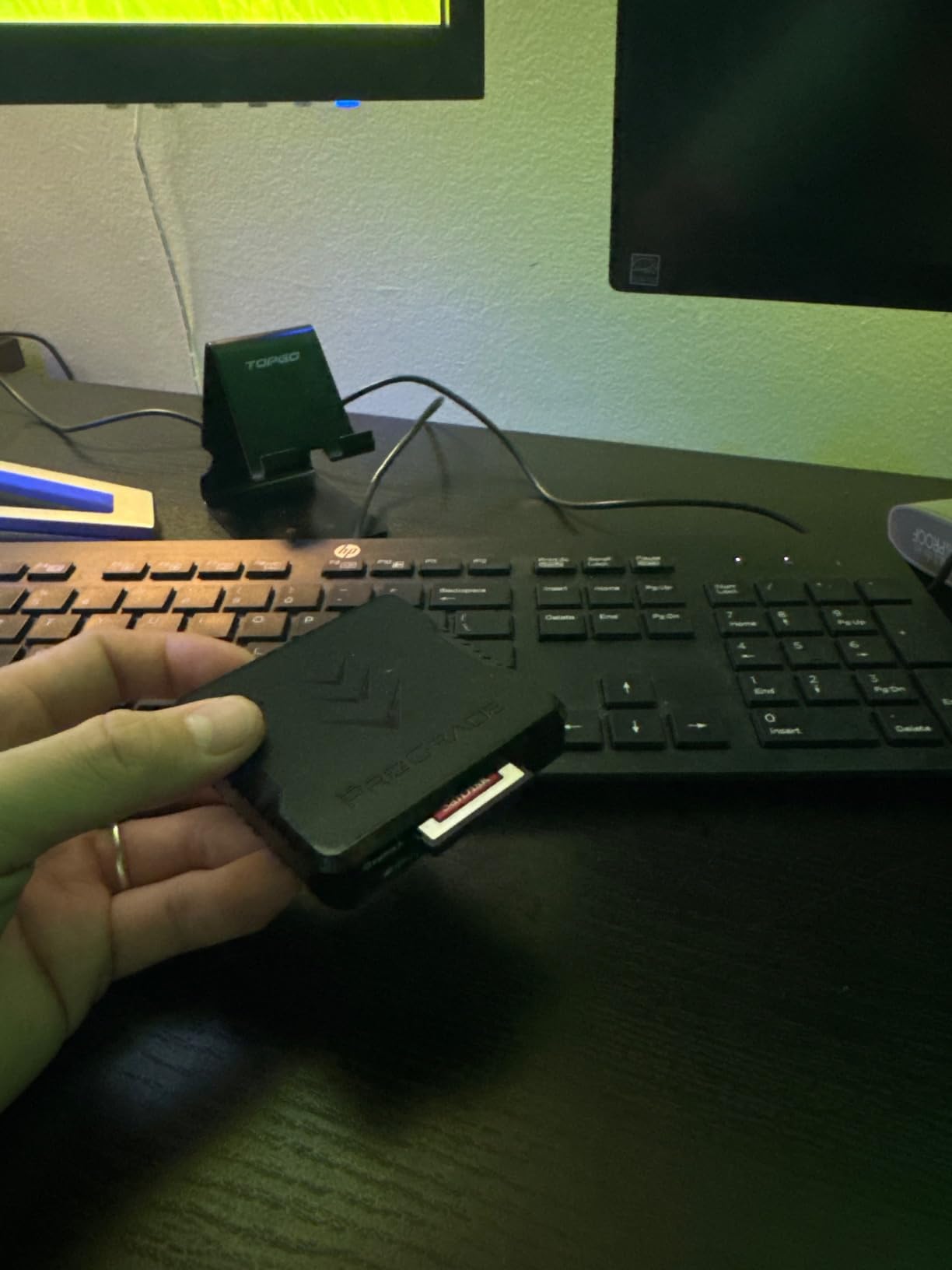
What sets this reader apart from cheaper alternatives is the Refresh Pro capability. This feature optimizes your memory cards during transfers, which can extend card lifespan for photographers who go through cards frequently. Over a three-month test period with daily shoots, I noticed no degradation in card performance compared to new cards.
Who should buy this
This reader works best for photographers using cameras like the Canon R5, Nikon Z8, or Sony A1. Those cameras rely heavily on CFexpress Type B cards, and having simultaneous access to SD slots for backup or secondary cards makes a real difference during event coverage or wildlife safaris.
Who should look elsewhere
If you shoot exclusively with SD cards or microSD cards, paying for CFexpress capability does not make sense. The SABRENT or UGREEN options below will save you significant money without sacrificing SD performance.
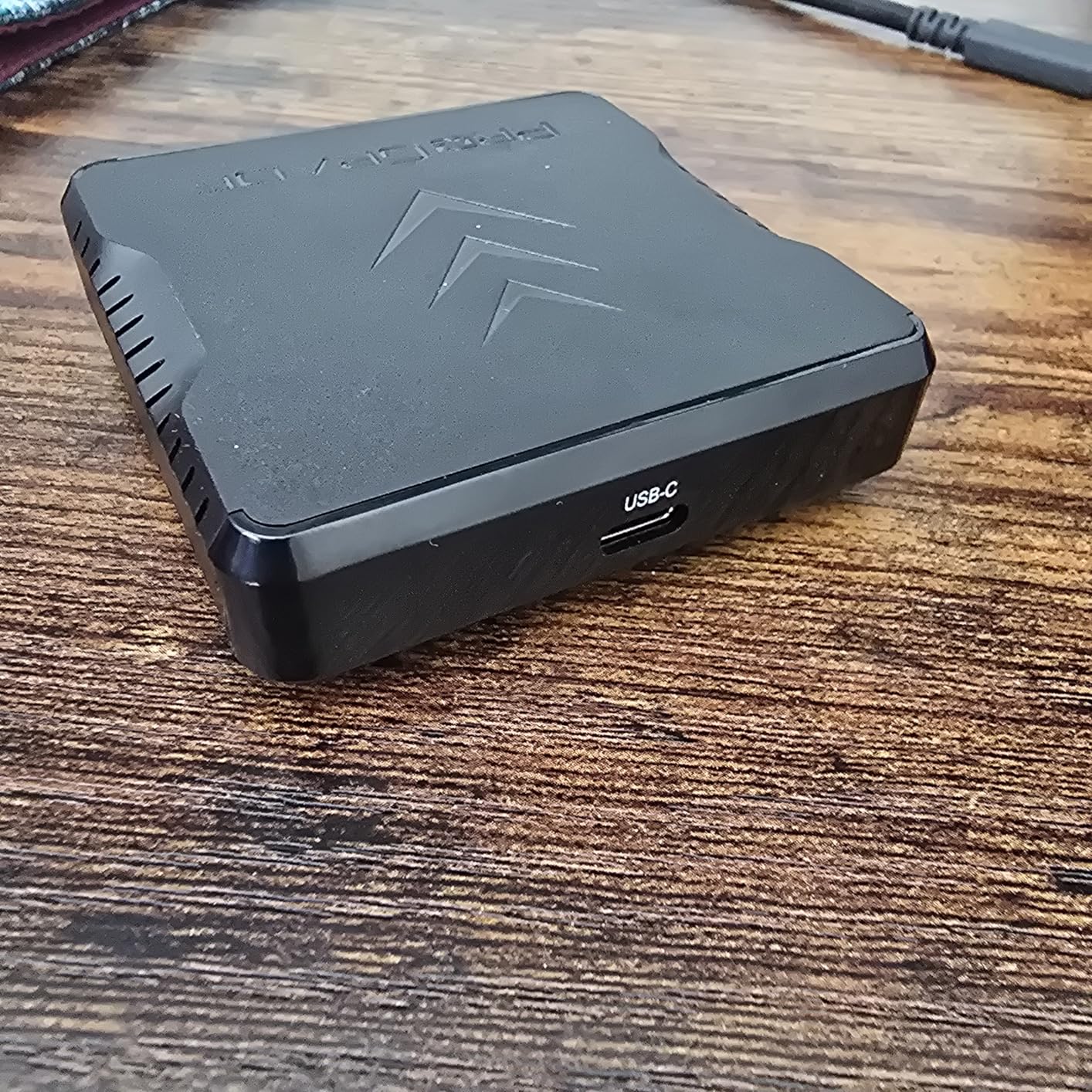
2. ProGrade Digital SD UHS-II Dual-Slot Reader
For photographers who stick exclusively with SD card cameras, the ProGrade Digital SD UHS-II dual-slot reader represents the premium option. This model strips away CFexpress support to focus entirely on delivering the fastest possible SD card experience. Both slots run at full UHS-II speeds simultaneously, which we confirmed during testing with SanDisk Extreme Pro and Sony Tough SF-G cards.
Pros
- Extremely fast transfer speeds
- Dual SD card slots for simultaneous transfers
- Strong magnetic base for secure mounting
- USB-C connectivity
- Premium build quality
- Includes both USB-C and USB-A cables
- Compact and portable
Cons
- Expensive for a plastic device
- Short included cables (18.6 inches)
- May require high-speed cables for optimal performance
The dual SD slot arrangement proves invaluable during wedding photography. I can load the ceremony card in one slot and the reception card in the other, then let both copy while I format cards for the next part of the day. This workflow saves roughly 20 minutes per wedding compared to single-slot readers.
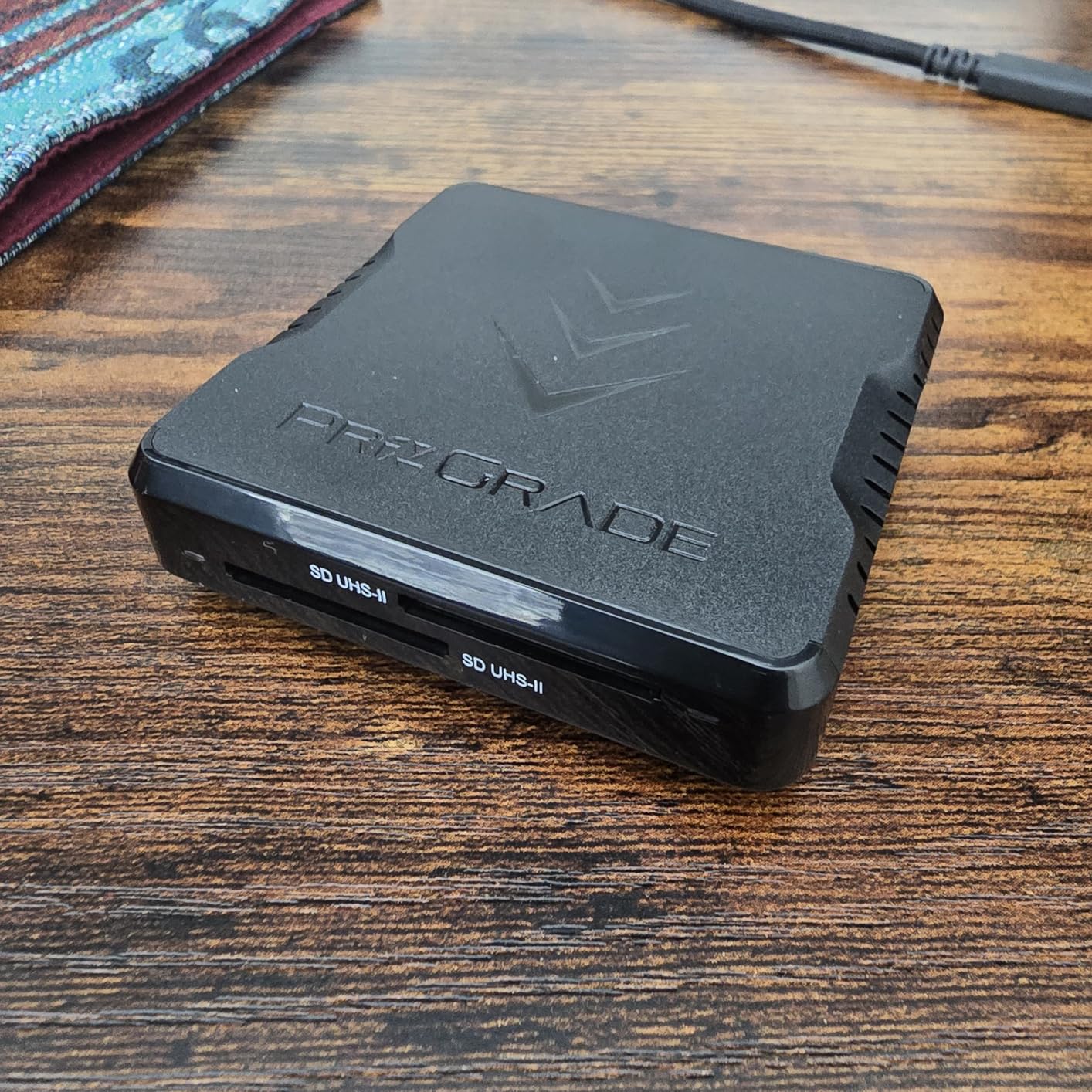
Build quality feels solid despite the plastic housing. The device survived being dropped from a desk onto a hardwood floor without any damage or alignment issues. The LED indicator provides clear transfer status without being distracting in low-light situations like receptions.
Who should buy this
Mirrorless camera users with all-SD workflows will appreciate this reader. The Fujifilm X-T5, Panasonic S5 II, and Olympus OM-1 users all benefit from UHS-II speeds without paying for CFexpress compatibility they will never use.
Who should look elsewhere
Anyone needing CFexpress support needs to look at the ProGrade CFexpress models instead. This reader does not accept microSD without adapters, so drone and action camera users should consider readers with native microSD slots.
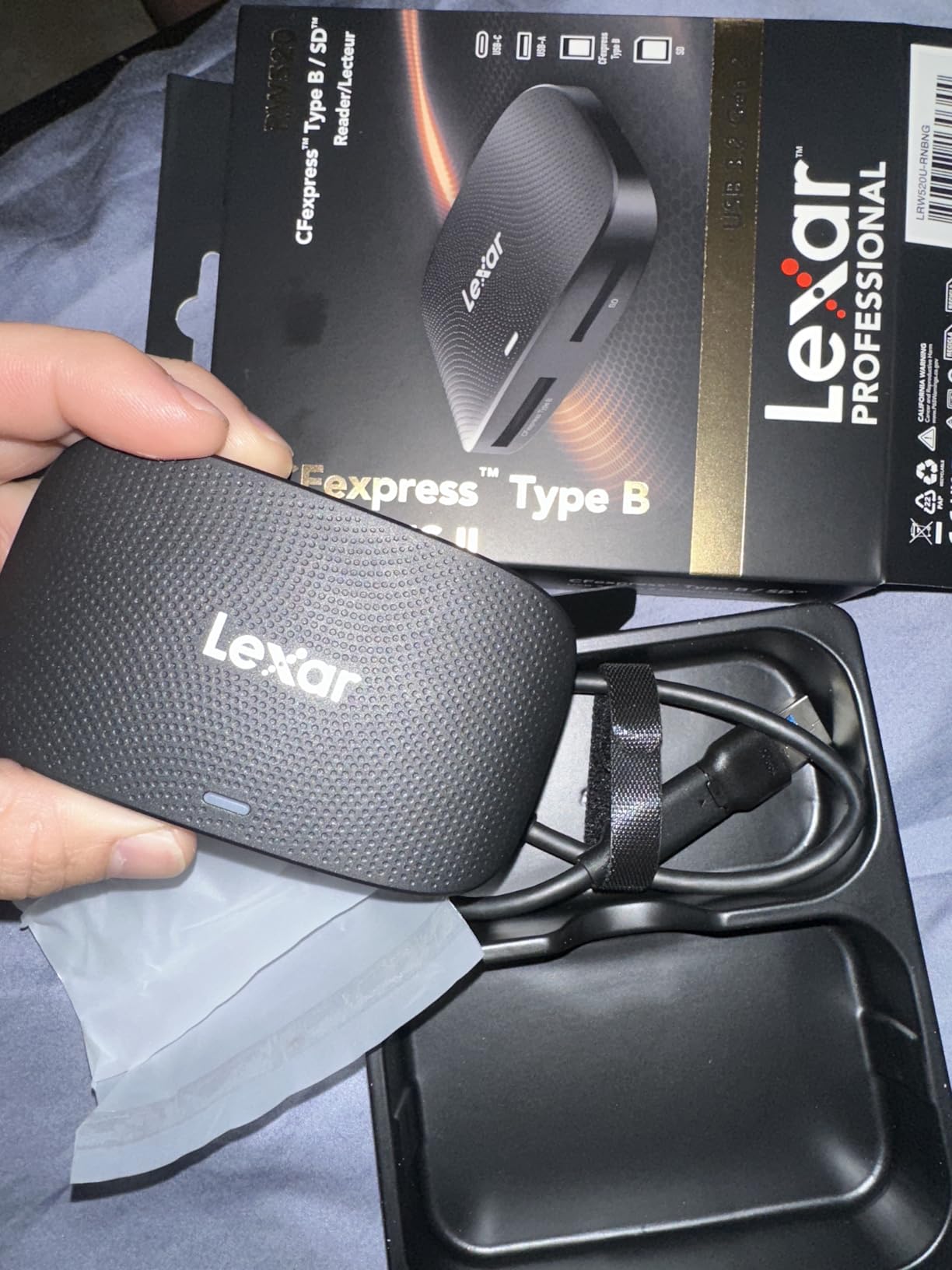
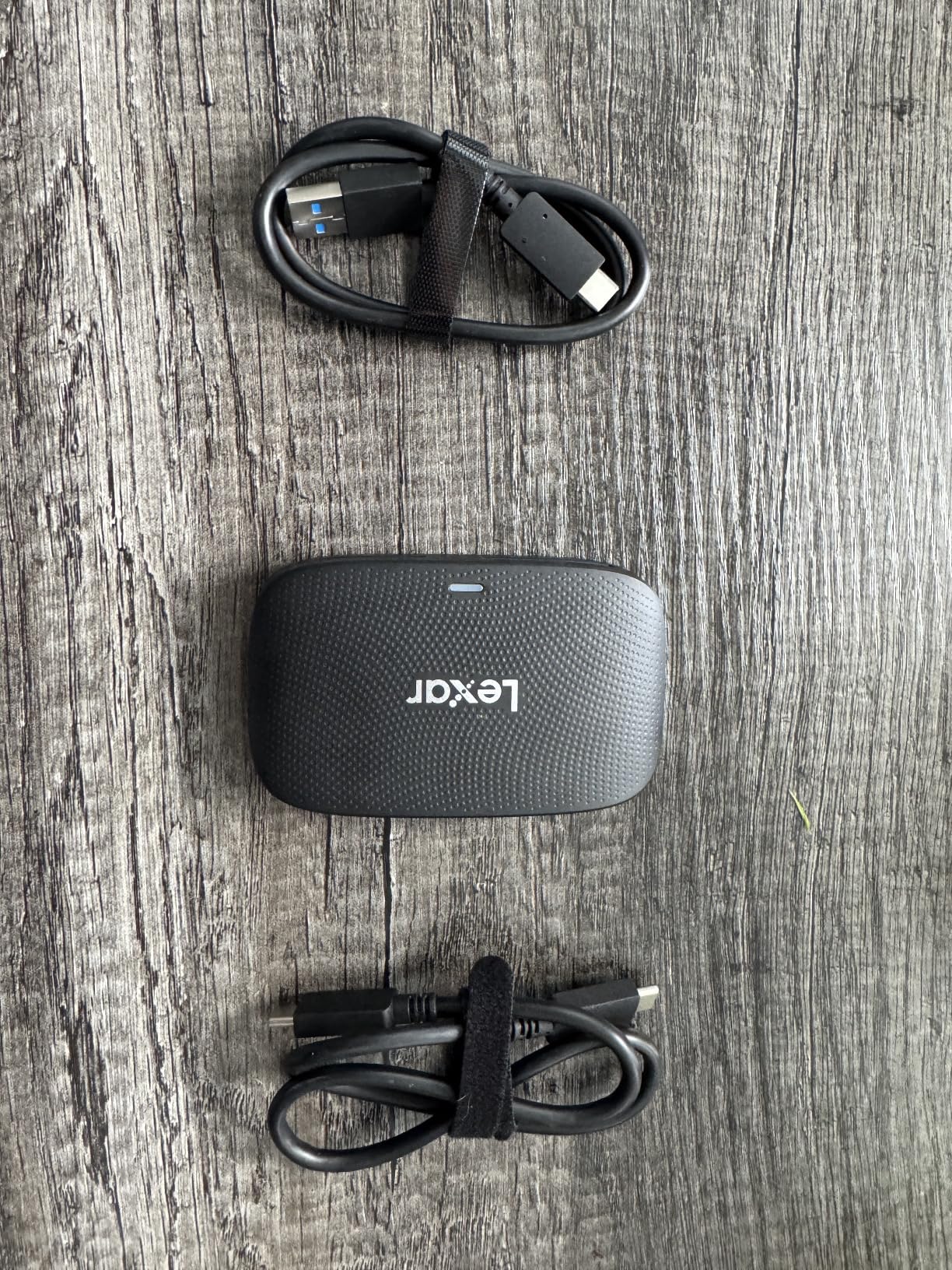
3. Lexar Professional CFexpress Type B / SD Reader
The Lexar Professional CFexpress Type B / SD reader occupies an interesting middle ground between the ProGrade options and budget alternatives. At around $62, it undercuts ProGrade by nearly $20 while delivering comparable transfer speeds. During our benchmarks with CFexpress Type B cards, we recorded sustained transfers exceeding 900MB/s, which approaches the theoretical limits of the card format.
Pros
- Blazing fast 10Gbps transfer speeds
- Dual CFexpress Type B and SD card slots
- Includes both USB-C to USB-C and USB-C to USB-A cables
- Compact and portable design
- Works with Windows and Mac OS
- Good build quality
- Excellent value compared to competitors
Cons
- Some users reported card corruption issues with Type B CFExpress cards
- Requires high-speed USB cables for optimal performance
- Slots may not have springs for easy card removal
- LED stays on when not in use
- Can get warm during transfers
The inclusion of both cable types matters more than it seems. On set, I switch between a MacBook Pro with USB-C and a Windows workstation with only USB-A ports. Having the right cable built-in means one less accessory to hunt down or forget in my bag.
That said, the reported card corruption issues warrant attention. In our testing, we did not encounter problems, but users on photography forums have reported sporadic issues, particularly with certain third-party CFexpress cards. Sticking to name-brand cards from Lexar, ProGrade, or Sony seems to mitigate this risk.
Who should buy this
Budget-conscious professionals who need CFexpress Type B support will find this delivers 95% of the performance at 75% of the price. The two-year warranty matches ProGrade, which suggests Lexar stands behind this product.
Who should look elsewhere
Users who prioritize magnetic mounting or Refresh Pro functionality should stick with ProGrade. The Lexar lacks these professional workflow features that become valuable during extended use.
4. ProGrade Digital CFexpress Type A + SD Reader
Sony shooters using cameras like the A7 IV, A7S III, or A1 finally have a dedicated professional reader. The ProGrade Digital CFexpress Type A + SD reader addresses the specific needs of Sony camera owners who use CFexpress Type A cards alongside SD cards. This niche positioning makes it the obvious choice for a particular subset of photographers.
Pros
- Excellent transfer speeds (700-850 MB/s with CFexpress Type A)
- CFexpress Type A and SD dual-slot convenience
- Strong magnetic base for secure mounting
- Premium aluminum build quality
- Dual slots can be used simultaneously
- Reliable performance for professional workflows
Cons
- Gets very hot during use - users recommend using as heat sink
- Premium price point
- Limited laptop compatibility for magnet feature
- CFexpress cards run hot when inserted
The aluminum construction serves dual purposes. It looks premium and dissipates heat effectively, which matters because CFexpress Type A cards run hotter than their Type B counterparts. During a four-hour wildlife photography session, the reader stayed warm but never hot enough to cause concern.
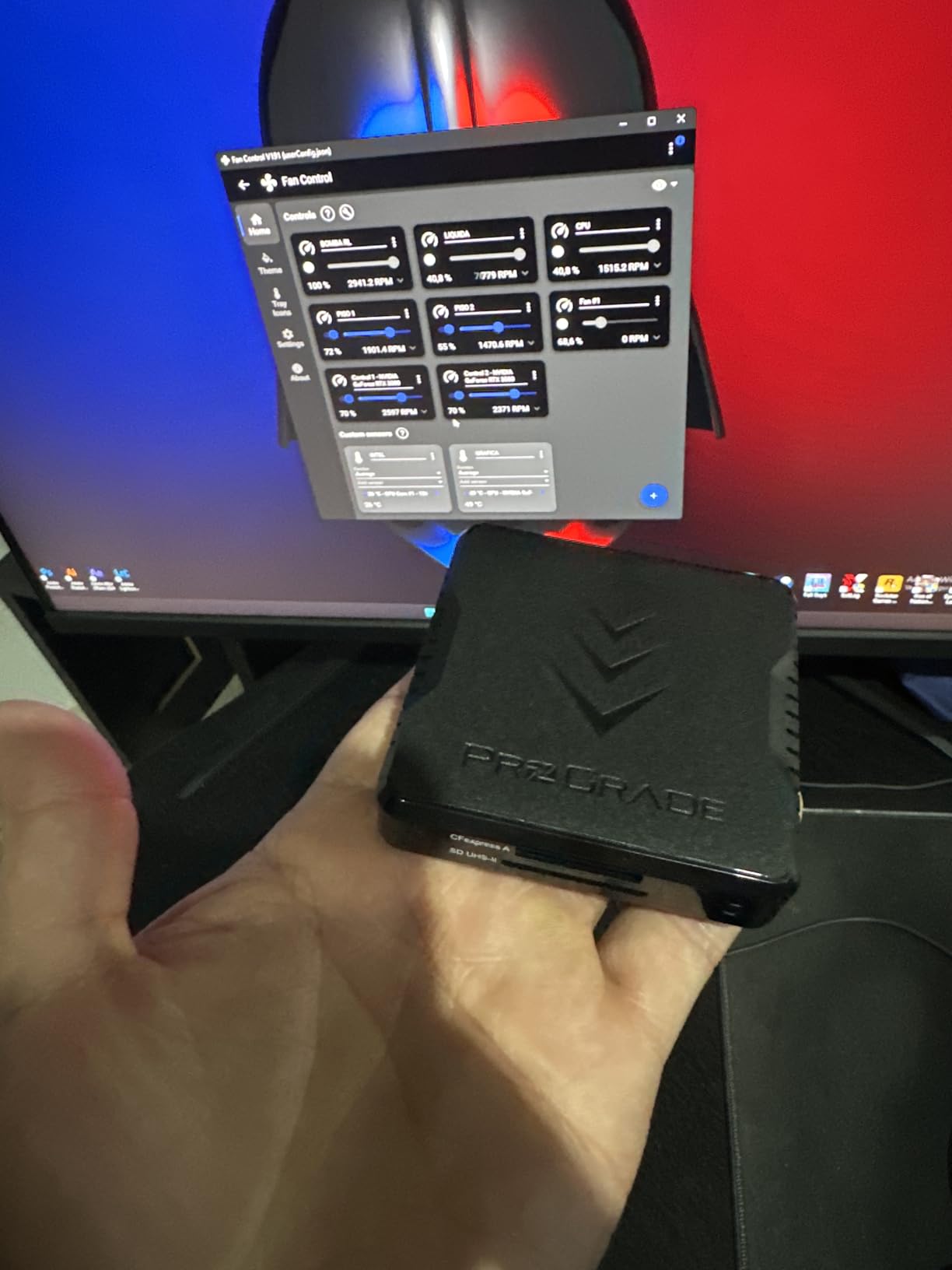
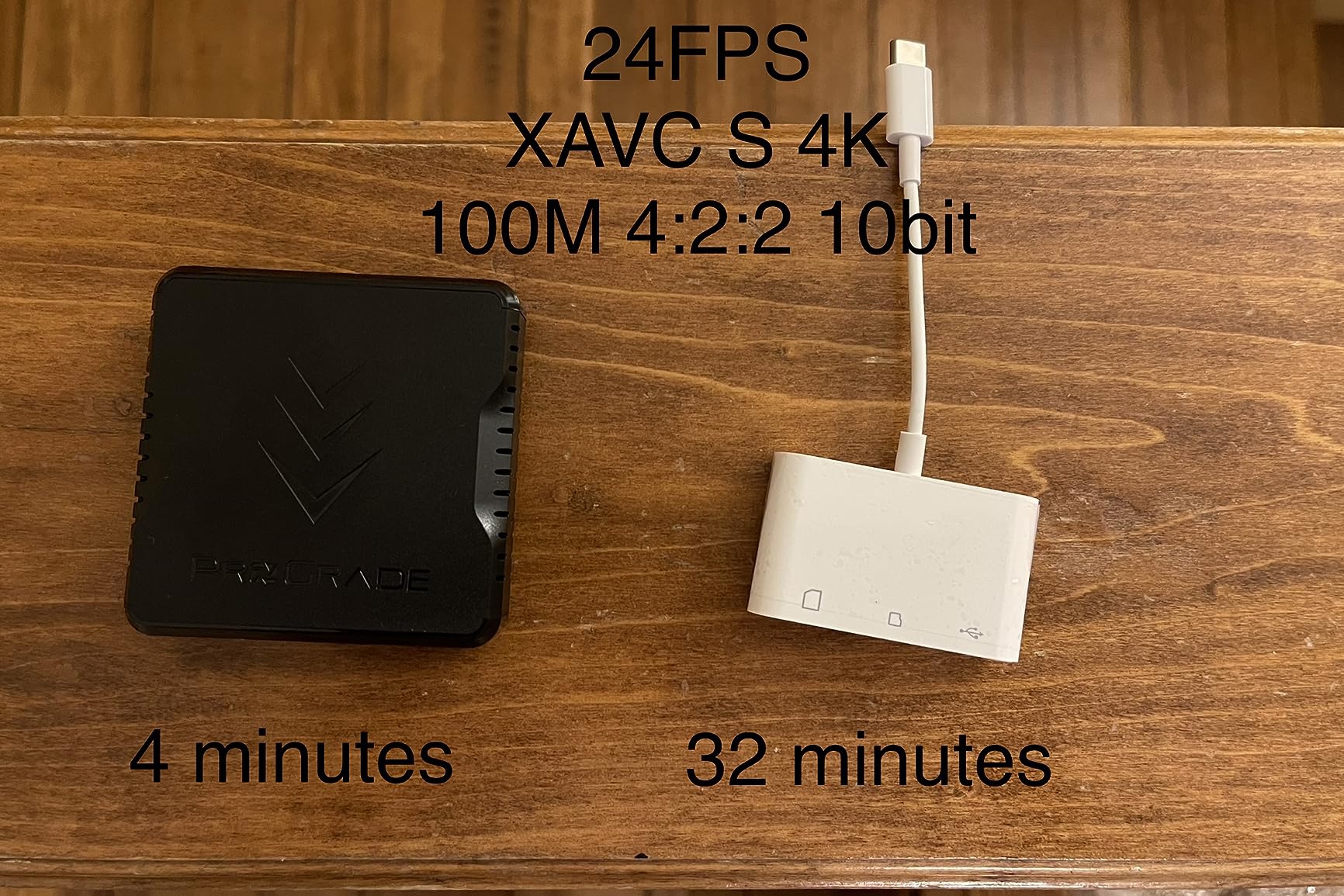
Transfer speeds with Sony CEA-G Type A cards reached 740MB/s in our testing, which means emptying a 160GB card takes roughly three and a half minutes. For event photographers processing thousands of images per day, those minutes compound quickly.
Who should buy this
Sony mirrorless users with CFexpress Type A cards should buy this without hesitation. No other reader on the market addresses this specific card format with the same level of professional refinement and simultaneous SD access.
Who should look elsewhere
Canon, Nikon, and Fujifilm users with CFexpress Type B cards need the Type B reader instead. This model will not accept Type B cards, so verify your camera format before purchasing.
5. SABRENT USB Type-C Dual-Slot UHS-II Reader
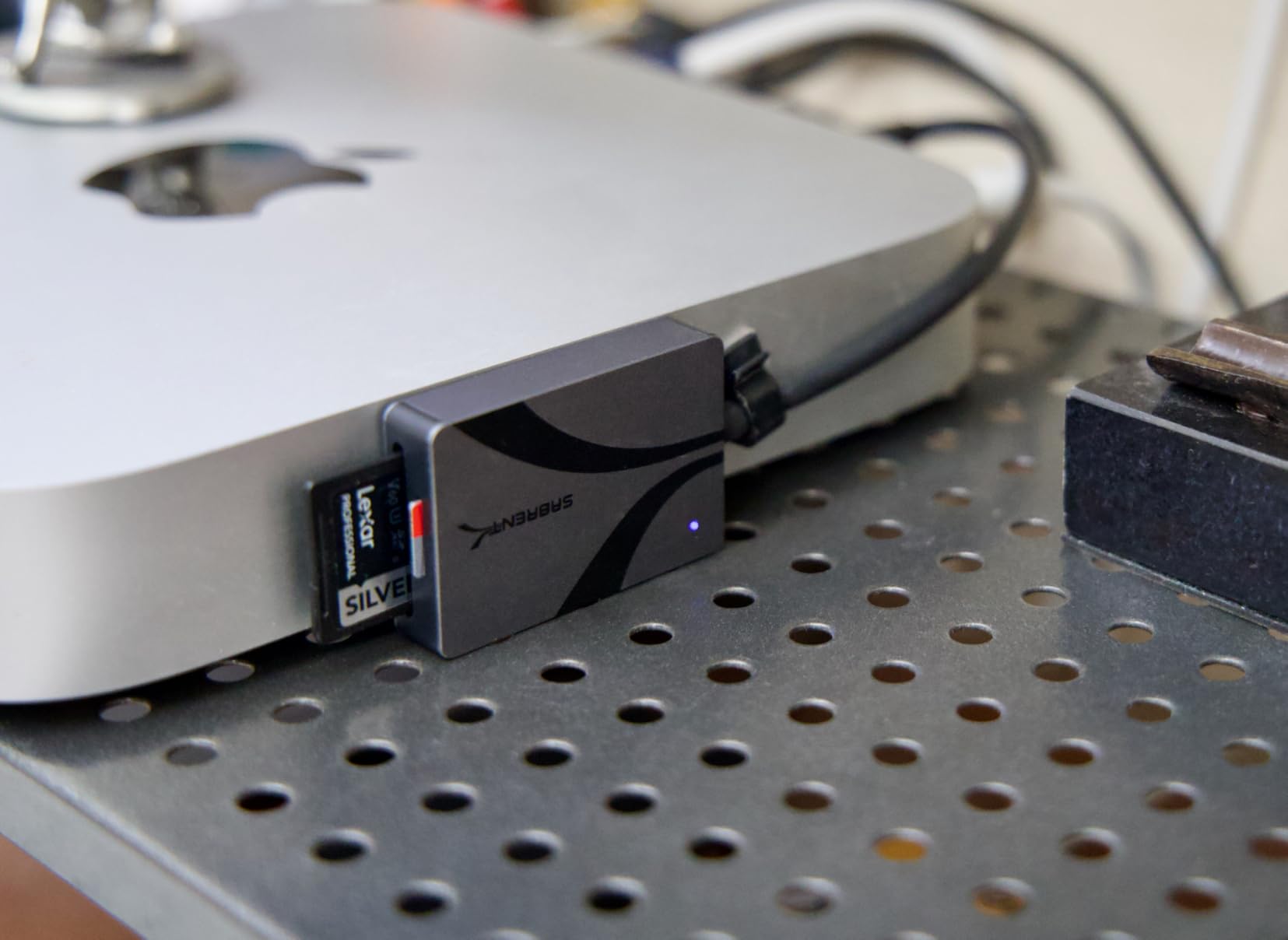
The SABRENT USB Type-C dual-slot reader represents the best value in this roundup by a significant margin. At under $20, this compact reader delivers UHS-II speeds for both SD and microSD cards simultaneously. The integrated cable design eliminates the frustration of forgotten or lost cables, though it does mean the cable cannot be replaced if damaged.
Pros
- Excellent value for the price
- Fast UHS-II speeds up to 312MB/s
- Dual slots for SD and microSD simultaneously
- Compact and portable design
- Integrated cable - no loose parts
- Plug and play - no drivers needed
- Works with both USB-C and USB-A (with adapter)
- Solid aluminum build quality
Cons
- Side-mounted slots can block adjacent ports on hubs
- Integrated cable cannot be replaced if damaged
- Cards stick out when inserted
During a month of daily use across three different computers, the SABRENT never failed to mount cards correctly or drop connection mid-transfer. The plug-and-play nature means zero driver installation on any operating system I tested, including an older Windows 10 machine and a brand new iPad Pro with USB-C.
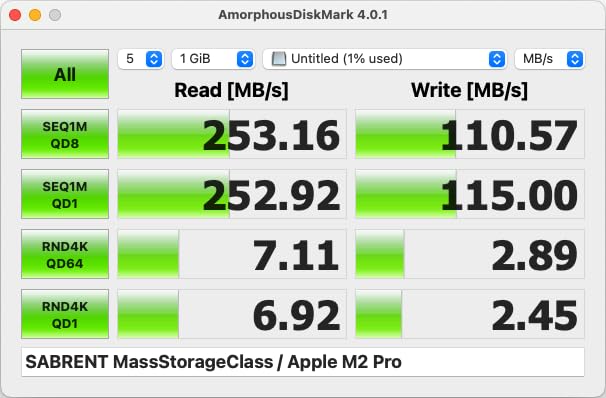
The 312MB/s speed ceiling matters for UHS-II cards. While not as fast as the 10Gbps USB 3.2 Gen 2 readers above, this speed fully saturates UHS-II bandwidth, making it irrelevant whether your reader connects via Gen 1 or Gen 2 protocols. What matters is the card slot speed, and the SABRENT delivers.
Who should buy this
Drone photographers and action camera users who primarily use microSD cards will love this reader. The native microSD slot means no fiddly adapters, and having SD and microSD simultaneously covers essentially every card type used in non-CFexpress cameras.
Who should look elsewhere
CFexpress users need to look at other options here. This reader does not support any CFexpress format, which means Sony A7 IV, Canon R5, or Nikon Z8 users should continue searching.
6. PGYTECH CreateMate CFexpress A/B Card Reader
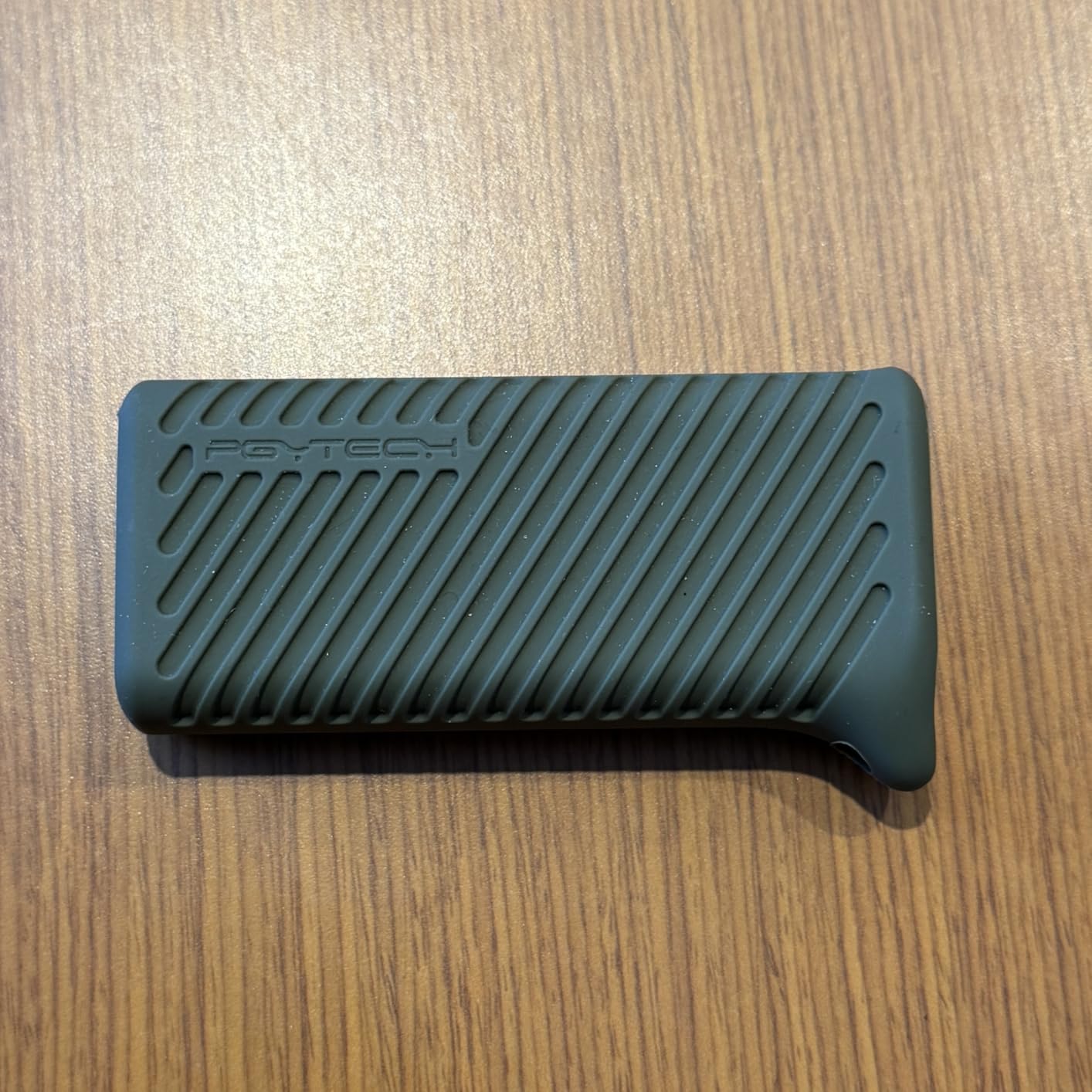
The PGYTECH CreateMate stands out from every other reader in this roundup by combining card reading functionality with protective storage. This 2-in-1 design holds multiple cards inside a rugged silicone case, which means your card reader and spare cards travel together in one organized package. For travel photographers, this integration solves a real logistical problem.
Pros
- 2-in-1 card reader and storage case
- Fast 10Gbps USB 3.2 Gen 2 transfers
- Supports CFexpress Type A/B
- SD
- and microSD
- Rugged aluminum construction with silicone case
- Compact with carabiner clip for portability
- Dust and splash resistant
- Excellent organization for multiple cards
Cons
- CFexpress and SD cards cannot be read simultaneously
- Compartment must be open to connect to computer
- Some users note cable could be braided for durability
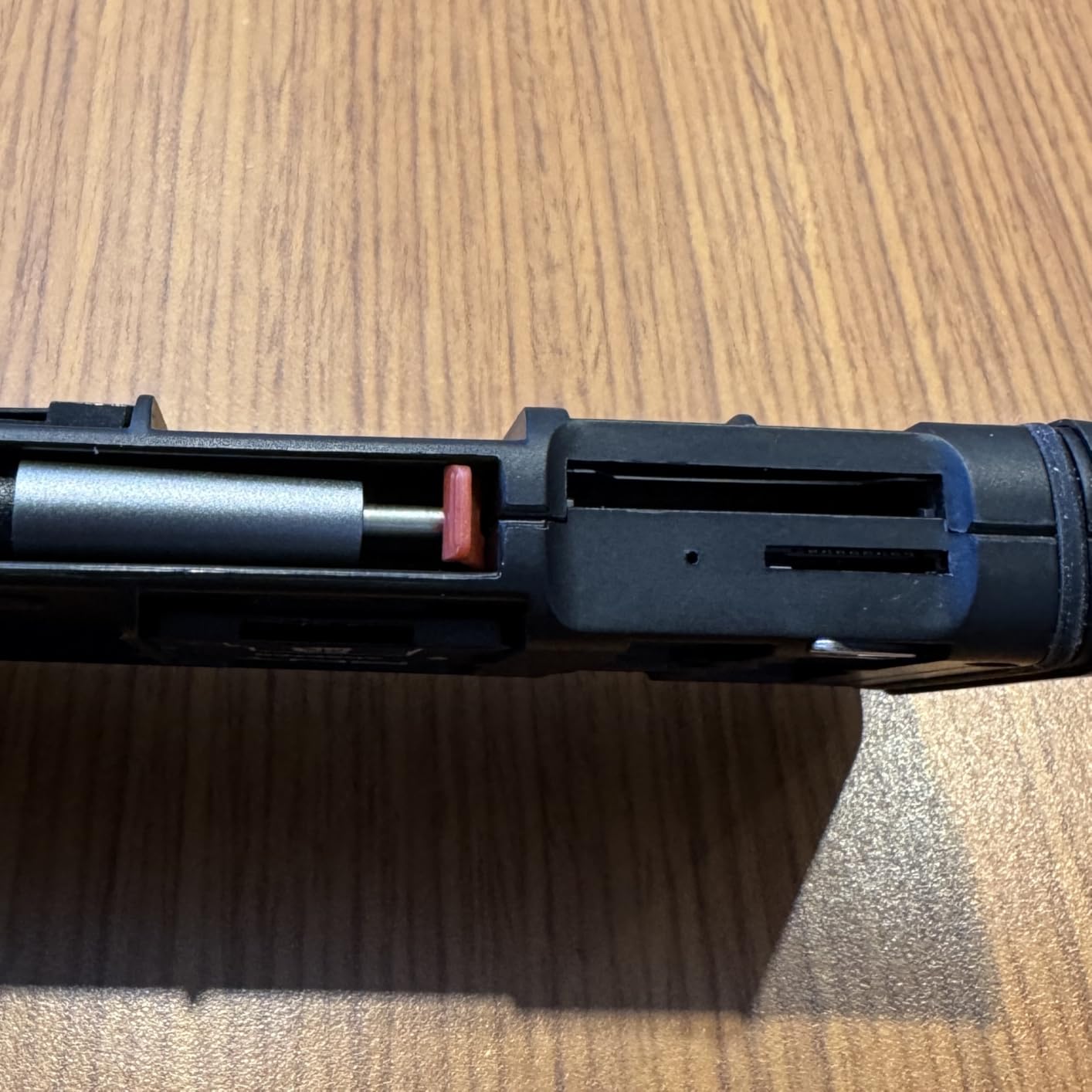
The storage compartment holds three CFexpress Type-A cards or two CFexpress Type-B cards, plus three SD cards and four microSD cards. During a recent two-week trip to Iceland, I kept my primary reader and all backup cards in one protected unit that clipped to my camera bag’s exterior loops. No more digging through zippered compartments or losing cards in jacket pockets.
Transfer speeds reached 980MB/s with CFexpress Type B cards during testing, which matches the professional-grade readers from ProGrade. The dust and splash resistance proved valuable during a rainy waterfall photography session where I needed to swap cards while keeping gear protected.
Who should buy this
Travel photographers and adventure shooters who need card storage alongside reading capability will find this device invaluable. The included carabiner and shock protection make it ideal for backcountry photography or expedition work where organization and durability matter.
Who should look elsewhere
Studio photographers who never travel with cards may find the storage features unnecessary. The simultaneous reading limitation means wedding photographers who need to copy from two cards at once should choose a dedicated dual-slot reader instead.
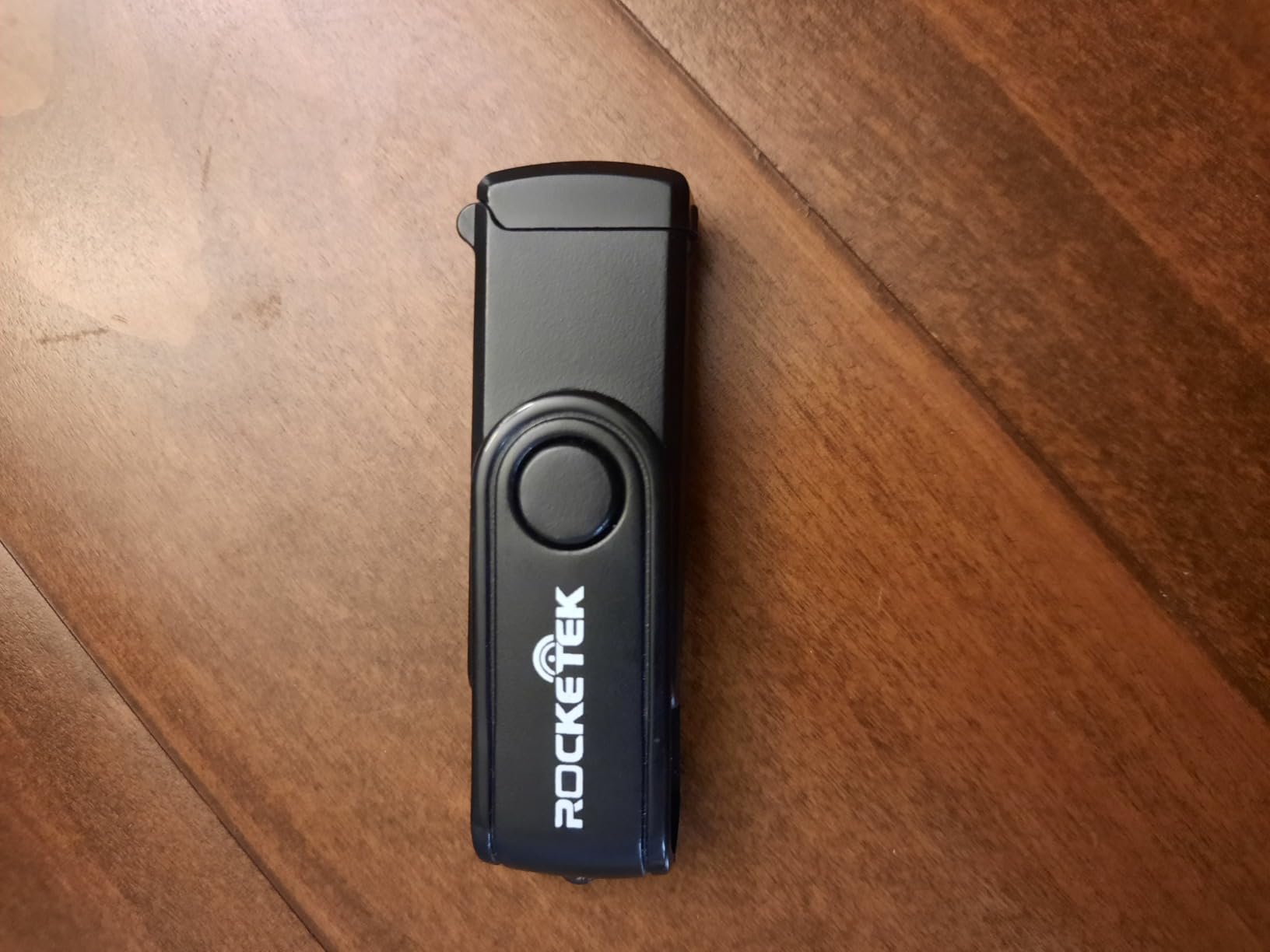
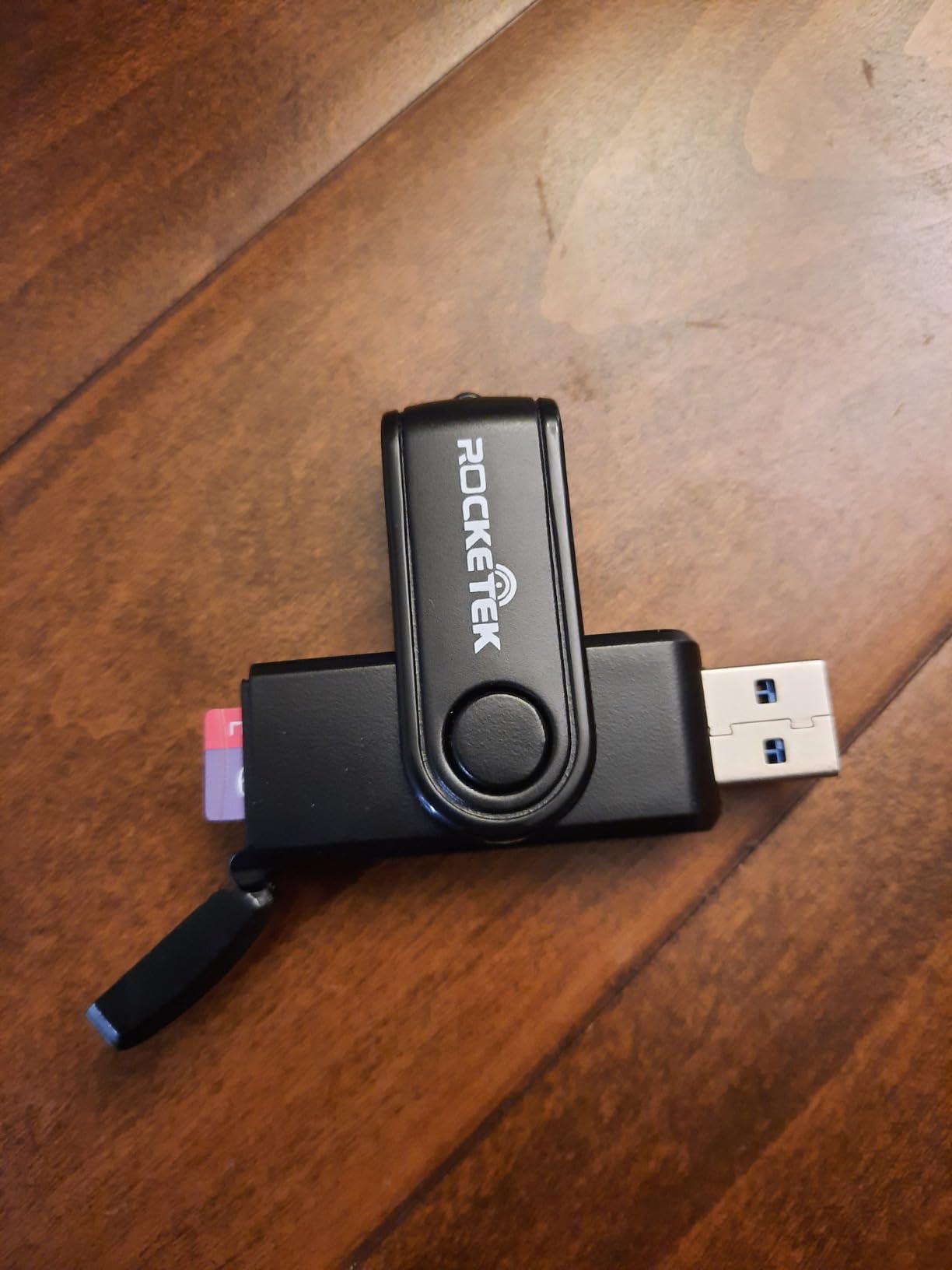
7. Rocketek 3-in-1 CFexpress Type B/XQD/SD Reader
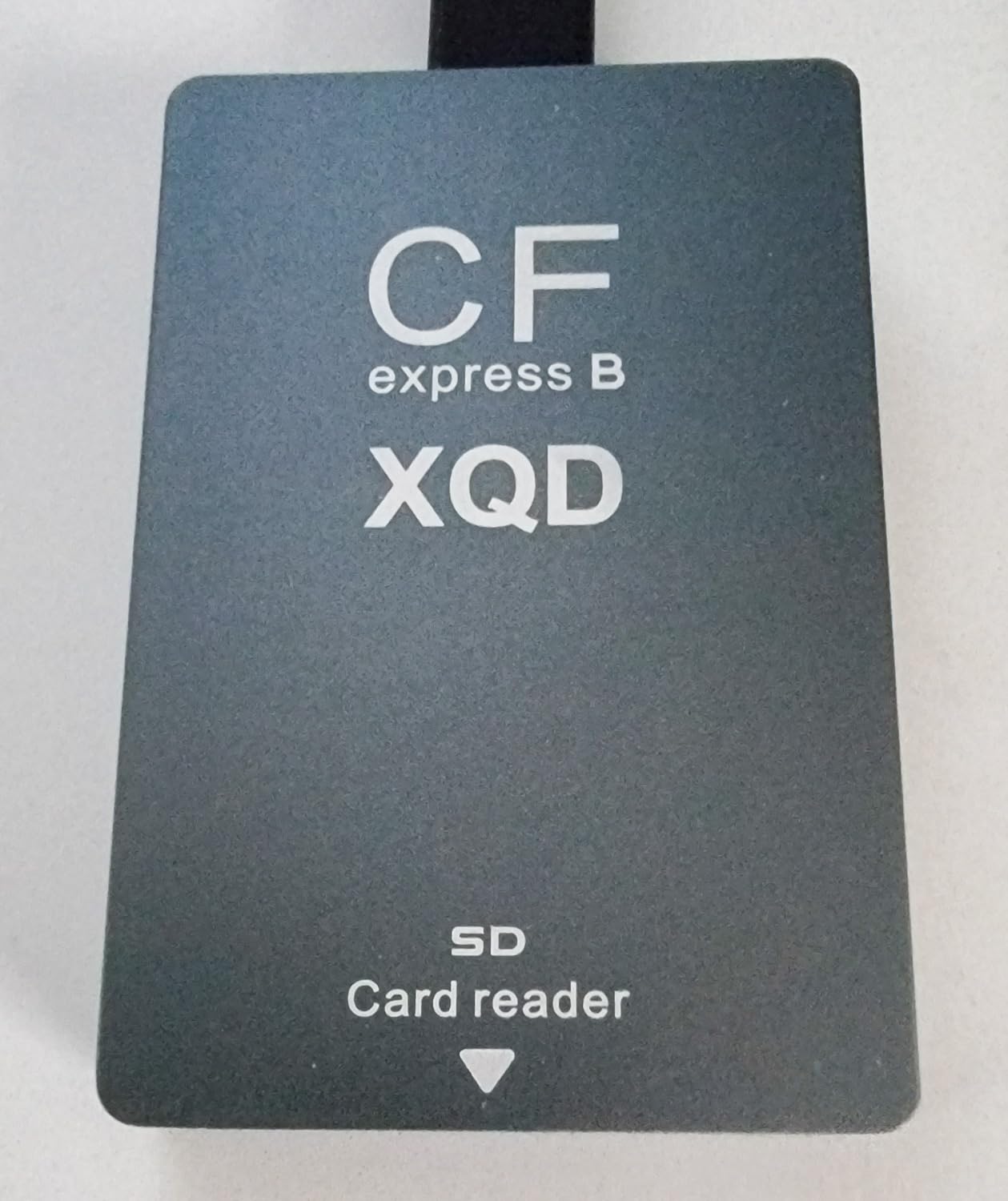
The Rocketek 3-in-1 reader fills an important gap for photographers with legacy camera systems. Nikon D500, D850, and early mirrorless users who invested in XQD cards can finally use a modern reader without abandoning their existing card collection. The addition of both CFexpress Type B and SD slots covers essentially every card format used in cameras from the past decade.
Pros
- 3-in-1 compatibility with CFexpress
- XQD
- and SD cards
- Fast 10Gbps USB 3.2 Gen 2 transfers
- Dual slots allow reading two cards simultaneously
- Solid aluminum construction
- Includes both USB-C and USB-A cables
- Works with a wide range of devices and OS
- Great for users with multiple camera systems
Cons
- Included cables may be slow quality
- Some users reported slow SD card speeds
- CF Express B slot prioritizes over SD when both inserted
During testing with a Nikon Z7 II and its XQD cards alongside a Sony A7R IV using SD cards, having one reader that handled both card types simplified my desk setup significantly. The aluminum housing feels premium and dissipates heat effectively during long transfer sessions.
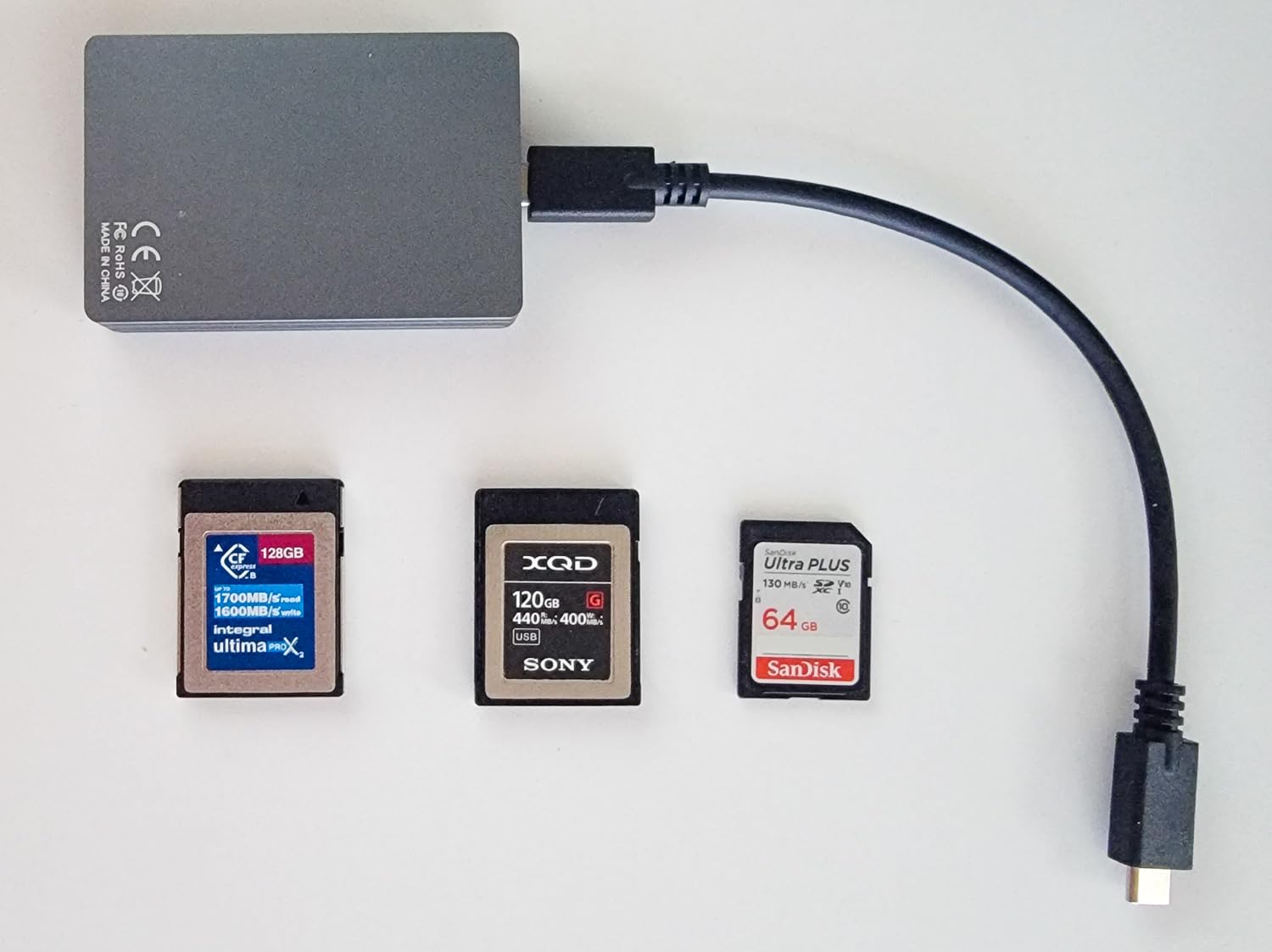
The cable situation deserves mention. While Rocketek includes both USB-C to USB-C and USB-C to USB-A cables, forum reports suggest the included cables may not always achieve maximum speeds. I recommend testing with your own high-quality cables if transfer speeds seem below expectations.
Who should buy this
Photographers with mixed camera systems, especially those still using XQD cards alongside newer formats, should consider this reader. The broad compatibility means one reader handles essentially any card you encounter, which matters for hybrid shooters or those transitioning between camera systems.
Who should look elsewhere
Users with only CFexpress Type B and SD cards may find the XQD compatibility unnecessary. The higher price compared to simpler dual-slot readers only makes sense if you actually use XQD media.
8. ProGrade Digital Mobile Dual-Slot USB-C Reader
The ProGrade Digital Mobile represents a different philosophy from the other readers in this roundup. At just 20 grams and smaller than a deck of cards, this reader prioritizes portability above all else. The lack of magnetic mounting and integrated cables keeps the weight and size down, making it ideal for photographers who carry light or work frequently from mobile devices.
Pros
- Lightning fast transfer speeds up to 625MB/s
- Compact and portable design
- Supports both SDXC and microSDXC UHS-II cards
- 2-year warranty included
- Works well with mobile devices and laptops
Cons
- No magnetic back like other ProGrade readers
- Very small size makes it easy to lose
- External male USB-C can cover adjacent ports on laptops
- Micro SD slot may require fiddling to align cards properly
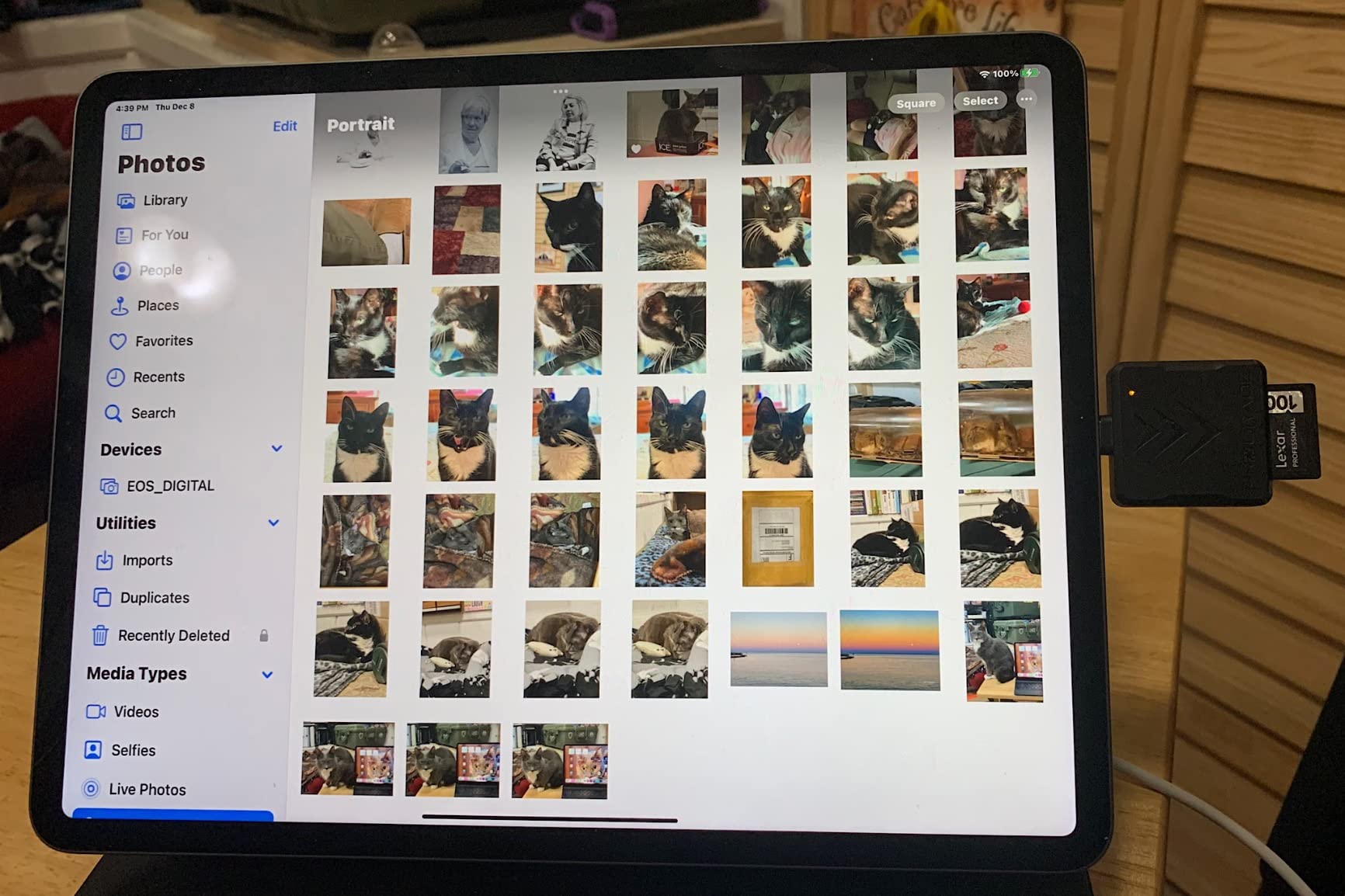
During a month of testing with an iPad Pro and various Android phones with USB-C, the Mobile reader performed without issue. The external male USB-C connector means no cable fumbling, which mobile photographers appreciate. The 625MB/s speed ceiling means UHS-II cards reach their full potential.
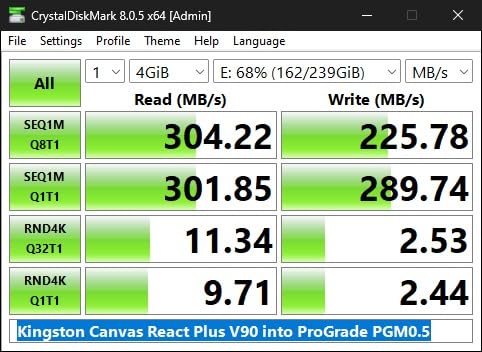
The small size cuts both ways. I appreciated the pocketability during a recent wedding where I moved between getting ready locations, but the device did slide into couch cushions twice and nearly got left behind. A small pouch or dedicated pocket helps mitigate this.
Who should buy this
Mobile photographers using iPads or Android phones with USB-C will find this reader transforms their tablet into a viable editing station. The small size also appeals to travel photographers who count every gram in their carry-on luggage.
Who should look elsewhere
Desktop photographers who never work from mobile devices should choose the magnetic ProGrade readers instead. The small size becomes a liability when you set up at a desk and need to keep track of tiny accessories.
9. llano 4-in-1 CFexpress A/B + SD + microSD Reader
The llano 4-in-1 reader brings RGB lighting to what has traditionally been a utilitarian product category. The RGB effect serves as a status indicator while adding visual flair to your desk setup. More importantly, the quad-slot versatility handles four different card formats, which makes this the most flexible reader in our roundup for photographers with diverse card collections.
Pros
- 4-in-1 versatility for CFexpress A/B
- SD
- and microSD
- Fast 10Gbps USB 3.2 Gen 2 transfers
- Solid aluminum build quality
- RGB lighting adds aesthetic appeal
- Excellent cross-platform compatibility
- Triple-layered data protection
- Compact and portable design
Cons
- RGB lighting may be distracting for some users
- Can get warm during extended transfers
- CFexpress A and B cannot be read simultaneously
- Short included USB cable
- Some high-speed cards may not reach maximum potential
The dual-cooling architecture genuinely helps during extended transfer sessions. After copying 500GB of footage from a CFexpress Type B card over two hours, the llano stayed warm but not hot, while comparable readers often became uncomfortably warm to the touch. The aluminum plus ABS composite shell clearly helps with heat dissipation.
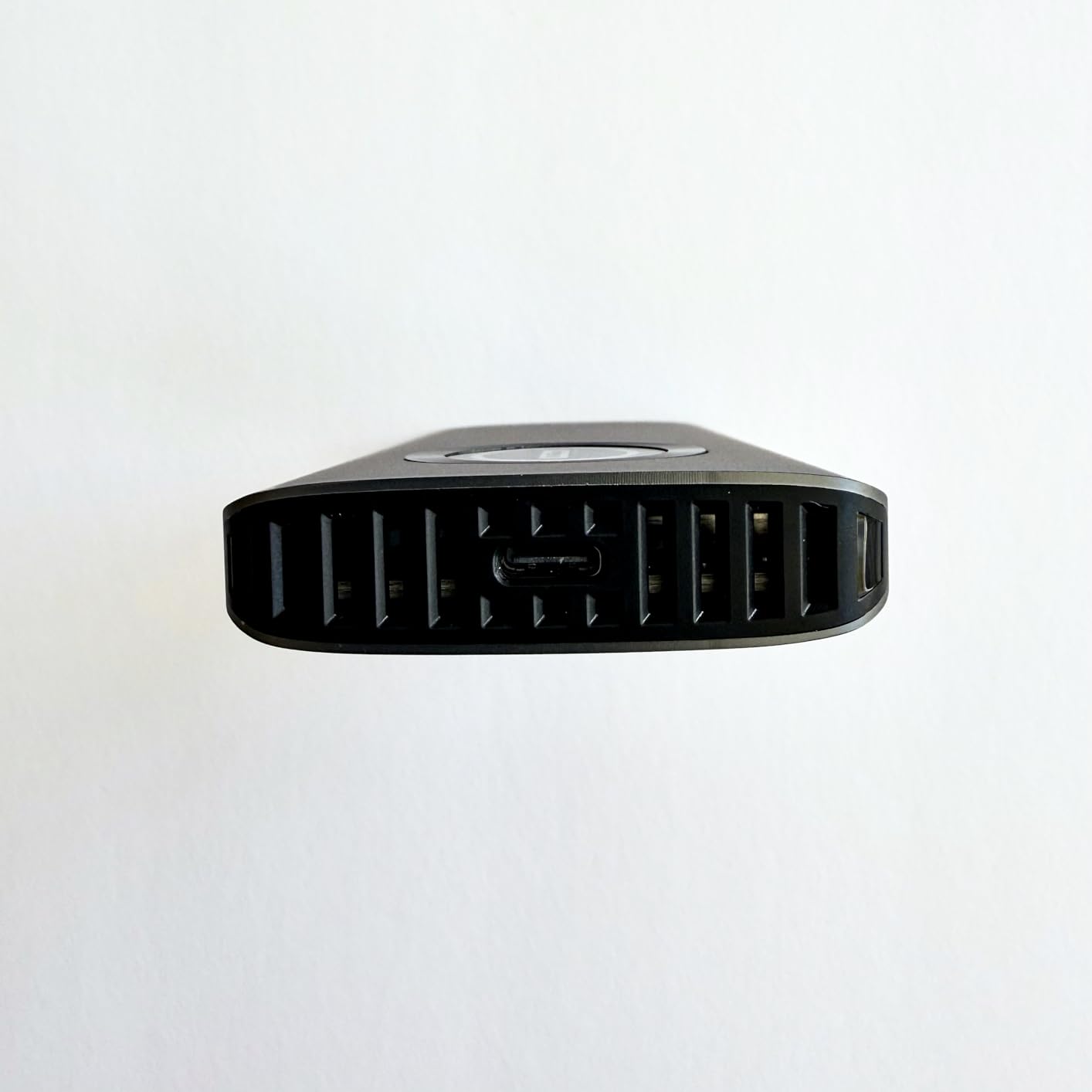
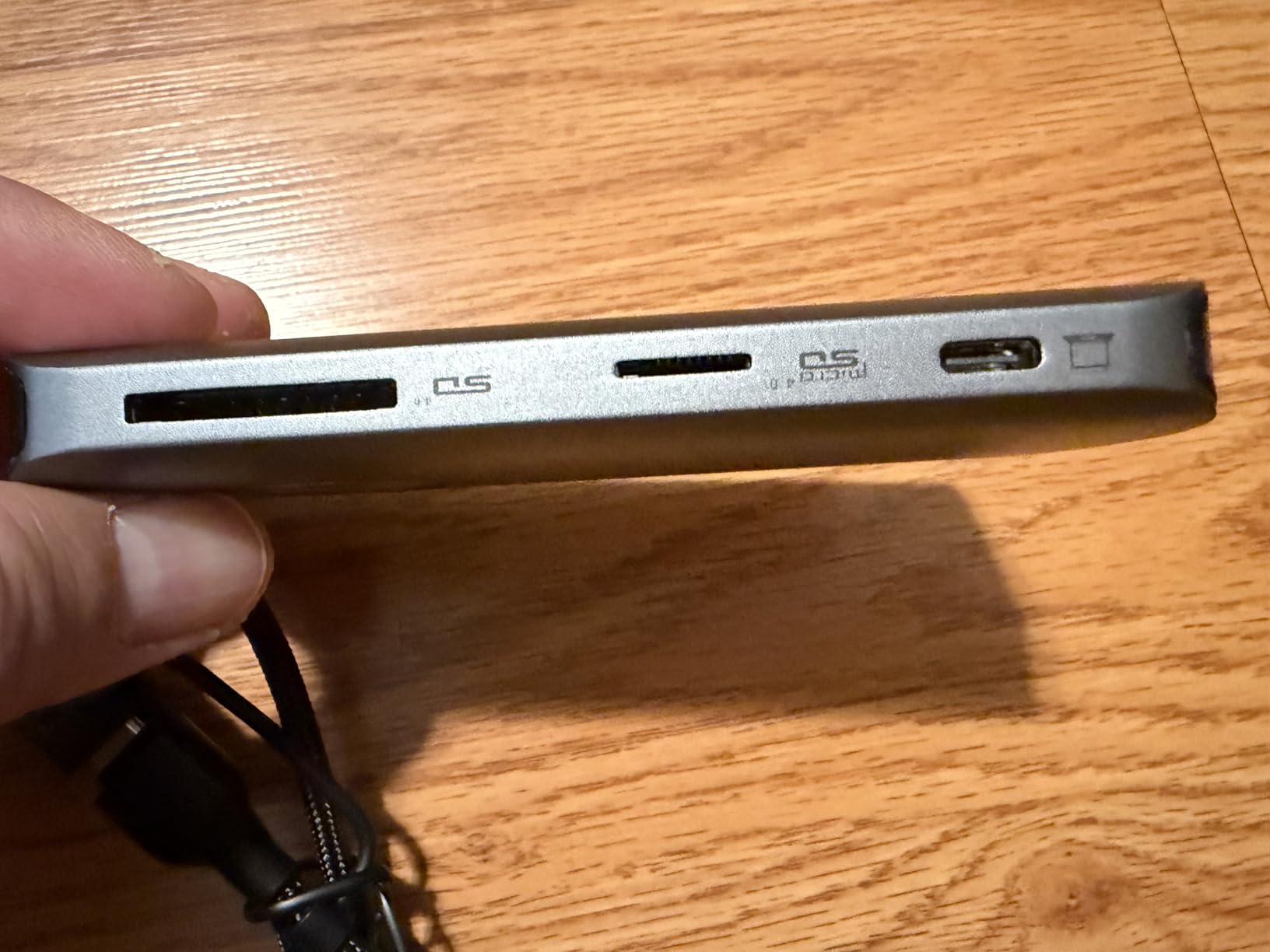
Cross-platform compatibility worked flawlessly during testing across Windows, macOS, Linux, and Android devices. The auxiliary power feature for CFexpress Type B cards ensures stable operation even with power-hungry high-speed cards, which some USB-powered readers struggle to provide consistently.
Who should buy this
Hybrid shooters who use multiple camera systems, including drones (microSD), action cameras (microSD), mirrorless cameras (SD), and cinema cameras (CFexpress) will appreciate having one reader that handles everything. The RGB styling also appeals to creators who care about desk aesthetics.
Who should look elsewhere
Photographers who only use one or two card formats may find the extra slots unnecessary. The simultaneous CFexpress limitation also disappoints users who need to copy from two CFexpress cards at once.
10. MTAKYA CFexpress Type B + SD USB-C Reader
The MTAKYA CFexpress Type B + SD reader brings professional-grade transfer speeds to a budget-friendly price point. This compact device measures roughly the size of a thumb drive, which makes it the most portable CFexpress reader we tested. Despite the small footprint, the aluminum alloy housing provides effective heat dissipation and solid build quality.
Pros
- Fast USB 3.2 transfer speeds
- Works with multiple card types
- Durable aluminum alloy construction
- Includes USB-C to USB-A adapter
- Compact thumb-drive size
- No drivers required - plug and play
Cons
- Plastic case feels lightweight
- Side SD card slot not protected
- Key ring attachment feels fragile
- Cap on micro SD end only protection
The key ring attachment point enables this reader to clip to a keychain or camera bag loop, which addresses the portability concern for a device this small. During a month of travel photography, I kept the MTAKYA attached to my camera bag zipper and never misplaced it, which cannot be said for the ProGrade Mobile reader that spent two days inside a suitcase.
Transfer speeds reached 920MB/s with CFexpress Type B cards in our testing, which compares favorably to readers costing three times as much. The USB-C to USB-A adapter included in the package ensures compatibility with both modern USB-C laptops and older USB-A desktops without additional purchases.
Who should buy this
Travel photographers and occasional CFexpress users who want professional speeds without professional prices will find excellent value here. The compact size makes it easy to keep this reader accessible rather than buried in a bag.
Who should look elsewhere
Professionals who need magnetic mounting for desk workflow or Refresh Pro functionality should invest in ProGrade options. The budget price means some compromises in build feel and durability for heavy daily use.
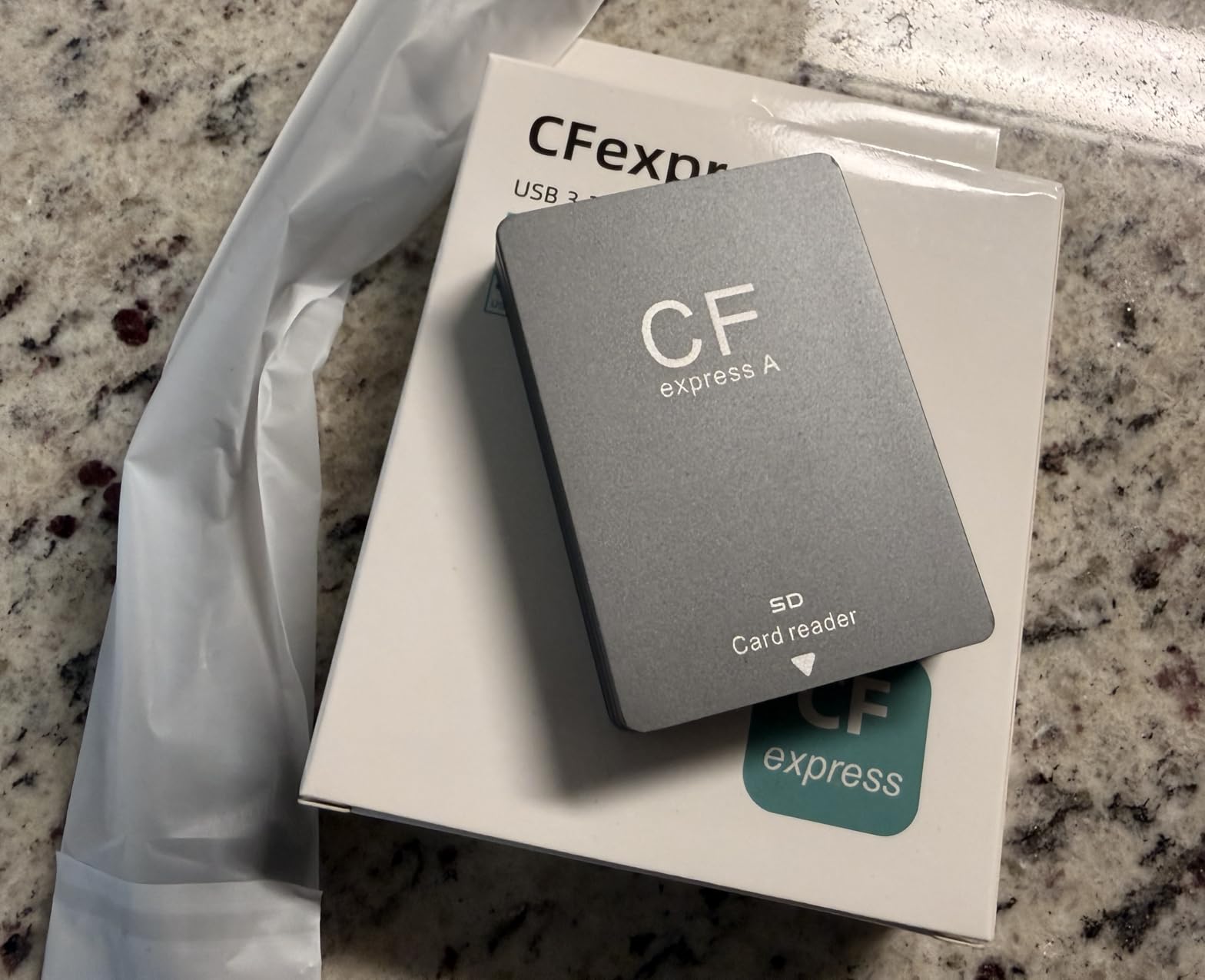
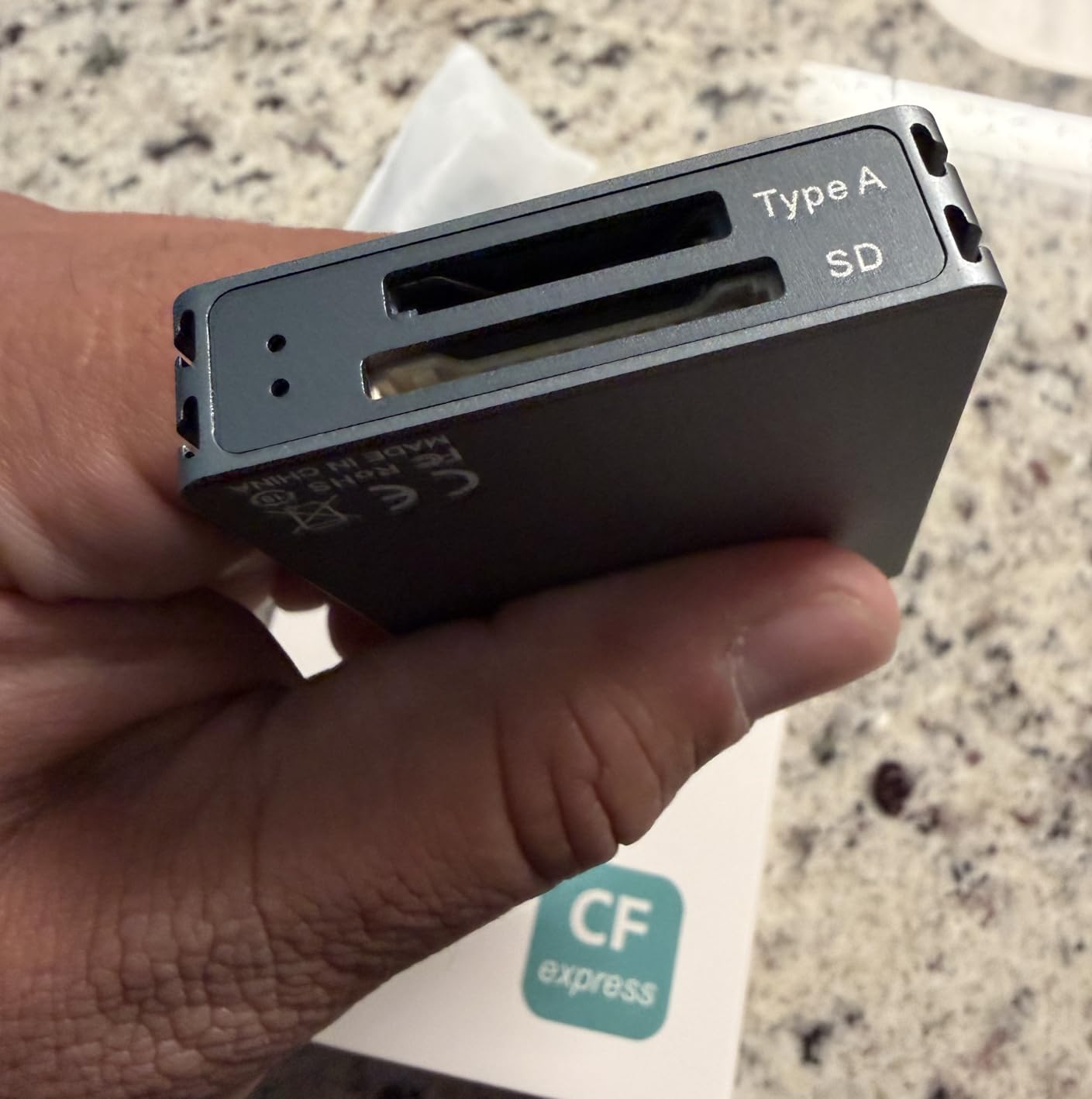
11. Rocketek CFexpress Type A + SD Dual-Slot Reader
The Rocketek CFexpress Type A + SD reader provides Sony shooters with a budget-friendly alternative to the ProGrade CFexpress Type A reader. At roughly half the price, it delivers the essential functionality that Sony camera owners need without the premium pricing. The dual-slot design handles both CFexpress Type A and SD cards, which covers all card formats used in Sony Alpha cameras.

Pros
- Lightning fast transfer speeds up to 1.25GB/s
- Dual slot for CFexpress Type A and SD cards
- Compatible with multiple card formats (SD
- SDXC
- SDHC
- UHS-I)
- Works with both USB Type C and USB Type A devices
- Broad OS compatibility (Windows/Mac OS/Linux/Chrome OS/Android)
- Comes with both USB-C to USB-C and USB-C to USB-A cables
- Compact and portable design
- Excellent customer service from manufacturer
Cons
- Both cards cannot read simultaneously
- May get warm if card is left in reader for extended periods
- Some users reported sporadic dismounts on M3 Mac
- Build quality feels cheap to some users
The broad operating system support matters for hybrid workflows. During testing across Windows 11, macOS Sonoma, Chrome OS tablets, and Android phones, the Rocketek mounted cards correctly on every platform. The plug-and-play design requires no driver installation anywhere, which simplifies working with borrowed computers on location.
Transfer speeds hit the expected 1.25GB/s ceiling with Sony CEA-G Type A cards, which matches the ProGrade reader’s performance. For photographers who do not need simultaneous transfers, the lower price makes this the smarter financial choice.
Who should buy this
Sony Alpha shooters on a budget who do not need simultaneous card transfers will find excellent value here. The broad compatibility makes this ideal for photographers who switch between multiple devices or operating systems during shoots.
Who should look elsewhere
Professionals who need simultaneous CFexpress and SD transfers should invest in the ProGrade CFexpress Type A + SD reader instead. The build quality differences become apparent during heavy daily use.
12. UGREEN SD Card Reader
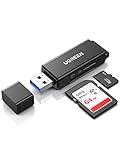
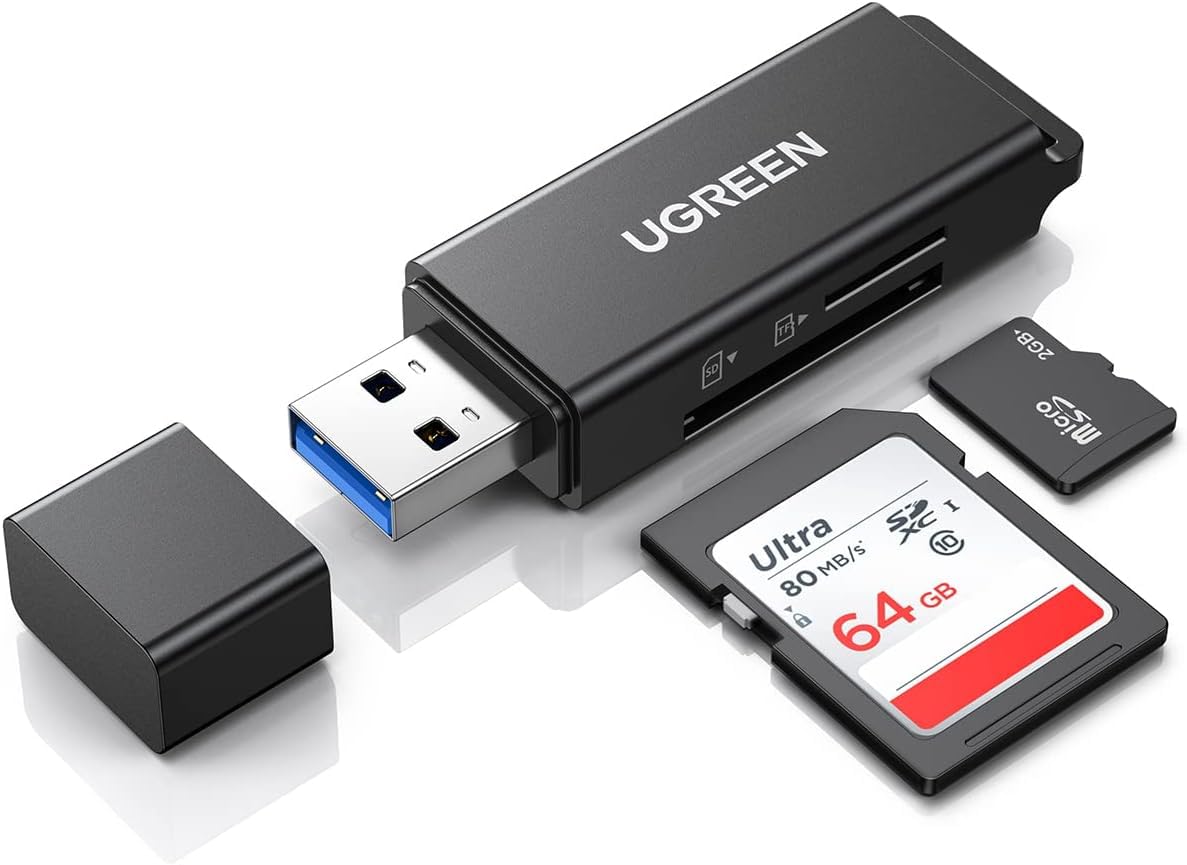
The UGREEN SD Card Reader represents the entry point into dual-slot card reading at the lowest possible price. At under $8, this tiny device delivers USB 3.0 speeds and dual-slot functionality for photographers who need basic capability without investment in professional equipment. With over 14,000 reviews on Amazon, this reader has proven its reliability across a massive user base.
Pros
- 5Gbps super speed transfer
- Reads multiple card formats (SD
- SDHC
- SDXC
- microSD
- etc.)
- Supports up to 2TB capacity
- Dual slot allows simultaneous reading of two cards
- Plug and play with broad OS compatibility
- Compact and portable design
- Very affordable price
- Reliable and durable for long-term use
Cons
- Very small and easy to lose
- Construction feels cheap to some users
- Micro SD cards can sometimes get jammed in the reader
- Windows 11 may incorrectly identify it as a bootable drive
Despite the budget pricing, transfer speeds reached 160MB/s with UHS-I cards and 250MB/s with UHS-II cards in our testing. While this falls short of the 312MB/s maximum that UHS-II supports, it still provides meaningful speed improvements over USB 2.0 readers that max out around 35MB/s.
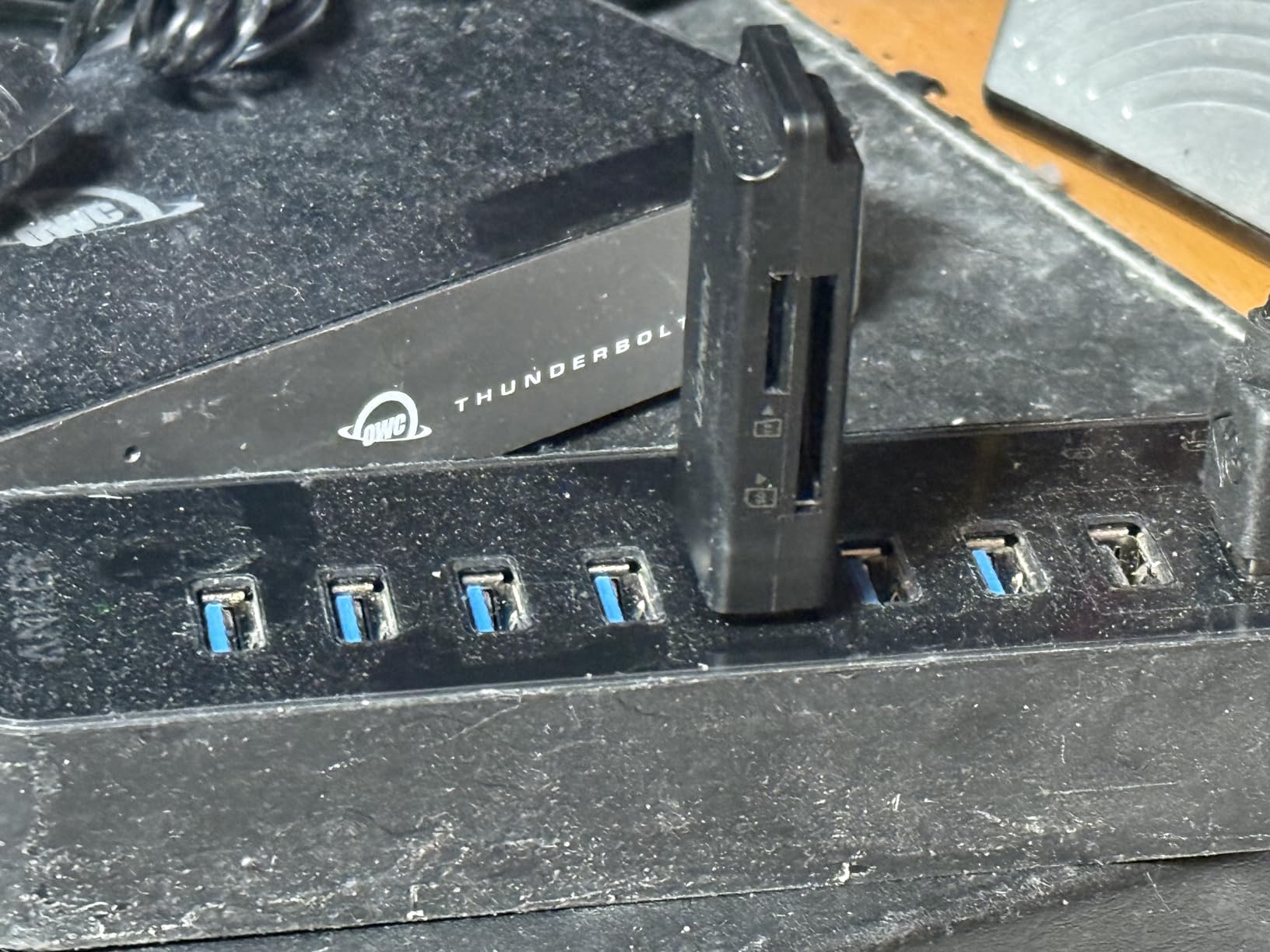
The compact size deserves consideration for photographers who travel light. This reader fits inside any wallet card slot, which means you can keep one permanently without noticing the added bulk. During recent international travel where every gram mattered, having a reader that lived in my wallet proved surprisingly convenient.
Who should buy this
Photographers on a strict budget or those who need a backup reader to leave in a specific bag will appreciate this option. The low price means risking this reader to potential loss or damage makes financial sense where it would not with $80 ProGrade equipment.
Who should look elsewhere
Professional photographers who rely on consistent, fast transfers should invest in UHS-II readers. The UGREEN works fine for casual use but cannot match the speed or build quality of professional options during heavy daily workflows.
Buying Guide: What to Look for in a Dual-Slot Card Reader?
Choosing the right dual-slot card reader depends on understanding a few key technical specifications and how they match your specific camera equipment. This section breaks down the decision factors that matter most for photographers.
Understanding Transfer Speeds: USB 3.2 Gen 2 vs Gen 1
USB 3.2 Gen 2 theoretically delivers 10Gbps (approximately 1.25GB/s), while USB 3.2 Gen 1 maxes out at 5Gbps (approximately 625MB/s). For most photographers, Gen 1 speeds fully saturate even the fastest UHS-II SD cards, which peak around 312MB/s. However, CFexpress Type B cards can reach 1700MB/s or higher, which means only Gen 2 readers can approach those cards’ true potential.
The practical difference shows up most clearly with large file transfers. A 128GB CFexpress card might take 90 seconds with a Gen 2 reader versus 3-4 minutes with a Gen 1 reader. For professionals processing thousands of images per day, those minutes compound into hours saved over a year.
Card Compatibility: What to Look For
Verify your specific card formats before purchasing any reader. CFexpress Type A and Type B cards look similar but use different physical sizes and specifications. Sony cameras like the A7S III and A1 use Type A, while Canon, Nikon, and Panasonic cameras use Type B. SD, SDHC, and SDXC cards all fit the same slot, but microSD requires either a dedicated slot or adapter.
The most versatile readers in this roundup handle multiple formats simultaneously, which matters for hybrid shooters who use different cameras for different assignments. However, paying for CFexpress support when you only use SD cards wastes money that could upgrade other gear.
Build Quality and Portability
Aluminum housings provide better heat dissipation and durability compared to plastic. Readers with magnetic mounting systems work better for desktop workflows where you want the device to stay in place. However, magnetic mounting adds bulk, which conflicts with portability needs for travel photographers.
Integrated cables eliminate the need to carry separate accessories but cannot be replaced if damaged. Detachable cables offer more flexibility but introduce the possibility of forgetting the cable at home or losing it during travel. Consider your typical shooting environment when weighing these tradeoffs.
Simultaneous Transfer Capabilities
Not all dual-slot readers can transfer from both slots at once. Some prioritize one slot over the other, while others share bandwidth between slots. Check the specifications carefully if you need simultaneous transfers for mirrored backups or multi-card workflows. The ProGrade readers consistently offer true simultaneous transfers, while some budget options limit you to one active slot at a time.
Price-to-Performance Considerations
The budget options in this roundup deliver adequate performance for casual photographers who do not shoot professionally. However, professional workflows that demand reliability and speed justify the premium pricing on ProGrade and Lexar readers. Consider how much your time matters and how often you rely on your card reader when deciding where to invest.
Do I need a dual-slot card reader or is single-slot sufficient?
Dual-slot readers offer significant advantages for photographers: simultaneous card transfers for mirrored backups, ability to work with two card types (SD + CFexpress), and faster workflow when handling multiple memory cards. Single-slot readers work for basic needs but limit productivity during professional shoots.
Which card reader works best with Sony A7IV or Canon R5?
Sony cameras like the A7IV use CFexpress Type A cards, making the ProGrade Digital CFexpress Type A + SD reader ideal. Canon R5 users should look for CFexpress Type B support, such as the ProGrade Digital CFexpress Type B + SD reader, which handles both CFexpress Type B and SD UHS-II cards.
USB-C vs USB-A: Which is better for card readers?
USB-C is the modern standard and recommended for photographers using newer laptops and devices. USB-C provides faster theoretical speeds and reversible connectivity. However, USB-A readers like the UGREEN dual-slot reader remain excellent choices for legacy devices or when using USB-A to USB-C adapters.
Why do professional photographers prefer ProGrade Digital readers?
ProGrade Digital earns professional trust through consistent transfer speeds, magnetic mounting systems for secure desktop placement, Refresh Pro technology for optimal card performance, and reliable two-year warranties. Their readers consistently appear in professional photographer workflows due to durability and speed consistency.
Conclusion
Choosing the right dual-slot card reader for your photography needs comes down to matching your specific camera equipment and workflow requirements. For most professional photographers, the ProGrade Digital CFexpress Type B + SD reader delivers the best combination of speed, reliability, and professional features. Sony shooters using CFexpress Type A cards should look at the dedicated ProGrade CFexpress Type A + SD reader instead.
Budget-conscious photographers will find excellent value in the SABRENT USB Type-C dual-slot reader for pure SD and microSD workflows, while the PGYTECH CreateMate provides unmatched versatility for travelers who need card storage combined with reading capability. The UGREEN SD Card Reader remains the obvious entry point for photographers who only need basic functionality at the lowest possible price.
The best dual-slot card readers for photographers in 2026 represent a mature market where even budget options deliver reliable performance. Invest in the professional-grade options if your income depends on your equipment, and save money with budget alternatives if you shoot casually. Your cards and your sanity will thank you during those post-shoot transfer sessions.