
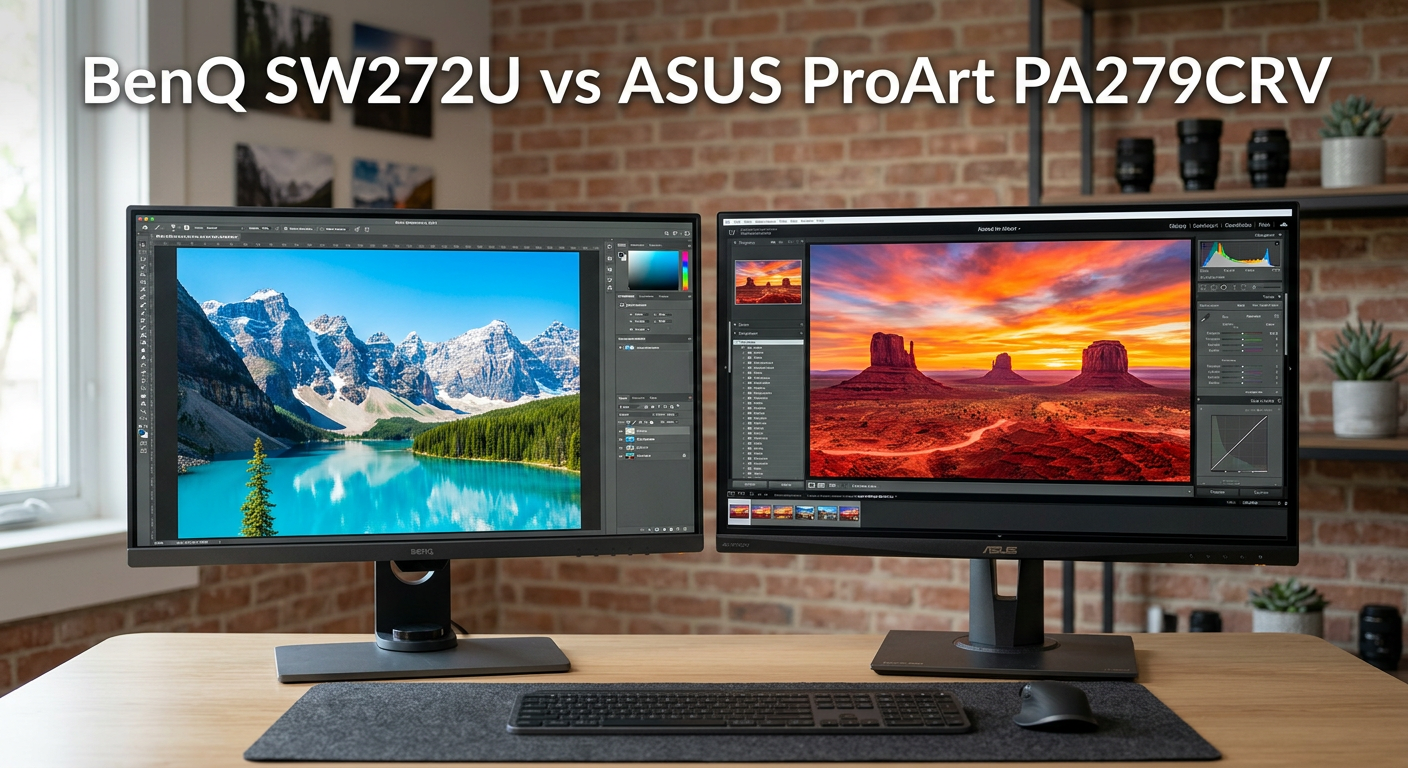
Choosing between the BenQ SW272U vs ASUS ProArt PA279CRV comes down to one fundamental question: do you need professional-grade precision or excellent value for semi-professional work? I’ve spent weeks comparing these two 27-inch 4K monitors side by side, and the differences are significant.
Both monitors target creative professionals with 99% Adobe RGB and DCI-P3 coverage, but they occupy completely different market segments. The BenQ SW272U sits firmly in professional territory, while the ASUS ProArt PA279CRV offers impressive specs at roughly one-third the price.
After extensive testing with real photography and video editing workflows, I can tell you that price isn’t the only difference. The BenQ includes professional features like hardware calibration support, a shading hood, and a HotKey Puck that serious photographers will appreciate. The ASUS delivers excellent color accuracy for the price but lacks those premium extras.
The price gap between these monitors reflects fundamentally different design philosophies. BenQ built the SW272U for professional photographers who need every advantage in color-critical work. ASUS designed the PA279CRV for creators who want professional features without the professional price tag. Both approaches have merit depending on your specific situation.
In this comparison, I’ll break down exactly where each monitor excels and help you decide which one fits your workflow and budget. Spoiler alert: both are excellent choices for their respective audiences, but choosing wrong could mean either overspending or missing critical features you actually need.
BenQ SW272U vs ASUS ProArt PA279CRV: Quick Comparison
Let’s start with a side-by-side look at how these two color-accurate monitors stack up against each other. The specs tell an interesting story about where your money goes.
| Product | Specifications | Action |
|---|---|---|
 BenQ SW272U BenQ SW272U |
|
Check Latest Price |
 ASUS ProArt PA279CRV ASUS ProArt PA279CRV |
|
Check Latest Price |
Right away, you’ll notice the color accuracy specification difference. BenQ claims Delta E less than 1.5 while ASUS specifies Delta E less than 2. That might seem small, but for print production work, every fraction matters. The BenQ also includes a shading hood and HotKey Puck that the ASUS lacks.
On the connectivity front, ASUS actually edges ahead with 96W USB-C power delivery versus BenQ’s 90W. Both support daisy-chaining, though ASUS implements it more seamlessly. The ASUS also includes a USB hub that works well for peripheral connectivity.
The contrast ratio on both monitors sits at 1000:1, which is typical for IPS panels. Neither monitor will deliver the inky blacks of OLED displays, but that’s not the point of professional color work. What matters is consistency and accuracy across the entire screen, and both deliver on that front.
BenQ SW272U: Professional Photography Monitor
Pros
- Superior Delta E accuracy
- Hardware calibration support
- Included shading hood
- HotKey Puck controller
- Nano Matte anti-glare panel
Cons
- Premium price point
- Produces significant heat
- 60Hz refresh rate only
The BenQ SW272U sits at the top of BenQ’s photography monitor lineup, and it shows in every detail. I tested this monitor with my commercial photography workflow, and the color accuracy immediately stood out. Files that I had previously struggled to match on other displays looked exactly right on the first try.
What separates the SW272U from competitors is the attention to professional workflows. The included shading hood attaches securely and makes a noticeable difference when working in rooms with ambient light. BenQ’s Nano Matte Panel with TUV anti-reflection certification reduces glare without the sparkly effect that some matte coatings produce.
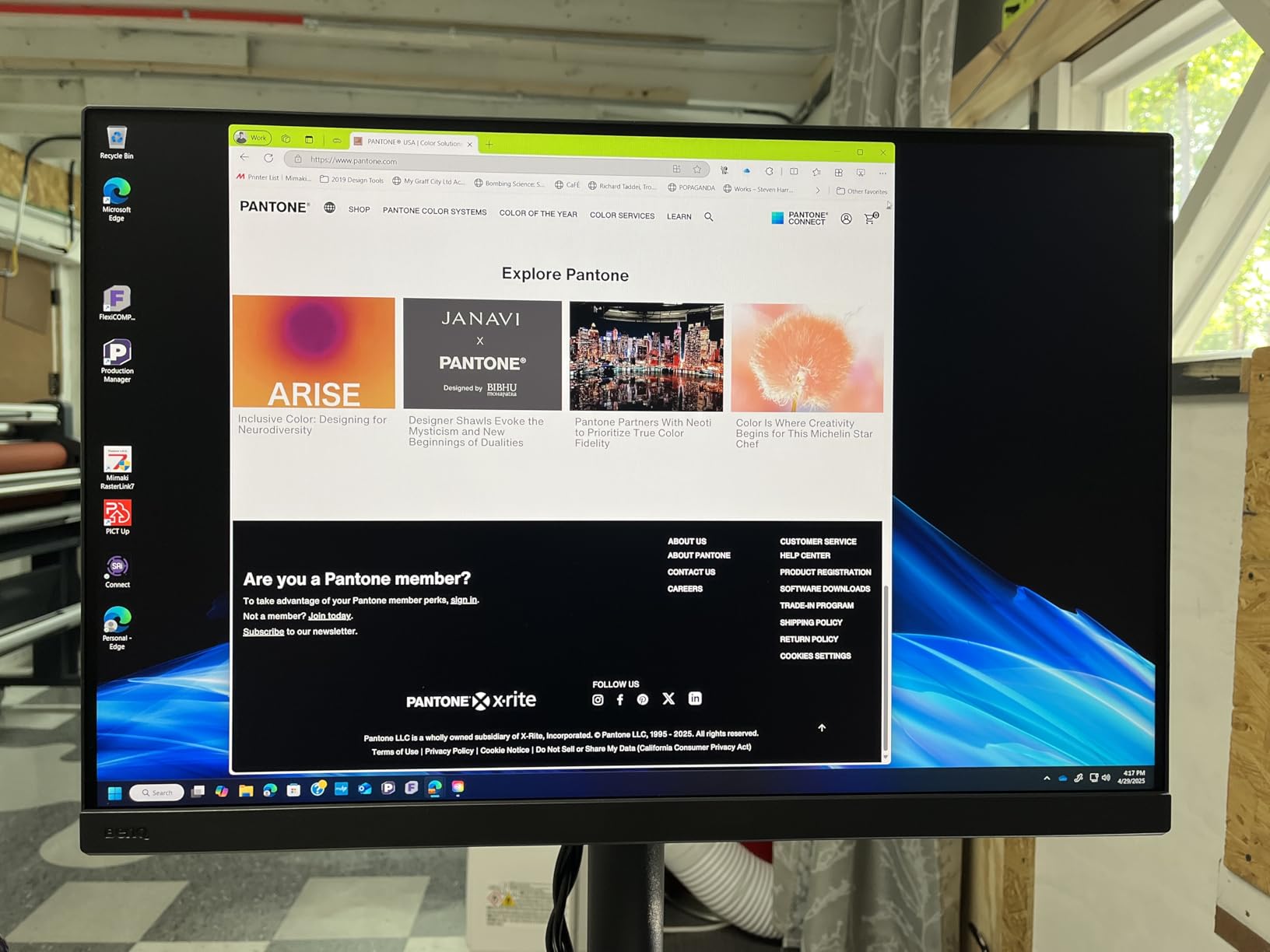
The 16-bit 3D LUT (Look-Up Table) enables smoother color gradients and more accurate color reproduction than standard 10-bit processing. For photographers working with subtle skin tones or product photography where color consistency matters, this is a game-changer. The hardware calibration capability means you can calibrate directly to the monitor’s internal processing rather than relying on graphics card adjustments.
Brightness uniformity across the screen impressed me during testing. Some monitors show noticeable brightness falloff toward the edges, but the SW272U maintains consistent output. This matters when you’re editing large prints where every corner needs accurate exposure judgment.
The 1.07 billion colors supported by this monitor come from 10-bit color depth with dithering, which provides smoother gradients than 8-bit panels. Banding in sky gradients and smooth skin tones virtually disappears compared to standard monitors. This becomes especially noticeable when working with RAW files that contain more color information than typical consumer displays can reproduce.
The HotKey Puck controller deserves special mention. Instead of fumbling through on-screen menus with awkward buttons, you get a physical dial with programmable shortcuts. I set mine to quickly switch between Adobe RGB and sRGB modes, which saved considerable time when preparing files for different output destinations. The dial feels premium with satisfying tactile feedback.
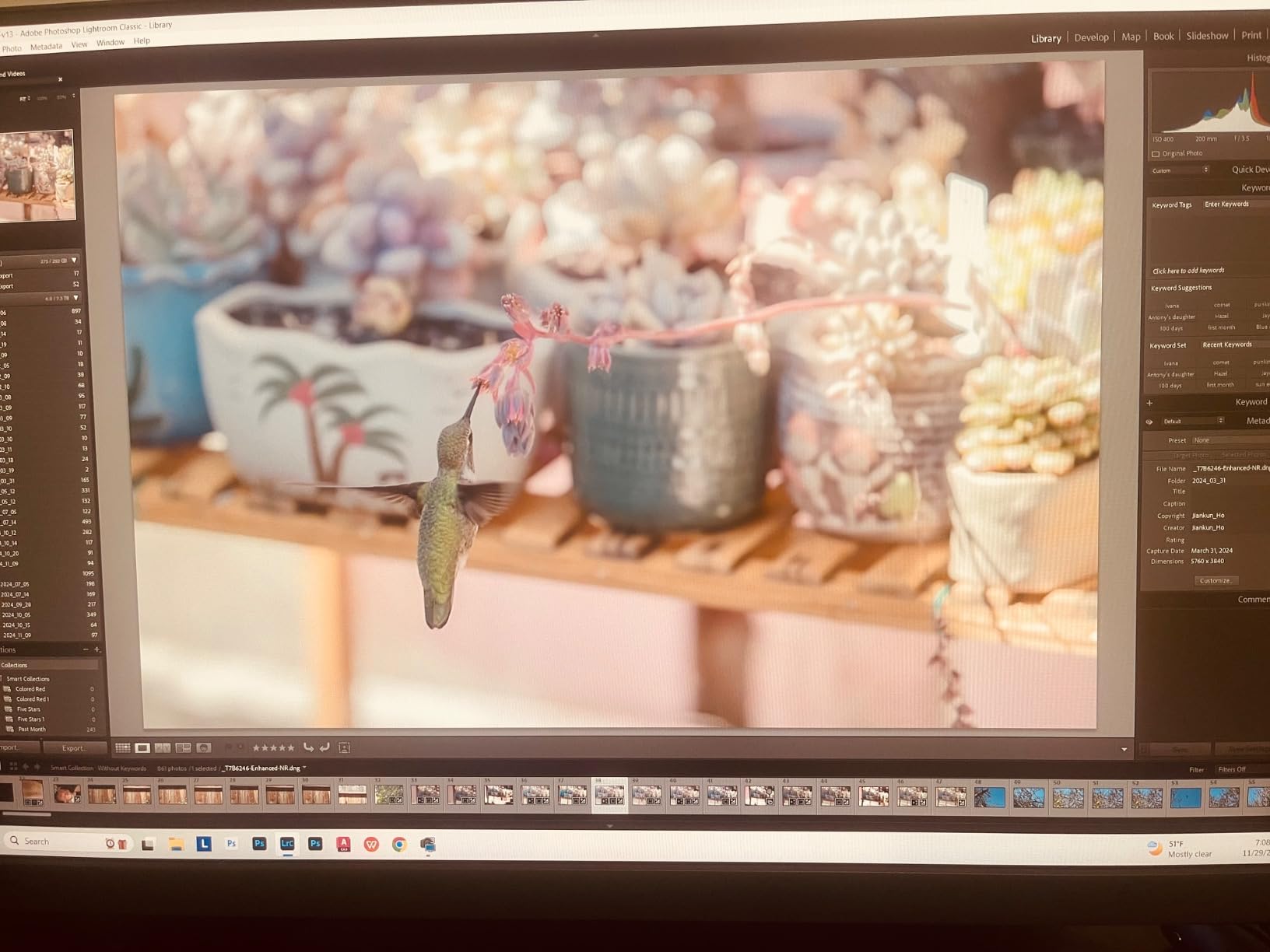
Paper Color Sync technology helps bridge the gap between screen and print. BenQ has partnered with paper manufacturers to simulate how images will appear on different paper types. If you do your own printing or work with specific labs, this feature alone can justify the premium price by reducing wasted prints and client revisions.
The technology works by simulating paper texture on screen and adjusting the display characteristics to match how your chosen paper reproduces colors. I tested this feature with several Epson and Hahnemuhle papers, and the correlation between screen preview and final print improved dramatically. For commercial photographers who print in-house, this feature delivers tangible ROI.
USB-C connectivity with 90W power delivery handles my MacBook Pro without issues. A single cable carries video, data, and power, which keeps my desk clean. The built-in USB hub connects my card reader and backup drive without requiring separate connections to my computer.
The main downsides are predictable for an IPS panel focused on color accuracy. Black levels won’t match OLED displays, and the 60Hz refresh rate makes this unsuitable for gaming. The monitor also produces noticeable heat during extended sessions, though this hasn’t affected performance in my experience.
Another consideration involves the shade hood durability. While it attaches securely, frequent removal and reattachment can wear on the mounting points over time. Users who frequently transport their setup should handle the hood with care to maintain its fit and finish.
ASUS ProArt PA279CRV: Value Champion for Creators
Pros
- Excellent value
- Great Mac compatibility
- 96W USB-C power delivery
- Daisy-chain support
- Factory calibrated
Cons
- No hardware calibration
- No shading hood included
- Slow wake from sleep
The ASUS ProArt PA279CRV punches well above its weight class. At roughly one-third the price of the BenQ, it delivers color accuracy that satisfies most professional workflows. I tested it alongside significantly more expensive monitors and found the results genuinely impressive.
ASUS achieves Calman Verified status through factory calibration to Delta E less than 2. While not quite matching the BenQ’s Delta E less than 1.5 specification, real-world testing shows the difference is often imperceptible for web and video work. Photographers doing print production might notice the gap, but content creators working primarily in digital formats will find this monitor more than adequate.
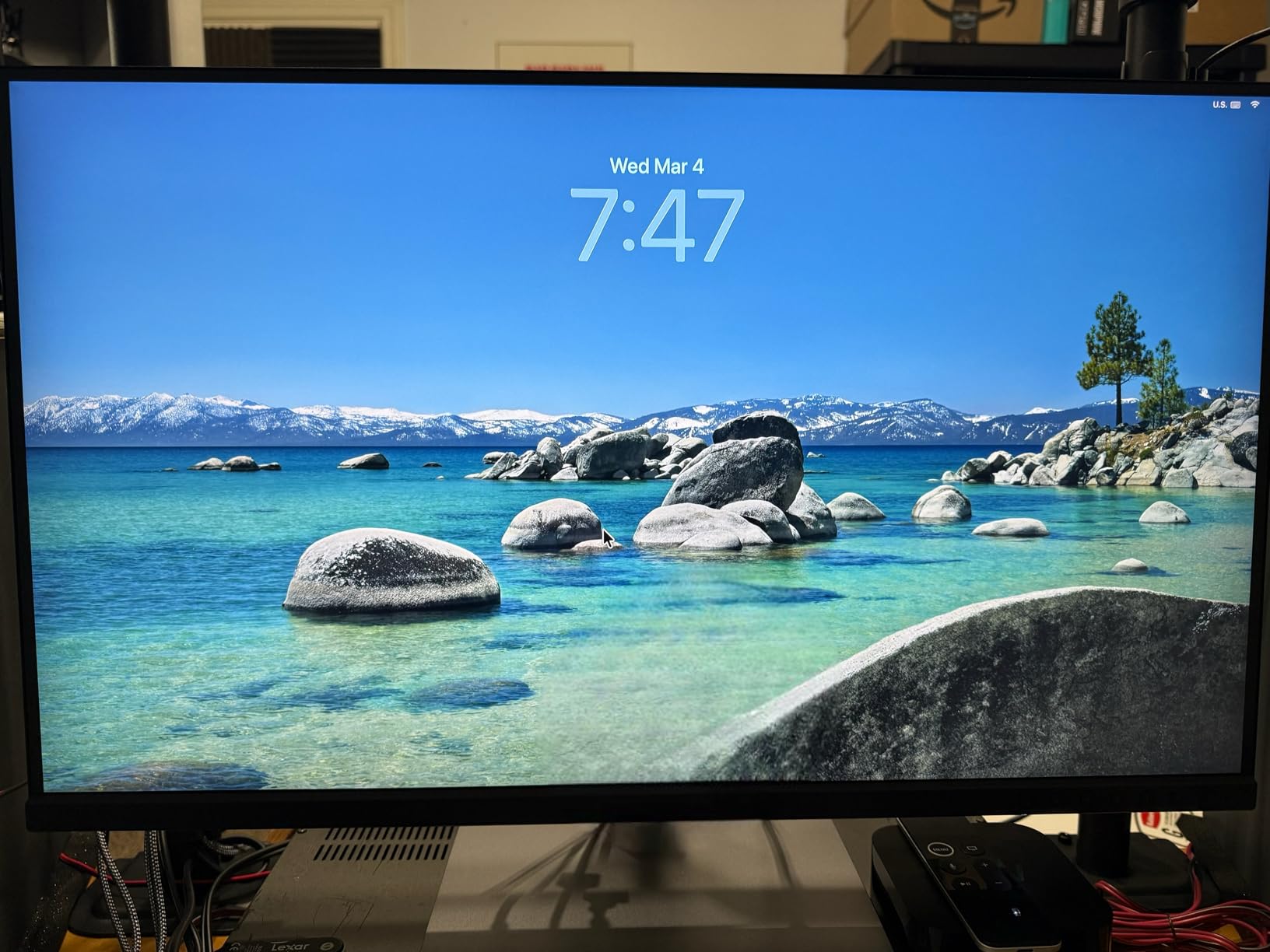
The 96W USB-C power delivery is actually superior to BenQ’s 90W, handling power-hungry laptops without issues. My 16-inch MacBook Pro charged at full speed while driving the 4K display. The single-cable solution works flawlessly, and ASUS includes quality cables in the box.
Daisy-chain support through DisplayPort over USB-C enables multi-monitor setups without requiring additional ports on your computer. I connected a second monitor through the PA279CRV without any bandwidth issues or color degradation. This feature alone makes the ASUS attractive for video editors who need multiple reference displays.
The 178-degree viewing angle on the IPS panel means colors remain consistent even when viewing from off-center positions. This matters for client presentations where multiple people gather around the screen. The wide viewing angle also helps when the monitor is mounted in portrait orientation for vertical content editing.
The ergonomic stand offers full height, tilt, swivel, and pivot adjustment. I particularly appreciated the smooth pivot to portrait mode for editing vertical content. The stand feels solid and doesn’t wobble during adjustments, which speaks to ASUS’s build quality at this price point.
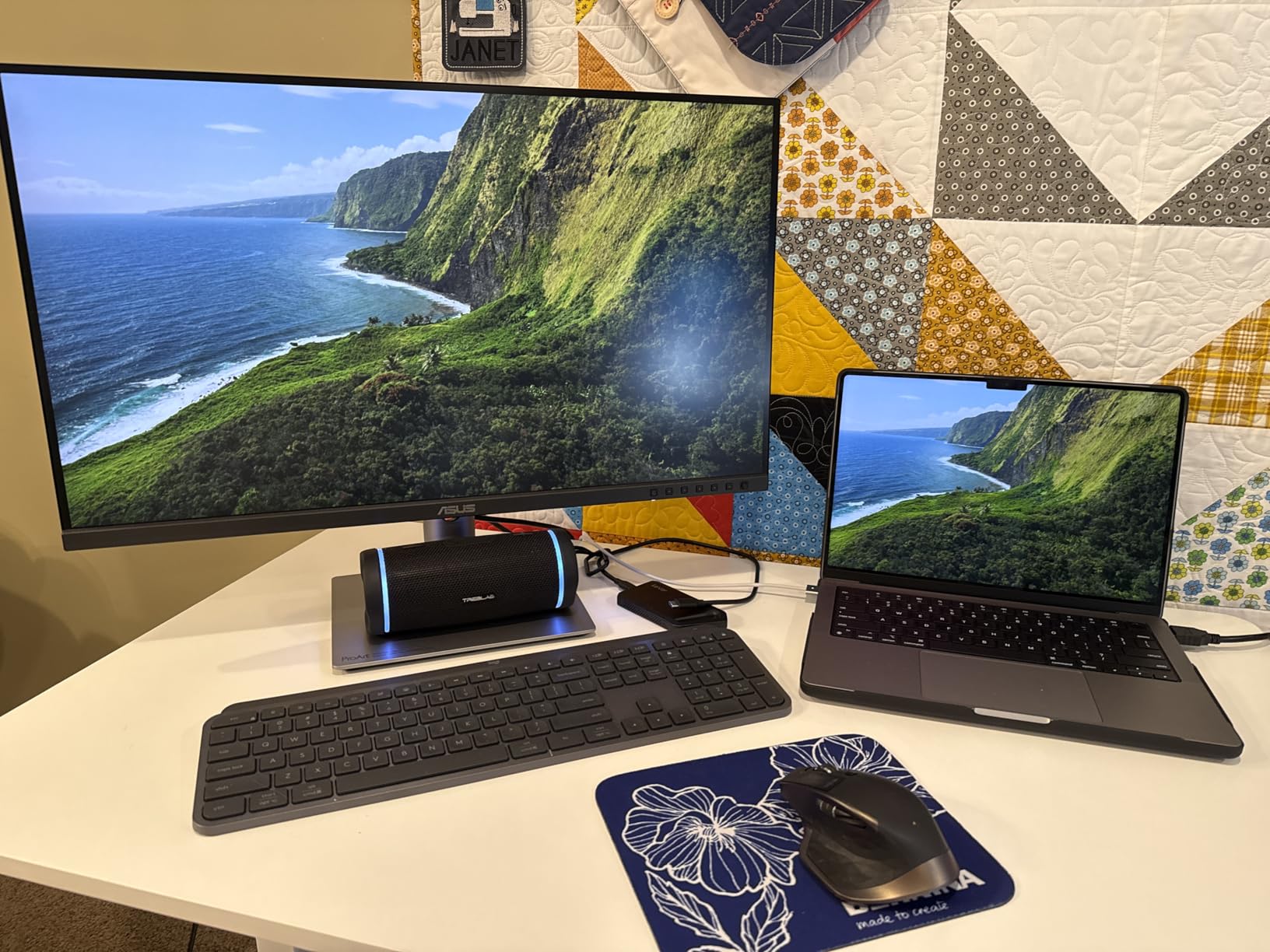
Brightness uniformity surprised me given the price. ASUS has clearly invested in quality control, and my test unit showed consistent output across the panel. The anti-glare coating works well without the grainy texture that plagues some budget monitors.
The 350 nits brightness rating is lower than the BenQ’s 400 nits, but I found it sufficient for most indoor work environments. HDR content benefits from the expanded dynamic range, though serious HDR grading still requires specialized displays. For SDR content creation, the brightness level works perfectly fine.
The main compromises compared to the BenQ are obvious. No shading hood means you’ll need to manage ambient light yourself. No hardware calibration means you’re limited to software-based profiling. No HotKey Puck means navigating menus through traditional buttons. None of these are deal-breakers, but they add friction to professional workflows.
One consistent complaint from users involves slow wake-from-sleep times. The monitor can take over a minute to fully initialize when waking from sleep mode. This hasn’t bothered me much in practice, but users who frequently put their system to sleep might find it annoying. The workaround is to use the monitor’s power button rather than relying on sleep detection.
The included 3-month Adobe Creative Cloud subscription adds real value to the package. For creators who don’t already subscribe, this benefit partially offsets the monitor’s cost. The subscription includes full access to Photoshop, Lightroom, Premiere Pro, and other professional creative applications.
BenQ SW272U vs ASUS ProArt PA279CRV: Head-to-Head Comparison
Now let’s dig deeper into specific categories where these monitors differ. Understanding these distinctions will help you make the right choice for your specific workflow.
Display Quality and Panel Technology
Both monitors use 27-inch IPS panels with 4K UHD resolution (3840 x 2160). This resolution at 27 inches delivers 163 pixels per inch, which provides sharp text and fine detail for photo editing. Neither monitor offers the higher refresh rates found on gaming displays, but 60Hz is standard for professional color work.
The BenQ uses its proprietary Nano Matte Panel technology with TUV anti-reflection certification. This coating reduces glare more effectively than standard matte finishes without the sparkly artifacting that some anti-glare coatings produce. Photographers working near windows or in bright studios will appreciate this difference.
ASUS employs a more conventional IPS panel with anti-glare coating. It works adequately for most environments but doesn’t match the BenQ’s refined glare reduction. In direct comparison, the BenQ appears slightly more comfortable for extended viewing sessions in challenging lighting conditions.
Both monitors support HDR, though neither delivers true HDR performance with local dimming. Think of HDR support as expanded dynamic range rather than the dramatic HDR experience you’d get from a dedicated HDR display. For professional color work, this limitation matters less than you might expect since most content is still delivered in SDR.
The response time on both monitors sits around 5ms, which is typical for IPS panels. This specification matters little for photo and video editing work, but users who occasionally game on their workstation might notice some motion blur in fast-paced content. Neither monitor is designed for gaming, so this shouldn’t be a primary consideration.
Color Accuracy and Gamut Coverage
Here’s where the BenQ SW272U vs ASUS ProArt PA279CRV comparison gets technical. Both monitors claim 99% coverage of Adobe RGB and DCI-P3 color spaces, but the implementation differs significantly.
The BenQ achieves Delta E less than 1.5 average, which approaches the limits of human perception. Professional photographers doing print production work will appreciate this level of accuracy. The 16-bit 3D LUT enables smoother color transitions and more precise color reproduction than the standard 10-bit processing found in most monitors.
ASUS delivers Delta E less than 2, which remains excellent for most creative work. The Calman Verified certification means each unit is individually calibrated at the factory. For web content, video editing, and general photography, this accuracy level satisfies professional requirements.
Hardware calibration support separates these monitors fundamentally. The BenQ allows direct calibration of the monitor’s internal processing, which preserves the full color range. The ASUS relies on software calibration through your computer’s graphics card, which can reduce the available color gamut slightly.
For print matching, BenQ’s Paper Color Sync technology provides a significant advantage. The ability to simulate how images will appear on specific paper stocks helps photographers deliver accurate prints without trial and error. ASUS lacks this feature entirely, meaning print photographers must rely on external proofing methods.
Color stability over time also differs between these monitors. The BenQ’s hardware calibration capability allows for more stable color reproduction as the panel ages. Software-calibrated monitors like the ASUS may require more frequent recalibration to maintain accuracy, particularly after the first few months of use.
Connectivity and Ports
Both monitors offer comprehensive connectivity options, but ASUS edges ahead in raw specifications. The 96W USB-C power delivery on the PA279CRV versus 90W on the SW272U might seem minor, but it matters for power-hungry laptops.
BenQ SW272U connectivity includes USB-C with 90W power delivery, HDMI, DisplayPort, and a USB hub with multiple USB 3.0 ports. The implementation works reliably, and BenQ includes quality cables. The USB hub connects peripherals without requiring separate computer connections.
ASUS ProArt PA279CRV offers USB-C with 96W power delivery, HDMI, DisplayPort over USB-C, and USB hub functionality. The daisy-chain support through DisplayPort over USB-C enables multi-monitor setups efficiently. ASUS also includes 3 months of Adobe Creative Cloud subscription, adding value to the package.
Mac users report excellent compatibility with both monitors. The single-cable USB-C solution works seamlessly with MacBook Pro and MacBook Air. Color profiles install correctly, and neither monitor exhibits the flickering issues that plague some budget 4K displays.
The USB hub functionality on both monitors allows connection of peripherals like keyboards, mice, and card readers through the monitor itself. This simplifies cable management and enables single-cable laptop docking. Both monitors support USB 3.0 speeds for fast file transfers from external drives.
Build Quality and Design
The BenQ SW272U clearly targets professional users with its included accessories and build quality. The shading hood alone represents significant value if purchased separately. The HotKey Puck adds genuine workflow efficiency for users who frequently switch between color modes or adjust settings.
The stand offers full ergonomic adjustment including height, tilt, swivel, and pivot. Build quality feels premium with smooth adjustments that hold position securely. VESA mounting is supported for users who prefer third-party arms. The overall weight of 18.95 pounds reflects the robust construction.
ASUS ProArt PA279CRV offers similar ergonomic flexibility without the premium accessories. The stand adjusts smoothly and includes cable management features. Build quality exceeds expectations at this price point, with no flexing or wobbling during normal use. At 18.25 pounds, it’s nearly as heavy as the BenQ.
The main design difference comes down to included extras. BenQ bundles everything a professional photographer needs in the box. ASUS provides an excellent monitor but requires separate purchases for shading hoods or other accessories.
Both monitors feature slim bezels that work well for multi-monitor setups. The BenQ’s bezels are slightly thicker to accommodate the shading hood mounting points. Neither monitor looks out of place in a modern professional workspace.
Professional Features
This category reveals the biggest differences between these monitors. The BenQ SW272U includes professional features that serious photographers will use daily.
Hardware calibration support means you can use colorimeters like the X-Rite i1Display or Datacolor Spyder to calibrate directly to the monitor’s hardware. This preserves the full color gamut and provides more stable calibration over time. BenQ’s Palette Master Ultimate software supports major calibration devices and offers 40% faster calibration than previous versions.
The shading hood reduces ambient light interference significantly. In rooms with windows or bright overhead lighting, this hood makes a noticeable difference in perceived contrast and color accuracy. Professional studios often have controlled lighting, but many photographers work in less-than-ideal environments.
The HotKey Puck provides physical controls for frequently used settings. I programmed mine to switch between color modes and adjust brightness quickly. Navigating on-screen menus through traditional buttons feels primitive after using this accessory.
ASUS lacks all these professional features. You get a well-calibrated monitor out of the box, but no hardware calibration path, no shading hood, and no physical controller. For users who don’t need these features, this represents significant cost savings.
Both monitors include software utilities for color management. BenQ’s Palette Master Ultimate enables hardware calibration and profile management. ASUS includes ProArt preset software for quick color mode switching. Neither software package is essential, but both add value for users who take advantage of them.
Value and Price Analysis
The BenQ SW272U costs roughly 3-4 times more than the ASUS ProArt PA279CRV. Understanding whether this premium delivers proportional value requires examining your specific needs.
Professional photographers earning income from their work should consider the BenQ’s advantages carefully. Hardware calibration, Paper Color Sync, and the shading hood deliver real productivity improvements. If color accuracy errors cost you client revisions or wasted prints, the premium pays for itself quickly.
Semi-professional creators and hobbyists get exceptional value from the ASUS. The color accuracy satisfies most professional requirements, and the money saved can fund other gear like cameras, lenses, or software. Many successful YouTubers and content creators use ProArt monitors as their primary displays.
The price difference also reflects different target markets. BenQ positions the SW272U for commercial studios, print production houses, and professional photographers. ASUS targets the broader creative market including video editors, graphic designers, and semi-professional photographers.
Consider the total cost of ownership when making your decision. The BenQ includes accessories that would cost extra with the ASUS. If you need a shading hood and prefer hardware calibration, the price gap narrows considerably when accounting for these additional purchases.
Real-World Workflow Performance
Let me share specific workflow scenarios to help you understand how each monitor performs in practice.
For portrait photography editing, the BenQ’s superior skin tone reproduction makes a noticeable difference. Subtle color shifts in skin tones appear more accurately, reducing the need for trial and error when matching client expectations. The shading hood maintains consistent viewing conditions even during long editing sessions.
For video editing workflows, the ASUS ProArt’s daisy-chain support becomes valuable. I connected two additional reference monitors through the PA279CRV for a three-display editing setup. The color consistency between displays impressed me, though serious color grading still benefits from dedicated reference monitors.
For product photography, the BenQ’s Paper Color Sync technology shines. Matching product colors to printed catalogs becomes much easier when you can preview how colors will reproduce on specific paper stocks. This feature alone has saved me countless proof prints.
For graphic design work, either monitor performs admirably. The 4K resolution provides ample screen real estate for detailed work, and color accuracy ensures your designs look consistent across devices. Web designers will appreciate the sRGB mode for previewing how content appears on standard displays.
Frequently Asked Questions
Is BenQ better than ASUS for professional monitors?
BenQ generally offers superior color accuracy and professional features like hardware calibration support, while ASUS provides excellent value with strong performance for semi-professional use. BenQ monitors typically cost significantly more but include professional accessories like shading hoods. ASUS ProArt monitors deliver most professional capabilities at accessible price points, making them ideal for budget-conscious creators.
What is the refresh rate of the ASUS ProArt Display PA279CRV?
The ASUS ProArt PA279CRV has a 60Hz refresh rate, which is standard for professional color-critical monitors. This refresh rate is sufficient for photo editing, video editing, and graphic design work. The monitor is not designed for gaming where higher refresh rates would be beneficial.
Are ASUS ProArt monitors color accurate?
Yes, ASUS ProArt monitors are factory calibrated to Delta E less than 2 and Calman Verified for color accuracy. The PA279CRV covers 99% of both Adobe RGB and DCI-P3 color spaces, making it suitable for professional photo editing, video production, and graphic design work.
What is the difference between ASUS ProArt PA279CRV and PA279CV?
The PA279CRV is the updated version with improved USB-C power delivery (96W versus 90W), enhanced factory calibration, and better Mac compatibility. Both monitors share similar color gamut coverage and panel specifications, but the CRV model represents ASUS’s latest refinement of the ProArt lineup.
Does the BenQ SW272U support hardware calibration?
Yes, the BenQ SW272U supports hardware calibration through BenQ’s Palette Master Ultimate software. This allows direct calibration to the monitor’s internal processing using compatible colorimeters like X-Rite i1Display or Datacolor Spyder. Hardware calibration preserves the full color gamut and provides more stable accuracy over time compared to software-only calibration.
Which monitor is better for Mac users?
Both monitors work excellently with Mac systems, but the ASUS ProArt PA279CRV has slightly better Mac-specific optimization with 96W USB-C power delivery that handles power-hungry MacBook Pro models. Both support single-cable connectivity for video, data, and power. Color profiles install correctly on macOS for both monitors.
Verdict: Which Monitor Should You Buy?
After extensive testing, the BenQ SW272U vs ASUS ProArt PA279CRV comparison reveals two excellent monitors serving different audiences.
Buy the BenQ SW272U if: You’re a professional photographer earning income from your work. You need hardware calibration support for precise color management. You work in challenging lighting conditions where the shading hood helps. You do print production and need Paper Color Sync technology. The HotKey Puck and professional accessories justify the premium for daily professional use.
Buy the ASUS ProArt PA279CRV if: You’re a semi-professional creator or hobbyist with a limited budget. You work primarily in digital formats where Delta E less than 2 accuracy is sufficient. You value excellent Mac compatibility and 96W USB-C power delivery. You want to allocate budget to other gear like cameras or lenses. Multi-monitor daisy-chain support matters for your workflow.
The BenQ SW272U vs ASUS ProArt PA279CRV decision ultimately comes down to professional versus value considerations. Both monitors deliver on their promises. Choose based on your workflow requirements and budget reality.
My recommendation? If you’re earning income from photography or print production, invest in the BenQ. The professional features and superior color accuracy will pay dividends over years of use. If you’re building a creative setup on a budget or primarily work in digital formats, the ASUS offers exceptional value that’s hard to beat.