
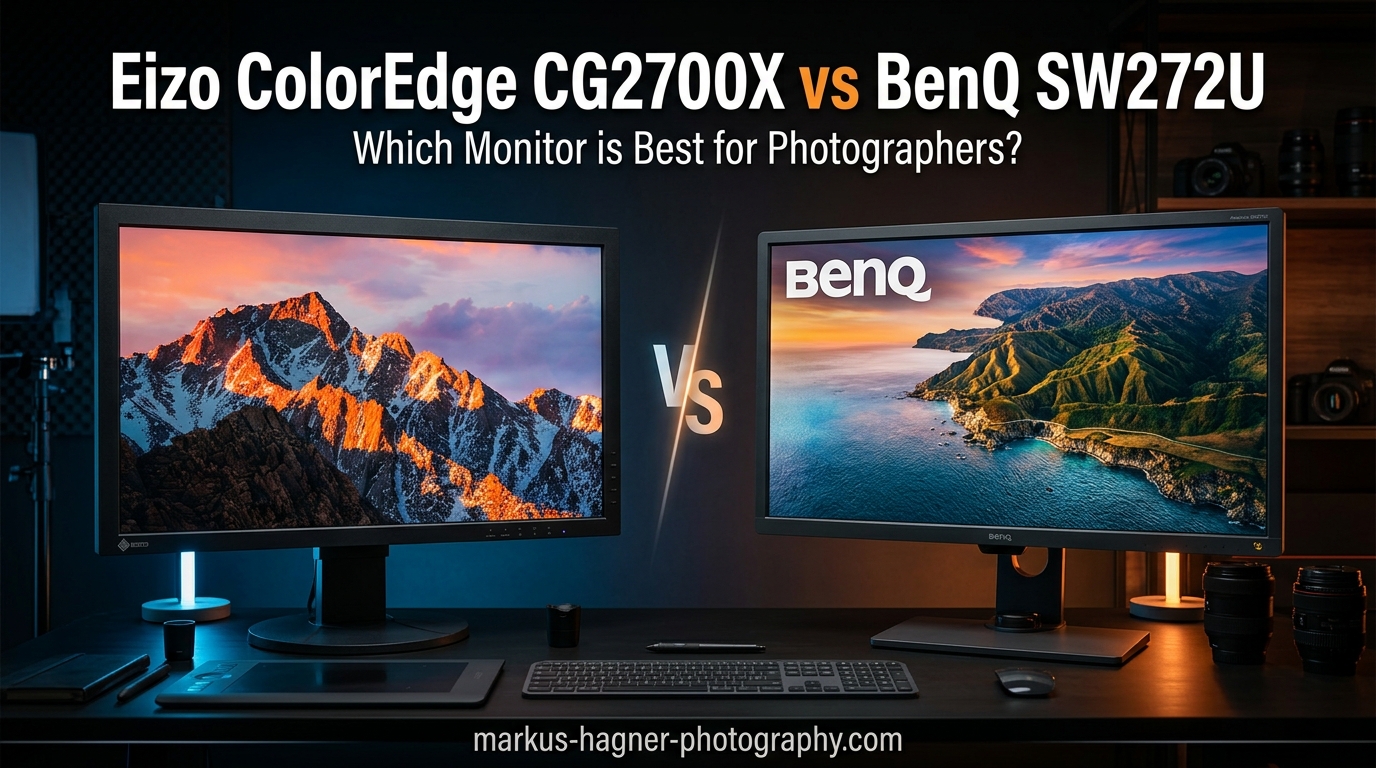
Choosing between the Eizo ColorEdge CG2700X vs BenQ SW272U comes down to one fundamental question: how much do you value built-in calibration convenience versus saving nearly $2,000? Both monitors deliver exceptional color accuracy for professional photography work, but they take very different approaches to getting there.
I have spent considerable time researching both displays, analyzing forum discussions from professional photographers, and digging into the technical specifications that actually matter for color-critical work. What I found surprised me in several ways and challenged some of my initial assumptions about professional monitor investments.
The Eizo CG2700X represents the gold standard with its built-in calibration sensor and five-year warranty. The BenQ SW272U offers remarkable value at roughly half the price while still covering 99% of Adobe RGB and DCI-P3 color spaces. For many photographers, the BenQ delivers 95% of the Eizo experience at 45% of the cost.
Quick verdict: The Eizo CG2700X wins on convenience, software reliability, and long-term warranty support. The BenQ SW272U wins on value, customer ratings, and providing excellent color accuracy for photographers who already own a colorimeter. Your choice depends entirely on whether the built-in calibration and extended warranty justify the significant price premium.
Eizo ColorEdge CG2700X vs BenQ SW272U: Quick Comparison
| Product | Specifications | Action |
|---|---|---|
 Eizo ColorEdge CG2700X Eizo ColorEdge CG2700X |
|
Check Latest Price |
 BenQ SW272U BenQ SW272U |
|
Check Latest Price |
Looking at the core specifications, both monitors share the same 27-inch 4K IPS panel foundation. The real differences emerge in calibration approach, warranty coverage, and software ecosystem. The Eizo justifies its premium through automation and peace of mind, while the BenQ requires more hands-on calibration management but delivers comparable visual results.
Professional photographers shopping in this category face a genuine dilemma. The Eizo costs more than twice as much as the BenQ, yet both monitors target the same professional workflow needs. Understanding where that extra money goes requires looking beyond the spec sheet to the daily user experience.
Eizo ColorEdge CG2700X: The Self-Calibrating Professional Standard
Pros
- Self-calibrating eliminates need for external colorimeter
- Excellent color accuracy and uniformity
- ColorNavigator 7 software is stable and reliable
- Five-year warranty provides long-term peace of mind
- Gold standard for professional color grading work
Cons
- Expensive at over $3
- 000
- Limited customer support feedback
- Poor Amazon rating (3.2 stars from 3 reviews)
The Eizo ColorEdge CG2700X sits at the top of the professional monitor hierarchy for good reason. Its built-in calibration sensor fundamentally changes how you maintain color accuracy over time. Instead of scheduling external calibration sessions with a separate colorimeter, the Eizo handles this automatically on whatever schedule you set.
For busy professional studios, this automation translates to real productivity gains. The monitor can calibrate itself overnight or during lunch breaks, ensuring consistent color accuracy without interrupting your workflow. Forum discussions consistently highlight this as the single biggest advantage of the Eizo ecosystem over competitors requiring manual calibration.
The ColorNavigator 7 software that controls the calibration process receives consistent praise for stability and ease of use. Unlike some competitor software that users describe as clunky or unreliable, ColorNavigator runs smoothly in the background and handles ICC profile switching without the hiccups reported with other solutions.
Display Quality and Color Performance
The 27-inch 4K panel delivers 163 pixels per inch, providing the sharpness needed for detailed retouching work. With 500 cd/m² brightness, the display handles well-lit studio environments without issue. The IPS technology ensures consistent color viewing from different angles, which matters when clients view your work alongside you.
Eizo measures 100% Adobe RGB coverage in lab testing, exceeding their conservative 99% specification. This wide gamut coverage ensures accurate representation of colors that will appear in print, making the CG2700X particularly valuable for photographers doing commercial work with print deliverables.
The 13ms response time is slower than the BenQ’s 5ms, which forum users note could matter for video editing work. For pure photography workflows, this difference is imperceptible. Photographers focused primarily on still images will not notice any disadvantage here. The 60Hz refresh rate remains standard for professional monitors focused on color accuracy rather than gaming performance.
The contrast ratio of 1450:1 provides good separation between dark tones, though it falls short of OLED displays. For professional photography work where shadow detail matters, this IPS panel performs admirably. The LED backlight technology offers consistent illumination across the panel with excellent uniformity calibration from the factory.
Build Quality and Design
Eizo builds the CG2700X to professional standards with excellent uniformity across the panel. The included magnetic light hood attaches securely and blocks ambient light effectively. The stand offers full ergonomic adjustment including height, tilt, swivel, and portrait orientation for specialized workflows.
Connectivity includes USB-C with power delivery, multiple USB ports for peripherals, and standard display inputs. The USB-C implementation allows single-cable connection to modern laptops, simplifying desk setup for photographers who work with both desktop and portable systems.
The five-year warranty deserves special attention. This coverage period significantly exceeds the industry standard three years and reflects Eizo’s confidence in their product longevity. For professional users, this warranty translates to lower total cost of ownership when you factor in the expected service life of the monitor.
The 14.99-pound weight makes this monitor substantial enough to feel premium without being excessively heavy. The compact footprint of the stand preserves desk space while still providing stable support. Portrait orientation works smoothly for photographers who need vertical viewing for specific projects.
Real-World Performance Insights
Professional photographers using this monitor for tethered shooting report excellent results with high-resolution cameras. The 4K resolution provides ample screen real estate for viewing detailed images during capture sessions. Color consistency between shots helps photographers make accurate exposure and color decisions on set.
The self-calibration process typically takes 5-10 minutes and can run unattended. Users report that scheduling weekly calibrations maintains excellent accuracy without any conscious effort. This set-and-forget approach appeals to busy professionals who might otherwise neglect regular calibration with external devices.
BenQ SW272U: Exceptional Value for Color-Critical Work
Pros
- Excellent 4.6-star rating from 133 reviews
- 99% Adobe RGB and DCI-P3 coverage
- Paper Color Sync for print matching
- Nano matte panel reduces glare effectively
- Included shade hood and excellent packaging
Cons
- Requires external colorimeter for calibration
- Palette Master software has reported reliability issues
- Produces noticeable heat during operation
The BenQ SW272U proves that professional-grade color accuracy does not require a $3,000+ investment. With a 4.6-star rating from 133 Amazon reviews compared to Eizo’s 3.2 stars from just 3 reviews, real-world user satisfaction strongly favors the BenQ. This significant gap in user feedback volume tells an important story about market adoption and customer happiness.
BenQ achieves 99% coverage of both Adobe RGB and DCI-P3 color spaces, matching the color gamut performance of monitors costing twice as much. The 10-bit panel displays 1.07 billion colors with a 16-bit 3D LUT for precise color gradation. For photographers working with wide-gamut images, these specifications deliver the visual fidelity needed for critical color decisions.
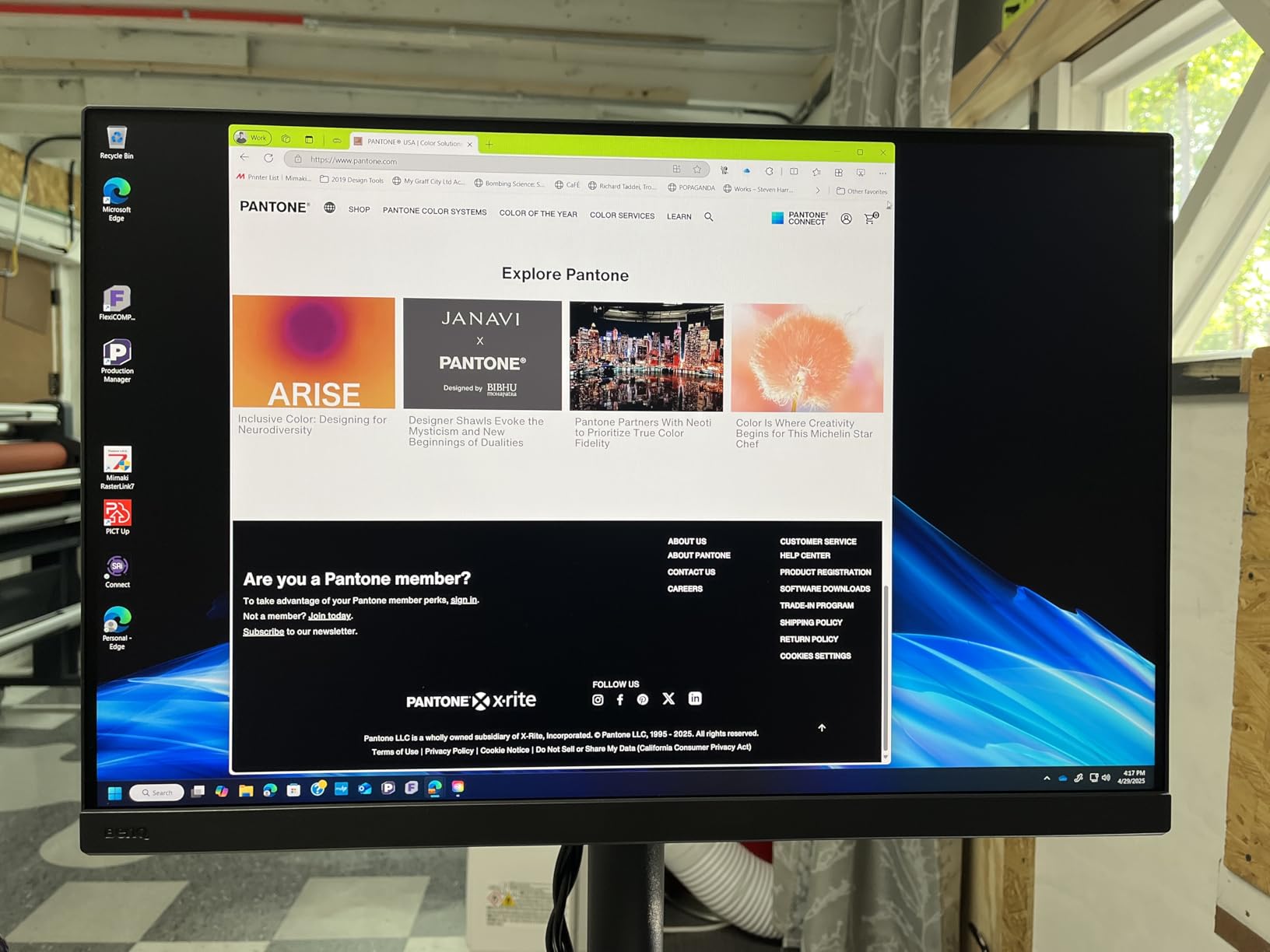
The Paper Color Sync technology addresses a core concern for print photographers: screen-to-print consistency. This feature simulates how colors will appear on specific paper types, allowing you to make adjustments before committing to expensive print runs. Professional users report this capability as genuinely useful for client work involving printed deliverables.
Calibration Workflow Considerations
Unlike the Eizo with its built-in sensor, the BenQ requires an external colorimeter for hardware calibration. The Palette Master Ultimate software supports popular calibration devices like the Calibrite Display Pro HL. If you already own a colorimeter, this requirement adds no extra cost. If not, factor approximately $200-300 for a quality calibration device.
Forum discussions reveal mixed experiences with Palette Master Ultimate. Some users report smooth operation, while others describe it as slower and less reliable than Eizo’s ColorNavigator. The automatic ICC profile switching feature in particular receives criticism for inconsistent behavior. These software issues represent the main trade-off for the significant cost savings.
The good news is that once calibrated, the BenQ maintains excellent accuracy. Factory calibration proves solid out of the box, with many users reporting acceptable color accuracy before any manual calibration. The hardware LUT ensures that calibration adjustments happen at the monitor level rather than just through graphics card adjustments.
Build Quality and User Experience
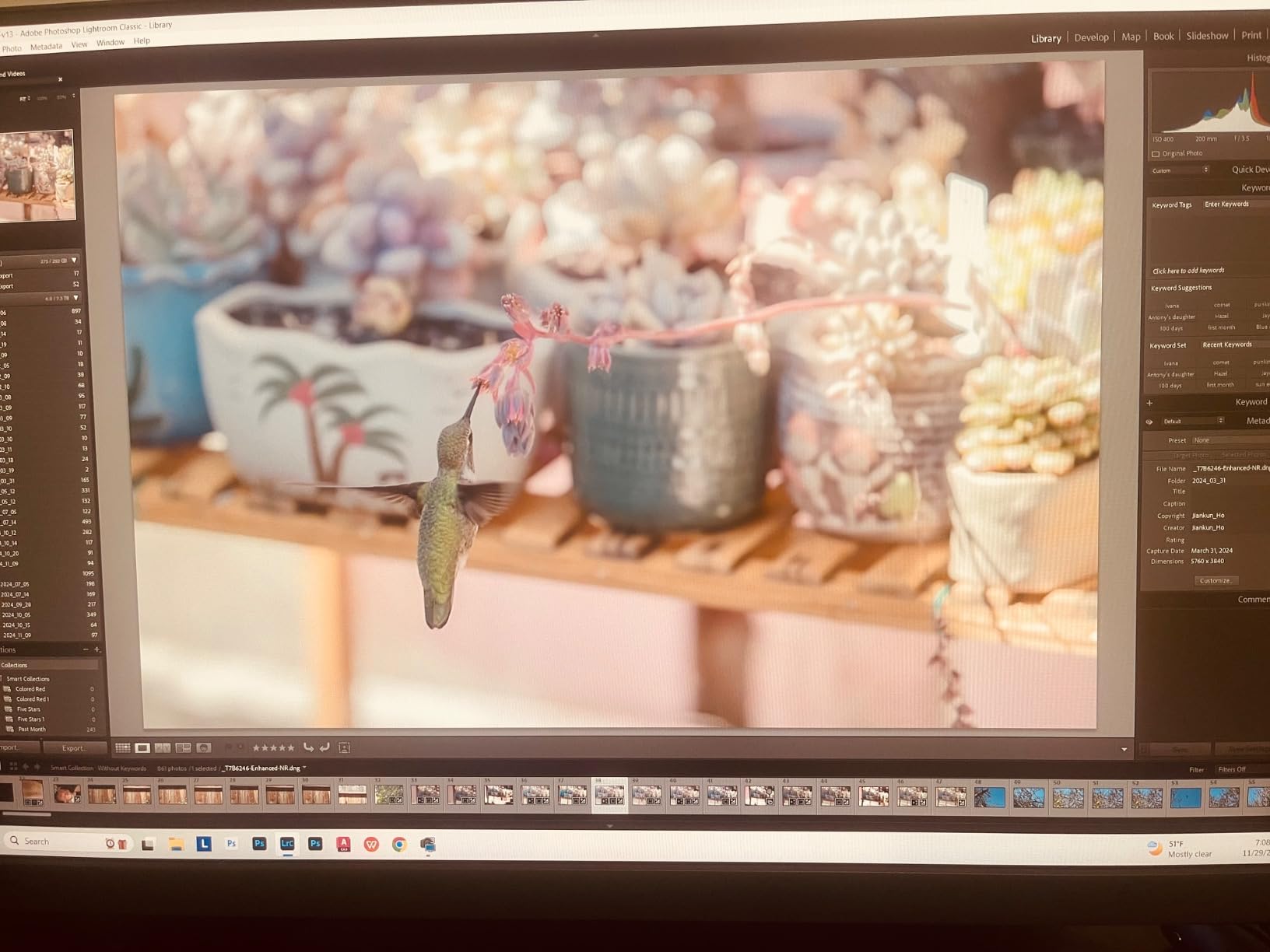
The nano matte panel coating earns praise for effectively reducing glare while maintaining color vibrancy. Users consistently note the absence of backlight bleed, a quality control issue that affects some competing monitors. The included shade hood matches the quality of standalone accessories costing $100+.
The 90W USB-C power delivery supports modern laptops including power-hungry MacBook Pro models. This single-cable solution carries video, data, and power, reducing cable clutter on your desk. The four USB 3.0 ports provide convenient connectivity for external drives, card readers, and other peripherals.
Some users note that the monitor produces noticeable heat during extended use. While not problematic for most workflows, photographers in already warm studios may notice the additional thermal output. The 18.95-pound weight reflects solid construction but requires a sturdy desk or monitor arm.
Long-Term Ownership Experience
Users who have owned the BenQ SW272U for over two years report continued satisfaction with color accuracy and reliability. The monitor maintains calibration well between sessions, though most professionals recommend recalibrating monthly for critical work. The build quality has held up under daily professional use according to long-term reviewers.
The comprehensive packaging and included accessories add genuine value. Beyond the shade hood, BenQ includes quality cables and documentation. The overall presentation reflects attention to the professional user experience from unboxing through daily operation.
Head-to-Head Comparison: Breaking Down the Differences
Color Accuracy and Gamut Coverage
Both monitors deliver professional-grade color accuracy suitable for commercial photography work. The Eizo achieves 100% Adobe RGB in lab testing, while the BenQ covers 99% of both Adobe RGB and DCI-P3. For practical photography work, this 1% difference is imperceptible to even trained eyes.
Where the Eizo pulls ahead is uniformity consistency over time. The built-in sensor allows frequent recalibration that maintains accuracy across years of use. The BenQ can achieve similar results but requires more deliberate effort from the user to maintain calibration discipline.
Print matching capabilities favor the BenQ slightly due to its Paper Color Sync feature. Photographers doing extensive print work may find this simulation capability valuable for predicting final output. The Eizo excels at raw accuracy but lacks a comparable paper preview system out of the box.
Delta-E accuracy measures color deviation from perfect standards. Both monitors achieve excellent results when properly calibrated, with measurements well below the 2.0 threshold that most professionals consider acceptable. The difference in daily use comes down to how easily you maintain that accuracy rather than maximum capability.
Calibration Systems: Built-in vs External
This comparison point defines the core value proposition difference between these monitors. The Eizo’s built-in calibration sensor automates a task that many photographers neglect or forget. Set a schedule, and the monitor maintains itself without intervention.
The BenQ approach requires purchasing a separate colorimeter and committing to manual calibration sessions. For photographers who already own calibration equipment, this adds minimal overhead. For those starting fresh, the additional $200-300 cost narrows but does not eliminate the price gap.
Forum consensus suggests that Eizo’s ColorNavigator software runs more reliably than BenQ’s Palette Master Ultimate. Users report fewer crashes, smoother ICC profile handling, and more consistent behavior with the Eizo solution. Software quality may matter more than you expect for daily workflow satisfaction.
The calibration frequency question matters for your workflow planning. Eizo recommends monthly calibration for professional use, easily automated with the built-in sensor. BenQ users typically calibrate every 2-4 weeks manually, requiring about 15-20 minutes per session with an external colorimeter.
Warranty and Long-term Support
The five-year Eizo warranty versus three-year BenQ coverage represents a significant difference in long-term protection. Professional users planning to keep their monitor for 5+ years gain substantial peace of mind from the extended coverage period.
Beyond warranty length, Eizo’s professional support reputation generally exceeds BenQ’s for premium products. However, the BenQ SW272U receives praise for responsive customer service in user reviews. Both companies stand behind their professional products better than consumer monitor manufacturers.
Long-term reliability favors Eizo based on professional rental house usage patterns. These businesses prefer Eizo for durability under demanding conditions and consistent performance across rental cycles. For individual photographers, either monitor should provide years of reliable service with proper care.
Consider the replacement cost scenario: if your monitor fails after warranty, the BenQ costs half as much to replace. This reality factors into the value equation for budget-conscious professionals. The Eizo warranty provides more protection, but you paid significantly more upfront for that protection.
Value Analysis: Does the Eizo Premium Make Sense?
The price difference between these monitors roughly equals the cost of buying the BenQ twice. This stark reality forces a hard look at what the Eizo premium actually buys you in practical terms beyond the prestige of owning a top-tier professional display.
You are paying for convenience, not capability. Both monitors display the same colors with equivalent accuracy when properly calibrated. The Eizo simply makes maintaining that accuracy easier through automation that requires zero user intervention after initial setup.
For studios with multiple workstations, the Eizo convenience multiplies significantly. Calibrating several monitors manually becomes a substantial time investment that compounds monthly. Self-calibrating monitors reduce this overhead dramatically across a multi-monitor professional environment.
The warranty difference adds genuine financial value for long-term planning. Two extra years of coverage on a $3,400 investment matters for business accounting and risk management. However, you could buy a complete replacement BenQ and still spend less than the Eizo costs initially.
Connectivity and Workflow Integration
Both monitors offer USB-C connectivity with power delivery for modern laptop workflows. The BenQ provides 90W power delivery versus the Eizo’s implementation, both sufficient for charging most professional laptops during use. Single-cable desk setups work equally well with either monitor.
The USB hub functionality allows connecting peripherals through the monitor, reducing cable runs to your computer. Both monitors provide multiple USB ports for card readers, external drives, and input devices. Photographers with complex desk setups will appreciate this convenience on either display.
Mac integration works smoothly with both monitors. macOS recognizes both displays correctly and handles color profile switching appropriately. Windows users report similarly positive experiences with automatic profile management on both platforms when the respective software functions properly.
Who Should Buy Each Monitor
Choose the Eizo ColorEdge CG2700X If:
You run a professional studio with multiple workstations and need automated calibration across all displays. The time savings from self-calibration compounds when multiplied across several systems and multiple calibration sessions per year.
You want maximum peace of mind with five-year warranty coverage and premium support access. For mission-critical work where monitor failure means lost revenue and missed deadlines, this protection has real business value beyond the specifications.
You value software reliability above all else. ColorNavigator’s stability matters when ICC profile issues can derail an entire workday and frustrate clients waiting on deliverables. The Eizo software ecosystem simply works more consistently according to professional user feedback.
You prefer automation in your workflow wherever possible. The set-and-forget calibration approach appeals to photographers who would otherwise neglect this maintenance task due to busy schedules or simple forgetfulness.
You work in a rental house or shared studio environment where multiple users need consistent results. The automated calibration ensures every user experiences the same color accuracy without depending on individual calibration skills.
Choose the BenQ SW272U If:
You want professional color accuracy without the premium price tag. The BenQ delivers 95% of the Eizo experience at 45% of the cost, leaving budget for camera equipment, lenses, lighting, or other gear that might impact your work more directly.
You already own a quality colorimeter from previous monitor purchases or other photography work. If you have a Calibrite or similar device, the BenQ’s calibration requirement adds no additional expense to your setup and fits your existing workflow.
You value the Paper Color Sync feature for print-focused work. Photographers heavily invested in print output gain practical workflow advantages from this simulation capability that helps predict final printed results.
You trust user reviews over brand reputation when making purchasing decisions. The 4.6-star rating from 133 users versus Eizo’s 3.2 stars from 3 reviews provides meaningful data about real-world satisfaction from actual professional users.
You want the included accessories that add genuine value. The shade hood and careful packaging reflect thoughtful product design that adds value beyond the panel itself and matches accessories you might otherwise purchase separately.
You are a freelancer or independent photographer who needs to justify every equipment purchase. The significant savings compared to Eizo allows investment in other areas of your business while still achieving professional color results.
Frequently Asked Questions
What is the difference between EIZO and BenQ monitors?
The main difference between EIZO and BenQ professional monitors is the calibration approach and warranty coverage. EIZO ColorEdge monitors include built-in calibration sensors and offer 5-year warranties, while BenQ PhotoVue monitors require external colorimeters for calibration and come with 3-year warranties. EIZO’s ColorNavigator software is generally considered more stable than BenQ’s Palette Master Ultimate, but BenQ monitors cost significantly less while delivering comparable color accuracy.
What is the difference between BenQ PhotoVue SW272U and SW272Q?
The BenQ SW272U is a 4K monitor (3840 x 2160 resolution) while the SW272Q is a 2K QHD monitor (2560 x 1440 resolution). Both offer 99% Adobe RGB coverage and similar color accuracy features. The SW272U provides sharper detail for high-resolution image editing, while the SW272Q offers a lower price point and requires less graphics processing power to drive.
What are the specs of the EIZO CG2700X?
The EIZO ColorEdge CG2700X features a 27-inch 4K IPS panel (3840 x 2160 resolution), 500 cd/m² brightness, 1450:1 contrast ratio, 13ms response time, and 60Hz refresh rate. It covers 99% Adobe RGB (measured 100% in lab tests), includes a built-in calibration sensor, USB-C connectivity with power delivery, and comes with a 5-year warranty. The monitor supports 10-bit color depth displaying 1.07 billion colors.
Is the BenQ SW272U any good for photo editing?
Yes, the BenQ SW272U is excellent for photo editing with a 4.6-star rating from over 130 reviews. It covers 99% of Adobe RGB and DCI-P3 color spaces, includes Paper Color Sync for print matching, features a nano matte anti-glare panel, and supports hardware calibration via Palette Master Ultimate software. Professional photographers praise its color accuracy, build quality, and screen-to-print consistency.
Why are EIZO monitors so expensive?
EIZO monitors command premium prices due to built-in calibration sensors (eliminating need for external colorimeters), superior panel uniformity testing, ColorNavigator software development costs, 5-year warranty coverage, and professional-grade build quality. The automation and reliability features target professional studios where time savings and consistent performance justify the investment over consumer alternatives.
Are EIZO monitors the best for professional photography?
EIZO monitors are among the best for professional photography due to their built-in calibration sensors, excellent color uniformity, stable ColorNavigator software, and extended 5-year warranties. However, BenQ PhotoVue monitors deliver comparable color accuracy at significantly lower prices. The best choice depends on whether you value automation convenience (EIZO) or cost savings (BenQ) more highly for your specific workflow.
Final Verdict: Eizo ColorEdge CG2700X vs BenQ SW272U
After analyzing the Eizo ColorEdge CG2700X vs BenQ SW272U in detail, the winner depends entirely on your priorities and budget constraints. The Eizo represents the professional ideal: automated calibration, superior software, and extended warranty protection. The BenQ delivers equivalent visual performance at a fraction of the cost for photographers willing to manage calibration manually.
For established professional studios with multiple workstations, the Eizo CG2700X justifies its premium through time savings and peace of mind. The self-calibrating feature and five-year warranty reduce operational overhead in ways that matter for business efficiency and client reliability. This monitor earns its price tag for users who value automation and reliability above all else.
For freelancers, serious enthusiasts, and budget-conscious professionals, the BenQ SW272U offers exceptional value that is hard to ignore. The color accuracy matches the Eizo in practical terms, the build quality impresses users, and the nearly $2,000 saved can fund camera equipment, lighting, or other gear. The calibration inconvenience is real but manageable for motivated users committed to professional results.
My recommendation: Most photographers should choose the BenQ SW272U. The substantial savings buys significant other equipment while delivering professional results that satisfy paying clients. Only spring for the Eizo if you genuinely need automated calibration across multiple monitors or plan to keep the display for 5+ years and value the extended warranty protection for business continuity.