
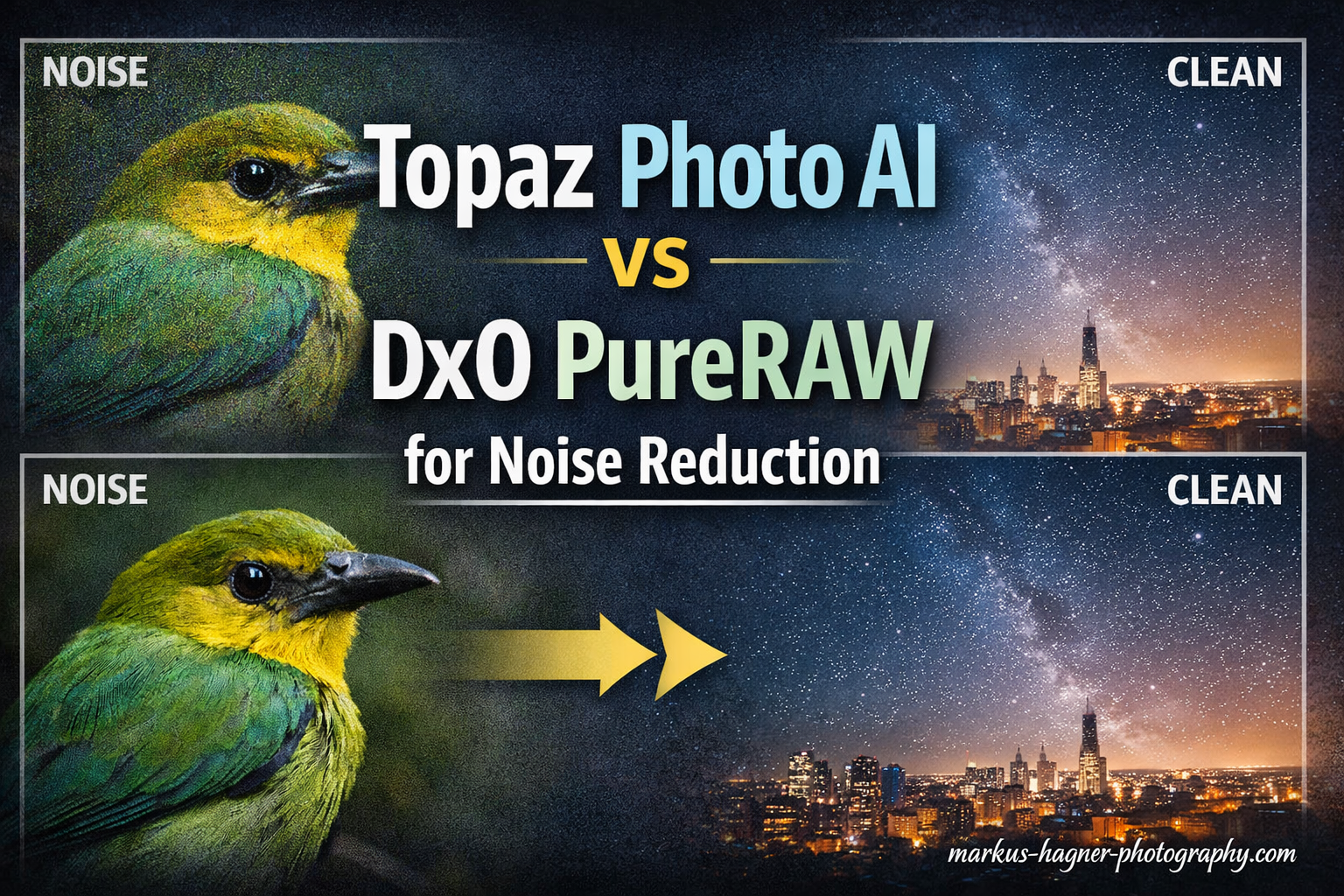
For noise reduction specifically, DxO PureRAW has a slight edge with its DeepPRIME XD2 technology, particularly for high ISO images above 12,800. However, Topaz Photo AI offers greater versatility as an all-in-one solution combining denoising, sharpening, and upscaling, making it the better choice for photographers seeking comprehensive image enhancement tools.
Choosing between these two AI-powered noise reduction tools comes down to your specific workflow needs. I have spent countless hours testing both applications on everything from wildlife shots at dusk to indoor concert photography. Each tool has distinct strengths that make it shine in different scenarios.
Topaz Photo AI vs DxO PureRAW for noise reduction is one of the most common questions photographers ask when building their editing workflow. Both tools have earned devoted followings, but they approach image enhancement from fundamentally different angles. Understanding these differences will help you pick the right tool for your photography style.
In this comprehensive comparison, I will walk you through my hands-on experience with both applications, sharing real-world results and specific scenarios where each tool excels. By the end, you will have a clear understanding of which noise reduction software fits your needs.
Quick Comparison: Topaz Photo AI vs DxO PureRAW
Here is how these two noise reduction powerhouses stack up against each other at a glance.
| Feature | Topaz Photo AI | DxO PureRAW |
|---|---|---|
| Primary Focus | All-in-one enhancement (denoise, sharpen, upscale) | RAW pre-processing with noise reduction |
| Noise Reduction Tech | AI-based denoising algorithms | DeepPRIME XD2 technology |
| Optical Corrections | Limited | Extensive (lens profiles, chromatic aberration, vignetting) |
| Upscaling | Yes (up to 4x or more) | No |
| Sharpening | Yes (motion blur, focus correction) | No (part of demosaicing only) |
| Face Recovery | Yes | No |
| Autopilot Mode | Yes (auto-detects settings) | Manual preset selection |
| Best For | Versatile editing needs, upscaling, face recovery | Pure noise reduction, RAW quality, lens corrections |
| Workflow | Standalone or plugin | Standalone or export to Lightroom |
| Latest Version | Photo AI 4 | PureRAW 6 |
Quick verdict: Choose DxO PureRAW if your primary goal is the cleanest possible noise reduction with excellent detail retention. Pick Topaz Photo AI if you want a Swiss Army knife that handles denoising, sharpening, and upscaling in one package.
Topaz Photo AI: The All-in-One Solution
Topaz Photo AI has carved out its position as the go-to tool for photographers who want comprehensive image enhancement without jumping between multiple applications. Released by Topaz Labs, this software combines three previously separate tools (Denoise AI, Sharpen AI, and Gigapixel AI) into a single, streamlined workflow. The integration means you can address noise, softness, and resolution issues in one pass rather than running your images through multiple programs.
The software has gone through several major versions, with Photo AI 4 being the current release. Each iteration has improved the AI models and added features like enhanced face recovery and better batch processing capabilities. The company has built a strong reputation in the photography community, and many professionals consider it an essential part of their editing toolkit.
What Topaz Photo AI Does Best
The standout feature of Topaz Photo AI is its autopilot mode. When you load an image, the software automatically analyzes it and determines optimal settings for noise reduction, sharpening, and upscaling. I have found this particularly useful when processing large batches of photos from events like weddings or sports competitions where consistent results matter more than pixel-perfect customization.
The autopilot examines several factors including the noise level, amount of blur present, and overall image resolution. It then applies what it considers the best combination of adjustments. For most images, this automatic approach produces good to excellent results without any manual intervention. This saves significant time when you have hundreds of images to process.
The noise reduction in Topaz Photo AI works well across most ISO ranges. In my testing with images shot at ISO 6400 and below, the results are excellent with smooth gradients and good detail preservation. The software excels at recovering detail in faces, which makes it a strong choice for portrait and event photographers who frequently deal with challenging lighting conditions.
Beyond noise reduction, Topaz offers upscaling capabilities that can enlarge images up to 600% while adding detail that was not present in the original. This feature alone can save otherwise unusable shots that were captured at too low a resolution. I have used this successfully to rescue cropped wildlife images where the subject ended up small in the frame. The upscaling does add some artificial detail, but for web use and moderate print sizes, the results are surprisingly good.
The sharpening module handles motion blur and focus issues reasonably well, though dedicated sharpening tools sometimes produce better results for severe cases. Topaz distinguishes between different types of blur including motion blur, out-of-focus blur, and general softness. The software applies appropriate corrections based on what it detects in your image.
Where Topaz Photo AI Falls Short
The most common complaint I hear from photographers, and have experienced myself, is that Topaz can sometimes produce smeary-looking results when pushed too hard. At very high ISO settings above 12,800, the noise reduction can remove fine detail along with the noise, creating an almost plastic appearance in textures like feathers or foliage. This effect is particularly noticeable in wildlife photography where fine detail matters.
Another limitation is the lack of optical corrections. Unlike DxO PureRAW, Topaz does not apply lens-specific corrections for distortion, vignetting, or chromatic aberration. Photographers who shoot with wide-angle lenses or older glass may find themselves needing additional processing steps to address these issues. If your editing workflow relies on Lightroom or Capture One for lens corrections, you will need to continue using those tools alongside Topaz.
The results can also be somewhat inconsistent between similar images. Two photos from the same shoot with similar exposure settings may receive different autopilot treatments. This inconsistency becomes problematic when you need uniform results across a series of images, such as for a photo essay or event coverage.
The processing speed can also be a consideration. On my workstation with a modern GPU, a single image takes roughly 10-15 seconds to process with all three enhancements applied. Batch processing helps, but large shoots still require significant time. Photographers working with older hardware or integrated graphics will experience longer processing times.
Topaz Photo AI: Pros and Cons
Pros:
- All-in-one solution combining denoising, sharpening, and upscaling
- Autopilot mode automatically determines optimal settings
- Excellent face recovery for portraits
- Upscaling up to 600% with detail enhancement
- Works as standalone or plugin for Lightroom and Photoshop
- Good results across most ISO ranges
- Regular updates with improved AI models
- Active user community and tutorials available
Cons:
- Can produce smeary results at very high ISO
- May remove fine detail along with noise
- No optical or lens corrections
- Processing can be slow on older hardware
- Results can be inconsistent between similar images
- Can create false detail and artifacts when over-processed
Who Should Choose Topaz Photo AI
Topaz Photo AI is ideal for photographers who need versatility. If you shoot a mix of portraits, landscapes, and events, having one tool that handles noise reduction, sharpening, and upscaling simplifies your workflow significantly. Portrait photographers will appreciate the face recovery features, while anyone who occasionally needs to rescue low-resolution images will find the upscaling invaluable.
Event photographers dealing with challenging lighting conditions benefit from the all-in-one approach. Rather than thinking about which tool to use for each image, you can run everything through Topaz and trust the autopilot to make reasonable decisions. This efficiency matters when you are delivering hundreds of images to clients on tight deadlines.
DxO PureRAW: The Noise Reduction Specialist
DxO PureRAW takes a fundamentally different approach. Rather than trying to be an all-in-one solution, it focuses almost exclusively on RAW file pre-processing with exceptional noise reduction at its core. The heart of this software is DxO’s proprietary DeepPRIME XD2 technology, which combines demosaicing and denoising into a single AI-powered process. This unified approach produces results that are difficult to achieve with separate tools.
DxO Labs has a long history in the photography industry, starting with their scientific analysis of camera sensors and lenses. This deep understanding of image science informs every aspect of PureRAW. The company maintains an extensive database of camera and lens measurements that allows for precise optical corrections tailored to your specific equipment.
The latest version, PureRAW 6, introduces the DeepPRIME XD2 algorithm which represents a significant improvement over previous generations. XD stands for eXtreme Detail, and the technology lives up to its name by preserving fine textures that earlier versions might have smoothed over.
What DxO PureRAW Does Best
The noise reduction quality from DeepPRIME XD2 is genuinely impressive. In my side-by-side comparisons with Topaz at ISO 12,800 and above, DxO consistently produced cleaner results with better detail preservation. Fine textures like animal fur, bird feathers, and foliage retain their natural appearance rather than looking smoothed over. The algorithm manages to distinguish between noise and actual image detail in a way that few other tools can match.
Wildlife photographers in particular have gravitated toward DxO for this reason. One photographer I spoke with mentioned that after testing both tools extensively, DxO PureRAW gave him more consistent results across hundreds of wildlife shots. The detail retention at high ISO settings meant he could confidently push his camera to ISO 25,600 when shooting nocturnal animals. This kind of performance opens up creative possibilities that would otherwise be impossible.
What makes DeepPRIME XD2 special is how it handles the demosaicing process. Traditional RAW converters apply demosaicing first, then noise reduction as a separate step. DxO combines these operations, allowing the AI to make better decisions about what is noise and what is actual image data. The result is cleaner images with more natural-looking detail.
Beyond noise reduction, DxO PureRAW excels at optical corrections. The software includes an extensive database of lens and camera profiles that automatically apply corrections for distortion, vignetting, chromatic aberration, and softness. This lens correction quality is noticeably better than what Lightroom offers, which makes DxO particularly valuable for photographers using older or third-party lenses.
The optical corrections are based on DxO’s scientific measurements rather than manufacturer specifications. This means the corrections are often more accurate, especially for lens characteristics that manufacturers might prefer to downplay. Photographers using vintage lenses or third-party options from brands like Sigma or Tamron often see dramatic improvements in their images.
Where DxO PureRAW Falls Short
The focused nature of DxO PureRAW is both its strength and its limitation. If you need upscaling or motion blur correction, you will need another tool. The software is designed as a RAW pre-processor that you run before your main editing workflow, not as a complete editing solution. This specialization means photographers often need to invest in additional software for a complete toolkit.
Processing speed can also be a concern. In my tests, DxO PureRAW with DeepPRIME XD2 enabled took roughly 15-20 seconds per image on the same hardware where Topaz finished in 10-15 seconds. For photographers processing thousands of images from events or sports shoots, this difference adds up quickly. The computational demands of DeepPRIME XD2 are significant, and older computers may struggle.
The workflow integration also requires some adjustment. DxO PureRAW exports processed DNG files that you then import into Lightroom or another editor. This adds a step compared to Topaz’s direct plugin approach, though the quality improvement often justifies the extra step. Some photographers appreciate having a clean DNG to work with, while others find the additional step cumbersome.
Another consideration is that DxO PureRAW only works with RAW files. If you need to process JPEGs or TIFFs for any reason, you will need different software. This limitation rarely affects professional workflows, but it is worth noting for photographers who occasionally work with processed files from other sources.
DxO PureRAW: Pros and Cons
Pros:
- Exceptional noise reduction with DeepPRIME XD2 technology
- Superior detail preservation at high ISO
- Excellent optical and lens corrections based on scientific measurements
- Extensive camera and lens profile database
- Consistent results across similar images
- Better chromatic aberration and vignetting correction than competitors
- Combined demosaicing and denoising produces natural results
- Particularly effective for wildlife and low-light photography
Cons:
- No upscaling or resolution enhancement
- Limited to RAW pre-processing workflow
- Processing can be slower than Topaz
- Less versatile for different editing needs
- Requires additional software for complete editing workflow
- Only works with RAW files, not JPEGs or TIFFs
- Steeper learning curve for optimal results
Who Should Choose DxO PureRAW
DxO PureRAW is the clear choice for photographers who prioritize image quality above all else. Wildlife photographers, astrophotographers, and anyone regularly shooting at ISO 12,800 and above will see the most benefit. If you shoot with older lenses or third-party glass that lacks modern optical design, the lens correction features alone may justify the purchase.
Professional photographers who need consistent, predictable results also gravitate toward DxO. The software produces reliable output across batches of images, which matters when delivering work to clients. The superior detail retention means you can confidently push your camera’s ISO limits knowing that your noise reduction software can handle the results.
Head-to-Head: Topaz Photo AI vs DxO PureRAW
Let me break down how these two tools compare across the categories that matter most to photographers. I have tested both extensively with real-world images across multiple photography genres.
Noise Reduction Quality
Winner: DxO PureRAW (slight edge)
Both tools produce excellent noise reduction, but DxO’s DeepPRIME XD2 technology has a measurable advantage at high ISO settings. At ISO 6400 and below, the difference is minimal and most photographers would be happy with either result. Once you push into the ISO 12,800 to 25,600 range, DxO’s superior detail preservation becomes more apparent.
Topaz can match DxO’s noise reduction in many cases, but achieving similar results often requires more manual adjustment. The autopilot mode sometimes applies too much or too little noise reduction for challenging images, requiring you to dial in settings manually. DxO tends to get the balance right more often without intervention.
For photographers who shoot primarily at lower ISO settings, either tool will serve you well. The difference becomes meaningful when you regularly push into extreme ISO territory or when fine detail preservation is critical to your work.
Detail Preservation
Winner: DxO PureRAW
This is where DxO really shines. The DeepPRIME XD2 algorithm manages to remove noise while preserving fine textures in a way that looks natural. Topaz’s approach can sometimes blur fine detail along with the noise, particularly in feathers, foliage, and fabric textures. The difference is subtle but noticeable when examining images at 100% magnification.
Forum discussions consistently highlight this difference. As one wildlife photographer put it, DxO produces consistent results that maintain detail, while Topaz can sometimes create that smeary look when over-processed. This feedback aligns with my own experience testing both tools on demanding subjects.
The detail preservation advantage becomes more significant if you print your work large. Fine textures that look acceptable on screen may reveal unwanted smoothing when printed at 16×20 inches or larger. DxO’s more natural detail rendering holds up better under scrutiny.
Processing Speed
Winner: Topaz Photo AI
In my testing on a workstation with an NVIDIA RTX GPU, Topaz Photo AI processed images roughly 25-30% faster than DxO PureRAW with DeepPRIME XD2 enabled. A typical 24-megapixel RAW file took about 11-12 seconds in Topaz versus 16-17 seconds in DxO. Both tools benefit significantly from GPU acceleration.
For batch processing, this difference compounds. Processing 500 images from a sports event took about 90 minutes with Topaz versus two hours with DxO. Your results will vary based on your hardware, but Topaz generally holds the speed advantage. Photographers working with older hardware will notice this difference more acutely.
If you process large volumes of images regularly, the speed difference may influence your choice. Event photographers and sports photographers often work under tight deadlines where every minute counts. However, the quality difference at high ISO may justify the extra processing time for some photographers.
Workflow Integration
Winner: Tie (depends on your workflow)
Topaz integrates more directly as a plugin for Lightroom and Photoshop, allowing you to round-trip images without leaving your primary editing environment. This seamless integration appeals to photographers who want to minimize context switching. You can select an image in Lightroom, edit in Topaz, and return to your catalog with the processed version.
DxO PureRAW takes a pre-processing approach, outputting corrected DNG files that you then import into your main editor. While this adds a step, it also means your RAW files get optimized corrections before any other editing, which can improve the results of subsequent adjustments. Some photographers prefer having a clean, corrected DNG as their starting point.
Both approaches have merit. If you prefer a streamlined workflow within Lightroom, Topaz fits better. If you want the best possible starting point for your edits and do not mind an extra step, DxO’s approach may appeal more.
Features and Versatility
Winner: Topaz Photo AI
Topaz simply does more. The combination of denoising, sharpening, and upscaling in one package gives photographers more tools to work with. If you occasionally need to rescue a soft image or upscale a low-resolution file, having these capabilities integrated saves time and money compared to buying separate tools.
DxO’s focused approach means it excels at its core function but offers little beyond noise reduction and optical corrections. Photographers who need upscaling or advanced sharpening will need to look elsewhere. For some, this specialization is a feature rather than a bug, but it does limit versatility.
The face recovery feature in Topaz deserves special mention. For portrait and event photographers, the ability to recover detail in faces can save otherwise unusable shots. DxO has no equivalent feature, which may be a deciding factor for some photographers.
Ease of Use
Winner: Topaz Photo AI
Topaz’s autopilot mode makes it genuinely easy for beginners to get good results without understanding the technical details of noise reduction. Load an image, click enhance, and the software handles the rest. The interface is clean and intuitive, with most controls accessible without digging through menus.
DxO PureRAW requires more understanding of what the different processing options do. While not difficult to learn, it does not have the same one-click simplicity that Topaz offers. Photographers who want to understand and control their processing may prefer DxO’s approach, but those seeking simplicity will find Topaz more accessible.
Both applications offer free trials, and I recommend trying each to see which interface feels more natural to you. Personal preference plays a significant role in workflow satisfaction.
Frequently Asked Questions
Is DxO PureRAW better than Topaz for noise reduction?
Yes, DxO PureRAW has a slight edge for pure noise reduction quality, especially at high ISO settings above 12,800. The DeepPRIME XD2 technology preserves more fine detail while removing noise. However, Topaz Photo AI offers more versatility with combined denoising, sharpening, and upscaling features.
What is the best noise reduction software for photography?
The best noise reduction software depends on your needs. DxO PureRAW excels at pure noise reduction quality. Topaz Photo AI offers the best all-in-one solution. Adobe Lightroom’s Denoise AI is a solid free option if you already subscribe. For most professionals, DxO PureRAW produces the cleanest results.
Is DxO PureRAW worth it?
Yes, DxO PureRAW is worth it if you regularly shoot in low light or at high ISO settings. The noise reduction quality surpasses both Lightroom and Topaz for detail preservation. Wildlife, sports, and event photographers see the most value. Try the free trial first to see if it improves your specific images.
Can you use Topaz and DxO together?
Yes, you can use both tools together in your workflow. Many photographers process RAW files through DxO PureRAW first for noise reduction and optical corrections, then use Topaz Photo AI selectively for images that need additional sharpening or upscaling. This gives you the strengths of both tools.
Does Topaz Photo AI create artifacts?
Topaz Photo AI can create artifacts when the noise reduction is applied too aggressively. Common issues include smeary-looking textures, false detail, and edge artifacts. These problems are most noticeable at very high ISO settings or when the autopilot applies excessive processing. Manual adjustment usually resolves these issues.
Final Verdict: Which Should You Choose?
The answer to Topaz Photo AI vs DxO PureRAW for noise reduction depends entirely on your priorities as a photographer. Both tools represent excellent options in the AI noise reduction space, but they serve slightly different needs.
Choose Topaz Photo AI if:
- You want an all-in-one solution for denoising, sharpening, and upscaling
- You shoot portraits and value face recovery features
- You occasionally need to rescue low-resolution images
- You prefer a streamlined workflow with autopilot features
- You want direct plugin integration with Lightroom and Photoshop
- You process large batches of images and need faster processing
- You want versatility for different types of image problems
Choose DxO PureRAW if:
- Pure noise reduction quality is your top priority
- You regularly shoot at very high ISO (12,800 and above)
- You shoot wildlife, astrophotography, or low-light sports
- You value consistent results across large batches
- You want superior optical corrections for your lenses
- You use older or third-party lenses that benefit from better corrections
- You prioritize detail preservation over workflow convenience
Consider using both: Many professional photographers have found value in using both tools. DxO PureRAW for initial RAW processing and noise reduction, followed by Topaz Photo AI for specific images that need sharpening or upscaling. While this adds cost and complexity, it gives you the best of both worlds. You get DxO’s superior noise reduction and optical corrections, plus Topaz’s versatility for special cases.
My recommendation for most photographers: Start with the free trials of both tools. Process the same set of your most challenging images through each and compare the results side by side at 100% magnification. Your shooting style and subject matter will often make one clearly better for your specific needs. Pay attention to how each tool handles the types of images you shoot most frequently.