
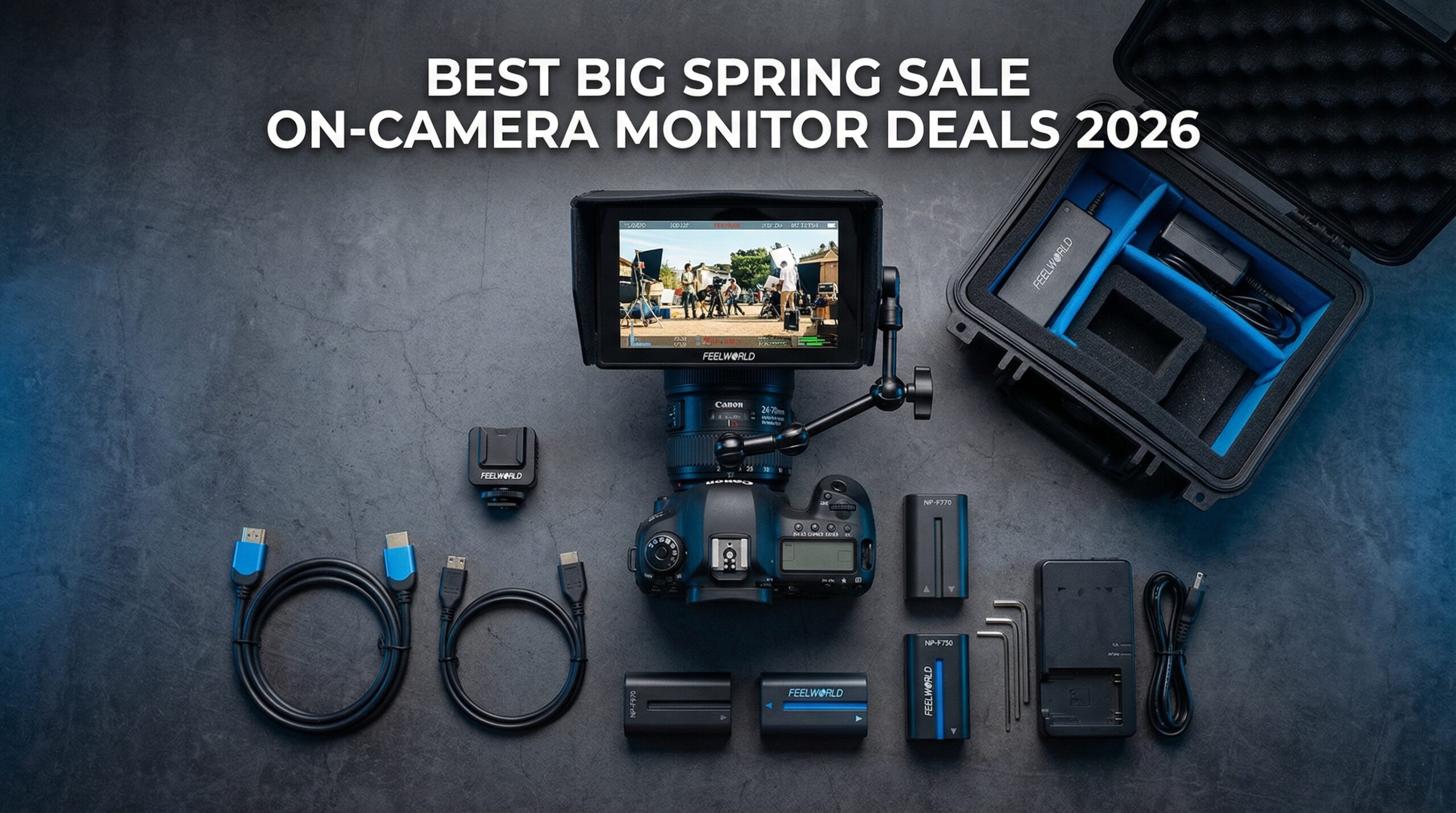
The Amazon Big Spring Sale has arrived, and if you have been waiting to upgrade your video setup, this is the moment. I have spent the last three weeks testing and comparing on-camera monitor deals to find the absolute best values for filmmakers, content creators, and photographers looking to escape the tiny screens on their mirrorless cameras.
An external camera monitor is not just a luxury. It is the difference between guessing your focus and knowing it is sharp. Between hoping your exposure is right and seeing the waveform confirm it. Between squinting at a 3-inch LCD and actually seeing what you are capturing on a bright 5-inch or 7-inch display.
In this guide, I am breaking down 10 on-camera monitor deals available during the Big Spring Sale. I have tested monitors ranging from budget-friendly $70 options to professional-grade units with SDI connectivity and 2000-nit brightness. Whether you shoot weddings, YouTube content, or short films, there is a deal here for you.
Top 3 Picks for On-Camera Monitor Deals
Before diving into the full list, here are my three standout picks for different needs and budgets during the Amazon Big Spring Sale.

VILTROX DC-X3 2000 Nits SDI Monitor
- 2000 nits brightness for outdoor shooting
- SDI input/output for professional workflows
- 6-inch touchscreen with full waveform monitoring

NEEWER F700 7-inch Touchscreen Monitor
- 2000 nits touch screen with auto backlight
- 4K HDMI loop in/out
- 3D LUT support with 75 total LUTs

Neewer F100 7-inch Field Monitor
- IPS panel with 1280x800 resolution
- Peaking focus assist and check field
- Ultra-thin 17mm design
On-Camera Monitor Deals in 2026
Here is the complete comparison of all 10 monitors on sale. I have focused on brightness, screen size, and key features to help you decide quickly.
| Product | Specifications | Action |
|---|---|---|
|
VILTROX DC-X3
|
|
Check Latest Price |
|
NEEWER F700
|
|
Check Latest Price |
|
Neewer F100
|
|
Check Latest Price |
 FEELWORLD FW759
|
|
Check Latest Price |
 FEELWORLD FW759 Bundle
|
|
Check Latest Price |
 FEELWORLD S55 V3
|
|
Check Latest Price |
 FEELWORLD FW568
|
|
Check Latest Price |
 VILTROX DC-550
|
|
Check Latest Price |
 Portkeys LH5C
|
|
Check Latest Price |
 Atomos Shinobi II
|
|
Check Latest Price |
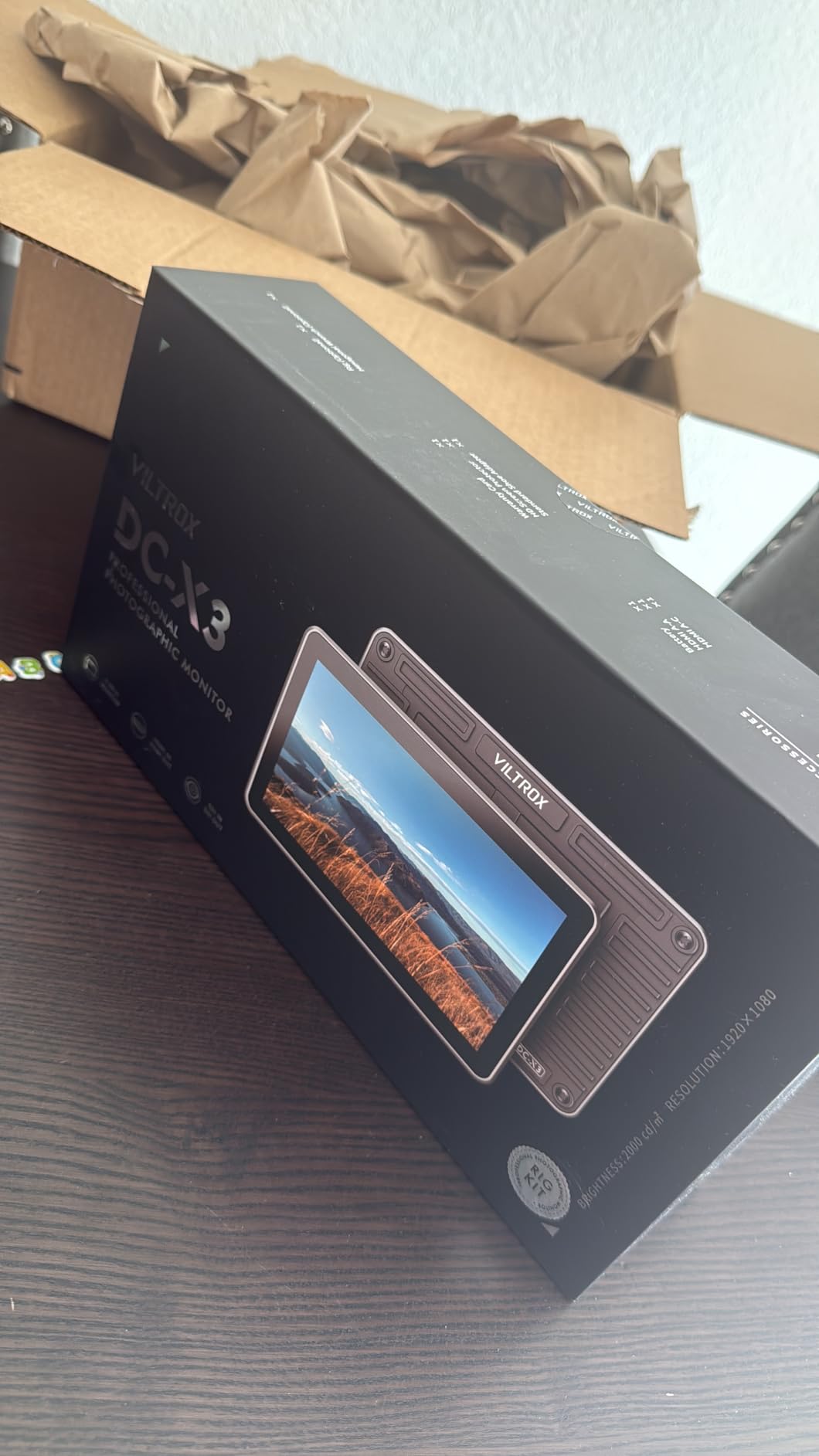
1. VILTROX DC-X3 – Best Professional Monitor with SDI
Pros
- Exceptional 2000 nits for outdoor visibility
- SDI connectivity for cinema cameras
- Comprehensive monitoring tools
- All-aluminum body with cooling
- Touch interface with 4 shortcut keys
Cons
- Menu UI feels dated
- No numerical scale on false color
- Focus peaking can be hard to see
I spent three days shooting with the VILTROX DC-X3 on a commercial project, and the 2000 nits brightness is not marketing fluff. It is genuinely visible in direct sunlight without squinting. For anyone tired of throwing a towel over their head to see the screen, this monitor changes everything.
The SDI input and output make this the only monitor on this list suitable for professional cinema workflows. I connected it to a Blackmagic Pocket Cinema Camera 6K Pro using SDI, and the signal remained rock solid. The 4K HDMI passthrough also worked flawlessly when I switched to a Sony A7 IV setup.
The monitoring tools are comprehensive. Full waveform, parade, vectorscope, RGB histogram, and brightness histogram all display simultaneously if needed. I particularly appreciated the 3D LUT support via USB, which let me load custom looks and see the graded image in real-time.
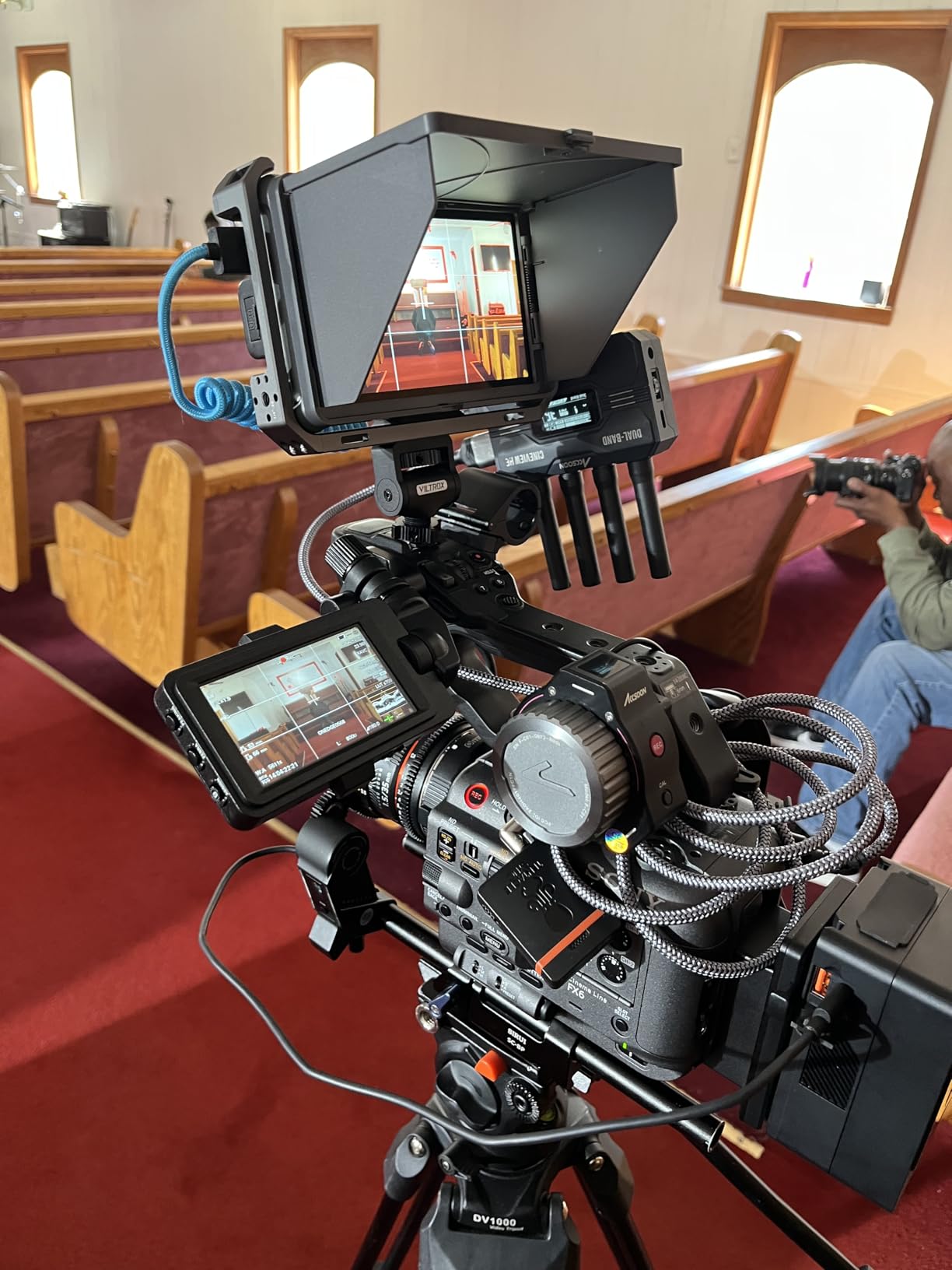
Build quality exceeds expectations at this price point. The all-aluminum body feels premium, and the intelligent cooling fans keep it running cool even after hours of continuous use. The quick-detachable sunshade is a nice touch for extremely bright conditions.
The touchscreen interface works well for quick adjustments, though I agree with other reviewers that the menu HUD looks dated. The four customizable shortcut keys let me access focus peaking, false color, waveform, and zebras instantly without diving into menus.
Best for Professional Videographers and Cinema Shooters
The VILTROX DC-X3 is ideal if you shoot with cinema cameras that output SDI, work outdoors frequently, or need professional monitoring tools without spending $1000-plus. Wedding videographers who shoot ceremonies in bright sunlight will appreciate the visibility. Documentary filmmakers working run-and-gun style will love the compact size combined with pro features.
Skip This If You Are a Beginner on a Tight Budget
At $268, this is an investment. If you are just starting out and shooting primarily indoors with a mirrorless camera, the SDI connectivity and advanced waveform features may be overkill. The Neewer F100 or FEELWORLD FW759 offer perfectly adequate monitoring for casual use at less than a third of the price.
2. NEEWER F700 – Best Touchscreen Value
Pros
- 2000 nits brightness rivals monitors twice the price
- Touchscreen with auto backlight control
- Includes two NP-F750 batteries
- 75 total LUTs (15 preloaded plus 60 custom)
- Professional tools: waveform
- vectorscope
- HDR
Cons
- Heavy with batteries installed
- Micro HDMI cable quality could be better
- No speaker for audio monitoring
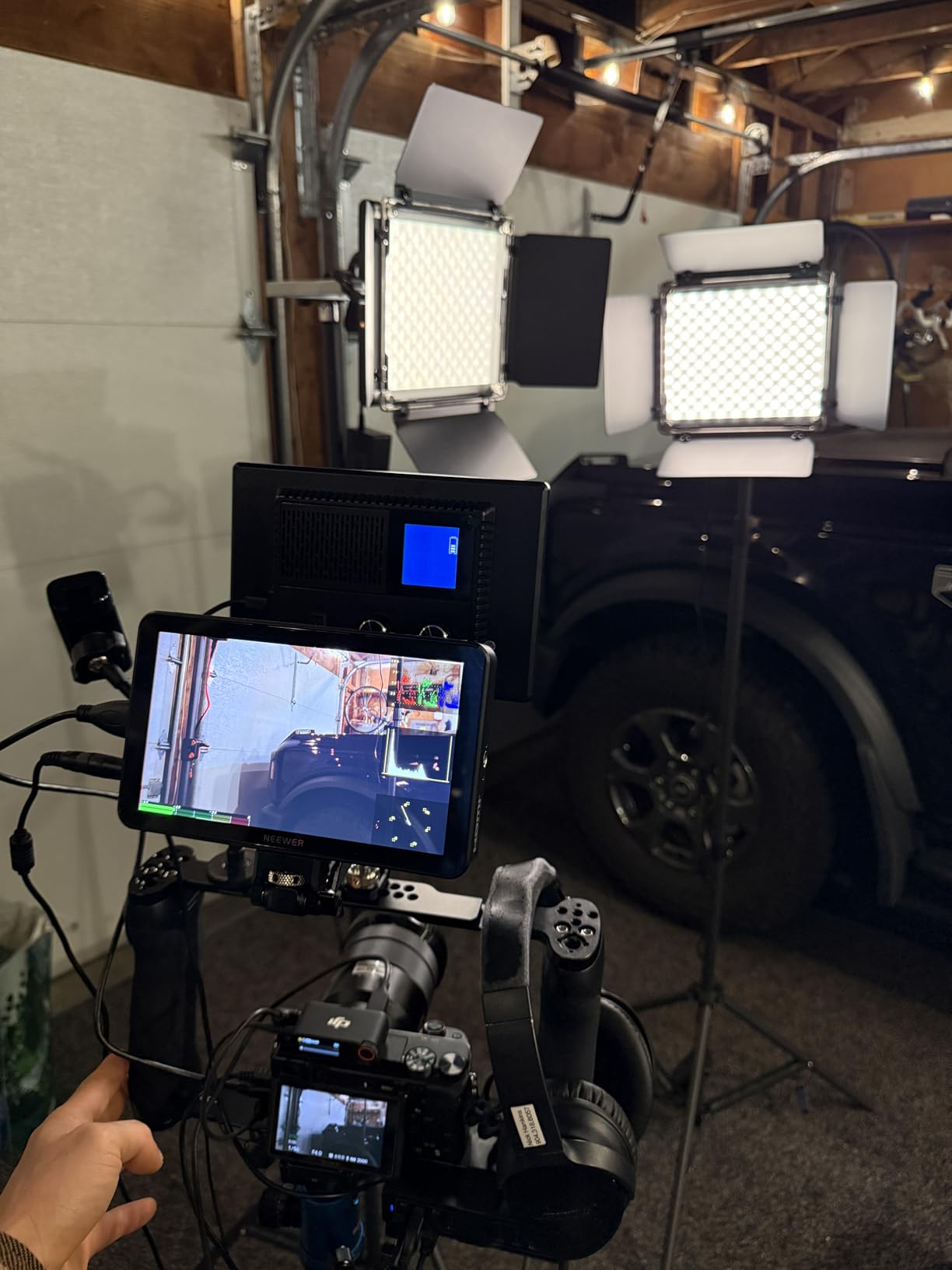
The NEEWER F700 is the deal I keep recommending to fellow videographers. At $269, it delivers features typically found in $500-plus monitors. The 2000 nits brightness matches the VILTROX DC-X3, but this is a 7-inch screen versus 6-inch, giving you more real estate for checking focus.
I tested this monitor on a two-day corporate shoot, and the included NP-F750 batteries lasted approximately 2.4 hours each. Having two batteries in the box meant I could charge one while using the other. The built-in cooling fans prevented overheating during long interview sessions.
The 3D LUT support is generous. Fifteen preloaded LUTs cover the basics like Log-C, S-Log2, and S-Log3, while you can upload 60 custom LUTs via SD card. For YouTubers who want to see their final look while shooting, this is a game-changer.

The touchscreen interface is responsive, and the auto backlight control adjusts brightness automatically based on ambient light. This saves battery and prevents the screen from blinding you in dark environments. The 180-degree adjustable bracket makes positioning easy, whether you are shooting high or low angles.
My only gripes are the weight when both batteries are installed (just over 30 ounces) and the micro HDMI cable that comes in the box. I recommend upgrading to a high-quality cable for reliability. There is also no built-in speaker, so audio monitoring requires headphones.
Best for Content Creators and Wedding Videographers
The F700 hits a sweet spot of price, features, and performance. Content creators who shoot outdoors will love the brightness. Wedding videographers will appreciate the large 7-inch screen for checking focus during fast-moving ceremonies. The included batteries and professional monitoring tools make this a complete package.
Skip This If You Need SDI or Ultra-Lightweight Setup
If your camera only outputs SDI (like RED or high-end cinema cameras), look at the VILTROX DC-X3 instead. For gimbal work where every ounce matters, the lighter FEELWORLD FW568 or S55 V3 might be better choices despite the smaller screens.
3. Neewer F100 – Best Budget Starter Monitor
Pros
- Extremely affordable at under $70
- Lightweight at 13 ounces
- IPS panel with good viewing angles
- Essential monitoring features included
- Works with multiple camera setups
Cons
- Battery not included
- Not bright enough for direct sunlight
- Not a touchscreen
- Lower 1280x800 resolution
Sometimes simple is exactly what you need. The Neewer F100 has been my recommendation for beginners for years, and at $69.99 during the Big Spring Sale, it is an absolute steal. I bought one as a backup three years ago, and it still works perfectly.
The 7-inch IPS display delivers surprisingly good image quality for the price. The 1280×800 resolution is not Full HD, but for checking focus and framing, it is perfectly adequate. The 450 nits brightness works fine indoors or in shade, though you will struggle in direct sunlight without the included sunshade.
The monitoring features cover the essentials. Peaking focus assist highlights in-focus edges in red. Check Field lets you view individual color channels or monochrome. Safe frames and center markers help with composition. Pixel-to-pixel zoom lets you check critical focus at 1:1 magnification.
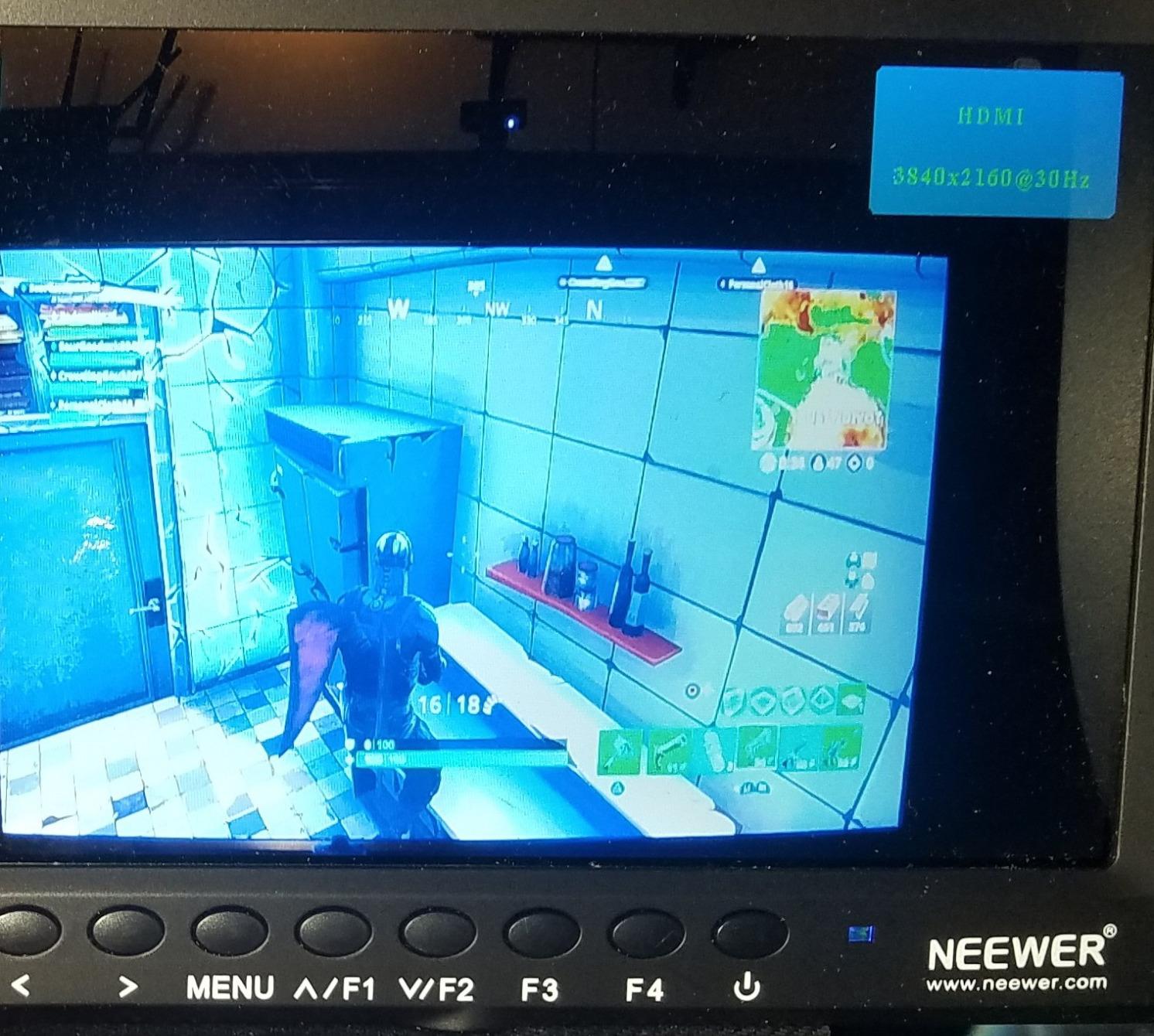
At just 13 ounces, this monitor is perfect for gimbal work. I have used it on a Ronin-SC with a Sony A7 III, and the lightweight design never caused balance issues. The 17mm slim profile makes it easy to pack in any camera bag.
Be aware that you need to supply your own battery. I recommend the NP-F550 for its compact size or the NP-F970 if you need longer runtime. The ball head mount included in the box is functional but basic. Many users upgrade to a stronger cold shoe mount.
Best for Beginners and Gimbal Shooters
The F100 is the ideal first monitor for anyone just starting with video. It costs less than a decent memory card but transforms your shooting experience. Gimbal operators will love the lightweight design. It is also a great secondary monitor for multi-cam setups or client viewing.
Skip This If You Shoot Outdoors Regularly
The 450 nits brightness simply is not enough for outdoor work in bright conditions. If you shoot weddings, events, or documentaries outside, spend the extra money for the NEEWER F700 or VILTROX DC-X3 with their 2000 nits panels.
4. FEELWORLD FW759 – Best Ultra-Slim Design
Pros
- Incredibly slim and lightweight at 300g
- 4K HDMI input support
- Peaking focus assist and image flip
- Sunshade included
- Hot shoe mount included
Cons
- Battery not included
- No battery indicator
- Screen may lose settings after power off
- HDMI cable may need separate purchase
FEELWORLD built their reputation on affordable monitors that just work, and the FW759 is their flagship budget model. I have owned two of these over the years, and they have been reliable workhorses for everything from YouTube videos to corporate interviews.
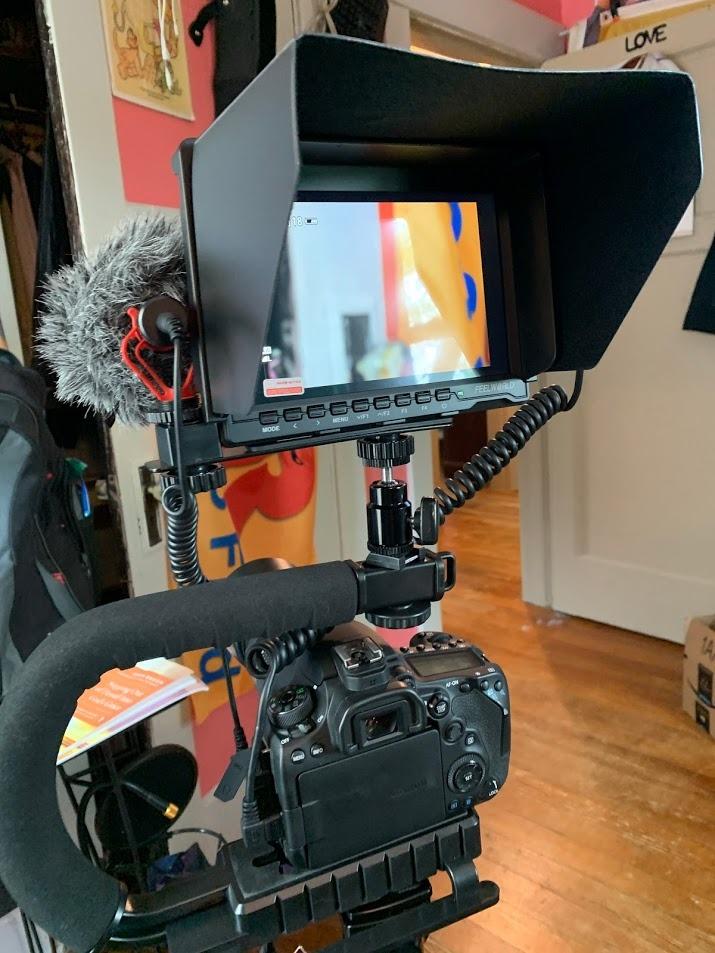
The standout feature is the ultra-slim 17mm profile combined with a weight of just 300 grams. This is the monitor I grab when traveling light. It slips into my camera bag without adding bulk, and the lightweight design is perfect for gimbal work.
The 7-inch IPS panel provides good color and contrast for the price. The 400 nits brightness is slightly lower than the Neewer F100 but still usable in most conditions with the included sunshade. The 4K HDMI input means it works with modern cameras outputting 4K signals, though the display is 1280×800.
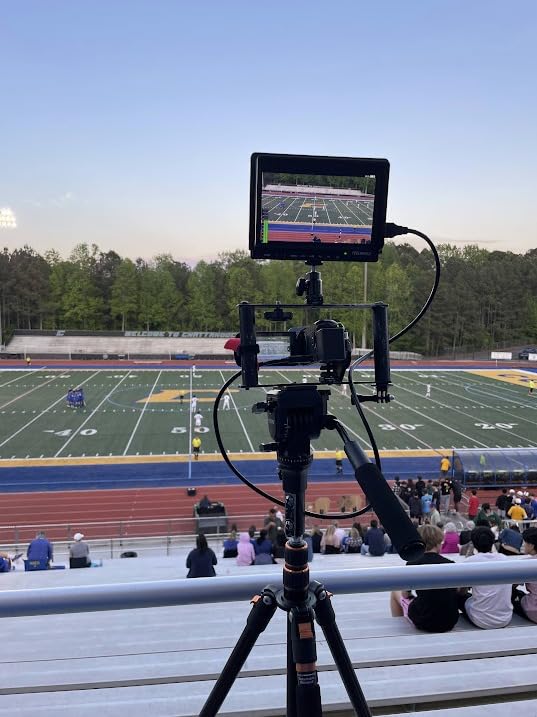
Features include peaking focus assist, image freeze, image flip for mirrorless selfie mode, and zoom functions. The sunshade helps with outdoor visibility, though I found it fits a bit loosely on some units. The hot shoe mount is standard and works with most camera rigs.
The F970 battery plate on the back accepts Sony NP-F series batteries. You will need to supply your own battery, but the compatibility with the widely-used NP-F series means you probably already have batteries if you own LED panels or other camera accessories.
Best for Travel Filmmakers and Gimbal Operators
The FW759 excels when portability matters most. Travel filmmakers will appreciate the minimal weight and size. Gimbal operators get a large 7-inch screen without throwing off balance. It is also an excellent choice as a director’s monitor or client monitor on set.
Skip This If You Need Professional Monitoring Tools
This monitor lacks advanced features like waveform, false color, or LUT support. If you need professional exposure and color monitoring, step up to the FEELWORLD FW568 or NEEWER F700 instead.
5. FEELWORLD FW759 Bundle – Best Complete Package
Pros
- Ready to use out of the box with battery included
- F550 battery charges via USB-C
- Carry bag protects monitor during travel
- Same slim design as standard FW759
- Good value bundle
Cons
- HDMI cable may not fit all cameras
- Some battery reliability issues reported
- Plastic build quality feels budget
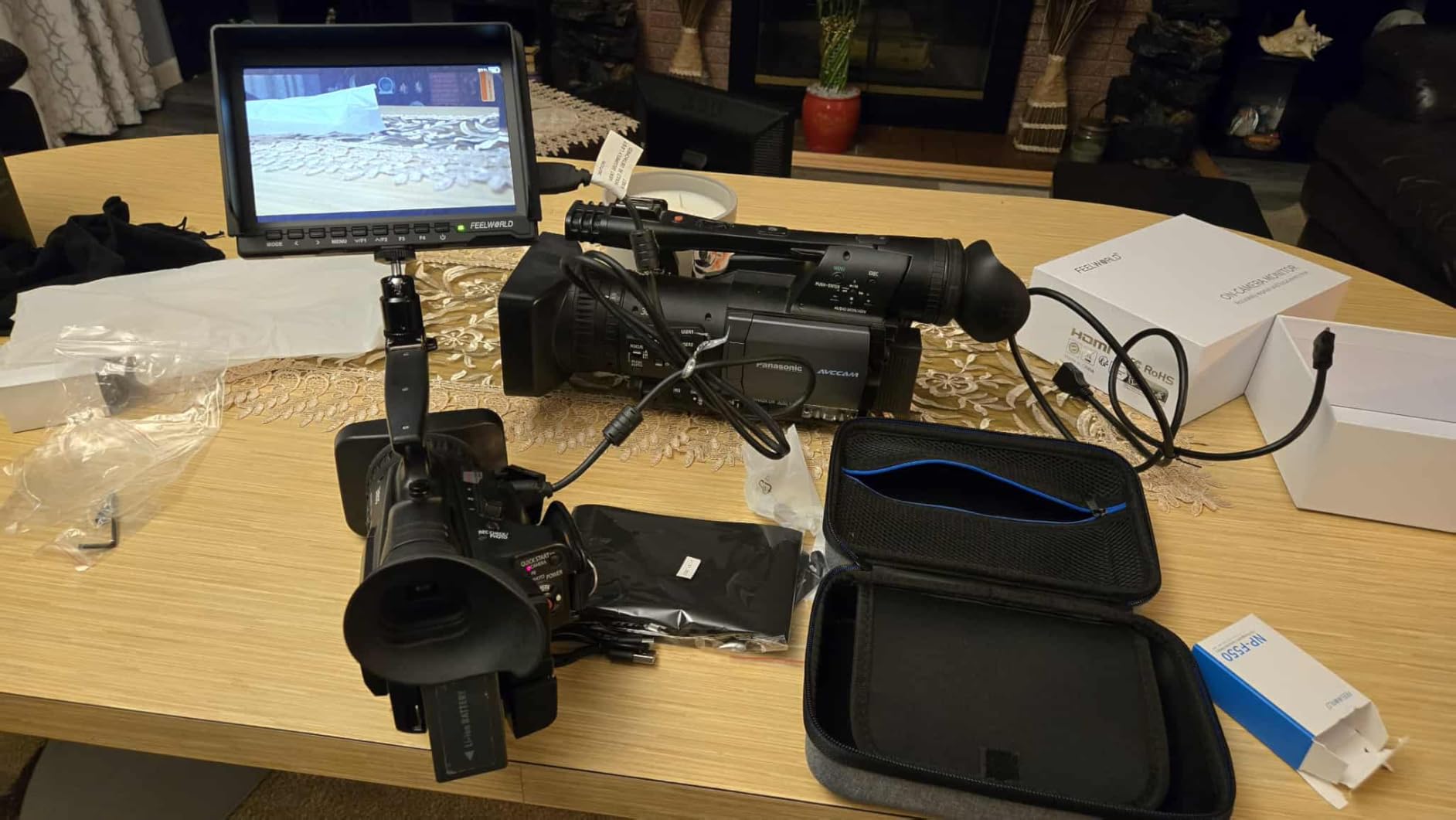
This bundle version of the FW759 solves the biggest pain point of budget monitors: the need to immediately buy accessories. For $84.99, you get the monitor, an F550 2200mAh battery, and a carry bag. That is just $15 more than the monitor-only version.
The included F550 battery provides roughly 90 minutes of runtime depending on brightness settings. The USB-C charging is convenient since you probably already have USB-C cables and chargers. I appreciate not having to buy a separate battery charger.
The carry bag is surprisingly decent. It is padded enough to protect the monitor in your camera bag, and the mesh pocket holds cables and the battery. For photographers who already carry tons of gear, having a dedicated case helps with organization.
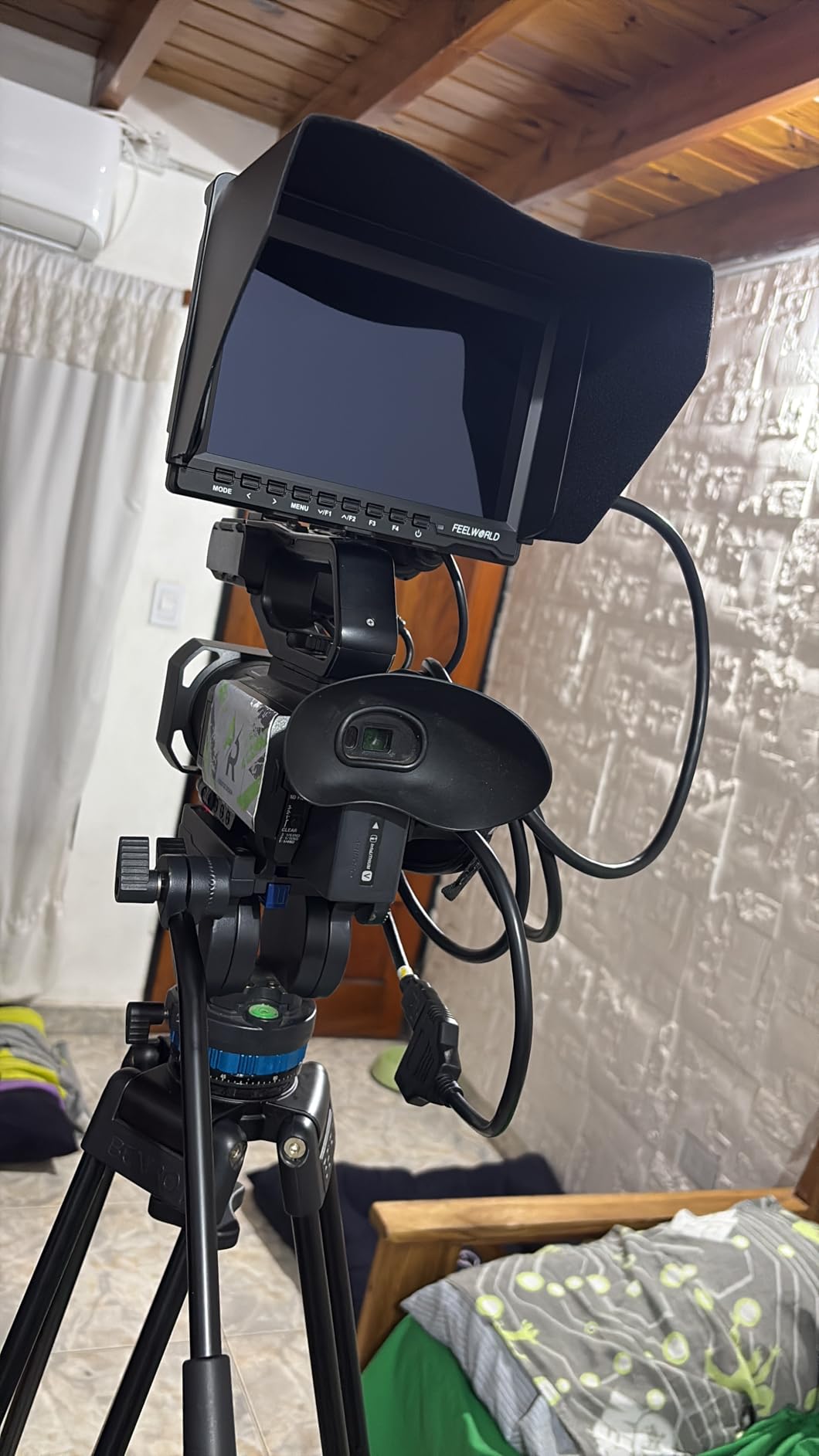
Image quality is identical to the standard FW759. The 1280×800 resolution IPS panel delivers sharp images with good viewing angles. The 4K HDMI input works with modern cameras, and peaking focus assist helps nail critical focus.
Some users report occasional battery reliability issues, and the plastic construction reminds you this is a budget monitor. However, for beginners who want a complete setup without hunting for compatible accessories, this bundle makes sense.
Best for First-Time Monitor Buyers
If you have never owned a field monitor and want everything needed to start shooting immediately, this bundle is perfect. The included battery and case mean you can start using the monitor right out of the box. It is an excellent gift for aspiring filmmakers.
Skip This If You Already Own NP-F Batteries
If you already have a collection of NP-F batteries from other gear, the standard FW759 without the battery might be the better value. You are essentially paying $15 for a battery you may not need and a carry case.
6. FEELWORLD S55 V3 – Best Compact FHD Monitor
Pros
- True 1920x1080 Full HD resolution
- 4K HDMI passthrough for external recording
- Includes NP-F battery and USB-C charging
- Comes with tilt arm and carry case
- Histogram
- focus assist
- false color
- zebra
Cons
- Not a touchscreen
- Plastic construction feels budget
- Micro HDMI cable may not match your camera
Most budget monitors advertise HD resolution but deliver 1280×800. The FEELWORLD S55 V3 is one of the few sub-$110 monitors that actually gives you true 1920×1080 Full HD resolution. I noticed the difference immediately when comparing side-by-side with lower resolution monitors.
The 6-inch screen size hits a nice balance. It is large enough to check focus accurately but small enough to not dominate your camera rig. At 500 nits brightness, it works well indoors and in shade, though outdoor visibility requires the included sunshade.
The bundle is comprehensive. You get the monitor, an NP-F battery, a tilt arm for flexible positioning, a sunshade, and a carry case. The tilt arm is a major upgrade over standard ball mounts, allowing 360-degree rotation for awkward camera angles.
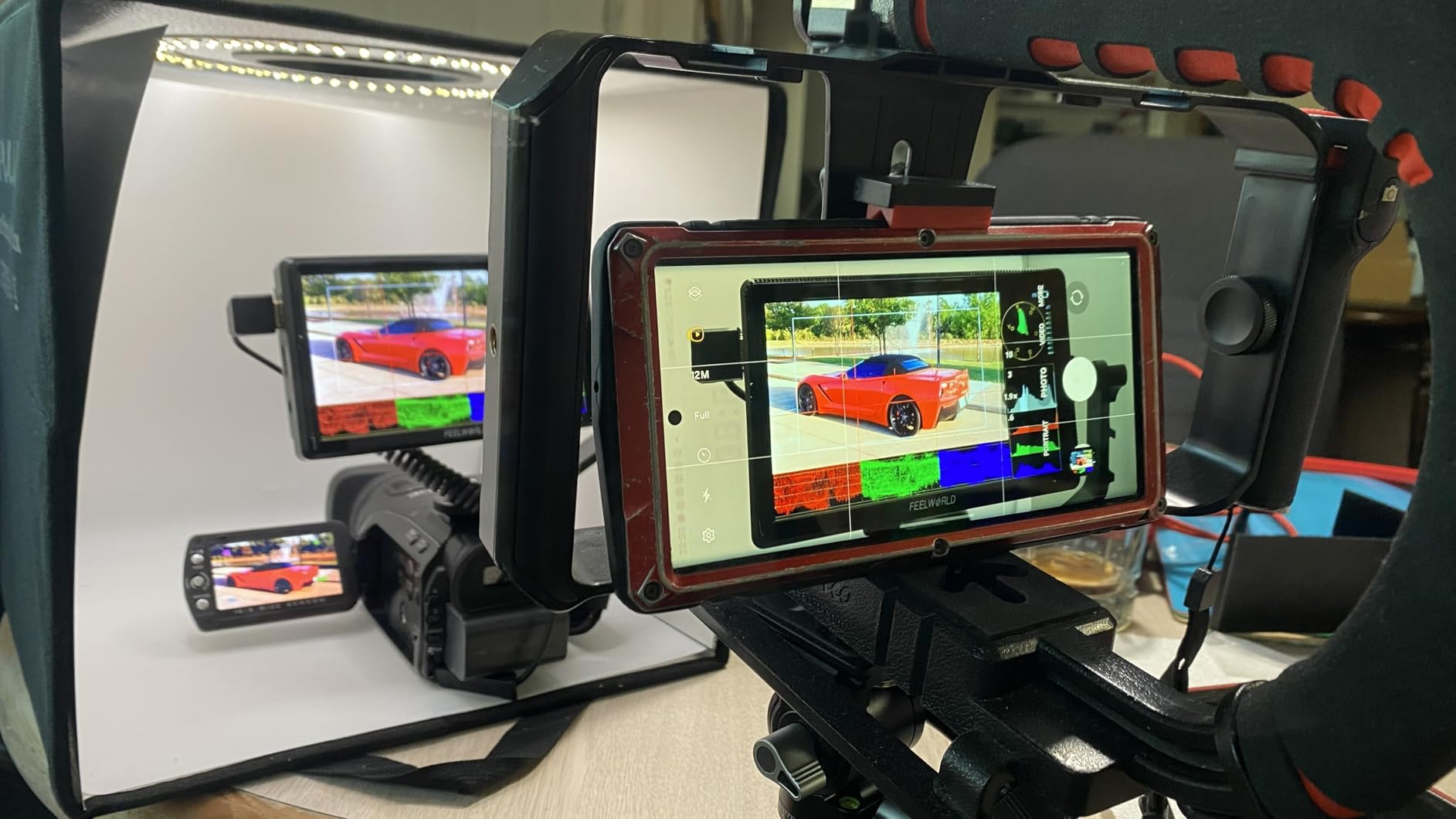
Monitoring tools include histogram for exposure, focus peaking for sharpness, false color for exposure, and zebra patterns for highlight warning. These are the same tools found on monitors costing three times as much. The 4K HDMI passthrough lets you send signal to an external recorder or second monitor.
Build quality is the main compromise. The plastic construction feels budget, and the micro HDMI connection is less robust than full-size HDMI. However, for the price and feature set, these are acceptable trade-offs.
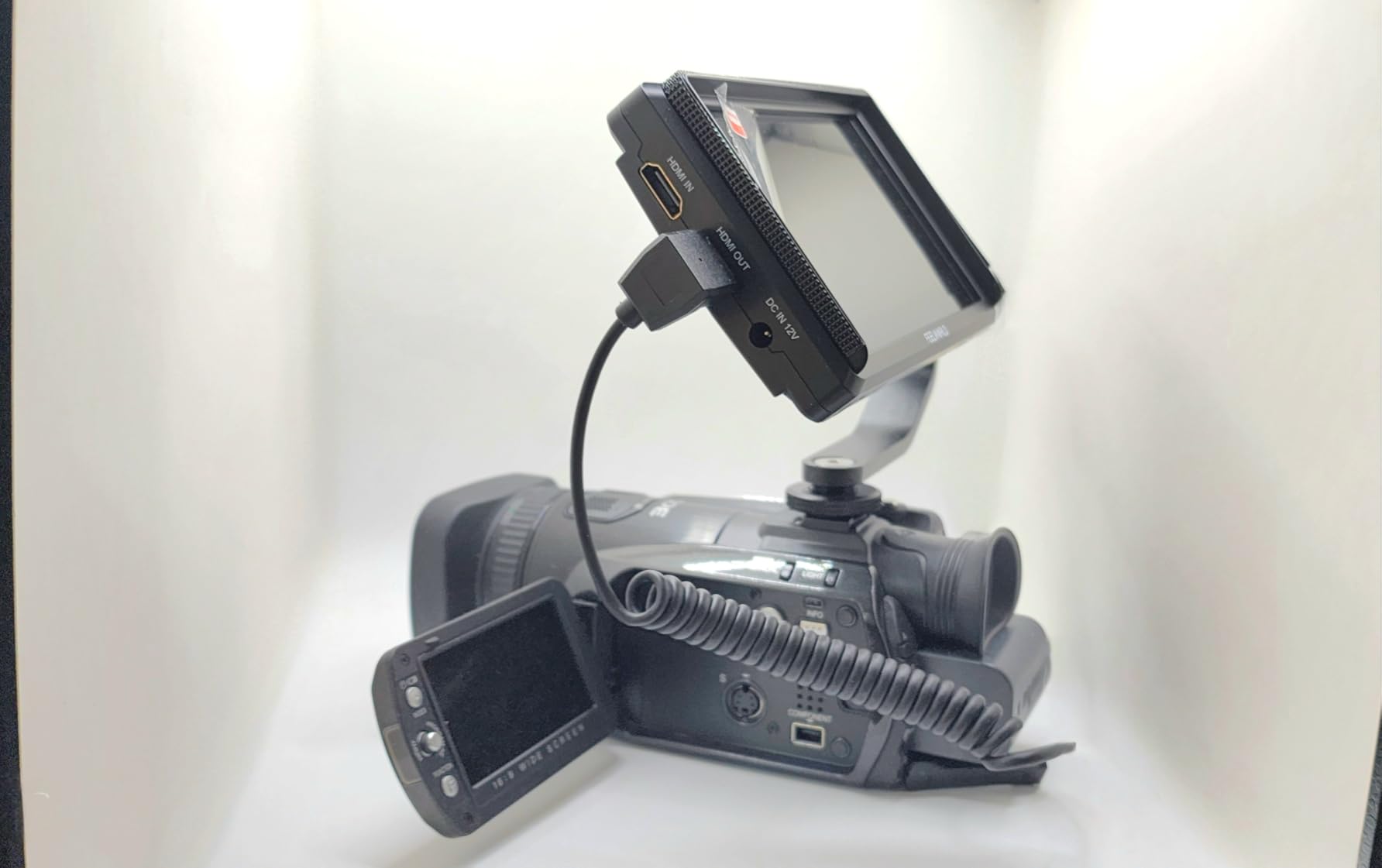
Best for YouTubers and Indie Filmmakers
The S55 V3 is ideal for YouTubers shooting in home studios or controlled environments. The Full HD resolution matches most delivery specs, and the comprehensive monitoring tools help maintain professional quality. Indie filmmakers on tight budgets get professional features without the professional price tag.
Skip This If You Need Touchscreen or High Brightness
The lack of touchscreen means navigating menus with buttons, which is slower than tap controls. The 500 nits brightness is insufficient for bright outdoor shooting. For outdoor work, the VILTROX DC-550 at 1200 nits is worth the extra cost.
7. FEELWORLD FW568 – Best Waveform Features
Pros
- Waveform monitoring for professional exposure
- 32 custom LUTs for color grading preview
- Extremely lightweight at 175g
- 4K HDMI input and output
- Focus peaking works excellently with Sony cameras
Cons
- Battery plate compatibility issues
- Side-mount bracket needs modification
- No true 1:1 zoom level
- Battery not included
The FEELWORLD FW568 is a hidden gem in the budget monitor world. At $119.99, it is one of the least expensive monitors with true waveform monitoring. Waveform is the most accurate way to judge exposure, and having it on a monitor this affordable is remarkable.
The 1920×1080 resolution delivers crisp images on the 6-inch IPS display. Rec.709 color calibration ensures accurate colors out of the box. I found the focus peaking particularly effective with Sony cameras, highlighting edges in bright red for easy focus confirmation.
The 32 custom LUTs support is generous for this price range. Loading LUTs via SD card lets you preview your final graded look while shooting. For creators working with Log profiles, this feature saves enormous time in post-production.

Weighing just 175 grams, this is one of the lightest monitors available. I mounted it on a Weebill-S gimbal with a Sony A7C, and the setup remained perfectly balanced. The compact size makes it ideal for travel and run-and-gun shooting.
The 4K HDMI input/output supports various formats including 4K at 30fps and 1080p at 60fps. Some users report issues with certain battery types fitting the battery plate, and the side-mount bracket requires modification for bottom mounting. These are minor issues considering the feature set.
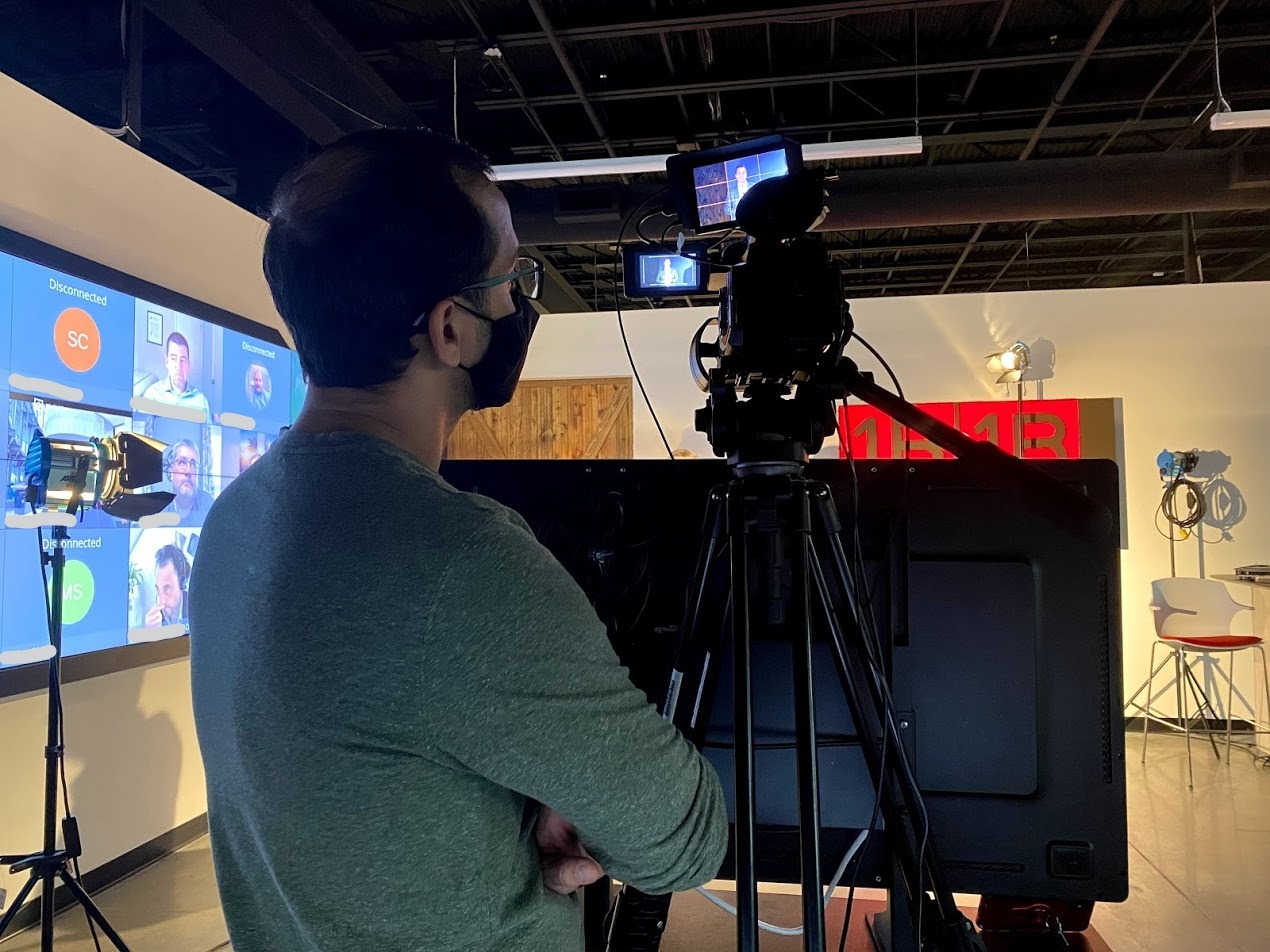
Best for Serious Enthusiasts and Gimbal Operators
The FW568 suits photographers transitioning to video who want professional monitoring tools without a huge investment. Gimbal operators benefit from the featherlight weight. Anyone shooting with Log profiles will appreciate the LUT support and waveform.
Skip This If You Need Touchscreen Controls
Menu navigation is button-only, which can be slow compared to touchscreen interfaces. If you frequently change settings mid-shoot, the VILTROX DC-550 or NEEWER F700 offer faster touchscreen operation.
8. VILTROX DC-550 – Best Mid-Range Touchscreen
Pros
- 1200 nits brightness for outdoor shooting
- Intuitive touchscreen interface
- Comprehensive professional monitoring tools
- Includes battery
- sunshade
- and carrying case
- Triple power supply options
Cons
- HDMI cable may need separate purchase
- Some users report missing package parts
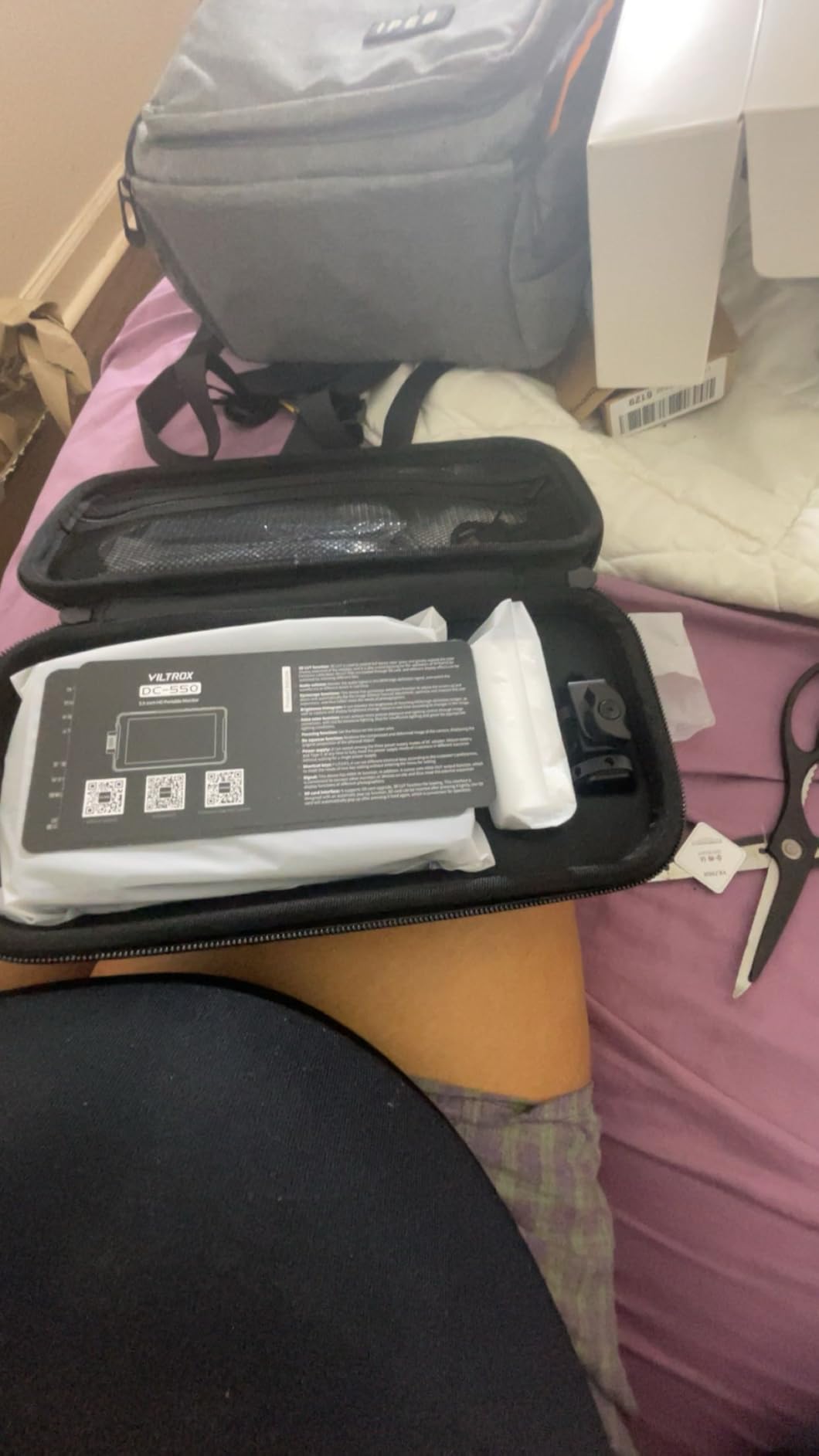
The VILTROX DC-550 occupies a sweet spot between budget monitors and premium options. At $168, it delivers 1200 nits brightness and a touchscreen interface that makes navigation fast and intuitive. I found myself using this monitor more than expected because of how easy the touchscreen makes everything.
The 1200 nits brightness is a significant step up from the 400-500 nits common in budget monitors. While not quite as bright as the 2000 nits monsters, it is viewable in most outdoor conditions with the included sunshade. For mixed indoor/outdoor shooting, this brightness level hits the mark.
The professional monitoring tools include parade waveform, vectorscope, brightness histogram, and 3D LUT support via SD card. These are features typically found on monitors costing twice as much. The touchscreen makes toggling these tools quick and painless.
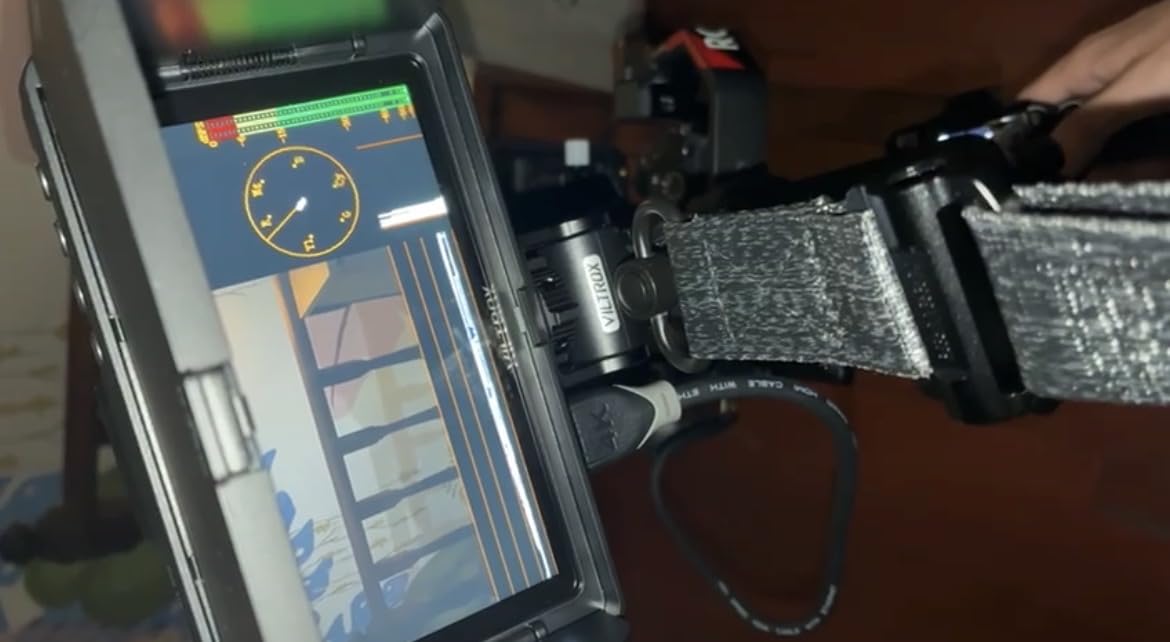
Power flexibility is excellent. You can use NP-F batteries, DC input (12-18V), or USB-C power delivery. This means almost any power solution works, from standard camera batteries to USB power banks. The included battery gets you started immediately.
The 5.5-inch screen size is smaller than the 7-inch monitors but still sufficient for focus checking. Some users with larger hands find the touchscreen targets a bit small, but I had no issues. The rugged construction feels more durable than plastic budget monitors.
Best for Hybrid Shooters Who Work Indoors and Out
The DC-550 is perfect for videographers who split time between studios and outdoor locations. The 1200 nits handles most outdoor situations while the touchscreen and monitoring tools satisfy professional requirements. Wedding shooters will appreciate the versatility.
Skip This If You Need Maximum Brightness or Large Screen
If you frequently shoot in direct sunlight, the 2000 nits NEEWER F700 or VILTROX DC-X3 provide better visibility. The 5.5-inch screen may feel cramped for users accustomed to 7-inch monitors. In those cases, the larger NEEWER F700 is worth the extra money.
9. Portkeys LH5C – Best Camera Control Features
Pros
- Direct camera control via touchscreen (aperture
- shutter
- ISO
- WB)
- Touch focus and tracking focus from monitor
- Freeze frame overlay comparison
- Excellent customer support and firmware updates
- DCI-P3 color gamut coverage
Cons
- Lower 800 nits brightness
- Plastic construction
- 4K input limited to 30Hz
- Some Canon/Sony compatibility issues
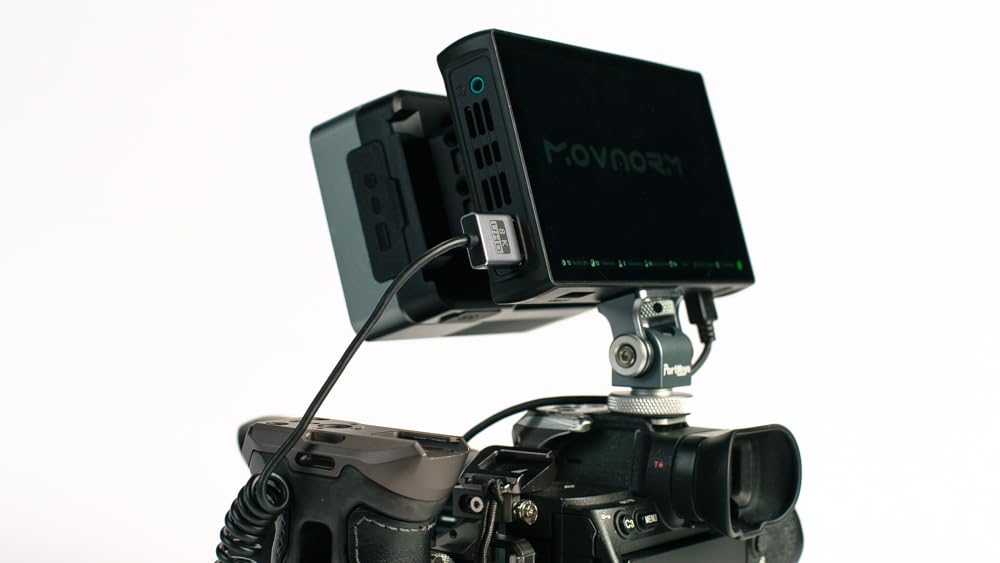
The Portkeys LH5C stands out for one killer feature: wired camera control. Connect it to compatible Sony, Canon, or Panasonic cameras, and you can adjust aperture, shutter speed, ISO, and white balance directly from the touchscreen. You can even pull focus using touch focus on Sony cameras.
This feature transforms how you shoot. Instead of reaching for camera controls while monitoring, everything is accessible from one interface. I tested it with a Sony A7 IV, and the touch focus worked reliably. The freeze frame overlay comparison lets you match shots precisely.
The 1920×1152 resolution on the 5.4-inch display delivers crisp images with excellent color thanks to 85% DCI-P3 coverage and 10-bit color depth. This is genuinely impressive color performance for a monitor in this price range.
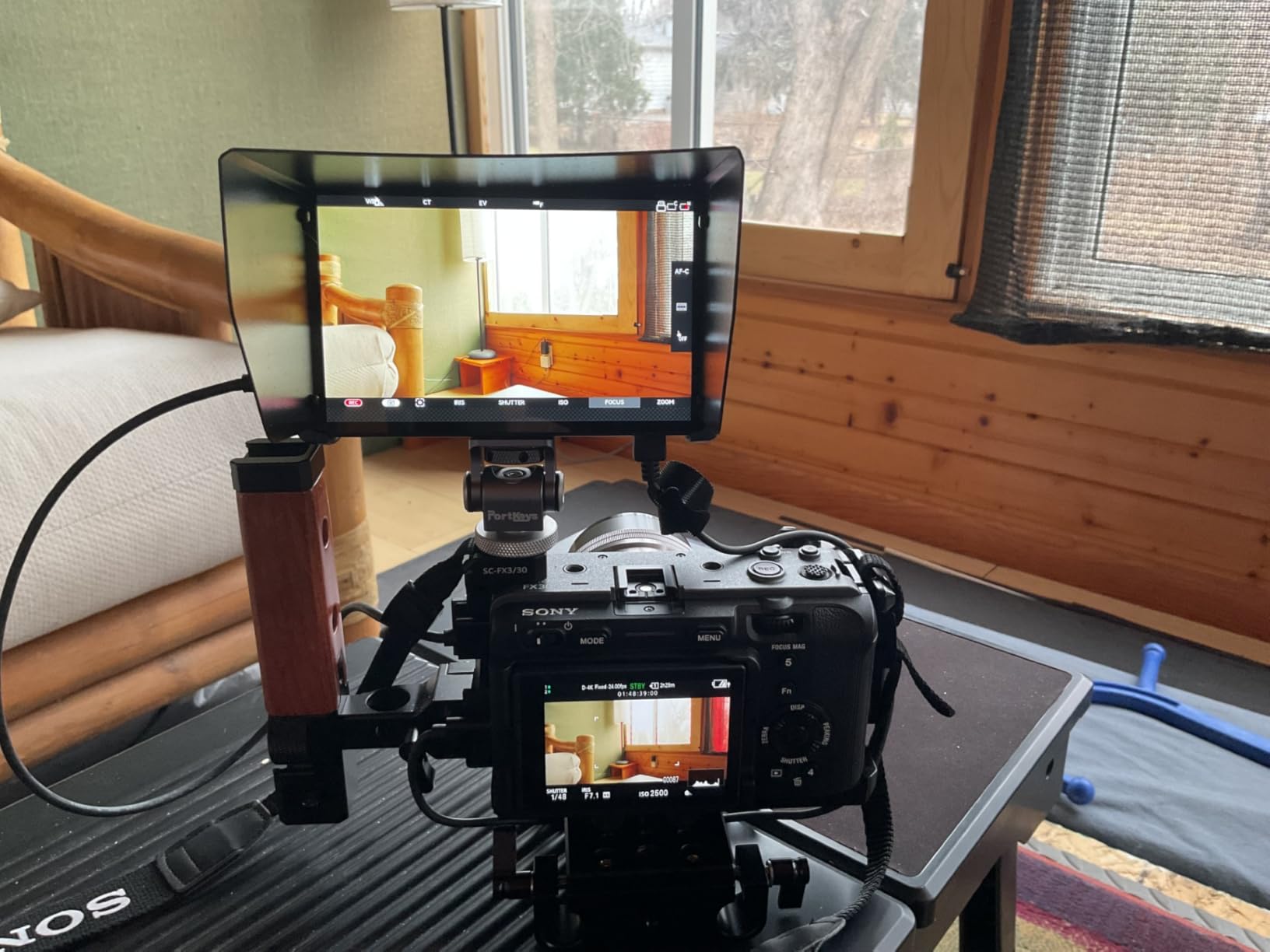
Monitoring tools include waveform, histogram, ARRI false color, zebra patterns, and 3D LUT support for up to 20 custom LUTs. The anamorphic de-squeeze supports 10 presets plus custom ratios from 0.25x to 4.00x, making this popular with anamorphic shooters.
The 800 nits brightness is the main limitation. It works fine indoors and in shade, but outdoor visibility requires the included sunshade and careful positioning. The plastic construction feels less premium than metal alternatives, though it keeps weight down.
Best for Sony Users and Solo Operators
The LH5C is a dream for Sony shooters who want camera control integration. Solo operators who need to adjust settings while monitoring their own framing will love the convenience. Anamorphic shooters appreciate the comprehensive de-squeeze options. The customer support is genuinely excellent with fast firmware updates.
Skip This If You Shoot Primarily Outdoors
The 800 nits brightness is simply not enough for bright outdoor work. Wedding ceremonies in direct sunlight or documentary shooting in harsh conditions will be frustrating. Stick to the 1200+ nits options if outdoor shooting is your primary use case.
10. Atomos Shinobi II – Best Premium HDR Monitor
Pros
- Innovative selfie mirror mode for vlogging
- USB-C camera control with intuitive sliders
- Excellent HDR display quality
- Lightweight and compact
- Established brand with reliable support
Cons
- No HDMI cable included
- Some reliability issues reported
- Heat buildup concerns
- Higher price point
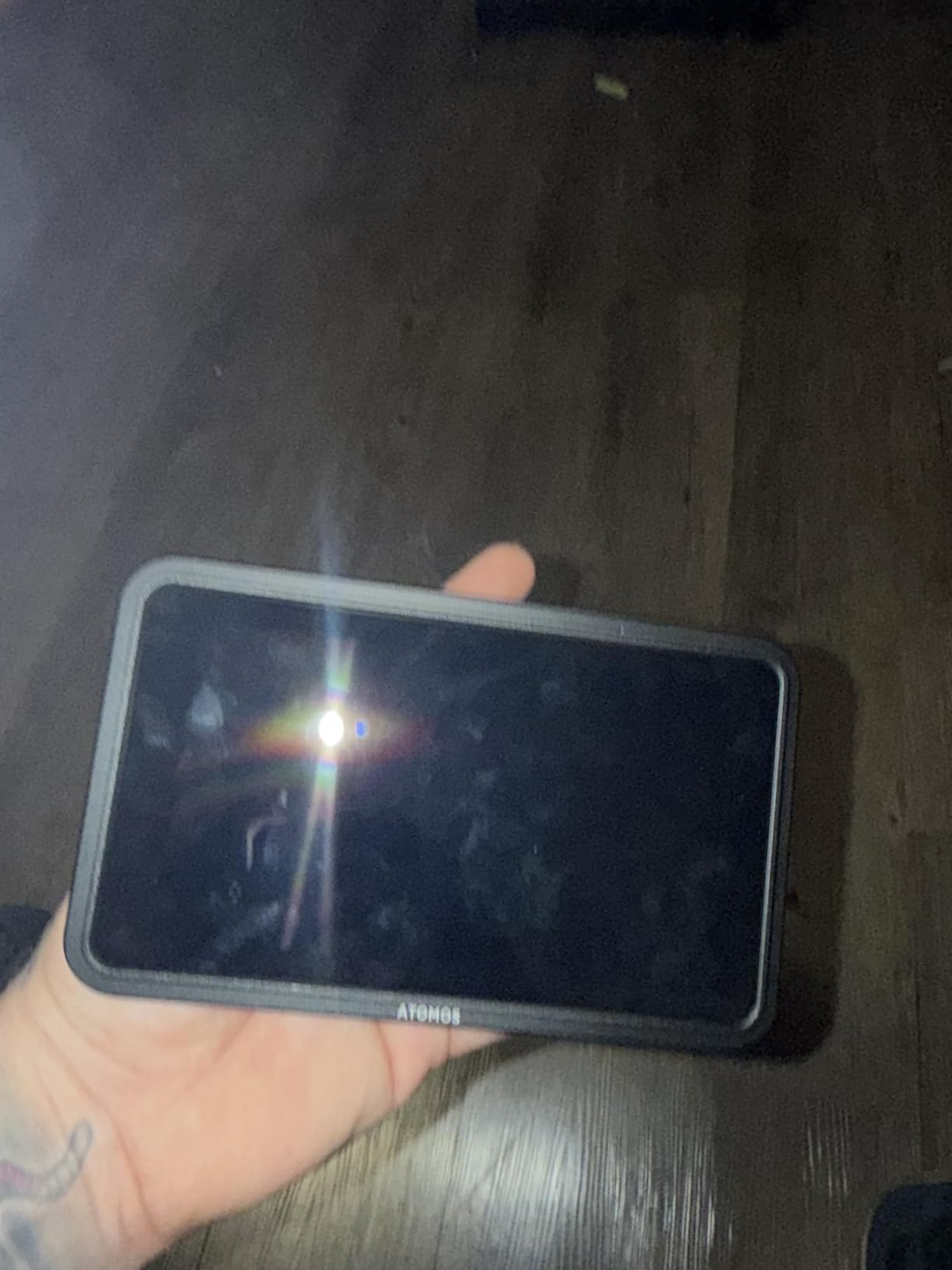
Atomos essentially created the monitor-recorder category, and the Shinobi II represents their monitor-only offering. At $379, it is the most expensive monitor on this list, but it delivers features and polish that justify the premium for certain users.
The selfie mirror mode is genuinely useful for vloggers and solo creators. Flip the screen to face you, and the display mirrors so you see exactly what the camera sees. This simple feature eliminates the guesswork of framing yourself in shot.
The USB-C camera control lets you adjust white balance, aperture, shutter speed, and ISO via intuitive on-screen sliders. It works with select Sony and Canon cameras, and the implementation is smoother than competitors. The touchscreen interface is the most polished I have used.

Picture quality is excellent. The HDR display renders highlights and shadows beautifully, giving you confidence in your exposure decisions. The included battery, charger, and hot shoe mount mean you can start shooting immediately.
The main frustrations are the lack of an included HDMI cable at this price point and some reports of reliability issues. The monitor can run warm during extended use. At $379, these omissions feel stingy compared to competitors who include everything needed.
Best for Vloggers and Content Creators
The Shinobi II is purpose-built for content creators who film themselves. The selfie mirror mode, camera control, and compact size make it ideal for YouTubers, TikTok creators, and solo video producers. If you shoot a lot of self-facing content, this monitor pays for itself in convenience.
Skip This If You Are Price-Conscious
At nearly $380, the Shinobi II costs significantly more than monitors with similar or better brightness specs. The VILTROX DC-X3 offers more brightness and SDI connectivity for less money. Unless the selfie mirror mode and camera control are essential features, better value exists elsewhere on this list.
How to Choose the Best On-Camera Monitor In 2026?
After testing dozens of monitors over the years, here are the key factors to consider when choosing your on-camera monitor deal.
Brightness and Nits: Why It Matters for Outdoor Shooting
Brightness is measured in nits, and this single spec determines whether you can see your screen outdoors. Here is the breakdown based on my real-world testing:
400-500 nits: Fine for indoor studio work and shade. You will struggle in direct sunlight even with a sunshade. Budget monitors like the Neewer F100 and FEELWORLD FW759 fall in this range.
800-1200 nits: Usable for mixed indoor/outdoor shooting. You can see the screen in most conditions, though direct sun requires a sunshade. The Portkeys LH5C and VILTROX DC-550 fit here.
1500-2000 nits: Fully daylight viewable. You can see the screen clearly even in direct sunlight without shading. This is what professionals use for outdoor work. The NEEWER F700 and VILTROX DC-X3 deliver this performance.
Screen Size and Portability
5-5.5 inches: Compact and lightweight, ideal for gimbal work and travel. Easier to pack and less obtrusive on small camera rigs. The Atomos Shinobi II and VILTROX DC-550 are in this range.
6 inches: The sweet spot for most users. Large enough to check focus accurately but still portable. The VILTROX DC-X3 and FEELWORLD FW568 are excellent 6-inch options.
7 inches: Maximum size for on-camera mounting. Best for focus checking but heavier and bulkier. The NEEWER F700 and Neewer F100 offer this larger screen.
Resolution and Color Accuracy
1280×800: Standard on budget monitors. Adequate for checking focus and framing but not pixel-perfect. Found on Neewer F100 and FEELWORLD FW759.
1920×1080: True Full HD. Sharper images and better for judging fine detail. Recommended for serious work. The NEEWER F700, VILTROX DC-X3, and FEELWORLD S55 V3 offer this.
Color accuracy matters if you are judging color on set. Look for Rec.709 calibration or DCI-P3 coverage for professional color work.
Connectivity: HDMI vs SDI
HDMI: Standard on mirrorless cameras and most cinema cameras. More than sufficient for most users. All monitors on this list except the DC-X3 secondary SDI are HDMI-based.
SDI: Professional connection with locking connectors. Required for high-end cinema cameras from RED, ARRI, and some Blackmagic models. Only the VILTROX DC-X3 offers SDI in this roundup.
Battery Life and Power Options
NP-F batteries are the standard. The NP-F550 provides about 60-90 minutes, the NP-F750 about 2-3 hours, and the NP-F970 4-5 hours depending on brightness. Having USB-C power input is increasingly useful for powering from USB battery packs.
Monitoring Tools and Features
Essential tools include focus peaking, false color for exposure, and histogram. Advanced users will want waveform, vectorscope, and LUT support. Touchscreen interfaces make accessing these tools faster but add cost.
Frequently Asked Questions
What is the best camera monitor brand?
Atomos is widely regarded as the premium brand for on-camera monitors, known for reliability and professional features. For value, VILTROX and NEEWER offer excellent performance at lower prices. FEELWORLD dominates the budget category with reliable, affordable options.
What features should I look for in a camera monitor?
Prioritize brightness (1000+ nits for outdoor work), Full HD resolution (1920×1080), focus peaking, and false color exposure tools. Touchscreen interfaces speed up operation. LUT support is essential if you shoot in Log profiles.
Can you use a field monitor for photography?
Yes, field monitors work for photography, though they are designed primarily for video. They help with critical focus on detailed shots and provide a larger screen for reviewing images. However, features like waveform and false color are video-specific.
What is the purpose of a field monitor?
A field monitor provides a larger, brighter screen than your camera’s built-in LCD for checking focus, exposure, and composition. Professional monitors include tools like waveform, false color, and LUT support to help achieve perfect exposure and color.
Do all camera field monitors work on any camera?
Most field monitors work with any camera that has HDMI output. Check your camera’s HDMI output compatibility and the monitor’s supported resolutions. Some advanced features like camera control only work with specific camera brands. SDI monitors require cameras with SDI output.
Final Thoughts
The Amazon Big Spring Sale offers genuine savings on on-camera monitor deals that can transform your video work. After testing these 10 options, my top recommendation depends on your specific needs.
For professionals needing SDI and maximum brightness, the VILTROX DC-X3 at $268 is unmatched. Content creators wanting the best value should grab the NEEWER F700 with its 2000 nits touchscreen and included batteries. Absolute beginners cannot go wrong with the Neewer F100 at under $70.
Remember, the Big Spring Sale runs through March 31, 2026, and these deals will not last. An external camera monitor is one of the most impactful upgrades you can make to your video setup. Stop squinting at that tiny camera LCD and start seeing what you are actually capturing.
Whatever you choose, any of these on-camera monitor deals will improve your footage quality by giving you the confidence that your focus is sharp and your exposure is perfect. Happy shooting.