
If you hand a client a print from a wedding, they remember it far longer than a gallery link. The problem is that a good lab print costs time you do not have on a Saturday evening, and a fine-art inkjet is a desktop machine with a warm-up cycle and a drying time.
An instant printer collapses that gap. You send a file from your camera card, a laptop or a phone, and a physical print exists a minute later. That is why the best instant film printers for photographers have become event kit rather than a novelty. After weeks of comparing print engines, media costs and colour response, I narrowed the field to ten units that actually hold up when the print is going into a client’s hand.
Before the recommendations, one honest caveat. Every printer in this list tops out around 300 dpi on a 4×6 sheet. None of them produce archival pigment output, and none replace a lab print for an exhibition wall. What they do well is speed, cost per handout and the specific look of the medium. If you need the first, buy one of these. If you need the second, read our inkjet printer guide for photographers instead.
There are three competing print technologies, and understanding them explains almost every difference between these printers. ZINK paper holds pigment crystals that the print head heats into place, so there is no ink to buy, but the colour layer is thin. Dye-sublimation transfers colour and a protective coating in separate passes, which costs more per print and survives handling. Photochemical Instax film is exposed by the printer and develops in the air, giving the look you already know from the film cameras.
If your interest is more general home use rather than client work, our instant photo printer roundup for home covers the same category from a different angle.
Top 3 Picks for Best Instant Film Printers for Photographer in October

HP Sprocket
- ZINK 2x3 sticky-backed prints
- Bluetooth 5.0 with app editing
- Personalized LED print indicator
- Rechargeable battery

Liene M100
- Thermal dye-sublimation at 300 x 300 dpi
- Built-in Wi-Fi hotspot for five devices
- 100 sheets and three cartridges included
- Borderless 4x6 output

Instax Mini Link 3
- Prints on genuine Instax Mini film
- 1200 x 1200 dpi film resolution
- Bluetooth app-based printing
- 1.6 ounce body
Best Instant Film Printers for Photographers in 2026 at a Glance
| Product | Specifications | Action |
|---|---|---|
| HP Sprocket Portable Photo Printer |
|
Check Latest Price |
| Liene M100 4×6 Photo Printer |
|
Check Latest Price |
| Fujifilm Instax Mini Link 3 |
|
Check Latest Price |
 KODAK Dock Plus 4×6 Photo Printer KODAK Dock Plus 4×6 Photo Printer |
|
Check Latest Price |
 Canon Ivy 2 Mini Photo Printer Canon Ivy 2 Mini Photo Printer |
|
Check Latest Price |
 KODAK Step Instant Printer KODAK Step Instant Printer |
|
Check Latest Price |
 Fujifilm Instax Link Wide Fujifilm Instax Link Wide |
|
Check Latest Price |
 KODAK Mini 2 Retro KODAK Mini 2 Retro |
|
Check Latest Price |
 Polaroid Lab Everything Box Polaroid Lab Everything Box |
|
Check Latest Price |
 Polaroid Hi-Print 2nd Generation Polaroid Hi-Print 2nd Generation |
|
Check Latest Price |
1. HP Sprocket Portable Photo Printer – Best Overall for Photographers
HP Sprocket Portable Photo Printer (2nd Edition) – Instantly print 2×3″ sticky-backed photos from your phone – [Luna Pearl] [1AS85A]
Pros
- Pairs over Bluetooth in about a minute
- Lights and small enough for a camera bag
- Personalized LED shows whose print is running
- Sticky-back prints survive handling
Cons
- Default colour leans warm
- Recurring ZINK paper cost
- 10 sheet tray capacity
The Sprocket is the one I keep in the camera bag. It is 6.1 ounces, it prints while charging, and it comes from a phone over Bluetooth 5.0 in about a minute with no pairing ritual. For a working photographer that combination matters more than any spec line.
Print quality is the honest limitation. The 2×3 sheet is 313 x 400 dpi, and ZINK has no true black pigment layer, so deep shadows flatten. On a daylight portrait the skin tones read warm and slightly pink until you correct in the app. Once you know that, you simply correct it before printing and the result is perfectly good for a handout.
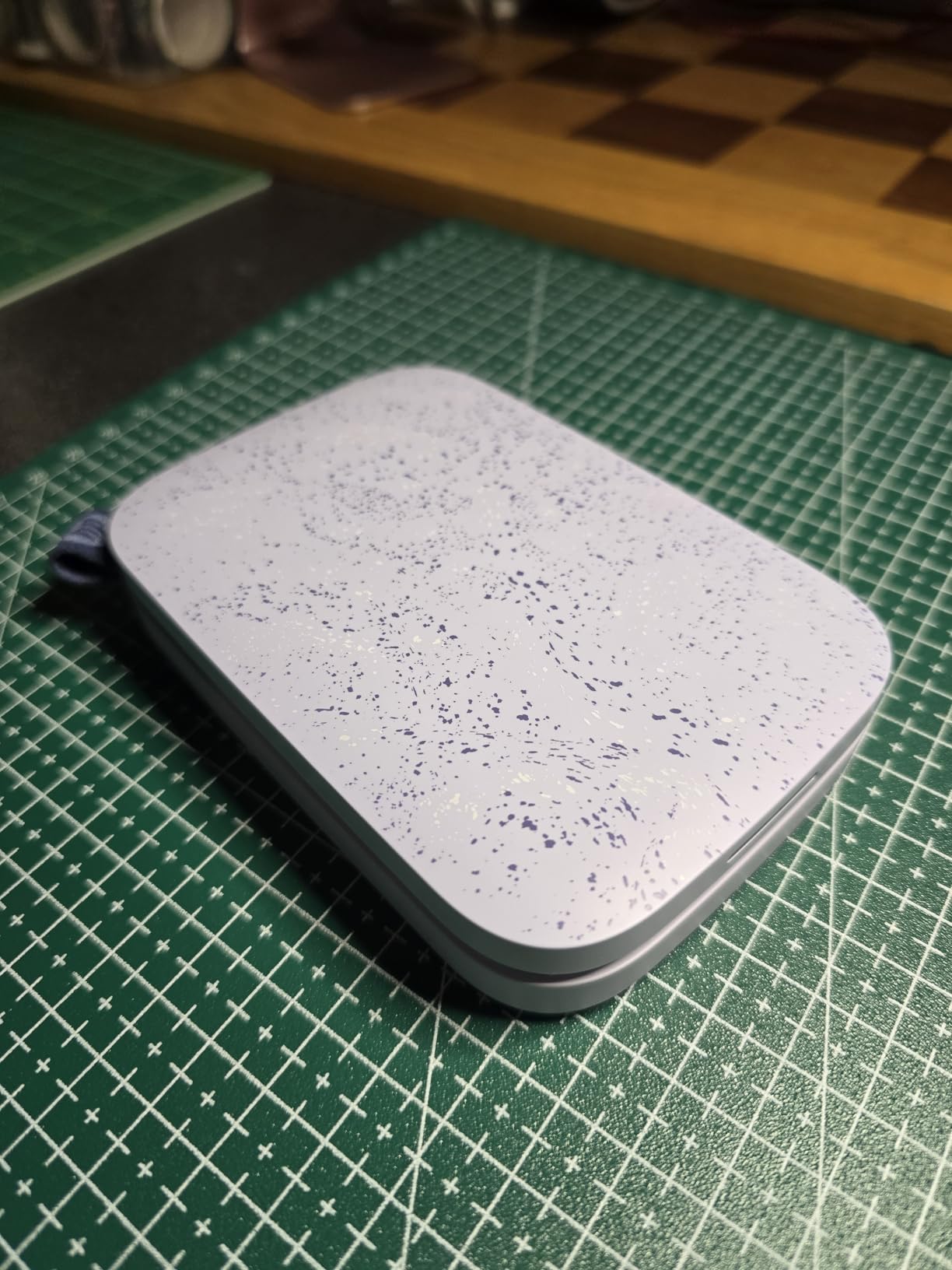
The multi-device print queue is the feature competitors cannot copy. A personalized LED tells a waiting guest which photo belongs to them, and several phones can send prints while one device is running. At a party that removes the bottleneck entirely, because nobody is fighting over the single connection.
The app also offers an augmented reality print queue, so a guest can scan the finished print and pull up the video or album it came from. That is a nice touch when the print ends up in a scrapbook months later.
When the Sprocket is the right call
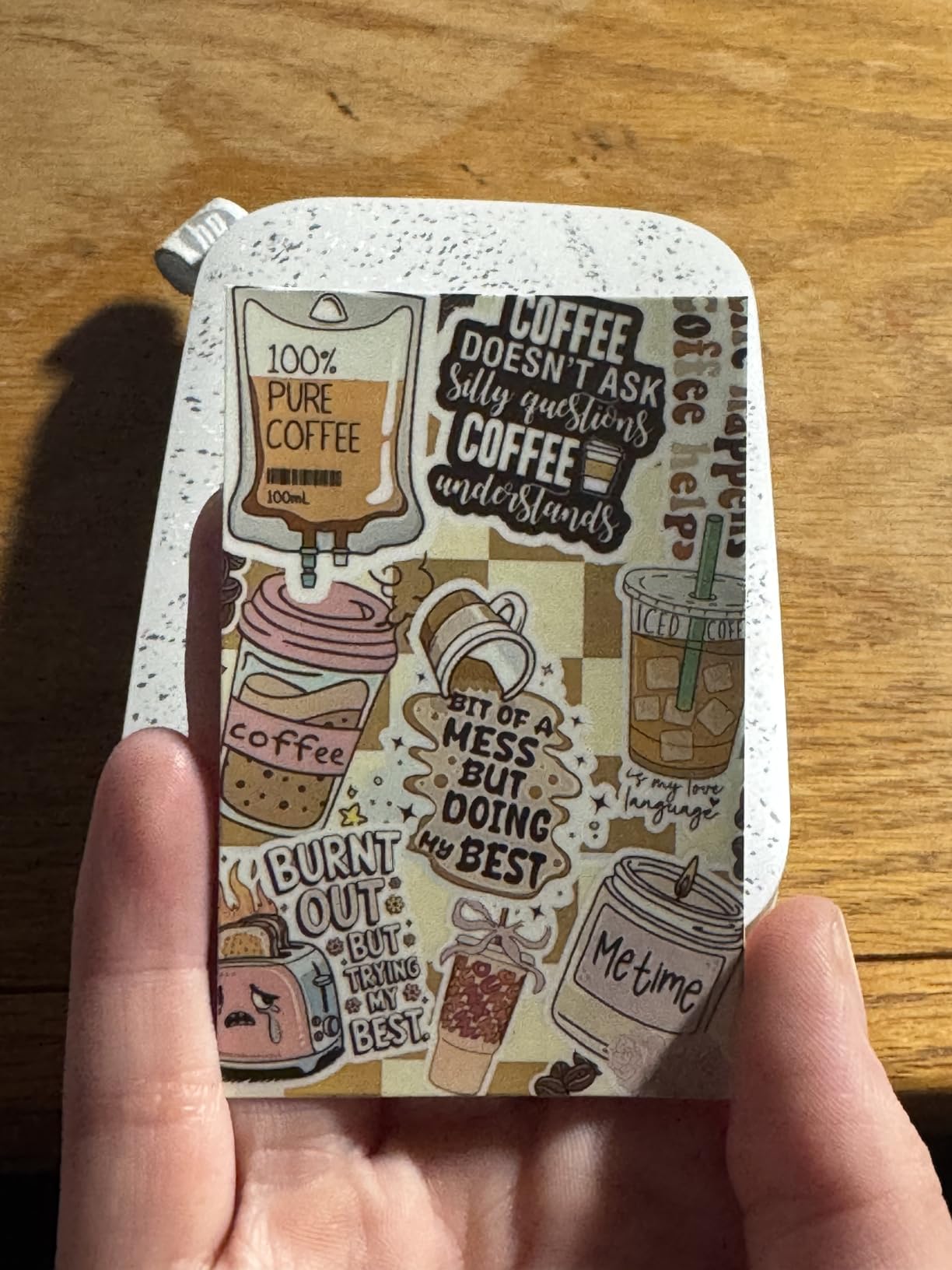
Reach for it when you need volume of small prints in a room full of people: parties, engagement sessions, pop-up booths, brand activations. Sticky-back ZINK also suits album walls and packaging mock-ups, where the print has to stick to something rather than sit in a sleeve.
The personalized LED and shared queue genuinely change the flow of a room. Guests know the print is theirs, so you are not calling names across a venue.
When the Sprocket is the wrong call
It is the wrong tool for low-key portraiture, for any print that must survive direct sunlight for years, and for anything larger than a business card. The 10 sheet tray means constant refilling in a busy evening, and ZINK refills are a recurring line item you should factor into your quote.
2. Liene M100 4×6 Photo Printer – Best Desktop Print for Client Proofs
Liene M100 4×6” Photo Printer, Phone Printer 100 Sheets & 3 Cartridges, Full-Color Photo, Portable Instant Photo Printer for iPhone Android, Thermal Dye Sublimation, Wi-Fi Picture Printer 100 Papers
Pros
- True borderless 4x6 sheets
- 100 sheets and three cartridges in the box
- Built-in hotspot serves five devices
- Handles Windows and Mac alongside iOS and Android
Cons
- One page per minute print speed
- Print head needs manual cleaning when smudges appear
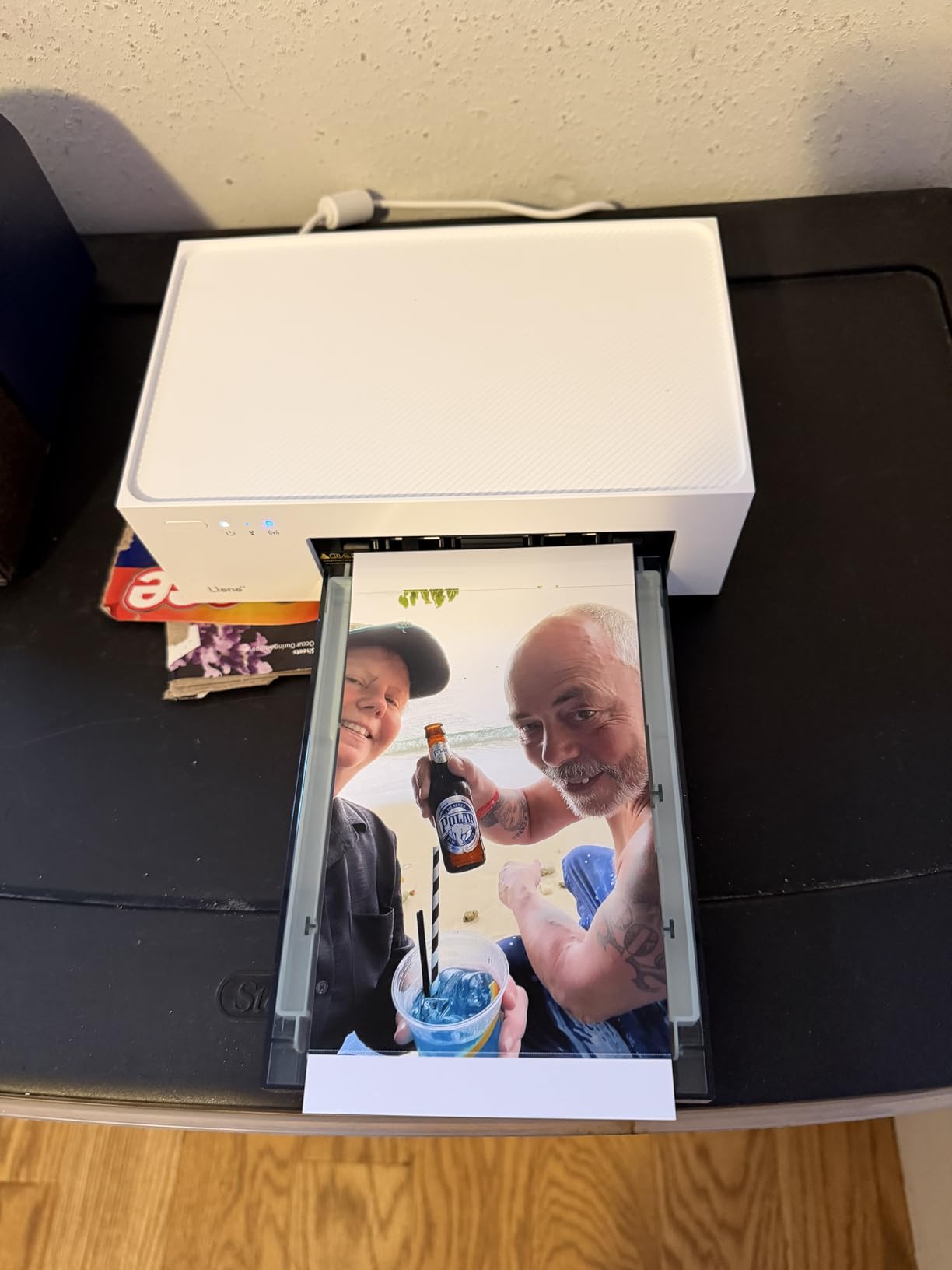
The Liene M100 is the only unit in this roundup that produces a true borderless 4×6 sheet driven from a laptop or phone, and that alone puts it in a different category from the 2×3 crowd. Dye-sublimation lays down colour and then a clear protective pass, so the print is laminated rather than coated. It handles fingerprints, a splash of water and a client passing it around.
It is a desktop machine, not a field machine. At 200 grams and 7.48 by 9.84 by 7.48 inches it belongs on a studio table, and at one page per minute it belongs to a session where you are producing a few dozen prints, not a hundred.
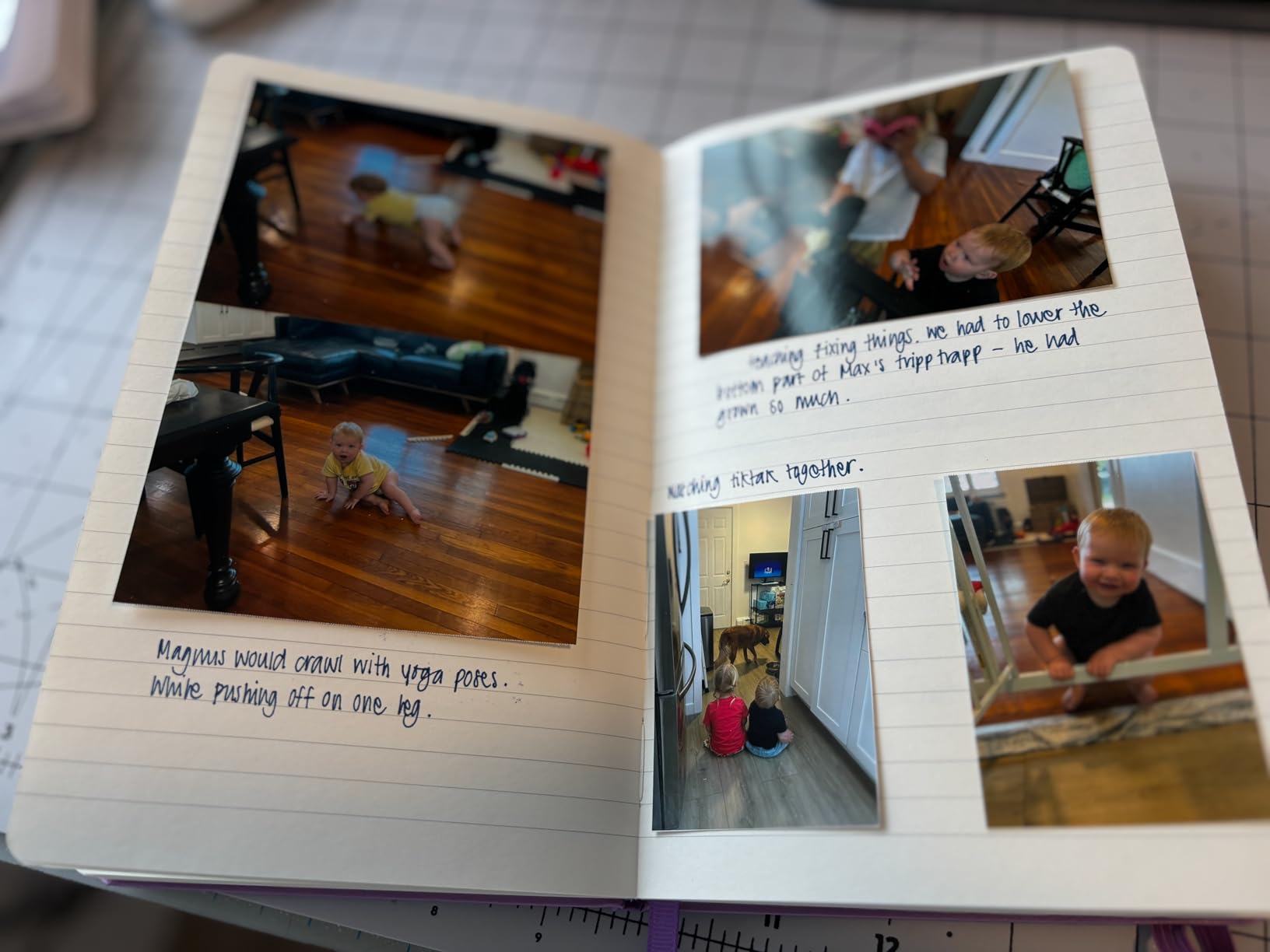
The built-in Wi-Fi hotspot is the part I did not expect to care about. It runs its own network, so up to five devices connect with no external router and no internet. For a portrait sitting in a community hall or a rented venue with terrible Wi-Fi, that solves a problem a Bluetooth-only printer cannot.
It is also the most flexible about input. The controller list covers Windows, iOS, Mac and Android over USB Type-C or Wi-Fi, so a tethered Lightroom export on a laptop and a phone snapshot both reach the same tray.
When the Liene M100 is the right call
Choose it for client proof sets, album page mock-ups, packaging proofs and any deliverable that needs to look like a small photograph rather than a sticker. The 100 sheet and three cartridge bundle means you can run a substantial job on day one without ordering media first.
If your workflow starts in Lightroom on a laptop, this is the printer in the group that welcomes that file most directly.
When the Liene M100 is the wrong call
One page per minute rules it out of live event work. If the client is standing in front of you, a minute per print feels broken. The print head also needs manual cleaning when smudges appear, which adds a maintenance step no other unit here has.
3. Fujifilm Instax Mini Link 3 – Best for an Authentic Film Look
Pros
- Genuine Fujifilm film with film-accurate colour
- Highest rated printer in this group
- Lightest body at 1.6 ounces
- Compact enough for a jacket pocket
Cons
- Proprietary film adds a per-print cost
- Prints one photo at a time
This is the only printer here that writes onto real Instax Mini film, which means the output carries the same colour response and highlight roll-off you get from an Instax camera body. Reviewers regularly describe those prints as excellent next to other instant formats, and I agree once you stop expecting a neutral digital copy.
At 1200 x 1200 dpi the film resolution is the highest figure in this roundup, and the images hold more fine detail than a ZINK sheet at 2×3. Do not read that as print resolution though. The film is small and the dyes are what they are.

The 1.6 ounce body is the standout number. Nothing else in this list approaches that, which makes the Mini Link 3 easy to carry without thinking about it, and it pairs over Bluetooth from the Fujifilm app with touch control on the device itself.
The trade-off is economics. Instax Mini film is a proprietary consumable and it sits at the higher end of the media cost range in this group. For a handful of prints per shoot that is irrelevant. For a wedding with a print wall, you need to know the number before you commit.

When the Mini Link 3 is the right call
Pick it when the aesthetic is the point. Editorial work, brand mood boards, styling references and personal gifts all benefit from something that visibly came from film. It pairs naturally with a Fujifilm digital body because the colour rendering already matches.
It is also the most forgiving choice for casual hand-outs, since a print that looks slightly warm reads as character rather than as an error.
When the Mini Link 3 is the wrong call
It prints one photo at a time and holds ten sheets, so it is not a throughput machine. The recurring film cost is high, and the true film format cannot be reused for albums, wall grids or anything adhesive.
4. KODAK Dock Plus 4×6 Photo Printer – Best Value at 4×6
Pros
- Dock charges the phone while printing
- 50 sheet output capacity
- Lamination resists fingerprints and water
- Reviewed by close to 20000 owners
Cons
- Slow four-pass prints can jam
- Weak colour against a lab print
- Some iOS devices fail Bluetooth discovery
The dock is the cleverest idea in this category. Your phone sits in the cradle, charges while the printer works, and the Bluetooth connection stays alive because the device never moves. That removes the single most common failure at live events, which is the phone wandering out of range mid-job.
Print output is genuine 4PASS dye sublimation at 300 dpi with a clear protective lamination and borderless 4×6 sheets. The colour is softer than a commercial lab, which the reviews are honest about, and 4.2 stars reflects that.

With 19,790 reviews this is the most thoroughly proven machine on the list. That volume matters for a working photographer because failure modes are already documented, and the refill cartridges are straightforward to swap.
The practical limit is throughput. Multi-pass printing is slow, and reviewers report jams when more than one sheet is loaded at a time. A 20 sheet input and 50 sheet output capacity will not rescue a one page per minute engine.

When the Dock Plus is the right call
It suits a home or studio print station where 4×6 sheets are the goal and the dock keeps a phone ready all day. The charging cradle makes it a natural fit for a signing table, a consultation room or a studio corner clients can see.
It is also the lowest-risk 4×6 option if you have never run a dye-sub machine before, given how much owner feedback exists for it.
When the Dock Plus is the wrong call
Do not plan a live print wall around it. Reviewers also flag confusing quick-start instructions, iOS Bluetooth discovery problems on some phones and tablets, and occasional shutdowns after a few prints from overheating. All of that pushes it toward a controlled indoor desk rather than a busy venue.
5. Canon Ivy 2 Mini Photo Printer – Best for Portrait Skin Tones
Canon Ivy 2 Mini Photo Printer, Print from Compatible iOS & Android Devices, Sticky-Back Prints, Pure White
Pros
- Improved print engine with better skin tones
- Sharper contrast and detail than the first IVY
- Bluetooth 5.0 pairs faster and more reliably
- Peel-and-stick backing
Cons
- Only 10 sheets load at once
- ZINK paper is a recurring cost
- App-based printing needs iOS or Android
Canon’s second-generation IVY Mini exists because photographers complained about the first one. The print engine was reworked specifically for skin tones, contrast and sharpness, and the improvement is the reason this sits high in my list despite ZINK’s inherent limits.
At 313 x 512 dpi the output resolution is the second highest of the ZINK machines here, and the figure shows in faces. A portrait printed on this has more defined features than the same frame on a lower-resolution ZINK sheet.
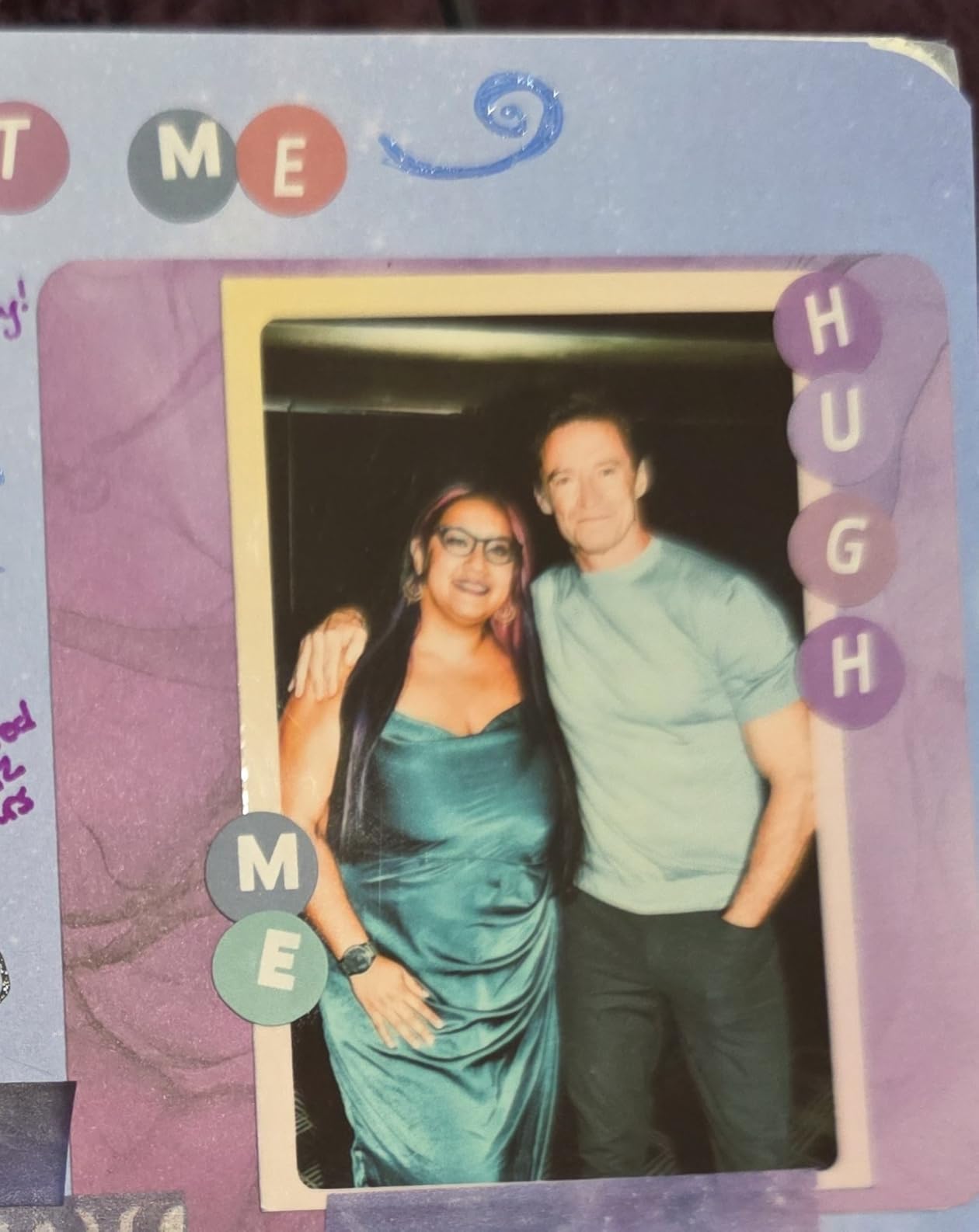
Bluetooth 5.0 is a real upgrade over older ZINK hardware. Pairing is faster and the connection holds through a crowded room, which is exactly the scenario where a ZINK printer is most useful.
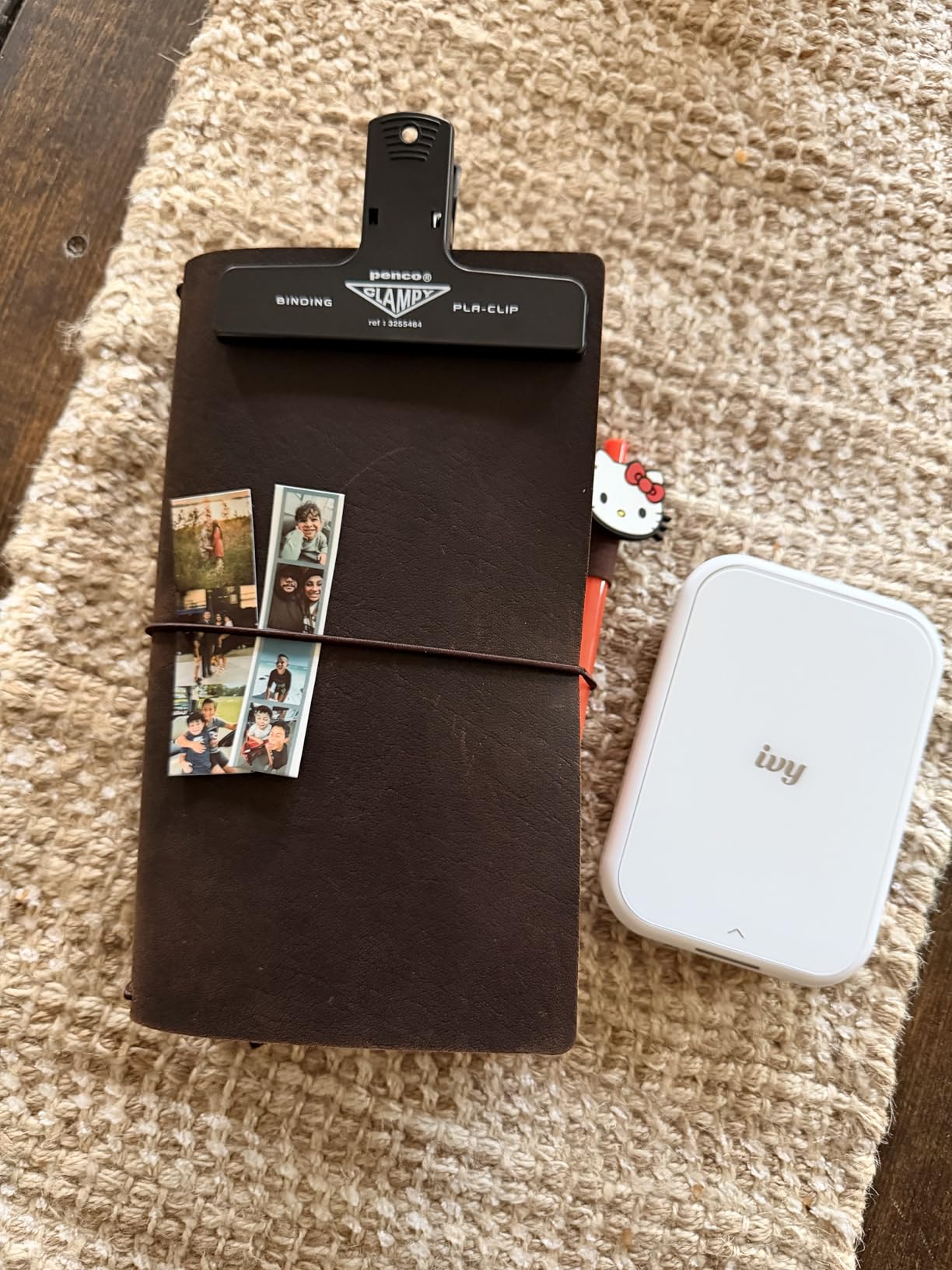
It weighs 145 grams, sits comfortably in a bag, and the peel-and-stick backing means a finished print can go straight onto a scrapbook page, a wall or a gift without a sleeve.
When the Ivy 2 Mini is the right call
It is the smartest pick for portrait sessions and brand headshots where faces must read clearly at a small size. The tuned skin tone rendering does more work here than any extra resolution would.
Sticky-back ZINK also suits mood boards and physical client packages where prints need to be assembled into something by hand.
When the Ivy 2 Mini is the wrong call
Ten sheets in the tray means constant refills during a busy session. Like every ZINK machine, it still lacks a true black, so low-key or high-contrast work will look flat. It also depends entirely on the Canon Mini Print app and a compatible mobile device.
6. KODAK Step Instant Printer – Best Budget Carryable Option
Pros
- Pocket sized and under a pound
- About 25 prints from the built-in battery
- No ink cartridges to carry or replace
- Resists moisture
- tears and smudges
Cons
- Colour runs slightly warm
- ZINK paper is a recurring cost
- Only 10 sheets load at a time
The Step is the smallest functioning printer in this group and it is genuinely pocketable at 0.07 kg. For street photographers and travel work that changes what you can do, because the printer simply goes in a jacket pocket instead of living in a bag.
It connects over Bluetooth or NFC from iOS and Android, which means near-instant sending without a pairing menu. The built-in lithium-ion battery yields roughly 25 prints per charge, enough for a session without a power bank.
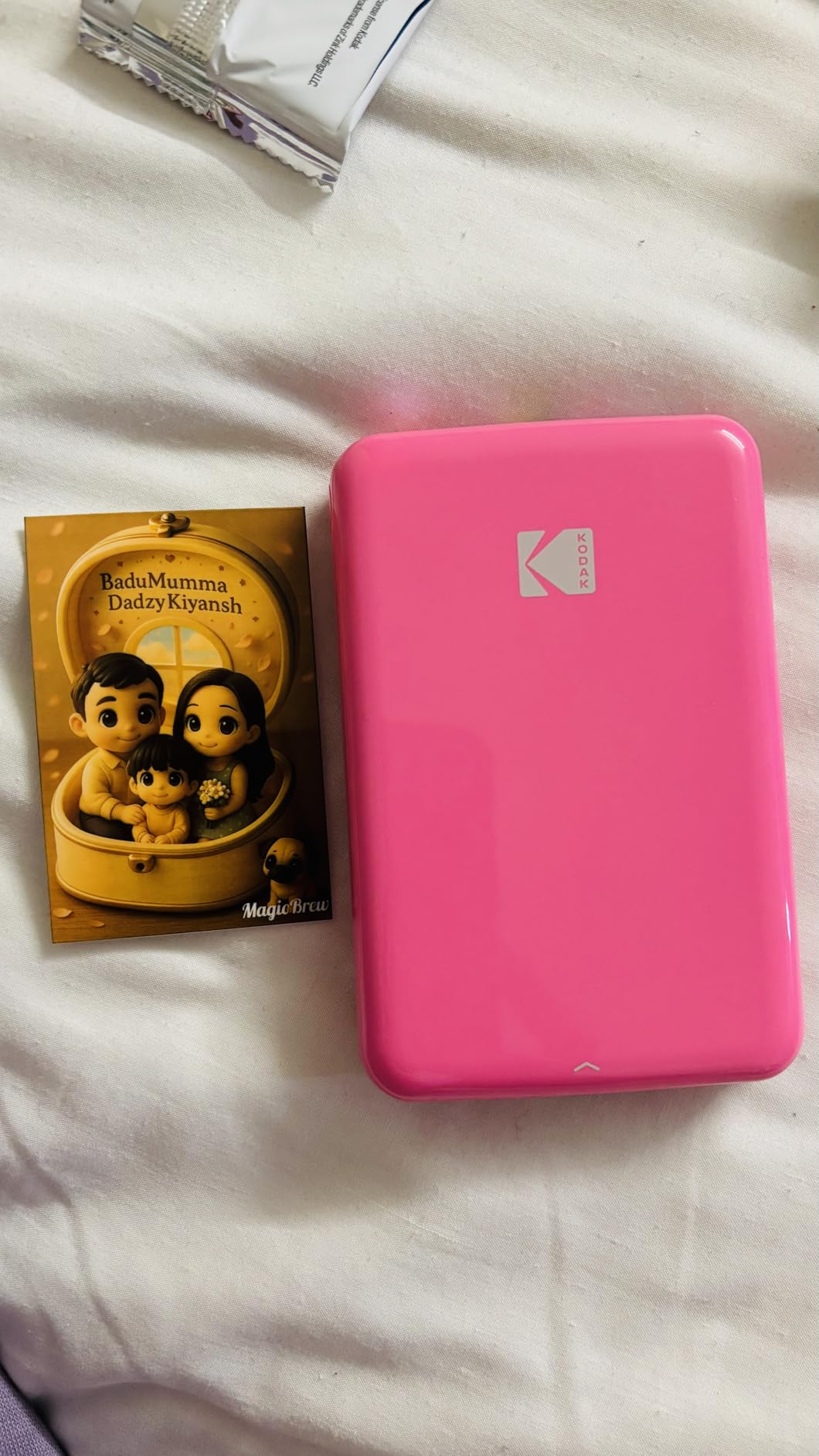
With more than 20,000 reviews the feedback is consistent. Buyers like the size and the quick setup, and they name the same two limits: the recurring ZINK paper cost and the 10 sheet capacity.
Colour is the third. Print colour runs slightly warm, which is mild next to some ZINK units but still worth correcting in the app before you hand a print to a paying client.
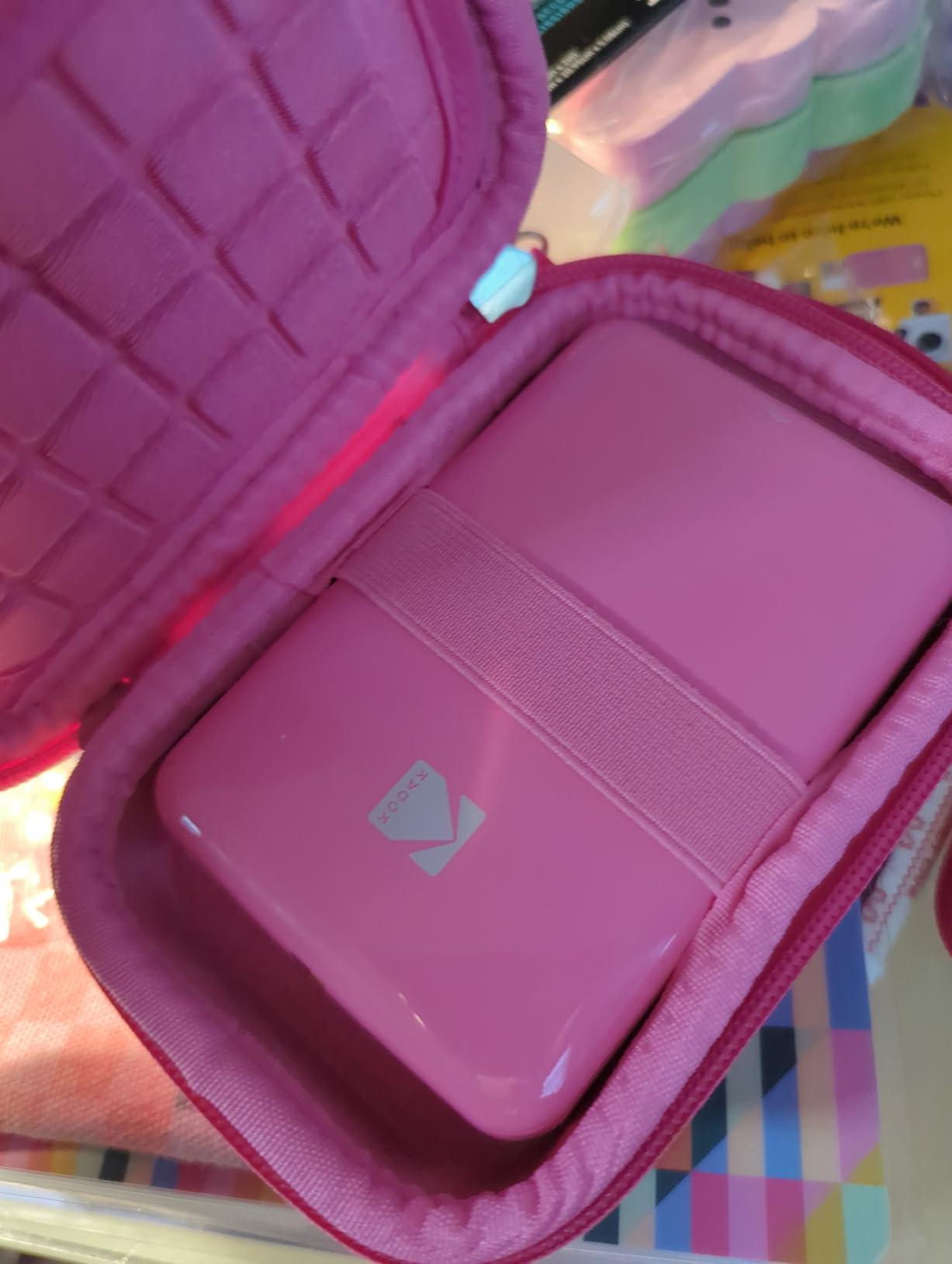
When the Step is the right call
It is the sensible low-commitment carry option. If you want a physical memento of a trip or a street session without planning a print run, this is the machine that travels best and needs the least thought on the day.
Zero-ink also means there is nothing to replace but paper, which keeps the bag light and the failure points low.
When the Step is the wrong call
It is not a colour-critical device. For portrait or editorial work where skin tone and shadow depth decide the outcome, the Canon IVY 2 Mini is a better use of the same money. The 10 sheet tray also interrupts a busy evening quickly.
7. Fujifilm Instax Link Wide – Best for Wide Format Prints
Pros
- Wide format with deeper colour and more detail
- 30+ editable templates and 1600 stickers
- Reliable Bluetooth with no Wi-Fi setup
- Reports remaining film in the app
Cons
- Wide film is costly per print
- Crops part of the frame
- Rich print mode can wash out results
Wide format solves a real problem. A 3.9 inch image has room for a two-person composition, a group shot or a landscape that simply will not fit into a 2×3 frame without throwing away half the picture.
The Link Wide prints genuine Instax Wide film, and the app reports how much film remains before you start. That single feature saves a lot of guesswork, because there is no counter anywhere else on the device.

Editing options go well beyond a straight print. There are more than 30 editable templates, 1,600 in-app stickers, text overlays and a QR print mode that adds a link, a sound or a message to the finished print.
Reviewers rate the Bluetooth connection as solid, with no Wi-Fi-only complications, which is a genuine improvement over earlier app-dependent Instax printers.

When the Link Wide is the right call
It is the right printer for group portraits, event hand-outs where two people need to fit in one print, travel landscapes and anything you intend to sign. The wider frame also gives you a natural writable area for a note.
QR print mode makes it a good fit for brand work, where the physical print can link back to a video or a gallery.
When the Link Wide is the wrong call
Two things to know before you commit. It crops part of the image even in landscape, so you should frame and crop in the app first. And the rich print mode can wash out or over-contrast an image, so choose the mode deliberately for each frame.
Instax Wide film is sold separately and is pricey per print. Some owners also report film-recognition errors and a tricky first power-on.
8. KODAK Mini 2 Retro – Best All-in-One Starter Bundle
Pros
- Usable out of the box with cartridges and paper
- Protective lamination resists water and fingerprints
- About 55 seconds per credit-card-size print
- Hand-sized and straightforward to set up
Cons
- Cartridges consumed steadily
- Colour behind lab output
- Multi-pass prints are slow for batches
The Mini 2 Retro is a dye-sublimation machine in a card-sized body, which is unusual. Most portable printers of this size use ZINK, so the 4PASS process with its clear protective lamination sets it apart for handling.
The bundle matters for a first purchase. You get the printer, four cartridges and 38 sheets, so there is no order-before-you-start step. For someone testing whether an on-site print station makes sense, that removes the barrier entirely.
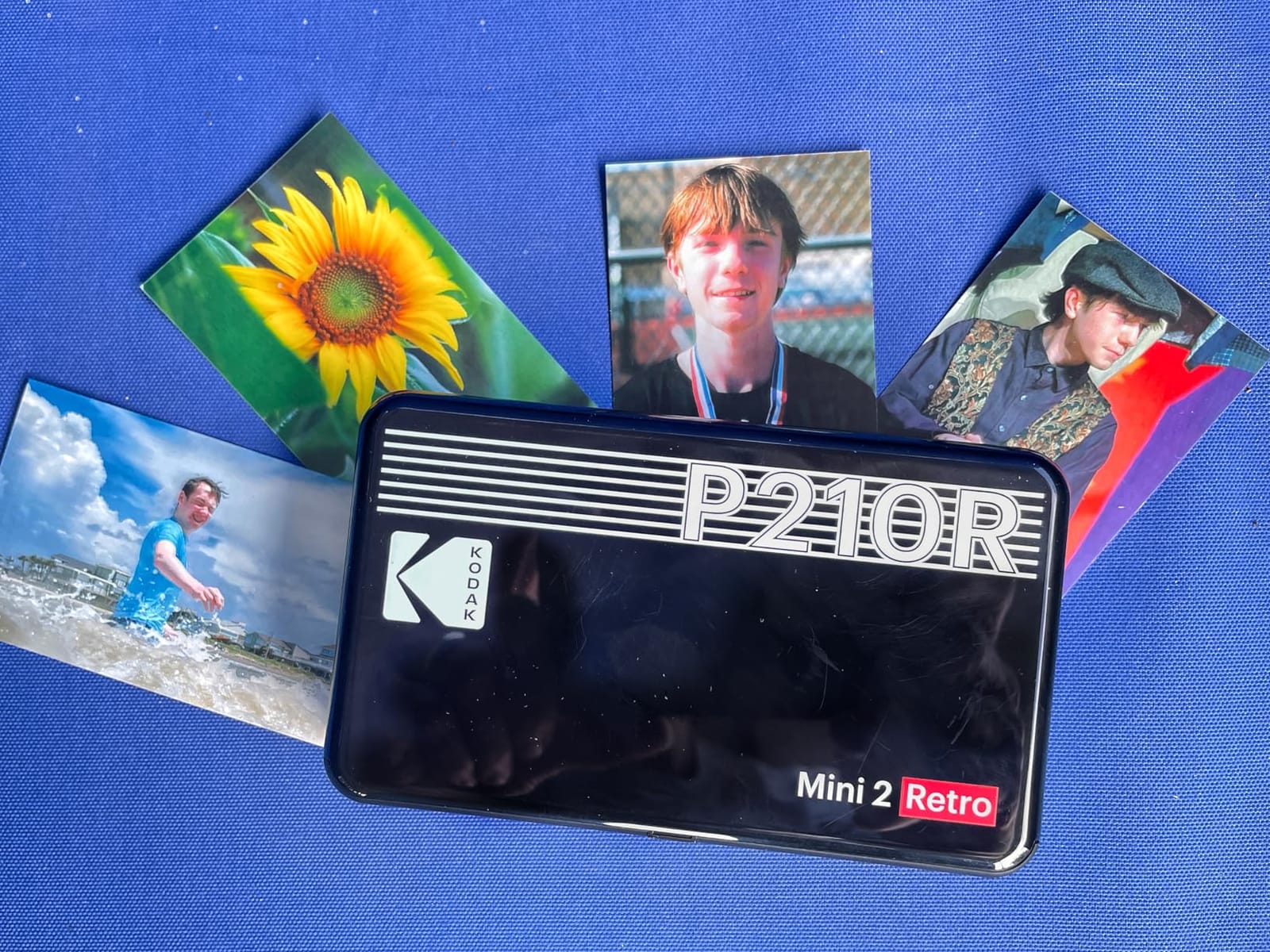
Print speed is roughly 55 seconds for a 2.1 by 3.4 inch sheet, and the output is described as anti-fingerprint and water-resistant. A print handed to a guest on a wet terrace will not smear.
Colour accuracy is the reason for the 4.1 star average. Reviewers consistently place it behind dedicated photo-lab output, and multi-pass printing is slow when you need a batch.
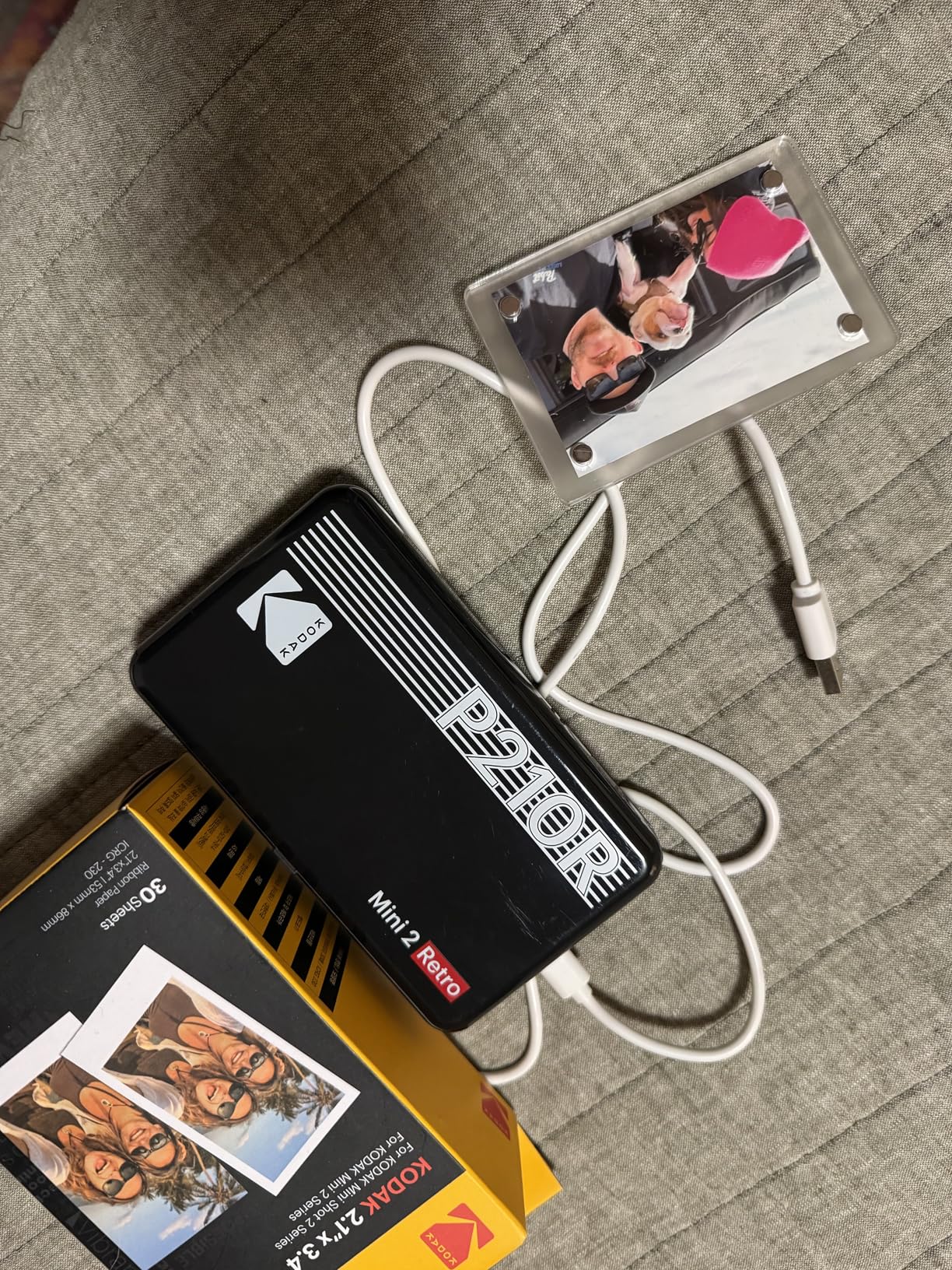
When the Mini 2 Retro is the right call
It works well for parties, scrapbook projects and travel, where the print is a memento rather than a client proof. Laminated dye-sub output handles handling better than ZINK, and the size keeps it manageable in a bag.
If you have never used cartridges before, the four included cartridges are a good way to learn the refill rhythm without an extra order.
When the Mini 2 Retro is the wrong call
Cartridge consumption is steady, and at roughly 12,000 reviews the long-term quality feedback is solid but not flattering on colour. It is not the printer to use for a portrait sitting where skin tone accuracy is the deliverable.
9. Polaroid Lab Everything Box – Best for a Vintage Analog Look
Polaroid Lab Everything Box Starter Kit – Digital to Analog Polaroid Photo Printer (4969)
Pros
- Three-element lens system creates a real analog look
- Turns any phone photo into an I-type print
- Everything Box includes two film packs
- App adds collages and augmented reality
Cons
- Resolution tops out near 300 dpi
- Extra film sold separately
- Older app with fewer editing options
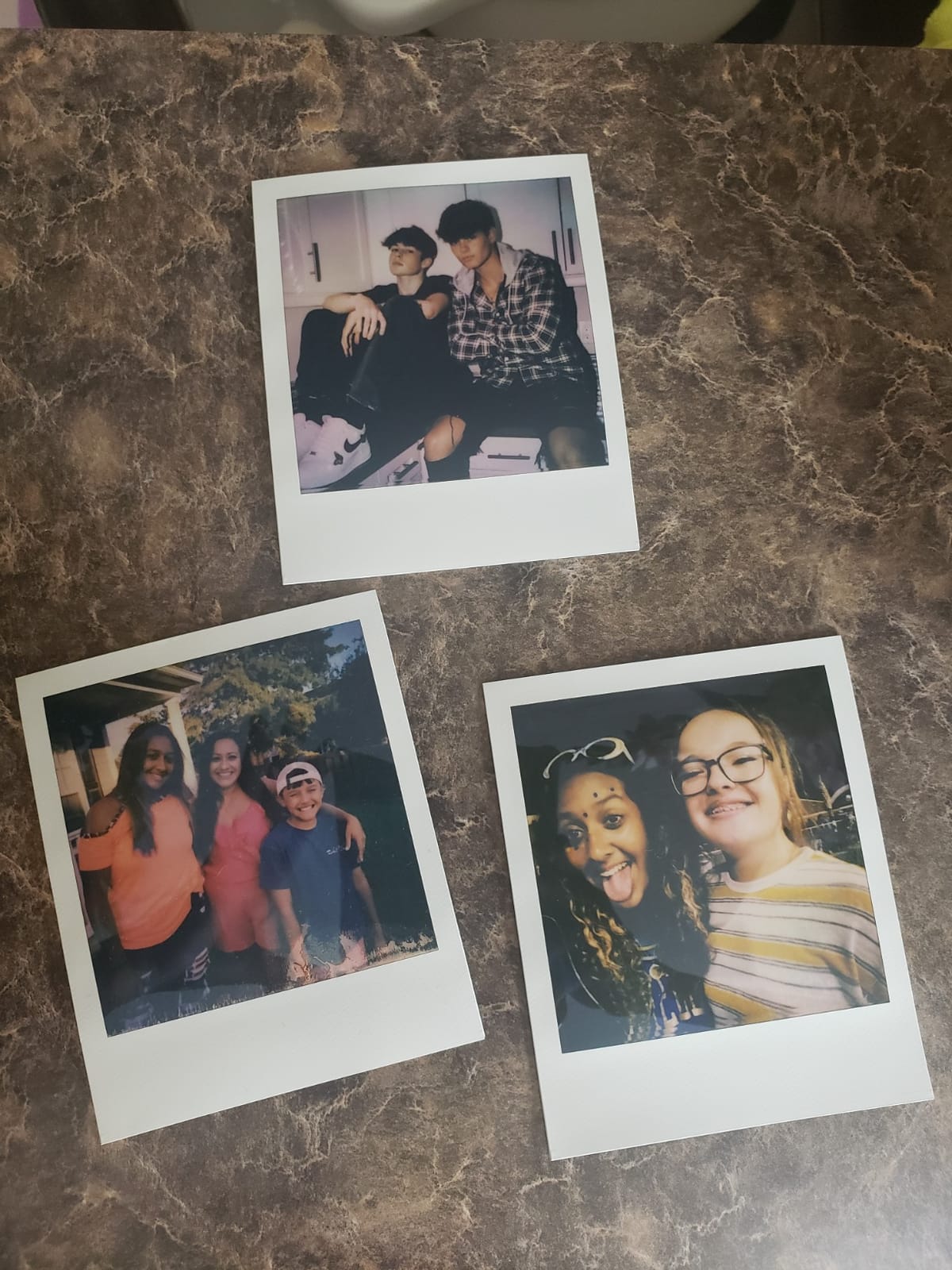
The Polaroid Lab is the odd one out because it does not try to reproduce your photograph. A three-element lens system re-renders the image with a deliberate analog character, which is why owners describe it as nostalgic rather than accurate.
That is exactly what makes it useful for certain briefs. If a client asks for a Polaroid-style image for packaging, a mood board or a launch, this produces something that no accurate printer in this list can match.
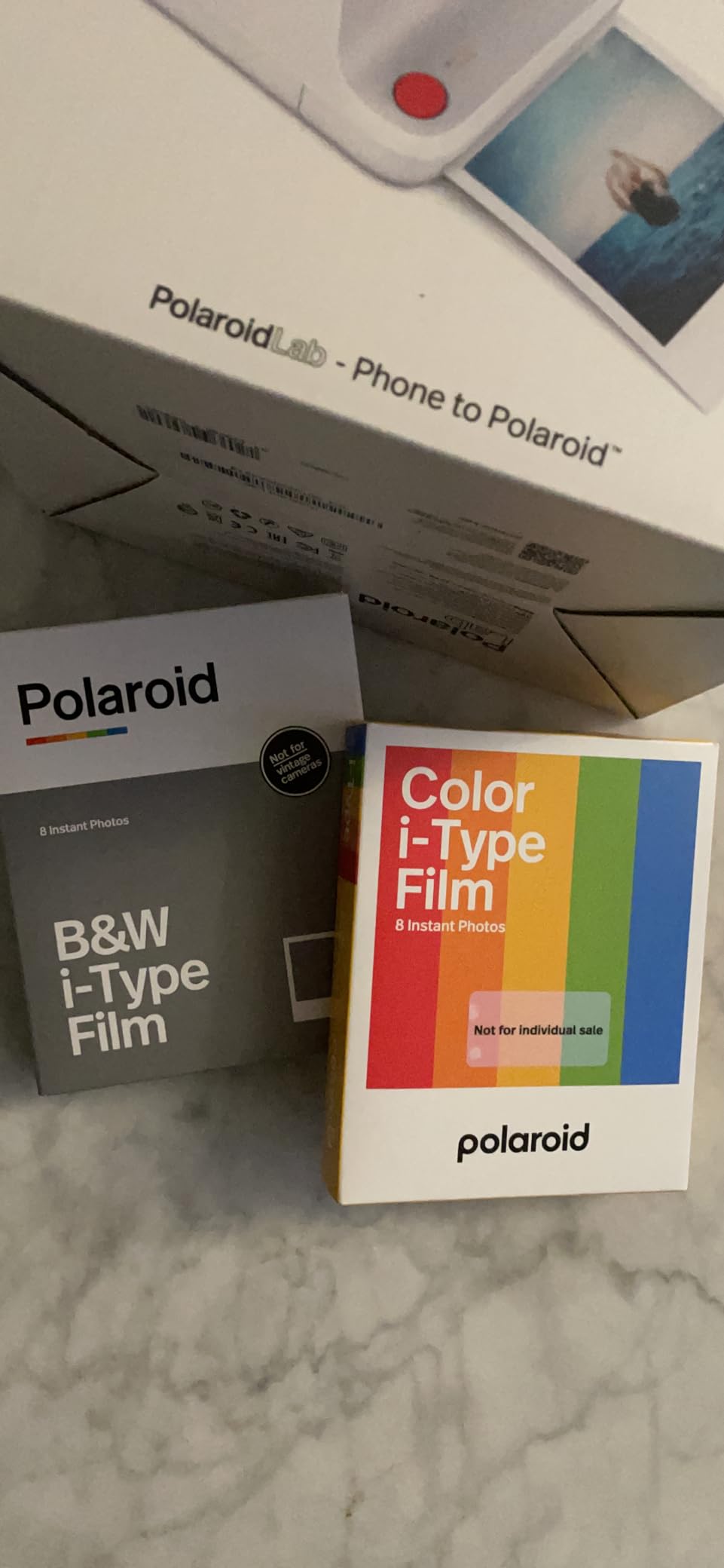
The Everything Box bundle includes two packs of Polaroid I-type film, so the first session is covered. Output lands on a 3.5 by 4.2 inch sheet, larger than the credit-card formats here but far smaller than a 4×6.
It connects over USB and works with the Polaroid Originals app, which supports collages and augmented reality features layered onto the print.
When the Polaroid Lab is the right call
Choose it for the look, not the quality. Brand and editorial work that leans into a retro aesthetic, plus creative gifts, are the strongest cases. If a client wants a nostalgic frame, a dye-sub print will read as a cheap copy while this reads as intentional.
When the Polaroid Lab is the wrong call
Output resolution tops out around 300 dpi, and the I-type film has to be bought again once the included packs run out. The app is also older than the current competition, with fewer editing options, and connection is USB rather than wireless convenience.
10. Polaroid Hi-Print 2nd Generation – Best for High-Volume Pocket Prints
Polaroid Hi-Print – 2nd Generation Bluetooth Connected 2×3 Pocket Photo Dye-Sub Printer – Black Printer Only (9129)
Pros
- Dye-sub cartridges in a pocket body
- Prints in under 50 seconds
- 30 sheet capacity
- Frames and filters with text in the app
Cons
- Printer only
- cartridges and paper sold separately
- 300 dpi is modest next to inkjet
The Hi-Print is rare in this group: genuine dye-sublimation in a body that fits a pocket, powered by a rechargeable lithium-ion battery. That combination makes it a strong field option for a photographer who wants laminated output away from a desk.
Thirty sheet capacity is the best of any portable printer here, and the print time of 50 seconds or less keeps a small queue moving. The 4.1 star average reflects the cost picture more than the hardware.
The app handles the personalisation: frames, filters, text and emoticons. Bluetooth pairing to iOS and Android is straightforward, with no Wi-Fi dependency.
Output is a business-card-sized 2×3 sheet at 300 dpi. Sharp enough for a hand-out, not sharp enough to enlarge.
When the Hi-Print is the right call
It fits a travel or event kit where you want the durability of a laminated dye-sub print without a cable or a mains socket. The 30 sheet tray means fewer pauses in a busy evening than any other portable unit in this roundup.
The personalisation tools also suit events with a theme, where every print carries a frame or a message.
When the Hi-Print is the wrong call
This listing is the printer only. Dye-sub cartridges and paper are separate purchases, so budget for media before you start. At 300 dpi the detail ceiling is also lower than a fine-art inkjet, and for colour-critical portraits the Canon IVY 2 Mini or the Liene M100 serve better.
How to Choose an Instant Film Printer
Start with the print technology, because it decides almost everything else. ZINK machines are the cheapest and lightest, and they are the only ones that need no cartridges, but they have no true black pigment and colours run warm. Dye-sublimation machines are slower and cost more per print, and in exchange you get layered colour, a protective coating and far better handling. Photochemical Instax film sits in its own category, because the film develops after printing and carries a look no digital process replicates.
Next, fix the format before anything else, because it is irreversible. A 2×3 printer cannot print a square, and a square printer cannot print wide. The recurring request in the forums I read is a single machine that handles both Instax Mini and Square film, and the answer remains two devices. One photographer runs Mini, Square and Wide printers simultaneously to cover all three.
Then think about running cost rather than sticker price. Media is a consumable you buy forever, so the honest comparison is cost per print multiplied by the number of prints you expect. A wedding photographer handing out 150 prints needs a different answer from a portrait shooter making twenty, and a ZINK sheet behaves very differently at those two volumes.
Battery and workflow deserve more attention than most buying guides give them. Print time ranges from about 50 seconds to a full minute on the portable units, and the desktop dye-sub machines are slower still. That single number decides whether a live print wall works or becomes a queue of waiting guests.
App quality is the most commonly criticised category. Reviewers report crashes and freezing in some manufacturer apps, deep menus that hide the good print modes, and confusing Bluetooth pairing instructions. Check whether the app supports your operating system before you buy, and check whether it offers the print mode you need for colour-critical work.
Durability is where the technologies separate most clearly. Dye-sublimation prints are laminated and survive fingerprints, water and a trip in a pocket. ZINK prints resist smudging and tear, but the pigment layer is thinner. Photochemical film needs time to develop before handling, and a fresh print can mark if you stack it immediately.
For a wider look at the whole printer category, our photo printer guide for photographers covers the desktop side, and our 13×19 printer guide covers exhibition-size output.
How to Prepare Your Photos Before Printing
No competitor roundup covers this, and it changes your results more than any printer choice. Five steps, and they take about a minute per image.
Metering still matters even when the file comes off a phone rather than a camera body. If you shoot manually, our light meter guide for film photographers covers the readings that keep a handheld print from going flat before it ever reaches the tray.
First, export in sRGB. These printers have no Adobe RGB profile and no way to apply one, so a wide-gamut file will simply be reinterpreted and the result will look flat and unpredictable. sRGB is what every one of these devices expects.
Second, resize to 300 dpi at the output size. A 2×3 print needs roughly 600 by 900 pixels, and a 4×6 print needs about 1200 by 1800 pixels. Sending a full-resolution camera file wastes transfer time and will not improve the print.
Third, crop to the printer’s aspect ratio before you upload. Every one of these apps crops to the media shape, and the Instax Link Wide in particular is documented as cropping part of the frame even in landscape. Compose inside the shape.
Fourth, turn off fit-to-page scaling in the print dialog. If your app offers a scale percentage, choose 100 percent so the app does not shrink your image to fit a borderless frame.
Fifth, check the print mode. Instax printers in particular hide a richer mode a couple of menus deep, and choosing the wrong one produces washed-out or over-contrasted output. Set the mode for the image, not for the batch.
When an Instant Printer Is the Wrong Tool
Buy one of these machines for speed, cost per hand-out and the medium’s look. Do not buy one to replace your fine-art workflow.
Every printer here tops out around 300 dpi on a 4×6 sheet. That is enough for a hand-held print and short of what an exhibition print or a client album page requires. Forum consensus is consistent on this: portable printers are fun and useful, but they sit below lab output, most visibly in shadow detail and saturation.
If the print is going on a wall, in an album, or into a frame that will be seen for a decade, use a lab or a proper inkjet. Our inkjet printer guide covers pigment output and the paper choices that matter for longevity.
The honest framing is that an instant printer extends your workflow rather than replacing it. It covers the last hour of a shoot, the hand-out, the gift and the physical proof. Everything else still goes to the lab.
Frequently Asked Questions
Which printers do professional photographers use?
Most working photographers use a two-device setup rather than one. A portable printer handles hand-outs and gifts on site, while a colour-managed desktop inkjet or a lab handles anything with longevity expectations. The most commonly recommended portable choice for event work is a ZINK or dye-sub unit that fits a camera bag, paired with a laptop-based inkjet for album and print work.
Is the Instax printer worth it?
It is worth it when the look is the point, and it is poor value when you need cheap volume. Instax printers give you genuine film with film-accurate colour, but the film is a proprietary consumable with a high per-print cost. For a handful of hand-outs per shoot that is irrelevant. For a print wall at a wedding, calculate the film cost before committing.
What printer is best for printing photographs?
For image quality at home or in a studio, a dedicated inkjet with photo pigment ink is the answer. For fast hand-outs on site, a portable photo printer is the answer. If you want true borderless 4×6 sheets, a dye-sublimation machine such as the Liene M100 or the KODAK Dock Plus is the right choice. Each serves a different purpose and they are not interchangeable.
Is an Instax or Polaroid printer better?
It depends on whether you want accurate colour or an analog look. Instax printers print genuine film and reproduce the response you already know from Instax cameras, which makes them better for a faithful film look. Polaroid printers re-render your image through a lens system for a deliberately retro result, which makes them better for brand and mood-board work. Neither is a quality-per-print winner over dye-sublimation.
Which portable instant photo printer is best?
For photographers, the HP Sprocket is the strongest all-round portable option because it pairs quickly, prints while charging and handles multiple devices at once. For portrait work with better skin tone rendering, the Canon Ivy 2 Mini is a better fit. For film-accurate output, the Fujifilm Instax Mini Link 3 is the only true film option in a pocketable body.
Conclusion
The HP Sprocket takes the top spot for the best instant film printers for photographers because it travels well, pairs instantly and handles several phones at once, which is the combination that works at a live event. For true borderless 4×6 sheets, the Liene M100 is the pick. For a genuine film response, the Instax Mini Link 3 delivers it and nothing else here can.
Whatever you choose, work out the cost per print before the first job rather than after it. Ten printers, three print technologies, and one rule: instant output is a service you sell, not a replacement for your lab. Check the latest listing for whichever machine fits your workflow, and print one test frame from a real client file before you commit to a full run.