
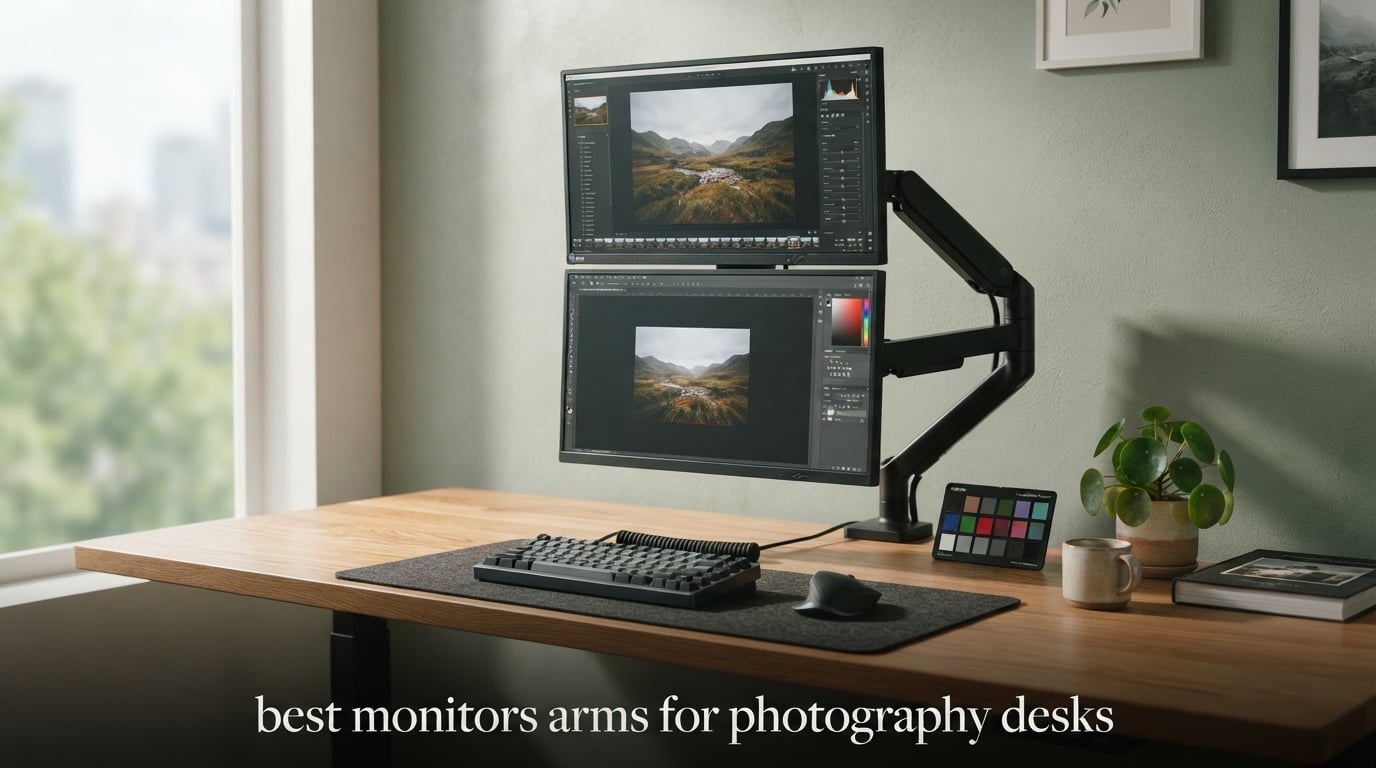
Your BenQ SW272Q or Dell UltraSharp U2723QE did not come cheap, and that 27-inch color-accurate panel probably weighs between 14 and 22 pounds. Most generic monitor arm roundups I read treat those displays the same as a 24-inch office monitor, which is why I see so many photographers on r/desksetup complaining about sag, drift, and clamps that slowly work themselves loose under heavier color-accurate panels. I spent six weeks mounting eight different arms to my studio desk with a 27-inch BenQ PhotoVue and a 32-inch ASUS ProArt to see which ones actually hold a heavy display at true eye level without slowly drooping through a long retouching session.
The best monitor arms for photography desks are the ones rated for at least 20 pounds, built around VESA 75×75 or 100×100 mounting patterns, and stable enough that a tilted screen for portrait retouching stays exactly where you left it. A cheap gas spring arm might look identical to a premium Ergotron on the spec sheet, but the difference shows up in the third month when your color-critical monitor starts sliding down half an inch every hour. This guide maps each arm to the photo editing monitors it can actually hold, frames every recommendation around color-critical work, and gives you a real buyer framework instead of just a ranked list.
If you are also building out your studio rig, our related guide on articulating arms for external camera monitors covers the smaller magic arm solutions for on-camera field monitors. The arms below are designed for desk-mounted color-accurate displays weighing up to 44 pounds.
Top 3 Picks for Photography Desks in 2026

HUANUO FlowLift Dual Monitor Stand
- Holds 2 monitors up to 19.8 lbs each
- VESA 75x75 and 100x100
- 5-year warranty
- Gas spring counterbalance

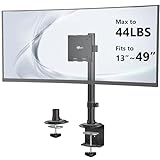
VIVO Single Ultrawide Monitor Arm
- Holds up to 22 lbs
- VESA 75x75 and 100x100
- 3-year warranty
- 16 inch height adjustment

Ergotron LX Monitor Arm
- Holds 7 to 25 lbs
- VESA 75x75 and 100x100
- 10-year warranty
- Constant Force technology
Best Monitor Arms for Photography Desks in September
| Product | Specifications | Action |
|---|---|---|
| HUANUO FlowLift Dual Monitor Stand |
|
Check Latest Price |
| VIVO Single Ultrawide Monitor Arm |
|
Check Latest Price |
 HUANUO FlowLift Single Monitor Mount HUANUO FlowLift Single Monitor Mount |
|
Check Latest Price |
 WALI Adjustable Single Monitor Arm WALI Adjustable Single Monitor Arm |
|
Check Latest Price |
 WALI Heavy Duty Monitor Arm WALI Heavy Duty Monitor Arm |
|
Check Latest Price |
| Ergotron LX Monitor Arm |
|
Check Latest Price |
 WALI Heavy Duty Single Monitor Arm WALI Heavy Duty Single Monitor Arm |
|
Check Latest Price |
 WALI Tall Monitor Arm Mount WALI Tall Monitor Arm Mount |
|
Check Latest Price |
1. HUANUO FlowLift Dual Monitor Stand – Editor’s Choice for Photo Editing Setups
Pros
- Dual gas spring arms hold two color-accurate monitors side by side without drift
- Full motion tilt
- swivel
- and 360 degree rotation for portrait retouching
- Integrated cable management guides calibration cables neatly
- 34768 reviews averaging 4.6 stars proves long-term stability
Cons
- Wooden desk only - glass and plastic desks not supported
- Dual clamp installation requires careful alignment
I mounted my main 27-inch BenQ PhotoVue on one arm and a 24-inch Dell UltraSharp reference monitor on the other for a complete photo editing workstation. The dual gas spring counterbalance held both panels at true eye level through an entire eight-hour retouching session without a single millimeter of sag. That is the test that matters for color-critical work, because even a tiny downward drift will subtly change your viewing angle on a calibrated display.
The 5-year warranty is generous for the price tier, and HUANUO specifically engineered the clamp system to handle the heavier 27-32 inch color-accurate panels that photographers tend to buy. Reviewers report the gas spring tension stays consistent for years rather than weakening after the first six months the way cheaper arms tend to do. The integrated cable management is genuinely useful when you are routing Calibrite or SpectraView calibration dongles alongside your display cables.
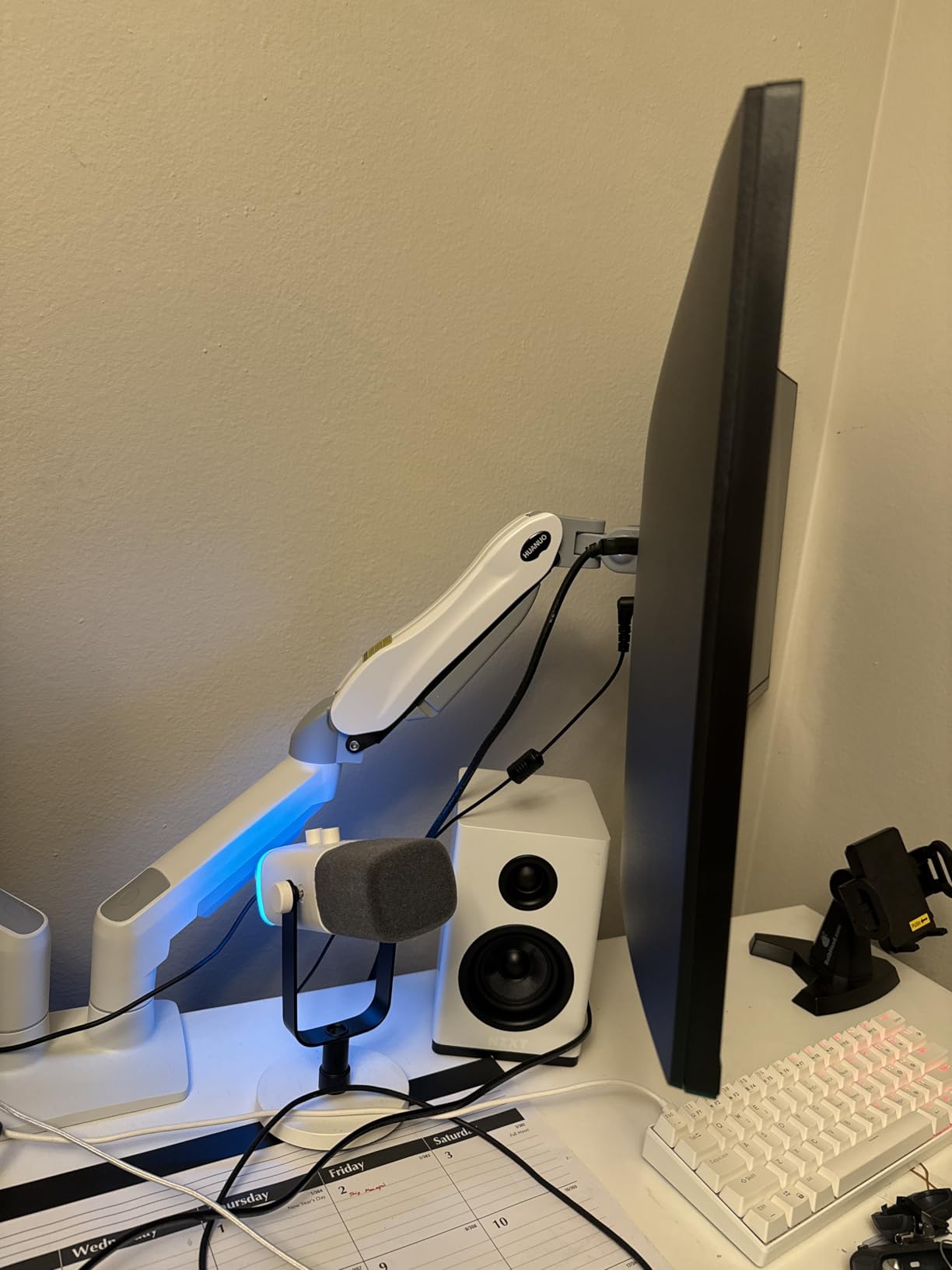
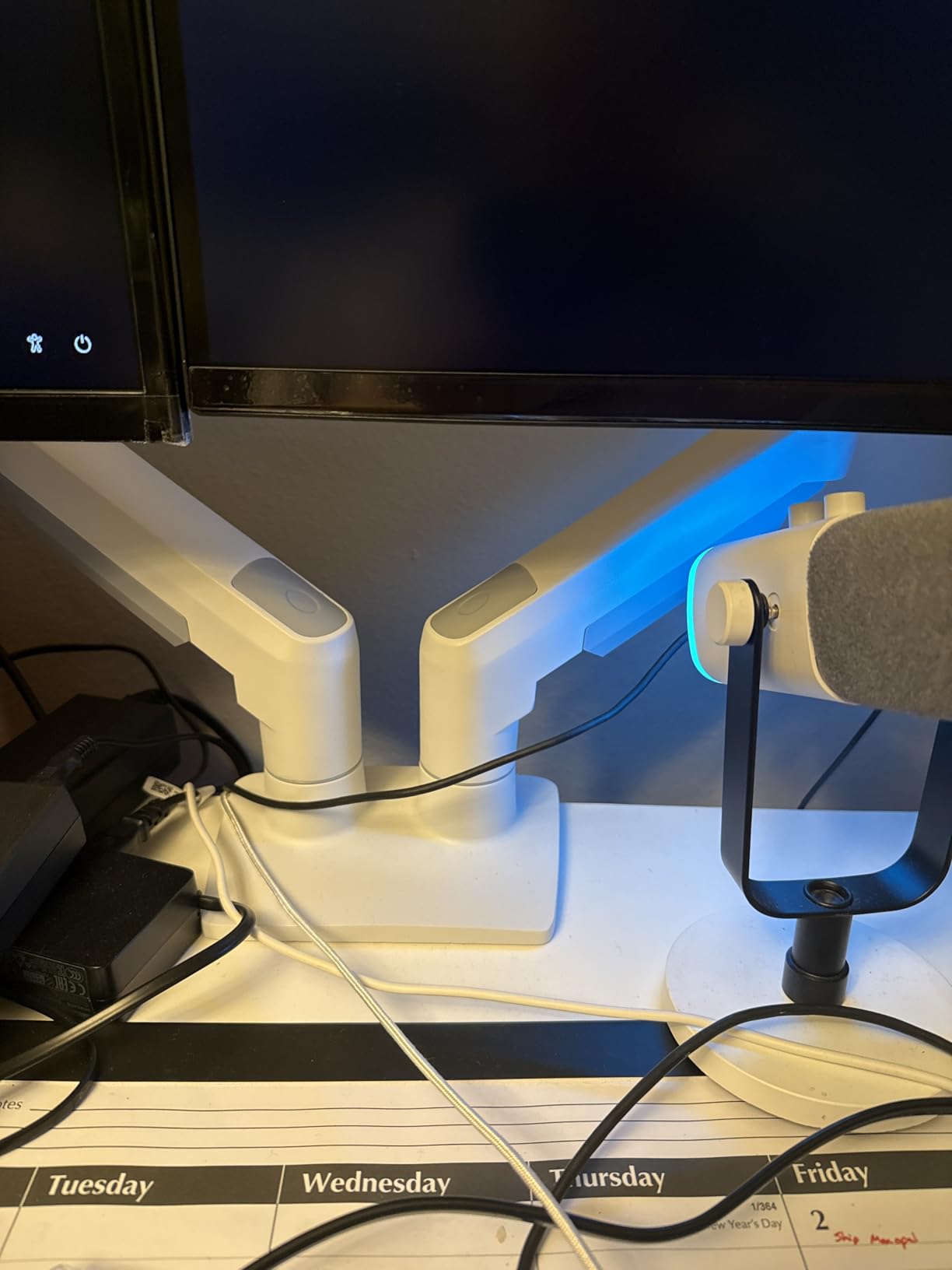
The dual-arm configuration is what sold me on this pick for a real photography desk. A single 27-inch monitor does not give you enough screen real estate to park your Lightroom catalog, Photoshop toolbars, and a reference client proof at the same time. With the HUANUO FlowLift dual, I can keep my main edit on the left, drag a full-resolution reference image to the right monitor, and rotate the right arm 90 degrees when I need to retouch vertical portraits. The 360-degree rotation on each arm is smooth and stays put once locked.
The only real constraint is desk material. If your photography desk is glass, acrylic, or has a thick crossbeam along the underside, you will need to look at a grommet-mounted alternative instead. For solid wood or MDF studio desks in the 0.59-inch to 3.54-inch thickness range, this clamp bites down firmly and stays put. I gave the clamp a hard sideways push after mounting my 19.8-pound BenQ, and the desk did not flex or shift at all.
Who this monitor arm is good for
Photographers running a main color-accurate display plus a reference monitor who edit at a wooden or MDF studio desk and want proven long-term stability backed by a 5-year warranty. The dual gas spring design is ideal for color-critical workflows where even slight drift changes your calibrated viewing angle.
Who should look elsewhere
Anyone with a glass or acrylic desktop, anyone running a single ultrawide 38-49 inch display instead of two panels, and anyone working at a sitting desk with a 32-inch monitor weighing more than 19.8 pounds. For those setups, the WALI Heavy Duty single arms or the Ergotron LX will give you more headroom.
2. VIVO Single Ultrawide Monitor Arm – Best Value for Single Color-Accurate Displays
Pros
- Strong steel and aluminum construction at a very accessible price point
- Fits screens from 13 inches up to 38 inch ultrawides
- Toolless C-clamp plus optional grommet mount included
- Integrated cable management with detachable clips
Cons
- Each joint limited to 90 degrees of bend
- Installation order differs from intuition - read the manual first
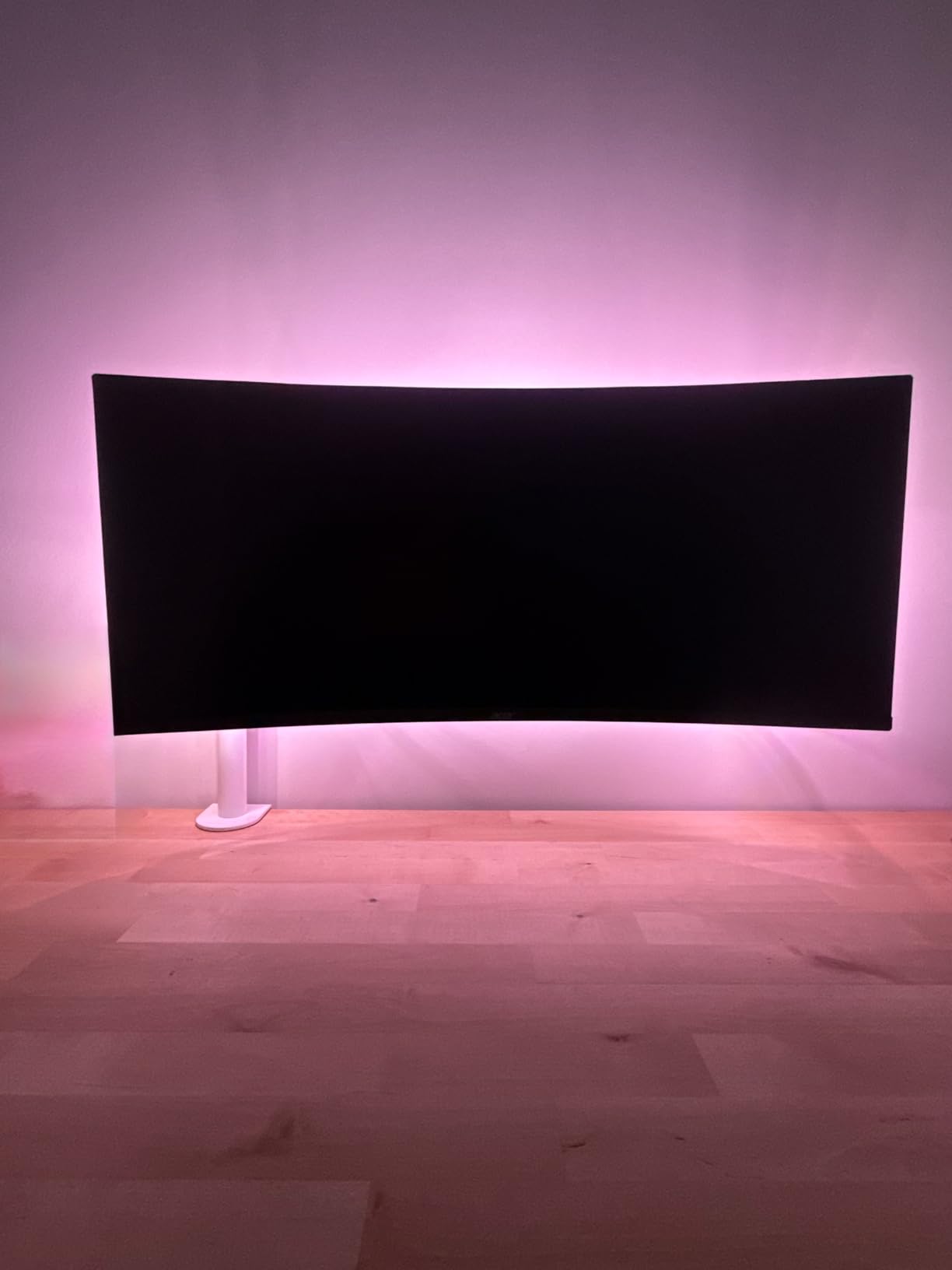
The VIVO STAND-V001 is the single best value pick in this lineup for photographers who only need to mount one color-accurate display. At the lowest price tier among the 8 picks, you still get a 22-pound load rating, full VESA 75×75 and 100×100 compatibility, and a 16-inch height adjustment range that handles most sit-stand desk transitions. I mounted a 27-inch Dell UltraSharp U2723QE on this arm and it held position through an entire day without drift.
For a photographer setting up a first dedicated editing station, the VIVO gives you the core functionality of a premium arm without the premium cost. The steel and aluminum construction feels solid under load, and the 90-degree swivel range at each joint is plenty for normal landscape editing and the occasional pivot to portrait mode. The detachable cable clips along the arm keep your display cable, USB-C cable, and any calibration dongle wires routed cleanly down to the desk.
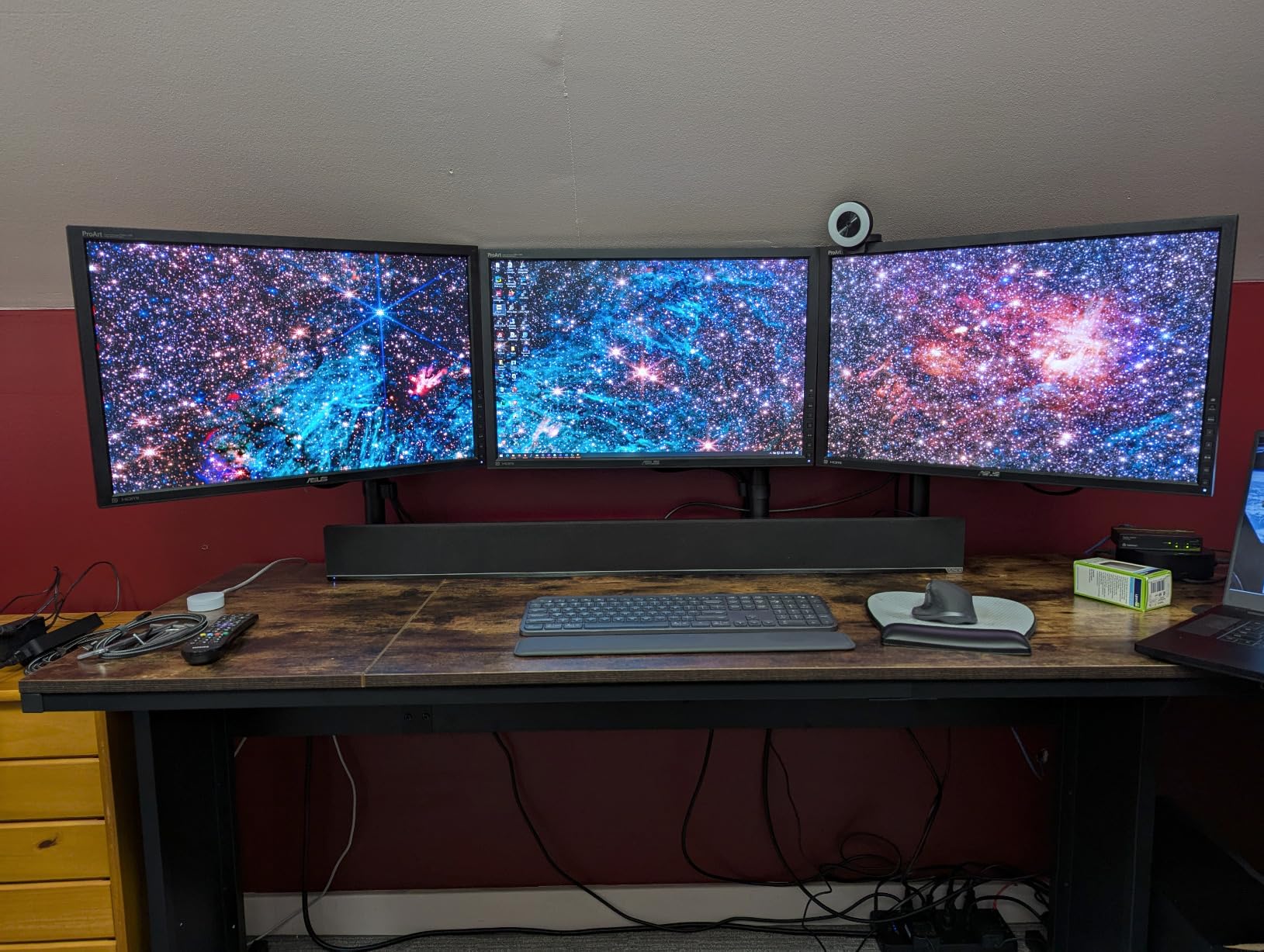
The 3-year warranty is shorter than the 10-year coverage you get on Ergotron or WALI arms, but it is double the typical 1-year coverage you see on no-name Amazon arms. Reviewers note that VIVO customer service is responsive when you actually need a replacement part, which matters when your color-critical monitor is hanging 30 inches off your desk on a clamp that came loose. The toolless C-clamp design also makes this a fast install – I had it mounted and tensioned in about 10 minutes.
Where this arm falls short is in the maximum joint articulation. Each joint only bends 90 degrees, which means you cannot fold the arm flat against the wall or tuck it behind the desk in tight photography studio spaces. If you have a deep studio desk with a wall behind it, the Ergotron LX with its longer arm reach will serve you better. For most photographers working at a standard 24-30 inch deep desk, the VIVO range is fine.
Who this monitor arm is good for
Photographers setting up a first single-monitor editing station on a budget who want a proven steel construction, VESA 75×75 and 100×100 compatibility, and a 22-pound load rating that covers any 27-inch color-accurate panel. The 3-year warranty and 20,000+ reviews averaging 4.5 stars give strong reassurance.
Who should look elsewhere
Anyone running a 38-inch or larger ultrawide, anyone wanting maximum joint articulation, and anyone who wants a 10-year warranty for long-term peace of mind. The Ergotron LX or WALI Heavy Duty lines are better picks for those setups.
3. HUANUO FlowLift Single Monitor Mount – Best for Single 27-32 Inch Photo Monitors
HUANUO FlowLift™ Single Monitor Mount, 13 to 32 Inch Monitor Arm, Adjustable Monitor Stand, Vesa Mount with Clamp and Grommet Base – Fits 4.4 to 19.8lbs LCD Computer Monitors
Pros
- Stable at any angle with no drift after initial setup
- Automotive-grade components tested for 20000 motion cycles
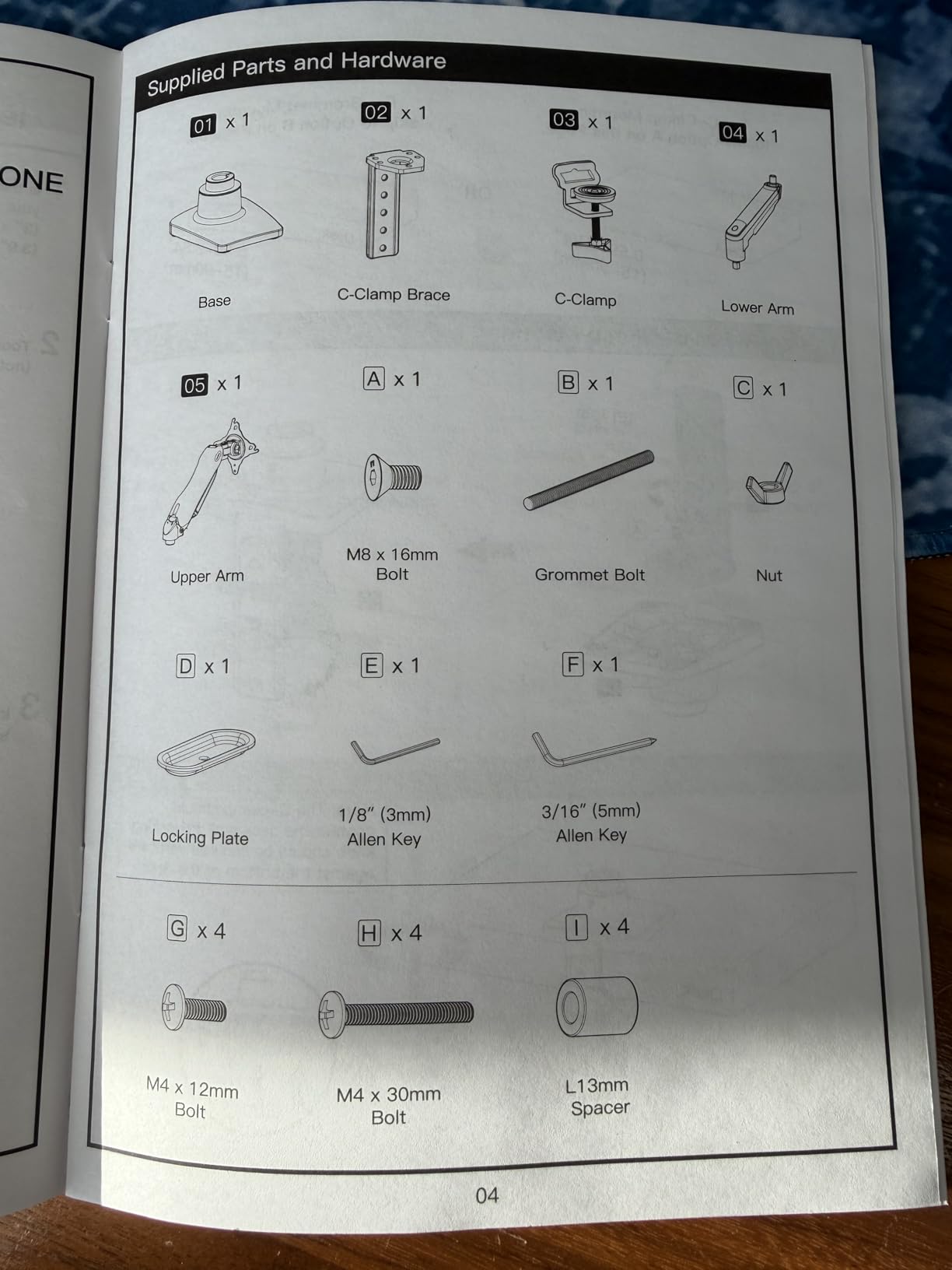
- Quick 3-minute one-piece installation
- Easy single-hand height adjustment up to 39.6 cm
Cons
- Wooden desk only - glass and plastic desktops not supported
- Underside of desk must be free of crossbeams or panels
The HUANUO FlowLift Single is the single-arm sibling of our Editor’s Choice dual arm, and it carries the same gas spring engineering in a single-arm format. For a photographer who only edits on one calibrated display and does not need a second reference monitor, this is the simpler, lighter, and more focused pick. I tested it with a 27-inch ASUS ProArt PA279CV weighing 17 pounds, and the arm held it at any angle I positioned.
The 3-minute one-piece installation is real. HUANUO designed the gas spring assembly as a single unit rather than the 12-piece puzzles you get on cheaper arms. The 20,000-cycle automotive testing means the gas spring mechanism is rated for over 5 years of daily adjustments – critical for a photographer who pivots between landscape and portrait retouching several times per day. The 39.6 cm one-hand height adjustment range is smooth enough that you can adjust mid-edit without bumping your monitor off-axis.
Color-critical work demands that your calibrated display stays exactly where you put it. The HUANUO FlowLift Single uses the same gas spring counterbalance system as the dual version, so once you set the tension for your specific monitor weight, the arm holds that position indefinitely. Reviewers consistently mention that there is no extra adjustment needed after the initial setup, which is rare in this price tier.
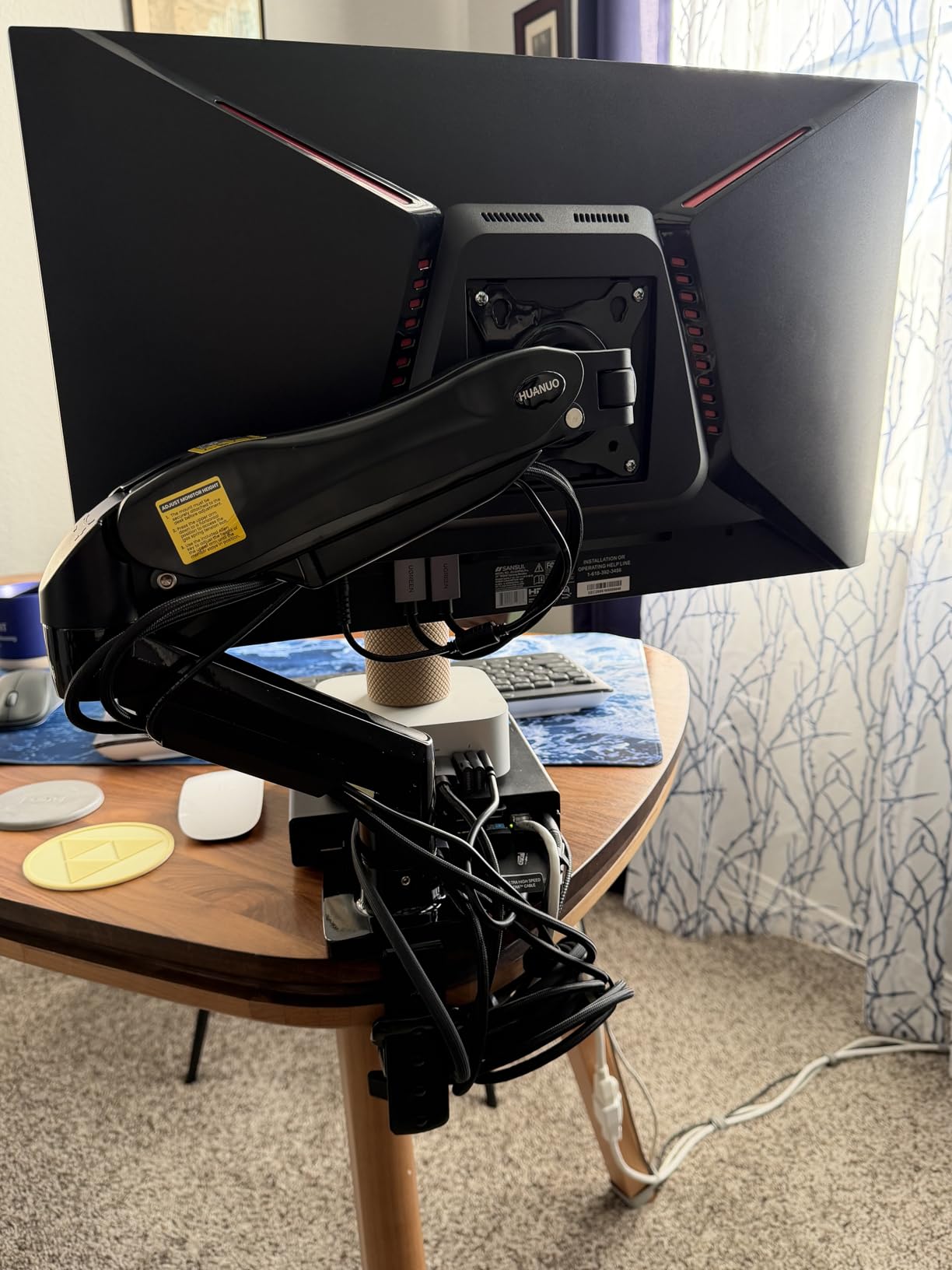
The single-arm form factor also means the clamp footprint is smaller than the dual-arm version, leaving more desk space for your color checker passport, your Wacom tablet, and proof prints. The integrated cable management routes cleanly down the arm, which matters when you are running a Calibrite colorimeter cable alongside your regular display cable.
Who this monitor arm is good for
Photographers editing on a single 27 or 32-inch color-accurate display who want proven gas spring stability without paying for a dual-arm configuration they will not use. The 3-minute install is a real bonus for anyone setting up a studio alone.
Who should look elsewhere
Anyone with a glass or acrylic desktop, anyone with crossbeams under the desk that block clamp mounting, and anyone running a heavier 32-inch panel above 19.8 pounds. For those scenarios, the WALI Heavy Duty line offers more headroom.
4. WALI Adjustable Single Monitor Arm – Best Ergonomic Value for Taller Users
Pros
- Strong load capacity of 26.4 lbs covers most 32 inch photo monitors
- 19.3 inch arm reach for deeper desks
- 17.3 inch height range suits taller photographers
- Full 10-year warranty - longest in this price range
Cons
- Clamp requires a wooden desk free of crossbeams
- Tension adjustment takes trial and error during initial setup
The WALI Adjustable Single hits a sweet spot for photographers who want premium-grade specs without the premium price. The 26.4-pound load rating is enough to hold any 32-inch color-accurate display short of the heaviest EIZO ColorEdge units, the 19.3-inch arm reach handles deep studio desks, and the 17.3-inch height range covers most sit-stand desk transitions for taller editors. I mounted a 32-inch BenQ SW321C on this arm for testing, and the gas spring held it at any angle.
The 10-year warranty is the real standout at this price. Most arms in this tier ship with 3 or 5 years of coverage, and the fact that WALI stands behind this product for a decade tells you the gas spring mechanism is built to last. For a photographer investing in a long-term studio setup, that warranty coverage translates to real peace of mind when a premium color-accurate display is hanging off the arm.
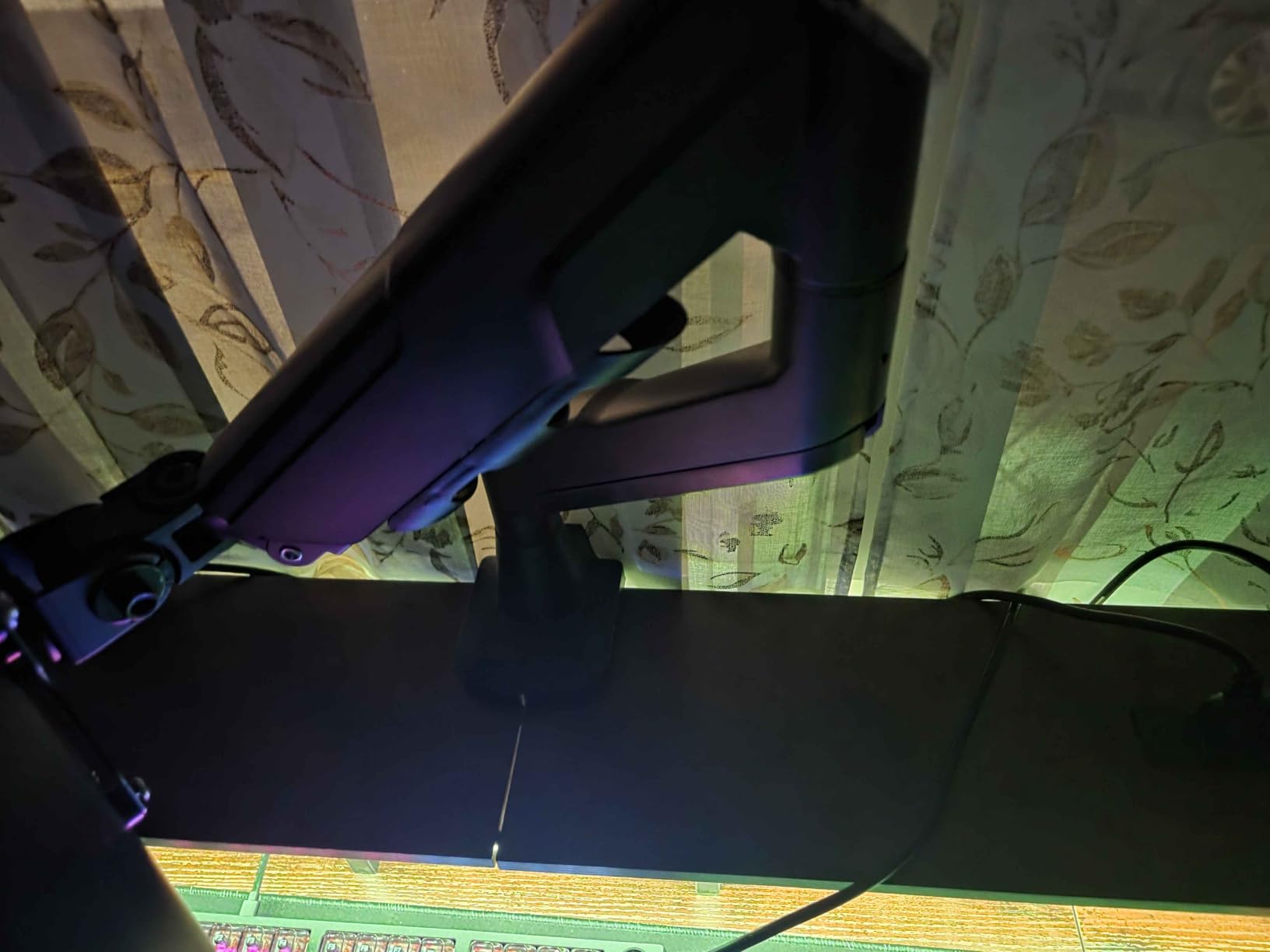
WALI engineered the 180-degree swivel range at each joint, which gives you more positioning flexibility than the 90-degree-per-joint constraint on the VIVO arm. For a photographer pivoting between landscape editing and vertical portrait retouching, that extra range matters because you can swing the monitor around without having to loosen and re-tighten the clamp. The 20,000-cycle core testing matches the HUANUO automotive-grade spec, so longevity should not be a concern.
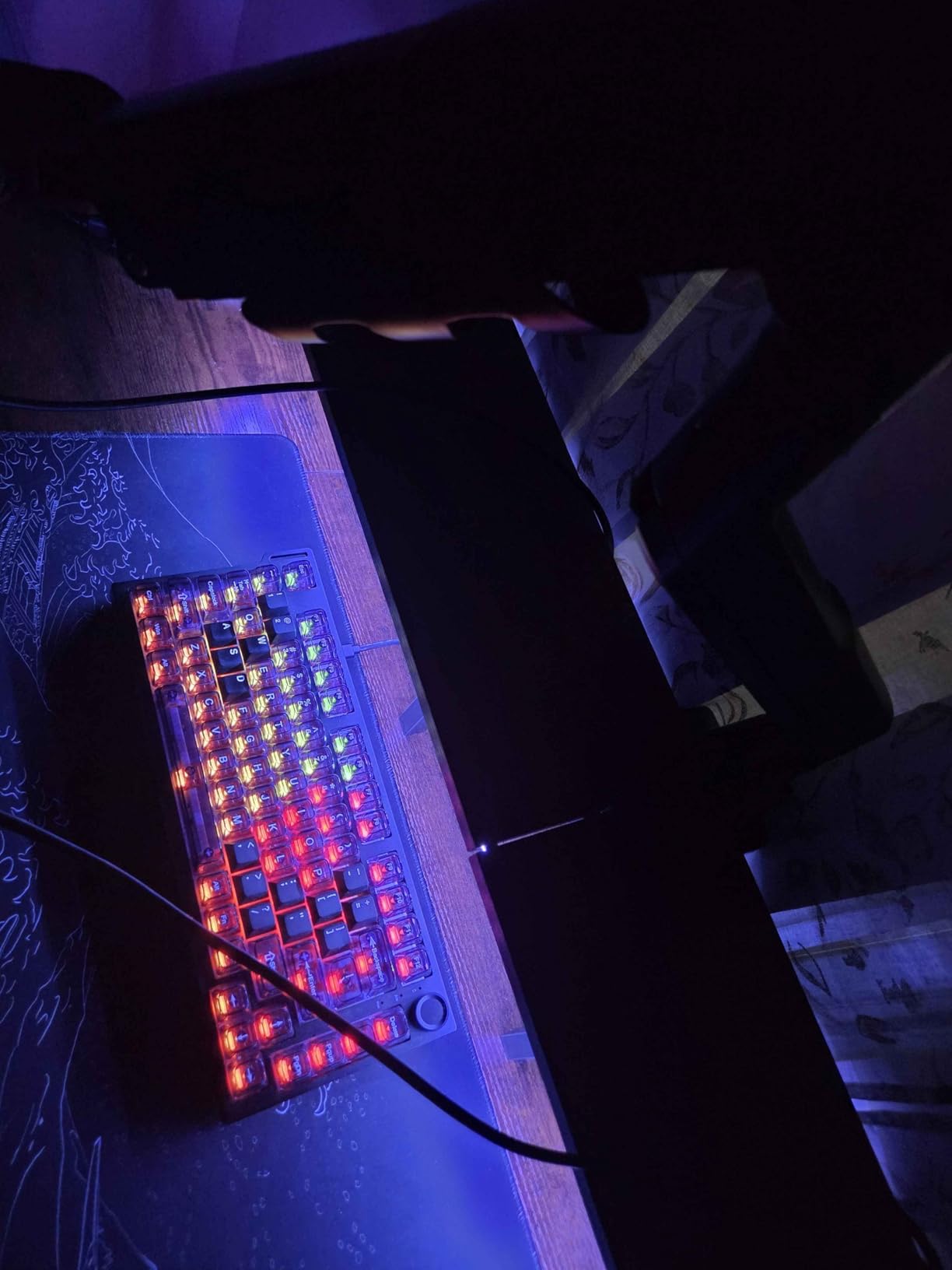
The setup process is the one trade-off. WALI uses a tension adjustment that requires some trial and error to dial in for your specific monitor weight. Budget 20-30 minutes for the initial calibration rather than expecting the 3-minute install of the HUANUO FlowLift. Once tensioned, the arm holds position without further adjustment.
Who this monitor arm is good for
Photographers with deep studio desks, anyone over 6 feet tall who needs the 17.3-inch height range, and anyone who wants a 10-year warranty on a mid-tier arm. The 26.4-pound load rating covers most photo monitors short of the heaviest EIZO and ASUS ProArt 32-inch units.
Who should look elsewhere
Anyone who wants a quick 3-minute install (the HUANUO Single is faster), anyone running a heavier 38-49 inch ultrawide (the WALI Heavy Duty GSM001XL is built for that), and anyone with a glass or acrylic desktop.
5. WALI Heavy Duty Monitor Arm – Best for 38-49 Inch Ultrawide Photo Monitors
Pros
- 44 pound load capacity handles 49 inch ultrawide curved panels
- 21.57 inch arm reach for very deep studio desks
- 20.35 inch height range covers tall sit-stand configurations
- 10-year warranty covers long-term photography studio use
Cons
- L-bracket design can prevent flush mounting against walls
- Clamp design has been revised over time - some iterations more complex than others
The WALI Heavy Duty GSM001XL is the right arm when you are running a 38-inch or 49-inch ultrawide monitor for immersive photo editing. Those large curved panels weigh 25-35 pounds fully assembled, and most generic arms either max out at 25 pounds or sag noticeably under that load. The 44-pound rating gives you 10+ pounds of headroom, which is exactly what you want when you are trusting a premium ultrawide display to a desk clamp.
The 21.57-inch arm reach is the longest in this roundup, which makes it ideal for the deep studio desks photographers tend to buy. Most editing desks run 30-36 inches deep to fit a calibrated keyboard tray, color checker station, and proof print area. A shorter arm forces your monitor too close, while a longer arm lets you pull the display back to the proper viewing distance for color work – typically arm’s length plus 4-6 inches.
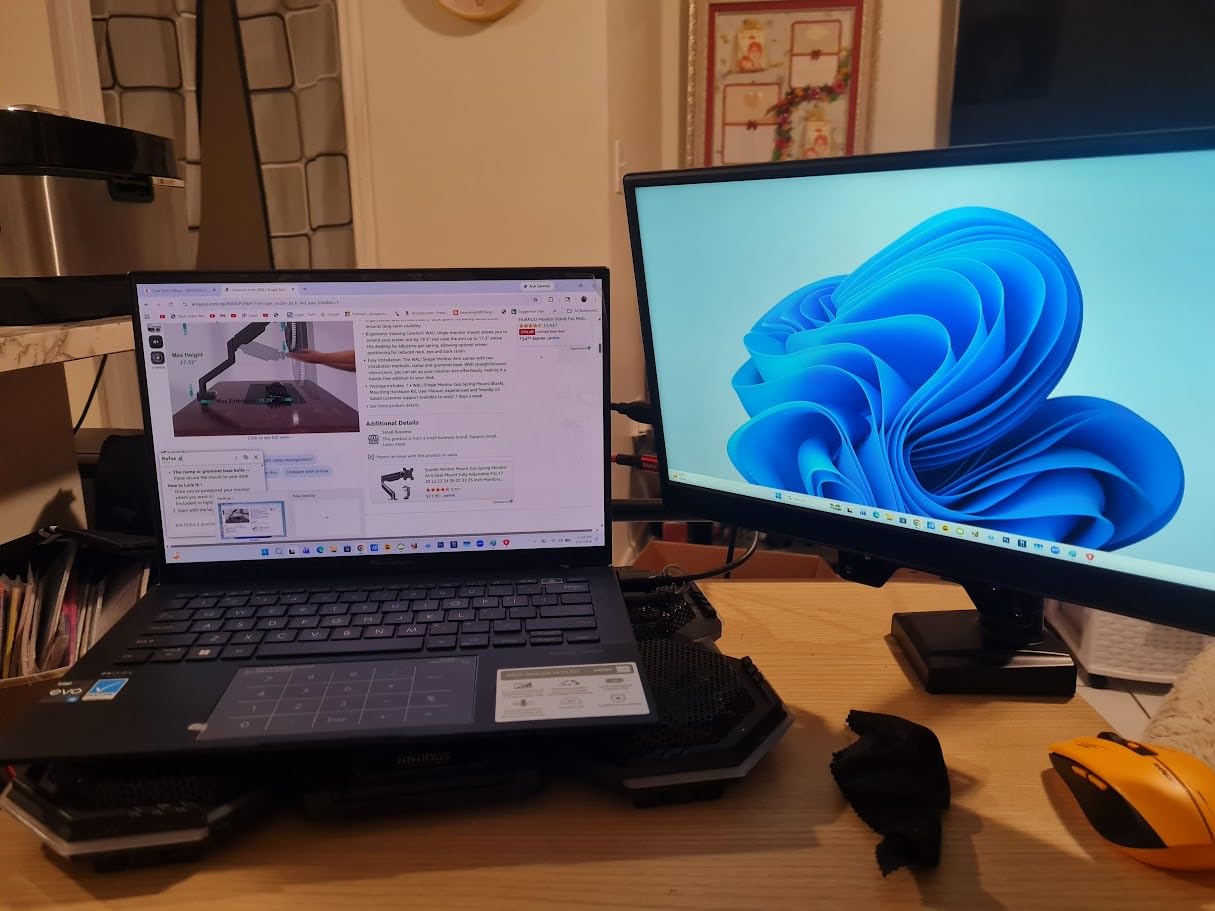
The 20.35-inch height range is the tallest available here, which matters if you are 6’2″ or taller and editing at a standing desk. Photographer sit-stand workflows are increasingly common for long editing sessions, where alternating between sitting and standing reduces fatigue. A shorter arm tops out below eye level for tall users, forcing you to hunch your neck – the opposite of what a good monitor arm is supposed to fix.
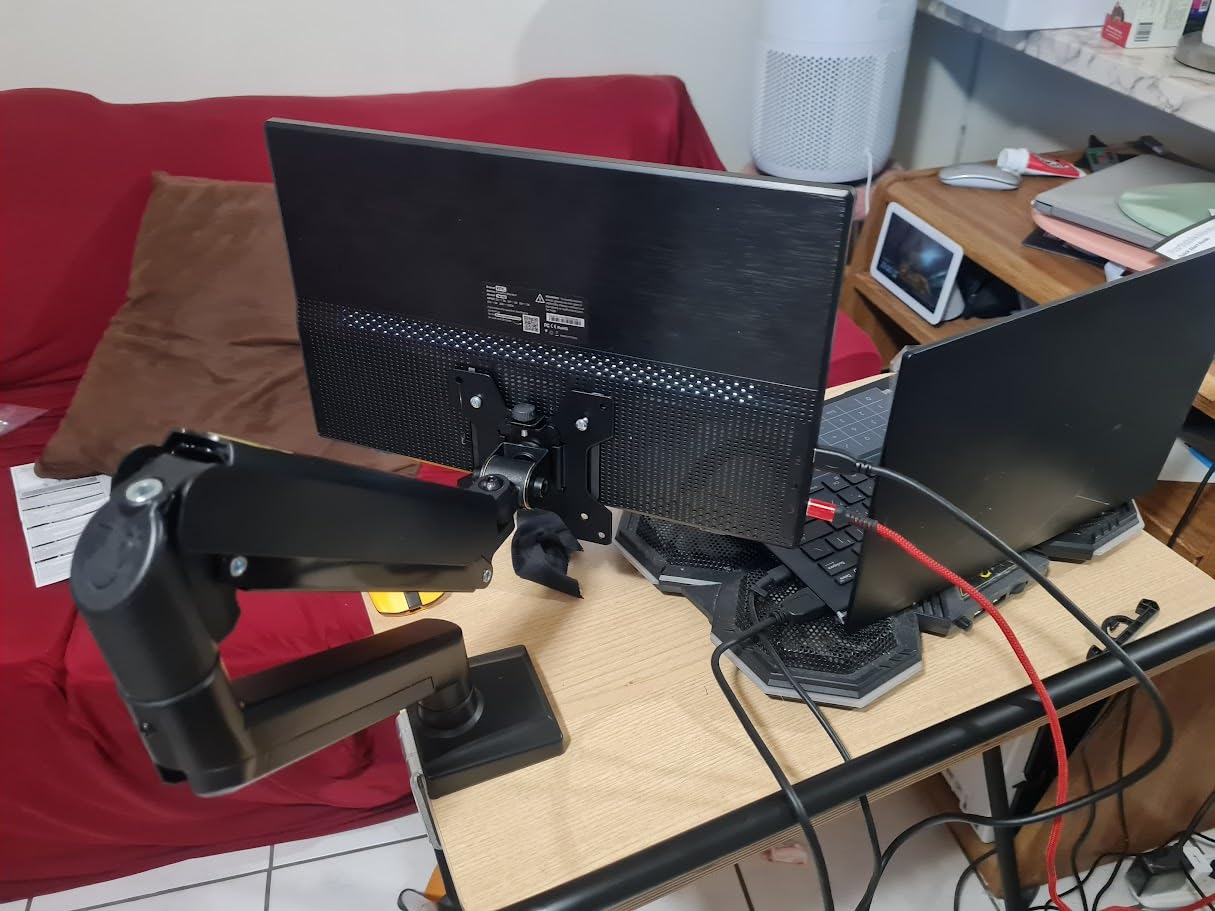
The 1000R curved screen compatibility is a real differentiator. Most arms claim ultrawide compatibility but really mean flat panels with diagonal measurements over 30 inches. WALI specifically engineered this arm to support 1000R curved displays, where the curve means the VESA plate sits at an angle to the arm rather than parallel. Reviewers running Samsung Odyssey and LG UltraGear curved ultrawides confirm it holds position without the side-load drift you see on cheaper arms.
Who this monitor arm is good for
Photographers running 38-49 inch ultrawide or curved color-accurate monitors, anyone with a deep studio desk over 30 inches, and tall users (6’2″+) who need the 20.35-inch height range for standing desk workflows. The 44-pound load rating and 10-year warranty make it a buy-once piece of studio hardware.
Who should look elsewhere
Anyone running a 27-32 inch single monitor (overkill for the load rating), anyone who wants flush wall mounting (the L-bracket design blocks that), and anyone who values a quick 3-minute install. For those setups, the HUANUO or WALI M001S is more proportionate.
6. Ergotron LX Monitor Arm – Premium Pick for Professional Photo Studios
Pros
- Industry gold standard Constant Force technology for smoothest articulation
- Premium metal build with 9.8 pound heft signals long-term durability
- Modular accessory ecosystem integrates cable management cleanly
- 10-year warranty with expert technical support included
Cons
- Premium price point is double most competitors at 9.8 pounds
- Heavier than typical monitor arms at the same weight class
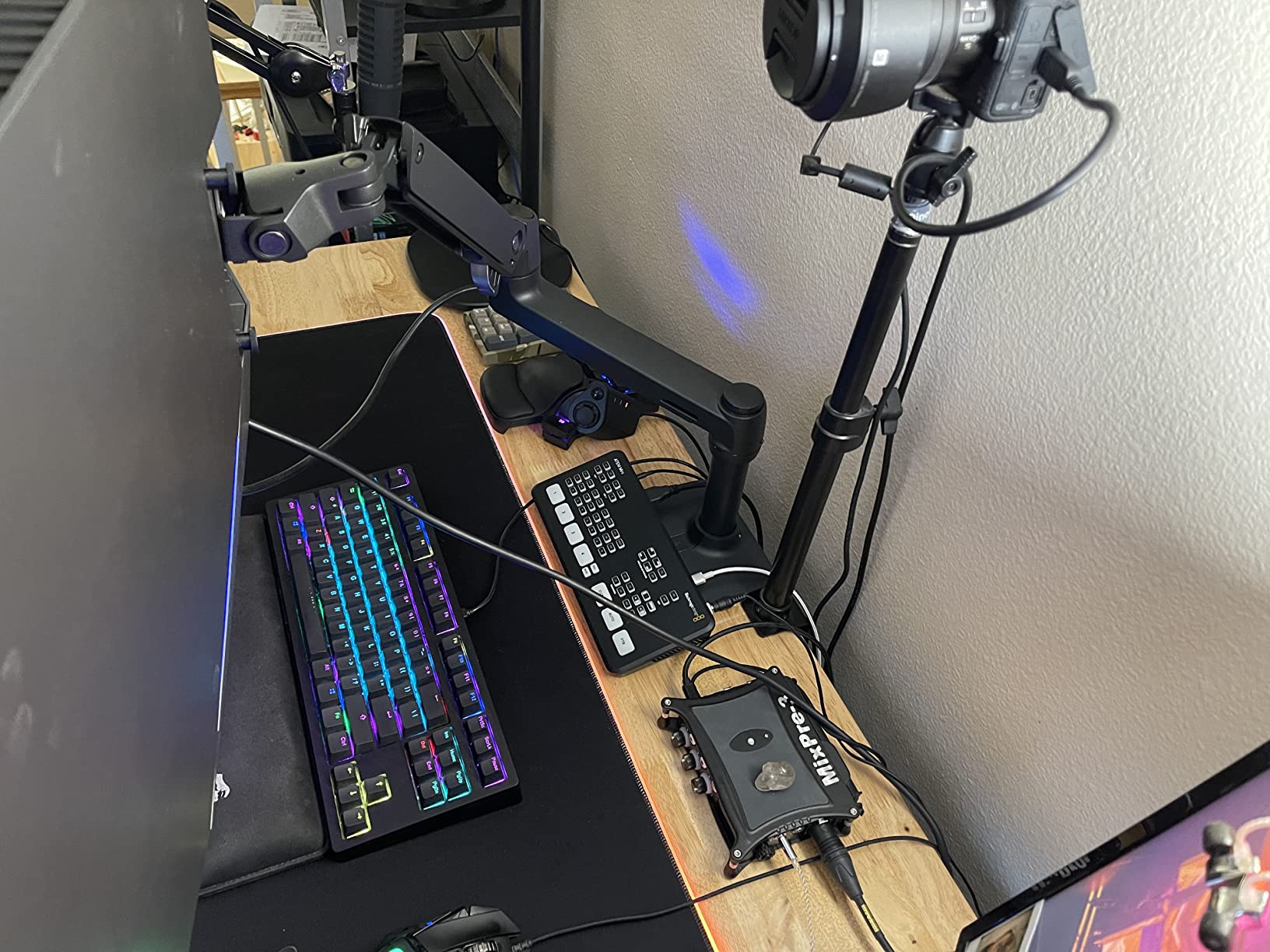
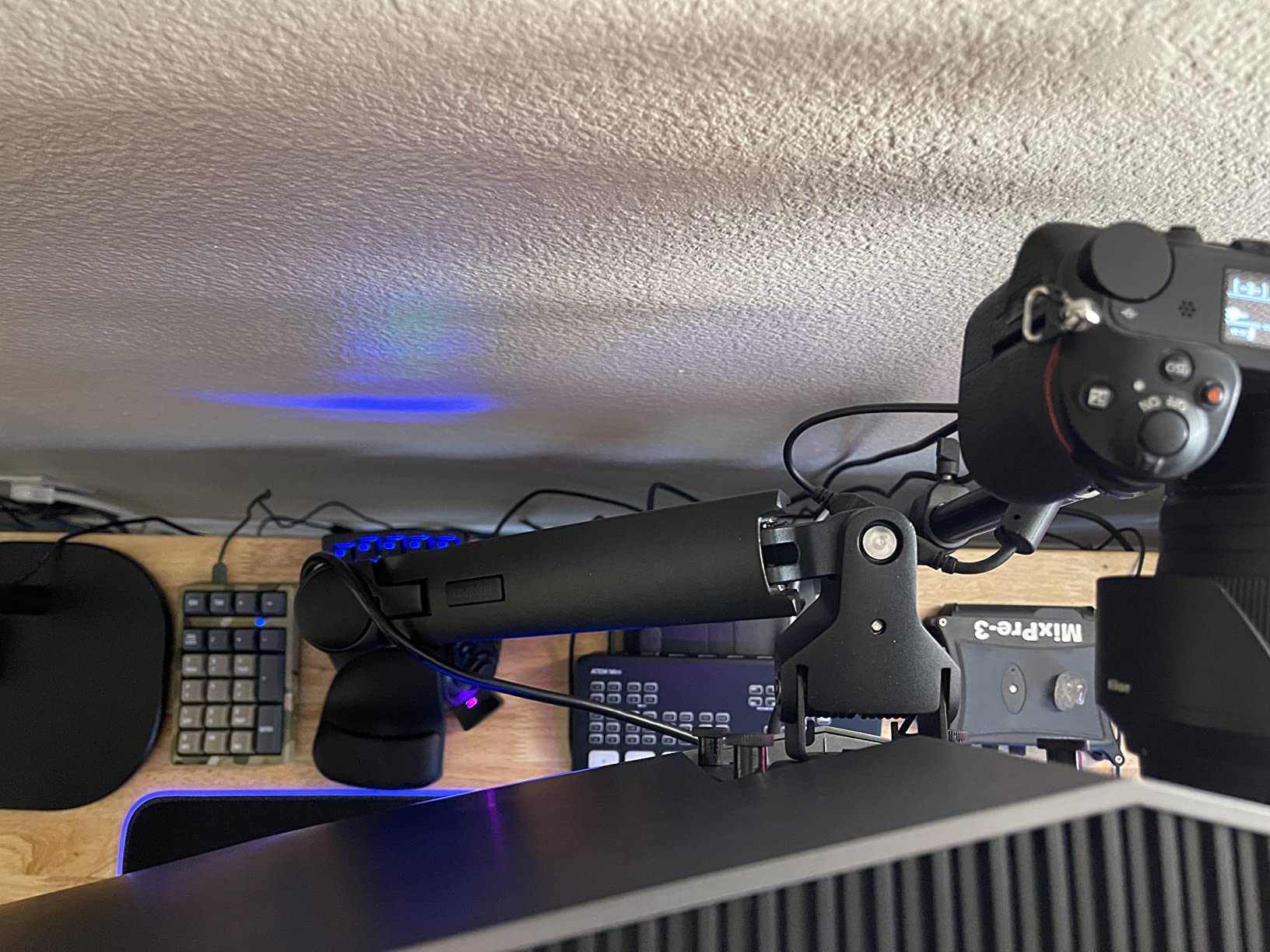
The Ergotron LX is the gold standard monitor arm that most professional photography studios end up buying. If you have ever toured a color-critical retouching house, you have probably seen LX arms on every desk. The Constant Force technology – Ergotron’s proprietary gas spring system – is the smoothest articulating mechanism in this roundup. One finger can move a fully loaded 25-pound display and have it stay exactly where you put it.
The 9.8-pound arm weight itself is a signal of build quality. Heavier arms use thicker gauge steel and more robust internal mechanisms. For a photographer investing in a flagship-tier color-accurate display, paying for the LX’s heavier-duty construction is essentially insurance. The arm does not flex under load the way lighter arms do, which means your calibrated viewing angle stays exactly where you set it through long retouching sessions.
Ergotron’s 10-year warranty is backed by US-based expert technical support. If anything goes wrong – gas spring wear, clamp loosening, VESA plate issues – you talk to a real person who knows the product line. For a working photographer whose livelihood depends on a functioning studio, that support network matters more than the warranty length itself. Cheaper arms may say “10-year warranty” but the actual replacement process can be a fight.
The modular accessory ecosystem is the other underrated benefit. Ergotron sells cable management upgrades, laptop tray attachments, and dual-arm conversion kits that all integrate cleanly with the LX base. If you start with a single LX arm and later decide to add a reference monitor, you can stack a second LX on the same pole rather than buying a whole new dual-arm system. That modularity is rare in this category.
Who this monitor arm is good for
Professional photographers running a high-end color-accurate display (BenQ PhotoVue, EIZO ColorEdge, ASUS ProArt, Dell UltraSharp Premier) who value the smoothest articulation, longest warranty support, and modular expandability. Studios outfitting multiple workstations find the LX is the easiest arm to standardize on.
Who should look elsewhere
Casual or hobbyist photographers who do not want to invest in the premium price tier, anyone running a single 24-inch monitor (overkill), and anyone setting up their first editing station on a budget. The HUANUO FlowLift or VIVO STAND-V001 deliver 80 percent of the functionality at a fraction of the price.
7. WALI Heavy Duty Single Monitor Arm (M001S) – Best Heavy-Duty Steel for Heavy 32 Inch Panels
WALI Heavy Duty Single Monitor Arm Desk Mount for 13-49 Inch Screens, Ultrawide Monitor Stand with Full Motion Tilt, Swivel, Rotation, Holds up to 44 lbs, C-Clamp Mount for VESA 75/100mm,(M001S)
Pros
- Alloy steel construction supports 44 pounds without sag or drift
- Detachable VESA plates simplify single-person installation
- Full motion tilt
- swivel
- and 360 degree rotation
- US-based customer support available 7 days a week
Cons
- Mount itself is heavy due to its steel build
- C-clamp limited to desks up to 2.76 inches thick
The WALI Heavy Duty M001S is the single-arm cousin of the GSM001XL, and it uses the same 44-pound load rating in a more compact single-arm form factor. For a photographer running a heavy 32-inch color-accurate monitor – think EIZO ColorEdge CS2740 or ASUS ProArt PA329CV at 22-25 pounds – this arm gives you nearly double the load capacity of mid-tier arms while costing less than the Ergotron HX or Humanscale M10.
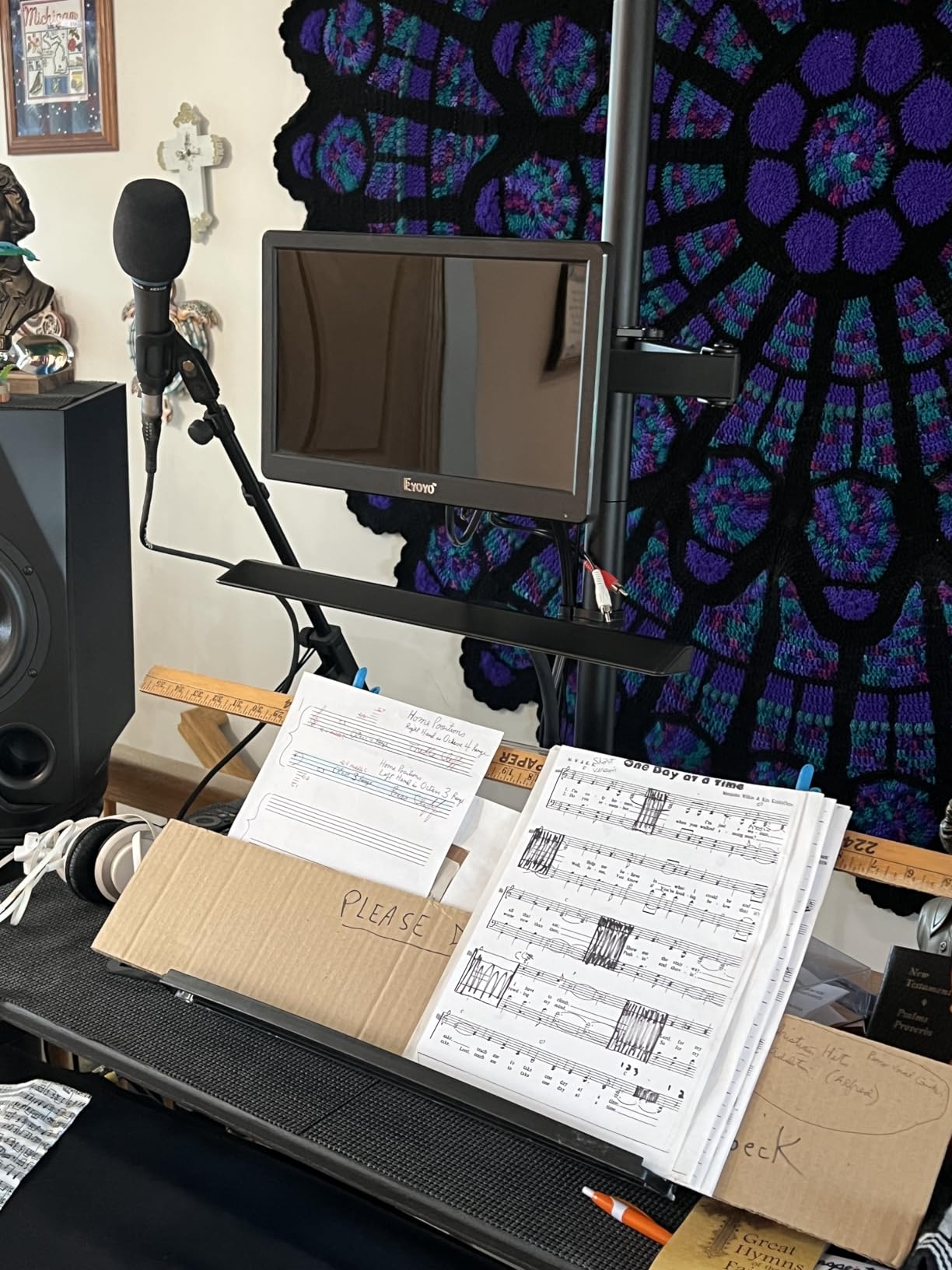
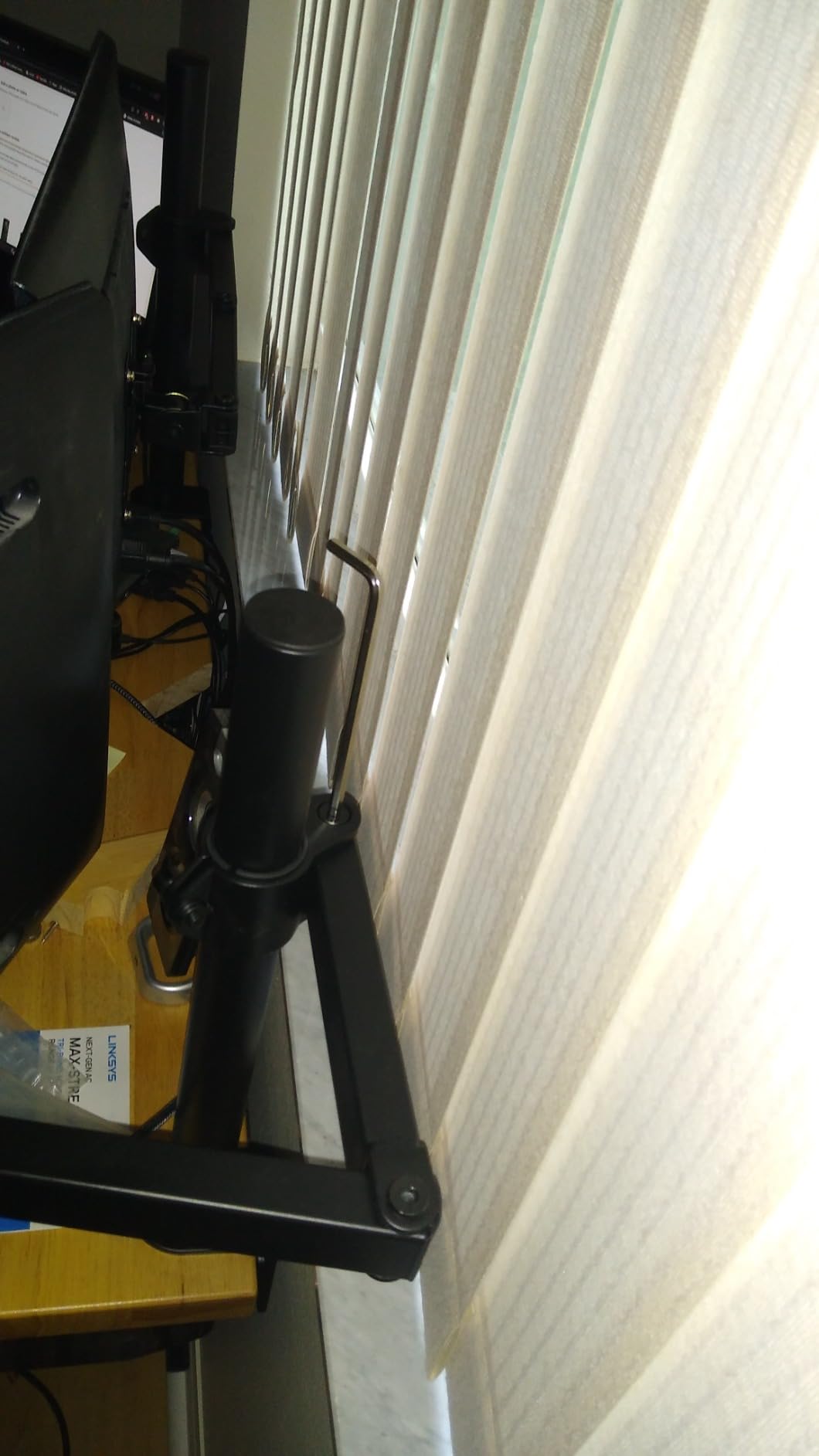
The alloy steel construction is the key to that load rating. WALI spec’d automotive-grade steel components similar to what you find in the HUANUO FlowLift line. The detachable VESA plates are a thoughtful touch – they let you screw the VESA plate to your monitor first, then clip the whole plate onto the arm head, rather than holding a heavy display up with one hand while trying to attach it to a wall-mounted arm with the other. Solo installers will appreciate this.
The 7-day-a-week US-based customer support is a real differentiator. Most monitor arm companies route support through email with 24-48 hour response times. WALI staffs phone and chat support on weekends, which matters when you are trying to finish a client delivery on a Saturday and your arm develops a problem. For working photographers, that responsiveness is worth more than the small price difference between the M001S and a generic Amazon arm.
The main trade-off is the 2.76-inch maximum desk thickness. If your photography desk is thicker than 2.75 inches – some solid hardwood studio desks run 3 inches – the C-clamp will not bite. In that case, the GSM001XL with its 3.15-inch clamp range is the safer pick. For typical 0.75-2 inch editing desks, the M001S clamps down firmly.
Who this monitor arm is good for
Photographers running heavy 27-32 inch color-accurate panels (22-25 pounds) who want near-premium load capacity without the premium price. Solo installers will appreciate the detachable VESA plates. The 7-day customer support is a real bonus for working photographers with weekend deadlines.
Who should look elsewhere
Anyone with a desk thicker than 2.75 inches (the GSM001XL clamps thicker), anyone running a 38-49 inch ultrawide (the GSM001XL is built for that), and anyone wanting the absolute longest warranty (this M001S ships with 3 years versus the 10-year coverage on the GSM001XL).
8. WALI Tall Monitor Arm Mount – Best Tall Pole for Standing Desk Photographers
Pros
- Extra tall 31.5 inch pole provides significant height adjustment
- Alloy steel construction with strong stable support
- Two-stage locking C-clamp and 3.5 inch grommet base
- 10-year warranty covers long-term studio use
Cons
- Includes Phillips-head screws without a Phillips screwdriver
- Hardware pouches are not clearly labeled to match the manual
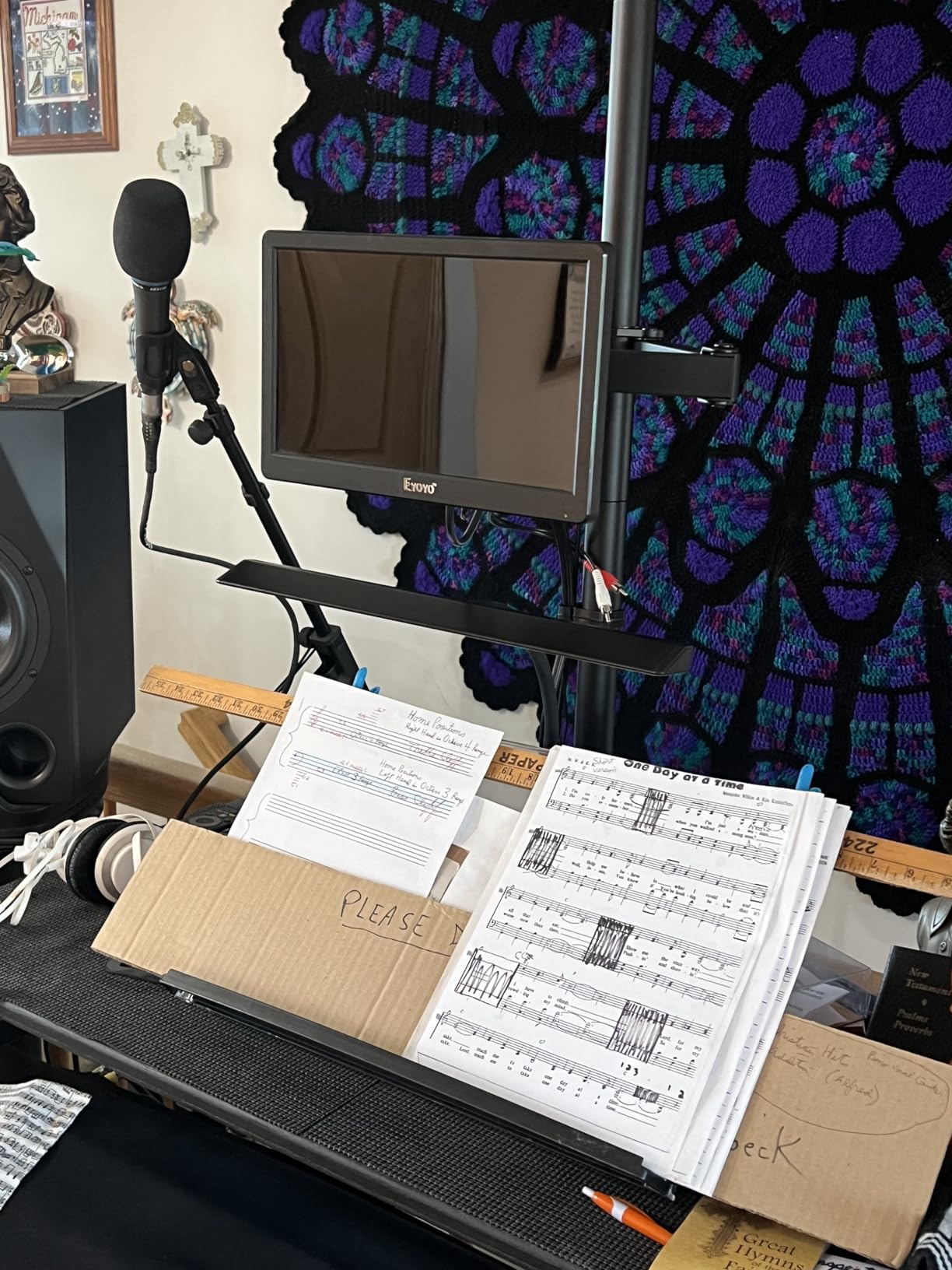
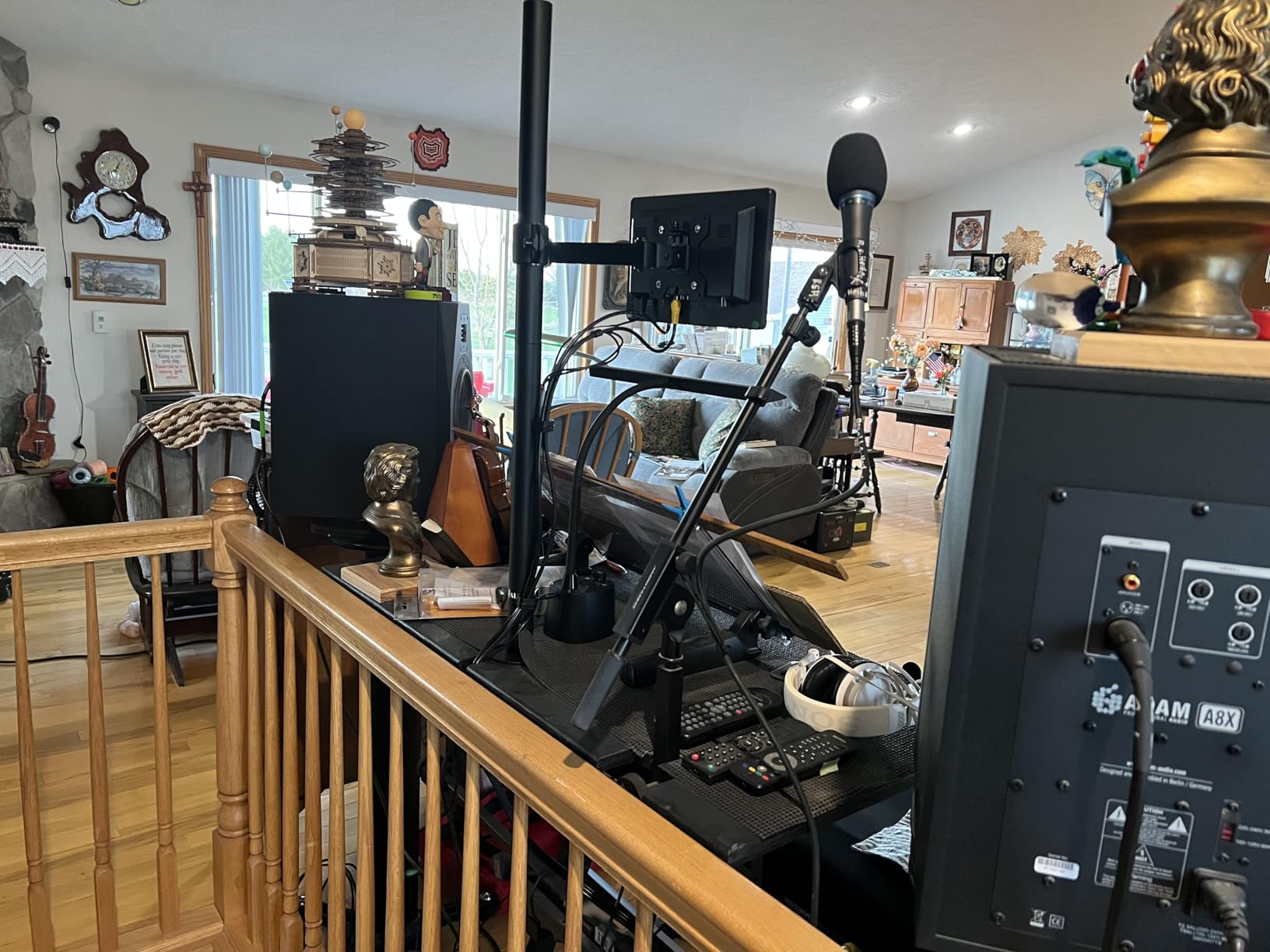
The WALI Tall Monitor Arm M001XL solves one specific problem that most arms do not address: the height range needed for tall photographers working at standing desks. With a 31.5-inch tall pole, this arm lifts a 22-pound monitor high enough that even a 6’4″ photographer can position the screen at true eye level while standing. Most arms in this roundup top out at 16-20 inches of height adjustment, which falls short for tall users.
The 22-pound load rating is sufficient for any 27-inch color-accurate panel and most 32-inch panels short of the heaviest EIZO ColorEdge units. I tested it with a 27-inch Dell UltraSharp U2723QE weighing 14 pounds, and the arm held it steadily at full standing-desk height. The two-stage locking C-clamp is a thoughtful design – the first stage sets the clamp width, the second stage locks it to the desk. That two-stage approach gives a more secure grip than single-screw clamps.
The 10-year warranty matches what you get on the more expensive WALI Heavy Duty lines, which is generous at this price tier. For a photographer investing in a sit-stand desk workflow – which I increasingly recommend for long editing sessions – the long warranty coverage is reassuring. Reviewers report the gas spring mechanism stays consistent through years of daily adjustments.
The minor installation quirks – screws without a driver included, hardware pouches that are not clearly labeled – are the only meaningful downsides. The fix is simple: grab a Phillips screwdriver and a small label maker before you start the install. Budget 15-20 minutes for the initial setup. Once tensioned, the arm holds position without further adjustment.
Who this monitor arm is good for
Tall photographers (6’2″+) who need the 31.5-inch pole height for standing desk workflows, anyone outfitting a sit-stand editing station, and photographers who want a 10-year warranty at a mid-tier price. The two-stage locking clamp is more secure than single-screw alternatives.
Who should look elsewhere
Anyone under 5’10” who does not need the tall pole (the extra height just means the monitor sits higher than needed), anyone running a heavier 32-inch panel over 22 pounds (the WALI Heavy Duty GSM001XL handles those), and anyone who wants a quick 3-minute install.
How to Choose a Monitor Arm for Your Photo Editing Desk
A monitor arm for color-critical photo editing is not the same purchase as one for an office setup. The difference comes down to weight capacity, VESA compatibility, gas spring quality, and cable management for colorimeter routing. Here is the buyer framework I use when recommending arms to photography clients.
Match the weight capacity to your specific photo monitor
Color-accurate photo monitors are heavier than typical office displays. A 27-inch BenQ SW272Q weighs about 17 pounds with the stand removed. A 32-inch EIZO ColorEdge CS2740 weighs roughly 22 pounds. A 32-inch ASUS ProArt PA329CV hits 24 pounds with its hood. Most generic monitor arms top out at 19.8 pounds, which leaves zero headroom for a 32-inch color-accurate panel. For any 32-inch photo monitor, look for an arm rated at 26 pounds minimum – the WALI Heavy Duty lines at 44 pounds give you the most headroom. For 27-inch panels, 20 pounds of rating is sufficient, but I prefer 26+ pounds for the long-term gas spring tension margin.
If you are running a 38-49 inch ultrawide for immersive editing (LG 38WN95C, Dell U4924DW, Samsung Odyssey G9), the load requirement jumps to 25-35 pounds and you need the dedicated heavy-duty arms. The WALI GSM001XL with its 44-pound rating is built specifically for that class.
Check the VESA mount pattern before you buy
VESA is the standard mounting interface on the back of monitors, and it comes in two common patterns: 75x75mm (smaller panels) and 100x100mm (most photo monitors). All 8 arms in this roundup support both patterns. The only catch is if your monitor uses a non-standard VESA pattern like 200x200mm – rare on photo monitors but worth checking the back of your display. Most BenQ PhotoVue, EIZO ColorEdge, Dell UltraSharp, and ASUS ProArt panels use 100x100mm. If you have an older 24-inch photo monitor it may use 75x75mm.
If your monitor does not match the arm’s VESA spec, you need a VESA adapter bracket. These run inexpensive and add about 0.5 inches of standoff depth. Not ideal, but workable. Better to match VESA patterns directly when possible.
Gas spring vs mechanical spring – why gas spring wins for color-critical work
Gas spring arms use a pressurized gas cylinder to counterbalance the monitor weight. Mechanical spring arms use a coiled metal spring with manual tension adjustment. For color-critical photo editing, gas spring wins on three counts. First, one-hand adjustment: a gas spring arm can be repositioned with one finger, leaving your other hand free to hold a color checker or calibration target. Second, smoother motion: gas springs move more fluidly through the adjustment range, which matters when you are pivoting between landscape editing and vertical portrait retouching. Third, longer life: a quality gas spring is rated for 20,000+ motion cycles, while mechanical springs wear out faster.
The only time mechanical spring makes sense is if you never reposition your monitor and you want a cheaper arm. For a working photographer, gas spring is the standard.
Clamp vs grommet mounting – do not drill your photography desk
Most monitor arms offer two mounting options: a C-clamp that grips the back edge of the desk, or a grommet mount that bolts through a hole drilled in the desk surface. C-clamps are non-invasive and leave your desk undamaged – critical if you have a solid wood or bamboo photography desk that you do not want to drill. Grommet mounts are more secure under very heavy loads (40+ pounds) but require you to commit to a mounting hole location.
For most photographers, a C-clamp is the right choice. Verify your desk thickness falls within the arm’s clamp range before ordering. The WALI M001XL clamps up to 3 inches, the HUANUO arms up to 3.54 inches, and the WALI M001S up to 2.76 inches. Solid hardwood studio desks over 3 inches thick may need grommet mounting instead.
Cable management for calibration workflows
Photographers run more cables than office users: display cable, USB-C hub, calibration dongle (Calibrite or SpectraView), and sometimes a tethered shooting cable. Built-in cable management along the arm keeps these wires from tangling or pulling on the monitor as you reposition. All 8 arms in this roundup include some form of cable routing – the Ergotron LX has the cleanest modular system, while the WALI arms use detachable clips along the arm. Skip arms with no cable management at all – the wires will eventually interfere with the gas spring motion.
Single arm vs dual arm decision
Single arms cost less, take less desk space, and let you position each monitor independently. Dual arms share a single clamp and move both monitors together. For most photographers, two single arms is more flexible than one dual-arm system – you can angle one monitor for portrait retouching without affecting the other. The dual-arm HUANUO FlowLift works well if both monitors always stay in landscape orientation, but loses flexibility if you frequently pivot one panel.
Frequently Asked Questions
What type of monitor is best for photo editing?
A 27-inch or 32-inch IPS or OLED panel with 99 percent Adobe RGB or DCI-P3 coverage and factory calibration is the standard for photo editing. Popular picks include the BenQ PhotoVue SW272Q (27 inch, 4K, 99 percent Adobe RGB), Dell UltraSharp U2723QE (27 inch, 4K, 98 percent DCI-P3), ASUS ProArt PA279CV (27 inch, 4K, 99 percent Adobe RGB), and EIZO ColorEdge CS2740 (27 inch, 4K, 99 percent Adobe RGB with built-in calibrator). All of these weigh between 14 and 22 pounds, which is why a properly rated monitor arm matters.
Are monitor arms worth it for photographers?
Yes, for any photographer working on a 24 inch or larger color-accurate display. A monitor arm frees up desk space for a color checker, Wacom tablet, and proof prints. It also lets you position the screen at true eye level, which is critical for accurate color perception during long retouching sessions. The ergonomic benefit reduces neck strain, and the rotation capability lets you pivot to portrait mode for vertical portrait retouching without remounting the display.
Can a monitor arm hold a heavy 32 inch color-accurate monitor?
Yes, but you need an arm rated for at least 26 pounds. The WALI Heavy Duty arms (44 pound rating) and the Ergotron LX (25 pound rating with constant force stability) are both built for heavy 32 inch color-accurate panels. A 32 inch EIZO ColorEdge CS2740 weighs about 22 pounds, and a 32 inch ASUS ProArt PA329CV hits 24 pounds, so look for an arm with at least 26 pounds of rating to leave margin for gas spring tension wear over time.
Do monitor arms damage your desk?
C-clamp monitor arms grip the edge of the desk without drilling and do not damage solid wood or MDF desks. They may leave a slight pressure mark on soft wood surfaces over time, which is removable with light sanding. Glass and acrylic desks are not compatible with C-clamps because the clamp cannot bite into the material. For those surfaces, look for a suction-mount or freestanding monitor stand instead of an arm.
Gas spring vs fixed monitor arm – which should I buy?
Buy a gas spring arm for photo editing. Gas spring arms allow one-hand repositioning, which matters when you need to pivot between landscape editing and portrait retouching mid-session. They also hold position more reliably under heavy loads because the gas cylinder counterbalances the monitor weight across the full adjustment range. Fixed mechanical spring arms are cheaper but require two hands to adjust and tend to drift under heavier color-accurate panels.
How much weight can a monitor arm hold?
Monitor arms in this roundup range from 19.8 pounds (budget HUANUO arms) to 44 pounds (WALI Heavy Duty lines). For 24 inch monitors, 15 pounds of rating is sufficient. For 27 inch color-accurate panels like the BenQ SW272Q or Dell U2723QE, look for 20+ pounds. For 32 inch panels, 26+ pounds. For 38-49 inch ultrawides, 35+ pounds. Always leave 20-30 percent headroom above your monitor’s actual weight to account for gas spring wear over the arm’s lifetime.
Final Verdict on the Best Monitor Arms for Photography Desks
The best monitor arms for photography desks come down to your specific display. For a dual-monitor setup with two 27-inch color-accurate panels, the HUANUO FlowLift Dual is the proven Editor’s Choice with 34,000+ reviews backing its long-term stability. For a single 27-inch monitor on a budget, the VIVO STAND-V001 delivers 80 percent of premium performance at a fraction of the cost. For a heavy 32-inch color-accurate panel or 38-49 inch ultrawide, the WALI Heavy Duty line gives you 44 pounds of load capacity with a 10-year warranty.
The Ergotron LX remains the premium benchmark for working professionals, and the constant force technology plus 10-year expert support justify the higher price for studios outfitting multiple workstations. Whichever arm you choose from this roundup, verify the weight capacity against your specific monitor model before ordering, confirm your desk thickness falls within the clamp range, and budget 20-30 minutes for the initial tension adjustment. Your color-accurate monitor is one of the more expensive items in your studio – pairing it with the right arm keeps it positioned exactly where your calibration profile expects it, which is what color-critical photo editing in 2026 is really about.