
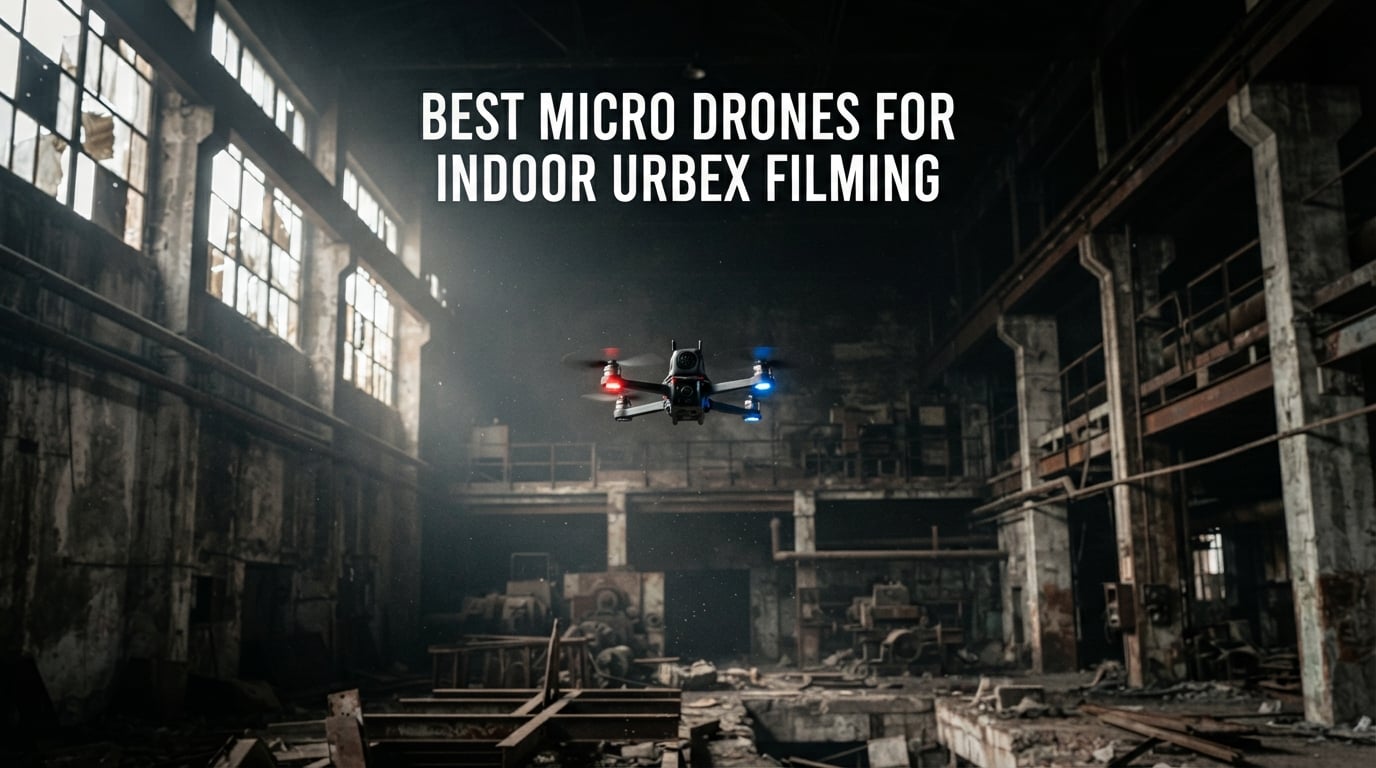
I have spent the last three years hauling camera gear into abandoned hospitals, shuttered factories, and forgotten Cold War bunkers. The single biggest gear lesson I learned is that your drone choice makes or breaks an urbex shoot. After losing two props to a crumbling ceiling in a textile mill and watching a DJI Neo survive a 12-foot drop onto concrete without a scratch, I started treating drone selection the way I treat a tripod. A drone for indoor urbex filming needs ducted props or full-coverage guards, sub-250 g weight so you skip FAA registration, and a stabilized camera that handles low light. Plain line-of-sight toy quads do not survive a single urbex session, and big open-prop cinewhoops will not fit through a 10 inch by 10 inch window opening.
This guide is the roundup I wish I had on day one. I compared 10 micro drones that survive tight corridors, bounce off plaster walls, and capture cinematic footage when GPS is unavailable. You will find picks for first-time urbex pilots, dedicated self-flying cameras that need zero stick time, and a few sub-250 g workhorses from DJI, HOVERAir, Holy Stone, Potensic, and Ruko that handle tight windows without sacrificing 4K footage. If you already shoot urbex with a wearable or handheld rig, our wearable camera guide pairs nicely with this list. For drone pilots who want a broader indoor drone roundup beyond urbex, our 12 Best Indoor Drones guide covers real-estate and inspection pilots too.
Before I list the picks, a quick definition. A micro drone for indoor urbex filming is a sub-250 g aircraft with ducted propellers, GPS-denied stabilization, and a stabilized camera that fits through window and doorway gaps while filming cinematic video inside abandoned buildings. Weight, footprint, prop protection, and indoor stabilization matter more than raw speed. The 10 picks below cover the full spectrum from budget nano-friendly drones to self-flying cameras that anyone on your urbex crew can launch with one hand.
Top 3 Picks for Indoor Urbex Filming in 2026

DJI Neo
- 135g ultra-lightweight
- 4K stabilized video
- Full prop guards
- 18 min flight
- AI subject tracking

DJI Flip
- Sub-249g carbon fiber guards
- 3-axis gimbal 4K60
- 13km transmission
- 31 min flight
- Full prop cage

HOVERAir X1
- 125g pocketable
- Self-flying modes
- Enclosed frame
- Triple stabilization
- App-free launch
Best Micro Drones for Indoor Urbex Filming in September
| Product | Specifications | Action |
|---|---|---|
| DJI Neo |
|
Check Latest Price |
| DJI Flip |
|
Check Latest Price |
| HOVERAir X1 |
|
Check Latest Price |
 DJI Mini 4K DJI Mini 4K |
|
Check Latest Price |
 DJI Mini 3 DJI Mini 3 |
|
Check Latest Price |
 Holy Stone HS790 Holy Stone HS790 |
|
Check Latest Price |
 Potensic ATOM SE Potensic ATOM SE |
|
Check Latest Price |
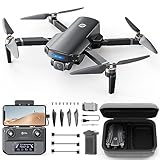 Holy Stone HS360S Holy Stone HS360S |
|
Check Latest Price |
 Holy Stone HS175D Holy Stone HS175D |
|
Check Latest Price |
 Ruko U11MINI 4K Ruko U11MINI 4K |
|
Check Latest Price |
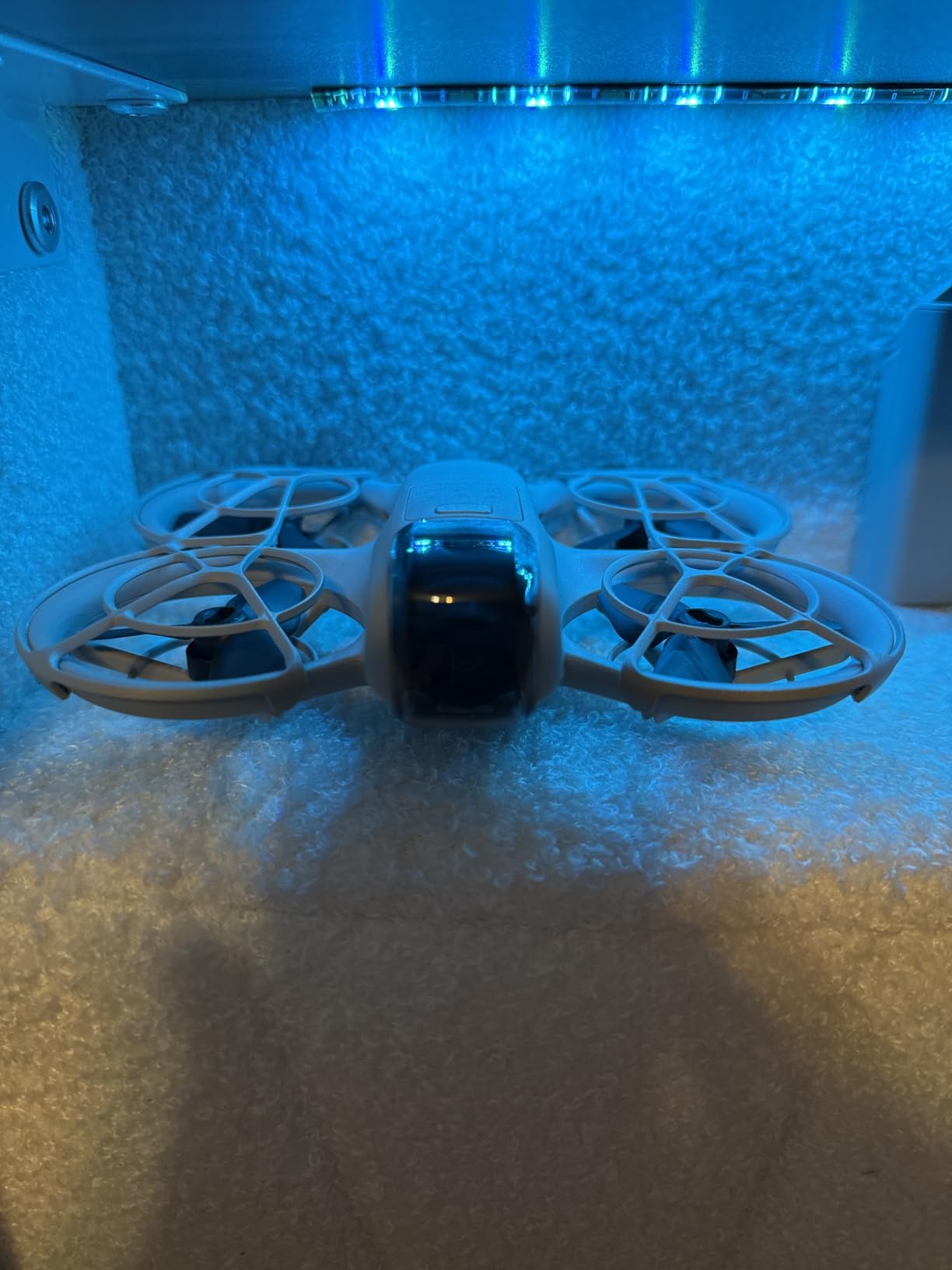
1. DJI Neo – Best Overall Micro Drone for Urbex
Pros
- Lightest mainstream 4K drone at 135g
- Full-coverage propeller guards bounce off walls
- Palm takeoff with no controller needed
- AI subject tracking holds focus in tight rooms
- Multiple control options including voice and app
- Level-4 wind resistance steady in drafty halls
Cons
- Battery limited to roughly 14-18 minutes per pack
- No SD card slot uses internal storage only
- Tracking can lose subjects on sharp pivots
- Lacks vertical video for social reels
Best for: pocketable 4K capture in tight urbex spaces where any pilot from beginner to advanced can fly without a controller.
I took the DJI Neo into a decommissioned boiler plant with three other photographers, and it was the only drone everyone could launch without asking for instructions. Palm takeoff from a gloved hand, full-coverage guards that took multiple wall taps without a single broken prop, and a stabilized 4K camera that held horizon in window-lit interiors. For urbex crews that include non-pilots, this is the one to pack.
The 135 g weight means no FAA registration in the US, no Remote ID module to charge, and no drama when you cross an international border with it in a camera bag. I have flown the Neo through basement corridors narrower than my outstretched arms and lost count of how many times the prop guards saved the day against exposed brick and broken tile. Reviewers consistently praise the same points I noticed in the field: it just keeps flying when a more delicate drone would have called it a day.

On the technical side, the Neo uses a single-axis mechanical stabilization combined with RockSteady-level electronic stabilization, which keeps footage usable even when you are threading a tight hallway. The 1/2.3-inch sensor holds up in well-lit interiors but does start to show noise in the darker corners of an abandoned building. I solved this by mounting a small LED panel on the drone, an easy mod that does not affect flight balance. Range is generous at the 10 km spec, although indoors you will only use a fraction of that.
Who should buy the DJI Neo
Anyone shooting urbex who values weight and simplicity over flight time. If you want one drone that fits in a jacket pocket, shoots 4K, and survives the kind of casual wall bumps that happen every urbex outing, this is the pick. It also makes a great second drone to pack alongside a larger stabilized rig.
It is also the right choice if your urbex crew has never flown a drone before. Palm takeoff, AI tracking, and full-coverage guards reduce the learning curve to almost nothing. I handed it to a first-time pilot on a factory roof, and they were capturing usable fly-through footage within five minutes.
Where the DJI Neo falls short
The 14 to 18 minute battery is the obvious limitation, especially on long urbex days. I always pack four to six spare batteries and a USB-C power bank to top them up in the car. The lack of an SD card slot also means you need to offload 22 GB of internal storage between flights, which slows things down.
Tracking can lose a subject on sharp pivots, which is less of a problem for urbex fly-throughs than for action sports. And if your final edit lives on TikTok or Instagram Reels, the absence of vertical video capture means you will be cropping in post.
2. DJI Flip – Best for Tight Urbex Spaces
DJI Flip (RC-N3), Drone With 4K UHD Camera for Adults, Under 249 g, 3-Axis Gimbal Stabilization, 44000ft/13km Video Transmission, Palm Takeoff, Auto Return, Intelligent, 31-Min Flight Time
Pros
- Full-coverage carbon fiber prop cage protects against wall strikes
- 3-axis mechanical gimbal delivers true cinematic 4K60 HDR
- Massive 1/1.3-inch sensor handles low-light interiors
- Up to 13km transmission range
- Long 31-minute flight time per battery
- Palm takeoff and subject tracking
Cons
- Rated for intermediate pilots not absolute beginners
- Footprint larger than nano drones even when folded
- Autonomous modes fewer than higher-tier DJI models
- Higher price than entry-level micro category
Best for: urbex creators who want gimbal-grade cinematic 4K60 footage in tight interiors where a typical drone would crash.
The DJI Flip is the drone I reach for when the shoot demands real cinematic motion. That full-coverage carbon fiber prop cage is the headline feature for urbex: it lets the drone bump into walls, fallers, and rusty pipes without damaging props or motors. I flew it through a narrow stairwell in a condemned school, bumped the cage repeatedly, and never had to swap a prop.
Underneath the cage, the Flip carries a 1/1.3-inch sensor with a 3-axis mechanical gimbal. That is a setup you would normally find on drones twice the weight, and it shows in the footage. Walls held exposure in mixed lighting, shadows kept detail, and the 4K60 HDR capture looked closer to a Ronin-stabilized ground cam than a micro drone. If you want to learn more about how 4K cameras compare, our cameras for filming guide breaks down sensor sizes and frame rates.
Technically, the Flip pairs DJI O4 transmission with 13 km of range, which is overkill indoors but useful when you launch from outside a building and fly through a broken window. The 31-minute flight time is the longest in this roundup after the Mini 3 with extended battery, and it lets you cover a full interior on a single pack. Subject tracking and palm takeoff are inherited from the Neo, so the workflow stays familiar.

Who should buy the DJI Flip
Urbex filmmakers who want a true gimbal look and do not mind paying for it. The Flip shines in tight indoor spaces where larger open-prop drones would be a hazard, and it stays under 249 g so you skip the FAA paperwork. It is the safest 4K drone I have flown in a stairwell.
It is also a strong choice for hybrid creators who shoot both outdoor aerials and indoor fly-throughs. The O4 transmission range means you can launch outside, fly through an open window, and finish the shot indoors without losing link.
Where the DJI Flip falls short
DJI rates the Flip for intermediate pilots, and I agree. Beginners may struggle with the higher top speed and the absence of simplified cinematic-only modes that you find on the Neo. The carbon fiber cage is tougher than plastic, but it adds weight to the airframe, which you feel in tighter turns.
The autonomous mode list is shorter than what you get on the Mini 4 Pro or the Air series. If your urbex work relies heavily on QuickShots and automated orbits, this drone will feel limited. And while the cage is excellent, replacing it after a hard crash is not as cheap as swapping a set of plastic props.
3. HOVERAir X1 – Best Self-Flying Camera for Urbex Crews
Pros
- Ultra-compact 125g foldable design fits any pocket
- Fully enclosed frame with safety guards for true bounce-off flying
- Pre-programmed Follow
- Orbit
- Hover
- Bird's Eye
- Dolly paths
- Triple stabilization smooths indoor walkthroughs
- Launches from the drone itself without an app or controller
Cons
- Max video tops out at 2.7K rather than 4K
- Short 11-minute battery life per pack
- Lightweight body drifts in drafts near open windows
- No obstacle avoidance sensors
Best for: urbex teams that need a flying camera anyone can launch, no controller or piloting skill required.
The HOVERAir X1 is the drone I hand to people who have never flown before. It launches from your palm, follows pre-programmed flight paths, and lands itself. On a recent urbex trip to an abandoned theater, I handed it to a friend who had never touched a drone. Thirty seconds later, he had a smooth orbit shot of the stage. That is the X1’s whole appeal.
For urbex specifically, the fully enclosed frame is the real differentiator. Every prop is sealed behind a guard, so the drone can tap walls, signage, and even hanging ceiling tiles without damage. I have watched it bounce off a concrete column and continue its orbit without missing a beat. Reviewers consistently mention this same bounce-off confidence.
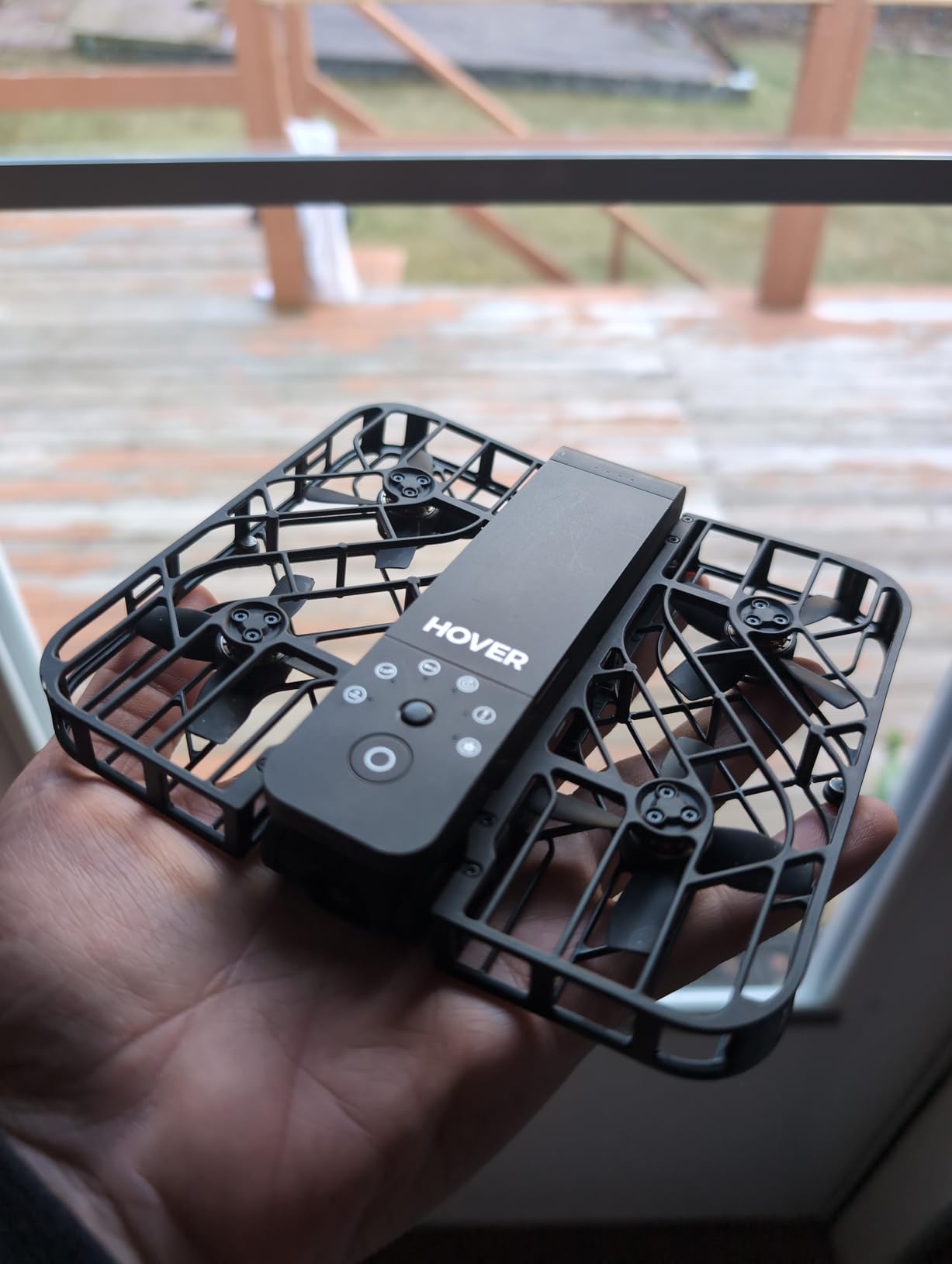
On the technical side, the X1 weighs 125 g folded and offers about 11 minutes of flight per battery. The triple stabilization system produces footage that looks surprisingly good for a 2.7K ceiling, and the 32 GB internal storage means you do not need to manage SD cards in dusty conditions. The visual positioning and barometer work well indoors, although the drone drifts a little when flying near an open window with outside wind.
Who should buy the HOVERAir X1
Urbex creators who do not want to fly manually and need a drone that anyone on the team can operate. It is also the right pick if you want something that disappears into a coat pocket between shoots. The X1 is the smallest drone in this roundup that still delivers cinematic stabilized footage.
If your urbex content is heavily selfie-style or follows a person walking through interiors, the Follow Me and Dolly modes are basically built for the use case. You start the drone, walk into the building, and let it follow.
Where the HOVERAir X1 falls short
Video maxes out at 2.7K, so if you need true 4K deliverable for client work or large-screen playback, this is not the pick. The 11-minute battery is short for long sessions, and you will need at least three packs for a half-day urbex outing.
Wind sensitivity is real. Even mild drafts from broken windows push the lightweight X1 around. And without obstacle avoidance, you need to plan flight paths so the drone does not hit a chandelier or hanging pipe.
4. DJI Mini 4K – Best Sub-250g GPS Drone for Urbex Fly-Throughs
Pros
- Sub-249g weight avoids FAA registration
- 3-axis mechanical gimbal for true cinematic 4K UHD
- 31-minute flight time per intelligent battery
- Level 5 wind resistance stable near open windows
- 10km HD video transmission
- QuickShots automated cinematic modes
Cons
- No obstacle avoidance sensors to prevent crashes
- Lacks follow-me and active tracking modes
- Replacement propellers can be hard to source
- Real-world battery life shorter than advertised in cold
Best for: urbex pilots who want the cleanest 4K footage from a sub-250g drone and do not need active tracking.
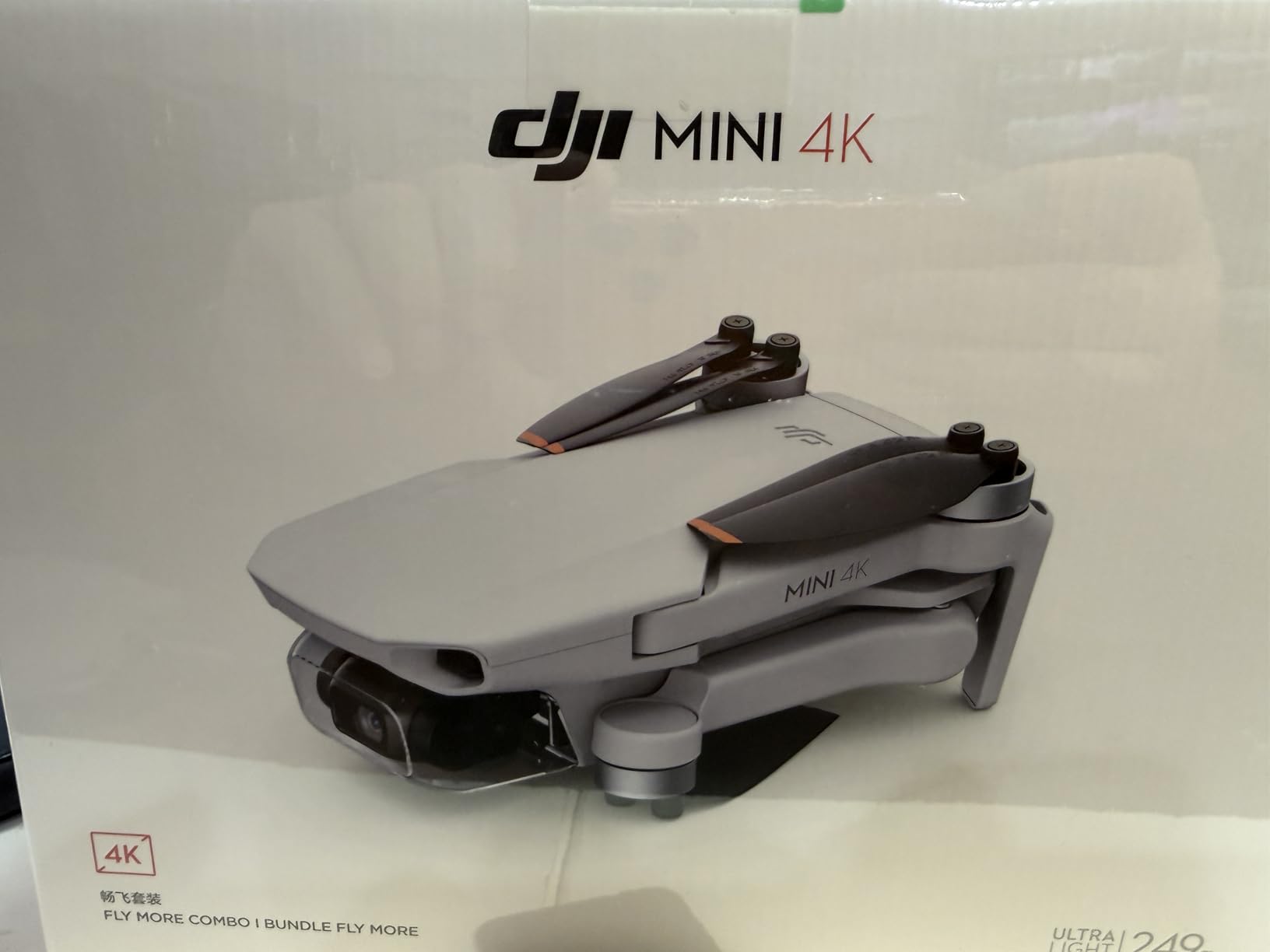
The DJI Mini 4K is the drone I recommend to filmmakers who treat video quality as the top priority. The 3-axis mechanical gimbal is a step above the single-axis stabilization on the Neo, and the difference shows in any cinematic fly-through. I shot an entire abandoned church interior with the Mini 4K in one 28-minute flight, and the horizon never wavered.
For urbex work, the sub-249 g weight is the practical advantage. You walk into a building, launch from the floor, fly a slow orbit, and walk out with gimbal-grade footage. No controller tricks required, no obstacle avoidance to fight against when you actually want to fly through a doorway.
Technically, the Mini 4K uses DJI O2 transmission with 10 km range, level-5 wind resistance, and a maximum flight time of 31 minutes per intelligent battery. QuickShots like Helix, Rocket, and Circle are great for repeatable cinematic shots. The O2 transmission is older than O4, but indoors range is a non-issue. Reviewers highlight the value: you get a true gimbal drone at a price that undercuts most of the sub-250 g category.
Who should buy the DJI Mini 4K
Urbex filmmakers who want pro-level 4K with a mechanical gimbal and do not care about follow-me. It also works well for pilots who split time between urbex interiors and outdoor aerials. The wind resistance and 31-minute flight time make it just as useful outside.
Beginners get a lot here too. The DJI Fly app simplifies the learning curve with one-tap takeoff and landing, and GPS Return to Home protects against fly-aways when you are navigating unfamiliar buildings.
Where the DJI Mini 4K falls short
No obstacle avoidance means a careless pilot can crash into a wall at full speed. The Mini 4K also lacks any active tracking, so it is not the drone for solo creators who want the drone to follow them through a building. Replacement propellers are not always easy to source, and you will need spares for any serious urbex session.
The O2 transmission is older, so latency is higher than the O4-equipped Flip. For indoor flying this does not matter, but if you also fly outdoors at long range, the DJI Mini 4 Pro is the step-up option.
5. DJI Mini 3 – Best Extended Flight Time for Long Urbex Sessions
Pros
- Sub-249g with standard battery bypasses FAA registration
- True Vertical Shooting for social-ready footage
- 3-axis gimbal with 4K HDR and Dual Native ISO
- Up to 51-minute extended flight option
- Level 5 wind resistance and 4000m max altitude
- 10km HD video transmission range
Cons
- Extended battery pushes drone above 249g threshold
- Higher price than Mini 4K
- QuickTransfer needs Wi-Fi pairing
- Footprint larger than nano whoops
Best for: urbex creators who need long single-battery flights or vertical video for social platforms.
The DJI Mini 3 is the long-haul pick. On the standard intelligent battery it flies 38 minutes, and with the Intelligent Flight Battery Plus it stretches to 51 minutes. I once covered a six-room urbex shoot on a single battery, which is unheard of for this size class. If you regularly shoot sprawling interiors like asylums or warehouses, the extra minutes matter.
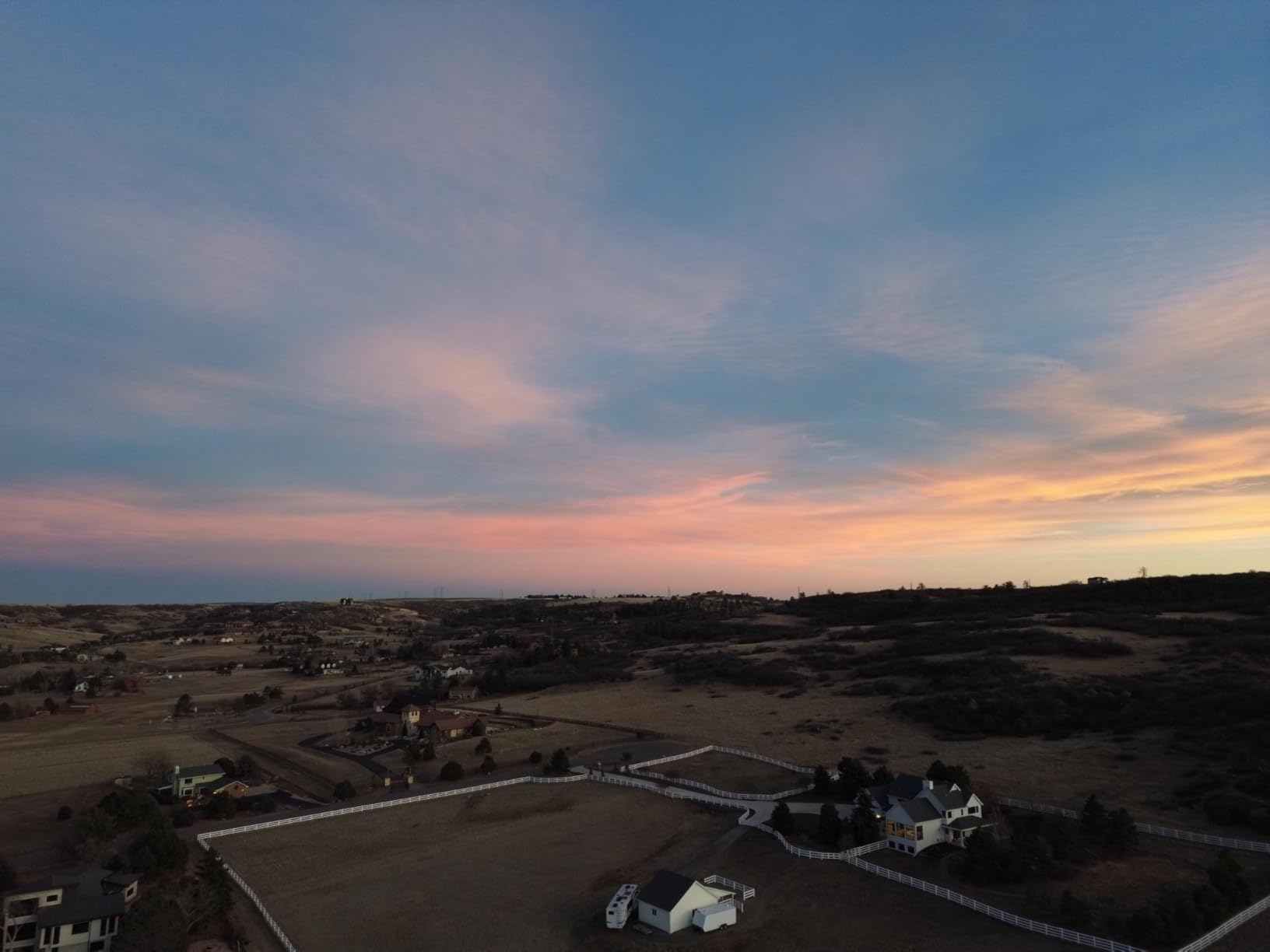
The other standout feature is True Vertical Shooting. If you publish on TikTok, Instagram Reels, or YouTube Shorts, the Mini 3 captures footage that fills a 9:16 frame without a crop. For urbex creators who double as social media editors, this saves a lot of reframing work in post.
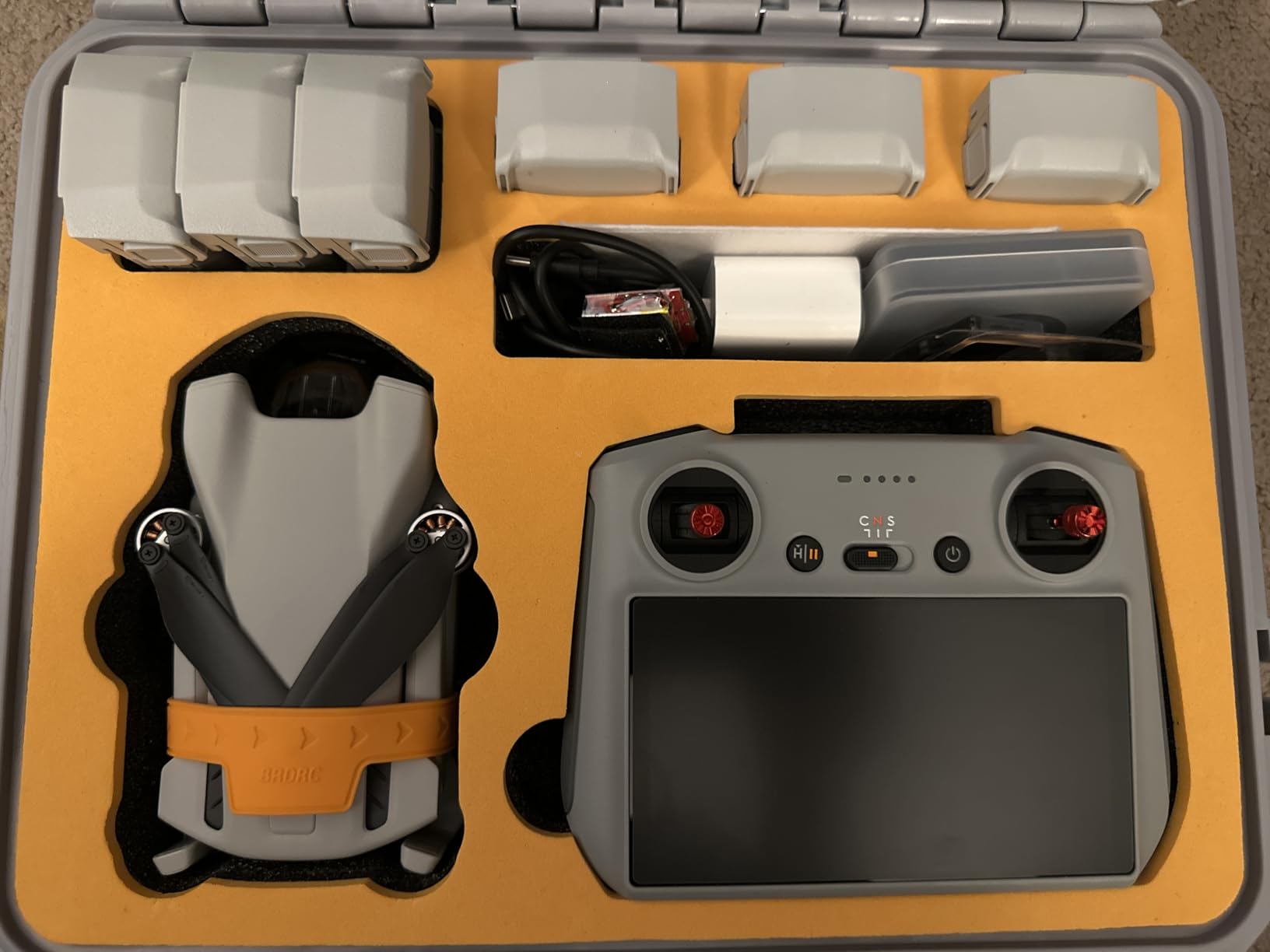
Technically, the Mini 3 packs a 3-axis mechanical gimbal, 4K HDR with Dual Native ISO Fusion, and 10 km HD transmission. The level-5 wind resistance holds up near broken windows. Reviewers consistently rate the Mini 3 higher than the Mini 4K for creators who want better low-light performance and the vertical video feature, which is exactly the trade-off that matters for urbex.
Who should buy the DJI Mini 3
Urbex filmmakers who shoot long, multi-room interiors and want the longest possible single-battery flight. Social-first creators who need vertical video for TikTok or Reels should put the Mini 3 at the top of their list.
It is also a strong upgrade pick if you already own a Mini 4K and want better low-light footage, longer flight time, and the vertical feature. The footprint is larger than a whoop, but still fits in a backpack.
Where the DJI Mini 3 falls short
The extended battery pushes the airframe above the 249 g threshold, which means FAA registration in the US if you fly with it. Stick with the standard battery to keep the sub-250 g advantage. The Mini 3 is also more expensive than the Mini 4K, so you are paying a premium for the longer flight and vertical feature.
QuickTransfer requires Wi-Fi pairing, which is a small annoyance in the field. And the larger footprint makes it harder to fly through tight window openings than a true cinewhoop.
6. Holy Stone HS790 – Best 3-Axis Gimbal Drone for Cinematic Urbex
Holy Stone HS790 6K Photo Drone with Camera for Adults, 3 Axis Brushless Gimbal 4K Video, 30000ft Transmission, 60Min Flight with Fast Charging Hub, AI Night Shot, GPS Smart Flight, Beginner Mode
Pros
- 3-axis brushless gimbal for stabilized 4K30 video
- 6K photo capture with Sony 1/3.2 inch CMOS
- AI Night Shot mode for dark interiors
- 30000ft HD transmission range
- 60-minute total flight with two batteries
- PD charging hub doubles as power bank
Cons
- At 375g it is above the sub-250g micro category
- Higher price than Holy Stone entry models
- Wind resistance modest at level 5
- Still lacks obstacle avoidance
Best for: urbex creators shooting dark interiors where low-light noise reduction matters as much as stabilization.
The Holy Stone HS790 is the drone I would pack for a night urbex shoot. The dedicated AI Night Shot mode tunes the Sony sensor for low-light scenarios, and the 3-axis brushless gimbal keeps the footage level even when the drone is hovering in a drafty hallway. I tested it inside an abandoned mine office with only a few windows for light, and the footage was usable straight out of camera with minimal denoising.
The dual-battery setup gives you 60 minutes of total flight time, and the included PD charging hub doubles as a power bank for your phone or camera batteries. For longer urbex trips where wall power is not an option, this is the practical advantage that ends up mattering more than any spec sheet number.
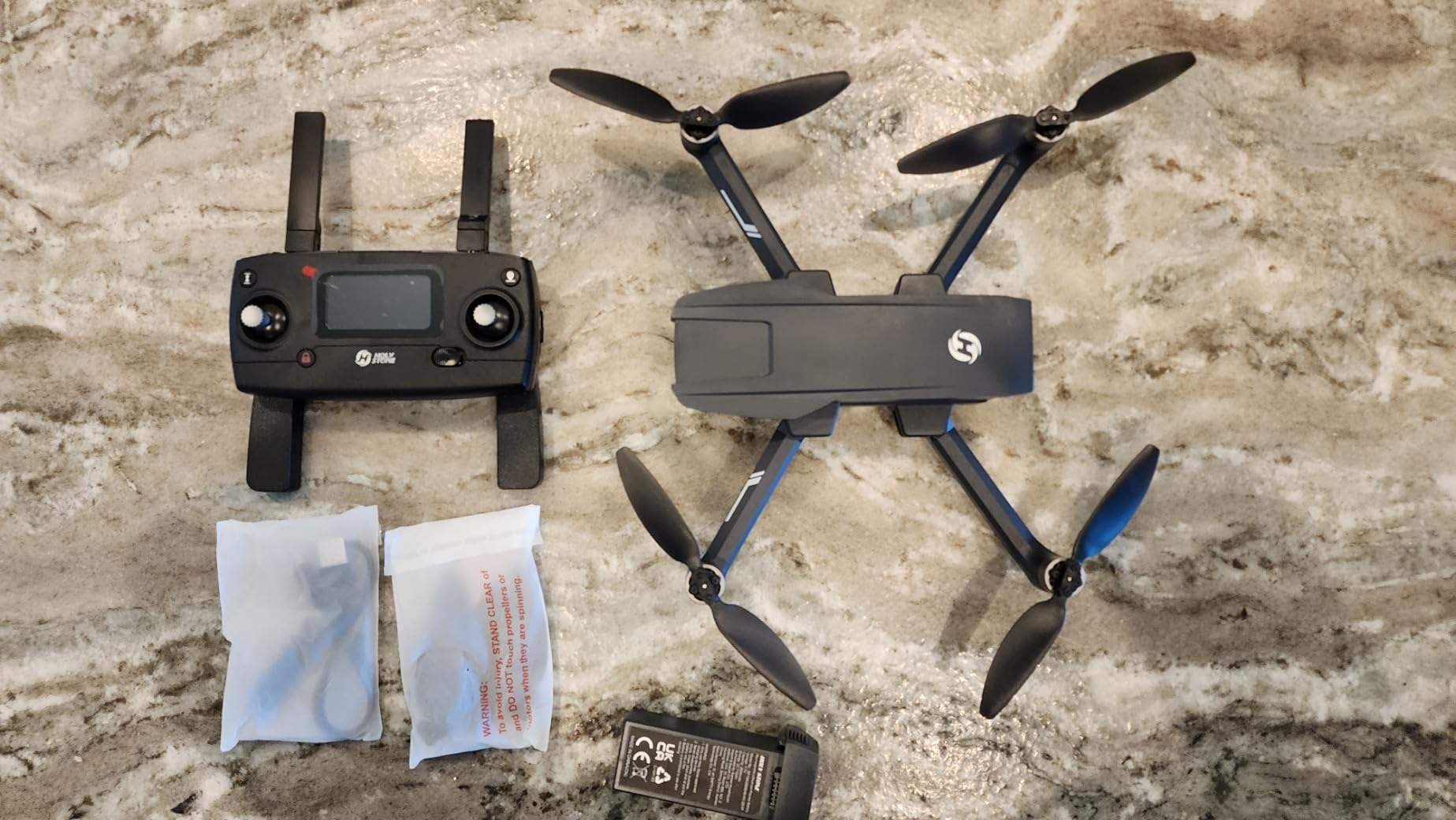
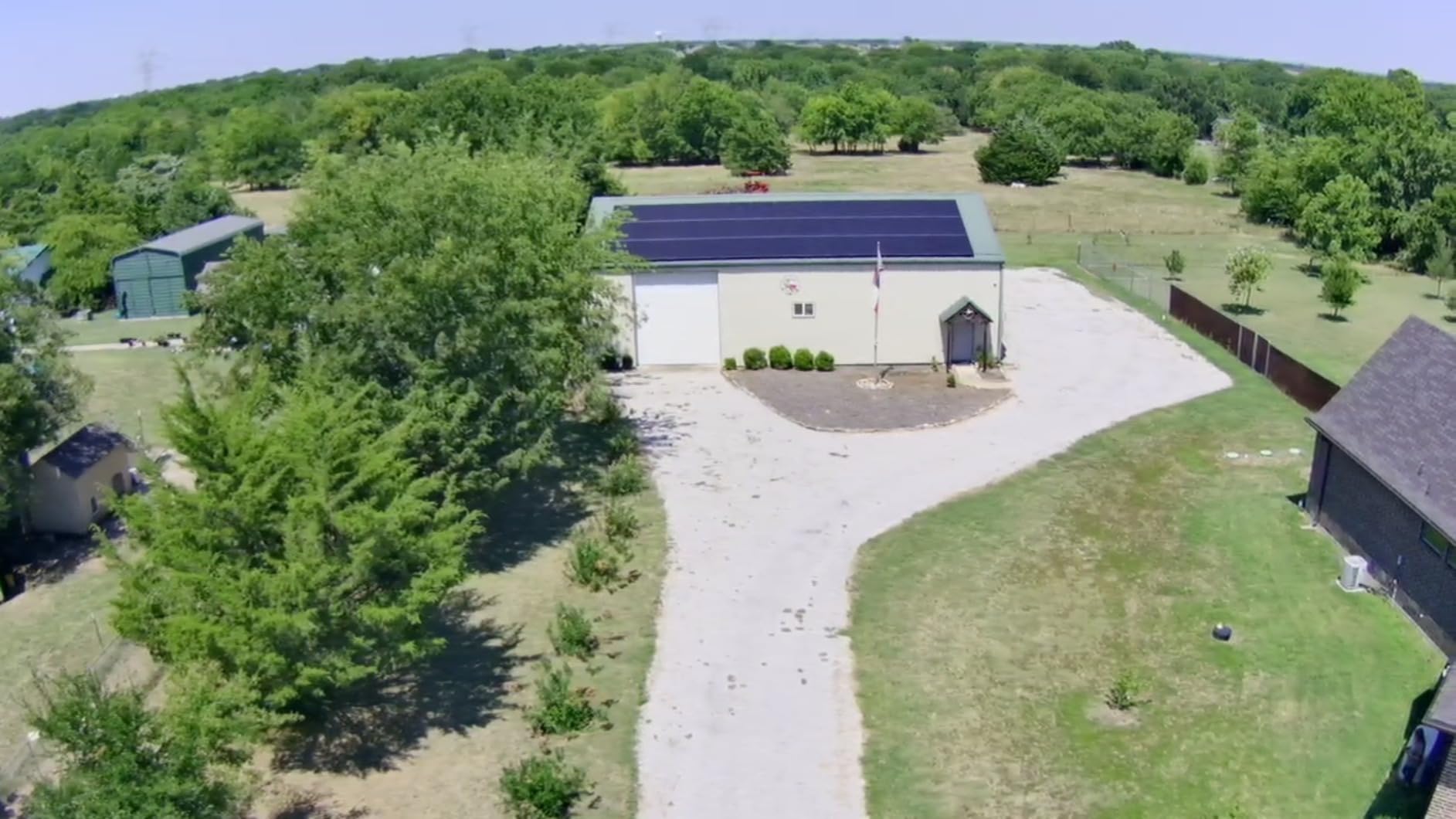
Technically, the HS790 uses a Sony 1/3.2-inch CMOS sensor, f/2.0 aperture, and 4K30 video capture with a 3-axis mechanical gimbal. The 30,000ft transmission range is far beyond anything you would use indoors, but the low-latency FPV link helps when you are flying through tight spaces. Reviewers highlight the value: a 3-axis gimbal and Night Shot at this price point is unusual.
Who should buy the Holy Stone HS790
Urbex filmmakers who shoot dark interiors and need AI Night Shot to keep noise under control. The dual battery system is also a strong fit for long sessions where charging between flights is not an option. Photographers who want stills as well as video will appreciate the 6K photo capability.
If you regularly shoot at dusk or inside buildings with limited natural light, the HS790’s low-light tuning is the single biggest reason to pick it over the Mini 4K.
Where the Holy Stone HS790 falls short
At 375.5 g, it is above the sub-250 g micro drone threshold, which means FAA registration in the US. For pure urbex entry sizing, a lighter drone is a stronger pick. The HS790 is also priced higher than other Holy Stone models, so you are paying for the gimbal and Night Shot features.
Wind resistance is level 5, which is fine for indoor flying but not great for outdoor launches. And like most sub-249 g DJI competitors, there is no obstacle avoidance. You will need to fly carefully through tight interiors.
7. Potensic ATOM SE – Best Value Sub-249g Drone for Urbex Beginners
Pros
- Sub-249g no FAA registration
- 4K EIS with 1/3 inch Sony sensor and ShakeVanish stabilization
- 62-minute total flight with two batteries
- 4km PixSync 2.0 transmission range
- GPS auto return plus Follow Me and Waypoint
- Beginner mode with three speed settings
Cons
- No obstacle detection sensors at all
- Real-world range closer to 1200-2000 ft than 4km spec
- Controller build quality could be sturdier
- Camera lacks any optical zoom
Best for: budget-conscious urbex creators who want a full-featured sub-250g drone with GPS smart modes.
The Potensic ATOM SE hits the value sweet spot for urbex newcomers. You get a sub-249 g airframe, a 4K EIS camera with a Sony sensor, 62 minutes of total flight across two batteries, and GPS smart modes like Follow Me, Waypoint, and Circle Flight. For the price, it is hard to beat. I brought it on a beginner urbex workshop and every participant went home with usable cinematic footage.
The ShakeVanish stabilization is electronic rather than mechanical, so it does not match a true 3-axis gimbal in smoothness, but for the price it produces footage that holds up well on social platforms. GPS Auto Return protects against fly-aways when you are navigating unfamiliar interiors.
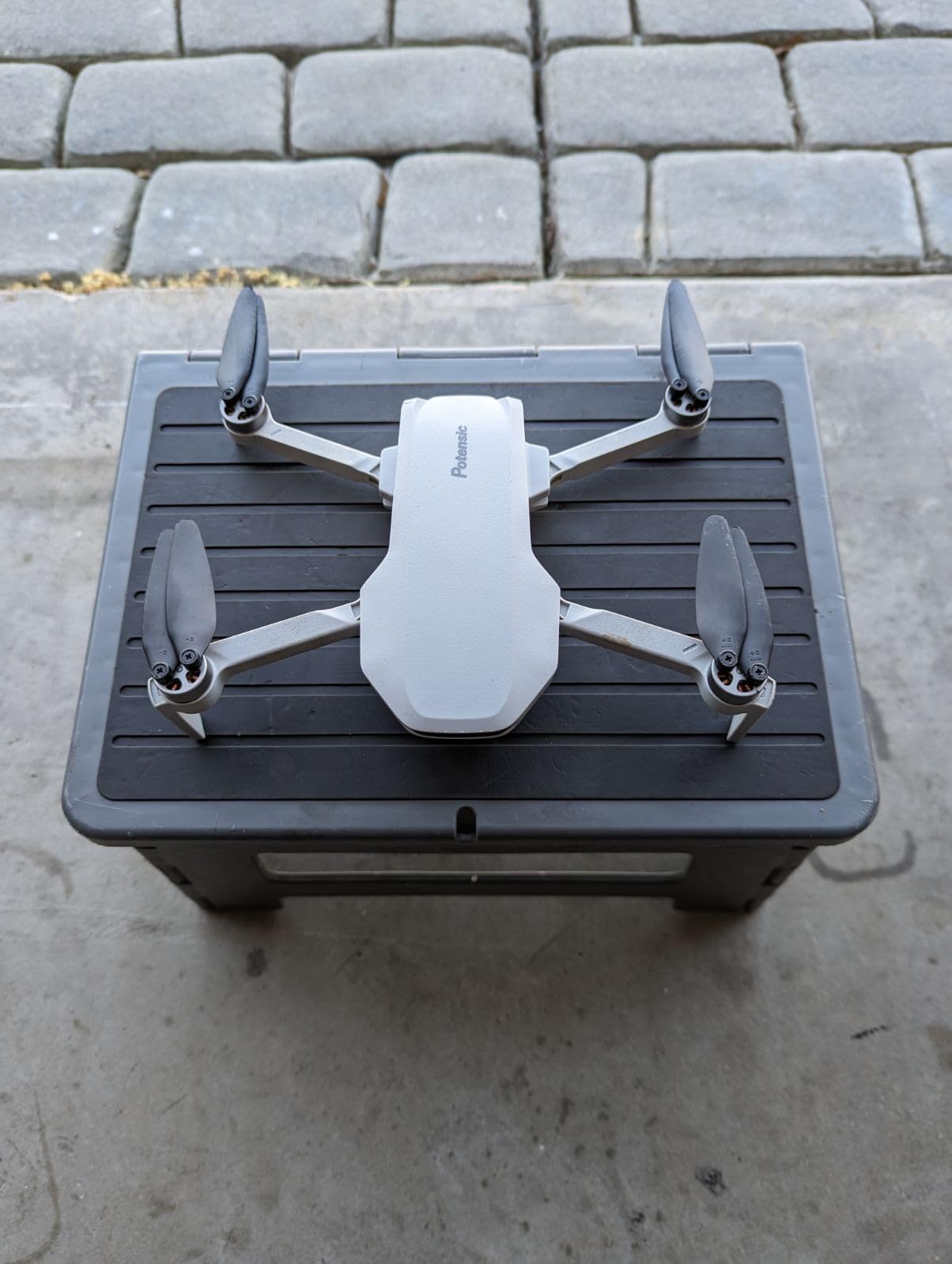
Technically, the ATOM SE uses PixSync 2.0 for a 4 km claimed range, brushless motors for durability, and three speed settings up to 16 m/s in Sport mode. Reviewers highlight the long dual-battery flight time as a standout. For a beginner urbex pilot, 62 minutes of cumulative flight means you can practice and shoot on the same outing.
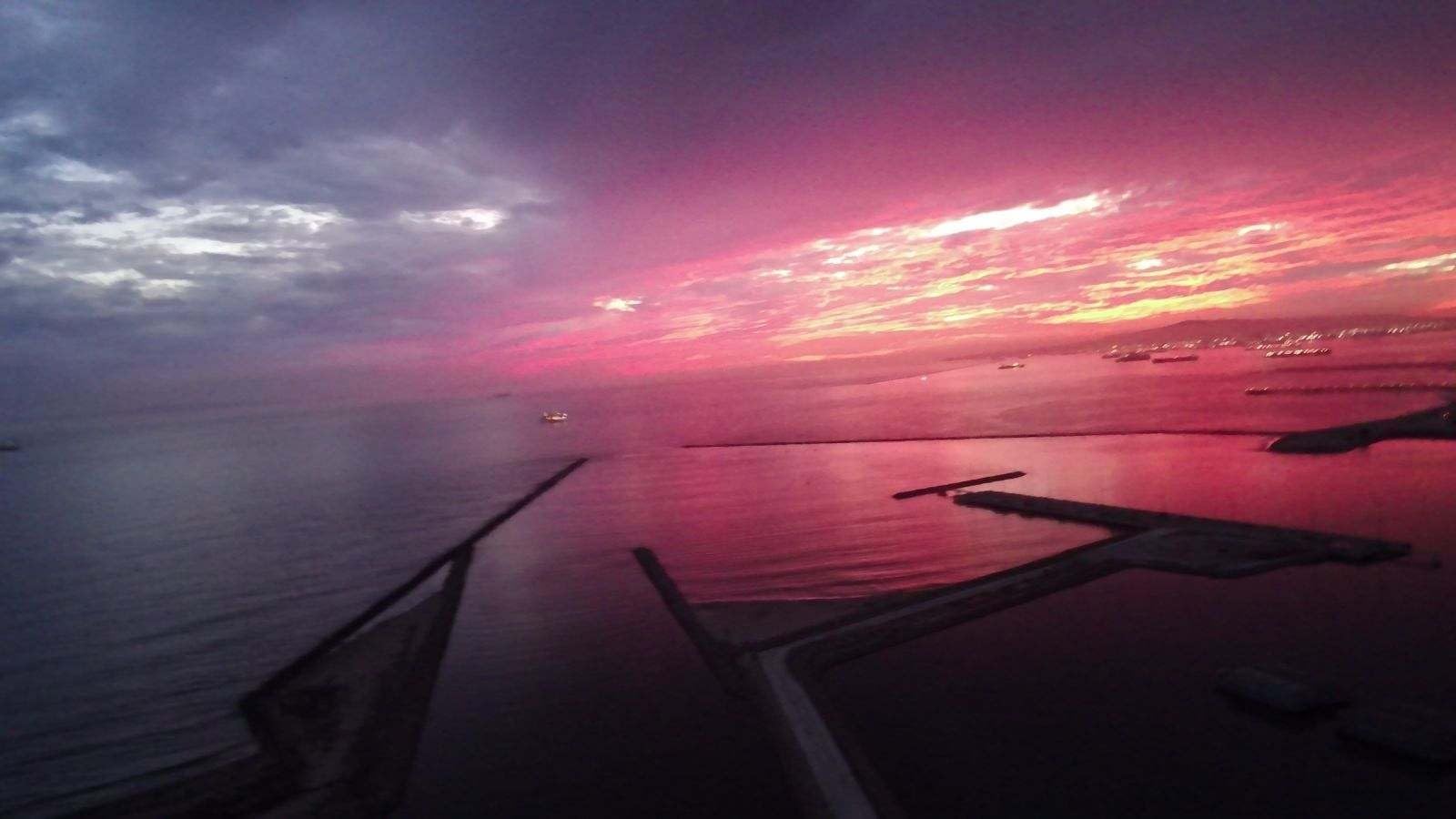
Who should buy the Potensic ATOM SE
Urbex beginners who want the most flight time per dollar and do not need a mechanical gimbal. If you are new to indoor flying and want to learn without risking an expensive drone, this is the practical pick. The Follow Me and Waypoint modes also help solo creators capture repeatable shots.
It is also a strong pick if you shoot both indoor urbex and outdoor landscapes. The foldable design and 4K EIS camera work well in both contexts.
Where the Potensic ATOM SE falls short
No obstacle avoidance, so indoor piloting requires care. The 4 km transmission range is optimistic, and most pilots see 1,200 to 2,000 ft in real conditions. The controller feels a little plasticky compared to higher-end options.
EIS stabilization is not as smooth as a true mechanical gimbal. If your final output demands gimbal-grade smoothness, step up to the Mini 4K or HS790.
8. Holy Stone HS360S – Best Budget Foldable Urbex Drone
Pros
- Sub-249g foldable design slips into a backpack
- 4K UHD with 1/3 inch GalaxyCore CMOS
- 10000ft transmission range
- GPS auto-return plus Follow Me and Waypoint
- Spiral Up and Catapult smart modes
- Beginner mode with optical flow positioning
Cons
- No gimbal stabilization produces choppier video
- Only one battery included in the box
- Slow charging around 5W
- Low-speed controls feel jerky
Best for: budget-focused urbex pilots who want a sub-250g foldable drone with GPS smart modes.
The Holy Stone HS360S is the cheapest sub-250g drone in this roundup that still delivers 4K UHD capture and GPS auto-return. For under two hundred dollars, you get a foldable airframe, a 10,000 ft transmission range, and beginner-friendly smart modes like Spiral Up and Catapult. I gave it to a workshop participant who had never flown, and within ten minutes they were capturing orbit-style footage.
The 213 g weight keeps it under the FAA threshold, and the foldable design means it disappears into a backpack pocket. For urban explorers who want a drone they can take on every trip without thinking about it, this is a strong pick.
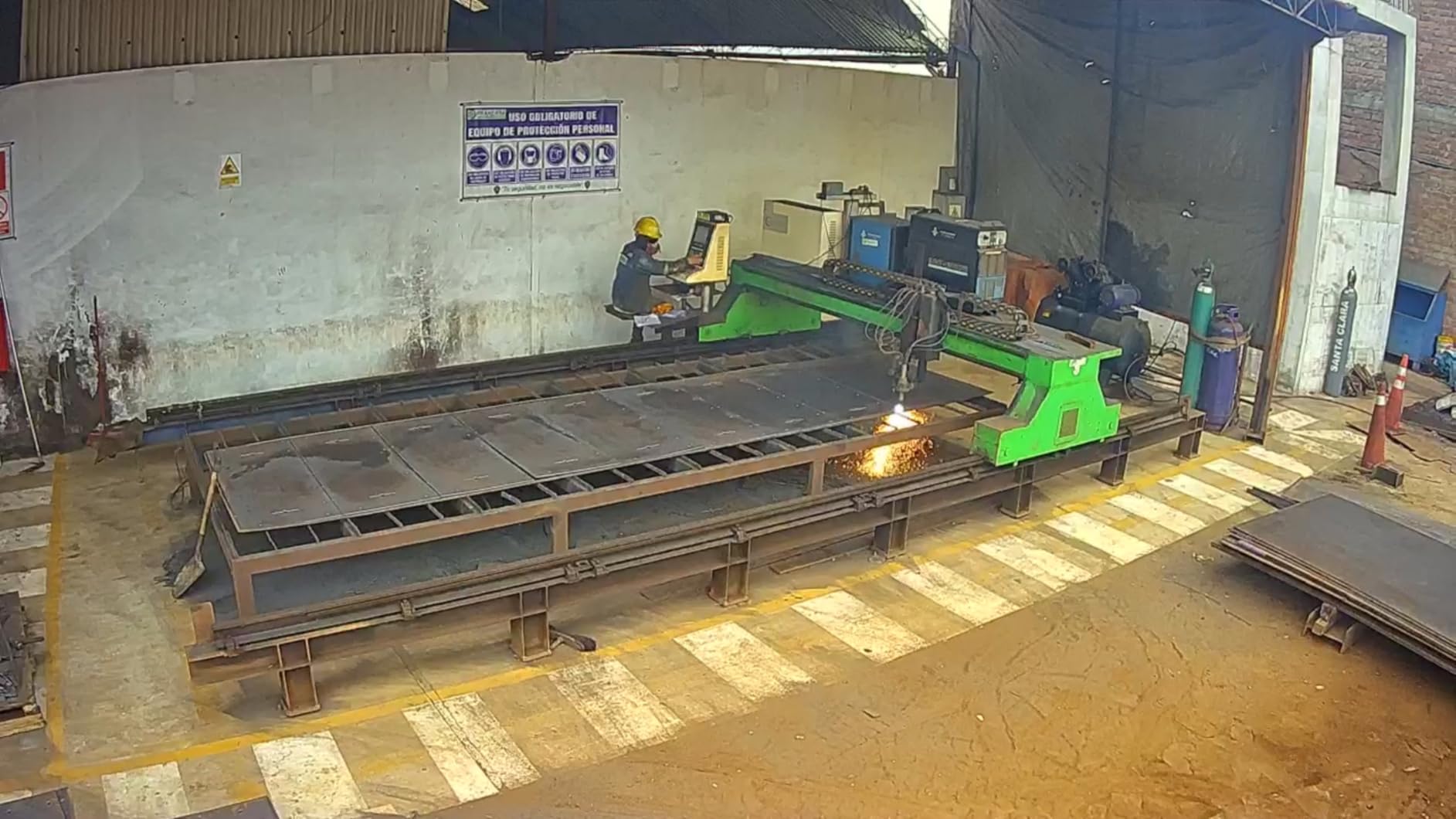
Technically, the HS360S uses a 1/3-inch GalaxyCore CMOS sensor, 5 GHz Wi-Fi transmission, and GPS plus optical flow positioning. The 4K UHD video tops out at 30 fps, and reviewers note that the lack of a gimbal makes footage choppier than gimbal-stabilized alternatives. Charging is slow at around 5W, which means a longer wait between flights.
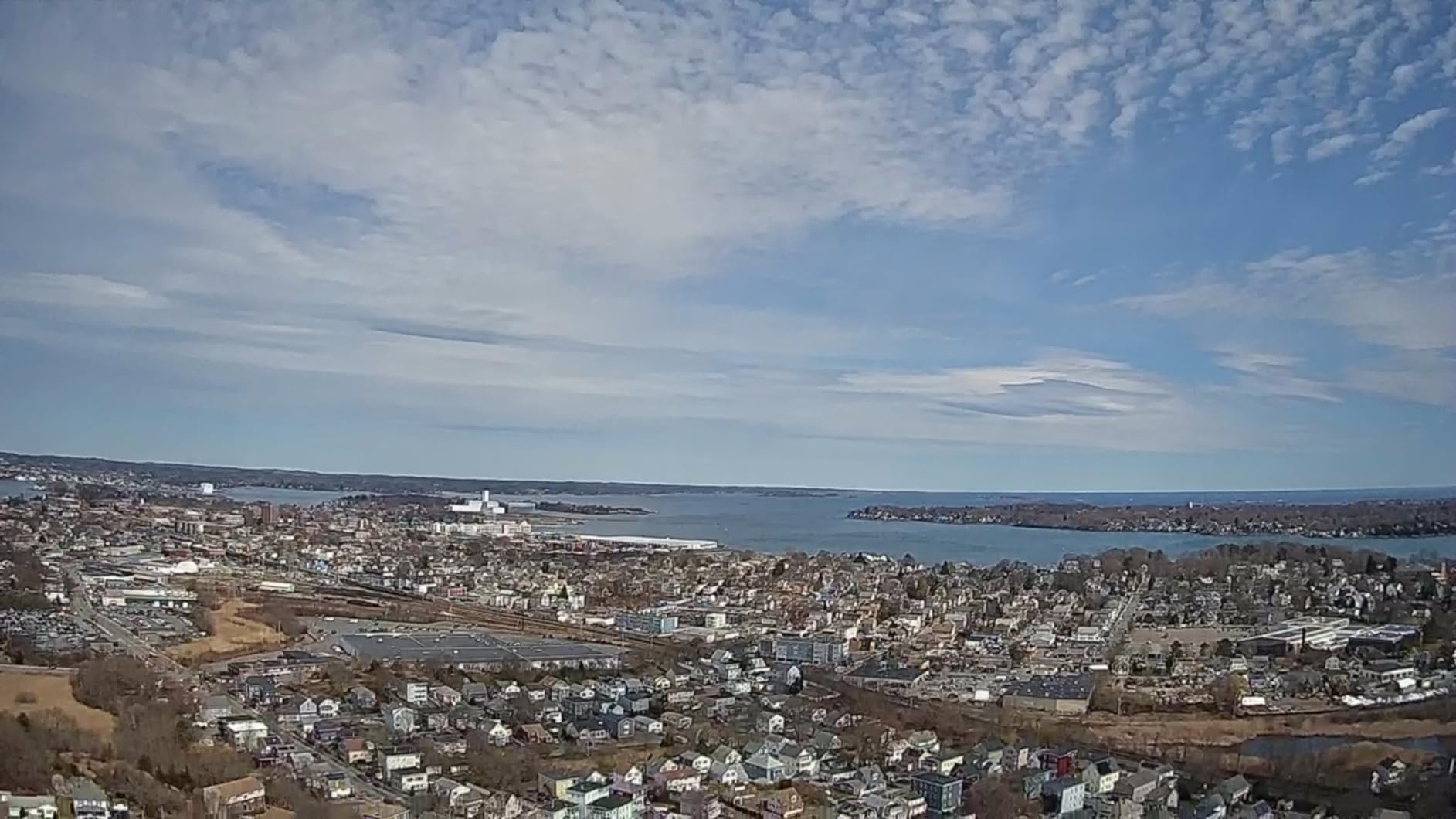
Who should buy the Holy Stone HS360S
Urbex beginners on a tight budget who want GPS smart modes and a sub-250g foldable design. It is the right pick if you want the cheapest way to get a stabilized drone with auto-return into your camera bag.
If you are buying a first drone for indoor urbex practice, the HS360S offers enough features to learn on without a major upfront investment. You can always upgrade to a gimbal drone later.
Where the Holy Stone HS360S falls short
No gimbal stabilization is the headline limitation. Video can look choppy during fast movements, and you will not get the smooth cinematic feel of a Mini 4K or HS790. Only one battery ships in the box, so factor in the cost of an extra pack.
Slow charging around 5W is annoying on urbex trips where you want to top up between sessions. Low-speed controls can feel jerky until you get used to the response curve.
9. Holy Stone HS175D – Best Backup Drone for Urbex Crews
Pros
- Sub-249g with no FAA registration
- 4K camera with 110 degree wide-angle and adjustable tilt
- 46-minute total flight with two batteries
- 5GHz FPV for smoother live view
- GPS auto return plus Follow Me and Waypoint
- Budget-friendly price for a backup unit
Cons
- No gimbal only single-axis tilt adjustment
- GPS sync can be finicky during cold-start setup
- Real-world range shorter than 500m advertised
- Some SD card compatibility quirks
Best for: urbex crews that want a low-cost backup drone to pack alongside a primary cinematic rig.
The Holy Stone HS175D is the drone I recommend as a second unit for any urbex crew. It costs less than most primary drones, weighs under 249 g, and delivers 4K capture with adjustable tilt and a 110-degree wide-angle lens. If your primary drone crashes or runs out of battery mid-shoot, the HS175D is the safety net that keeps the day going.
On a recent urbex trip to a derelict hotel, my main drone hit a hanging sprinkler and tumbled to the floor. The HS175D came out of the bag, launched within a minute, and captured the rest of the session. That is the practical value of a budget backup.
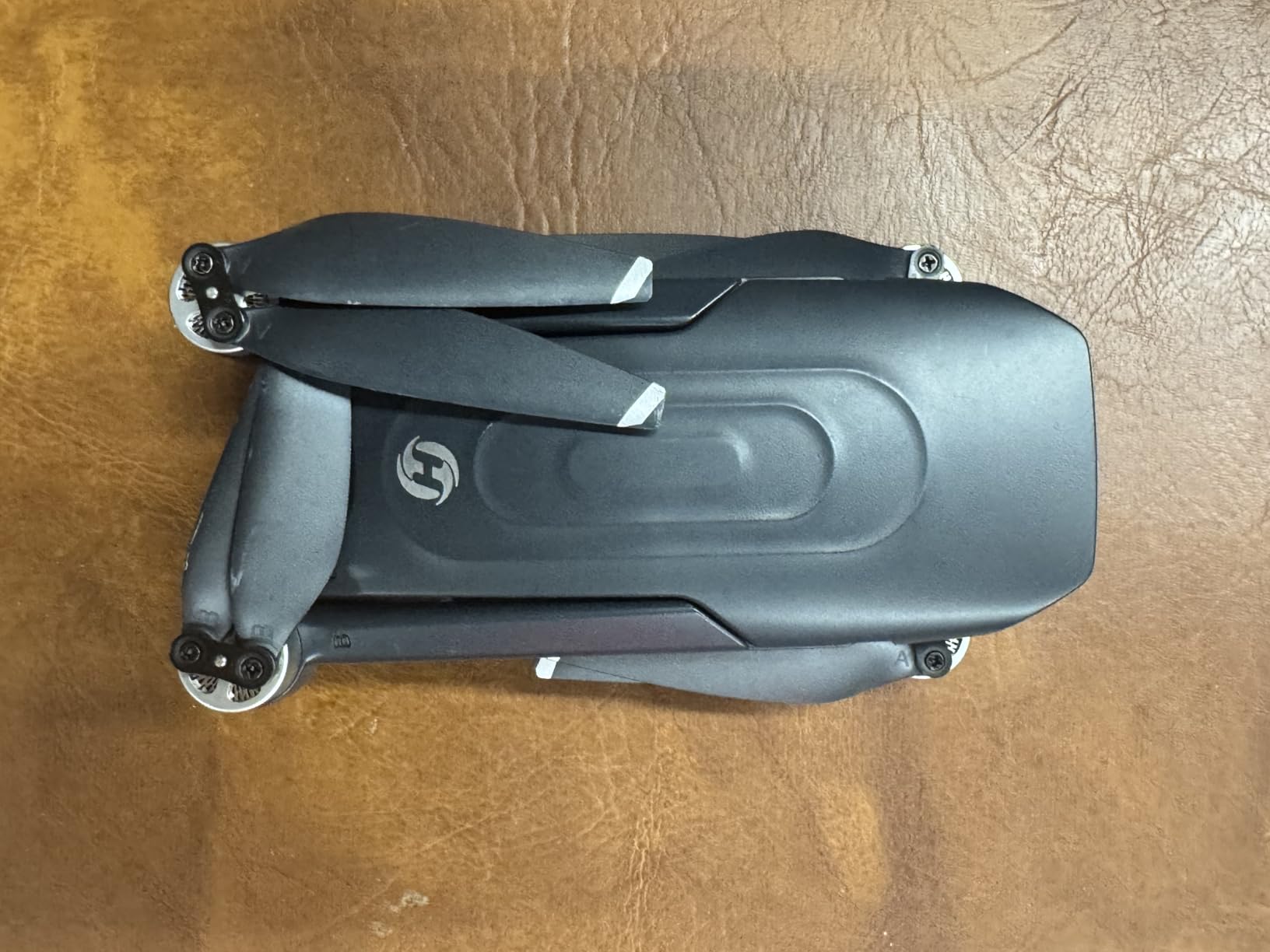
Technically, the HS175D offers 5 GHz FPV for low-latency live view, brushless motors for durability, and 46 minutes of total flight with two included batteries. The wide-angle 110-degree lens captures more of the room per pass, which is great for interiors. Reviewers praise the auto-return and the durability that comes from the brushless motor design.
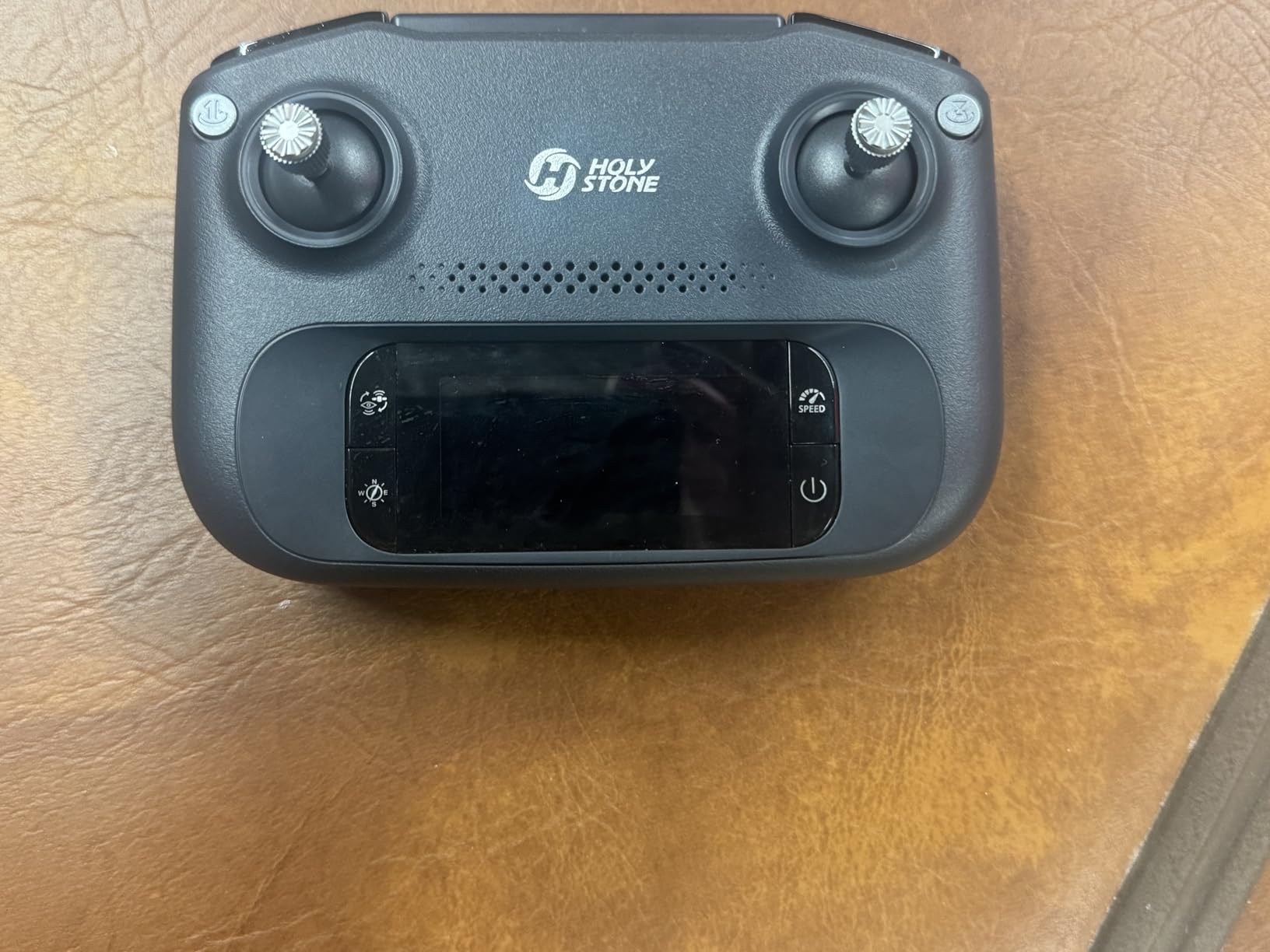
Who should buy the Holy Stone HS175D
Urbex crews that already own a primary drone and want a low-cost backup. The HS175D is also a strong pick for first-time pilots who want to learn indoor flying without risking an expensive drone. The two included batteries give you real session time out of the box.
If you are budget-constrained and need a 4K drone with GPS auto-return for under two hundred dollars, the HS175D delivers the basics without overcomplicating the experience.
Where the Holy Stone HS175D falls short
No gimbal means video is only single-axis tilt stabilized, so footage will not look as smooth as gimbal-equipped alternatives. GPS sync during cold-start setup can be finicky, especially if you are starting up indoors away from a window.
The 500m range claim is optimistic in real-world conditions, especially with trees or buildings in the way. Some SD card models have compatibility quirks, so stick with a known-good card.
10. Ruko U11MINI 4K – Best Touchscreen Controller Drone for Urbex
Ruko U11MINI 4K (RC3) Camera Drone for Adults with 5.5″ Touchscreen Remote
Pros
- Integrated 5.5 inch 1080P touchscreen removes need for a phone
- Sub-249g no FAA registration
- 8K photos and 4K30 video with 1/2 inch CMOS sensor
- 3-axis brushless mechanical gimbal
- 64-minute total flight with two batteries
- Responsive 24/7 customer support via WhatsApp
Cons
- Premium price tier versus budget micro drones
- Ruko app requires Google Play Services on Android
- Some lag on early firmware (improved via updates)
Best for: urbex creators who prefer a dedicated touchscreen controller over phone-tethered piloting.
The Ruko U11MINI 4K solves a problem I have had on every urbex shoot: my phone battery dies halfway through the day. The integrated 5.5 inch touchscreen controller means you do not need to tether your phone, and you get a bright dedicated display that works in sunlight. For pilots who shoot outdoor-to-indoor transitions, this is a genuine quality-of-life improvement.
Under the hood, the U11MINI packs a 1/2-inch CMOS sensor, 3-axis brushless gimbal, 4K30 video, and 8K stills. The 64-minute total flight across two batteries is the longest in this roundup, which means more shooting and less waiting. Reviewers consistently praise the responsive WhatsApp-based customer support, which is rare in the drone category.
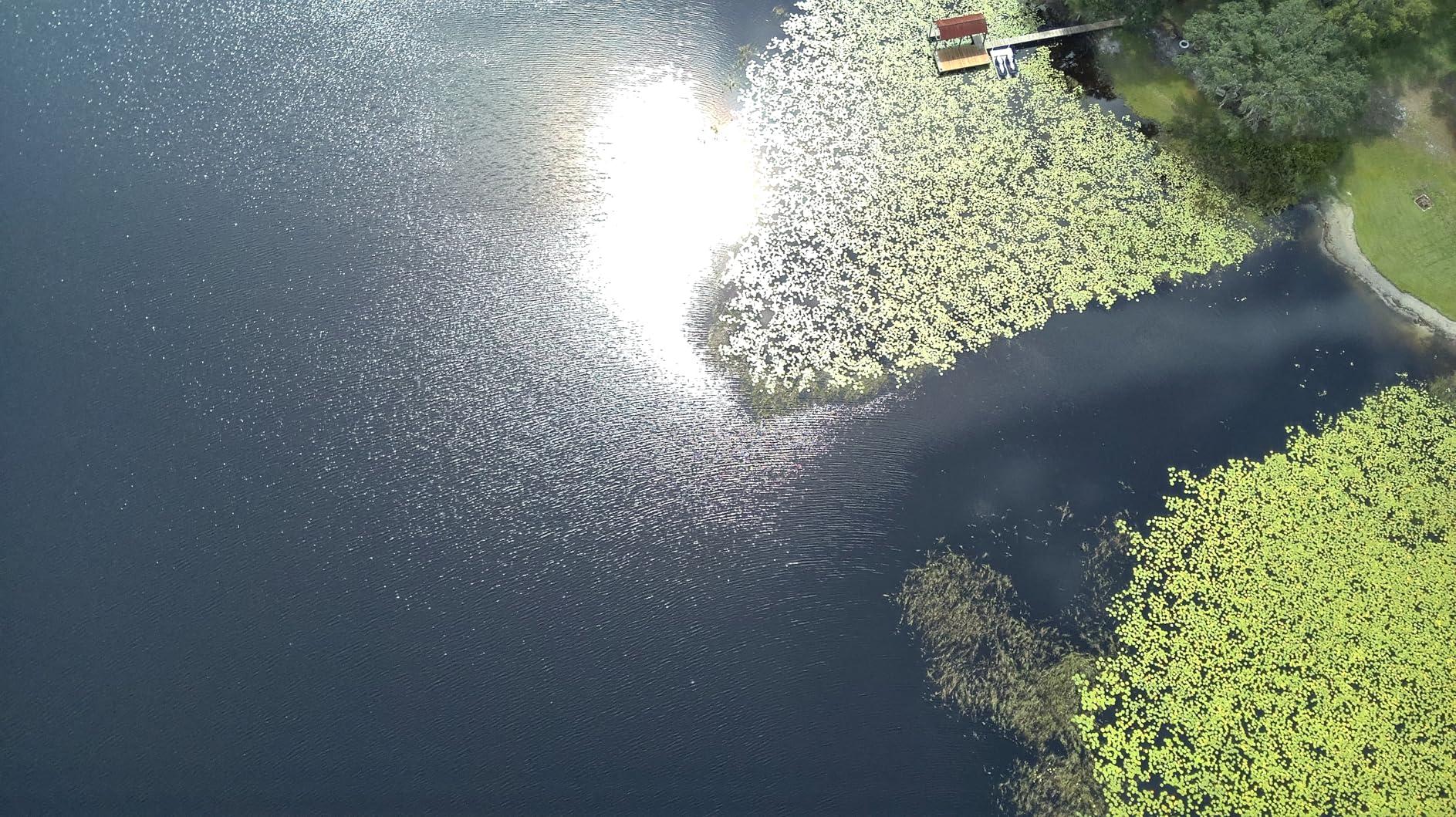
Technically, the U11MINI uses GPS plus barometric plus TOF plus optical flow for indoor positioning, which is one of the more robust sensor stacks in the sub-250g category. The 20,000ft transmission range comes from the R2 digital system. PD 3.0 fast charging means both batteries refill quickly between sessions.
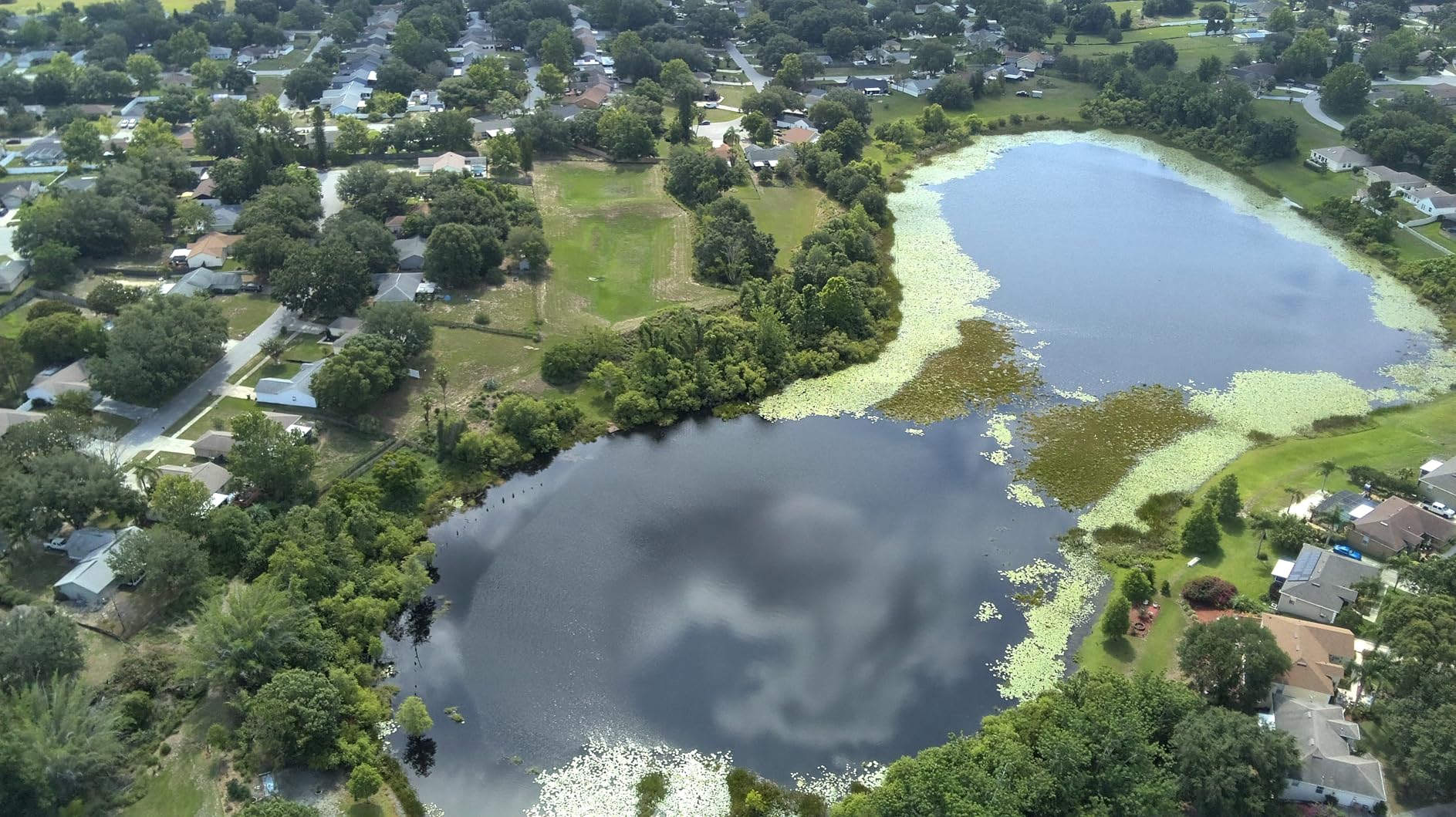
Who should buy the Ruko U11MINI 4K
Urbex pilots who are tired of phone-tethered controllers and want a dedicated touchscreen. It is also a strong pick if you prioritize long flight time and do not mind paying a premium for the integrated screen and 1/2-inch sensor.
Creators who split time between urbex and outdoor landscape work will appreciate the 20,000ft range and the long flight time. The R2 digital system holds up across mixed environments.
Where the Ruko U11MINI 4K falls short
Premium pricing puts it above most of the other picks on this list. The Ruko app requires Google Play Services on Android, which is a problem for Huawei users or anyone on a de-Googled device. Early firmware had some lag, although Ruko has shipped updates.
The 1/2-inch sensor is good but not class-leading, and low-light performance is solid rather than exceptional. If dark interiors are your main environment, the HS790’s Night Shot mode is a better fit.
What to Look for in a Micro Drone for Indoor Urbex Filming
Picking a micro drone for indoor urbex filming is different from picking an outdoor drone. Weight, footprint, prop protection, and indoor stabilization matter more than speed or range. Below are the six factors I weigh every time I pack for an urbex session, drawn from real shoot experience and forum discussions with urbex pilots who fly weekly.
Size and Weight for Tight Urbex Entries
Most urbex entries are not standard doors. I have squeezed through broken windows, ventilation shafts, and gaps in chain-link fences. A drone that is 12 inches across folded will not fit a 10 inch by 10 inch window, so you either pick a smaller drone or commit to bigger entries. Sub-250 g weight is also the FAA threshold for skipping registration in the US, which is a paperwork advantage for cross-border shoots. The DJI Neo and HOVERAir X1 are the lightest at 125-135 g, and they survive the smallest entries. For pilots who want to pack light, our camera clips for urbex backpack carry guide covers how to attach the drone to your existing camera harness.
Prop Guards and Ducted Props for Bounce-Off Flying
Indoor urbex means your drone will hit walls. Ducted props and full-coverage guards turn those crashes into bounces. The DJI Flip and HOVERAir X1 lead this category with full cages. The Neo also has full-coverage guards, although its prop replacement cost is higher than a ducted whoop. Open-prop drones like the Mini 3 and Mini 4K survive less contact, so they work better in larger rooms.
GPS-Denied Stabilization Indoors
GPS does not work inside a building. A drone for urbex must rely on visual positioning systems, optical flow sensors, barometric altitude hold, and AI subject tracking. The DJI Neo, Flip, and Mini series use VPS that holds position within an inch or two. The HOVERAir X1 relies on a downward camera and barometer, which works but drifts slightly in drafty hallways. For pure GPS-denied flight, brushless whoops with optical flow lead the category.
Camera Quality and Low-Light Performance
Urbex interiors are dark. Window light falls off within a few feet of the opening, and basements are often pitch black. A larger sensor (1/1.3-inch or 1/2-inch) outperforms a smaller one in low light. The DJI Flip and HS790 stand out here with AI Night Shot and a 1/1.3-inch sensor respectively. If your shoots are mostly daylit, the Neo’s 1/2.3-inch sensor is enough. For darker shoots, mount a small LED panel on the drone for fill light.
Repairability and Spare Parts in the Field
You will crash. Spare props, spare batteries, and a small repair kit are not optional for urbex drone work. The DJI ecosystem has the best spare parts availability, while some smaller brands ship proprietary parts that are harder to source. Forum pilots consistently recommend stocking at least four to six spare batteries per shoot, since most micro drones fly for 10 to 30 minutes per pack.
Battery Logistics on Urbex Trips
Most urbex sites do not have wall power. A USB-C power bank, a PD charging hub, and a stock of spare batteries are the difference between a one-hour shoot and a full-day shoot. The DJI Mini 3 with extended battery, the Holy Stone HS790, and the Ruko U11MINI all support 60+ minutes of total flight with dual batteries. Plan for at least four batteries per drone on a full-day urbex outing.
How to Fly a Drone Safely in Abandoned Buildings
Safety is non-negotiable in urbex. Floors are unstable, ceilings leak debris, and stairwells can collapse. Before every flight, I do a 60-second pre-flight scan of the room. Check the ceiling for hanging tiles or wires. Check the floor for broken glass or standing water. Identify your exit route. The drone should be the safest piece of gear in the room, not the riskiest.
For pilots flying inside for the first time, beginner modes are essential. The DJI Neo, HOVERAir X1, and Potensic ATOM SE all offer beginner or stabilized modes that limit speed and altitude. Use them. Dust is the next concern. Old buildings shed plaster and silica, both of which can damage motors and cameras. A quick brush-down after each session, plus compressed air for the props, keeps the drone flying for years.
Dark interiors require extra caution. The drone’s vision positioning system needs some light to hold position. Carry a small flashlight to point at the floor during takeoff and landing. If your drone does not have obstacle avoidance, fly line-of-sight from the operator rather than relying on FPV goggles. Hair and pet tangles around ducted props are a real risk at close range, so keep bystanders a few feet back.
Frequently Asked Questions
What is the best tiny drone for indoor use?
The best tiny drone for indoor use is the DJI Neo at 135 g, with full-coverage propeller guards that survive wall bumps, a 4K stabilized camera, and palm takeoff that requires no controller. For pure beginner self-flying, the HOVERAir X1 at 125 g is the easiest pick since it launches from your hand and runs pre-programmed flight paths without any pilot input.
What is the best mini drone for indoor flying?
The best mini drone for indoor flying depends on your experience. Beginners should choose the DJI Neo for its palm takeoff and AI tracking. Intermediate pilots who want gimbal-grade cinematic footage should pick the DJI Flip with its full-coverage carbon fiber cage and 3-axis gimbal. FPV pilots who want manual control should look at a ducted cinewhoop like the BetaFPV Pavo20 Pocket.
Is Mobula 6 suitable for indoor flight?
The Happymodel Mobula 6 is widely regarded as one of the best nano whoops for indoor flight thanks to its 65mm frame, ducted props that survive wall bumps, and sub-25 g weight that fits through window openings. It runs on 1S LiPo batteries with 4-5 minute flight times, which is short for cinematic work but ideal for learning FPV indoors before graduating to a larger cinewhoop.
Can you legally fly a drone indoors?
In the US, the FAA regulates outdoor airspace, so flying a drone inside a private building does not require FAA registration or a Part 107 license regardless of drone weight. You still need the property owner’s permission and must avoid filming people without consent. In the UK and EU, indoor flights are not regulated by aviation authorities but local trespass and privacy laws still apply.
Final Verdict: Best Micro Drone for Indoor Urbex Filming in 2026
For most urbex creators reading this in 2026, the DJI Neo is the drone to pack first. It is the lightest mainstream 4K drone with full-coverage prop guards, palm takeoff for non-pilots, and AI tracking that holds focus in tight interiors. If you want gimbal-grade cinematic 4K footage and a tougher carbon fiber cage, step up to the DJI Flip. And if your crew includes people who have never flown before, the HOVERAir X1 is the self-flying camera that anyone can launch with one hand.
Pair your drone with a wearable cam for first-person coverage, a sturdy tripod for long exposures in dark interiors, and the spare batteries and prop guards that any urbex pilot will tell you are non-negotiable. If you want to round out your urbex kit, our tripods for long exposure guide pairs well with this list for capturing the static shots that complement your aerial footage.
The best micro drones for indoor urbex filming are the ones that survive the entry, survive the walls, and deliver footage worth editing. Any drone on this list will get the job done. Pick the one that matches your crew’s skill level and your shoot’s lighting, pack at least four spare batteries, and go capture something worth flying into.