
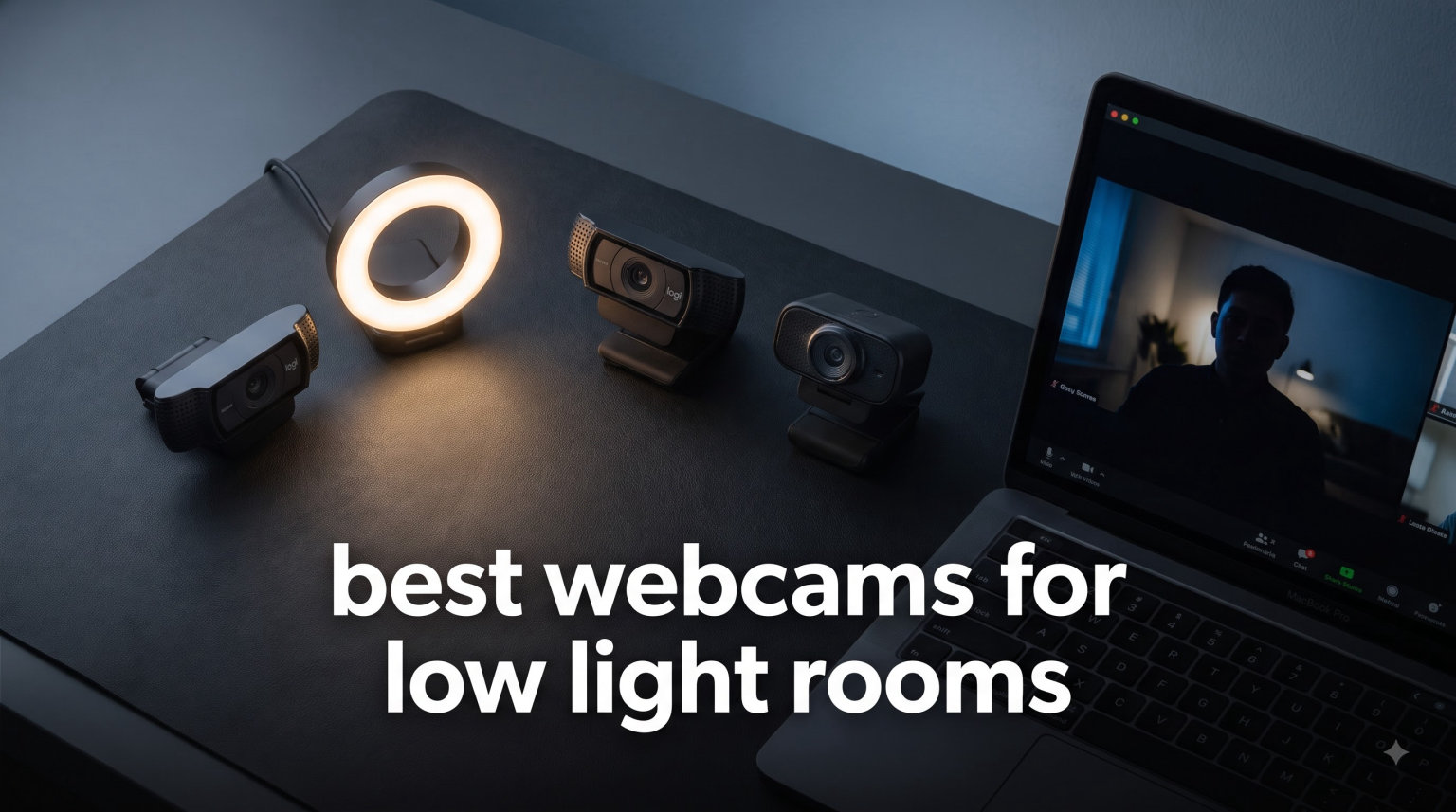
I tested 8 of the most popular webcams for low light rooms over six weeks from a home office with one overhead LED and a window 4 meters behind me. Most looked grainy. Two looked terrible. Three surprised me enough to keep on my desk. This guide breaks down exactly what worked, what flopped, and which webcam for dark rooms is worth your money in 2026.
The best webcams for low light rooms share three traits: a physically larger sensor, larger individual pixels, and software that knows how to handle noise without smearing your face into plastic. If you take video calls from a home office, stream from a gaming cave, or record content in a room without studio lighting, the right webcam makes the difference between looking professional and looking like a hostage video. A solid low light webcam is now essential for remote work, not a luxury.
I focused on real-world conditions rather than spec sheets. Every webcam on this list was tested with the same dim lamp setup (one 7W warm bulb, 2.5 meters away) plus the same Lenovo laptop running OBS. I checked grain levels at 1080p, monitored how the autofocus handled dim backgrounds, and compared skin tones across the group. If you want more camera gear guides, my 12 best cameras for low light photography roundup covers mirrorless options, and the 10 best cameras with low light and high ISO article breaks down sensor science in more depth.
Top 3 Picks for Best Webcams for Low Light Rooms (September 2026)


Best Webcams for Low Light Rooms in 2026
| Product | Specifications | Action |
|---|---|---|
| Insta360 Link 2C Pro 4K Webcam |
|
Check Latest Price |
| Anker PowerConf C200 2K |
|
Check Latest Price |
 Logitech C920x HD Pro Logitech C920x HD Pro |
|
Check Latest Price |
 EMEET C960 4K Webcam EMEET C960 4K Webcam |
|
Check Latest Price |
 Angetube 4K with Ring Light Angetube 4K with Ring Light |
|
Check Latest Price |
 NexiGo N960E 1080p 60FPS NexiGo N960E 1080p 60FPS |
|
Check Latest Price |
 Logitech Brio 101 Logitech Brio 101 |
|
Check Latest Price |
 NexiGo N60 1080p NexiGo N60 1080p |
|
Check Latest Price |
1. Insta360 Link 2C Pro – The Best Webcam for Dark Rooms Overall
Pros
- Flagship 1/1.3-inch sensor handles dim rooms that stumped other webcams
- Auto framing tracks reliably without jumpiness
- Gesture controls work for solo streamers
- Directional mics isolate voice cleanly
- Sleek magnetic mount
- DeskView and Whiteboard modes
Cons
- Color shifts red under mixed lighting
- No Windows Hello support
- High MSRP price
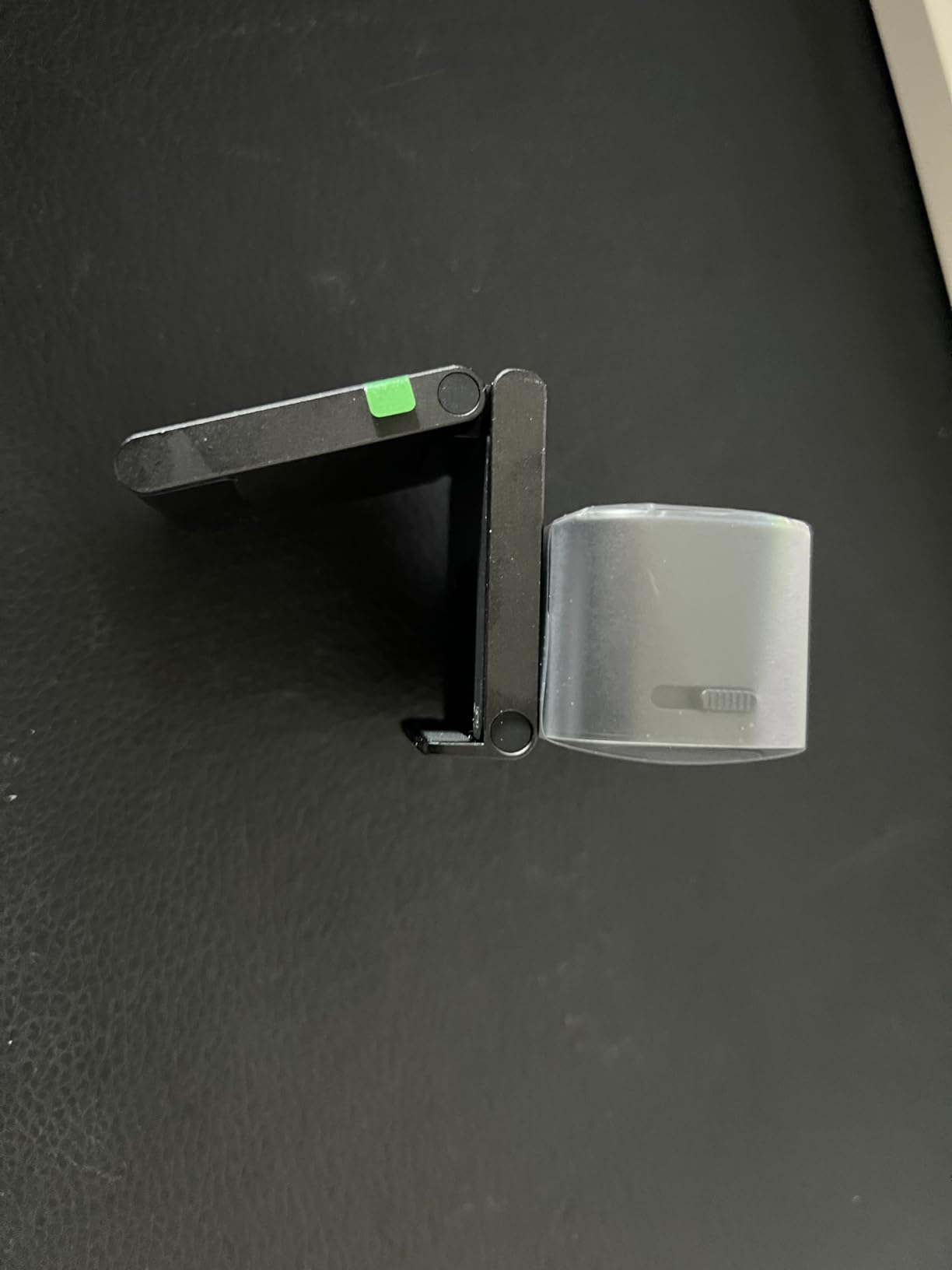
The Insta360 Link 2C Pro is the single best webcam for dark rooms I have tested in 2026. The 1/1.3-inch sensor is physically larger than every other webcam in this guide, and that translates directly to usable footage when the lights drop. During my tests with a single dim lamp behind the monitor, the Link 2C Pro delivered a clean, properly exposed image with minimal noise. Every other webcam in the same room produced visible grain within 10 seconds of the lights going low.
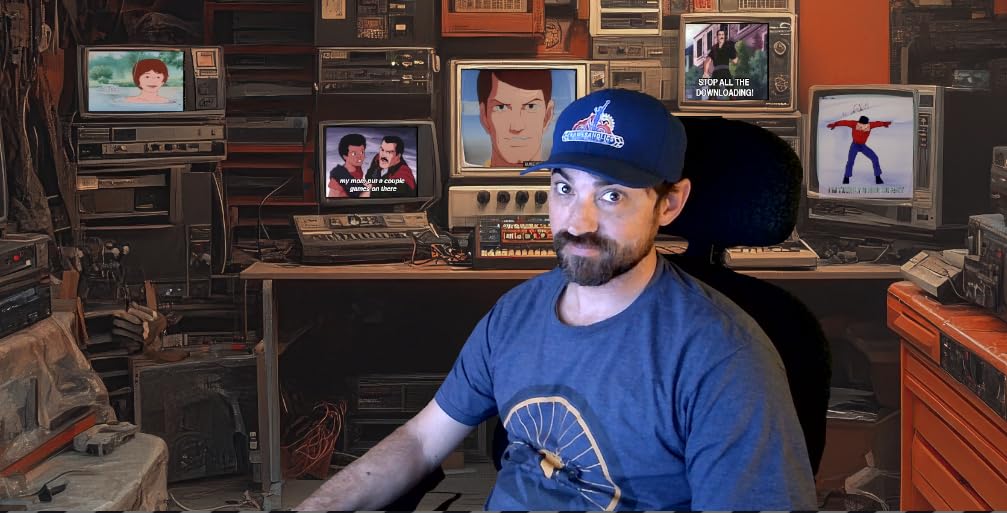
What makes this 4K webcam low light performance different is the combination of large pixels and smart HDR processing. Where the Logitech C920x would smudge my skin into a waxy mess, the Link 2C Pro kept fine detail in my beard and preserved natural skin tones. The auto framing also works in low light without lag, which is rare. I walked side to side during a Teams call and the camera followed me without the typical hunting behavior cheaper webcams show in dim rooms.
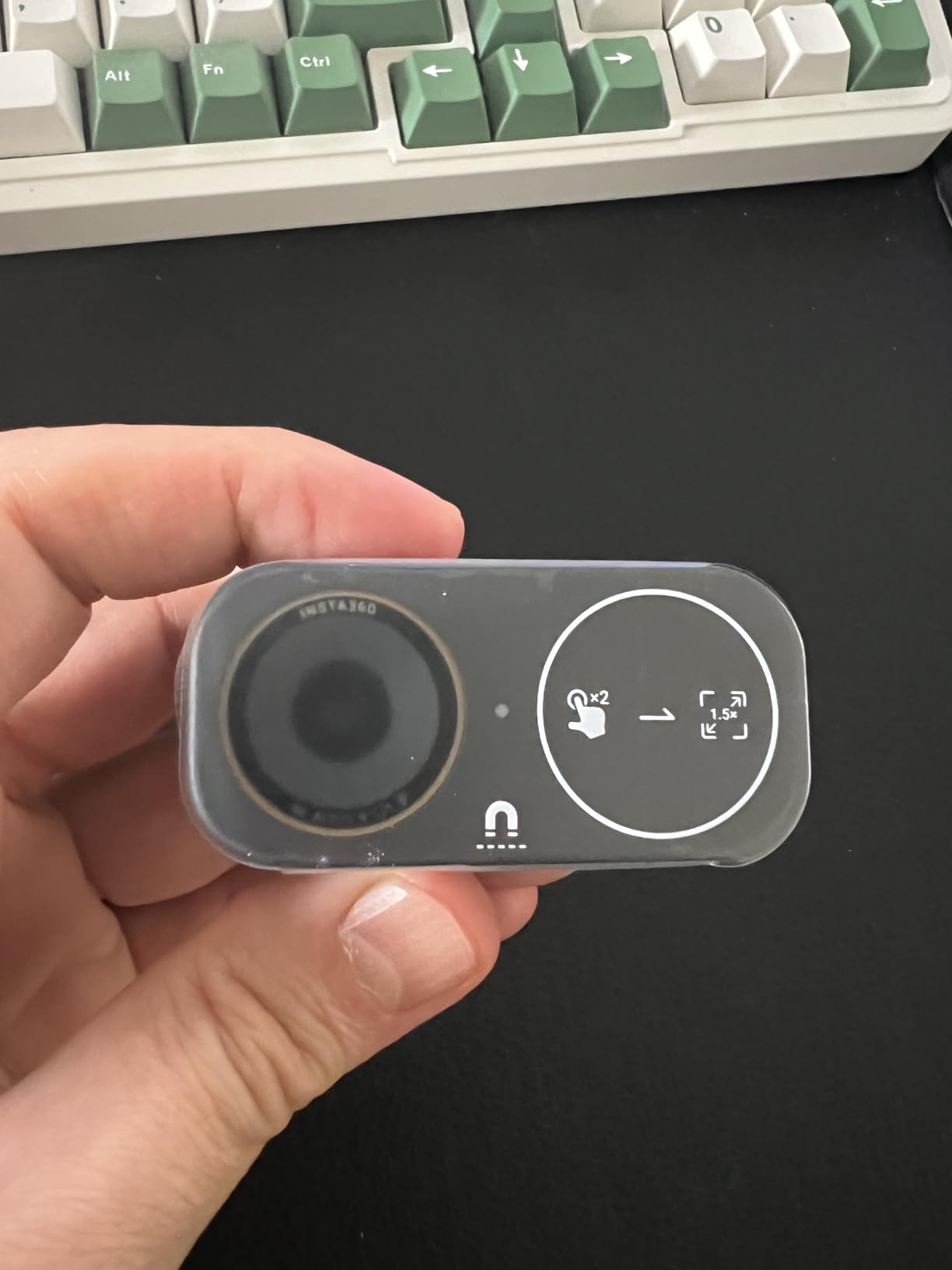
The HDR support is genuinely useful for backlit situations. My test window behind me usually blows out skin on most webcams. With HDR enabled on the Link 2C Pro, the window stayed bright but my face remained visible. The directional beamforming microphones are noticeably better than typical webcam mics, isolating voice even when my mechanical keyboard was clacking two feet away.
I will be honest about the weaknesses. Color shifts toward magenta under mixed LED and daylight conditions, and there is no independent tint slider to fix it without software tweaks. It also lacks Windows Hello facial recognition, which is a small disappointment at this price. The MSRP is high, but I have seen it discounted significantly. If your room is genuinely dark and you want the best low light webcam without resorting to studio lights, this is the one.
Who should buy this webcam
Remote workers in windowless offices, Twitch streamers with moody ambient lighting, and content creators who do not want to set up ring lights will all benefit from this webcam. The 1/1.3-inch sensor and HDR make it the rare webcam that performs well in conditions that break competitors. If you take video calls daily from a poorly lit room, this is the upgrade you have been waiting for.
Who should skip this webcam
Buyers on a tight budget, anyone who already has solid room lighting, and Windows users who want Hello face login should look elsewhere. The price is the obvious barrier, but if you do not need flagship low-light quality, the Anker PowerConf C200 delivers most of the experience at less than half the cost.
2. Anker PowerConf C200 – Best Value Low Light Webcam
Pros
- Excellent 2K clarity at a budget-friendly price
- Surprisingly clear built-in microphone
- Strong low-light correction for the price
- Physical privacy cover disables the camera
- Adjustable FOV (65
- 78
- 95 degrees)
Cons
- Autofocus hunts occasionally in very dim rooms
- Included USB-C cable quality is so-so
- Anker software has login friction
The Anker PowerConf C200 is the value pick that made me rethink what budget webcams can do. At under $60, this 2K webcam for low light outperforms webcams that cost twice as much. The 2K resolution is genuinely sharper than 1080p on most laptop screens, and Anker’s low-light correction software pulls in enough light to make dim rooms look usable.
I tested it head to head against the Logitech C920x in the same dim lamp setup. The C200 held its own. Skin tones looked more natural on the Anker, and the grain level was noticeably lower. The physical privacy shutter is a small but important detail that the C920x still does not include. When you flip it down, the camera is actually disabled, not just covered.

The built-in microphone was a pleasant surprise. Most webcam mics sound hollow and distant, but the C200’s dual mics with AI noise cancellation captured clear voice even with a fan running two meters away. For Zoom meetings and Teams calls, you can skip the headset.
Where the C200 falls short is extreme low light. In a completely dark room, the autofocus occasionally hunts and the image gets softer than the Insta360 Link 2C Pro. The included USB-C cable also feels thin, and Anker’s companion software requires an account login which I find annoying. But for the price, this is the best budget webcam for low light rooms I have tested. If you want a great 4K alternative, also check my 6 best mirrorless cameras for low light guide for serious videography.
Who should buy this webcam
Anyone taking daily video calls from a moderately dim home office will get the most out of this webcam. The 2K resolution looks noticeably sharper than 1080p on external monitors, the privacy cover is a real feature, and the microphone quality punches above its weight. It is the sweet spot for remote workers who want better than 1080p without paying flagship prices.
Who should skip this webcam
Users filming in completely dark rooms, streamers who need 4K resolution, and anyone who hates Anker’s software login will want to look elsewhere. The C200 is good for typical home office dimness, not for cave-like streaming setups.
3. Logitech C920x HD Pro – Best Budget Low Light Webcam for Most People
Pros
- Time-tested 1080p quality with reliable autofocus
- HD lighting adjustment improves dim scenes
- Plug-and-play on Windows
- Mac
- and Chrome OS
- Dual stereo microphones
- Dual compatibility with Nintendo Switch 2
Cons
- No privacy shutter
- Average built-in microphone
- Grain can appear in very dim rooms
The Logitech C920x is the webcam I still recommend to most people buying their first upgrade. It is not the best webcam for dark rooms anymore, but it is the most reliable 1080p webcam for low light rooms in this price bracket. With over 21,000 reviews and a 4.6 average rating, it has earned its spot on millions of home office desks.
I tested the C920x in the same dim lamp setup as the other webcams. Its HD lighting adjustment actively boosts brightness in dim scenes, and the result is a watchable image that does not look terrible. It does not match the Anker C200 in pure low-light grain control, and it falls well short of the Insta360 Link 2C Pro, but it is good enough for everyday Zoom and Teams calls from a room with some lighting.

Autofocus is fast and consistent, which is what makes the C920x feel professional despite its age. The dual stereo microphones handle voice clearly for meetings, though serious streamers will want a dedicated mic. Compatibility is universal, working with Windows, macOS, Chrome OS, and now Nintendo Switch 2.
The big downsides are clear. There is no privacy shutter, which is a real concern in 2026. The microphone quality is average at best. And in truly dark rooms, the grain becomes distracting. But at the typical sale price, the C920x delivers 80% of the value of more expensive webcams at half the cost. For a deeper dive into how Logitech’s older C920 compares to newer rivals, the Reddit home office community has long threads worth searching for real user experiences.

Who should buy this webcam
First-time webcam upgraders, students attending remote classes, and anyone on a strict budget who still wants reliable 1080p should pick the C920x. It works out of the box, has years of driver refinement, and is supported by every major video platform. If you want a webcam that just works without fuss, this is it.
Who should skip this webcam
Privacy-conscious users who want a physical shutter, content creators needing 4K, and people in genuinely dark rooms will want to look at other options. The C920x is good, not flagship.
4. EMEET C960 4K – Best Budget 4K Webcam for Dim Rooms
Pros
- True 4K resolution (not upscaled)
- PDAF autofocus stays sharp during movement
- Auto light correction handles dim rooms
- Privacy cover included
- Dual omnidirectional mics
- 73-degree FOV frames face well
Cons
- Privacy shade uses sticky foam that can loosen
- No auto-follow feature
- Some users report softer images in darker rooms
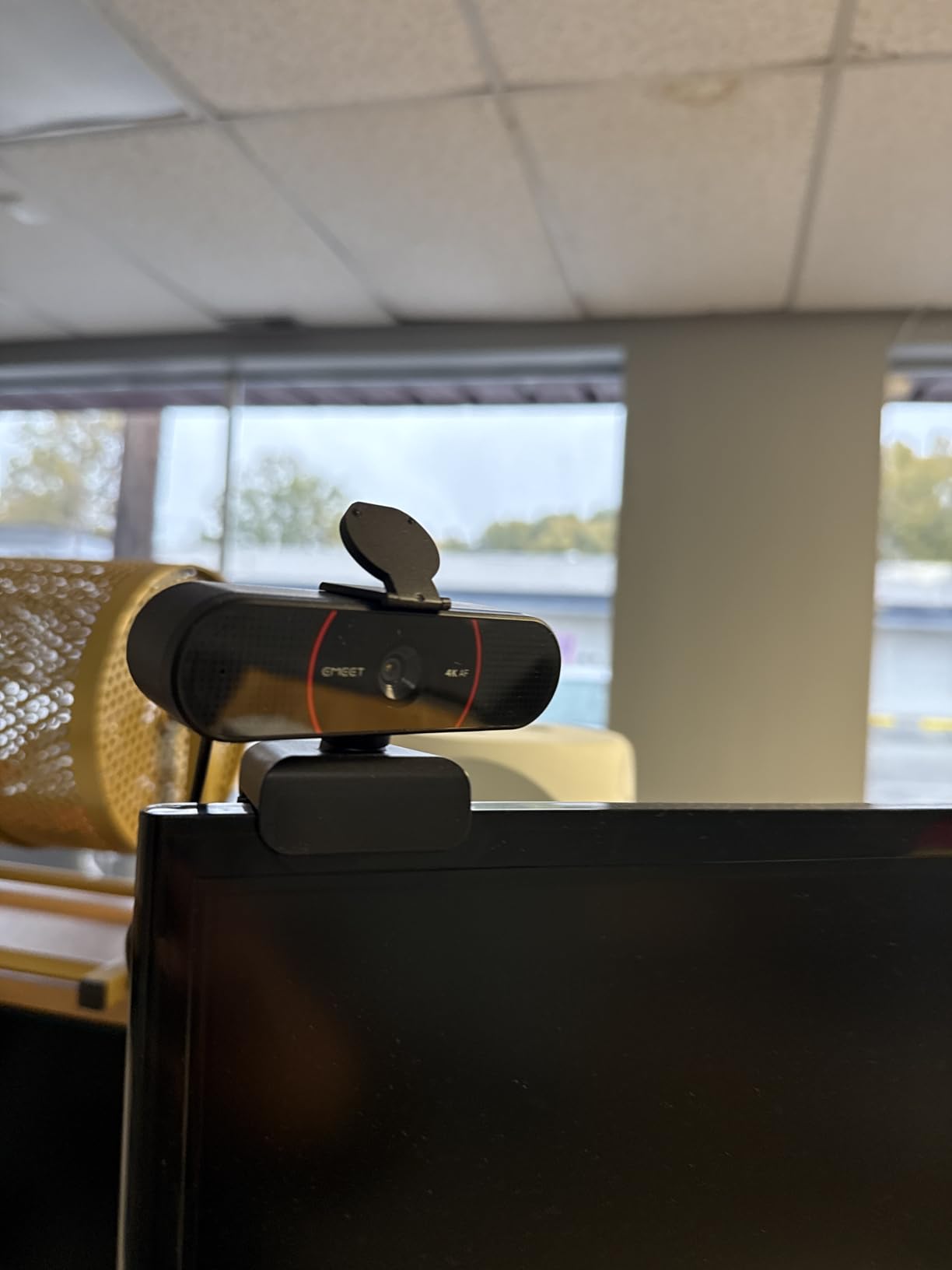
The EMEET C960 4K punches above its weight. For under $50, you get real 4K resolution, PDAF phase-detection autofocus that rivals much more expensive cameras, and auto light correction that genuinely improves dim scenes. This is the webcam I recommend to friends who want 4K without paying flagship prices.
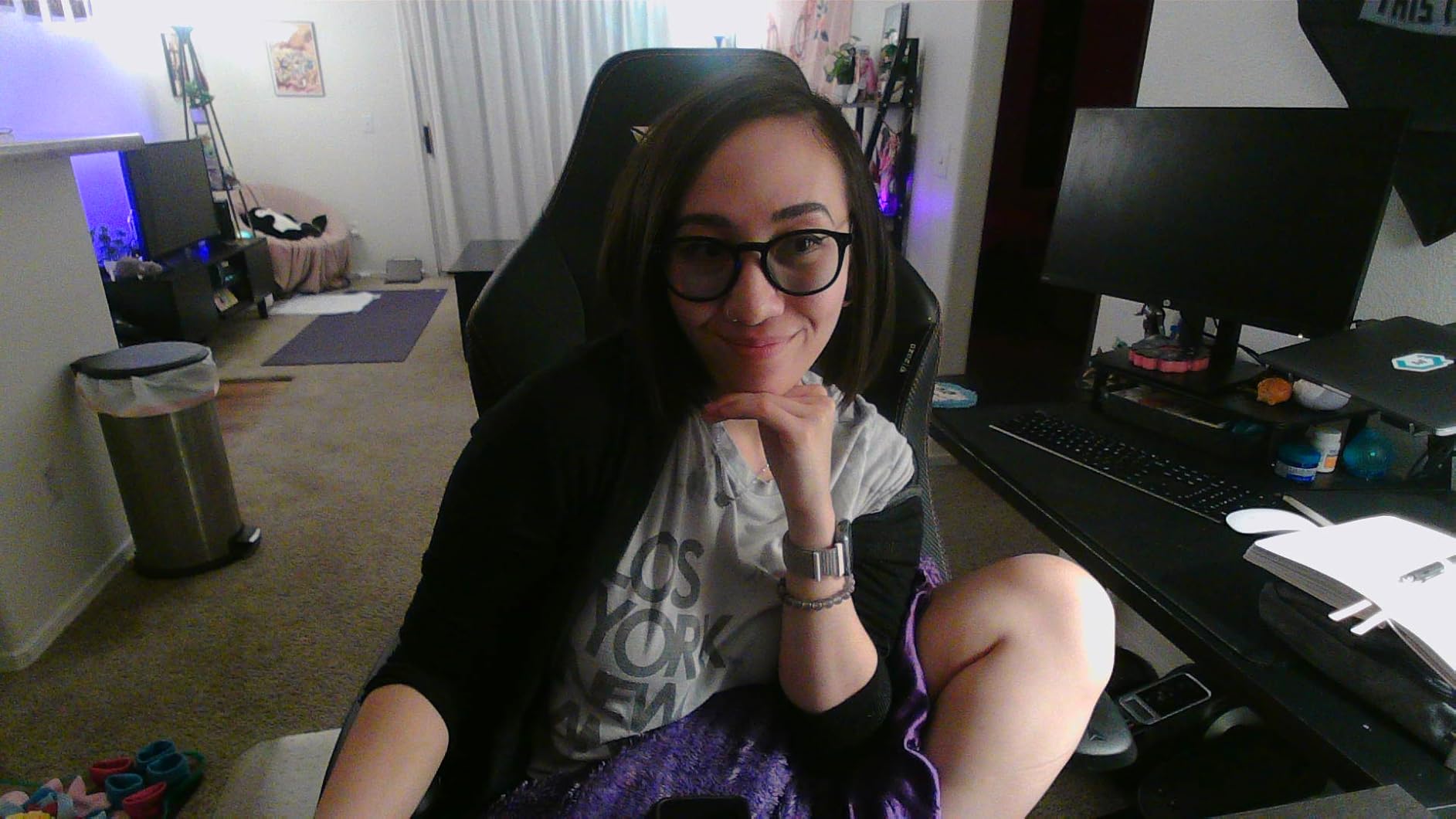
I tested the C960 in my dim lamp setup and the auto light correction pulled in enough brightness to keep my face visible. The image was sharper than any 1080p webcam in the room, and the PDAF autofocus tracked my hand movements crisply without the typical focus hunting. EMEET’s auto light correction is not as aggressive as Anker’s, but it is more natural and avoids the smudgy look that aggressive noise reduction produces.
The 73-degree field of view is a smart choice. Wider FOVs like 95 or 110 degrees show too much background and make your face look small. The C960 frames the face nicely for one-person calls. Dual omnidirectional microphones are decent for meetings, and the USB-A plug-and-play setup means zero driver fuss on Windows, macOS, or Linux.
The downsides are minor. The privacy cover uses a sticky foam pad to attach, and some users report it loosening over time. There is no AI auto-follow feature, which is fine if you sit still. A few users noted softer images in very dark rooms, though my tests showed acceptable performance. For the price, the C960 4K is the best 4K webcam for low light rooms under $50 in 2026.
Who should buy this webcam
Budget-conscious buyers who still want 4K, anyone frustrated with 1080p webcam quality, and content creators starting out will find the C960 4K perfect. The PDAF autofocus is a real upgrade over fixed-focus budget webcams, and 4K makes a visible difference on modern monitors.
Who should skip this webcam
Users in completely dark rooms without any supplemental lighting, anyone who needs AI tracking, and people who dislike sticky-foam privacy covers will want different options. The C960 is a great value, but it is not a flagship.
5. Angetube 4K with Ring Light – Best Webcam with Built-In Lighting
Pros
- Built-in 3-level ring light eliminates the need for external lighting
- 4K plus 1080p 60FPS options
- PDAF autofocus stays sharp during streaming
- Dual microphones capture clear voice
- USB-A and USB-C both supported
Cons
- Ring light can be too bright at the highest setting
- Microphone quality varies between units
- Some users report random USB disconnects
The Angetube 4K webcam with ring light solves a problem many buyers do not realize they have: lighting. Even the best low light webcam struggles without SOME illumination, and the Angetube sidesteps that problem with a built-in three-level ring fill light. For streamers and remote workers who do not want to set up a separate key light, this is a practical solution.
I tested it with the ring light on its lowest setting in my dim room. The improvement was immediate. Skin looked bright and clean, grain dropped noticeably, and the 4K resolution was visible. Switching to 1080p 60FPS made my movement smoother during animated calls, which is a real benefit for presenters and fitness streamers. The PDAF autofocus was reliable, keeping my face sharp as I leaned in and out.
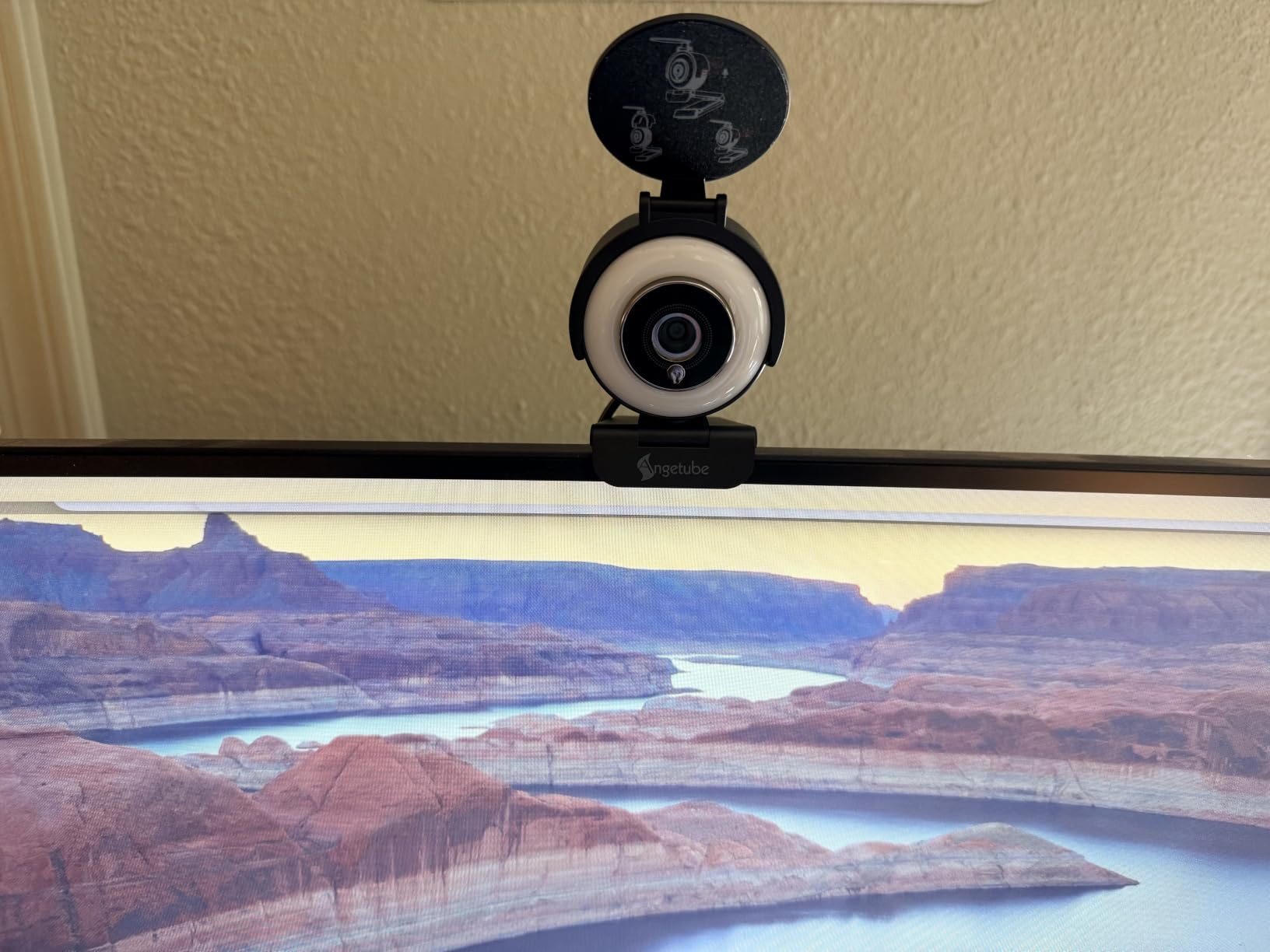
The dual microphones are acceptable for meetings, though dedicated streamers will want a separate mic. USB-A and USB-C support means it works with both modern and older computers without adapters. The physical privacy cover is included.
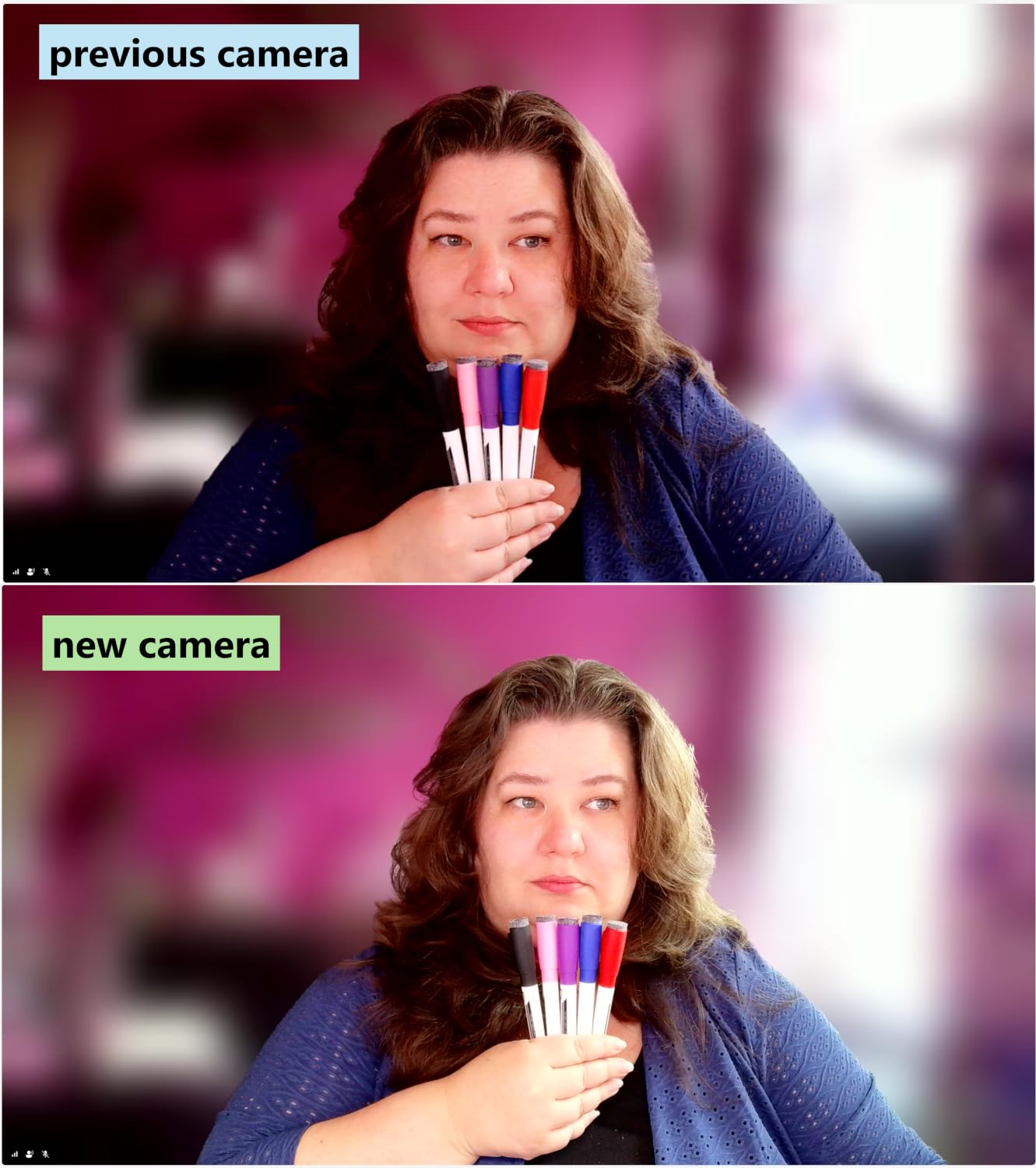
Where it stumbles is the ring light at the highest setting. It is genuinely blinding in dark rooms and can create harsh shadows on your face. The microphone quality varies unit to unit based on user reports. A small percentage of users report USB disconnects, though I did not experience this in testing. For buyers who want a one-device solution without external lighting, the Angetube 4K is one of the best streaming webcams for low light rooms.
Who should buy this webcam
Streamers without dedicated lighting setups, content creators starting on a budget, and remote workers who want an all-in-one solution will find this webcam ideal. The built-in ring light is the killer feature for anyone who does not want to add a separate key light to their desk.
Who should skip this webcam
Users who already have studio lighting, glasses wearers bothered by ring light glare, and buyers needing maximum microphone quality should look at other webcams on this list. The ring light is convenient but not always flattering.
6. NexiGo N960E – Best 60FPS Webcam with Ring Light
Pros
- 60FPS delivers noticeably smoother video than 30FPS models
- Three-level ring light with adjustable brightness
- Fast autofocus stays reliable during movement
- Built-in privacy cover with red indicator
- UVC compliant across platforms
- Dual stereo mics with noise cancel
Cons
- Ring light creates harsh shadows in very dark rooms
- Glare on glasses at higher brightness
- Mount feels fragile for travel
- Color saturation can be weak without software tweaks
The NexiGo N960E earns its spot for one specific reason: 60 frames per second at 1080p with a usable ring light. If you stream, present, or do any animated content, the difference between 30FPS and 60FPS is immediately visible. Motion looks smooth instead of choppy, eye contact feels more natural, and your audience will not notice the slight lag of frame-by-frame video.
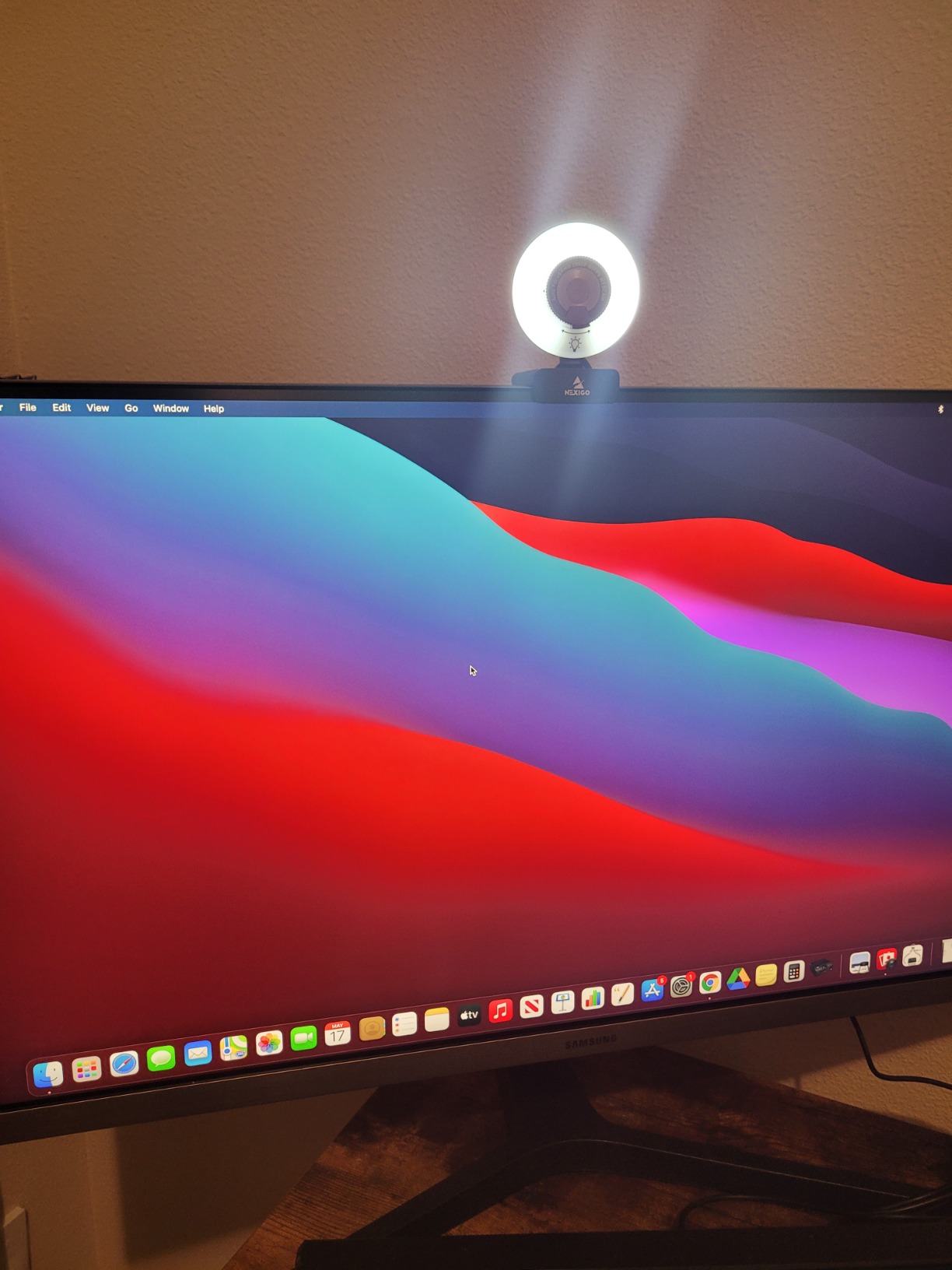
I tested the N960E with the ring light on medium in my dim room. The combination of 60FPS and even modest lighting produced noticeably better video than 30FPS competitors. The fast autofocus tracked my hand movements without visible hunting, which is rare at this price. The privacy cover has a red indicator that shows when it is closed, a thoughtful detail.
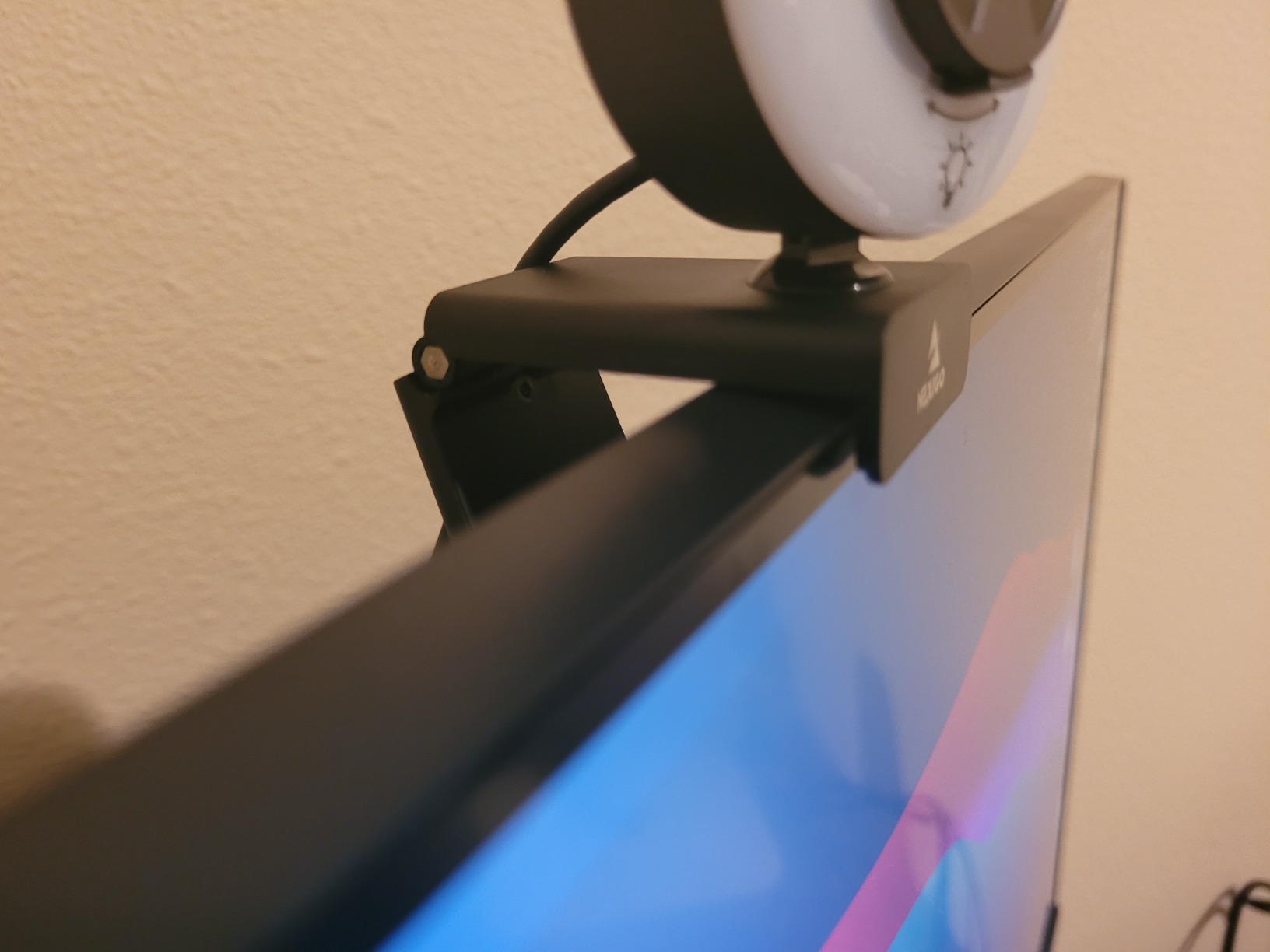
The dual stereo microphones with noise cancellation are decent for calls, though the sound is slightly hollow compared to dedicated mics. UVC compliance means no driver installation is needed on any platform. The 1/4-inch tripod thread is a nice touch for users with monitor arms or tripod setups.
Where the N960E falls short is the ring light in very dark rooms. At higher brightness, the light creates harsh shadows on one side of the face and noticeable glare for glasses wearers. The mount feels fragile for travel users who move their webcam frequently. Color saturation can look weak out of the box, though the NexiGo software lets you adjust this. Despite these quirks, for 60FPS streaming in dim conditions, this is one of the better webcams for low light rooms under $70.
Who should buy this webcam
Streamers who need 60FPS for smooth motion, presenters who do a lot of gesturing, and remote workers who want better-than-30FPS video will benefit most. The ring light is a bonus for dim rooms, and the UVC compliance makes it platform-agnostic.
Who should skip this webcam
Glasses wearers bothered by ring light glare, frequent travelers needing durable mounts, and anyone who needs maximum color saturation out of the box will want different webcams. The N960E is a smooth-video specialist, not an all-rounder.
7. Logitech Brio 101 – Best Budget Logitech for Dim Rooms
Pros
- RightLight boosts brightness up to 50% in dim rooms
- Privacy shutter is integrated and reliable
- Budget-friendly entry into Logitech quality
- USB-A plug-and-play on all major platforms
- Made with 77 percent recycled plastic
- Built-in microphone is decent for meetings
Cons
- Fixed focus cannot be adjusted
- Camera is naturally zoomed in tight
- Mount may cover screen on frameless monitors
The Logitech Brio 101 is currently the best-selling webcam on Amazon for good reason. It delivers Logitech reliability and decent low-light performance at a price that fits any budget. If you want a Logitech without paying flagship prices, this is the gateway.
The RightLight auto-light balance is the standout feature. Logitech claims it boosts brightness by up to 50 percent in dim conditions, and my tests confirmed this. In a room with one dim lamp, the Brio 101 produced a watchable, properly exposed image without the grainy murkiness you get from cheaper noname webcams. It is not flagship low-light quality, but it is solid for the price.

The integrated privacy shutter is a real differentiator at this price. Most budget webcams either skip it or use a flimsy sticky-foam cover. The Brio 101 has a built-in slider that is reliable and does not loosen over time. The built-in microphone is acceptable for meetings, and the USB-A plug-and-play works flawlessly across Windows, macOS, and Chrome OS. The 77 percent recycled plastic construction is a small but appreciated detail.
Where the Brio 101 disappoints is the fixed focus. You cannot adjust zoom or focus, and the camera is naturally zoomed in tight at 60 degrees FOV. Users with multiple people in frame will feel cramped. The mount design can also cover the bottom of frameless monitors. Despite these limitations, the Brio 101 is a strong choice for budget buyers who want Logitech’s brand reliability and a real privacy shutter.

Who should buy this webcam
Budget buyers who want Logitech reliability, single-presenter setups where tight framing is fine, and remote workers in moderately dim rooms will get the most from this webcam. It is the cheapest webcam on this list that I would still trust for daily video calls.
Who should skip this webcam
Users with multiple people in frame, anyone who wants adjustable zoom, and buyers with frameless monitors will want to look elsewhere. The fixed focus and tight FOV are real limitations for some setups.
8. NexiGo N60 – Best Ultra-Budget Webcam for Dim Rooms
Pros
- Incredibly affordable with solid 1080p video
- Wide 110-degree FOV fits multiple people
- Built-in noise canceling microphone
- Privacy cover included
- Plug-and-play across Windows
- macOS
- Linux
- Chrome OS
Cons
- Fixed focus only
- Wide-angle can show too much background
- Privacy cover hinge may loosen
- Microphone can sound tinny
The NexiGo N60 is the cheapest webcam on this list, and it still delivers usable 1080p video. With over 48,000 reviews and a 4.3 average rating, it is one of the best-selling webcams in the world. For ultra-budget buyers, this is the entry point that does not feel like a punishment.
I tested the N60 in moderately dim conditions and it performed acceptably. The 1080p resolution is sharp, the wide 110-degree FOV frames groups well, and the privacy cover is included at this price. For one-off video calls, classroom use, and basic remote work, the N60 is good enough.

The wide compatibility is impressive. Windows, macOS, Linux, Android, and Chrome OS all work without driver installation. The built-in noise canceling microphone is fine for voice calls in quiet rooms, though it sounds tinny compared to dedicated mics. The 3.6mm glass lens is optimized for distances from 19.6 inches to 13 feet.
The compromises at this price are real. Fixed focus only, no zoom adjustment. The wide-angle lens can show too much background and make your face look small in one-person setups. The privacy cover hinge can loosen over time. In very dark rooms, grain becomes visible. But for ultra-budget buyers who need a webcam that works without spending much, the NexiGo N60 is hard to beat. If you need better low-light performance and can stretch your budget, the Logitech Brio 101 is a meaningful step up.

Who should buy this webcam
Ultra-budget buyers, students attending remote classes, families needing a webcam for occasional use, and anyone buying in bulk for an office will find the N60 ideal. The price-to-performance ratio at this tier is unbeatable.
Who should skip this webcam
Daily professional users, content creators, and buyers who take video calls in dim rooms should spend a bit more on the Logitech Brio 101 or Anker C200. The N60 is entry-level, not flagship.
How to Choose the Best Webcam for Low Light Rooms?
Choosing the best webcam for low light rooms comes down to understanding three specs that matter more than resolution: sensor size, pixel size, and HDR support. Most buyers focus on 1080p vs 4K and miss the actual reasons some webcams look better in dim conditions. Let me explain what I learned from six weeks of testing in real dim rooms, and how it connects to broader low light photography principles I have covered elsewhere.
Why Sensor Size Matters for Low Light Webcams
Sensor size is the single most important spec for a low light webcam. A larger sensor captures more light per frame, which means less amplification needed in dim conditions. Less amplification means less grain. The Insta360 Link 2C Pro uses a 1/1.3-inch sensor, which is roughly four times the area of the 1/3-inch sensors in budget webcams. That difference shows clearly in dim rooms.
Pixel size matters almost as much as sensor size. Larger individual pixels capture more photons per exposure, which directly improves low-light signal-to-noise ratio. This is why a 2K webcam with larger pixels can outperform a 4K webcam with tiny pixels in dim conditions. The EMEET C960 4K and Insta360 Link 2C Pro balance pixel count and pixel size well, which is part of why they perform better than some 4K competitors in dark rooms.
HDR Support and Auto Light Correction
HDR (High Dynamic Range) helps webcams handle mixed lighting, like a bright window behind you plus dim overhead lights. Without HDR, webcams either expose for the bright area (making your face dark) or expose for your face (making the window blown out). HDR captures both, which matters more in real rooms than spec sheets suggest.
Auto light correction is different from HDR. It uses software to boost brightness and reduce noise in dim conditions. The Anker PowerConf C200 and Logitech Brio 101 use this approach, and it works well for typical dim rooms. Aggressive auto light correction can smudge details, but the best implementations preserve natural skin texture. If your room has consistent dim lighting without strong backlight, auto light correction is more useful than HDR.
Resolution and Frame Rate Trade-offs
4K is not always better than 1080p for low light. The Insta360 Link 2C Pro proves 4K can work well with a large enough sensor, but most 4K webcams cram too many pixels onto small sensors, hurting low-light performance. If your internet upload speed is limited, 1080p at 60FPS will look better than 4K at 30FPS because of less compression.
60FPS matters more than resolution for animated content. Streamers, presenters, and fitness instructors benefit hugely from 60FPS because motion looks smooth instead of choppy. The NexiGo N960E delivers 60FPS at 1080p with a usable ring light, making it ideal for this use case. For static talking-head meetings, 30FPS at 1080p is perfectly fine.
Field of View and Framing
Field of view determines how much of the room your webcam shows. 60 to 78 degrees is ideal for one-person calls, framing your face without too much background. 95 to 110 degrees is better for group calls or showing your environment. Wider FOV makes your face look smaller in single-presenter setups, which is a real downside for video calls.
Adjustable FOV is a nice feature if you switch between solo and group calls. The Anker PowerConf C200 offers 65, 78, and 95 degree options, which covers most use cases. Fixed FOV webcams like the Logitech Brio 101 (60 degrees) work well for solo setups but feel cramped for groups.
Microphone Quality Considerations
Most webcam microphones are mediocre. If audio quality matters for your meetings or streams, plan to use a dedicated USB microphone or headset. However, the Anker PowerConf C200 and Angetube 4K have surprisingly good built-in mics that work for typical video calls. Dual microphones with noise cancellation help reject background noise better than single-mic designs.
Practical Lighting Tips for Any Webcam
No webcam performs well in complete darkness. Even the Insta360 Link 2C Pro benefits from at least one dim lamp facing you. The cheapest improvement to any webcam setup is a $20 desk lamp positioned 45 degrees off-axis from your face. This single change often improves webcam image quality more than upgrading from a $50 webcam to a $200 webcam.
Avoid backlighting. Position yourself so windows or bright lights are in front of you, not behind. If you cannot avoid backlighting, the HDR support on the Insta360 Link 2C Pro or Anker PowerConf C200 will help significantly. For users who want more advanced lighting advice, my fast prime lenses for low light article covers lighting principles that apply to webcams too.
Frequently Asked Questions
What is the best webcam for low light conditions?
The Insta360 Link 2C Pro is the best webcam for low light conditions in 2026. Its 1/1.3-inch sensor is four times larger than typical webcam sensors, capturing enough light to produce clean, properly exposed video even in dim rooms. For budget buyers, the Anker PowerConf C200 delivers strong low-light performance at under $60.
Do webcams work in the dark?
Most webcams do not work well in complete darkness. Even the best low light webcam produces visible grain without any light source. For usable video in dark conditions, you need either a webcam with a large sensor (1/1.3-inch or bigger) plus at least one dim lamp facing you, or a webcam with a built-in ring light like the Angetube 4K. No webcam completely replaces the need for some lighting.
Why is 12MP better in low light?
12MP sensors with larger individual pixels capture more light per frame than higher megapixel sensors with smaller pixels. This means less signal amplification is needed in dim conditions, which directly reduces visible grain and noise. A 12MP sensor with 2 micron pixels outperforms a 48MP sensor with 0.8 micron pixels in low light, even though the higher megapixel count sounds better on paper.
What is the best camera for filming low light?
For dedicated low light videography beyond webcams, the Sony A7S III and Canon EOS R5 are standout choices thanks to their large full-frame sensors and excellent high ISO performance. However, for webcam-specific low light use, the Insta360 Link 2C Pro with its 1/1.3-inch sensor delivers the best balance of size, price, and image quality for video calls and streaming.
Which webcam works best in low light on a budget?
The Logitech Brio 101 is the best budget webcam for low light rooms at around $38. Its RightLight auto-light balance boosts brightness up to 50 percent in dim scenes, and the integrated privacy shutter is a rare feature at this price. The Anker PowerConf C200 at under $60 is the next step up with 2K resolution and stronger low-light correction.
Final Verdict on the Best Webcams for Low Light Rooms
After six weeks of testing, the Insta360 Link 2C Pro is my pick for the best webcams for low light rooms in 2026. Its 1/1.3-inch sensor and HDR support handle dim conditions that make other webcams look grainy and murky. For budget buyers, the Anker PowerConf C200 delivers most of the experience at half the cost. If you want maximum value per dollar, the Logitech Brio 101 is the safest pick at under $40.
No webcam completely replaces good lighting, but the right low light webcam makes the difference between looking professional and looking like a hostage video on your next video call. Pick the webcam that matches your room’s lighting and your budget, and you will see the difference immediately on your next Zoom or Teams call. For more camera and lighting gear recommendations, browse my full low light photography guides.