
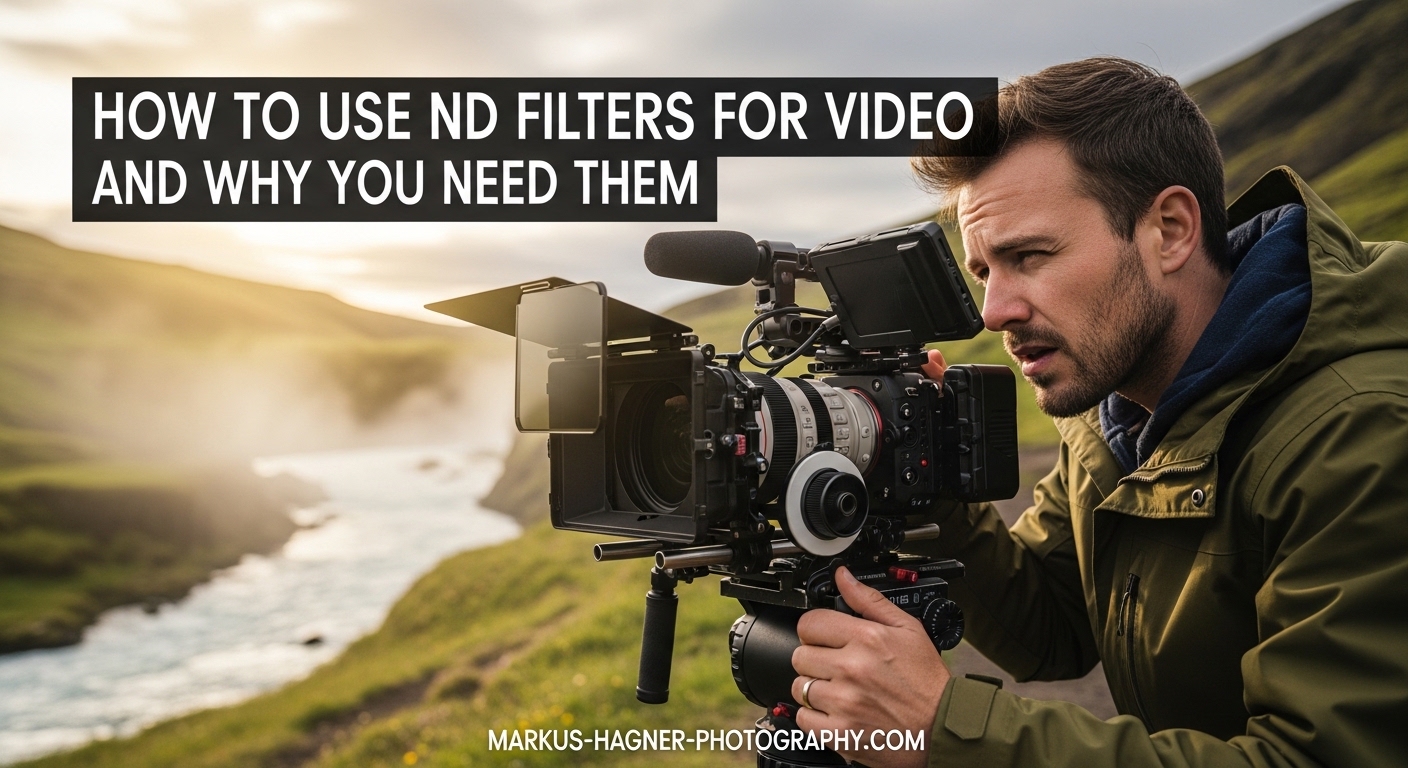
Ever filmed outside on a bright day and noticed your footage looks jittery, harsh, or completely overexposed? You’re not alone. This is one of the most frustrating problems videographers face, and the solution is simpler than you might think. The answer lies in understanding how to use ND filters for video.
ND filters, or neutral density filters, give you control over your exposure without sacrificing the creative look you want. They let you shoot with wide apertures for that beautiful shallow depth of field while maintaining natural-looking motion blur. Without them, bright conditions force you into settings that make your video look amateur.
In this guide, I’ll walk you through everything you need to know about ND filters for video. You’ll learn why they matter, how the 180-degree shutter rule works, which type of filter to choose, and exactly how to use them in real-world situations. By the end, you’ll have the knowledge to dramatically improve your outdoor footage.
What Are ND Filters?
An ND filter (neutral density filter) is a piece of glass that screws onto the front of your lens and reduces the amount of light entering your camera. Think of it as sunglasses for your lens. The key word here is “neutral” — a quality ND filter blocks light evenly across the color spectrum without adding any color tint to your footage.
When you attach an ND filter, everything gets darker through your viewfinder or LCD screen. Your camera then needs to compensate by opening the aperture wider, slowing down the shutter speed, or increasing ISO. This gives you creative control over exposure that would otherwise be impossible in bright conditions.
Photographers have used ND filters for decades to achieve long exposures of waterfalls and clouds. But for videographers, these filters serve a different and equally important purpose: maintaining the proper relationship between shutter speed and frame rate while using the aperture you want.
The strength of an ND filter is measured in “stops.” Each stop cuts the light in half. A 1-stop ND filter lets through half as much light as no filter. A 2-stop filter lets through a quarter. A 6-stop filter lets through just 1/64th of the original light. Understanding stops is essential for choosing the right filter strength.
Why You Need ND Filters for Video
Yes, you should absolutely use ND filters for video if you shoot outdoors or in bright conditions. They’re not optional accessories for professional-looking footage — they’re essential tools that solve a fundamental problem with how cameras work.
Here’s the issue: video requires a specific relationship between your frame rate and shutter speed for natural-looking motion. This is called the 180-degree shutter rule, which I’ll explain in detail shortly. The problem is that following this rule in bright daylight often results in overexposed footage, especially if you want to use wider apertures for shallow depth of field.
Without an ND filter, you’re forced into a compromise. You either close down your aperture (losing that cinematic shallow focus look), increase your shutter speed beyond the 180-degree rule (creating jittery, unnatural motion), or use a lower ISO if available (often not enough). None of these options produce professional results.
An ND filter solves this by darkening the scene, allowing you to maintain proper shutter speed and wide aperture simultaneously. The result is footage with natural motion blur and beautiful bokeh — the combination that makes video look cinematic rather than amateur.
Wedding videographers, documentary filmmakers, and content creators all rely on ND filters for this reason. In fast-moving situations where lighting changes constantly, a variable ND filter lets you quickly adjust exposure without touching your camera’s core settings. This preserves your look while adapting to conditions.
The 180-Degree Shutter Rule Explained
The 180-degree shutter rule is the foundation of natural-looking video motion. It states that your shutter speed should be roughly twice your frame rate. This creates the right amount of motion blur that our eyes expect to see in moving images.
Here’s how it works in practice. If you’re shooting at 24 frames per second, your shutter speed should be 1/48 second (or 1/50 on most cameras). At 30fps, use 1/60 second. At 60fps, use 1/120 second. The pattern is consistent: frame rate multiplied by two equals your denominator.
Why does this matter? When your shutter speed is too fast relative to your frame rate, each frame becomes too sharp. Moving objects appear frozen rather than fluid. The result is jittery, staccato footage that looks like it was shot on a smartphone in bright sunlight — because that’s exactly what happens when phones default to very fast shutter speeds.
When your shutter speed follows the 180-degree rule, each frame captures a small amount of motion blur. This blur blends frames together smoothly when played back. The motion looks natural and cinematic, similar to what we see in films and high-end television productions.
Now you can see why ND filters become necessary. If you’re shooting 24fps at 1/50 second outside on a sunny day, you might need to stop down to f/16 or higher to avoid overexposure. But what if you want that shallow depth of field look at f/2.8? Without an ND filter, it’s simply impossible. The filter lets you block enough light to shoot f/2.8 at 1/50 second even in direct sunlight.
How to Use ND Filters for Video
Using ND filters effectively requires understanding your exposure settings and how they interact. Here’s a step-by-step approach I use every time I shoot video outdoors.
Step 1: Set your frame rate and shutter speed first. Decide what frame rate you’re shooting at, then set your shutter speed to double that number. If you’re shooting 24fps for a cinematic look, set your shutter to 1/50. Don’t change this throughout your shoot unless you change frame rates.
Step 2: Choose your aperture for the look you want. This is where creative decisions happen. Want everything sharp? Go for f/8 or f/11. Want shallow depth of field with creamy background blur? Open up to f/2.8 or wider. Lock this in based on your creative vision, not exposure needs.
Step 3: Calculate the ND filter strength needed. With your shutter speed and aperture set, look at your exposure meter or histogram. If the image is overexposed, count how many stops of light you need to block. Each stop of ND reduces light by half. In bright daylight at f/2.8 and 1/50, you’ll typically need 5-6 stops of ND.
Step 4: Attach and adjust your ND filter. Screw on your fixed ND filter or attach your variable ND. If using a variable ND, rotate it while watching your exposure until you hit proper exposure. If using fixed NDs, you may need to swap between strengths as lighting changes.
Step 5: Monitor for color cast and vignetting. Cheaper ND filters, especially variable NDs, can introduce unwanted color shifts or darkening at the corners. Check your footage on a larger screen when possible. Quality filters from reputable brands minimize these issues.
Types of ND Filters: Variable vs Fixed
ND filters come in two main types, and choosing between them depends on your shooting style and budget. Both have distinct advantages and trade-offs.
Fixed ND filters have a single, unchangeable light reduction value. An ND8 filter always blocks 3 stops of light. An ND64 always blocks 6 stops. To change your exposure, you must physically swap filters. This takes time but offers consistent, predictable results.
The advantages of fixed NDs include better color accuracy, no risk of the “X pattern” cross-polarization effect, and generally lower prices for quality glass. Many professional videographers prefer fixed NDs when they have time to swap filters or when shooting in consistent lighting conditions.
Variable ND filters combine two polarizing elements that rotate against each other. By twisting the outer ring, you can adjust the filter strength from about 1-2 stops up to 6-10 stops without removing the filter from your lens.
The convenience of variable NDs makes them popular for documentary work, weddings, and any situation where lighting changes quickly. You can adjust exposure in seconds while keeping your camera settings locked. This is invaluable when moving between indoor and outdoor locations or when clouds constantly change light levels.
However, variable NDs have drawbacks. Cheaper models often introduce color casts, especially at higher strengths. At maximum settings, many exhibit the “X pattern” — a dark cross shape across the frame caused by the polarizing elements. Quality variable NDs from reputable brands minimize these issues but cost significantly more.
My recommendation: If you shoot events, documentaries, or run-and-gun style video, invest in a quality variable ND. If you shoot controlled scenes with time to prepare, fixed NDs offer better value and optical quality. Many videographers own both types for different situations.
ND Filter Strengths Explained
Understanding ND filter strengths is essential for choosing the right tool for your conditions. The strength tells you how much light the filter blocks, measured in stops.
ND4 (2 stops): Useful for slightly overcast days or when shooting at smaller apertures. Not strong enough for bright daylight with wide apertures.
ND8 (3 stops): A good general-purpose strength for moderately bright conditions. Useful for golden hour or overcast skies when shooting wide open.
ND16 (4 stops): Handles brighter conditions well. Good for outdoor shooting at f/4-f/5.6 in daylight.
ND32 (5 stops): This is the most versatile strength for video. Based on forum discussions, most videographers find 5 stops handles the majority of outdoor situations at f/4 through f/11. If you only buy one fixed ND, make it an ND32.
ND64 (6 stops): Essential for bright midday sun when shooting at wider apertures like f/2.8. This is what you need for shallow depth of field in direct sunlight.
ND100 to ND1000 (7-10 stops): Extreme strengths primarily used for long exposure photography. Rarely needed for video unless you’re deliberately going for a specific effect in very bright conditions.
For most videographers, a variable ND covering 2-6 stops handles 90% of situations. Alternatively, carrying ND32 and ND64 fixed filters covers almost any outdoor scenario.
Common ND Filter Mistakes to Avoid
After years of shooting and reading countless forum discussions, I’ve identified the most common mistakes videographers make with ND filters.
Buying cheap variable ND filters. This is the number one complaint I see in forums. Inexpensive variable NDs often introduce severe color casts that are difficult to correct in post-production. The footage might look green, magenta, or uneven across the frame. Invest in quality glass from the start, or stick with fixed NDs on a budget.
Using variable NDs at maximum strength. Pushing a variable ND to its limit often reveals the X-pattern cross effect. Stay a stop or two below maximum for clean results.
Forgetting thread size compatibility. Different lenses have different filter thread sizes. Buying filters for your 77mm lens won’t help your 82mm lens. Step-up rings can solve this, but plan ahead before purchasing.
Leaving ND filters on indoors. It sounds obvious, but I’ve seen footage ruined because the shooter forgot they had a 6-stop ND attached when moving inside. Always check your filter situation when changing locations.
Ignoring the 180-degree rule. An ND filter is useless if you’re still shooting at 1/1000 second. Remember, the goal is maintaining proper shutter speed relative to frame rate. The ND filter enables this, but you still need to set your camera correctly.
Frequently Asked Questions
Should you use ND filters for video?
Yes, ND filters are essential for video when shooting in bright conditions. They allow you to maintain the 180-degree shutter rule (shutter speed at 2x frame rate) while using wide apertures for shallow depth of field. Without an ND filter, bright light forces you into settings that produce jittery, overexposed footage with no background blur.
What stop ND filter to get for video?
For most outdoor video work, a 5-6 stop ND filter (ND32 or ND64) handles the majority of situations. This strength allows you to shoot at f/2.8 to f/8 while maintaining proper shutter speed in daylight. A variable ND covering 2-6 stops offers the most flexibility if you shoot in varying light conditions.
How many stops ND filter for video?
The number of stops depends on your shooting conditions and aperture choice. For bright daylight at f/2.8, you need 6 stops (ND64). For f/4-f/8 in similar light, 4-5 stops (ND16-ND32) works well. For overcast days or golden hour, 2-3 stops (ND4-ND8) may suffice. Most videographers recommend owning filters in the 4-6 stop range.
When to use ND filters for video?
Use ND filters whenever you’re shooting video in bright conditions and want to maintain natural motion blur and shallow depth of field. This includes outdoor daylight shooting, bright indoor locations, drone footage (which often has fixed apertures), and any situation where proper exposure requires settings that break the 180-degree shutter rule. ND filters are especially important for weddings, documentaries, and cinematic projects.
Final Thoughts
Learning how to use ND filters for video transforms your footage from amateur to professional. The difference between jittery, overexposed video and smooth, cinematic footage often comes down to this single piece of glass on your lens.
Remember the fundamentals: set your shutter speed at twice your frame rate, choose your aperture for the creative look you want, then use ND filters to achieve proper exposure. Whether you choose variable or fixed NDs depends on your shooting style, but both types serve the same essential purpose.
Start with an ND32 or ND64 for outdoor work, practice the 180-degree shutter rule until it becomes automatic, and invest in quality glass to avoid color cast issues. Your footage will immediately look more professional, and you’ll wonder how you ever shot video without ND filters.