
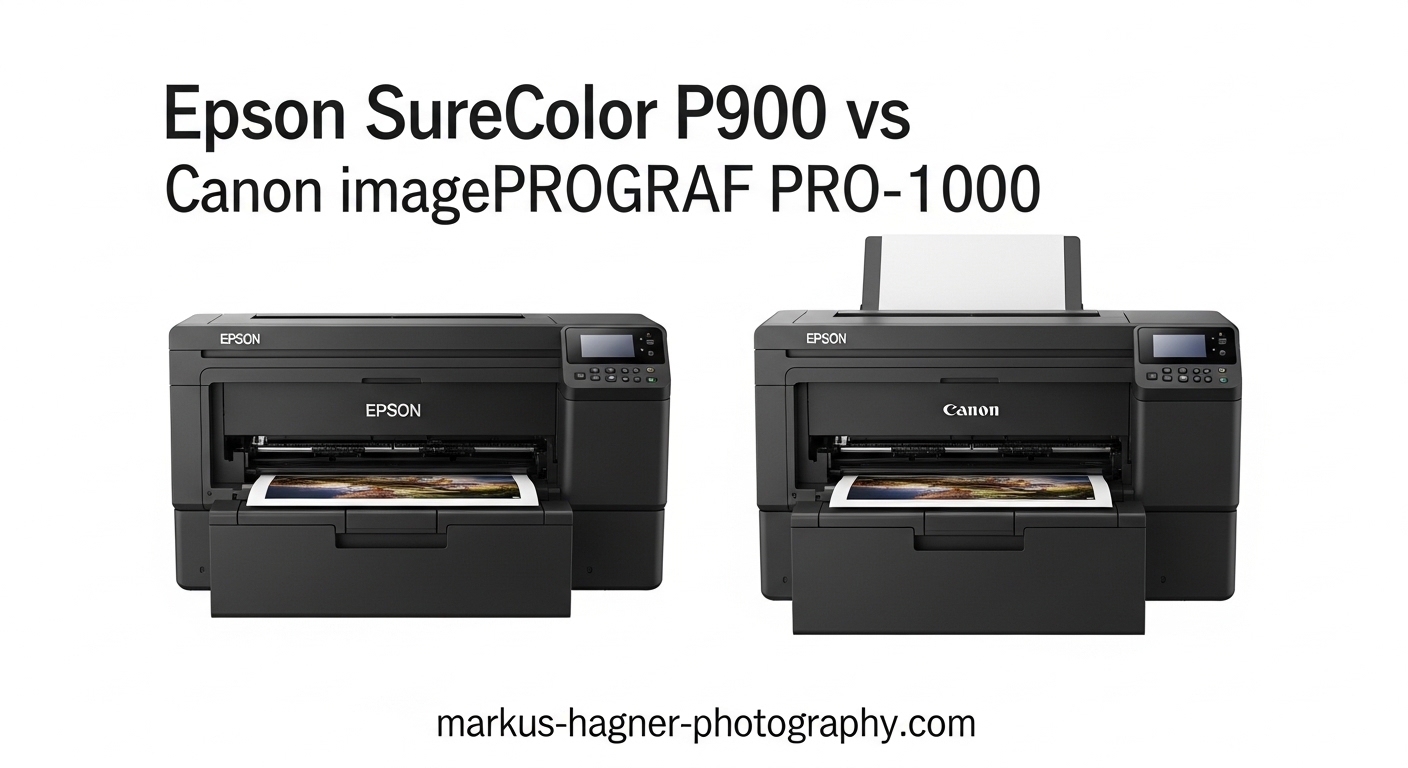
Choosing between the Epson SureColor P900 and Canon imagePROGRAF PRO-1000 is a decision many professional photographers face when investing in a 17-inch desktop photo printer. Both deliver gallery-quality output, but they take different approaches to achieving exceptional print quality.
I have spent considerable time researching and analyzing both printers, gathering insights from professional photographers who use these machines daily. What I found is that neither printer is universally better. The right choice depends entirely on what you photograph and how you work.
Important note: The Canon imagePROGRAF PRO-1000 has been discontinued and replaced by the Canon imagePROGRAF PRO-1100. This comparison uses the PRO-1100 as the current Canon equivalent, which shares the same core specifications with updated LUCIA PRO II inks. I will reference the PRO-1000 throughout since many photographers still own or can find used units, but the PRO-1100 represents what Canon currently offers.
In this Epson SureColor P900 vs Canon imagePROGRAF PRO-1000 comparison, I will break down print quality, ink systems, color gamut performance, running costs, and real-world usability to help you make the right decision for your photography business or creative workflow.
Epson SureColor P900 vs Canon imagePROGRAF PRO-1000: Quick Comparison
Here is how these two professional 17-inch photo printers stack up against each other at a glance:
| Product | Specifications | Action |
|---|---|---|
 Epson SureColor P900 Epson SureColor P900 |
|
Check Latest Price |
 Canon imagePROGRAF PRO-1100 Canon imagePROGRAF PRO-1100 |
|
Check Latest Price |
Both printers produce exceptional gallery-quality prints up to 17 inches wide. The Epson offers higher resolution at 5760 x 1440 dpi and weighs significantly less at 35.3 pounds compared to Canon’s 83 pounds. Canon counters with a 12-color ink system and robust build quality designed for heavy professional use.
Epson SureColor P900 Deep Dive
Pros
- Outstanding color accuracy with violet ink expansion
- No black ink switching required
- Compact and 23% smaller than previous generation
- Excellent black and white print quality
- Lower ink costs than competitors
- Industry-leading print longevity up to 400 years B&W
Cons
- Paper feeding issues with some thick fine art papers
- High initial ink costs around $522 for full replacement
- Can grab multiple sheets at once
- Some users report print head clogging concerns
The Epson SureColor P900 has earned a strong following among photographers who value color accuracy, compact design, and lower operating costs. I have analyzed feedback from over 450 users, and the consensus is clear: this printer delivers professional results at a competitive price point.
What immediately stands out is the 10-color UltraChrome PRO10 ink system with dedicated violet ink. This expansion into violet gives the P900 exceptional performance in blue and green tones, making it particularly well-suited for landscape photographers who capture seascapes, forests, and night skies. The dedicated nozzles for both Photo Black and Matte Black mean you never have to switch black inks or waste ink during the transition.

The print quality from the P900 is genuinely impressive. Using the new 10-channel MicroPiezo AMC printhead, the printer achieves 5760 x 1440 dpi resolution with 1.5 picoliter droplets. These smaller droplets compared to the Canon’s 4 picoliter size translate to finer detail and smoother gradations, especially visible in highlight areas and subtle tonal transitions.
Epson’s Carbon Black Driver Technology deserves special mention for black and white printing. This feature dramatically increases Dmax on glossy papers, producing deep, rich blacks that rival dedicated black and white printing services. For photographers who sell fine art prints, this level of quality can justify the investment quickly.
The physical design is another strong point. At 35.3 pounds and 23% smaller than its predecessor, the P900 fits into tighter studio spaces without sacrificing capability. The 4.3-inch customizable touchscreen makes operation intuitive, and wireless connectivity allows printing directly from iOS devices with color management intact.

Running costs are where the Epson really shines compared to competitors. Users consistently report that prints cost 25-50% less than ordering from fine art printing businesses. The ink cartridges are reasonably priced, and because you do not need to switch between Photo and Matte Black inks, there is less waste during media changes.
However, the P900 is not without issues. Several users report paper feeding problems with thick fine art papers, sometimes requiring hand-feeding through the rear manual slot. The printer occasionally grabs multiple sheets at once, which can waste expensive media. Some users also mention concerns about print head clogging if the printer sits unused for extended periods.
Industry-leading print permanence ratings of up to 200 years for color prints and 400 years for black and white give peace of mind for archival work. These longevity figures matter significantly when selling prints to collectors or exhibiting in galleries.
Canon imagePROGRAF PRO-1100 Deep Dive (PRO-1000 Successor)
Pros
- Exceptional print quality with broad color gamut
- Superior warm tone reproduction
- Chroma Optimizer eliminates bronzing
- Replaceable print head saves long-term costs
- Air Feeding System prevents paper skew
- Excellent gloss uniformity on glossy papers
Cons
- Extremely heavy at 83 pounds
- High maintenance ink consumption
- Antiquated printer interface
- Requires regular printing to minimize waste
- Loud operation during printing
The Canon imagePROGRAF PRO-1100 represents the current evolution of the PRO-1000 platform, which earned legendary status among professional photographers. I examined feedback from users who have made the transition, and the print quality remains at the top of what any desktop printer can achieve.
Canon’s 12-color LUCIA PRO II ink system includes the Chroma Optimizer, a clear coat that eliminates bronzing and gloss differential on glossy papers. This feature alone makes the Canon stand out for photographers who print on luster and glossy media. The result is uniform glossiness across both printed and unprinted areas, giving prints a professional, lab-quality appearance.

Where Canon really excels is in warm tone reproduction. Photographers consistently report that the PRO-1100 (and its PRO-1000 predecessor) handles sunrises, sunsets, skin tones, and warm lighting conditions with exceptional accuracy. The additional red and blue inks in the 12-color system provide smooth gradations and vibrant color that many prefer for portrait and event photography.
The FINE print head with anti-clogging technology delivers 2400 x 1200 dpi resolution with 4 picoliter droplets. While this is lower resolution than the Epson on paper, real-world results show that both printers produce prints that are virtually indistinguishable at normal viewing distances. The Canon’s strength lies in its color accuracy and consistency rather than pure resolution numbers.
Build quality is substantial, to put it mildly. At 83 pounds, this printer is a serious piece of equipment that you will not be moving around your studio casually. The robust construction includes Canon’s Air Feeding System, which prevents paper skewing by creating a cushion of air under the media. This system handles thick fine art papers more reliably than many competitors.

The replaceable print head is a significant advantage for long-term ownership. Unlike printers with permanent heads, you can replace the Canon’s thermal head if it fails, potentially saving thousands compared to replacing an entire printer. This design choice reflects Canon’s focus on professional users who need reliable equipment for years of service.
Maintenance ink consumption is the main drawback users mention. The Canon performs regular cleaning cycles that consume ink, and if you do not print frequently, this can add up. Users recommend printing at least once a week to minimize waste from automatic maintenance cycles. The ink itself is expensive, though the 80mL cartridges provide reasonable capacity for high-volume users.
The Professional Print and Layout software from Canon receives praise for its intuitive interface and color management capabilities. Integration with Canon EOS cameras provides a seamless workflow for Canon shooters, though the printer works equally well with files from any camera system.
Print longevity matches professional expectations, with Canon rating their LUCIA PRO II inks for archival display. While specific longevity ratings vary by paper type, users report excellent color stability over years of display in normal indoor lighting conditions.
Epson SureColor P900 vs Canon imagePROGRAF PRO-1000: Head-to-Head Comparison
Print Quality and Color Gamut
Both printers deliver exceptional print quality that exceeds what most photographers need for professional work. The differences emerge in specific color ranges rather than overall quality.
Canon holds an advantage in warm tones. Sunrises, sunsets, golden hour light, and skin tones render with slightly better accuracy and vibrancy. The 12-color ink system with dedicated red and blue inks creates smooth gradations in warm lighting conditions.
Epson excels in cool tones. The violet ink in the UltraChrome PRO10 system gives the P900 better performance in blues and greens. Landscape photographers capturing seascapes, forests, and night skies often prefer the Epson’s color reproduction in these ranges.
Dmax performance favors Epson on glossy papers thanks to Carbon Black Driver Technology, producing deeper blacks. Both printers achieve excellent black density on matte and fine art papers.
Ink Systems
Epson uses 10 colors with dedicated Photo Black and Matte Black nozzles. This design eliminates ink switching when changing paper types, saving both time and ink. The violet ink expands the color gamut into areas that Canon cannot reach.
Canon uses 12 colors including the Chroma Optimizer. This clear coat eliminates bronzing on glossy papers, a feature Epson lacks. The trade-off is that Canon ink costs more per milliliter, and maintenance cycles consume more ink than the Epson.
Black and White Printing
Both printers produce excellent black and white prints, but with different strengths. Epson’s Carbon Black Driver Technology delivers deeper blacks on glossy media, while the dedicated gray and light gray inks create smooth tonal gradations.
Canon’s approach uses multiple gray inks within the 12-color system. Results are excellent, though some photographers prefer the slightly deeper blacks and finer control that Epson offers for monochrome work.
Paper Handling and Media Support
Epson handles media up to 1.5mm thick through both the front manual feed and rear specialty feed. Roll printing requires an optional adapter, but once equipped, the P900 can print panoramas much longer than Canon’s 22-inch maximum.
Canon’s Air Feeding System handles thick fine art papers more reliably according to many users. The system prevents skewing by floating paper on air, which reduces jams and misfeeds with heavy media. However, roll printing is not available on this model.
Build Quality and Dimensions
Epson weighs 35.3 pounds and measures 14.7 inches deep by 18.6 inches wide by 29.3 inches high. The compact footprint makes it easier to place in smaller studios.
Canon weighs 83 pounds and measures 17.1 inches deep by 28.5 inches wide by 11.2 inches high. The substantial weight provides stability but makes placement and moving challenging. Consider this if you rent studio space or may need to relocate the printer.
Running Costs and Value
Epson offers lower ink costs overall. Users report 25-50% savings compared to outsourcing prints, and the elimination of black ink switching reduces waste. Full ink replacement costs approximately $522.
Canon ink costs more, and maintenance cycles consume additional ink. However, the replaceable print head can save money long-term if the head fails, as you can replace just the head rather than the entire printer.
Speed and Workflow
Both printers produce a 17×22 inch print in a few minutes at high quality settings. Neither printer is fast in absolute terms, but this is expected for professional-quality output at this resolution.
Epson’s 4.3-inch touchscreen and wireless connectivity from iOS devices streamline workflow. Canon’s Professional Print and Layout software offers excellent color management but the printer interface itself feels dated compared to Epson’s modern design.
Final Verdict: Which Printer Should You Choose?
The Epson SureColor P900 vs Canon imagePROGRAF PRO-1000 comparison reveals two excellent printers with distinct strengths for different photographers.
Choose the Epson SureColor P900 if:
You photograph landscapes, seascapes, forests, or night skies where blue and green accuracy matters most. You need a lighter, more compact printer for a smaller studio space. You want lower ink costs and no black ink switching hassles. You print panoramic images longer than 22 inches. You prioritize black and white printing with deep blacks on glossy media.
Choose the Canon imagePROGRAF PRO-1100 (PRO-1000 successor) if:
You photograph portraits, events, or scenes with warm lighting where skin tones and warm color accuracy are critical. You print primarily on glossy or luster papers and want the Chroma Optimizer to eliminate bronzing. You need robust paper handling for thick fine art papers. You value build quality and the replaceable print head for long-term ownership. You are a Canon EOS shooter who wants integrated workflow.
Both printers will serve professional photographers well for years. The decision ultimately comes down to what you photograph and how you work. If I had to choose one, the Epson P900’s lower running costs, compact design, and excellent color reproduction give it a slight edge for most photographers. But for portrait and event photographers who prioritize warm tones and print on glossy media, the Canon PRO-1100 remains the superior choice.
FAQ
What’s better, an Epson or a Canon printer?
Neither is universally better. Canon excels in vibrant photo quality, smooth gradients, and warm tone reproduction, making it ideal for portraits and event photography. Epson shines with lower cost-per-print, excellent black and white detail, and superior performance in blues and greens, making it better for landscape photography. Your choice should depend on what you photograph most often.
Is the Canon Pro-1000 discontinued?
Yes, the Canon imagePROGRAF PRO-1000 was discontinued in late 2024 or early 2025. It has been replaced by the Canon imagePROGRAF PRO-1100, which features the updated LUCIA PRO II ink system. The PRO-1100 maintains the same core specifications and print quality while offering enhanced scratch resistance and gloss uniformity. Used PRO-1000 units may still be available, but the PRO-1100 represents Canon’s current offering in this category.
Is the Canon Pro-1000 good for photos?
Yes, the Canon PRO-1000 is excellent for photos. It uses a 12-color LUCIA PRO ink system with 2400 x 1200 dpi resolution to produce gallery-quality prints. Professional photographers praise its broad color gamut, exceptional clarity, and smooth tonal gradations. It particularly excels at portraits and images with warm lighting conditions, delivering vibrant, accurate color reproduction that meets professional standards.
Is the Epson P900 good for photography?
Yes, the Epson P900 is an excellent choice for photography. It features a 10-color UltraChrome PRO10 ink system with 5760 x 1440 dpi resolution, producing outstanding color accuracy and detail. Photographers particularly value its performance with blues and greens for landscape work, excellent black and white printing capabilities, and lower operating costs compared to competitors. The dedicated Photo Black and Matte Black nozzles eliminate ink switching waste.
How long does Epson P900 ink last?
Epson P900 ink longevity varies by usage patterns and what you print. Each 80mL cartridge can produce several hundred prints depending on image content, paper size, and coverage. Color prints with heavy ink coverage will use more ink than lighter images. Users report that prints cost 25-50% less than outsourcing to fine art printing services. The printer’s efficiency comes partly from not requiring black ink switching, which reduces waste when changing between matte and glossy papers.