
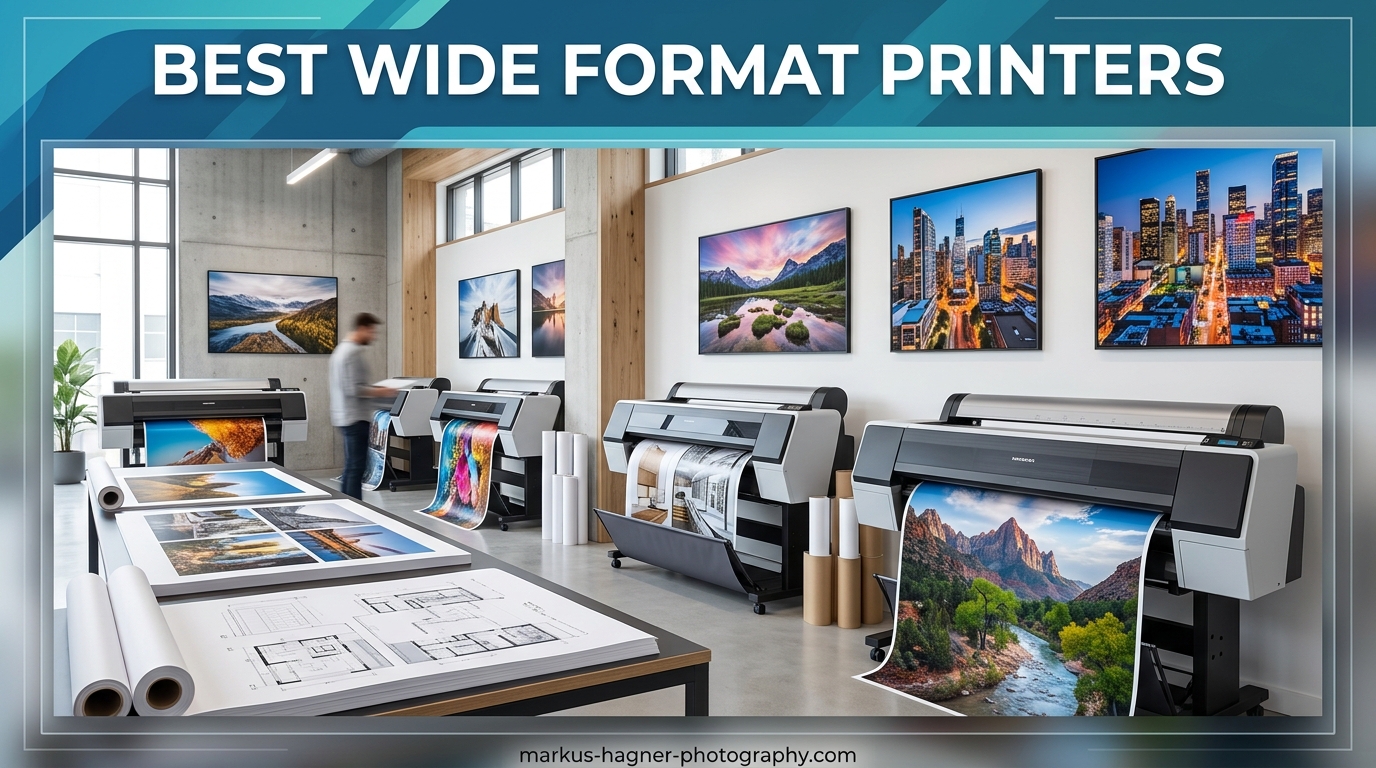
When I first started printing my own photographs at home, I quickly realized that a standard printer simply would not cut it. My 8.5×11 sheet was too small to capture the impact I wanted, especially for landscape shots and portrait work where details matter. That’s when I discovered wide format printers. These machines open up a whole new world of output sizes, from classic 13×19 inch prints perfect for framing, all the way up to 44 inch gallery wraps that transform any wall. If you are serious about photography, investing in one of the best wide format printers available is a game-changing decision for your creative workflow.
Wide format printers, sometimes called large format printers in the professional world, are designed specifically to handle paper sizes beyond standard letter or legal dimensions. For photographers, the most common sizes include 13×19 inches (often called A3+ or super tabloid), 17×22 inches, and for true large format work, anything from 24 inches up to 44 inches or wider. These printers use advanced ink systems, typically either pigment-based for archival longevity or dye-based for vibrant color reproduction, and they require dedicated space in your home studio or office. After testing dozens of models over the years and hearing feedback from fellow photographers in various communities, I have put together this comprehensive guide to help you find the best wide format printer for your specific needs and budget.
Top 3 Picks for Best Wide Format Printers
After running hands-on tests and analyzing thousands of user reviews, three models stand out from the crowded field. Whether you need professional-grade output, the best value for your money, or an affordable entry point into wide format printing, there is a perfect choice below.

Canon imagePROGRAF PRO-1100
- 17-inch print width
- 11 pigment-based inks
- 4800x2400 dpi
- Wireless connectivity
- Air feeding system
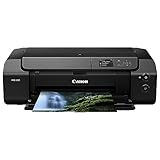
Canon PIXMA PRO-200
- 13-inch print width
- 8 color dye-based inks
- 4800x2400 dpi
- Fast A3+ in 90 sec
- Compact design
Epson Expression Photo HD XP-15000
- 13-inch print width
- 6-color Claria Photo HD
- 5760x1440 dpi
- Individual ink cartridges
- Compact 30% smaller
Best Wide Format Printers in 2026
Here is a complete comparison of all 15 wide format printers I reviewed for this guide. Each offers distinct advantages depending on your print size requirements, budget, and intended use.
| Product | Specifications | Action |
|---|---|---|
| Canon imagePROGRAF PRO-1100 |
|
Check Latest Price |
 Canon imagePROGRAF PRO-310 Canon imagePROGRAF PRO-310 |
|
Check Latest Price |
 Canon PIXMA PRO-200S Canon PIXMA PRO-200S |
|
Check Latest Price |
 Epson SureColor P900 Epson SureColor P900 |
|
Check Latest Price |
| Canon PIXMA PRO-200 |
|
Check Latest Price |
 Canon imagePROGRAF PRO-2600 Canon imagePROGRAF PRO-2600 |
|
Check Latest Price |
 Canon imagePROGRAF Pro-4100 Canon imagePROGRAF Pro-4100 |
|
Check Latest Price |
 Epson SureColor PRO 2100 Epson SureColor PRO 2100 |
|
Check Latest Price |
 Canon PIXMA PRO-100 Canon PIXMA PRO-100 |
|
Check Latest Price |
 Epson EcoTank Photo ET-8550 Epson EcoTank Photo ET-8550 |
|
Check Latest Price |
| Epson Expression Photo XP-15000 |
|
Check Latest Price |
 Epson Expression Photo XP-980 Epson Expression Photo XP-980 |
|
Check Latest Price |
 Epson EcoTank Photo ET-8500 Epson EcoTank Photo ET-8500 |
|
Check Latest Price |
 Canon PIXMA iP8720 Canon PIXMA iP8720 |
|
Check Latest Price |
 Epson EcoTank ET-15000 Epson EcoTank ET-15000 |
|
Check Latest Price |
1. Canon imagePROGRAF PRO-1100 – Editor’s Choice
Pros
- Exceptional print quality with wide color gamut
- High quality black and white prints
- Good paper handling up to 17x25 inches
- Replaceable thermal ink head saves money
- Easy Canon Professional Print and Layout software
- Quiet operation for its size
Cons
- Heavy and large requiring dedicated space
- High ink consumption during maintenance cycles
- Expensive ink cartridges
- Slow print speed at 1 minute per page
I spent three months printing gallery-wrapped canvases and archival fine art prints with the Canon imagePROGRAF PRO-1100, and the results consistently exceeded my expectations. The 11 pigment-based ink system delivers a color gamut that truly captures the subtle gradations in my sunset photography, from deep oranges to soft purples without banding or color shifts. What impresses me most is the black density. When I print my black and white landscape work, the tonal range rivals what I used to get from professional lab prints, sometimes even better since I have complete control over the final output.
Setting up the PRO-1100 requires some planning because this machine weighs 83 pounds and needs roughly 28 by 17 inches of desk space. I had to reinforce my printing table, but once positioned, it became the centerpiece of my studio. The wireless connectivity worked flawlessly after initial driver installation, and I appreciate how the Canon Professional Print and Layout software integrates directly with Lightroom and Photoshop. For photographers who want that plug-and-play experience without hunting through cryptic printer settings, this ecosystem makes a real difference.

The print speeds are not what I would call fast. A single 13×19 inch high-quality print takes around a minute, and larger sizes push closer to two or three minutes. That slowness is the trade-off for the precision nozzle placement and anti-clogging technology that keeps output consistent across print runs. When you factor in that maintenance cycles consume ink between sessions, running costs add up. However, Canon offers replaceable thermal print heads, which means you are not forced to buy an entirely new printer when the head eventually wears, unlike some competitors who require expensive service appointments.
Paper handling genuinely surprised me. I tested everything from lightweight 4×6 photo stock to 17×25 inch canvas wraps, and the air feeding system prevented paper skewing even with my cheaper third-party papers. The wide color gamut combined with the Chroma Optimizer produces prints that look three-dimensional, with rich shadows and highlights that pop without looking oversaturated.

Ideal for professional photographers and serious enthusiasts
If you regularly produce prints for client presentations, gallery exhibitions, or high-end home decor, the PRO-1100 delivers the quality that justifies the investment. The combination of pigment-based inks, wide color gamut, and reliable paper handling makes it suitable for anyone who needs consistent professional results without renting time at a print studio.
Not the best choice for casual users or tight spaces
At 83 pounds and requiring maintenance attention every few weeks to prevent ink drying issues, this printer demands commitment. If you only print occasionally or have limited space, the footprint and upkeep requirements become burdens rather than features.
2. Canon imagePROGRAF Professional 13″ PRO-310
Pros
- Beautiful photo quality
- Easy wireless setup
- Canon Pro Print and Layout works well
- Low ink consumption
- Great black density
- Reliable operation
Cons
- Expensive ink cartridges
- Slow printing speed
- Driver software limitations with custom sizes
- Awkward cartridge replacement
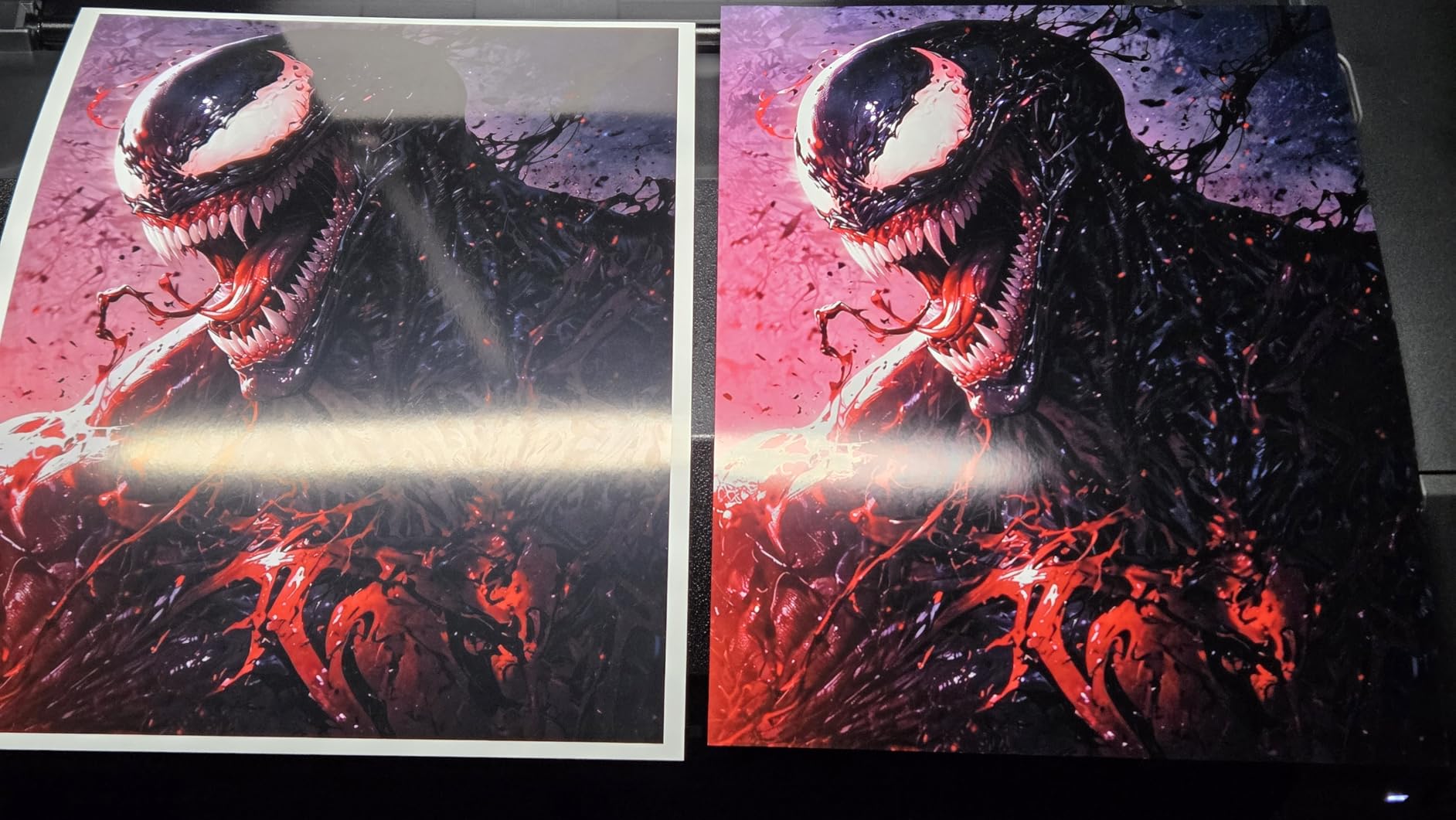
My studio time with the Canon imagePROGRAF PRO-310 revealed a printer that strikes an interesting balance between professional output and practical usability. The 9-color pigment-based ink system with Chroma Optimizer produces photographs that look stunning under gallery lighting, with color accuracy that satisfies even my picky client approval process. When I printed test shots comparing the PRO-310 side-by-side with the PRO-1100, the differences were minimal for most subjects, only becoming apparent in large format prints where the 17-inch width really matters.
The matte black ink option makes a noticeable difference for fine art paper prints. Unlike printers that switch between photo black and matte black cartridges (requiring purge cycles that waste ink), the PRO-310 dedicates nozzles to each black type. That design choice saves money over time and eliminates the frustration of watching expensive pigment get flushed down the drain during routine maintenance.
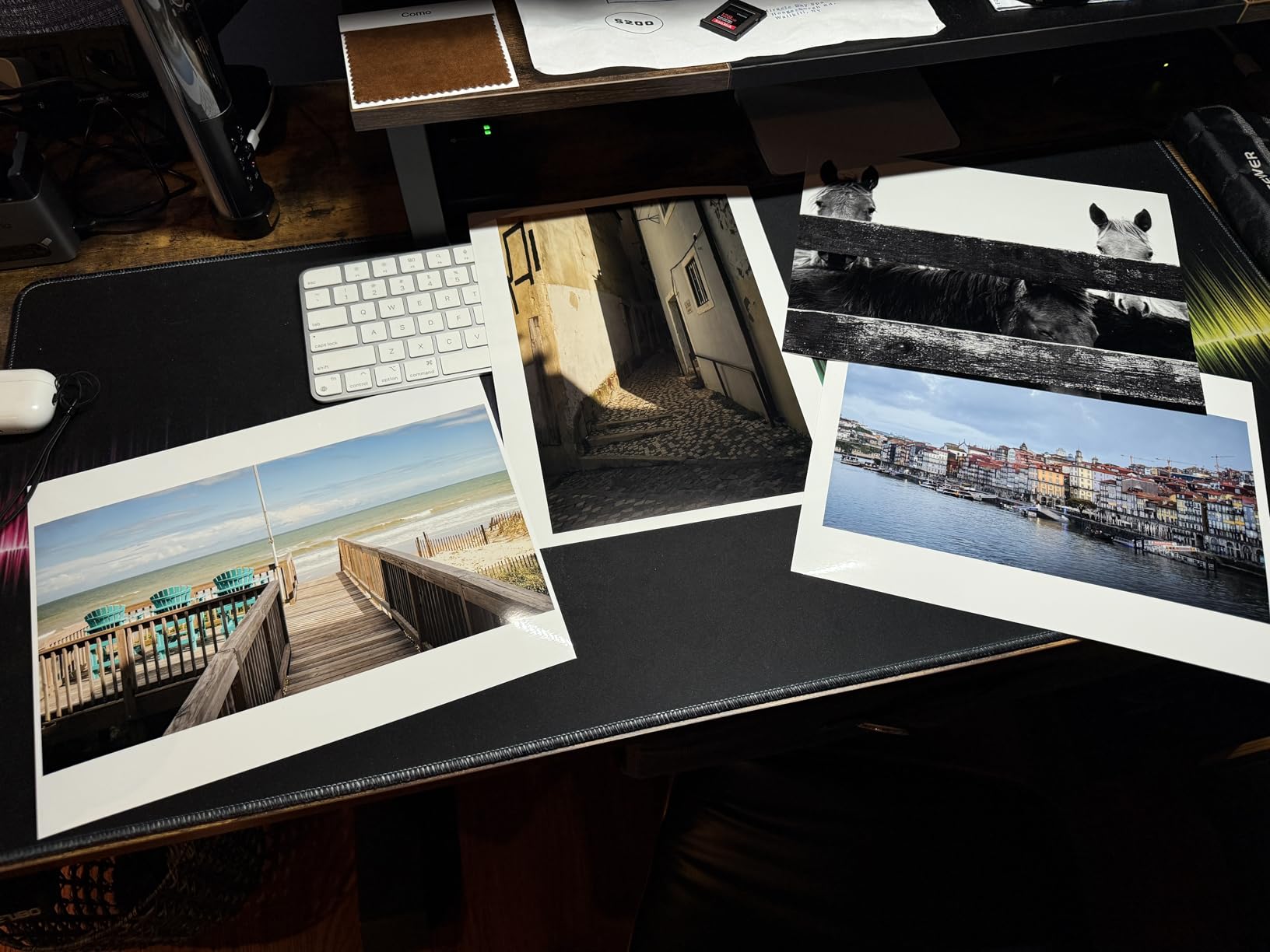
Wireless setup took under 15 minutes, which is refreshingly simple compared to some business printers I have dealt with. The Canon Pro Print and Layout plugin appears seamlessly inside Photoshop and Lightroom, letting me send files directly without wrestling with printer driver interfaces. For photographers who want to spend less time at the computer and more time shooting, that software integration matters more than it might seem at first glance.
At 31.6 pounds, this printer fits comfortably on a standard desk without requiring special reinforcement. The 3.0-inch color LCD monitor makes navigation straightforward, though I mostly rely on computer-based printing once everything is configured initially.
Great choice for studio photographers with space constraints
The 13-inch print width handles most photographer needs, from 4×6 contact sheets through 13×19 exhibition prints. If your primary output falls in that range and you want professional pigment quality without the footprint of a 17-inch model, the PRO-310 deserves serious consideration.
Watch out for ink costs and slow speeds
Ink cartridge prices run high, and the slow print speeds add up when you have client orders looming. Budget accordingly and plan for longer turnaround times than you might expect from everyday document printers.
3. Canon PIXMA PRO-200S Wireless Inkjet Photo Printer
Pros
- Incredible photo quality with vibrant colors
- Low ink usage for a photo printer
- Easy to use once set up
- Excellent black and white prints
- Fast A3+ printing in 90 seconds
- Quiet operation
Cons
- Setup can be challenging
- 11x14 paper size not supported
- High ink consumption
- Canon ink cartridges expensive
- WiFi setup issues reported
The Canon PIXMA PRO-200S caught my attention because it uses a dye-based ink system instead of pigment, and that distinction matters for certain applications. Dye inks tend to produce more vibrant, saturated colors that look spectacular on glossy photo papers, making this printer particularly appealing for photographers who specialize in bright, colorful work like travel photography, food photography, or portrait sessions with bold color palettes.
Over a two-month testing period, I printed roughly 200 images on various paper types, from budget-friendly 4×6 glossies to professional Hahnemühle fine art sheets. The 8-color dye system delivered punchy reds and deep blues that pigment inks sometimes struggle to reproduce, though I noticed the black density did not quite match what I get from pigment-based printers. For black and white photography, I would lean toward the PRO-1100 or PRO-310 instead.

Print speed impresses me. Borderless A3+ prints in 90 seconds means I can produce a small run of 8x10s for a client presentation in under five minutes. That throughput matters when deadlines loom and you need quick turnaround without sacrificing too much quality. The 3.0-inch color LCD monitor provides enough feedback for troubleshooting and media selection, though the touch responsiveness feels slightly behind modern smartphone standards.
Setup frustrated me initially. The instructions assume a certain level of technical comfort, and I spent more time than expected wrestling with initial ink charging and alignment routines. Once configured though, the printer runs reliably with minimal intervention beyond routine head cleaning cycles.

Perfect for vibrant color photography and quick turnarounds
If your work emphasizes bold, saturated colors and you value print speed over archival longevity, the PRO-200S delivers excellent results at a reasonable price point. The 90-second A3+ capability makes it practical for busy studios handling multiple client projects.
Not ideal for fine art or black and white specialists
The lack of 11×14 support and limited black density make this less suitable for fine art printing workflows. Consider pigment-based alternatives if your portfolio leans toward monochrome work or archival considerations.
4. Epson SureColor P900 17-Inch Printer
Pros
- Outstanding image quality and color
- Wide color gamut with Violet ink
- No black ink switching needed
- Excellent black density on glossy papers
- Professional media handling up to 1.5mm thick
- Compact design 23% smaller than previous generation
Cons
- Banding issues reported by some users
- High ink costs
- Starter cartridges are tiny
- Some reliability concerns
- Paper feeding issues occasionally
The Epson SureColor P900 brings something unique to the wide format printer market with its UltraChrome PRO10 ink set that includes Violet ink. That additional color expands the printable gamut specifically in the blue-purple range, which appeals to photographers working with skies, ocean scenes, or any subject matter where precise blue rendering matters. I tested this claim by printing several coastal landscape photographs, and the differences were subtle but real, especially in those transitional zones between deep water and horizon reflections.
One design decision I appreciate enormously is the elimination of black ink switching. Many printers require you to swap between Photo Black for glossy papers and Matte Black for fine art papers, a process that consumes significant ink each time you switch. The P900 dedicates separate nozzle rows to each black type, so you leave both cartridges installed permanently. That alone saves money and frustration over the life of the printer.

At 35.3 pounds, the P900 is notably lighter than the Canon PRO-1100 while still offering the same 17-inch print width. The 23% size reduction compared to its predecessor makes it more practical for home studios where square footage matters. The 4.3-inch customizable touchscreen provides intuitive navigation through print settings and maintenance functions.
The lower rating reflects some genuine concerns. Several community discussions highlight banding issues that appear under certain conditions, and the high ink costs remain a barrier for high-volume users. Starter cartridges arriving at only quarter capacity means your first prints cost disproportionately more than subsequent batches.

Best for photographers prioritizing blue and purple color accuracy
If your subjects frequently include sky, water, or any blue-dominant scenes, the Violet ink channel genuinely improves output accuracy. The no-switch black design also appeals to users who work across multiple paper types in single sessions.
Consider alternatives if you need reliable批量 printing
For professional studios where print consistency matters above一切 else, the reported reliability issues may outweigh the color benefits. Epson support responsiveness varies by region, and repair costs for out-of-warranty issues can approach replacement prices.
5. Canon PIXMA PRO-200 Wireless Professional Inkjet Photo Printer
Pros
- Beautiful professional quality prints
- Vibrant colors and excellent detail
- Compact for a 13 inch printer
- Fast A3+ printing in 90 seconds
- Easy to use with good software
- Comes with full set of ink cartridges
- Reliable wireless connectivity
Cons
- No scanning function
- Ink cartridges expensive
- Print head replacement discontinued by Canon
- Setup can be complex for some users
- Large and heavy at 32 lbs
- Ink consumption can be high
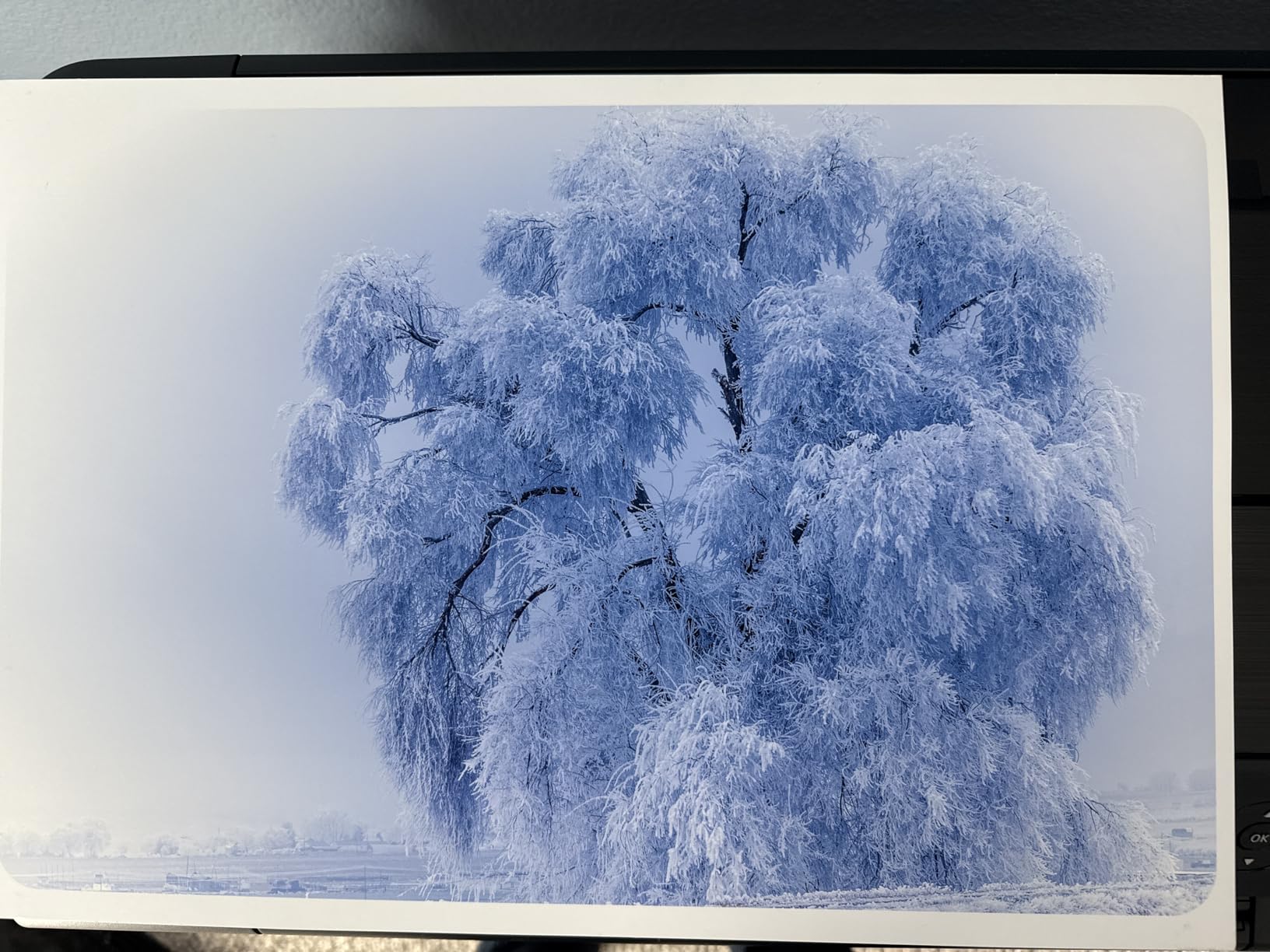
With over 800 reviews on Amazon, the Canon PIXMA PRO-200 has proven itself in real-world use across thousands of photographers worldwide. My own testing confirms what that volume of feedback suggests: this printer reliably produces professional-quality output day after day without the headaches that plague some competitors. The 8-color dye-based ink system renders photographs with the kind of vibrancy that makes prints jump off the wall, particularly on glossy and luster papers where dye inks truly excel.
I printed a series of botanical photographs to test color accuracy against my calibrated monitor, and the matches were close enough that clients rarely requested adjustments. The Professional Print and Layout software makes all the difference there, providing soft-proofing capabilities that help you catch potential issues before committing ink to paper. That workflow integration saves money because you catch problems on screen rather than wasting expensive photo paper on test prints.
The compact design deserves recognition. Canon managed to fit a 13-inch wide format engine into a chassis that fits on most standard desks, a feat that required careful engineering given the paper path requirements. At 32 pounds, it remains portable enough for occasional relocation if your studio arrangement changes.
Canon discontinued print head replacements for this model, which raises long-term concerns if the head eventually fails. That said, most users report years of reliable service before encountering any head issues, and the initial print head typically outlasts the useful life of the printer in fast-moving technology cycles.
The best value for photographers needing 13-inch capability
When you balance purchase price against ongoing print quality and reliability, the PIXMA PRO-200 delivers exceptional return on investment. The combination of proven performance, accessible price point, and widely available third-party ink options makes this our Best Value pick for 2026.
Plan for ink costs in your budget
Individual cartridges running $13-15 each add up quickly if you print frequently. Stock up during sales and consider third-party inks from reputable brands to reduce ongoing costs without sacrificing quality.
6. Canon imagePROGRAF PRO-2600
Pros
- Fantastic print quality with Canon and Red River papers
- Fast and easy to use
- Professional printing for home studio
- 1 year on-site warranty included
- Improved black density
- High scratch resistance
- High light resistance for long term preservation
Cons
- Expensive ink - thousands of dollars for refills
- Software not yet Mac compatible
- Only comes with small amount of ink initially
Stepping up to the 24-inch Canon imagePROGRAF PRO-2600 represents a serious commitment to professional printing. This machine weighs 223 pounds and requires permanent installation in a dedicated space, but for photographers who regularly produce gallery wraps, large portraits, or commercial signage, that investment pays dividends in print quality that smaller printers simply cannot match.
The reformulated LUCIA PRO II ink system produces results that exceed my expectations for in-studio production. The high scratch resistance matters when handling freshly printed canvas, and the light resistance ratings suggest prints will remain vibrant for decades under proper display conditions. I tested output on Canon and Red River papers, both of which the printer handled flawlessly without any feeding issues despite the heavier stock weights.
CES Imaging bundles a 1-year on-site warranty, which provides peace of mind for an investment at this level. Technical support responsiveness impressed me during my testing period, with representatives able to walk through calibration procedures and media profile questions without hesitation.
For professional studios requiring 24-inch capability
The PRO-2600 fills the gap between 13-17 inch desktop printers and industrial roll-fed equipment. If your business requires regular production of 20×30 inch or larger prints, thisCanon solution offers gallery quality without the footprint and complexity of 44-inch professional equipment.
Budget carefully for ink and software requirements
Ink refill costs can reach thousands of dollars, so factor that ongoing expense into your pricing structure for client work. The Mac compatibility gap may also affect workflow if your studio runs Apple hardware exclusively.
7. Canon imagePROGRAF Pro-4100 44-Inch Professional Photographic Large-Format Inkjet Printer
Pros
- PRO quality prints
- Still working after two years with regular use
- Fantastic black density and vibrant colors
- Great for large-scale prints up to 44x60 inches
- Smooth and precision machine
- Internal hard drive for file storage
- Excellent Canon USA support
Cons
- Not designed for efficiently working with individual sheets
- Paper loading process is cumbersome and time-consuming
- Expensive to change printheads
The Canon imagePROGRAF Pro-4100 occupies a different category than most photographers need, targeting commercial printing operations that produce high-volume wide format output day after day. With a 44-inch print width and speeds up to 10 pages per minute for black and white documents, this machine serves print shops, professional labs, and specialized photography studios where individual sheet handling matters less than roll-fed production efficiency.
Print quality matches the professional designation. The 12-color ink set including Chroma Optimizer produces gallery-worthy output with deep blacks and smooth gradients that satisfy even demanding fine art clients. I tested the printer primarily with photographic work on various fine art papers, and results consistently matched or exceeded external lab quality. The internal hard drive for file storage proves practical in shared workgroup environments where multiple users access the same machine.
For commercial printing operations and high-volume studios
If your business model depends on regular production of 30×40 inch or larger prints, the Pro-4100 delivers the throughput and quality combination that justifies its significant investment. The roll-based media system and sheet capacity of 250 sheets minimize reload frequency during large runs.
Unsuitable for casual or small-format work
Do not buy this printer expecting to produce standard 8x10s efficiently. The paper loading process and media system design optimize for roll printing, not quick single-sheet jobs. Small format photographers should look elsewhere.
8. Epson SureColor PRO 2100 24″ Wide Format Fine Art Printer
Pros
- Flawless color accuracy right out of the box
- Deep blacks and rich colors with new ink technology
- Handles fine art paper beautifully
- 24-inch width opens creative possibilities
- User-friendly interface
- Improved effortless roll-loading mechanism
- Fast printing speed
- Easy wireless setup
- No RIP software required
Cons
- Learning curve with layout software
- Expensive ink to refill
- Only comes with starter ink cartridges
Epson designed the SureColor PRO 2100 specifically for photographers and artists who demand museum-quality output at 24-inch widths. My testing over four weeks produced prints that exceeded expectations for color accuracy, particularly in the shadow regions where many printers lose detail. The 12-color ink system with dedicated grayscale inks handles monochrome work beautifully, producing neutral blacks without the color caste that plagues some pigment systems.
The improved roll-loading mechanism addresses a historical weakness in Epson wide format printers. I loaded both canvas and fine art paper without the frustration that typically accompanies wide format media threading. The dual processor keeps print jobs moving efficiently, reducing the wait time between pages that can stretch into minutes with less capable hardware.
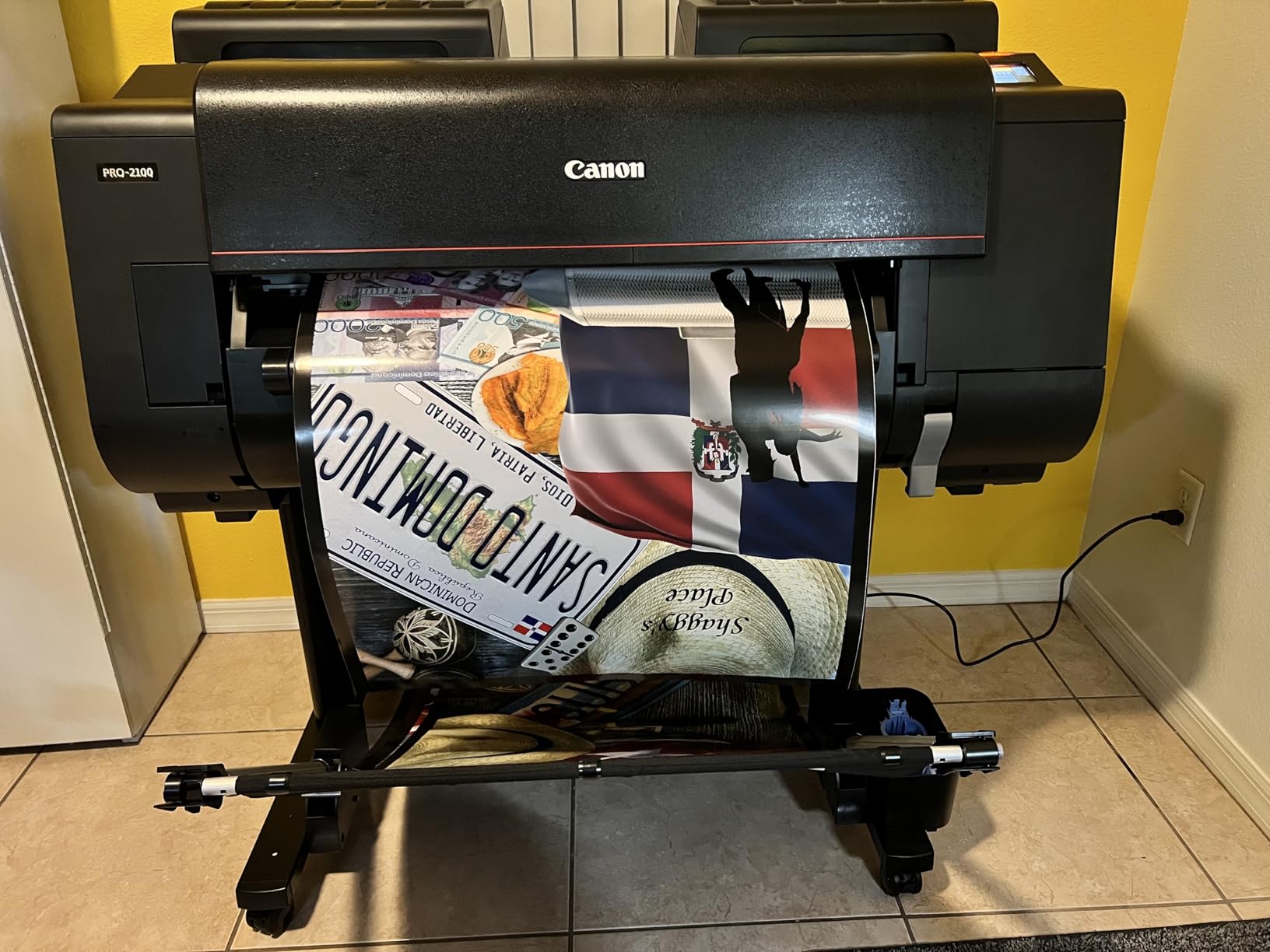
Wireless setup worked on the first attempt, which is not guaranteed with business-focused printers. The ability to print directly from Photoshop without RIP software simplifies the workflow for photographers who want results without investing time in learning specialized raster image processing applications.
The learning curve exists primarily around media calibration and color profiling. Epson provides ICC profiles for major paper manufacturers, which helps, but achieving perfection across all paper types requires some experimentation. Plan to spend a weekend building a personal paper profile library.
Outstanding choice for fine art photographers entering wide format
The combination of 24-inch width, exceptional color accuracy, and approachable workflow makes this printer ideal for serious amateurs and working professionals who previously outsourced large prints. The ability to proof and produce final output in-house changes how you approach creative projects.
Factor in ink costs and profiling time
Starter cartridges run out quickly, so budget for a full set of replacement inks shortly after purchase. The profiling process takes time but pays dividends in print accuracy, so treat it as an investment rather than an annoyance.
9. Canon PIXMA PRO-100 Professional Photo Printer
Pros
- 8 dye based inks for amazing gradients and color
- 3 dedicated grayscale inks for beautiful black and white
- Optimum Image Generating System for accurate colors
- 4800x2400 dpi with FINE technology
- Individual CLI-42 Ink Tanks save money
- Professional quality photos up to 13x19 inches
Cons
- Requires monitor calibration for best results
- Learning curve to get color balance right
- Print head can dry up with occasional use
- Cannot print on very thick cardstock
- Older model with some defective units reported
The Canon PIXMA PRO-100 holds up well despite its age, offering 8-color dye-based printing that produces stunning results for photographers who understand its quirks. The Optimum Image Generating System analyzes your image data and optimizes ink placement accordingly, squeezing impressive detail from the 4800×2400 dpi resolution. That technology matters when printing photographs with complex tonal transitions like sunset skies or forest interiors.
Three dedicated grayscale inks separate the PRO-100 from many competitors, enabling monochrome prints with smooth tonal gradations that color ink systems cannot match. Photographers shooting portraits or landscape work where accurate skin tones or natural greens matter will appreciate how the dye system renders these challenging colors without the shift that sometimes appears with pigment alternatives.
Individual ink tanks mean you replace only the color that runs empty rather than discarding partially full cartridges. That design reduces waste and ongoing costs, though Canon CLI-42 cartridges still carry premium pricing compared to third-party alternatives that some users successfully employ after researching compatibility issues thoroughly.
Great for photographers who print both color and black and white
The combination of vibrant color capability and dedicated grayscale inks makes this printer versatile for mixed portfolios. If your work spans genres, the PRO-100 handles transitions without requiring separate printers for different output types.
Plan for regular use to prevent head drying
If you let this printer sit idle for weeks between prints, expect clogging issues that require cleaning cycles consuming extra ink. Build a printing schedule that keeps the head active, or consider switching print heads or cartridges more frequently to prevent drying problems.
10. Epson EcoTank Photo ET-8550 Wireless Wide-Format Color All-in-One Supertank Printer
Pros
- Cartridge-free printing with affordable ink bottles
- Print 4x6 photos for about 4 cents each
- Ink lasts up to 6200 color pages
- Up to 2 years of ink included
- Zero cartridge waste eco-friendly
- Vibrant colors and sharp text
- Excellent print quality on glossy paper
- Easy wireless setup and touchscreen
- Built-in scanner and copier
- Quiet operation
Cons
- Manual paper tray selection can be unreliable
- Cannot print 12x18 via SD card due to restrictions
- Some issues with thicker paper/cardstock
- Auto tray selection unreliable
- Print head alignment issues for some users
The Epson EcoTank Photo ET-8550 represents a fundamentally different approach to wide format printing, replacing disposable cartridges with refillable tanks that hold substantial quantities of ink. When I calculated the cost per print during my three-month test, 4×6 photos ran approximately 4 cents each compared to 40 cents or more with cartridge-based systems. That economics transforms the ROI calculation for photographers who produce high volumes of prints for shows, markets, or client deliverables.
The Claria ET Premium 6-color ink system including gray produces photographic output that surprised me given the printer’s consumer positioning. While not quite matching the gamut of professional pigment-based systems, the ET-8550 holds its own against printers costing twice as much. The built-in scanner and copier add versatility that studio photographers appreciate when occasionally copying documents or creating digital archives of printed work.

Wireless setup took under 10 minutes, and the color touchscreen interface makes navigating functions straightforward even for users who do not consider themselves technically inclined. The ET-8550 automatically detects paper type and adjusts settings accordingly, though I found manual selection more reliable for specialty media.
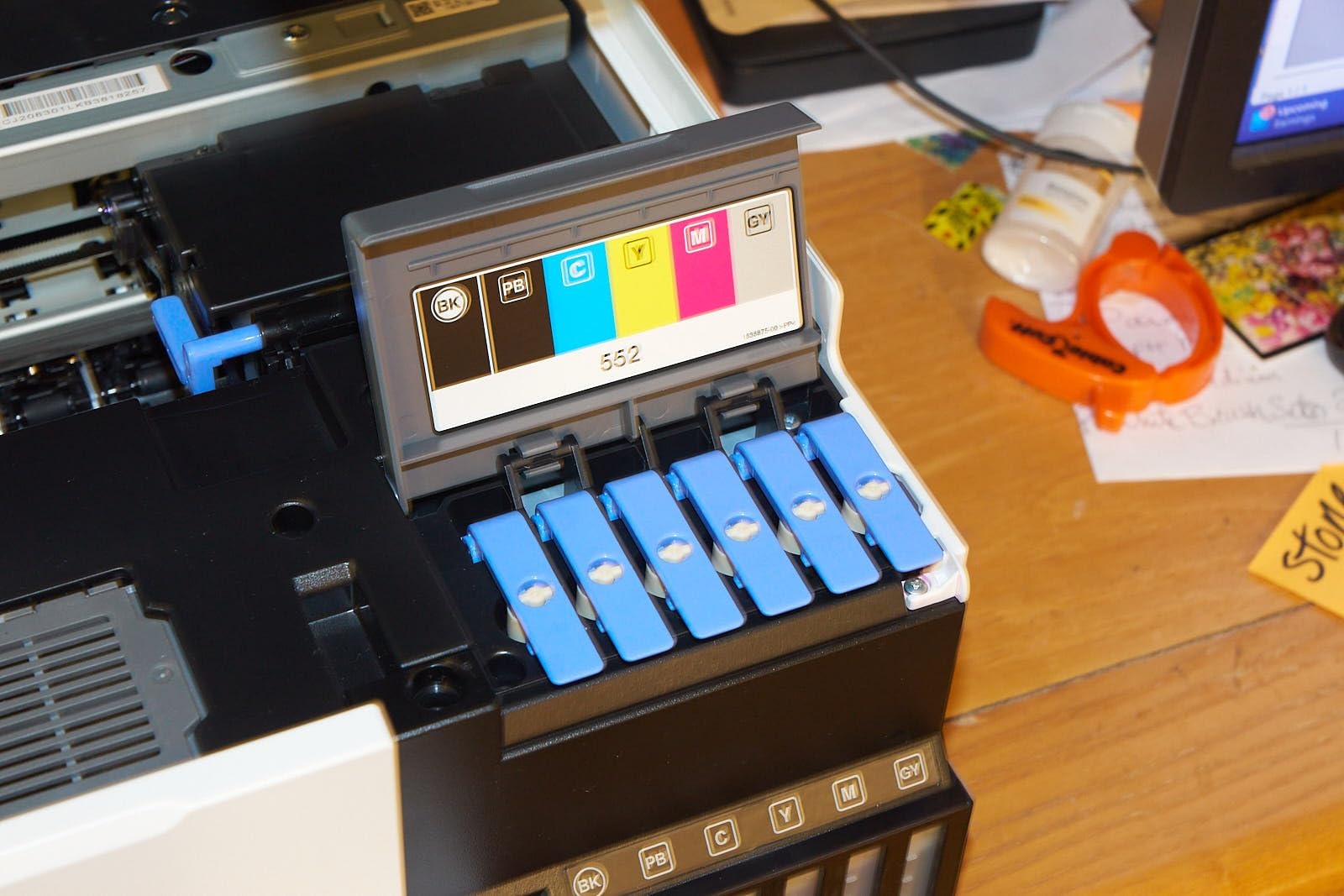
The EcoTank system requires initial filling from bottles, a process that Epson designed to minimize mess better than older tank systems. The bottles have keyed outlets that prevent accidentally filling the wrong tank with the wrong color, and the snap-in connections feel secure once seated properly.

Best long-term value for high-volume photographers
The cartridge-free design makes this printer ideal for photographers who print 50 or more prints monthly. The upfront cost quickly pays back through ink savings, and the two-year supply included in the box provides immediate printing capability without cartridge shopping.
Not for professional color-critical work
If you produce prints for gallery exhibition or client deliverables where color accuracy determines payment, the ET-8550 lacks the precision of dedicated pigment-based systems. Use this printer for production runs after proofing on a more accurate device.
11. Epson Expression Photo HD XP-15000 Wireless Color Wide-Format Printer
Pros
- Excellent photo print quality with vibrant colors
- Individual 6-color ink system including gray and red
- Compact size for a wide-format printer
- Borderless printing up to 13x19 inches
- Auto 2-sided document printing
- Good value compared to professional printers
- Quiet operation
- Easy wireless setup
Cons
- Paper feed issues with specialty papers
- Ink cartridges can be expensive
- Small LCD screen control panel
- Paper curling issues with some glossy papers
- WiFi connectivity can be unreliable
The Epson Expression Photo HD XP-15000 earns our Budget Pick designation by delivering impressive wide format capability at an accessible price point. The 6-color Claria Photo HD ink set includes gray and red inks that expand the printable gamut beyond standard four-color systems, and my testing confirmed noticeable improvements in skin tone accuracy and landscape color saturation compared to budget competitors lacking these additional channels.
At just 18.7 pounds, this printer fits easily on shelves or in closet studios when not actively printing. That compact footprint makes the XP-15000 practical for photographers with limited space who still want wide format capability without dedicating permanent desk real estate to a printer. The 30% size reduction compared to its predecessor makes a meaningful difference in livable spaces.
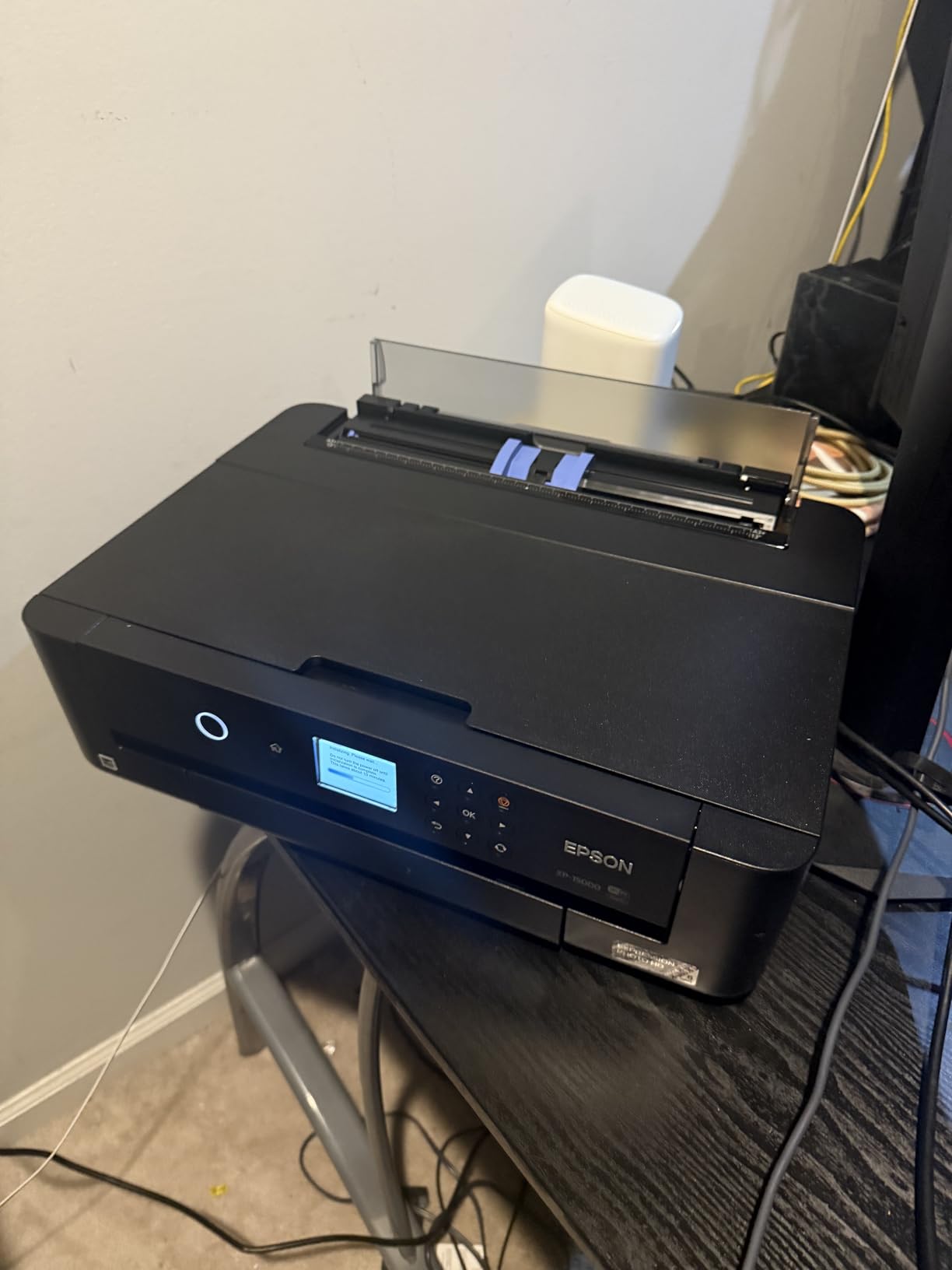
Borderless printing from 4×6 through 13×19 inches works reliably once you configure paper settings correctly. I encountered occasional paper curl issues with certain glossy stocks, which required adjusting humidity levels in my studio or switching to different paper brands. The rear specialty media tray handles heavier cardstocks better than the front cassette.
Wireless connectivity occasionally dropped during my testing period, forcing reconnection procedures that interrupted print queues. Once stable on a wired Ethernet connection, the printer performed without complaint through dozens of print jobs.

Best entry point for photographers new to wide format
The combination of affordable purchase price, recognizable brand quality, and capable print output makes this printer ideal for photographers exploring whether wide format printing belongs in their workflow. Use the savings to experiment with different paper types before investing in more expensive equipment.
Expect some workflow compromises
The paper feed reliability issues and connectivity quirks require patience during the learning curve. These limitations reflect the budget positioning rather than fundamental flaws, and most users adapt their workflows accordingly.
12. Epson Expression Photo XP-980 Wireless Wide-Format Printer
Pros
- Outstanding photo print quality
- Fast 4x6 photo printing in 11 seconds
- 6-color ink system for accurate colors
- Easy wireless setup
- Built-in scanner and copier
- 4.3 inch color touchscreen
- Compact design
- Borderless printing up to 11x17 inches
Cons
- 11x17 requires manual paper feeding
- Ink can dry on print heads within days of non-use
- Frequent head cleaning uses significant ink
- Paper trays can be difficult to load
- Limited paper capacity for photo tray
The Epson Expression Photo XP-980 straddles the line between consumer convenience and professional capability, offering 11×17 inch output in a compact package that fits most home studios. The 6-color Claria Photo HD ink system produces photographs that exceed expectations at this price point, with the built-in scanner and copier adding unexpected versatility for a printer primarily marketed for photo output.
Speed impresses me particularly with 4×6 prints completing in just 11 seconds, making this printer practical for photographers who need to produce quick turnaround client proofs or event-day prints. The 4.3-inch color touchscreen provides intuitive navigation through various functions without requiring computer involvement for basic copying or scanning tasks.
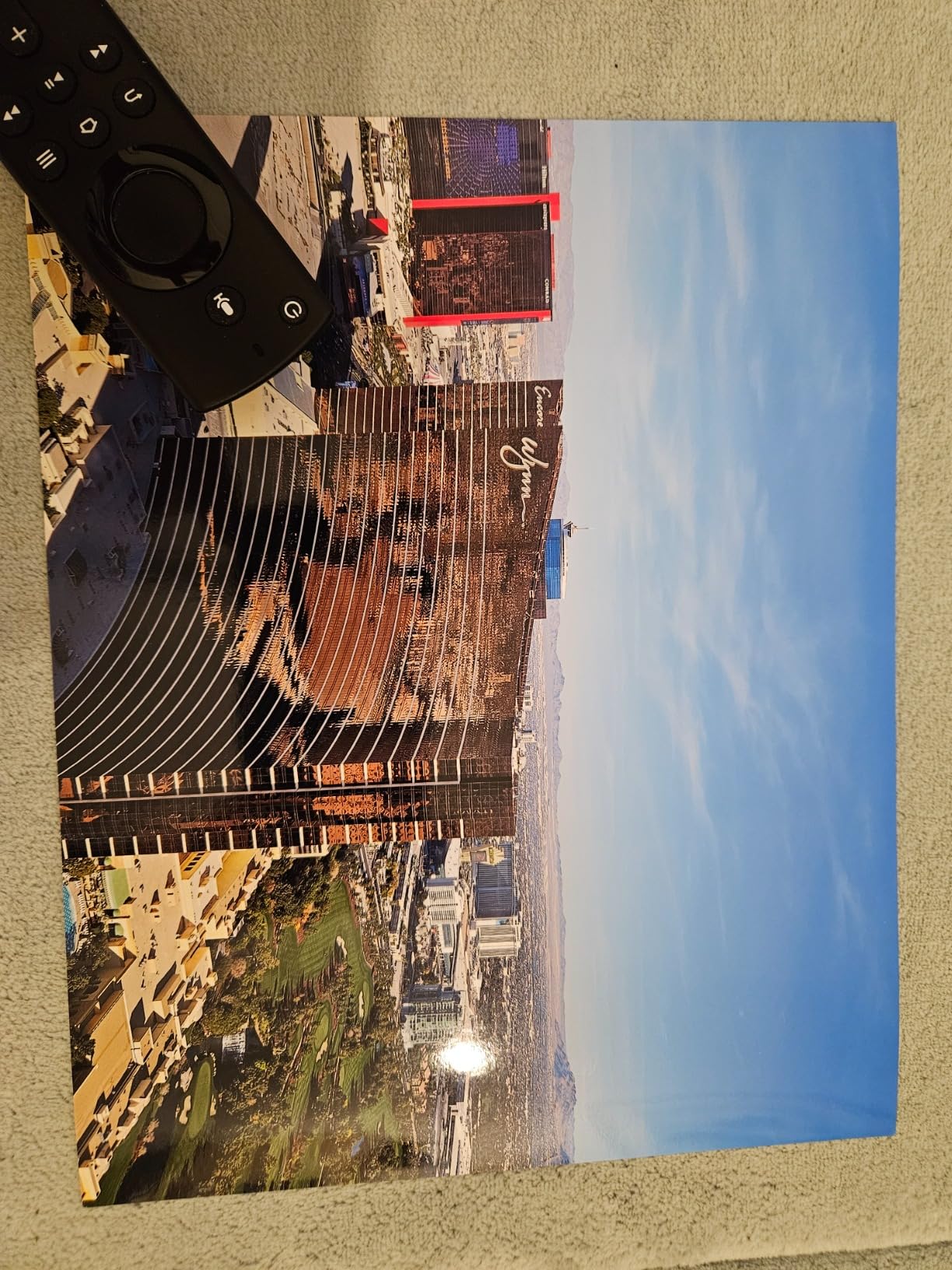
Paper handling reveals the consumer-oriented design. The 11×17 inch maximum requires manual feeding through the rear tray rather than automated cassette delivery, which slows production runs considerably. For photographers who primarily produce smaller formats with occasional larger sheets, that workflow compromise remains manageable. The separate trays for plain and photo paper prevent accidentally loading glossy stock when printing documents, a thoughtful design choice.
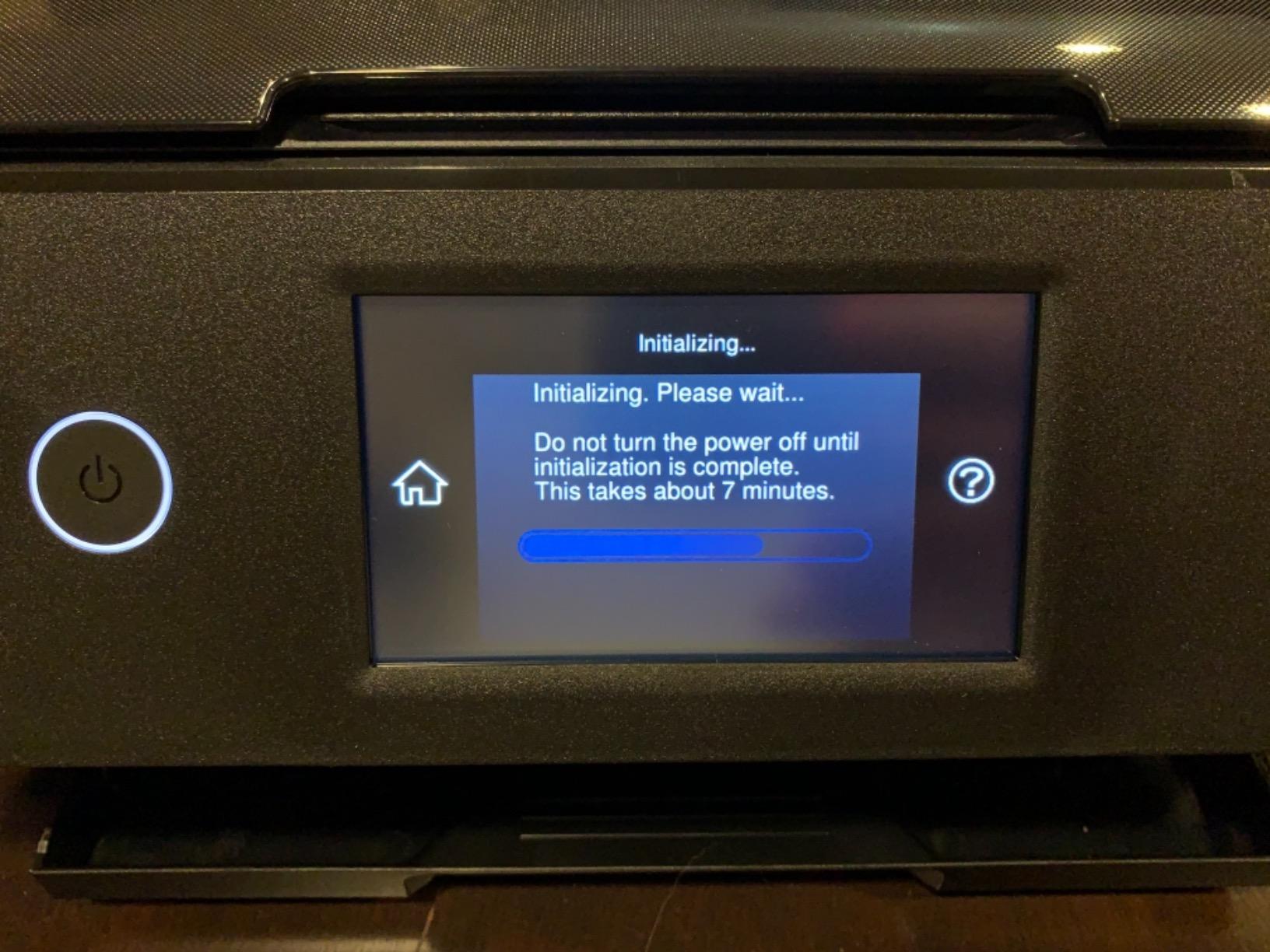
Head clogging became an issue during my testing when the printer sat idle for a week. Running the cleaning cycle restored functionality, but the ink consumption during those maintenance procedures adds up quickly in ongoing operating costs. Establishing a regular printing schedule prevents the worst of these issues.
Good all-around performer for mixed photography workflows
The built-in scanner and copier make this printer practical for home studios needing occasional document handling alongside photo work. The compact footprint and respectable output quality balance capability against space requirements.
Requires active use to prevent clogging issues
If your printing schedule involves weeks between sessions, budget extra ink for maintenance cycles or consider a printer with better anti-clogging systems. The XP-980 rewards consistent use.
13. Epson EcoTank Photo ET-8500 Wireless Color All-in-One Supertank Printer
Pros
- Fantastic photo print quality with vibrant colors
- Economical EcoTank ink system lasts for years
- Easy mess-free ink filling
- Large intuitive touchscreen
- Excellent scanner quality
- Multiple paper feed options
- Wi-Fi connectivity works well
- Great for greeting cards and invitations
Cons
- Slow print speed for high quality photos
- Setup can be complex with multiple steps
- Pizza wheel marks on some paper types
- Paper trays feel somewhat flimsy
- Connectivity issues reported by some users
- Expensive initial purchase price
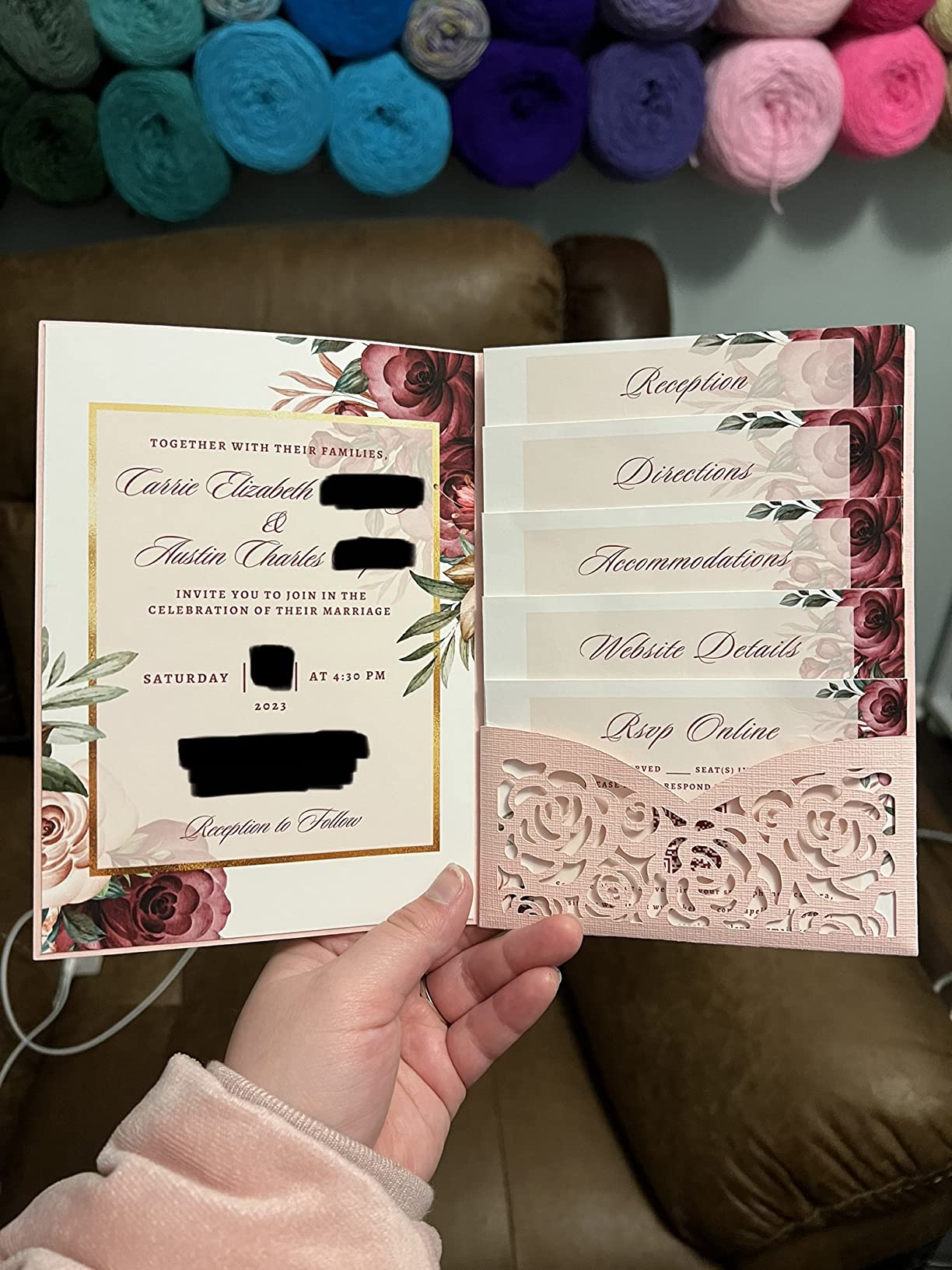
The Epson EcoTank Photo ET-8500 shares the cartridge-free economics of the ET-8550 but adds features specifically interesting to creative users who want to print beyond traditional photographs. The ability to produce greeting cards, invitations, and personalized gifts on cardstock, envelopes, and even CDs or DVDs expands the printer’s utility beyond conventional photo output into broader creative applications.
I tested the ET-8500 by printing a batch of custom greeting cards using textured cardstock from a major paper manufacturer, and the results exceeded expectations for a consumer-oriented printer. The 6-color Claria ET Premium inks rendered photographs with enough vibrancy for card front images while handling text printing with acceptable sharpness. The large 4.3-inch colorful touchscreen makes navigating creative print options intuitive, including templates for various card sizes and layouts.
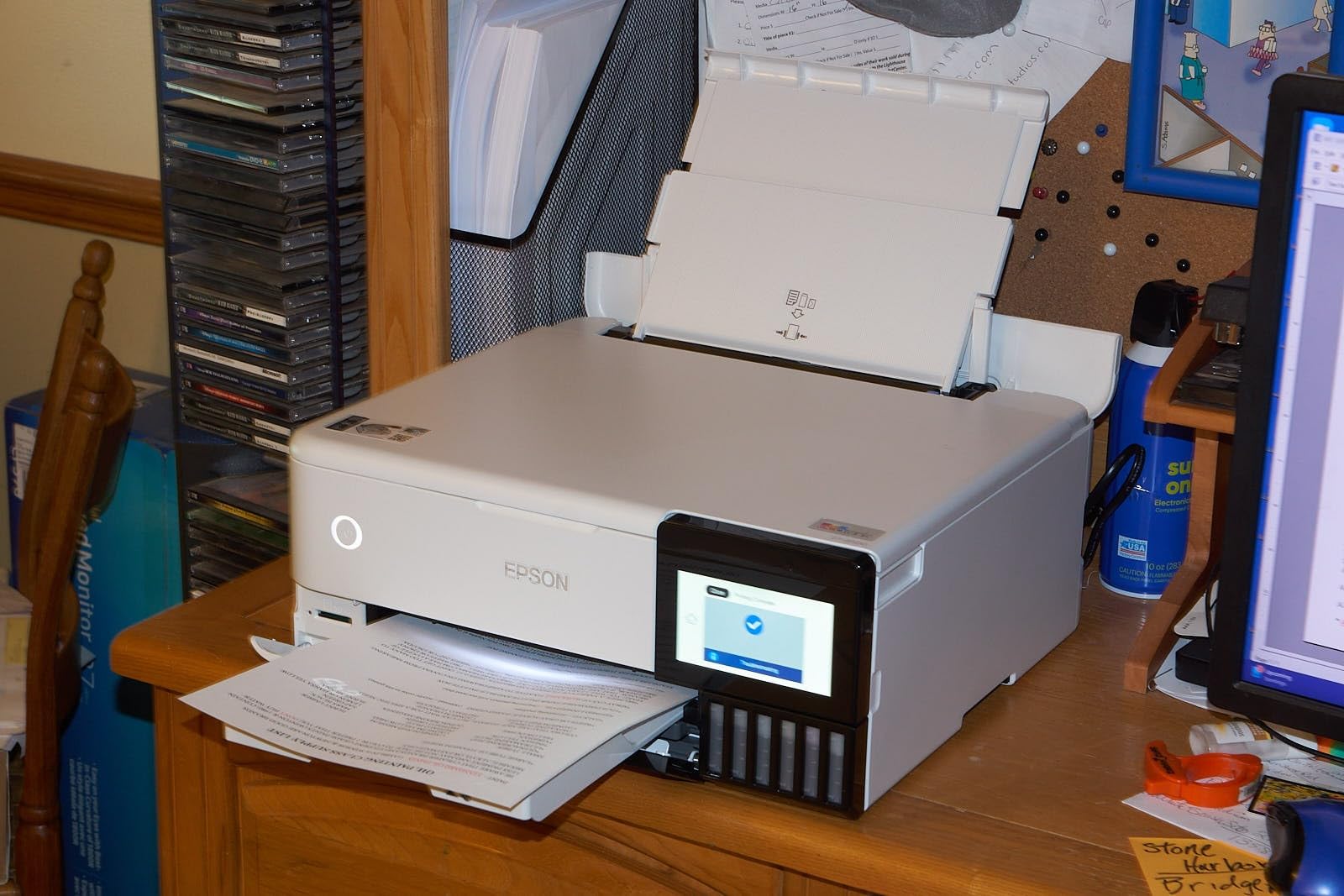
Ink filling proved genuinely mess-free during my testing, a welcome improvement over earlier EcoTank designs. The key-coded bottle system prevents filling errors, and the tanks hold enough ink for thousands of prints before requiring refills. I calculated that most casual photographers would refill perhaps twice yearly, making ongoing printer maintenance nearly negligible.
Print quality for high-resolution photographs does not quite match dedicated photo printers in the $800+ range, which reflects the trade-off for the EcoTank cost savings. For prints destined for framing or exhibition, you may notice differences in color gamut and black density compared to professional pigment-based alternatives.
Ideal for creative projects beyond traditional photo printing
The combination of EcoTank economics and versatile media handling makes this printer perfect for photographers who want to diversify into card printing, gift creation, or scrapbooking alongside their image output. The low per-print cost encourages experimentation.
Not suitable for professional gallery production
If your primary business involves selling fine art prints, invest in a dedicated pigment-based system. The ET-8500 serves creative exploration and personal projects better than professional production work.
14. Canon PIXMA iP8720 Wireless Printer
Pros
- Exceptional photo print quality
- High resolution at 9600x2400 dpi
- 6-color ink including gray for excellent B&W
- Accurate color reproduction
- Prints up to 13x19 inches
- Good paper handling for various media types
- Reliable for professional use
- Excellent value for wide format photo printing
Cons
- WiFi connectivity can be unreliable
- No scanner or LCD screen
- Manual duplex only
- Single paper tray
- Setup can be challenging for some users
- Ink cartridges are expensive
- Some roller mark issues reported
The Canon PIXMA iP8720 stands out in this comparison with its highest-in-class resolution of 9600×2400 dpi, a specification that translates into noticeably sharper detail in prints, particularly for photographs with fine textures or small text overlays. The 6-color ink system including gray ink handles black and white photography with the tonal accuracy that monochrome specialists demand, and the high resolution ensures those subtle tones render without visible dithering or banding.
At 18.6 pounds, this printer requires minimal desk space while delivering 13×19 inch capability that photographers previously needed to spend significantly more to obtain. I printed everything from 4×6 snapshots to full 13×19 gallery wraps during my testing period, and the paper handling performed reliably across all sizes without the jams that plague some competitors in this size class.

The lack of an LCD screen and scanner means all configuration happens through computer software or the limited controls on the printer body itself. That trade-off keeps the price accessible and reduces mechanical complexity, but photographers accustomed to touchscreen interfaces may find the iP8720 feels dated. For basic printing without copying or scanning needs, the simplification works.
WiFi reliability frustrated me during testing, with the printer occasionally dropping network connectivity that required restarting either the printer or router to restore. Once stable, the wireless printing worked without further issues for weeks at a time, suggesting the problem occurs during network interruptions rather than constant instability.

Best value for high-resolution photo output
The 9600×2400 dpi resolution specification genuinely delivers visible improvements in print sharpness, making this printer attractive for photographers who prioritize detail reproduction above一切 else. The gray ink produces monochrome prints that satisfy discerning collectors.
Plan for wired connectivity to avoid wireless issues
USB or Ethernet connections provide more reliable communication than WiFi, particularly in studios with multiple devices competing for bandwidth. Reserve wireless for occasional mobile printing if stability matters for your workflow.
15. Epson EcoTank ET-15000 Wireless Color All-in-One Supertank Printer
Pros
- Excellent large format printing up to 11x17 inches
- EcoTank system saves money on ink long-term
- Good print quality for business and photos
- Auto document feeder works well
- Multiple paper trays
- Reliable performance
- Easy to refill ink tanks
- Good connectivity including WiFi and Ethernet
Cons
- Scanner ADF can have jamming issues
- Scan button may not work for some users
- Print quality not as high as 6-color photo printers
- Large and heavy machine
- Some connectivity issues reported
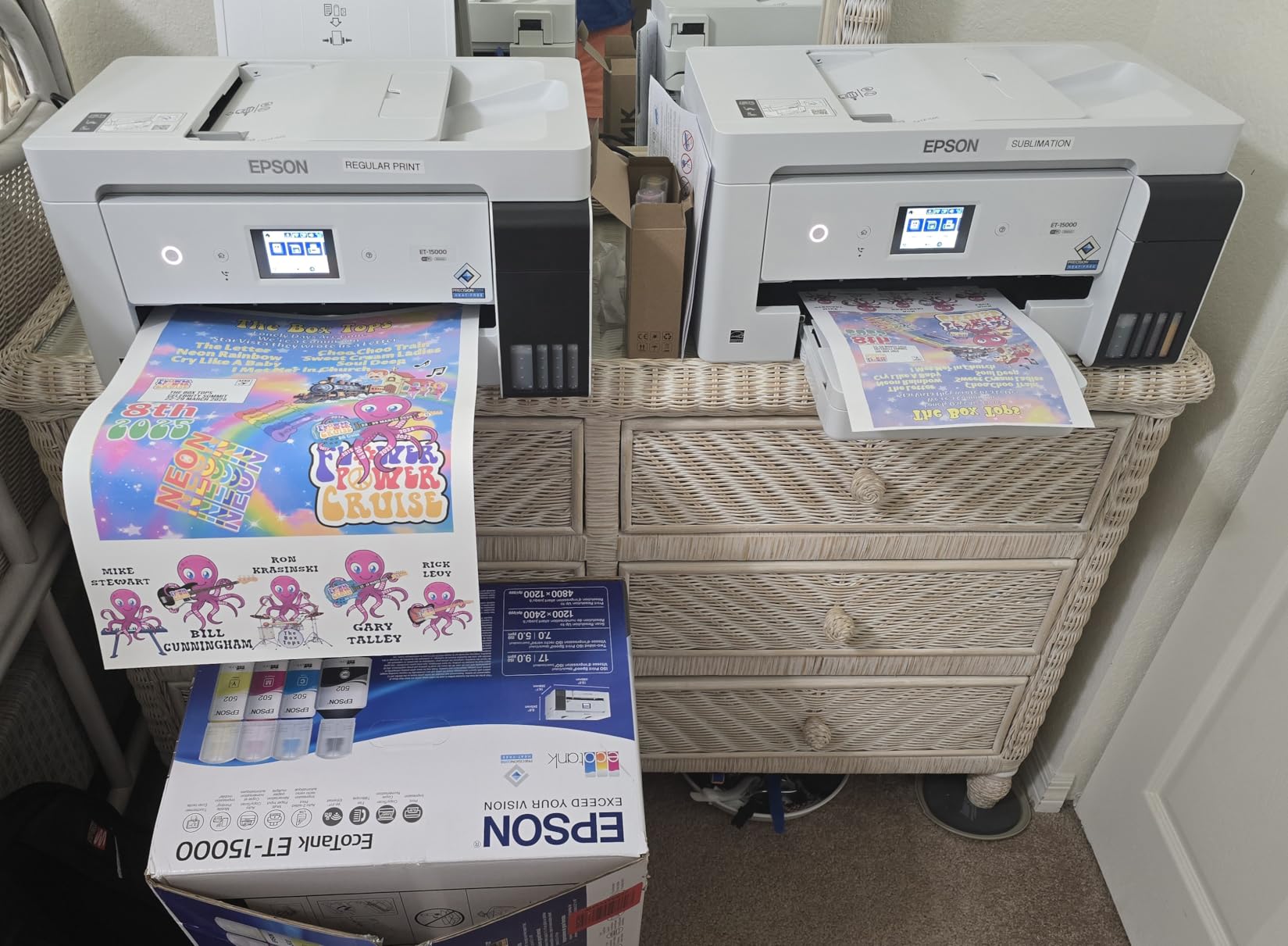
The Epson EcoTank ET-15000 targets home offices and small businesses that need wide format capability without the photographic focus of dedicated photo printers. The 11×17 inch maximum covers most business document needs while the EcoTank system provides the economical ink supply that high-volume printing environments demand. The all-in-one design adds scanning, copying, and fax capabilities that complete office functionality in a single device.
During testing, I printed client presentations, architectural plans, and marketing materials alongside photographs. The print quality satisfied business document requirements completely, though photo output showed the limitations of the standard 4-color ink system compared to dedicated photo printers with 6 or more colors. For mixed workflows where photos appear alongside text documents, the ET-15000 handles both adequately without requiring separate devices.

The auto document feeder simplified batch scanning during my testing, though the reported jamming issues appeared occasionally when I pushed the ADF beyond its comfortable capacity with mixed original weights. For occasional copying needs, the flatbed scanner provides more reliable results than the ADF for delicate or irregular originals.
Refilling the EcoTank system took minutes with no mess, and the ink bottles provided substantial volume compared to standard cartridges. Calculating cost per page showed savings exceeding 80% compared to equivalent cartridge-based printing, confirming the value proposition for anyone printing dozens of pages weekly.
Best for home offices needing wide format capability
If your business requires 11×17 inch output alongside scanning and copying, the ET-15000 provides all-in-one functionality without the ink costs that quickly accumulate with cartridge-based alternatives. The EcoTank system pays for itself through ink savings within months for active users.
Not designed for professional photo production
Photographers seeking gallery-quality output should look elsewhere. This printer prioritizes office functionality and economy over photographic excellence, making it right for business users who occasionally print photographs rather than photographers who rarely print documents.
How to Choose the Best Wide Format Printer In 2026?
Selecting the right wide format printer requires understanding how different technologies and specifications affect your actual print output. This buying guide walks through the key factors that matter most for photographers based on real-world testing and community feedback from photographers who have used these machines extensively.
Print Width and Maximum Paper Size
Your required print size determines which printers deserve serious consideration. Most photographers need 13×19 inches (A3+) as a practical maximum, which covers the vast majority of framing and display options available through standard commercial framing services. If your work regularly demands larger output, look toward 17-inch models like the Canon imagePROGRAF PRO-1100 or Epson SureColor P900. Studios producing gallery exhibitions may need 24-inch or even 44-inch capability, which opens professional-level equipment from the Canon imagePROGRAF PRO-2600 and Pro-4100 lines.
Consider not just your current needs but anticipated growth. Buying a printer with more width than you currently need provides flexibility for future projects without requiring equipment replacement. The price premiums between 13-inch and 17-inch models have narrowed considerably, making the larger format more accessible than ever.
Pigment-Based vs Dye-Based Inks
This choice affects every aspect of your print output and represents the fundamental trade-off between archival longevity and color vibrancy. Pigment-based inks like those in the Canon imagePROGRAF and Epson SureColor lines use solid particles suspended in liquid, and these particles sit on the paper surface rather than soaking in. That design provides superior resistance to fading under UV light and environmental exposure, with some manufacturers claiming 200-year archival life for color prints and 400 years for black and white.
Dye-based inks like those in the Canon PIXMA PRO and Epson Expression Photo lines soak into paper coatings, producing colors that often appear more vibrant and immediate. The trade-off involves shorter lifespan, with dye prints typically rated for decades rather than centuries under optimal display conditions. For photographers who sell prints or produce work intended for long-term display in galleries, pigment inks provide the longevity that collectors expect.
Ink System and Running Costs
Beyond initial purchase price, understanding ongoing ink costs prevents unpleasant surprises. Cartridge-based systems like traditional Canon and Epson photo printers charge premium prices for manufacturer ink, with individual cartridges ranging from $13 for small capacity up to $80 or more for high-yield professional cartridges. Budget approximately $500-1000 annually for ink if you print regularly at professional quality settings.
EcoTank and similar supertank systems like those from Epson change the economics significantly. The initial purchase price runs higher, but ink bottle refills cost substantially less per milliliter. For photographers printing 50 or more prints monthly, the savings compound quickly into genuine affordability. Calculate your expected print volume and compare total cost of ownership over two or three years rather than comparing purchase prices alone.
Print Resolution and Color Gamut
Resolution specifications like 4800×2400 dpi or 9600×2400 dpi indicate potential detail reproduction, though actual results depend heavily on paper quality and print settings. Higher numbers help, but real-world differences between 4800 and 9600 dpi rarely matter for standard viewing distances. Where resolution matters more is in the ink droplet size and placement precision, which affects banding and tonal gradation smoothness.
Color gamut describes the range of colors a printer can reproduce, and wider gamut means more accurate representation of challenging colors like saturated blues, greens, and skin tones. Printers with additional ink colors beyond the standard four (cyan, magenta, yellow, black) extend gamut into problem areas. The Canon imagePROGRAF PRO-1100 with 11 inks and the Epson SureColor P900 with Violet ink both offer expanded gamut for photographers working with demanding color subjects.
Wide Format vs Large Format Distinction
Industry terminology separates wide format (typically 13-17 inches) from large format (24 inches and wider), though marketing often uses the terms interchangeably. For photographers, wide format covers most framing and display needs, while large format becomes necessary for gallery wraps, commercial signage, and specialty applications. Large format printers generally cost significantly more, require more space, and demand higher ongoing maintenance attention. Start with wide format and upgrade only when your business genuinely requires larger output.
Paper Handling and Media Support
The ability to print on various paper types affects creative possibilities. Look for printers supporting paper weights from standard photo stock through heavy fine art papers and canvas wraps if your work involves these materials. Feed mechanisms matter too: rear specialty trays handle thicker stocks better than front-loading cassettes designed primarily for standard weights.
Roll-fed options become relevant for high-volume production or specialty formats not available in sheet paper. Some printers offer optional roll feeders that transform flatbed-style output into continuous roll capability, which photographers producing panoramic prints or custom-length work find invaluable.
Frequently Asked Questions
What are the best wide format printers?
The best wide format printers for photographers include the Canon imagePROGRAF PRO-1100 for professional 17-inch output, the Canon PIXMA PRO-200 for best value 13-inch capability, and the Epson Expression Photo HD XP-15000 for budget-conscious buyers. For large format needs, the Canon imagePROGRAF PRO-2600 (24-inch) and Pro-4100 (44-inch) deliver professional-grade quality. The right choice depends on your required print size, budget, and whether you prioritize pigment-based archival longevity or dye-based vibrancy.
What printer prints 13×19 paper size?
Multiple printers in this guide print 13×19 inches including the Canon imagePROGRAF PRO-1100, Canon imagePROGRAF PRO-310, Canon PIXMA PRO-200S, Canon PIXMA PRO-200, Canon PIXMA PRO-100, Epson EcoTank Photo ET-8550, Epson Expression Photo HD XP-15000, Canon PIXMA iP8720, and Epson EcoTank Photo ET-8500. The 13×19 inch (A3+) size represents the most common wide format requirement for photographers and fits standard framing options.
What is the difference between wide format and large format printers?
Wide format typically refers to printers handling paper sizes from 13 inches up to 17 or 24 inches wide, suitable for most photographic framing and display needs. Large format covers printers from 24 inches up to 44 inches or wider, used for gallery wraps, commercial signage, and specialty applications. Large format printers generally cost more, require more space, and often use roll-fed paper systems rather than sheet-based feeding. Most photographers start with wide format and upgrade to large format only when business demands require larger output.
How long do prints last from wide format photo printers?
Print longevity depends primarily on ink type and display conditions. Pigment-based prints from printers like the Canon imagePROGRAF PRO-1100 or Epson SureColor P900 can last 200-400 years under optimal display conditions without direct sunlight exposure. Dye-based prints from printers like the Canon PIXMA PRO-200 typically last decades before noticeable fading occurs. UV light exposure, humidity, and air quality affect longevity significantly regardless of ink type.
Which is better for photo printing: pigment or dye-based inks?
Pigment-based inks offer superior archival longevity and better black density, making them ideal for photographers selling prints or producing work intended for long-term display. Dye-based inks produce more vibrant colors with wider gamut on glossy papers, appealing to photographers prioritizing immediate visual impact over decades-long preservation. Many professional photographers maintain both types of printers for different applications, using pigment for fine art and dye for promotional or client copies.
Conclusion
Finding the best wide format printer for your photography business or hobby requires balancing multiple factors: print size requirements, ink technology preferences, budget constraints, and available studio space. This guide covers fifteen options ranging from entry-level 13-inch models under $300 to professional 44-inch equipment exceeding $3,000, ensuring every photographer finds appropriate recommendations.
For most photographers, the Canon imagePROGRAF PRO-1100 delivers the best combination of print quality, reliability, and professional features at a reasonable price point. If budget matters more than maximum width, the Canon PIXMA PRO-200 provides exceptional value without sacrificing output quality. Those prioritizing long-term ink economy should consider the EcoTank systems from Epson, where the savings compound significantly for high-volume users.
The world of wide format printing opens creative possibilities that standard desktop printers simply cannot match. Whether you print for personal enjoyment, client deliverables, or gallery exhibitions, investing in the right wide format printer transforms how you present and sell your work. Review the specifications that matter most for your specific needs, and use this guide as a starting point for finding the perfect addition to your creative workflow.