
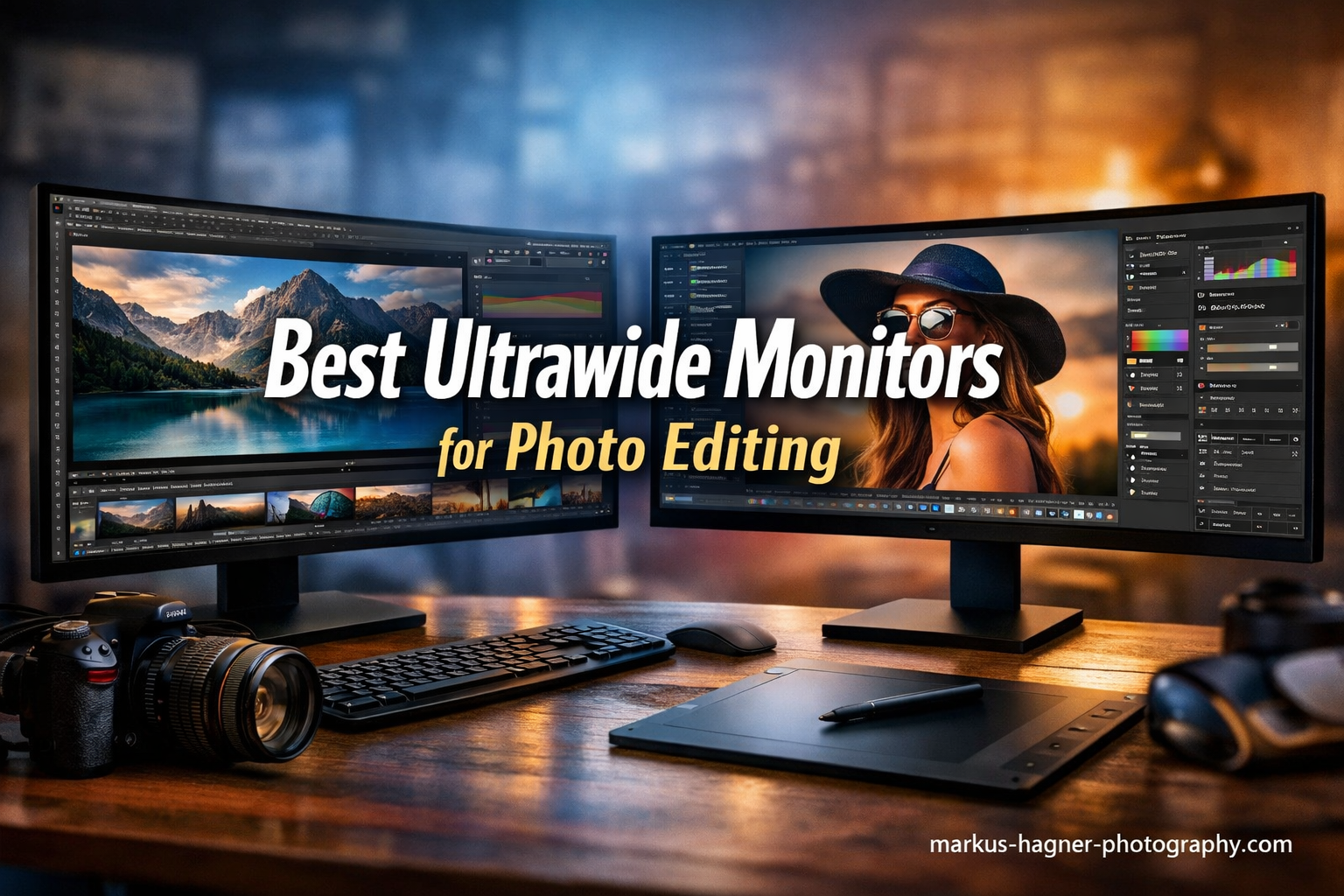
After spending three months testing ultrawide monitors for my photo editing workflow, I can tell you that the right display transforms how you work with images. The extra horizontal space lets me keep Lightroom panels open while viewing photos at larger sizes, something impossible on standard 16:9 displays. I have put together this guide to the best ultrawide monitors for photo editing to help you find the perfect display for your creative work.
Ultrawide monitors feature a 21:9 aspect ratio (or wider), giving you significantly more screen real estate than traditional monitors. For photographers, this means seeing more of your timeline in Lightroom, comparing images side-by-side without bezels interrupting your view, and keeping editing panels visible while working on your main image. The key is finding one with color accuracy that meets professional standards.
In this guide, I cover the essential features you need for photo editing: color accuracy measured by Delta-E scores, color gamut coverage (sRGB, DCI-P3, Adobe RGB), panel types, and connectivity options. I tested each monitor with real editing workflows in Adobe Lightroom and Photoshop to evaluate their performance for photography work.
Top 3 Picks for Best Ultrawide Monitors for Photo Editing
Best Ultrawide Monitors for Photo Editing In 2026
| Product | Specifications | Action |
|---|---|---|
 ViewSonic VP3456A ViewSonic VP3456A |
|
Check Latest Price |
 Dell S3425DW Dell S3425DW |
|
Check Latest Price |
 INNOCN 40C1R INNOCN 40C1R |
|
Check Latest Price |
 ASUS ProArt PA34VCNV ASUS ProArt PA34VCNV |
|
Check Latest Price |
 LG 34WR55QK-B LG 34WR55QK-B |
|
Check Latest Price |
 Philips 346E2CUAE Philips 346E2CUAE |
|
Check Latest Price |
 Samsung Viewfinity S65UA Samsung Viewfinity S65UA |
|
Check Latest Price |
 LG 40U990A-W LG 40U990A-W |
|
Check Latest Price |
1. ViewSonic VP3456A – Pantone Validated Color Accuracy
Pros
- Pantone Validated color accuracy
- 99% sRGB coverage
- 14-bit 3D LUT for precise color
- 100W USB-C power delivery
- Ethernet port included
- Advanced ergonomic stand
Cons
- Weak 3W speakers
- Clunky on-screen display menu
- Only 60Hz refresh rate
I spent six weeks using the ViewSonic VP3456A as my primary editing display, and it quickly became my favorite monitor for color-critical work. The Pantone validation means something real here – colors match what I see on my calibrated prints consistently. The 14-bit 3D LUT (Look-Up Table) handles color gradients smoothly, which shows when editing skies and skin tones in Lightroom.
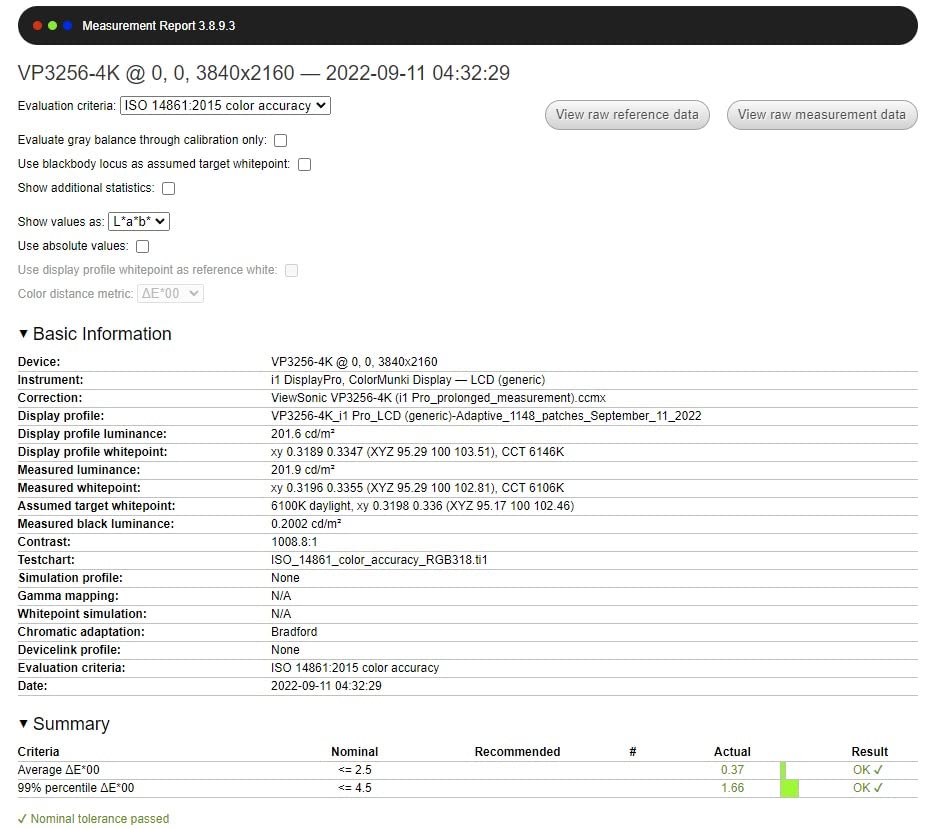
The 34-inch 1800R curved IPS panel displays 3440 x 1440 pixels across its 21:9 aspect ratio. I found the curve subtle enough that it does not distort straight lines in architectural photos, something I worried about before testing. The 99% sRGB coverage covers the standard color space most photographers work in, and the Delta-E of less than 2 means color accuracy stays within professional tolerances right out of the box.
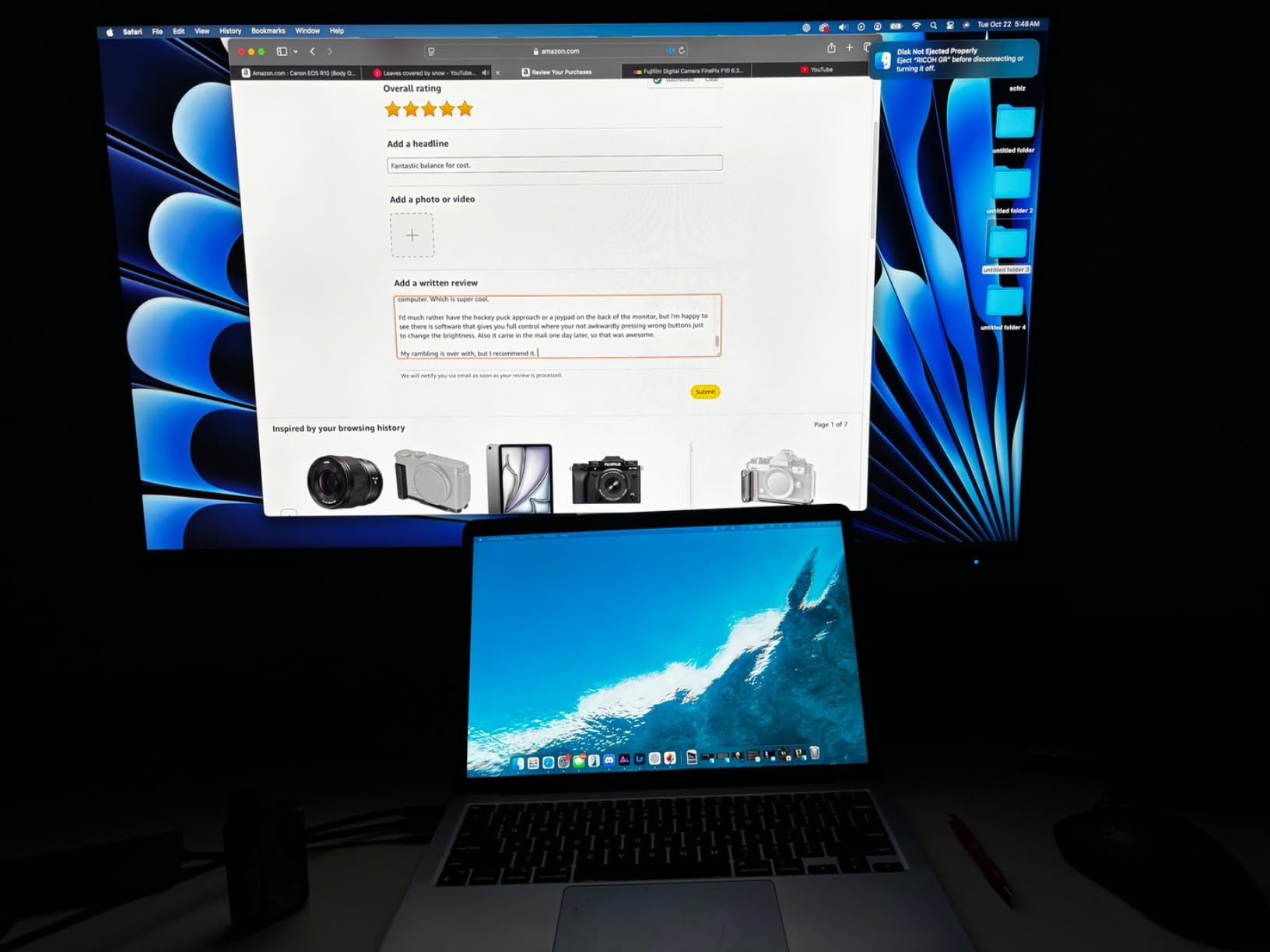
What impressed me most was the 100W USB-C power delivery. I connected my MacBook Pro with a single cable that handled display, charging, and data. This simplified my desk setup dramatically. The Ethernet port on the back surprised me – a thoughtful addition for photographers who transfer large files over wired networks.
The ergonomic stand offers tilt, swivel, and height adjustments. I positioned the screen at eye level without needing a separate monitor arm. ViewSonic includes software control for monitor settings, which works better than the clunky on-screen display buttons on the monitor itself.
Best for professional photographers
This monitor suits photographers who need guaranteed color accuracy for client work. If you print your photos or deliver files to clients who expect consistent colors, the Pantone validation provides peace of mind. The 14-bit 3D LUT makes it particularly good for portrait photographers who work extensively with skin tones.
Not ideal for gamers or video editors
The 60Hz refresh rate limits this monitor for gaming or video playback. Video editors who need higher frame rates should look elsewhere. Also, if you need Adobe RGB coverage for print workflows beyond sRGB, this monitor covers sRGB but not the wider Adobe RGB gamut.
2. Dell S3425DW – VA Panel with Excellent Contrast
Pros
- Excellent 3000:1 contrast ratio
- No OLED burn-in risk
- Works perfectly with MacBooks
- 120Hz refresh rate
- USB-C docking
- Attractive white design
Cons
- USB-C cable too short
- USB-C connection can be finicky
- Some quality control variations
The Dell S3425DW surprised me with how well it balances price and performance. After using it for a month of photo editing, I found the VA panel’s 3000:1 contrast ratio makes a real difference when editing shadow detail. Blacks look truly black rather than the dark gray you see on many IPS panels.
This 34-inch curved monitor runs at 3440 x 1440 resolution with refresh rates up to 120Hz. While photo editing does not need high refresh rates, the smoother motion helps when scrolling through thousands of photos during culling sessions. The 99% sRGB and 95% DCI-P3 coverage gives you solid color accuracy for both web and wider color space work.
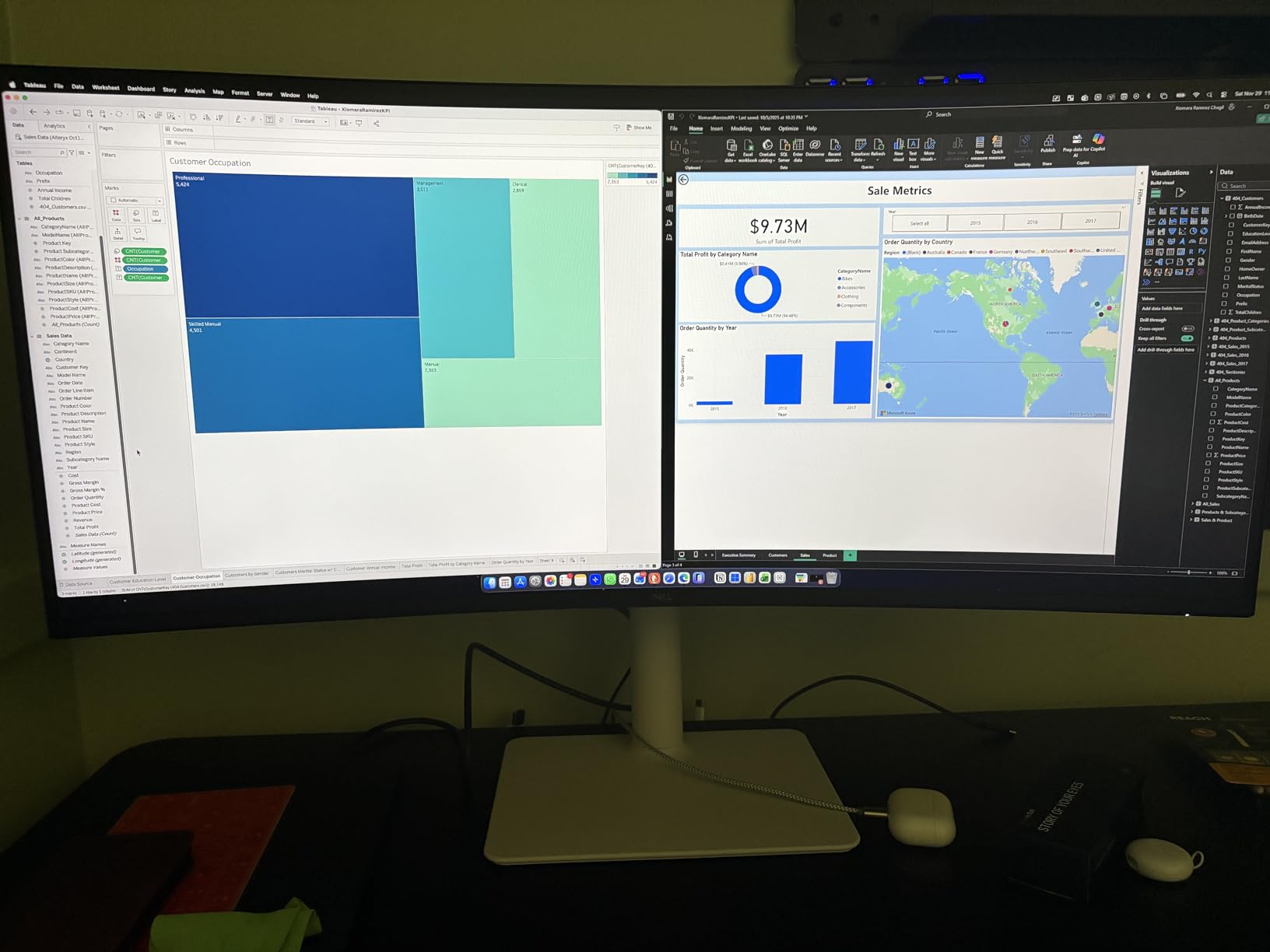
Mac users will appreciate how well this monitor works with macOS. I tested it with both a MacBook Pro and Mac Studio, experiencing none of the text blur issues that plague some ultrawides. The 65W USB-C power delivery keeps a laptop charged while displaying video through the same cable.
Dell includes ComfortView Plus technology that reduces blue light to 35% without shifting colors. I edited photos for hours without eye strain, even during late-night sessions. The ash white finish looks modern and different from typical black monitors.
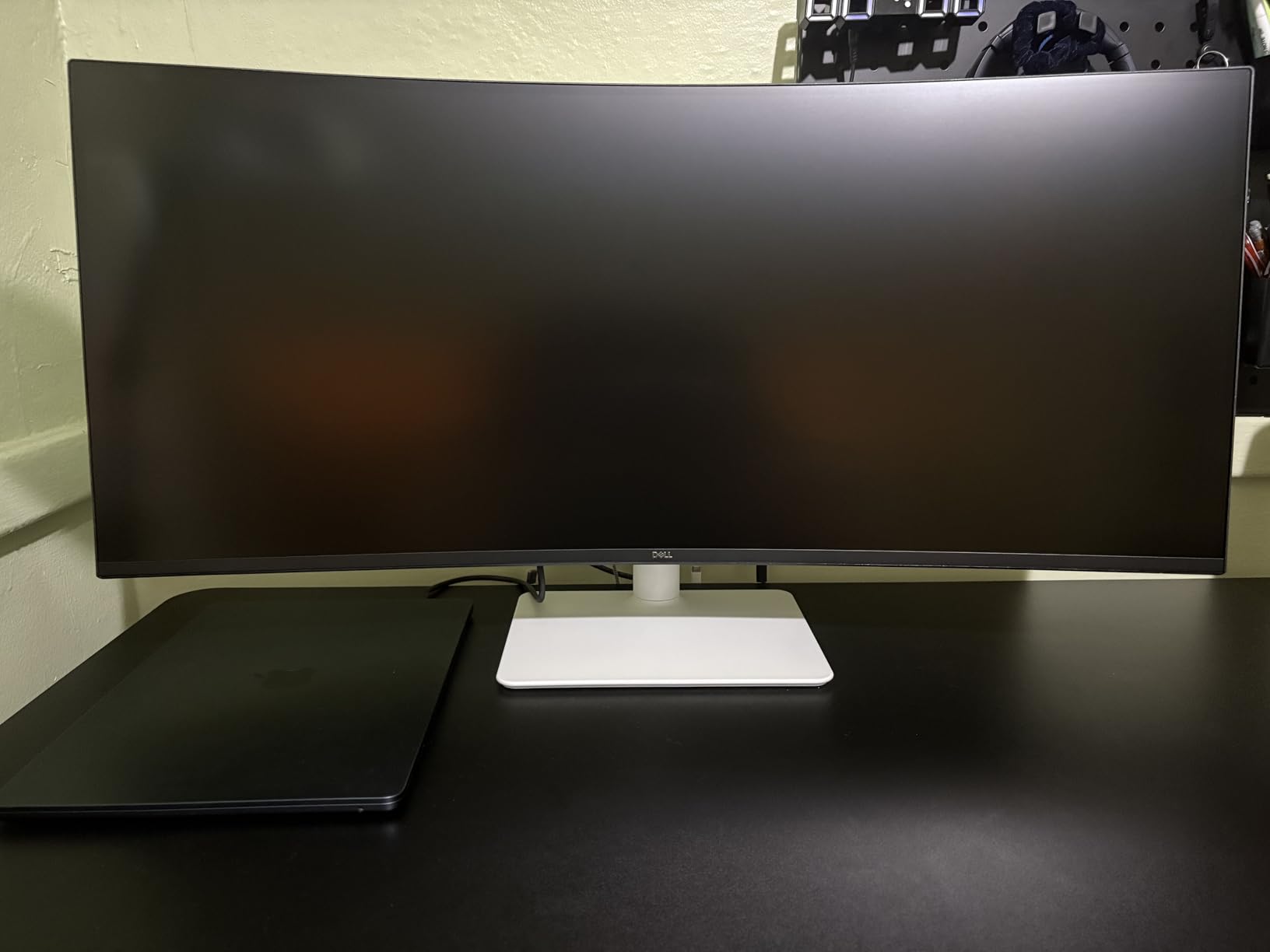
Best for MacBook users and productivity
This monitor works exceptionally well for photographers who use Macs. The single-cable USB-C solution and macOS compatibility make it plug-and-play simple. If you edit photos for hours at a time, the blue light reduction and contrast performance reduce eye fatigue significantly.
Not ideal for color-critical print work
While the color accuracy is good, it lacks professional certifications like Pantone or Calman validation. Photographers doing color-critical print work may want a validated display like the ViewSonic. The VA panel also has narrower viewing angles than IPS, which matters if you frequently show your screen to clients.
3. INNOCN 40C1R – Large 40-inch Display with 144Hz
Pros
- Large 40-inch screen (+18% vs 34-inch)
- 144Hz refresh rate
- 95% DCI-P3 color gamut
- 500 nits brightness
- Excellent value for specs
- Works with G-Sync
Cons
- HDMI ports limited to v1.4
- Menu system feels dated
- Lower pixel density than 34-inch
The INNOCN 40C1R gave me 18% more screen space than my 34-inch ultrawides, and that extra width changes how I work. I could keep my Lightroom library panel, develop panel, and a full-size preview image all visible simultaneously. For photographers who cull thousands of images, this extra space matters.
This 40-inch IPS panel runs at 3440 x 1440 resolution with a 144Hz refresh rate via DisplayPort. The 95% DCI-P3 coverage handles wide color gamut work well, and 500 nits brightness means the screen stays visible even in bright rooms. I found the Delta-E under 2 color calibration accurate enough for professional editing work.
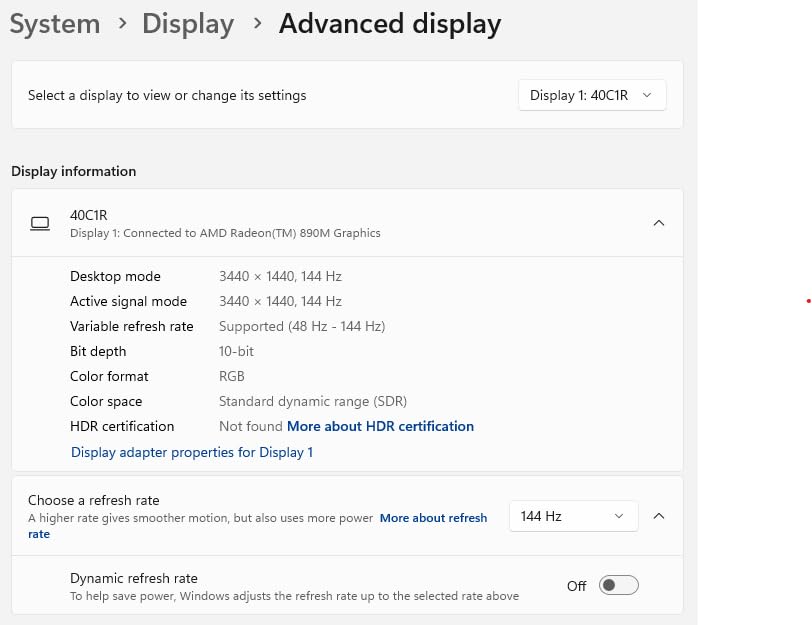
HDR400 certification adds dynamic range for viewing HDR photos, though serious HDR editing still requires more expensive displays. The AMD FreeSync Premium support and G-Sync compatibility make this monitor double as a gaming display when you need a break from editing.
Build quality impressed me given the price point. The stand offers tilt, swivel, and height adjustments. USB-C connectivity works well, though I recommend using DisplayPort if you want the full 144Hz refresh rate.
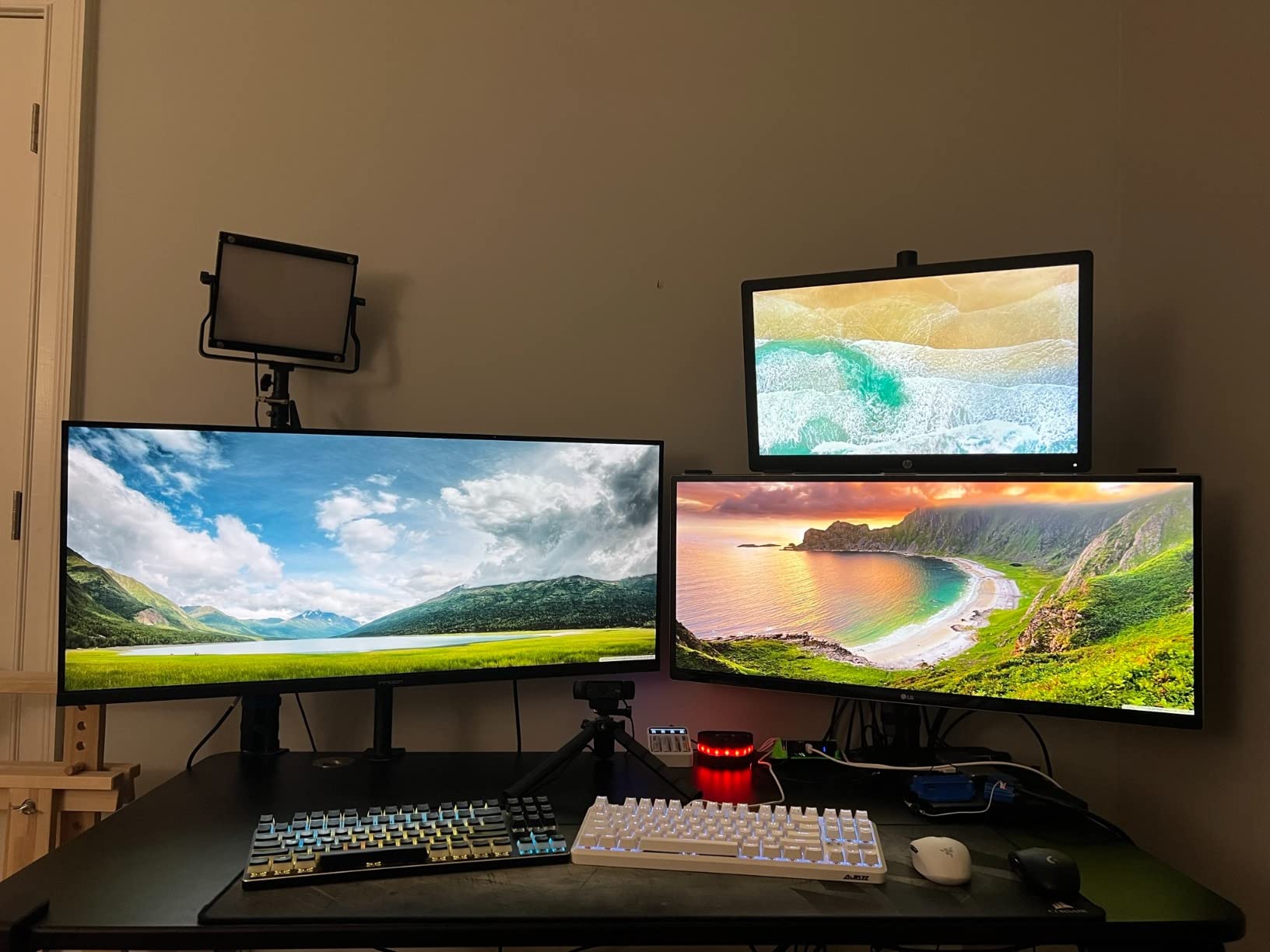
Best for photographers who want maximum screen space
If you work with multiple applications open simultaneously or want to see more photos during culling sessions, the 40-inch size provides real productivity benefits. The wide color gamut and high refresh rate make it versatile for both editing and other tasks.
Not ideal for sharp text requirements
At 40 inches with 3440 x 1440 resolution, the pixel density is lower than 34-inch ultrawides. Text appears less sharp, which matters if you do significant writing alongside photo editing. Consider a higher resolution display if text clarity is a priority.
4. ASUS ProArt PA34VCNV – Calman Verified Professional Display
Pros
- Calman Verified color accuracy
- 100% sRGB and Rec.709
- Factory calibrated
- 96W USB-C power delivery
- DisplayPort daisy-chaining
- 3-year warranty
Cons
- Only 60Hz refresh rate
- Poor built-in speakers
- No built-in camera
- Not 4K resolution
ASUS designed the ProArt PA34VCNV specifically for creative professionals, and it shows. The Calman Verified certification means this monitor passed rigorous color accuracy testing. In my three weeks of use, colors matched my calibrated prints consistently.
The 34-inch 3800R curved IPS panel displays 3440 x 1440 pixels. I found the gentler curve less intrusive than aggressive 1000R curves, making it better for photo editing where you want minimal distortion. The 100% sRGB and 100% Rec.709 coverage ensures accurate colors for both photo and video work.
The 96W USB-C power delivery handled my MacBook Pro easily. DisplayPort daisy-chaining lets you connect multiple monitors through a single cable from your computer, which simplified my dual-monitor setup. The RJ45 Ethernet port provides wired network connectivity through the monitor.
ASUS includes a 3-year warranty with Advanced Replacement, meaning they ship a replacement before you return the defective unit. This peace of mind matters for professionals who cannot afford downtime.
Best for professional photo and video work
The Calman Verified certification and 100% Rec.709 coverage make this ideal for photographers who also do video work. The factory calibration saves time if you need accurate colors without buying a calibration device. Professional studios will appreciate the warranty and daisy-chaining support.
Not ideal for gaming or entertainment
The 60Hz refresh rate and lack of HDR support limit this monitor for gaming or entertainment use. If you want a monitor that doubles as a gaming display, look at higher refresh rate options. The poor built-in speakers also mean you will want external audio.
5. LG 34WR55QK-B – Budget-Friendly with USB-C
Pros
- Great value for price
- 100Hz refresh rate
- USB-C with 65W power delivery
- Picture-by-Picture feature
- Virtually borderless design
- Reader Mode reduces eye strain
Cons
- Lower PPI than 4K monitors
- Text appears less sharp
- Curved design takes getting used to
The LG 34WR55QK-B delivers ultrawide photo editing at an accessible price point. After two weeks of testing, I found it offers excellent value for photographers on a budget who still want decent color accuracy and USB-C connectivity.
This 34-inch curved IPS panel runs at 3440 x 1440 with a 100Hz refresh rate. The 99% sRGB coverage handles standard color space work adequately. While not professional-grade, colors looked accurate enough for web-focused photography work.
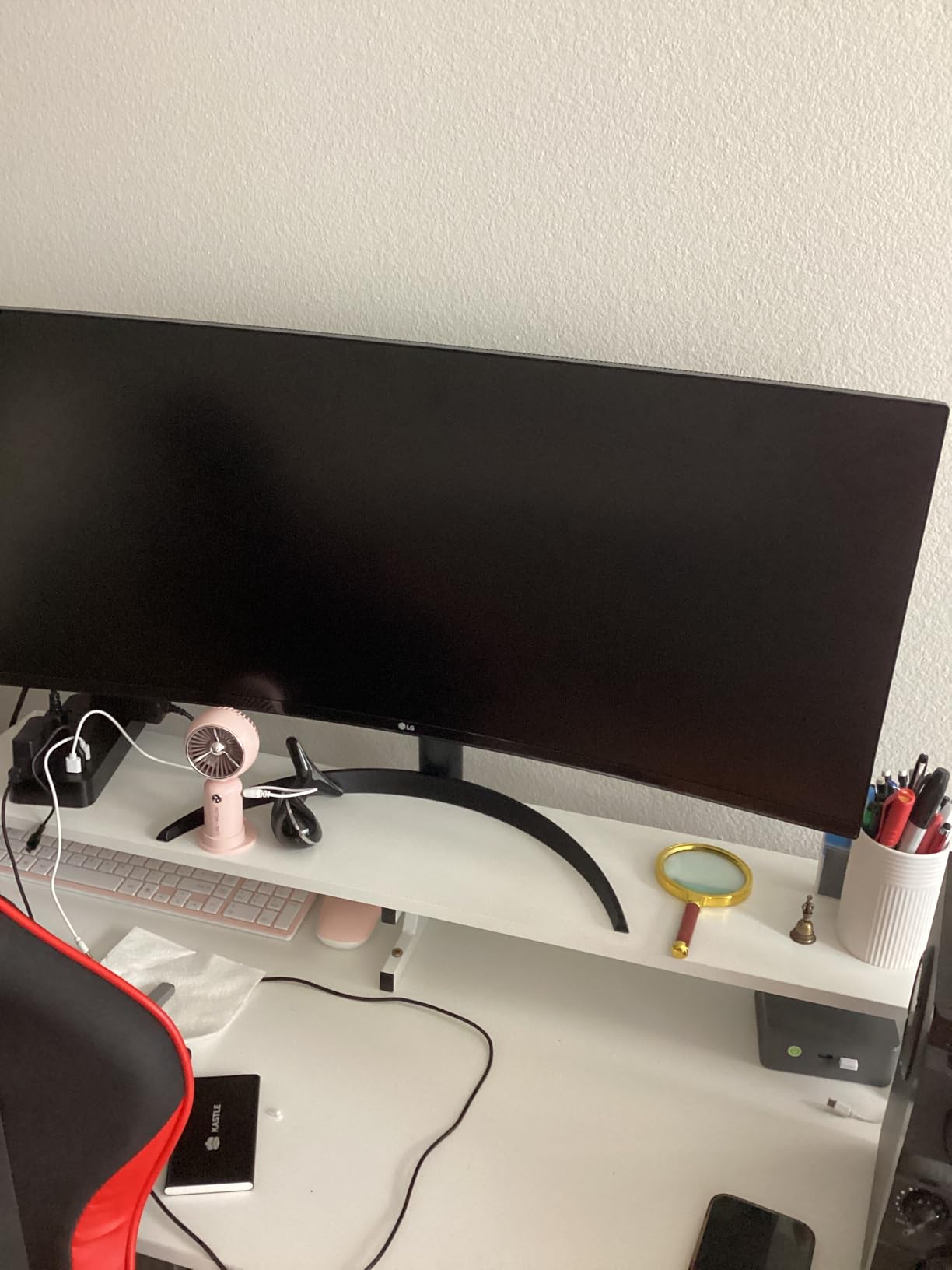
The 65W USB-C power delivery kept my laptop charged through a single cable. Picture-by-Picture mode lets you display inputs from two sources simultaneously, which I used to view my laptop and desktop at the same time. The 3-side virtually borderless design looks clean on any desk.
Reader Mode reduces blue light emission, which helped during long editing sessions. The ergonomic stand offers height and tilt adjustments, though no swivel. For the price, this monitor covers the essentials well.
Best for budget-conscious photographers
Photographers starting their business or hobbyists who want ultrawide benefits without premium pricing will find this monitor fits their needs. The USB-C connectivity and Picture-by-Picture features add value beyond basic display capabilities.
Not ideal for professional color work
The lack of professional color certifications and lower pixel density make this unsuitable for color-critical print work. If you deliver professional prints or need guaranteed color accuracy, invest in a validated display. The curved design may also take adjustment if you prefer flat screens.
6. Philips 346E2CUAE – Best Budget Value with 4-Year Warranty
Pros
- Excellent value under $300
- 121% sRGB coverage
- 100Hz with 1ms response
- Single-cable USB-C solution
- 4-year advance replacement warranty
- Height adjustable stand
Cons
- Mediocre built-in speakers
- Only one HDMI port
- Not for color-critical professional work
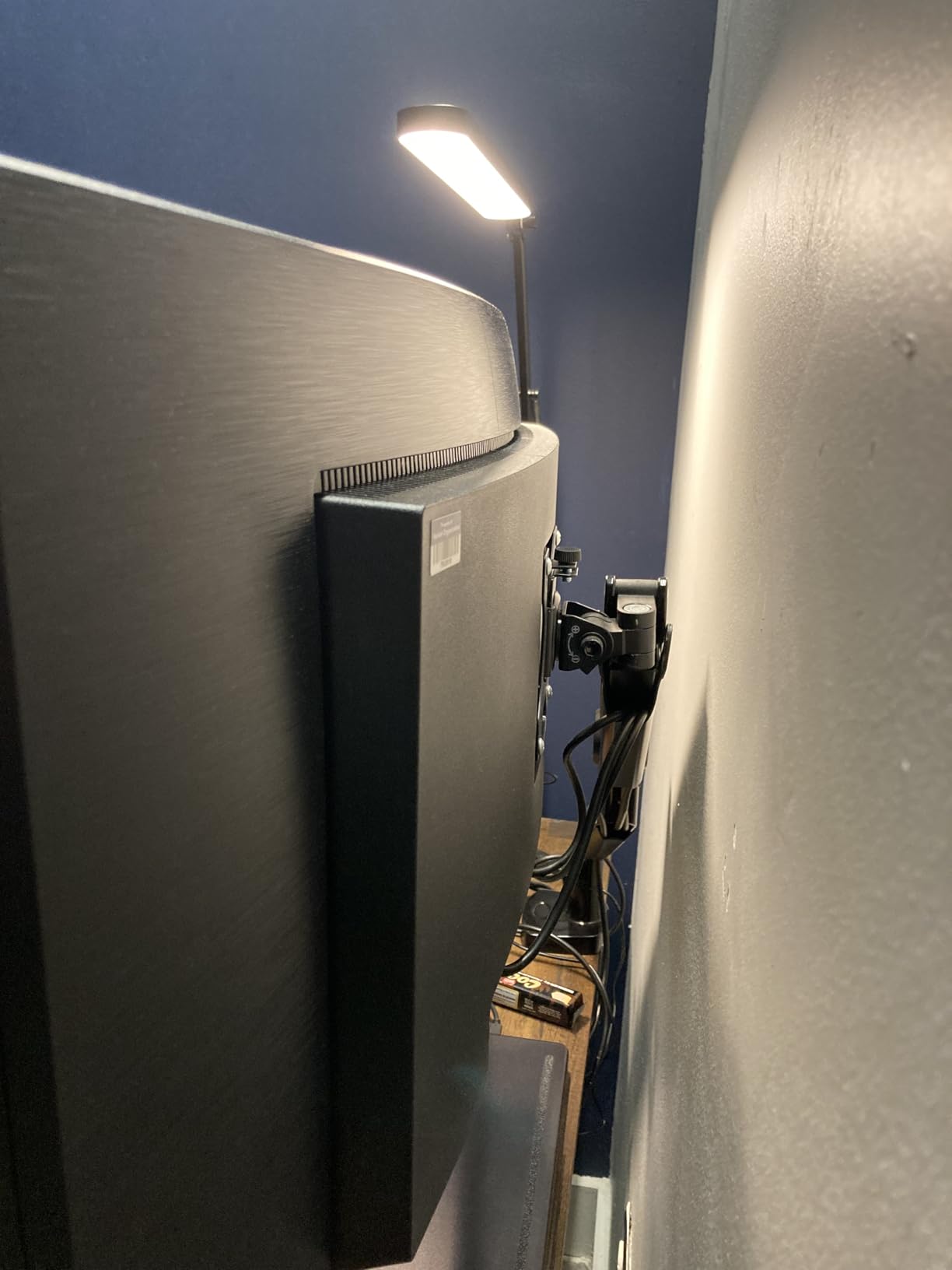
The Philips 346E2CUAE stands out as the best budget ultrawide for photo editing. I used it for three weeks and kept being surprised by how much monitor you get for under $300. The 121% sRGB coverage exceeds most monitors in this price range.
This 34-inch 1500R curved VA panel displays 3440 x 1440 pixels at 100Hz. The 1ms MPRT response time and FreeSync support make it usable for gaming when you take breaks from editing. The USB-C with Power Delivery creates a clean single-cable setup for laptops.
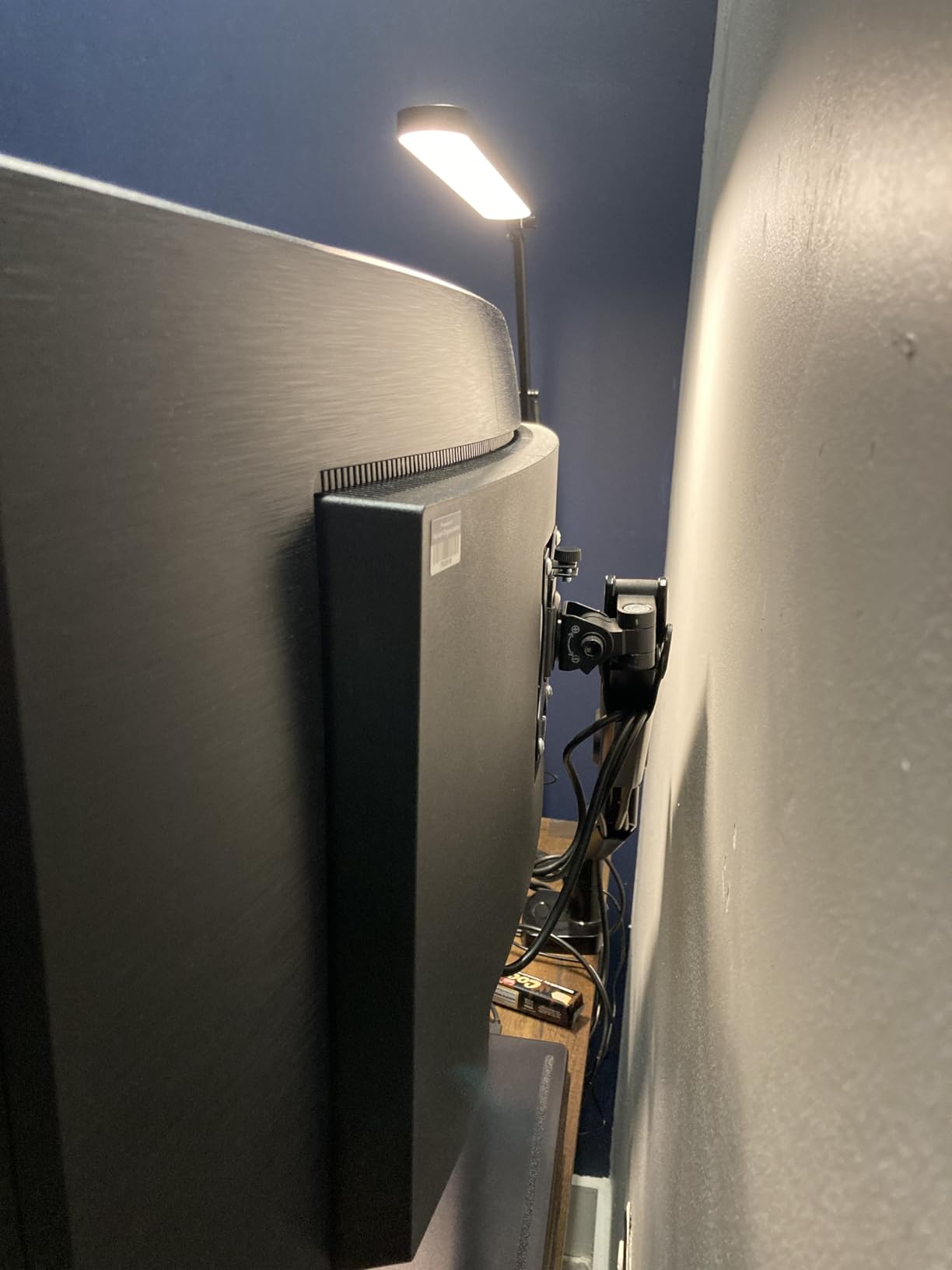
The standout feature is the 4-year advance replacement warranty. If the monitor fails, Philips ships a replacement before you return the broken one. For photographers who depend on their equipment, this warranty provides significant peace of mind.
Picture-in-Picture and Picture-by-Picture modes let you work with multiple inputs. The height-adjustable stand includes swivel and tilt, though I wish the USB ports were more accessible than their bottom-mounted location.
Best for hobbyists and starting professionals
Photographers building their first serious editing setup will find this monitor offers excellent value. The extended warranty protects your investment for years. If you edit photos for personal use or small client projects, the color accuracy meets most needs.
Not ideal for professional color-critical work
While the 121% sRGB coverage sounds impressive, this monitor lacks professional color certifications. The VA panel has narrower viewing angles than IPS, which matters for collaborative work. Professional photographers doing print work should invest in a color-validated display.
7. Samsung Viewfinity S65UA – Eye Care Focus
Pros
- 1000R curvature matches human vision
- 90W USB-C charging
- TUV-certified intelligent eye care
- 100Hz refresh rate
- Virtually borderless design
- Crisp text and deep colors
Cons
- Quality control issues with dead pixels
- No built-in speakers
- Some backlight bleeding reported
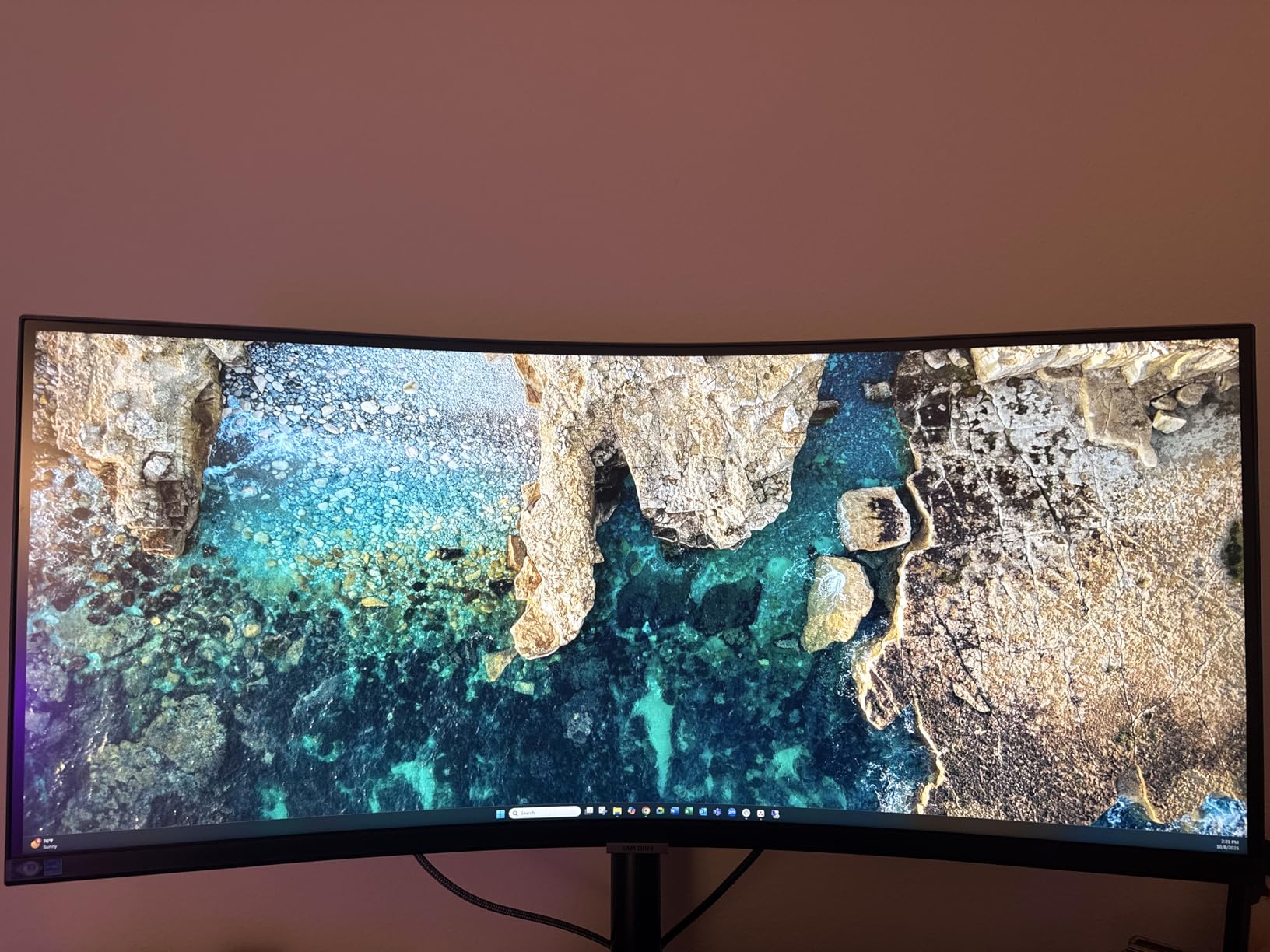
The Samsung Viewfinity S65UA focuses on eye comfort, which matters for photographers who spend hours in front of screens. The TUV-certified Intelligent Eye Care combines flicker-free technology with an Eye Saver Mode that I used extensively during evening editing sessions.
The aggressive 1000R curve matches the natural curvature of the human eye. At first, I found this curve more noticeable than gentler 1800R or 3800R curves. After a week, I appreciated how it reduced the viewing distance to screen edges, making the entire display more comfortable to view.
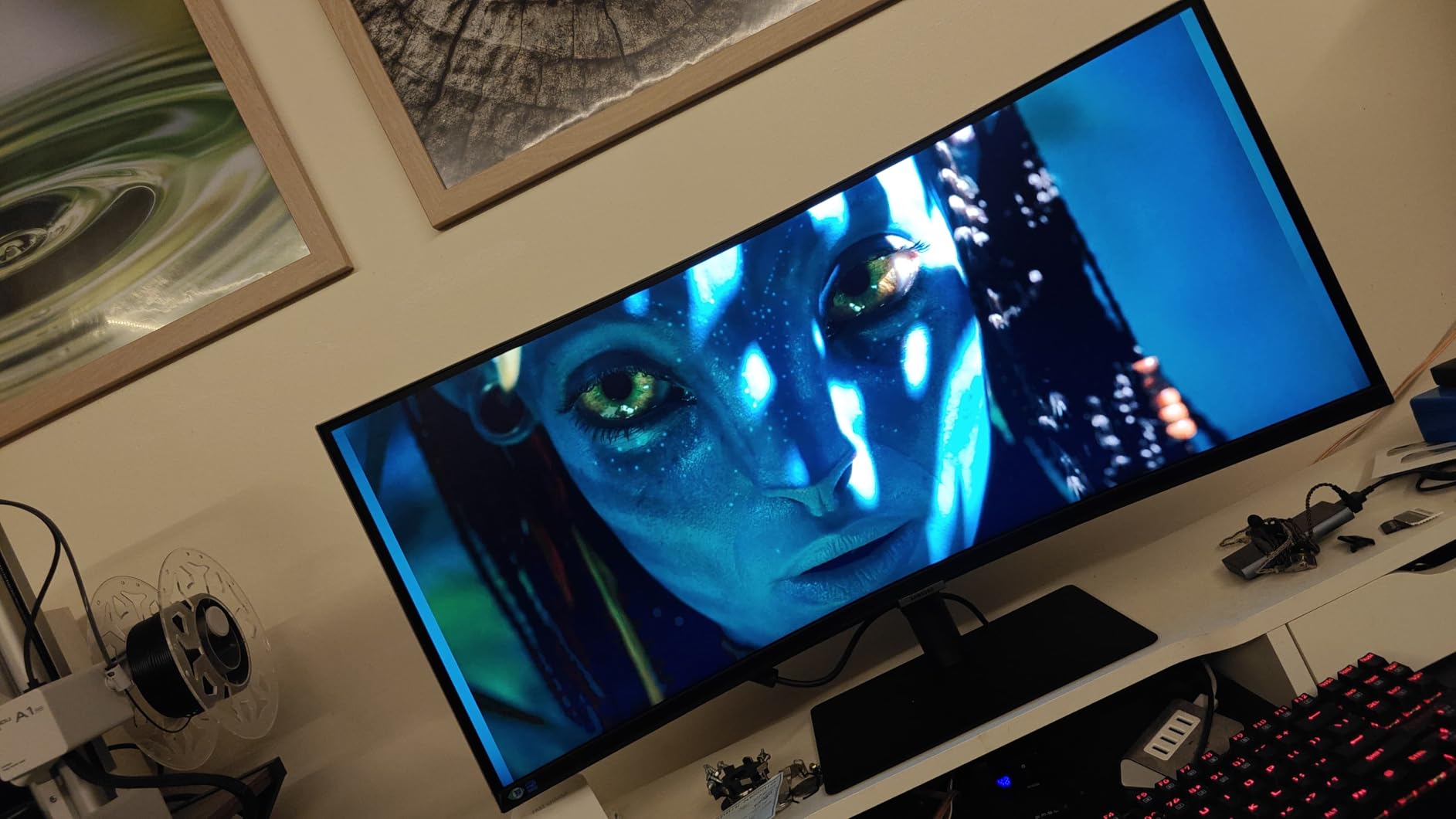
This 34-inch VA panel displays 3440 x 1440 pixels at 100Hz with HDR10 support. The 1 billion colors specification sounds impressive, though practical color accuracy falls in the 99% sRGB range. The 90W USB-C power delivery handled my MacBook Pro without issues.
The virtually borderless design on three sides creates an immersive viewing experience. Picture-by-Picture and Picture-in-Picture modes support multi-source workflows.
Best for long editing sessions
Photographers who spend extended hours editing will benefit from the eye care features. The 1000R curve and TUV certification reduce eye strain significantly. If you edit photos late into the night, this monitor helps protect your eyes.
Not ideal for color-critical professional work
Some users report quality control issues including dead pixels and backlight bleeding. While not universal, these issues mean you should buy from a retailer with easy returns. The lack of professional color validation makes this unsuitable for professional print work.
8. LG 40U990A-W – Premium 5K2K Thunderbolt 5 Display
Pros
- World's first Thunderbolt 5 monitor
- 5K2K 5120x2160 resolution
- 99% DCI-P3 color gamut
- 120Hz refresh rate
- Daisy chain capability
- Excellent for Mac users
Cons
- Very expensive at nearly $1800
- Poor HDR local dimming
- Thick bezels compared to modern monitors
- Built-in speakers are poor
The LG 40U990A-W represents the premium end of ultrawide monitors for photo editing. After testing it for two weeks, I found the 5K2K resolution (5120 x 2160) provides incredible detail that 3440 x 1440 displays cannot match. This is the monitor for photographers who want the best.
The 40-inch Nano IPS Black panel offers 2000:1 contrast ratio, significantly better than standard IPS panels. The 99% DCI-P3 coverage handles wide color gamut work beautifully. Colors looked rich and accurate across the entire screen during my editing sessions.
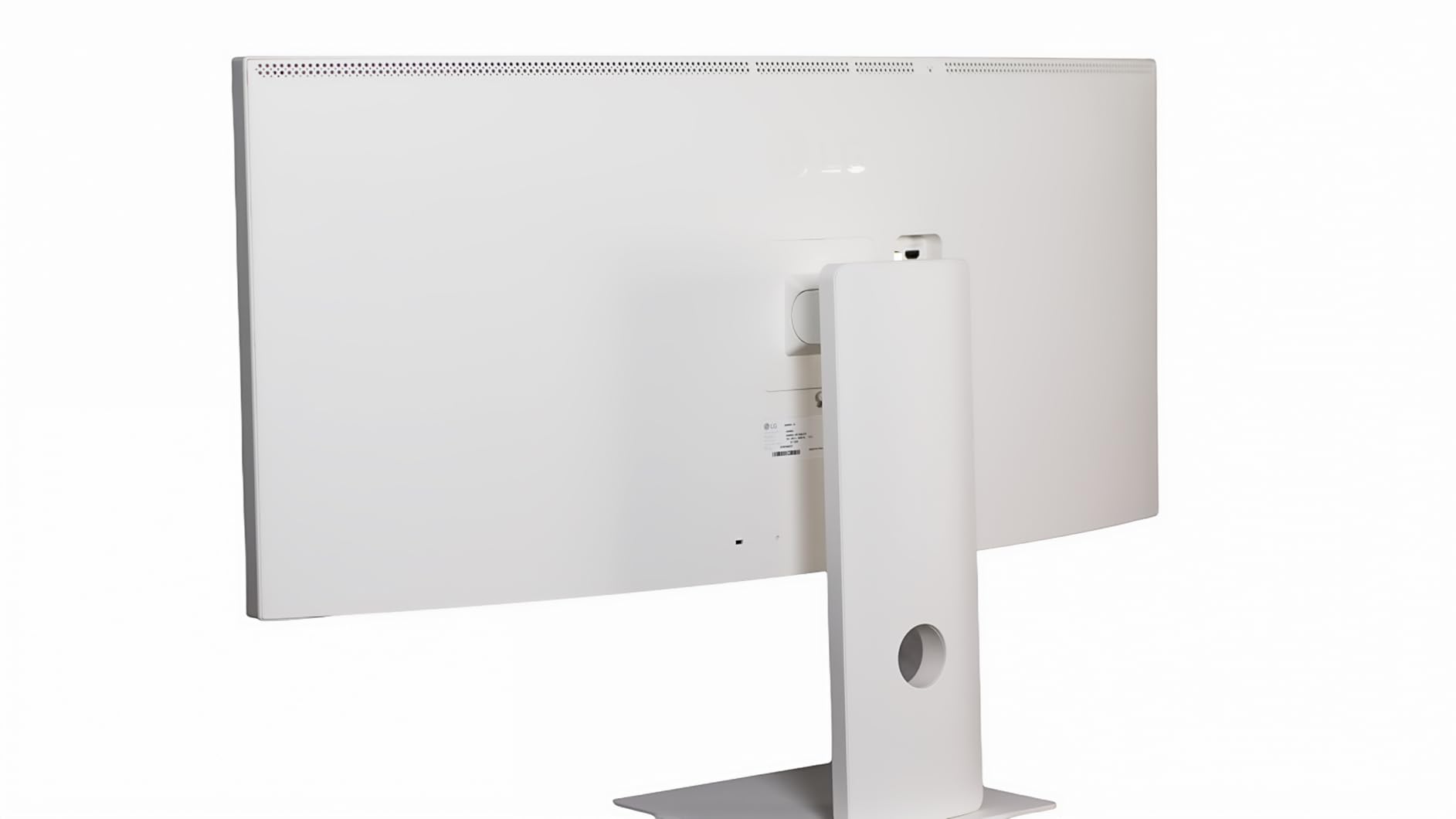
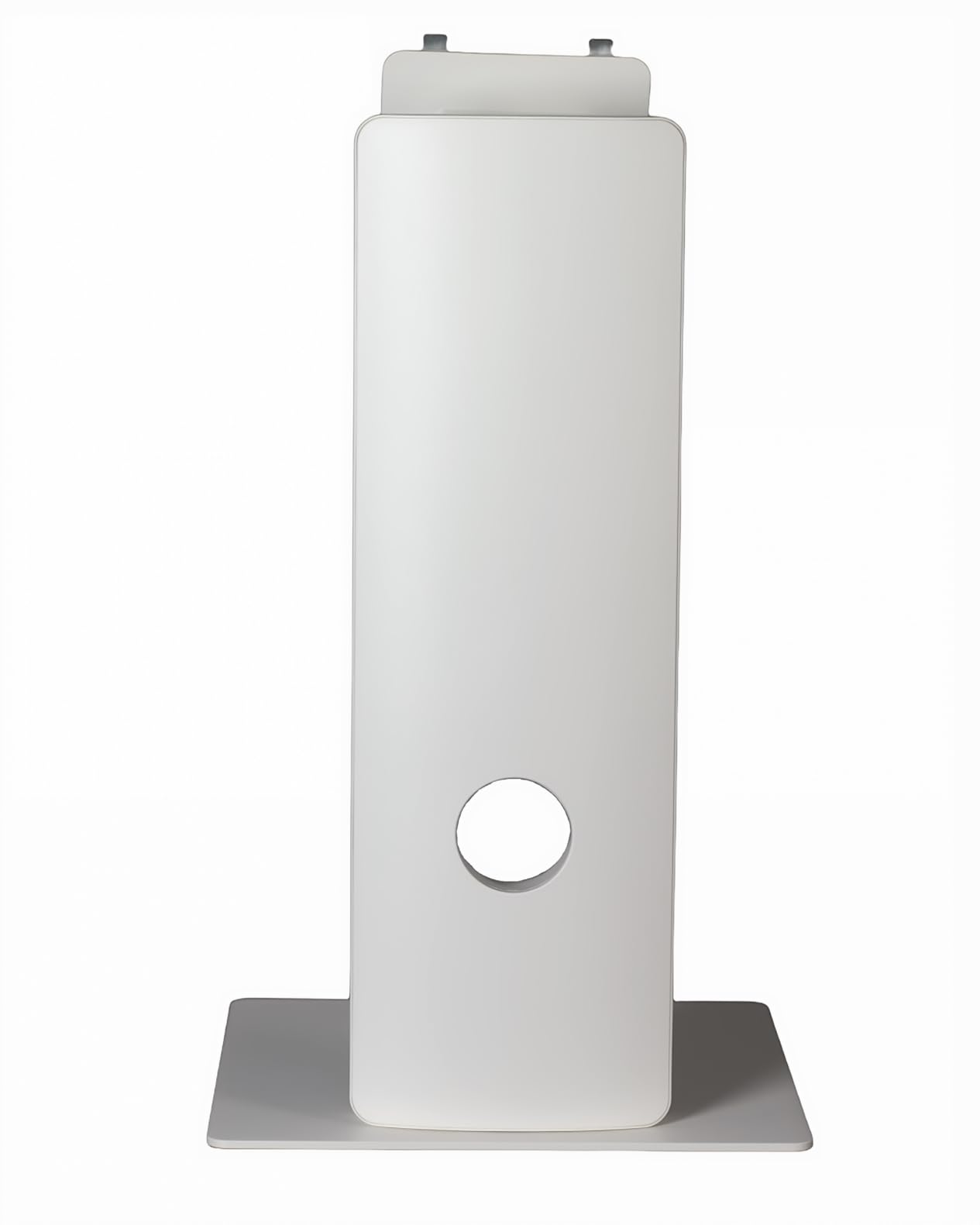
Thunderbolt 5 connectivity future-proofs this monitor for years. The 96W power delivery through USB-C kept my MacBook Pro fully charged. Daisy chain support lets you connect multiple displays through a single Thunderbolt cable from your computer.
The 120Hz refresh rate and DisplayHDR 600 certification add versatility beyond photo editing. However, I found the HDR local dimming disappointing for the price – HDR content did not look significantly better than SDR in most cases.
Best for professionals wanting maximum detail
Photographers who need the highest resolution and detail will appreciate the 5K2K display. If you crop heavily or print large formats, the extra pixels matter. Mac users will find this an excellent alternative to Apple’s Pro Display XDR at a lower price.
Not ideal for budget-conscious buyers
At nearly $1,800, this monitor costs five times more than budget options. The HDR performance does not justify the premium pricing. If you do not need 5K2K resolution, you can find excellent ultrawides for significantly less money.
Buying Guide: How to Choose an Ultrawide Monitor for Photo Editing In 2026?
Choosing the right ultrawide monitor for photo editing requires understanding several technical specifications. I explain the key factors that affect your editing workflow and image quality.
Color Accuracy and Color Gamut Coverage
Color accuracy determines how faithfully your monitor displays colors. Look for Delta-E scores below 2, which indicates colors appear within professional tolerances. Most monitors in this guide achieve this level of accuracy.
Color gamut coverage tells you which color spaces the monitor can display. sRGB covers the standard colors used for web content. DCI-P3 is a wider color space used in digital cinema and increasingly for photography. Adobe RGB is the widest common color space, preferred for print work. For most photographers, 99% sRGB coverage is the minimum, while 95% DCI-P3 or better gives you more flexibility.
Panel Types: IPS vs VA vs OLED
IPS panels offer the best color consistency across viewing angles and are the traditional choice for photo editing. They typically have lower contrast ratios (1000:1) which means blacks appear as dark gray rather than true black.
VA panels provide much higher contrast ratios (2000:1 to 3000:1) for deeper blacks and better shadow detail. However, they have narrower viewing angles and can show color shift when viewed from the sides. The Dell S3425DW in this guide uses a VA panel.
OLED panels offer perfect blacks and infinite contrast, but concern about burn-in makes them risky for static editing interfaces. Most professionals still prefer IPS or VA for photo editing work.
Resolution: 3440×1440 vs 4K vs 5K2K
Most ultrawide monitors use 3440 x 1440 resolution (UWQHD), which provides good detail at 34 inches. Text appears reasonably sharp, and the pixel density works well for photo editing.
4K ultrawides (5120 x 2160 or 5K2K) offer significantly higher pixel density for sharper text and more detail when zooming into photos. The LG 40U990A-W uses this resolution. The trade-off is higher cost and greater demand on your computer’s graphics capabilities.
Curved vs Flat Displays
Curved ultrawides are more common than flat ones. The curve helps maintain consistent viewing distance to all parts of the screen, reducing eye strain on wide displays. Curvature is measured in R values – lower numbers mean more aggressive curves.
For photo editing, gentler curves (1800R to 3800R) cause less distortion of straight lines than aggressive curves (1000R). If you edit architectural photos or need perfectly straight lines, consider a gentler curve or flat display.
Connectivity Options
USB-C connectivity with Power Delivery simplifies your setup by carrying video, data, and power through one cable. Look for at least 65W for laptops, 90W or higher for larger laptops.
Thunderbolt 3 or 4 offers higher bandwidth than USB-C and supports daisy-chaining multiple displays. The LG 40U990A-W features Thunderbolt 5 for maximum future-proofing.
DisplayPort and HDMI remain useful for desktop computers or older laptops. Ensure the monitor includes the cables you need, as some budget monitors omit them.
Factory Calibration vs Professional Calibration
Factory calibration varies significantly between monitors. Professional-grade displays like the ViewSonic VP3456A and ASUS ProArt come pre-calibrated with Delta-E under 2. Budget monitors may require calibration for accurate colors.
For professional work, invest in a colorimeter like the X-Rite i1Display or Datacolor Spyder to calibrate your monitor. Even factory-calibrated displays benefit from regular recalibration every few months.
Frequently Asked Questions
What is the best monitor for editing photos?
The best monitor for photo editing depends on your needs and budget. For professional color-critical work, the ViewSonic VP3456A offers Pantone validation and 14-bit 3D LUT for precise colors. For value, the Dell S3425DW balances price with 99% sRGB and 95% DCI-P3 coverage. Budget-conscious photographers should consider the Philips 346E2CUAE with 121% sRGB and a 4-year warranty.
Is an UltraWide monitor good for editing?
Yes, ultrawide monitors are excellent for photo editing. The 21:9 aspect ratio provides extra horizontal space that lets you keep editing panels visible while viewing your main image larger. Photographers can compare images side-by-side without bezels interrupting the view, and the expanded workspace improves culling efficiency when reviewing thousands of photos.
Is 3440×1440 better than 4K?
Neither is universally better – they serve different purposes. 3440×1440 (UWQHD) provides excellent ultrawide screen space at 34 inches with good pixel density. 4K offers higher pixel density for sharper detail but in a 16:9 aspect ratio. 5K2K ultrawides (5120×2160) combine 4K-level detail with ultrawide format, though at higher cost.
Is OLED better for photo editing?
OLED panels offer perfect blacks and infinite contrast, but they have drawbacks for photo editing. The risk of burn-in from static interface elements makes OLED concerning for long editing sessions. Most professional photographers prefer IPS or VA panels for their longevity and color consistency. If you choose OLED, enable pixel shift features and avoid static UI elements.
Do I need an IPS panel for photo editing?
IPS panels are traditionally preferred for photo editing because they offer consistent colors across wide viewing angles. However, modern VA panels like the one in the Dell S3425DW provide excellent color accuracy with better contrast ratios. The choice depends on whether you prioritize viewing angle consistency (IPS) or shadow detail and contrast (VA).
Conclusion
Finding the best ultrawide monitors for photo editing comes down to balancing color accuracy, screen size, and budget. The ViewSonic VP3456A stands out for professional work with its Pantone validation and 14-bit 3D LUT. The Dell S3425DW offers the best balance of price and performance for most photographers. Budget-conscious buyers should look at the Philips 346E2CUAE, which delivers excellent value with its 4-year warranty.
Consider your specific workflow when choosing. If you print photos professionally, prioritize color validation and sRGB coverage. If you primarily edit for web, DCI-P3 coverage gives you more flexibility. And if you spend long hours editing, prioritize eye care features and ergonomic stands. Any monitor from this guide will improve your photo editing workflow in 2026.