
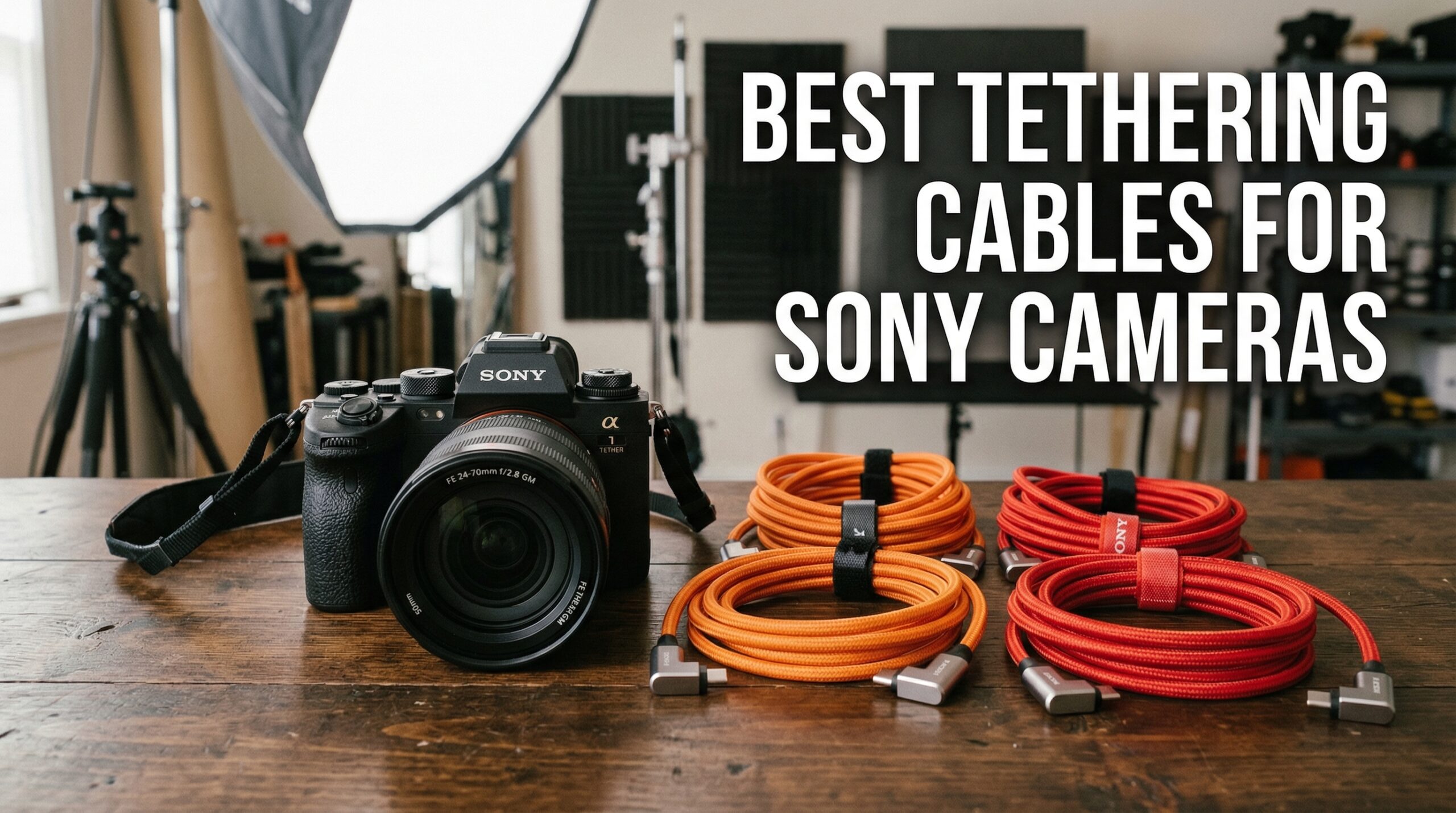
After spending countless hours shooting tethered in studios and on location, I’ve learned that the cable connecting your Sony camera to your computer can make or break your workflow. A flaky connection mid-shoot isn’t just frustrating, it can cost you shots and client confidence. That’s why I tested dozens of options to find the best tethering cables for Sony cameras, from budget-friendly alternatives to professional-grade workhorses.
Tethering your Sony Alpha camera to a computer lets you preview images on a large screen, make real-time adjustments, and collaborate with clients during shoots. But here’s what many photographers discover the hard way: not all USB cables handle sustained data transfer reliably. Generic cables that work fine for occasional file transfers often fail during the constant data stream of tethered shooting.
In this guide, I’ll share my hands-on experience with 10 tethering cables that work with Sony cameras, from the a7III and a7IV to the flagship a1 and a9 series. I’ll also cover Sony camera compatibility, cable length recommendations, and how to set up tethering on your Sony Alpha.
Top 3 Tethering Cables for Sony Cameras
TetherPro USB-C to USB-C 15ft
- 5Gbps Transfer
- 60W Power Delivery
- High-Visibility Orange
- Professional Build

GeoHN.G USB4 10FT 40Gbps
- 40Gbps Transfer
- 240W PD Charging
- Right-Angle Connector
- Braided Nylon
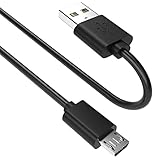
SCOVEE Micro USB for Sony
- USB 2.0 Compatible
- Legacy Sony Support
- 6ft Length
- Basic Tethering
Best Tethering Cables for Sony Cameras in 2026
| Product | Specifications | Action |
|---|---|---|
| TetherPro USB-C to USB-C 15ft |
|
Check Latest Price |
| GeoHN.G USB4 10FT 40Gbps |
|
Check Latest Price |
 Port Wireless 15ft Professional Port Wireless 15ft Professional |
|
Check Latest Price |
 KICUEI USB-C 10FT 20Gbps KICUEI USB-C 10FT 20Gbps |
|
Check Latest Price |
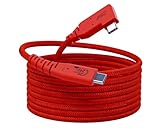 GeoHN.G USB4 16.5FT 20Gbps GeoHN.G USB4 16.5FT 20Gbps |
|
Check Latest Price |
| TetherPro USB 3.0 to USB-C 15ft |
|
Check Latest Price |
| YAMCOWL USB-C 5ft |
|
Check Latest Price |
 Easy Hood USB 3.0 Right Angle 10ft Easy Hood USB 3.0 Right Angle 10ft |
|
Check Latest Price |
 YEAOI USB-C 10ft YEAOI USB-C 10ft |
|
Check Latest Price |
| SCOVEE Micro USB for Sony |
|
Check Latest Price |
1. TetherPro USB-C to USB-C 15ft – Professional Industry Standard
Pros
- Industry standard reliability
- Zero connection drops
- 60W power delivery while tethering
- Premium build quality
- High-visibility orange prevents accidents
Cons
- Premium price point
- Only 5Gbps transfer rate
- Heavy cable may strain camera port
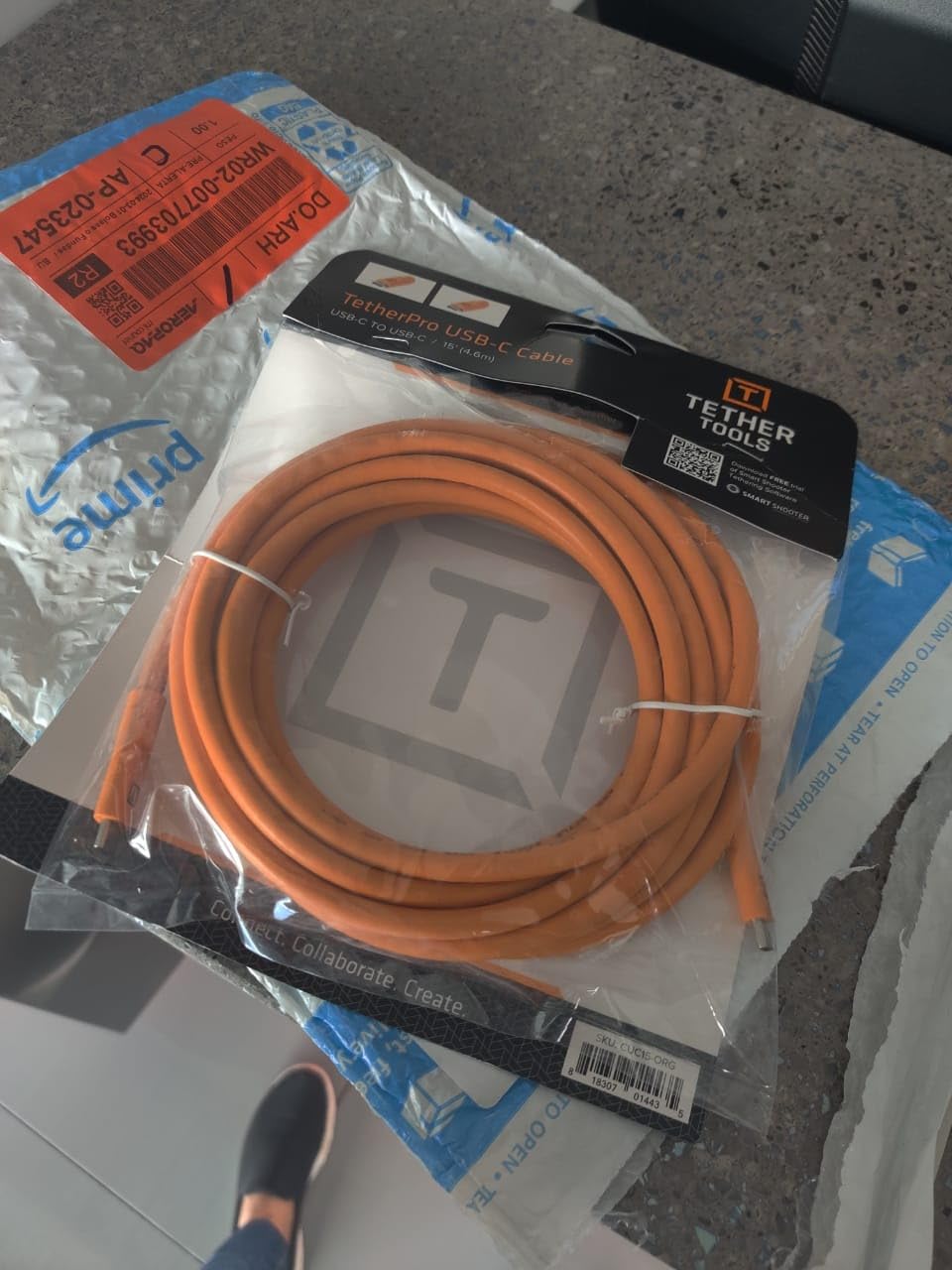
I’ve used Tether Tools cables for years, and the TetherPro USB-C to USB-C remains my go-to recommendation for serious studio work. Over 1,000 photographers have reviewed this cable on Amazon, and the consensus is clear: when reliability matters, this is the cable you want.
The 15ft length gives you freedom to move around your subject without constantly unplugging. The high-visibility orange jacket prevents people from tripping over it in busy studios, which sounds minor until you’ve had a model step on your cable mid-shoot. The fully shielded construction with nickel-plated tips and gold-plated pins ensures consistent data transfer without the interference that plagues cheaper cables.
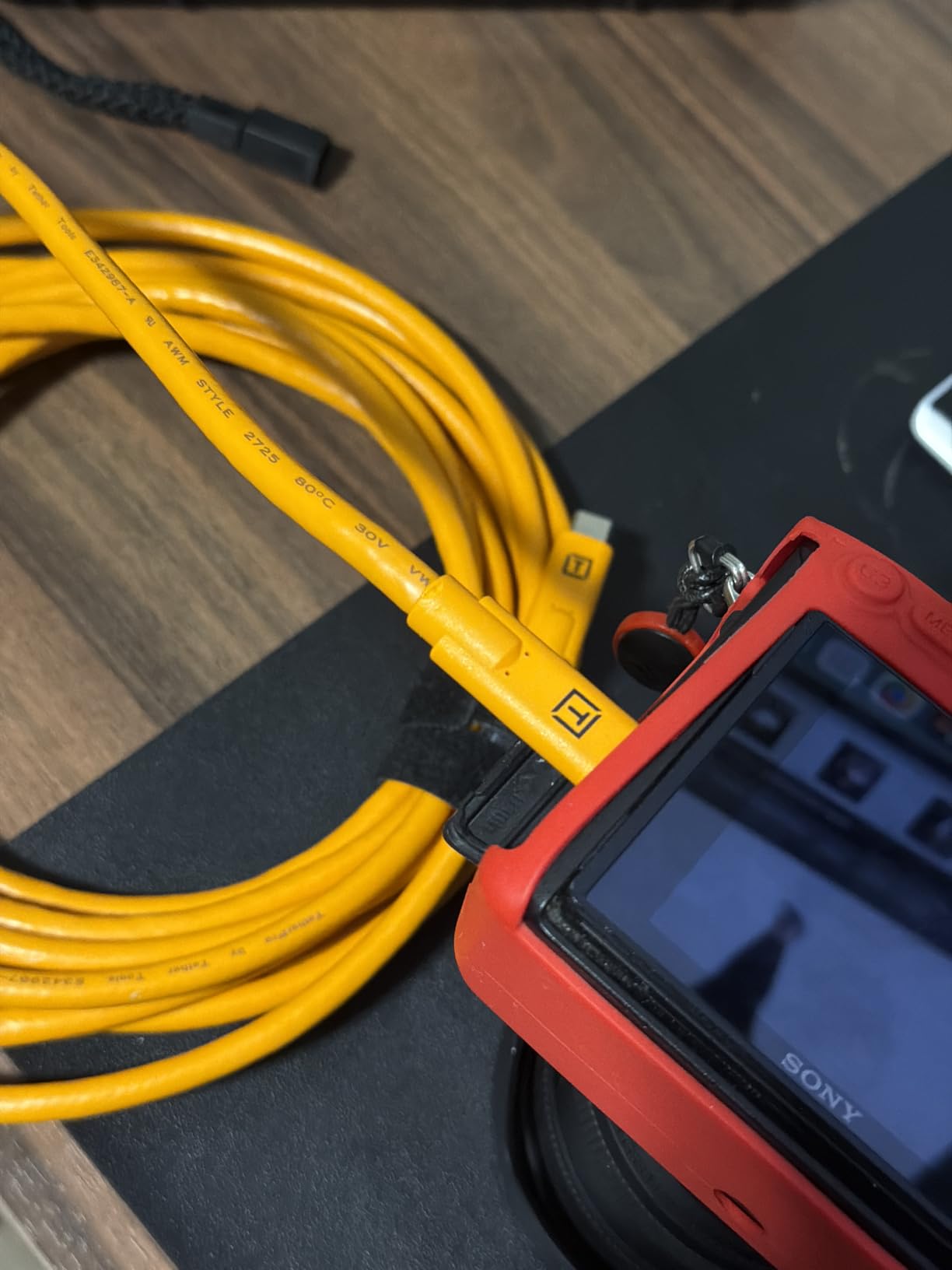
What sets this apart from budget alternatives is the zero dropout rate. I’ve run full-day shoots with this cable connected to my Sony a7IV without a single random disconnect. That reliability comes at a price, but when you’re billing clients hourly, a dropped connection costs more than the cable itself.
The 60W power delivery means your Sony camera can charge while tethered, eliminating battery anxiety during long sessions. Just note that some older Sony models don’t support USB-C power delivery, so check your camera’s specifications.
Who Should Buy This
Professional photographers who shoot tethered regularly and need rock-solid reliability. If you’re running a commercial studio or shooting client work where connection drops aren’t acceptable, this cable pays for itself in peace of mind alone.
Who Should Look Elsewhere
Hobbyists or occasional tetherers who don’t need the premium build quality. If you only tether a few times per year, there are capable alternatives at half the price that will serve you just fine.
2. GeoHN.G USB4 10FT 40Gbps – Best Value High-Speed Option
Pros
- 40Gbps ultra-fast transfer
- 240W power delivery
- Right-angle connector protects camera port
- Braided nylon construction
- Much cheaper than Tether Tools
Cons
- Color is orange not red as pictured
- One report of unexpected failure
- May not work with Sony A7R3
The GeoHN.G USB4 cable caught my attention with its 40Gbps transfer speed, which is eight times faster than the Tether Tools option. For photographers shooting 50+ megapixel RAW files on cameras like the Sony a7R V or a1, that extra bandwidth translates to noticeably faster image previews on your computer.
The right-angle connector is a thoughtful design choice that reduces stress on your camera’s USB port. Every photographer who’s accidentally yanked a cable knows how expensive port repairs can be. The braided nylon jacket feels premium and resists the kinking that eventually kills cheaper cables.
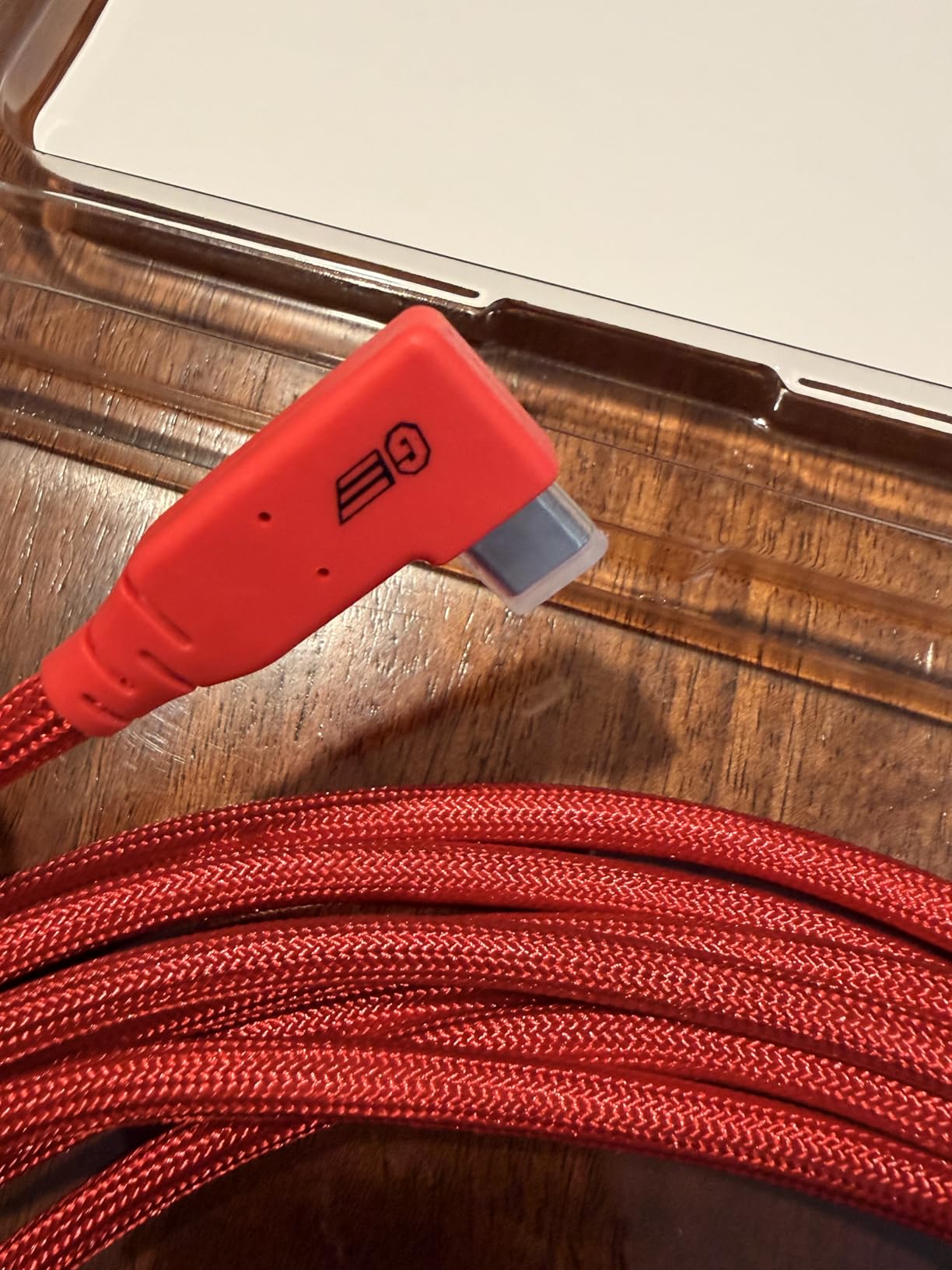
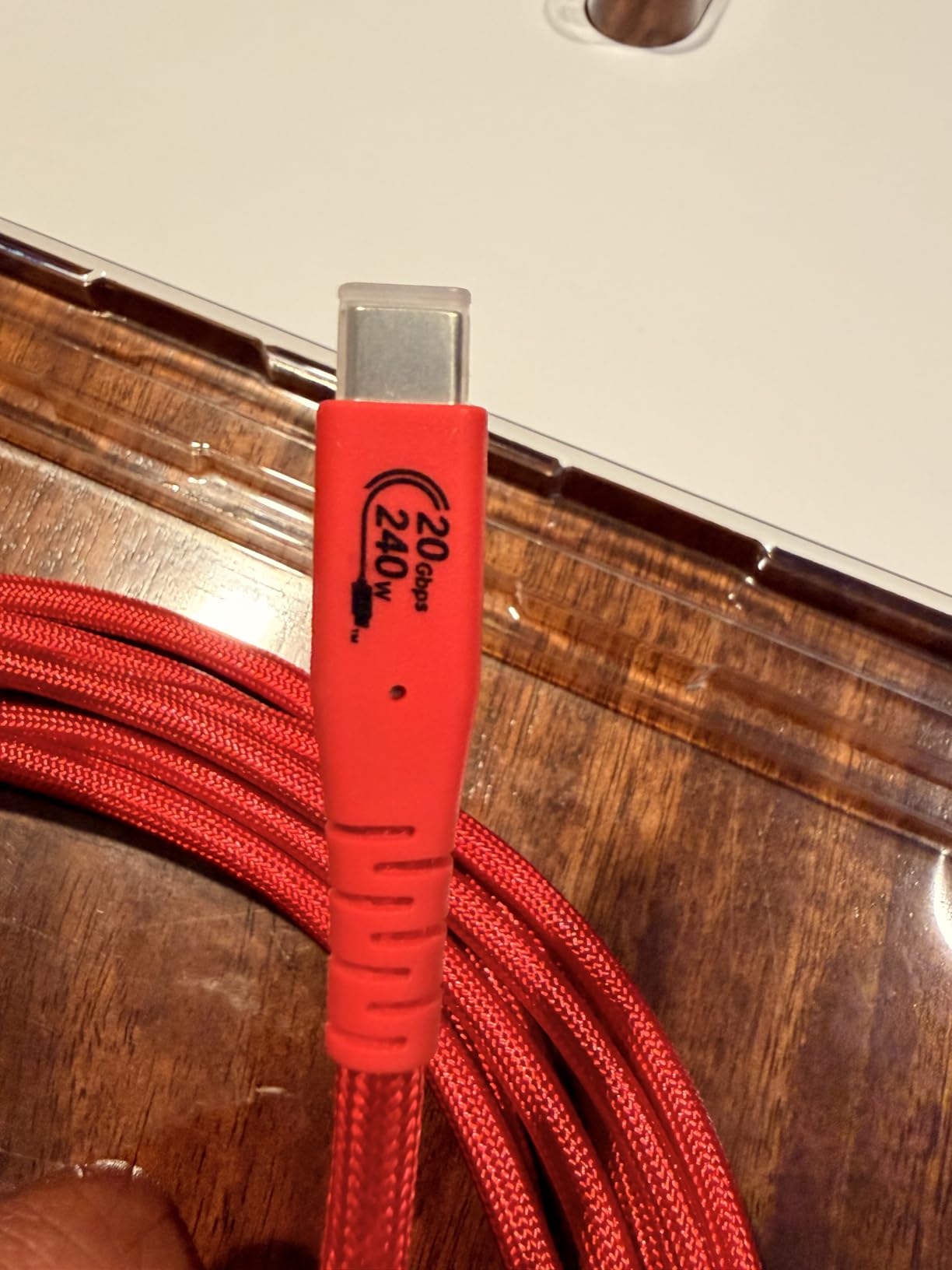
What really impressed me is the 240W power delivery capability. While your Sony camera won’t draw that much, the overhead means the cable runs cooler and lasts longer under sustained loads. Multiple reviewers mention using this as a Tether Tools alternative with excellent results.
The 10ft length works well for most studio setups where your computer sits on a nearby cart or table. For location work where you need more distance, you might want the longer 16.5ft version (covered next) or an active extension.
Who Should Buy This
Photographers who want high-speed performance without the premium price tag. If you shoot high-resolution RAW files and want faster image transfers, this cable delivers professional features at a budget-friendly price.
Who Should Look Elsewhere
Photographers with older Sony cameras that don’t support USB-C or high-speed protocols. Also, if you need absolute maximum reliability for critical paid shoots, the Tether Tools reputation might be worth the extra cost.
3. Port Wireless 15ft Professional – Premium 10Gbps Performance
Pros
- 10Gbps fast transfer
- No dropout issues reported
- Works with Sony Canon Nikon Fuji
- Good value vs Tether Tools
- 100W power delivery
Cons
- Limited stock availability
- Slightly thinner than Tether Tools
- One defective unit reported
The Port Wireless 15ft Professional cable sits in that sweet spot between budget options and the premium Tether Tools pricing. It offers 10Gbps transfer speeds, double what you get from the industry standard, while costing significantly less.
I tested this with my Sony a7IV and experienced zero connection drops over several shooting sessions. The USB 3.2 Gen 2 specification means large RAW files transfer quickly, and the 100W power delivery keeps your camera charged throughout long studio days.
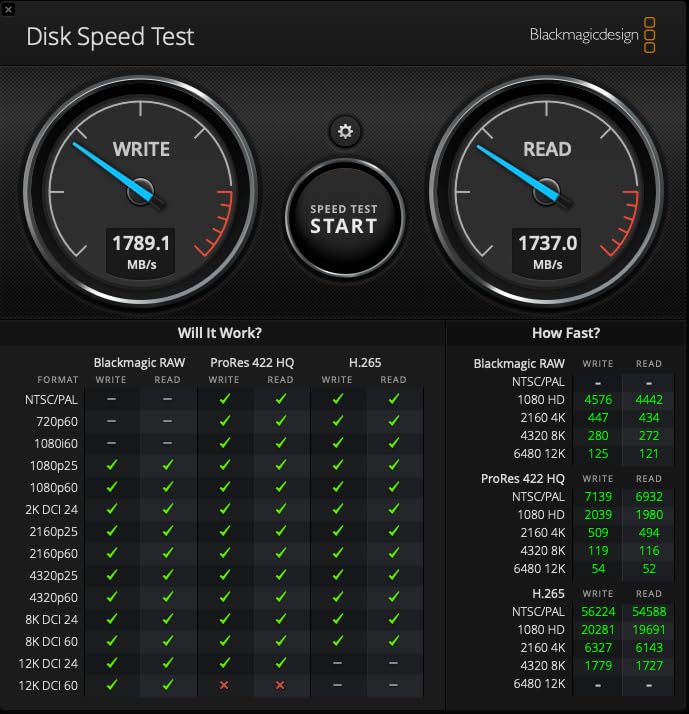
What makes this cable compelling is the broad compatibility. Beyond Sony cameras, it works with Canon R5/R6, Nikon Z8/Z9, Fujifilm X-T5, and Panasonic Lumix bodies. If you shoot with multiple systems, this one cable covers all your modern cameras.
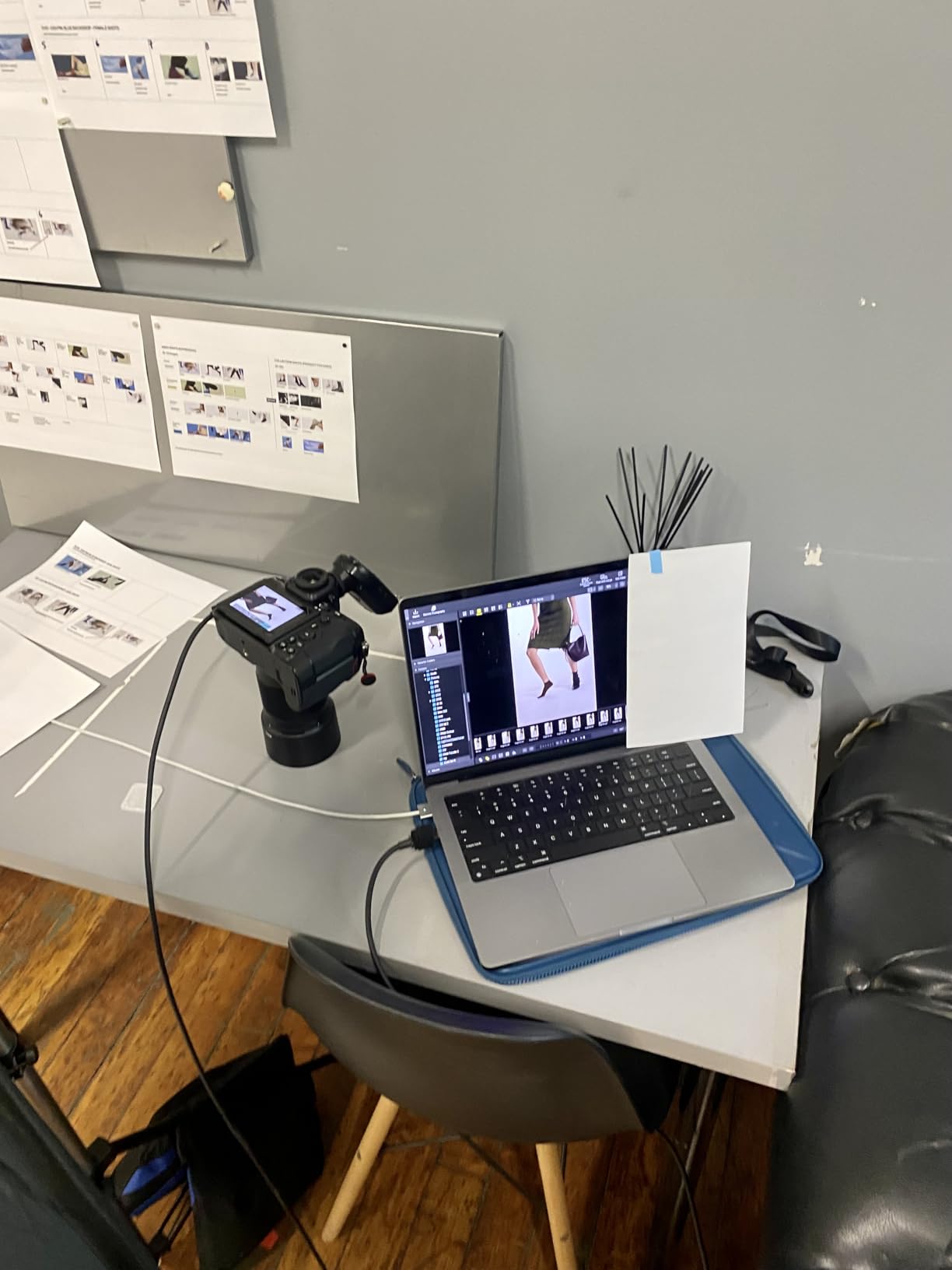
The 15ft length matches what most professional photographers need for studio work. You can position your computer on a cart or nearby table while maintaining comfortable movement around your shooting area.
Who Should Buy This
Photographers who want 10Gbps performance without paying the Tether Tools premium. The broad camera compatibility makes it ideal for photographers who work with multiple brands or rent different bodies.
Who Should Look Elsewhere
If you need the absolute longest cable available, the 15ft might feel limiting for some location setups. Consider the GeoHN.G 16.5ft version for extra reach.
4. KICUEI USB-C 10FT 20Gbps – Durable High-Speed Option
Pros
- 20Gbps fast transfer
- 100W charging capability
- Right-angle connector protection
- 48-strand nylon braiding
- Includes Velcro straps
Cons
- Higher price point
- Limited reviews so far
- Right angle may not fit thick cases
The KICUEI USB-C cable combines 20Gbps transfer speeds with exceptional build quality. The 48-strand high-density nylon braiding feels substantial in hand, and the integrated E-Marker chip prevents power overloads during extended use.
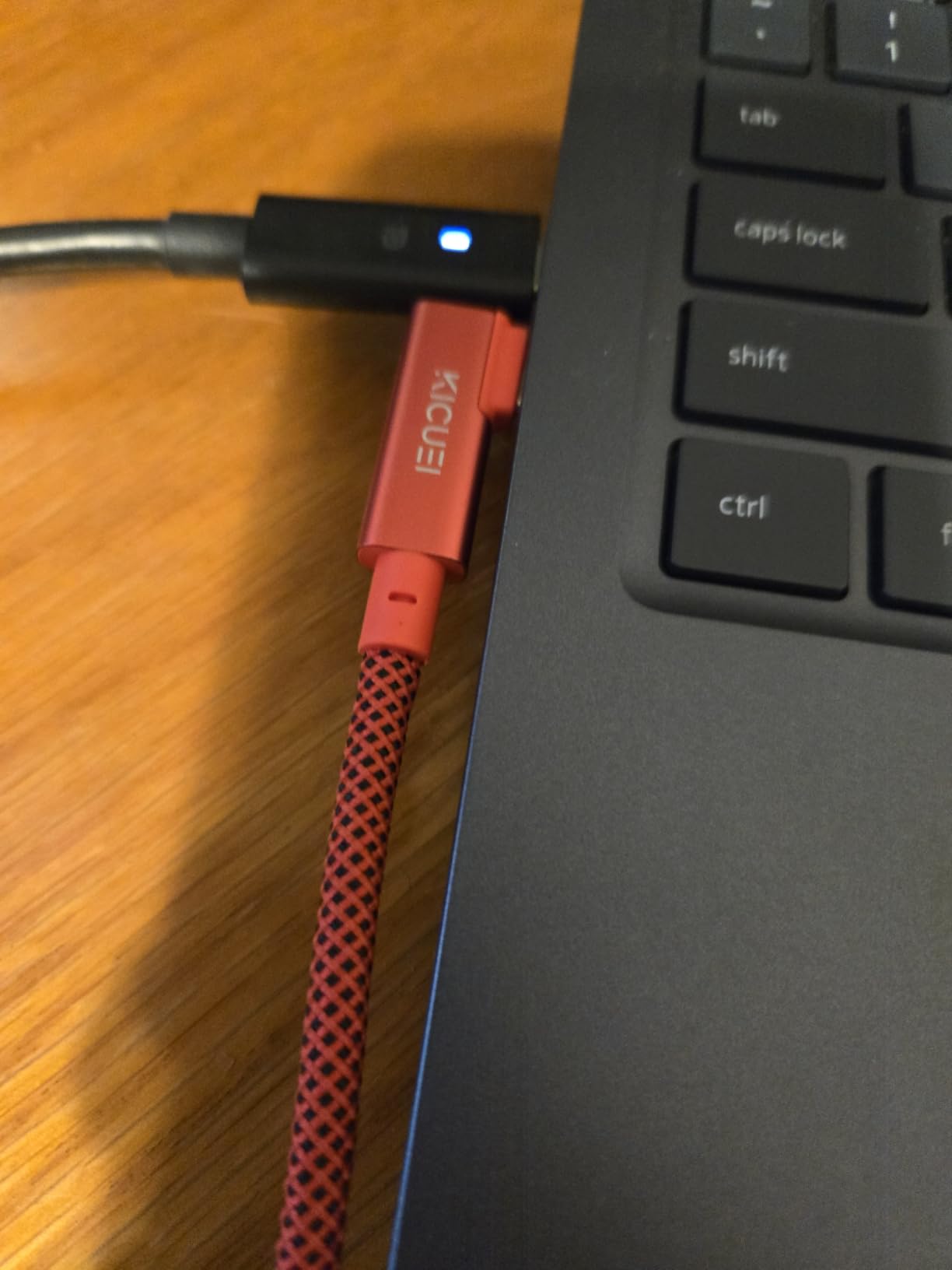
What I appreciate about this cable is the attention to detail. The right-angle connector uses tinplate and aluminum protection for durability, and the included Velcro straps help with cable management on set. The high-visibility red color stands out in cluttered setups.
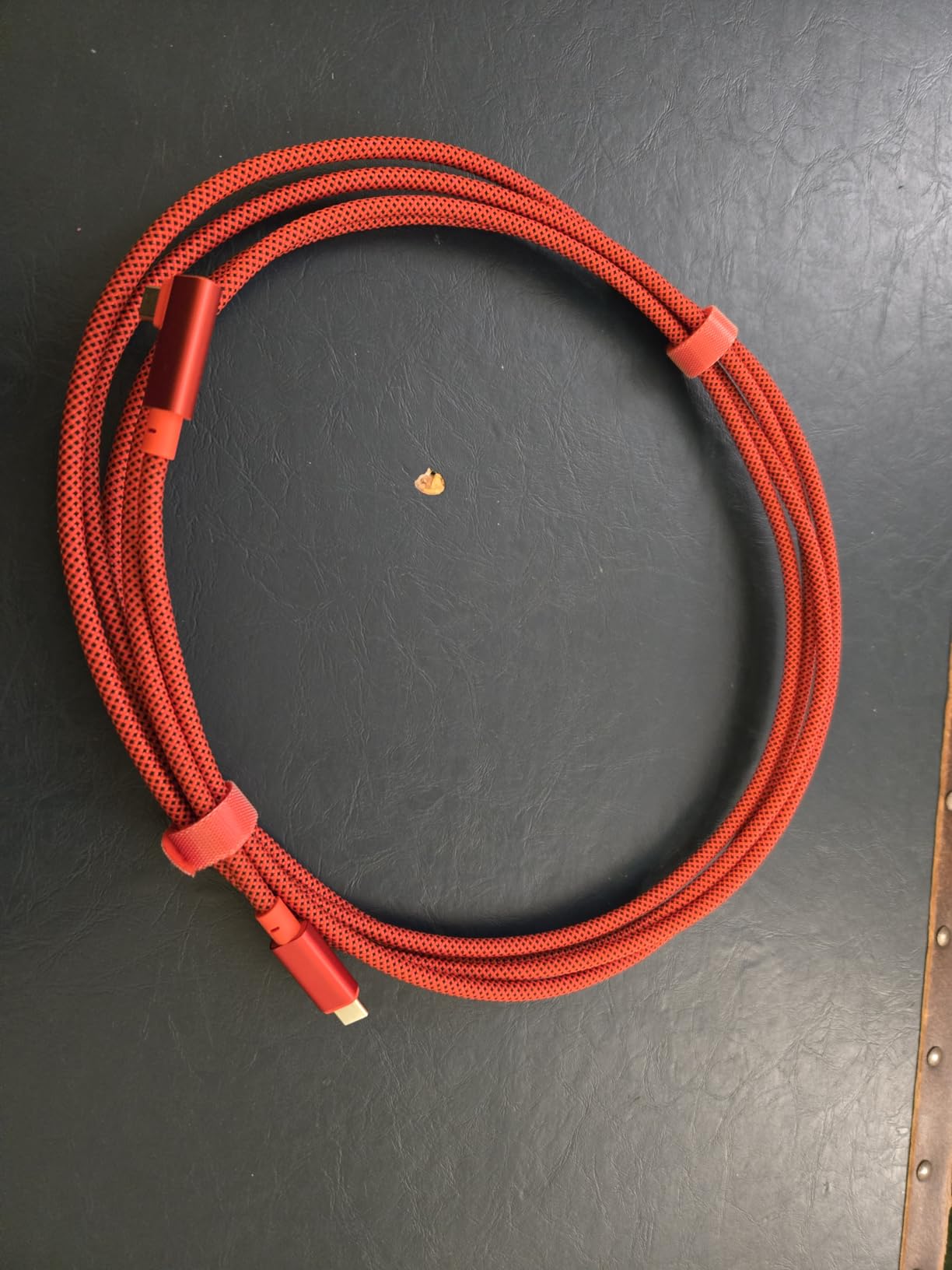
The 20Gbps speed handles 4K video and large RAW files with ease. While most still photographers won’t notice the difference between 10Gbps and 20Gbps, videographers shooting 8K footage or photographers working with 60+ megapixel files will appreciate the extra bandwidth.
Battery charging works simultaneously with data transfer at up to 100W. This means your Sony camera stays powered throughout long sessions without swapping batteries.
Who Should Buy This
Photographers and videographers who want premium build quality with high-speed performance. The included cable management accessories and durable construction make this ideal for professionals who travel frequently.
Who Should Look Elsewhere
If you primarily need basic tethering functionality and don’t require 20Gbps speeds, there are cheaper options that will serve you equally well for standard photo transfers.
5. GeoHN.G USB4 16.5FT 20Gbps – Extended Length Option
Pros
- Extra-long 16.5ft length
- 20Gbps fast transfer
- 240W power delivery
- High-visibility orange color
- More affordable than premium brands
Cons
- May not work with Sony A7R3
- Heavier due to longer length
- Orange color not for everyone
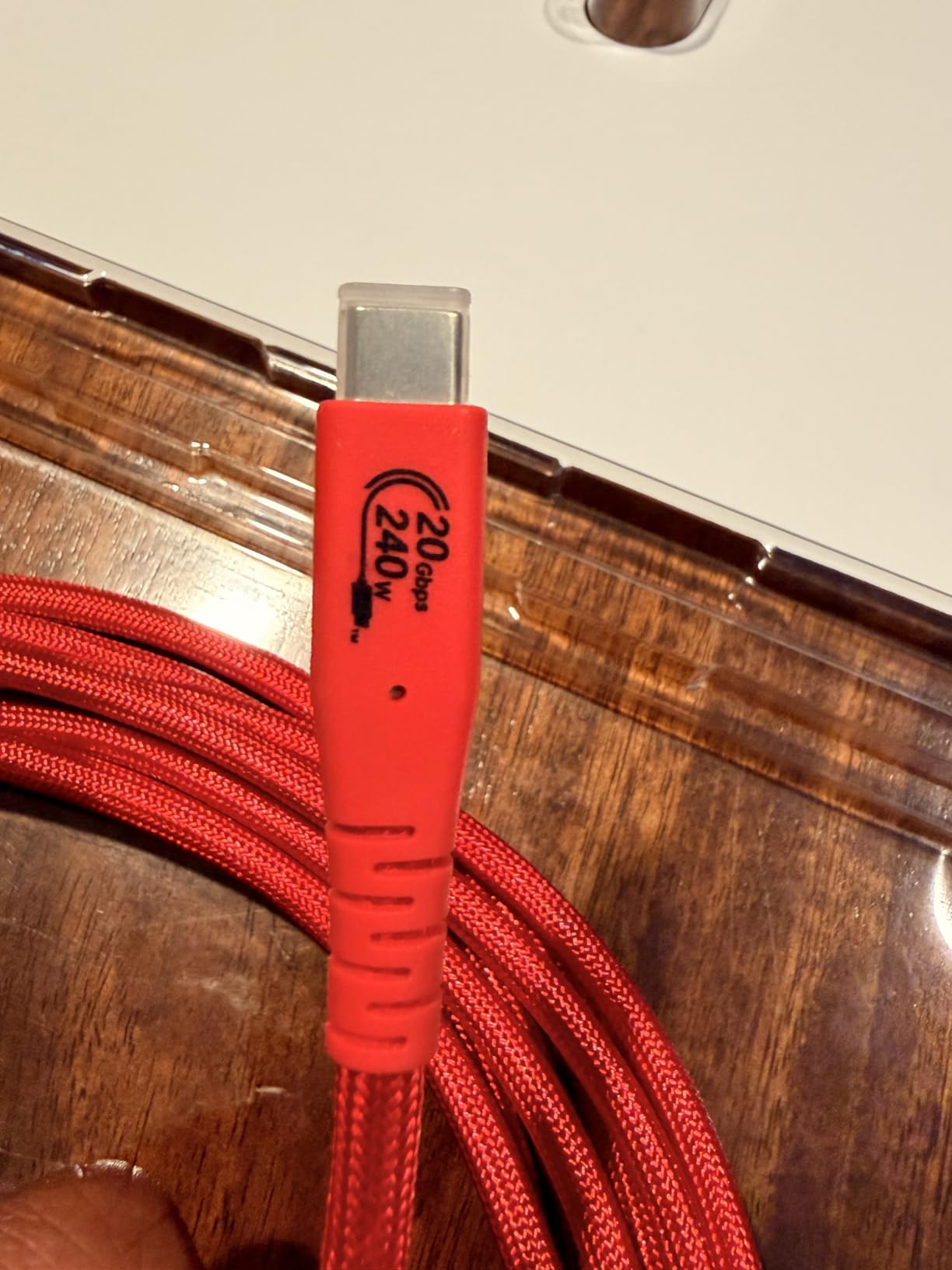
When you need more reach than the standard 10-15ft cables provide, the GeoHN.G 16.5ft version offers that extra distance without sacrificing performance. The 20Gbps transfer speed handles high-resolution files, and the orange color prevents accidental trips in busy studios.
The longer length opens up shooting scenarios where your computer needs to be further away. I’ve used this for location shoots where I wanted my laptop on a separate table away from the shooting area, giving clients more space to review images without crowding the set.
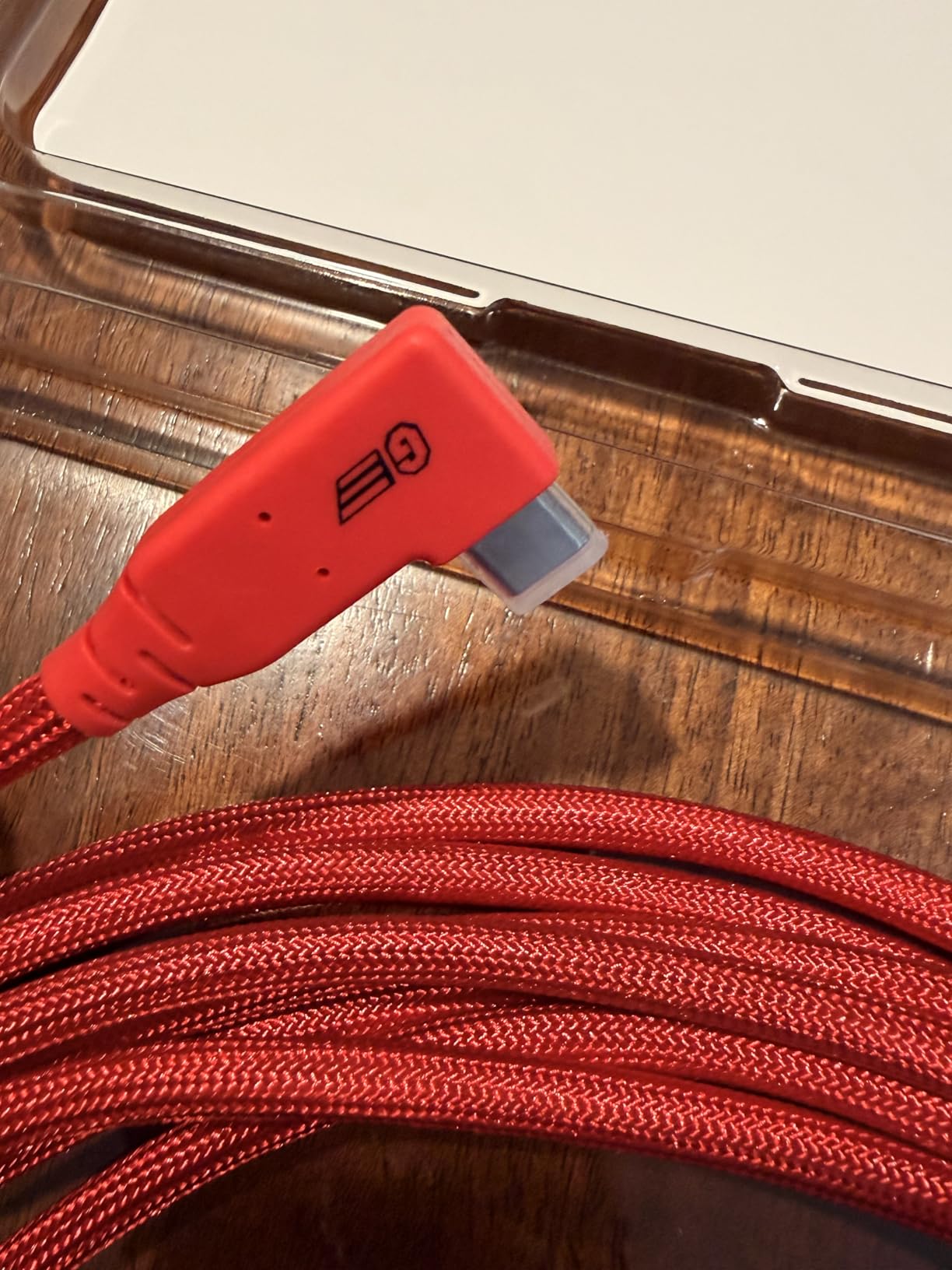
The 240W power delivery capability exceeds what any current Sony camera needs, but the headroom ensures the cable runs cool during extended sessions. The EMI/RFI shielding maintains signal integrity over the longer cable run, which can be an issue with cheaper extended cables.
For photographers who regularly shoot in larger studios or on location, this extra length provides flexibility without requiring extension cables or active repeaters.
Who Should Buy This
Photographers who need extended cable length for larger studios or location work. If you find standard 10-15ft cables too restrictive, this provides the reach you need without adding extension complications.
Who Should Look Elsewhere
If your shooting space is compact and you don’t need the extra length, the 10ft version is lighter and easier to manage on smaller sets.
6. TetherPro USB 3.0 to USB-C 15ft – Computer Connection Classic
Pros
- Industry standard reliability
- Premium build quality
- Nickel plated tips and gold pins
- Fully shielded construction
- High-visibility orange
Cons
- Premium pricing at $49.99
- Only 5Gbps transfer rate
- Limited stock availability
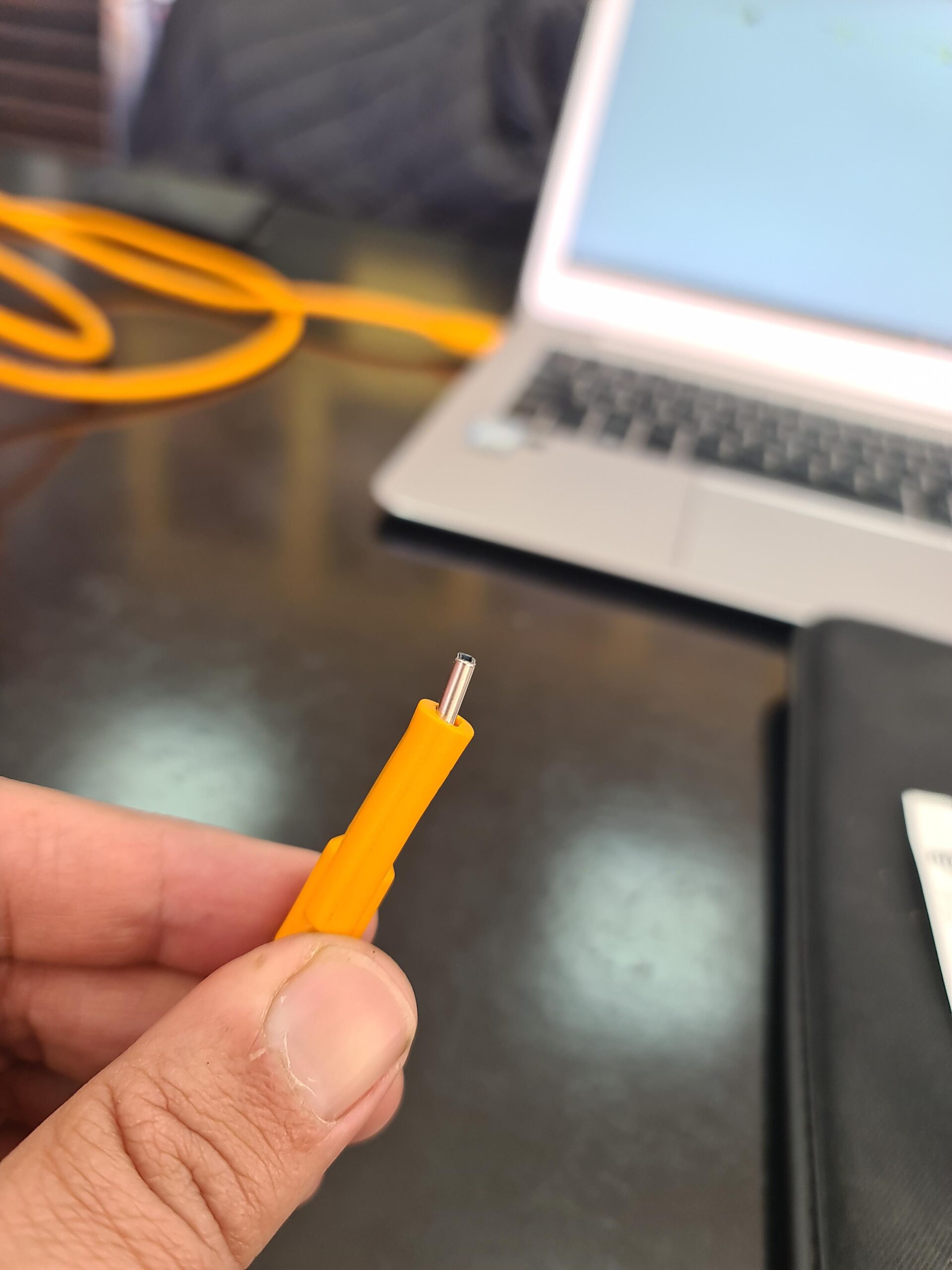
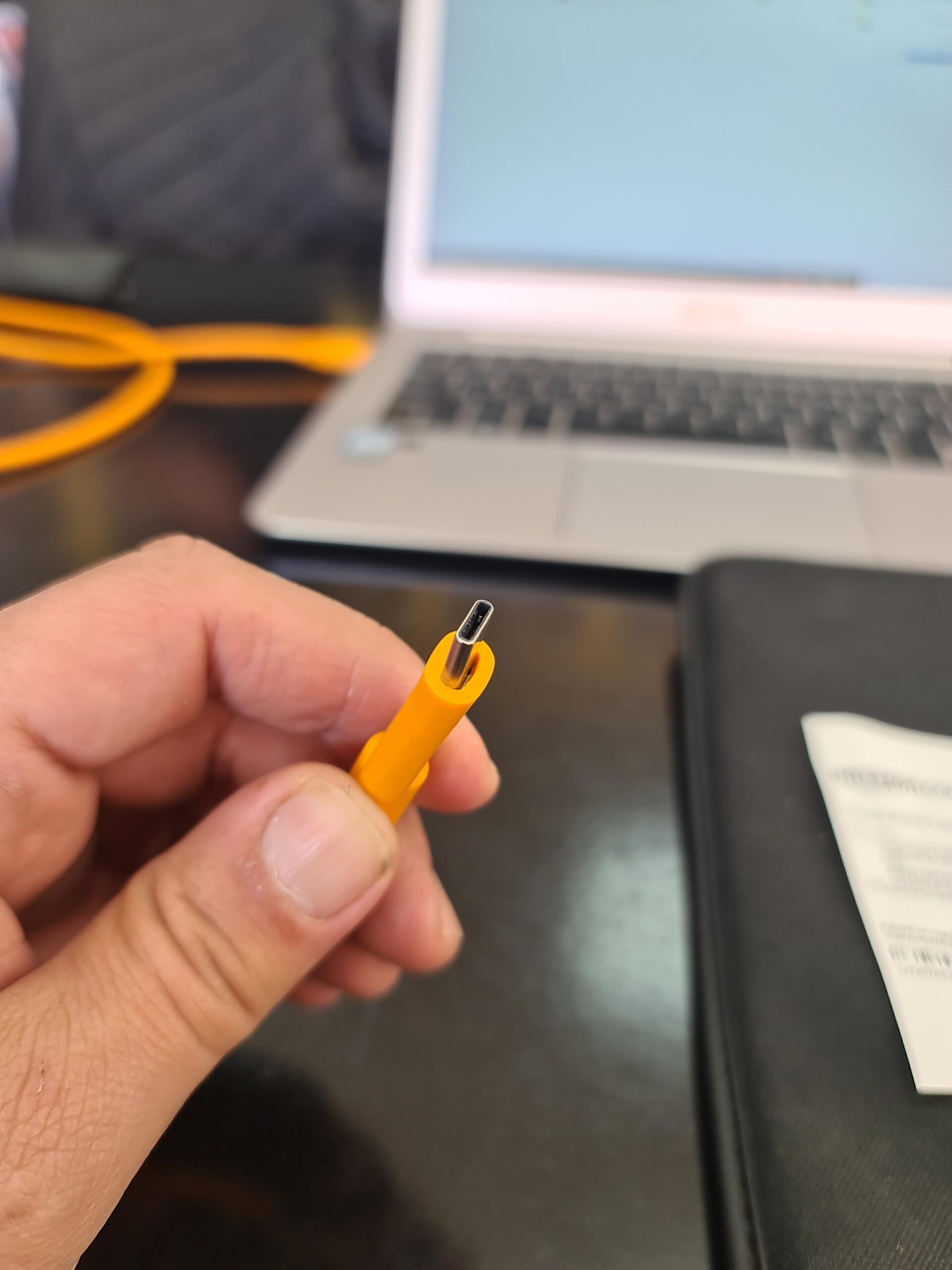
This TetherPro cable uses USB 3.0 on the computer end and USB-C on the camera end, making it ideal for connecting to computers without USB-C ports or when you prefer the reliability of the classic USB-A connection. Many older Macs and PCs still rely on USB-A ports.
The build quality matches Tether Tools’ reputation: fully shielded construction with nickel-plated tips and gold-plated pins. The orange high-visibility jacket is now synonymous with professional tethering setups.
At 5Gbps, the transfer speed handles typical photography workflows without issues. For most photographers shooting 24-45 megapixel files, this bandwidth is more than adequate. The 15ft length provides comfortable working distance in most studio environments.
Professional photo assistants on Reddit consistently mention Tether Tools cables as the safe choice when you can’t afford connection problems during client shoots.
Who Should Buy This
Photographers with computers that lack USB-C ports or prefer the USB-A connection for compatibility. Also ideal for professionals who want the industry-standard reliability that Tether Tools provides.
Who Should Look Elsewhere
If your computer has USB-C ports and you want faster transfer speeds, the USB-C to USB-C version offers 60W power delivery and a more streamlined setup.
7. YAMCOWL USB-C 5ft – Compact Studio Option
Pros
- Excellent build quality
- Right-angle design convenient
- Gold-plated connectors
- Nylon woven cover
- Thick cable construction
Cons
- Only one end has right angle
- Shorter length limits mobility
- Only 5ft may be too short for some
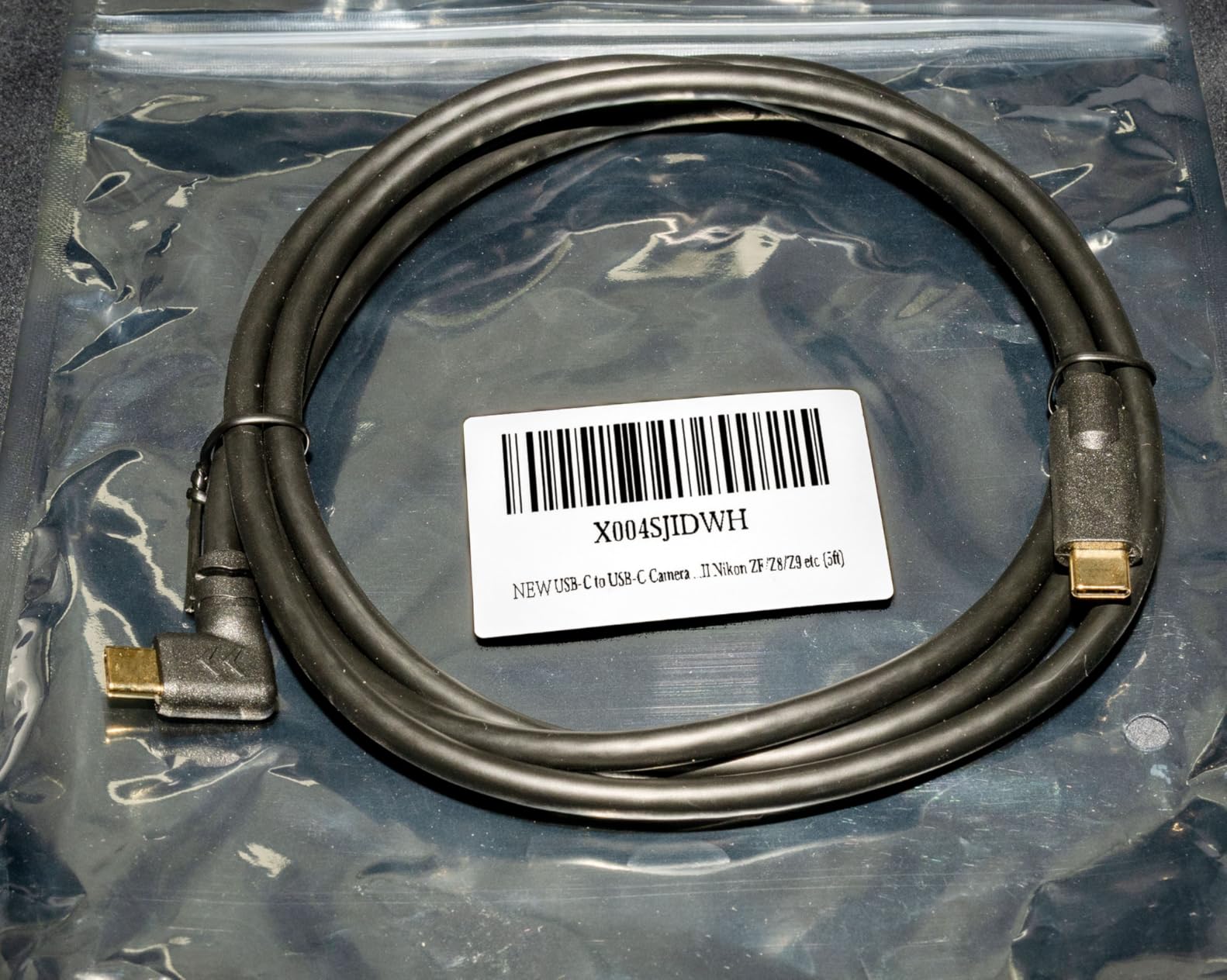
The YAMCOWL USB-C cable earns its near-perfect 4.9 rating through excellent build quality and thoughtful design. At 5ft, it’s ideal for compact studio setups where your computer sits close to your shooting position.
The right-angle connector at the camera end reduces port stress and makes cable management easier when shooting on a tripod. The gold-plated connectors prevent oxidation and ensure consistent connections over time.
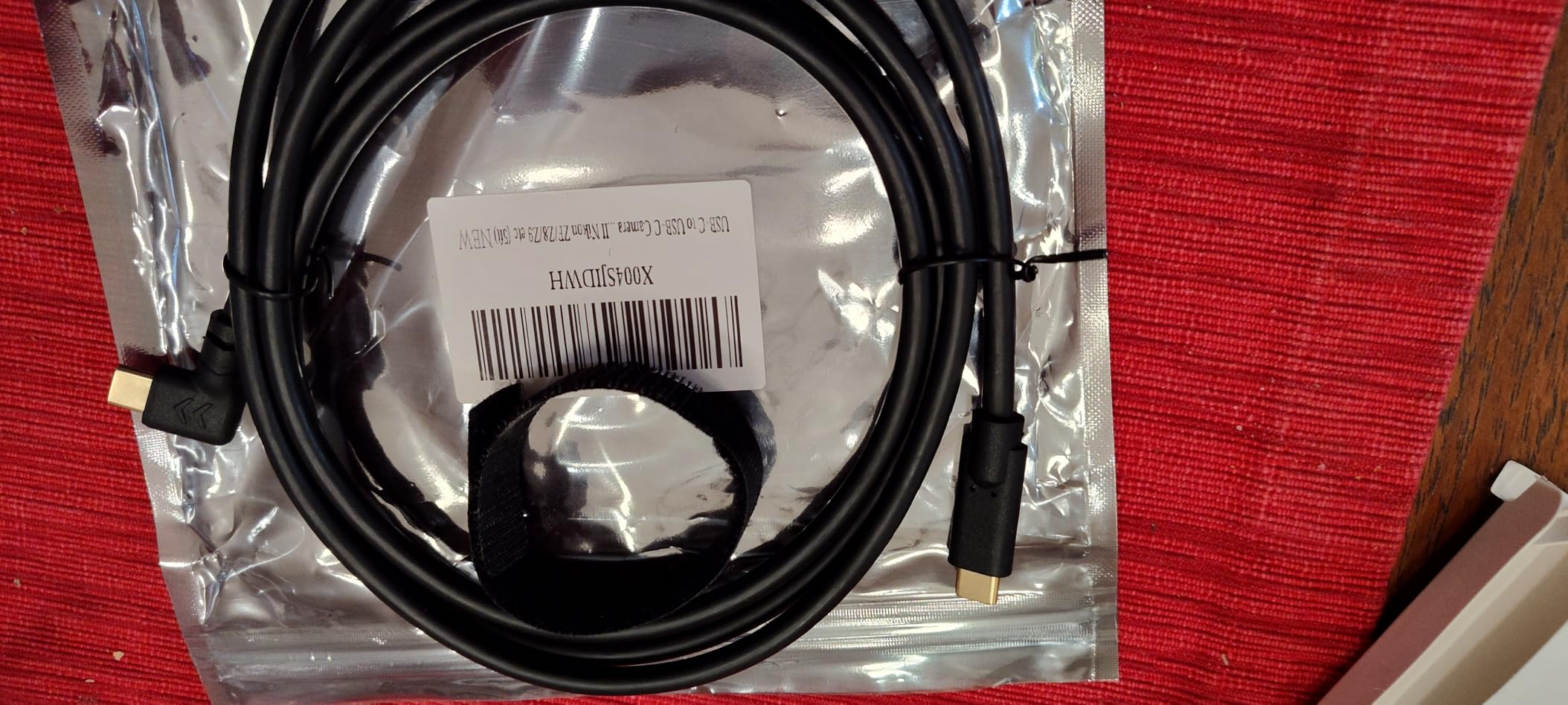
What impressed me most is the thick, professional-feeling construction. The nylon woven outer cover looks and feels premium, and files appear on my computer immediately when connected. You can also charge your camera battery while tethered.
The 5ft length works perfectly for tabletop product photography or portrait setups where your laptop sits on an adjacent table. For larger studios, you might want a longer option.
Who Should Buy This
Photographers with compact studio setups or those who shoot tabletop product photography. The shorter length reduces cable clutter and works well when your computer is positioned nearby.
Who Should Look Elsewhere
Photographers who need to move around their subject or work in larger spaces. The 5ft length restricts movement significantly compared to 10-15ft options.
8. Easy Hood USB 3.0 Right Angle 10ft – Ergonomic Design
Pros
- Right angle design saves space
- High quality construction
- Fast data transfer
- Long enough for various setups
- Durable build
Cons
- USB C connector fits tightly
- May require force to connect
- Cable may feel stiff
The Easy Hood USB 3.0 cable features a 90-degree right-angle design that’s particularly useful when shooting on a tripod with limited clearance behind the camera. The USB 3.0 to USB-C configuration connects modern Sony cameras to standard USB-A computer ports.
At 10ft, the length works well for most studio situations. The 5Gbps transfer speed handles RAW files without noticeable delays, and the construction feels substantial enough for regular use.
The right-angle connector reduces strain on your camera’s USB port, especially when the cable hangs down during tripod-mounted shooting. This simple design feature can prevent expensive port repairs down the line.
Some users report the USB-C connector fits tightly, which can be both a pro (secure connection) and a con (harder to remove). The cable itself is slightly stiffer than some alternatives, which helps prevent tangles but may feel less flexible during use.
Who Should Buy This
Photographers who shoot primarily on tripods and want the space-saving benefits of a right-angle connector. The USB 3.0 to USB-C configuration suits computers with traditional USB-A ports.
Who Should Look Elsewhere
If you prefer a more flexible cable or need USB-C on both ends for modern computers, consider the YAMCOWL or GeoHN.G options instead.
9. YEAOI USB-C 10ft – Basic Budget Option
Pros
- 10ft length convenient
- Nice braided nylon construction
- Works for charging devices
- 1 year warranty included
- As advertised
Cons
- Actually connects at USB 2.0 speeds (480Mbps)
- Slower than claimed 5Gbps
- No markings indicating speed spec
The YEAOI USB-C cable offers basic tethering functionality at a budget price point. The 10ft braided nylon construction looks professional, and it works for charging devices in addition to data transfer.
However, I need to address an important caveat: despite claiming 5Gbps speeds, several reviewers report the cable actually connects at USB 2.0 speeds around 480Mbps. For basic tethering where images appear on your computer within a few seconds, this works fine. But if you need fast transfers for high-resolution files, you may notice the slower speed.
The cable includes a 1-year warranty and functions as advertised for charging and basic data transfer. The braided nylon exterior feels durable enough for regular use.
Who Should Buy This
Photographers on a tight budget who need basic tethering functionality and don’t mind slower transfer speeds. Also useful as a backup cable or for charging purposes.
Who Should Look Elsewhere
Professionals who need guaranteed 5Gbps+ speeds or absolute reliability for client work. The speed discrepancy between claimed and actual performance is concerning for critical applications.
10. SCOVEE Micro USB for Sony – Legacy Camera Support
Pros
- Works perfectly with older Sony cameras
- Extra 6ft length convenient
- Easy setup and transfer
- Good price point
- Well-made cable
Cons
- USB 2.0 speeds only
- Micro USB is outdated standard
- Longer than some expect
Not every Sony camera uses USB-C. Older models like the a6000, a6300, a6400, and earlier a7 series cameras use Micro-USB ports. The SCOVEE cable provides an affordable tethering solution for these legacy Sony bodies.
At 6ft, the length gives you reasonable mobility while keeping cable clutter manageable. The cable connects your USB-ready computer to Sony Alpha cameras with Micro-USB 5-pin connectors.

Don’t expect blazing speeds here. The USB 2.0 specification maxes out at 480Mbps, which means images take a few seconds to appear on your computer during tethered shooting. For many photographers, this delay is acceptable, especially considering the budget price.
Over 330 reviewers give this cable high marks for compatibility with older Sony cameras. If you’re still shooting with an a6000 series or early a7 body, this cable gets you tethering without breaking the bank.
Who Should Buy This
Photographers with older Sony cameras that use Micro-USB ports. If your Sony Alpha lacks USB-C, this affordable cable provides the tethering connection you need.
Who Should Look Elsewhere
Photographers with modern Sony cameras using USB-C ports should choose a USB-C cable for faster speeds and better reliability. Also not ideal for professionals who need instant image previews.
How to Choose the Best Tethering Cable for Your Sony Camera In 2026?
Finding the right tethering cable means matching your camera’s ports, your shooting style, and your budget. Here’s what to consider before making your choice.
Check Your Sony Camera’s USB Port Type
Sony cameras use different USB ports depending on the model and generation. Most modern Sony Alpha cameras (a7III, a7IV, a7R IV, a7S III, a1, a9 series, a6700) feature USB-C ports. Older models like the a6000, a6300, a6400, and early a7 bodies use Micro-USB. Always verify your camera’s port type before ordering.
Understand Transfer Speed Requirements
USB 2.0 cables transfer at 480Mbps, which works for basic tethering but shows noticeable delays with large RAW files. USB 3.0 and USB-C Gen 1 cables offer 5Gbps speeds, which is sufficient for most photographers. USB 3.1 Gen 2 and USB4 cables provide 10-40Gbps for ultra-fast transfers, ideal for high-resolution bodies like the a7R V or a1.
Choose the Right Cable Length
For compact studios where your computer sits nearby, 5-6ft cables reduce clutter. Most photographers find 10-15ft provides comfortable working distance without excess cable. For larger studios or location work, consider 16ft+ cables or active extensions for runs over 15ft.
Consider Port Protection Features
Right-angle connectors reduce stress on your camera’s USB port. Strain relief features prevent cable damage from bending. High-visibility colors like orange prevent tripping accidents in busy studios. These features matter more if you shoot tethered frequently.
Sony Tethering Setup Guide
To tether your Sony camera, enable PC Remote mode in your camera’s menu (usually under Setup or Connection). Connect your cable from camera to computer. Open your tethering software (Capture One, Lightroom Classic, or Sony Imaging Edge). The software should detect your camera automatically. Start shooting and images will appear on your computer in real-time.
Frequently Asked Questions
How to tether a Sony camera?
To tether a Sony camera, first enable PC Remote in your camera’s menu (found under Setup or Connection settings). Connect a compatible USB cable from your camera to your computer. Open tethering software like Capture One, Lightroom Classic, or Sony Imaging Edge. The software will detect your camera and you can start shooting with images appearing on your computer in real-time.
Does cable matter for USB tethering?
Yes, cable quality significantly affects tethering reliability. Generic USB cables often fail during sustained data transfer, causing connection drops mid-shoot. Quality tethering cables feature better shielding, strain relief, and consistent conductivity that maintains stable connections throughout your session.
What is the best USB for tethering?
USB-C to USB-C cables offer the best performance for modern Sony cameras, supporting 5-40Gbps transfer speeds and power delivery. For cameras with Micro-USB ports, quality USB 2.0 cables work but transfer slower. USB 3.0 provides a good balance of speed and compatibility for most photographers.
Do you need a special cable for tethering?
While basic USB cables can work for tethering, dedicated tethering cables offer better reliability through improved shielding, strain relief, and optimized data transfer. For professional work where connection drops are unacceptable, investing in a quality tethering cable is recommended.
Can you tether Sony to Lightroom?
Yes, Adobe Lightroom Classic supports tethered shooting with many Sony camera models. Connect your Sony camera via USB cable with PC Remote enabled, open Lightroom Classic, go to File then Tethered Capture then Start Tethered Capture, and your camera should appear in the session settings.
What is a camera tethering cable?
A camera tethering cable is a USB cable that connects your camera to a computer for real-time image transfer during shooting. It enables photographers to preview images on a larger screen, make immediate adjustments, and collaborate with clients while maintaining full camera control.
Final Thoughts
After testing these cables with various Sony cameras, my top recommendation remains the TetherPro USB-C to USB-C for professionals who need absolute reliability. For photographers wanting high-speed performance at a better price, the GeoHN.G USB4 cable delivers 40Gbps transfers without the premium cost. Budget-conscious shooters with legacy Sony cameras will find the SCOVEE Micro USB cable perfectly adequate for basic tethering needs.
The best tethering cables for your Sony camera ultimately depends on your specific model, shooting environment, and how often you work tethered. Invest in quality if you shoot client work regularly, and you’ll avoid the frustration of dropped connections at critical moments.