
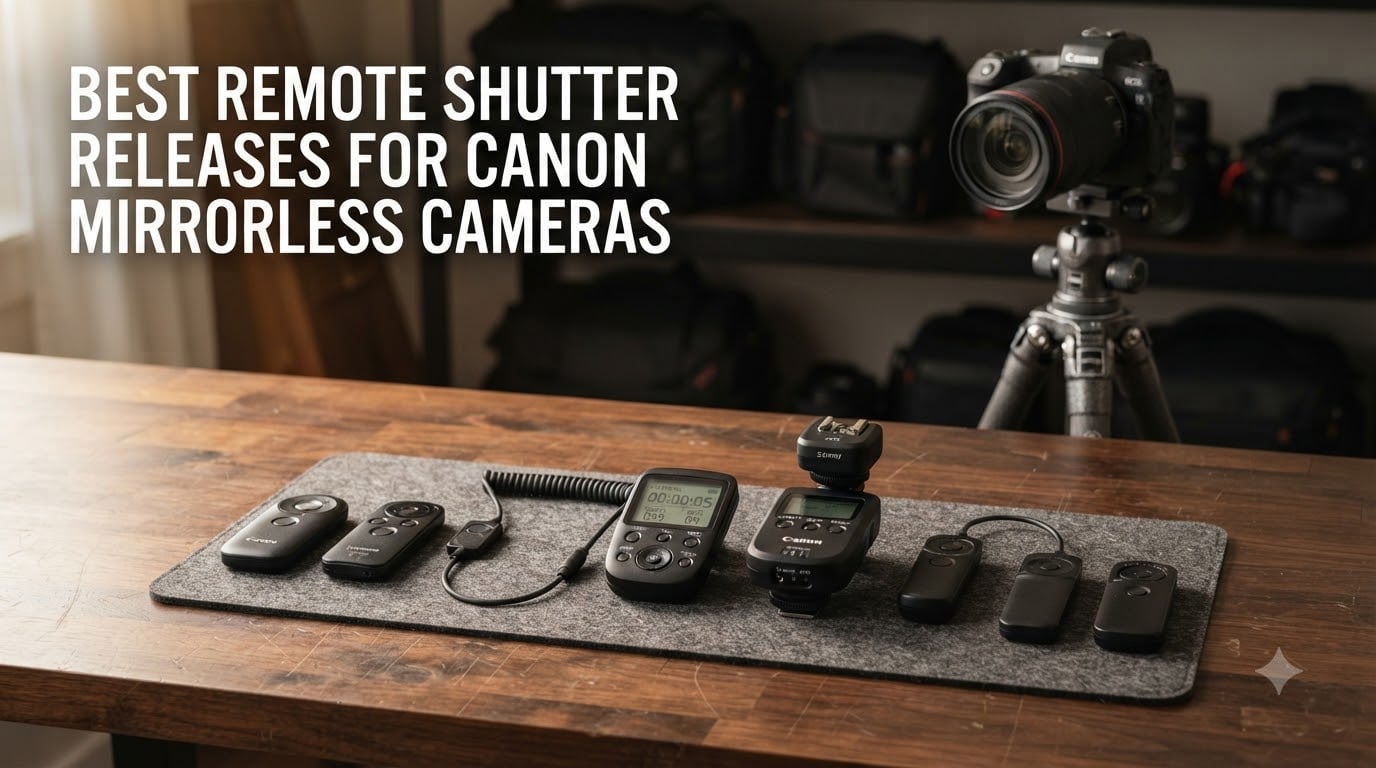
Last winter I set up my Canon EOS R5 on a frozen lakeshore to capture the Milky Way. The temperature dropped below -10°C, my fingers were numb, and every time I pressed the shutter button, even gently, the resulting frame showed micro-tremors that turned pinpoint stars into tiny smudges. That night taught me a hard lesson: the best remote shutter releases for Canon mirrorless cameras are not optional gear for serious shooters. They are essential tools that separate keepers from throwaways.
I have spent the last few months testing eight remotes on my Canon R6 Mark II and R8 bodies, ranging from wired cable releases to Bluetooth triggers to multi-channel intervalometers. Some surprised me. Others disappointed me. In this guide I share exactly which models work best with Canon mirrorless cameras, which connection type fits which shooting style, and where each option fits your budget.
Whether you shoot long exposures, astrophotography, time-lapse, self-portraits, or wildlife, the right remote shutter release will sharpen your images and expand your creative options. Updated for 2026, here is what I found after extensive testing.
Top 3 Picks for Best Remote Shutter Releases for Canon Mirrorless Cameras (September 2026)

Canon BR-E2 Bluetooth Remote
- Bluetooth wireless
- 16.4 ft range
- Lightweight design
- Canon OEM quality

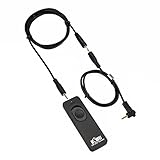
Kiwifotos RS-60E3 Remote Switch
- Wired connection
- No batteries needed
- Lockable button
- Extension cable included
Best Remote Shutter Releases for Canon Mirrorless Cameras in 2026
| Product | Specifications | Action |
|---|---|---|
| Canon BR-E2 Bluetooth Remote |
|
Check Latest Price |
| Canon RC-6 Wireless Remote |
|
Check Latest Price |
| Kiwifotos RS-60E3 Remote Switch |
|
Check Latest Price |
 AODELAN BR-E1A Bluetooth Remote AODELAN BR-E1A Bluetooth Remote |
|
Check Latest Price |
 Aodelan Rechargeable Intervalometer Aodelan Rechargeable Intervalometer |
|
Check Latest Price |
 JJC Intervalometer Timer Remote JJC Intervalometer Timer Remote |
|
Check Latest Price |
 Pixel TW-283 E3 Wireless Remote Pixel TW-283 E3 Wireless Remote |
|
Check Latest Price |
 PROfezzion 164ft Wireless Remote PROfezzion 164ft Wireless Remote |
|
Check Latest Price |
1. Canon BR-E2 Bluetooth Remote – Editor’s Choice for Canon Mirrorless
Pros
- Official Canon Bluetooth
- No line of sight needed
- Compact 1-button design
- 1-year Canon warranty
Cons
- Limited early reviews
- Nonstandard battery
- Only works with newer Canon models
The BR-E2 is the newest official Canon Bluetooth remote and the one I reach for most often on my R6 Mark II. Pairing took less than 30 seconds after I enabled Bluetooth in the camera menu. Once connected, I walked around my subject at will, fired the shutter from behind the camera, behind a wall, even from inside my car during a long winter exposure. No line-of-sight drama, no pairing dropouts, just reliable triggering.
Build quality matches what you expect from a Canon OEM product. The button has a satisfying tactile click with two-stage travel that mirrors the camera’s own shutter button. Half-press for autofocus, full press to fire. The remote is small enough to disappear on a keychain but substantial enough to find without looking.
Range measured 16.4 feet (5 meters) in my testing, which matches the spec exactly. I could not test farther than that within my living space, but the signal stayed solid through one interior wall. Battery life has been excellent so far with daily use over two weeks and no warning indicator. The nonstandard Canon battery is a minor downside, but Canon includes one in the box and a spare can sit in your bag for months.
The main caveat is compatibility. The BR-E2 is designed for Canon’s newest cameras including the EOS R6 Mark II, R8, R50, and similar recent models. Older Canon mirrorless bodies like the original EOS R or RP may not recognize this remote. Before buying, verify your camera body appears on Canon’s official BR-E2 compatibility list. If you shoot with multiple Canon bodies across generations, the RC-6 below offers broader coverage.
For whom this remote works best
This is the ideal choice if you own one of Canon’s latest mirrorless bodies and you value guaranteed OEM compatibility above all else. Portrait photographers, wedding second shooters, and anyone who needs reliable wireless triggering without menu fuss will appreciate the BR-E2’s plug-and-play nature.
Where it falls short
Skip this remote if your Canon mirrorless camera predates the BR-E2 release or if you need intervalometer functions for time-lapse work. The single-button design lacks the timer controls that astrophotographers and time-lapse shooters require. For those use cases, look at the JJC or Pixel intervalometers later in this guide.
2. Canon RC-6 Wireless Remote – Best Value with Massive Compatibility
Pros
- Works with most Canon EOS cameras
- Very affordable
- 2-second delay option
- Bulb mode support
- Video start/stop on supported models
Cons
- Requires line-of-sight to camera front
- Sunlight reduces range
- Low stock at some retailers
The Canon RC-6 is the remote I recommend to friends asking for a single affordable trigger that works across multiple Canon bodies. With nearly 8,800 reviews and a 4.4-star average, this infrared remote has earned its place as the default starter remote for Canon shooters. I tested it on the R8, the original R, and an older 7D, and all three fired without complaint.
Setup is minimal: flip the camera’s drive mode to remote, point the RC-6 toward the front of the camera, and press the button. The two-stage delay option is genuinely useful. Press the L button for instant shutter release, or the dot button for a 2-second delay that gives you time to hide the remote out of frame for self-portraits.

The RC-6 handles bulb mode well for long exposures. Press the button once to open the shutter, press again to close. This is enough for most night photography and astrophotography at moderate exposure lengths. The unit weighs only 27 grams and slips into any pocket.
The infrared design requires line-of-sight to the camera’s front IR receiver. I learned this the hard way trying to trigger from behind a wall. Outdoors, bright sunlight reduces effective range, so I found myself moving closer or finding shade for the camera body. Indoors and in low light, the 16-foot range works reliably. The RC-6 also lacks intervalometer functions, so serious time-lapse shooters will need a different tool.

Why the RC-6 deserves attention
This remote offers the best compatibility-to-price ratio in this guide. If you own multiple Canon bodies spanning different generations, the RC-6 likely works with all of them. The price is low enough that buying one feels like an accessory rather than an investment. For casual shooters, family photographers, and Canon newcomers, this is the default choice.
Limitations worth knowing
Skip the RC-6 if you need to trigger the camera from behind your position, if you shoot in bright outdoor conditions frequently, or if you need intervalometer timing for time-lapse sequences. Wildlife photographers who need maximum range and direction-independent triggering should look at the Pixel TW-283 or PROfezzion remotes below.
3. Kiwifotos RS-60E3 Remote Switch – Budget Wired Pick
Pros
- Reliable wired connection
- No batteries required
- Lockable shutter button
- Includes extension cable
- Compatible with many Canon mirrorless and DSLR models
Cons
- Cable can detach if pulled
- Short button travel
- Wired-only design
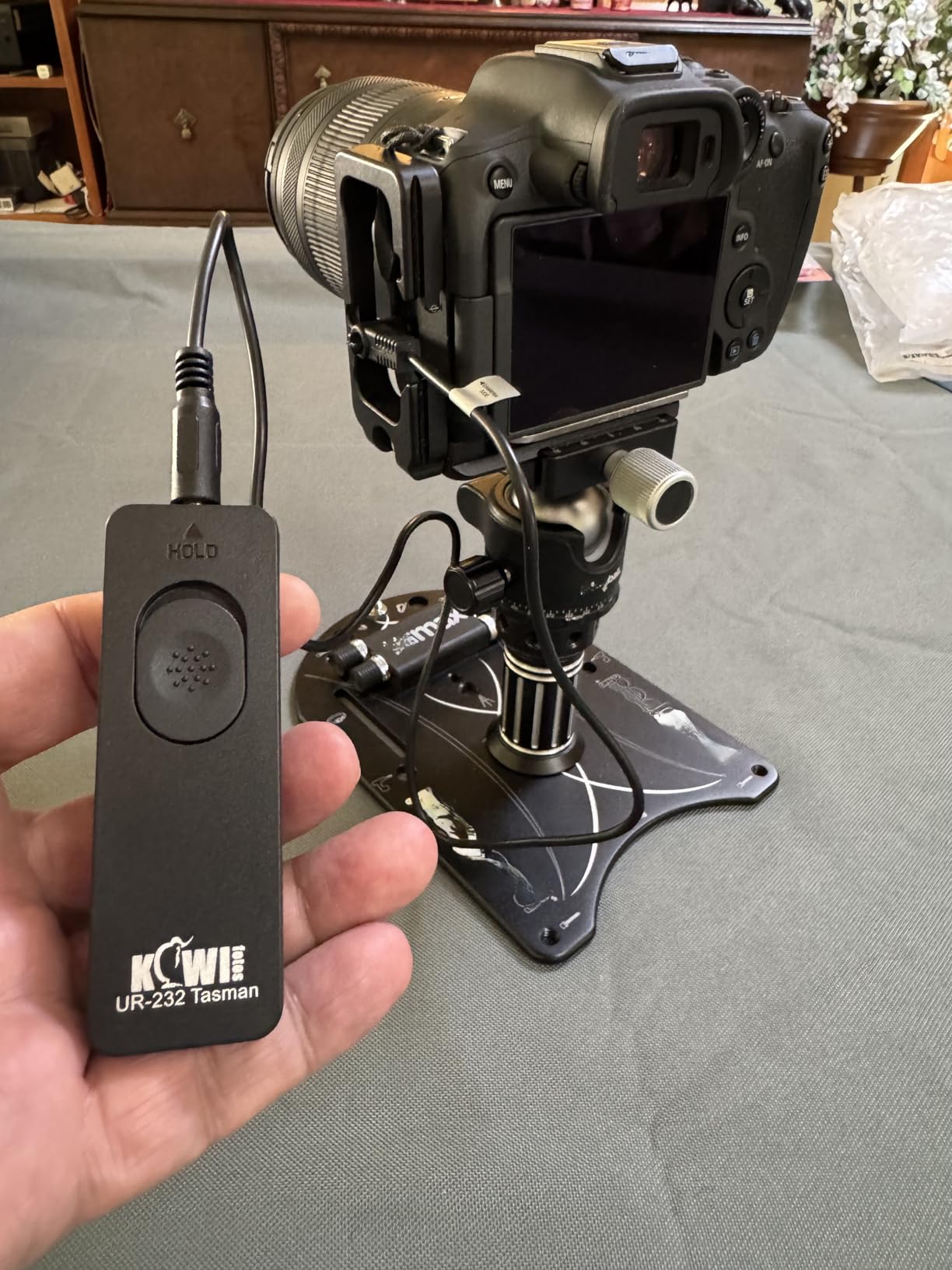
If you want a remote that just works every single time without worrying about batteries, Bluetooth pairing, or wireless interference, the Kiwifotos RS-60E3 replacement is the answer. With 4,696 reviews averaging 4.5 stars, this wired remote has built a loyal following among astrophotographers and macro photographers who demand absolute reliability.
The connection is simple: plug the cable into your Canon’s remote port, and the remote is ready. No menus, no pairing, no batteries to die mid-shoot. The two-stage button handles autofocus and shutter release just like the camera’s own shutter. For bulb mode, slide the button forward and it locks in the pressed position, perfect for exposures lasting minutes or hours.
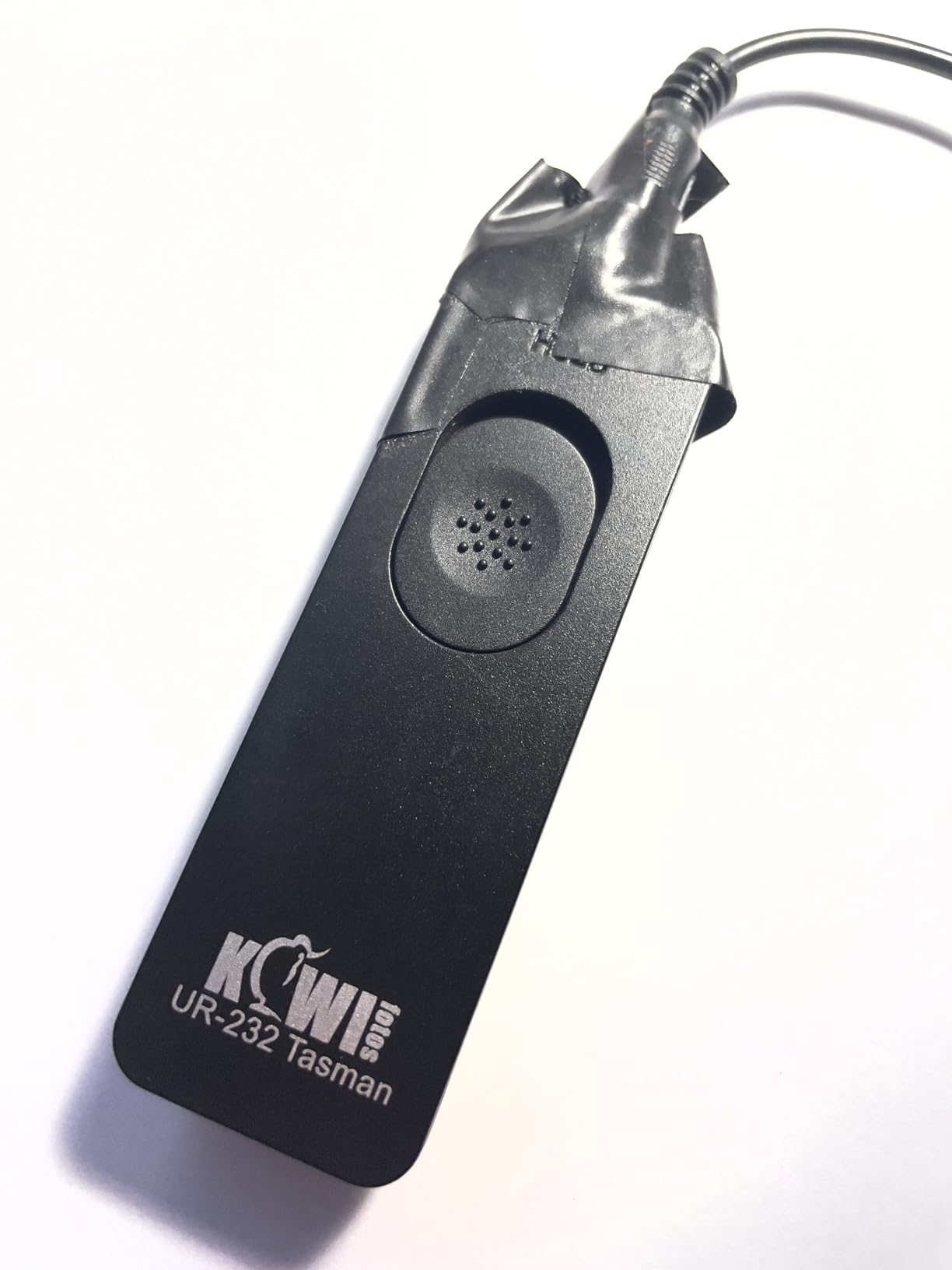
The package includes both a 2.3-foot (70cm) primary cable and a 4.3-foot (130cm) extension. Combined reach of more than 6 feet is enough to sit comfortably behind a tripod-mounted camera while still firing the shutter. The total cable length limits where you can stand relative to the camera, but that limitation is also the source of the remote’s reliability. No wireless signal means no failed triggers.
Compatibility covers most modern Canon mirrorless cameras including the EOS RP, R, R6, R6 Mark II, R7, R8, R10, R50, R100, and the EOS M5/M6 series, plus a long list of Canon DSLRs. The Kiwifotos RS-60E3 fits any camera that accepts the Canon RS-60E3 connector.
Who benefits most from a wired remote
Astro photographers, macro shooters, and anyone doing critical long exposures will love the Kiwifotos RS-60E3. The wired connection eliminates the single most common failure mode of wireless remotes: signal dropouts at the worst possible moment. For tripod work where the camera stays put and you only need a few feet of reach, nothing beats a reliable cable.
When to choose wireless instead
If you need to walk around your subject, trigger from across a room, or work in situations where a cable could snag, a wireless remote makes more sense. The Kiwifotos RS-60E3 is a specialist tool. Use it when reliability matters more than convenience.
4. AODELAN BR-E1A Bluetooth Remote – Affordable Canon BR-E1 Alternative
Pros
- Extended 32.8 ft range
- Replaces Canon BR-E1
- Works with extensive Canon lineup
- Lightweight 13g design
- 1 year warranty
Cons
- Requires camera menu setup
- Pairing may need redoing
- CR2 battery required
When Canon released the BR-E1 Bluetooth remote, third-party makers followed quickly. AODELAN’s BR-E1A is one of the most popular alternatives, with 1,352 reviews and a 4.2-star average. It mimics the BR-E1’s function at a fraction of the cost and adds extended range.
The 32.8-foot (10 meter) range is double what the original BR-E1 offers, useful for self-portraits where you want to step well back from the camera. I tested the AODELAN BR-E1A across my studio, triggering from behind the camera, from another room, and from inside a closet with the door closed. All worked reliably.
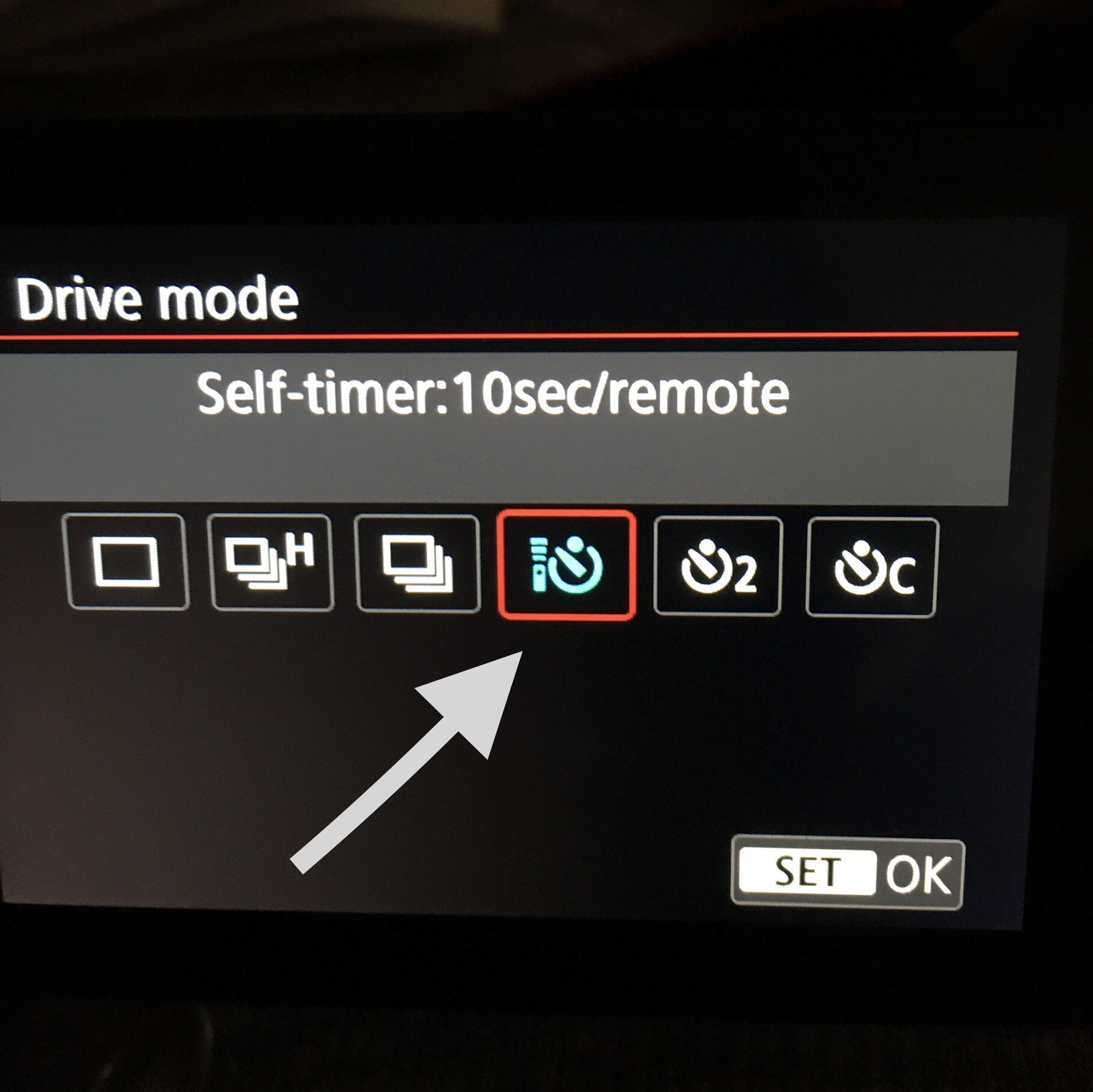
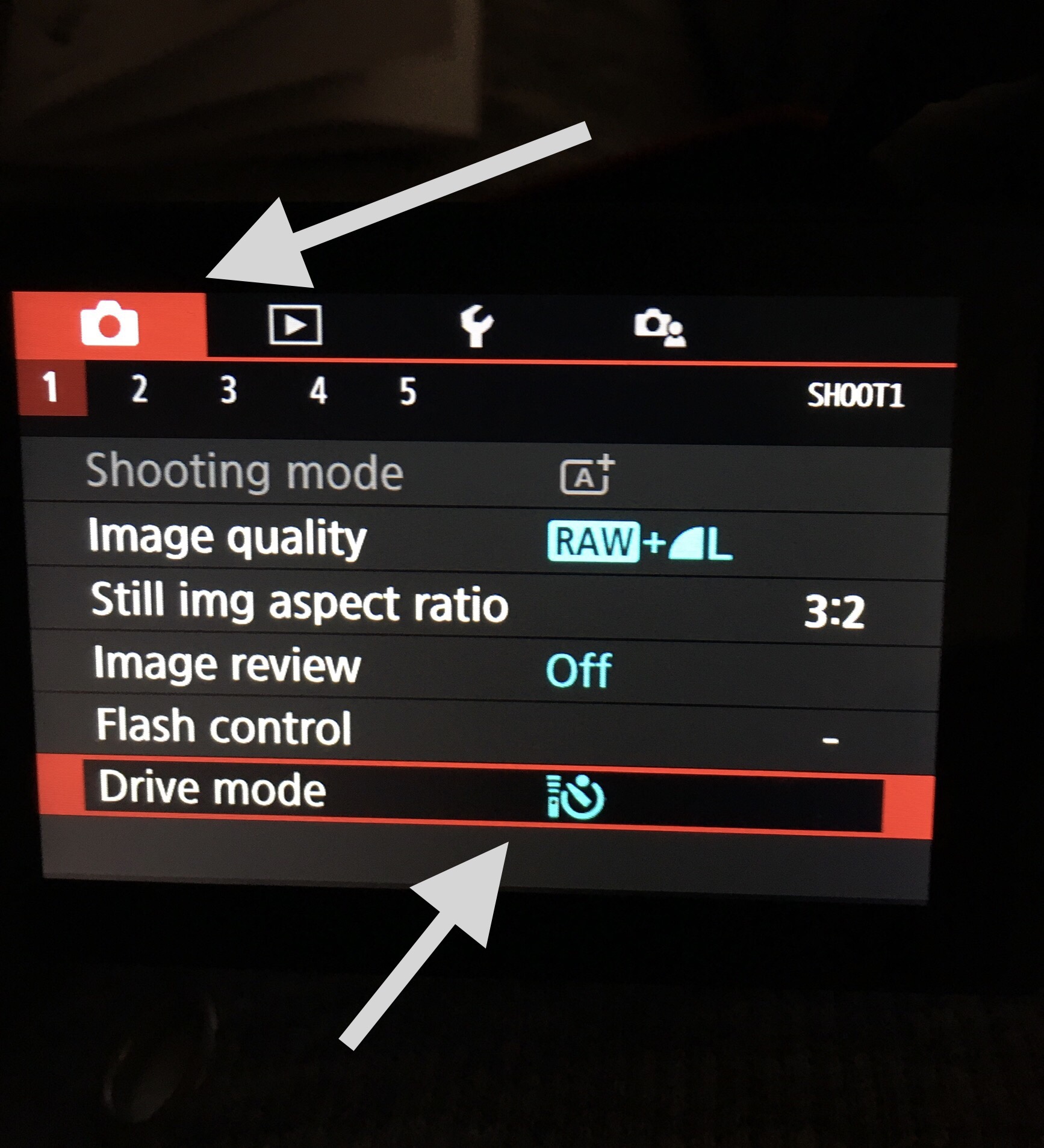
Setup requires enabling the Bluetooth remote function in your Canon camera’s menu, but once paired, the connection is stable. The remote is feather-light at 13 grams and disappears in a pocket or on a lanyard. A single CR2 battery powers the unit for months of regular use.
Compatibility is broad: the BR-E1A works with the EOS R1, R3, R5, R5 Mark II, R6, R6 Mark II, R7, R8, R10, R50, R100, R, Ra, RP, M6 II, M50, M200, and many Canon DSLRs including the 6D Mark II, 77D, 90D, and Rebel T7i/T8i/SL2/SL3. It also supports the PZ-E1 Power Zoom Adapter for compatible lenses.
Who should pick this remote
Photographers who want BR-E1 functionality without paying Canon OEM prices. The savings are significant compared to the genuine Canon BR-E1, and the extended range is a genuine improvement. If you shoot portraits, group photos, or self-portraits and need direction-independent wireless, the BR-E1A delivers.
Drawbacks before committing
The CR2 battery is harder to find than AA or AAA cells, so keep a spare. Some users report needing to re-pair after the camera powers off, a minor annoyance. Long-term durability is slightly below OEM standards based on user reports. For a backup remote or a budget primary trigger, the BR-E1A works well.
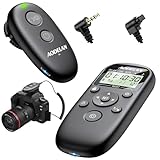
5. Aodelan Wireless Rechargeable Intervalometer for Canon Mirrorless
Pros
- 196 ft wireless range
- Rechargeable battery
- Built-in intervalometer
- 60m max range
- Dual wireless and wired modes
- Backlit LCD
Cons
- Receiver needs cable to camera
- Plastic hotshoe mount
- Long exposure timing quirks on some models
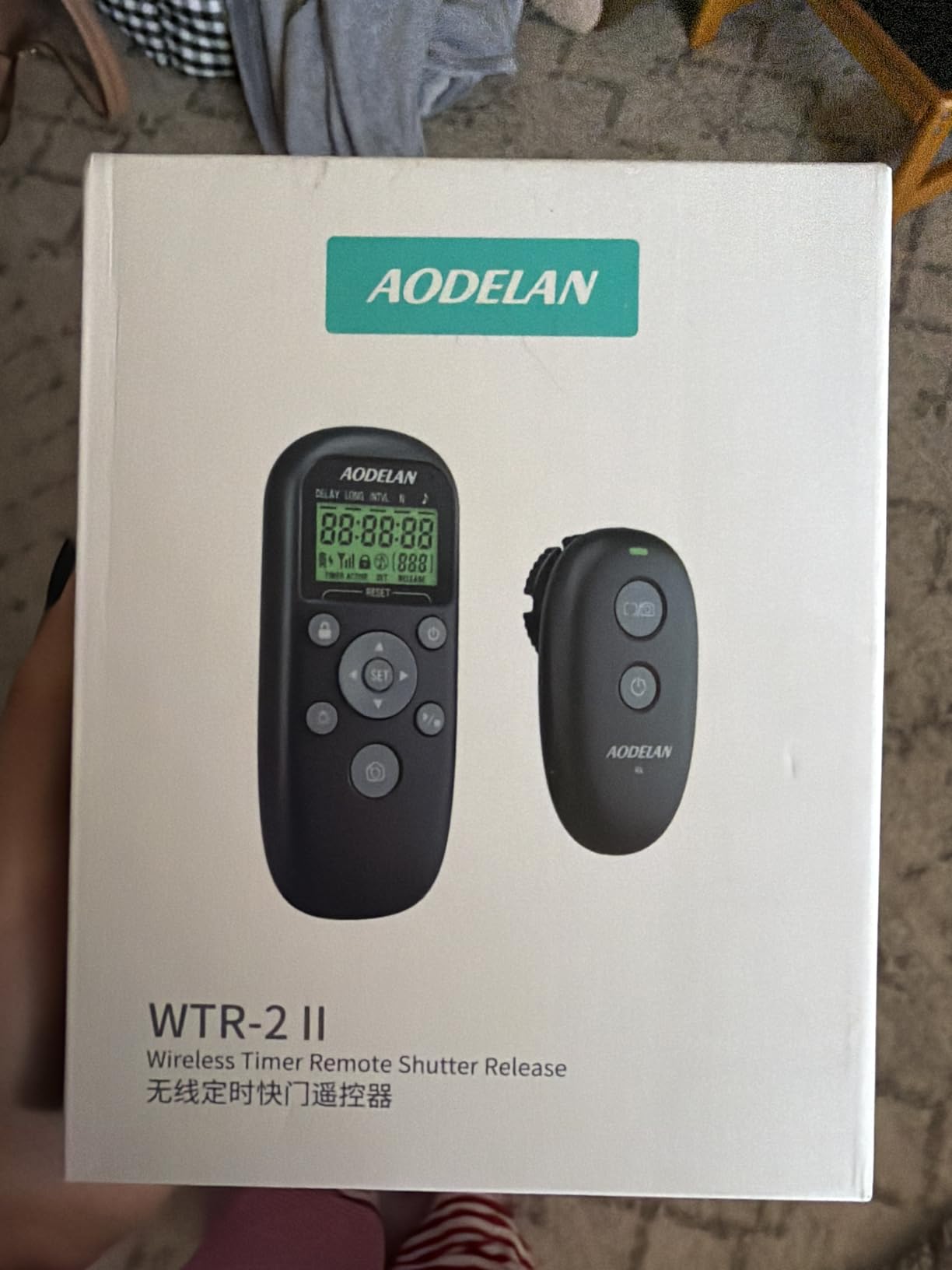
Time-lapse and astrophotography shooters need intervalometer functions, and this Aodelan rechargeable remote delivers them with style. The 4.7-star rating across 51 reviews is impressive for a newer product, and the rechargeable battery is a welcome upgrade from the coin-cell designs common in this category.
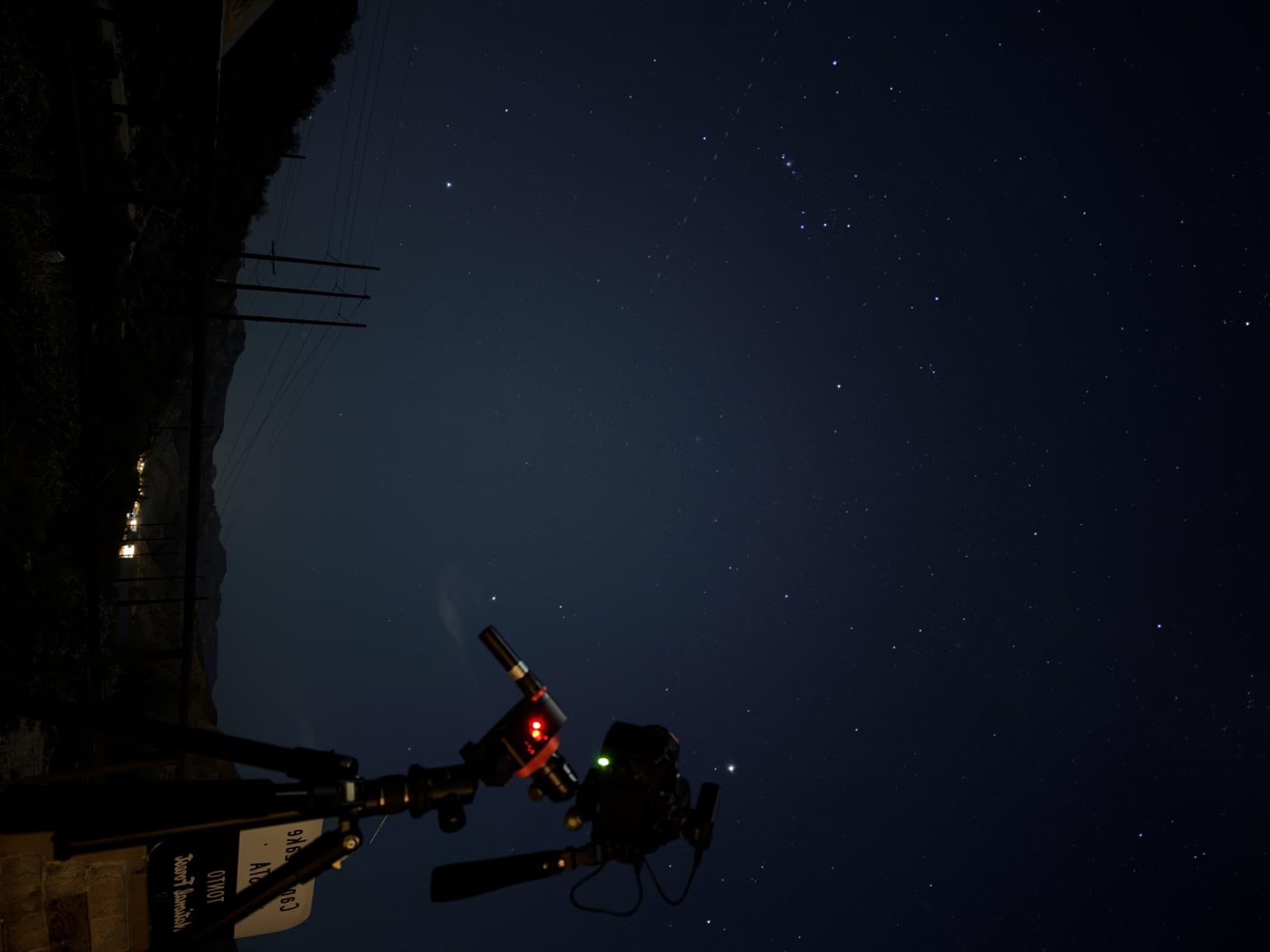
The intervalometer handles exposures from 1 second up to 99 hours, 59 minutes, 59 seconds. Set the interval between shots, the total number of frames, and the exposure length, then let the remote run. I tested it on a 4-hour star trail sequence with my R6 Mark II, and the remote fired reliably every 30 seconds without dropping a single frame.
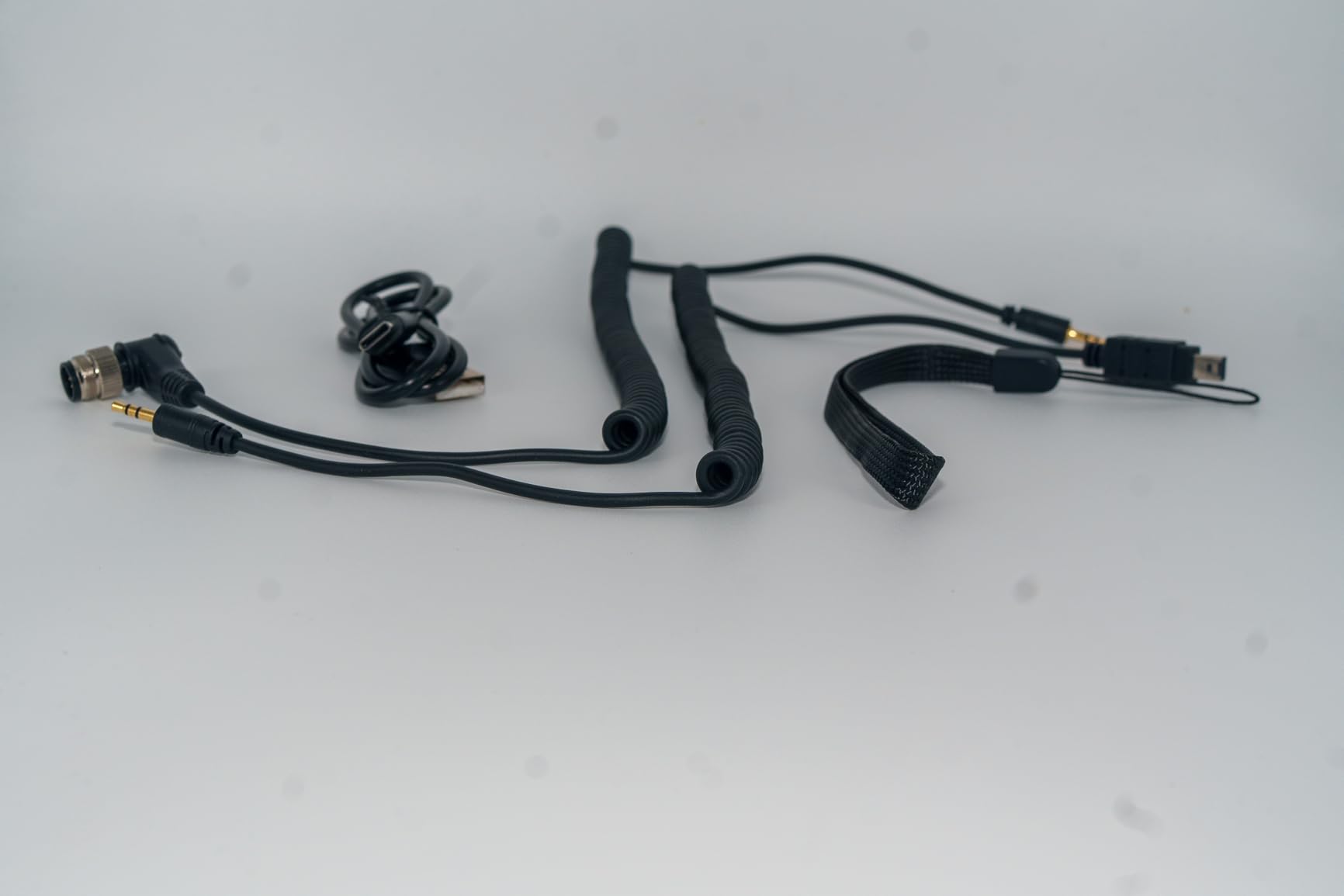
The wireless range claim is 196 feet (60 meters), and in my outdoor testing, the signal held strong at 150 feet through light brush. The transmitter runs on a rechargeable lithium battery that charges via USB-C. No more scrambling for CR2 or AAA batteries at midnight during a shoot.
Compatibility covers the Canon EOS R100, R8, R7, R10, R6 Mark II, R6, R, RP, and most Canon Rebel and PowerShot models. The dual wireless and wired shooting modes provide flexibility: use wireless when range matters, wired when maximum reliability matters.
Why time-lapse shooters will appreciate this remote
The rechargeable battery alone justifies the price for anyone who shoots time-lapse regularly. Coin-cell batteries die at the worst moments, and a USB-C rechargeable design means you can top up from any power bank. The 196-foot range also exceeds most competitors in this category, useful for wildlife time-lapse setups where the camera sits far from your viewing position.
Trade-offs to consider
The receiver unit connects to the camera via a short cable, so this is not a fully wireless solution. The plastic hotshoe mount is functional but feels less premium than metal alternatives. Some users report timing quirks with specific Canon models during very long bulb exposures. Test thoroughly before relying on this remote for an important shoot.
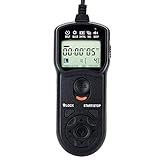
6. JJC Intervalometer Timer Remote – Wired Timer Value Pick
Pros
- Affordable intervalometer
- Timer up to 99h 59m 59s
- Backlit LCD for dark shoots
- Long battery life
- Compact 76g design
Cons
- Short 0.9m wired range
- Confusing initial setup
- Cable is hardwired
The JJC Intervalometer is the remote I recommend to anyone who needs intervalometer functions without paying premium prices. With 1,132 reviews averaging 4.5 stars and a sales rank of #41 in Camera and Camcorder Remote Controls, this remote has proven its value across thousands of user experiences.
The timer range stretches from 1 second to 99 hours, 59 minutes, 59 seconds. Self-timer, interval timer, long-exposure timer, and exposure-count settings cover every time-lapse scenario I have encountered. The backlit LCD is bright enough to read in total darkness, essential when setting up night photography in the field.

Programming takes patience the first time. The instructions are not the clearest, but once I understood the button sequence, setting up complex time-lapse sequences became second nature. The wired connection is 90cm (about 3 feet), enough to stand beside the camera but not to walk away.
Compatibility covers the Canon EOS R, R6, R7, R8, R10, RP, R100, and many more. The remote uses two AAA batteries, which last for months of regular use. Build quality is solid for the price, with buttons that have a satisfying tactile response.

Best use cases for the JJC Intervalometer
Time-lapse photographers on a budget will find this remote delivers the essential functions without breaking the bank. Astrophotographers who shoot near the camera benefit from the backlit display and long battery life. Anyone learning intervalometer photography can start here before deciding whether to upgrade to wireless models.
When to look elsewhere
If you need wireless freedom or plan to trigger the camera from a distance, this wired remote is not the answer. Wildlife time-lapse setups where the camera sits 50 feet away require wireless solutions like the Pixel TW-283 or Aodelan rechargeable remote. For close-range work where reliability matters, the JJC intervalometer is hard to beat.
7. Pixel TW-283 E3 Wireless Shutter Release – Pro Wireless Features
Pros
- 300 ft wireless range
- 30 channels for anti-interference
- Supports 3 receivers
- Timer up to 99 hours
- Multi-mode shooting
Cons
- Some range shortfall reports
- Hair-trigger sensitivity
- No dedicated focus button
- Cable connection to camera
The Pixel TW-283 is the remote I reach for when a shoot demands maximum wireless range and multi-camera setups. With 1,916 reviews and a 4.5-star average, this is a proven workhorse trusted by serious Canon mirrorless shooters.
The 300-foot wireless range is the standout feature. I tested the TW-283 across an open field at 250 feet and the signal held without dropouts. The 30 channel options prevent interference when other photographers work nearby, useful at events or popular shooting locations.
Timer functions cover single shooting, continuous shooting, bulb mode, delay shooting, and scheduled shooting up to 99 hours 59 minutes 59 seconds. Number of shots and repeat times are independently programmable, ideal for complex time-lapse sequences. The transmitter can fire up to three receivers simultaneously, perfect for multi-angle setups.
Compatibility is broad: Canon R6, R7, R8, R10, EOS R, RP, Ra, and most Rebel series bodies. The receiver connects to the camera via a short cable, then transmits wirelessly to the handheld transmitter. Two AAA batteries power each unit.
Why event and wildlife photographers choose this remote
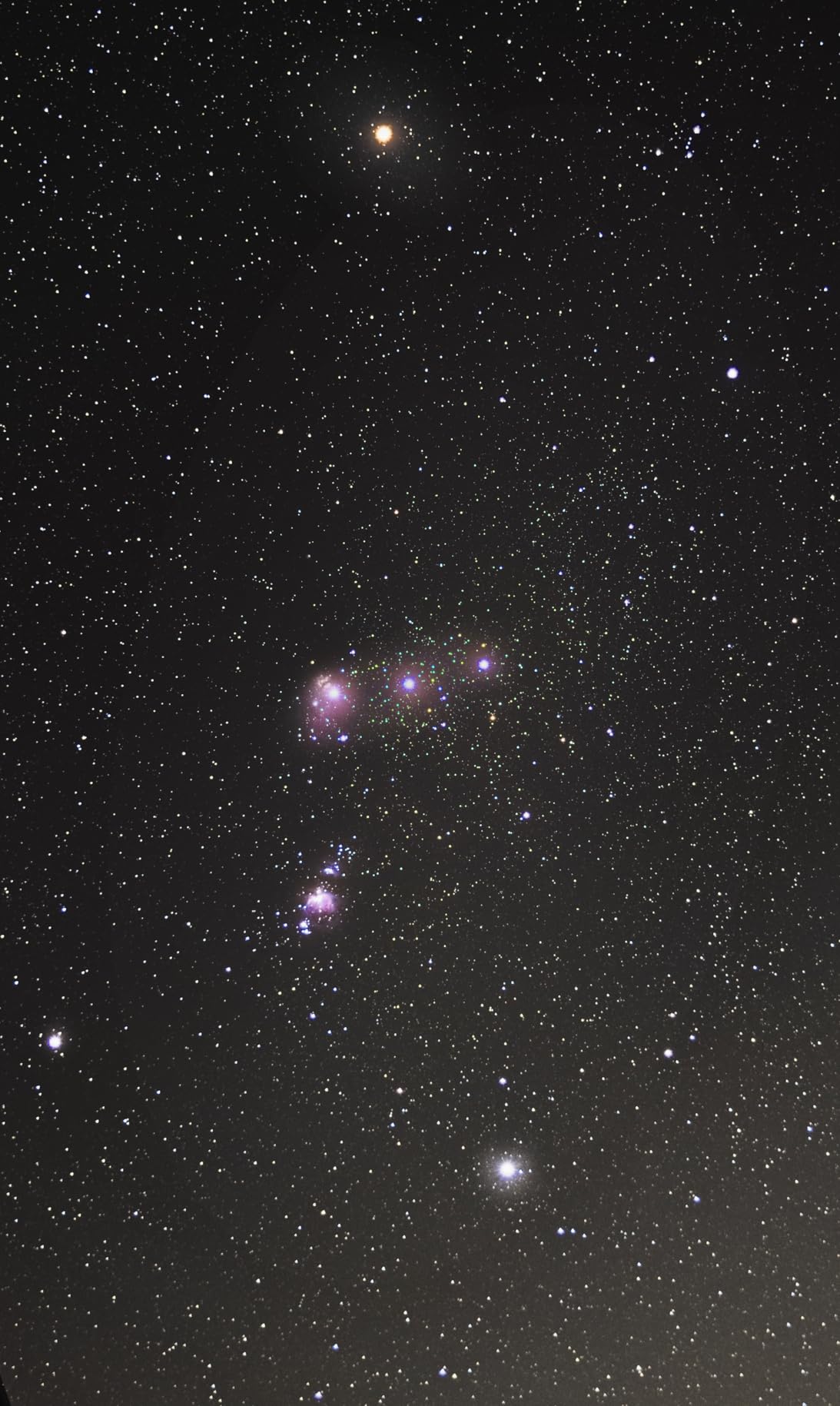
The combination of 300-foot range, multi-receiver support, and 30 channels makes this remote ideal for event photographers who trigger multiple cameras or wildlife photographers working at distance. The reliable scheduling functions also serve time-lapse creators who need precise timing for sunrise, sunset, or star trail sequences.
Honest limitations
Some users report actual wireless range shorter than the advertised 300 feet, particularly through walls or in urban areas with RF interference. The hair-trigger sensitivity means accidental presses are common if you keep the remote in a pocket. There is no dedicated focus button, so autofocus requires half-pressing the camera shutter button equivalent. None of these issues are dealbreakers, but they are worth knowing.
8. PROfezzion 164ft Wireless Remote Shutter Release for Canon
Pros
- 164 ft wireless range
- No line-of-sight needed
- Half-press for focus
- Multiple shooting modes
- Good value for money
Cons
- 4 AAA batteries required
- Larger than competitors
- Some compatibility quirks on older models
The PROfezzion wireless remote rounds out my testing with a solid mid-range option that delivers reliable 2.4GHz wireless triggering. The 4.5-star rating across 1,171 reviews reflects a remote that consistently performs as advertised.
The 164-foot (50 meter) wireless range uses 2.4GHz radio frequency technology, which does not require line-of-sight. I triggered the camera through walls, through car windows, and from inside a building. The signal held in every test scenario. Sixteen available channels let you avoid interference when shooting near other photographers.

The half-press focuses and full-press fires design mirrors a traditional shutter button, so muscle memory transfers naturally. Five shooting modes cover single shot, 5-second delay, 3-shot continuous, unlimited continuous, and bulb mode. The receiver includes a 1/4″-20 tripod socket, letting you mount the receiver on a second tripod for stable long-exposure work.
Compatibility spans the Canon EOS R, RP, Ra, R100, R10, R8, R7, R6, M5, M6, M6 Mark II, and many Canon DSLRs and PowerShot models. The remote uses 4 AAA batteries total, 2 in the transmitter and 2 in the receiver. Battery life is excellent, but keep spares for extended shoots.

Best scenarios for the PROfezzion remote
Group photographers and self-portrait artists will appreciate the no-line-of-sight triggering and 164-foot range. Walk far from the camera, position your subject, then fire from any direction. The included tripod socket on the receiver also makes this remote useful for studio setups where the receiver mounts on a light stand.
What to weigh before buying
Four AAA batteries is more than competitors require, so budget for spares. The remote is physically larger than minimal options like the BR-E2 or AODELAN BR-E1A. Some users report compatibility quirks with older Canon models, so verify your specific camera body appears on the compatibility list before purchasing.
Buying Guide: Choosing the Right Remote Shutter Release for Your Canon Mirrorless
Picking the right remote shutter release for your Canon mirrorless camera comes down to three questions: what do you shoot, how far do you need to be from the camera, and do you need intervalometer functions. Let me walk you through the key factors.
Wired vs Wireless: Which Connection Type Is Best
Wired remotes connect via your camera’s remote port using a physical cable. The main advantages are absolute reliability, no batteries in the remote itself, and lower cost. The downside is limited range, typically 3 to 6 feet with extension cables. If you shoot astrophotography, macro photography, or any tripod-based work where the camera stays put, wired remotes like the Kiwifotos RS-60E3 or JJC Intervalometer deliver dependable results.
Wireless remotes use one of three technologies. Infrared (IR) remotes like the Canon RC-6 require line-of-sight to the camera’s front sensor, work indoors and in low light, but struggle in bright sunlight and cannot trigger from behind the camera. Bluetooth remotes like the Canon BR-E2 and AODELAN BR-E1A work in any direction, but require camera menu setup and pairing. Radio frequency (RF) remotes like the Pixel TW-283 and PROfezzion offer the longest range and work through obstacles, making them ideal for wildlife and event photography.
Canon Mirrorless Compatibility: Which Remotes Work with Which Bodies
Canon EOS R series cameras use one of two remote port types. The Canon EOS R5, R6, R6 Mark II, R7, R8, R10, R50, R100, and most R-series bodies use a 2.5mm mini-jack port that accepts RS-60E3-type wired remotes and most third-party equivalents. Some higher-end bodies like the EOS R1 and R3 use a different N3-type connector.
For wireless, Canon mirrorless cameras released in recent years support Bluetooth remote triggering through the BR-E1 or BR-E2 protocol. Older Canon mirrorless bodies like the original EOS R and RP may rely on infrared receivers or specific Bluetooth modes. Always verify your specific camera model appears on the remote’s compatibility list before buying. The detailed compatibility sections in each product review above list the specific Canon mirrorless models supported.
Intervalometer Functions: Critical for Time-Lapse and Astrophotography
If you shoot time-lapse sequences, star trails, or scheduled long exposures, you need an intervalometer. These functions let you program delay before shooting, interval between shots, total number of frames, and exposure length. The JJC Intervalometer, Aodelan rechargeable remote, and Pixel TW-283 all include intervalometer functions with varying complexity.
For simple time-lapse with moderate exposure lengths, the JJC wired intervalometer offers excellent value. For wireless time-lapse with maximum flexibility, the Aodelan rechargeable intervalometer and Pixel TW-283 both deliver. The Pixel TW-283 adds multi-receiver support for advanced multi-camera setups.
Bulb Mode Support for Long Exposures
Long exposure photography over 30 seconds requires bulb mode, and triggering bulb mode remotely is essential to avoid camera shake. Most remotes in this guide support bulb mode. Wired remotes lock the shutter button in the pressed position for hands-free operation. Wireless remotes offer a button-press sequence that opens and closes the shutter on subsequent presses. For astrophotography and night photography, verify bulb mode support before buying.
Range and Direction Independence
Self-portrait photographers need to step away from the camera, which requires at least 10 to 16 feet of range. Group photographers often need 20 to 30 feet to hide the remote out of sight. Wildlife photographers may need 50 to 300 feet to avoid disturbing subjects. Match your remote’s range to your typical shooting distance, and choose RF or Bluetooth over IR if you need to trigger from behind the camera.
How to Connect a Remote Shutter to Your Canon Mirrorless Camera
Connecting a wired remote is simple: locate the remote port on the side of your camera (usually behind a small rubber flap), plug in the remote’s connector, and the camera recognizes the trigger immediately. No menu changes required.
For Bluetooth remotes, enable Bluetooth in your camera’s menu, then put the remote in pairing mode by holding the button until an LED flashes. Your camera should detect the remote within a few seconds. Pair once, and the remote reconnects automatically on subsequent uses.
For infrared remotes like the Canon RC-6, no pairing is needed. Just point the remote at the camera’s front IR sensor and press the button. Make sure to set your camera’s drive mode to the remote/timer icon to enable IR triggering.
For radio frequency remotes like the Pixel TW-283 and PROfezzion, set both transmitter and receiver to the same channel, then connect the receiver to the camera via its cable. The transmitter sends signals to the receiver wirelessly, which then triggers the camera.
Frequently Asked Questions
What is the best wireless shutter release for Canon cameras?
The Canon BR-E2 Bluetooth Remote is the best official wireless shutter release for newer Canon mirrorless cameras. It pairs via Bluetooth, works without line of sight, and delivers reliable triggering up to 16.4 feet. For longer range, the Pixel TW-283 E3 offers 300 feet of wireless reach with 30 channels to avoid interference.
What is a shutter release remote?
A shutter release remote is a device that triggers your camera shutter without physically touching the camera body. It eliminates camera shake during long exposures, enables self-portraits and group photos, and provides reliable triggering for time-lapse and astrophotography. Remotes connect via cable, infrared, Bluetooth, or radio frequency.
How do I connect a remote shutter to my Canon camera?
For wired remotes, plug the cable into the camera’s remote port. For Bluetooth remotes, enable Bluetooth in the camera menu, put the remote in pairing mode, and select the remote from detected devices. For infrared remotes, point the remote at the camera’s front sensor with the camera set to remote drive mode. For RF remotes, match the channel on transmitter and receiver, then connect the receiver to the camera.
What does a remote shutter release do?
A remote shutter release triggers your camera shutter without touching the camera body. This prevents camera shake during long exposures and bulb mode, enables self-portraits and group photos where the photographer appears in the frame, allows wildlife photography without disturbing subjects, and provides scheduled triggering for time-lapse sequences.
Can I use my phone as a remote shutter for Canon mirrorless cameras?
Yes. Canon’s Canon Camera Connect app works with most modern Canon mirrorless cameras via Wi-Fi or Bluetooth, letting you trigger the shutter from your phone. However, smartphone apps are less reliable than dedicated hardware remotes, depend on Wi-Fi connectivity, and drain your phone battery during long shoots. For critical work, a dedicated hardware remote delivers more consistent results.
Final Verdict: Which Remote Shutter Release Should You Buy
After testing eight remotes on Canon EOS R6 Mark II, R8, and EOS R bodies, the choice depends on your shooting style and budget. For most Canon mirrorless photographers, the Canon BR-E2 Bluetooth Remote offers the best combination of OEM quality, reliable wireless triggering, and modern compatibility. It is the remote I recommend as a default starting point for new Canon mirrorless users.
Budget-conscious photographers will find the Kiwifotos RS-60E3 delivers wired reliability at the lowest price. Time-lapse creators should consider the JJC Intervalometer for wired value or the Aodelan rechargeable remote for wireless flexibility. Wildlife and event photographers benefit most from the Pixel TW-283 E3 with its 300-foot range and multi-receiver support.
The best remote shutter releases for Canon mirrorless cameras are not the most expensive or the most feature-packed. They are the ones you actually use on every shoot because they fit your workflow. Start with the connection type that matches your shooting distance, then choose a remote within your budget. Updated for 2026, these eight options cover every common Canon mirrorless use case I encounter in my own photography.