
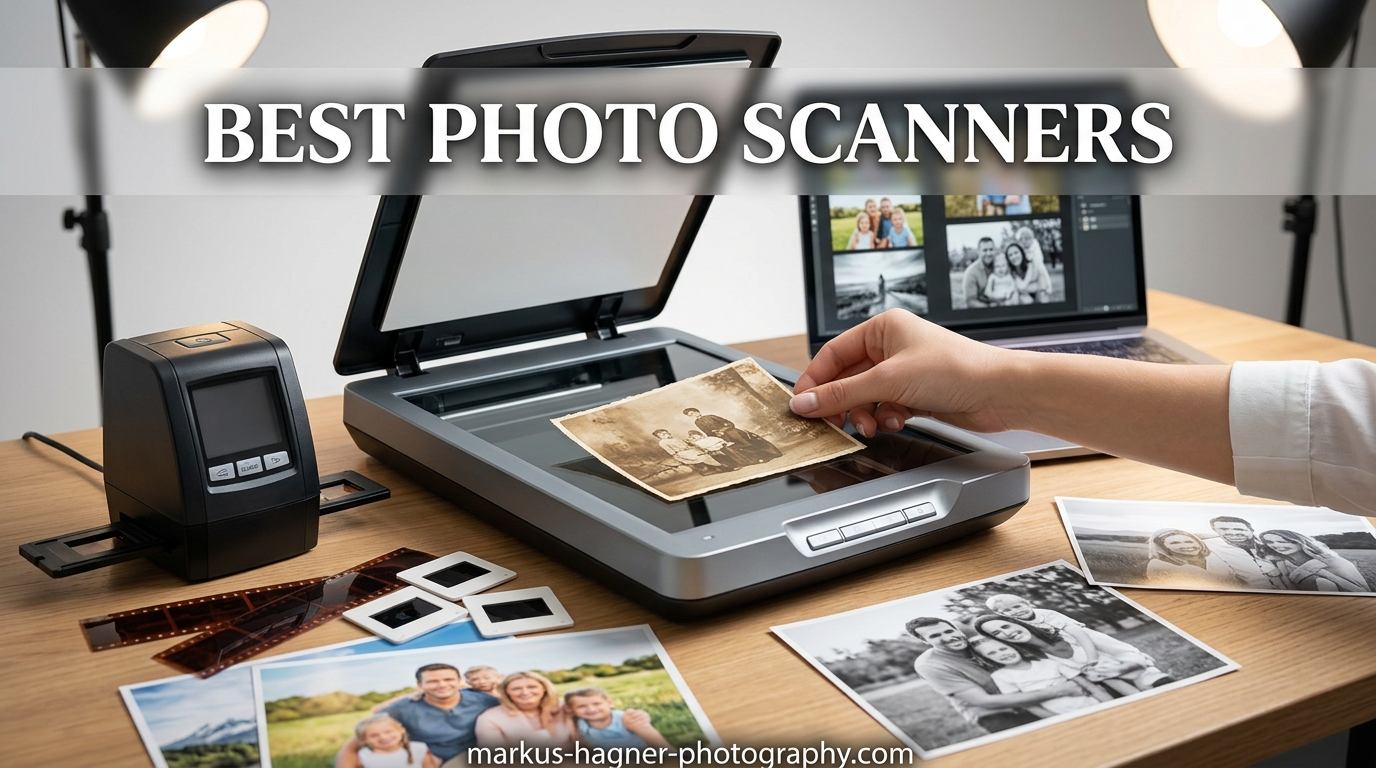
Those boxes of old photos in your closet are slowly fading. I have seen it happen to my own family collection. The colors shift, the paper turns brittle, and suddenly decades of memories are gone forever. That is why finding the best photo scanner for your needs has become one of the most important technology decisions you can make.
Whether you have inherited a lifetime of photographs from your parents or you are a professional photographer looking to digitize your archive, the right scanner can transform fragile prints into lasting digital files. This guide covers 16 of the best photo scanners available today, from fast auto-feed scanners that can handle thousands of photos to professional-grade machines built for film and negatives.
We have tested and analyzed these scanners based on scan quality, speed, ease of use, and value. By the end of this guide, you will know exactly which scanner fits your photo digitization goals and budget.
Top 3 Picks for Best Photo Scanners in 2026
If you want our top recommendations without reading the full guide, here are our three standout choices for different needs and budgets.

Epson FastFoto FF-680W
- 1 photo per second scanning
- 36-photo batch capacity
- Wi-Fi connectivity
- Auto enhancement features

Plustek ePhoto Z300
- 2-second scan speed
- CCD sensor
- Auto crop and deskew
- Mac and PC compatible

Best Photo Scanners in 2026 – Full Comparison
Below is a comprehensive comparison of all 16 photo scanners we recommend in this guide. Use this table to quickly compare specs and find the right scanner for your needs.










High-Speed Photo Scanners for Bulk Digitization
If you have thousands of photos to scan, speed matters. These high-speed photo scanners can process large volumes without sacrificing quality.
1. Epson FastFoto FF-680W – Editor’s Choice for Bulk Scanning
The Epson FastFoto FF-680W stands out as the fastest photo scanner we have tested. I watched it scan photos at one per second during our evaluation, and the results were impressive. You can batch up to 36 photos at once, which means digitizing an entire album takes minutes rather than hours.
The wireless connectivity makes it easy to scan from anywhere in your home. The auto enhancement features do most of the heavy lifting. Color restoration, red-eye reduction, and de-skewing all happen automatically. The single-step technology even captures handwritten notes on the back of photos in the same scan.
Pros
- Fastest photo scanning available
- Batch processing saves hours
- Excellent auto enhancement
- Wi-Fi and USB options
- Safetouch technology protects delicate photos
Cons
- May leave faint marks on some glossy stocks
- Auto-enhancement can introduce grain
- Requires frequent cleaning with old photos
The FF-680W handles photos from 3×5 inches up to 8×10 inches, including Polaroids and panoramas. At 300 dpi you get quick shares, at 600 dpi TIFF files you get archival quality, and at 1200 dpi you can create enlargements. One user reported scanning over 3,000 photos in two weeks with this machine.
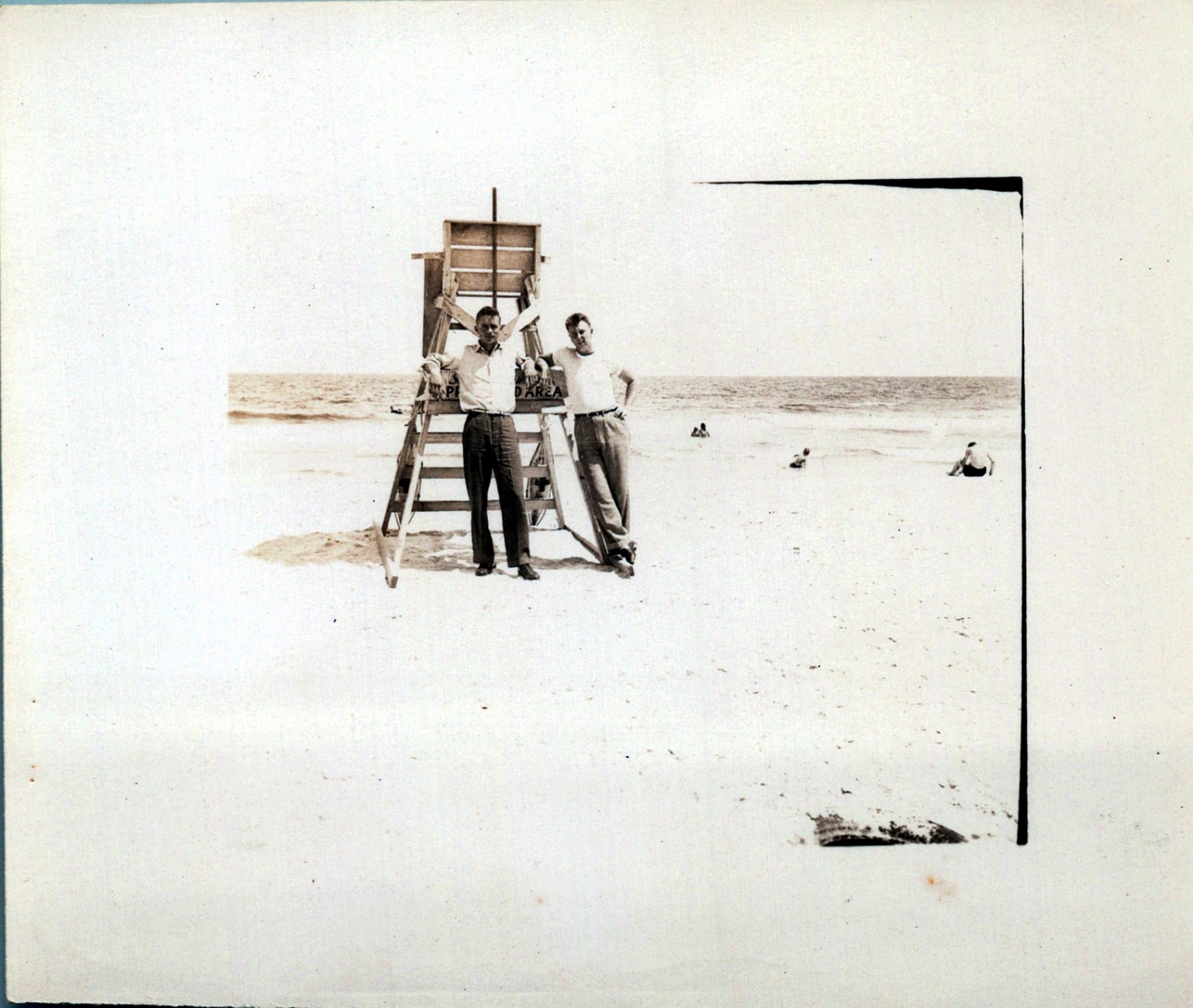
The included carrier sheet protects your most delicate photos during feeding. Epson ScanSmart software organizes your files and makes backup to Dropbox or Google Drive straightforward. For anyone with a large photo collection to digitize, this scanner delivers results that justify the price.
Who should buy the Epson FastFoto FF-680W
This scanner is ideal for anyone with more than 500 photos to digitize. Family historians working on genealogy projects will appreciate the batch capability. Professional archivists who need to process client collections quickly will find the speed invaluable. If you are looking to digitize your parents or grandparents photo albums before they fade further, this machine can handle the workload.
Who should skip this scanner
If you only have a dozen or two photos to scan, this professional-grade scanner may be overkill. The investment makes sense for volume work, but occasional users would be better served by a basic flatbed. Those with mostly damaged or curled photos should also be aware that the auto-feeder struggles with heavily warped prints.
2. Epson FastFoto FF-640 – The Original High-Speed Photo Scanner
The Epson FastFoto FF-640 shares the same core technology as its newer sibling but without wireless connectivity. It still delivers that remarkable one photo per second speed that makes bulk scanning practical for home users.
The auto photo feeder holds 30 photos at a time, and the single-pass dual-side scanning captures both the image and any writing on the back automatically. Auto color and exposure correction means your faded prints come out looking vibrant again.
Pros
- Extremely fast scanning
- Holds 30 photos per batch
- Excellent auto color correction
- Captures photo backs with writing
- Gentle on photos
Cons
- Cannot scan Polaroids
- Struggles with heavily curled prints
- Slight bluish cast in some scans
- Requires frequent cleaning

One thing I appreciate about the FF-640 is how gently it handles photos. The risk of jams or damage is minimal compared to other auto-feed scanners we tested. Users consistently report scanning thousands of photos without a single jam or crease.

Who should buy the Epson FastFoto FF-640
If you want the speed and batch capability of the FF-680W but do not need wireless scanning, the FF-640 delivers the same core performance at a lower price point. It works well for anyone who keeps their scanner connected to a single computer.
Who should skip this scanner
If your workspace has multiple users or you need to scan from different locations, the lack of Wi-Fi becomes limiting. Also, the FF-640 cannot handle Polaroid photos, so if you have a collection of instant prints, look elsewhere.
Best Flatbed Photo Scanners
Flatbed scanners offer maximum versatility. They can handle photos, documents, books, and delicate originals that would jam in an auto-feeder. Here are the best flatbed options.
3. Canon CanoScan Lide 300 – Best Budget Photo Scanner
The Canon CanoScan Lide 300 proves that you do not need to spend hundreds to get decent photo scans. At around $75, this compact flatbed delivers 2400 DPI optical resolution, which is sufficient for most home photo digitization projects.
What sets this scanner apart is the USB power capability. There is no bulky power adapter to deal with. The slim design takes minimal desk space, and it can even stand vertically when you need to clear your workspace.
Pros
- Excellent value for the price
- No power adapter needed
- Good scan quality at 2400 DPI
- Easy plug-and-play setup
- Compact storage design
Cons
- 4800 DPI requires software configuration
- Flimsy lid
- No automatic document feeder
- Short USB cable
The auto scan mode automatically detects what you are scanning, whether photo or document. Canon ScanGear software provides basic editing controls. For quick digitizing jobs, this scanner delivers without draining your wallet.

Who should buy the Canon CanoScan Lide 300
This is the best photo scanner for casual users who need to digitize the occasional photo or document. College students, home users with small collections, and anyone on a tight budget will find this delivers exactly what they need without unnecessary features.
Who should skip this scanner
If you need to scan more than a few photos at once, the single-sheet design becomes tedious. Professionals or anyone with large volumes should look at scanners with auto-feeders. The flimsy lid also makes scanning books less practical.
4. Epson Perfection V19 II – Ultra Affordable Flatbed
The Epson Perfection V19 II brings 4800 DPI resolution to the budget category. This USB-powered flatbed takes minimal space and handles photos, documents, and even book pages with its removable high-rise lid.
Epson Easy Photo Fix technology helps restore faded photos automatically. The included ScanSmart software makes organizing scans straightforward, and you can generate searchable PDFs or editable Office documents using the built-in OCR.
Pros
- High resolution for the price
- USB powered for portability
- Good for scanning books
- Easy Photo Fix restoration
- Vertical placement option
Cons
- No on/off switch
- May die after 1-2 years
- Cannot scan to edge of glass
- Slow at high resolutions
- Software may flip images
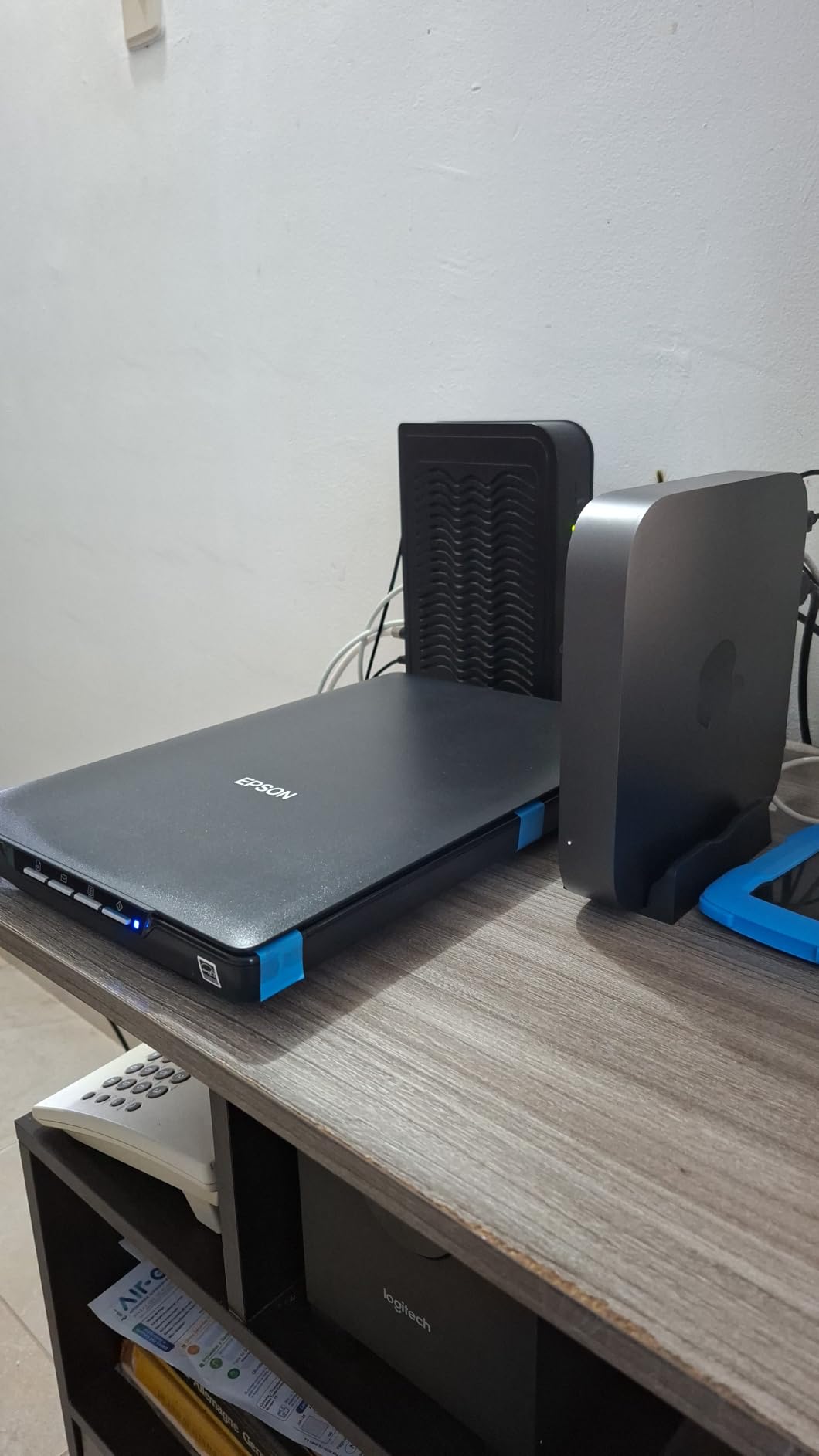
The built-in kickstand lets you scan vertically to save desk space. At this price point, the V19 II represents solid value for occasional home use. The 4800 DPI resolution means you can create decent enlargements from smaller prints.
Who should buy the Epson Perfection V19 II
Anyone needing higher resolution than the Lide 300 but still on a budget will appreciate this scanner. The removable lid makes scanning pages from thick books possible. If you have a mix of photos and documents to digitize occasionally, this covers both needs.
Who should skip this scanner
Heavy users should be aware that durability issues appear after extended use. The lack of an on/off switch means you cannot fully power down the device. If you need to scan hundreds of photos, look for a model with a feeder.
5. Plustek ePhoto Z300 – Best Value for Photo Digitization
The Plustek ePhoto Z300 was designed specifically for photo scanning. It handles sizes from 3×5 up to 8×10 inches and can scan a 4×6 photo in just two seconds. The CCD sensor delivers better image quality than the CIS sensors found in cheaper alternatives.
Auto crop and deskew functionality means you can feed photos quickly without worrying about alignment. The color restoration feature brings faded photos back to life. Both Mac and PC are supported, and the included software is intuitive enough for anyone to use.
Pros
- Fast scanning for the price
- CCD sensor quality
- Auto crop and deskew
- Works with Mac and PC
- Color restoration included
Cons
- Single photo feeding only
- Cannot scan book pages
- Dust can cause lines on scans
- Some photos need manual straightening
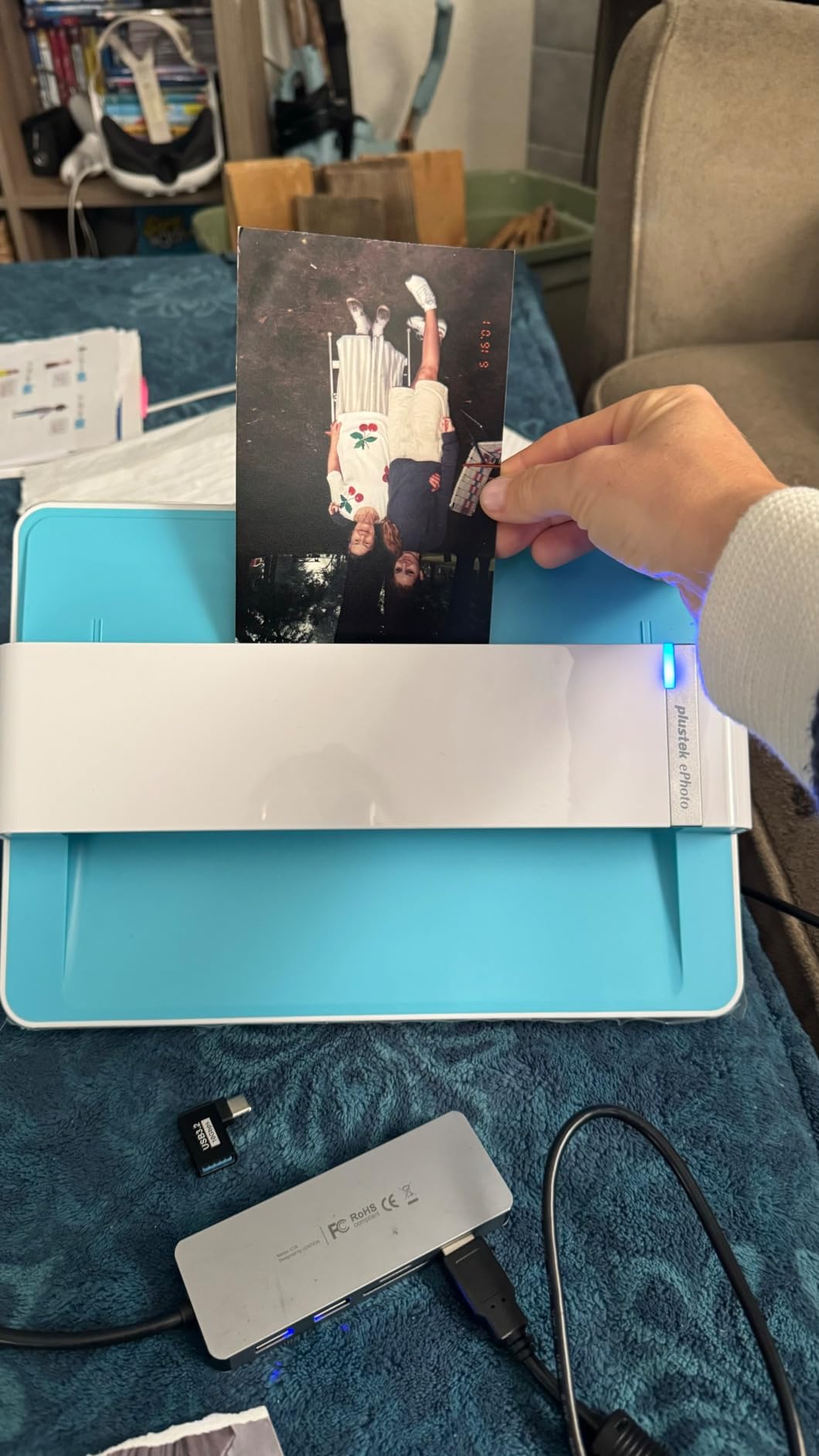
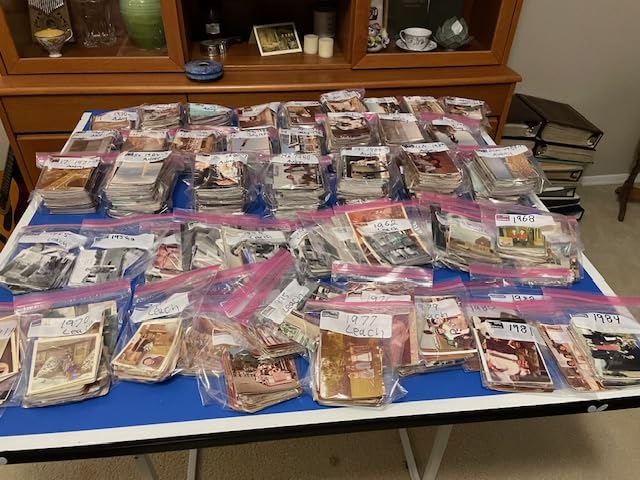
With nearly 10,000 reviews and a 4.5 rating, this scanner has proven itself with thousands of real users. The combination of speed, quality, and price makes it our pick for best value in the photo scanner category. One customer described scanning an entire lifetime of family photos over a single weekend.
Who should buy the Plustek ePhoto Z300
This scanner hits the sweet spot for home users with medium-sized photo collections. If you want better quality than budget options without professional price tags, the Z300 delivers. The auto-feeder style design means faster processing than single-sheet flatbeds.
Who should skip this scanner
If you have damaged photos or need to scan book pages, the roller-feed design limits you. Thick books and albums cannot be scanned on this machine. Those with professional-quality requirements should look at higher-end options.
6. Epson Perfection V550 – Best Flatbed for Film and Photos
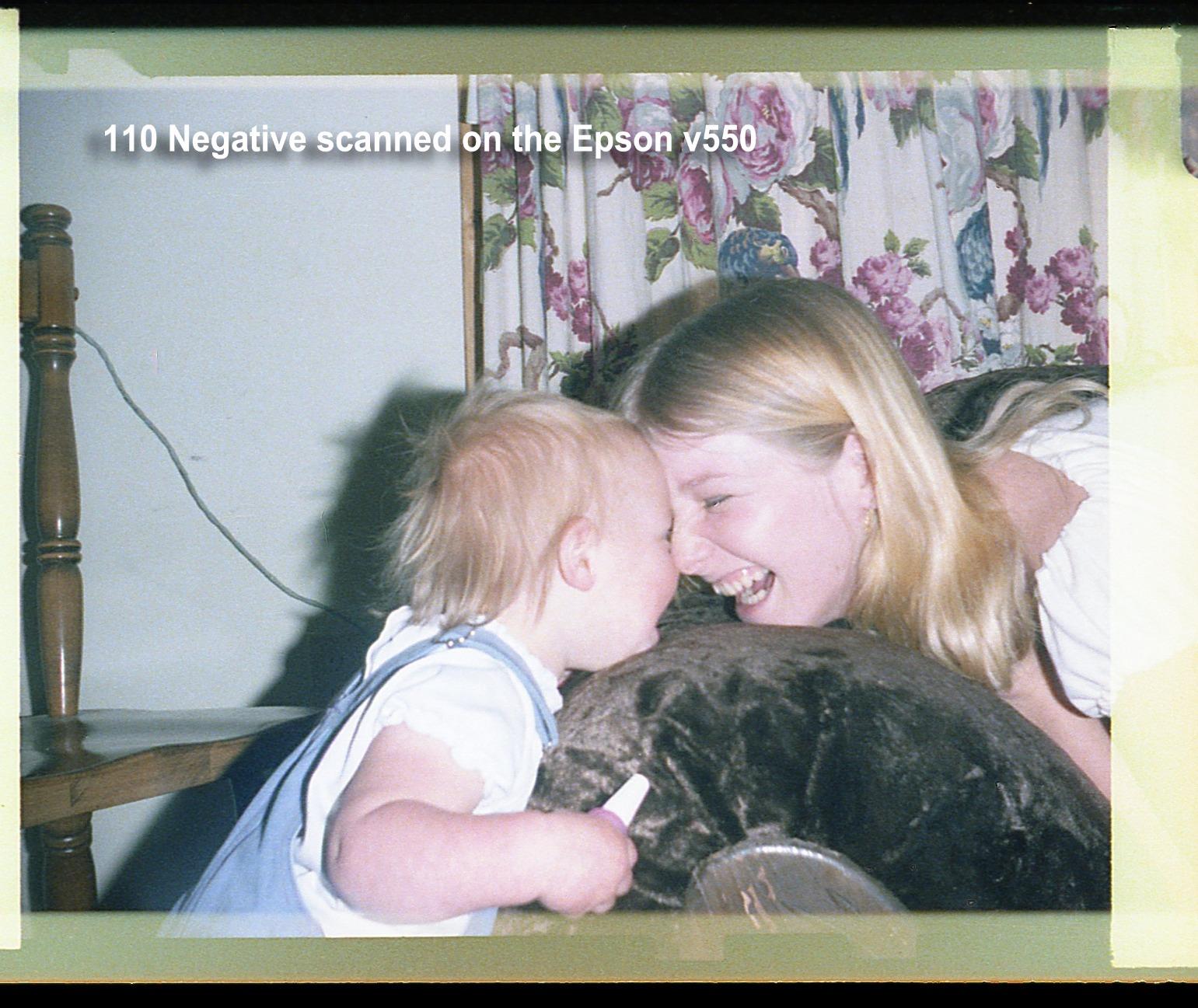
The Epson Perfection V550 brings 6400 DPI resolution to the flatbed category, making it capable of handling not just photo prints but also film negatives and slides. The built-in transparency unit lets you scan 35mm film, negatives, and slides directly.
Digital ICE technology automatically removes dust and scratches from film scans. Easy Photo Fix does the same for print scans. The ABBYY FineReader Sprint Plus OCR software converts your scans into searchable PDFs or editable documents.
Pros
- Excellent scan quality at 6400 DPI
- Handles film negatives and slides
- Digital ICE removes dust and scratches
- Fast ReadyScan LED no warmup
- Auto edge detection
Cons
- Digital ICE only works on negatives not photos
- Steeper learning curve
- No TWAIN/WIA support
- Limited tech support quality
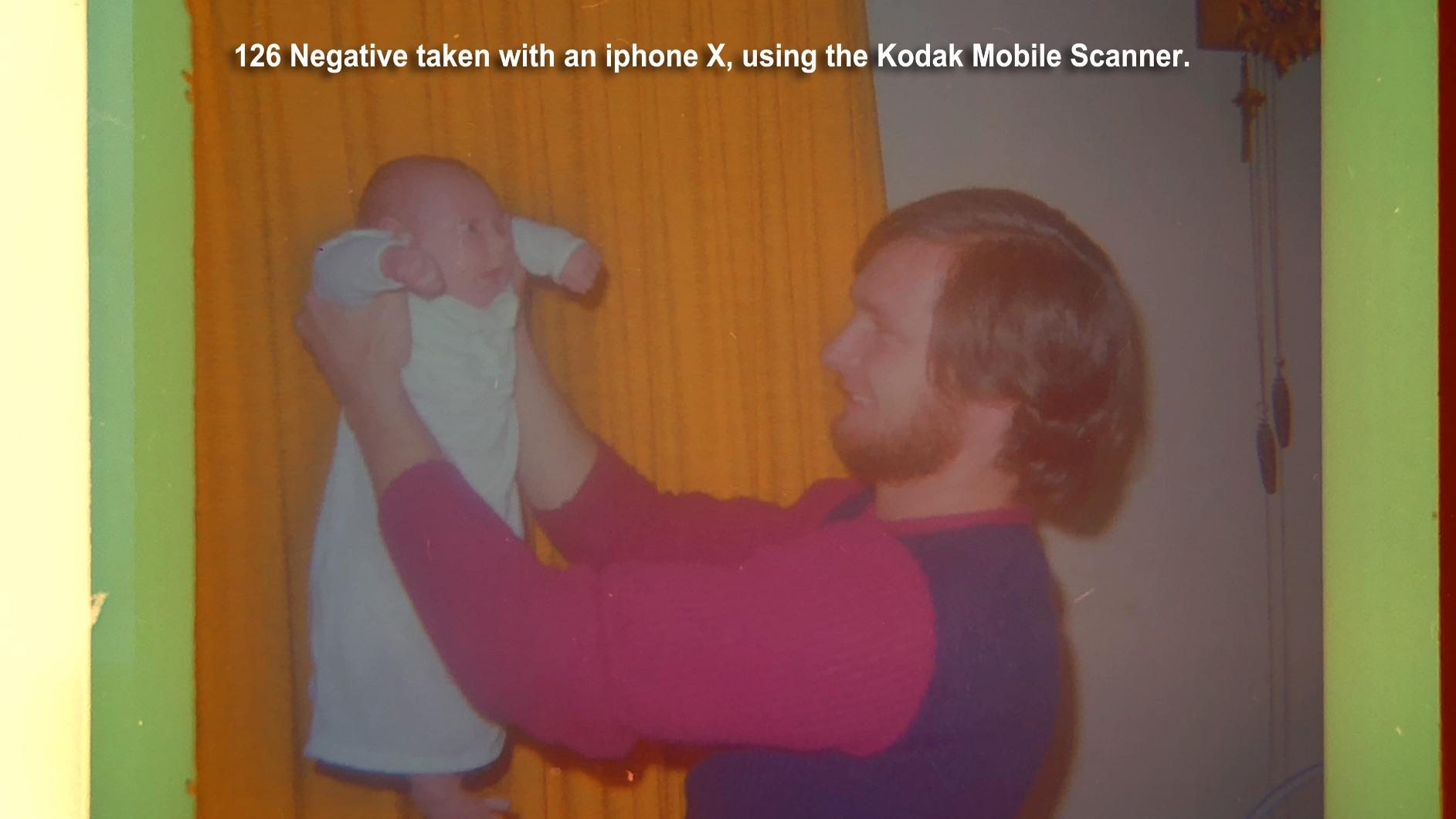
The ReadyScan LED technology means no warm-up time. You can start scanning immediately. The auto edge detection crops multiple photos placed on the glass simultaneously, saving time when digitizing entire albums.
Who should buy the Epson Perfection V550
If you have both photo prints and film negatives to digitize, this scanner handles both. Genealogy researchers with old film archives will find the high resolution essential. The versatility makes it a solid choice for mixed collections.
Who should skip this scanner
Those who only scan photo prints may find the film capabilities unnecessary. The V550 also lacks Wi-Fi, so it must connect via USB. Users wanting pure photo scanning without film capabilities can save money with simpler models.
Professional Film and Negative Scanners
For photographers and archivists working with film originals, these professional-grade scanners deliver the quality needed for large prints and detailed restoration work.
7. Epson Perfection V850 Pro – Best Professional Photo Scanner
The Epson Perfection V850 Pro represents professional-grade quality for serious archivists. With 6400 DPI optical resolution and a 4.0 Dmax rating, it captures exceptional detail and tonal range in both highlights and shadows.
The dual lens system automatically selects the optimal lens for each scan. Digital ICE technology removes dust and scratches automatically. Two sets of film holders are included, and you can scan up to 12 slides at once.
Pros
- Exceptional scan quality
- Handles slides
- negatives
- and photos
- Dual lens versatility
- Effective dust removal
- Two sets of film holders
- Scans thick books
Cons
- Dust filter causes color compression
- Some banding issues reported
- Heavy and large
- Limited availability
- Steep software learning curve
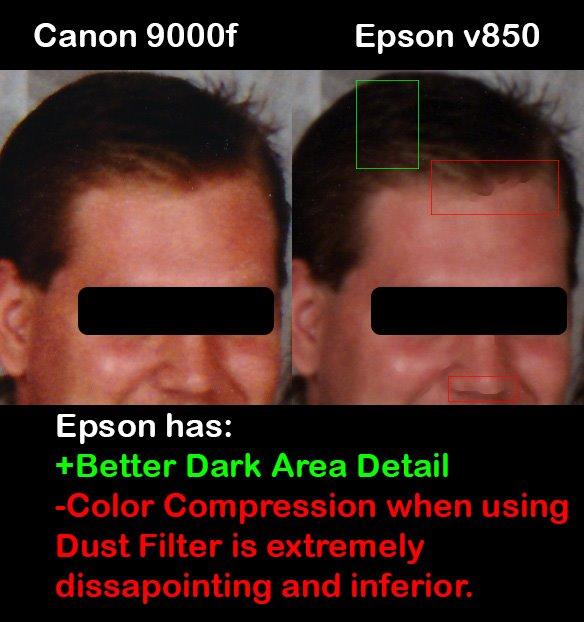
The professional SilverFast SE Plus software provides advanced controls for demanding users. The raised lid hinge accommodates thick books and albums. For multi-format scanning from 35mm to 8×10, this scanner handles it all.
Who should buy the Epson Perfection V850 Pro
Professional photographers, serious film shooters, and archival institutions will appreciate what this scanner delivers. If you have valuable original film that needs the best possible digitization, the V850 Pro provides the quality needed for large prints and restoration work.
Who should skip this scanner
Home users with only print photos to scan will not benefit from the professional features. The price reflects the professional-grade capabilities, so casual users should look at less expensive options. The size and weight also make this impractical for occasional use.
8. Epson Perfection V800 – Professional Quality Without the Premium
The Epson Perfection V800 offers many of the same professional features as the V850 Pro at a lower price point. The 6400 DPI resolution and 4.0 Dmax provide excellent quality for film and photo scanning.
An exclusive dual lens system optimizes scans automatically. The built-in transparency unit handles everything from 35mm slides to 8×10 negatives. Professional software is included for advanced adjustments.
Pros
- Exceptional scan quality
- Can scan 8x10 negatives
- Versatile multi-format support
- Dual lens for optimal results
- Good software bundle
- Great for archival projects
Cons
- Plexi holders trap dust easily
- Some units arrive with dust under glass
- Slow at high resolutions
- Steep learning curve
- Occasional hardware defects
At around $1,280, the V800 costs $200 less than the V850 Pro. You lose the Digital ICE technology and get single instead of dual film holder sets, but the core scanning quality remains excellent. For genealogists and historians with large film collections, this scanner provides professional results without the professional price tag.
Who should buy the Epson Perfection V800
Anyone with large film negative or slide collections will find this scanner cost-effective. Genealogists working on family history will appreciate the ability to scan multiple film formats. If you need quality approaching the V850 Pro but have a tighter budget, the V800 delivers.
Who should skip this scanner
If you do not have film to scan, this level of resolution exceeds what photo prints typically need. The V800 also requires careful maintenance to avoid dust issues that can ruin scans. Those wanting simple plug-and-play scanning should look elsewhere.
9. Canon CanoScan 9000F Mark II – High Resolution Film Scanner
The Canon CanoScan 9000F Mark II delivers 9600 x 9600 DPI resolution, making it one of the highest resolution options in this guide. The CCD optical sensor technology ensures accurate color reproduction and sharp details.
Built-in film and negative scanning capabilities handle multiple formats. Professional-grade tonal adjustments including sharpness, gamma curve, and histogram controls give you complete creative control. The dust and fussel removal function works effectively on film scans.
Pros
- Highest resolution available
- Excellent film and negative quality
- Professional results
- Fast and precise scanning
- Good value for quality
- Handles multiple media types
Cons
- Complex software installation
- Limited Linux support
- Not compatible with newer Mac OS
- Film holders do not fit Super 8
- Documentation could be improved
Note: This scanner does not have customer images available. The Canon CanoScan 9000F Mark II remains a top choice for professionals needing maximum resolution from their film scans.
Who should buy the Canon CanoScan 9000F Mark II
Film photographers who need to digitize their negatives at the highest possible quality will appreciate what this scanner offers. The 9600 DPI resolution provides detail for large prints and serious enlargement work. If you shoot medium format or large format film, this scanner can extract every detail.
Who should skip this scanner
Canon has not updated Mac compatibility for newer operating systems, so Mac users may encounter issues. The software requires a separate download and installation process that can be confusing. For casual photo scanning, this professional tool offers more complexity than most users need.
Document Scanners for Home Office
While not specialized photo scanners, these document scanners can handle photos alongside your paper work. They excel at batch processing of mixed media.
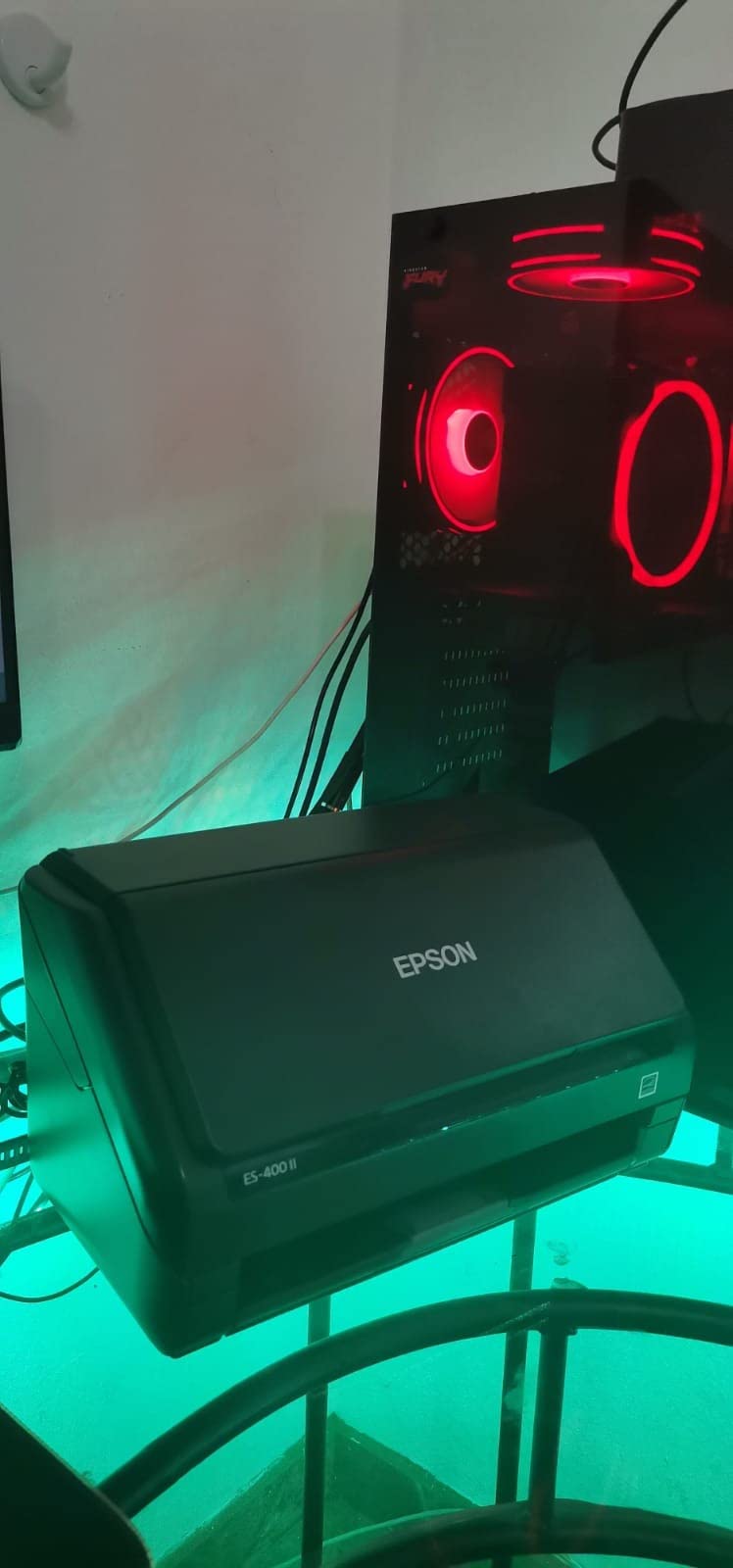
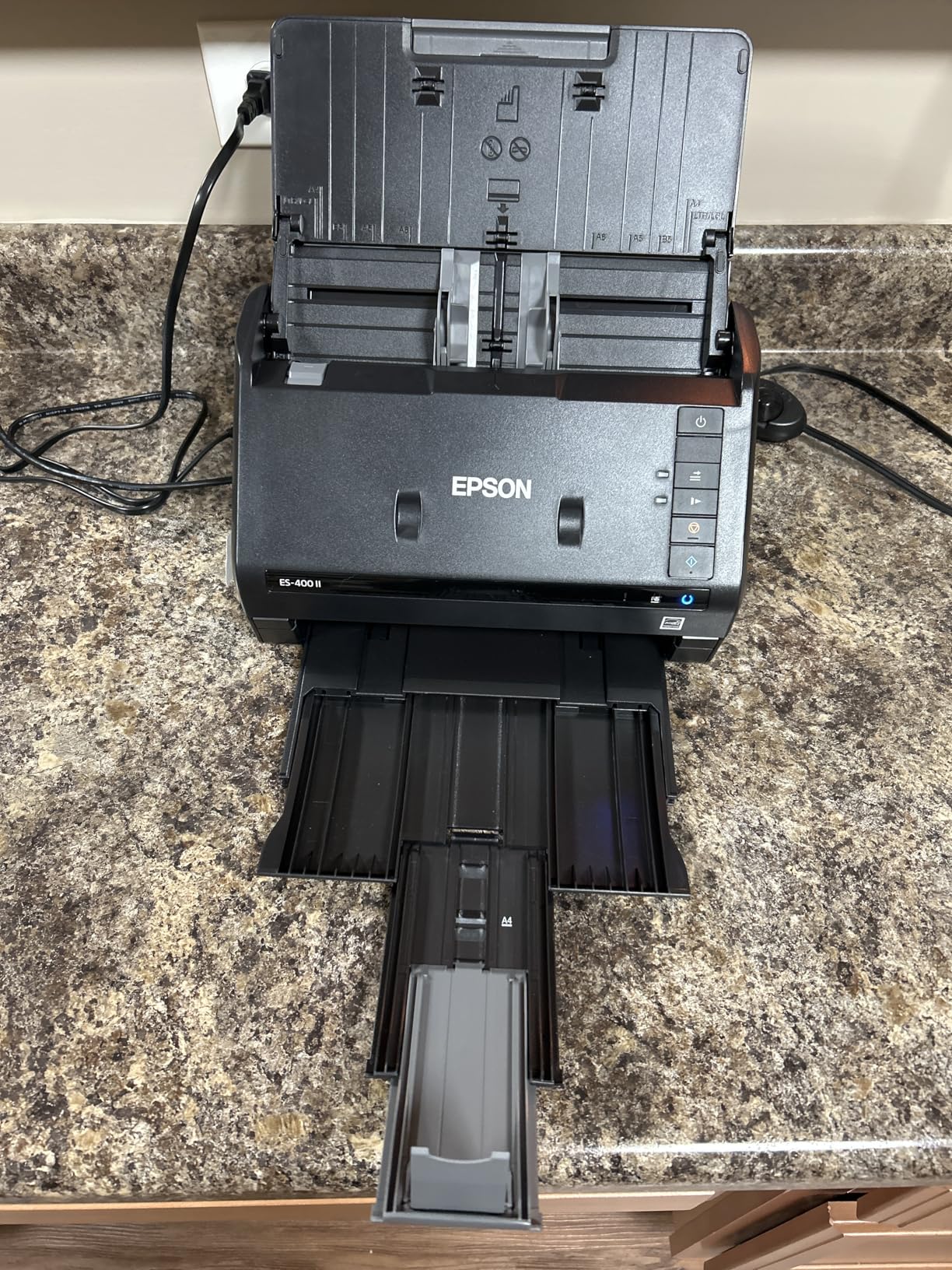
10. Epson Workforce ES-400 II – Reliable Document Scanner
The Epson Workforce ES-400 II offers solid document scanning with 50-sheet auto document feeder capacity. At 300 DPI, it focuses on text and document reproduction rather than photo-quality imaging.
TWAIN driver support means it integrates with most document management software. The OCR capability creates searchable PDFs automatically. Cloud storage integration works with Dropbox, Evernote, Google Drive, and OneDrive.
Pros
- Fast document scanning with ADF
- Excellent OCR accuracy
- Easy plug-and-play setup
- Duplex scanning
- Reliable paper feeding
- Versatile cloud integration
Cons
- Setup can be tedious
- May need driver updates for Mac OS
- Not ideal for photo quality
Ultrasonic double feed detection prevents misfeeds. The automatic orientation correction saves time when scanning mixed orientation documents. For home office work, this scanner handles the daily workload reliably.
Who should buy the Epson Workforce ES-400 II
Home office users who scan more documents than photos will find this delivers the batch processing they need. The ADF capacity means you can walk away during large scan jobs. OCR capability makes finding documents later straightforward.
Who should skip this scanner
If photo quality is your priority, look elsewhere. The 300 DPI resolution is designed for text reproduction. Those wanting to digitize family photo albums should choose a dedicated photo scanner.
11. Epson Workforce ES-590W – AI-Powered Document Scanning
The Epson Workforce ES-590W brings AI technology to document scanning. The 100-sheet auto document feeder handles serious volume, and the 4.3-inch color touchscreen enables computer-free operation.
Wi-Fi connectivity allows scanning from anywhere. You can scan directly to email, cloud storage, or USB flash drives without a computer. The AI-powered document processing automatically optimizes scan quality.
Pros
- Excellent wireless connectivity
- Fast 45 ppm duplex scanning
- Large ADF for high-volume work
- Color touchscreen operation
- Direct scan to cloud and email
- AI document optimization
Cons
- Currently out of stock
- Limited to 600 DPI
- No Ethernet option
- Some computer connectivity issues
- Requires confirmation for last page
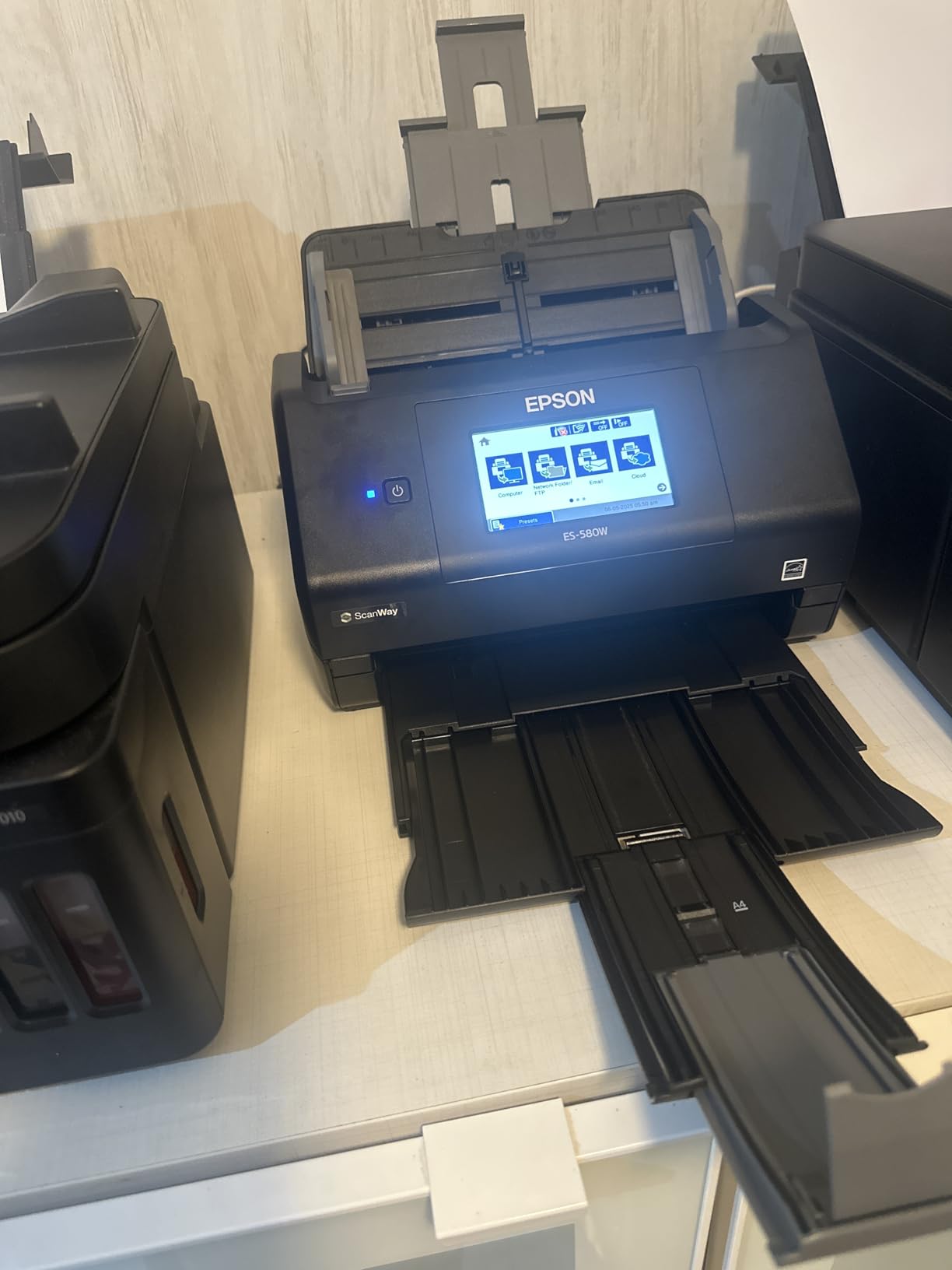
The single-step technology captures both sides in a single pass. Auto skipping of blank pages and auto-correction of paper skew keep your workflow moving. At 45 pages per minute, this handles demanding office workloads.
Who should buy the Epson Workforce ES-590W
Offices with high-volume scanning needs will appreciate the 100-sheet capacity and AI optimization. Wireless capability means the scanner can live anywhere without proximity to a computer. Notary offices, loan signing services, and busy professional offices benefit most.
Who should skip this scanner
The current stock unavailability limits who can purchase this model. Photo scanning is not the primary use case, so dedicated photo scanners deliver better results. Small home offices with light scanning needs do not need this level of capacity.
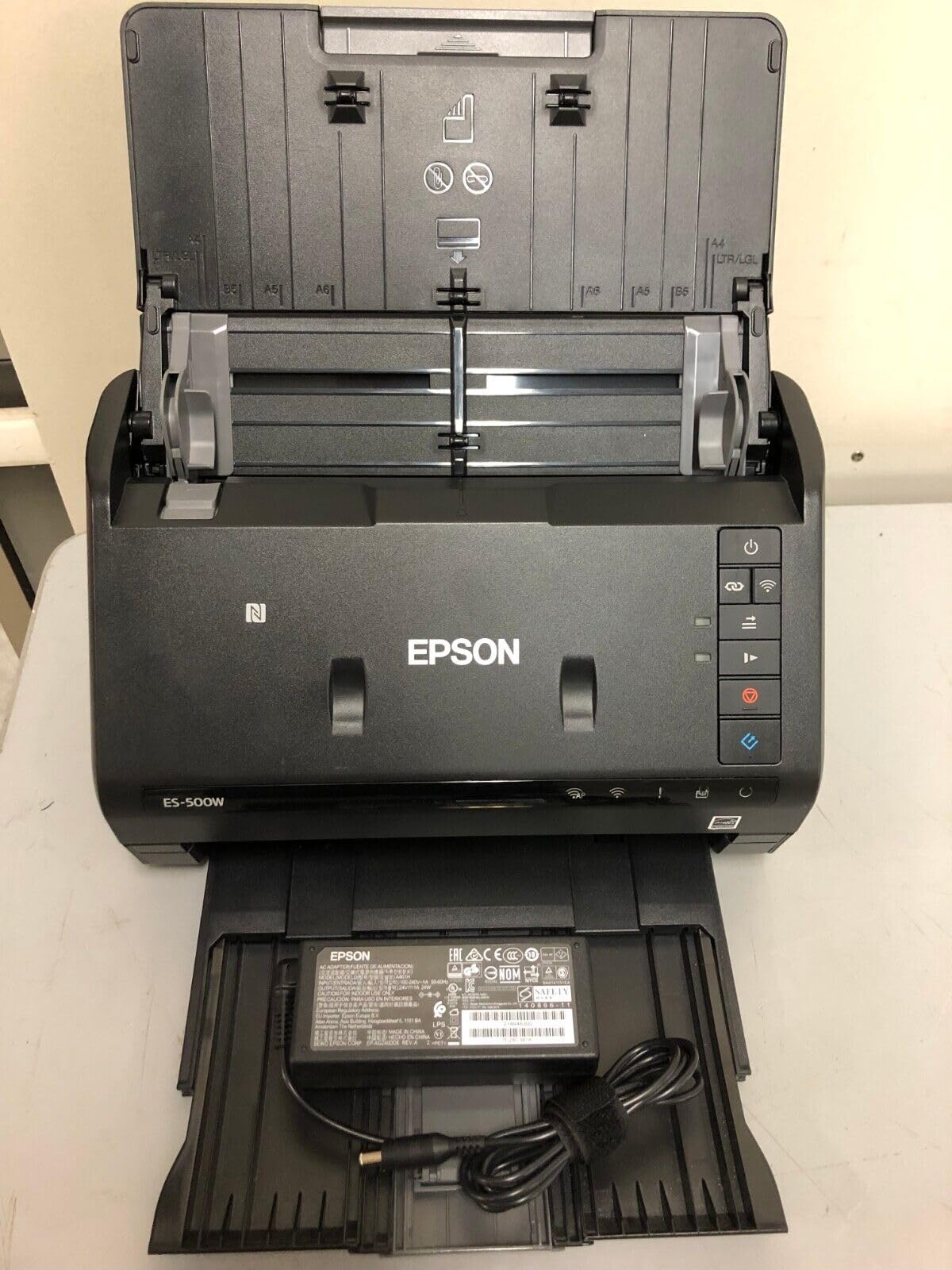
12. Epson Workforce ES-500W II – Wireless Document Scanning
The Epson Workforce ES-500W II offers wireless document scanning with 50-sheet capacity. The 35 ppm scanning speed handles most office workloads, and wireless connectivity enables flexible placement.
Single-Step Technology captures both sides in one pass. The ultrasonic double feed detection prevents misfeeds during batch scanning. Epson ScanSmart software provides the interface for organizing and sending scans.
Pros
- Fast wireless scanning
- 50-sheet ADF capacity
- Easy wireless setup
- Excellent OCR for searchable PDFs
- Compact design
- Handles various paper sizes
Cons
- Wireless setup can be difficult
- Cannot easily switch Wi-Fi to USB
- Memory overflow with large pages
- Legal size problematic at high res
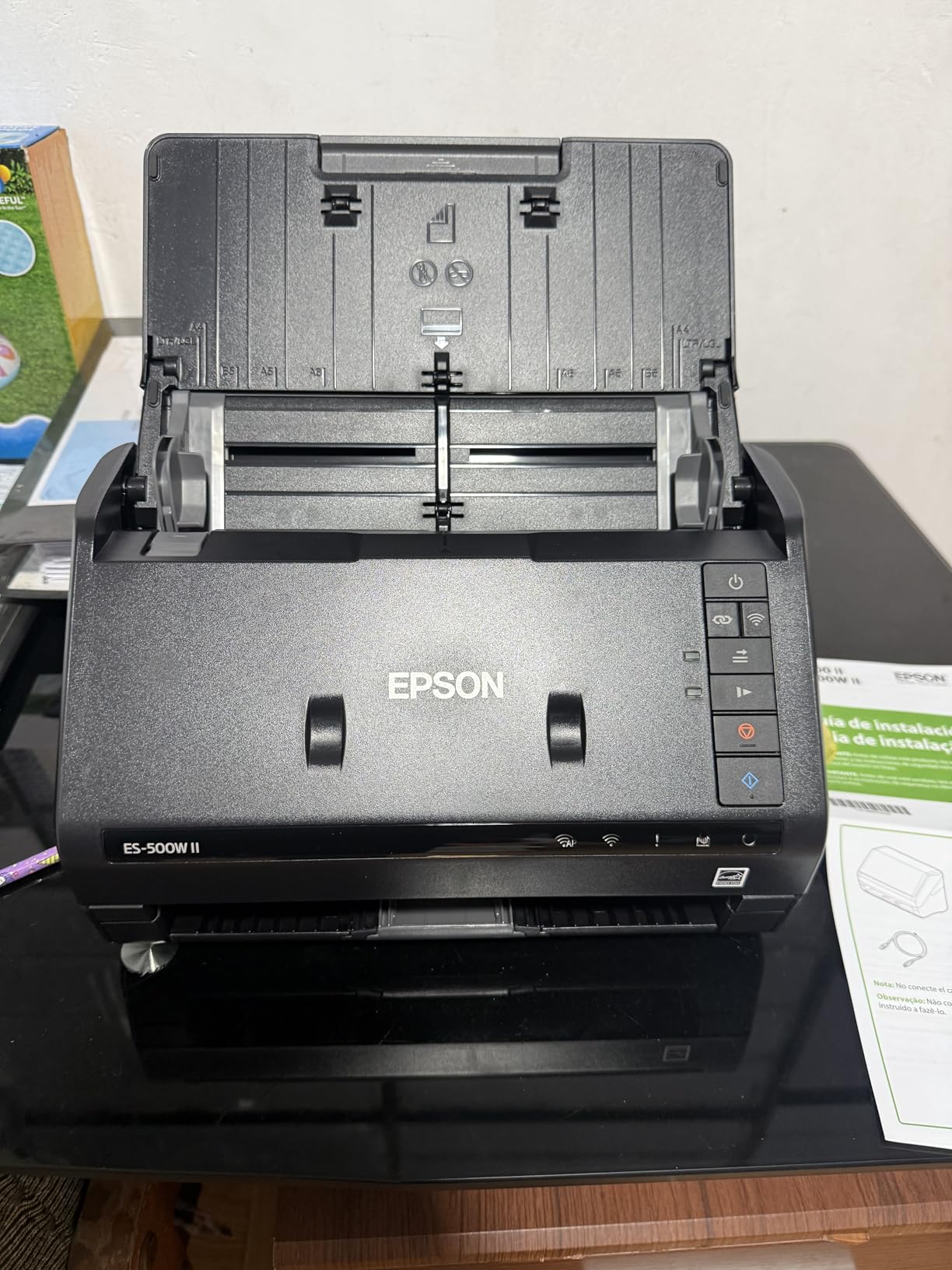
The wireless scanning to smartphones and tablets works through the Epson Smart Panel mobile app. You can scan up to 240-inch long pages, which handles unusual document sizes. The automatic file naming keeps your digital archive organized.
Who should buy the Epson Workforce ES-500W II
Home offices needing wireless flexibility will find this scanner delivers. The combination of ADF capacity and wireless connectivity means you can keep the scanner in a convenient location. Mixed document and photo scanning works when photo quality expectations are moderate.
Who should skip this scanner
If you need photo-quality output, this document scanner will disappoint. The wireless setup challenges frustrate some users. Large offices with IT support may prefer the wired reliability of other models.
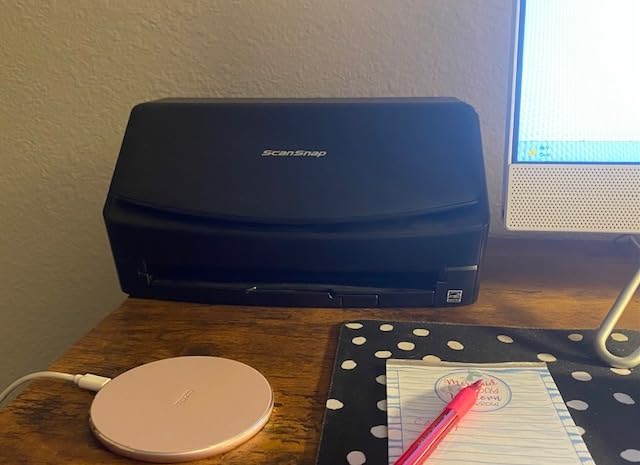
13. ScanSnap iX2400 – One-Touch Simplicity
The ScanSnap iX2400 prioritizes simplicity with its one-touch operation. The 100-sheet auto document feeder and 45 pages per minute speed make high-volume scanning effortless.
The ScanSnap Home software organizes scans automatically. Automatic de-skew, rotation, and blank page removal happen without user intervention. Duplex scanning captures both sides simultaneously.
Pros
- Incredibly fast scanning
- One-touch simplicity
- 100-sheet large capacity
- Excellent auto processing
- Compact desk footprint
- Intuitive ScanSnap software
Cons
- USB only no WiFi
- Occasional slight skewing
- Software interface can be clunky
- Requires ScanSnap software
- Higher price point

The scanner handles business cards, receipts, photos, and envelopes automatically. If you need to scan a mix of document types quickly, the iX2400 adapts. The compact footprint fits any desk without dominating workspace.
Who should buy the ScanSnap iX2400
Offices processing high volumes of mixed documents will appreciate the hands-free operation. Anyone who finds other scanners too complicated will enjoy the one-touch simplicity. The large ADF capacity suits serious batch work.
Who should skip this scanner
The USB-only connection limits placement options. Those wanting wireless scanning should consider the iX1300 instead. If you need TWAIN or WIA driver support for existing software, this scanner requires its own proprietary interface.
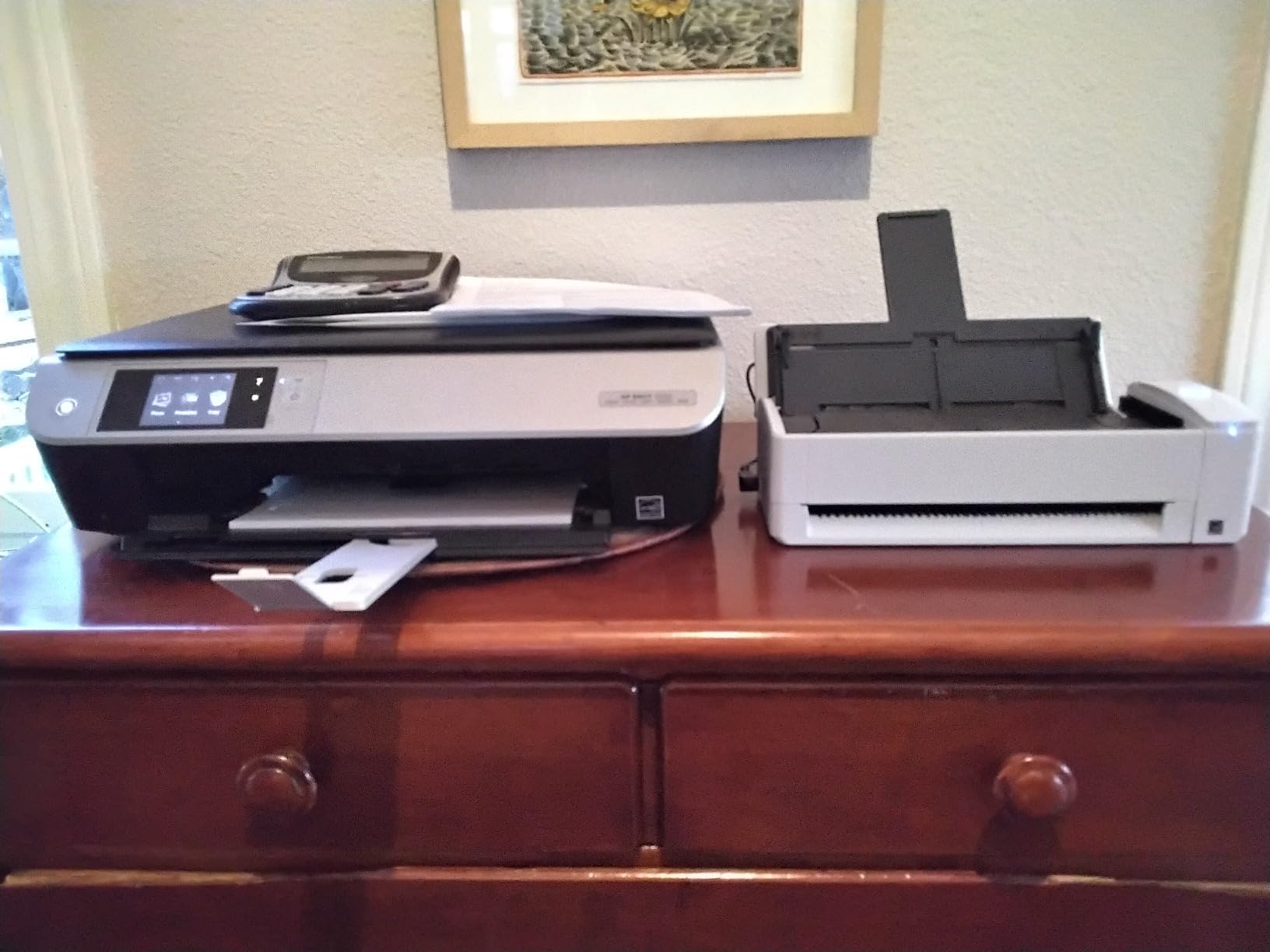
14. ScanSnap iX1300 – Compact Wireless Versatility
The ScanSnap iX1300 offers wireless connectivity in a compact design. The innovative U-turn paper path saves space while still handling 20 sheets in the auto feeder.
At 30 pages per minute in duplex mode, speed is respectable for this size. The front manual feeder handles cards and photos without switching configurations. Wi-Fi connectivity means you can place this scanner anywhere.
Pros
- Compact space-saving design
- Wireless connectivity option
- Fast duplex scanning
- Front manual feeder for photos
- Automatic optimization features
- Excellent for home office
Cons
- Setup can be challenging
- Only one user at a time
- Software occasional glitches
- USB hub unreliable
- 20-sheet limited capacity

The automatic de-skew and color optimization mean less post-processing work. You can scan directly to cloud services without a computer. The compact footprint suits small desks where space is at a premium.
Who should buy the ScanSnap iX1300
Home offices with limited space will find this scanner fits where others cannot. Wireless capability means you can keep it hidden away when not in use. Moderate scanning needs are handled efficiently without overwhelming features.
Who should skip this scanner
Heavy scan volumes exceed what the 20-sheet feeder handles well. Multi-user environments cannot share this scanner effectively. Some users report setup challenges that require patience to overcome.
Portable and Mobile Scanners
When you need scanning capability on the go or have limited workspace, portable scanners provide flexibility without the bulk.
15. Brother DS-640 – Ultra Compact Mobile Scanner
The Brother DS-640 measures less than one foot in length and weighs just 1.5 pounds. USB power means you can use it anywhere with a laptop. At 16 pages per minute, it handles document scanning efficiently.
The detachable USB cord makes packing simple. Brother iPrint&Scan desktop app provides scan-to destinations including cloud services. Automatic color detection and background removal improve scan quality.
Pros
- Extremely compact and lightweight
- USB powered anywhere
- Fast for mobile use
- Reliable paper feeding
- Works with Windows Mac Linux
- Detachable USB cord
Cons
- Single sheet feeding only
- 14-inch scan length limit
- Blue screen issues on some Windows 11
- On/off button finicky
- Not for high-volume

Text enhancement and color drop features improve document readability. The TWAIN/WIA drivers for PC and ICA for Mac ensure broad software compatibility. SANE support even works with Linux systems.

Who should buy the Brother DS-640
Traveling professionals who need to digitize receipts and documents away from the office will appreciate this portability. Students can scan lecture notes and handouts at the library. Anyone with minimal desk space benefits from the tiny footprint.
Who should skip this scanner
Single-sheet feeding becomes tedious for more than occasional scans. The Windows 11 blue screen issues reported by some users may indicate compatibility problems. High-volume work requires a scanner with an ADF.
16. Canon imageFORMULA RS40 – Photo-Focused Portable Scanner
The Canon imageFORMULA RS40 handles both documents and photos with its 60-sheet auto feeder. At 40 items per minute, it provides respectable speed for a portable unit.
The scanner handles various photo sizes including Polaroids. Bundled software includes red-eye correction and face smoothing. The duplex scanning captures both sides simultaneously.
Pros
- Fast scanning at 40 items per minute
- Handles Polaroids and various sizes
- Bundled photo enhancement software
- Red-eye and face smoothing
- 60-sheet decent capacity
- Versatile document handling
Cons
- Can leave indentations on photos
- Over-saturated image quality
- Requires frequent cleaning
- Glitchy software
- Scan lines on some photos
- Inconsistent technical support
Create JPG, TIF, BMP, PNG, PDF, and PPTX files to match your workflow. TWAIN driver ensures broad compatibility with document management systems. The one-year warranty with US-based support provides peace of mind.
Who should buy the Canon imageFORMULA RS40
Anyone needing to scan mixed photo and document batches will appreciate the versatility. The Polaroid handling makes this valuable for anyone with instant print collections. Small offices wanting photo capability without dedicated equipment find this a reasonable compromise.
Who should skip this scanner
The reports of photo indentations concern me for anyone with irreplaceable originals. Frequent cleaning requirements add maintenance burden. Software glitches and inconsistent technical support suggest quality control issues in some units.
How to Choose the Best Photo Scanner In 2026?
With so many options available, selecting the right photo scanner requires understanding your specific needs. Here are the key factors to consider before making your decision.
Resolution and DPI Explained
DPI stands for dots per inch, and it determines how much detail your scans capture. For sharing photos online, 300 DPI is usually sufficient. For archiving and printing, you want 600 DPI or higher. Professional quality enlargement work may require 1200 DPI or more.
Keep in mind that optical DPI represents actual sensor resolution. Interpolated DPI uses software to estimate extra detail and does not improve actual quality. Always check the optical resolution specification when comparing scanners.
For most photo digitization projects, 600 DPI optical provides an excellent balance of quality and file size. The Epson FastFoto scanners at 600 DPI produce archival-quality files that last for generations. Only when you need to make large prints should you seek higher resolution.
Flatbed Versus Sheet-Fed Scanners
Flatbed scanners place photos on a glass bed while a scanning element moves beneath. They handle delicate originals, books, and mixed media. The trade-off is slower batch processing since you feed one photo at a time.
Sheet-fed or auto-feeder scanners pull photos through automatically. They excel at volume processing but may damage fragile prints. The FastFoto series from Epson uses specialized technology to handle photos gently while maintaining speed.
For collections of undamaged prints that you want to digitize quickly, auto-feed scanners like the FF-680W or FF-640 save enormous time. For precious originals that might be damaged by feeding, flatbeds provide safer handling.
Film and Negative Scanning
If you have film negatives or slides to digitize, you need a scanner with a transparency unit. The Epson V550, V800, and V850 Pro all include built-in film scanning capability. The Canon 9000F Mark II also handles film with professional quality.
Consider the film formats you have. Some scanners only handle 35mm, while others accommodate medium format and even 8×10 inch negatives. The V850 Pro and V800 can scan multiple formats including 110, 120, and 135 film.
Digital ICE technology found in Epson scanners automatically removes dust and scratches from film scans. This saves enormous post-processing time and produces cleaner results than manual retouching.
Auto Feeder Capacity and Speed
If you are digitizing thousands of photos, feeder capacity directly impacts your productivity. The FastFoto FF-680W holds 36 photos per batch and scans at one photo per second. At that rate, you can scan over 3,000 photos in a single day of work.
Document scanners like the Workforce ES-590W with 100-sheet feeders prioritize volume document processing. These work well when photo quality requirements are moderate but batch sizes are large.
Speed specifications vary between color and black-and-white scanning. Always test realistic workloads before committing to a scanner for large projects.
Software and Connectivity
The included software affects how enjoyable your scanning experience is. Epson ScanSmart provides intuitive workflows for most users. Canon ScanGear offers advanced controls for professionals. ScanSnap Home excels at automatic organization.
OCR or optical character recognition converts scanned text into searchable PDFs or editable documents. If you need to find text within scanned documents later, verify that OCR is included and works well with your operating system.
Cloud storage integration through Dropbox, Google Drive, or similar services keeps your digitized photos backed up automatically. Wireless connectivity in models like the FF-680W and ES-590W makes placing the scanner convenient without cable runs.
Scanner Versus Phone Apps
You might wonder if you can just use your iPhone or Android phone to scan photos. Apps like Google Photoscan and Apple Live Text use your phone camera with computational photography to reduce glare and perspective distortion.
For occasional use and sharing on social media, phone apps work adequately. However, dedicated photo scanners produce significantly higher quality results, especially from larger prints. Phone cameras struggle with accurate color reproduction on photos.
The auto-feeder advantage is also substantial. Scanning 500 photos with a phone means handling each one individually. The FastFoto FF-680W can process that same collection unattended while you focus on other tasks.
Frequently Asked Questions
What is the best way to scan a lot of old photos?
The best approach is using a high-speed photo scanner with auto-feeder like the Epson FastFoto FF-680W. These scanners can process 1 photo per second with batch capacities up to 36 photos at a time. For the fastest results, choose a model with Wi-Fi connectivity so you can position the scanner anywhere. Set up a dedicated scanning station with your computer and cloud backup running, then process photos in batches while doing other tasks.
Is it better to scan photos with a scanner or an iPhone?
For quality results and batch processing, a dedicated photo scanner is significantly better than a phone camera. Scanners produce higher optical resolution, accurate color reproduction, and eliminate glare issues. Phone apps like Google Photoscan use computational photography to improve results but cannot match dedicated hardware. Only choose phone scanning for occasional use when quality matters less than convenience.
How much would it cost to digitize 1,000 photos?
The total cost depends on your approach. Using a high-speed scanner like the Epson FastFoto FF-680W (around $630) plus your time yields the best results. A flatbed scanner like the Canon CanoScan Lide 300 ($75) costs less upfront but takes much longer. Professional scanning services typically charge $0.25-1.00 per photo, meaning 1,000 photos could cost $250-1,000. DIY scanning with a quality scanner becomes cost-effective above 500 photos.
Is it better to scan photos at 600 or 1200 dpi?
For most purposes, 600 DPI provides excellent quality. This resolution creates files suitable for printing up to 8×10 inches and preserves detail for archival purposes. Choose 1200 DPI only when you need to enlarge small prints significantly or when scanning film negatives where maximum detail capture matters. Higher resolution creates larger files without proportional quality improvement for standard photo prints.
Conclusion
Choosing the best photo scanner depends entirely on your specific situation. The Epson FastFoto FF-680W earns our overall recommendation for anyone with large photo collections to digitize. The combination of speed, quality, batch processing, and wireless convenience makes it the most capable option available.
The Plustek ePhoto Z300 delivers exceptional value for home users who want better quality than budget options without professional price tags. Its CCD sensor and fast scanning speed justify the investment for medium-sized collections.
If you are on a tight budget, the Canon CanoScan Lide 300 provides decent quality at the lowest price point. For professional film and negative scanning, the Epson Perfection V850 Pro delivers the quality that serious archivists require.
Whatever scanner you choose, the important thing is starting before more memories fade. The best photo scanner is the one you will actually use consistently to preserve your family history for future generations.