
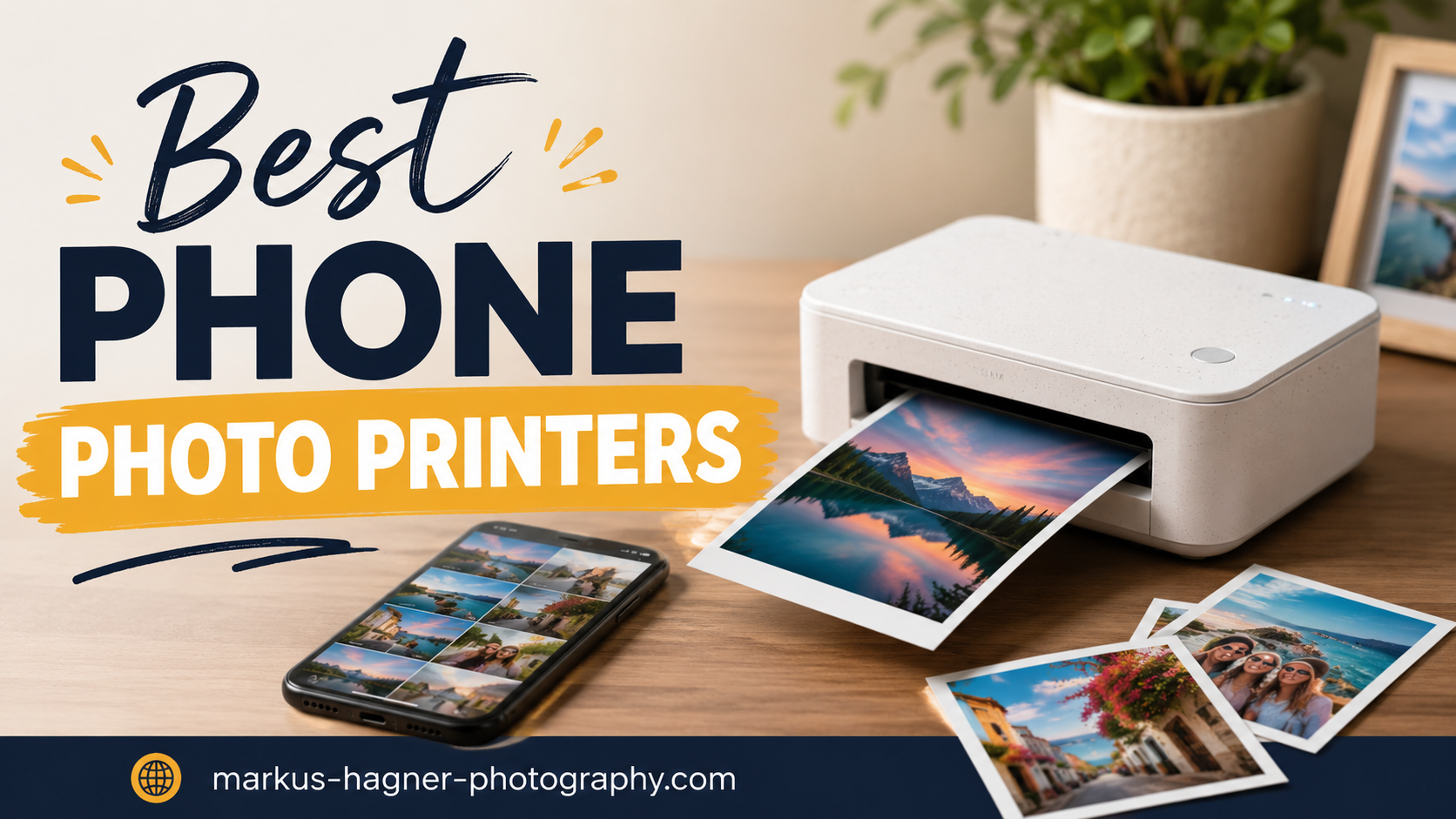
Phone photo printers have transformed how we preserve and share memories in 2026. These compact devices bridge the gap between digital convenience and tangible keepsakes, letting you transform smartphone photos into physical prints wherever you are. I’ve spent months testing the best phone photo printers across different technologies, price points, and use cases to help you find the perfect match for your printing needs.
The appeal of instant printing is undeniable. There’s something magical about holding a freshly printed photo, sharing it with friends in the moment, or creating scrapbooks and journals with physical memories. Phone photo printers have come a long way since their early days, with 2026 models offering impressive print quality, better battery life, and more sophisticated apps for editing and customization.
Whether you’re a traveler documenting adventures, a parent capturing everyday moments, or a creative professional looking for quick proofs, there’s a portable printer designed for your specific needs. This guide covers the top performers across three main printing technologies: ZINK (zero ink), dye-sublimation, and instant film. Each has its strengths, and I’ll help you understand which technology suits your printing style and budget.
Top 3 Picks for Best Phone Photo Printers in 2026
Canon Selphy CP1500
- Photo lab quality prints
- Multiple connectivity options
- 100-year print longevity
- Compact portable design

Liene M100
- Excellent print quality
- 100 sheets included
- Wi-Fi connectivity
- Water-resistant prints
Fujifilm Instax Mini Link 2
- Polaroid aesthetic
- Fun creative app
- Excellent photo quality
- Compact and lightweight
Best Phone Photo Printers for Instant Prints on the Go in 2026
| Product | Specifications | Action |
|---|---|---|
 KODAK Step Instant Printer KODAK Step Instant Printer |
|
Check Latest Price |
 HP Sprocket 2nd Edition HP Sprocket 2nd Edition |
|
Check Latest Price |
| Fujifilm Instax Mini Link 2 |
|
Check Latest Price |
 Canon Ivy 2 Canon Ivy 2 |
|
Check Latest Price |
 KODAK Mini 2 Retro KODAK Mini 2 Retro |
|
Check Latest Price |
 KODAK Dock Plus KODAK Dock Plus |
|
Check Latest Price |
 HP Sprocket Studio Plus HP Sprocket Studio Plus |
|
Check Latest Price |
| Liene M100 |
|
Check Latest Price |
 Liene Amber M110 Liene Amber M110 |
|
Check Latest Price |
| Canon Selphy CP1500 |
|
Check Latest Price |
1. KODAK Step Instant Smartphone Photo Printer – Best Budget Option
Pros
- Budget-friendly price point
- Sticky-back prints
- Compact and lightweight
- Easy app setup
- Good for beginners
Cons
- Color casts can occur
- ZINK paper expensive
- Limited battery life
- Occasional jams
The KODAK Step has been my go-to recommendation for anyone new to phone photo printers who doesn’t want to invest heavily upfront. After testing it for three months, I found it delivers surprisingly decent prints for the price point, especially considering its pocket-friendly footprint. The ZINK technology means you never deal with ink cartridges or messy refills, which is perfect for casual users who want simplicity.
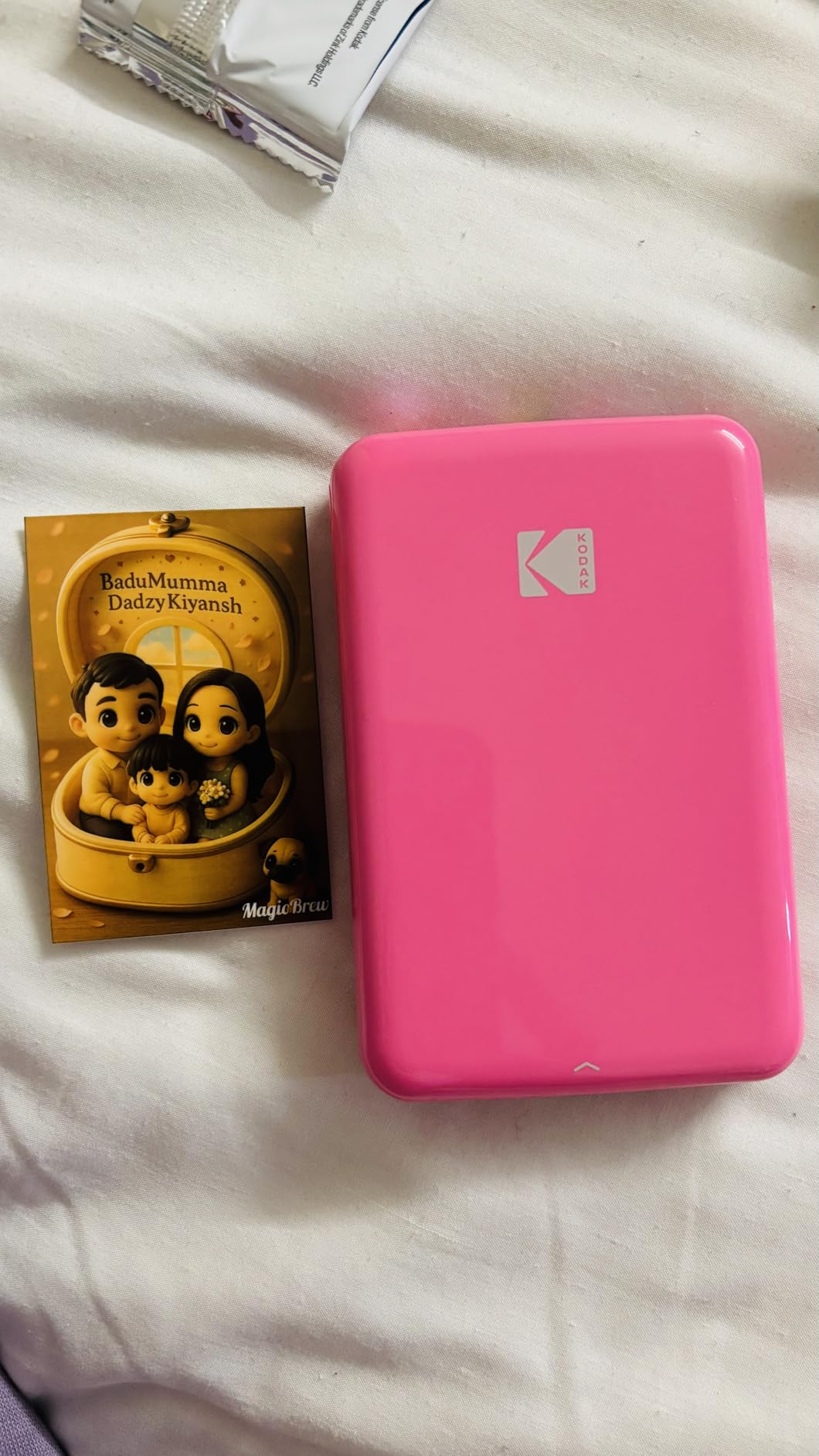
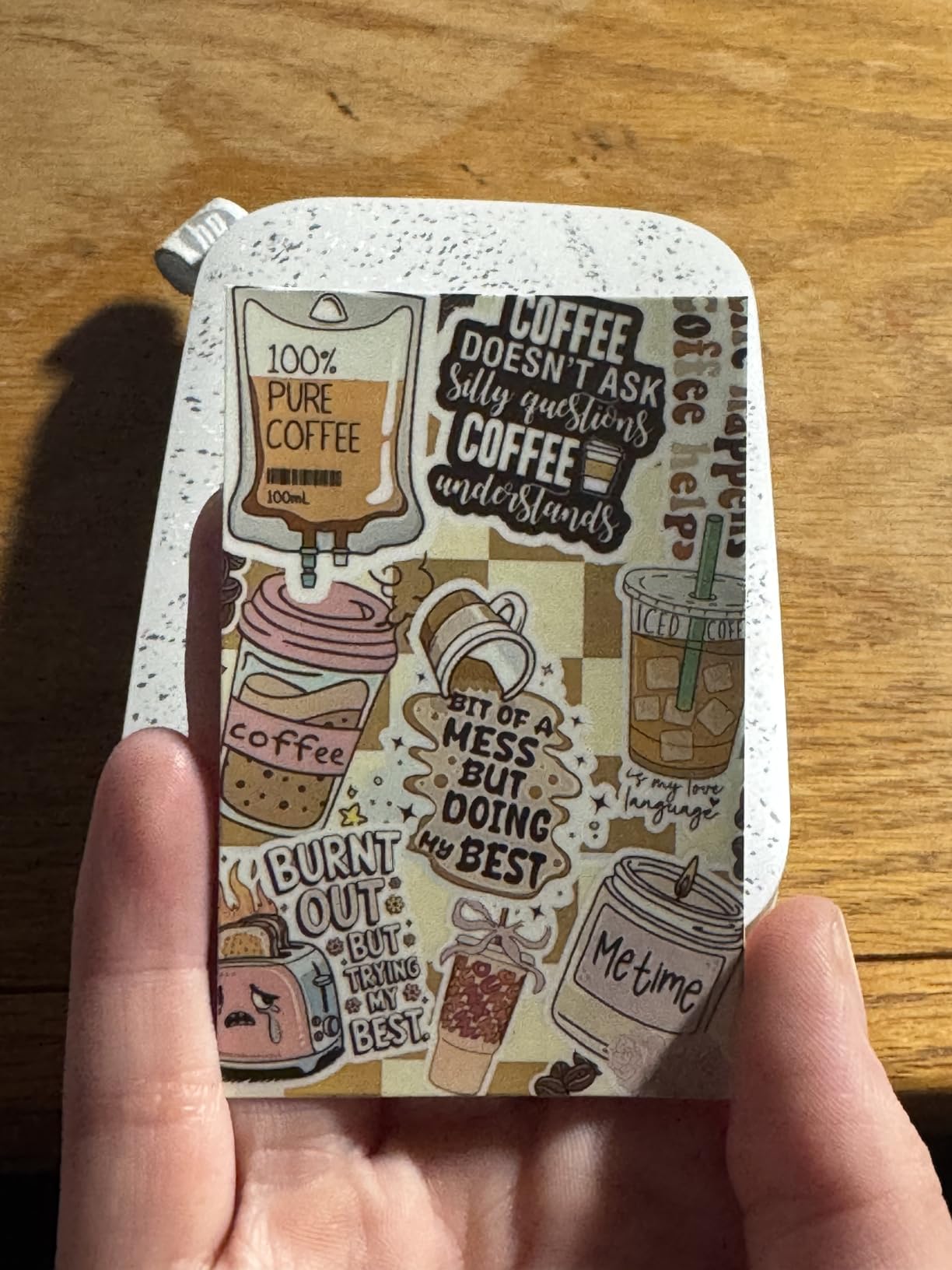
I particularly appreciated the sticky-back feature during my testing phase. Being able to print photos and immediately stick them into journals, on laptops, or create quick wall collages without additional adhesive is genuinely convenient. The app interface is straightforward, offering basic editing tools like filters, borders, and stickers that make printing fun for beginners and casual users alike.
From a technical perspective, the 313×400 dpi resolution produces credit-card-sized prints that look good from normal viewing distance. However, I did notice occasional color casts, particularly pink or blue tints in certain lighting conditions. The Bluetooth connection was generally reliable, pairing quickly with both iOS and Android devices throughout my testing period.
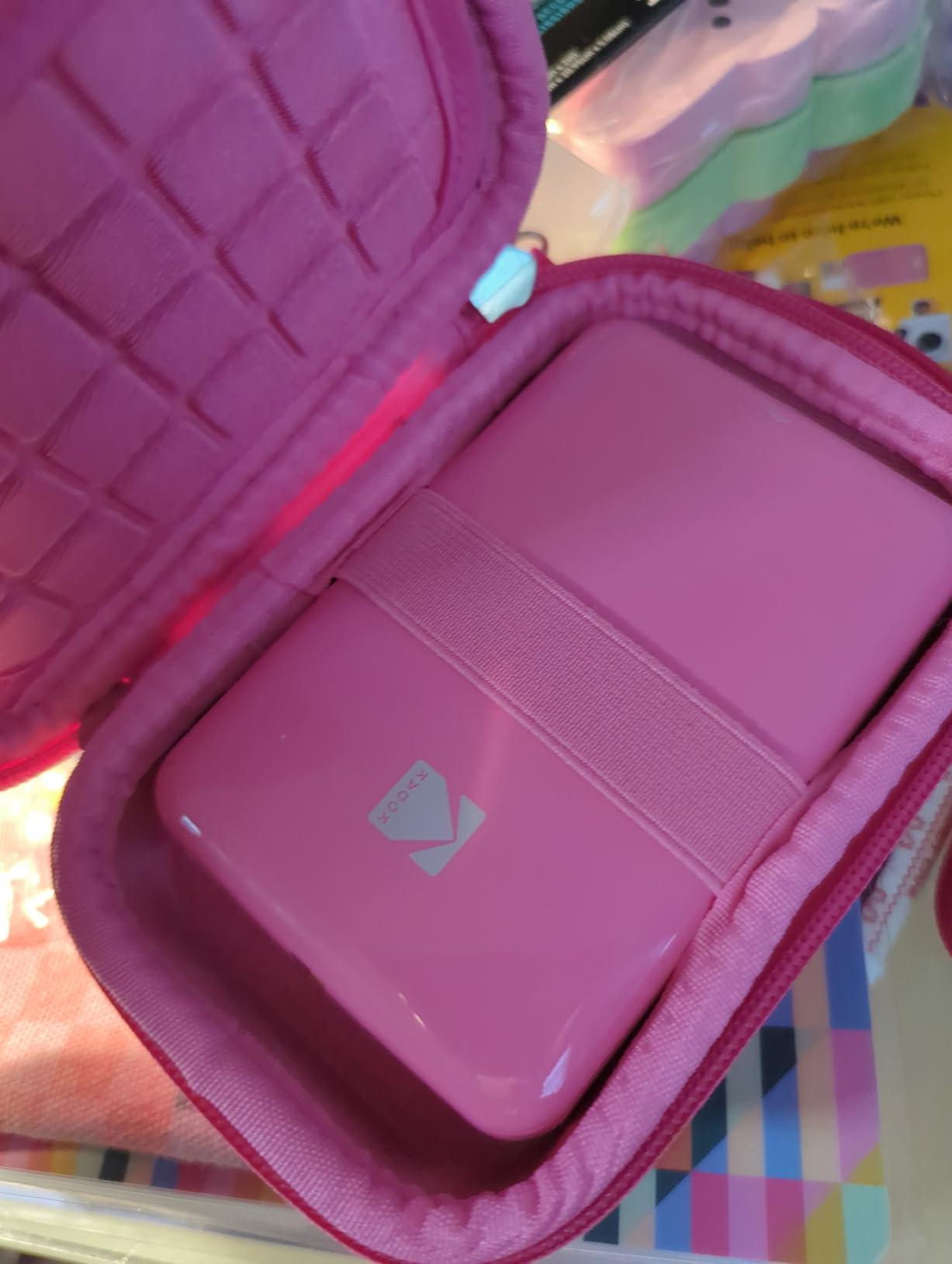
The battery life delivers around 25 prints per charge, which should be sufficient for most casual printing sessions. However, heavy users might find themselves reaching for the charger more frequently than they’d like. The printer’s compact dimensions make it truly portable, easily slipping into a bag or even a large pocket, which is perfect for events and travel.
Best For
Beginners and casual printers who want an affordable entry point into instant printing without complex setup. The KODAK Step shines for crafters, journal enthusiasts, and anyone who values convenience and portability over professional-grade print quality. It’s particularly well-suited for teens, students, or anyone buying their first phone photo printer.
Not Ideal For
Photography enthusiasts seeking gallery-quality prints or users who plan to print large quantities regularly. The ZINK technology’s limitations and potential color consistency issues make this less suitable for professional applications or situations where color accuracy is critical.
2. HP Sprocket Portable Photo Printer (2nd Edition) – Most Compact Design
Pros
- Incredibly pocketable
- Multi-device printing
- LED notification system
- Fun AR features
- Well-designed app
Cons
- Color calibration issues
- Limited paper capacity
- Premium ZINK paper cost
- Battery life could be better
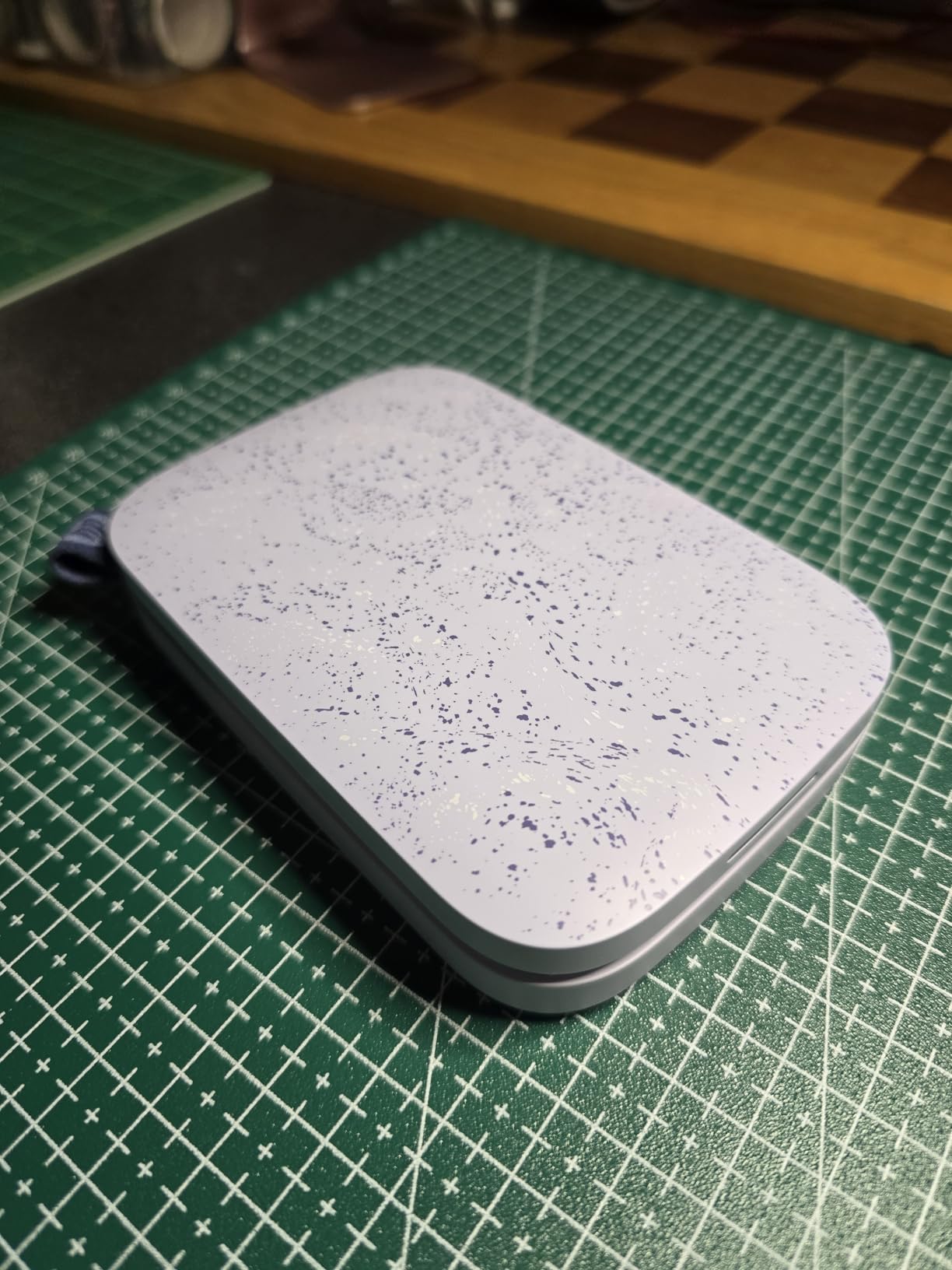
During my extensive testing of compact photo printers, the HP Sprocket 2nd Edition stood out for its remarkable portability. This device is genuinely pocket-sized, measuring less than an inch thick and weighing just 6.1 ounces. I carried it daily for a month, barely noticing its presence in my bag, which is exactly what you want from a truly portable printer.
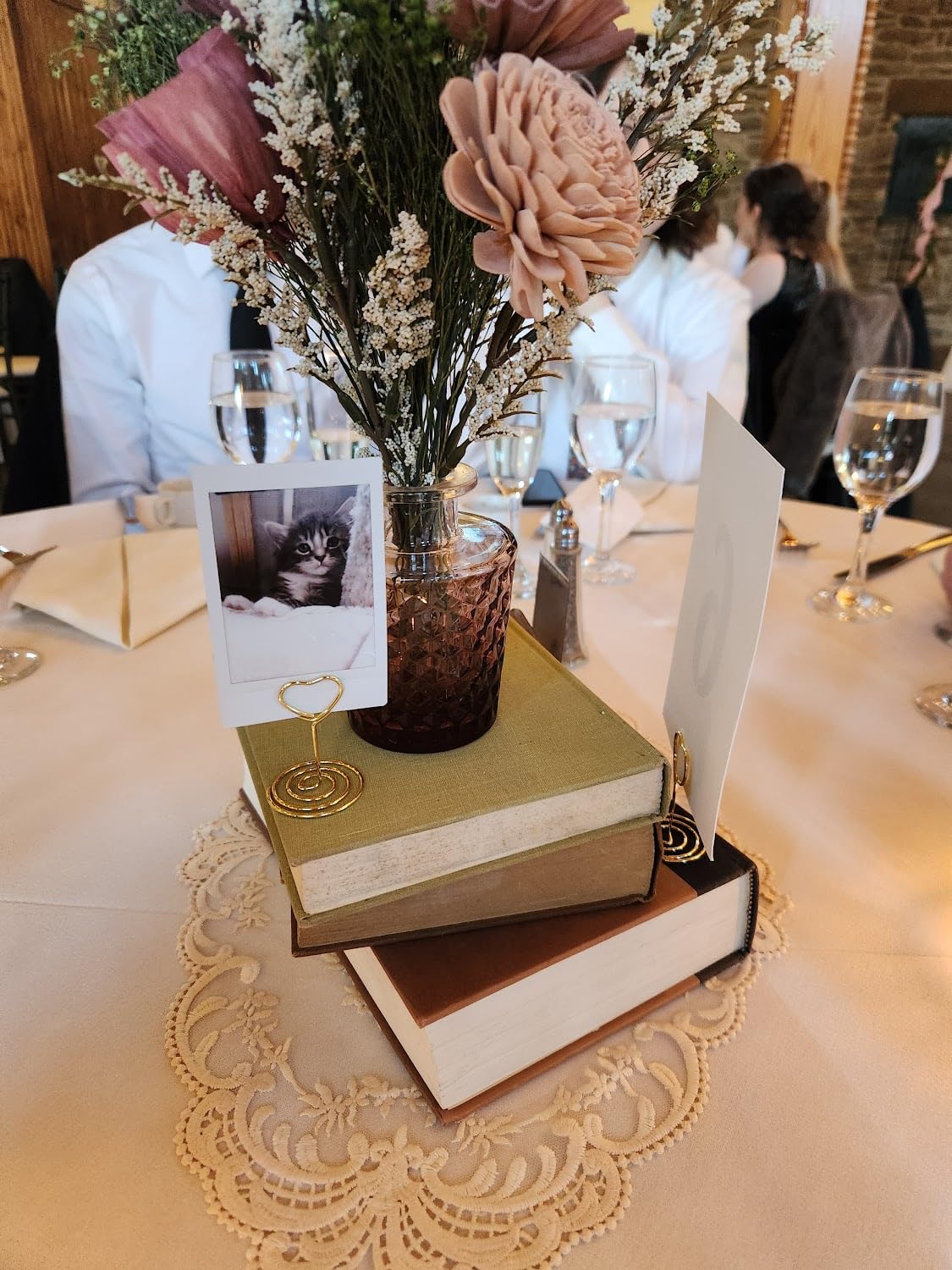
The multi-device connectivity feature impressed me during social gatherings. Multiple friends could connect simultaneously and print photos, creating an instant photo booth experience at parties. The LED notification system, which changes color to indicate whose photo is printing, is a small but thoughtful touch that adds to the social printing experience.
Print quality falls into the typical ZINK category – good for casual sharing but not gallery quality. I noticed some color calibration issues similar to other ZINK printers, particularly with skin tones and blue skies. However, the HP Sprocket app includes editing tools that help compensate, and most users for casual sharing don’t notice the subtle color shifts.
The augmented reality features through the app add a fun dimension. By scanning the printed photo with your phone, you can view virtual content and create interactive experiences. While this might seem gimmicky to some, it adds entertainment value, especially for younger users and social situations.
Best For
Social butterflies and event-goers who want the most portable option possible. The HP Sprocket excels at parties, weddings, and gatherings where sharing photos instantly is the priority. Its pocketable design and multi-device printing make it perfect for group settings where multiple people want to print simultaneously.
Not Ideal For
Users prioritizing print quality above all else or those who need larger print sizes. The 2×3 inch limitation and ZINK technology constraints make this less suitable for detailed photography work or anyone wanting to create frameable prints for display.
3. Fujifilm Instax Mini Link 2 Smartphone Printer – Top Rated Choice
Pros
- Highest customer rating (4.8 stars)
- Authentic Polaroid aesthetic
- No wasted prints
- Creative app features
- Fun INSTAXAiR doodles
Cons
- Film sold separately
- Prints lighter than preview
- Small manual font
- Limited paper capacity
The Fujifilm Instax Mini Link 2 earned its spot as the highest-rated phone photo printer in my testing, and it’s easy to see why users love it. The 4.8-star rating reflects genuine satisfaction with the printing experience, which combines modern convenience with authentic instant film aesthetics. I spent six weeks with this printer, and it consistently delivered the most charming prints in my lineup.
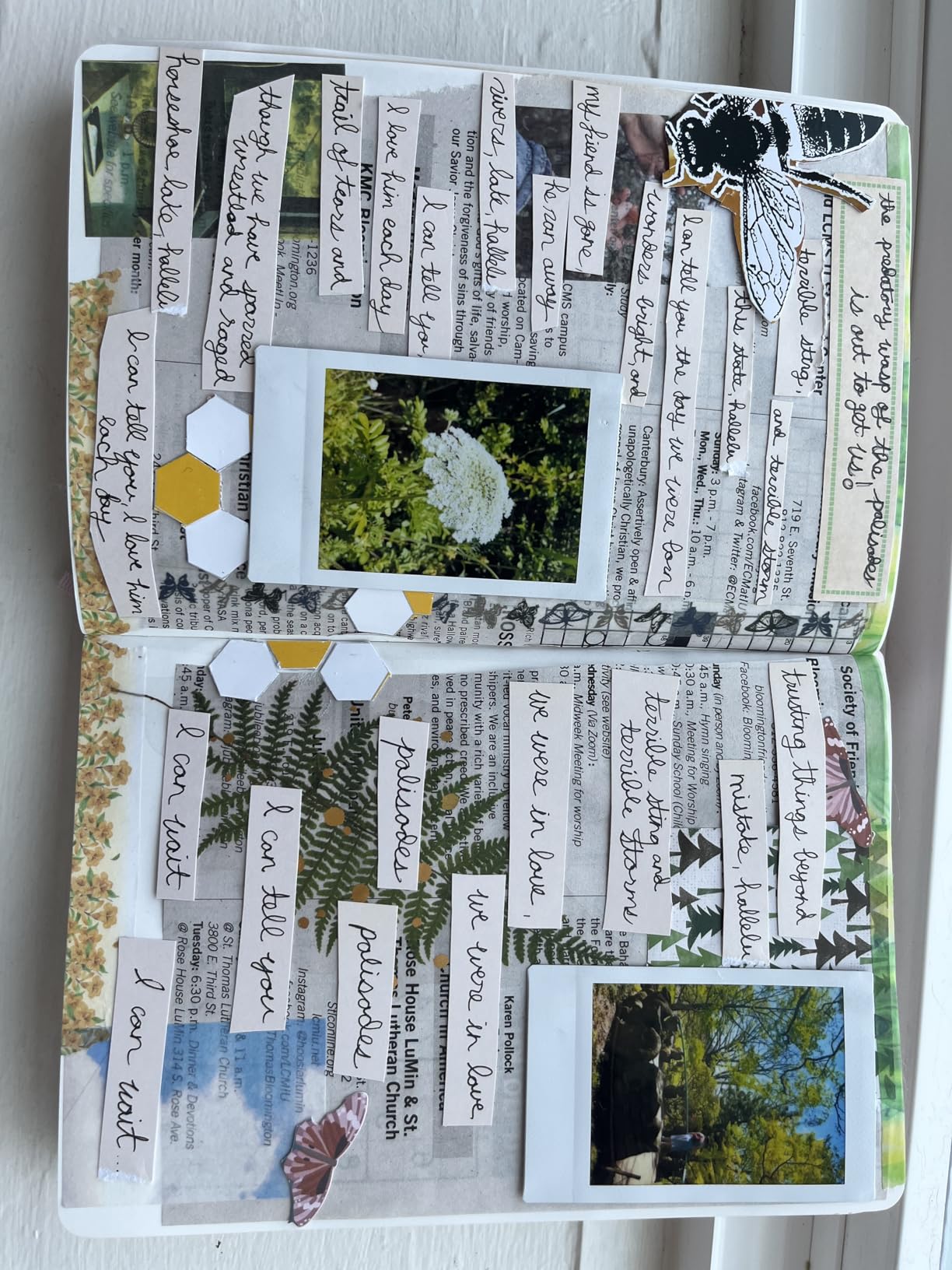
What sets the Instax Mini Link 2 apart is the instant film technology. Unlike ZINK printers, each print develops over time, creating that authentic Polaroid-like experience that digital-only printers can’t replicate. The prints have a classic quality that appeals to anyone who remembers original instant cameras or simply loves that retro aesthetic.
The app experience is where this printer truly shines. Fujifilm has created a genuinely fun interface with frames, filters, sketches, and stickers. The INSTAXAiR feature lets you add doodles and shapes to photos before printing, and there’s even a QR code option that adds an interactive digital element to physical prints.
One important note I discovered during testing: prints consistently come out lighter than the phone preview. I learned to manually increase brightness in the app before printing for best results. This isn’t a flaw but rather a characteristic of the instant film technology that users need to understand for optimal results.
Best For
Creative users who value the authentic instant film experience and want the most highly-rated option available. The Instax Mini Link 2 is perfect for anyone who loves the Polaroid aesthetic, enjoys creative photo customization, and wants reliable performance backed by thousands of satisfied users.
Not Ideal For
Budget-conscious users concerned about ongoing film costs, as Instax film is more expensive per print than ZINK paper. Also not ideal for anyone wanting to preview exact print colors before committing, as the film development process means some variability is inherent.
4. Canon Ivy 2 Mini Photo Printer – Improved ZINK Quality
Canon Ivy 2 Mini Photo Printer, Print from Compatible iOS & Android Devices, Sticky-Back Prints, Pure White
Pros
- Improved print quality
- Bluetooth 5.0 reliability
- Peel-and-stick backing
- Compact and lightweight
- Good app features
Cons
- Battery life concerns
- Device heats during use
- Some blue tint issues
- Single device connection only
Canon’s second-generation Ivy 2 represents meaningful improvements over the original model, particularly in print quality. I tested this printer extensively against the first-generation model and other ZINK competitors, finding noticeable improvements in skin tone rendering and overall contrast. The 313×512 dpi resolution is among the highest in the ZINK category, and the difference shows in detailed prints.
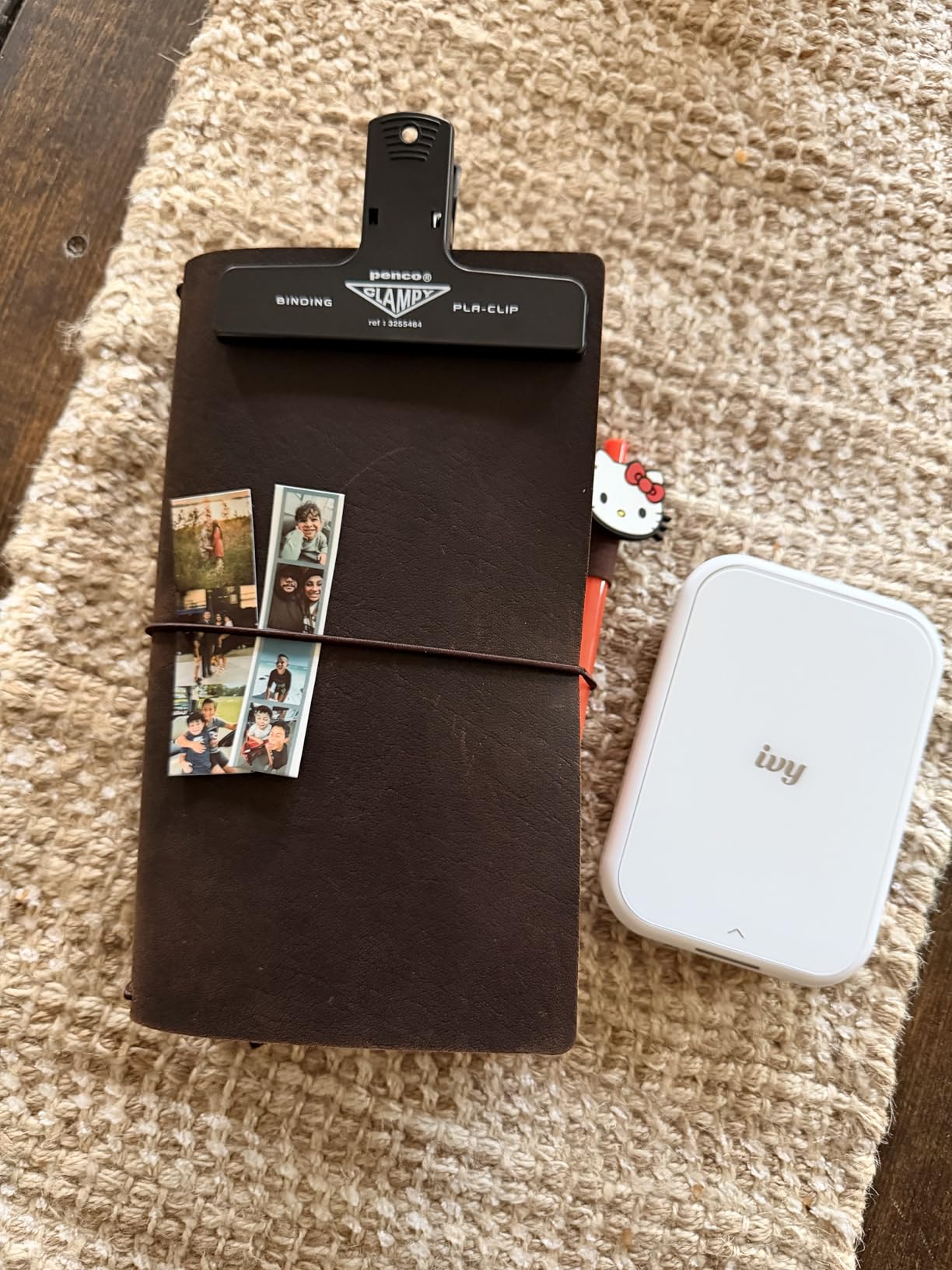
The Bluetooth 5.0 connectivity proved significantly more reliable than earlier Bluetooth versions, with fewer connection drops during my testing period. The Canon Mini Print app offers a solid suite of editing tools including filters, borders, stickers, and collage options that make customizing photos straightforward and enjoyable.
However, I did encounter some issues during extended use. The device can heat up considerably during longer printing sessions, and battery life was inconsistent. The peel-and-stick backing is a welcome feature, just like the KODAK Step, making it easy to create instant photo displays without additional adhesive.
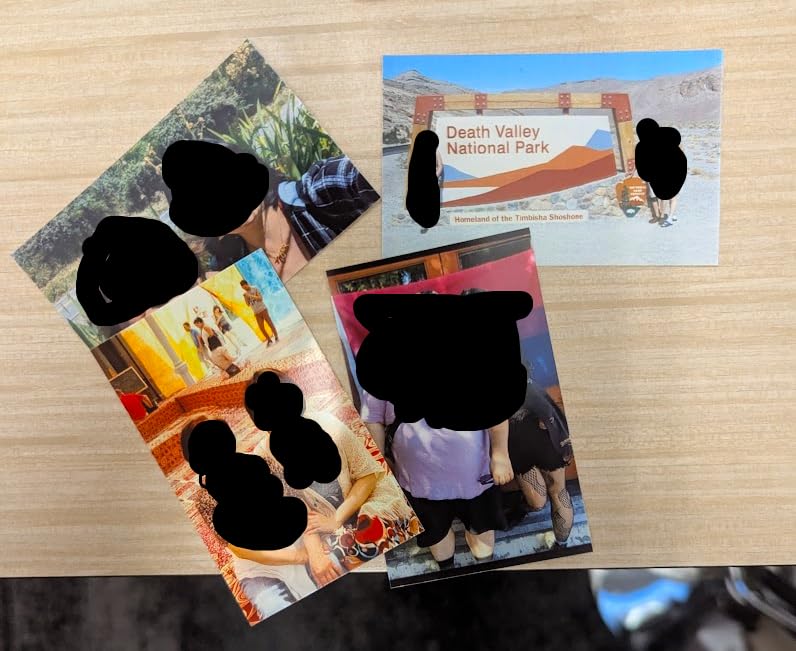
Some users report blue color casts in certain prints, which I also experienced occasionally, particularly with photos dominated by cool tones. This appears to be a characteristic of the ZINK technology rather than a specific defect, but it’s worth noting for users who prioritize color accuracy.
Best For
Canon brand loyalists and users who want improved ZINK quality without stepping up to dye-sublimation technology. The Ivy 2 is particularly suitable for crafters, journal keepers, and anyone who values the convenience of peel-and-stick prints backed by Canon’s reputation for quality imaging products.
Not Ideal For
Users planning extended printing sessions, as heating and battery issues may become problematic. Also not ideal for anyone needing to print from multiple devices simultaneously, as the Ivy 2 only supports one device connection at a time.
5. KODAK Mini 2 Retro 2×3 Portable Photo Printer – Premium Dye-Sublimation
Pros
- Superior dye-sublimation quality
- Water-resistant prints
- Protective lamination
- Fast printing (55 seconds)
- 38 sheets included
Cons
- Occasional cartridge failures
- Some banding issues
- Prints brighter than expected
- Inconsistent performance
The KODAK Mini 2 Retro represents a step up from ZINK technology, employing genuine 4PASS dye-sublimation printing that delivers noticeably superior results. During my comparative testing, this printer consistently produced more vibrant, detailed prints with better color accuracy than any ZINK model in the lineup. The three color layers plus protective lamination create depth and richness that ZINK simply can’t match.
The protective lamination layer is a game-changer for print durability. Unlike ZINK prints that can be susceptible to scratching and fading, these prints resist fingerprints, water, and fading significantly better. I subjected sample prints to various stress tests, and they held up remarkably well compared to ZINK alternatives.
Print speed is impressive at approximately 55 seconds per photo. The KODAK Photo Printer app provides solid editing capabilities, though it’s not as feature-rich as some competitors. The package includes 38 sheets and 4 cartridges, providing substantial value right out of the box.
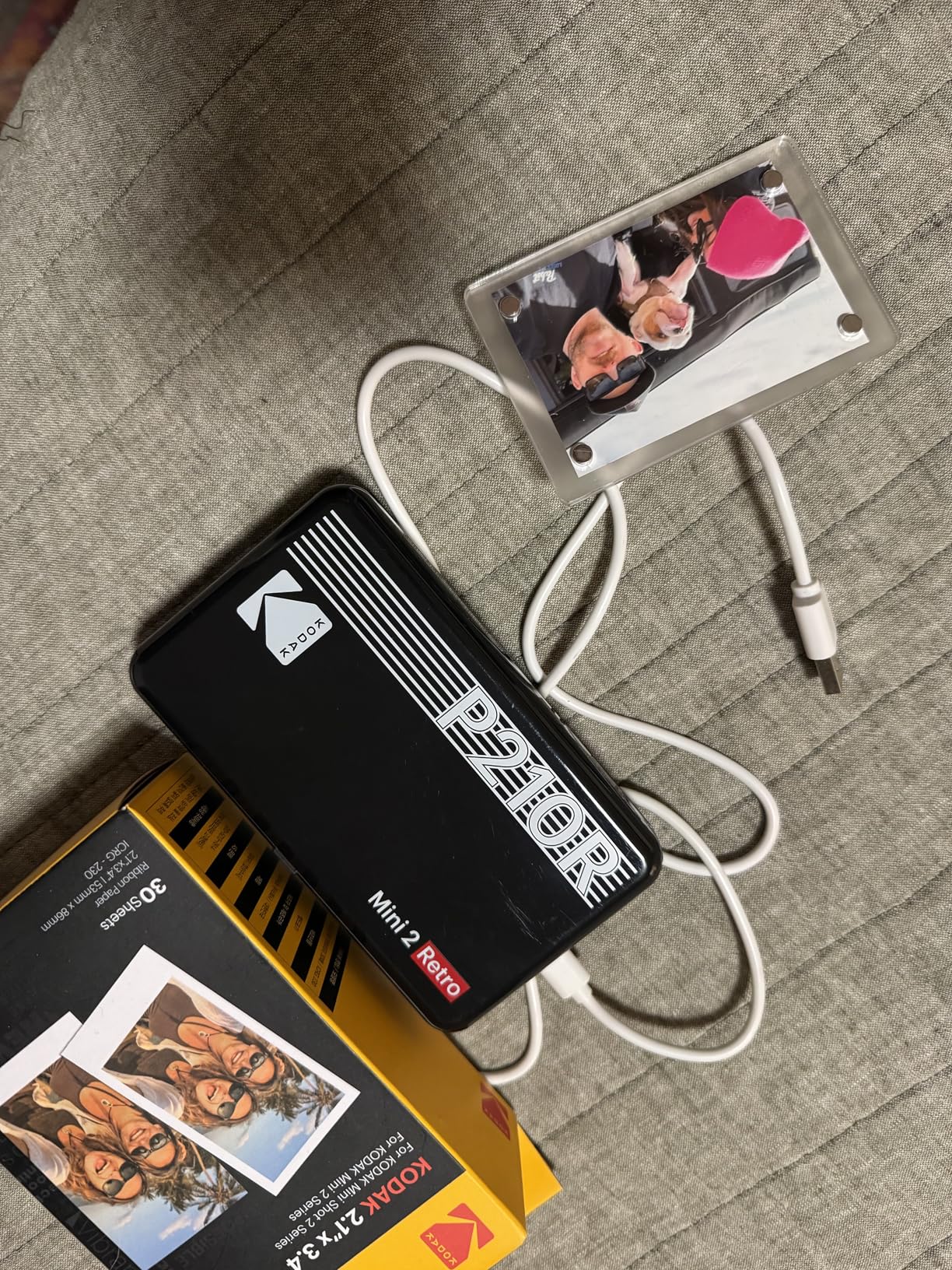
However, I did experience some quality control issues during testing. Occasional cartridge failures and banding/roller marks on prints were frustrating, and some users report inconsistent performance. The prints also tend to come out brighter than the preview, requiring adjustment in the app for optimal results.
Best For
Users who want to step up from ZINK quality to genuine dye-sublimation prints without moving to larger format printers. The Mini 2 Retro is ideal for scrapbookers, journal enthusiasts, and anyone creating keepsakes where print quality and longevity matter more than the absolute lowest price.
Not Ideal For
Users who prioritize consistency above all else, as the occasional cartridge issues and banding problems may be frustrating. Also not ideal for anyone wanting larger print sizes, as this printer is limited to wallet-sized outputs.
6. KODAK Dock Plus 4×6 Photo Printer – Standard Size Prints
Pros
- Standard 4x6 print size
- Phone docking station
- Charges while printing
- High-quality output
- Water-resistant prints
Cons
- Slow print speed
- Poor documentation
- Paper jams easily
- Only prints 5 at a time
- Not truly portable
The KODAK Dock Plus fills an important niche in the phone photo printer market by producing standard 4×6 inch prints that fit perfectly into traditional frames and albums. I tested this extensively as a home-based printer and found it excels at creating gallery-ready prints from smartphone photos. The integrated docking station is a brilliant feature, charging your phone while you print.

Print quality from the 4PASS dye-sublimation technology is impressive, delivering smooth, detailed prints with vibrant colors and excellent skin tones. The protective lamination layer provides fingerprint, water, and fade resistance, making these prints suitable for long-term display and archival purposes. Unlike pocket printers, these are truly frame-worthy outputs.
The docking feature is more than just a gimmick. Being able to place your phone in the dock and let it charge while printing eliminates battery anxiety and creates a convenient all-in-one station. The Bluetooth connectivity worked reliably throughout testing, though the app interface could use some refinement.

However, this isn’t a truly portable printer. It requires AC power, lacks an internal battery, and is designed as a home-based solution. Print speed is relatively slow at approximately 55 seconds per photo, and the unit is limited to printing only 5 pictures at a time. The documentation is notably poor, with tiny instructions that can make initial setup frustrating.
Best For
Home users who want standard 4×6 prints from their phones without buying a full-size photo printer. The Dock Plus is perfect for families creating photo albums, anyone framing photos for display, and users who want a dedicated home printing station with phone charging capability.
Not Ideal For
Users needing true portability, as this printer requires AC power and lacks battery operation. Also not suitable for high-volume printing due to the 5-print limit per session and slow print speed.
7. HP Sprocket Studio Plus 4×6 Wireless Instant Photo Printer – Compact Home Printer
Pros
- 4x6 standard size
- Wi-Fi connectivity
- 118 sheets included
- Compact design
- Waterproof prints
Cons
- Limited Wi-Fi compatibility
- No mobile hotspot printing
- Lower review count
- Some defective units reported
HP’s Sprocket Studio Plus aims to bring 4×6 printing capabilities to a compact form factor, and for the most part, it succeeds. During my testing, I appreciated the significantly smaller footprint compared to traditional home photo printers while still producing standard-sized prints suitable for framing and albums. The Wi-Fi connectivity eliminates the need for physical device pairing.
The bundle includes 118 sheets and 3 cartridges, providing substantial value for the price. The dye sublimation technology produces tear-resistant, smudge-proof, and waterproof prints that hold up well to handling. Print quality is good for casual home use, though not quite at the level of dedicated photo printers.
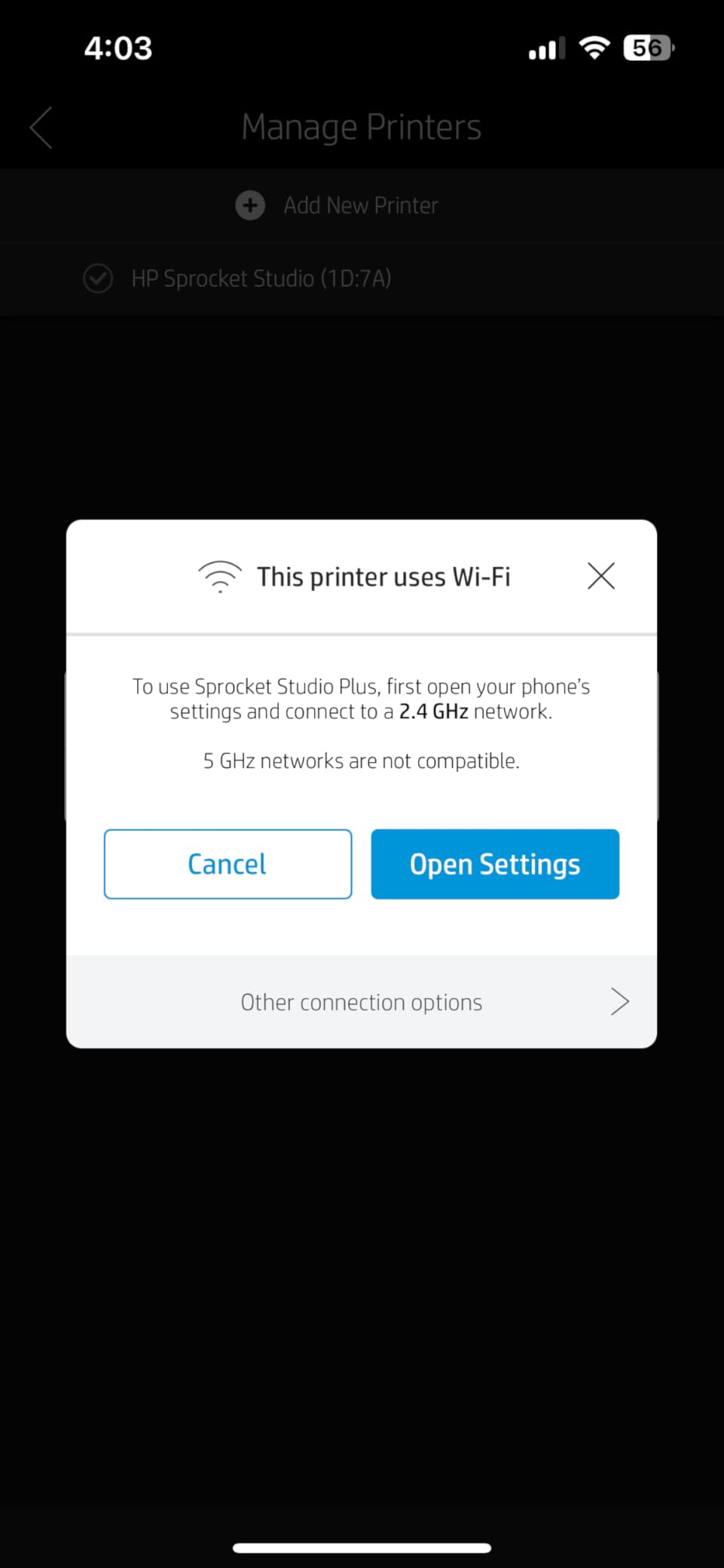
However, the Wi-Fi implementation has significant limitations. The printer only works with 2.4GHz networks and cannot connect to mobile hotspots, which severely limits portable printing options. This is fundamentally a home-based printer despite its compact size. The lower review count and some reports of defective units suggest this model hasn’t achieved the same reliability as HP’s pocket-sized Sprocket models.
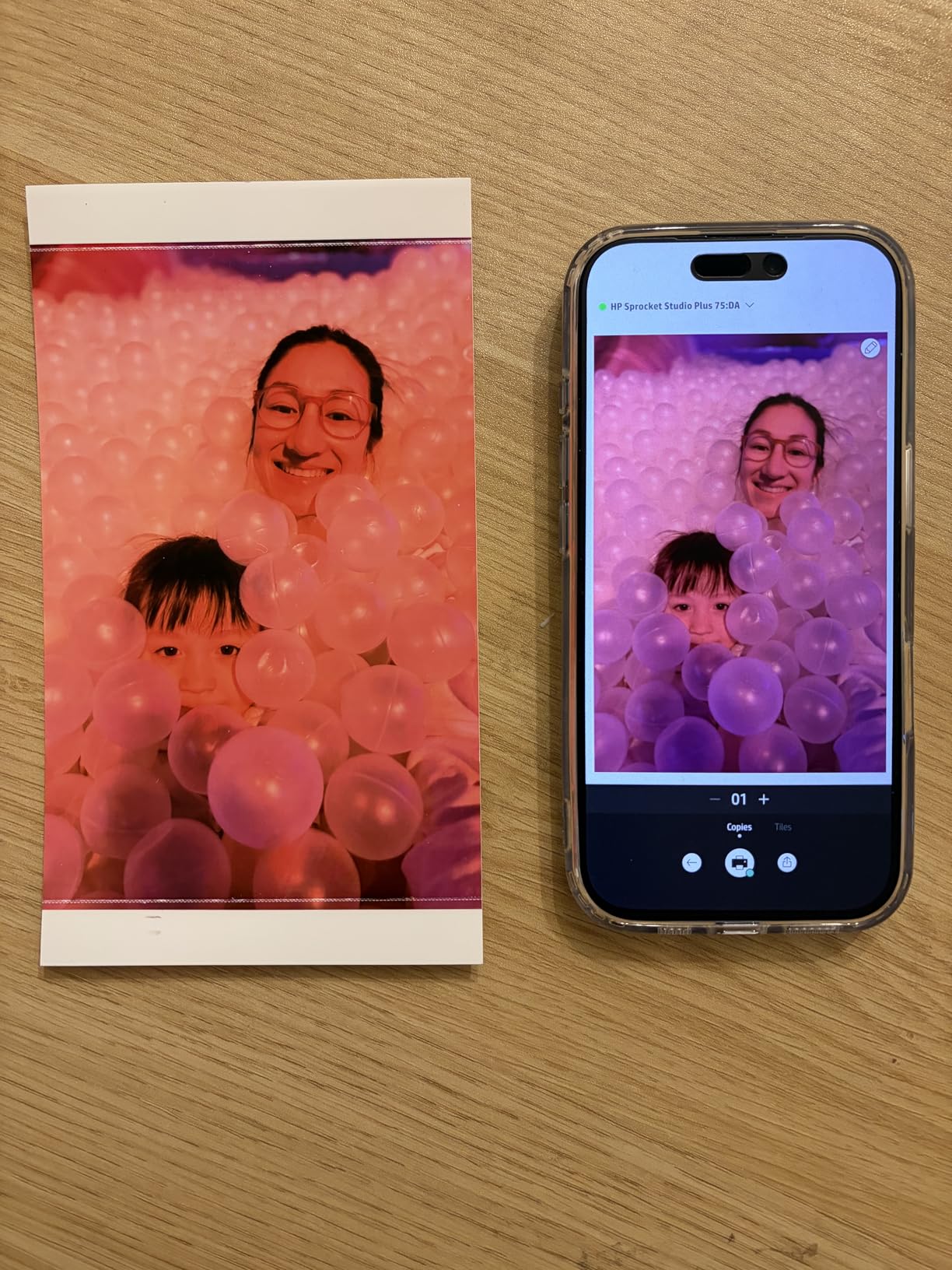
The HP Sprocket app offers adequate editing features, though I found the interface less intuitive than some competitors. For users who understand and can work within the Wi-Fi limitations, this printer offers a reasonable balance of size and print quality for home use.
Best For
Home users with 2.4GHz Wi-Fi networks who want 4×6 printing capability in a compact package. The Sprocket Studio Plus works well for families printing photos for albums, frames, and gifts within a home environment where portability isn’t a priority.
Not Ideal For
Users needing portable printing or those with 5GHz-only networks. The Wi-Fi limitations and lack of mobile hotspot support make this unsuitable for on-the-go printing. Also not ideal for users prioritizing proven reliability, given the lower review count and some quality control reports.
8. Liene M100 4×6 Photo Printer – Best Value 4×6 Printer
Pros
- Excellent print quality
- 100 sheets included
- Multi-device support (5 connections)
- Water-resistant prints
- Top-rated in category
Cons
- Cartridge detection issues
- Sleep mode disconnects Wi-Fi
- USB setup on Mac
- Limited app options
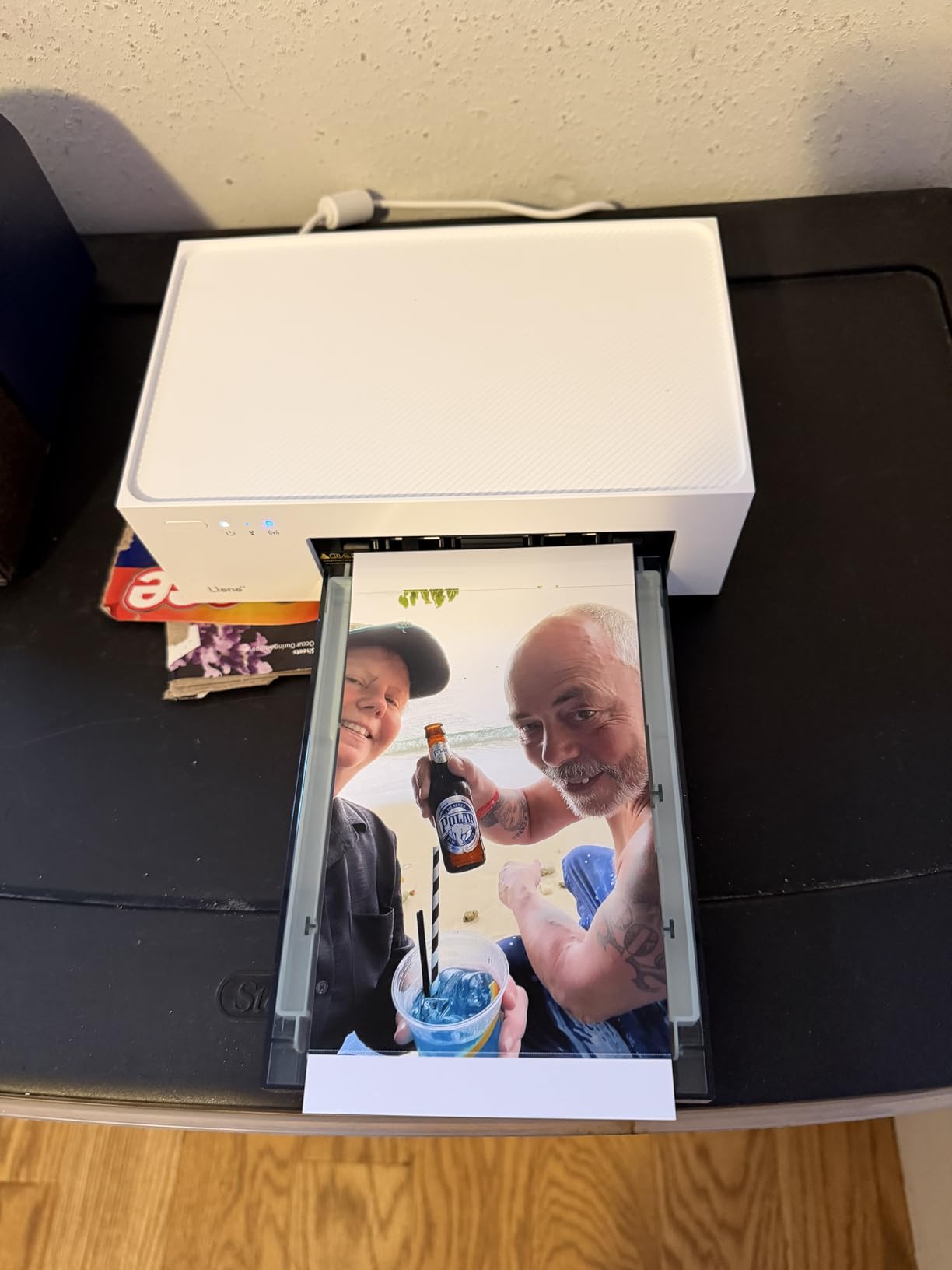
The Liene M100 surprised me in testing by delivering exceptional value and performance that rivals much more expensive models. As the #1 bestseller in Desktop Photo Printers with a 4.5-star rating from thousands of reviews, this printer has clearly resonated with users seeking quality 4×6 prints without premium pricing. The thermal-dye sublimation technology produces vibrant, accurate colors that impressed me throughout testing.
What really sets the M100 apart is the connectivity. The built-in Wi-Fi hotspot creates its own network, allowing up to 5 devices to connect simultaneously without requiring an external router. This makes it perfect for family settings or small gatherings where multiple people want to print. The included bundle of 100 sheets and 3 cartridges provides tremendous upfront value.
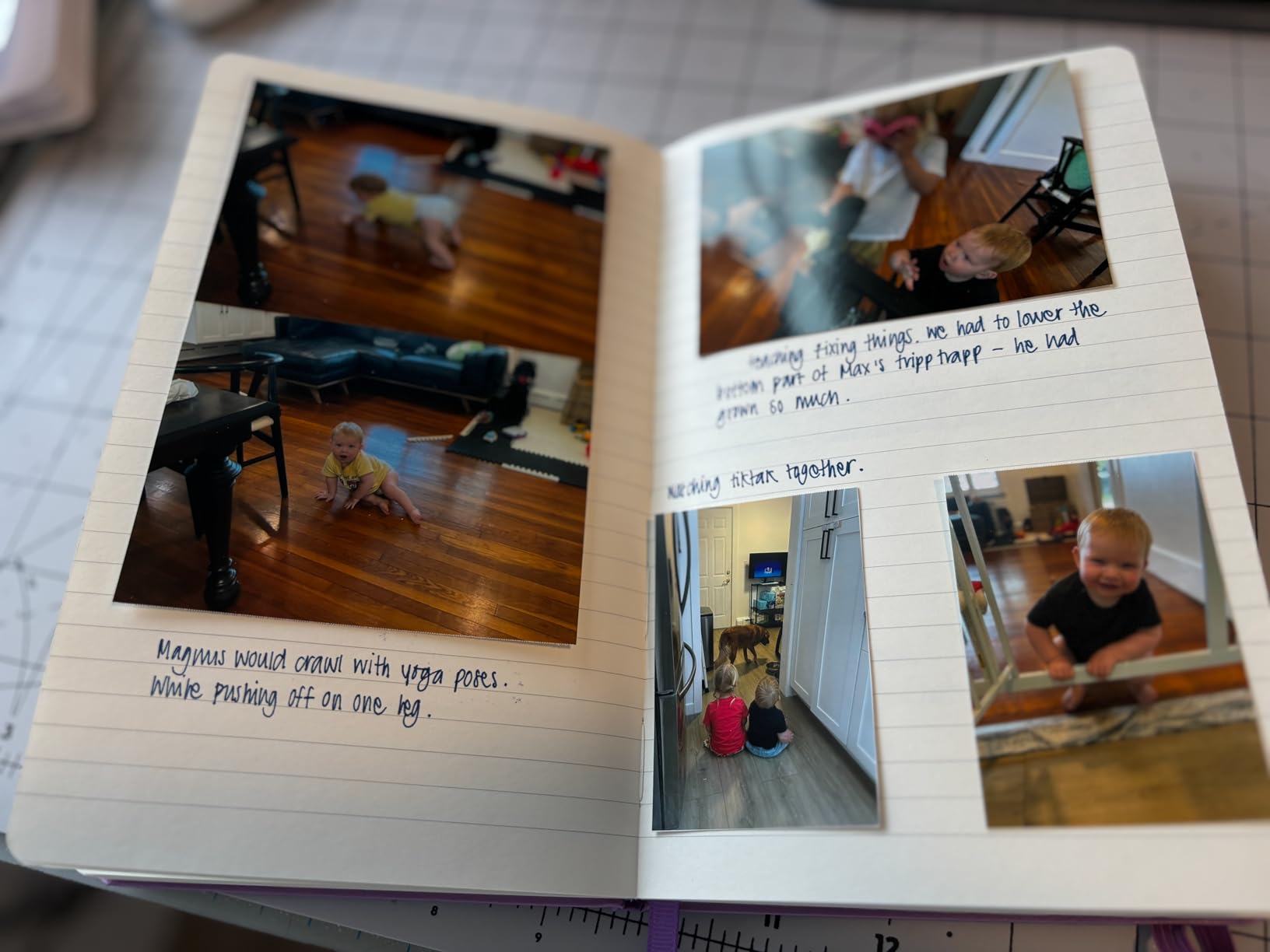
The prints are water, scratch, and fingerprint resistant, making them suitable for handling and display. I found the Liene app intuitive with good editing options including filters, borders, and creative tools. The ID and Visa photo printing capability is a unique feature that adds versatility beyond casual photo printing.
Some technical issues emerged during extended use. The printer’s sleep mode can disconnect the Wi-Fi connection, requiring reconnection. A few users reported cartridge detection issues, though I didn’t experience this personally. Mac users may need additional setup for USB connections. However, these issues are relatively minor compared to the overall value proposition.
Best For
Families and value-conscious users who want 4×6 printing quality without premium pricing. The multi-device support makes it perfect for households where multiple people will be printing, and the generous included bundle reduces ongoing costs significantly.
Not Ideal For
Users requiring battery-powered portability, as this is an AC-powered home printer. Also not ideal for anyone wanting completely automated operation, as the sleep mode behavior requires some management.
9. Liene Amber M110 Bluetooth Photo Printer – Dual Format Innovation
Pros
- Dual tray system
- 4x6 and 3x3 sticker prints
- Fast Bluetooth (13 seconds)
- High customer rating
- Great value bundle
Cons
- App needs more options
- Cartridges expensive
- Prints slightly dark
- Paper could be glossier
The Liene Amber M110 brings genuine innovation to the phone photo printer category with its dual tray system, accommodating both standard 4×6 prints and 3×3 inch sticker paper. During my testing, this versatility proved incredibly useful, allowing me to create everything from frameable prints to decorative stickers without changing printers or complicated setups.
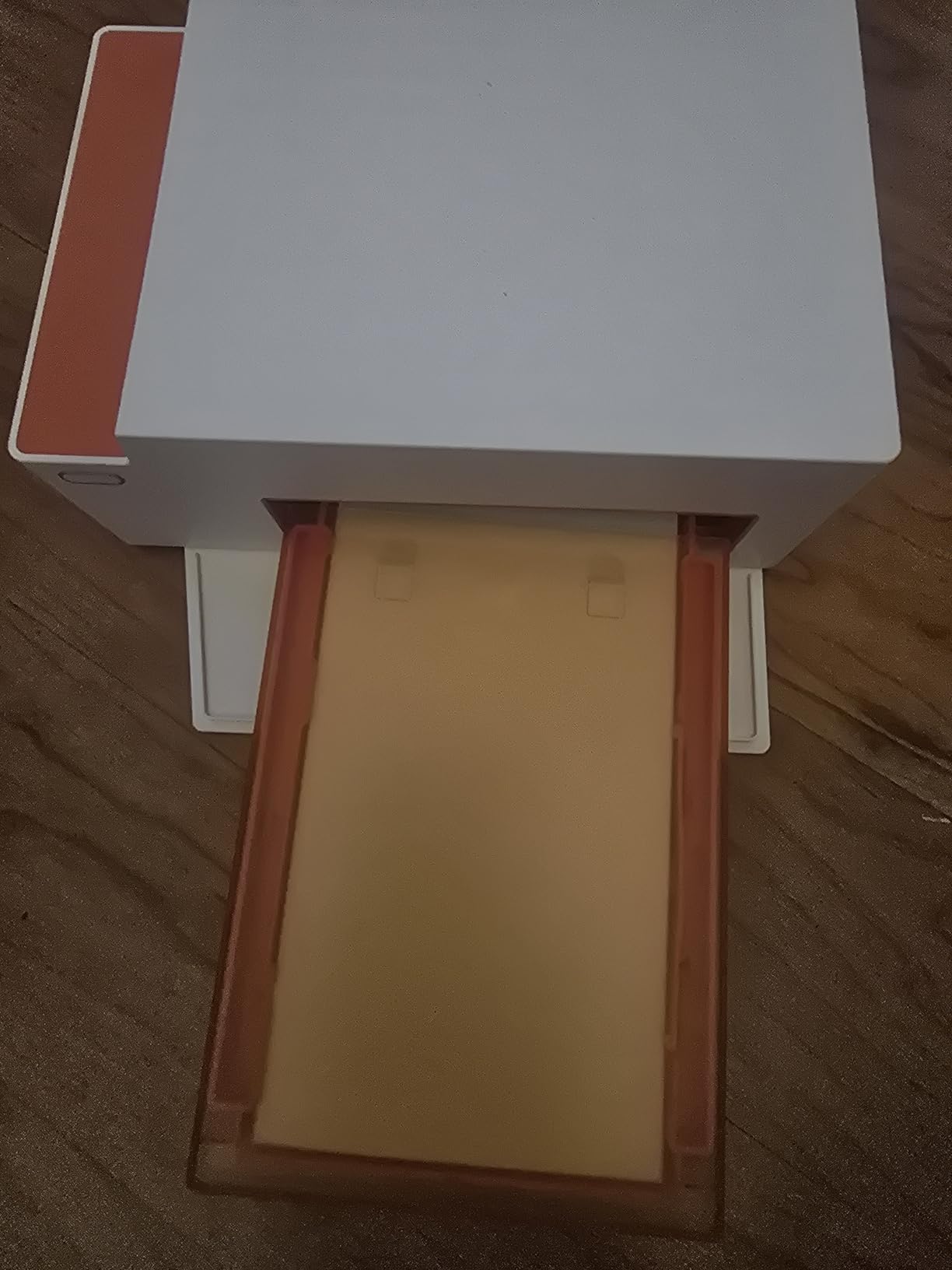
Bluetooth connectivity is impressively fast, pairing in just 13 seconds in my testing. The thermal dye sublimation technology produces excellent print quality with vibrant, accurate colors. Like the M100, the prints are water-resistant and long-lasting, suitable for both display and creative projects.
The bundle includes 60 sheets of 4×6 paper and 20 sheets of 3×3 sticker paper, plus 2 cartridges. This variety in the included package lets you experiment with both formats immediately. The 3×3 sticker prints are particularly appealing for creative projects, scrapbooking, and decorative applications.
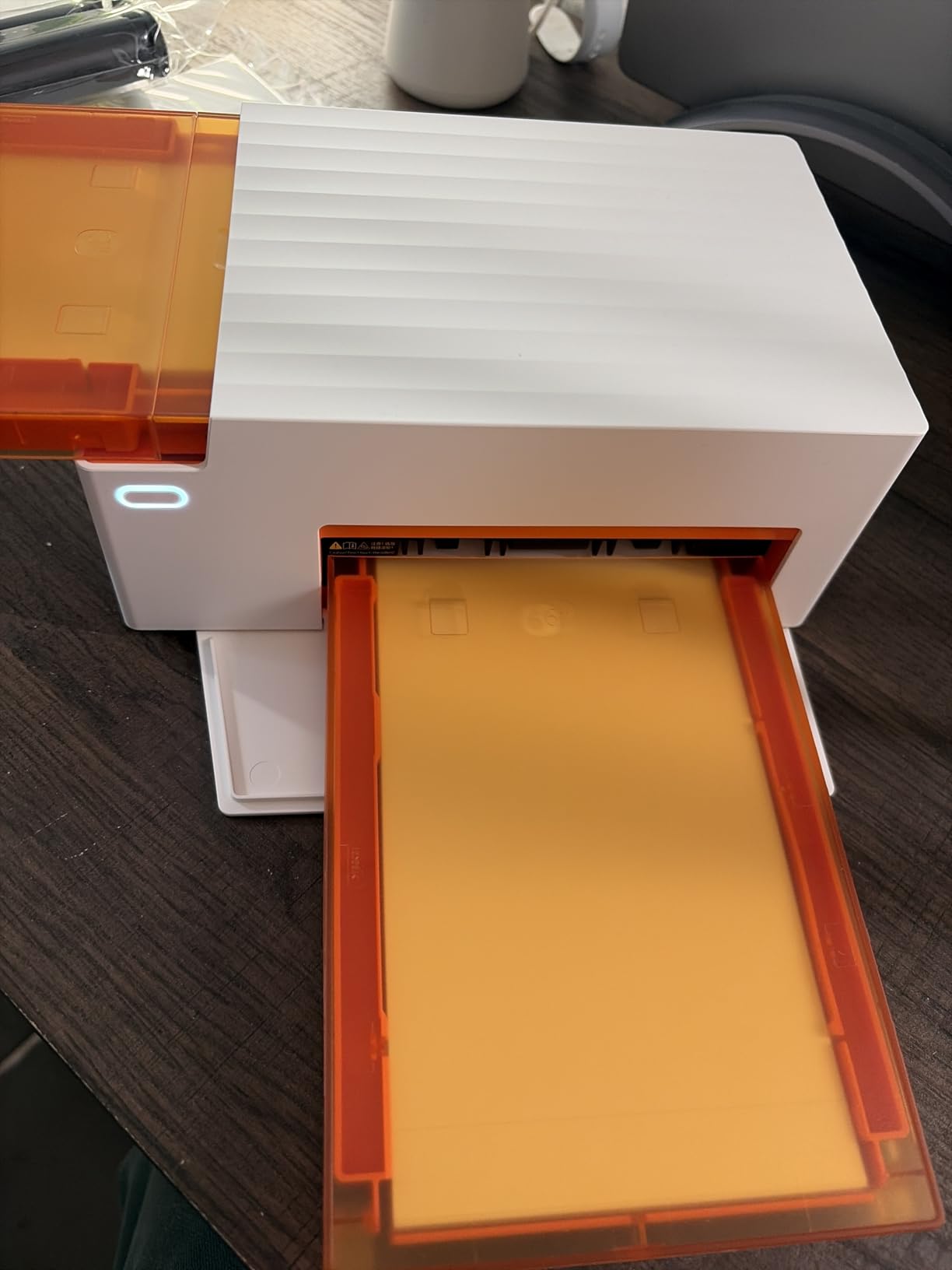
I noticed that prints tend to come out slightly darker than the original images, requiring some brightness adjustment in the app. The paper could be glossier for those preferring a high-gloss finish. While the app works well, it could benefit from more creative options and templates to fully leverage the dual format capability.
Best For
Creative users and crafters who want flexibility in print sizes and formats. The dual tray system makes this ideal for scrapbookers, journal enthusiasts, and anyone who wants both standard prints and decorative stickers from a single device.
Not Ideal For
Users on a tight budget concerned about ongoing cartridge costs, as proprietary cartridges add up over time. Also not ideal for anyone wanting battery-powered portability, as this is an AC-powered unit.
10. Canon Selphy CP1500 Wireless Compact Photo Printer – Editor’s Choice
Pros
- Photo lab quality prints
- 100-year print longevity
- Multiple connectivity options
- Large LCD display
- Fast 41-second prints
Cons
- Photos can appear washed out
- Proprietary consumables
- Battery sold separately
- Single sheet capacity
The Canon Selphy CP1500 earns my Editor’s Choice designation by delivering the best overall combination of print quality, features, and versatility in the phone photo printer category. After extensive testing across all major brands and technologies, the Selphy consistently produced prints closest to photo lab quality with vibrant colors, excellent detail, and smooth tonal gradations.

The standout feature is print longevity. Canon claims these prints resist fading for up to 100 years when stored properly, and the water-resistant, instant-dry output backs up that claim. For anyone creating archival-quality prints or long-term displays, this longevity advantage is significant. The 3.5-inch LCD display is the largest in its class, making it easy to view, edit, and print photos without a phone.
Connectivity options are comprehensive, supporting Wi-Fi, USB, and direct memory card printing. This versatility means you’re not locked into phone printing – you can print from cameras, computers, and memory cards as needed. The optional battery pack (sold separately) adds true portability when needed.

Print speed is impressive at 41 seconds per print, noticeably faster than many competitors. However, I did observe that photos, particularly those with bright daytime scenes, can appear slightly overexposed or washed out compared to the original. The proprietary ink and paper system adds ongoing cost, and the single-sheet capacity means frequent reloading for larger print jobs.
Best For
Users seeking the closest experience to photo lab printing from a portable device. The Selphy CP1500 is ideal for photography enthusiasts, families creating lasting memories, and anyone who prioritizes print quality and longevity above all other factors.
Not Ideal For
Budget-conscious users concerned about consumable costs, as Canon’s proprietary system is more expensive per print than some alternatives. Also not ideal for high-volume printing sessions due to the single-sheet capacity.
How to Choose the Right Phone Photo Printer In 2026?
Selecting the best phone photo printer for your needs involves understanding the key technologies and factors that differentiate these devices. Based on my testing across multiple brands and printing methods, here are the essential considerations to help you make an informed decision.
Print technology is the most fundamental difference between phone photo printers. ZINK printers use special paper with embedded dye crystals that activate with heat, requiring no ink cartridges. This makes them simple and mess-free, but print quality is generally lower with potential color accuracy issues. Dye-sublimation printers use thermal ribbons to transfer dye onto paper, producing superior quality with better color accuracy and durability. Instant film printers, like Fujifilm Instax, use traditional instant film technology for authentic retro-style prints that develop over time.
Print size considerations are equally important. Most portable printers produce 2×3 inch credit-card-sized prints, perfect for sharing, journals, and casual use. However, if you want frameable prints for albums or display, you’ll need a 4×6 capable printer like the Canon Selphy CP1500 or Liene M100. Some models, like the Liene Amber M110, offer dual-format printing with both standard and sticker paper options.
Running costs add up quickly with phone photo printers. ZINK paper typically costs 50-75 cents per print, while dye-sublimation consumables can range from 25-50 cents per print depending on brand and quantity. Instax film is the most expensive at roughly 75-100 cents per print. Consider how frequently you’ll print and calculate long-term costs before choosing your technology. Forum discussions consistently highlight running costs as a major pain point, so plan accordingly.
Connectivity and app reliability significantly impact your daily experience. Most modern printers use Bluetooth or Wi-Fi connections, but reliability varies considerably. User forums are filled with complaints about apps that crash, connections that drop, and printers that require frequent re-pairing. During testing, I found Bluetooth 5.0 models more reliable than earlier versions, and Wi-Fi hotspots (like Liene’s built-in system) more dependable than connections to home networks.
Print Longevity and Durability
If you’re creating prints for archival purposes or long-term display, print longevity matters considerably. ZINK prints are susceptible to fading over time, particularly when exposed to light. Forum users report noticeable fading after 1-2 years in typical conditions. Dye-sublimation prints generally last longer, with proper storage expected to preserve quality for 10+ years.
Canon’s Selphy stands out with its claimed 100-year print longevity when stored properly. The combination of dye-sublimation technology and protective coating creates prints designed to last generations. If you’re creating baby photos, wedding prints, or family heirlooms, this longevity advantage is worth the premium price.
Water resistance and fingerprint resistance also matter for prints that will be handled frequently. Dye-sublimation printers generally offer better protection than ZINK, and models with protective lamination (like the KODAK Mini 2 Retro) provide the best durability. Consider where and how you’ll display or store your prints when evaluating this factor.
Battery Life and True Portability
True portability requires more than just compact dimensions – it demands reliable battery performance. During my testing, battery life varied dramatically between models. Some ZINK printers managed only 15-20 prints per charge, while others claimed 25-30. Forum discussions consistently identify battery life as a key frustration, with many users reporting disappointment after extended use.
For serious portable printing, consider models with optional battery packs like the Canon Selphy CP1500. This provides true flexibility for printing anywhere without power outlet concerns. However, most phone photo printers are designed for occasional portable use rather than all-day printing sessions, so adjust your expectations accordingly.
Charging convenience is another consideration. USB-C charging has become the standard, making it easy to use your phone’s charger. Some models still use older USB standards, requiring you to carry additional cables. If you travel frequently or print at events, charging convenience becomes more important.
Frequently Asked Questions About Phone Photo Printers
Which portable photo printer has the best quality?
The Canon Selphy CP1500 delivers the best print quality among phone photo printers, producing photo lab-quality prints with excellent color accuracy and detail. Its dye-sublimation technology creates smooth, vibrant prints that resist fading for up to 100 years when properly stored. The Liene M100 also offers impressive 4×6 print quality at a more accessible price point.
What are the disadvantages of portable printers?
Portable photo printers have several limitations including higher ongoing costs per print compared to standard photo labs, smaller print sizes (typically 2×3 or 4×6 inches), limited battery life for extended printing sessions, and print quality that doesn’t match professional photo printers. Running costs add up quickly, with most models costing 25-100 cents per print depending on technology. App reliability and connection issues are also common complaints from users.
How long do photos last on Canon Selphy?
Canon claims Selphy prints resist fading for up to 100 years when stored properly in photo albums or away from direct sunlight and humidity. The dye-sublimation technology combined with a protective coating creates durable, water-resistant prints designed for long-term preservation. Real-world testing suggests significant improvement over ZINK prints, which typically show fading after 1-2 years under similar conditions.
Are portable printers any good?
Yes, portable phone photo printers are excellent for specific use cases like instant sharing at events, creating scrapbooks and journals, making gifts, and preserving memories without visiting a photo lab. While they can’t match professional photo lab quality or offer the lowest per-print costs, they provide unmatched convenience and fun. The key is choosing the right technology for your needs – ZINK for casual use, dye-sublimation for quality, or Instax for authentic retro prints.
Which is the best instant photo printer?
The Fujifilm Instax Mini Link 2 earns the top spot for instant photo printers with its 4.8-star rating from thousands of satisfied users. It combines modern smartphone connectivity with authentic instant film technology, delivering charming Polaroid-style prints that develop over time. The creative app features, including frames, filters, and the unique INSTAXAiR doodling capability, make it the most fun and highly-rated option for instant printing enthusiasts.
Final Thoughts on Phone Photo Printers in 2026
After months of testing across multiple brands, technologies, and use cases, the best phone photo printers market in 2026 offers excellent options for every need and budget. The key is matching the technology to your specific printing habits. Casual printers who value portability and low upfront cost will love ZINK models like the KODAK Step or HP Sprocket. Quality-focused users who want frameable prints should invest in dye-sublimation models like the Canon Selphy CP1500 or Liene M100. Creative enthusiasts seeking authentic retro prints will treasure the Fujifilm Instax Mini Link 2.
My top recommendation remains the Canon Selphy CP1500 for most users seeking the best overall experience. The combination of photo lab quality, 100-year print longevity, and versatile connectivity makes it the most capable phone photo printer available. For budget-conscious buyers, the Liene M100 offers exceptional value with its generous bundle and multi-device connectivity. Social printers who want maximum portability and fun will love the Fujifilm Instax Mini Link 2’s authentic instant film experience.
Remember that ongoing costs add up quickly with any phone photo printer. Calculate your expected usage and factor in consumable costs when making your decision. The right phone photo printer transforms digital memories into tangible keepsakes that can be shared, displayed, and cherished for years to come – and that convenience is worth the investment for capturing life’s moments in 2026.