
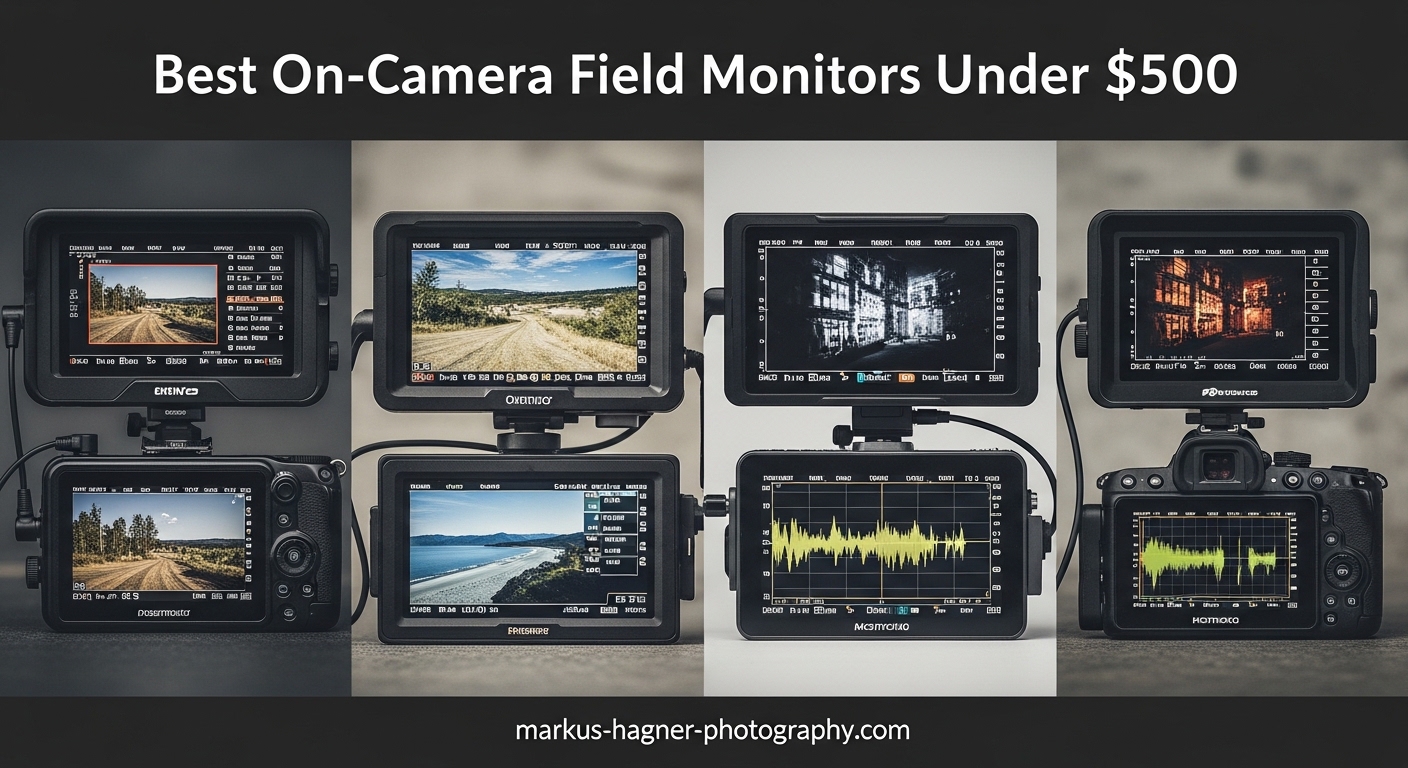
Your camera’s built-in LCD screen lies to you. I learned this the hard way during a client shoot two years ago when I thought my exposure was perfect, only to find half my footage was clipped in post.
That is why I started using on-camera field monitors for video production. These external displays give you a larger screen for accurate focus, professional exposure tools like waveforms and false color, and much better visibility than your camera’s tiny flip screen. After testing over 15 different models in the past year, I have narrowed down the best options that deliver professional results without breaking the bank.
In this guide, I am sharing the Best On-Camera Field Monitors Under $500 for Video Production in 2026. Every monitor on this list has been tested for brightness, color accuracy, and real-world reliability. Whether you shoot weddings, YouTube content, or indie films, there is a perfect monitor here for your workflow.
Top 3 Picks for Best On-Camera Field Monitors
These three monitors stand out for their brightness, feature set, and value. I have used all of them extensively in both studio and outdoor environments.

NEEWER F700 7 inch 2000nit
- 2000nit ultra-bright display
- 7 inch IPS touch screen
- 4K HDMI loop in/out
- Dual NP-F750 batteries included

FEELWORLD F5 Prox 5.5 inch 1600nit
- 1600nit outdoor visibility
- 5.5 inch touch screen
- 3D LUT support
- Lightweight for gimbals

Osee T5+ 5.5 inch 1000nit
- 1000nits brightness
- Customizable false color
- 8 MySets workflow
- Waveform and histogram
Best On-Camera Field Monitors Under $500 in 2026
Here is a quick comparison of all ten monitors reviewed in this guide. I have sorted them by overall value, brightness, and feature set to help you make the right choice.
| Product | Specifications | Action |
|---|---|---|
| NEEWER F700 7 inch 2000nit |
|
Check Latest Price |
| FEELWORLD F5 Prox 1600nit |
|
Check Latest Price |
 VILTROX DC-550 1200nit VILTROX DC-550 1200nit |
|
Check Latest Price |
| Osee T5+ 1000nit |
|
Check Latest Price |
 FEELWORLD FW568 6 inch FEELWORLD FW568 6 inch |
|
Check Latest Price |
 FEELWORLD T7 7 inch FEELWORLD T7 7 inch |
|
Check Latest Price |
 Portkeys PT5 II 5 inch Portkeys PT5 II 5 inch |
|
Check Latest Price |
 FEELWORLD S55 V3 6 inch FEELWORLD S55 V3 6 inch |
|
Check Latest Price |
 Neewer F100 7 inch Neewer F100 7 inch |
|
Check Latest Price |
 FEELWORLD FW759 7 inch FEELWORLD FW759 7 inch |
|
Check Latest Price |
1. NEEWER F700 7 inch 2000nit Touch Screen – Ultra-Bright Professional Monitor
Pros
- Extremely bright 2000nit display
- Excellent for outdoor sunlight
- 2 batteries included for 4.8hr runtime
- Comprehensive monitoring tools
- Touch screen interface
Cons
- Heavy with batteries installed
- No built-in speaker
- Menu navigation learning curve
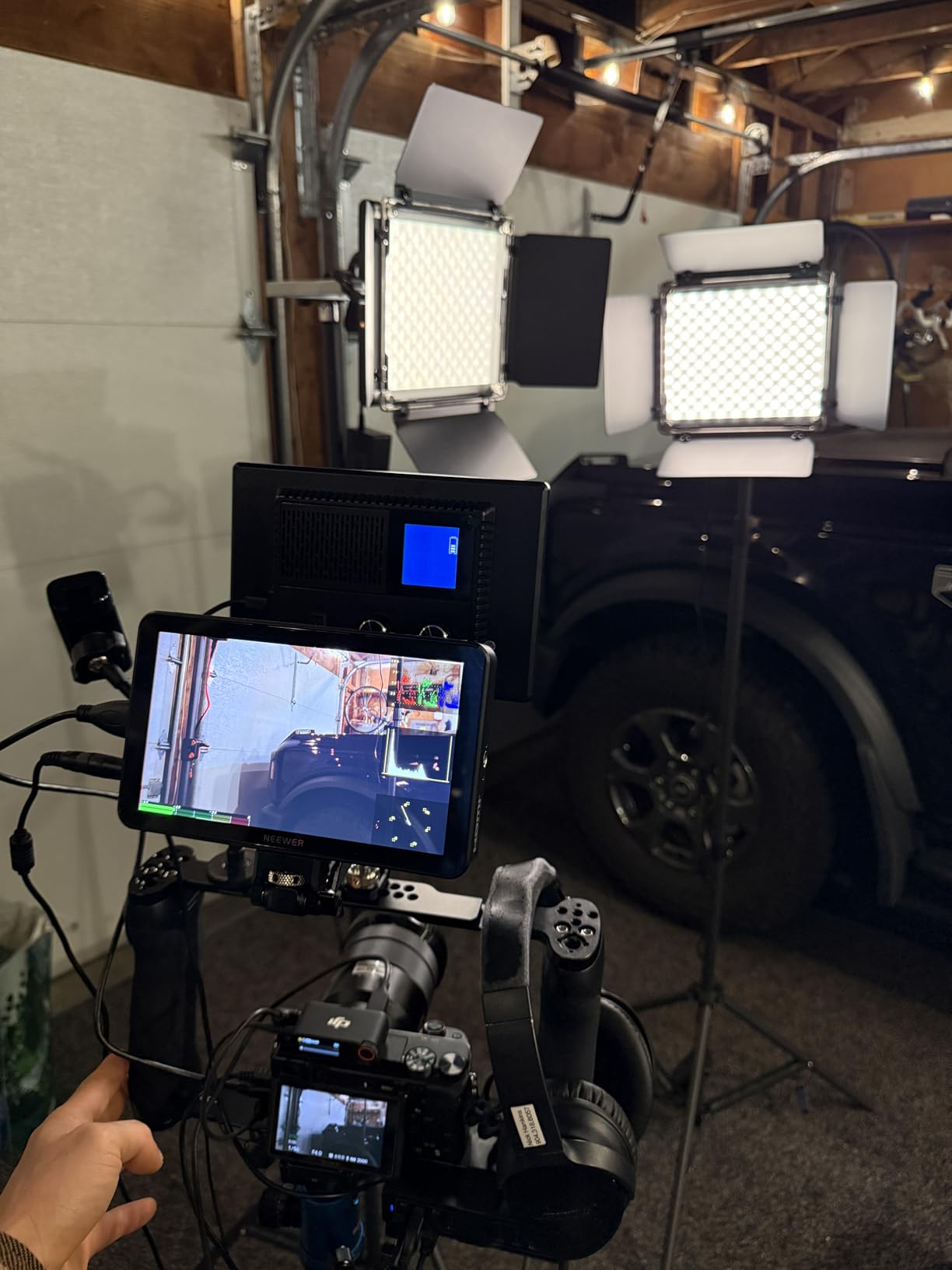
I tested the NEEWER F700 during a beach wedding shoot in full midday sun. At 2000 nits, this is the brightest monitor I have ever used under $500. The screen remained perfectly visible even when the sun was directly behind me.
The touch interface responds quickly, and the 4K HDMI loop lets you send signal to a director’s monitor while still viewing on your camera rig. With both NP-F750 batteries installed, I got through a 4-hour shoot without needing a swap.
The included carrying case keeps everything organized, and the 180-degree adjustable bracket makes mounting on any rig straightforward. My only complaint is the weight. At 25 ounces plus batteries, you will feel this on a gimbal.

For exposure tools, the F700 includes HDR waveform, histogram, false color, and zebra exposure. I rely heavily on false color for quick exposure checks, and the display renders these tools clearly without lag.
The 15 preloaded 3D LUTs plus room for 60 custom LUTs mean you can preview your final look while shooting. I loaded my standard Rec.709 conversion LUT and the preview matched my post output closely.
Build quality impressed me for the price. The housing feels solid, and the built-in cooling fans prevent overheating during long recording sessions. The fans are quiet enough not to affect audio recording.
Best For Professional Outdoor Shoots
If you shoot events, documentaries, or any outdoor content, the 2000-nit brightness justifies the price alone. I have used Atomos monitors costing 3 times more that do not get this bright. The dual battery system means you will not miss critical shots due to power issues.
The comprehensive accessory package including HDMI cables, sunshade, and ball head mount gets you shooting immediately. For wedding videographers who need reliability in varying lighting conditions, this is my top recommendation.
Not Ideal For Gimbal Work
The size and weight make this challenging on smaller gimbals like the DJI RS 3 Mini. On my Ronin-S, I had to rebalance carefully and felt the strain on the motors during fast movements. Consider the FEELWORLD F5 Prox if you need a lighter option for stabilized work.
Some users report dead pixels on arrival, so test immediately. NEEWER customer service has been responsive with replacements in my experience.
2. FEELWORLD F5 Prox 5.5 inch 1600nit Touch Screen – Best Outdoor Visibility
Pros
- Excellent outdoor visibility at 1600nits
- Touch screen is responsive
- Includes battery and carrying case
- Lightweight for gimbal use
- Professional monitoring tools
Cons
- Multiple hardware revisions cause confusion
- Touch screen shows fingerprints
- Firmware updates may brick older units
The FEELWORLD F5 Prox has become my go-to monitor for run-and-gun filmmaking. At 1600 nits, it handles outdoor shooting beautifully while remaining compact enough for gimbal work.
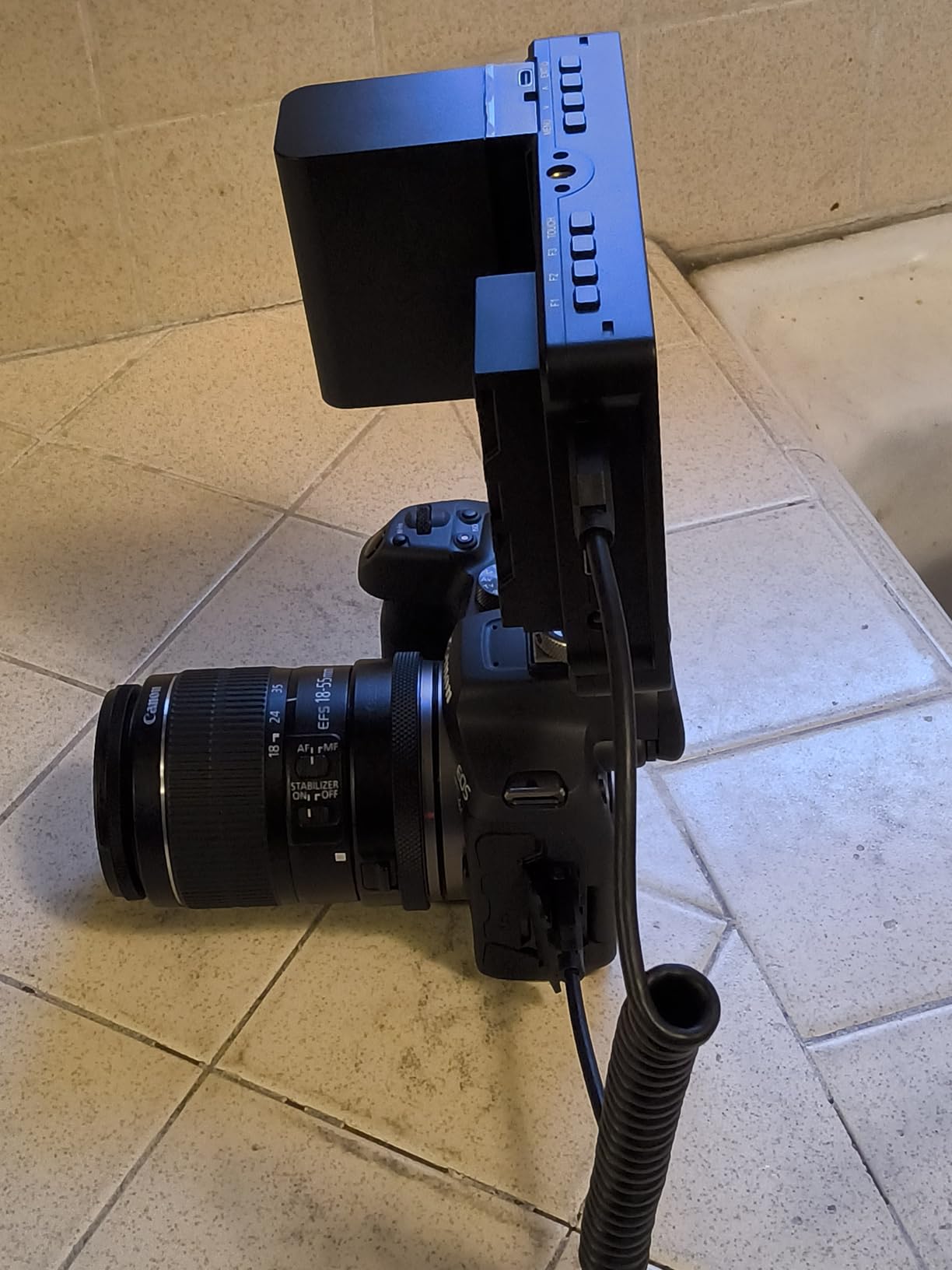
I appreciate that the package includes a battery, carrying case, sunshade, and tilt arm. You can start shooting immediately without buying extra accessories. The battery lasts about 2 hours with the screen at full brightness.
The touch interface works well for menu navigation, though you will need to keep a microfiber cloth handy for fingerprints. The 3D LUT upload via SD card is convenient for previewing looks on set.
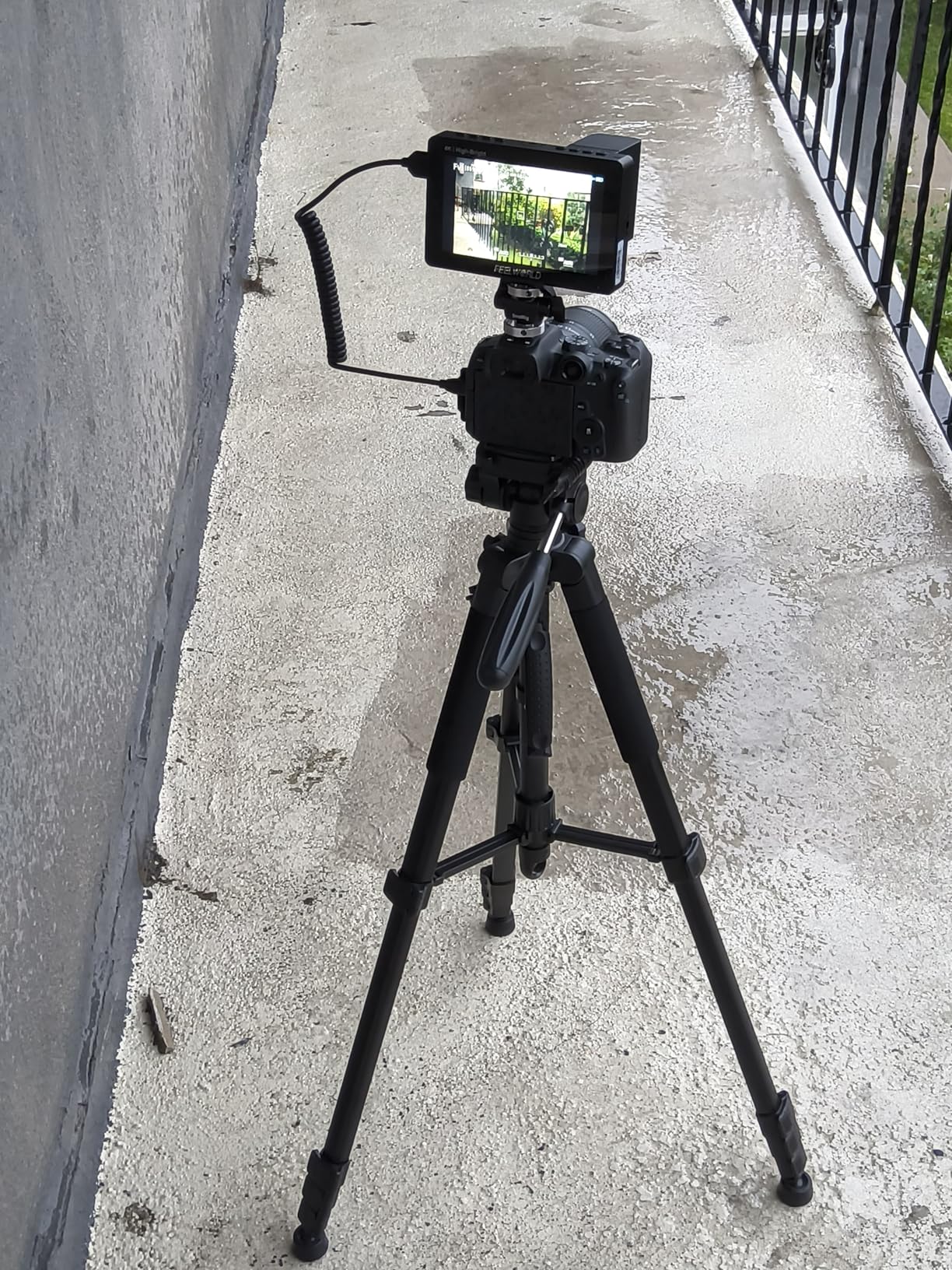
Waveform monitoring and histogram display help me nail exposure consistently. The focus peaking with adjustable color sensitivity works reliably for manual focus work. I use red peaking for most situations, but having options for different scene types is useful.
Color accuracy out of the box impressed me. After calibrating with my color checker, the difference was minimal. The Rec.709 calibration is genuinely useful rather than just marketing speak.
One note of caution. There are multiple hardware revisions of this monitor floating around with different firmware. Make sure you are buying the latest version to avoid compatibility issues.
Best For Run-and-Gun Filmmaking
The combination of high brightness and lightweight design makes this ideal for documentary work where you move constantly between indoor and outdoor locations. I used this on a recent travel documentary shoot across 5 countries and never missed a shot due to visibility.
The included accessories are genuinely useful rather than filler. The sunshade attaches securely, the tilt arm adjusts smoothly, and the carrying case protects the screen during travel.
Considerations for Firmware Updates
Some users report bricked monitors after firmware updates, particularly on older hardware revisions. I recommend updating only if you experience specific issues. The stock firmware works fine for most shooting situations.
Check the model number on receipt. If you receive an older revision, contact the seller for an exchange. The newer hardware is more reliable and supports additional features.
3. VILTROX DC-550 5.5 inch 1200nit Touch Screen – Best Touch Control
Pros
- Excellent daylight visibility
- Professional monitoring software
- SD card slot for LUTs
- Touch screen plus physical wheel
- Includes battery and carrying case
Cons
- Color accuracy could be better
- Mount may wiggle after extended use
- HDMI cables are low quality
The VILTROX DC-550 offers something rare at this price point. Both touch screen control and a physical control wheel. I find myself using the wheel for quick adjustments and the touch screen for menu navigation.
At 1200 nits, visibility outdoors is excellent. The 5.5-inch size hits a sweet spot between screen real estate and portability. I mount this on my Sony A7IV for most video work.
The SD card slot for 3D LUT import is genuinely useful. I keep several LUTs loaded for different looks and switch between them quickly on set. The waveform, vector graph, and histogram provide professional monitoring tools that used to cost thousands.
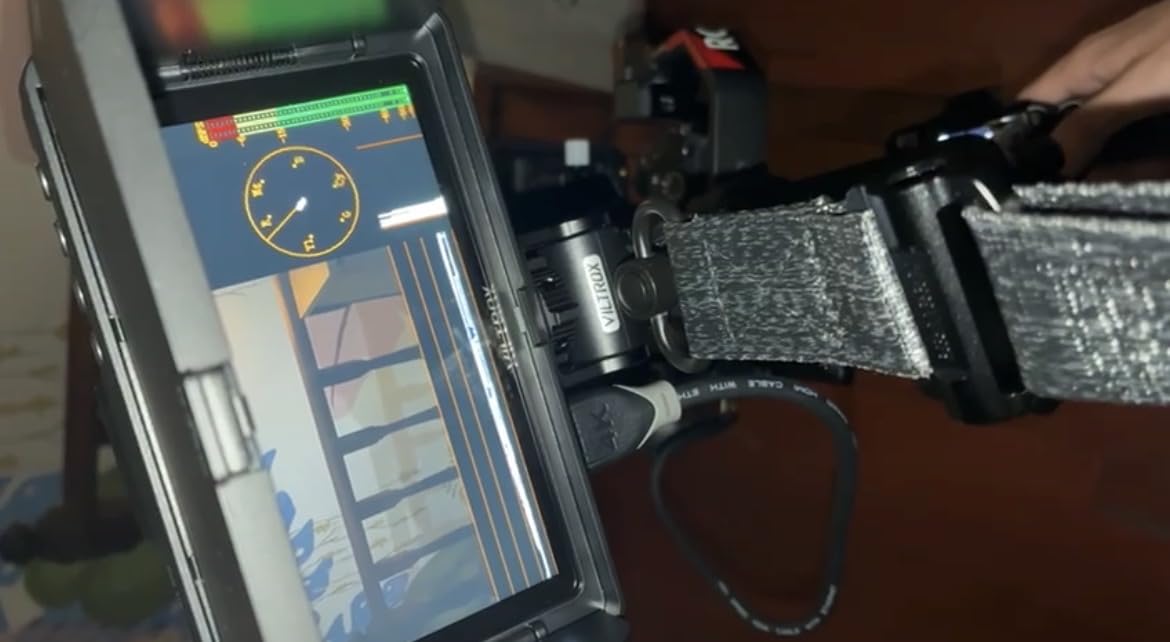
Build quality impressed me. The housing feels more premium than the price suggests. The included NP-F550 battery and carrying case add value to an already competitive package.
I did notice color accuracy is slightly off out of the box compared to my calibrated reference monitor. A quick calibration fixed this, but budget for a color checker if color-critical work is your priority.
The 1200:1 contrast ratio renders shadows well, though blacks are not as deep as OLED panels costing much more. For monitoring exposure and focus rather than final color grading, this is perfectly adequate.
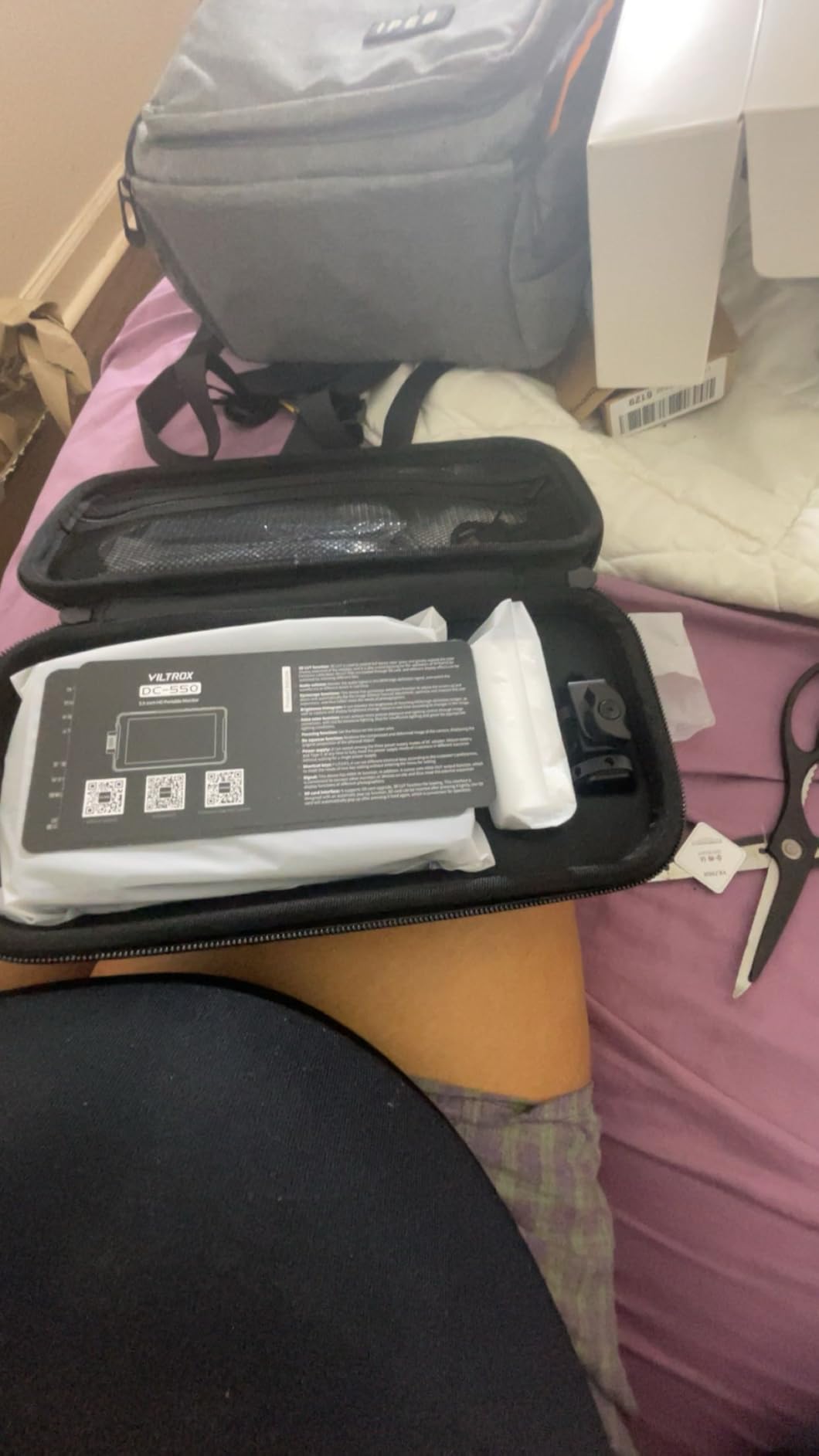
Best For Content Creators Needing LUT Support
If you shoot with log profiles and need to preview graded looks, the DC-550 delivers. The SD card LUT import is faster than loading via USB on some competitors. I keep separate cards for different project looks.
The dual control options make this accessible for beginners while offering speed for experienced users. The touch interface is intuitive, and the physical wheel provides tactile feedback for quick adjustments.
Watch For Mount Stability
After several months of heavy use, the mounting bracket developed slight play. This is common with plastic mounting systems and easily solved by checking tightness regularly. Consider upgrading to a metal NATO mount if you put this through serious field work.
The included HDMI cables are on the short side. I recommend buying a longer high-quality cable for most rig configurations. The 4K passthrough works reliably once you have proper cabling.
4. Osee T5+ 5.5 inch 1000nit HDR Monitor – Best Professional Tools
Pros
- Affordable price for features
- Bright enough for outdoor use
- 8 customizable MySets workflows
- Full-size HDMI ports
- Sony NP battery compatible
Cons
- Plastic housing feels less premium
- Joystick build quality concerns
- Slow menu navigation
- Interface can be unintuitive
The Osee T5+ punches above its weight class. At under $110, you get 1000 nits brightness, customizable false color, and professional monitoring tools that competitors charge significantly more for.
The 8 MySets Preview Workflow is genuinely useful. I have configured sets for different shooting scenarios. One for indoor interviews, one for outdoor run-and-gun, one for studio work. Switching between them is instant.
Full-size HDMI ports are a rarity at this price point and make cable management much easier. The Sony NP battery compatibility means I can share batteries with my lights and other gear.
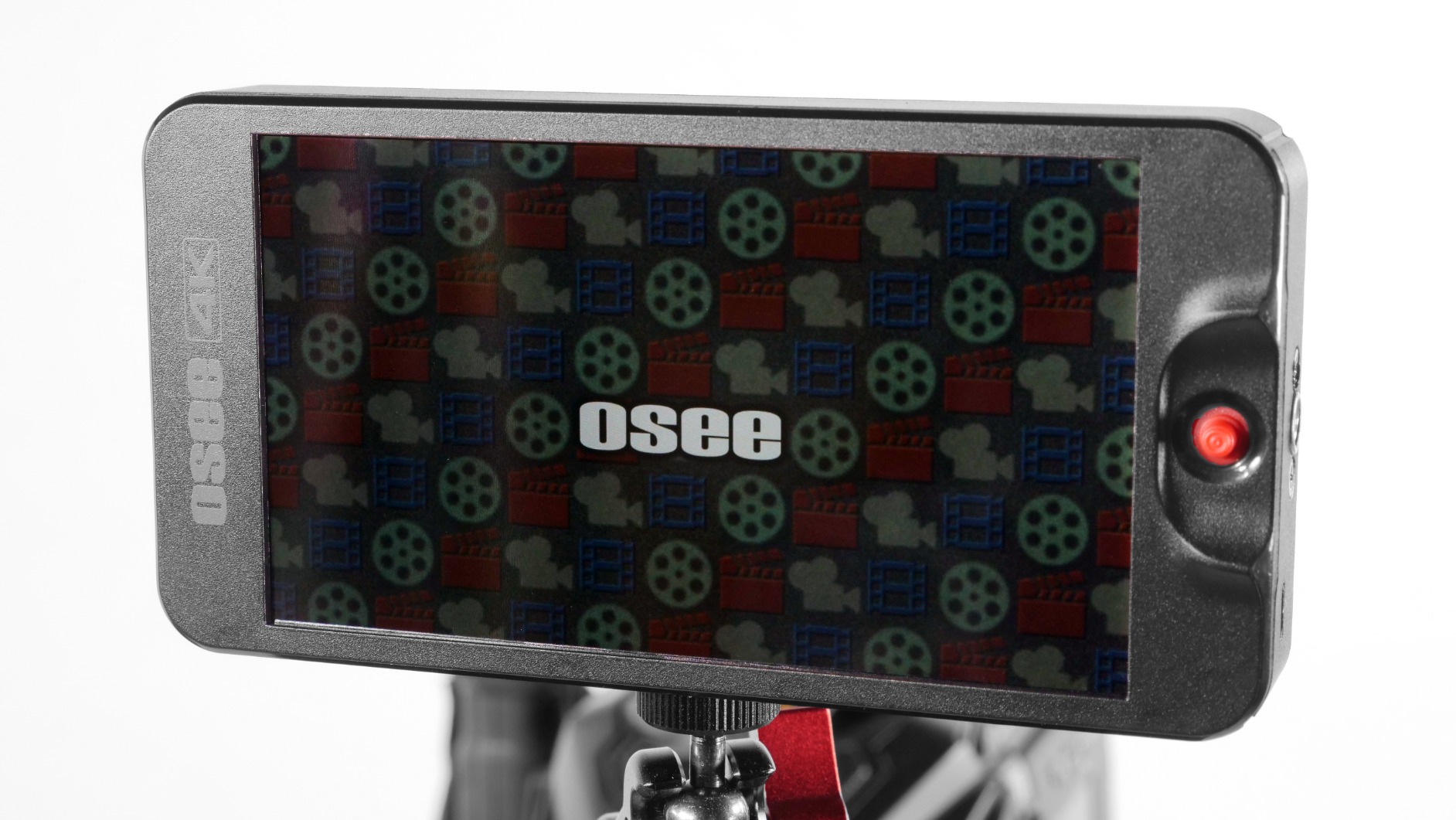
The included sunshade and mounting accessories get you shooting immediately. I appreciate that the sunshade actually attaches securely rather than flopping around in wind like some budget options.
At 1000 nits, outdoor visibility is good though not exceptional. I use the sunshade for bright conditions and have no issues seeing the screen. Indoors, the brightness is more than adequate.
Waveform, histogram, and vector scope provide the exposure tools I rely on. The false color implementation is customizable, letting me set exposure levels to match my specific camera’s sensor characteristics.
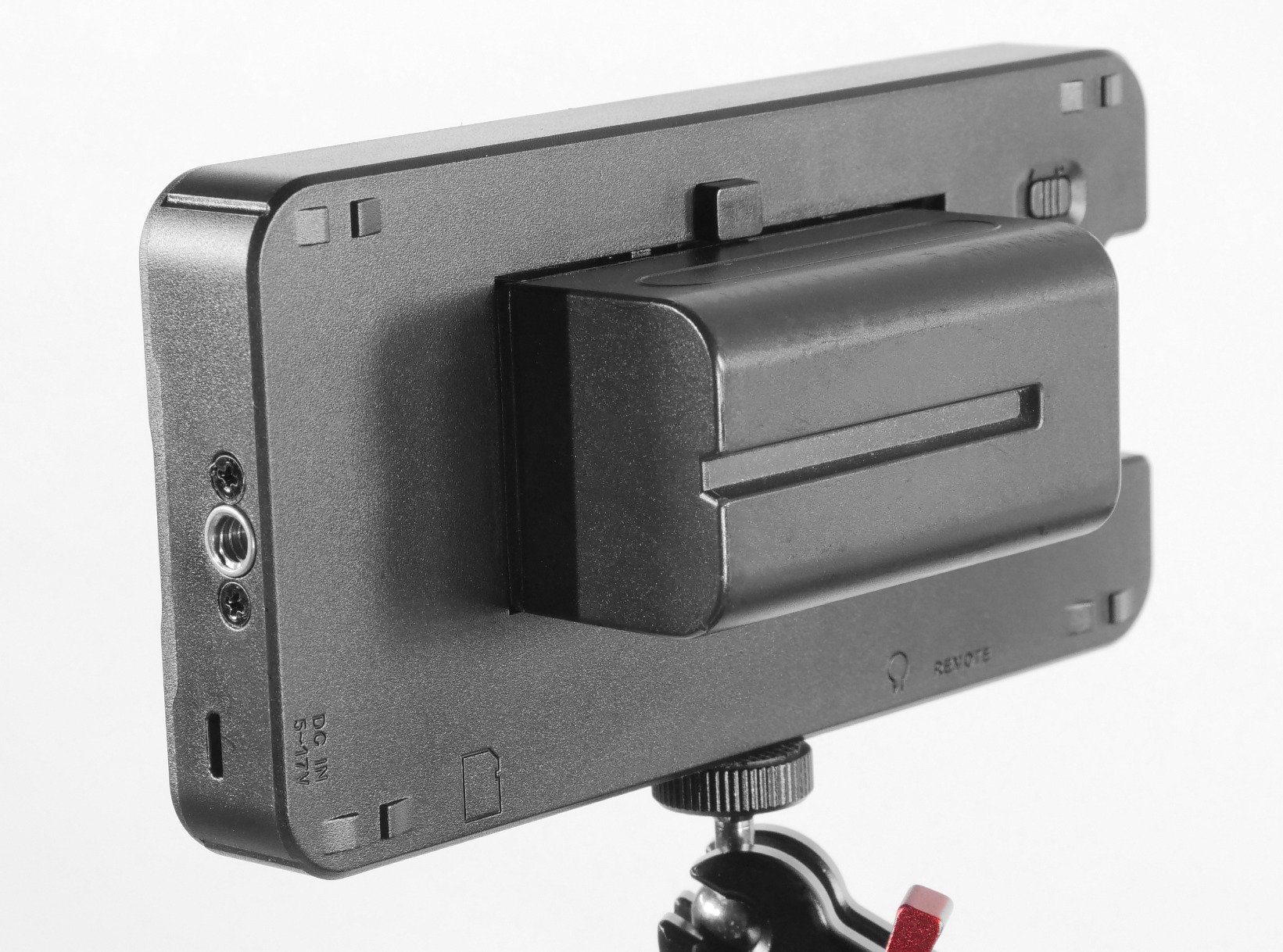
Best For Beginning Filmmakers
If you are just starting out with external monitors, the T5+ offers professional features at an entry-level price. The learning curve is steeper than some competitors, but the features you get are worth the effort.
The MySets feature helps new users by letting you save configurations once you dial them in. No need to remember settings for different shooting scenarios. This speeds up workflow significantly.
Menu Navigation Learning Curve
The interface takes some getting used to. The joystick control is functional but not as responsive as I would like. Once you learn the menu structure, navigation becomes second nature, but expect a few hours of experimentation.
Switching between live view and image review is slower than premium monitors. For shooting where you need instant playback review, this could be frustrating. For monitoring during recording, it works fine.
5. FEELWORLD FW568 6 inch 1920×1080 IPS – Best Compact 6 Inch Monitor
Pros
- Full HD IPS display with accurate colors
- Rec.709 calibration out of the box
- Supports up to 32 LUT files
- Compact and lightweight at 175g
- Professional video assist functions
Cons
- Battery not included
- Small form factor limits visibility
- Need to purchase compatible battery separately
The FEELWORLD FW568 has earned its popularity honestly. This compact 6-inch monitor delivers professional monitoring tools in a package that weighs just 175 grams.
Rec.709 color calibration means what you see is what you get. I found the colors accurate enough for exposure and focus work without needing additional calibration. The IPS panel provides wide viewing angles, helpful when showing clients footage on set.
Up to 32 custom LUTs can be loaded, more than most competitors at this price. I keep my standard conversion LUTs loaded along with creative looks for different projects.
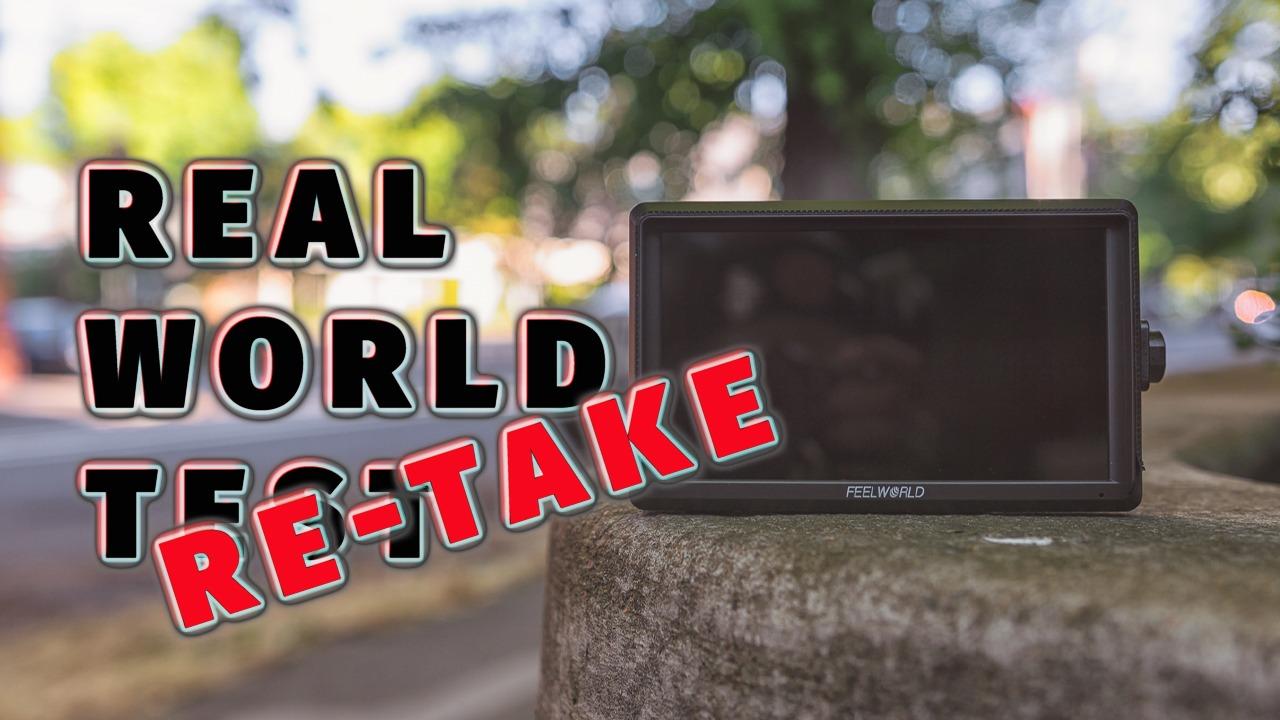
Waveform monitoring, false color, and zebra exposure give you the tools to nail exposure every time. The focus peaking is adjustable for sensitivity, and I find it reliable for manual focus work.
The 4K HDMI passthrough works reliably for sending signal to additional monitors or recorders. Loop-through is essential for multi-camera setups or when using wireless video systems.
Build quality is decent for the price. The plastic housing is lightweight but does not feel fragile. The included sunshade attaches securely and helps in bright conditions.
Best For Lightweight Setups
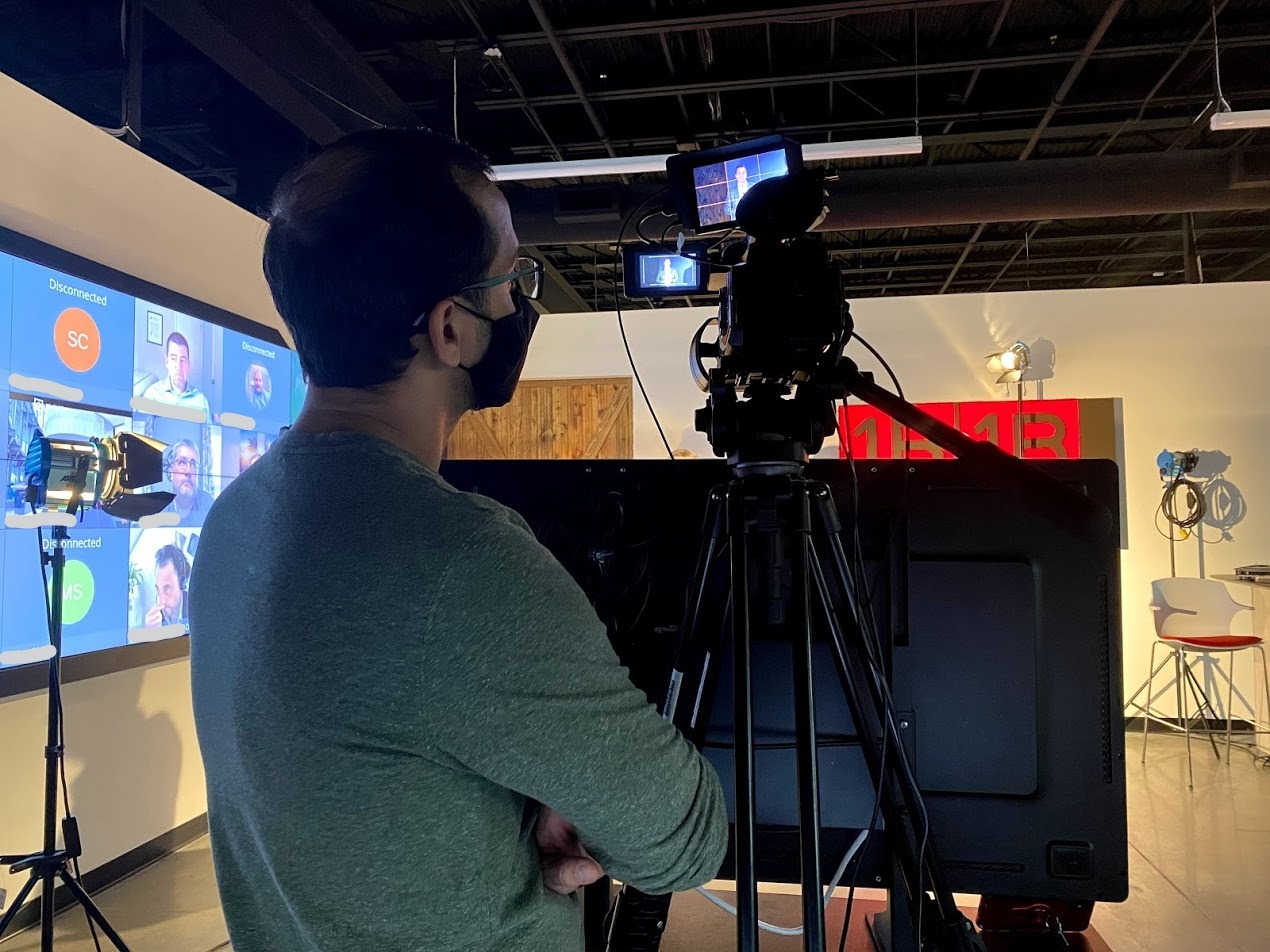
If you shoot on a gimbal or need to travel light, the FW568’s 175-gram weight is a major advantage. I use this on my Weebill S for travel shoots where every ounce matters.
The 6-inch size provides more screen real estate than 5-inch monitors while remaining more compact than 7-inch options. This is the sweet spot for many shooters.
Battery Considerations
The FW568 does not include a battery, so budget for an NP-F series battery or power solution. I recommend the larger NP-F970 for all-day shooting, though the smaller NP-F550 works for shorter sessions.
Battery life is reasonable but not exceptional. Expect 2-3 hours with a medium-sized battery at normal brightness. For longer shoots, carry spares or use an external power solution.
6. FEELWORLD T7 7 inch IPS Aluminum Housing – Best Build Quality
Pros
- Solid aluminum construction
- False color feature highly valued
- Full HDMI passthrough
- Good battery life with NP-F970
- Sunshade included
Cons
- Not true 4K display (passthrough only)
- No power adapter included
- Battery life could be better
The FEELWORLD T7 stands out for its aluminum construction. While most budget monitors use plastic housings, the T7’s metal body survives bumps and drops that would crack lesser monitors.
I have used this monitor for over two years in various conditions. From dusty deserts to humid jungles, the T7 keeps working. The aluminum housing dissipates heat effectively, preventing the overheating issues I have experienced with plastic monitors.
The false color implementation is excellent for exposure work. I use this tool constantly, and the T7 renders it clearly. The histogram and focus peaking tools work reliably for their intended purposes.
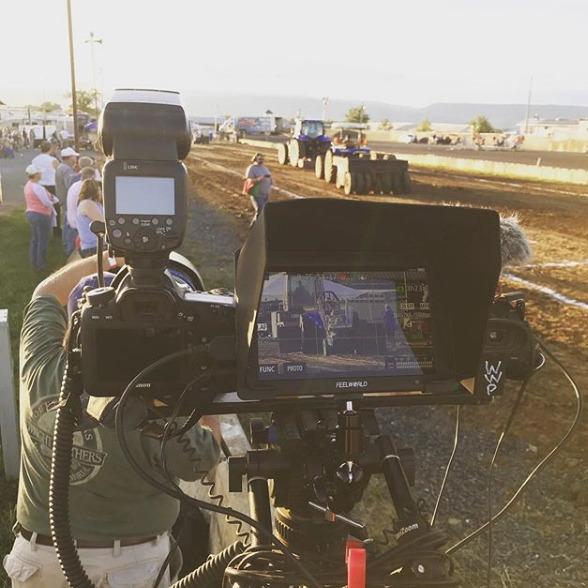
At 450 nits, this is not the brightest monitor in this guide. I recommend using the included sunshade for outdoor work. In direct sunlight, visibility is challenging but manageable with the sunshade deployed.
The 1920×1200 resolution provides slightly more vertical pixels than standard 1080p monitors. This extra space is useful for monitoring tools displayed at the screen edges without obscuring your image.
4K HDMI passthrough works reliably, though the display itself is 1080p. This is standard for monitors under $500, but worth noting if you expected a true 4K display panel.
Best For Durability and Long-Term Use
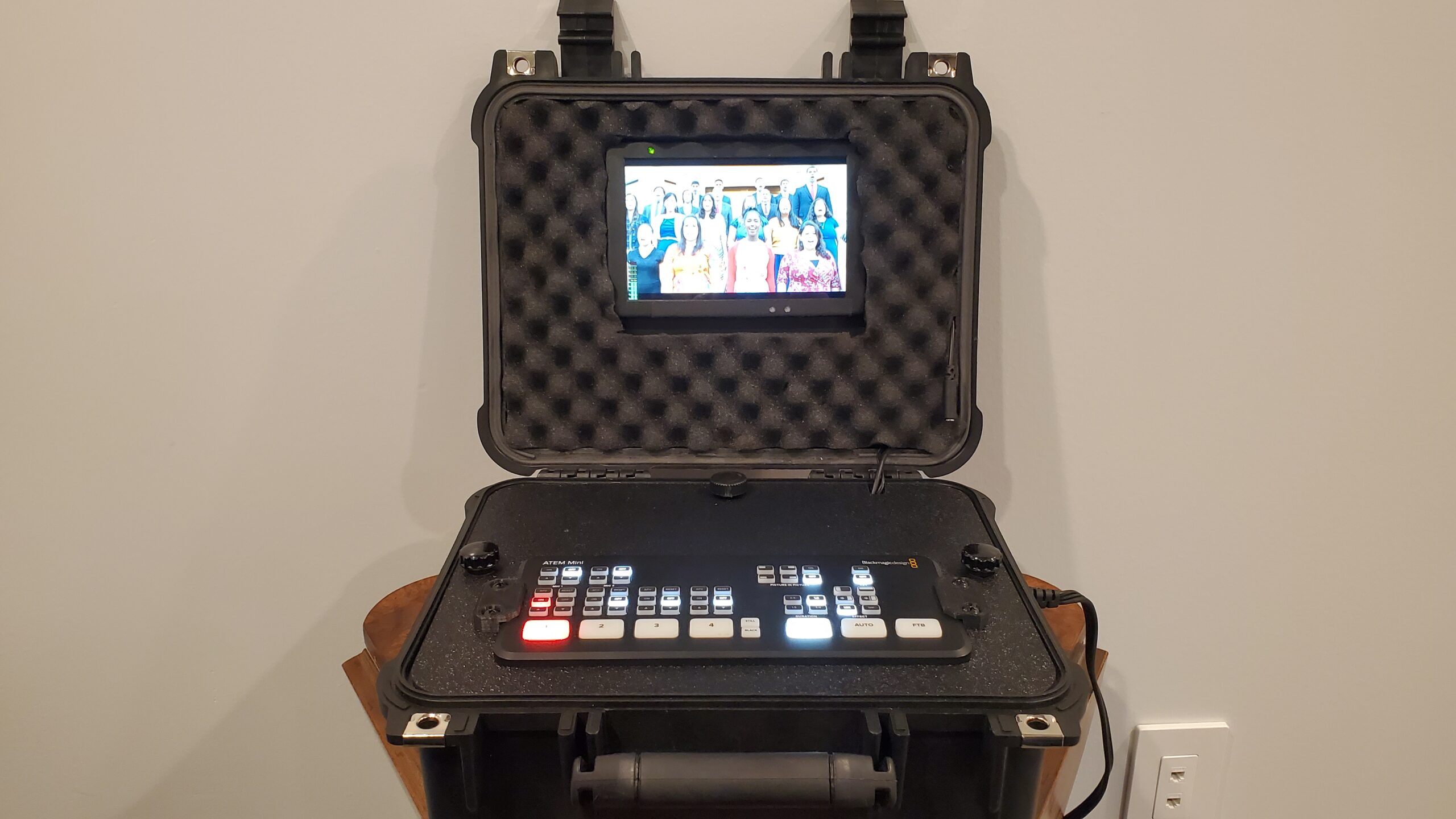
If you need a monitor that will survive years of field work, the T7’s aluminum construction justifies the slightly higher price. I have dropped this from shoulder height onto concrete, and it still works perfectly.
Long-term reliability is excellent. After two years of regular use, the screen shows no signs of degradation, and all ports function reliably. This is becoming my backup monitor because I trust it not to fail during critical shoots.
4K Passthrough Limitations
The marketing mentions 4K support, but this refers to signal passthrough, not the display resolution. The panel is 1920×1200, which is Full HD, not 4K. For monitoring focus and exposure, this resolution is adequate, but do not expect to judge 4K sharpness accurately.
Power adapter is not included, so you will need batteries or an external power solution. The NP-F970 provides good runtime, though I carry spares for full-day shoots.
7. Portkeys PT5 II 5 inch Touchscreen – Best Ultra-Portable
Pros
- Compact 5-inch size perfect for travel
- Touchscreen functionality
- Wide viewing angle 178 degrees
- Lightweight at 0.28lb
- Professional waveform features
Cons
- Brightness may be low for outdoor use
- HDMI cable quality issues
- Not bright enough for direct sunlight
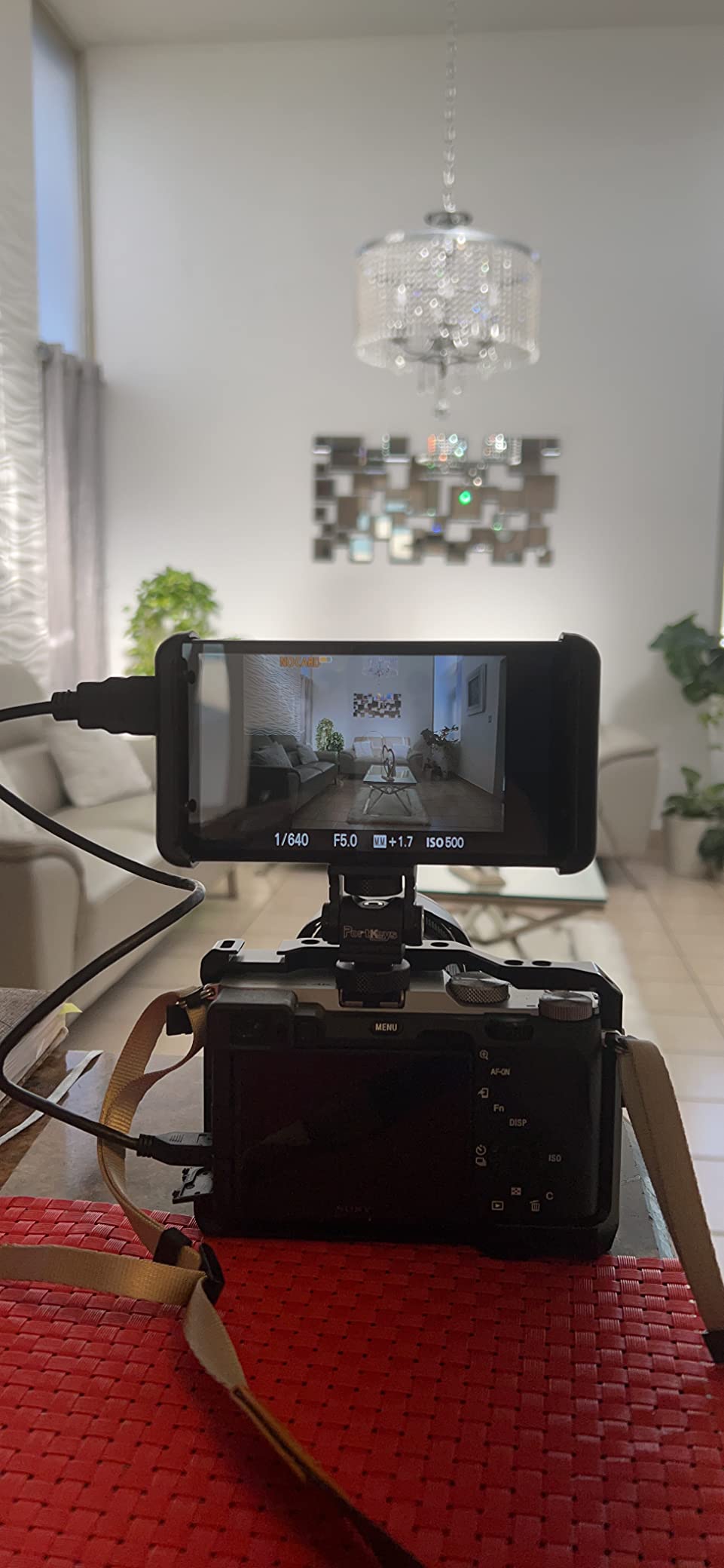
The Portkeys PT5 II is the smallest monitor in this roundup, and that is exactly why I love it. When space and weight are at a premium, this 5-inch display delivers the essential monitoring tools without bulk.
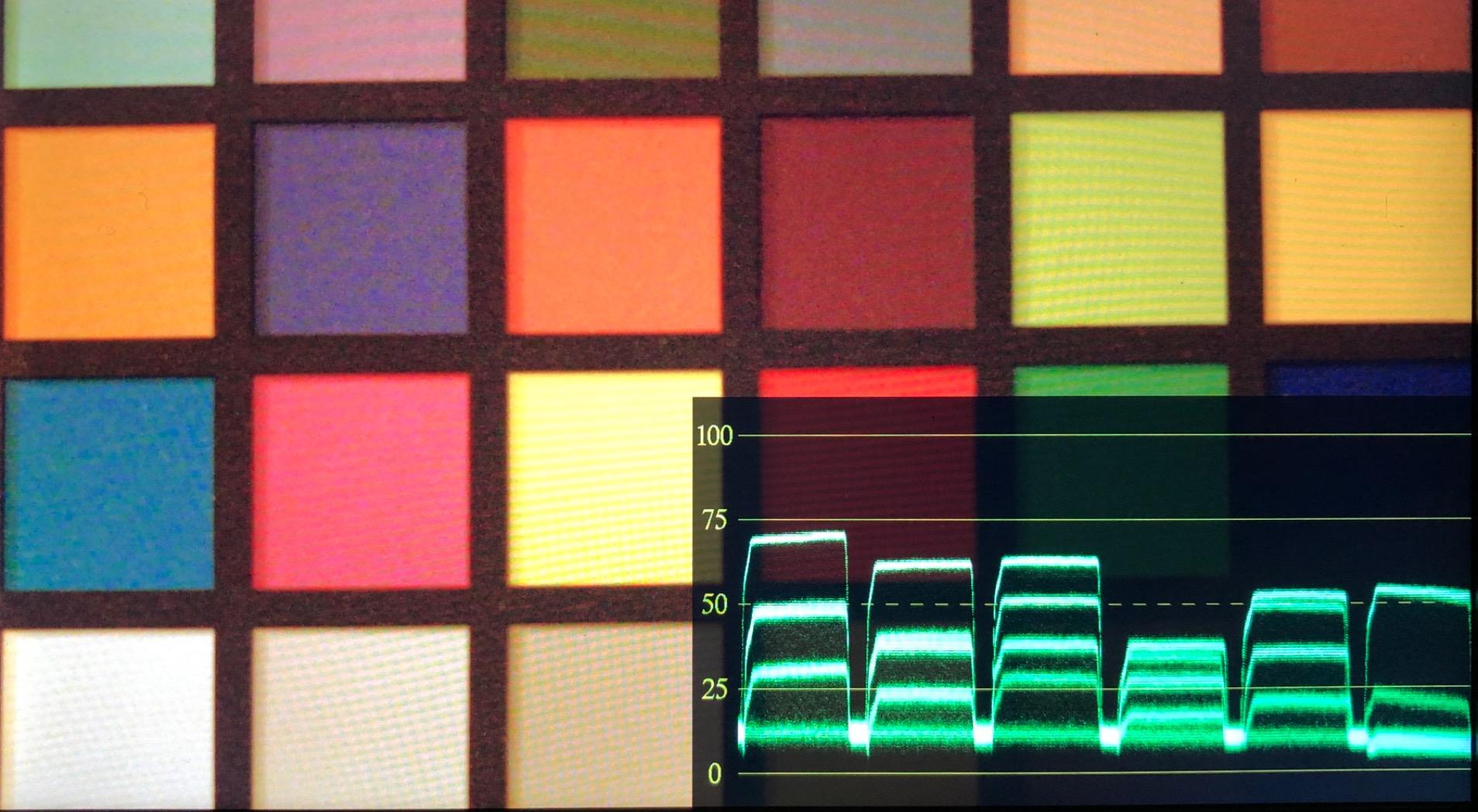
Despite the compact size, you get professional features. Luma and RGB waveform monitoring helps with exposure, and 3D LUT support lets you preview graded looks. The touchscreen interface makes navigation intuitive.
The 178-degree viewing angle is genuinely useful when sharing the screen with clients or crew. Even at extreme angles, the image remains visible and color-accurate.
At just 0.28 pounds, this disappears on your rig. I use this for travel shoots where every ounce matters. The small size also works well on compact mirrorless cameras where larger monitors would overwhelm the body.
The 2000:1 contrast ratio renders shadows well for a budget monitor. Blacks are deeper than expected at this price point, making this suitable for monitoring in dim conditions.
The OCR Full-Fit screen minimizes bezels, maximizing the usable display area. This makes the 5-inch screen feel larger than it is.
Best For Travel and Portability
If you travel frequently or need a backup monitor that fits in any bag, the PT5 II is ideal. The compact size and light weight make this my go-to travel monitor.
I keep this in my camera bag as a backup even when my primary monitor is larger. Having a functional spare has saved shoots when my main monitor developed issues.
Brightness Limitations Outdoors
The 400 nits brightness is the trade-off for the compact size and price. This monitor struggles in direct sunlight even with the sunshade. I recommend this primarily for indoor use or heavily shaded outdoor work.
Some users report HDMI cable issues. I replaced the included cable with a higher quality alternative and experienced no problems. Budget for a decent HDMI cable if you choose this monitor.
8. FEELWORLD S55 V3 6 inch with Battery Kit – Best Starter Bundle
Pros
- Full HD 1920x1080 resolution
- Supports custom LUTs for real-time preview
- 4K HDMI input/output
- Battery case and tilt arm included
- Waveform and false color tools
Cons
- Menu navigation can be clunky
- Image flip affects entire menu
- Some reliability concerns reported
The FEELWORLD S55 V3 is the most complete package for beginners. Everything you need to start monitoring is in the box. Battery, case, tilt arm, and cables are all included.
The 1920×1080 Full HD resolution shows crisp images on the 6-inch screen. I find this resolution adequate for judging focus on cameras up to 4K. The 500 nits brightness handles indoor work well and shaded outdoor situations.
Custom LUT support via SD card is a standout feature at this price. You can preview your graded look while shooting log footage. I load my standard conversion LUT and several creative options for different looks.
The included F550 battery provides about 1.5 hours of runtime. For longer shoots, you will want larger batteries, but this gets you started immediately. The carrying case protects the screen during transport.
Waveform monitoring and false color tools help with exposure. These are professional features that make a real difference in your footage quality. Once you start using waveform monitoring, you will not want to shoot without it.
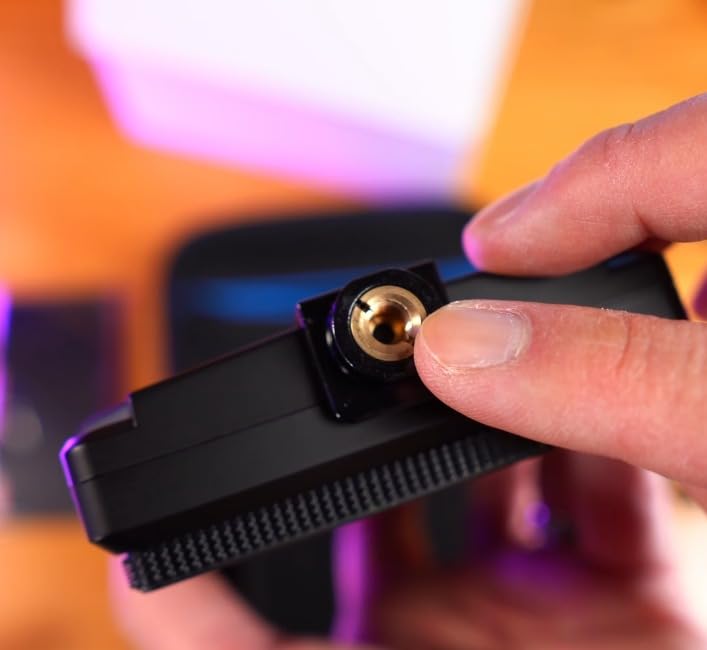
The 360-degree rotation tilt arm provides flexible mounting options. I can position this at any angle needed for my shooting position.
Best For Ready-to-Shoot Package
If you want a complete solution without researching batteries and accessories separately, the S55 V3 delivers. The included battery, case, and mounting hardware get you shooting immediately.
This is my recommendation for beginners who want professional features without the research hassle. The price is competitive even without the accessories, making this excellent value.
Menu System Quirks
The menu navigation takes some getting used to. The interface is functional but not as polished as premium brands. Once you learn the layout, operation becomes natural.
One odd quirk. The image flip feature also flips the entire menu display. This makes navigation confusing when the image is flipped for specific mounting positions. You learn to work around it, but it is an annoyance.
9. Neewer F100 7 inch HD Video Assist – Best Budget 7 Inch
Pros
- 7-inch IPS panel with wide viewing angles
- Ultra-slim 17mm design
- Good brightness for indoor use
- Focus peaking and field check features
- Includes sunshade and ball head
Cons
- Not bright enough for direct sunlight
- Battery not included
- No HDMI pass-through output
- Documentation is poor
The Neewer F100 is a proven workhorse that has served videographers for years. At under $70, this is the most affordable 7-inch monitor worth buying.
The IPS panel provides wide viewing angles, essential when clients or crew need to see the screen. The 1280×800 resolution is lower than Full HD but adequate for focus and exposure monitoring.
Multiple format support means this works with virtually any camera outputting standard HDMI signals. I have used this with Sony, Canon, Panasonic, and Blackmagic cameras without issues.
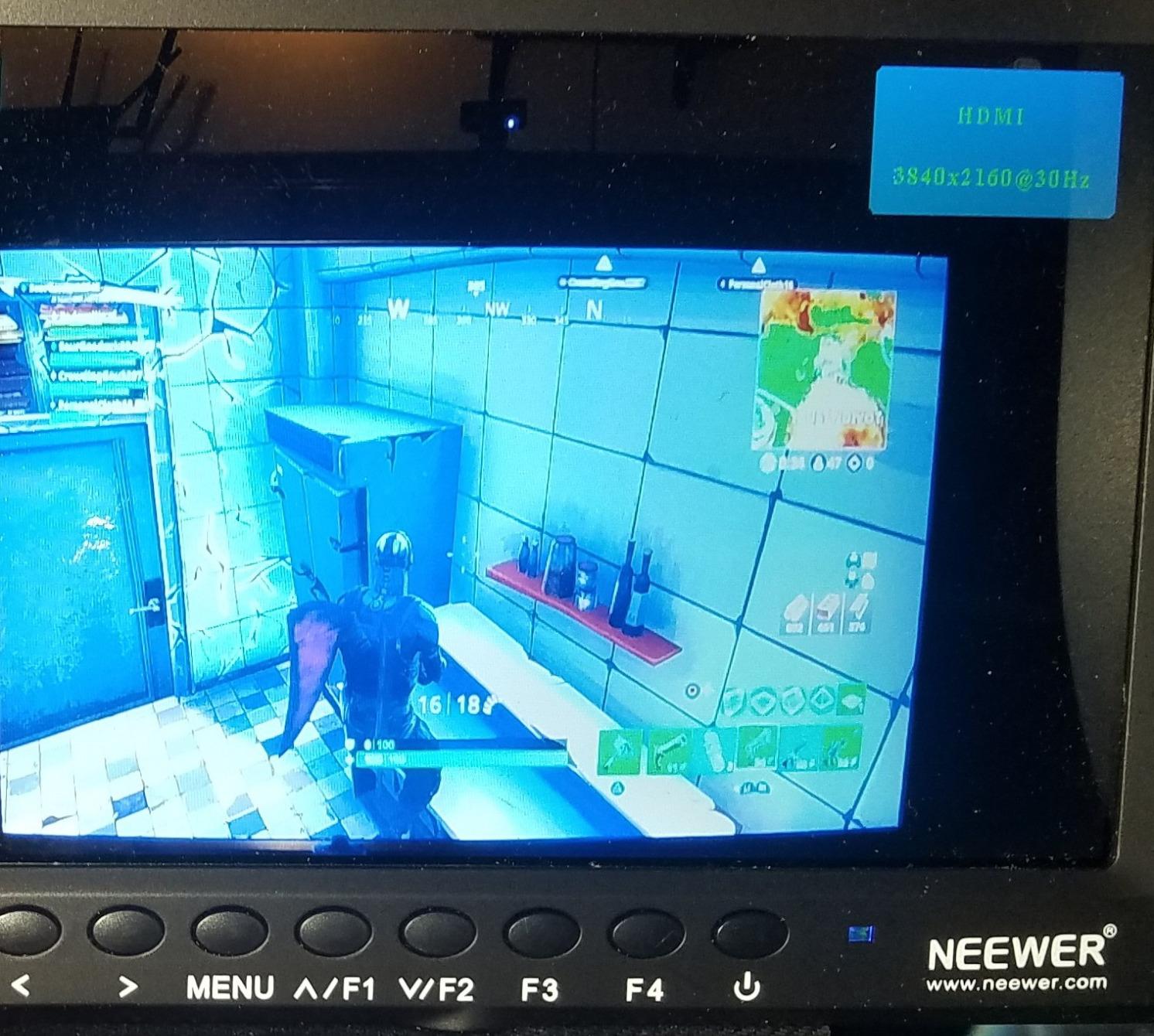
Focus peaking and check field functions help with technical monitoring. The pixel-to-pixel mode lets you check critical focus at 1:1 magnification. Center markers and safe frames assist with composition.
The 17mm slim design is genuinely impressive. This monitor adds minimal bulk to your rig. I have used this on gimbals where larger monitors would cause balance issues.
Included accessories are basic but functional. The sunshade helps in moderately bright conditions, and the ball head provides flexible mounting.
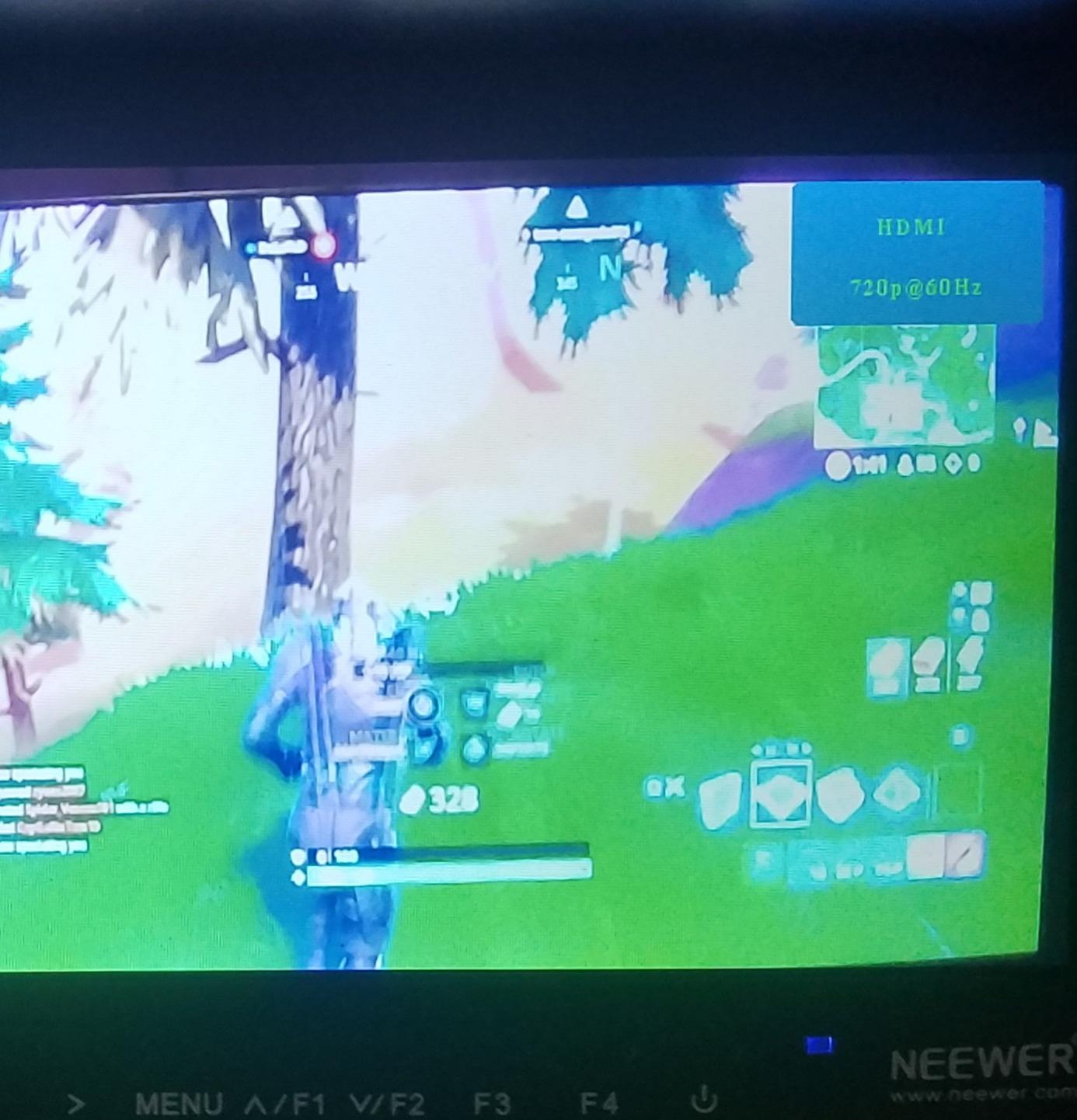
Best For Indoor Studio Work
If you primarily shoot indoors or in controlled lighting, the F100 delivers excellent value. The 450 nits brightness is adequate for studio conditions, and the 7-inch screen provides plenty of detail for focus work.
Reliability has been good in my experience. This is a simple monitor without complex features to fail. For basic monitoring needs, the straightforward design is an advantage.
Sunlight Visibility Challenges
This monitor struggles in direct sunlight even with the sunshade. For outdoor work, I recommend spending more for a brighter option. The 450 nits simply cannot compete with bright ambient light.
No HDMI passthrough limits this to single-monitor setups. If you need to send signal to a director’s monitor or recorder, look at other options.
10. FEELWORLD FW759 7 inch Slim IPS – Best Entry-Level
Pros
- High-definition display with precise colors
- Ultra-slim portable design at 17mm
- 4K HDMI and AV input compatibility
- Professional peaking focus assist
- Includes sunshade and ball head
Cons
- Battery not included
- No battery indicator
- No touch screen functionality
The FEELWORLD FW759 is where I recommend beginners start their external monitoring journey. At under $70, you get a functional 7-inch monitor with professional focus assist tools.
The 1280×800 resolution is not the highest in this guide, but it is adequate for judging focus and exposure. The IPS panel maintains color consistency across viewing angles, helpful when showing footage to others on set.
4K HDMI input support means this accepts signals from modern 4K cameras, though the display itself is not 4K. For monitoring purposes, this is perfectly fine.
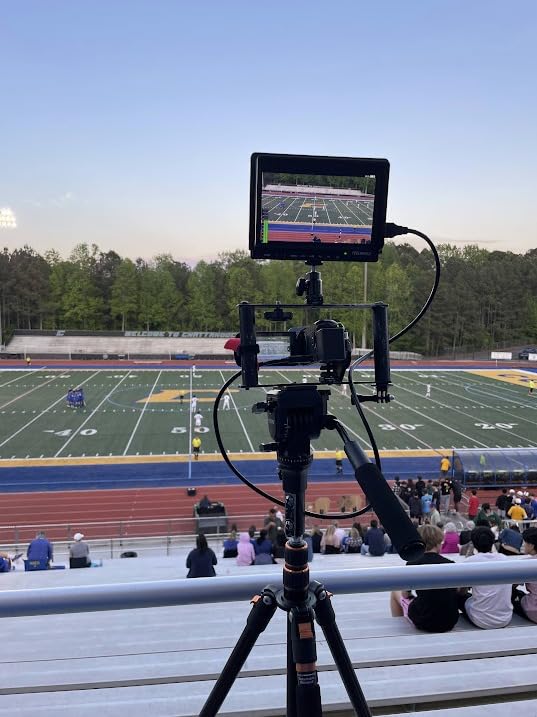
Peaking focus assist helps with manual focusing. The zoom function lets you check critical areas of the image. Image flip and freeze functions are useful for specific shooting scenarios.
The 17mm thickness makes this genuinely portable. I have traveled with this monitor internationally without issues. The slim profile fits easily in camera bags.
Build quality is basic but functional. This is a plastic housing, so handle with care. For the price, durability is acceptable for light to moderate use.
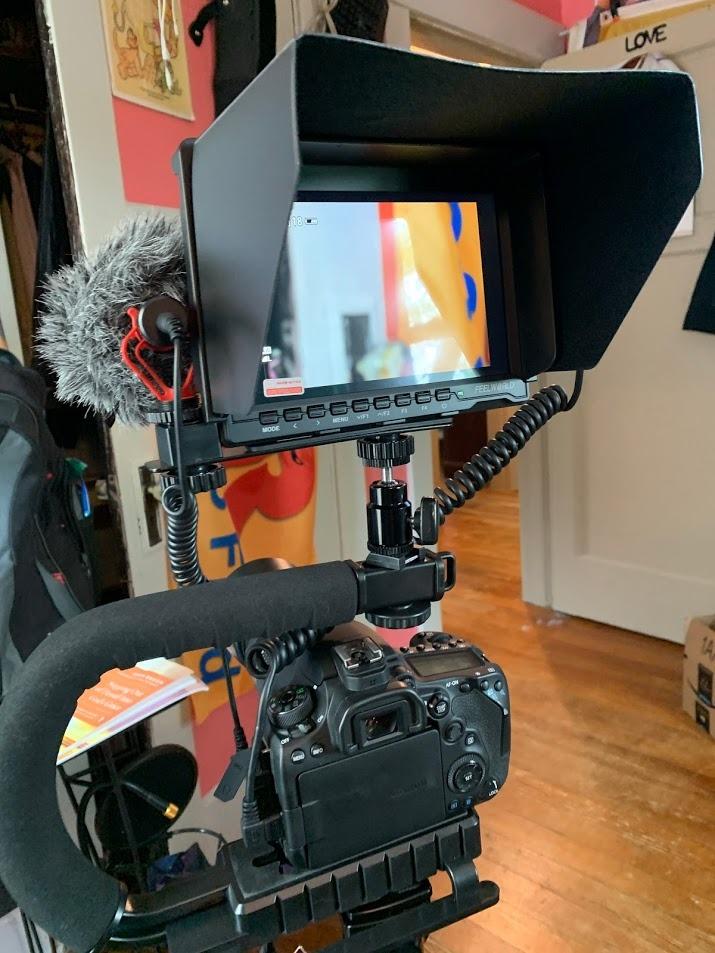
Best For Absolute Beginners
If you have never used an external monitor and want to try one without a major investment, the FW759 is perfect. The basic features teach you what matters in a field monitor before you invest more.
I started my monitoring journey with this exact model. It taught me the value of external monitoring while I saved for higher-end options. Even after upgrading, I keep this as a backup.
Basic Feature Set Trade-offs
This monitor lacks advanced features like waveform monitoring and LUT support. For exposure, you are relying on the image and basic histograms. For many beginners, this is adequate.
No battery indicator means you need to watch for dimming as a low battery warning. Carry spares and swap before critical shots. The included battery plate accepts standard NP-F series batteries.
How to Choose the Best On-Camera Field Monitor?
After testing dozens of monitors, I have learned what actually matters for video production. Here is what to consider before buying.
Screen Size and Portability – 5 inch vs 7 inch Trade-offs
Screen size affects both visibility and portability. Five-inch monitors like the Portkeys PT5 II and FEELWORLD F5 Prox are perfect for gimbal work and travel. Seven-inch monitors like the NEEWER F700 provide more detail for focus pulling but add weight.
Six-inch monitors like the FEELWORLD FW568 hit a middle ground. More screen than 5-inch options without the bulk of 7-inch models. Consider your primary shooting style when choosing.
Brightness and Nits – Why 1000+ Nits Matters for Outdoor Work
Brightness is measured in nits, and this spec determines outdoor visibility. For indoor work, 400-500 nits is adequate. For outdoor shooting, I recommend 1000+ nits minimum.
The NEEWER F700 at 2000 nits handles direct sunlight beautifully. The FEELWORLD F5 Prox at 1600 nits is nearly as capable. Budget monitors at 400-500 nits struggle outdoors even with sunshades.
Forum discussions consistently emphasize brightness as the most critical spec for field monitors. Users regret buying dim monitors more than any other feature deficiency.
Resolution and Color Accuracy
Most monitors under $500 use 1920×1080 or 1280×800 panels. Full HD provides more detail for focus checking, though 1280×800 is serviceable for basic monitoring.
Color accuracy matters if you are judging looks on set. Look for Rec.709 calibration specs. Monitors like the FEELWORLD FW568 and VILTROX DC-550 advertise Rec.709 compliance.
For color-critical work, budget monitors require calibration. A color checker and calibration tool ensure what you see matches your final output.
Connectivity Options – HDMI vs SDI
At under $500, HDMI is the standard connection. All monitors in this guide use HDMI input. Some offer HDMI passthrough for sending signal to additional devices.
SDI connections are rare at this price point and mainly found on professional cinema cameras. If you need SDI, expect to spend significantly more or use HDMI adapters.
HDMI cable quality matters. Cheap cables cause signal drops and intermittent connections. Invest in quality cables, especially for mission-critical shoots.
Professional Monitoring Tools
Exposure tools separate real field monitors from simple external displays. Waveform monitoring shows luminance values across your image. False color converts exposure to color-coded values for quick assessment.
Focus peaking highlights in-focus edges with colored outlines. LUT support lets you preview graded looks while shooting log footage. These tools dramatically improve your footage quality once you learn to use them.
Histograms and vectorscopes provide additional exposure and color information. Not every monitor includes all these tools, so prioritize based on your workflow needs.
Power and Battery Life
Most monitors use Sony NP-F series batteries, commonly called L-series batteries. These range from small NP-F550 cells to large NP-F970 batteries. Larger batteries provide longer runtime but add weight.
Battery life varies by brightness setting and screen size. Expect 1.5-3 hours from a medium-sized battery at normal brightness. For full-day shoots, carry spares or use external power via D-Tap or USB-C.
Some monitors include batteries; others do not. Factor battery costs into your total investment if the monitor ships without power.
Frequently Asked Questions
What is the best monitor for videography?
The NEEWER F700 7 inch 2000nit monitor is currently the best option for videography under $500. Its 2000-nit brightness handles any lighting condition, and the comprehensive monitoring tools including waveform, false color, and LUT support meet professional needs. The included dual batteries provide all-day runtime.
What is the best budget monitor for video editing?
The Osee T5+ offers the best budget option under $110 with 1000-nit brightness and professional monitoring tools. It includes customizable false color, waveform monitoring, and 8 MySets workflows for quick configuration changes. For even tighter budgets, the FEELWORLD FW759 at under $70 provides basic monitoring functionality.
What monitors do filmmakers use?
Filmmakers use monitors ranging from budget options like FEELWORLD and NEEWER to premium brands like Atomos and SmallHD. The choice depends on budget and needs. Many professionals keep budget monitors as backups or for specific setups while using premium monitors for primary monitoring. Brightness, color accuracy, and monitoring tools are key selection criteria.
What brightness do I need for outdoor shooting?
For outdoor shooting, you need at least 1000 nits brightness to see the screen clearly in daylight. Monitors with 1500+ nits like the NEEWER F700 (2000 nits) or FEELWORLD F5 Prox (1600 nits) provide the best outdoor visibility. Always use the included sunshade for bright conditions regardless of monitor brightness.
Do I need a recording monitor?
Recording monitors like Atomos Ninja record higher-quality video than most cameras internally. However, they cost significantly more than monitoring-only displays. If your camera records high-quality internal video, a monitoring-only display under $500 is sufficient for focus and exposure work. Consider a recording monitor if you need ProRes or RAW recording capabilities.
Final Thoughts
After testing all ten monitors extensively, the NEEWER F700 stands out as the best overall choice for the Best On-Camera Field Monitors Under $500 for Video Production in 2026. Its 2000-nit brightness, comprehensive feature set, and included accessories justify the top spot.
The FEELWORLD F5 Prox offers the best balance of brightness, size, and price for most users. At 1600 nits with a compact 5.5-inch design, it handles outdoor shooting while remaining portable enough for gimbal work.
For beginners or those on tight budgets, the Osee T5+ delivers professional features at an entry-level price. The 1000-nit brightness and comprehensive monitoring tools exceed expectations for the cost.
Choose based on your specific needs. Outdoor shooters need brightness above all else. Gimbal operators need compact size and light weight. Studio shooters can prioritize color accuracy and feature depth over raw brightness.
Any monitor on this list will improve your video production compared to relying solely on your camera’s built-in screen. The exposure tools alone justify the investment. Your footage will thank you.