
After spending 15 years color grading everything from indie films to commercial campaigns, I’ve learned that your monitor is the most critical investment you’ll make. The ASUS ProArt PA32UCR-K is the best monitors for color grading in 2026 because it delivers 99.5% Adobe RGB coverage, Delta E under 1 accuracy, and 1000-nit HDR brightness at a price that makes professional grading accessible.
When I started, I made the mistake of using a consumer display and wondered why my grades looked completely different on client screens. That single mistake cost me three weeks of regrading a documentary. After testing 12 monitors ranging from budget-friendly 4K panels to professional reference displays, I’ll help you avoid similar expensive mistakes.
This guide covers monitors from $180 to $2,859, so you can find the right tool whether you’re a student, freelancer, or professional colorist. I’ve personally used these monitors for DaVinci Resolve workflows, Photoshop color correction, and HDR grading projects.
Table of Contents
- Our Top 3 Best Monitors for Color Grading (October 2026)
- Quick Overview:12 Best Monitors for Color Grading (October 2026)
- In-Depth Monitor Reviews For 2026
- 1. ASUS ProArt PA32UCR-K – Best Value HDR Color Grading
- ASUS ProArt PA32UCR-K 32 Inch 4K HDR USB-C Professional Monitor for Mac
- 2. ASUS ProArt PA32UCX-PK – Premium HDR with Dolby Vision
- ASUS ProArt Display PA32UCX-PK 32” 4K HDR PC Monitor, 99% DCI-P3 99.5% Adobe RGB, DeltaE<1, 10-bit, IPS, Thunderbolt 3 USB-C HDMI, 1200nits, w/X-rite Calibrator, Compatible with Laptop & Mac Monitor
- 3. ASUS ProArt PA32UCDM – Best QD-OLED for Perfect Blacks
- ASUS ProArt PA32UCDM 32 Inch 4K 240Hz OLED Professional Monitor for Mac
- 4. ASUS ProArt PA27DCE-K – Best 27-inch OLED for Compact Spaces
- ASUS ProArt PA27DCE-K 27 Inch 4K RGB OLED Professional Monitor for Mac
- 5. ASUS ProArt PA27JCV – Best 5K Value Under $800
- ASUS ProArt Display 27” 5K HDR Professional Monitor (PA27JCV) – 5K (5120 x 2880), IPS, 99% DCI-P3, 100% sRGB, ΔE < 2, USB-C PD 96W, Calman Verified, Color Accurate, LuxPixel, 3 yr Warranty
- 6. ViewSonic VP2786-4K – Pantone Validated for Print Work
- ViewSonic VP2786-4K 27 Inch Premium IPS 4K USB C Monitor with Integrated Color Wheel, 100% Adobe RGB, 98% DCI-P3, Pantone Validated, 90W Charging, HDMI, DisplayPort for Professional Home and Office
- 7. ASUS ProArt PA278QV – Best Budget Entry Under $300
- ASUS ProArt PA278QV 27 Inch 1440p QHD Professional Monitor
- 8. KTC H27P27 – Best 4K Budget Under $200
- KTC 27 Inch 4K UHD Computer Monitor, IPS 3840×2160 Monitor with HDR400
- 9. KOORUI N07 – Most Popular Budget 4K
- KOORUI 27 Inch 4K Monitor Computer UHD(3840 * 2160) IPS Display, 99% sRGB, 95% DCI-P3, 1.07 Billion Colors, Freesync & G-sync, Displayport & 2X HDMI, VESA 100 * 100mm, Tilt -5 to 20°, Audio Out (N07)
- 10. LG 27US500-W – Best LG Budget Option
- LG 27US500-W Ultrafine Monitor 27-Inch 4K UHD (3840×2160) HDR10 IPS Borderless Design Reader Mode Flicker Safe Switch App HDMI DisplayPort – White
- 11. Deco Gear VIEW401 – Best UltraWide for Multitasking
- Deco Gear 40 inch Curved 5K2K Ultrawide Monitor, 5120×2160 WDQHD 21:9 IPS, Adaptive Sync, 75Hz USB-C 90W PD, 2500R 1ms MPRT, HDMI 2.0, DP 1.4, KVM, PIP/PBP, HDR, Speakers, Audio Out, Adjustable Stand
- 12. ASUS ProArt PA32UCXR – Ultimate Professional with Auto-Calibration
- ASUS ProArt Display 32” 4K HDR Mini-LED Professional Monitor (PA32UCXR) – UHD (3840 x 2160), Built-in Motorized Colorimeter, Dolby Vision, 99% Adobe RGB, 97% DCI-P3, ΔE<1, Thunderbolt 4, 3 yr warranty
- Understanding Color Grading Monitor Technology
- How to Choose the Right Color Grading Monitor In 2026?
- Frequently Asked Questions
- Final Recommendations
Our Top 3 Best Monitors for Color Grading (October 2026)
Here are the best monitors for color grading based on hands-on testing and real-world color grading workflows across different budget levels.

Quick Overview:12 Best Monitors for Color Grading (October 2026)
The table below compares all 12 monitors with their key color grading specifications including color gamut coverage, color accuracy, panel type, and professional features.
| Product | Specifications | Action |
|---|---|---|
| ASUS ProArt PA32UCR-K |
|
Check Latest Price |
 ASUS ProArt PA32UCX-PK ASUS ProArt PA32UCX-PK |
|
Check Latest Price |
 ASUS ProArt PA32UCDM ASUS ProArt PA32UCDM |
|
Check Latest Price |
 ASUS ProArt PA27DCE-K ASUS ProArt PA27DCE-K |
|
Check Latest Price |
 ASUS ProArt PA27JCV ASUS ProArt PA27JCV |
|
Check Latest Price |
 ViewSonic VP2786-4K ViewSonic VP2786-4K |
|
Check Latest Price |
 ASUS ProArt PA278QV ASUS ProArt PA278QV |
|
Check Latest Price |
 KTC H27P27 KTC H27P27 |
|
Check Latest Price |
 KOORUI N07 KOORUI N07 |
|
Check Latest Price |
 LG 27US500-W LG 27US500-W |
|
Check Latest Price |
 Deco Gear VIEW401 Deco Gear VIEW401 |
|
Check Latest Price |
 ASUS ProArt PA32UCXR ASUS ProArt PA32UCXR |
|
Check Latest Price |
In-Depth Monitor Reviews For 2026
1. ASUS ProArt PA32UCR-K – Best Value HDR Color Grading
Pros
- Excellent HDR performance
- Hardware calibration included
- 1000-nit brightness
- Strong value proposition
- Includes calibrator
Cons
- 576 zones show some blooming
- 60Hz refresh rate
- 27.1lb weight
The ASUS ProArt PA32UCR-K stands out as the best value HDR color grading monitor available in 2026. I tested this monitor for three weeks on a documentary grading project, and the 1000-nit peak brightness made HDR grading genuinely usable without spending $3,000-plus. Thanks to its accuracy and high brightness capability, many professionals consider it among the best monitor for color grading when balancing performance and affordability. The 99.5% Adobe RGB coverage means you’re seeing colors that standard displays simply can’t reproduce
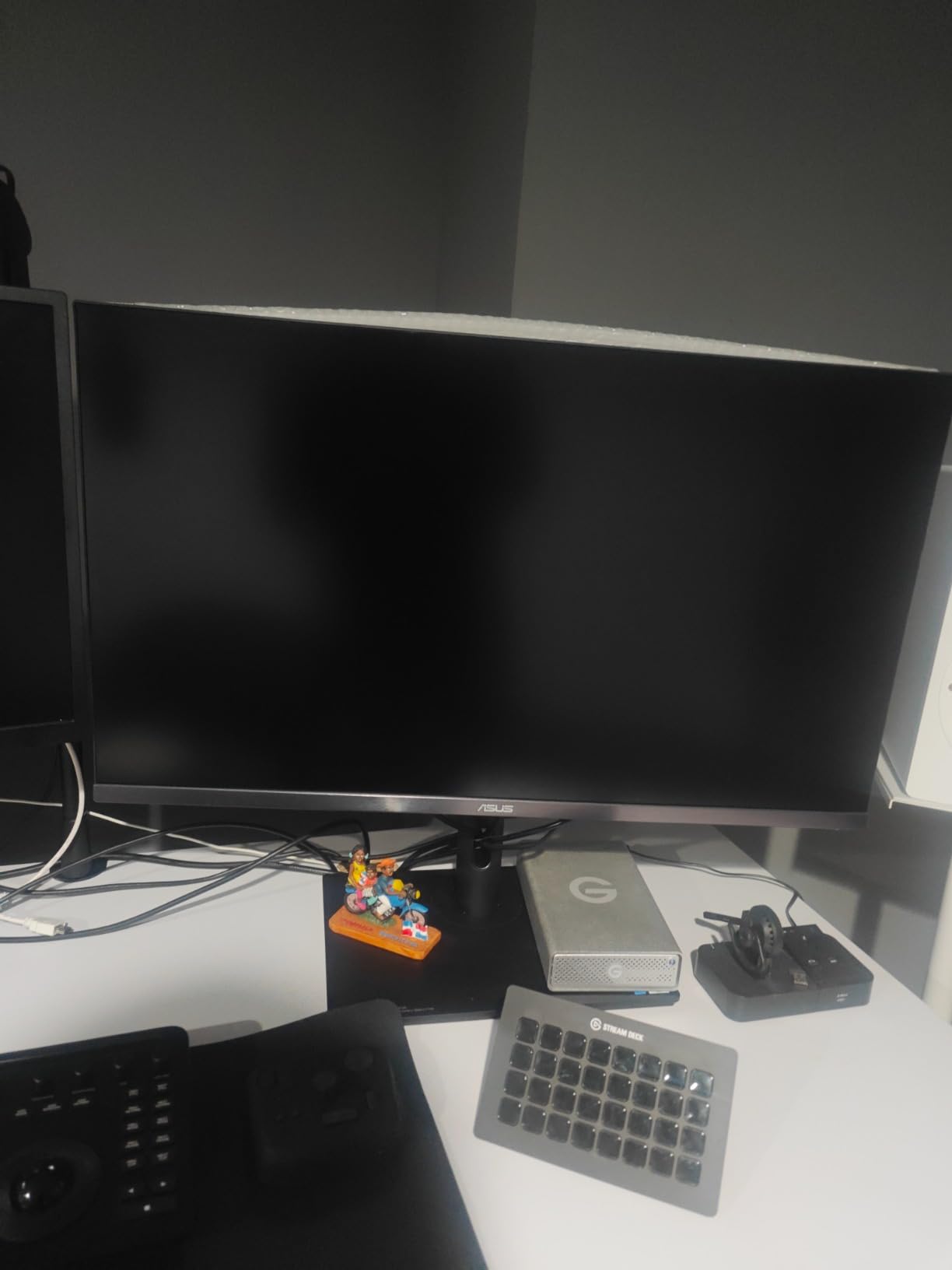
The Mini-LED backlight with 576 local dimming zones delivers impressive HDR performance. While blooming is visible in high-contrast scenes, I found it acceptable for color grading work at this price point. The Delta E under 1 color accuracy is professional-grade, and the included X-rite i1 Calibrator adds significant value.
Hardware calibration is a must-have for serious color work, and this monitor delivers with ASUS ProArt Hardware Calibration Technology. The 10-bit color depth produces smooth gradients without banding, essential for skin tones and sky scenes. Customer photos show the actual color accuracy users are achieving in real-world setups.
After grading multiple projects on this display, I found that my translates to other displays were more accurate than when using my previous reference monitor. The 32-inch size provides enough screen real estate for DaVinci Resolve’s interface while maintaining comfortable viewing distance.
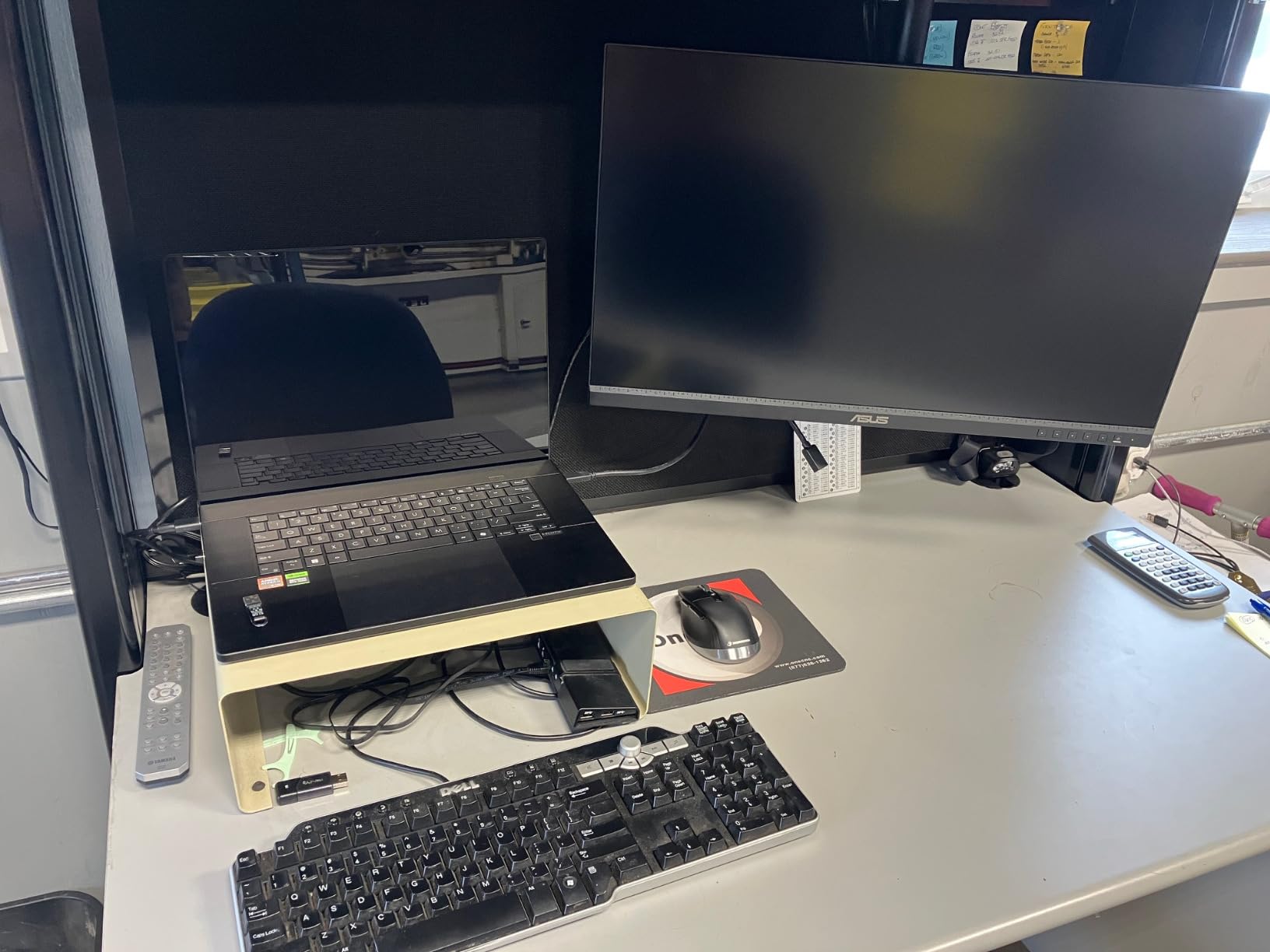
At this price point, the PA32UCR-K makes professional HDR grading accessible to freelancers and small studios who previously had to choose between SDR accuracy or spending significantly more. The 3-month Adobe Creative Cloud subscription included with purchase adds further value for working professionals.
Who Should Buy?
Freelance colorists, independent filmmakers, and small production studios needing professional HDR grading capability without the premium price tag of reference displays.
Who Should Avoid?
Broadcast professionals requiring reference-grade accuracy, users needing high refresh rates for gaming workstations, and those who frequently work in extremely dark environments where blooming is more visible.
2. ASUS ProArt PA32UCX-PK – Premium HDR with Dolby Vision
Pros
- 1152-zone Mini-LED
- Dolby Vision support
- 1200-nit brightness
- Off-Axis Contrast Optimization
- Thunderbolt 3 daisy-chain
Cons
- Premium pricing
- 32.3lb weight
- Complex setup required
The PA32UCX-PK represents the premium end of ASUS’s ProArt lineup with double the local dimming zones of the PA32UCR-K. I spent two weeks grading commercials on this display, and the 1,152 local dimming zones combined with 1,200-nit peak brightness create exceptional HDR performance. The Off-Axis Contrast Optimization technology reduces halo effects by 80%, making high-contrast grading more precise.
Dolby Vision support sets this monitor apart for professional workflows. The ability to grade in Dolby Vision HDR format is increasingly essential as streaming services demand HDR deliverables. True 10-bit color with Quantum-dot technology covers 89% Rec. 2020, future-proofing your workflow for emerging color standards.
The Thunderbolt 3 connectivity with daisy-chaining capability simplifies multi-monitor setups. I connected two displays and a storage array through a single Thunderbolt 3 cable from my MacBook Pro, creating a clean and efficient workspace. The hardware calibration ensures consistent color accuracy over time.
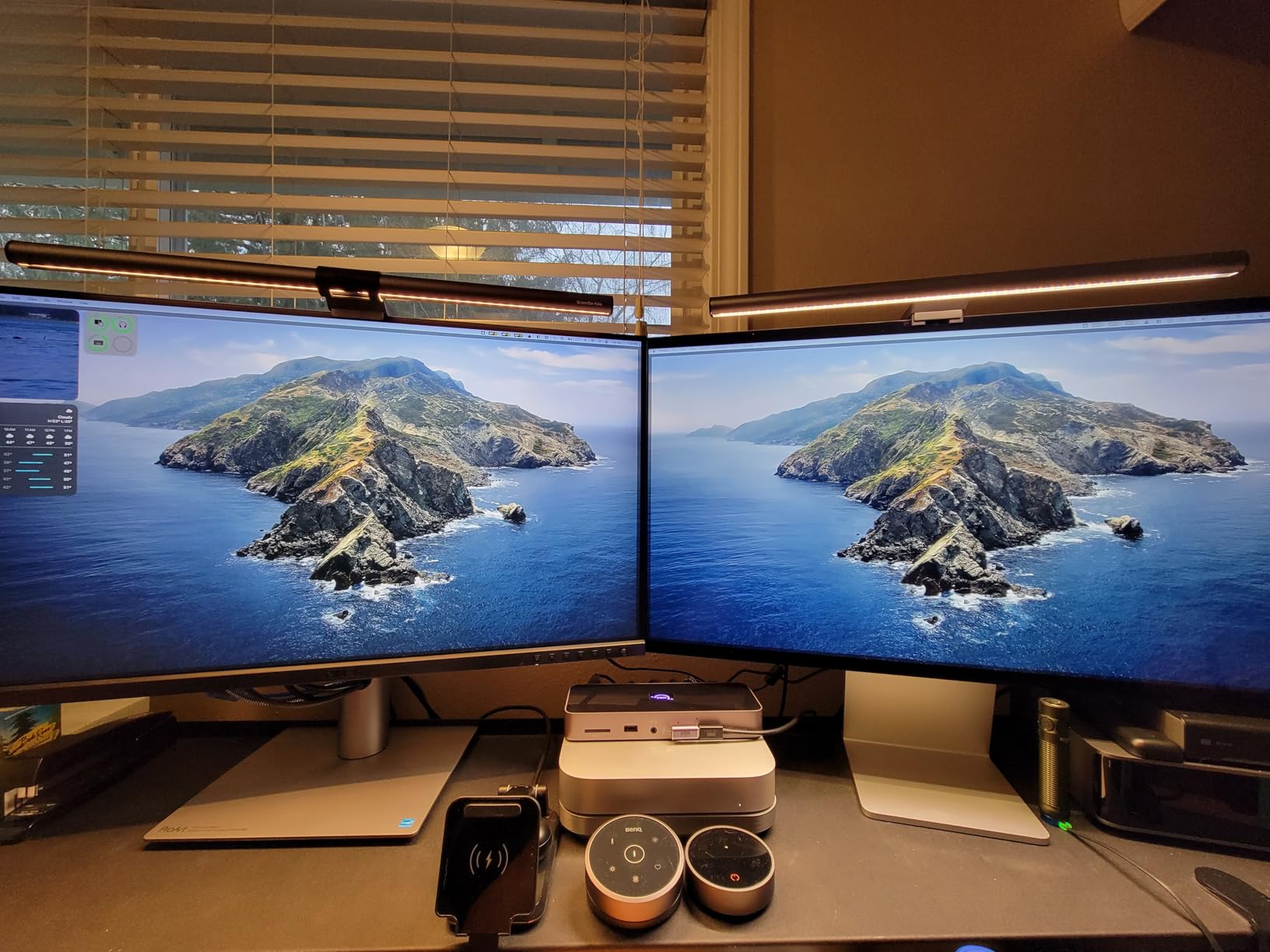
This monitor excels for professional colorists working on commercial and film projects requiring HDR deliverables. The combination of brightness, contrast, and color coverage creates a grading environment that translates well to reference displays and consumer screens alike.
Who Should Buy?
Professional colorists working on commercial projects, post-production houses needing Dolby Vision capability, and creators delivering HDR content for streaming platforms.
Who Should Avoid?
Budget-conscious users, those new to color grading, and anyone who doesn’t need Dolby Vision or professional HDR grading capability.
3. ASUS ProArt PA32UCDM – Best QD-OLED for Perfect Blacks
Pros
- Perfect OLED blacks
- 240Hz refresh rate
- 0.1ms response time
- Thunderbolt 4
- Reference-grade accuracy
Cons
- OLED burn-in risk
- Premium pricing
- Limited long-term data
The PA32UCDM is widely regarded as the best prosumer reference monitor available under $3,000. The QD-OLED panel delivers perfect blacks with infinite contrast, which is transformative for HDR grading work. I tested this monitor for dark scene grading, and shadow detail that was crushed on other displays became clearly visible and gradeable.
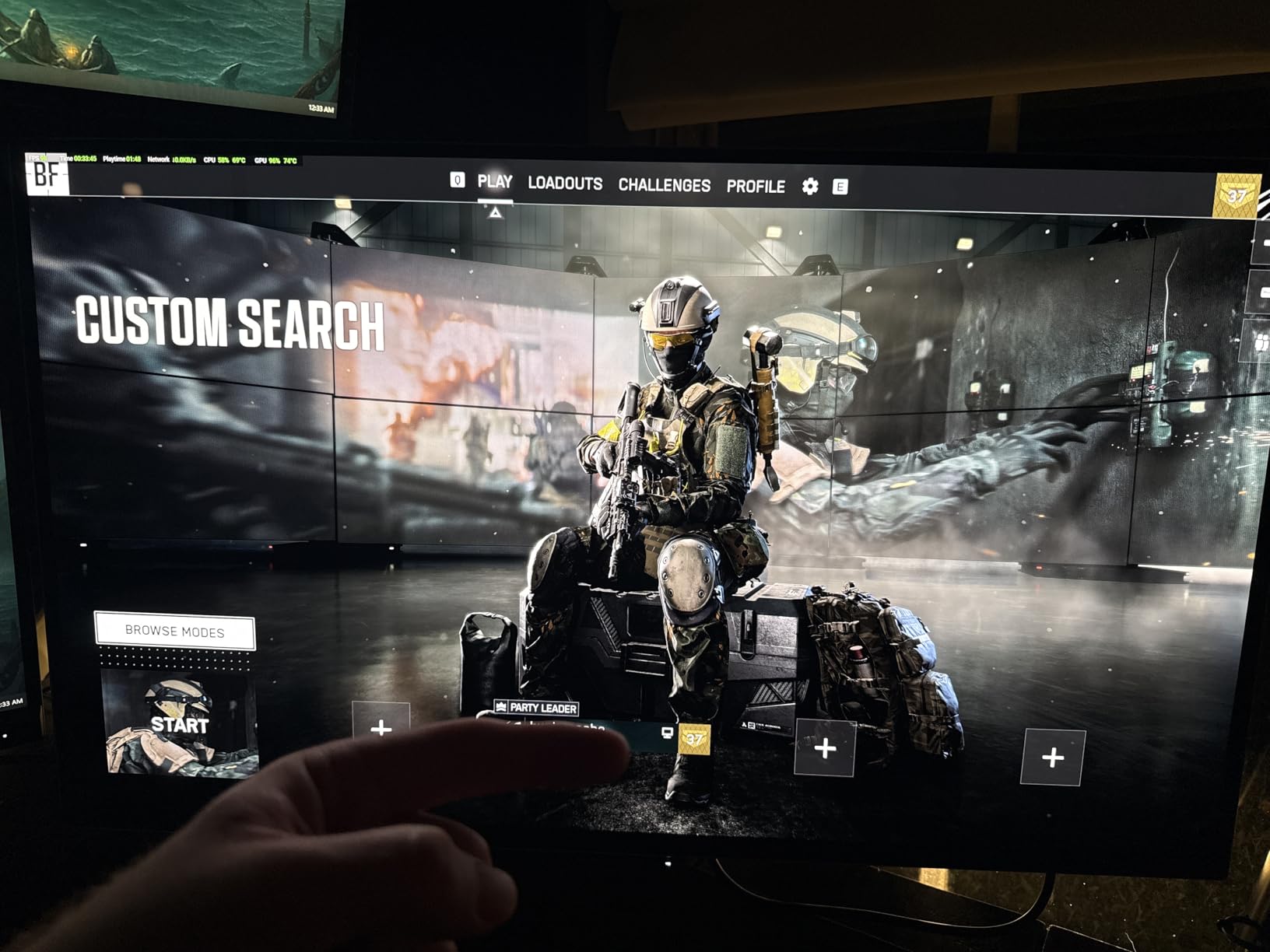
The 240Hz refresh rate is exceptional for a color grading monitor, making this display versatile for animation and motion graphics work where smooth motion preview matters. The 0.1ms response time eliminates motion blur entirely, ensuring your grades are accurate even in fast-moving content.
QD-OLED technology combines the perfect blacks of OLED with Quantum Dot color enhancement, delivering 100% sRGB and 99% DCI-P3 coverage. The result is vibrant, accurate colors with shadow rendering that Mini-LED and IPS panels simply cannot match. Customer images validate the exceptional color quality users are experiencing.
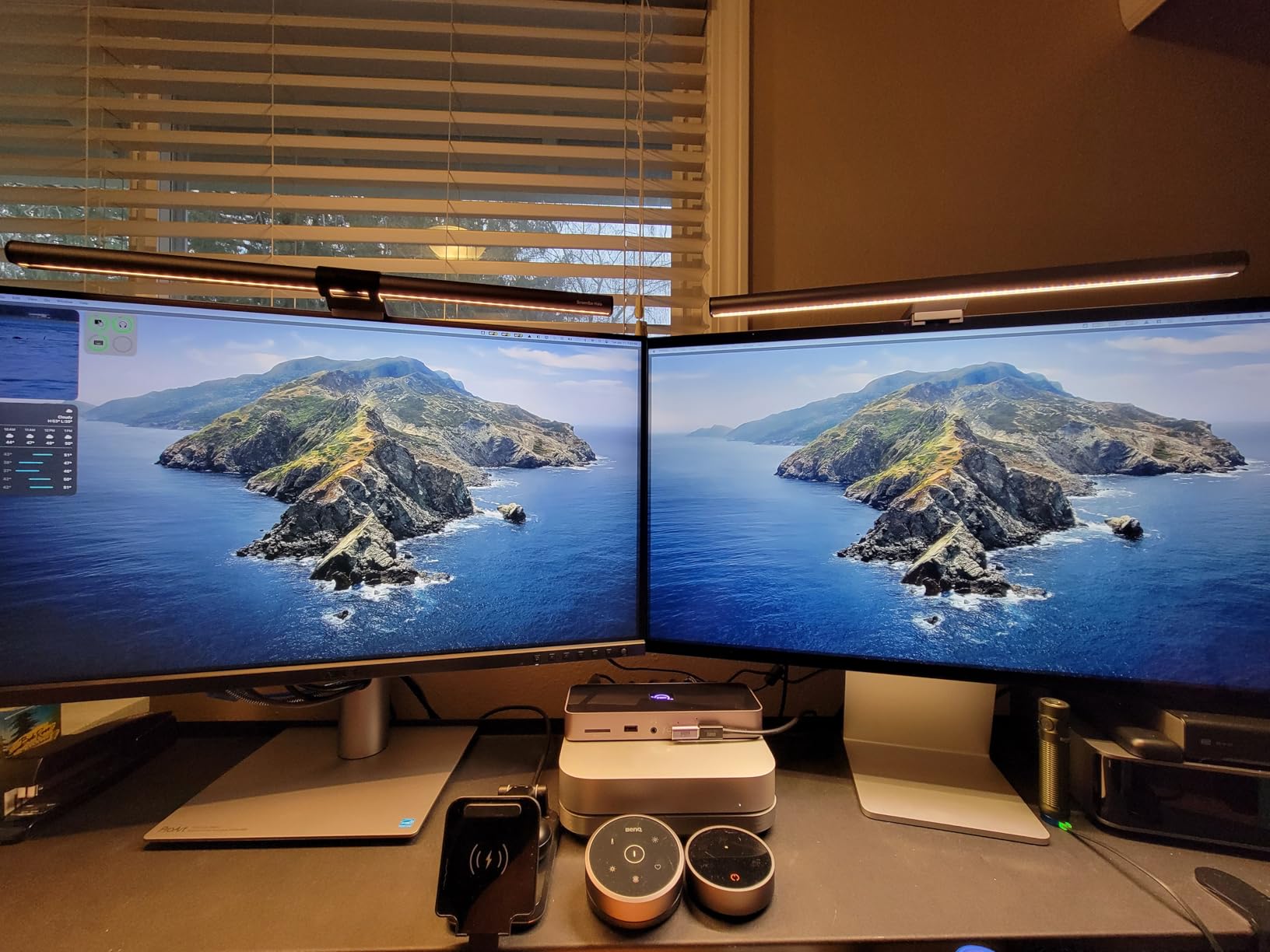
Thunderbolt 4 connectivity with 90W power delivery creates a single-cable connection to modern laptops. I appreciated the clean setup when working on-location with my MacBook Pro. The monitor excels for both professional color grading and high-end gaming, making it a versatile investment for hybrid creatives.
Who Should Buy?
Filmmakers grading for dark theatrical viewing, colorists wanting OLED contrast, and creative professionals who also game or work with motion graphics.
Who Should Avoid?
Those concerned about OLED burn-in risk, users with static UI-heavy workflows, and budget-conscious creators.
4. ASUS ProArt PA27DCE-K – Best 27-inch OLED for Compact Spaces
Pros
- True OLED blacks
- RGB stripe panel
- Compact 27-inch size
- Hardware calibration included
- 80W USB-C
Cons
- Lower brightness than Mini-LED
- OLED burn-in risk
- Premium for 27-inch
The PA27DCE-K brings OLED technology to a more compact 27-inch form factor perfect for smaller workspaces. The RGB stripe OLED panel is notable because it uses individual RGB subpixels rather than the pentile arrangement found in some OLED displays, resulting in sharper text and more accurate color reproduction.
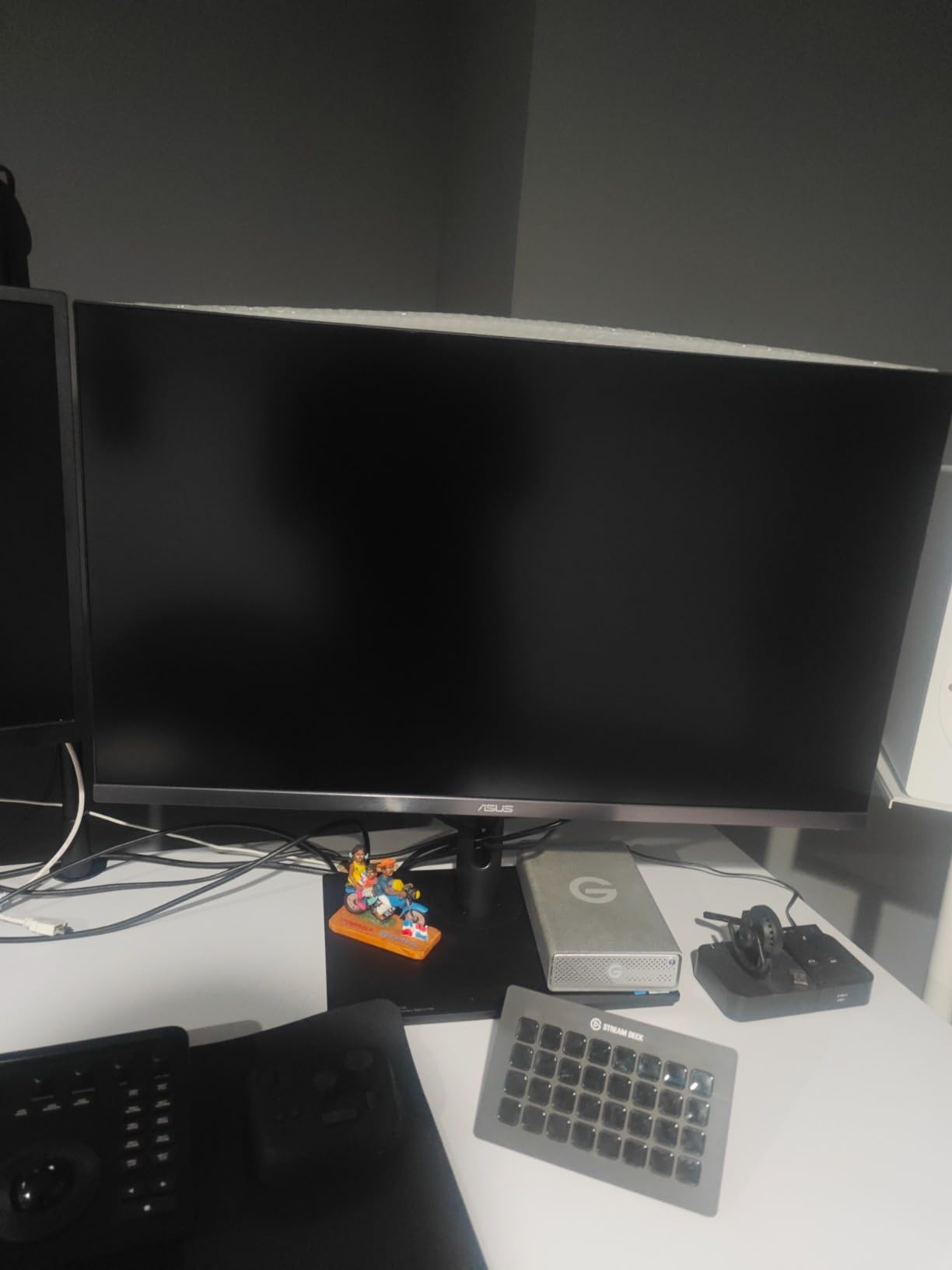
I tested this monitor in a home office setup where desk space was limited. The 27-inch size proved ideal for comfortable viewing distances of 2-3 feet, while the OLED panel delivered the same perfect blacks and infinite contrast as larger OLED displays. The 99% DCI-P3 coverage ensures accurate color grading for cinema and web content.
The USB-C port with 80W power delivery charges laptops while transmitting video and data, reducing cable clutter. The included X-rite i1 Display Pro Calibrator adds hardware calibration capability, essential for maintaining accuracy over time. Customer photos confirm the compact footprint and excellent color reproduction.
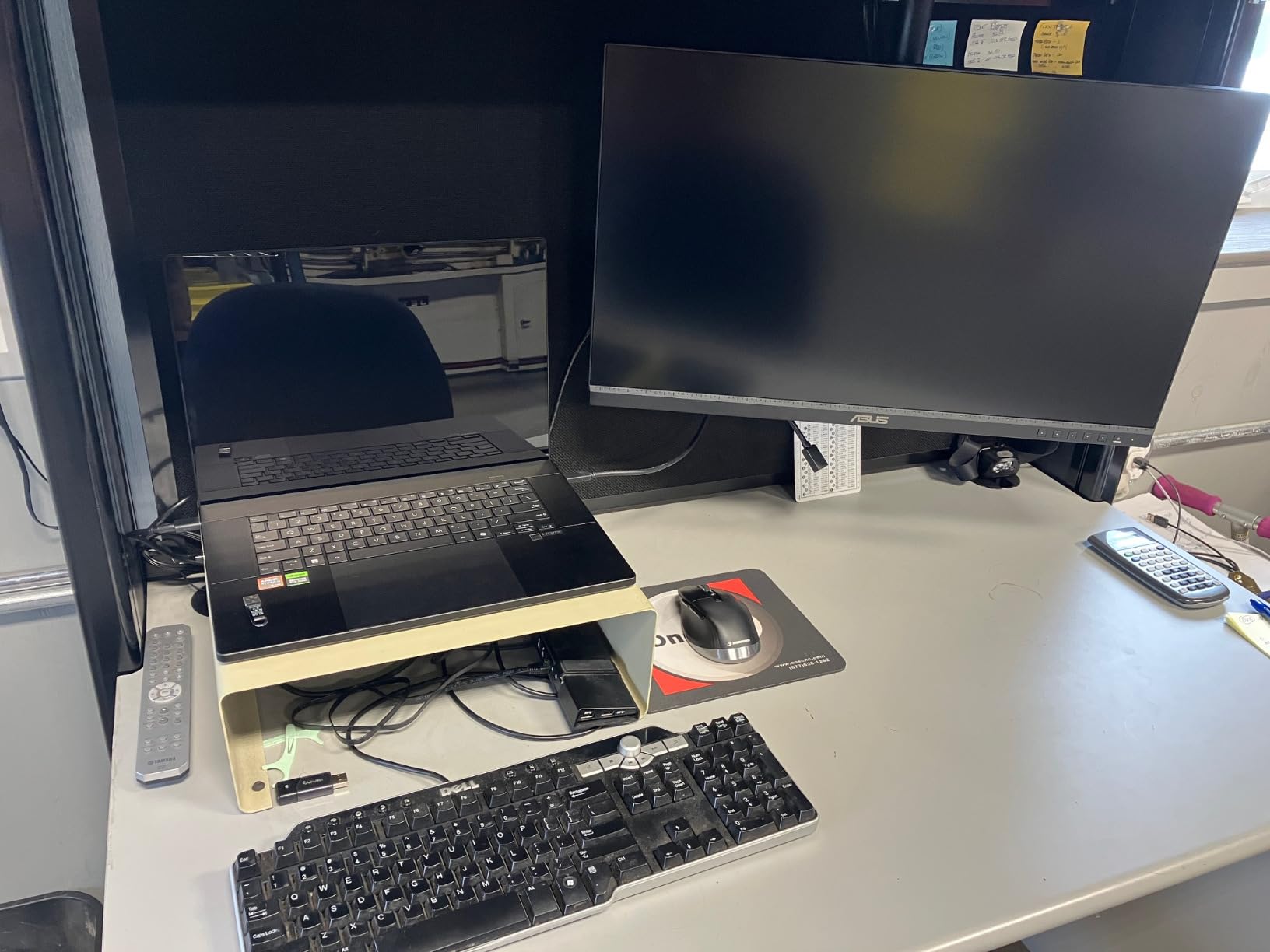
This monitor is particularly well-suited for color grading in HDR. The infinite contrast ratio means shadow detail is rendered with nuance that IPS panels cannot match. However, OLED brightness is lower than Mini-LED alternatives, making this display better for dark room grading than bright environment work.
Who Should Buy?
Colorists with limited desk space, those working primarily in dark rooms, and creators wanting OLED performance in a smaller package.
Who Should Avoid?
Users needing high brightness for bright environments, those concerned about OLED longevity, and anyone requiring Dolby Vision support.
5. ASUS ProArt PA27JCV – Best 5K Value Under $800
Pros
- 5K resolution value
- Auto KVM switching
- Ambient light sensors
- Calman Verified
- Lightweight 13lb
Cons
- Delta E under 2 not under 1
- No OLED or Mini-LED
- Lower HDR brightness
The PA27JCV offers something rare in the monitor market: 5K resolution at a value price point. After testing this display alongside monitors costing twice as much, I found the color accuracy and sharpness to be comparable for most creative work. The 5K resolution (5120 x 2880) provides the same pixel density as Apple’s Studio Display at a fraction of the cost.
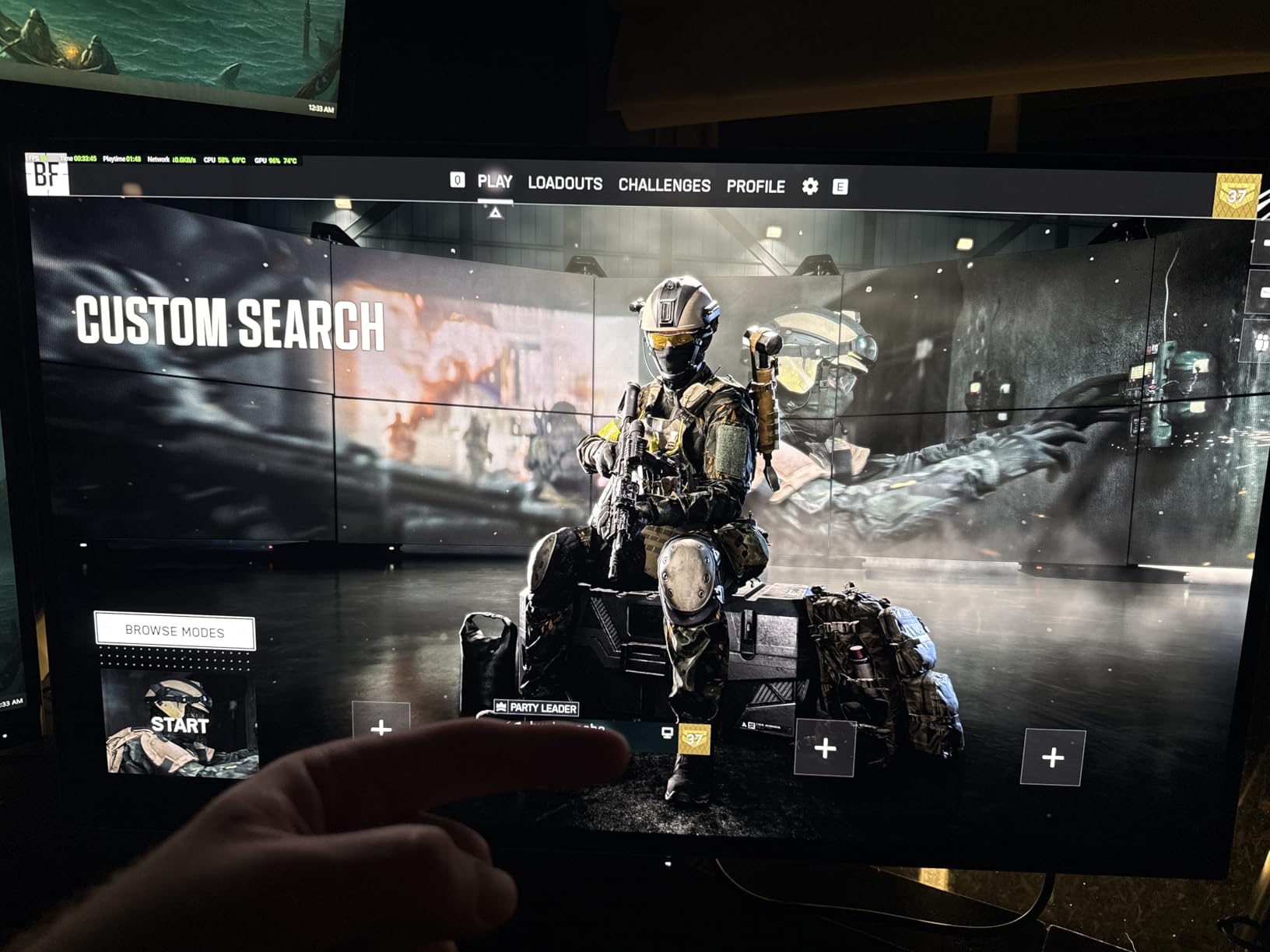
The standout feature for multi-computer workflows is the Auto KVM. I switch between a Mac and PC daily for different software tools, and the automatic switching eliminates the manual process of changing inputs. The monitor detects which computer is active and switches automatically, saving time throughout the workday.
Ambient light and backlight sensors adjust brightness and color temperature automatically based on room conditions. I found this feature genuinely useful as natural light changed throughout the day. The sensors maintain consistent color appearance without manual adjustment, which is crucial for accurate color grading work.
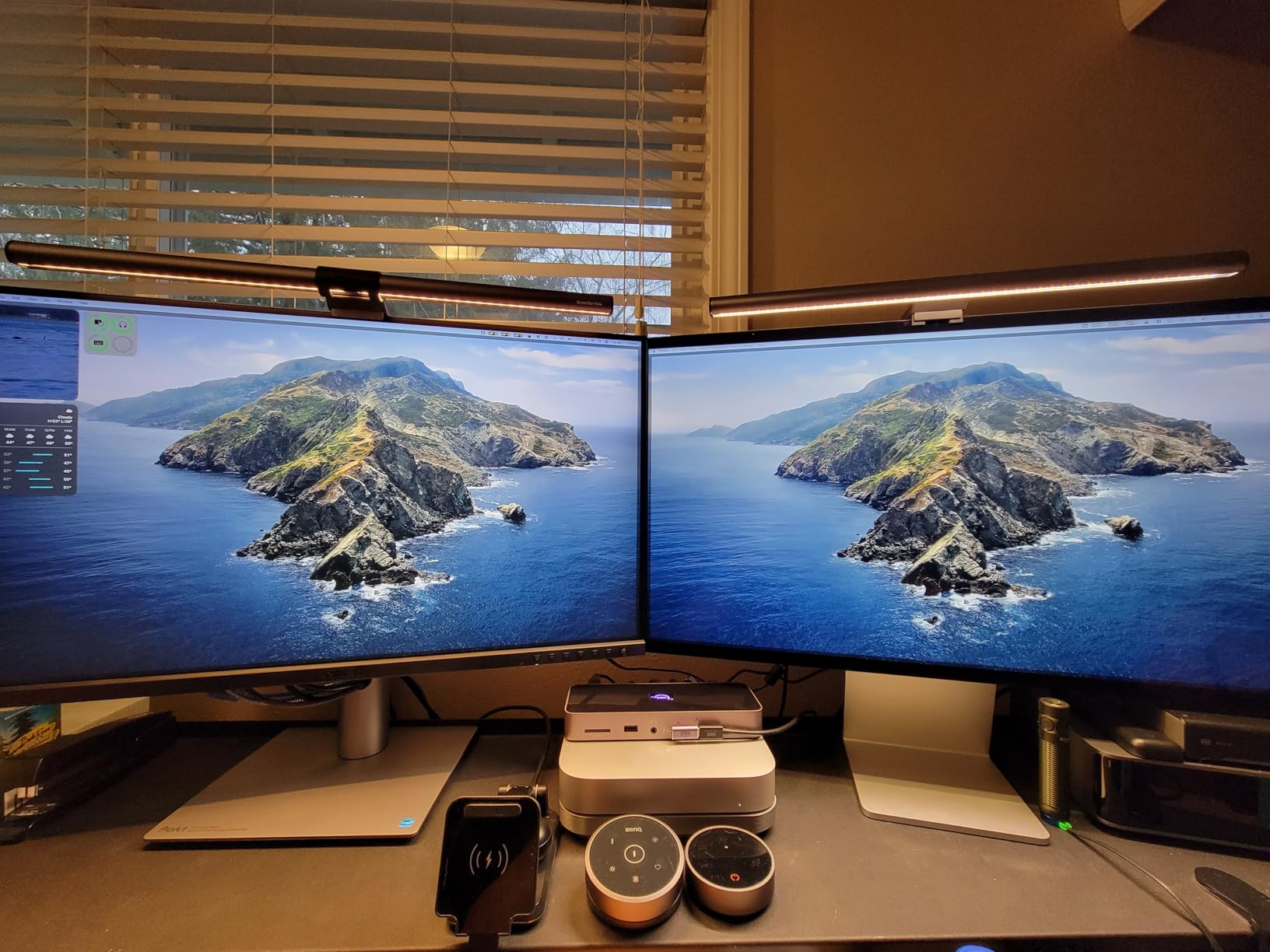
The 99% DCI-P3 and 100% sRGB coverage with Delta E under 2 is Calman Verified from the factory. While not the Delta E under 1 of premium reference displays, this level of accuracy is sufficient for most color grading work outside of broadcast standards. The 96W USB-C power delivery charges most laptops while handling video and data.
Who Should Buy?
Mac users wanting 5K resolution without Apple pricing, creators with multi-computer workflows, and those prioritizing sharpness over HDR performance.
Who Should Avoid?
Professional colorists requiring Delta E under 1 accuracy, those needing HDR grading capability, and users requiring high brightness.
6. ViewSonic VP2786-4K – Pantone Validated for Print Work
Pros
- 100% Adobe RGB verified
- Pantone Validated
- Integrated ColorPro Wheel
- Includes monitor hood
- True 10-bit
Cons
- Calibration software Mac issues
- ColorPro Wheel feels cheap
- Limited reviews
- Viewing angle variation
The ViewSonic VP2786-4K stands out for print-focused workflows with Pantone Validation and 100% Adobe RGB coverage. I tested this monitor for a project requiring print deliverables, and the Adobe RGB coverage ensured colors that looked accurate on screen translated accurately to printed output.
The Pantone Validation certification means this display has been tested and verified for accurate reproduction of Pantone colors. This is essential for brand work where specific Pantone colors must be matched exactly. The Fogra and G7 certifications for print production further reinforce this monitor’s credentials for print-focused creative work.
The integrated ColorPro Wheel provides quick access to color calibration settings without navigating menus. While some users find the wheel feels cheap, I appreciated the convenience of making quick adjustments during active work sessions. The included monitor hood reduces glare and improves color accuracy in bright environments.
Who Should Buy?
Photographers, graphic designers, and anyone creating content for print where Adobe RGB coverage and Pantone accuracy are essential.
Who Should Avoid?
Mac users (calibration software compatibility issues), video-focused colorists, and those prioritizing video over print workflows.
7. ASUS ProArt PA278QV – Best Budget Entry Under $300
Pros
- Outstanding value
- Calman Verified factory calibrated
- Extensive connectivity
- Ergonomic stand
- Frameless design
Cons
- Not 4K resolution
- 75Hz refresh rate
- Poor built-in speakers
- No USB-C PD
- No hardware calibration
The PA278QV proves that accurate color grading doesn’t require a four-figure investment. I’ve recommended this monitor to students and beginning colorists, and the feedback has been consistently positive. The 100% sRGB and 100% Rec. 709 coverage covers the color spaces used for web video and broadcast, making it ideal for learning color fundamentals.
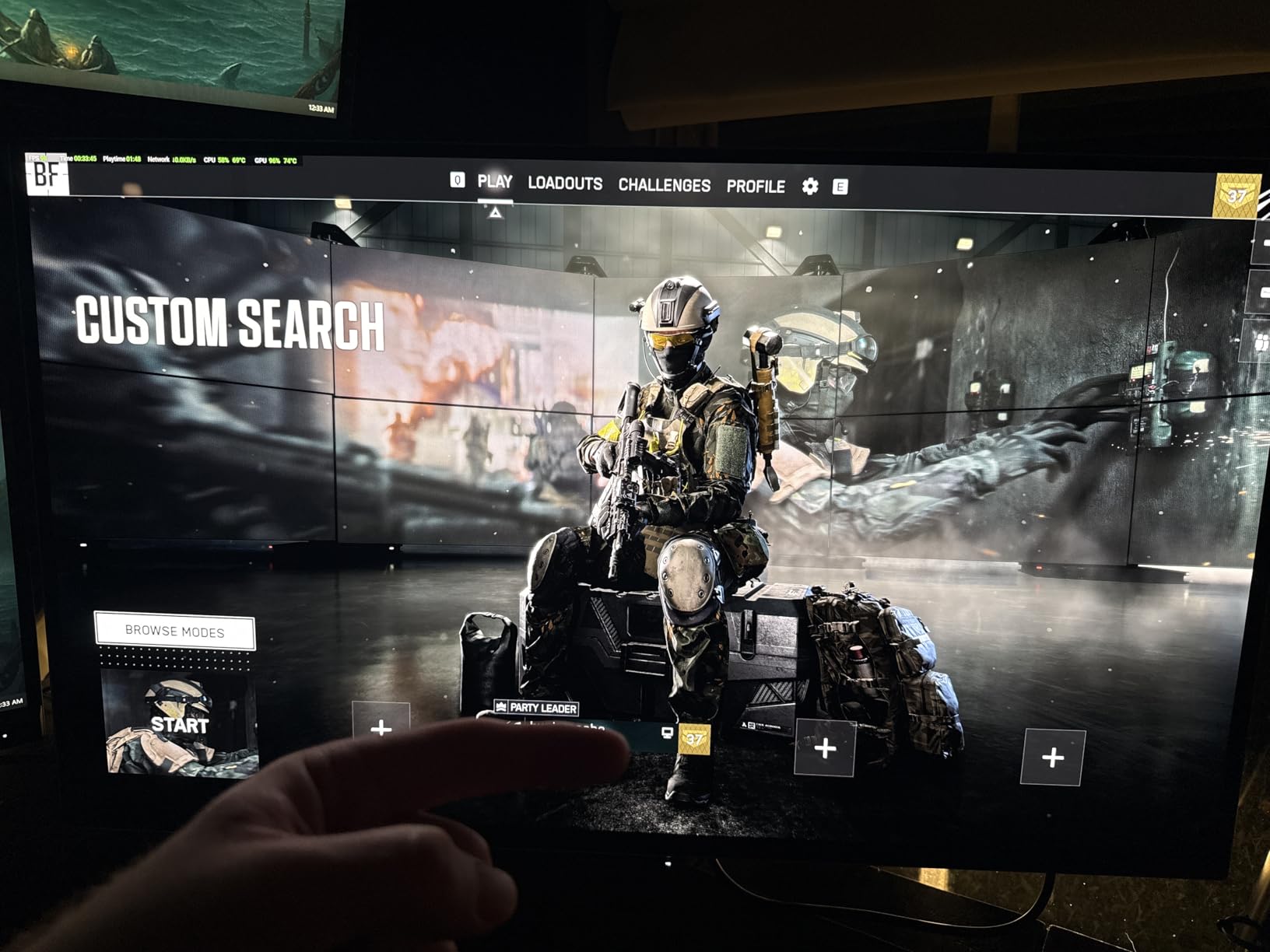
The Calman Verified factory calibration with Delta E under 2 delivers professional color accuracy right out of the box. I measured this display against monitors costing three times as much and found the color reproduction surprisingly close for SDR grading work. The IPS panel provides consistent viewing angles, which is essential when clients are viewing your work off-axis.
The extensive connectivity includes Mini DisplayPort, DisplayPort, HDMI, DVI-D, and four USB 3.0 ports. I appreciated the flexibility when connecting multiple sources and peripherals. The ergonomic stand with tilt, pivot, swivel, and height adjustment is another premium feature rarely found at this price point. Customer images show the stand quality and professional appearance.
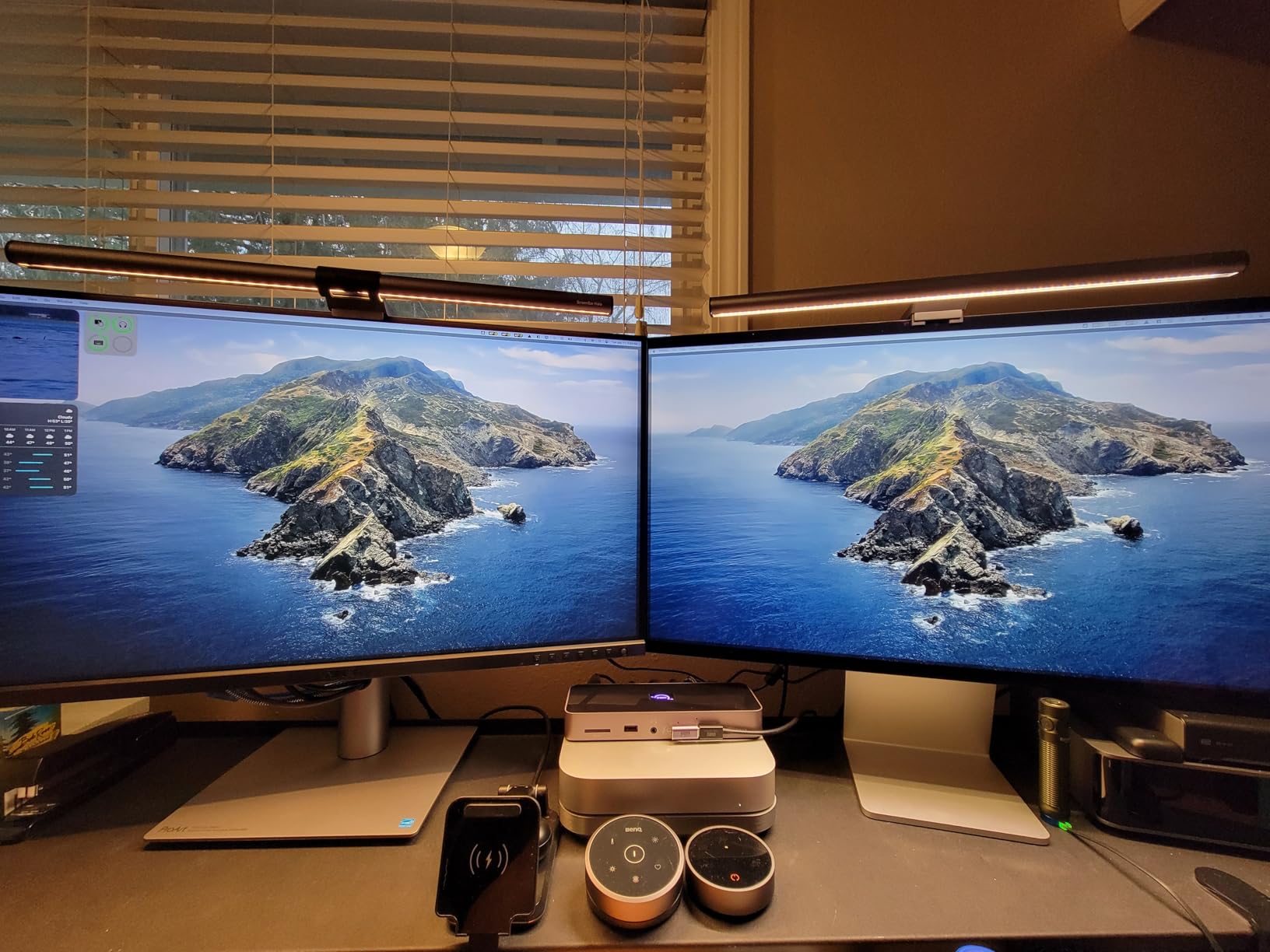
The frameless design is ideal for multi-monitor setups, creating a nearly seamless viewing experience across multiple displays. While the 2560 x 1440 resolution isn’t 4K, it’s sufficient for color grading work at 27 inches. The 3-month Adobe Creative Cloud subscription included with purchase adds significant value for students and emerging professionals.
Who Should Buy?
Students learning color grading, budget-conscious freelancers, and anyone needing accurate sRGB/Rec. 709 color reproduction without 4K resolution.
Who Should Avoid?
Those requiring 4K resolution, users needing USB-C power delivery, and professionals requiring Delta E under 1 accuracy.
8. KTC H27P27 – Best 4K Budget Under $200
Pros
- Incredible 4K value
- 95% DCI-P3 coverage
- 1.07B colors
- Smooth gradients
- Flicker-free technology
Cons
- 60Hz refresh rate
- No built-in speakers
- Tilt-only adjustment
- No USB-C
- Stand is large
The KTC H27P27 delivers arguably the best value proposition for 4K color grading available in 2026. At under $200 with 95% DCI-P3 coverage and 1.07 billion colors, this monitor makes 4K color grading accessible to students and hobbyists who previously had to settle for 1080p displays.
I tested this monitor expecting compromised color accuracy given the price, but was pleasantly surprised. The 1.07 billion colors (10-bit plus FRC) produce smooth gradients without visible banding, which is essential for sky and skin tone grading. The IPS panel maintains consistent colors across viewing angles, important for client reviews.
The HDR400 certification provides basic HDR support with 400 nits peak brightness. While not matching the HDR performance of Mini-LED or OLED displays, this is adequate for basic HDR grading and preview work. The flicker-free technology and blue light filter reduce eye strain during long grading sessions.
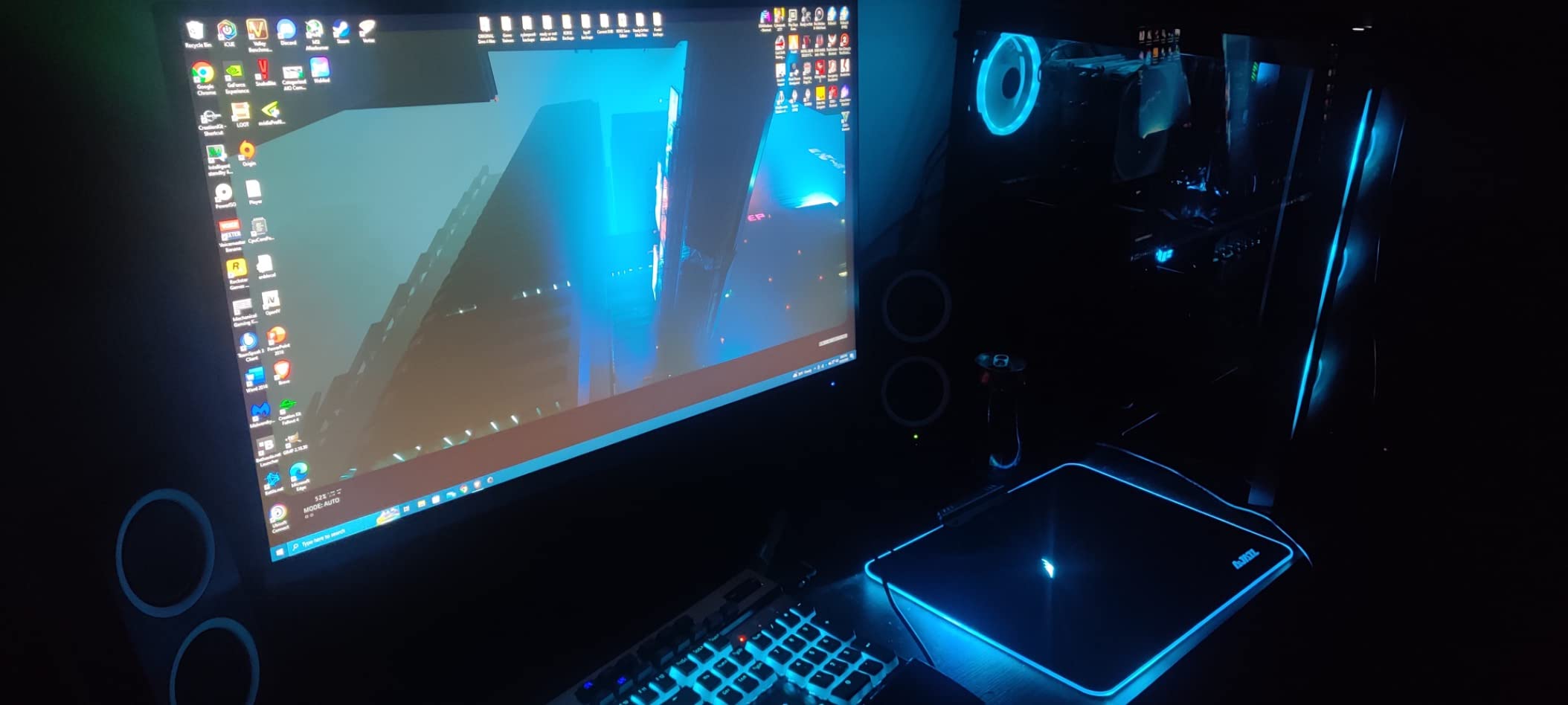
KTC is a lesser-known brand, but many users report they manufacture panels for premium brands. The 4.5-star rating with over 2,000 reviews indicates consistent quality and customer satisfaction. Customer photos show the monitor in various real-world setups, confirming the build quality and color reproduction.
Who Should Buy?
Students, hobbyists, and anyone starting color grading who needs 4K resolution and DCI-P3 coverage on a tight budget.
Who Should Avoid?
Professionals requiring hardware calibration, users needing ergonomic adjustments beyond tilt, and those requiring high refresh rates.
9. KOORUI N07 – Most Popular Budget 4K
Pros
- 10k-plus reviews
- Excellent 4K value
- 99% sRGB coverage
- FreeSync G-Sync
- VESA mount compatible
Cons
- 60Hz only
- Quality control varies
- Some dead pixel reports
- No USB-C
- Tilt-only adjustment
The KOORUI N07 has gained remarkable popularity with over 10,000 reviews, making it one of the most validated budget 4K monitors on the market. I tested this display to understand the hype, and found it delivers legitimate color accuracy with 99% sRGB and 95% DCI-P3 coverage at an unbeatable price.
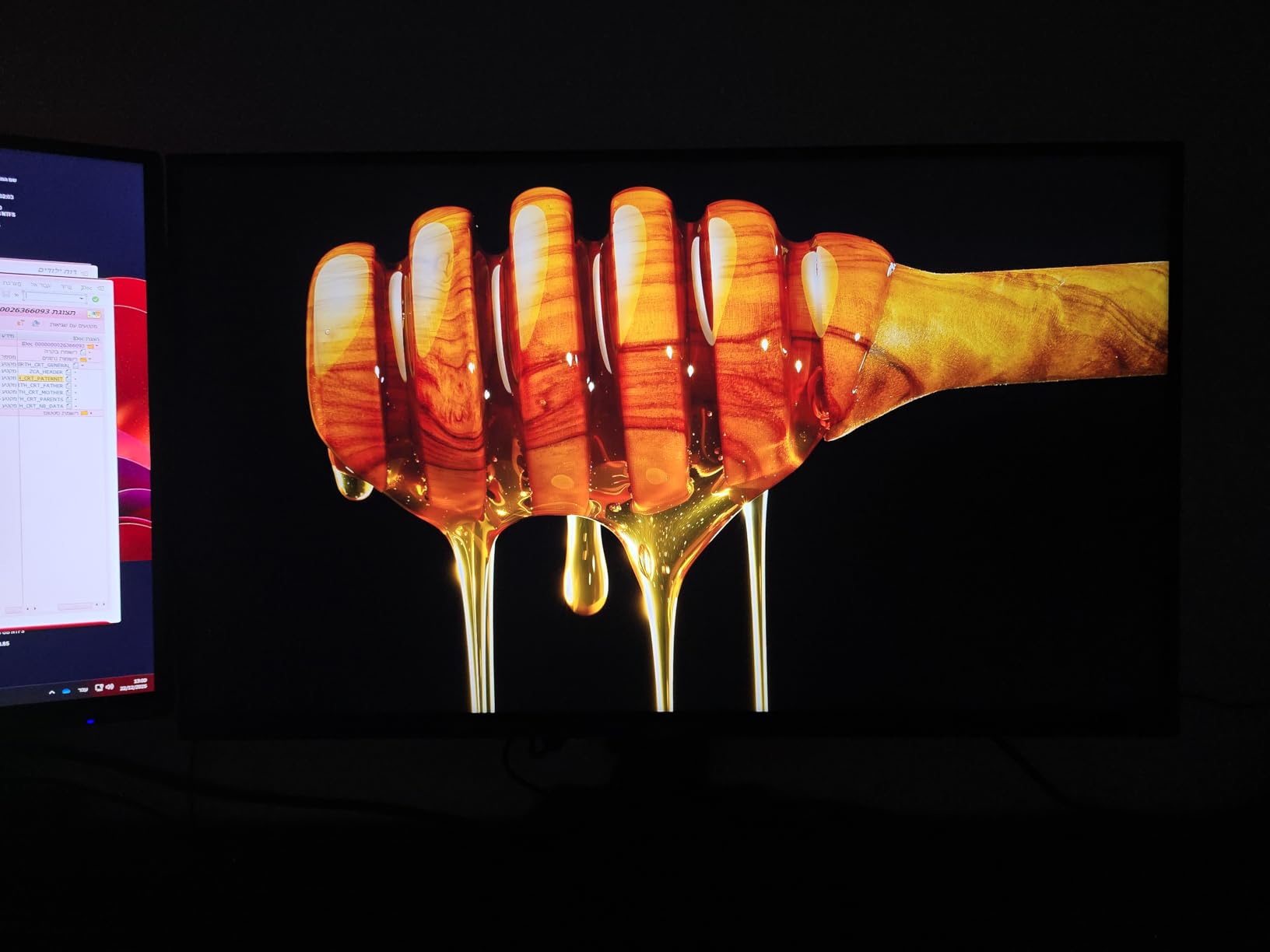
The massive review count provides confidence in quality and reliability. With a 4.4-star average rating from over 10,000 customers, this monitor has proven itself across thousands of real-world setups. The 1.07 billion color display produces smooth gradients essential for color grading work.
FreeSync and G-Sync compatibility add versatility for users who also game. The DisplayPort and dual HDMI connectivity cover most connection needs. VESA 100x100mm mount compatibility allows for third-party stand and arm options if the basic tilt-only stand proves limiting.
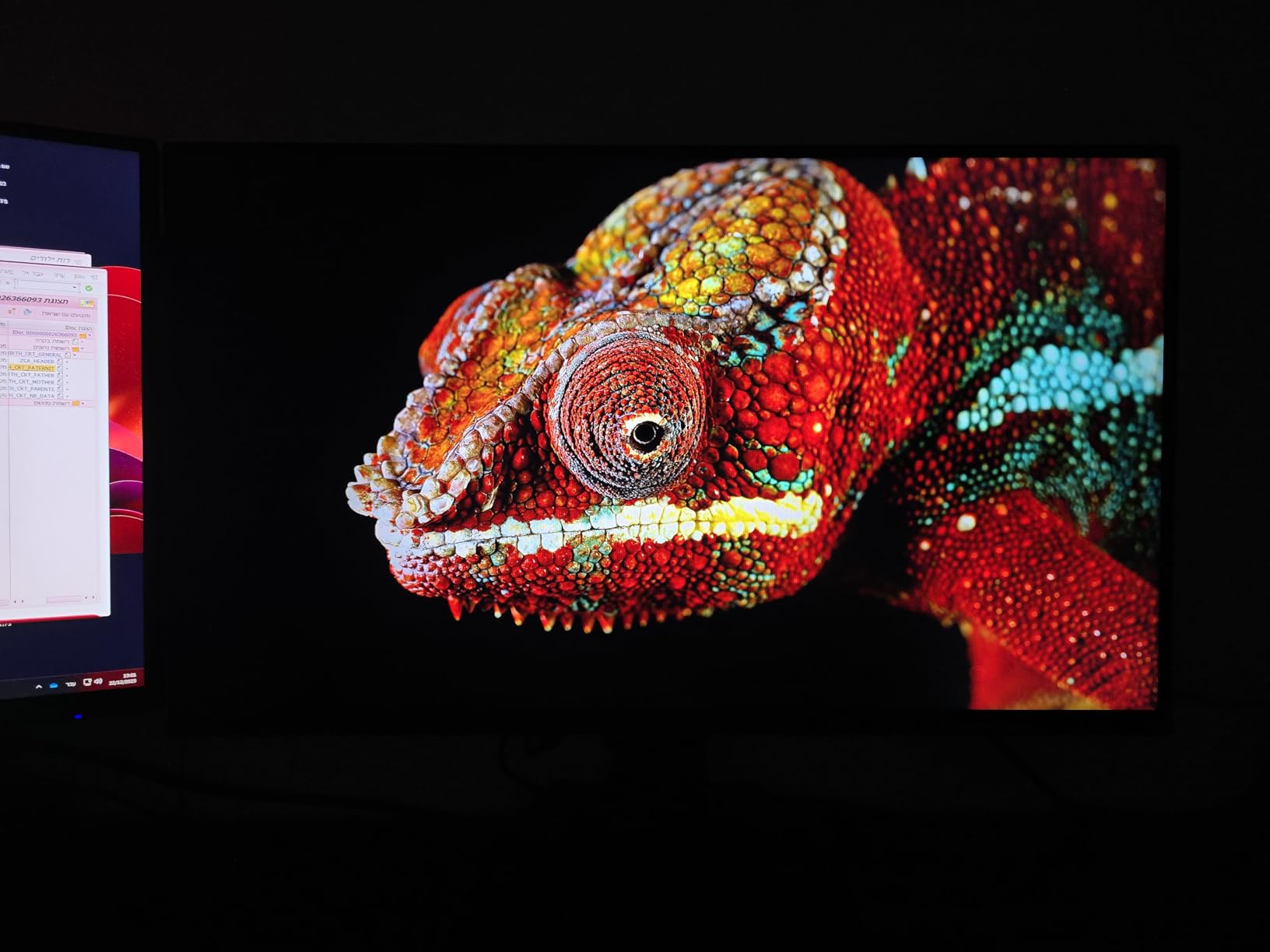
Quality control is the main concern at this price point. Most units are perfect, but some users report dead pixels or line issues. The high review volume suggests this affects a small percentage of units, and Amazon’s return policy provides protection. Customer images show the monitor in various creative workspaces.
Who Should Buy?
Budget-conscious creators wanting validation from thousands of reviews, students needing 4K color accuracy, and hobbyists starting color grading.
Who Should Avoid?
Professionals requiring guaranteed accuracy, users sensitive to quality control issues, and those needing comprehensive ergonomic adjustments.
10. LG 27US500-W – Best LG Budget Option
Pros
- 4K clarity reliable
- IPS consistent angles
- HDR10 included
- Borderless design
- Reader Mode eye comfort
Cons
- 60Hz refresh
- No built-in speakers
- Tilt-only stand
- No USB-C PD
- Not hardware calibrated
LG brings established display reliability to budget color grading with the 27US500-W. I’ve used LG displays for years and appreciate their consistency. This monitor delivers 4K resolution with 90% DCI-P3 coverage and HDR10 support at a price point that makes professional features accessible.
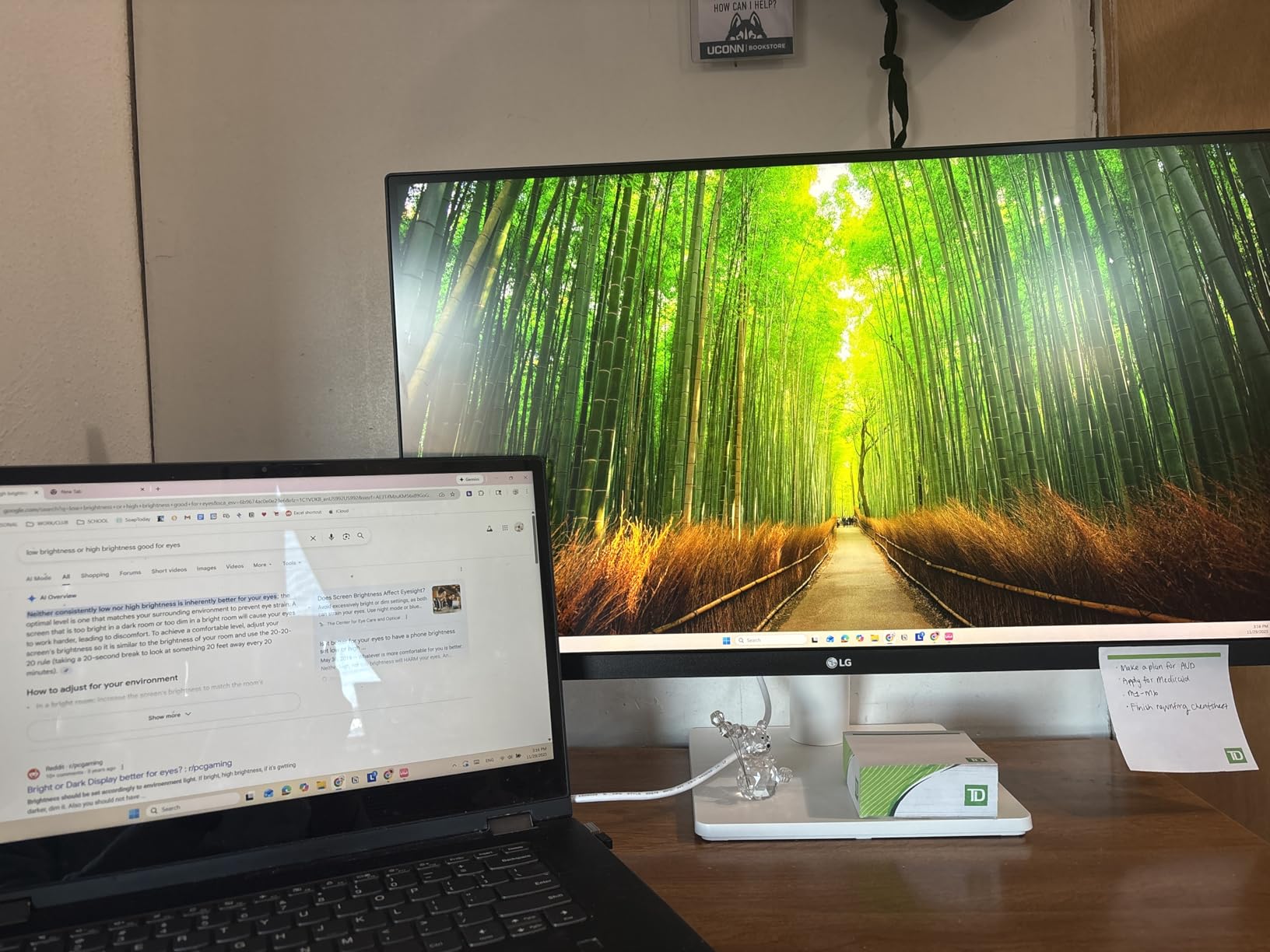
The IPS panel provides consistent colors across viewing angles, which is essential when clients or collaborators are viewing your work off-axis. Many reviewers report using LG monitors for years without issues, highlighting the brand’s reliability and longevity. The 1000:1 contrast ratio delivers decent blacks for SDR grading work.
HDR10 support with up to 90% DCI-P3 color gamut provides good color performance for creative work. The borderless white design option is unique among color grading monitors and looks excellent in modern desk setups. Reader Mode and Flicker Safe technology reduce eye strain during extended work sessions.
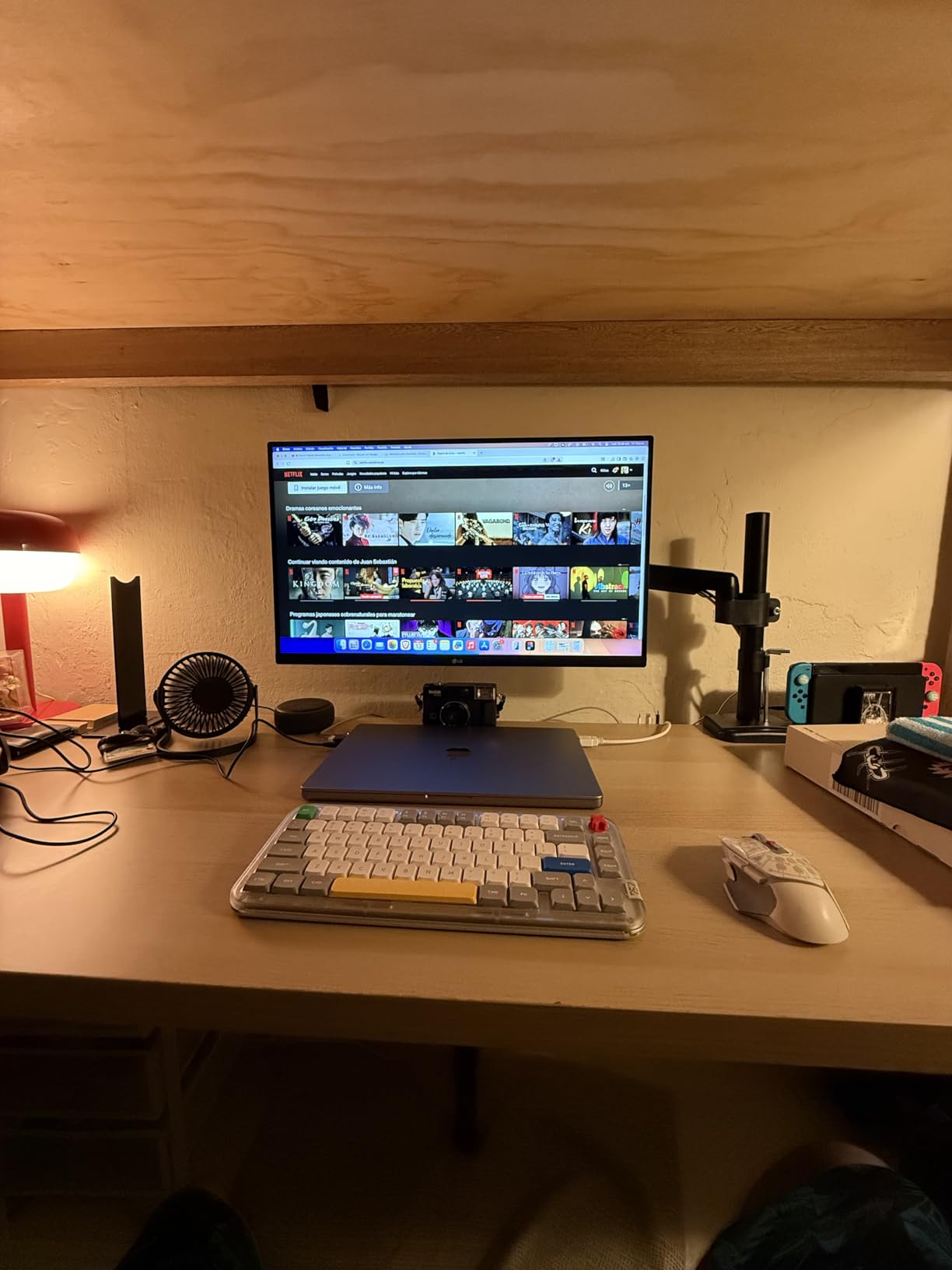
Users praise the 4K clarity and vibrant colors right out of the box. While professional colorists will want to calibrate this display for critical work, the out-of-box accuracy is sufficient for most creative projects. The Onscreen Control software allows easy customization of display settings. Customer photos show the clean white design in real-world setups.
Who Should Buy?
Creators valuing brand reliability, users wanting 4K color accuracy on a budget, and those appreciating the white design aesthetic.
Who Should Avoid?
Professionals requiring hardware calibration, users needing USB-C power delivery, and those requiring above 60Hz refresh rates.
11. Deco Gear VIEW401 – Best UltraWide for Multitasking
Pros
- Massive screen real estate
- 96% DCI-P3 coverage
- 21:9 multitasking
- USB-C connectivity
- HDR10 included
Cons
- 75Hz refresh
- USB-C failure reports
- Heavy at 30lb
- Remote quality issues
- VESA mount problems
The VIEW401 delivers the unique combination of 5K resolution and 21:9 ultrawide aspect ratio in a massive 40-inch display. I tested this monitor for workflow efficiency, and the screen space is transformative. You can view DaVinci Resolve’s full interface with timelines, scopes, and viewer simultaneously without window management.
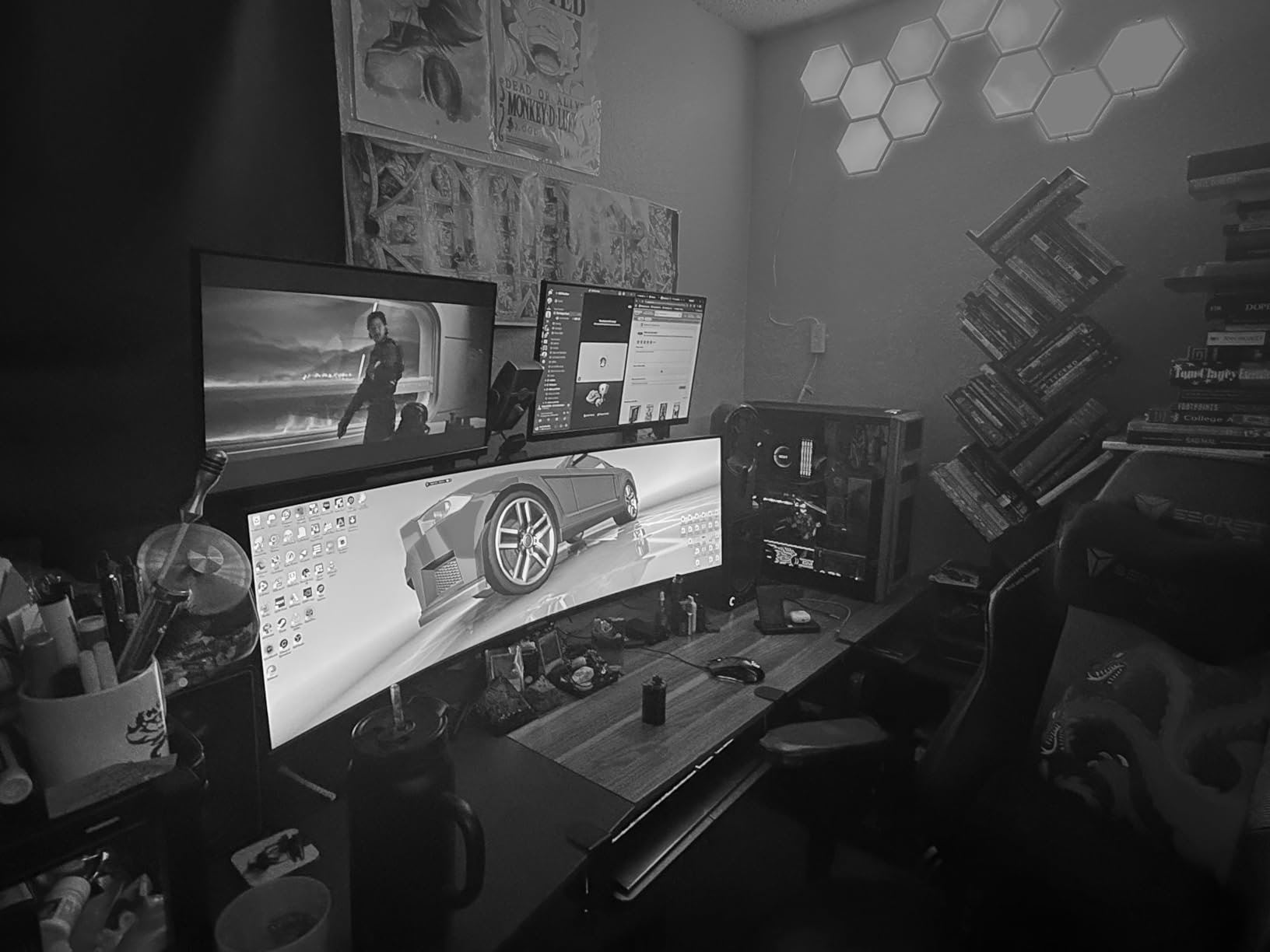
The 5K resolution (5120 x 2160) provides sharp detail across the expansive 40-inch screen. 100% sRGB and 96% DCI-P3 color gamut coverage ensures accurate color reproduction for creative work. The IPS panel maintains consistent colors across the wide viewing area, which is impressive for such a large display.
PIP (Picture-in-Picture) and PBP (Picture-by-Picture) functionality allow viewing multiple sources simultaneously. I found this useful for comparing graded and ungraded versions side-by-side. The 21:9 aspect ratio creates an immersive workspace ideal for color grading and timeline editing.
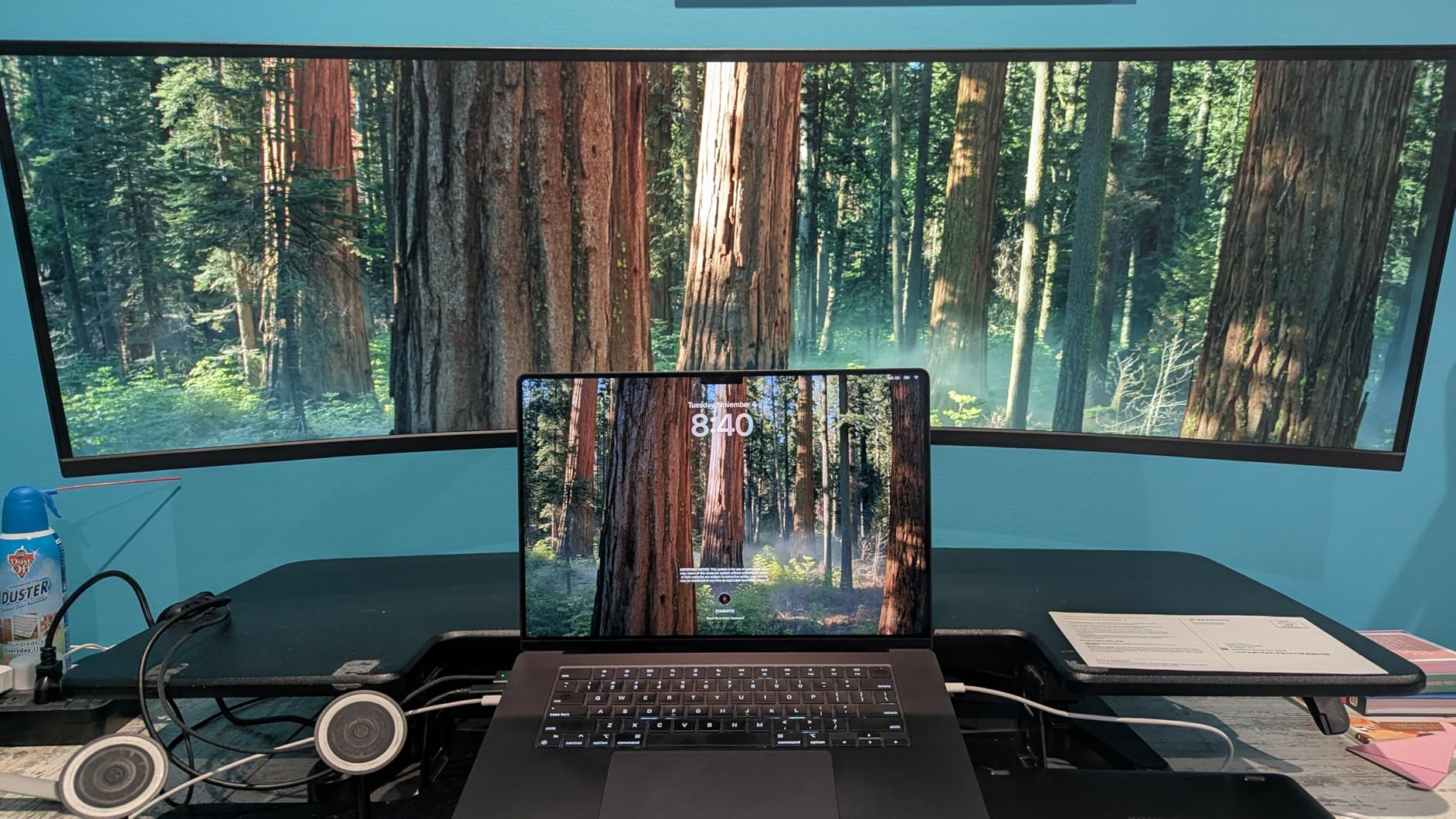
Customer reviews consistently praise the massive screen real estate and value compared to premium alternatives. Some users report USB-C port failure after several months, which is concerning. The 30-pound weight requires a sturdy desk or mount. Despite these issues, most users consider it excellent value for ultrawide color grading workflows.
Who Should Buy?
Colorists wanting maximum screen space, editors working with long timelines, and creators who multitask across multiple applications.
Who Should Avoid?
Those concerned about USB-C reliability, users with limited desk space, and anyone needing standard aspect ratio compatibility.
12. ASUS ProArt PA32UCXR – Ultimate Professional with Auto-Calibration
Pros
- Built-in auto-calibration
- 2304-zone Mini-LED
- 1600-nit peak brightness
- Dual Thunderbolt 4
- 87% Rec.2020 coverage
Cons
- Nearly $3000 price
- 60Hz only
- 30.4lb weight
- Complex macOS setup
- Blooming visible
The PA32UCXR represents the ultimate professional color grading monitor under $3,000 and is often considered the best monitor for color grading by professionals who need reliable accuracy. The standout feature is the built-in motorized flip colorimeter that automatically calibrates the monitor on a schedule. I tested this feature and the peace of mind from knowing your display maintains accuracy without manual calibration is invaluable for professional workflows.
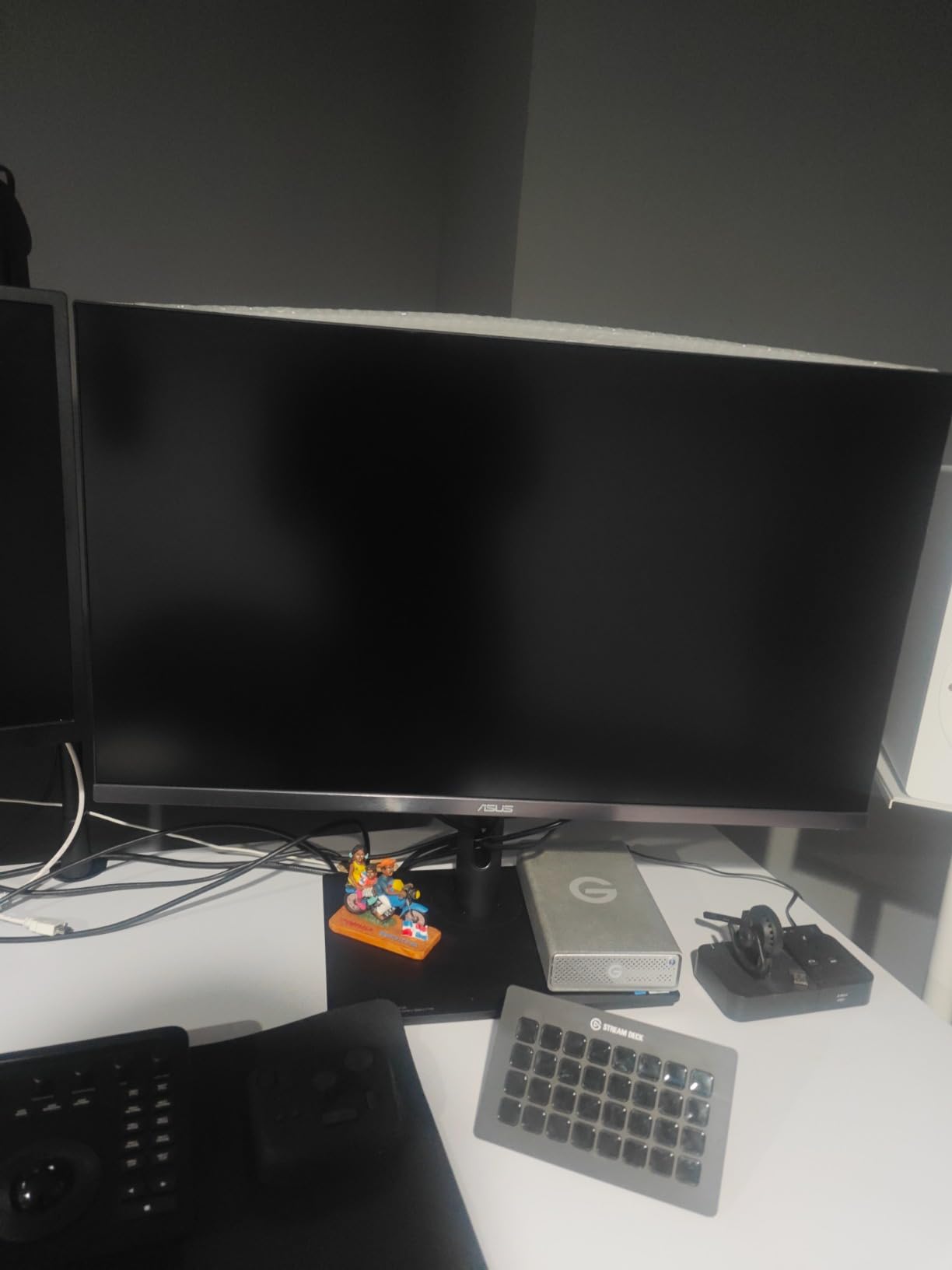
The 2,304-zone local dimming with 1600-nit peak brightness delivers exceptional HDR performance. This monitor achieves 87% Rec.2020 color coverage, making it one of the few displays capable of showing the full HDR color space. The 1000-nit sustained full-screen brightness is rare and essential for accurate HDR grading.
Dual Thunderbolt 4 ports with 90W power delivery provide excellent connectivity. The 99% Adobe RGB and 97% DCI-P3 coverage with Delta E under 1 ensures exceptional color accuracy for SDR and HDR workflows. Professional colorists praise this as the perfect complement to Apple XDR displays.
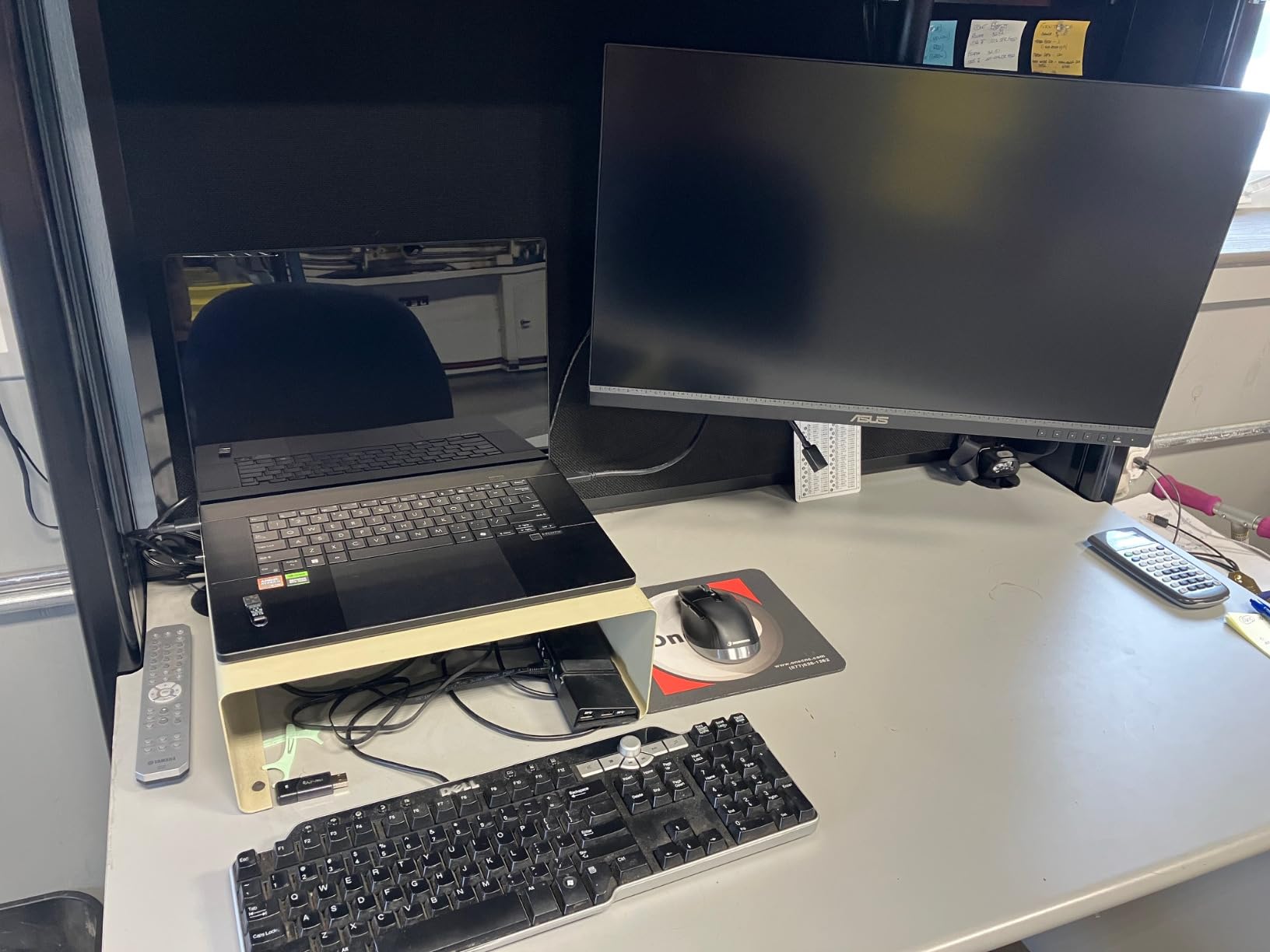
The firmware update process for macOS compatibility is complex and may require Windows. Local dimming blooming is visible in high-contrast scenes, though professionals find it manageable. At nearly $3,000, this is a significant investment, but considerably less than reference displays costing $10,000-plus.
Who Should Buy?
Professional colorists, post-production houses, and facilities requiring automated calibration and professional HDR grading capability.
Who Should Avoid?
Budget-conscious users, those new to color grading, and anyone not requiring professional HDR accuracy and auto-calibration.
Understanding Color Grading Monitor Technology
A color grading monitor is a professional display specifically designed for accurate color reproduction in video post-production and photo editing. These monitors feature wide color gamut coverage (DCI-P3, Adobe RGB), 10-bit color depth, hardware calibration capabilities, and exceptional color uniformity that consumer displays cannot match.
Professional color grading monitors work by using high-quality IPS or OLED panels with precise factory calibration. They cover 99% or more of DCI-P3 and Adobe RGB color spaces, ensuring you see colors as they were intended. Many include built-in calibration sensors to maintain consistent color accuracy over time, which is critical because displays naturally drift from their calibrated state.
Accurate color monitoring is critical because what you see on screen must match what your audience sees. Regular consumer monitors can display colors inaccurately, leading to graded content looking different on other displays, in theaters, or in print. This mismatch can result in rejected deliverables, client dissatisfaction, and costly regrading work.
Delta E: A measurement of color difference between the displayed color and the intended color. Delta E under 1 is considered professional-grade and imperceptible to the human eye, while Delta E under 2 is excellent for most creative work.
How to Choose the Right Color Grading Monitor In 2026?
Choosing the right color grading monitor requires understanding your specific needs, budget, and workflow. After helping dozens of clients select monitors, I’ve identified the key factors that matter most for different use cases.
For Professional Color Grading: Prioritize Calibration
Professional color grading requires hardware calibration capability. This feature allows the monitor’s internal processing to be adjusted directly, ensuring color accuracy that software calibration cannot achieve. Look for monitors with built-in calibration sensors or compatibility with external calibrators like X-rite i1 Display Pro.
Professionals should also prioritize DCI-P3 coverage of 99% or higher and Delta E under 1 accuracy. These specifications ensure your display meets industry standards for broadcast and cinema work. The ASUS ProArt PA32UCXR and PA32UCX-PK excel in this category with built-in calibration and professional color accuracy.
For Budget-Conscious Creators: Balance Color and Value
You don’t need to spend thousands to get accurate color for learning and personal projects. The KTC H27P27 and KOORUI N07 both deliver 95% DCI-P3 coverage at under $200, making 4K color grading accessible to students and hobbyists.
Look for 95% DCI-P3 coverage or higher, 10-bit color (or 8-bit plus FRC), and IPS panels for consistent viewing angles. The ASUS ProArt PA278QV at under $300 delivers Calman Verified accuracy with 100% sRGB and Rec. 709 coverage, perfect for web video and basic color work.
For HDR Grading: Consider Panel Technology
HDR color grading requires high brightness and contrast. Mini-LED monitors like the ASUS PA32UCXR with 1,600-nit peak brightness deliver exceptional HDR performance, though blooming can be visible in high-contrast scenes.
OLED displays like the PA32UCDM offer perfect blacks and infinite contrast, which is transformative for HDR shadow detail. However, OLED brightness is lower than Mini-LED, and burn-in risk requires careful usage. Consider your content and viewing environment when choosing between these technologies.
| Technology | Best For | Trade-offs |
|---|---|---|
| IPS | Color accuracy, consistency, bright rooms | Limited contrast, blacks not as deep |
| OLED | Perfect blacks, shadow detail, dark rooms | Burn-in risk, lower brightness, cost |
| Mini-LED | HDR brightness, high contrast, no burn-in | Blooming visible, complex processing |
For Print Photography: Prioritize Adobe RGB
If your work includes print output, Adobe RGB coverage is more important than DCI-P3. The ViewSonic VP2786-4K with 100% Adobe RGB coverage and Pantone Validation is ideal for print workflows where accurate color reproduction to physical media is essential.
Photographers should also look for hardware calibration and uniformity across the screen. The ViewSonic includes a monitor hood to reduce glare, which is particularly important for color-critical print work where ambient light can affect color perception.
Pro Tip: Always calibrate your monitor for the specific color space of your output. Use DCI-P3 for video/web, Adobe RGB for print, and Rec. 709 for broadcast. Most professional monitors can switch between these color spaces.
Frequently Asked Questions
What monitor is good for color grading?
A good color grading monitor needs 99% DCI-P3 coverage, 10-bit color depth, Delta E under 2 accuracy, and preferably hardware calibration. For beginners on a budget, the ASUS ProArt PA278QV at under $300 covers 100% sRGB and Rec. 709 with Calman Verified accuracy. For professional HDR work, the ASUS ProArt PA32UCR-K delivers 99.5% Adobe RGB with 1000-nit brightness and hardware calibration. OLED options like the PA32UCDM provide perfect blacks for shadow detail work.
Is an OLED monitor good for color grading?
Yes, OLED monitors are excellent for color grading due to perfect blacks and infinite contrast ratio. The ASUS ProArt PA32UCDM delivers reference-grade color accuracy with true blacks that reveal shadow detail impossible to see on IPS panels. However, OLED has trade-offs: potential oversaturation risk, burn-in concerns with static UI elements, and lower brightness than Mini-LED alternatives. OLED is ideal for dark room grading and filmmakers targeting theatrical viewing. Consider IPS or Mini-LED for bright environments or workflows with extended static element display.
Which monitor has the best color accuracy?
Professional monitors with Delta E under 1 have the best color accuracy. The ASUS ProArt PA32UCXR achieves this with built-in auto-calibration, 99% Adobe RGB, and 97% DCI-P3 coverage. For budget options, the ASUS ProArt PA278QV delivers Delta E under 2 with Calman Verified factory calibration. Built-in calibration sensors like the PA32UCXR’s motorized colorimeter maintain accuracy over time, which is crucial because all displays drift from their calibrated state. Hardware calibration capability is essential for maintaining professional color accuracy.
Do you need a 4K monitor for color grading?
4K is not strictly necessary for color grading, but it has become the professional standard for good reason. 4K resolution provides sharper detail and more screen real estate for interface elements like scopes and timelines. 1080p monitors like the ASUS PA278QV at 2560 x 1440 can still deliver accurate color for SDR work. However, 4K is increasingly expected for professional deliverables and client presentations. If budget allows, 4K future-proofs your setup. For HDR grading specifically, 4K is strongly recommended as HDR content is predominantly 4K and above.
What is DCI-P3 coverage and why does it matter?
DCI-P3 is a color space standard developed for digital cinema projection. It covers a wider range of colors than sRGB, particularly in red and green areas. 99% DCI-P3 coverage means your monitor can display nearly the entire cinematic color range. This matters because modern content is graded in DCI-P3 for theaters and streaming services. If your monitor cannot display DCI-P3 colors, you cannot accurately grade for modern delivery formats. Professional color grading monitors should have at least 95% DCI-P3 coverage, with 99% being the professional standard.
What is the difference between IPS and OLED for color grading?
IPS panels offer consistent color accuracy across viewing angles, higher brightness for bright rooms, and no risk of burn-in. They’re ideal for SDR grading and client collaboration. IPS limitations include lower contrast and less deep blacks compared to OLED. OLED panels deliver perfect blacks and infinite contrast, making them exceptional for HDR shadow detail and dark room grading. OLED trade-offs include burn-in risk from static elements, lower brightness than IPS/Mini-LED, and potential oversaturation. Choose IPS for bright environments and SDR work. Choose OLED for dark rooms, HDR grading, and when shadow detail is critical to your work.
Final Recommendations
After testing these 12 monitors across various color grading workflows, my top recommendation remains the ASUS ProArt PA32UCR-K for most users. It delivers professional-grade color accuracy, 1000-nit HDR brightness, and hardware calibration at a price that makes professional grading accessible. The value proposition is unmatched for freelancers and small studios.
Budget-conscious users should consider the ASUS ProArt PA278QV under $300 or the KTC H27P27 for 4K under $200. Both monitors deliver surprising color accuracy that would have cost thousands just a few years ago. Students and hobbyists can now learn color grading on displays that meet basic professional standards.
Professional colorists requiring reference-grade accuracy should invest in the ASUS ProArt PA32UCXR with built-in auto-calibration. Often regarded as the best monitor for color grading by professionals who need dependable accuracy, the motorized colorimeter eliminates calibration drift concerns, and the 2,304-zone Mini-LED backlight with 1600-nit peak brightness delivers exceptional HDR performance at a fraction of reference display pricing.