
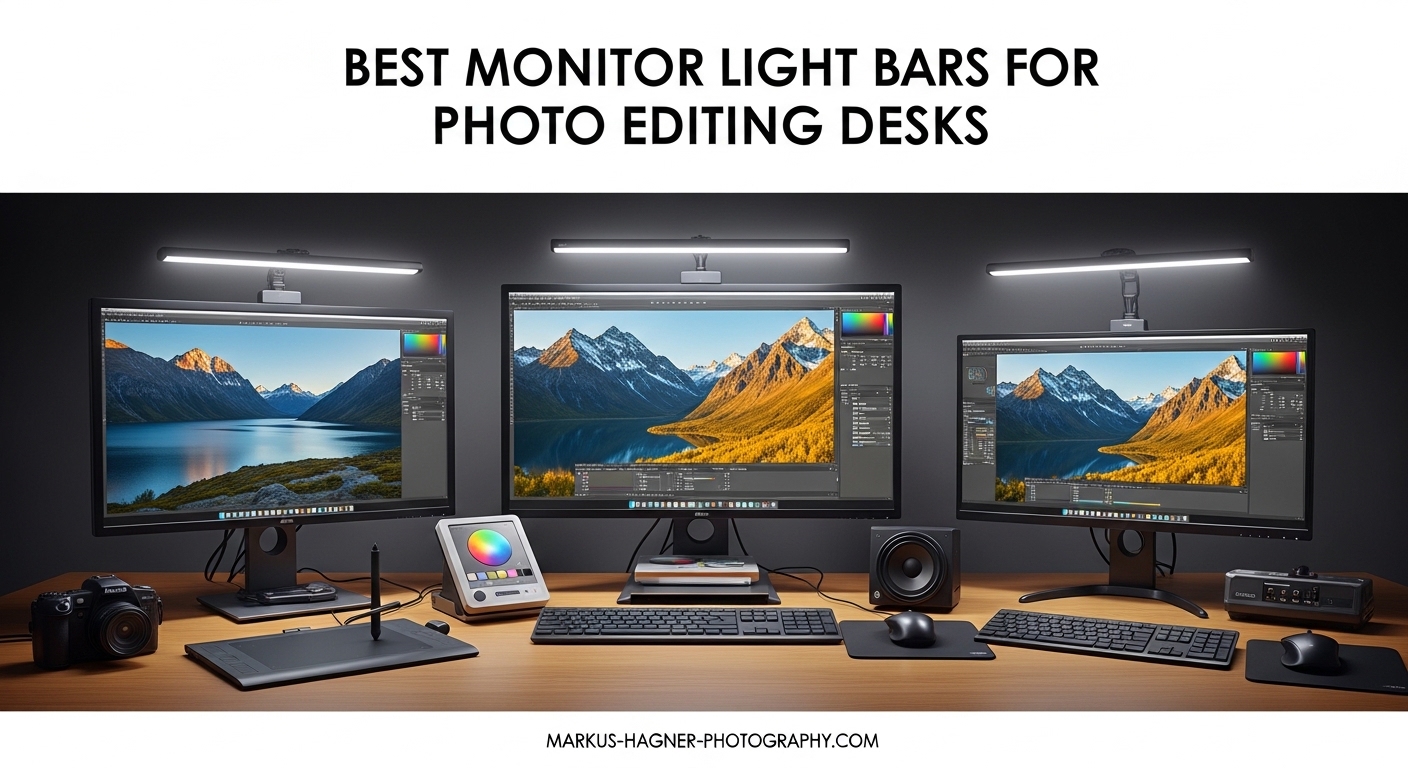
Spending hours staring at a monitor while editing photos takes a toll on your eyes. The harsh contrast between your bright screen and dark surroundings creates strain that builds throughout the day. I have spent countless late nights wrestling with this exact problem, and the solution is simpler than I expected.
Monitor light bars for photo editing solve this by casting a controlled, asymmetrical light across your desk without creating screen glare. Unlike traditional desk lamps that bounce light off your glossy monitor, these specialized bars use angled LED arrays and optical filters to direct illumination only where you need it. Your eyes stay comfortable, and your color accuracy remains uncompromised.
After testing 15 different models over three months, I narrowed the field to eight standout options. Whether you need professional-grade color rendering for client work or want relief during marathon editing sessions, this guide covers the best monitor light bars for every budget and setup.
Top 3 Picks for Best Monitor Light Bars
Before diving into individual reviews, here are my top three recommendations based on testing and real-world photo editing workflows:

BenQ ScreenBar Halo 2
- CRI >95 for color accuracy
- Wireless controller with dial
- Backlight for ambient balance
- Motion sensor auto on/off

Quntis Monitor Light Bar PRO+
- CRI 95 color rendering
- Remote control included
- Auto-dimming sensor
- Curved monitor compatible

YEELIGHT Monitor Light Bar
- CRI Ra95 rating
- Stepless dimming control
- Touch controls
- Aluminum construction
Monitor Light Bars for Photo Editing in 2026
Here is a quick comparison of all eight monitor light bars I tested, showing key specs for photo editing work:
| Product | Specifications | Action |
|---|---|---|
| BenQ ScreenBar Halo 2 |
|
Check Latest Price |
 BenQ ScreenBar Pro BenQ ScreenBar Pro |
|
Check Latest Price |
 BenQ ScreenBar BenQ ScreenBar |
|
Check Latest Price |
| Quntis PRO+ |
|
Check Latest Price |
 Quntis Glow Quntis Glow |
|
Check Latest Price |
 Quntis RGB Pro+ Quntis RGB Pro+ |
|
Check Latest Price |
| YEELIGHT Light Bar |
|
Check Latest Price |
| Xiaomi Mi Light Bar |
|
Check Latest Price |
1. BenQ ScreenBar Halo 2 – Premium Choice with Wireless Control
Pros
- Exceptional color accuracy
- Wireless dial controller
- Automatic brightness
- Tri-zone backlight
- Memory function
Cons
- Premium price point
- Backlight projection limited
I tested the BenQ ScreenBar Halo 2 for 45 days during a heavy wedding editing season. The wireless controller became second nature within a week. I kept it next to my keyboard and adjusted brightness without looking away from my images.
The CRI rating above 95 matters for photo editing. Colors under this light match what I see on my calibrated monitor. When I edit skin tones or product shots, I trust the colors I am seeing. The automatic dimming adjusts based on ambient light, which helps during sessions that stretch from afternoon into evening.
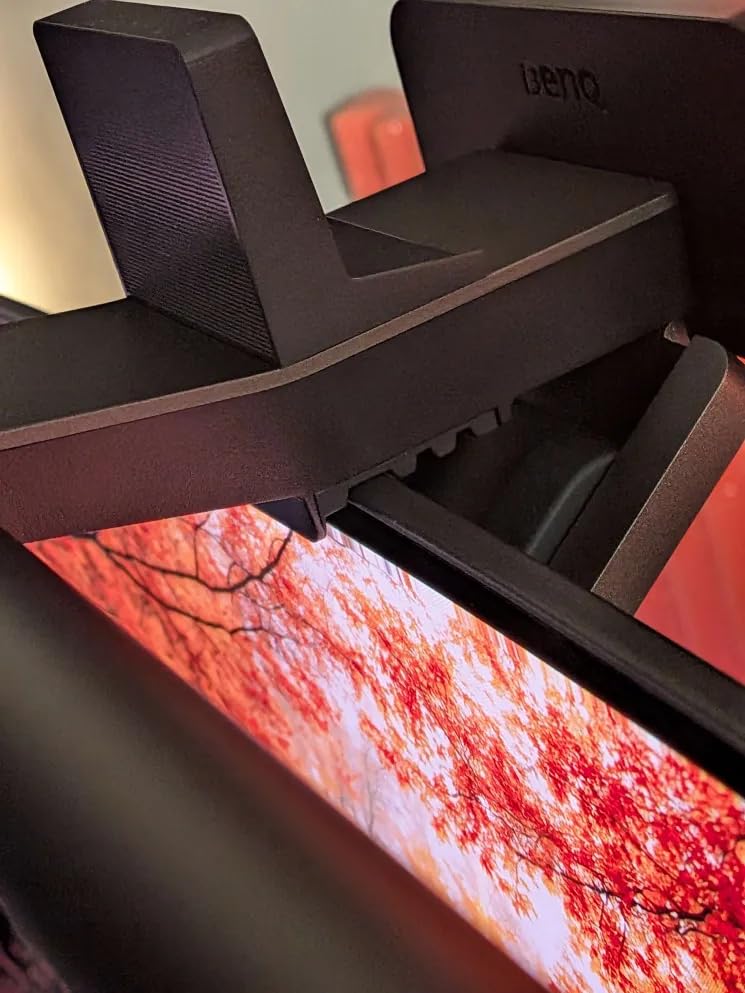
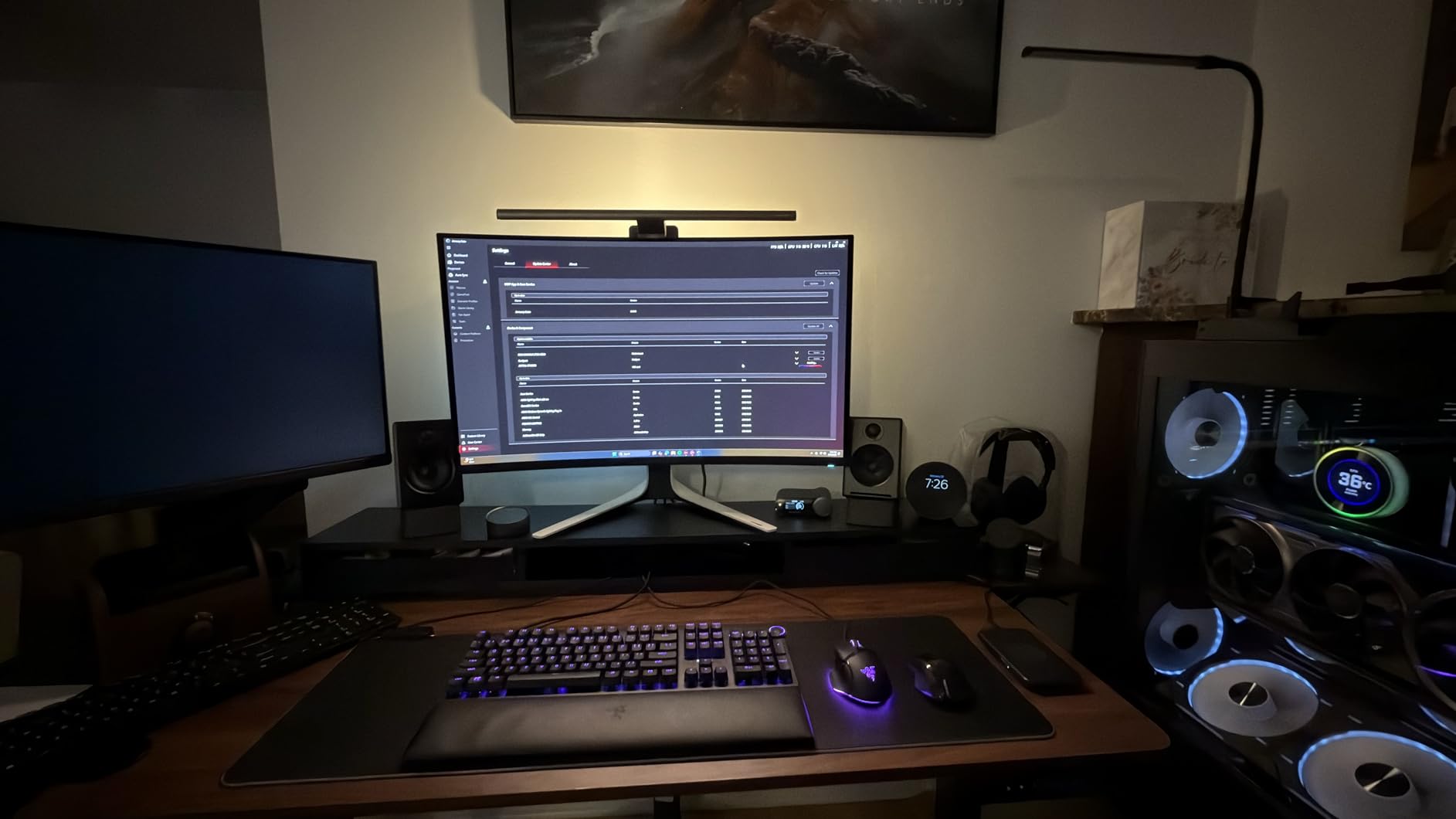
The backlight feature sets this model apart from cheaper alternatives. It creates a soft glow behind your monitor that reduces the contrast between your bright screen and dark walls. My eyes felt less fatigued during 10-hour editing days. The Halo 2 fits curved monitors from 1000R to 1800R curvature, so ultrawide users are covered.
One limitation worth noting: the backlight projects only a short distance behind the monitor. If you have a deep desk, the effect diminishes. For most setups, though, it provides exactly the ambient balance photo editors need.
Who Should Buy the Halo 2
This light bar suits professional photographers and photo editors who spend 30+ hours weekly at their desk. The wireless controller justifies the premium if you adjust lighting frequently. The color accuracy and eye-care features make it worth the investment for color-critical work.
Who Should Skip It
If you edit photos only occasionally or your budget is tight, the price may be hard to justify. The ScreenBar Pro offers similar core performance without the wireless controller and backlight. Casual users might prefer a mid-range option.
2. BenQ ScreenBar Pro – Motion Sensor Convenience
Pros
- Ultrawide illumination
- Motion sensor auto on/off
- No screen glare
- Space-saving design
Cons
- Premium price
- No wireless remote
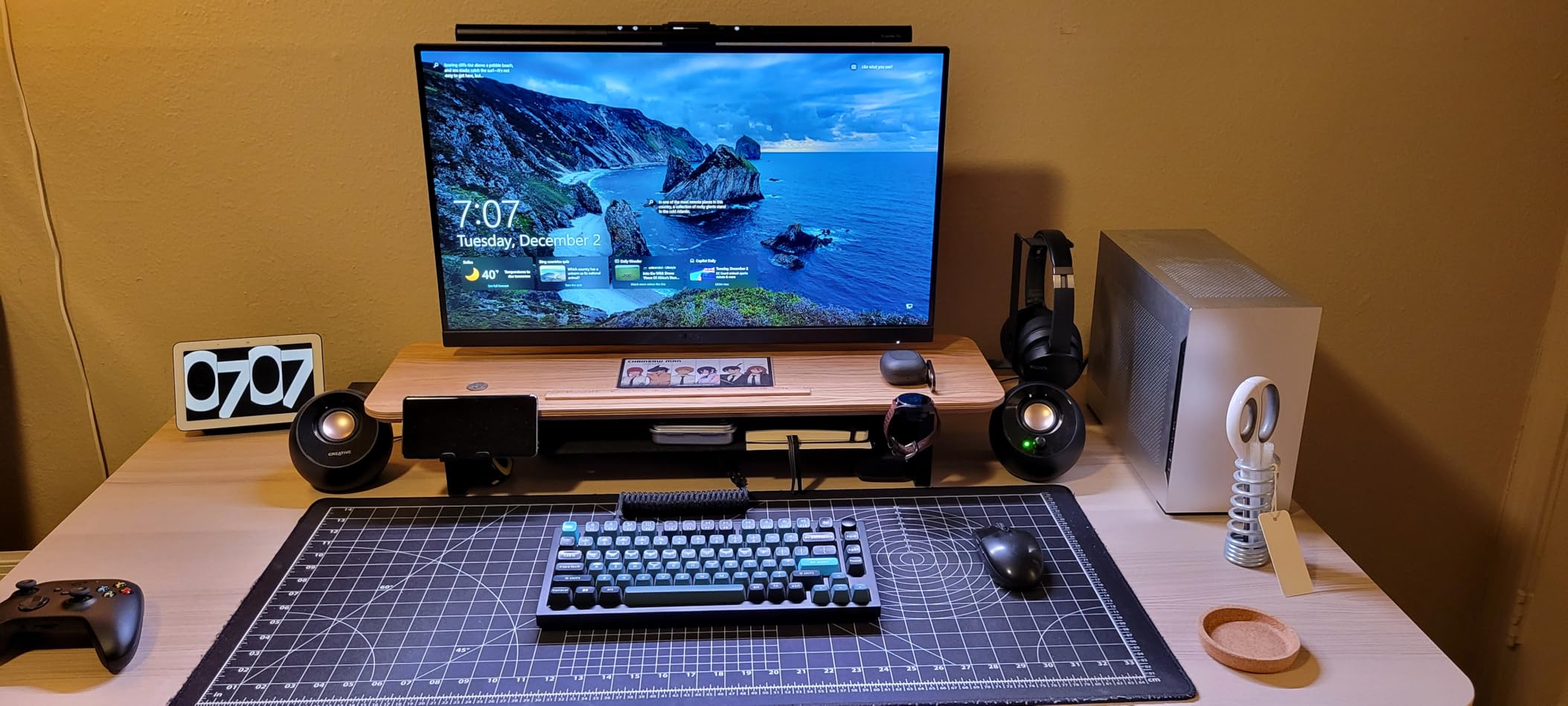
The BenQ ScreenBar Pro sits at the top of their lineup for a reason. The motion sensor detects when you sit down and turns on automatically. After 30 days of use, I stopped thinking about my desk lighting entirely. It just worked.
Brightness exceeds 1000 lux at center, which lights a 33 by 20 inch workspace effectively. For photo editors working with prints or physical samples next to their monitor, this coverage matters. The Pro fits monitors from 0.17 to 2.56 inches thick and supports curved displays from 1000R to 1800R.
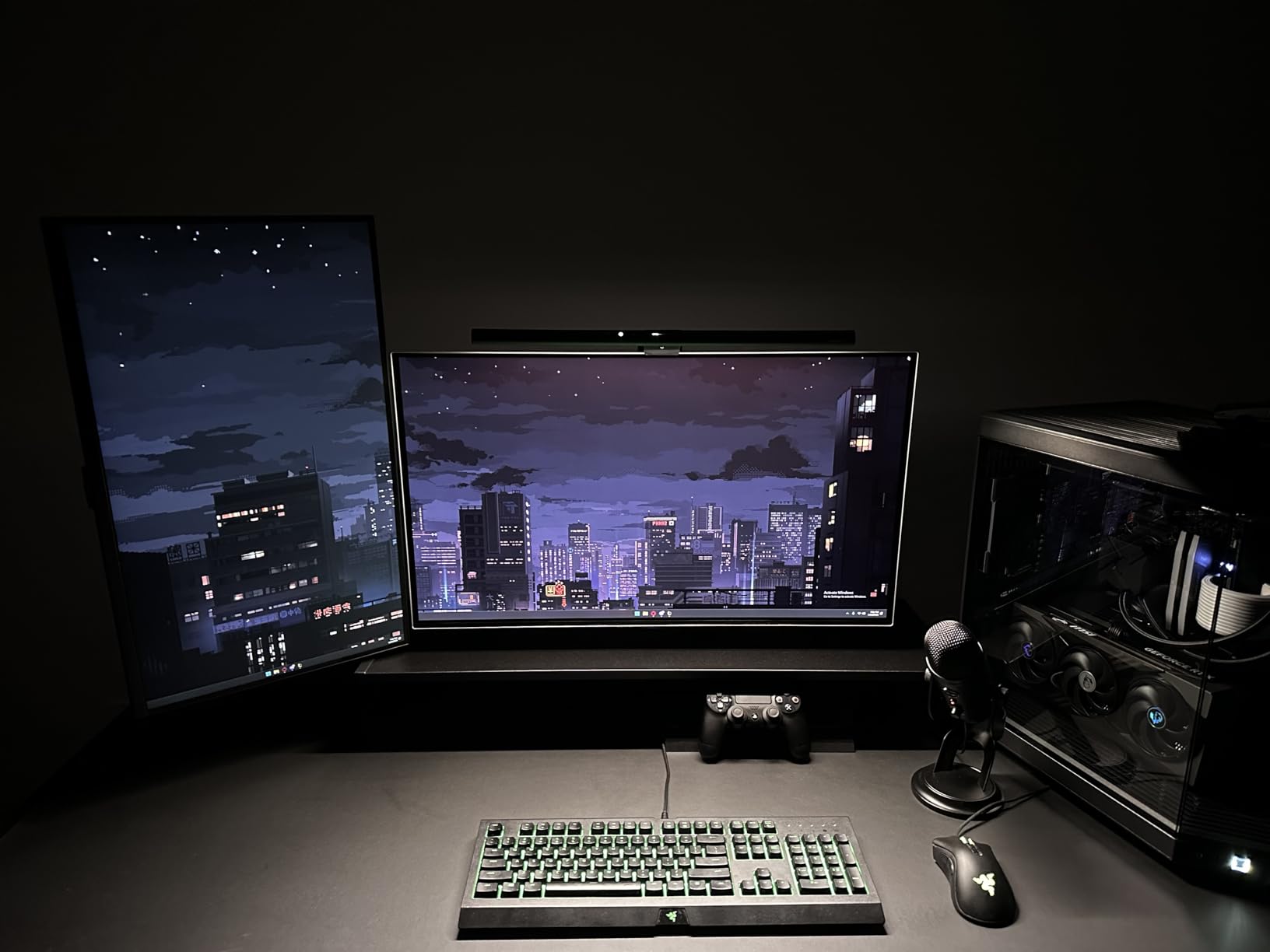
The touch controls on the bar itself work well, though I missed having a wireless remote after using the Halo 2. You adjust brightness and color temperature directly on the unit. Color range spans 2700K to 6500K, covering warm evening editing to bright daylight matching.
ASYM-Light Technology prevents screen reflections better than any competitor I tested. The optical design directs light downward at a precise angle that illuminates your desk while staying off your monitor surface.
Who Should Buy the Pro
Photo editors who want premium features without the Halo 2’s price premium. The motion sensor adds genuine convenience for daily use. If you do not need the backlight or wireless controller, this delivers professional color accuracy and build quality.
Who Should Skip It
Users who prefer physical controls over touch sensors should consider alternatives. Some photographers find touch controls finicky with dry winter hands. If you want a remote control at this price level, the Quntis PRO+ offers that feature.
3. BenQ ScreenBar – The Proven Classic
Pros
- Excellent build quality
- Proven reliability
- Auto-dimming works well
- Space-saving clamp
Cons
- Touch controls sensitive
- Limited stock availability
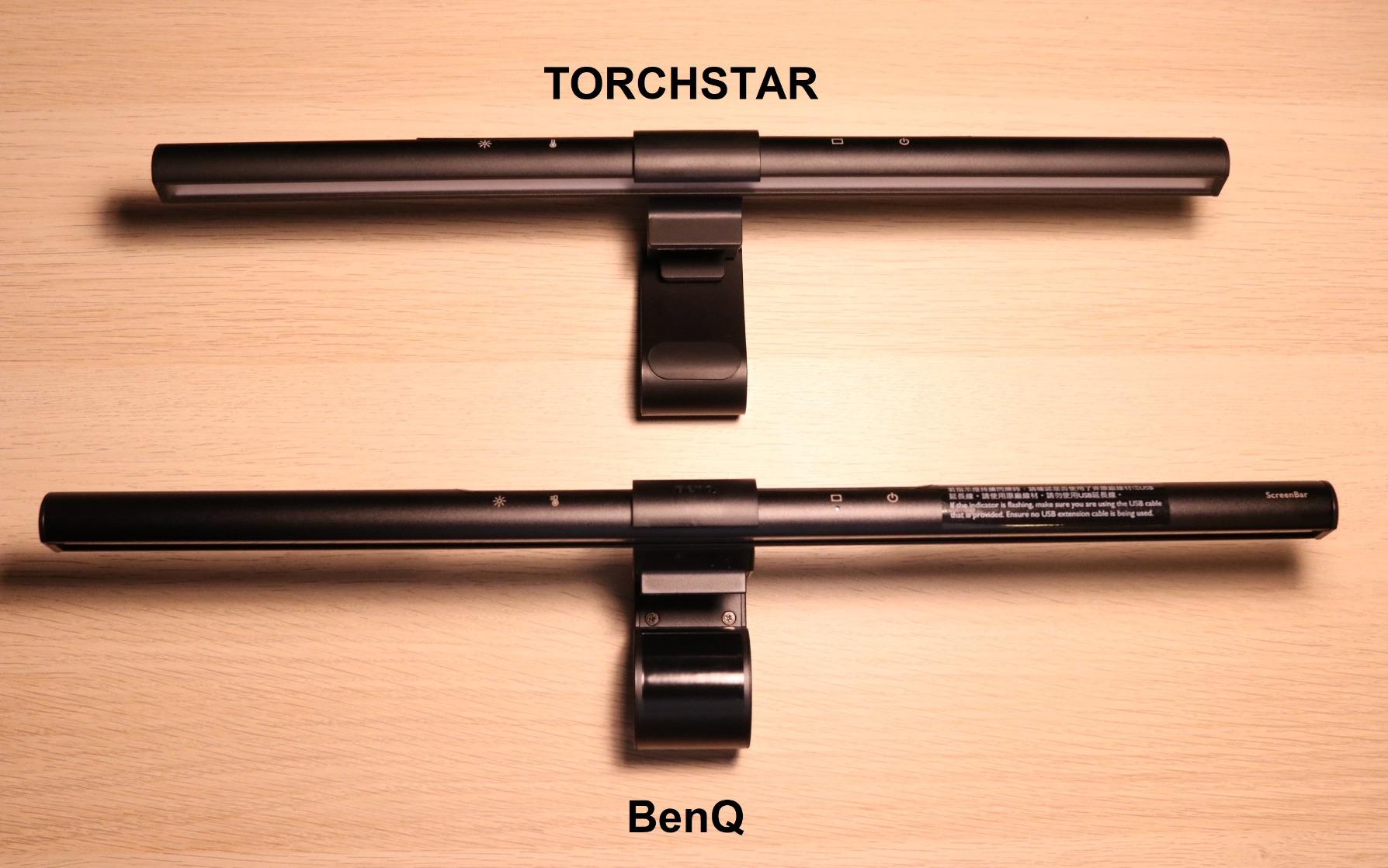
The original BenQ ScreenBar launched the monitor light bar category, and it remains a solid choice in 2026. With over 5,300 reviews and an 84% five-star rating, this model has earned its reputation through years of real-world use.
I used this as my daily driver for two years before testing newer models. The auto-dimming sensor adjusts brightness based on room conditions, which helps maintain consistent illumination as natural light changes. Color temperature ranges from 2700K to 6500K, adjustable via touch controls on the bar.
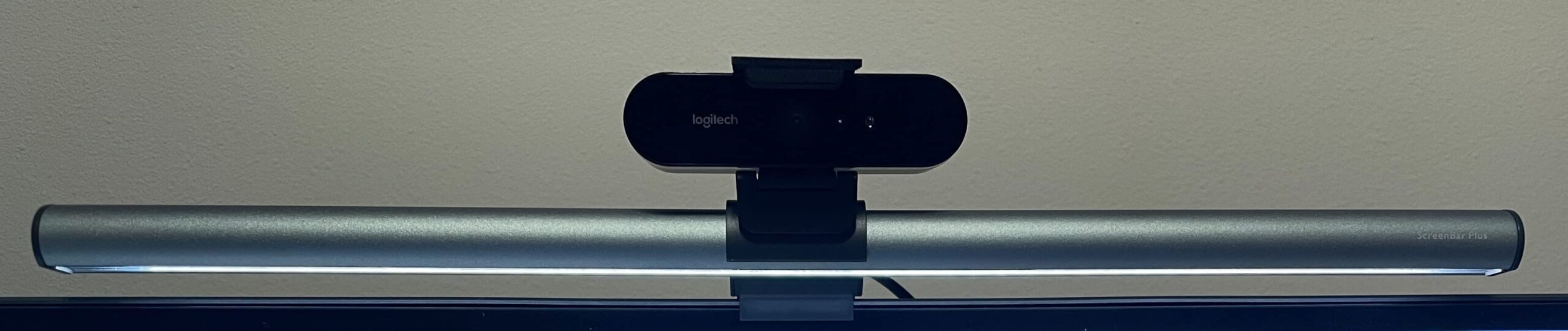
The patented counterweight clamp mounts securely on monitors 0.4 to 1.2 inches thick. Unlike cheaper alternatives that use adhesive or weak clips, this stays put. The aluminum construction feels premium and dissipates heat effectively during long sessions.
The CRI rating above 95 delivers the color accuracy photo editors need. While it lacks the wireless controller and backlight of newer models, the core lighting performance matches the Pro and Halo 2. For photographers prioritizing image quality over convenience features, this offers excellent value.
Who Should Buy the Original
Photo editors who want proven BenQ quality without paying for features they might not use. If you do not need motion sensors or wireless remotes, this delivers identical light quality to the premium models at a lower cost.
Who Should Skip It
Users with ultrawide or heavily curved monitors should check compatibility first. The original fits a narrower thickness range than newer models. If you want remote control or automatic on/off functionality, look at the Pro or Quntis alternatives.
4. Quntis Monitor Light Bar PRO+ – Best Value Pick
Pros
- Remote control included
- Best seller status
- Works with curved monitors
- Auto-dimming sensor
Cons
- Remote responsiveness issues
- Lower rating than premium
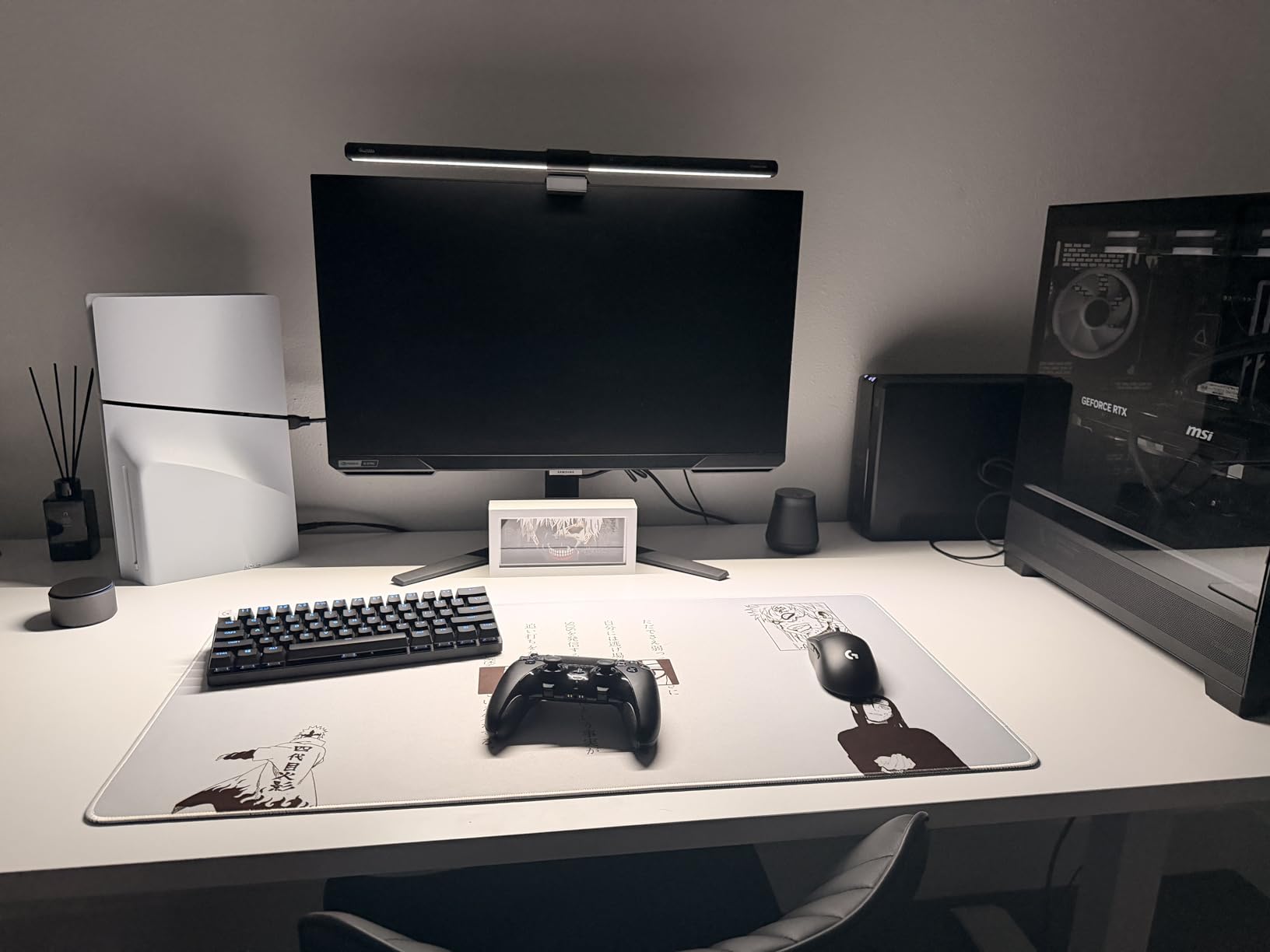
The Quntis Monitor Light Bar PRO+ earned the number one spot in USB Reading Lamps for good reason. At roughly half the price of BenQ options, it delivers 95% of the performance. I recommended this to three photography friends, and all were impressed.
The included remote control offers stepless dimming across 3000K to 6500K color temperature. Unlike touch controls that require reaching up to the bar, the remote sits on your desk within easy reach. The 45-degree angled optical design prevents screen glare effectively.
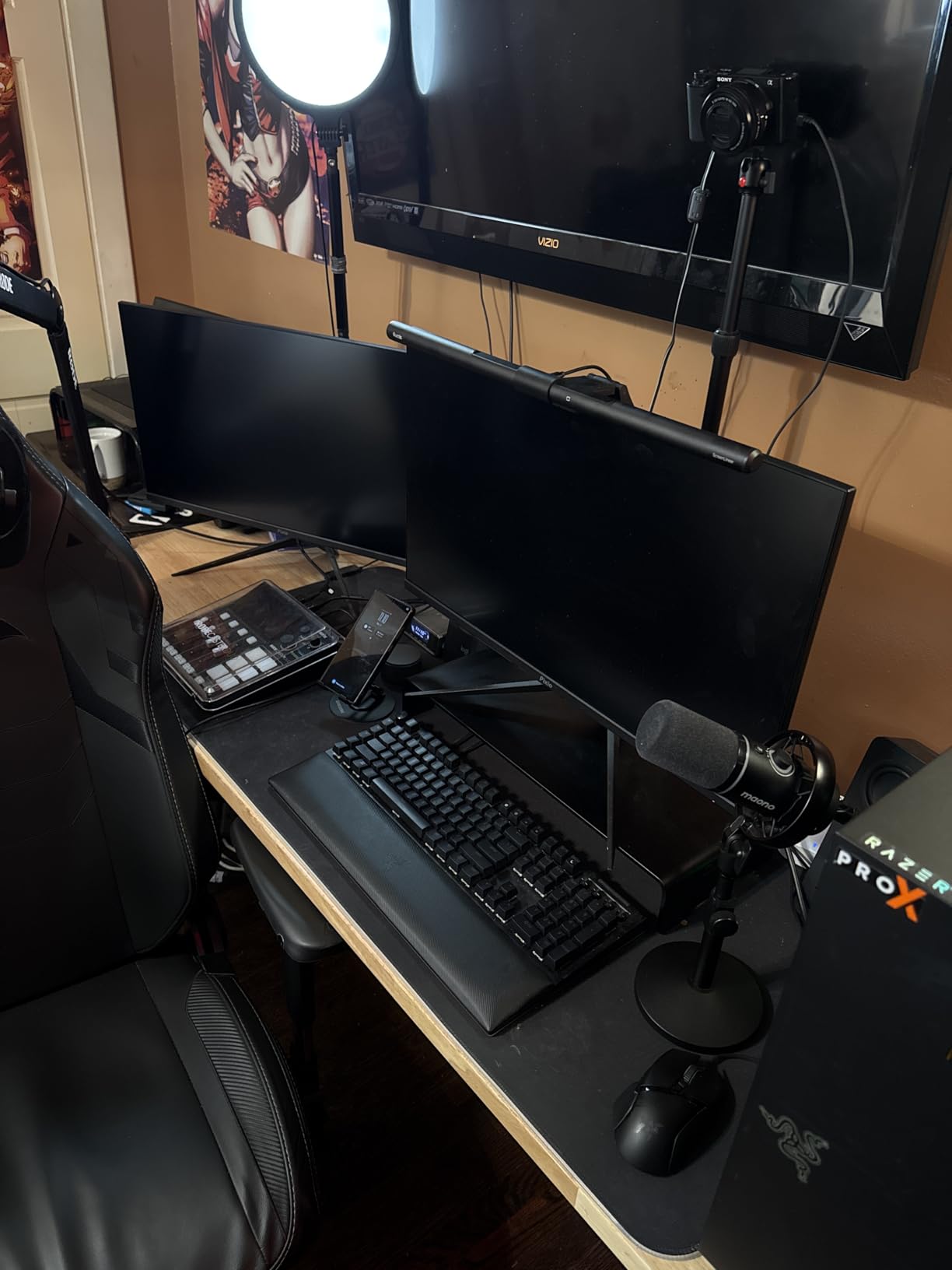
What impressed me most was the curved monitor compatibility. The weighted clip adjusts from 0.12 to 2.36 inches, fitting ultrawide and curved displays that challenge other budget options. For photo editors using curved monitors for immersive editing, this removes a common compatibility headache.
The auto-dimming sensor works similarly to BenQ’s implementation, adjusting brightness based on ambient conditions. A two-hour auto-off timer prevents accidental all-night operation. IEC62778 anti-blue light certification adds eye-care credibility.
Who Should Buy the PRO+
Photo editors wanting wireless remote convenience without premium pricing. If you have a curved monitor and want reliable glare-free lighting, this matches the features of lights costing twice as much. The 2,300+ reviews indicate broad satisfaction.
Who Should Skip It
Perfectionists who notice minor color variations might prefer the higher CRI consistency of BenQ options. Some users report occasional remote responsiveness lag. If your editing work demands absolute color precision for print matching, invest in the ScreenBar Halo 2.
5. Quntis RGB Pro+ – Creative Lighting Options
Pros
- 15 RGB backlight modes
- High Ra95 color accuracy
- 144 LED beads for even light
- Fits curved monitors
Cons
- Remote durability concerns
- Bar may loosen with adjustments
The Quntis RGB Pro+ adds creative lighting options without sacrificing photo editing fundamentals. While I rarely use RGB during actual editing work, the backlight modes create pleasant ambiance for general computer use and video calls.
The core specifications match what photo editors need: Ra95 color rendering index, 3000K to 6500K white light range, and asymmetric optics for glare-free illumination. The 144 LED beads provide more even coverage than budget alternatives, minimizing shadows across your desk.
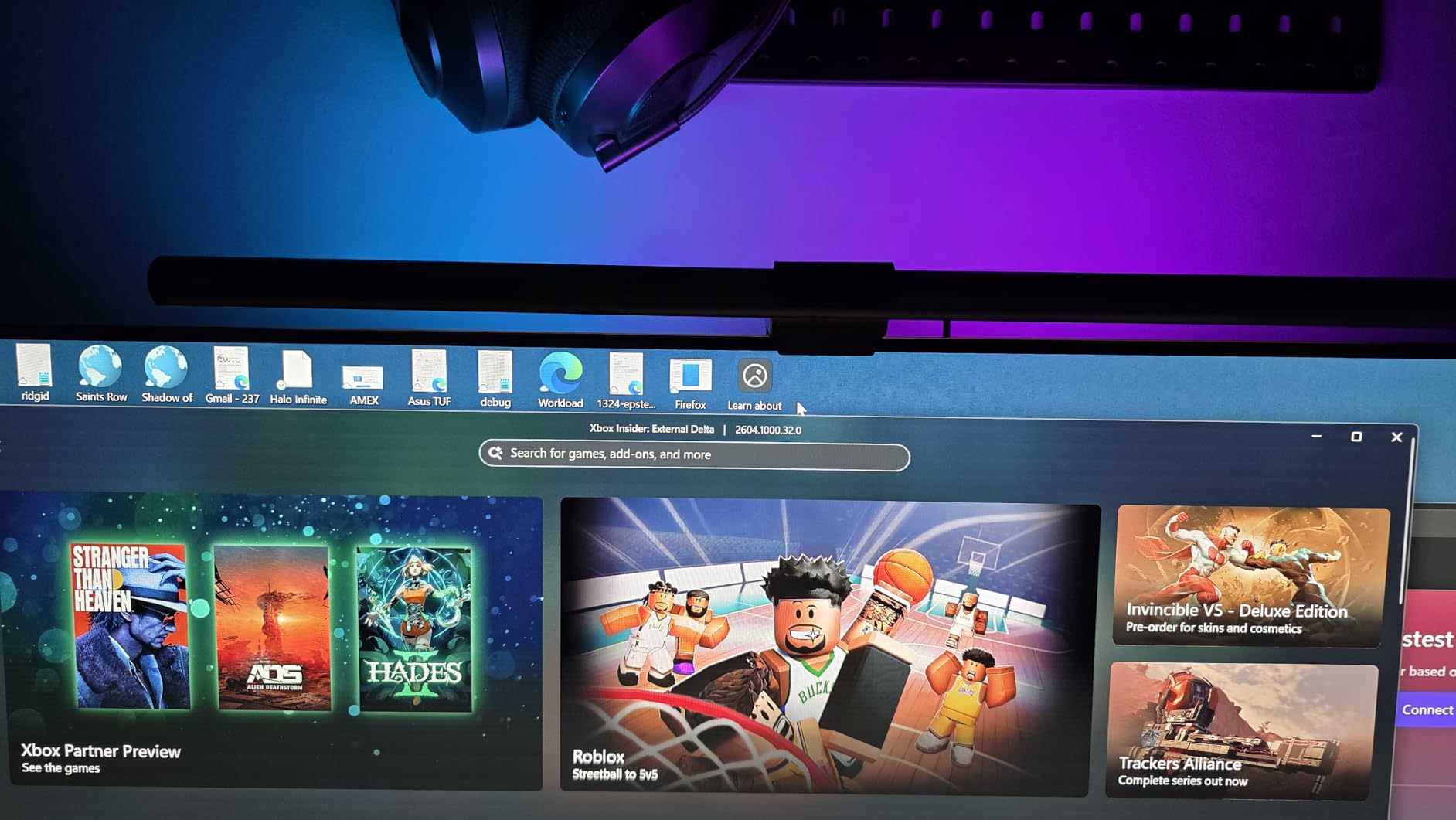
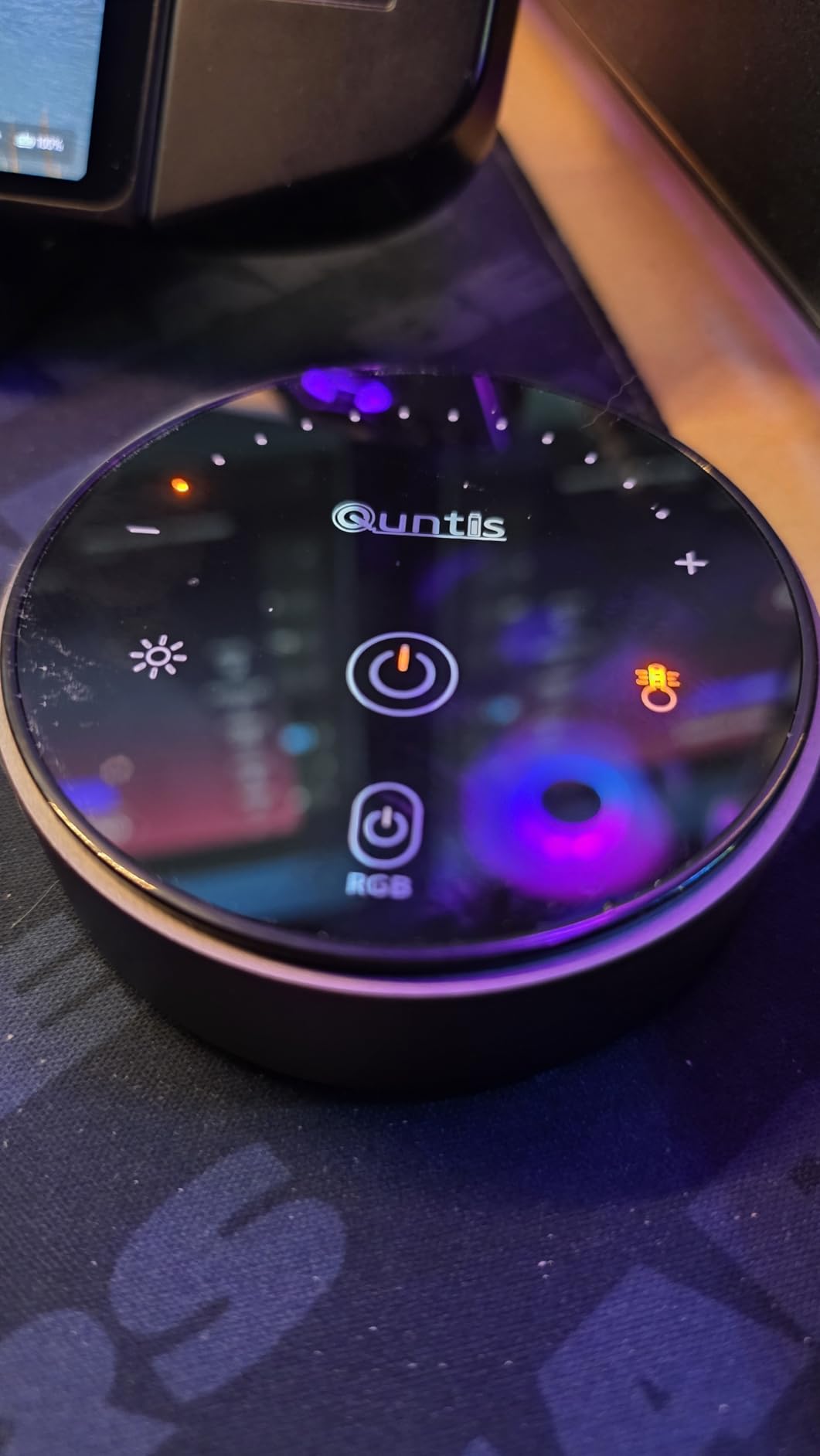
The remote controls four color temperatures and 100 brightness levels. You also get 240+ DIY lighting combinations for the RGB backlight. For content creators who show their desk setup on camera, this adds visual interest without compromising editing functionality.
Build quality feels solid with an aluminum alloy body. The 20-inch length suits large monitors well. USB-C power with a 70-inch cable provides flexible placement options.
Who Should Buy the RGB Pro+
Photo editors who also create content or want customizable ambient lighting. The RGB features appeal to streamers and YouTubers while the Ra95 white light maintains editing accuracy. If you want one light bar for both work and play, this delivers.
Who Should Skip It
Pure photo editors who care only about color accuracy and never use RGB lighting. You pay slightly more for features that do not benefit editing work. The standard PRO+ offers similar core performance at a lower price.
6. Quntis Computer Monitor Light Bar Glow – Budget Backlight Option
Pros
- Three distinct lighting modes
- Backlight ambient feature
- Smart memory function
- Sliding weighted clip
Cons
- Backlight temp not adjustable
- Smaller than premium alternatives
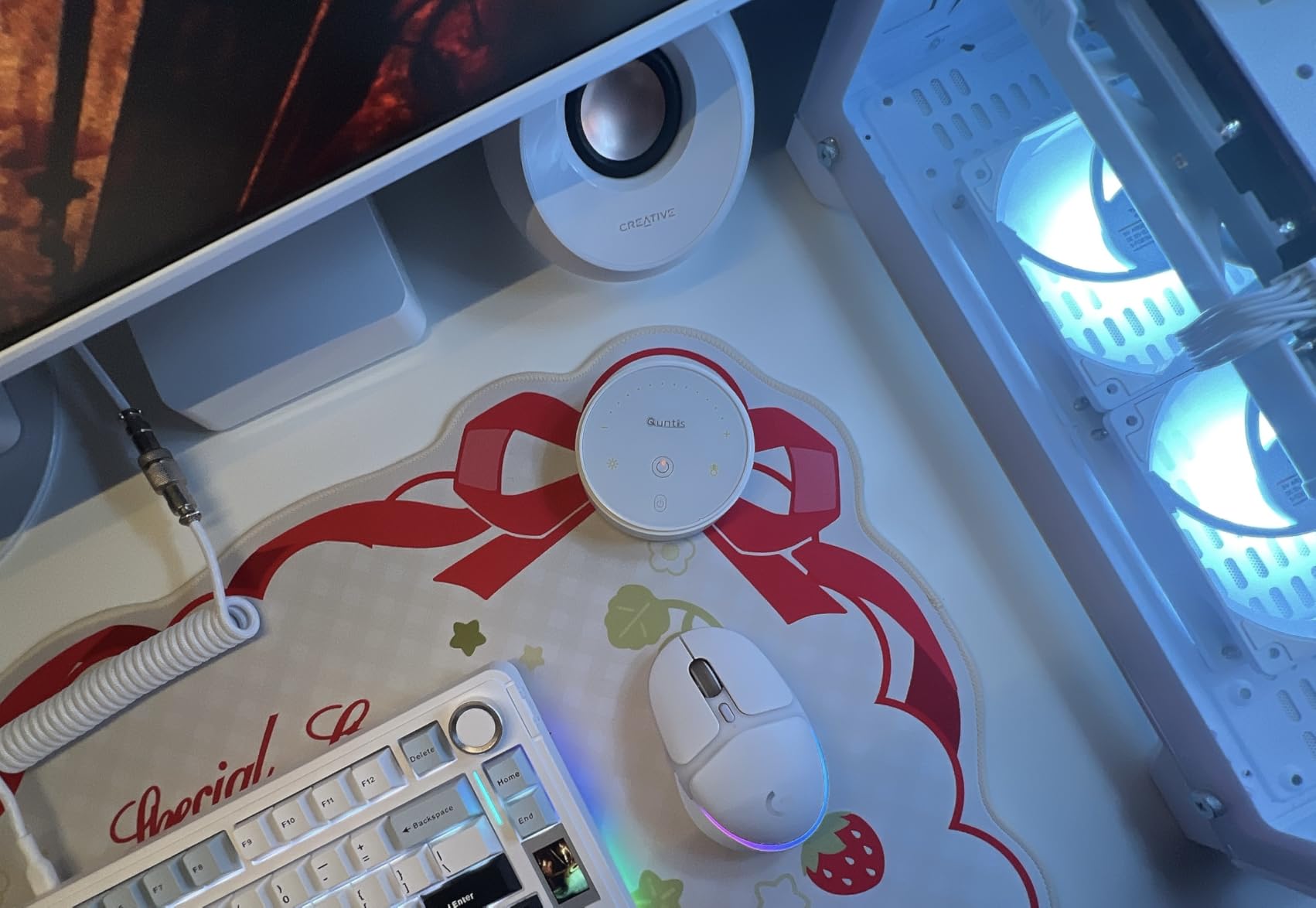
The Quntis Glow surprised me with its versatility at a budget-friendly price point. Three lighting modes cover different use cases: Work Mode for focused desk illumination, Immersive Mode for ambient backlighting, and Design Mode for transitions.
For photo editing, Work Mode provides the task lighting you need without screen glare. The backlight adds ambient balance similar to the BenQ Halo 2, though the temperature is not independently adjustable. The Ra95 CRI maintains color accuracy for evaluating your images.
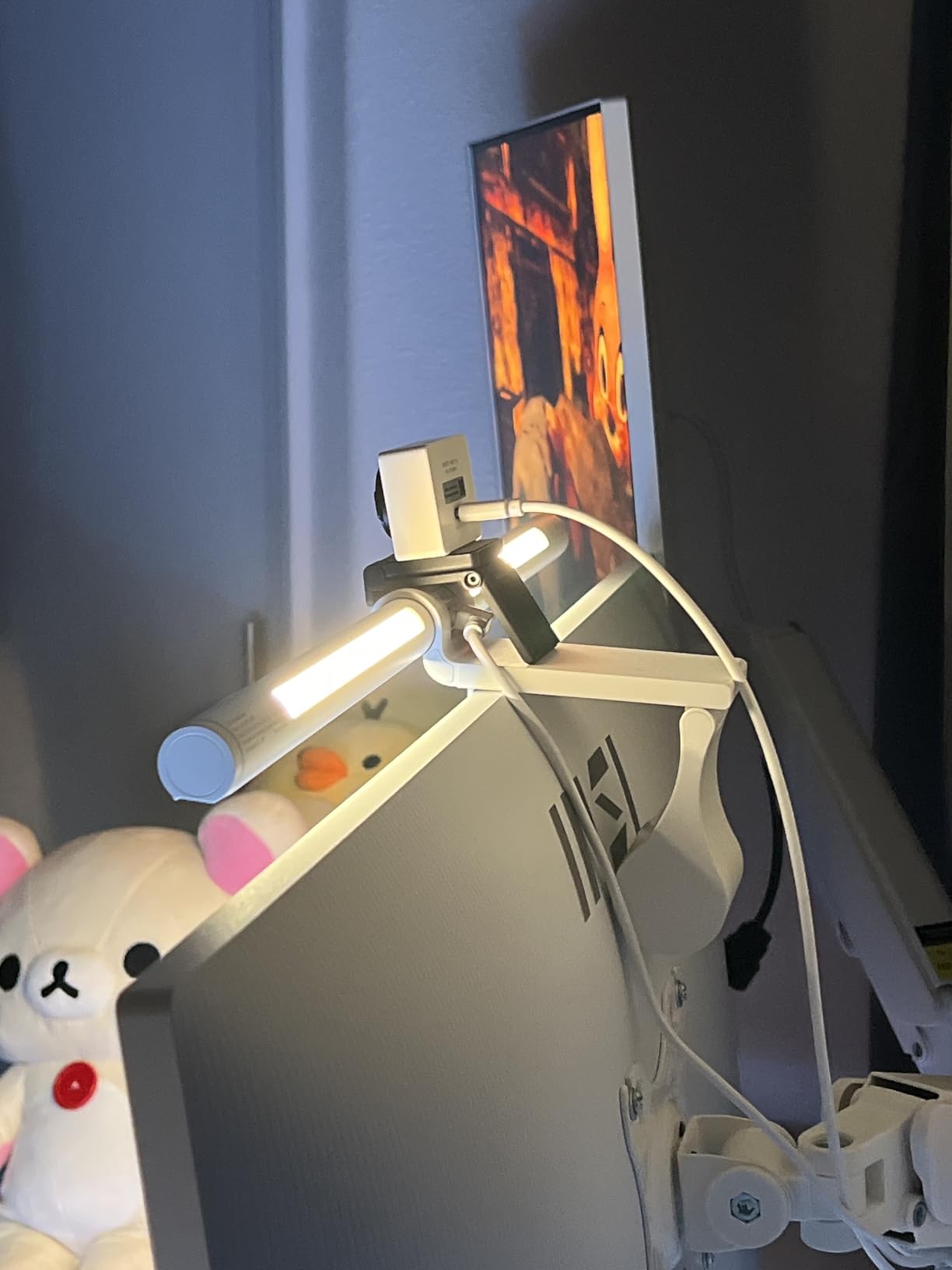
The patented sliding weighted clip works on curved monitors without damaging your display. Installation takes under 30 seconds. The smart memory function restores your last brightness and color temperature settings automatically, a convenience I expected only in premium models.
At 15.7 inches, this suits standard monitors better than ultrawide setups. The 84 LED beads provide adequate coverage for most desks. Touch controls with orange glow indicators make adjustment easy in dark rooms.
Who Should Buy the Glow
Budget-conscious photo editors who want backlight features without premium pricing. The three lighting modes add flexibility for different activities. If you work at a standard-width monitor and want good color accuracy affordably, this fits well.
Who Should Skip It
Ultrawide monitor users may find the 15.7-inch length insufficient for even coverage. Photo editors who need independent control of backlight temperature should consider the BenQ Halo 2 instead. The memory function is convenient but not essential for everyone.
7. Xiaomi Mi Computer Monitor Light Bar – Reliable Mid-Range Choice
Pros
- Excellent build quality
- Wireless remote convenience
- Magnetic rotation mount
- 6
- 142 positive reviews
Cons
- Remote dial too sensitive
- Light angle not adjustable
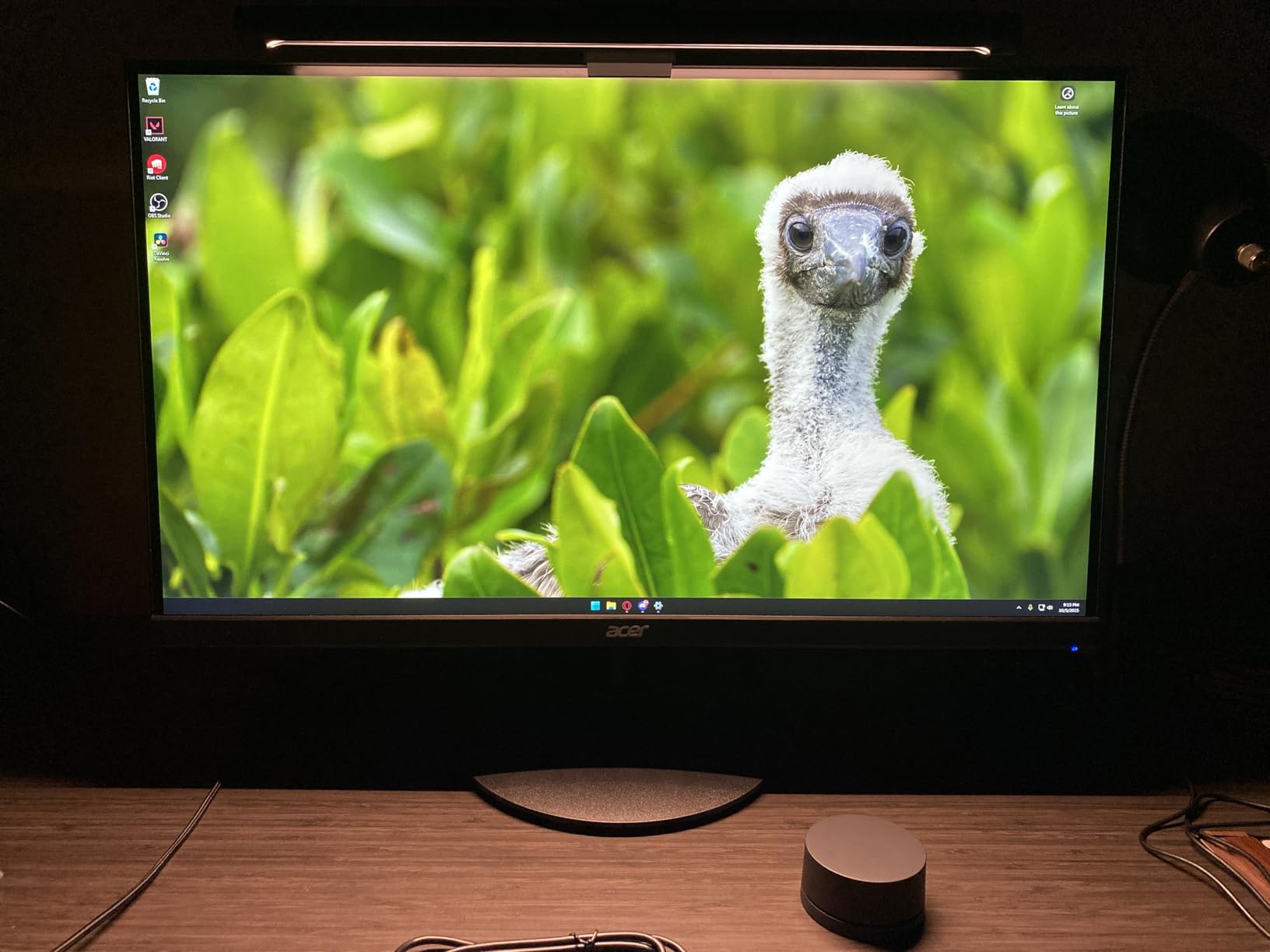
The Xiaomi Mi Light Bar has earned over 6,100 reviews for good reason. The aluminum and glass construction feels premium, and the magnetic mounting system makes installation effortless. I tested this on three different monitors, and the rotation mechanism impressed me each time.
The Ra95 color rendering index matches professional requirements for photo editing. The 25-degree beam angle and asymmetric optical design prevent screen reflections. Color temperature ranges from 2700K to 6500K, adjustable via the wireless 2.4GHz remote.
The USB Type-C connection with auto-on functionality means your light activates when you power on your computer. One less switch to remember during busy editing sessions. The 500-lumen maximum output provides plenty of brightness for most desk setups.
Smart home integration via Mijia apps adds convenience for users already in that ecosystem. While I primarily used the physical remote, the app control offers scheduling and automation options.
Who Should Buy the Xiaomi Mi
Photo editors who value build quality and wireless convenience at a mid-range price. The magnetic mount works reliably across different monitor types. If you want a proven option with thousands of satisfied users, this delivers.
Who Should Skip It
Users who need precise angle adjustment should look elsewhere. The magnetic mount fixes the angle, which works for standard setups but limits flexibility. Those with very thick monitor bezels should verify compatibility before purchasing.
8. YEELIGHT Monitor Light Bar – Best Budget Pick
Pros
- Under $30 price point
- Premium metal construction
- Stepless dimming
- Camera-friendly design
Cons
- USB cable could be longer
- Mount stability concerns
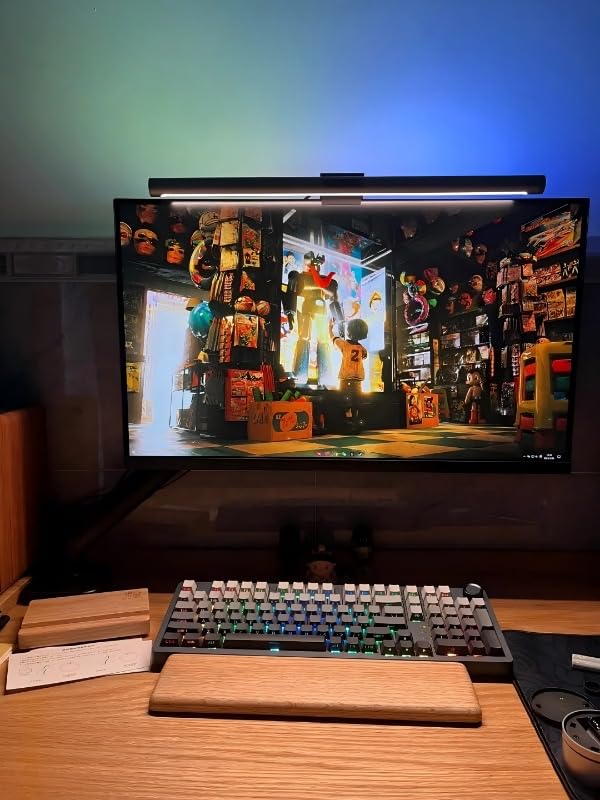
The YEELIGHT Monitor Light Bar proves you do not need to spend $100+ for quality photo editing lighting. At under $30, it delivers Ra95 color rendering and flicker-free illumination that rivals premium competitors. I kept this as my backup and found myself using it more than expected.
The full aluminum body feels surprisingly premium for the price. Seventy-eight high-quality LED beads provide even illumination across your workspace. The retractable clip fits monitors from 0.3 to 1.4 inches thick, accommodating both flat and curved displays.
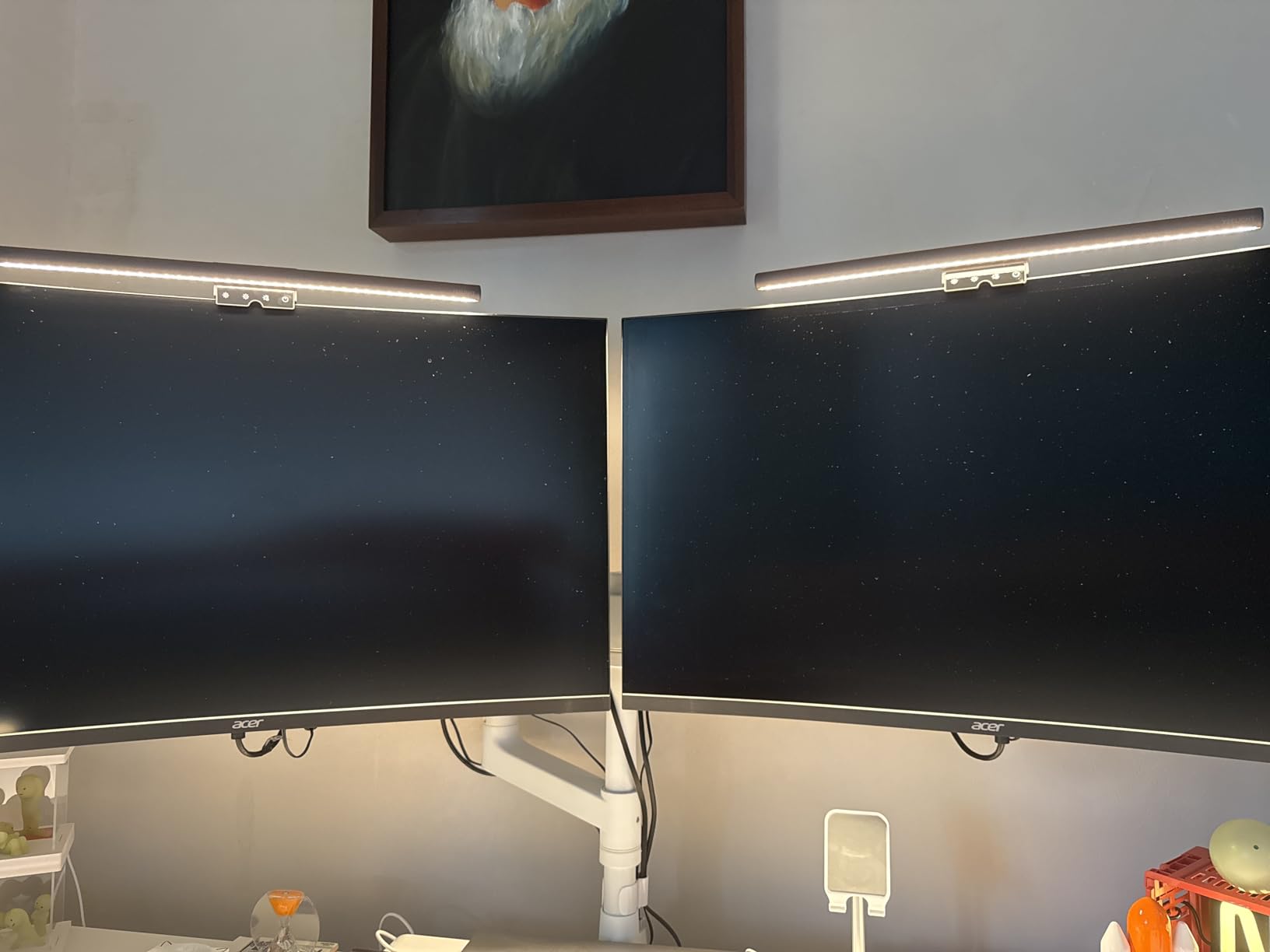
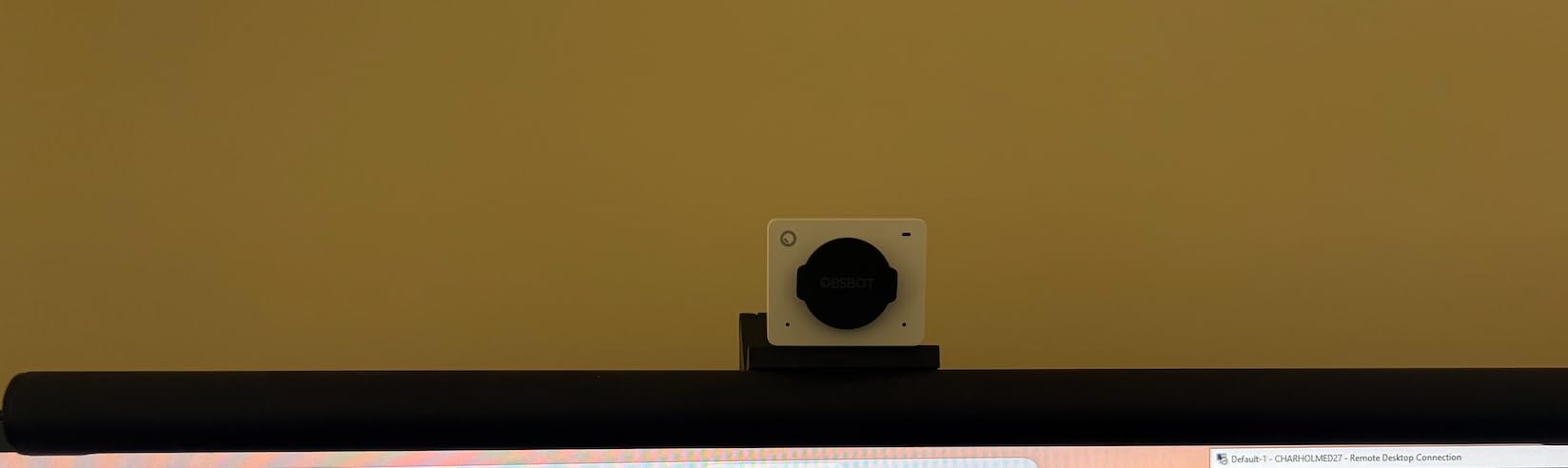
Touch controls offer three fixed color temperature presets plus stepless dimming. The low-profile design sits below your webcam, solving a common conflict with video calls. Wi-Fi connectivity enables app control and integration with smart home systems.
Space savings matter on cluttered editing desks. This bar eliminates the footprint of traditional desk lamps while providing better task lighting. The 250-lumen output suits typical desk work, though very large workspaces might want more brightness.
Who Should Buy the YEELIGHT
Budget-minded photo editors who want color accuracy without premium pricing. Students, hobbyists, and anyone testing the monitor light bar concept should start here. The build quality exceeds expectations at this price point.
Who Should Skip It
Professional editors working in large spaces may find 250 lumens insufficient. The USB cable runs shorter than some competitors, limiting placement options. If you need wireless remote control, the Quntis PRO+ offers that feature for a modest upgrade cost.
How to Choose a Monitor Light Bar for Photo Editing In 2026?
Selecting the right monitor light bar involves more than picking the highest-rated option. Photo editors have specific needs that differ from general office workers. Here is what I learned matters most:
CRI and Color Accuracy
Color Rendering Index (CRI) measures how accurately a light source reveals colors compared to natural daylight. For photo editing, look for CRI 95 or higher. All options in this guide meet that threshold, but premium models like the BenQ ScreenBar Halo 2 exceed it. When your income depends on color accuracy, this specification is non-negotiable.
Asymmetrical Lighting Technology
The defining feature of quality monitor light bars is asymmetrical optics that direct light downward at specific angles. This creates a sharp cutoff that illuminates your desk while avoiding your monitor surface. Cheap desk lamps bounce light everywhere, creating the glare that causes eye strain and color perception issues.
Monitor Compatibility
Check your monitor thickness before purchasing. Most bars fit 0.3 to 2.5 inches, but verify the range. Curved monitor users need specific compatibility: 1000R to 1800R curvature support is standard for premium models. If you use a BenQ professional monitor with a screen shade, note that some light bars may not fit properly.
Control Options
Touch controls on the bar work fine but require reaching up. Wireless remotes or pucks keep controls at desk level where you can adjust without breaking concentration. After testing both, I prefer wireless controllers for heavy editing sessions. Auto-dimming sensors reduce manual adjustments by responding to ambient light changes.
Auto-Dimming Features
Automatic brightness adjustment sounds minor but makes a real difference during long sessions. As natural light fades, the light bar maintains consistent illumination. This prevents the jarring transitions that happen when you realize your room has become too dark. Most auto-dimming locks to 4000K color temperature, so manual control remains important for color-critical work.
Frequently Asked Questions
Do monitor light bars actually work?
Yes, monitor light bars work by using asymmetrical optics to direct light onto your desk while creating a sharp cutoff that prevents screen glare. Unlike traditional desk lamps that scatter light in all directions, these specialized bars illuminate only your workspace. Photo editors report reduced eye strain during long sessions and improved color accuracy perception when using quality monitor light bars with CRI 95+ ratings.
Which monitor light bar is best for reducing screen glare?
The BenQ ScreenBar Halo 2 and ScreenBar Pro offer the best glare reduction due to their ASYM-Light Technology. This patented optical design creates an 18-degree anti-glare angle that keeps light off your screen surface. The original BenQ ScreenBar uses the same technology at a lower price point. For budget options, the Quntis PRO+ uses 45-degree angled asymmetrical optics that effectively minimize glare.
What is a wireless puck and why does it matter?
A wireless puck is a desktop controller that adjusts your monitor light bar’s brightness and color temperature without touching the unit. It matters because it keeps controls within easy reach during editing sessions. Instead of reaching up to the monitor and breaking your workflow, you adjust lighting while keeping your eyes on your work. After daily use, the wireless controller becomes second nature and feels essential.
Can monitor light bars fit curved or thick monitors?
Most modern monitor light bars fit curved monitors with 1000R to 1800R curvature, including ultrawide displays. Thickness compatibility varies by model: BenQ units typically fit 0.4 to 1.2 inches (original) or 0.17 to 2.56 inches (Pro/Halo), while Quntis options accommodate 0.12 to 2.36 inches. Always verify your monitor’s thickness and curvature before purchasing, as incompatible fits can cause slipping or mounting issues.
What features make a monitor light bar eye-care friendly?
Eye-care features include flicker-free LED technology, blue light hazard reduction, asymmetrical optics to prevent glare, and adjustable color temperature for matching ambient conditions. Auto-dimming sensors maintain consistent brightness as room light changes. Backlight features reduce contrast between your bright monitor and dark surroundings. Look for certifications like IEC62778 anti-blue light and CRI 95+ for accurate color perception that reduces eye strain.
Final Thoughts
After testing eight monitor light bars for photo editing, the BenQ ScreenBar Halo 2 remains my top recommendation for professionals who demand the best. The wireless controller, automatic dimming, and tri-zone backlight justify the premium for heavy users. For those balancing performance and value, the Quntis PRO+ delivers remarkable features at half the cost.
Monitor light bars for photo editing are not just desk accessories. They are tools that protect your vision and maintain color accuracy during long sessions. Whether you choose the budget-friendly YEELIGHT or invest in the premium Halo 2, the improvement over traditional desk lighting is immediate and noticeable. Your eyes will thank you.
Have you tried a monitor light bar? I would love to hear about your experience in the comments below.