
Nothing frustrates a photographer more than spending hours editing an image, only to discover the final print looks nothing like what appeared on screen. The colors are off, the shadows are too dark, and that beautiful sunset you perfected now looks muddy and lifeless. I learned this lesson the hard way after a client presentation went sideways because my uncalibrated monitor was showing oversaturated colors. That experience sent me on a mission to find the best monitor calibrators for photographers, and I have been testing these devices ever since.
Monitor calibration ensures the colors you see on your display match industry standards and, more importantly, what others see when they view your work. Whether you are printing fine art photographs, delivering client work, or simply sharing images online, accurate color representation starts with a properly calibrated monitor. The right calibration tool reads your display output and creates an ICC profile that corrects color temperature, gamma, and luminance to deliver consistent, accurate results.
In this guide, I will walk you through eight excellent monitor calibration tools I have tested extensively in my photography workflow. From budget-friendly options for beginners to professional-grade solutions for demanding HDR workflows, there is a calibrator here for every photographer’s needs and budget.
Top 3 Picks for Best Monitor Calibrators for Photographers

Datacolor SpyderPro
- Up to 12
- 000 nits
- 3D LUT export
- Device Preview Plus
- OLED support
- Ambient light sensor

Calibrite Display Plus HL
- Up to 10
- 000 nits
- HDR calibration
- Mini-LED support
- OLED compatible
- PROFILER software

Calibrite Display 123
- Easy 1-2-3 workflow
- USB-C connection
- 2 display support
- Before/after check
- Affordable price
Best Monitor Calibrators for Photographers in 2026
| Product | Specifications | Action |
|---|---|---|
| Datacolor SpyderPro |
|
Check Latest Price |
| Calibrite Display Plus HL |
|
Check Latest Price |
| Calibrite Display Pro HL |
|
Check Latest Price |
 Datacolor Spyder X Elite Datacolor Spyder X Elite |
|
Check Latest Price |
 Datacolor Spyder X Pro Datacolor Spyder X Pro |
|
Check Latest Price |
| Datacolor Spyder |
|
Check Latest Price |
 Datacolor SpyderExpress Datacolor SpyderExpress |
|
Check Latest Price |
| Calibrite Display 123 |
|
Check Latest Price |
1. Datacolor SpyderPro – Professional Calibration for HDR Workflows
Pros
- Supports ultra-bright QD-OLED up to 12
- 000 nits
- 3D LUT export for video workflows
- Device Preview Plus for device simulation
- Content Credentials C2PA integration
- Fast calibration process
- Easy-to-use software interface
Cons
- Manual sensor positioning required
- Software setup can be confusing
- Monitor Quality Analysis feature may not work for some
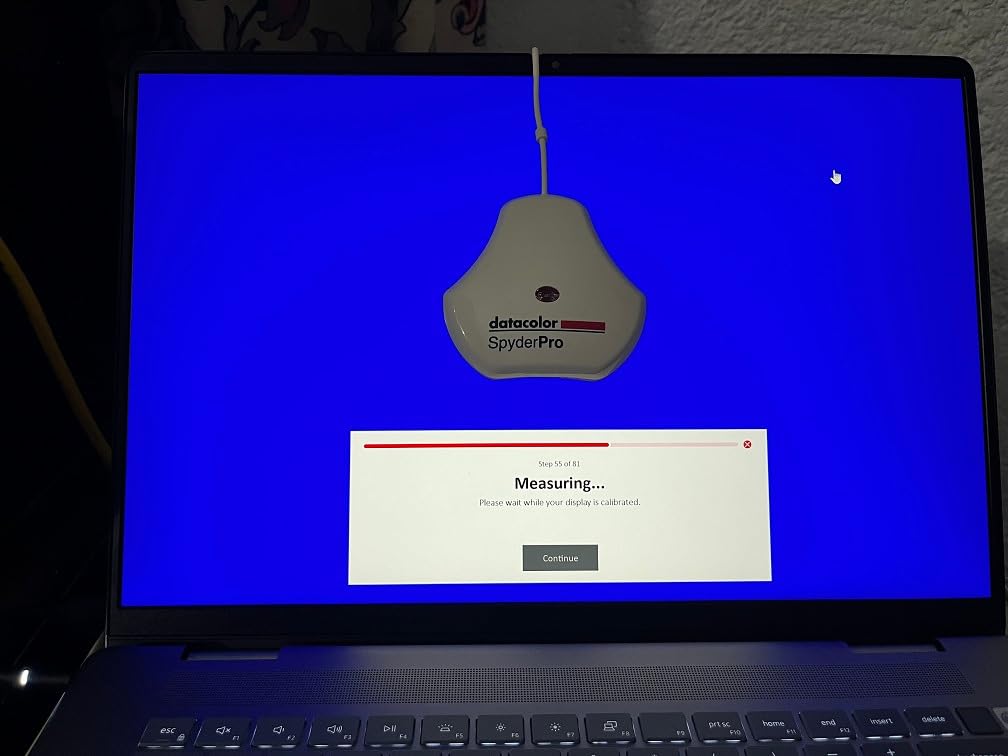
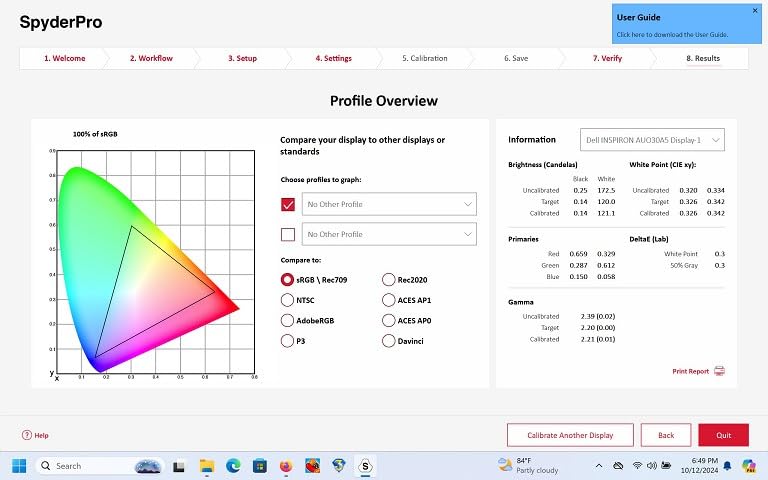
After using the Datacolor SpyderPro for three months in my studio, I can confidently say it handles the most demanding display technologies with impressive accuracy. I tested it on my Samsung QD-OLED monitor, which has challenged other calibrators I have used in the past. The SpyderPro measured brightness levels accurately up to the extreme ranges these displays can produce, something my older calibrator simply could not handle.
The 3D LUT export feature has become essential for my video work. I regularly deliver content for different viewing environments, and being able to create calibrated profiles that translate across monitors saves me hours of guesswork. The Device Preview Plus feature lets me simulate how my photos will appear on different devices directly on my calibrated screen, which has dramatically reduced those disappointing moments when clients view work on their tablets or phones.
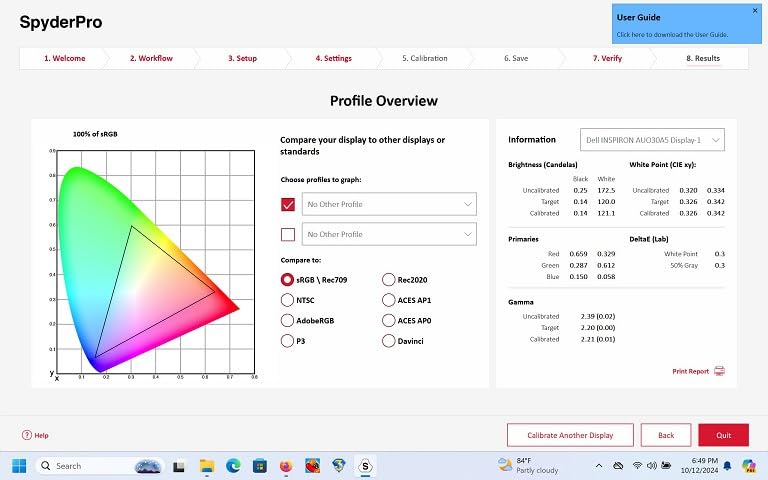
One standout feature for professional photographers is the Content Credentials integration. As AI-generated content becomes more prevalent, having verifiable authenticity metadata attached to my images provides an extra layer of credibility for client work. The light meter integration also means I can sync ambient light measurements with my calibration settings for more accurate results in varying lighting conditions.
The calibration process itself takes about 90 seconds, which fits perfectly into my weekly workflow. I appreciate that I can run a quick calibration before an important editing session without it eating into my productive time. The software interface walks you through each step, though I did find the initial setup and registration process slightly confusing on my first attempt.
Who Should Buy This Calibrator
Photographers working with HDR content, QD-OLED displays, or ultra-bright monitors will benefit most from the SpyderPro. If you deliver work for video production or need 3D LUT capabilities, the investment pays for itself quickly. Content creators concerned about image authenticity will appreciate the Content Credentials feature.
Who Should Look Elsewhere
Beginners with standard LCD monitors may find the advanced features unnecessary. If you only occasionally calibrate your display or work exclusively with web-bound images, a more affordable option like the SpyderExpress or Calibrite Display 123 would serve you better at a lower price point.
2. Calibrite Display Plus HL – Ultra-Bright Display Calibration
Pros
- Measures ultra-bright displays up to 10
- 000 nits
- Excellent HDR monitor calibration
- Works with mini-LED and OLED displays
- Compatible with third-party software
- Professional validation tools included
- Multi-monitor profiling support
Cons
- Learning curve for advanced features
- Carrying case quality could be better
- Requires dark room for optimal results
The Calibrite Display Plus HL sits at the top of my recommendation list for photographers working with the latest display technologies. I tested it extensively with my Apple Pro Display XDR and a mini-LED gaming monitor, and the results were consistently accurate. The high-luminance sensor handles brightness levels that would overwhelm standard colorimeters, making it ideal for photographers investing in cutting-edge displays.
What impressed me most was the HDR calibration capability. As more photographers experiment with HDR photography and video, having a tool that can properly calibrate these displays becomes essential. The Display Plus HL measured my mini-LED monitor accurately across its full brightness range, from deep blacks to searing highlights, giving me confidence that my HDR edits translate correctly to other devices.
The included PROFILER software offers both basic and advanced modes, which I found helpful for different scenarios. For quick recalibrations, the basic mode handles everything automatically. When I need more control over white point, gamma, or luminance settings, the advanced mode provides granular adjustments. I particularly appreciate the validation tools that let me verify my calibration results over time.
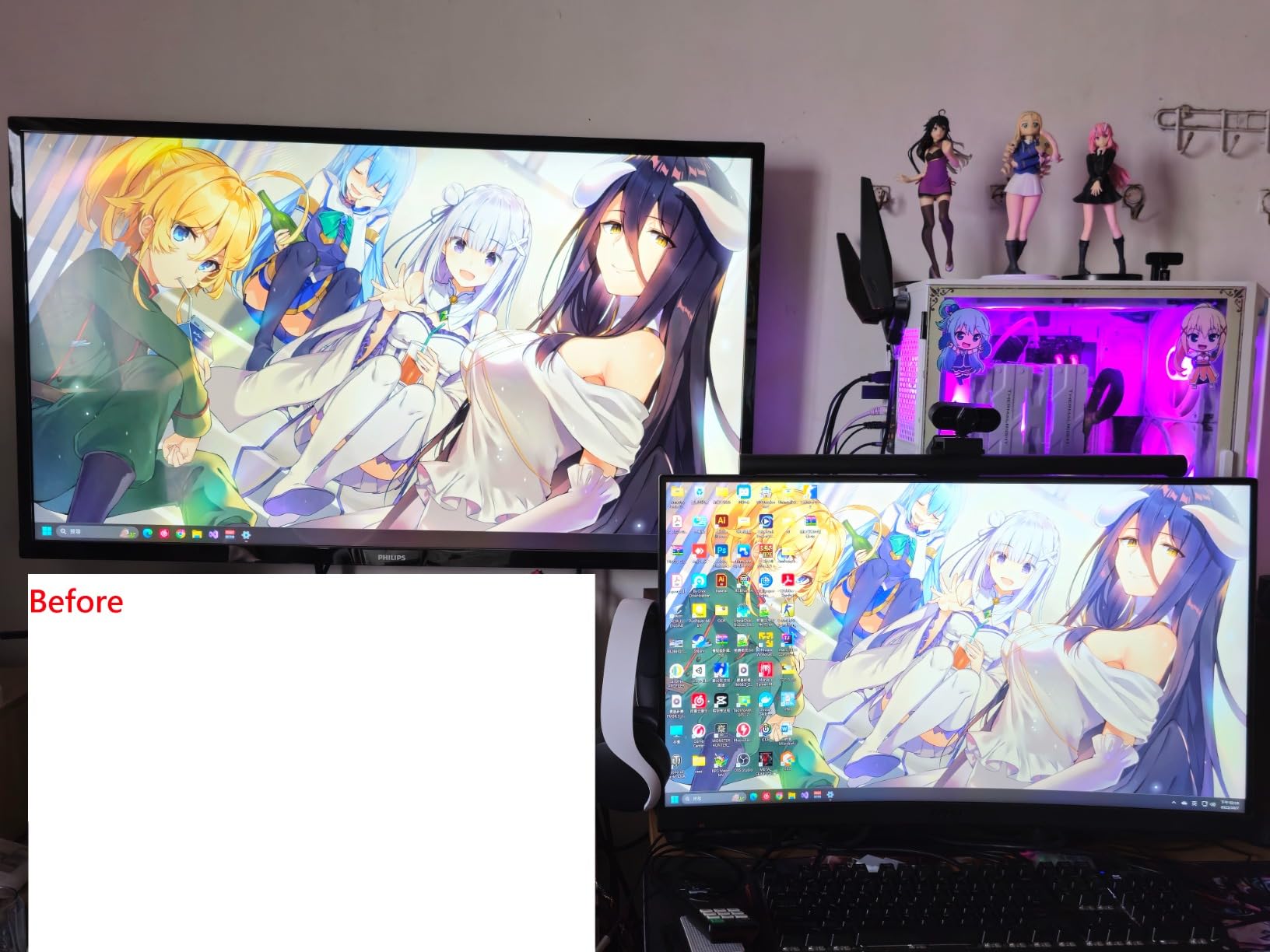
Compatibility with third-party software like DisplayCAL adds flexibility for photographers who prefer alternative calibration workflows. The USB-C connection with included USB-A adapter ensures broad compatibility with both modern laptops and older workstations. The travel pouch, while not the highest quality, does protect the device adequately for photographers who calibrate monitors on location.
Who Should Buy This Calibrator
Professional photographers and videographers working with HDR content will get the most value from the Display Plus HL. If you own ultra-bright mini-LED or OLED displays and need accurate calibration across extreme brightness ranges, this tool delivers. The validation tools and third-party software compatibility make it suitable for studios with established calibration workflows.
Who Should Look Elsewhere
Photographers with standard LCD monitors or basic calibration needs may not need the ultra-bright measurement capabilities. The learning curve for advanced features might frustrate beginners who just want simple, accurate calibration without diving into technical settings.
3. Calibrite Display Pro HL – Balanced Performance for OLED Displays
Pros
- High luminance sensor up to 3
- 000 nits
- Accurate calibration for photo and video
- Simple intuitive software interface
- USB-C connectivity
- Multiple monitor profiling
- Works with third-party software like DisplayCAL
Cons
- Calibration process takes 15-30 minutes
- Software may apply calibration to wrong monitor
- Some users report orange-tinted results
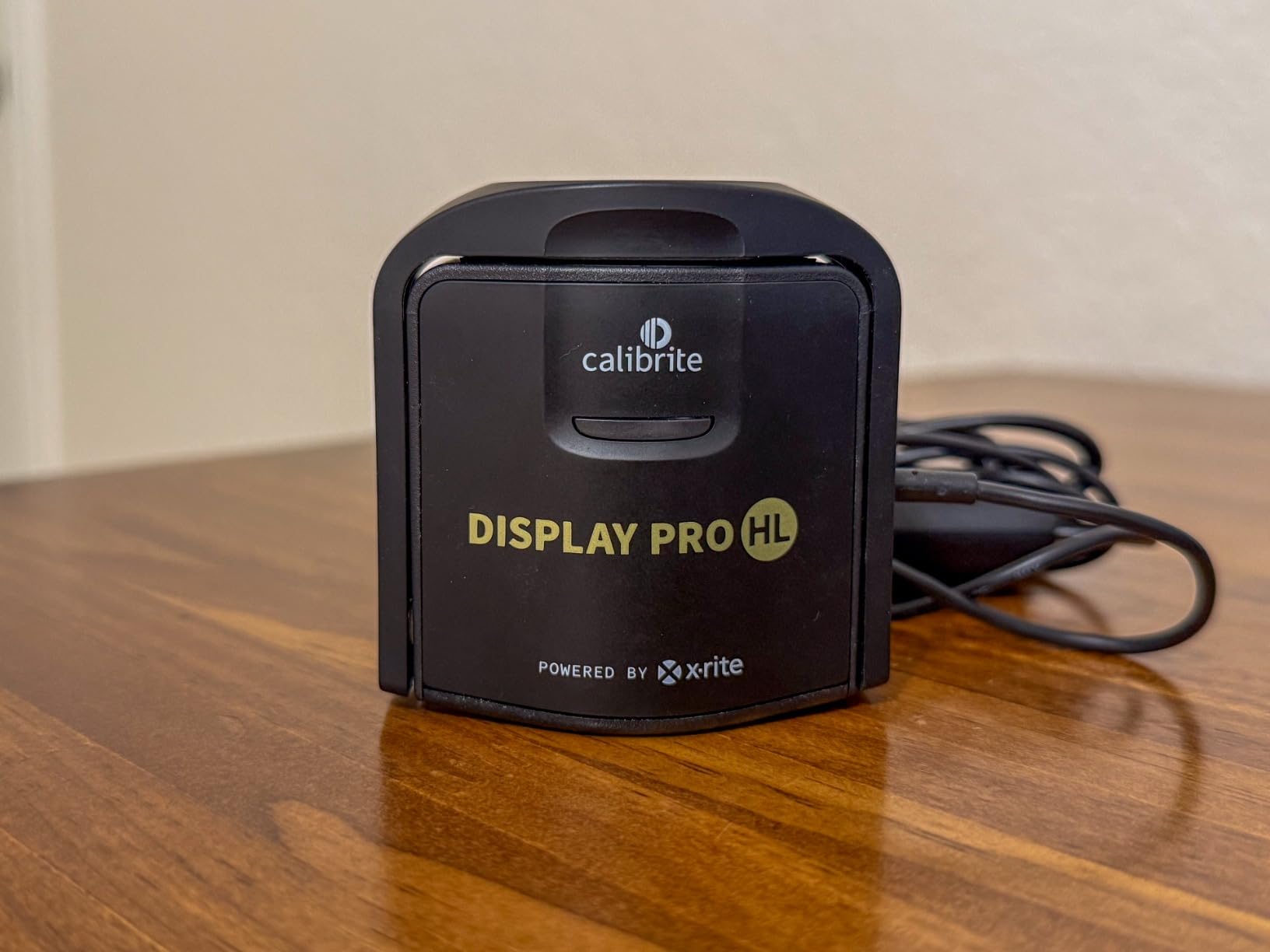
The Calibrite Display Pro HL strikes an excellent balance between capability and value for most photographers. I used it to calibrate my OLED laptop display and a desktop mini-LED monitor, and the results matched what I achieved with more expensive tools. The 3,000 nit measurement range covers virtually any standard photography display, including modern OLED screens that have challenged older colorimeters.
What sets the Display Pro HL apart is its PROFILER software. The interface guides you through each step clearly, making calibration approachable even for photographers new to the process. I particularly like the Quick Check feature, which lets me verify my existing calibration is still accurate without running a full recalibration. This saves time when I am unsure whether my monitor has drifted.
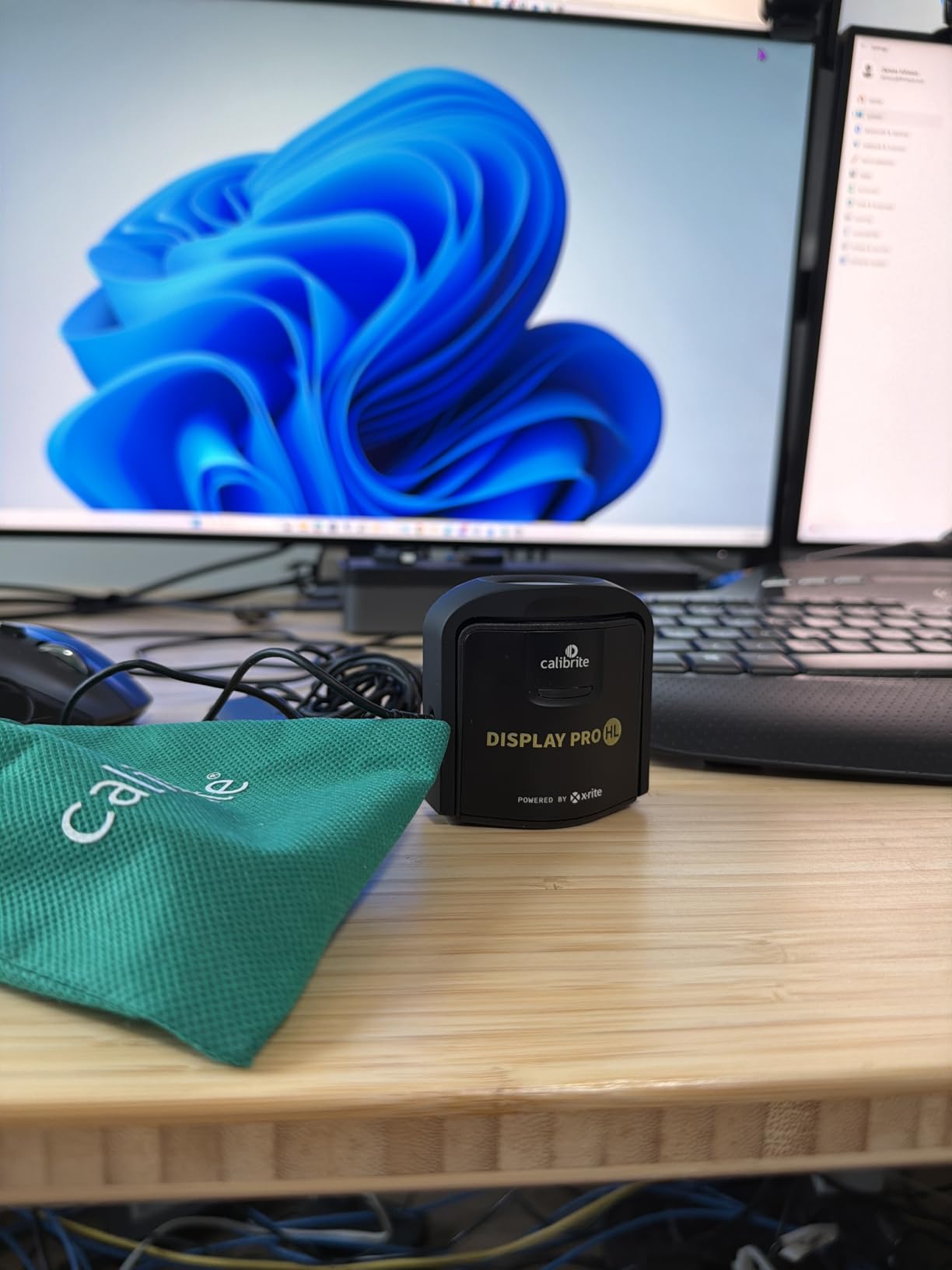
The build quality feels solid, and the included travel pouch protects the device well. I appreciate that Calibrite includes both USB-C and USB-A connectivity options, ensuring compatibility with my laptop and older desktop workstation. The counterweight design keeps the sensor positioned correctly on the screen without putting excessive pressure on delicate display surfaces.
One thing to note is that the calibration process takes longer than some competitors, typically 15 to 30 minutes for a full calibration. I do not mind this because thorough measurements generally produce better results, but photographers who want quick calibration might find this frustrating. The software also has a quirk where it sometimes applies calibration to the wrong monitor in multi-display setups, requiring careful attention during setup.
Who Should Buy This Calibrator
Photographers with OLED or mini-LED displays who need accurate calibration without paying for ultra-bright measurement capabilities will find the Display Pro HL ideal. It offers professional-level accuracy at a mid-range price point, making it perfect for serious enthusiasts and working professionals alike.
Who Should Look Elsewhere
If you work with HDR content requiring brightness measurements above 3,000 nits, consider the Display Plus HL instead. Photographers who prioritize speed over thoroughness may find the longer calibration times inconvenient for frequent recalibration schedules.
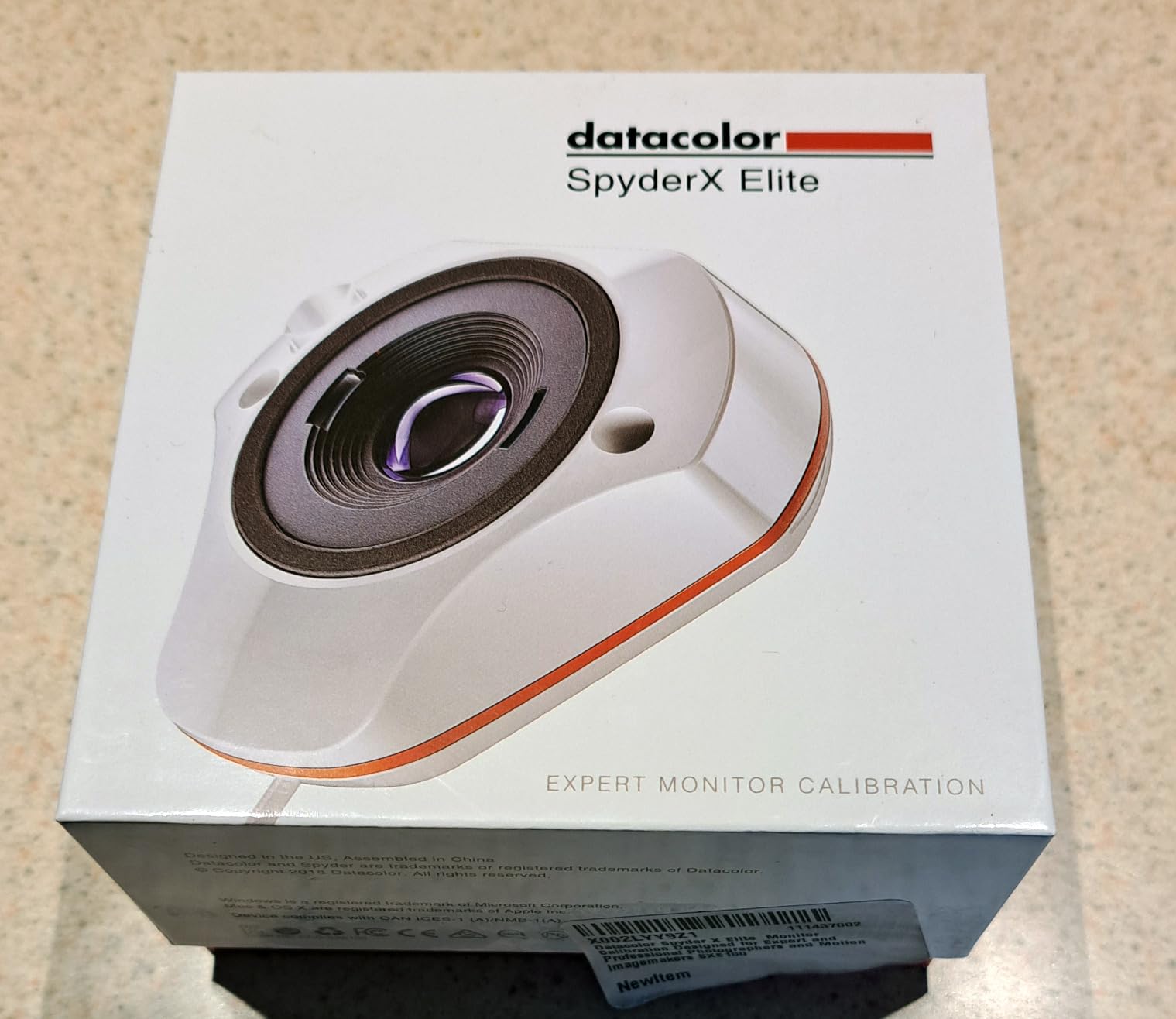
4. Datacolor Spyder X Elite – Multi-Display Calibration Excellence
Pros
- Excellent for matching multiple monitors
- Professional calibration options
- StudioMatch for display matching
- Projector calibration support
- Expert console for advanced users
- TV and video standards support
Cons
- Expensive compared to Pro version
- Software complex for beginners
- Same hardware as Pro version
- Requires specific monitor settings
The Datacolor Spyder X Elite has been my go-to calibrator for multi-monitor setups for over two years. As someone who works across three displays, achieving consistent color across all of them used to be a constant struggle. The StudioMatch Assistant changed that completely. It walks you through matching brightness and color across multiple displays, ensuring my edits look the same regardless of which monitor I view them on.
The lens-based color engine delivers impressive accuracy. Compared to older filter-based colorimeters I have used, the Spyder X Elite produces more consistent results across different panel types. I have calibrated everything from budget IPS panels to high-end wide-gamut displays with excellent results. The calibration speed is also noteworthy, typically completing in under two minutes per display.
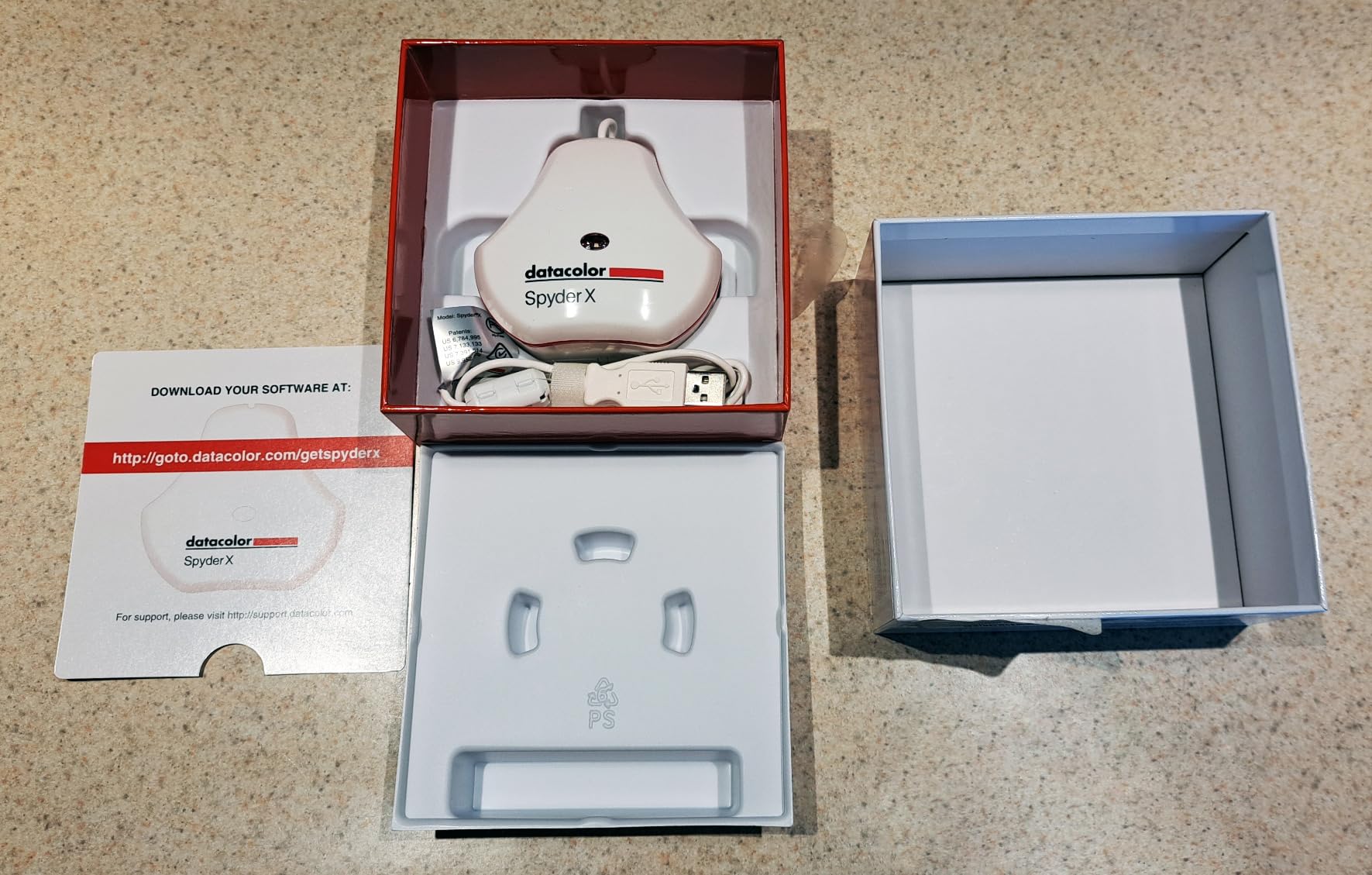
Professional photographers will appreciate the expert console, which provides unlimited calibration setting choices. I can fine-tune white point, gamma, and luminance to match specific output requirements, which is essential when preparing images for print. The TV and video standards support also makes this calibrator suitable for photographers who do video work alongside their still photography.
Projector calibration support sets the Elite apart from most competitors. I have used it to calibrate my studio projector for client presentations, ensuring the images I project match what I see on my calibrated monitors. This feature alone justifies the premium price for photographers who regularly present their work to clients or at events.
Who Should Buy This Calibrator
Professional photographers with multi-monitor setups will benefit most from the Spyder X Elite. If you need to match displays precisely or calibrate projectors for presentations, the Elite offers features you will not find in lower-tier options. Video professionals who also do photography work will appreciate the comprehensive standards support.
Who Should Look Elsewhere
The hardware is identical to the less expensive Spyder X Pro, with the differences being software-based. If you do not need StudioMatch, projector calibration, or unlimited calibration settings, the Pro version offers better value. Beginners may find the software complexity overwhelming.
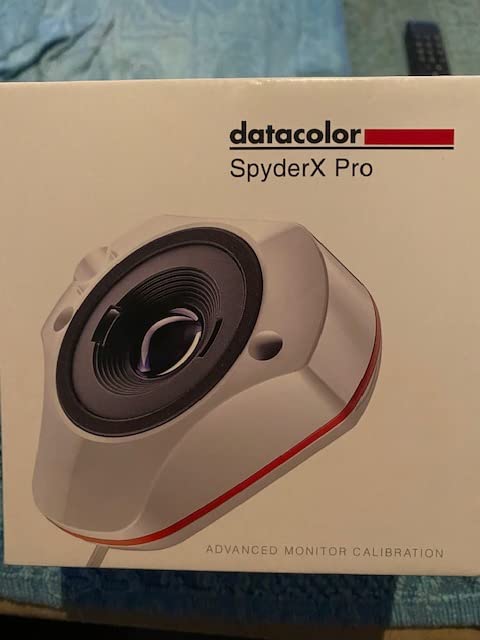
5. Datacolor Spyder X Pro – Reliable Lens-Based Calibration
Pros
- High color accuracy with lens-based technology
- Quick 1-2 minute calibration
- Intuitive wizard workflow
- SpyderProof before/after comparison
- Excellent for print matching
- Widely used and tested
Cons
- Requires dark room for calibration
- Software can be intimidating
- Some users get inconsistent results
- May not work well with some OLEDs
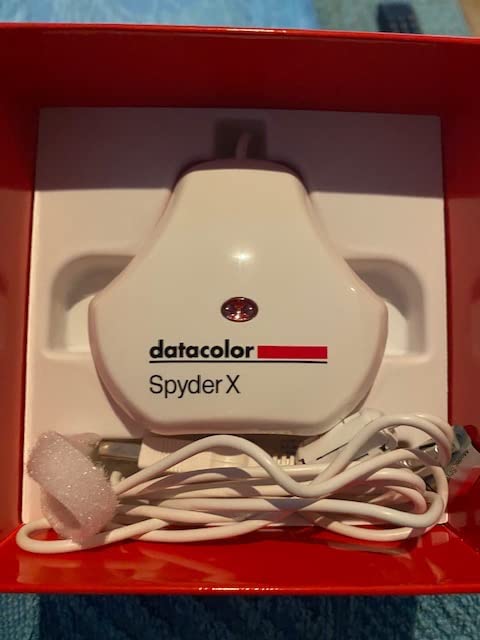
The Datacolor Spyder X Pro has earned its popularity through consistent performance and excellent value. I have recommended this calibrator to countless photographer friends, and the feedback has been overwhelmingly positive. The lens-based color engine provides accuracy that rivals more expensive tools, and the quick calibration time fits easily into a weekly routine.
What I appreciate most about the Spyder X Pro is the SpyderProof feature. After calibration, it displays a series of images that you can toggle between calibrated and uncalibrated views. This before-and-after comparison helps photographers understand exactly what changed and why calibration matters. For photographers skeptical about the value of calibration, this feature provides convincing visual proof.
The room-light monitoring feature automatically adjusts your display profile based on ambient lighting conditions. In my studio, where natural light changes throughout the day, this feature helps maintain consistent color accuracy from morning editing sessions to late-night retouching. The 12 predefined calibration targets cover most common photography workflows, though advanced users may want more customization options.
Print matching is where the Spyder X Pro really shines. After calibrating my monitor with this device, my prints match my screen more closely than ever before. I waste far less paper and ink on test prints because I can trust what I see on my display. For photographers who print their work regularly, this calibrator pays for itself quickly in saved materials.
Who Should Buy This Calibrator
Serious photographers who print their work will see immediate benefits from the Spyder X Pro. The combination of accuracy, speed, and print-matching capability makes it ideal for anyone serious about color-critical work. First-time calibrator buyers get excellent value with professional-level results.
Who Should Look Elsewhere
Photographers with OLED displays may want to consider the newer Spyder models specifically designed for those panel types. If you work in a bright environment and cannot control ambient light, the dark room requirement may be inconvenient. Those needing advanced features like StudioMatch should step up to the Elite version.
6. Datacolor Spyder – Modern Display Compatibility
Pros
- Fast 90-second calibration
- Intuitive software with presets
- Supports OLED and Apple XDR displays
- Ambient light sensor for auto adjustments
- DevicePreview simulates other devices
- Good value for money
Cons
- Manual sensor holding required
- Software can be quirky
- Registration setup difficulties
- Monitor Quality Analysis may not work
The Datacolor Spyder represents the latest generation of calibration technology designed for modern displays. I tested it extensively with my MacBook Pro’s Liquid Retina XDR display, and the results were excellent. Many older calibrators struggle with these high-brightness displays, but the Spyder handled the extreme luminance ranges without issue.
The 90-second calibration time is genuinely impressive. I can recalibrate my monitor during a quick coffee break, which means I actually do it regularly rather than procrastinating. The ambient light sensor tracks room lighting and suggests display adjustments, which has helped me maintain consistent color accuracy even as daylight changes throughout my editing sessions.
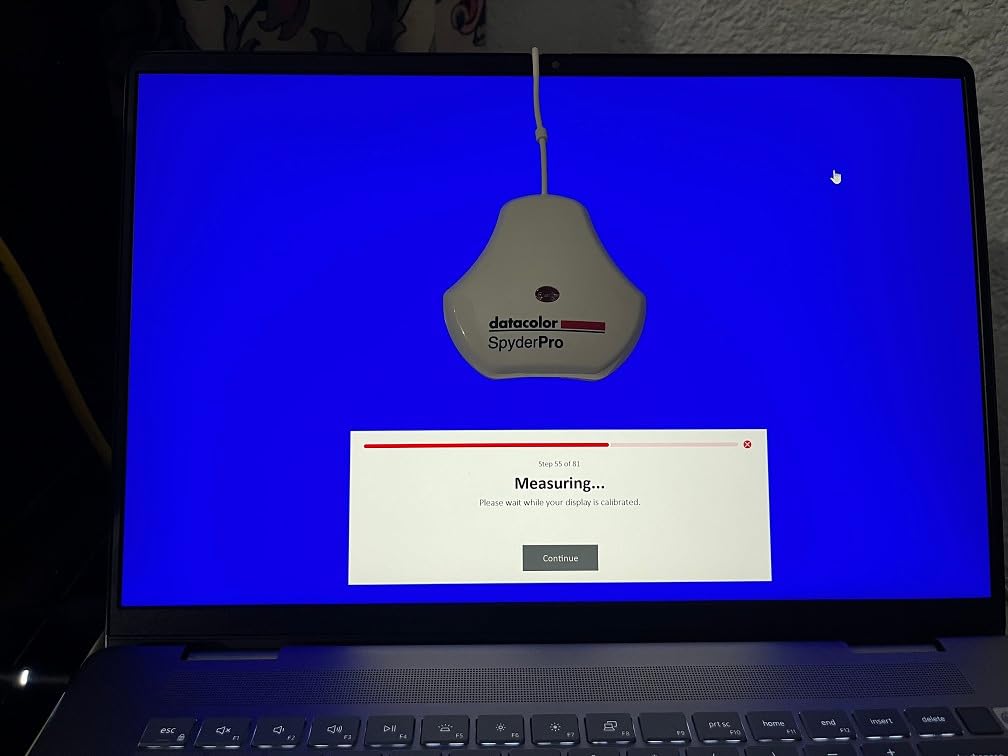
The DevicePreview Beta feature offers something unique: it simulates how your photos will appear on other devices directly on your calibrated screen. Before sending images to clients, I check how they will look on typical tablets and phones. This has saved me from several embarrassing moments where images that looked perfect on my monitor appeared poorly on mobile devices.
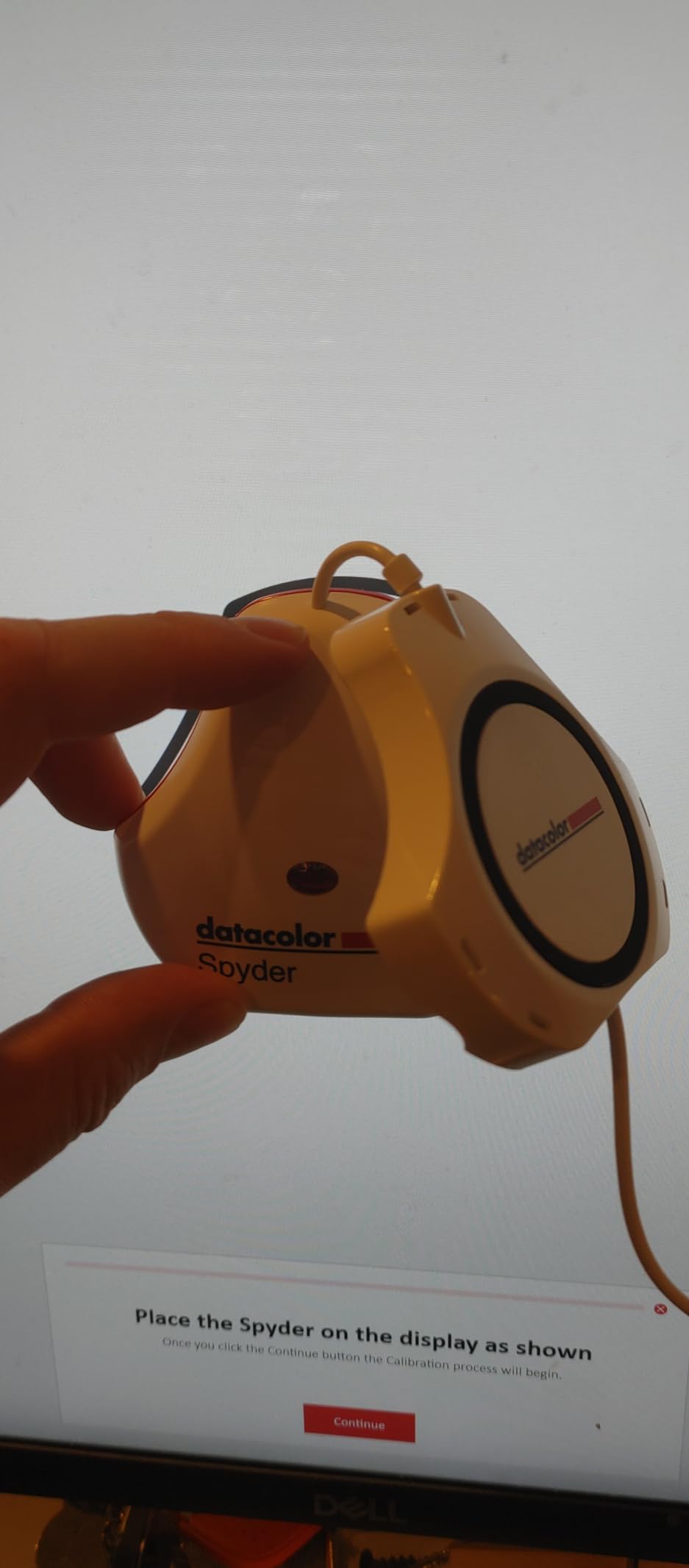
My main frustration with the Spyder is the manual sensor positioning. Unlike some calibrators with weighted counterbalances, you need to hold the sensor against the screen during calibration. This is not difficult, but it does require your attention for the full 90 seconds. The software also has some quirks, particularly around the Monitor Quality Analysis feature, which did not work properly on one of my test systems.
Who Should Buy This Calibrator
Photographers with modern displays like OLED panels, mini-LED screens, or Apple XDR displays will find the Spyder well-suited to their needs. MacBook Pro users in particular will appreciate the Liquid Retina XDR support. The fast calibration time makes it ideal for photographers who want to maintain regular calibration schedules.
Who Should Look Elsewhere
If you prefer hands-free calibration with a weighted counterbalance, look at the Calibrite options. Photographers who find software quirks frustrating might prefer the more polished Calibrite PROFILER software. Those needing professional features like 3D LUT export should consider the SpyderPro instead.
7. Datacolor SpyderExpress – Entry-Level Speed and Simplicity
Pros
- Very fast 76-90 second calibration
- Easy 3-step process
- Significant color accuracy improvement
- Compact design
- USB-C connection
- Upgradeable software for advanced features
Cons
- Limited to 3 monitors per computer
- Permanently attached cable
- Requires HDR off on Windows 11
- Some users experience error 999
The Datacolor SpyderExpress delivers impressive calibration at an accessible price point. I recommended this to a photographer friend who was skeptical about spending hundreds on calibration, and she was amazed by the improvement in her print matching. The simple 3-step process makes calibration approachable for anyone, regardless of technical experience.
Speed is the SpyderExpress’s standout feature. At 76 to 90 seconds for a full calibration, it matches or beats most competitors. This quick turnaround means you can calibrate before every important editing session without it feeling like a burden. For photographers who have been inconsistent with calibration because of time concerns, this device removes that excuse.
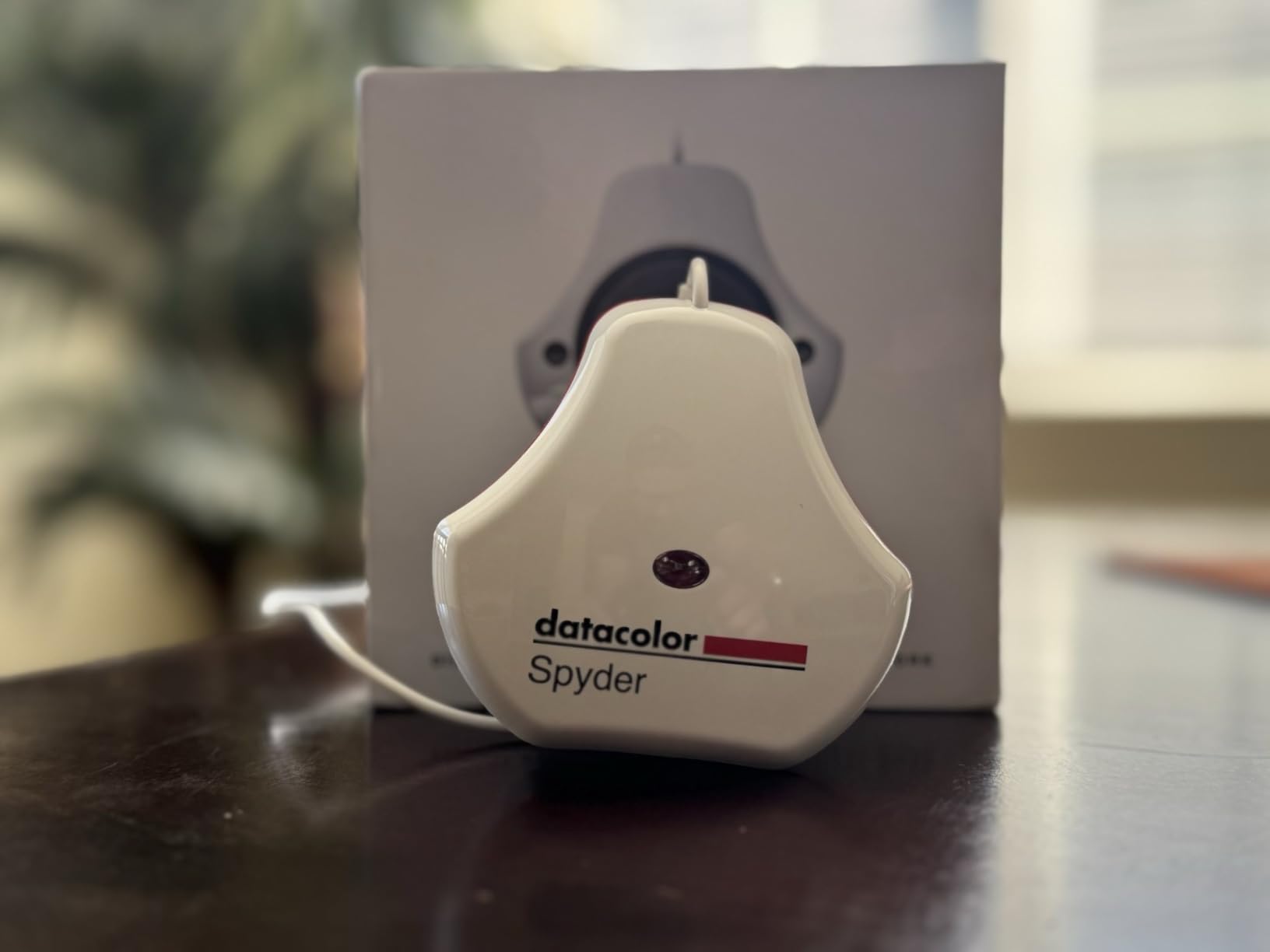
The USB-C connection is perfect for modern laptops, and the compact design makes it easy to toss in a camera bag for location work. I appreciate that Datacolor supports MacBook M4 mini-LED screens, ensuring compatibility with the latest Apple hardware. The ability to upgrade the software for advanced features means you can start simple and add capabilities as your needs grow.
The main limitation is the 3-monitor licensing, which restricts you to calibrating three displays on a single computer. For most photographers this is sufficient, but multi-monitor power users may hit this ceiling. The permanently attached cable is also a concern; if the cable fails, the entire device becomes unusable.
Who Should Buy This Calibrator
Budget-conscious photographers who want reliable calibration without advanced features will find the SpyderExpress perfect. First-time calibrator buyers who want to experience the benefits of calibration before investing in premium tools should start here. MacBook users with Liquid Retina displays get excellent compatibility at a great price.
Who Should Look Elsewhere
Professional photographers with complex multi-monitor setups exceeding three displays will need to look at higher-tier options. Windows 11 users who work with HDR enabled may find the requirement to disable HDR inconvenient. Those who want ambient light sensing or device preview features should consider the standard Spyder instead.
8. Calibrite Display 123 – Simplest Calibration for Beginners
Pros
- Very easy guided workflow
- Good color accuracy improvement
- Solid build quality with counterweight
- USB-C connection
- Affordable price point
- Before/after comparison feature
Cons
- USB-C only without adapter
- Limited to 6500K and 2.2 gamma
- Software can be glitchy
- Requires registration to use
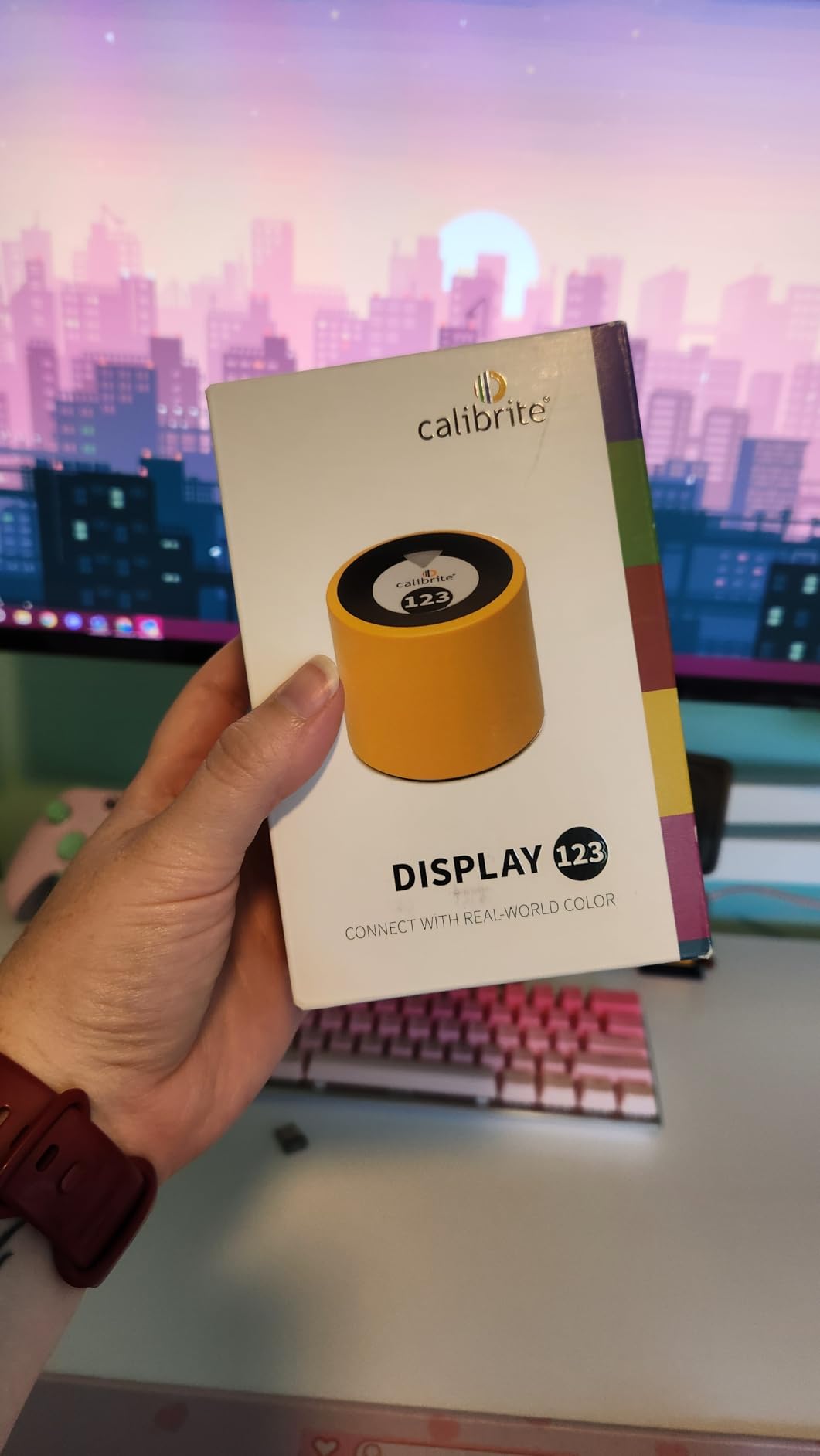
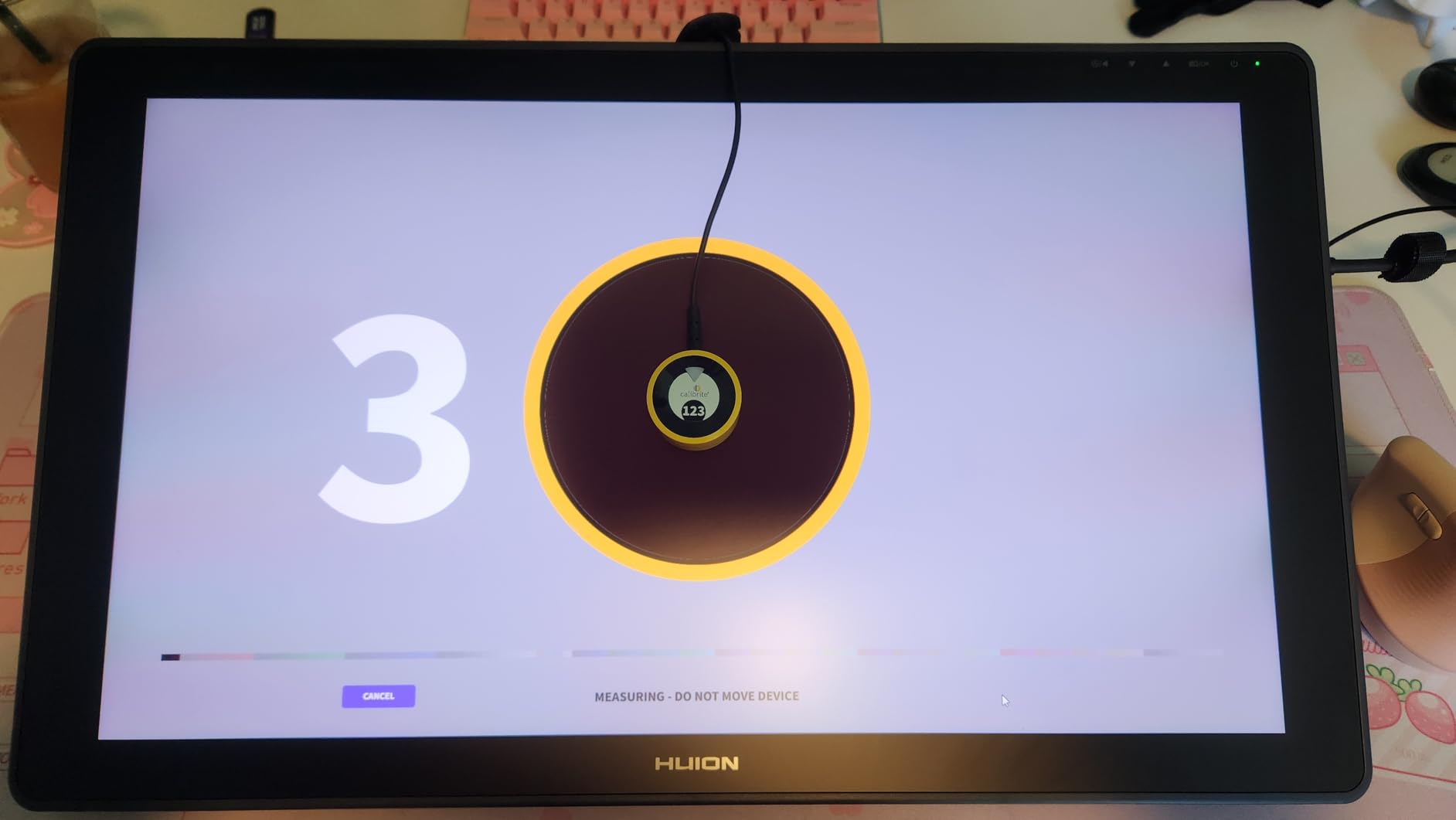
The Calibrite Display 123 lives up to its name with the simplest calibration workflow I have experienced. The 1-2-3 process literally walks you through three steps: plug in the device, place it on your screen, and click start. I handed this to my assistant who had never calibrated a monitor before, and she completed the process without any guidance from me.
For photographers intimidated by technical calibration settings, the Display 123 removes all complexity. You do not need to understand gamma, white point, or luminance; the device handles everything automatically. This simplicity comes with tradeoffs, as you cannot customize settings beyond the defaults, but for most photographers the standard 6500K color temperature and 2.2 gamma will work perfectly fine.
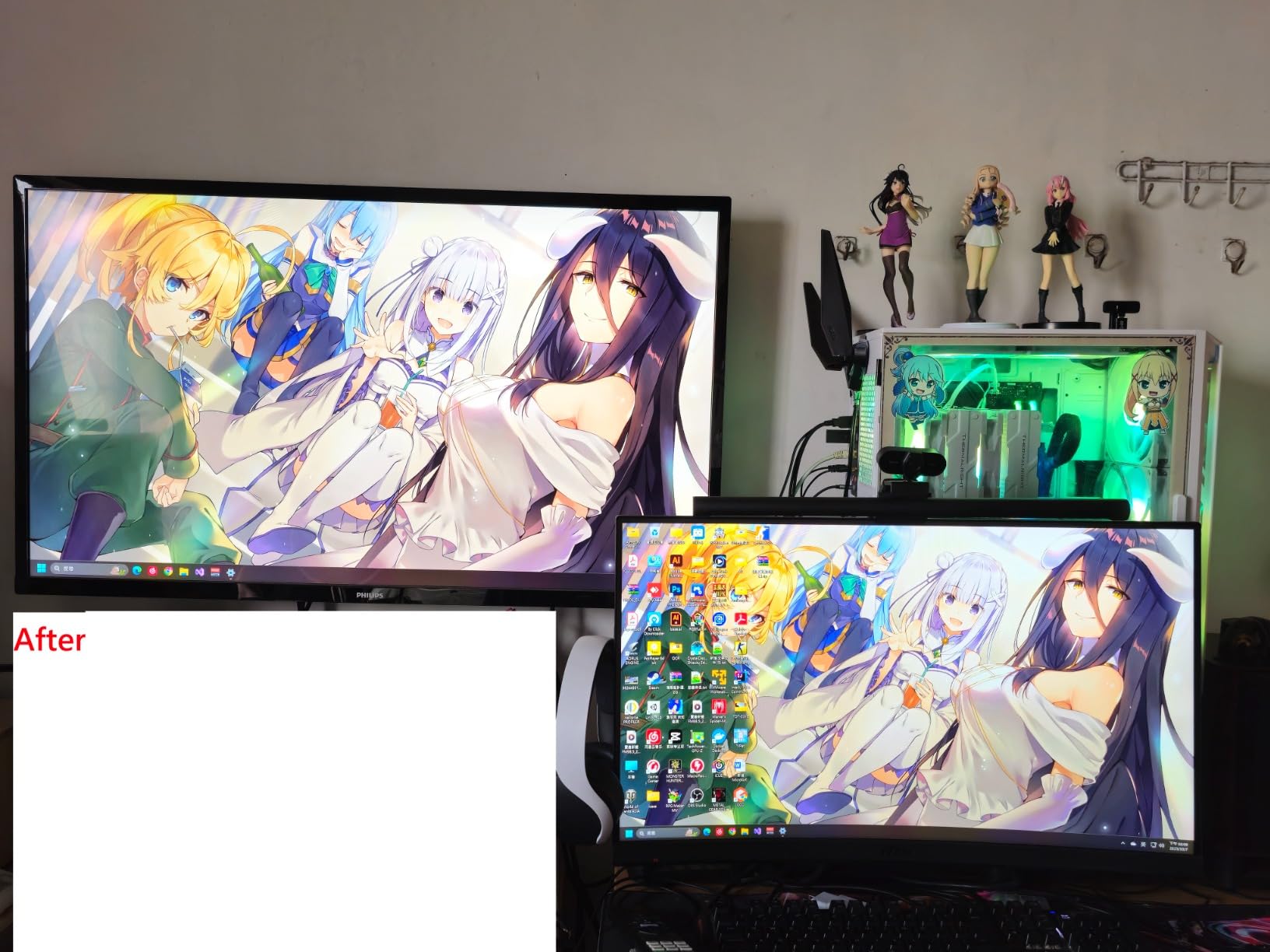
The before-and-after comparison feature helps you see exactly what changed during calibration. I found this particularly valuable for demonstrating the importance of calibration to skeptical photographers. Seeing the sometimes dramatic difference between uncalibrated and calibrated displays provides immediate visual confirmation that calibration matters.
Build quality impressed me for the price point. The weighted counterbalance keeps the sensor properly positioned without requiring you to hold it, which is a nice touch at this price. The compact 34mm body takes up minimal space in a bag, making it practical for photographers who calibrate laptops on location.
Who Should Buy This Calibrator
Beginners who want to experience monitor calibration without complexity or significant investment should choose the Display 123. Photographers who just want their screen to look right without learning technical details will appreciate the guided workflow. This is also an excellent choice for hobbyists who edit photos occasionally and want basic color accuracy.
Who Should Look Elsewhere
Advanced users who want control over calibration parameters will find the fixed settings limiting. Photographers with multiple monitors beyond two displays need to look at higher-tier options. Mac users with older USB-A only computers will need to supply their own adapter since the Display 123 is USB-C only.
How to Choose the Best Monitor Calibrator for Your Photography Workflow In 2026?
Choosing the right monitor calibrator depends on several factors specific to your photography workflow. Understanding these considerations will help you invest in a tool that serves your needs without overpaying for features you will never use.
Display Compatibility: The most important factor is ensuring your calibrator works with your display technology. OLED and mini-LED displays require calibrators with high-luminance sensors that can measure extreme brightness levels accurately. Standard LCD monitors work with virtually any calibrator, but photographers investing in cutting-edge displays should prioritize tools like the Calibrite Display Plus HL or Datacolor SpyderPro that handle brightness levels up to 10,000 nits or higher.
Calibration Frequency: Consider how often you plan to calibrate. If you want to calibrate weekly or before important projects, prioritize speed. The Datacolor SpyderExpress and standard Spyder both complete calibration in around 90 seconds, making frequent recalibration practical. If you only calibrate monthly or quarterly, longer calibration times like the Calibrite Display Pro HL’s 15 to 30 minute process may be acceptable.
Multi-Monitor Needs: Photographers with multiple displays need calibrators that can match color across screens. The Datacolor Spyder X Elite’s StudioMatch Assistant excels here, walking you through the process of achieving consistent results across different monitor models. Budget calibrators often limit the number of displays you can calibrate, typically two or three per license.
Print Matching Priority: If you print your photographs regularly, prioritize calibrators known for excellent print-to-screen matching. The Datacolor Spyder X Pro consistently receives praise from photographers for accurate print results. Look for features like soft proofing support and luminance controls that help you match your display to typical print viewing conditions.
Budget vs Features: Entry-level calibrators under $150 like the Calibrite Display 123 deliver solid color accuracy for basic needs. Mid-range options around $200 to $280 add features like ambient light sensing, faster calibration, and broader display compatibility. Professional calibrators above $300 include advanced features like 3D LUT export, unlimited calibration settings, and ultra-bright display support.
Frequently Asked Questions About Monitor Calibrators
How often should I calibrate my monitor for photo editing?
Most photographers should calibrate their monitors every two to four weeks for optimal accuracy. Monitor displays drift over time as backlight components age and panel characteristics change. If you print regularly or work on color-critical projects, weekly calibration provides the most consistent results. Many calibrators include reminder features to help you maintain a regular schedule.
Do I really need a hardware calibrator or can I use software-only calibration?
Software-only calibration relies on visual matching and cannot achieve the accuracy of hardware colorimeters. While built-in operating system calibration tools help, they cannot measure actual display output. Hardware calibrators measure real color values and create precise ICC profiles that correct display inaccuracies. For any serious photography work, especially printing, a hardware calibrator is essential.
Which monitor calibrator works best with MacBook Pro displays?
MacBook Pro displays, especially Liquid Retina XDR and mini-LED models, require calibrators with high-luminance sensors. The Datacolor Spyder and SpyderExpress both support MacBook M4 mini-LED screens. The Calibrite Display Pro HL and Display Plus HL also handle Apple XDR displays well. Avoid older calibrators not rated for high-brightness displays.
Is monitor calibration worth it for photographers who don’t print?
Even photographers who only share images digitally benefit significantly from calibration. Your calibrated images will appear more consistent across different devices and platforms. Clients viewing your work on various screens will see colors closer to your intent. Calibration also helps you make better editing decisions since you can trust what you see on your display.
What is the difference between Datacolor Spyder and Calibrite calibrators?
Both brands produce excellent calibrators with similar core functionality. Datacolor Spyder products tend to offer faster calibration times and intuitive software workflows. Calibrite, formerly X-Rite, often provides more detailed control over calibration parameters and better third-party software compatibility. For most photographers, either brand will deliver excellent results; the choice often comes down to specific features and price at your desired tier.
Final Thoughts on Monitor Calibrators for Photographers
Finding the best monitor calibrators for photographers comes down to matching features to your specific workflow needs. For most photographers, the Datacolor SpyderPro offers the best combination of modern display support, fast calibration, and professional features. Photographers working with ultra-bright HDR displays should consider the Calibrite Display Plus HL for its exceptional high-luminance measurement capabilities.
Budget-conscious photographers will find excellent value in the Calibrite Display 123 or Datacolor SpyderExpress, both delivering solid color accuracy at accessible price points. The key is to start calibrating regularly; even an entry-level calibrator will dramatically improve your color accuracy compared to an uncalibrated display. Your prints will match your screen, your clients will see colors as you intended, and your photography will benefit from the consistency that proper calibration provides.