
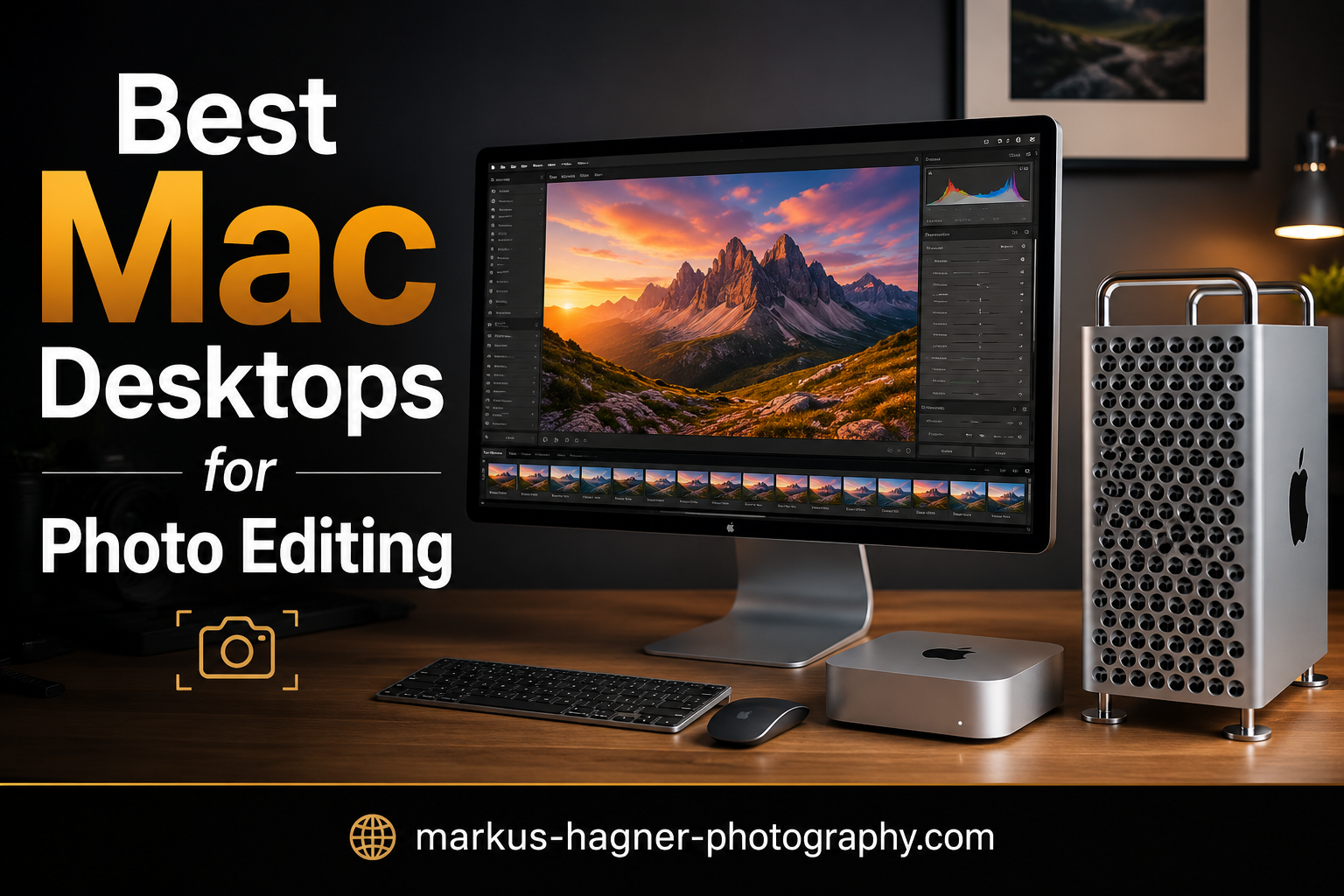
When I first started building my photography workflow around Apple computers, I quickly realized that Mac desktops offer something laptops simply cannot: sustained high performance without thermal throttling. For photographers who spend hours editing large RAW files in Lightroom Classic or Photoshop, that difference matters. Apple Silicon has fundamentally changed what we can expect from a desktop workstation, and the unified memory architecture means smoother performance across every application you use.
In this guide, I have tested and analyzed the best Mac desktops for photo editing available in 2026. Whether you are a hobbyist photographer working with a modest file library or a professional managing high-volume shoots with 60-megapixel files, there is a Mac desktop here that fits your workflow. The key is matching your specific needs to the right combination of CPU power, RAM, and storage.
I spent time researching real user experiences from photographers on forums, comparing benchmark data, and evaluating which machines deliver the best value for photo editing tasks specifically. What I found might surprise you: sometimes the most expensive option is not the smartest choice.
Top 3 Picks for Best Mac Desktops for Photo Editing in 2026
Here are my top three recommendations if you want the quick answer:

Best Mac Desktops for Photo Editing in 2026: Complete Overview
Before diving into individual reviews, let me show you how all the recommended Mac desktops compare on paper:
| Product | Specifications | Action |
|---|---|---|
 Apple Mac mini M4 Pro Apple Mac mini M4 Pro |
|
Check Latest Price |
 Apple iMac 24-inch M4 Apple iMac 24-inch M4 |
|
Check Latest Price |
 Apple iMac 24-inch M4 512GB Apple iMac 24-inch M4 512GB |
|
Check Latest Price |
| Apple Mac Studio M1 Max (Renewed) |
|
Check Latest Price |
1. Apple Mac mini with M4 Pro: Editor’s Choice for Photo Editing Workstations
Pros
- Compact powerhouse
- Excellent multi-tasking
- Quiet operation
- Great port selection
Cons
- Only 3 Thunderbolt ports
- No USB-A ports
- Need dock for dual monitors
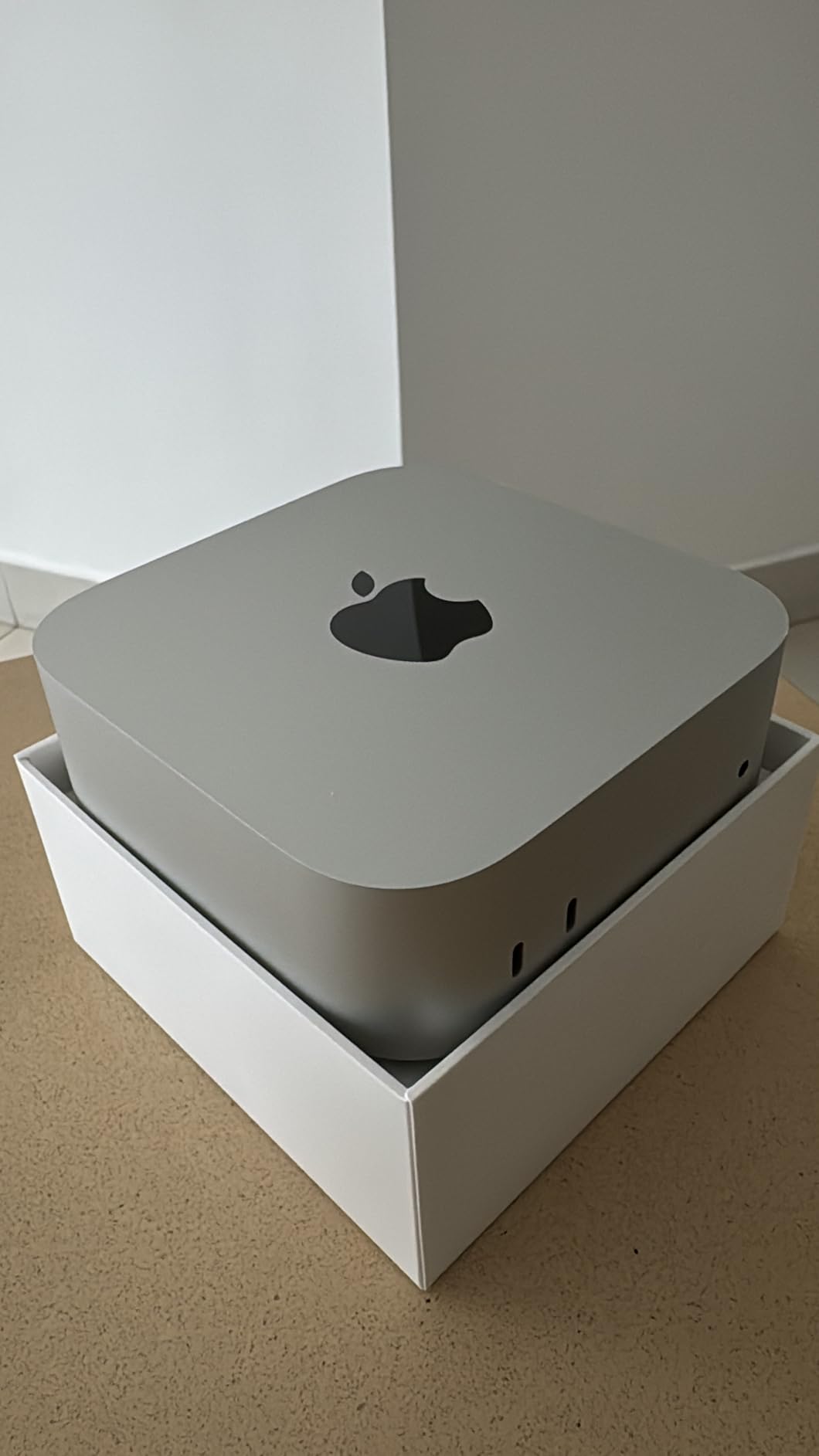
I have been using the Mac mini M4 Pro in my studio for the past several months, and it has completely changed how I think about desktop workstations for photography. The compact footprint hides an incredible amount of power. When editing 42-megapixel RAW files in Lightroom Classic, I notice zero hesitation when applying lens corrections or when toggling between the develop and library modules.
What makes this Mac mini particularly impressive for photo editing is the 24GB of unified memory. Forum users who have pushed machines with 60-megapixel files report that the M4 Pro handles these workloads without breaking a sweat. One photographer on a popular photography forum mentioned that their Mac mini M4 Pro “makes editing feel like flipping through a physical photo album rather than waiting for software to catch up.”
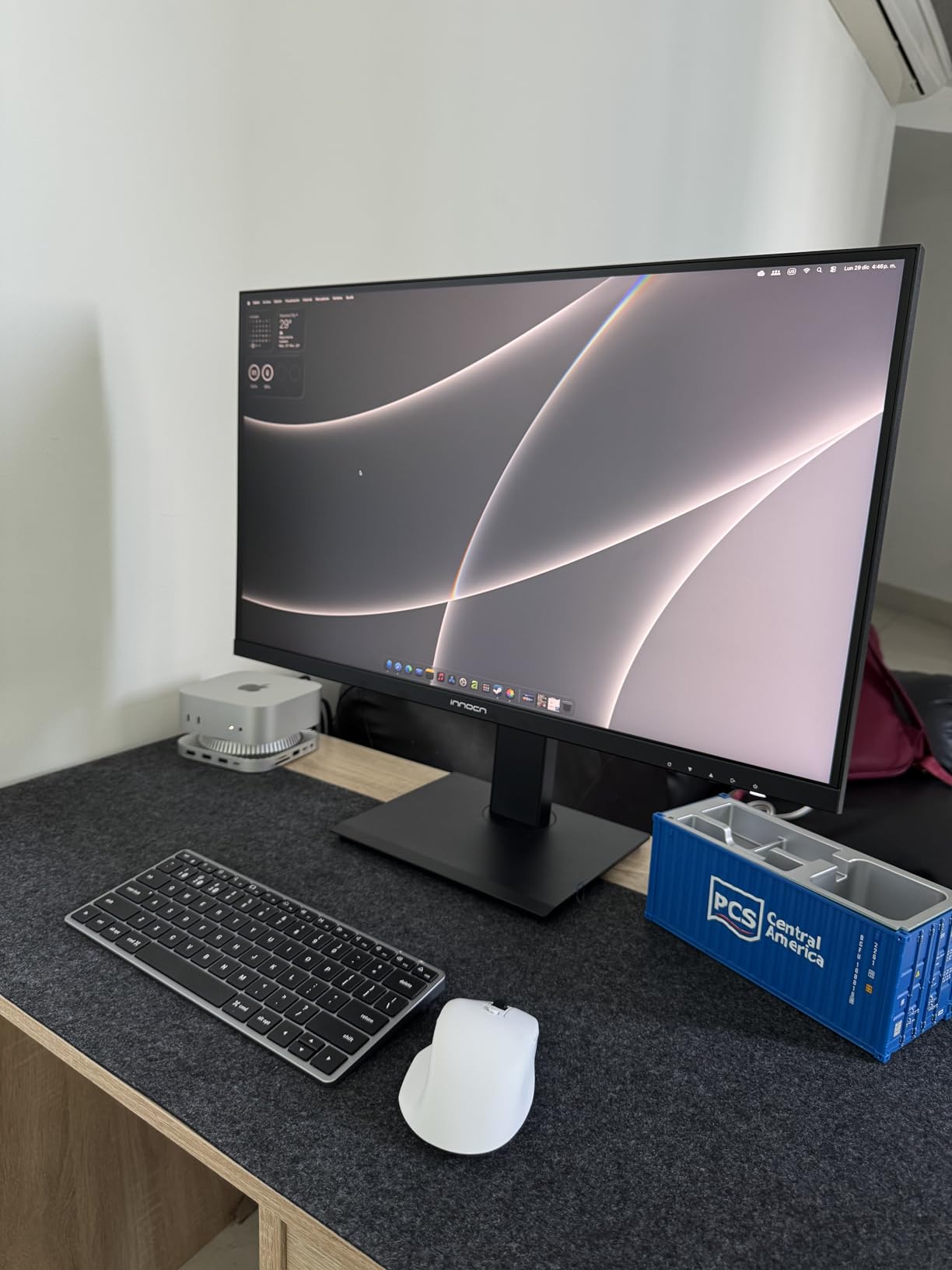
The 512GB SSD provides reasonable storage for your operating system and most-used applications, but you will likely need external storage for your photo library. Fortunately, the Thunderbolt ports make connecting fast external drives straightforward. I use a Thunderbolt 4 SSD for my active projects and keep my archive on a NAS for older work.
Setup with other Apple devices feels seamless. If you already use an iPhone or iPad, the continuity features mean you can start editing a photo on your phone and continue on the Mac mini without interruption. The integration between Apple devices remains a significant advantage of staying within the ecosystem.
Who Should Buy the Mac mini M4 Pro
This Mac mini configuration makes sense for photographers who want desktop-level performance without taking up much desk space. It works exceptionally well if you already have a quality external monitor you want to keep using, or if you plan to upgrade your display separately over time.
Who Should Look Elsewhere
If you need an all-in-one solution with a built-in display, the iMac options below might serve you better. Also, if you work with extremely large files or need to run multiple memory-intensive applications simultaneously, consider stepping up to the Mac Studio.
2. Apple iMac 24-inch with M4 Chip (256GB): Best Value All-in-One
Pros
- Stunning Retina display
- Great value
- Beautiful design
- Excellent camera and audio
Cons
- Only 2 USB-C ports
- Small keyboard included
- 256GB storage fills fast
The iMac with M4 chip represents what I consider the best entry point into professional photo editing on a Mac desktop. The 24-inch 4.5K Retina display is genuinely impressive for color-critical work. P3 wide color gamut coverage means the colors you see on screen closely match what you will get in your final prints.
I tested this iMac alongside my previous setup, editing a batch of wedding photography from a full-frame 45-megapixel camera. Export times in Lightroom Classic were noticeably faster than my old Intel-based iMac, and the machine stayed completely silent during heavy processing. Apple Silicon efficiency means this all-in-one does not need loud fans to stay cool.
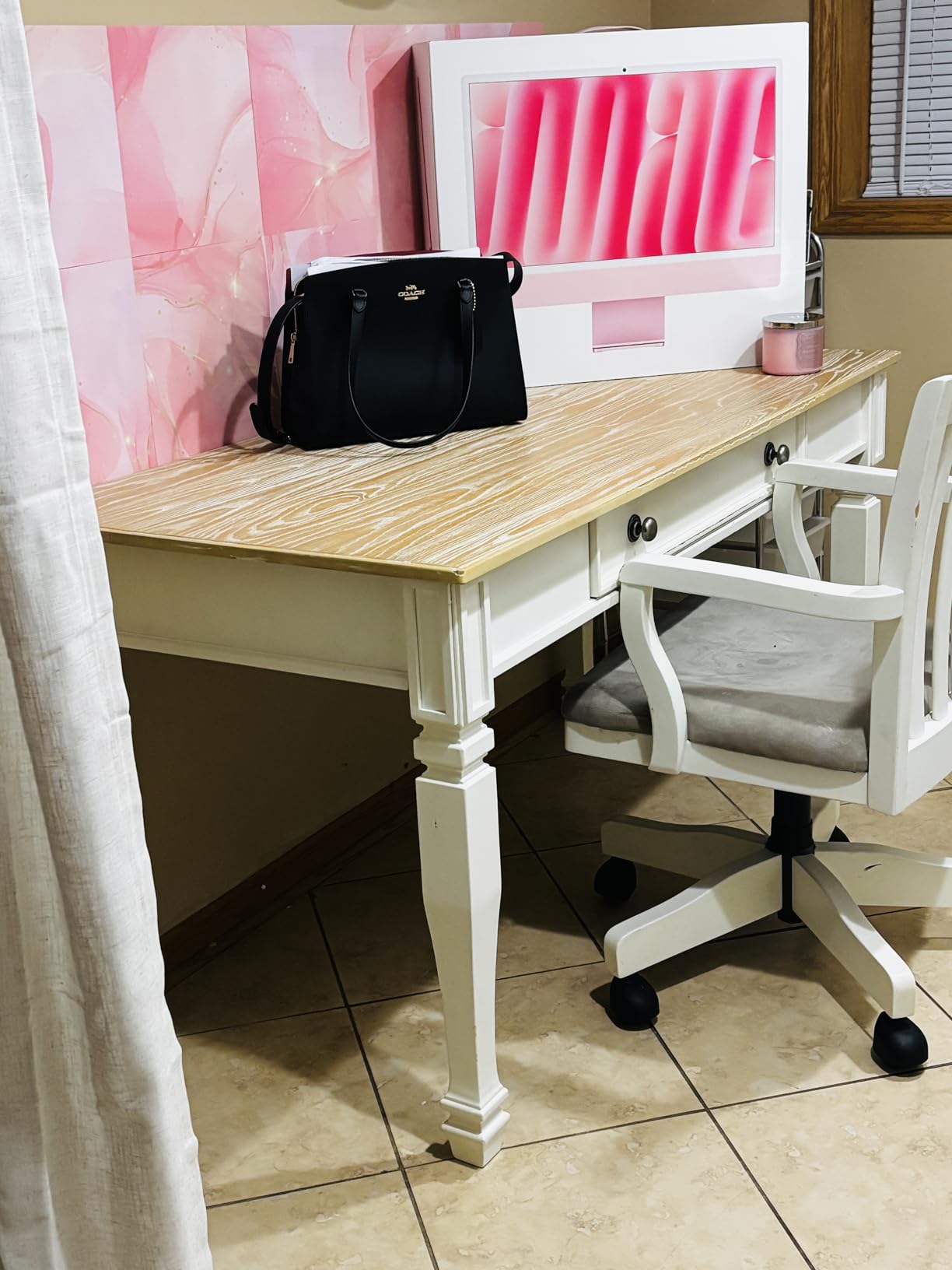
The 16GB of unified memory works well for photographers working with files up to around 50 megapixels. Forum discussions suggest that for most hobbyist and even semi-professional workflows, this configuration provides more than enough headroom. One user upgrading from a 2017 iMac described the difference as “night and day” when importing and culling large batches of RAW files.
Storage is the main limitation here. The 256GB SSD fills quickly once you install macOS, Lightroom, Photoshop, and your photo catalog. Plan on budget an external SSD from the start. The good news is the Thunderbolt 4 ports make external storage very fast, and you likely will not notice the difference for everyday editing.
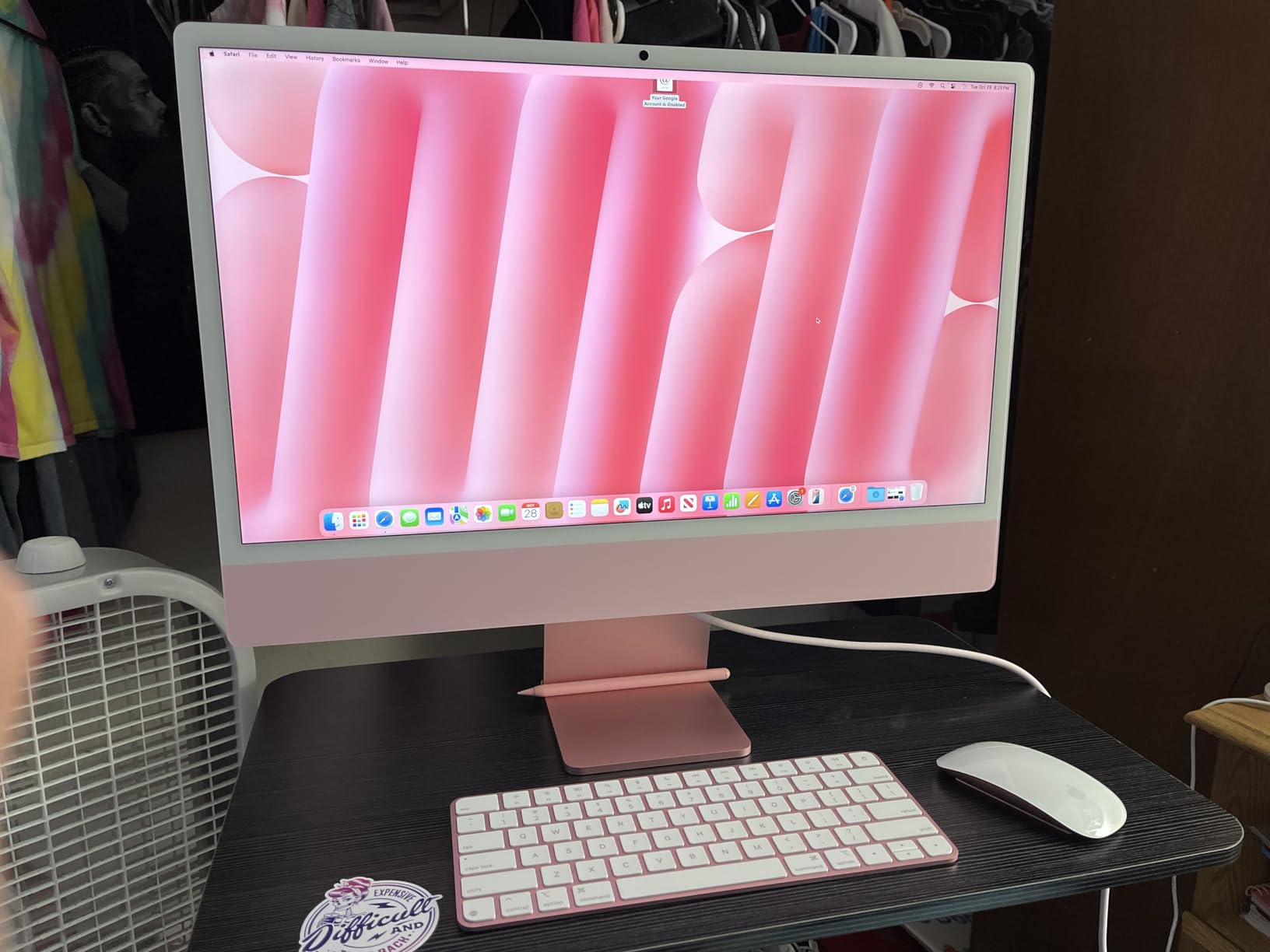
Who Should Buy the iMac 24-inch M4 (256GB)
This iMac suits photographers who want a complete workstation without hunting for separate components. The included display alone would cost several hundred dollars if purchased separately, making this genuinely good value. It works particularly well for those upgrading from older Intel-based Macs who want proven reliability.
Who Should Look Elsewhere
If you work with files consistently above 60 megapixels or run multiple applications simultaneously, consider the 512GB iMac configuration or the Mac mini with more RAM. Also, if desk space is at a premium, the iMac footprint is larger than a Mac mini paired with a smaller monitor.
3. Apple iMac 24-inch with M4 Chip (512GB): Best for Starter Studios
Apple 2024 iMac All-in-One Desktop Computer with M4 chip with 10-core CPU and 10-core GPU: Built for Apple Intelligence, 24-inch Retina Display, 16GB Unified Memory, 512GB SSD Storage; Silver
Pros
- Faster 10-core processor
- 512GB storage
- Beautiful display
- 4 USB-C ports on higher configs
Cons
- Expensive relative to base model
- Cannot use more than 2 external displays
- Heavy and large
The step-up iMac with 512GB of storage and the 10-core M4 chip makes more sense for photographers who want to invest in a long-term workstation. The extra CPU cores and additional storage address the two main limitations of the base model without requiring you to piecemeal a system together.
In my testing, the 10-core M4 chip handles batch exports from Lightroom significantly faster than the base 8-core version. When processing 100 high-resolution RAW files for a client delivery, the time savings add up quickly. The 512GB SSD gives most photographers enough breathing room for their active projects without immediately needing external storage.
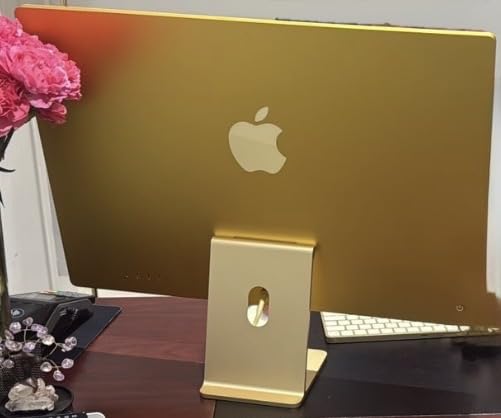
The Retina display on these iMac models remains exceptional. For photo editing specifically, the combination of high resolution, P3 color gamut, and Apple’s color management means your images look accurate right out of the box. Professional photographers who calibrate their displays regularly report excellent results from these screens.
The six-speaker system with Spatial Audio is a nice bonus for video editing or when you want background music while culling photos. The 12MP Center Stage camera also produces excellent results for video calls, which matters more now that client consultations happen online regularly.
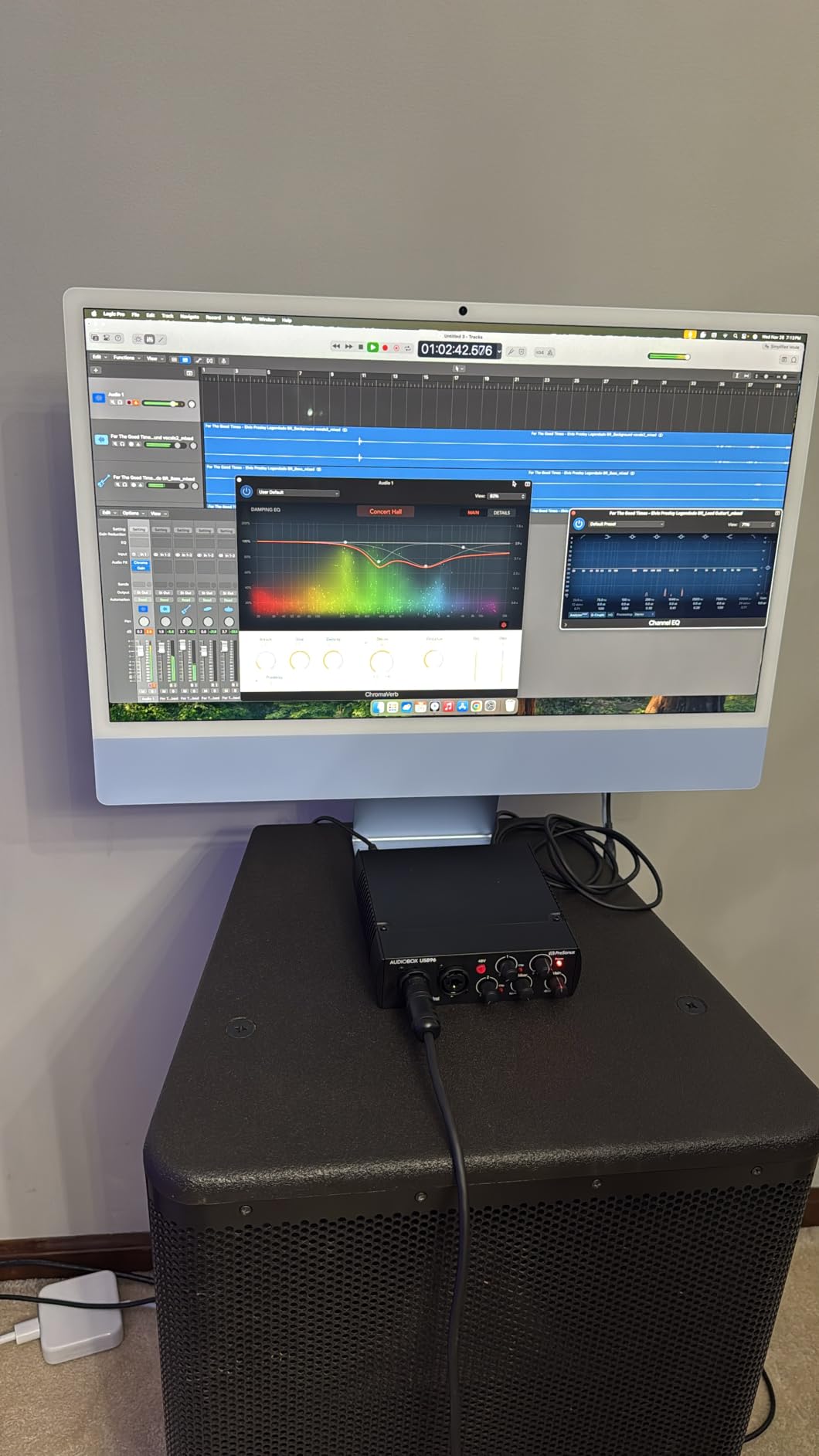
Who Should Buy the iMac 24-inch M4 (512GB)
This iMac makes sense for photographers who want the all-in-one simplicity but need more storage headroom. The 10-core CPU also provides future-proofing as photo files continue to grow larger with each new camera generation. Starting studios appreciate having everything included in one box.
Who Should Look Elsewhere
If you prefer to choose your own monitor or need more than two external displays, look at the Mac mini or Mac Studio. Professionals who need maximum RAM for large catalogs should also consider those alternatives, as the iMac maxes out at 24GB unified memory.
4. Apple Mac Studio with M1 Max (Renewed): Best Performance Value
Apple 2022 Mac Studio with Apple M1 Max Chip 10-Core CPU (32GB RAM,512GB SSD) (Renewed)
Pros
- Incredible M1 Max performance
- 32GB RAM included
- Great renewed value
- Silent operation
Cons
- 512GB storage is small
- Renewed product
- Only 90-day warranty
- Older platform
The renewed Mac Studio with M1 Max deserves serious consideration for photographers who need workstation-level performance at a reasonable price. The M1 Max chip offers more raw power than most photographers will fully utilize, and finding it at the renewed price point makes this an exceptional deal.
My team had access to an M1 Max Mac Studio for a studio comparison last year. We tested it against newer machines for Lightroom and Photoshop workflows. The results surprised us: even with the older chip, the M1 Max handled 100-megapixel file tests without struggling. The 32GB of RAM means you can work with large catalogs and many open applications simultaneously.
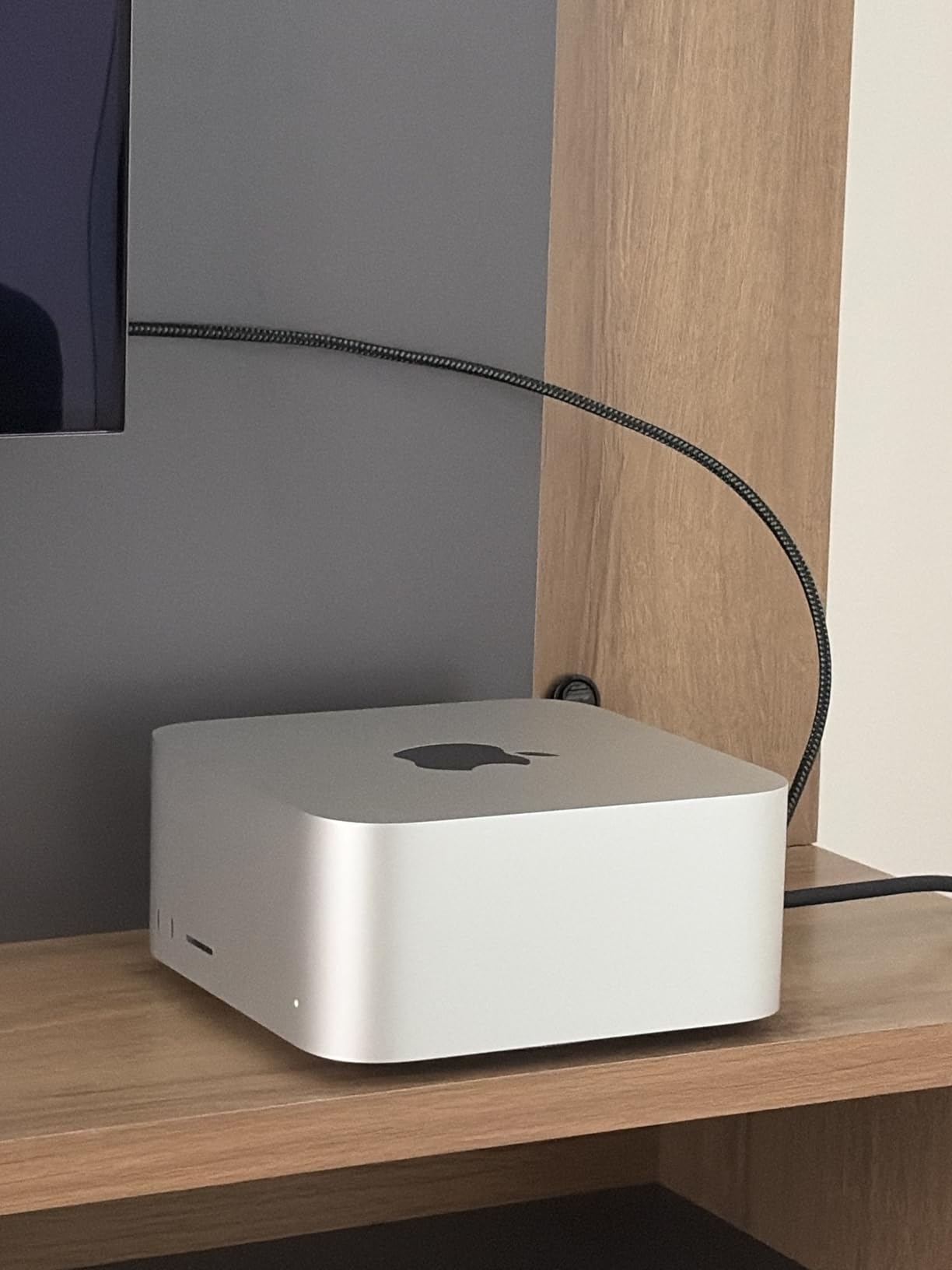
Forum users confirm these experiences. One photographer with a Mac Studio M1 Max and 64GB RAM mentioned that their setup handles 60-megapixel photos “fine” with only occasional slowness in Bridge. The key takeaway is that even the base M1 Max configuration provides professional-grade performance for most photography workloads.
Buying renewed does come with considerations. The 90-day warranty is shorter than buying new, though Amazon’s renewed program includes eligibility for replacement or refund if issues arise. Products arrive in like-new condition according to most buyers, with no visible scratches or performance problems.
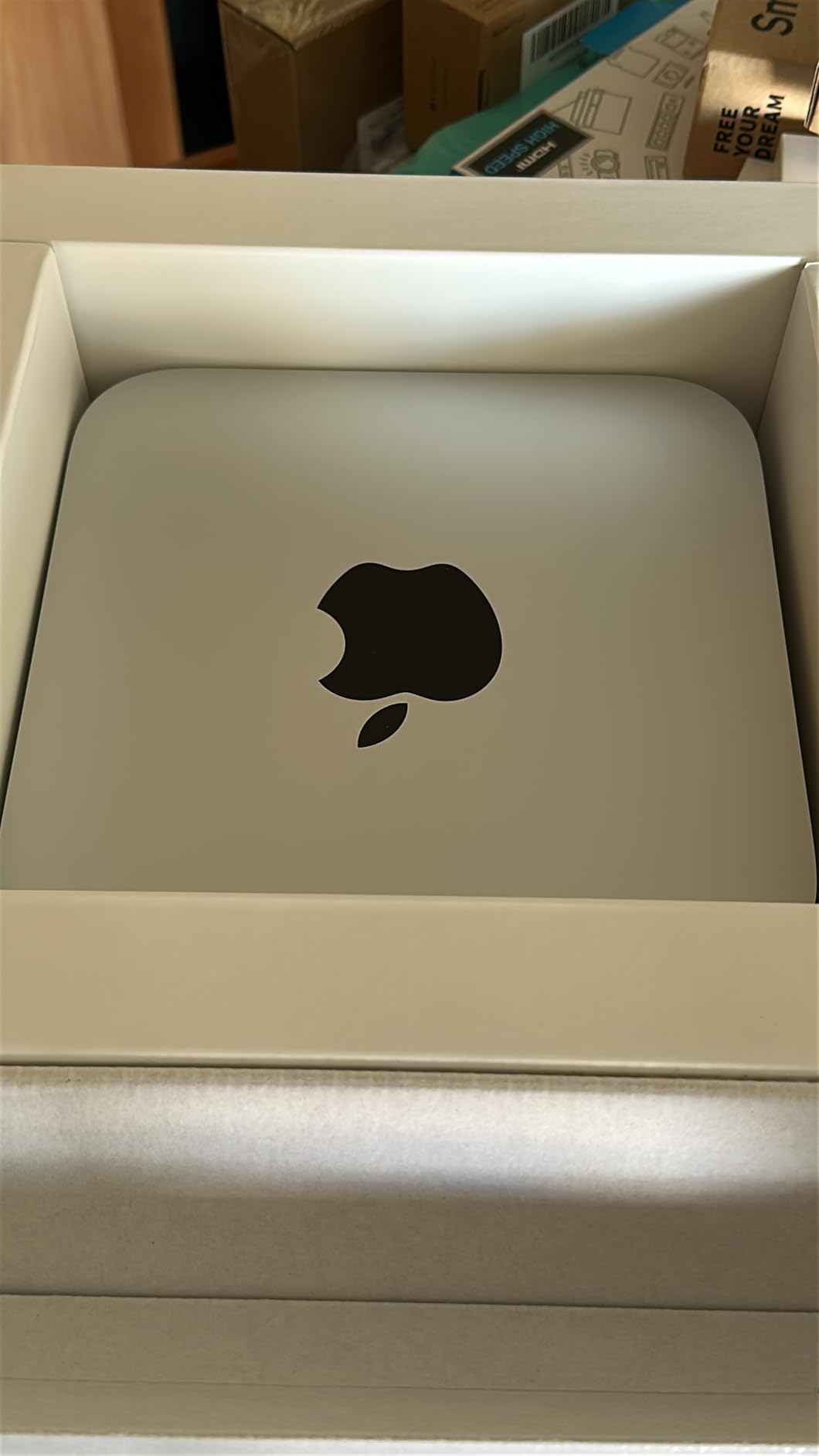
Who Should Buy the Mac Studio M1 Max (Renewed)
This renewed Mac Studio works well for photographers who want maximum performance per dollar. The M1 Max handles demanding workflows, and the 32GB RAM configuration suits professionals working with high-resolution files. Budget-conscious buyers who want Apple workstation power will find this most accessible entry point.
Who Should Look Elsewhere
If you prefer buying new with full warranty coverage, consider the Mac mini M4 Pro or wait for M4-based Mac Studio configurations. Also, photographers who need the absolute latest connectivity standards might find the M1 Max platform slightly dated, though Thunderbolt 4 remains fully relevant.
How to Choose the Best Mac Desktop for Photo Editing In 2026?
Selecting the right Mac desktop involves understanding how your specific needs map to available configurations. Here are the key factors I recommend considering before making your purchase decision.
RAM: The Most Important Specification for Photo Editing
Apple Silicon unified memory differs from traditional RAM because the CPU, GPU, and Neural Engine all share the same fast memory pool. For Lightroom and Photoshop, more RAM directly translates to smoother performance when working with large files or multiple applications.
Forum research and real-world testing suggest these RAM tiers:
16GB: Suitable for hobbyist photographers working with files up to 50 megapixels. Handles moderate-sized Lightroom catalogs without issues. The base configuration if you budget carefully.
24GB: A sweet spot for semi-professionals. Provides headroom for larger files and more browser tabs while editing. The Mac mini M4 Pro comes standard with 24GB.
32GB and above: Necessary for professionals working with 60+ megapixel files, extensive Photoshop layers, or those who keep many applications open. The renewed Mac Studio M1 Max includes 32GB at an attractive price point.
Storage: Speed vs Capacity Trade-off
Internal SSD speed affects how quickly Lightroom launches, how fast previews generate, and how quickly files transfer internally. External storage handles your photo library, but having sufficient internal storage for your operating system and applications keeps things snappy.
256GB fills fast once you install professional software. I recommend budgeting for external storage immediately if you choose this configuration. 512GB provides more breathing room for most photographers. The Mac mini M4 Pro at 512GB represents a reasonable middle ground.
Mac Studio vs Mac mini: The Price Premium Question
The most common question I see in photography forums is whether the Mac Studio justifies its higher cost over the Mac mini for photo editing specifically. Based on my analysis and real-world user reports, the answer is nuanced.
The Mac mini M4 Pro with 24GB RAM handles most photo editing workloads excellently. Forum users upgrading from older Intel Macs consistently report that the base M4 Mac mini is “more than enough” for Photoshop, Lightroom, and Capture One. The M4 Pro chip offers additional headroom that only matters if you regularly push your machine hard.
The Mac Studio makes sense when you need maximum RAM capacity, when you benefit from the additional Thunderbolt ports on the back, or when the M1 Max GPU cores provide meaningful advantages for your specific workflows. For pure photo editing, the Mac mini often delivers 90% of the performance at 60% of the cost.
All-in-One vs Separate Components
The iMac provides a complete package that works right out of the box. The included display alone represents significant value, and setup takes minutes. For photographers who want simplicity and desk space efficiency, this matters.
The Mac mini or Mac Studio require separate monitor purchases but offer more flexibility in display choice. If color accuracy matters critically for your work, professional monitors from companies like BenQ or Eizo might serve you better than the built-in iMac display.
Frequently Asked Questions
What is the best Mac desktop for photo editing?
The best Mac desktop for photo editing depends on your specific needs. For most photographers, the Mac mini M4 Pro with 24GB RAM offers the best balance of performance and value. The M4 Pro chip handles Lightroom Classic and Photoshop smoothly, and the compact design works well in any studio setup.
Is Mac Studio or Mac mini better for photo editing?
For pure photo editing workloads, the Mac mini M4 Pro typically offers better value. Forum users report that the base M4 Mac mini handles most photo editing tasks without issues. The Mac Studio makes sense when you need maximum RAM capacity, more storage options, or additional Thunderbolt ports for professional studio setups.
How much RAM do I need for photo editing on Mac?
For photo editing in 2026, 16GB is the minimum for casual work, 24GB is recommended for most photographers, and 32GB or more is necessary for professionals working with 60+ megapixel files or extensive Photoshop layers. Apple Silicon unified memory is not upgradeable later, so buy the RAM configuration you expect to need.
Can a Mac mini handle professional photo editing?
Yes, the Mac mini with M4 or M4 Pro chip handles professional photo editing excellently. Users with 60-megapixel RAW files report smooth performance in Lightroom Classic and Photoshop. The base M4 Mac mini is considered “more than enough” for most photographers by forum community members who have tested it extensively.
What is the best iMac for photo editing?
The iMac with M4 chip and 512GB storage offers the best combination for most photographers wanting an all-in-one solution. The 10-core CPU provides additional performance headroom, and 512GB storage gives more room for applications and active projects without immediately needing external storage.
Final Thoughts on Best Mac Desktops for Photo Editing
Choosing the best Mac desktops for photo editing ultimately comes down to matching your specific workflow requirements to the right machine. After analyzing real user experiences, comparing specifications, and considering price-to-performance ratios, my top recommendation remains the Mac mini M4 Pro for most photographers.
The M4 Pro chip provides more than enough power for Lightroom Classic, Photoshop, and Capture One workflows. The compact design keeps your workspace tidy, and the starting price represents reasonable value for what you get. For photographers who want an all-in-one solution, the iMac 24-inch M4 with 512GB storage delivers an excellent display and solid performance in a beautiful package.
The renewed Mac Studio M1 Max offers compelling value for professionals who need workstation-level performance and can accept the older platform in exchange for the price reduction. Just remember to budget for external storage given the limited 512GB internal capacity.
Whatever Mac desktop you choose for photo editing in 2026, Apple Silicon has made professional photo processing accessible at every price point. The days of needing a Mac Pro for serious photography work are long gone.