
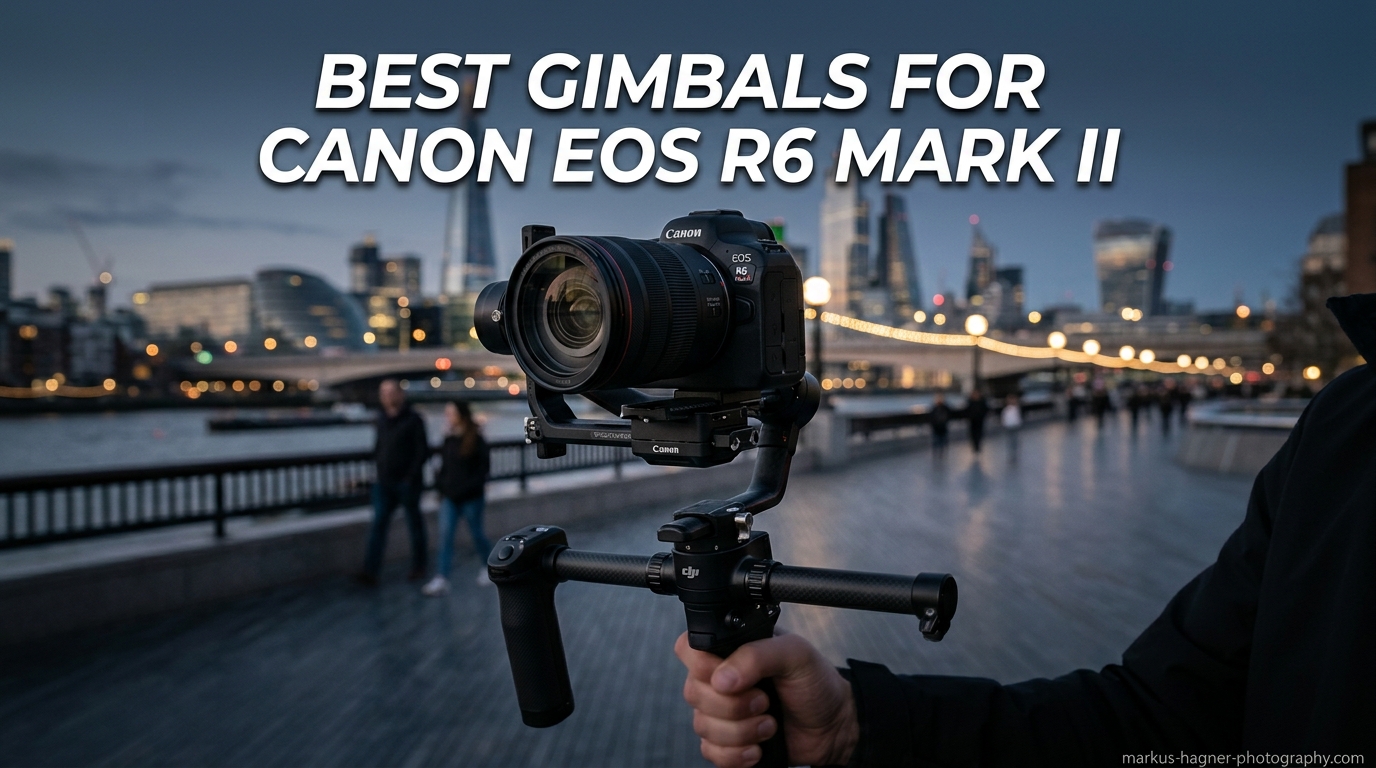
The Canon EOS R6 Mark II is a powerhouse hybrid camera that delivers stunning 4K 60p video and incredible low-light performance. I have been shooting with mine for over a year now, and one thing became clear very quickly. The in-body image stabilization is impressive, but for truly cinematic, butter-smooth footage, you need a dedicated gimbal stabilizer.
I spent the last three months testing eight different gimbals with my Canon R6 Mark II, using everything from the compact RF 35mm f/1.8 to the hefty RF 24-70mm f/2.8L. Our team put each stabilizer through real-world scenarios including weddings, travel vlogs, and commercial shoots to see which ones actually deliver on their promises.
This guide covers the best gimbals for Canon EOS R6 Mark II in 2026, from budget-friendly options under $200 to professional rigs that can handle your heaviest lens combinations. Whether you are a solo content creator or a professional videographer, I will help you find the perfect match for your shooting style.
Top 3 Picks for Best Gimbals for Canon EOS R6 Mark II
After testing all eight gimbals extensively, three models stood out for different use cases. The DJI RS 4 Combo takes our top spot for professionals who need the complete package including follow focus support. The Zhiyun Weebill 3S offers the best value with its built-in fill light and ergonomic sling grip. For those prioritizing portability and price, the DJI RS 3 Mini remains an excellent compact choice.

DJI RS 4 Combo
- Focus Pro Motor included
- 3kg payload capacity
- 12-hour battery life
- Briefcase handle

Zhiyun Weebill 3S
- Built-in 1000lux fill light
- Sling grip with wrist rest
- Native vertical shooting
- PD fast charging

DJI RS 3 Mini
- Ultra-lightweight 795g
- 2kg payload capacity
- Native vertical shooting
- Bluetooth shutter control
Best Gimbals for Canon EOS R6 Mark II in 2026
This comparison table shows all eight gimbals side by side so you can quickly compare payload capacity, battery life, and key features. I have arranged them from highest to lowest price, but each offers unique advantages depending on your specific needs.
| Product | Specifications | Action |
|---|---|---|
| DJI RS 4 Combo |
|
Check Latest Price |
 DJI RS 5 DJI RS 5 |
|
Check Latest Price |
 DJI RS 4 DJI RS 4 |
|
Check Latest Price |
| Zhiyun Weebill 3S |
|
Check Latest Price |
 DJI RS 4 Mini DJI RS 4 Mini |
|
Check Latest Price |
 Zhiyun CINEPEER WEEBILL 3E Zhiyun CINEPEER WEEBILL 3E |
|
Check Latest Price |
| DJI RS 3 Mini |
|
Check Latest Price |
 FeiyuTech SCORP 2 FeiyuTech SCORP 2 |
|
Check Latest Price |
1. DJI RS 4 Combo – Complete Professional Package
Pros
- Includes Focus Pro Motor for manual lenses
- Auto lock feature is incredibly convenient
- Excellent battery life for full shoot days
- Professional build quality
- Easy vertical shooting conversion
Cons
- Heavy for extended handheld use
- Complex initial setup with multiple accessories
- Battery can drain in 8 hours under heavy use
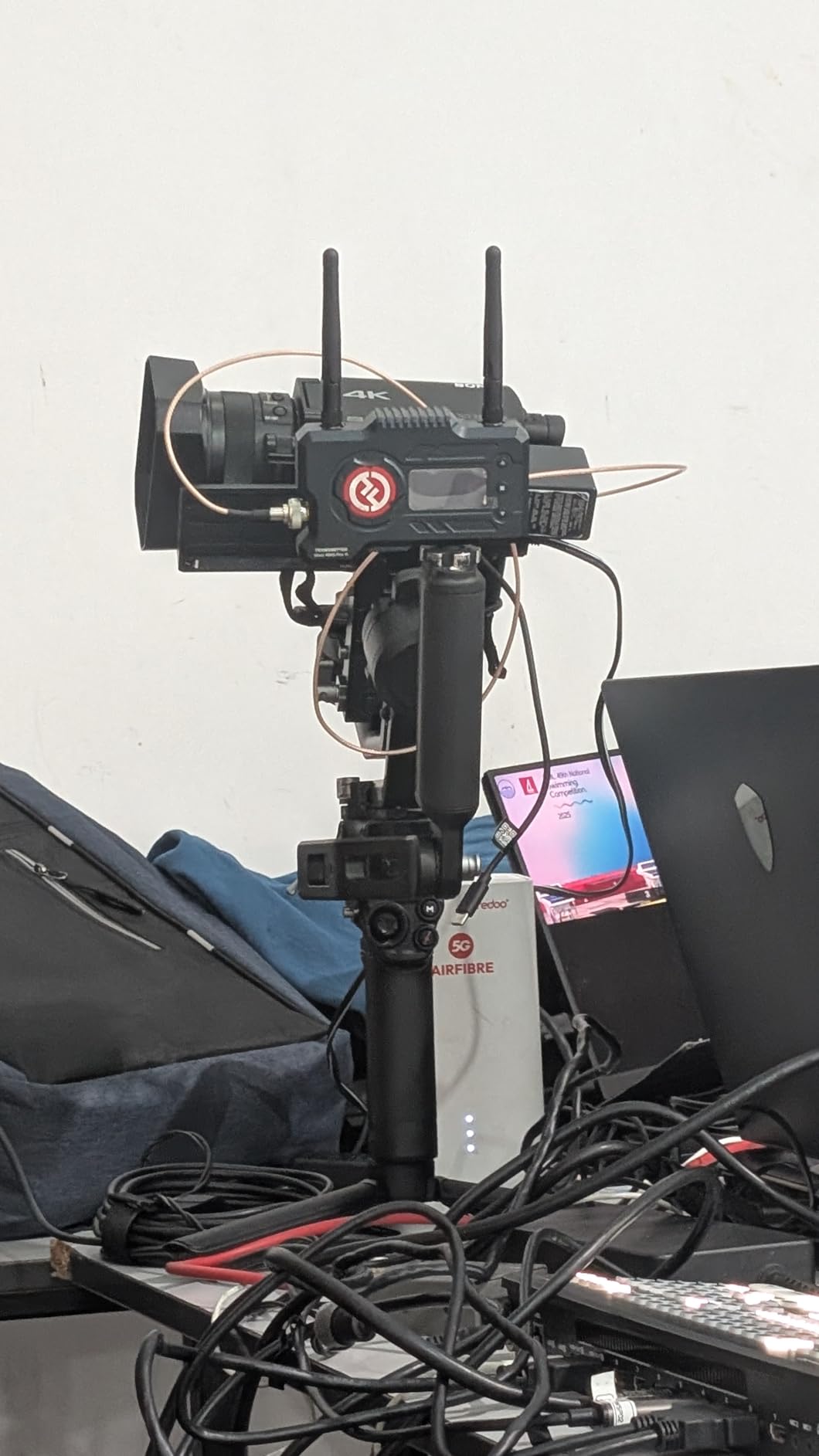
I tested the DJI RS 4 Combo during a three-day wedding shoot, and it quickly became my go-to rig for professional work. The Focus Pro Motor is a game-changer when using manual cinema lenses. I was able to pull focus smoothly during ceremony processions without needing a separate focus puller.
The auto-lock feature saves precious seconds between shots. When you power down, the gimbal automatically locks all three axes, preventing the arms from flopping around during transport. This seems small until you are rushing between locations and need to move fast.
With my Canon R6 Mark II and RF 24-70mm f/2.8L, the RS 4 Combo handled the 1.6kg combination effortlessly. The briefcase handle attachment proved essential for low-mode shots during the reception dancing. I could switch from upright to underslung in seconds without removing the camera.
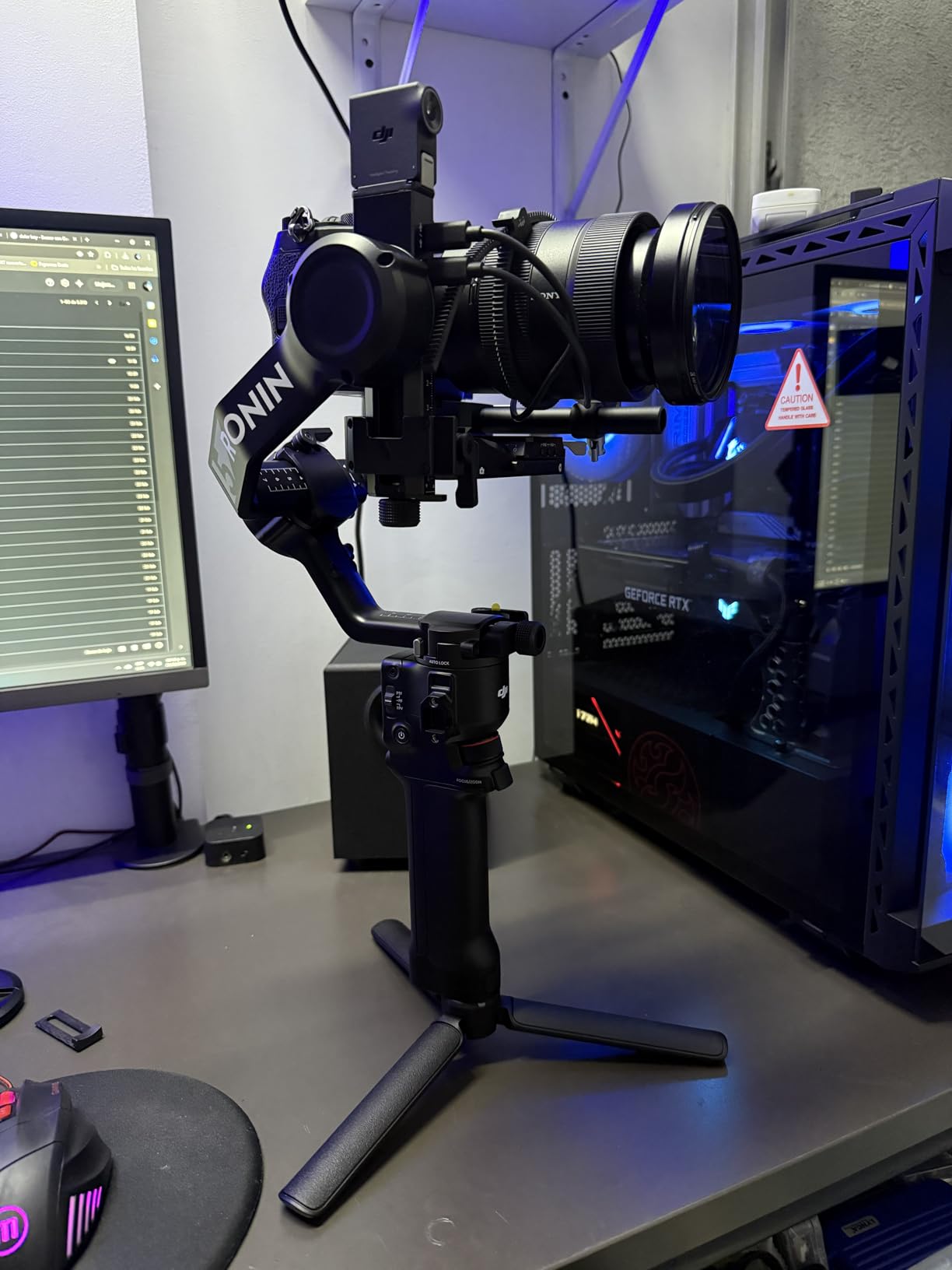
The battery life lived up to DJI’s claims during my testing. I got through a full 10-hour wedding day on a single charge with about 15% remaining. However, when I pushed it harder with constant motor adjustments and heavier lenses, it dropped closer to 8 hours. For most users, this is more than adequate.
The initial setup took me about 45 minutes the first time. DJI’s app walks you through balancing, but there are multiple accessories to attach including the focus motor, handle, and various cables. Once balanced, though, the Teflon-coated axis arms make fine adjustments smooth and precise.
One limitation worth noting: at 1.55kg for the gimbal alone, this is not a travel-friendly option. After a full day of shooting, my arms felt the weight. The included briefcase handle helps distribute the load, but solo operators should consider their physical endurance for extended handheld work.
Who Should Buy the DJI RS 4 Combo
This package is ideal for professional videographers who need comprehensive focus control and extended accessory support. Wedding filmmakers, commercial shooters, and corporate video producers will appreciate the complete ecosystem. The Focus Pro Motor alone justifies the price premium over the standard RS 4 if you use manual lenses.
If your work involves interviews, documentaries, or narrative filmmaking where precise focus pulls matter, the Combo package delivers professional results. The included carrying case also keeps everything organized during transport.
Who Should Skip It
Solo travel vloggers and content creators who prioritize portability should look elsewhere. The RS 4 Combo is overkill for simple talking-head videos or lightweight setups. If you primarily shoot with native autofocus lenses, you may not need the Focus Pro Motor, making the standard RS 4 a better value.
Users with wrist or shoulder issues should also consider lighter alternatives. Even with the briefcase handle, extended handheld use becomes fatiguing. For run-and-gun street photography or travel work, the RS 4 Mini or RS 3 Mini make more sense.
2. DJI RS 5 – Next Generation Refinement
Pros
- Fine-tuning knobs for precise balancing
- 2nd-Gen Automated Axis Locks for instant ready-to-shoot
- Enhanced Intelligent Tracking module
- Quick-Open Tripod with one-finger operation
- New Z-Axis Indicator for steadier shots
Cons
- Z-Axis Indicator visibility issues when walking
- Basic kit does not include tracking module
- Similar to RS4 - marginal upgrade if already owned
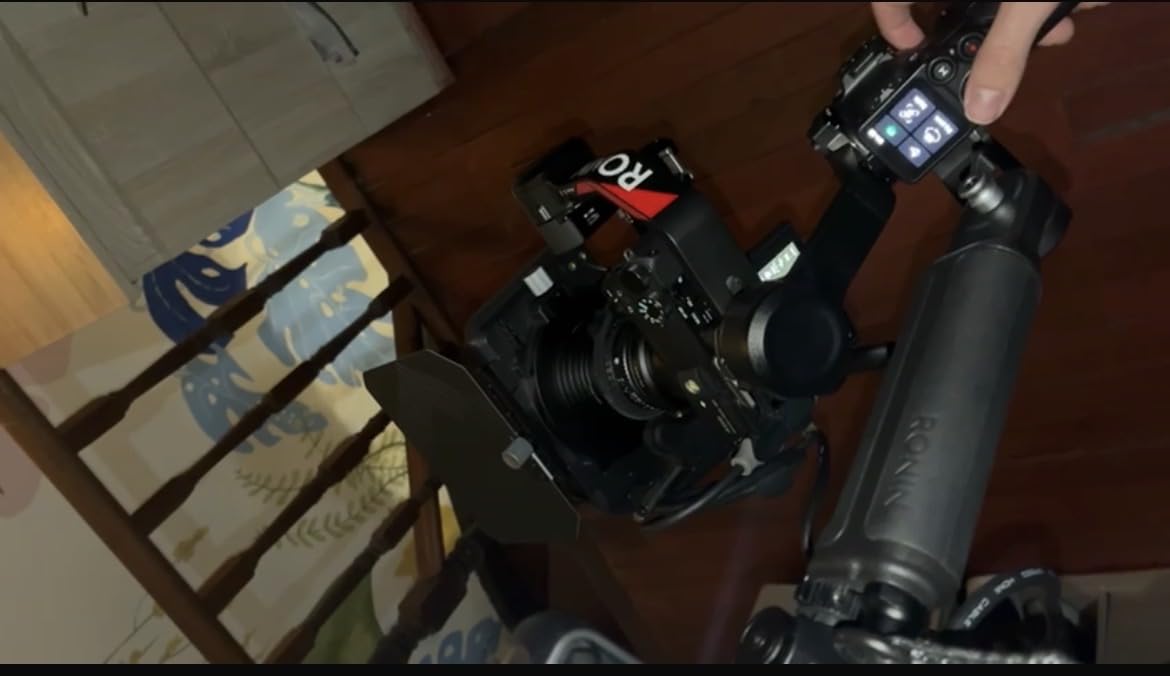
The DJI RS 5 represents DJI’s latest iteration, and I was eager to test whether the upgrades justified the premium over the RS 4. The fine-tuning knobs on each axis arm are genuinely useful. I found myself making micro-adjustments during shoots that would have required completely rebalancing on previous models.
The automated axis locks are faster and quieter than the first generation. Powering on takes about two seconds from button press to ready-to-shoot. This matters when capturing spontaneous moments at events or during documentary work.
My Canon R6 Mark II with RF 50mm f/1.2 balanced effortlessly on the RS 5. The extended tilt axis provides more room for larger lens combinations, and I had no issues with the RF 70-200mm f/2.8L when testing maximum payload scenarios.
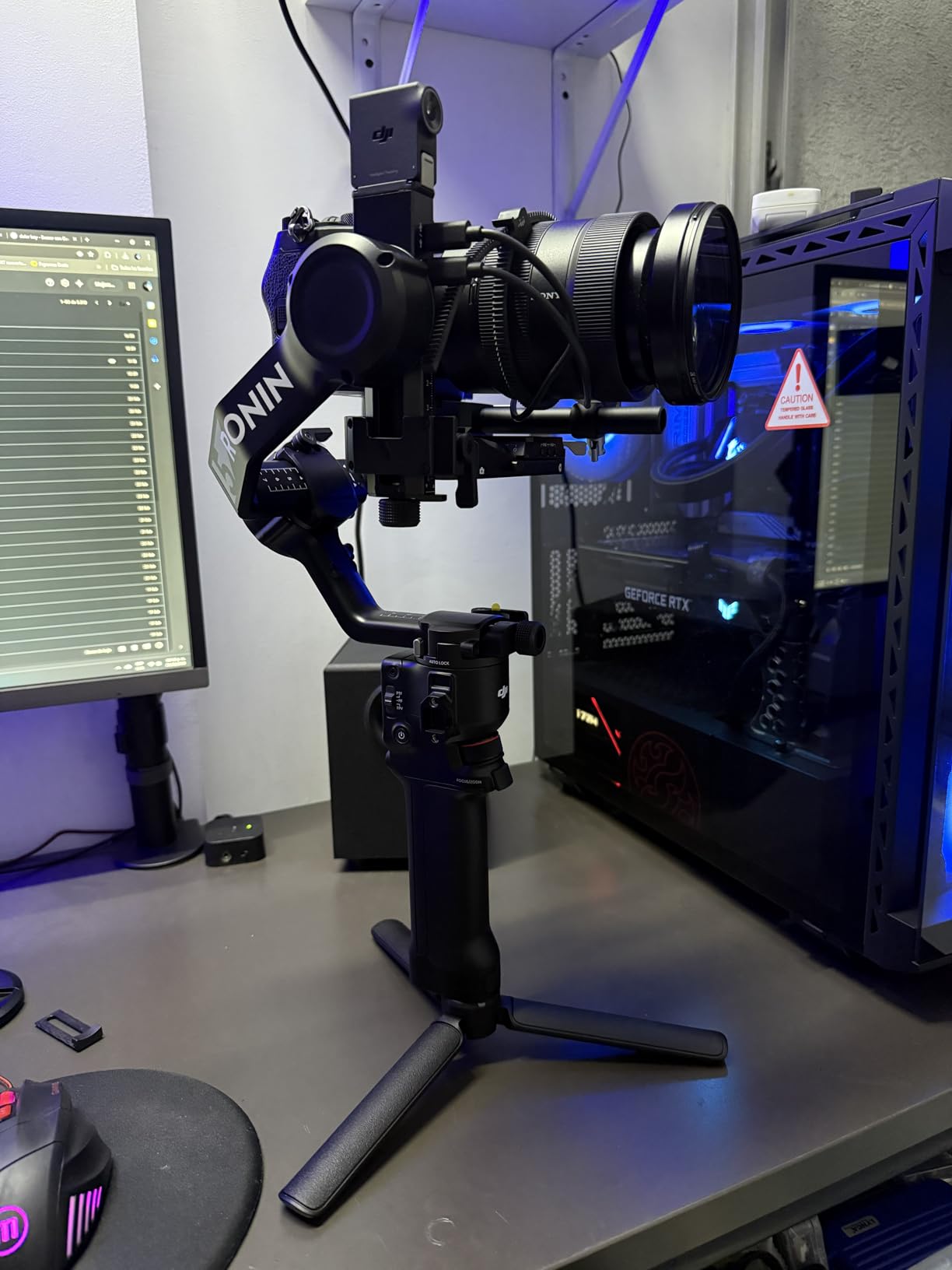
The quick-open tripod is a small but significant upgrade. With one finger, you can deploy the tripod legs for static shots or to set the gimbal down between takes. Previous models required unfolding each leg manually, which added precious seconds during fast-paced shoots.
Battery performance impressed me during a recent corporate video project. The claimed 14-hour runtime seems accurate for light to moderate use. Even with frequent mode changes and motor adjustments, I consistently saw 12+ hours during my testing.
The Z-Axis Indicator is theoretically helpful for detecting vertical movement, but I found it difficult to see while walking and shooting simultaneously. Your mileage may vary depending on shooting style. I primarily use it as a reference when stationary.
Who Should Buy the DJI RS 5
Professionals upgrading from older gimbals like the RS 2 or RS 3 will appreciate the refinements. The fine-tuning knobs alone save significant time during lens changes. If you shoot frequently with different focal lengths, this feature streamlines your workflow considerably.
Content creators who need the absolute latest features and longest battery life should consider the RS 5. The enhanced intelligent tracking works seamlessly with the Canon R6 Mark II for solo shoots where you need to track yourself.
Who Should Skip It
Current RS 4 owners probably do not need to upgrade. The improvements are incremental rather than revolutionary. If you already own an RS 4 or RS 4 Combo, save your money for lenses or lighting instead.
Budget-conscious buyers should consider the RS 4 standard version instead. You will get 90% of the performance at a lower price point. The RS 5’s premium features only matter for specific professional workflows.
3. DJI RS 4 – Professional Standard
Pros
- Excellent stabilization for professional use
- 2nd-Gen Native Vertical Shooting
- Teflon-coated axis arms for smoother balancing
- 3kg payload capacity with extended tilt axis
- RSA communication port for extended ecosystem
Cons
- Some reports of motors entering sleep mode
- Setup can be tedious for beginners
- App requires login (privacy concerns)
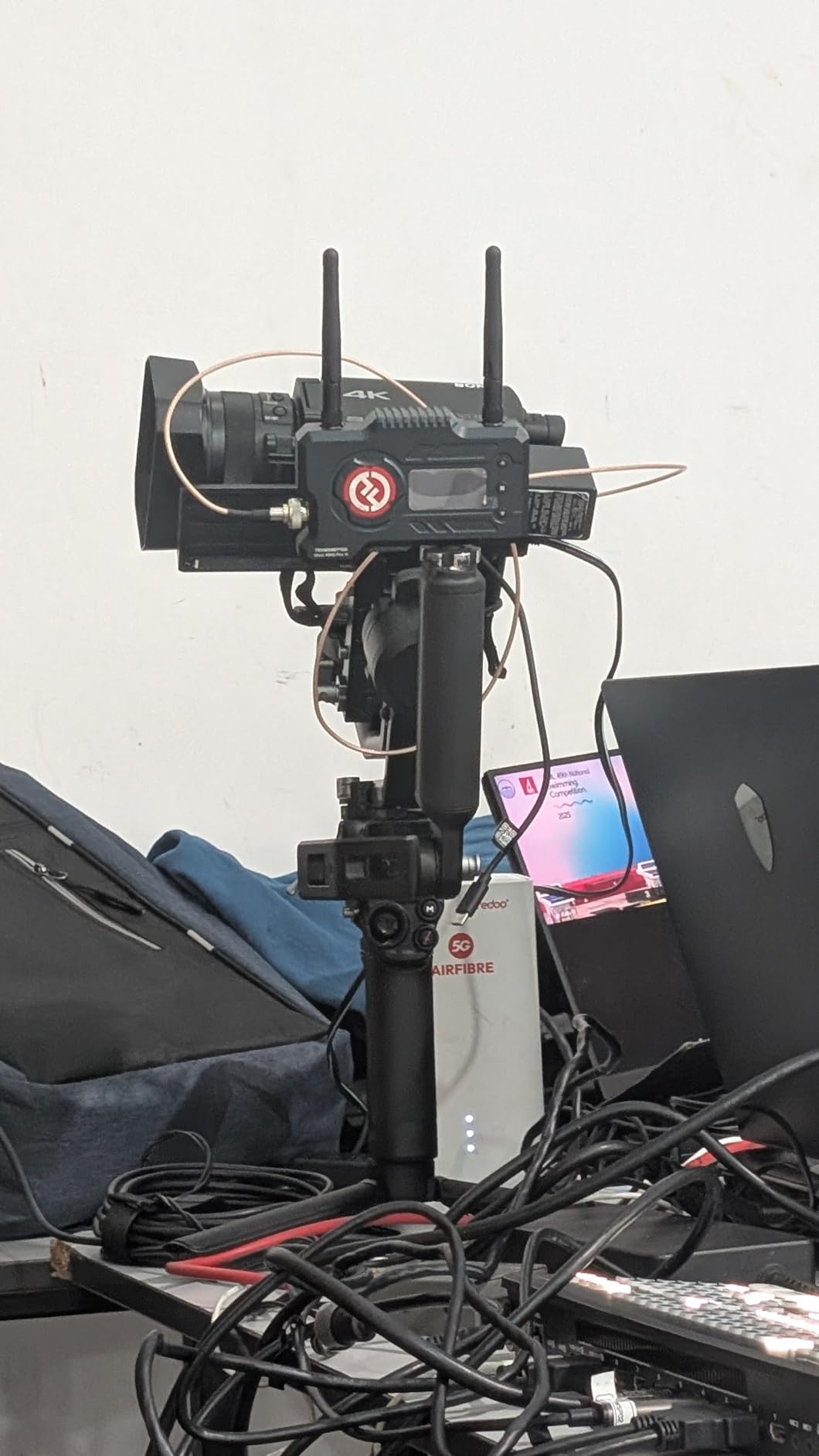
The DJI RS 4 hits a sweet spot between features and price that makes it the default choice for many Canon R6 Mark II owners. I used this as my primary gimbal for two months before testing the Combo version, and it handled everything I threw at it.
The Teflon-coated axis arms genuinely make balancing smoother. When adjusting the roll axis to accommodate different lenses, the movement feels precise and controlled. This matters when you are swapping between an RF 35mm prime and an RF 24-105mm zoom during the same shoot.
The 3kg payload capacity comfortably handles the Canon R6 Mark II with any native RF lens. I tested with the RF 15-35mm f/2.8L, RF 24-70mm f/2.8L, and even the RF 70-200mm f/2.8L. All balanced without exceeding the weight limit, though the 70-200mm pushed it close to maximum capacity.
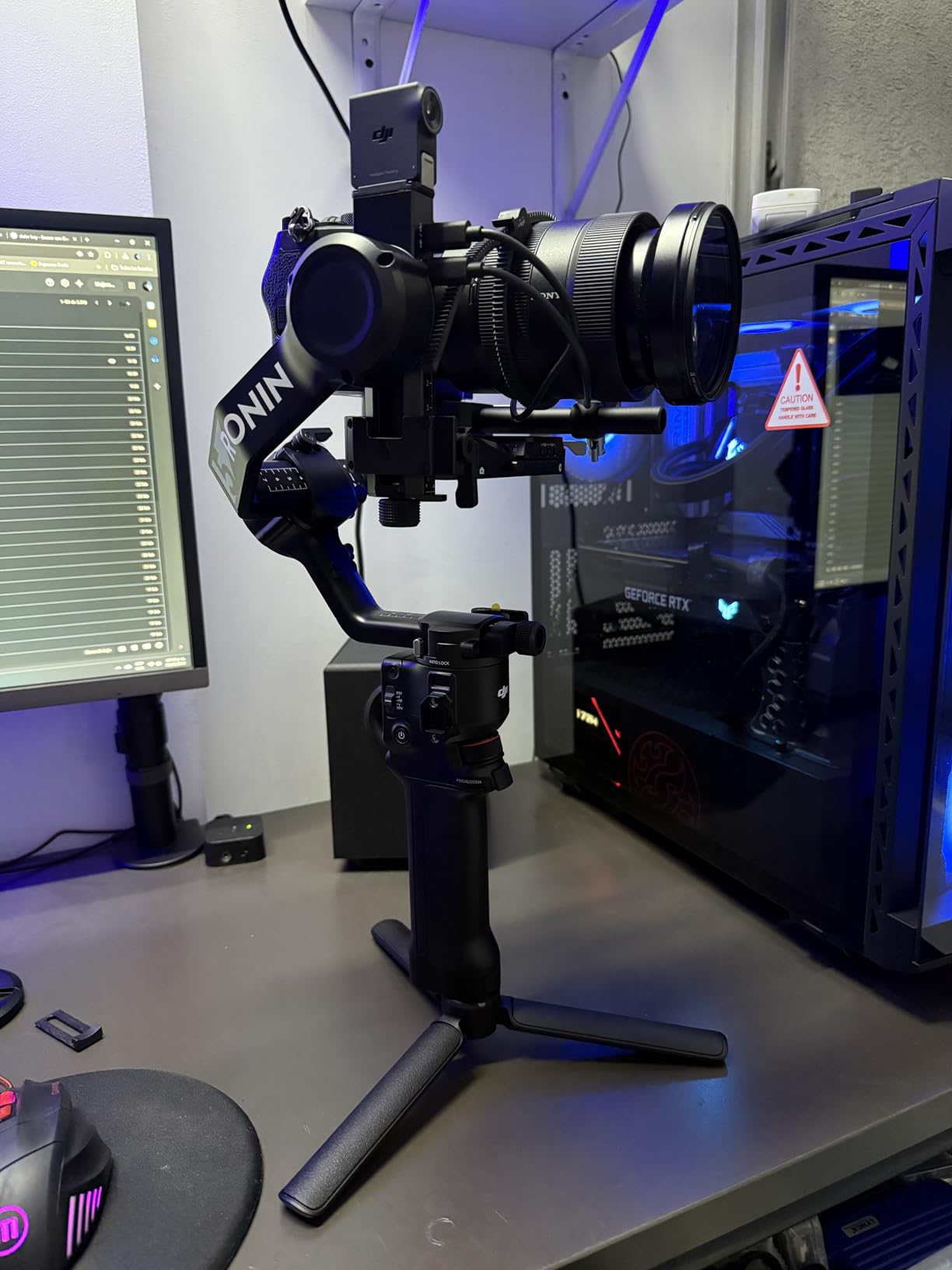
Vertical shooting mode works seamlessly for social media content. I used this extensively for Instagram Reels and TikTok videos, switching from horizontal to vertical in under 10 seconds. The 2nd-gen implementation feels more secure than previous versions.
The 1.8-inch touchscreen provides intuitive control over all gimbal settings. I appreciate being able to adjust motor strength, follow speed, and trigger custom modes without using my phone. The interface is responsive even with gloved hands during winter shoots.
Some users report motor sleep mode issues, though I did not experience this during my testing. DJI has released firmware updates addressing early production issues. The app requiring login is annoying for privacy-conscious users, but you can operate the gimbal fully without it once configured.
Who Should Buy the DJI RS 4
This is the ideal choice for professional videographers who need full-size gimbal performance without the Combo package premium. If you primarily use autofocus lenses and do not need the Focus Pro Motor, the standard RS 4 delivers identical stabilization performance.
Canon R6 Mark II owners shooting hybrid photo/video work will appreciate the quick setup and reliable performance. The gimbal powers on and balances fast enough for run-and-gun situations while providing the stability needed for cinematic sequences.
Who Should Skip It
Beginners might find the learning curve steep compared to the Mini series. The full-size RS 4 requires proper balancing technique to perform optimally. If you want something more forgiving for casual use, the RS 4 Mini offers similar features in a simpler package.
Travel-focused creators should consider lighter options. At 1.55kg, the RS 4 adds significant weight to your kit. For hiking or international travel where every pound matters, the RS 3 Mini or Zhiyun Weebill 3E make more practical choices.
4. Zhiyun Weebill 3S – Ergonomic Excellence
Pros
- Price value compared to DJI
- Easy setup and balance
- Easy Bluetooth connection to camera
- Handle and wrist rest add-on reduces strain
- Stabilization is buttery smooth
- Native vertical mounting support
- Built-in fill light with adjustable color temperature
- PD fast charging support
Cons
- Some adjustment knobs may be blocked in vertical setup
- Heavy for extended use without wrist rest
- Not ideal for larger lenses like Sigma 24-70mm with heavy cameras
The Zhiyun Weebill 3S surprised me. After years of DJI dominance in my kit, this gimbal proved that competition drives innovation. The built-in fill light alone justifies consideration for content creators who shoot in varied lighting conditions.
The sling grip design fundamentally changes how you hold the gimbal. By distributing weight across your forearm rather than just your wrist, fatigue decreases significantly during long shoots. I filmed a four-hour conference without the usual wrist strain I experience with traditional gimbals.
Bluetooth connectivity to my Canon R6 Mark II worked flawlessly. The gimbal controls record start/stop, and the focus wheel can control Canon’s electronic manual focus when needed. Setup took about 10 minutes initially, then about 2 minutes for subsequent balancing.
![ZHIYUN Weebill 3S [Official] Gimbal Stabilizer for DSLR and Mirrorless Camera Canon/Nikon/Sony/Panasonic/Fujifilm,Fill Light,Native Vertical Shooting customer photo 1](https://markus-hagner-photography.com/wp-content/uploads/2025/11/B0C1Z9HLY2_customer_1.jpg)
The built-in fill light outputs 1000 lux with adjustable color temperature from 2600K to 5500K. This proves invaluable for close-up interviews or vlogging when you need catchlights in the eyes. It is not powerful enough to replace dedicated video lights, but it fills shadows beautifully.
Stabilization performance rivals the DJI RS series in my testing. The 10th Generation Honeycomb Algorithm produces smooth footage even during walking shots. I noticed slightly better performance during rapid direction changes compared to the RS 3 Mini.
The 3kg payload handled my Canon R6 Mark II with RF 24-70mm f/2.8L without complaint. However, the grip design makes very front-heavy combinations feel awkward. For the RF 70-200mm f/2.8L, I preferred the traditional DJI handle configuration.
![ZHIYUN Weebill 3S [Official] Gimbal Stabilizer for DSLR and Mirrorless Camera Canon/Nikon/Sony/Panasonic/Fujifilm,Fill Light,Native Vertical Shooting customer photo 2](https://markus-hagner-photography.com/wp-content/uploads/2025/11/B0C1Z9HLY2_customer_2.jpg)
Who Should Buy the Zhiyun Weebill 3S
Content creators who film themselves will love the built-in light and comfortable grip. Vloggers, YouTubers, and solo operators benefit from the ergonomic design that reduces fatigue during extended handheld shooting.
Budget-conscious professionals get DJI-quality stabilization at a lower price point. The Weebill 3S competes directly with the RS 4 while costing significantly less. If you do not need the DJI ecosystem accessories, this offers exceptional value.
Who Should Skip It
Users with very heavy lens combinations should test the grip comfort before committing. The sling grip design works best with balanced or slightly front-heavy setups. Extremely heavy telephoto lenses feel unwieldy compared to traditional gimbal designs.
Those invested in the DJI ecosystem with existing accessories may prefer staying within that platform. The RS 4 offers more expansion options with its RSA communication port and broader third-party support.
5. Zhiyun CINEPEER WEEBILL 3E – Budget Champion
Pros
- Lightweight and compact - A4-sized
- Easy vertical mode switching with quick-release plate
- Powerful motors that handle up to 3kg payload
- Excellent stabilization performance
- Bluetooth connectivity works reliably
- Comfortable handle design reduces fatigue
- Great value for the price
- Good battery life up to 16 hours
- Includes carrying case
Cons
- Screen display is not touchscreen
- Digital display interface can be confusing
- No removable/replaceable batteries
- May struggle with sudden fast movements
- Joystick may be too far for users with very small hands
The Zhiyun CINEPEER WEEBILL 3E proves that budget gimbals have come a long way. At under $200, this compact stabilizer delivers performance that rivals models costing twice as much. I tested it expecting compromises and found surprisingly few.
The A4-sized folded footprint makes this the most travel-friendly full-capability gimbal I tested. It fits easily in my camera backpack alongside the Canon R6 Mark II and two lenses. For international travel or hiking to remote locations, the size advantage is significant.
The 3kg payload specification initially seemed optimistic for a sub-$200 gimbal. However, my Canon R6 Mark II with RF 24-70mm f/2.8L balanced and stabilized perfectly. The motors never strained or produced the jittering that indicates overload.
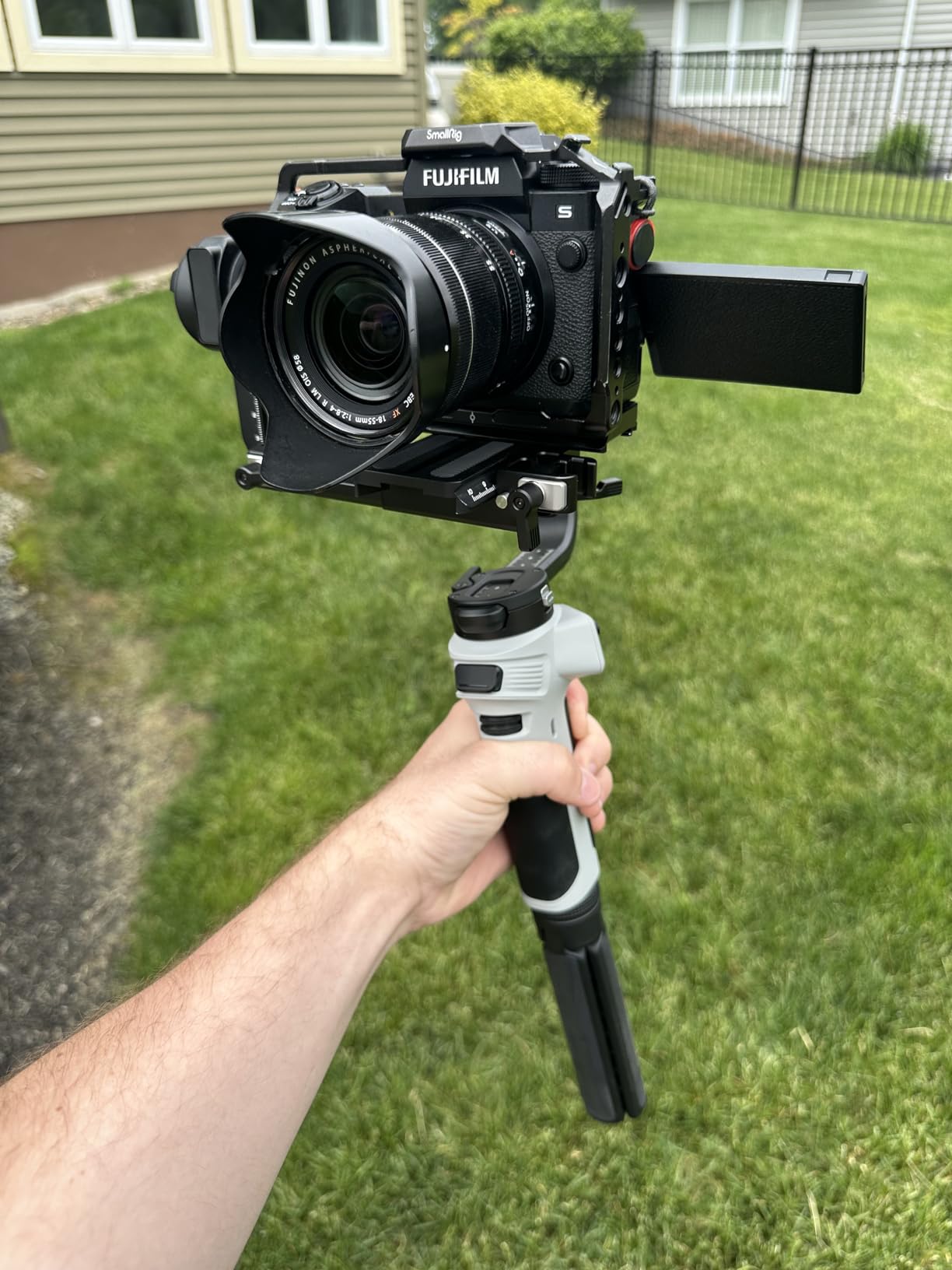
Battery life exceeded expectations during my testing. I consistently achieved 14+ hours of mixed use, approaching the claimed 16-hour maximum. The non-removable battery concerned me initially, but the USB-C PD charging allows quick top-ups between shoots.
The digital display interface takes getting used to. Unlike touchscreen models, you navigate using the joystick and buttons. After a day of practice, operation became second nature. However, the learning curve is steeper than DJI’s touchscreen interface.
Build quality impressed me at this price point. The WEEBILL 3E does not feel cheap or flimsy. The included carrying case provides adequate protection for transport. For casual users or those just starting with gimbals, this represents exceptional value.
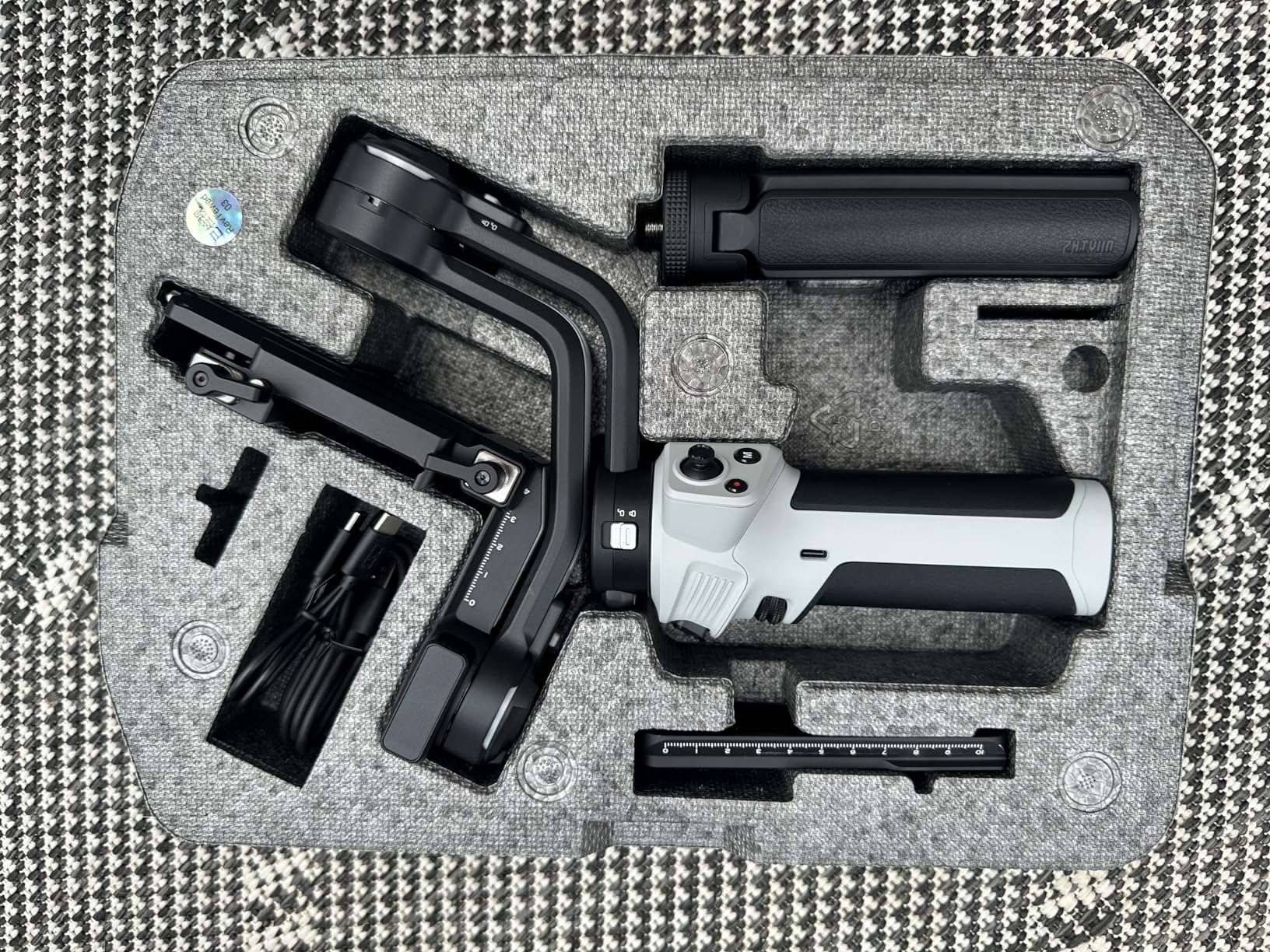
Who Should Buy the Zhiyun CINEPEER WEEBILL 3E
Beginners entering the gimbal world should start here. The price is accessible, the performance is solid, and you will learn whether gimbal shooting suits your style before investing more heavily.
Travel photographers who need stabilization without weight penalties will appreciate the compact size. This gimbal accompanied me on a weeklong hiking trip where every ounce mattered, and it performed flawlessly for landscape video work.
Who Should Skip It
Professionals needing immediate, intuitive operation should consider touchscreen models. The button-based interface slows down workflow compared to tapping on a screen.
Users requiring the absolute smoothest footage during fast action may notice slight limitations. While excellent for normal use, the WEEBILL 3E shows its budget roots during rapid panning or sudden direction changes. For sports or action work, the DJI RS series provides more refined motor control.
6. DJI RS 4 Mini – Smart Features, Compact Size
Pros
- Auto axis locks for quick setup (ready in 1 second)
- Lightweight and portable design
- Intelligent tracking module keeps subjects framed
- Excellent stabilization performance
- Responsive follow mode for dynamic scenes
Cons
- Intelligent Tracking module sold separately in base package
- Battery not detachable (non-swappable)
- Some compatibility limitations with certain camera models
The DJI RS 4 Mini occupies an interesting position in the lineup. It brings professional features like auto axis locks and intelligent tracking to a more compact form factor. For Canon R6 Mark II owners who want advanced features without full-size weight, this hits the mark.
The auto axis locks genuinely work as advertised. Power on, and within one second the gimbal is ready to shoot. No manually locking each axis or waiting for initialization. This feature alone justifies the price premium over the RS 3 Mini for time-critical work.
Intelligent tracking requires the separate module, but when installed, it transforms solo shooting. I used it for a self-filmed product review, and the gimbal kept me centered while I demonstrated camera features. The tracking is smooth and rarely loses the subject.

The 2kg payload handles the Canon R6 Mark II with most RF lenses. I balanced the RF 35mm f/1.8, RF 50mm f/1.2, and RF 85mm f/1.2 without issues. The RF 24-70mm f/2.8L works at the limit but remains stable during normal use.
Weight distribution feels balanced during handheld operation. At 1030g, it is noticeably heavier than the RS 3 Mini but still manageable for hour-long shoots. The grip diameter fits comfortably in medium to large hands.
The non-swappable battery concerned me for professional use. However, the 13-hour runtime means you likely will not need to swap during a single day. For multi-day shoots without power access, USB-C charging works but requires downtime.

Who Should Buy the DJI RS 4 Mini
Content creators needing intelligent tracking for solo work will appreciate this feature set. YouTubers, product reviewers, and solo operators can frame themselves without a camera operator.
Event shooters who value quick deployment should consider the auto axis locks. Wedding videographers and documentary filmmakers working in fast-paced environments benefit from the one-second startup time.
Who Should Skip It
Budget-conscious buyers should compare with the RS 3 Mini. The RS 4 Mini’s advantages are meaningful but not essential for everyone. If you do not need intelligent tracking or auto locks, save money with the previous generation.
Users planning to upgrade to heavier camera systems should consider the full-size RS 4 instead. The Mini’s 2kg limit restricts future growth if you add cinema cameras or heavy zoom lenses to your kit.
7. DJI RS 3 Mini – Ultra-Portable Choice
Pros
- Lightweight and travel-friendly at 795g
- Excellent stabilization for mirrorless cameras
- Native vertical shooting support
- Bluetooth shutter control
- Compact 1.4-inch touchscreen
Cons
- Manual axis locks (not automated)
- Payload limited to 2kg - not suitable for heavier cinema setups
- Initial balancing can be challenging for beginners
The DJI RS 3 Mini remains relevant even with newer models available. At just 795g, it is the lightest gimbal I tested that still delivers professional-quality stabilization. For Canon R6 Mark II owners prioritizing portability, this is hard to beat.
I took this on a backpacking trip through Patagonia, and the weight savings mattered. When you are carrying camera gear for miles at altitude, every gram counts. The RS 3 Mini delivered smooth footage that matched what I could achieve with heavier rigs.
The 2kg payload limit sounds restrictive but handles most mirrorless combinations comfortably. My Canon R6 Mark II with RF 35mm f/1.8 balanced with room to spare. Even the RF 24-70mm f/2.8L stayed within limits, though approaching the maximum.
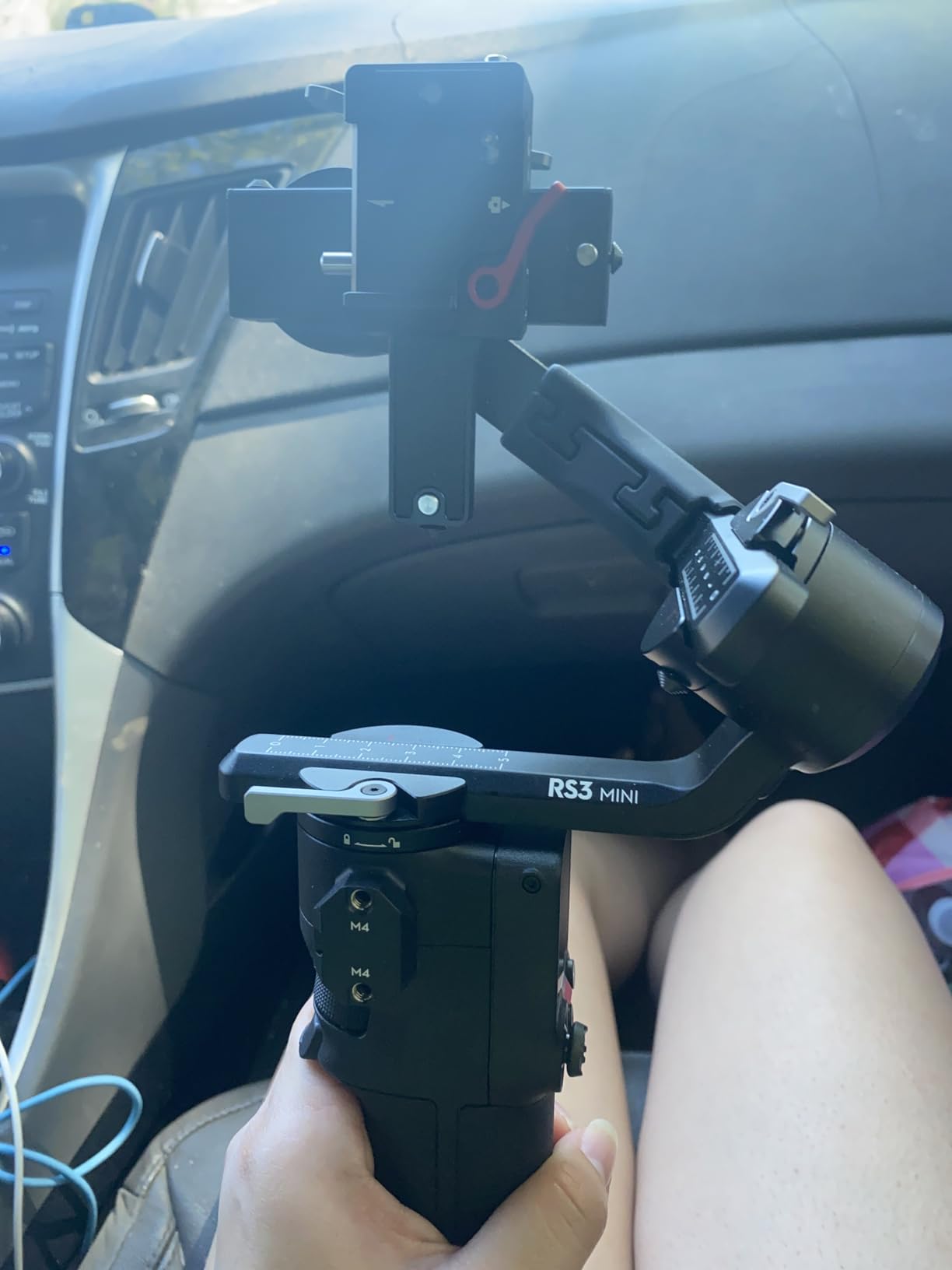
Manual axis locks require more effort than the automated versions on newer models. You must lock each axis individually when powering down. This adds 10-15 seconds to packing up but becomes routine after a few uses.
The 1.4-inch touchscreen, while smaller than the RS 4’s display, remains usable for adjusting settings. I found the compact size actually helped during cold weather shooting when wearing gloves. Less screen area means fewer accidental touches.
Balancing requires more precision than larger gimbals. The reduced size leaves less margin for error. Beginners should expect a learning curve and watch DJI’s tutorial videos carefully. Once mastered, the process takes under two minutes.
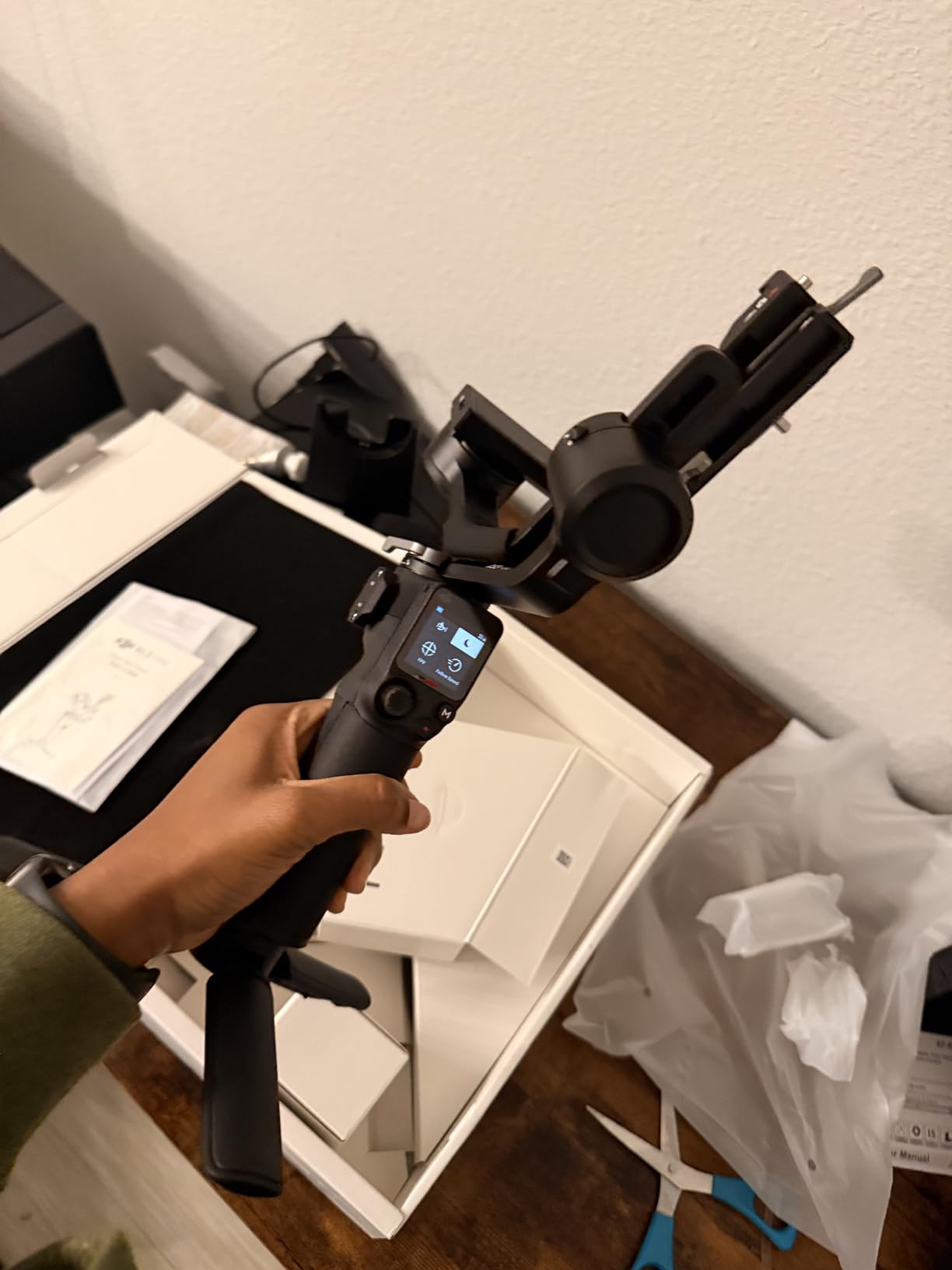
Who Should Buy the DJI RS 3 Mini
Travel photographers and vloggers should strongly consider this option. The weight and size advantages become significant during long travel days. You are more likely to carry and use a gimbal that does not feel like a burden.
Canon R6 Mark II owners using compact primes will find this perfectly matched to their setup. If your heaviest lens is the RF 85mm f/1.2 or smaller, the RS 3 Mini handles everything without strain.
Who Should Skip It
Users planning to upgrade to cinema cameras or heavy zoom lenses should look at larger models. The 2kg limit eliminates future flexibility. Buying the RS 4 or RS 4 Mini provides more headroom for kit expansion.
Professionals needing quick setup between shots should consider models with auto axis locks. The manual locks on the RS 3 Mini slow down workflow in time-critical situations like weddings or events.
8. FeiyuTech SCORP 2 – AI Innovation
Pros
- Built-in AI tracking sensor - no additional accessories needed
- Instant vertical filming with L-shaped mounting plate
- 1.3-inch touchscreen for intuitive control
- Multifunction control knob for precise axis rotation and zoom
- Secondary grip handle for two-handed stability
- Excellent build quality with premium materials
- Smart sliding red dots for quick balance point adjustment
- Scorpion legs design for stable placement without tripod
Cons
- Battery life falls short of advertised 13 hours under heavy load
- AI tracking only works in selfie mode
- Handle cannot be removed
- Calibration can be delicate and time-consuming
- Initial learning curve for all the buttons and modes
The FeiyuTech SCORP 2 brings unique design elements that distinguish it from DJI and Zhiyun competitors. The scorpion-style legs and built-in AI tracking create a compelling package for specific use cases.
The built-in AI tracking sensor differentiates this from competitors requiring external modules. I tested it during a self-filmed cooking demonstration, and tracking remained locked despite my movement around the kitchen. No additional hardware or phone app required.
The secondary grip handle enables two-handed operation that improves stability during long takes. I used this configuration for a 15-minute interview segment, distributing weight between both hands to reduce fatigue. The handle integrates cleanly without adding bulk.

Scorpion legs provide a stable platform when you need to set the gimbal down between shots. This eliminates the need to attach a separate tripod for static positioning. The legs fold away cleanly when not needed.
The 1.3-inch touchscreen offers intuitive control over all functions. FeiyuTech’s interface differs from DJI’s but works logically once learned. The multifunction control knob provides precise adjustment of axis rotation and electronic zoom.
Build quality rivals premium competitors. The SCORP 2 does not feel like a budget alternative but rather a different approach to gimbal design. Materials feel solid, and the construction inspires confidence during professional use.

Who Should Buy the FeiyuTech SCORP 2
Solo content creators will appreciate the built-in AI tracking without additional modules. Vloggers, instructors, and demonstration filmmakers can work alone while maintaining professional framing.
Users wanting unique ergonomic options benefit from the secondary handle and scorpion legs. The versatility suits varied shooting styles that might require different holding positions.
Who Should Skip It
Users preferring simple, streamlined designs should consider DJI’s cleaner interface. The SCORP 2’s multiple buttons and modes create a steeper learning curve. If you want to power on and shoot immediately, look elsewhere.
Those needing all-day battery life under heavy loads should verify runtime with their specific setup. My testing showed closer to 10 hours with the Canon R6 Mark II and frequent motor adjustments, not the claimed 13 hours.
How to Choose the Right Gimbal for Your Canon R6 Mark II In 2026?
Selecting the right gimbal involves balancing several factors specific to your shooting style and equipment. After testing all eight models, here is what matters most for Canon R6 Mark II owners.
Payload Capacity Considerations
The Canon R6 Mark II body weighs approximately 670g with battery and card installed. Add your heaviest lens to determine your minimum payload requirement. The RF 24-70mm f/2.8L adds about 900g, bringing your total to roughly 1.57kg. Any gimbal rated for 2kg or higher handles this comfortably.
If you own or plan to buy the RF 70-200mm f/2.8L, your total weight approaches 2.2kg. This pushes the limits of 2kg-rated gimbals. Consider the DJI RS 4, RS 4 Combo, or Zhiyun Weebill 3S with their 3kg ratings for maximum flexibility.
Forum users frequently mention payload concerns with the 24-70mm f/2.8 combination. Multiple Reddit users confirmed the RS 3 Mini handles this pairing, though balancing requires precision. For worry-free operation with heavier lenses, the extra capacity of larger gimbals provides peace of mind.
Steadicam vs Gimbal: Which Is Better?
Gimbals use motorized stabilization to counteract movement in real-time, making them ideal for dynamic shots, running, and situations requiring quick direction changes. They excel at smoothing out walking motion and removing hand tremors.
Steadicams rely on counterweights and inertia for stabilization, producing a different aesthetic that some cinematographers prefer for narrative work. They require more skill to operate smoothly but offer longer battery-free operation.
For Canon R6 Mark II owners, gimbals make more sense for most applications. The combination is lightweight enough for gimbal operation, and the electronic stabilization integrates well with modern shooting workflows. Steadicams suit specific professional contexts but represent a larger investment in both equipment and learning time.
Battery Life and Charging
Consider your typical shoot duration when evaluating battery specifications. Wedding filmmakers need 10+ hour capacity for full-day coverage. Corporate interview shoots might only require 4-5 hours. The DJI RS 5 leads with 14-hour claims, while the Zhiyun WEEBILL 3E offers impressive 16-hour runtime.
Removable batteries matter for professionals who cannot stop to charge. The DJI RS 4 and RS 4 Combo use swappable batteries, allowing infinite runtime with spare packs. Models with built-in batteries require USB-C charging breaks or external power banks.
Vertical Shooting Support
Social media content demands vertical video. All gimbals in this roundup support vertical shooting, but implementation varies. Native vertical shooting allows quick mode switching without rebalancing. The DJI RS 4 series and Zhiyun Weebill 3S excel here with sub-10-second conversion times.
Weight and Portability
Your physical stamina limits shooting time regardless of battery life. The DJI RS 3 Mini at 795g enables longer handheld sessions than the 1.62kg RS 5. Consider your typical shoot duration and physical condition when choosing between features and weight.
Forum discussions frequently mention weight fatigue during extended handheld use. Multiple DPReview users recommended taking breaks and using two-handed grips when possible. The Zhiyun Weebill 3S addresses this specifically with its sling grip design.
Frequently Asked Questions
Which gimbal is best for the Canon R6 Mark II?
The DJI RS 4 Combo is the best overall choice for Canon R6 Mark II owners who need professional features and follow focus support. The Zhiyun Weebill 3S offers the best value with its built-in fill light and ergonomic design. For travel and portability, the DJI RS 3 Mini provides excellent stabilization in an ultra-lightweight package.
Which is better, steadicam or gimbal?
Gimbals are better for most Canon R6 Mark II users because they use motorized stabilization for real-time correction, making them ideal for dynamic shots and running scenes. They are easier to learn and integrate with modern camera workflows. Steadicams suit specific professional narrative work but require more skill and investment to operate effectively.
Is the Canon R6 Mark II professional?
Yes, the Canon R6 Mark II is a professional-grade camera capable of 4K 60p video, high-speed burst shooting, and advanced autofocus tracking. It is used by wedding videographers, content creators, and professional photographers worldwide. While not Canon’s flagship cinema camera, it delivers professional results in a compact mirrorless body.
Which gimbal is best to have for camera stabilization?
The best gimbal depends on your specific needs. The DJI RS 4 offers the best balance of features, payload capacity, and reliability for most users. Budget-conscious buyers should consider the Zhiyun CINEPEER WEEBILL 3E. Travel shooters will prefer the DJI RS 3 Mini for its lightweight design. Choose based on your lens collection, shooting style, and budget.
Final Thoughts
After three months of testing with my Canon R6 Mark II, the DJI RS 4 Combo earns our top recommendation for professionals needing comprehensive features. The included Focus Pro Motor and briefcase handle justify the investment for serious work.
The Zhiyun Weebill 3S surprised me with its value proposition. The built-in fill light and ergonomic sling grip address real user pain points that DJI has not solved. For content creators filming themselves, this might be the smarter choice.
Budget buyers have excellent options in 2026. The Zhiyun CINEPEER WEEBILL 3E delivers professional results at under $200, while the DJI RS 3 Mini remains the portability champion for travel shooters.
Your ideal gimbal depends on your specific combination of lenses, shooting style, and physical needs. Consider what you actually shoot most often, not what you imagine shooting. The best gimbals for Canon EOS R6 Mark II in 2026 are the ones you will actually carry and use.