
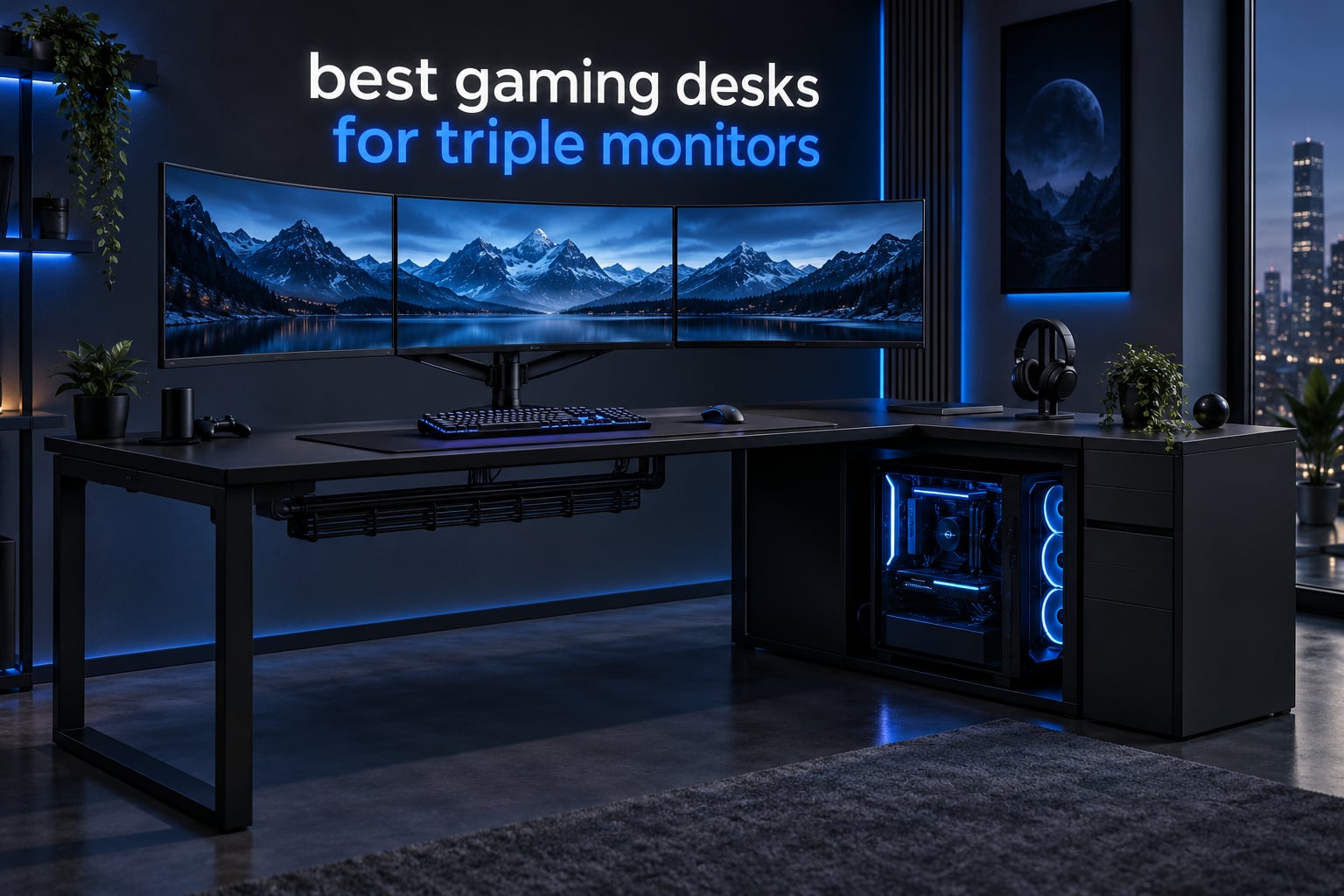
The arithmetic is unforgiving: three 27-inch monitors plus a triple monitor arm need a desk at least 60 to 65 inches wide and 30 inches deep, with a frame rated for at least 200 pounds. Most desks sold as gaming desks measure 48 to 55 inches, which is exactly why so many triple-monitor builds end up with a monitor sitting on a stack of books beside the desk.
That is the filter we applied to every desk in this roundup of the best gaming desks for triple monitors in 2026. Width first, then depth, then load rating, then whether the top is thick enough to take a clamp-style arm without crushing. RGB and colour choices only broke ties.
We also read several thousand owner reviews, because the spec sheet tells you what a desk is rated for and the reviews tell you what it is actually like at three screens. If you want the general version of this guide, our best gaming desks roundup covers smaller and cheaper setups. The arm is the other half of the equation, and we have a separate guide to the best triple monitor arms that pair with the desks here.
Top 3 Picks: Gaming Desks for Triple Monitors in 2026

HLDIRECT 63 Inch Z-Shape Desk
- 63 inch wide surface
- 200 lb load rating
- Carbon fiber top with RGB

Huuger 70 Inch Gaming Desk
- 70.9 inch straight top
- Reinforced steel tube frame
- Under-top cross struts

EUREKA ERGONOMIC 60 Inch Desk
- 500 lb steel frame
- Full-surface mouse pad
- 27.56 inch desktop depth
Best Gaming Desks for Triple Monitors (October 2026)
| Product | Specifications | Action |
|---|---|---|
| HLDIRECT 63 Inch Z-Shape Gaming Desk |
|
Check Latest Price |
| Huuger 70 Inch Gaming Desk |
|
Check Latest Price |
| EUREKA ERGONOMIC 60 Inch Gaming Desk |
|
Check Latest Price |
 ODK 58 Inch L-Shaped Gaming Desk ODK 58 Inch L-Shaped Gaming Desk |
|
Check Latest Price |
 SEDETA 63 Inch L-Shaped Gaming Desk SEDETA 63 Inch L-Shaped Gaming Desk |
|
Check Latest Price |
 AODK 79 Inch L-Shaped Desk AODK 79 Inch L-Shaped Desk |
|
Check Latest Price |
 Huuger 63 Inch L-Shaped Desk Huuger 63 Inch L-Shaped Desk |
|
Check Latest Price |
 Mericonia 60 Inch Gaming Desk with Drawers Mericonia 60 Inch Gaming Desk with Drawers |
|
Check Latest Price |
 FEZIBO 63 Inch L-Shaped Standing Desk FEZIBO 63 Inch L-Shaped Standing Desk |
|
Check Latest Price |
 Agilestic 73 x 61 Inch Electric Standing Desk Agilestic 73 x 61 Inch Electric Standing Desk |
|
Check Latest Price |
How Big Does a Triple-Monitor Desk Need to Be?
Three 27-inch monitors need a desk at least 60 to 65 inches wide and 30 inches deep. Three 24-inch panels fit on 55 to 60 inches. Add 2 to 3 inches of clearance per monitor for bezels and arm articulation, and never count the depth of the monitor itself as desk depth, because a panel needs roughly 8 inches behind the screen plane before its ports and vents run out of room.
Put plainly, the configurations work out like this. Two 24-inch monitors need 48 inches of width and 24 inches of depth, which is where budget L-shaped desks hit best value. Two 27-inch monitors need 55 inches, and that is comfortable with side-by-side bezels touching. Three 24-inch monitors need 60 inches of width and 24 inches of depth, which is the tightest triple setup that still works. Three 27-inch monitors need 65 to 70 inches of width and a full 30 inches of depth, because the outer panels need to angle inward and that takes width. A 49-inch ultrawide paired with a 27-inch panel needs about 63 inches, and a dual arm usually works better there than three panels on one arm. Three 32-inch panels need 75 inches of width or more and 36 inches of depth, where depth matters more than width.
One note on the 60-inch figure that circulates everywhere. It is a floor, not a target. At exactly 60 inches, three 27-inch panels either touch bezel to bezel with the outer two sitting at a hard angle, or they overhang the back edge when angled.
The 60 inch desks in this roundup work because they pair a 60-inch top with 27-inch depth, so the monitors sit far enough back that the outer two can angle without falling off the surface. The 18.9 and 19.7-inch depths we see on several L-shaped models are the ones that frustrate owners of three screens, because there is no room to pull the arm back and swivel.
Load Budget: Can the Desk Hold Three Monitors and a PC Tower?
Yes, but do the addition before you buy, because a desk that fits the monitors perfectly and then sags when the tower goes on it is the single most common complaint in triple-monitor threads.
The arithmetic runs like this. Three 27-inch monitors weigh 10 to 12 pounds each, which puts you at 30 to 36 pounds. A triple monitor arm adds 15 to 25 pounds, so you are at 45 to 61 pounds. A full-tower PC adds 40 to 50 pounds and takes you to 85 to 111 pounds. Peripherals, speakers and a hub add another 10 to 15 pounds, which lands the whole build between 95 and 126 pounds.
That total sits between 95 and 126 pounds for a full triple-monitor battlestation with a tower on the desk. Anything rated below 150 pounds is asking for trouble, and 200 pounds should be your floor.
This is exactly the problem raised on r/pcmasterrace, where the most common setup description is an existing desk that is wide enough for three 27-inch panels but has no room for the case. The fix is not always a wider desk, sometimes it is a 63-inch top with a side return that the tower can live on instead.
There is a second reason the load number matters with three screens that people forget. Wobble is a load problem before it is a quality problem. When all three panels are clamped to one arm, the combined mass sits forward of the desk’s centre of gravity, so typing hard or flicking the mouse makes every screen shake at once.
If you can, mount the arm and put the tower on the floor in a stand rather than the desktop. If your case has to live on the desk, look for a desk with the tower in a side return or a CPU stand rather than on the main surface.
Do You Need a Standing Desk for Three Monitors?
Only if your frame can take the load. Three 27-inch monitors, a triple arm and a tower can push past 100 pounds, and single-motor frames rated under 150 pounds visibly shake during a height change and will not hold a heavy triple arm safely at full extension.
The two sit-stand desks here both use multi-motor lift systems rather than a single motor, and both are rated well above the 200-pound threshold. The FEZIBO is rated to 330 pounds and lifts from 27 to 48 inches at 35 mm per second. The Agilestic is rated to 260 pounds on a full steel frame.
What nobody warns you about is cable slack. A lifting frame with 100 pounds of monitor arm clamped to the top will pull every cable taut as it rises, and cables that stay taut rip out of ports or drag monitors off alignment over time. Leave a service loop of 6 to 8 inches of slack on every display and power run before you first raise the frame.
If your setup is three screens for gaming rather than for streaming or trading, height adjustment is a nice-to-have. The same money on a wider top with a proper cable tray buys you something you will use every single day.
L-Shaped vs Straight Desk for a Triple Monitor Setup
An L-shaped desk works for triple monitors when the main run is at least 63 inches, because the side return then becomes a platform for a third monitor, a control deck, or a full-tower PC. Straight 63- to 71-inch desks suit open rooms and sim racing, where there is no usable corner.
The straight desks in this group are the HLDIRECT 63-inch and the Huuger 70.9-inch. Both give you a single unbroken span for three panels, which is what you want when the outer monitors need to angle inward toward you, and when the three screens have to form a continuous arc for a flight sim.
The L-shaped options put a 58 to 63-inch main run plus a return. That return is where the tower goes, so the main surface stays free for three panels and a keyboard. The trade is depth: most of the L-shaped models here run 18.9 to 20 inches deep, which is tight when you want to pull a monitor arm back and swivel.
For a true triple-screen sim racing rig, prioritize the straight desk and the width, then angle the outer monitors. r/simracing consensus is also that the three panels should be identical models, because mismatched bezels and brightness are far more obvious when three screens form one continuous image.
Some owners of compact L-shaped desks complain about the heavy shelving on the return taking up usable space. If you need the return for storage rather than for the tower, that trade is worth making. If you need the return empty for a third monitor riser, look at the SEDETA and AODK, where the shelves mount on either side and can be moved.
How to Measure Your Room Before Ordering a 60-Plus Inch Desk
A 60-inch desk is large but fits most bedrooms. Three checks kill most oversized-desk disappointments, and all three take five minutes with a tape measure.
Check the wall and the doorway
Measure the wall run you intend to use and subtract anything fixed, such as a radiator, a window sill or a shelf. Then measure the assembled desk, not the box, and compare it to the narrowest point between your front door and that wall.
Desks at 66 inches and wider are the ones that cause problems here, because a standard interior doorway is typically 30 to 32 inches. Most large desks ship as multiple panels and assemble on site, but a fully assembled 71-inch top will not turn a corner in a hallway. The Huuger 70.9-inch desk is worth noting because it ships as three separate top panels specifically to make it easier to carry in, and that is a real advantage in a small flat.
Leave clearance for the chair and the cables
Your chair needs to roll fully under the desk, which on an L-shaped model means the return must be far enough out that the chair base clears it. Your cables need somewhere to go, which means the desk should sit at least a few inches off the wall or have a rear cable channel.
Finally, check the height. A 60-inch desk is often 29 to 30 inches tall, which is taller than some desks you will pair it with, and taller than the clearance under a low window or a shelf in a small room.
How We Picked These 10 Desks
Every desk here was selected against the same four thresholds. Minimum width of 60 inches or an L-shaped main run of at least 58 inches. A stated load rating of 200 pounds or more where the manufacturer publishes one. A top thick enough to take a clamp-style triple monitor arm. And a cable route, whether a tray, grommets, or built-in outlets.
On top of those thresholds we weighted review volume heavily, because desk failures show up in reviews long before they show up in spec sheets, and we read the complaint themes rather than just the star average. Where a reviewer repeatedly mentions shallow depth or wobble under an arm, we say so in the review below.
Dimensions and load ratings are quoted from the manufacturer specification sheets. Prices move constantly, so every desk here links to a live price rather than a quoted figure.
1. HLDIRECT 63 Inch Z-Shape Gaming Desk – the widest surface for three 27-inch panels
Pros
- 63 inch width clears three 27-inch panels with room to angle the outer two
- 200 lb load rating covers a full triple-monitor setup plus a tower
- 4x4 RGB LED strips with app control and memory modes
- Includes extra-large mouse pad
- headphone hook and cup holder
- Tool-inclusive assembly reported under 30 minutes
Cons
- Fixed height with no sit-stand adjustment
- 23.6 inch depth is workable but not generous with three large panels
This is the desk I keep coming back to for three screens because it solves the width problem cleanly. Sixty-three inches gives you enough span to place a 27-inch panel square to you and angle the outer two inward without either one overhanging the back edge, which is the failure point on 60-inch tops.
The Z-shaped mechanical frame is the part that matters more than the width. It is an alloy steel structure rated to 200 pounds maximum, with adjustable leveling foot pads, and it does not flex when you lean on the edge to adjust a monitor. With three panels clamped to a single arm, the forward weight is substantial, and a frame that flexes turns every mouse movement into visible screen shake.
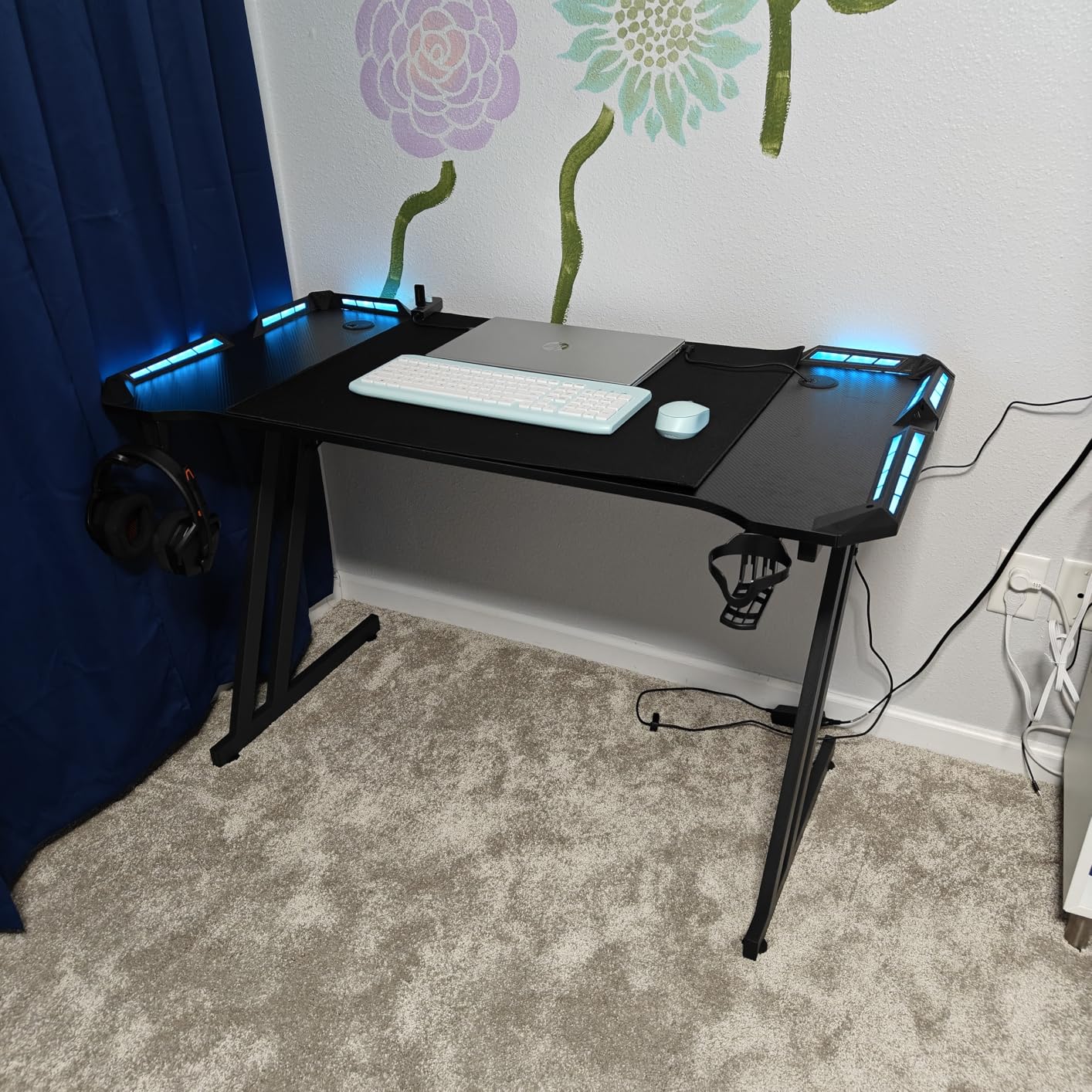
Owners consistently mention the carbon fiber coated top, which is scratch and water resistant and takes a full-size mouse pad without the pad sliding around. The RGB strips run off an app with color cycling and memory modes, so you set your lighting once and it comes back the same after a power cut.
The honest limitation is depth. At 23.6 inches you have enough room to sit the arm back from the edge and swivel the outer panels, but it is not the 30 inches that a three 27-inch setup ideally wants. If you plan to angle the outer monitors aggressively toward you for a sim rig, check your arm’s reach before committing.
What holds up under three screens
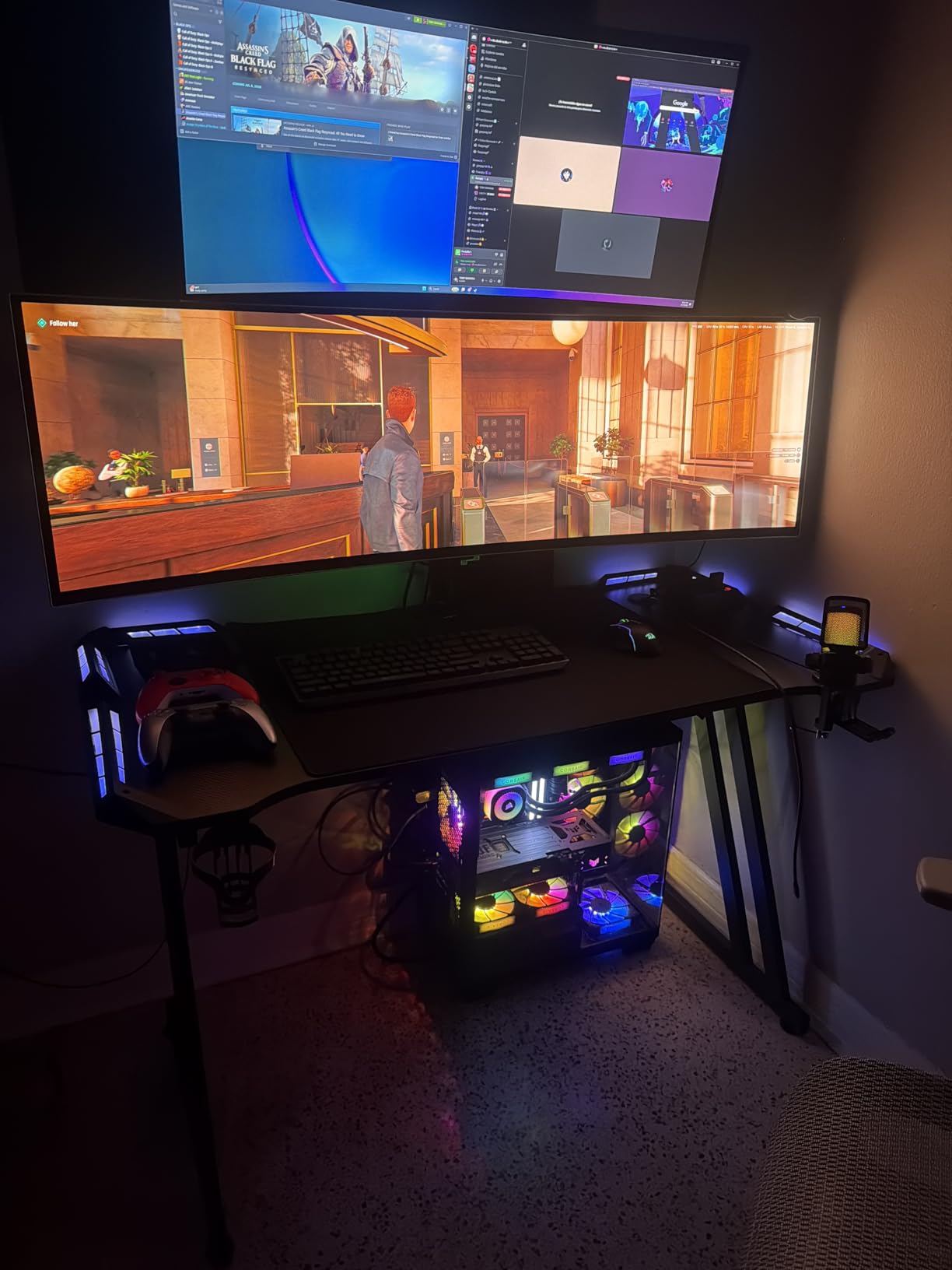
The 200-pound rating is the number that matters, and it covers the full arithmetic: three 27-inch panels, a triple arm, and a tower. The leveling feet matter more than they sound, because three monitors magnify any unevenness in the floor into visible shake, and a desk that rocks when you type will make all three panels rock with it.
Assembly is reported at under 30 minutes with tools included, which is unusual for a desk this wide. Most owners assemble it alone, which also means you are not stuck waiting for a second person on a build night.
Where it falls short
Do not buy this desk if you want to sit and stand. There is no height adjustment at all, and retrofitting a lift is not realistic on this frame. If your three screens are for a desk you will stand at regularly, look at the FEZIBO or Agilestic instead.
The second thing to know is that the cup holder and headphone hook are on the frame rather than the top, so they take up usable width at the ends. It is a minor trade, and most owners accept it, but if you are measuring your wall to the inch, the effective monitor surface is a little under 63 inches.
2. Huuger 70 Inch Gaming Desk – the longest straight top
Pros
- 70.9 inches is the longest single top in the roundup and leaves margin for three 27-inch panels
- Reinforced steel tube frame with under-top cross struts resists wobble
- Deep legroom lets a chair glide fully underneath
- Keyboard tray and headphone hook included
- Three-panel shipping is easier to move into a room
Cons
- Desktop ships in three panels leaving two seams that catch a pen tip
- 23.6 inch depth is tight for aggressive arm angling
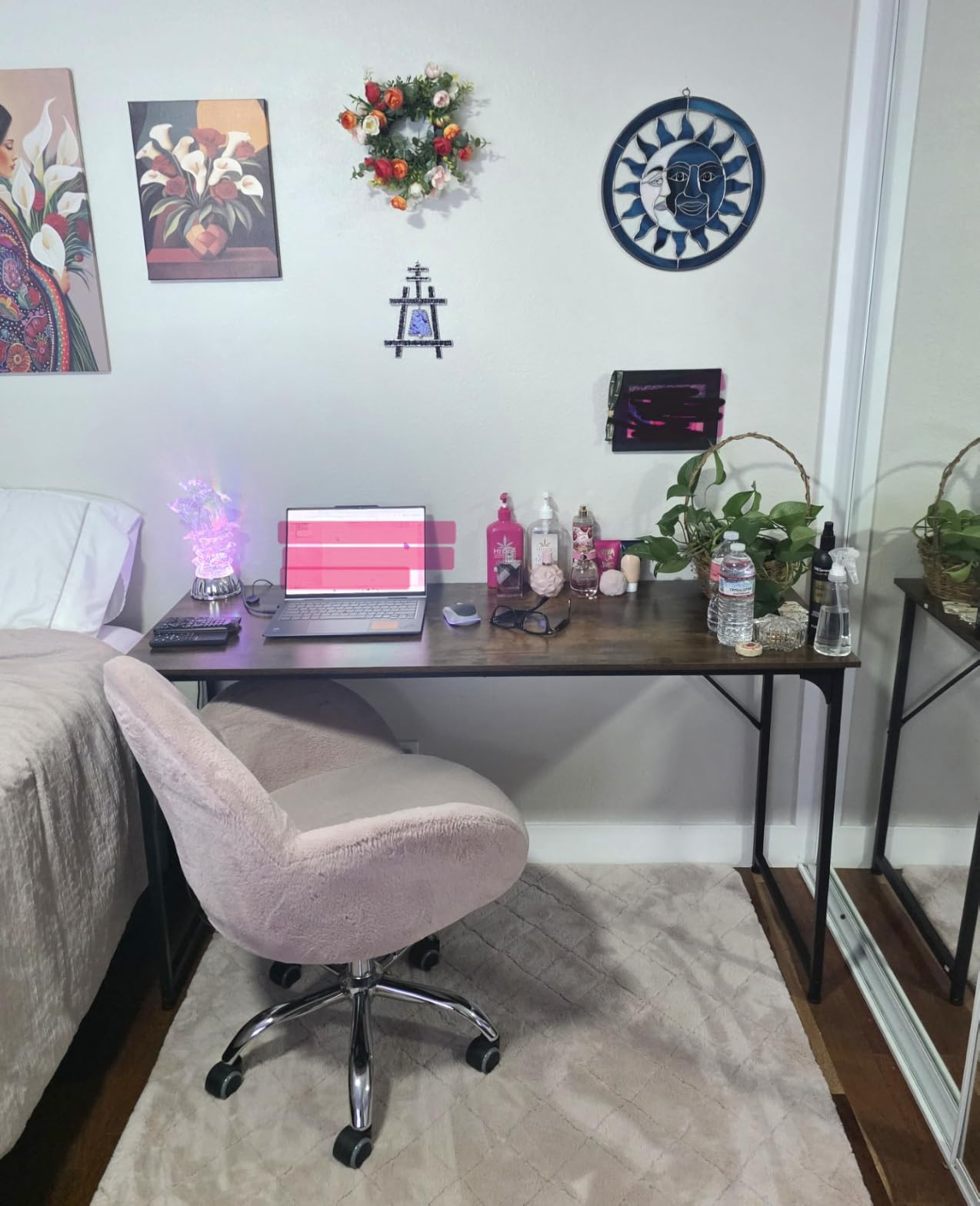
This is the width champion of the group, and width is what a triple-monitor build runs out of first. At 70.9 inches you can place three 27-inch panels with real breathing room between them, and still have space for a laptop, a stream deck, or a controller on the same surface without anything overhanging.
What makes it hold together is the under-top cross struts. Reviewers specifically call out that the desk does not wobble, and that is a design decision rather than luck: the struts tie the steel tube frame together under the top, so the forward load of a triple monitor arm is distributed into the frame instead of twisting it.
The keyboard tray is a genuine inclusion at this level, and taller owners use it to bring the keyboard up to elbow height while the monitors sit at eye level. Legroom is deep, which sounds minor until you realise that a triple-monitor desk is also a chair you roll around in.
The one detail that catches people out is the three-piece desktop. It means two seams run across the surface, and a pen tip or a hard mouse cable can catch in them. If you run cables along the desktop, route them over the seams or use the under-top area.
What holds up under three screens
Two things. The 70.9-inch span means you never have to compromise on monitor angle, which is where most triple setups actually fail. Three panels angled inward on a 60-inch desk pull outward at the edges; on 70.9 inches they sit comfortably inside the surface.
The top thickness is also fine for a clamp-style arm. It is thick enough that the clamp bites without crushing the board, which is the failure mode on thinner tops where a heavy triple arm slowly dents the particle board.
Where it falls short
Do not buy this if your room is small or if the path to your wall is narrow. Seventy inches is not a desk that adjusts to a space, it is a desk that dictates one. Measure the wall run and the route from the door before you order, and be honest with yourself about the corner you have to turn into the room.
Depth is the other caution at 23.6 inches. It is fine for a straight row of three panels on one arm. It is tight if you want the outer two angled hard inward, because the arm needs room to swing behind the panels.
3. EUREKA ERGONOMIC 60 Inch Gaming Desk – the sturdiest frame
Pros
- Highest rating in the roundup at 4.7 stars across more than 2400 reviews
- 500 pound reinforced steel frame stays steady under fast mouse movement
- 27.56 inch depth gives arm room behind three panels
- Full-surface fitted mouse pad with stitched edges
- Built-in cable tray
- controller rack and dual headset hooks
- Curved front edge keeps controls within reach
Cons
- Heaviest build here at about 55 pounds so assembly needs two people
- Fixed height with no sit-stand and a rectangular shape only
This is the frame to buy if you care about wobble more than anything else. The reinforced steel frame is rated to 500 pounds, which is more than double what a triple-monitor setup with a tower actually weighs, and owners consistently report that the desk stays completely still during fast mouse movement.
The depth is the quiet advantage here. At 27.56 inches, this is the only desk in the group that comes close to the 30 inches a three 27-inch layout ideally wants, and you can feel that in practice: the arm sits well back from the edge, the outer panels angle inward without the mount fighting you, and your keyboard and mouse still have room in front.
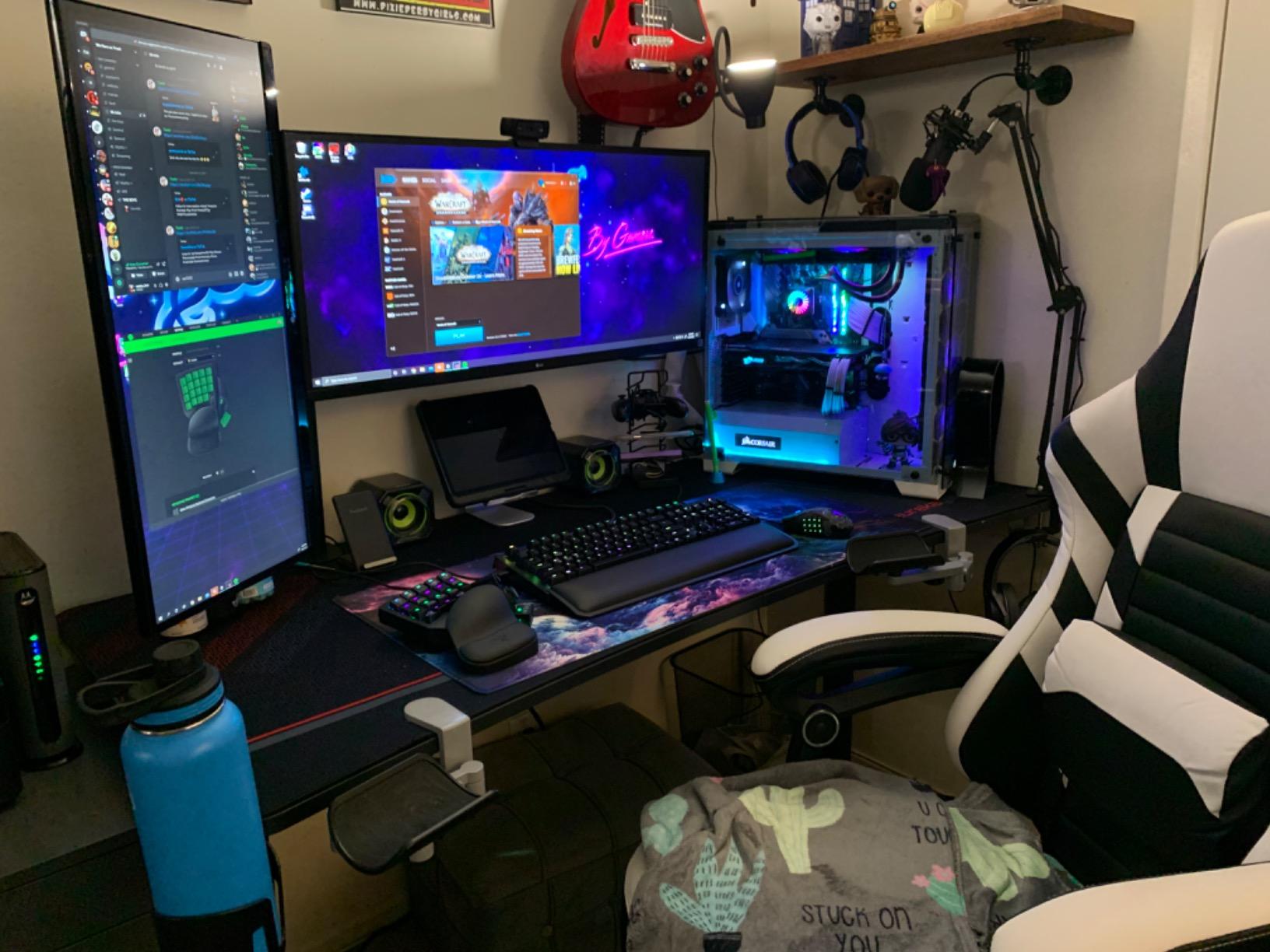
The fitted full-surface mouse pad is the feature that changes daily use rather than the spec sheet. Because the pad is stitched and rubber-backed across the whole 60-inch surface, your keyboard and mouse track on one continuous plane with no edge to catch on, which matters more for low-sensitivity aiming than any lighting feature.
There is also a proper cable management tray, a game controller rack, a cup holder and dual headset hooks. For a setup with three panels, there are three sets of display cables and three power runs, and a tray is the difference between managing them and living with them.
What holds up under three screens
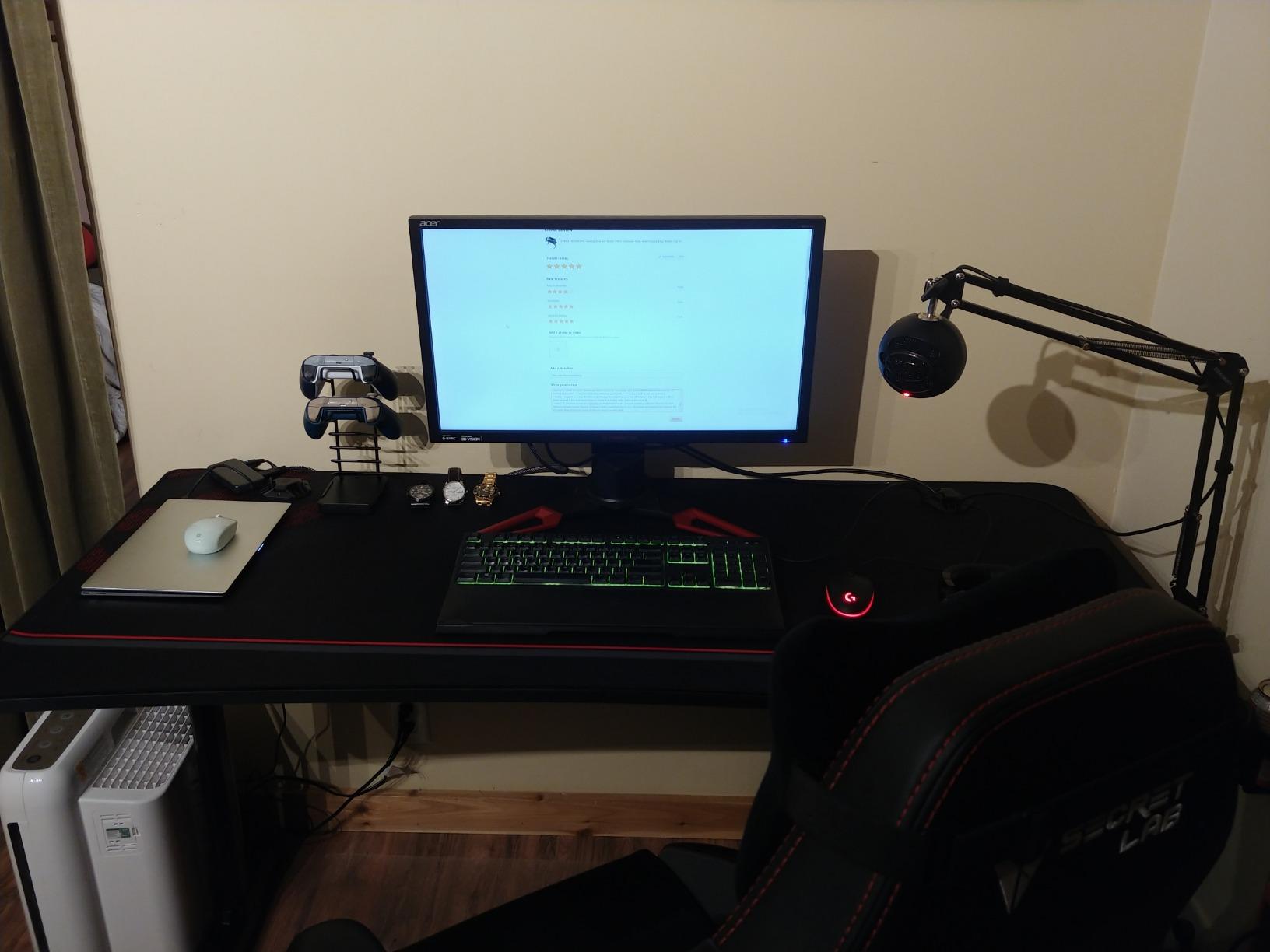
At exactly 60 inches, the width is at the floor rather than the comfortable end. Three 24-inch panels sit on it comfortably. Three 27-inch panels fit, but the outer two sit closer to the edge than you would choose, and a full-tower PC on the same surface leaves little mouse room.
That is the real compromise here, and it is worth being direct about. You are buying the frame and the depth, and accepting that the width is adequate rather than generous. If your panels are 27 inches and you want an aggressive inward angle, budget for a wider top.
Where it falls short
It weighs about 55 pounds, which makes it a two-person assembly. Plan for that rather than discovering it alone on a Saturday. A few reviewers also mention that the 27-inch depth eats floor space in a small room in a way the 23.6-inch desks do not.
And there is no height adjustment. This is a fixed-height desk with a rectangular top only, so if your plan involves standing work or an L-shaped corner, this is the wrong shape entirely.
4. ODK 58 Inch L-Shaped Gaming Desk – power and lighting in the top
Pros
- 58 inch main run holds three monitors plus a laptop
- Three AC outlets and two USB charging ports built into the desktop
- Under-desk bookshelf
- storage shelves and a side bag for a PC tower
- LED strip with 10 static colors
- 6 brightness levels and memory function
- Reversible L layout fits either corner of a room
Cons
- 19.7 inch main run depth is narrow for a triple monitor array
- Particleboard top scratches and takes water rings without a large desk mat
- Assembly takes 45 to 90 minutes even with labeled hardware
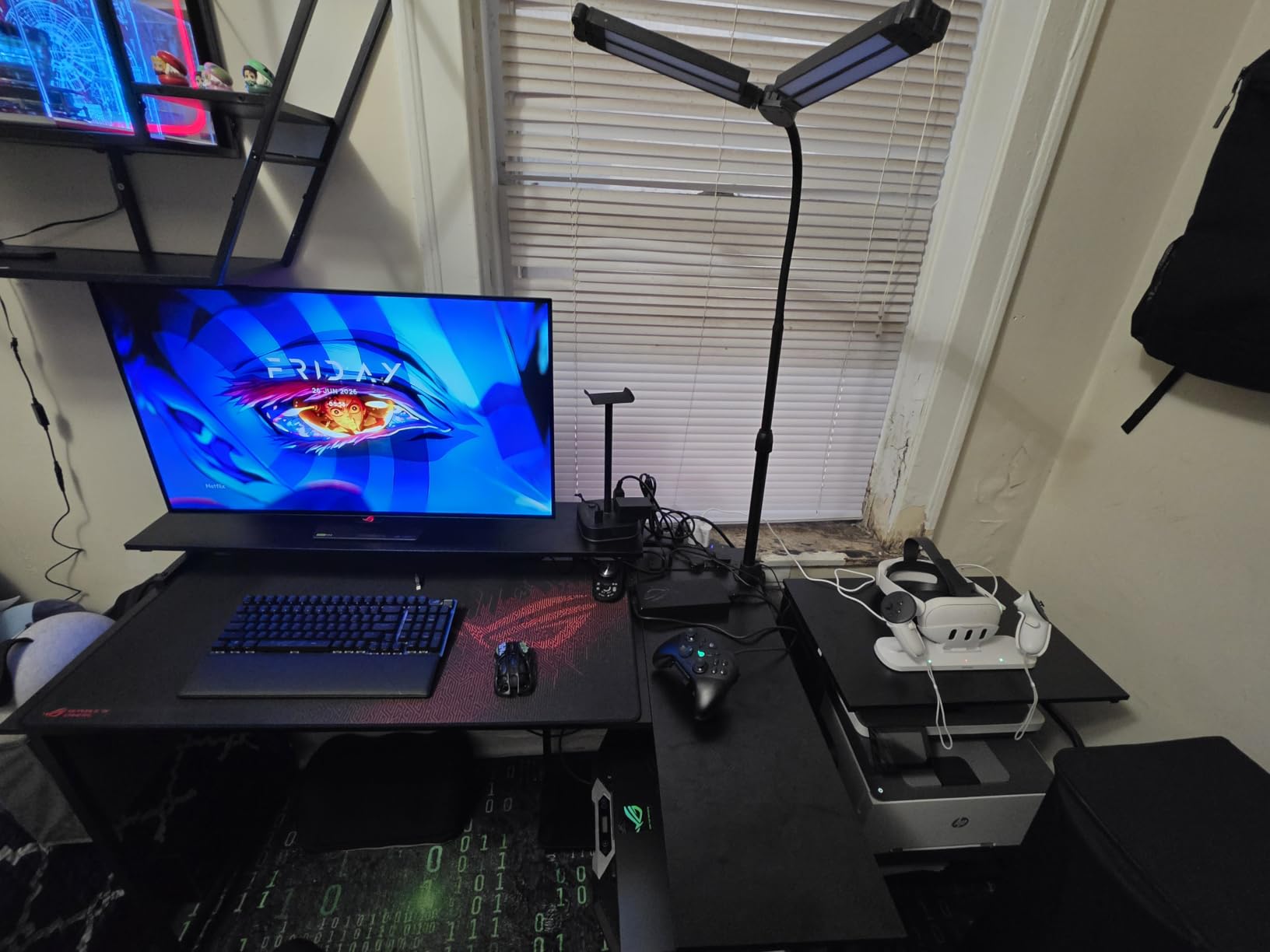
This is the desk for a corner room where you want the tower off the main surface. The 58-inch main run takes three monitors, and the return holds a full-tower PC in a side bag plus a keyboard tray area, so the entire top stays free for panels and peripherals.
Three AC outlets and two USB charging ports sit inside the desktop itself. With three monitors you are already running six cables to the displays, so having power where the monitors are rather than at floor level behind the desk is a real time saver during a build.
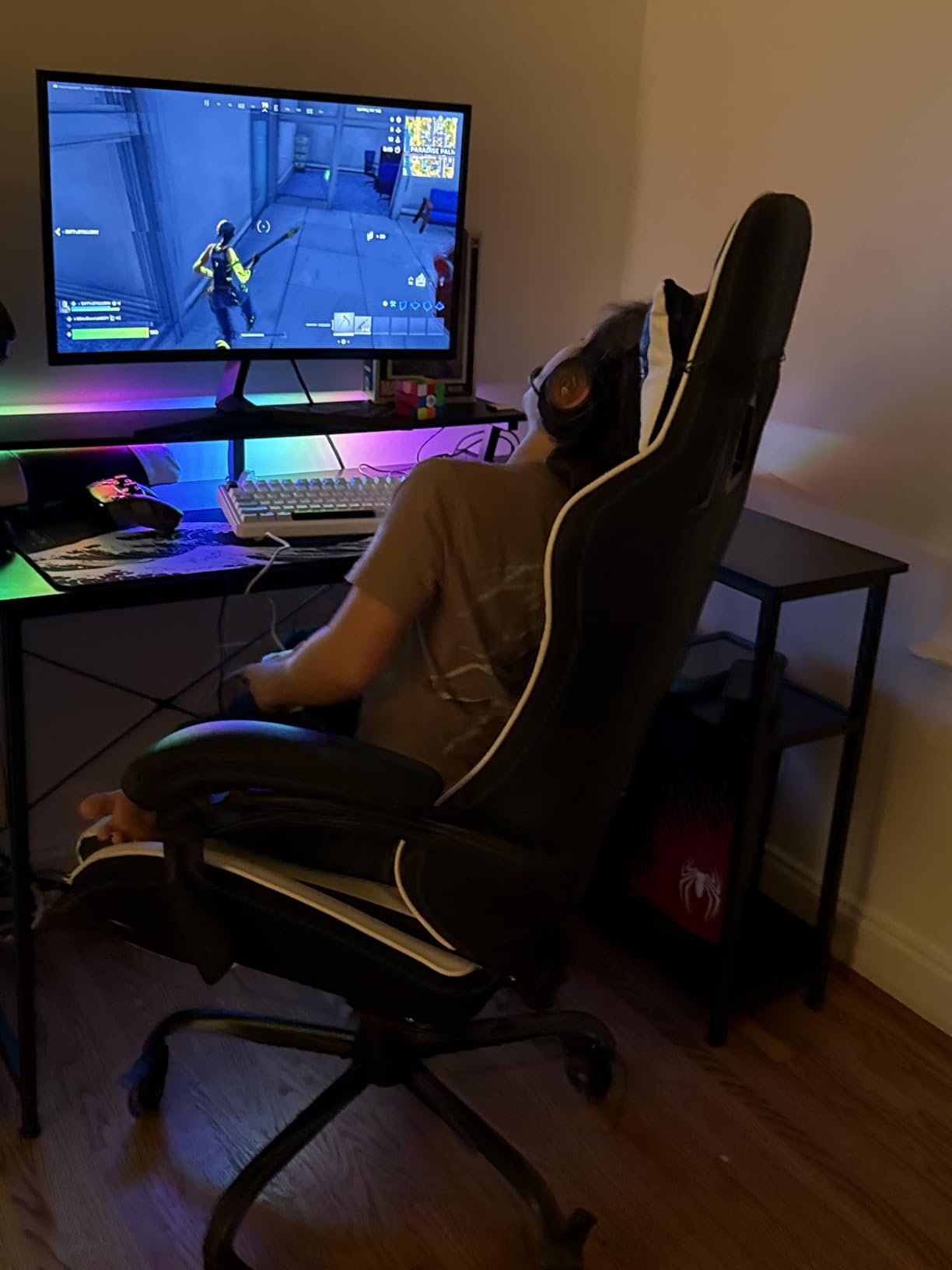
The LED strip has 10 static colors, 6 brightness levels and 10 dynamic modes with a memory function, so the lighting returns to your last setting after a power cut. The L layout is reversible, which is the detail that decides whether an L-shaped desk works in your room, since one orientation always fits a corner better than the other.
Owners report many of them run a heavy gaming PC with dual or triple monitors without shaking, and the 1.9 centimeter top is thick enough for a clamp arm. There is an adjustable monitor stand shelf on the return as well, which is useful if you want one panel raised rather than all three in a row.
What holds up under three screens
The main run is 58 inches, which is 7 inches narrower than we would ideally want for three 27-inch panels. It works if your monitors are 24 inches, and it works for 27-inch panels if you are content with the outer two sitting at a wider angle and slightly toward the desk edge.
The 19.7-inch depth is the more annoying constraint. When you angle the outer monitors inward, the back of the panels comes close to the wall, and with an arm on a 19.7-inch top there is limited room behind the mount to let the arm extend.
Where it falls short
Do not buy this if you care about the surface finish. It is particleboard, and reviewers consistently mention scratches and water rings unless you cover it with a large desk mat, which on an L-shaped desk means covering the whole main run.
Assembly is the other factor. Even with labeled parts and included tools, owners put assembly at 45 to 90 minutes. That is fine if you enjoy a build night, and frustrating if you planned a one-hour job.
5. SEDETA 63 Inch L-Shaped Gaming Desk – storage for a whole tower
Pros
- 63 inch main run paired with a 55 inch bookshelf return
- Five-tier bookshelf mounts on either the left or right side
- Charging station with 2 outlets and 2 USB ports powers four devices
- RGB LED with 60000 colors
- 29 flashing modes and app control
- Iron frame with a thick 1.5 inch engineered wood top
Cons
- 18.9 inch depth is the shallowest here for multi-monitor work
- 57 pound build makes repositioning difficult
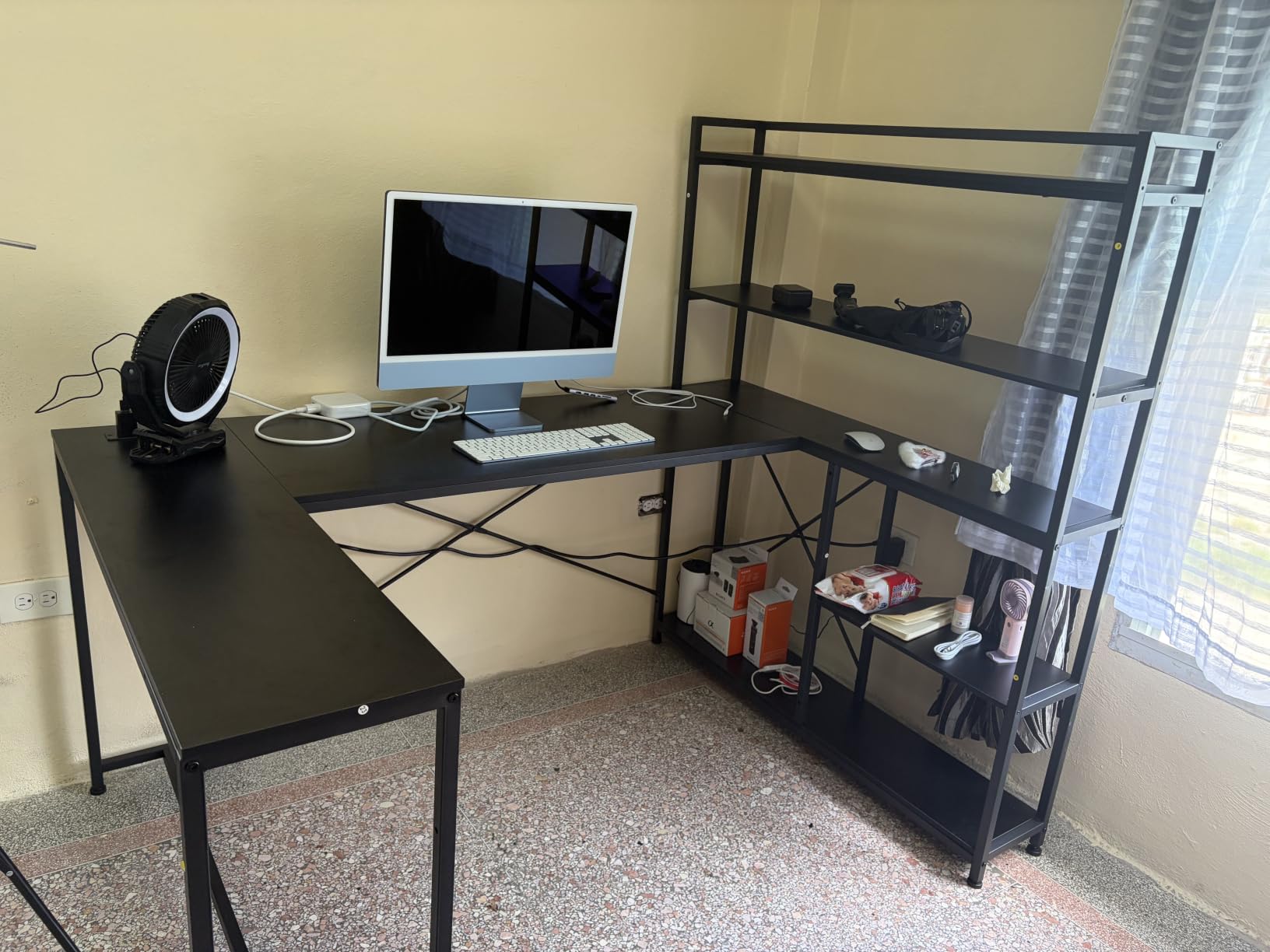
The SEDETA solves a different problem from the ODK. Instead of a shallow return with a side bag, it has a full 55-inch five-tier bookshelf that mounts on either side of the 63-inch main run, so the tower goes into a shelf bay and the shelves above hold the rest of the hardware.
That makes it the best option here for someone whose PC is a full tower rather than a compact unit. A tower on a 19.7-inch return takes the return away from you; a tower in a shelf bay leaves the whole return usable as a secondary surface.
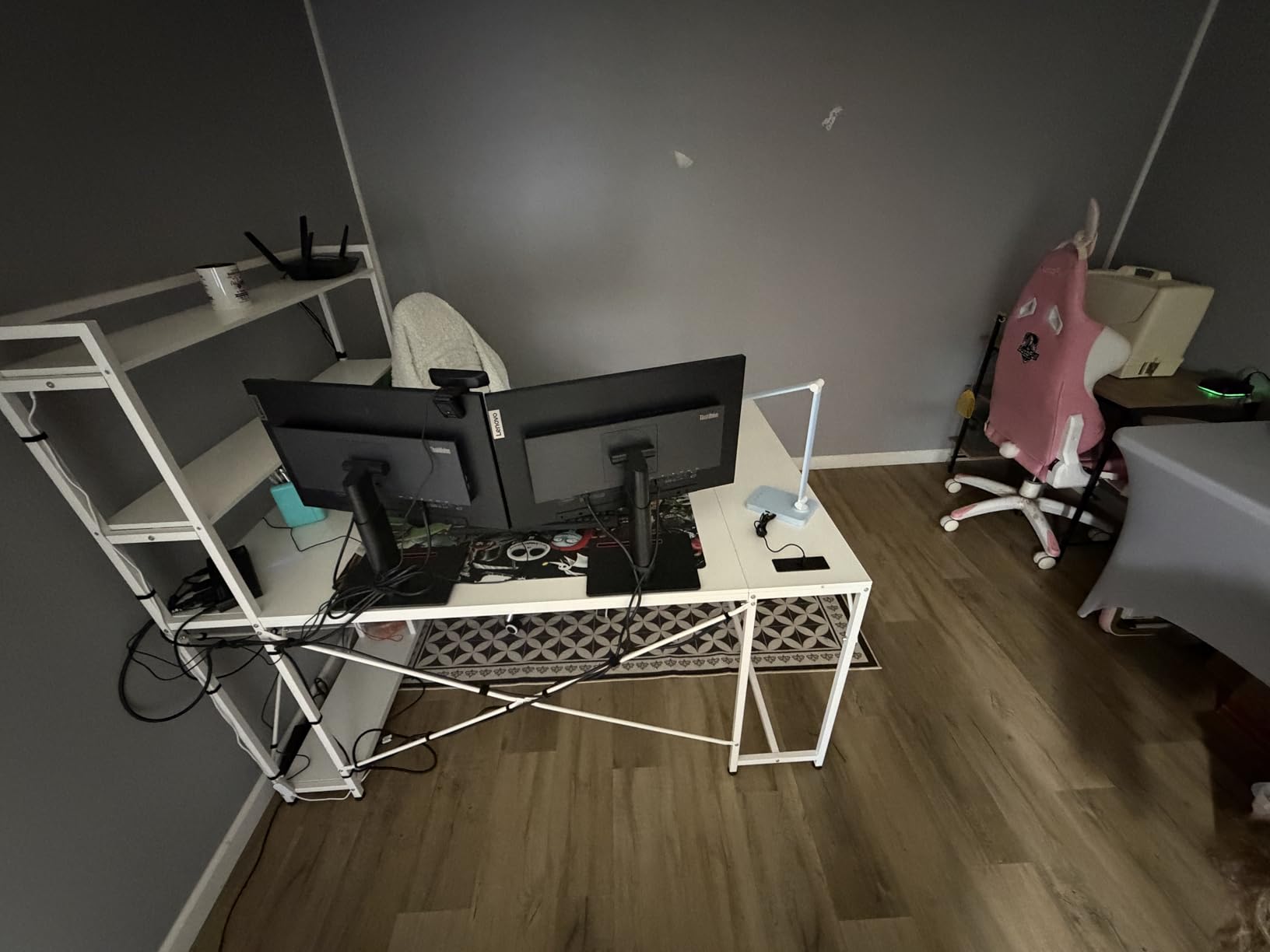
The charging station provides 2 outlets and 2 USB ports, enough for four devices, and the RGB LED runs from an app with music sync across 29 flashing modes. The frame is powder-coated iron and the top is 1.5 inches of engineered wood, which is the thickest top in this group and takes a heavy clamp arm without any concern about denting.
Reviewers value the sheer length of the work surface, and the reversible shelf is the part that adapts to different rooms. Once the parts are sorted, owners describe assembly as straightforward.
What holds up under three screens
The 63-inch main run is the right width for three 27-inch panels, and the 1.5-inch top is the most reassuring surface for a triple monitor arm in the whole roundup. If your arm is heavy and your clamp is aggressive, this is the desk where that stops being a concern.
The bookshelves being on a side rather than a full return also means you can put a keyboard on the return when you are not using it for storage, which is more flexible than a fixed L.
Where it falls short
Depth is 18.9 inches, the shallowest here, and it is the most repeated limitation in the reviews. Reviewers specifically describe it as restricting arm movement when three monitors sit side by side, because there is not enough surface behind the panels for the arm to extend and swivel.
It also weighs 57 pounds, so moving it after assembly is a two-person job. Decide where it goes before you build it, not after.
6. AODK 79 Inch L-Shaped Desk – the most surface in the roundup
Pros
- Widest single run in the roundup at 79 inches leaving a large margin for three panels
- Five fabric drawers including a legal and A4 file drawer
- Two power hubs with 3 AC outlets and 2 USB ports each
- Reversible left or right layout fits either corner
- LED strip with a milky diffuser
- 10 colors and 10 dynamic modes
Cons
- 18.9 inch depth is narrow relative to its extreme length
- Very large footprint needs a roomy corner and a two-person assembly
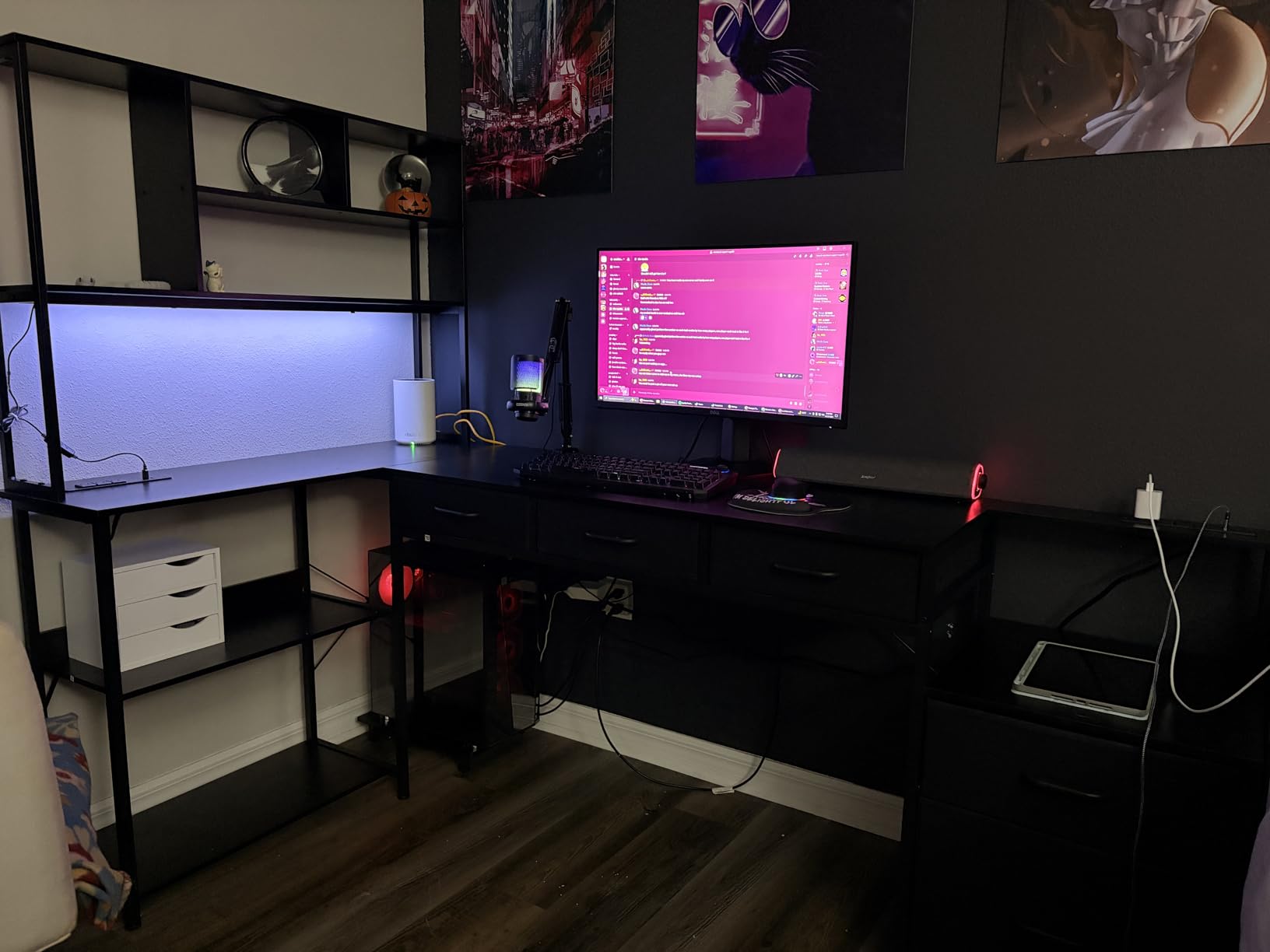
At 79 inches, the AODK is the only desk here where monitor width stops being the constraint. You can fit three 27-inch panels with generous gaps, a full keyboard, a mouse pad, a stream deck and a laptop without anything feeling cramped, and you still have desk left over.
For a streamer that is the appeal. A triple-monitor streaming setup is not just three screens, it is a game feed, a chat and capture display, a scene switcher, a microphone arm, and somewhere to put a notebook. Most 60-inch desks handle the screens and nothing else.
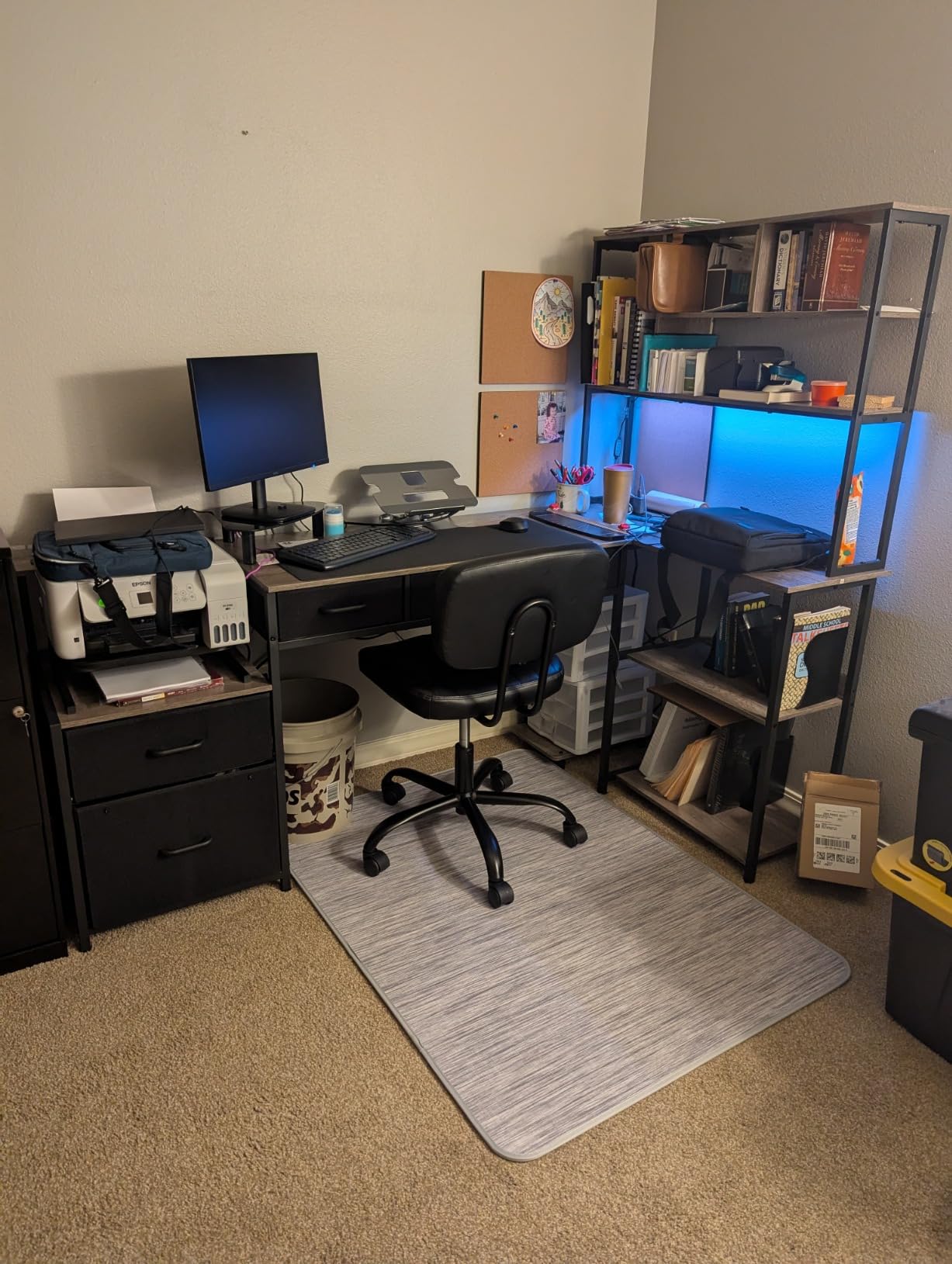
The storage is the other half of the pitch. Five fabric drawers, including a proper file drawer for legal and A4 paper, plus six open shelves and a dedicated CPU stand. The fabric drawers are the weak point if you are heavy-handed, but for cables, adapters and manuals they are genuinely useful.
Two power hubs, each with 3 AC outlets and 2 USB ports, means six outlets and four USB ports in the desk. For three monitors plus a laptop plus a phone plus peripherals, that is the whole build powered from the desktop.
What holds up under three screens
Nothing about three monitors is a strain for this desk. The alloy steel base and the 79-inch span mean the frame is not being asked to hold a forward-heavy load across a short distance, and the LED uses a milky diffuser so the light spreads rather than showing individual diodes.
It is also reversible left or right, so the return and drawer stack can go on whichever side your room allows. That single feature decides whether an L-shaped desk of this size works in your space.
Where it falls short
It is a large object. The 79-inch main run plus the return needs a genuinely roomy corner, and the manufacturer itself recommends two people for assembly. If you are in a bedroom with one usable wall, this is not the desk.
Depth is 18.9 inches, and at this length that becomes a more noticeable ratio. Three panels angled inward will be fine, but there is no extra depth behind them for an arm to extend into, so plan your mount before you commit to this width.
7. Huuger 63 Inch L-Shaped Desk – thickest budget top with charging
Huuger 63 Inch L Shaped Desk with Power Outlets & 0.95 Inch Thicker Desktop
Pros
- 0.95 inch high-density top is thicker than most budget L-desks
- 4 AC outlets plus USB-A and USB-C built into the surface
- Reinforced steel frame rated to 220 pounds covers a full triple monitor load
- Reversible layout can pair with another desk into a two-person workstation
- Bolted assembly with all tools included and numbered parts
Cons
- 20 inch depth is tight for three large monitors
- Particleboard top marks easily if handled roughly
- Leveling feet sometimes need adjusting after assembly
The thing that separates this desk from the other budget L-shaped options is top thickness. At 0.95 inch, it is nearly twice the thickness of a typical budget L-desk, and that is exactly the dimension that decides whether a heavy triple monitor clamp sits properly or slowly dents the board.
It is also the best-specified for power at this level. Four AC outlets plus one USB-A and one USB-C port are built into the surface, which is more charging capacity than most desks twice this size offer. With three monitors and a laptop, you can run the whole build from the desktop.
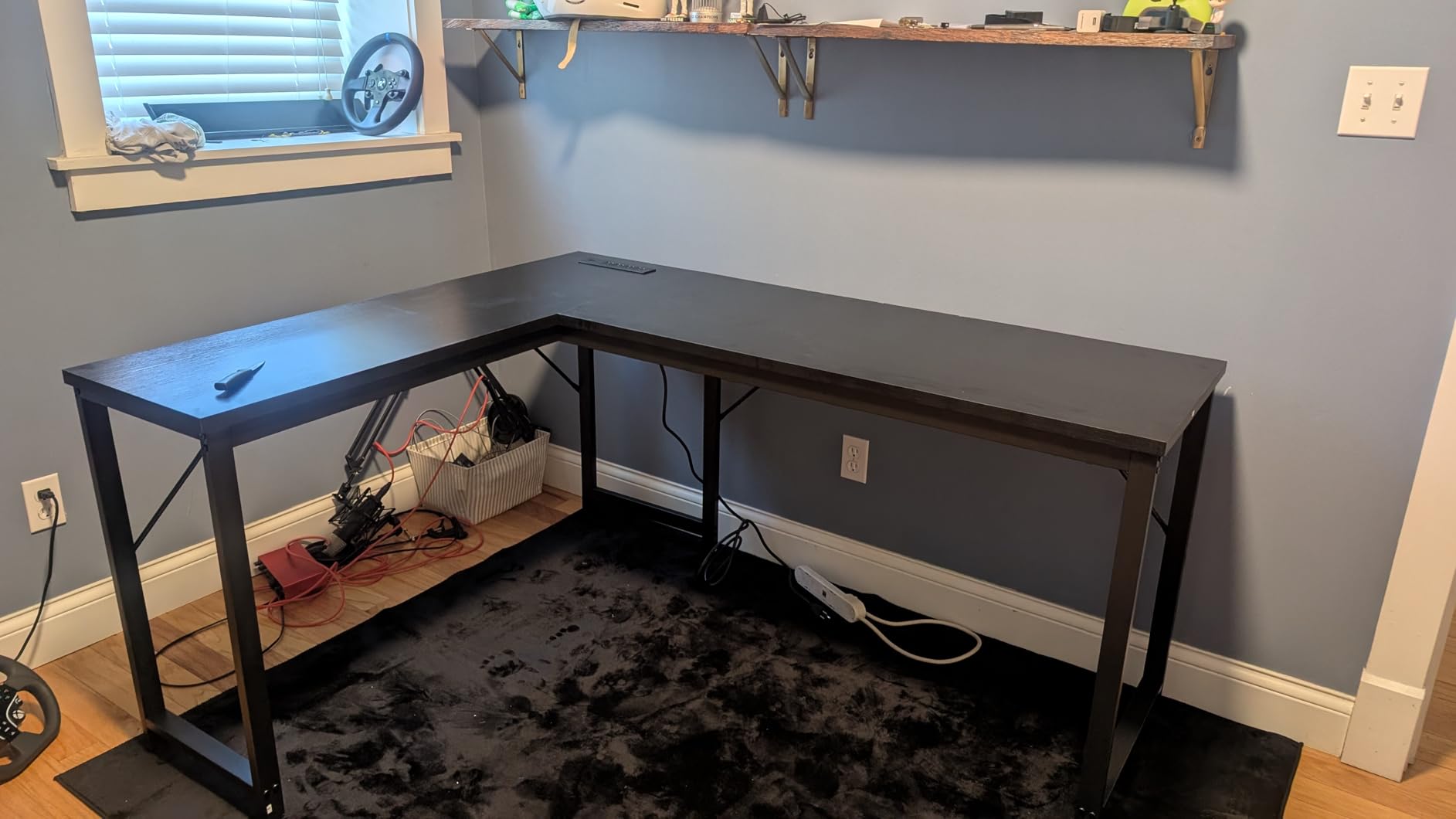
The reinforced steel frame with thickened legs and crossbars is rated to 220 pounds, which covers the full triple-monitor arithmetic including a tower with headroom. Buyers frequently report the build stays solid under a full monitor and PC load, which is the thing we are testing for in this roundup.
The reversible layout means the L can be flipped to suit your corner, and it is also designed to pair with another desk to make a two-person workstation if your setup grows. Assembly is bolted rather than cam-locked, with all tools and numbered parts included.
What holds up under three screens
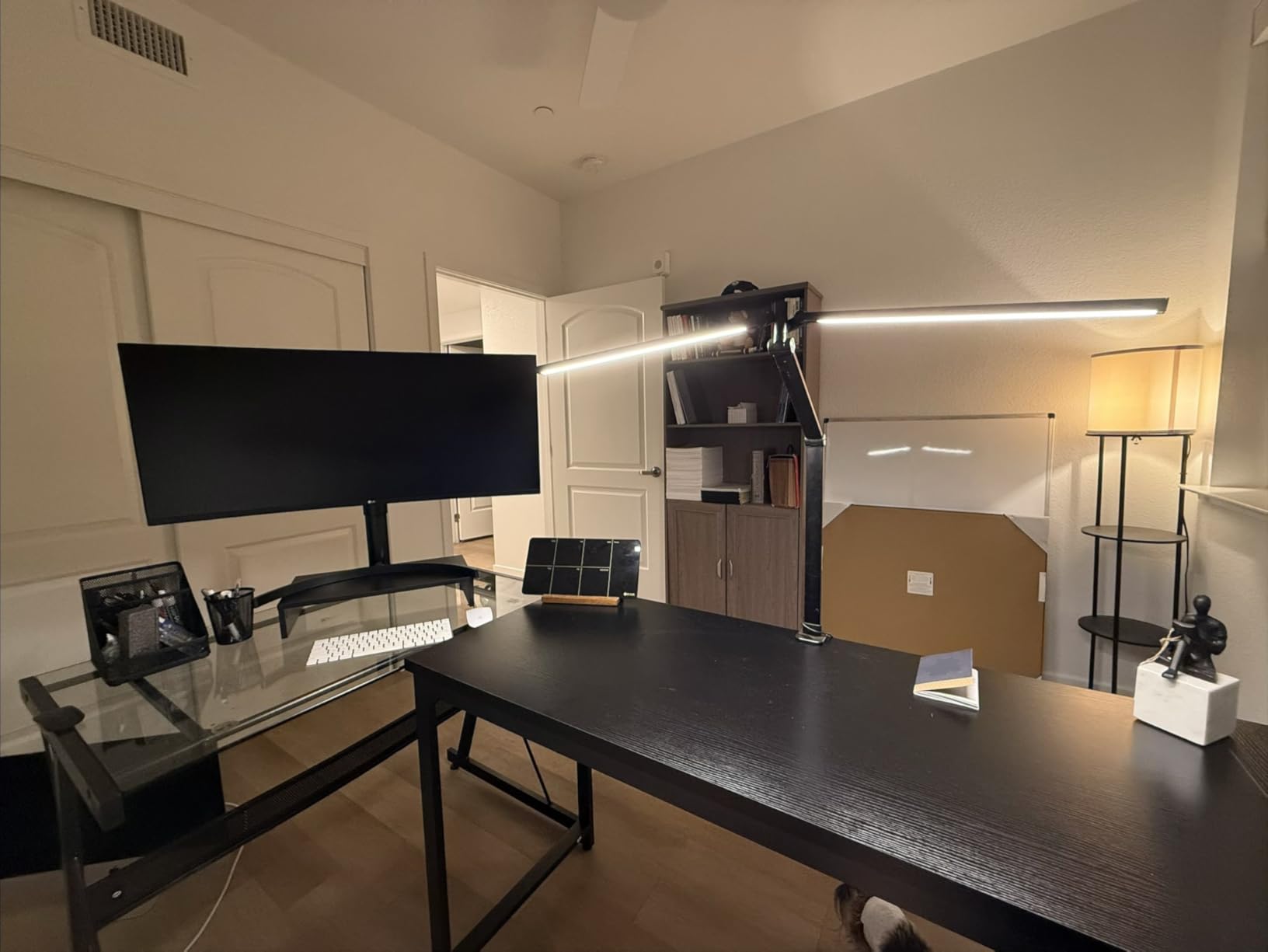
Three things stack up here in a way they do not on most desks at this level. The 220-pound rating clears the 200-pound threshold we use as a floor. The 0.95-inch top takes a clamp arm without concern. And the frame is steel rather than a light alloy, so a heavy arm clamped to the front does not introduce visible flex.
The 63-inch main run is also the right width for three 27-inch panels, which makes this the most complete budget L-shaped option in the group.
Where it falls short
Depth is 20 inches, which is tight for three large monitors. It is workable for a straight row, and workable for a moderate inward angle, but if you want the outer two pulled in hard for a wrap-around view you will feel the limit.
Minor points worth knowing: the particleboard top marks easily during assembly if handled roughly, and some buyers needed a few minutes with the adjustable feet to get it sitting flat on an uneven floor. Both are ten-minute problems, but they exist.
8. Mericonia 60 Inch Gaming Desk with Drawers – storage on a budget
Pros
- Three fabric drawers and a top shelf that mount on either the left or right side
- RGB case display shelf plus a monitor stand that raises a screen to eye level
- Built-in hub with 2 AC outlets and 2 USB ports for four devices
- LED strip with 10 colors
- 8 brightness levels and 10 modes
- Durable metal frame with adjustable feet at a low entry cost
Cons
- 19.7 inch depth and 0.6 inch top are the thinnest here
- Fixed height with no sit-stand capability
- Storage is fabric drawer based rather than solid cabinetry
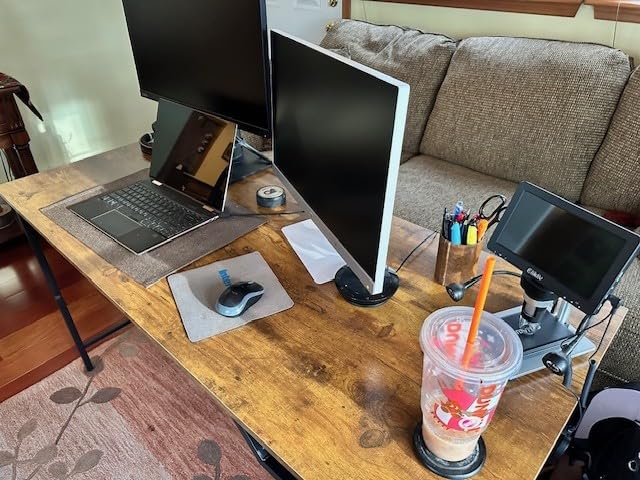
This is the budget entry point, and the reason it works for three screens is the 60-inch width plus a monitor stand that raises a panel to eye level. That last feature is genuinely useful in a triple setup, because it lets you put one display above the other two and reclaim a lot of desk depth that a three-panel row would otherwise consume.
The drawer and shelf assembly mounts on either the left or right side, so you choose the orientation rather than accepting one. The RGB case display shelf shows off a graphics card, which is not a functional feature but is the reason a lot of people buy a desk like this in the first place.
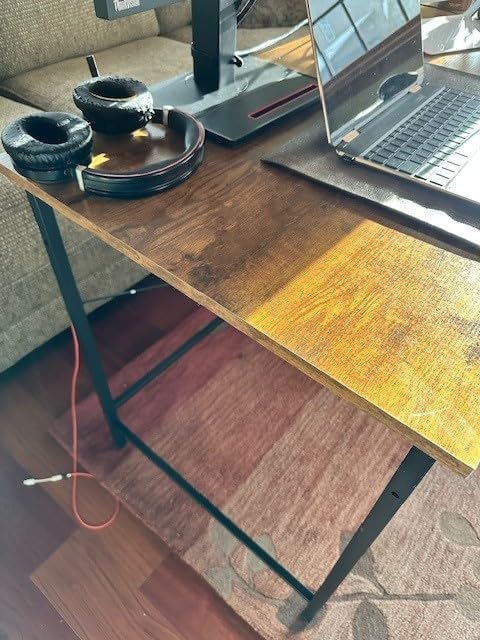
Two AC outlets and two USB ports sit in the built-in charging hub, enough for four devices. The LED strip has 10 static colors, 8 brightness levels and 10 dynamic modes, which is a generous lighting spec for a desk at this level.
Owners consistently highlight the monitor stand freeing up desk space, which is the same benefit a dual-tier triple setup gives you. The frame is metal with adjustable feet, and the board is described as scratch and water resistant.
What holds up under three screens
Sixty inches is the floor for three 27-inch panels, so this desk works, but it is the desk where you feel that floor most. Plan to mount the monitors on an arm rather than standing them on feet, because the 0.6-inch top is thin and the arm is what keeps the panels aligned and the desk clear.
With a clamp arm on a 0.6-inch top, use the least clamp force that holds and check periodically. That is the combination we are most cautious about in this roundup.
Where it falls short
Depth is 19.7 inches, which leaves little room behind the panels for an arm to extend. The shallow top and the shallow depth together mean this desk suits three 24-inch panels far better than three 27-inch ones.
There is no height adjustment at all, and the storage is fabric drawers rather than solid cabinetry, so it flexes more when pushed and will not carry a heavy tower in the same way a wood-framed desk does.
9. FEZIBO 63 Inch L-Shaped Standing Desk – sit and stand with three screens
FEZIBO Triple Motor 63″ L Shaped Standing Desk, Electric Standing Gaming Desk Adjustable Height, Corner Stand up Desk with Splice Board, Black Frame/Rustic Brown Top
Pros
- Triple-motor lift runs 27 to 48 inches at 35 mm per second under 50 dB
- Industrial-grade steel frame rated to 330 pounds with anti-collision protection
- L-shaped surface gives monitors
- laptop and tower their own zones
- Memory height presets plus a digital display showing the current level
- Casters and two under-desk hooks included
Cons
- No keyboard tray
- which taller owners mention wanting
- Pressed particle board top can strip screws if over-tightened
- Heavy two-package delivery that is difficult to move indoors
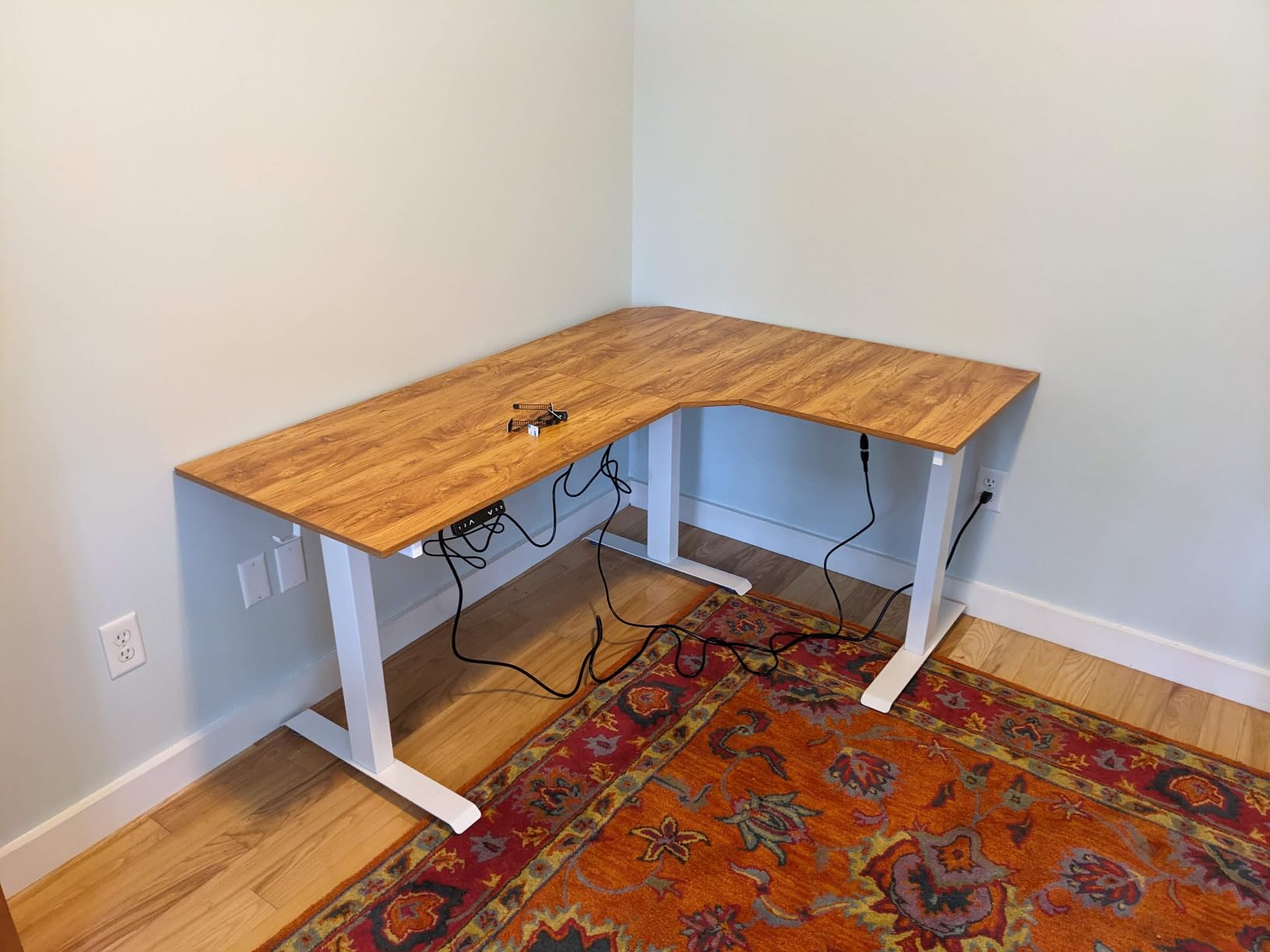
If you are going to stand with three monitors, this is the desk to stand with. The 330-pound steel frame rating is the highest static capacity here, and with a full triple-monitor load somewhere around 100 pounds, that margin is what stops the frame from straining when it moves.
Three motors drive the lift, and that is the detail that separates it from cheaper sit-stand frames. Multiple motors spread the effort across the span, so a 63-inch top carrying a forward-heavy monitor arm rises and lowers smoothly instead of shaking the way a single-motor frame does under a concentrated load. The stated lift speed is 35 mm per second at under 50 dB.
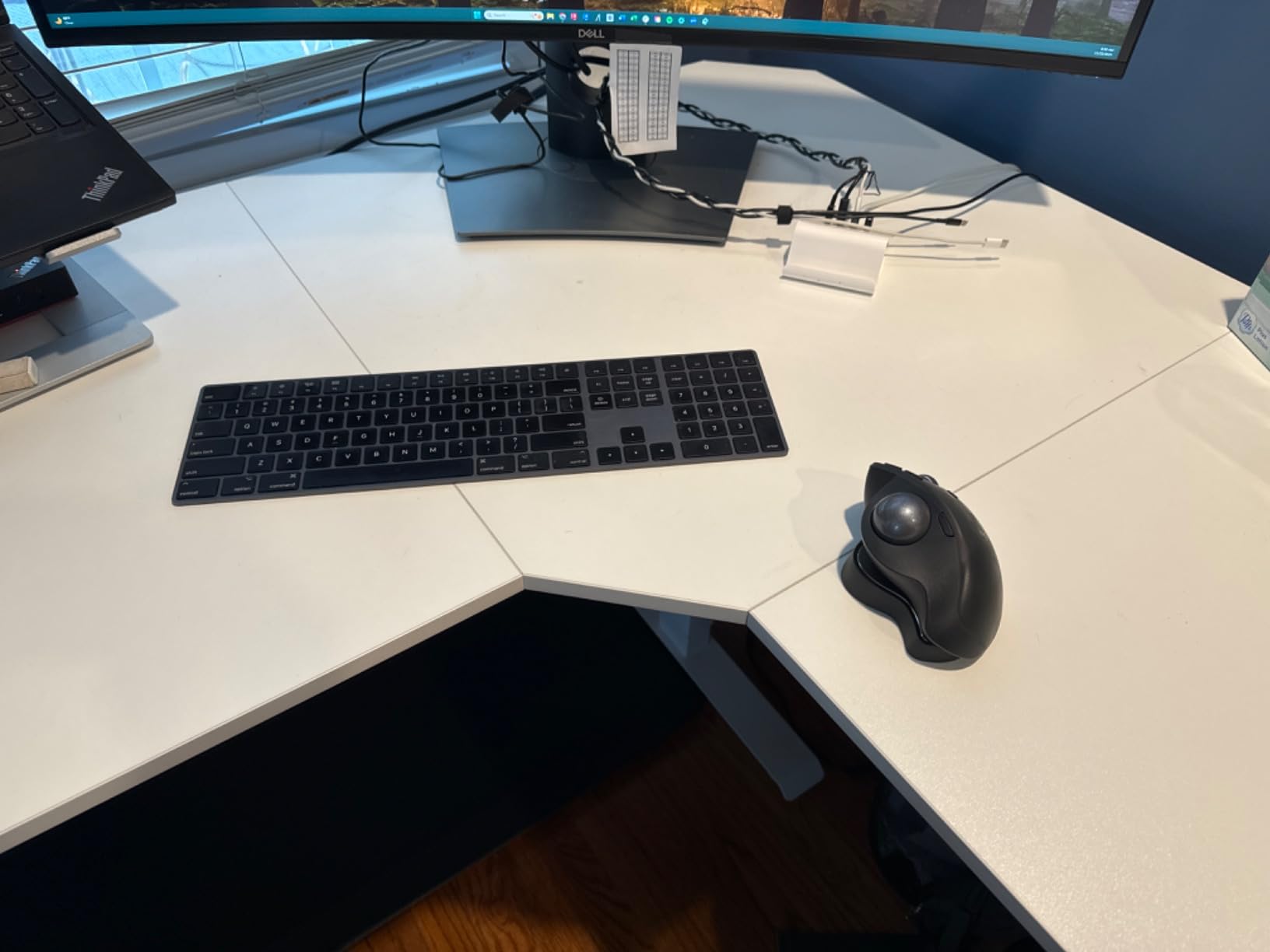
The height range of 27 to 48 inches covers both a low sitting position and a proper standing one, and the memory presets plus a digital display let you return to a saved height without guessing. Anti-collision protection stops the frame if something is in the way, which matters when your knees are under a raised desk.
Reviewers praise the quiet, smooth motor and note that the L-shape comfortably carries multiple screens, with a laptop and tower each getting their own zone. Casters are included for floor protection, plus two hooks for headphones or a bag.
What holds up under three screens
The 24-inch depth on the main run is the best on any L-shaped desk in this roundup, and for a sit-stand frame that matters more than usual. When the desk is raised, the monitors rise with it, and you need the arm to have room to extend without the panels ending up over your keyboard.
Leave slack in every cable before you first raise the frame. A loaded arm on a lifting top will otherwise pull each display cable taut, and over months that is how cables end up bent hard against a port or slowly dragging a monitor out of alignment.
Where it falls short
There is no keyboard tray. Taller owners mention wanting one, and without it the keyboard rides on the lifting surface, which means it moves up and down with the monitors rather than staying at elbow height.
The pressed particle board top is 0.63 inches thick and its laminate edge can strip if screws are over-tightened during assembly, so set them firm rather than forcing them. Delivery arrives as two heavy packages, and moving both indoors is a genuine chore without help.
10. Agilestic 73 x 61 Inch Electric Standing Desk – the largest corner surface
Pros
- Largest work surface in the roundup at roughly 73 by 60 inches
- sized for triple monitors with room left over
- Triple-motor Power-Lift 3.0 system for fast
- smooth and quiet height changes
- Full steel frame and wood top supporting up to 264 pounds
- Enclosed iron motor box keeps the frame looking clean
- One-touch memory presets for saved sitting and standing heights
Cons
- No cable pass-throughs or grommets despite product imagery
- Desktop halves join with wood pegs and plastic brackets so glue is recommended
- Heavy 48 kg build makes assembly a two-person job
This is the largest surface in the roundup and the only one that is comfortably a two-person battlestation rather than a three-monitor desk with space left over. At roughly 73 by 60 inches in an L, the main run takes three panels with plenty of margin and the return holds a full tower, a second machine, or a racing wheel and pedal set.
The triple-motor Power-Lift system raises and lowers the whole L smoothly and quietly, which matters when the surface is this large and the load is this heavy. The frame is steel with a wood top rated to 264 pounds, and the enclosed iron motor box keeps the mechanics hidden so the desk looks like furniture rather than equipment.
Reviewers describe this as an outstanding, stable multi-monitor standing desk, with a smooth, quiet motor and a corner layout that spreads out a large setup comfortably. One-touch memory presets for sitting and standing heights are the detail that makes it usable daily rather than a novelty.
The main criticism is cable management, and it is worth reading carefully. There are no grommets or cable pass-throughs despite what the product imagery suggests, so with three monitors you will be routing six cables across the surface. Plan your cable route before you build, and budget for a separate under-desk tray.
What holds up under three screens
The 73-inch main run is wider than almost anything else at this level, and combined with 60 inches of return it gives a corner configuration where the outer monitors can angle aggressively inward without crowding the centre panel. For a wrap-around sim racing or flight sim layout, that geometry is the whole point.
At 264 pounds, the frame handles a full triple-monitor setup with a tower and peripherals without approaching its limit, and the multi-motor lift keeps it steady while moving.
Where it falls short
No grommets, and the two desktop halves join with wood pegs and plastic brackets, so the manufacturer recommends glue at the seam. That is a small job, but it is a job you do before assembly rather than after.
It weighs 48 kg, which means two people for assembly, and at this size the footprint is the real constraint. This is a desk for a dedicated room with a proper corner, not for a bedroom wall.
Gaming Desk Buying Guide: What Matters for Three Monitors
Everything below is filtered through the triple-monitor constraint. A feature that would matter for a single screen and a 48-inch desk is irrelevant here, so this is not the general version of the advice.
Width is the first filter
Measure your monitor row before you measure anything else. Three 27-inch panels need 65 to 70 inches, three 24-inch panels need 60, and a 49-inch ultrawide with a 27-inch alongside needs 63. Buy the width you need plus a few inches of margin, because a desk that is exactly wide enough means the outer monitors sit at an uncomfortable angle.
Depth decides whether the arm works
Thirty inches is the target for three 27-inch panels, and 24 inches is the minimum. Depth is what lets a monitor arm extend and swivel without the panels falling off the back of the surface, and it is the dimension most often sacrificed on long L-shaped desks. Several of the desks in this roundup run 18.9 to 20 inches, which works for a straight row and gets tight for an aggressive inward angle.
Load rating and frame material
Target 200 pounds or more, and treat that as a floor rather than a target. Everything above 200 pounds is real headroom for a tower, a triple arm, and peripherals. Steel frames outperform particle board and light alloy under a heavy clamp arm, and the difference shows up as wobble within weeks rather than years.
Single-motor or multi-motor sit-stand
If you want height adjustment with three screens, multi-motor is not a luxury. A single-motor frame under 150 pounds will shake during a height change with a forward-heavy monitor arm on top, and that is unpleasant enough that people stop using the feature. Check the dynamic capacity, not just the static rating.
Monitor mount compatibility
Check the top thickness before you buy a clamp-style arm. Anything under three-quarters of an inch needs gentle clamp force, and hollow-core tops should be avoided entirely for a triple arm. Grommet mounts are cleaner where available. Our guide to the best triple monitor arms covers the mount side in detail.
Cable management and power
Three monitors means six display cables before you add power. A cable tray is the single most useful feature on a triple-monitor desk, and built-in outlets save more time than they look like they should. If your PC is a compact unit, our best compact gaming PCs for small desks guide covers freeing up main surface space. For panel choice, our OLED ultrawide gaming monitors and 1440p 240Hz gaming monitors guides cover the two common ways people fill this desk.
Shape and footprint
Straight 63- to 71-inch desks suit open rooms and sim racing. L-shaped desks suit corners, with the return taking the tower so the main run stays free for panels. T-shaped layouts wrap around the user but need wall space on two sides. Whichever you choose, the footprint is the part you cannot change after delivery.
Frequently Asked Questions
What is the best size desk for a triple monitor setup?
Three 27-inch monitors need a desk at least 60 to 65 inches wide and 30 inches deep. Three 24-inch monitors fit on 55 to 60 inches. Add 2 to 3 inches of clearance per monitor for the arm and bezels.
What is the best desk setup for 3 monitors?
Three layouts work. Three monitors in a straight row on a single triple arm needs the most width. A centre primary with two flanking monitors angled inward is the most comfortable for gaming. A dual-tier stack with one monitor raised above two needs the most depth and riser clearance.
Is 3 monitors overkill for gaming?
For gaming, three monitors is usually one too many. Peripheral vision on a centre screen already covers the flanking displays, and games are not designed for triple-screen. It pays off for streaming, trading, and productivity, where each screen runs a separate task.
Is a 60 inch desk too big?
A 60-inch gaming desk is large but fits most bedrooms. Check three things first: that the assembled top clears your doorway and the route to the wall, that you have 60 inches of clear wall with nothing fixed in the way, and that the desk sits far enough off the wall for cable routing.
Can a standing desk hold 3 monitors?
Yes, but only on a multi-motor frame rated for 200 pounds or more. Three 27-inch monitors plus a triple arm and a tower can exceed 100 pounds. Single-motor frames under 150 pounds wobble during height changes and will not hold a heavy triple arm safely.
What is the best corner desk for a triple monitor setup?
An L-shaped desk works for triple monitors when the main run is at least 63 inches, because the side return becomes a platform for a third monitor, a control deck, or a full-tower PC. Straight 63- to 71-inch desks are better for sim racing and open rooms with no usable corner.
What is the 20-8-2 rule for standing desks?
The 20-8-2 rule means 20 minutes standing, 8 minutes sitting, and 2 minutes moving, repeated every hour. It matters for sit-stand desks because it describes how you should actually use the height adjustment rather than sitting or standing at one height all day.
Bottom Line
For most people building a three-monitor setup, the HLDIRECT 63-inch is the desk to buy. It is the width that three 27-inch panels actually need, the 200-pound rating covers the full load including a tower, and the Z-frame holds still when you move the mouse. The Huuger 70.9-inch is the better buy if you have the room and want the extra span, and the EUREKA 60-inch is the one to choose when the 500-pound frame matters more than the width.
Get the width right first, because it is the one dimension you cannot change later. Check your load budget before the tower arrives, and if you plan to stand, insist on a multi-motor frame rated above 200 pounds. If you are still choosing panels, our 1440p 240Hz gaming monitor guide covers what three matching screens should be.