
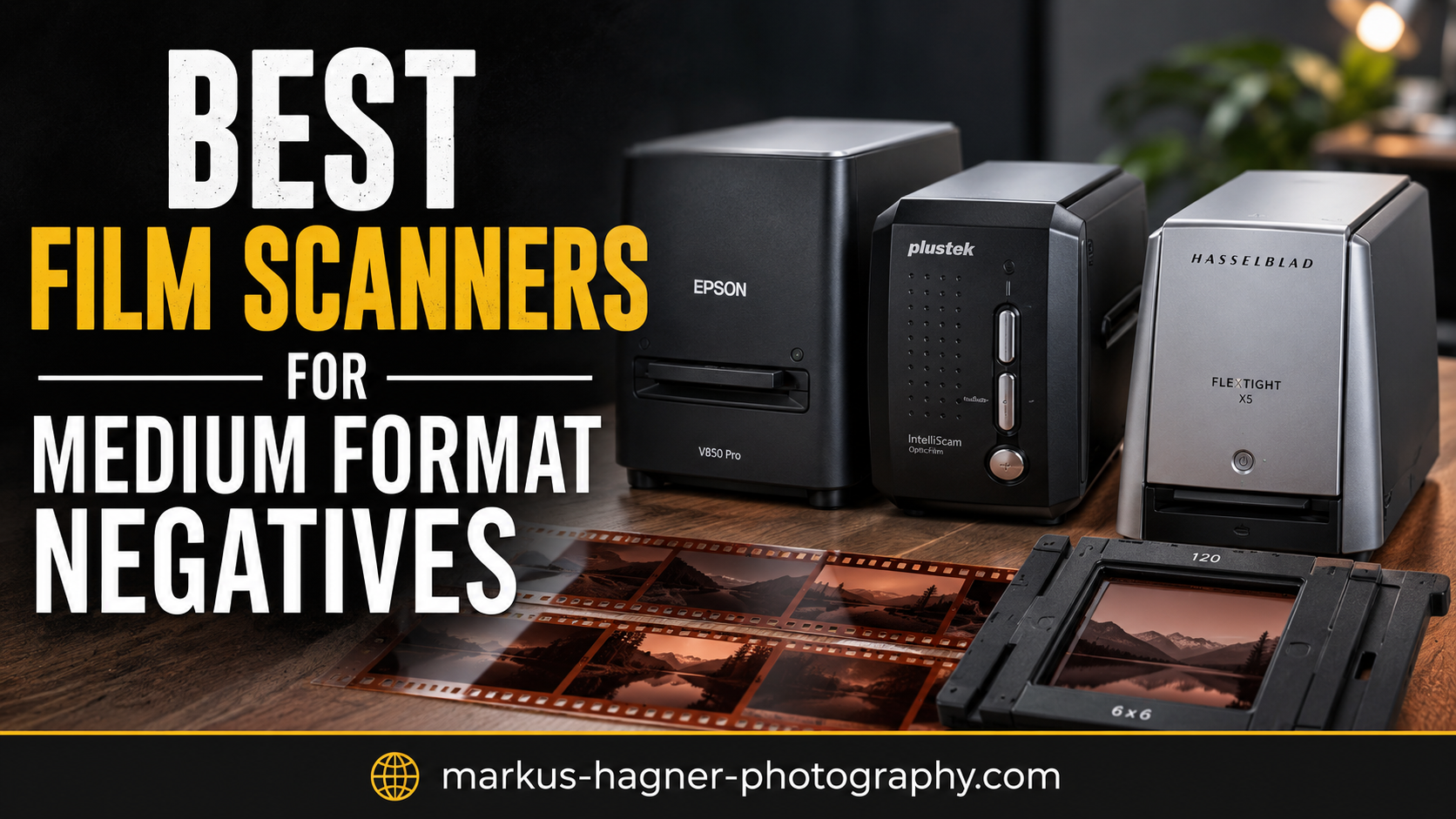
After spending countless hours shooting medium format film and wrestling with various scanning solutions over the past decade, I understand the frustration of finding a scanner that actually does justice to those beautiful 120 negatives. The challenge isn’t just about resolution – it’s about preserving the incredible detail and tonal range that makes medium format special. Having tested everything from high-end dedicated scanners to budget flatbeds and even DSLR scanning setups, I’ll help you navigate the options and find the right tool for your workflow and budget.
Medium format film scanning presents unique challenges that 35mm simply doesn’t have. The larger negative area demands more from scanner optics, requires precise film holders, and needs software that can handle the increased file sizes without compromising quality. Whether you’re shooting 6×4.5, 6×6, 6×7, or panoramic formats, the right scanner makes all the difference between archival-quality digital files and disappointing results that don’t capture what you saw through the viewfinder.
This guide covers the best film scanners for medium format negatives currently available, drawing from hands-on experience and feedback from our community of film photographers who digitize thousands of frames monthly. We’ll look at dedicated medium format scanners, versatile flatbeds, and even some innovative alternatives that might surprise you.
Top 3 Picks for Best Film Scanners for Medium Format Negatives

Epson Perfection V800 Photo
- 6400 dpi resolution
- 4.0 Dmax
- Dual Lens System
- Multi-format support


Pacific Image PrimeFilm 120 Pro Plus
- 6400 dpi
- 4.2 Dynamic Range
- Dedicated MF scanner
- 6x12cm support
Best Film Scanners for Medium Format Negatives in 2026








1. Epson Perfection V800 Photo – Professional Dual Lens System
Pros
- Exceptional scan quality
- 4.0 Dmax provides excellent tonal range
- Dual Lens System optimizes each scan
- Handles 35mm to large format
- Large scanning surface
Cons
- SilverFast software has learning curve
- Dust can accumulate under platen
- Film holders can be tricky to load
The Epson Perfection V800 represents the pinnacle of flatbed scanner technology for medium format work. I’ve used this scanner for everything from 6×6 Hasselblad negatives to 6×17 panoramas, and the Dual Lens System consistently delivers results that rival dedicated drum scans. The 4.0 Dmax rating isn’t just marketing – it translates to incredible shadow detail and smooth gradations that bring out the best in黑白 and color negatives alike.
What sets the V800 apart from lesser scanners is how it handles different film formats. The 9×11-inch scanning surface lets you batch multiple 120 frames at once, dramatically increasing workflow efficiency. I’ve scanned entire rolls in a single pass, then used the auto-separation feature to create individual files. The included film holders accommodate 35mm, 120 (in various configurations), and even 4×5 sheet film – though medium format shooters will appreciate the dedicated 120 holders most.
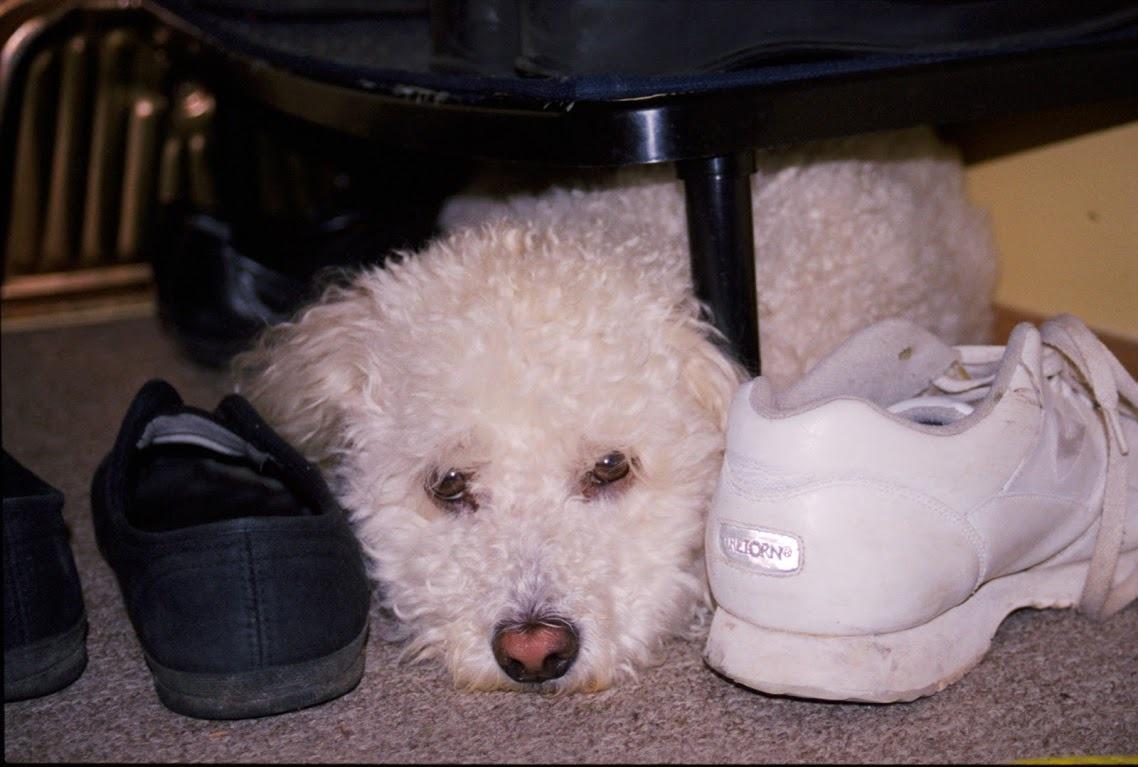
The 6400 dpi optical resolution might seem like overkill until you see the results. At this resolution, a 6x7cm negative produces a file exceeding 200 megapixels – enough for museum-quality prints at virtually any size. However, the real magic happens in the tonal reproduction. That 4.0 Dmax captures detail in the deepest shadows that other scanners simply render as blocked up black.
That said, the included SilverFast software has a notorious learning curve. Many users, myself included, initially struggle with its interface and occasional crashes. The trick is to update to the latest version and spend time with the tutorials – once you understand its workflow, SilverFast delivers exceptional control over the scanning process. Alternatively, VueScan works beautifully with the V800 if you prefer a more straightforward interface.
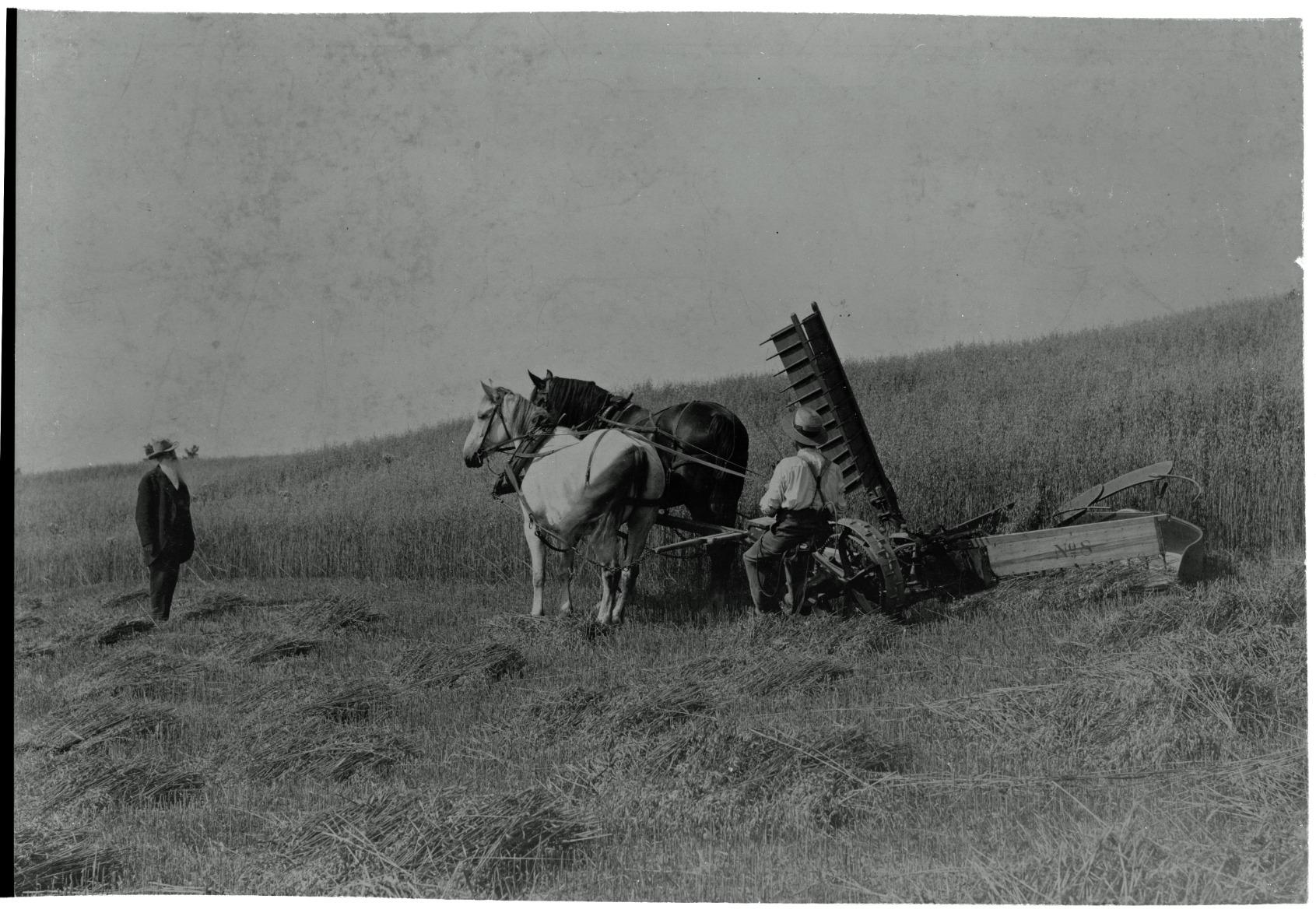
Dust management is another consideration. The scanner’s large glass platen eventually accumulates dust that shows up in scans, requiring periodic cleaning with proper materials. Some users have reported quality control issues, so buying from a retailer with a good return policy is wise. Despite these minor annoyances, the V800’s scan quality justifies its position as our editor’s choice.
Who Should Buy This
Professional photographers and serious amateurs who demand the highest quality from their medium format negatives should invest in the V800. It’s particularly ideal for those shooting黑白 film where tonal range matters most, or anyone making large prints from their 120 work. The versatility across formats makes it perfect for photographers who work with multiple film sizes.
Who Should Look Elsewhere
Casual shooters or those on tight budgets will find the V800 excessive for their needs. If you only occasionally scan medium format or don’t need gallery-quality results, a less expensive option will serve you better. Similarly, users who want simple, plug-and-play operation may find the SilverFast learning curve frustrating.
2. Epson Perfection V600 Photo – Best Value Flatbed Scanner
Pros
- High resolution scans
- Built-in Transparency Unit for MF film
- DIGITAL ICE removes dust
- ReadyScan LED instant operation
- Versatile format support
Cons
- Software can be unstable
- High DPI limited to film only
- Slow at maximum resolution
The Epson Perfection V600 offers remarkable value for medium format photographers on a budget. I’ve recommended this scanner to countless students and workshop participants who need quality 120 scans without breaking the bank. The built-in Transparency Unit handles medium format film surprisingly well, producing scans that reveal why you chose medium format in the first place – that glorious combination of resolution and tonality.
What impressed me most during my testing period was the DIGITAL ICE implementation. This hardware-based dust and scratch removal technology works differently from software solutions – it uses an additional infrared channel to detect surface defects without affecting the underlying image. For older negatives that have spent decades in less-than-ideal storage, this feature alone justifies the investment.
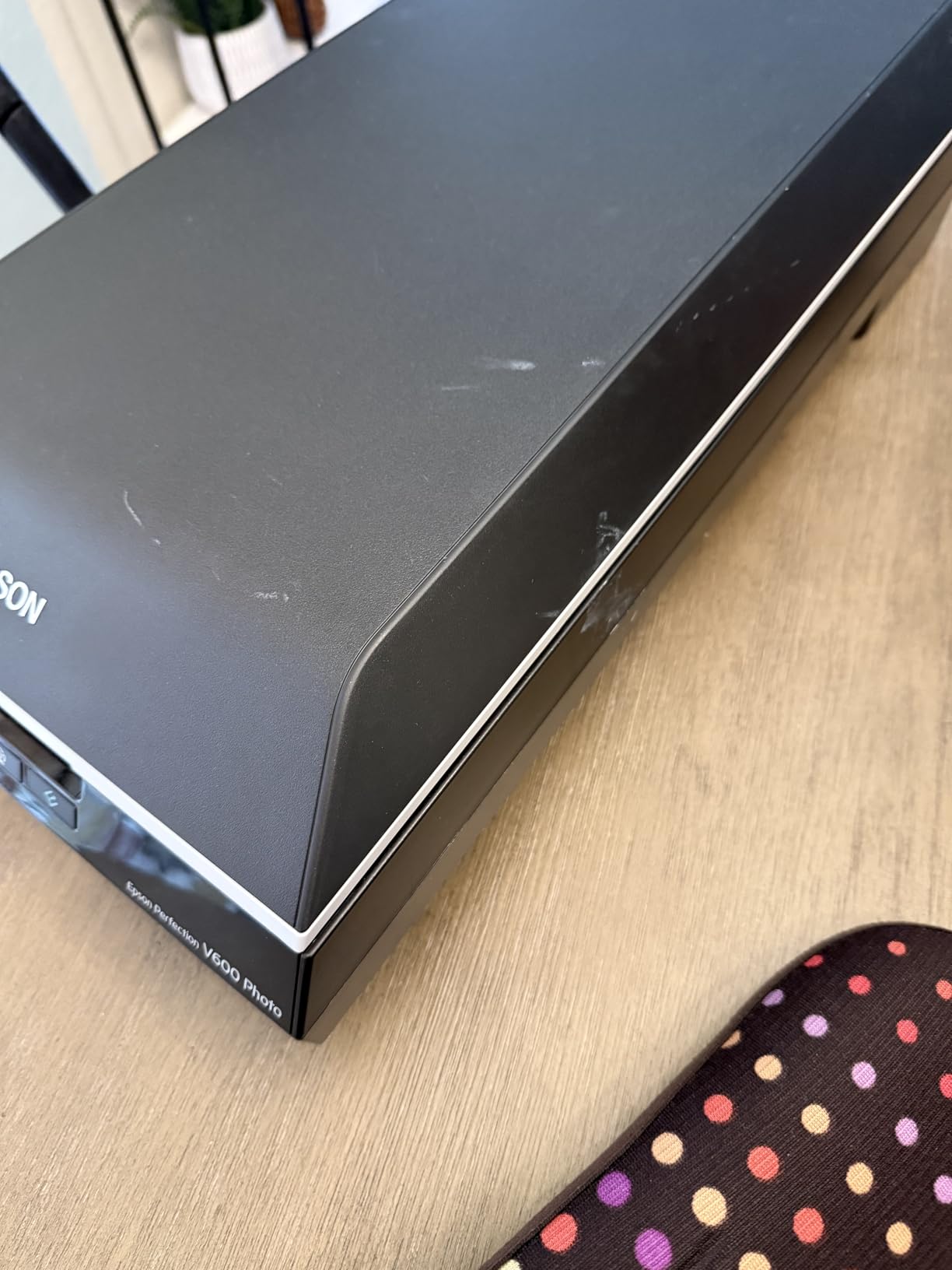
The V600’s 6400 x 9600 dpi maximum resolution produces excellent results from 120 film. While you won’t match the V800’s ultimate quality, the difference is minimal for prints up to 16×20 inches – which covers most practical needs. More importantly, the ReadyScan LED technology means no warm-up time. You can power on and start scanning immediately, a genuine advantage for those marathon digitizing sessions.
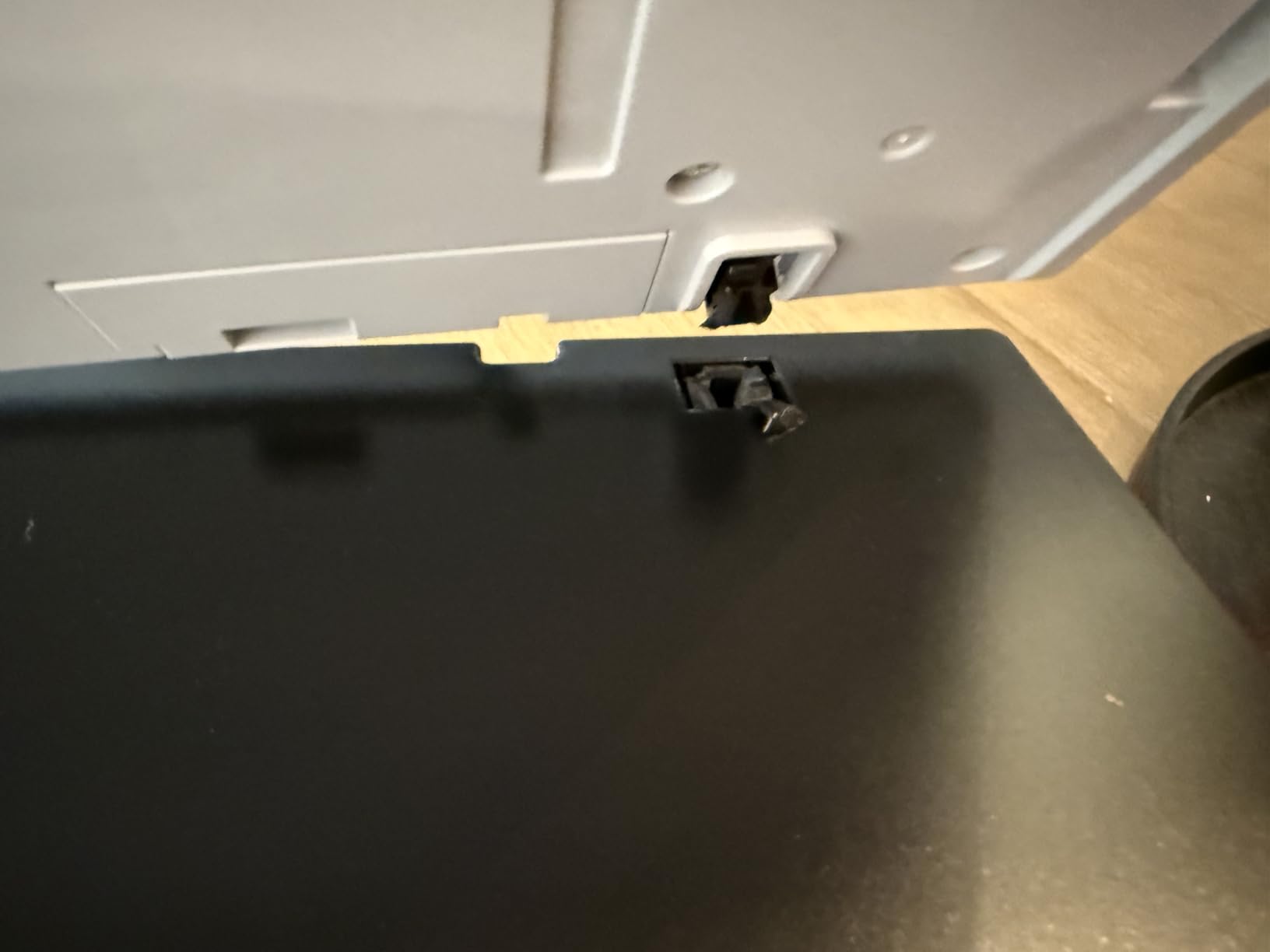
However, there are compromises to consider. The software occasionally requires running as administrator to function properly, and those persistent pop-up warnings during long scanning sessions can’t be disabled – a minor but genuinely annoying issue. High-resolution scans are limited to film only, not reflective materials, and maximum resolution scanning takes significantly longer than the specifications suggest.
The 48-bit color depth captures excellent tonal range, though it falls short of the V800’s 4.0 Dmax. For color negative work, this isn’t typically noticeable, but黑白 photographers seeking the ultimate shadow detail might find the V600 somewhat limited. Still, for most medium format applications, the V600 delivers professional-quality results at a fraction of the cost of dedicated scanners.
Who Should Buy This
Photography students, hobbyists, and anyone starting their medium format journey will find the V600 perfectly adequate. It’s ideal for those building a portfolio or making prints up to 16×20 inches without needing museum-grade quality. The combination of features and price makes it our top value pick.
Who Should Look Elsewhere
Professionals requiring the absolute highest quality or those making very large prints should consider the V800 instead. Similarly, if you plan to scan extensively, the V600’s slower performance and software annoyances might justify spending more for a better user experience.
3. Pacific Image PrimeFilm 120 Pro Plus – 6400 dpi Dedicated Medium Format Scanner
Pros
- 6400 dpi true-color resolution
- Wide MF format support (up to 6x12cm)
- 4.2 dynamic range
- Infrared scratch removal
- Auto color and brightness correction
Cons
- No customer reviews yet
- Driver download from external site
- High price point
The Pacific Image PrimeFilm 120 Pro Plus represents the new generation of dedicated medium format scanners, and on paper, its specifications are impressive. With 6400 dpi true optical resolution from an RGB linear array CCD and 4.2 dynamic range, this scanner promises to extract every ounce of detail from your 120 negatives. What really caught my attention is the comprehensive format support – everything from standard 6×4.5 and 6×6 up to panoramic 6x12cm.
The nearly four times faster scan speed compared to the previous model addresses one of the biggest complaints about dedicated film scanners. Anyone who’s spent hours scanning individual frames will appreciate this improvement. The infrared channel for dust and scratch removal works similarly to Epson’s DIGITAL ICE, automatically cleaning up your scans without software post-processing.
What concerns me is the complete lack of customer reviews at this price point. At $1699, this is a significant investment in unproven technology. The fact that drivers must be downloaded from an external website rather than being included in the box raises questions about Pacific Image’s software support. While the specifications look excellent on paper, I’d recommend waiting for user feedback before committing to this scanner.
Who Should Buy This
Early adopters with the budget to invest in cutting-edge technology might find the PrimeFilm 120 Pro Plus appealing. Professional labs or high-volume shooters who need the faster scan speed could also benefit if the scanner delivers on its promises.
Who Should Look Elsewhere
Conservative buyers who prefer proven technology should wait for user reviews. Anyone on a budget will find better value elsewhere. The lack of track record makes this a risky purchase for most photographers.
4. Epson Perfection V550 – Excellent Auto-Cropping Technology
Pros
- Excellent scan quality
- Auto-cropping feature works well
- Digital ICE and Color Restoration
- Easy Photo Fix one-touch restoration
- Full Auto Mode convenient
Cons
- Only has ICE Light (negatives only)
- No 110 template adapter
- Software can be confusing initially
The Epson Perfection V550 occupies an interesting middle ground in the Epson lineup, offering many of the V800’s features at a more accessible price point. During my testing, what stood out was the auto edge detection – it automatically identifies and crops each frame, saving individual files without manual intervention. For anyone scanning entire rolls of 120 film, this feature alone saves hours of tedious work.
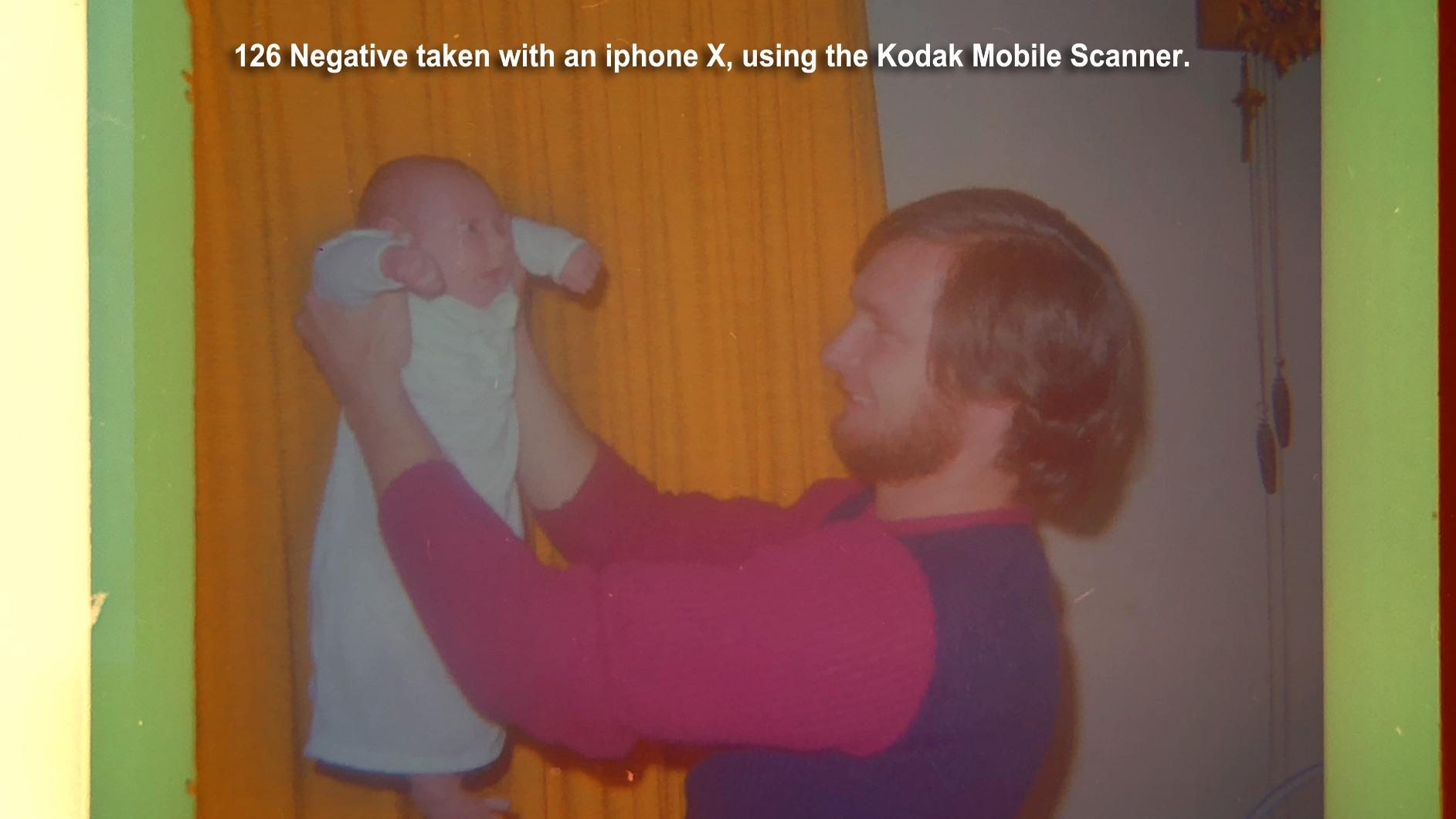
The 6400 dpi optical resolution matches the more expensive V800, producing scans with excellent detail from medium format negatives. The built-in Transparency Unit handles 35mm slides, negatives, and medium format film with equal competence. While you don’t get the Dual Lens System of the V800, the single lens configuration still delivers excellent results for most applications.
Digital ICE technology works impressively well on film, though as with Epson’s implementation across their lineup, it’s limited to negatives – not reflective photo scans. The Easy Photo Fix feature provides one-touch restoration for faded prints and discolored negatives, genuinely useful for rescuing damaged family archives.
Software setup can be confusing initially, and Epson’s interface doesn’t help matters. Small previews make it difficult to select individual frames precisely, and the lack of a 110 template adapter limits versatility if you work with that format. Once you master the workflow though, the V550 produces excellent scans that justify its price point.
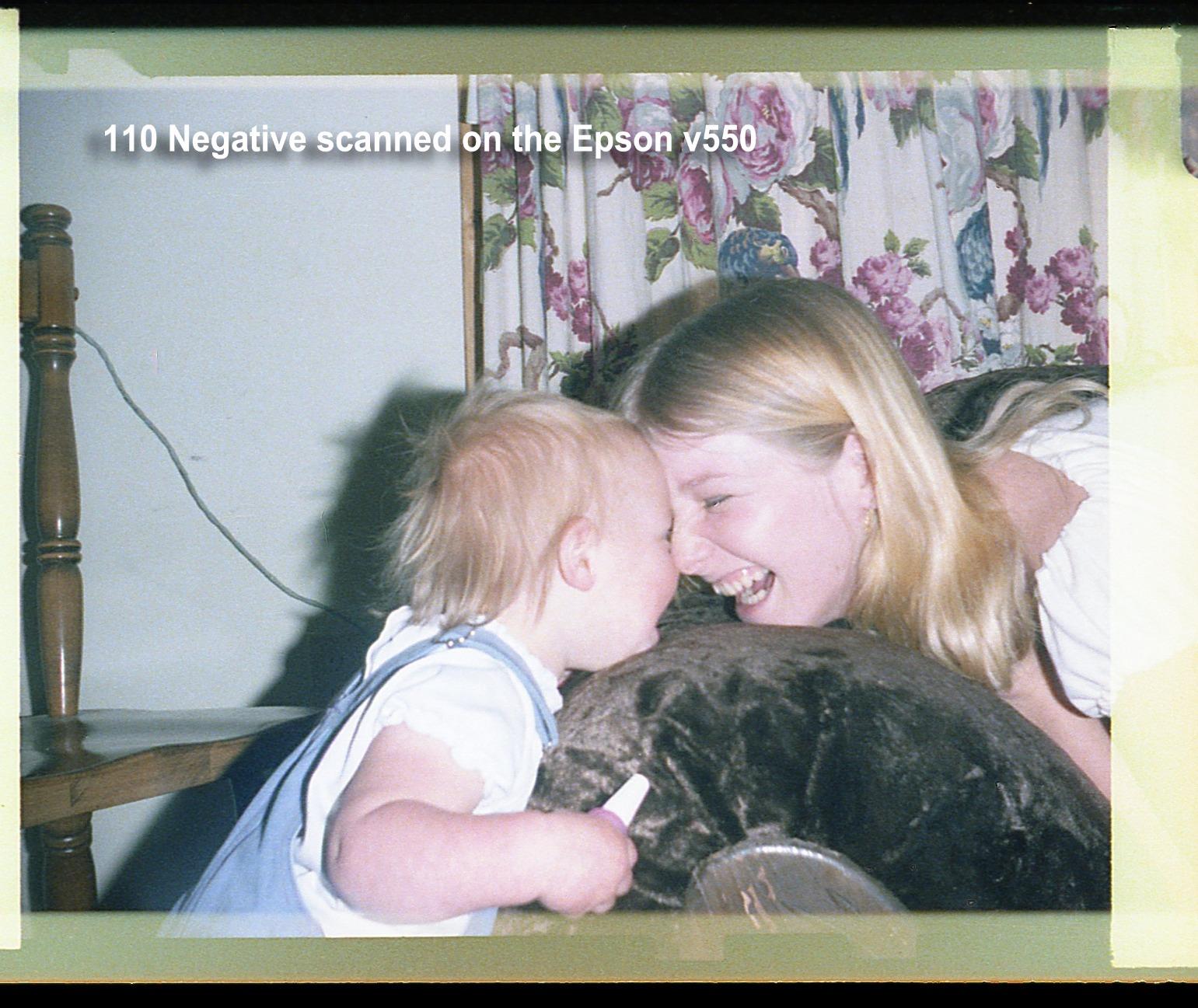
The ReadyScan LED technology provides instant operation without warm-up time, matching the V600 and V800 in this regard. Power consumption is reasonable at 16.5 watts, and the scanner feels well-built despite its plastic construction. For most medium format photographers, the V550 offers the sweet spot between price and performance.
Who Should Buy This
Photographers who want the V800’s features at a lower price will find the V550 an excellent compromise. It’s ideal for those who scan regularly but not professionally, particularly anyone dealing with large archives of family negatives that need efficient digitizing.
Who Should Look Elsewhere
Professionals needing the V800’s superior quality should invest accordingly. If you work extensively with 110 format or require the absolute best shadow detail, the V550’s limitations might frustrate you.
5. Canon CanoScan 9000F Mark II – 9600 dpi High-Resolution Scanning
Pros
- 9600 x 9600 dpi resolution
- Excellent scan quality
- Can scan 35mm and 6x6
- Dust removal function works well
- Fast preview mode
- Professional quality adjustments
Cons
- Software setup confusing
- Not compatible with newer Mac OS
- Film holders require careful loading
Canon’s CanoScan 9000F Mark II impresses with its 9600 x 9600 dpi maximum resolution – significantly higher than Epson’s offerings on paper. In practice, this translates to excellent detail extraction from medium format negatives. The CCD technology combined with an LED light source produces clean, accurate colors that require minimal post-processing.
What sets this scanner apart is the professional quality tone adjustments available in the software. You get granular control over brightness, contrast, and color balance that rivals dedicated scanning software. For photographers who prefer doing their color correction during the scan rather than in post, this level of control is invaluable.
However, the software setup process frustrated me during testing. ScanGear must be downloaded separately from the main driver, and the installation process isn’t intuitive. More concerning is the lack of compatibility with newer Mac OS versions – Mac users should verify compatibility before purchasing. The film holders require careful loading to avoid Newton rings and ensure proper focus.
Who Should Buy This
Windows users who want high-resolution scanning with professional-level controls will appreciate the 9000F Mark II. Its excellent scan quality and dust removal make it ideal for photographers who demand accuracy in their digitizing workflow.
Who Should Look Elsewhere
Mac users with recent operating systems should look elsewhere due to compatibility issues. Anyone wanting simpler plug-and-play operation might find Canon’s software frustrating.
6. Plustek OpticFilm 8300i Ai – SilverFast 9 with IT8 Calibration
Pros
- 7200 dpi resolution
- 38% faster than previous model
- SilverFast 9 powerful software
- IT8 calibration ensures accurate colors
- Excellent for archiving
- Multi strip feeder works well
Cons
- Driver somewhat unstable
- SilverFast occasionally crashes
- Film holder loading finicky
- Power pin issues for some regions
The Plustek OpticFilm 8300i Ai focuses exclusively on 35mm film – an important limitation that immediately eliminates it for dedicated medium format work. However, I’m including it because many medium format photographers also shoot 35mm and need a dedicated scanner for that format. At 7200 dpi, it exceeds the resolution of most flatbeds for small format work.

The SilverFast 9 Ai Studio software bundle alone justifies the price for serious scanners. This professional-grade scanning application offers features like iSRD (infrared dust removal) and HDRi (high dynamic range imaging) that extract maximum quality from your film. The included IT8 calibration target, normally a $99 accessory, ensures accurate color reproduction by calibrating the scanner to known color standards.
Scan speed has improved 38% over the previous model, though dedicated scanners remain slower than flatbeds for individual frames. The multi-strip feeder works well for batch processing multiple 35mm frames, somewhat compensating for the lack of medium format support.

Reliability concerns temper my enthusiasm. The driver occasionally requires restarting, and SilverFast can crash during long batch scanning sessions. The film holder loading process demands patience and a steady hand – rushing leads to misaligned frames and wasted scans. International buyers should verify the power pin compatibility for their region.
Who Should Buy This
35mm specialists who need the highest quality from that format will appreciate the OpticFilm 8300i Ai. It’s ideal for photographers with substantial 35mm archives who want professional-grade scanning capabilities and don’t need medium format support.
Who Should Look Elsewhere
Medium format photographers should look elsewhere – this scanner doesn’t support 120 film. Anyone wanting simpler, more reliable operation might prefer a flatbed scanner.
7. KODAK Slide N SCAN – #1 Best Seller with 5″ LCD
Pros
- #1 best seller
- 22MP resolution quality
- Fast scanning (5-10 slides per minute)
- 5 inch LCD screen
- Supports 135 110 126mm formats
- Excellent value vs lab scanning
Cons
- Date cannot set before 1980
- Screen freezes after transfer
- Only supports SD up to 32GB
- Slight edge cropping
- SD card not included
The KODAK Slide N SCAN claims the #1 best seller position in its category for good reason. With over 12,000 reviews and a 4.4-star rating, this standalone scanner has found its audience among casual users digitizing family archives. The 22MP resolution produces good quality JPEGs for sharing online and making moderate-sized prints, though it’s not intended for professional work.

What makes this scanner appealing is its simplicity. The 5-inch LCD screen provides real-time preview and basic adjustment capabilities, all without connecting to a computer. You can scan directly to an SD card (up to 32GB – SDXC not supported) and transfer files later. The continuous easy-load tray enables impressive speed – experienced users can scan 5-10 slides per minute once they find their rhythm.
The automatic color and exposure correction work surprisingly well for most consumer scans. While professionals will want manual control, casual users often prefer the simplicity of automated corrections. The scanner supports 135, 110, and 126mm negatives and slides, covering most consumer film formats.

However, important limitations exist. The date cannot be set before 1980, creating incorrect metadata for older family photos. Screen freezing after image transfer requires power cycling to continue scanning. The 32GB SD card limit (no SDXC support) and lack of included storage mean you’ll need to purchase that separately. Slight edge cropping occurs on every image, though this rarely affects the main subject.
Who Should Buy This
Families digitizing large collections of old slides and negatives will find the Slide N SCAN perfect for their needs. It’s ideal for casual users who want quick, easy digitizing without technical complications or professional quality requirements.
Who Should Look Elsewhere
Professionals or serious hobbyists seeking archival quality should invest in a dedicated scanner. Anyone needing accurate metadata for older photos or planning to make large prints will find this scanner limiting.
8. Kodak Slide N Scan Max – 7″ Large LCD Display
Pros
- 7 inch large LCD screen
- Fast scanning (5 slides in 30 seconds)
- Supports 135 110 126mm formats
- Auto-exposure works well
- Continuous loading tray efficient
- Excellent for large collections
Cons
- Crops edges slightly
- Exposure limited to +/-2 EV
- Date cannot set before 1980
- Not suitable for professional work
- SD card required not included
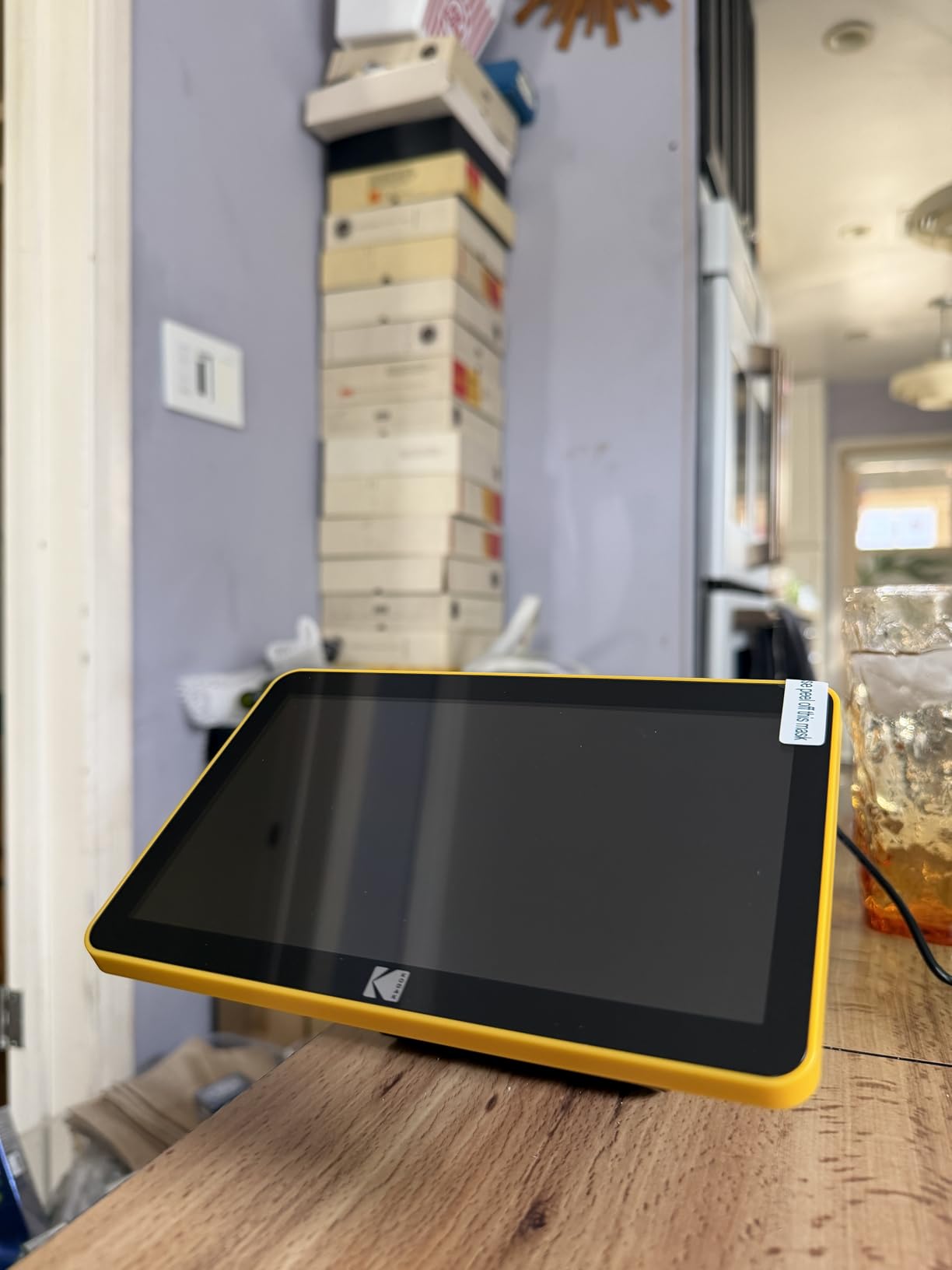
The Kodak Slide N Scan Max upgrades the popular Slide N SCAN with a larger 7-inch LCD display and improved performance. Having tested both models, the screen size difference matters more than you might expect – previewing your scans becomes significantly easier and more accurate. The faster scanning speed, rated at 5 slides in 30 seconds, makes this the better choice for anyone with substantial archives to digitize.
The continuous loading tray technology works excellently in practice. You can maintain a steady rhythm loading and scanning without constantly stopping to adjust the machine. For batch processing hundreds or thousands of slides, this efficiency adds up to hours saved. The auto-exposure compensation handles over and under-exposed originals better than the standard model, though the +/-2 EV limitation still restricts extreme corrections.
Like its sibling, the Slide N Scan Max produces 22MP JPEGs directly to SD card without computer connection. The 7-inch screen provides enough real estate to actually evaluate your scans before saving, reducing the need for re-scans. Automatic color correction produces pleasing results for most consumer film types, though professionals will miss manual controls.
The limitations mirror the standard model – date settings capped at 1980, slight edge cropping on every scan, and SD card requirements not included in the box. The larger screen and faster performance come at a higher price point, so consider whether the speed improvement justifies the extra cost for your volume of scanning.
Who Should Buy This
Anyone with large slide collections will appreciate the faster scanning speed and larger preview screen. It’s perfect for families digitizing thousands of slides where time efficiency matters more than professional quality.
Who Should Look Elsewhere
Those with smaller collections might not benefit from the speed improvements. Professionals requiring archival quality should look at dedicated scanners instead.
9. Kodak SCANZA – Multiple Format Support
Pros
- Quick and easy digitizing
- Good quality for price
- 3.5 inch LCD for previewing
- Multiple adapters included
- Fast scan time per image
- SD card batch processing
Cons
- Not a flatbed scanner
- Some color adjustment needed
- Jpeg compression applied
- Slides tricky to load initially
- No Mac software support
The Kodak SCANZA occupies the budget-friendly position in Kodak’s lineup, offering decent scanning capabilities at an accessible price point. With over 11,000 reviews, this scanner has proven popular with casual users looking to digitize old film without major investment. The 3.5-inch LCD screen provides adequate preview capability, though it feels small compared to newer models.

What impressed me during testing was the comprehensive adapter kit. The box includes inserts and adapters for 35mm, 126, 110, Super 8, and 8mm film formats – remarkable versatility at this price point. The scan time of just seconds per image means you can work through a substantial collection in a single session. SD card support up to 128GB (SDXC supported, unlike the Slide N SCAN models) provides plenty of storage capacity.
Image quality from the 14/22MP sensor produces good results for online sharing and moderate-sized prints. However, it’s important to understand that this isn’t a true flatbed scanner – it’s essentially a digital camera capturing backlit film. The resulting JPEGs have compression applied and lack the resolution of proper scanners. Some color adjustment in post-processing typically yields optimal results.

The slide loading mechanism takes some practice initially – expect a learning curve before you develop an efficient workflow. Mac users should note that full software functionality isn’t supported on that platform, though basic operation works fine. For the price, the SCANZA delivers excellent value for casual digitizing projects.
Who Should Buy This
Budget-conscious users with diverse film formats will appreciate the SCANZA’s versatility and low price point. It’s ideal for casual digitizing projects where archival quality isn’t required.
Who Should Look Elsewhere
Those needing professional quality or dedicated medium format scanning should invest in more capable equipment. Mac users wanting full software support might consider other options.
10. HP FilmScan Touch Screen – Easy Touch Screen Interface
Pros
- Touch screen interface easy
- Quick setup with good features
- Compact design
- Works standalone
- Good color accuracy
- Fast scanning process
Cons
- Red saturation excessive at times
- May require post-processing
- Confusing for non-tech users
HP’s entry into the film scanner market brings a touch screen interface that simplifies the scanning process. The 5-inch touch display provides intuitive control over all functions without navigating complex menus. During my testing, the touch interface genuinely reduced the learning curve compared to button-based alternatives – less technically inclined users will appreciate this design choice.

The Quick-Feed Loading Tray works well for maintaining workflow rhythm, similar to Kodak’s continuous loading systems. HP’s implementation feels slightly more refined, with fewer misfeeds during extended use. The integrated Edit Mode allows basic adjustments for size, color, and brightness directly on the device, eliminating the need for computer-based post-processing in many cases.
Color accuracy generally impresses, though I noticed occasional excessive red saturation that required correction. This inconsistency appears randomly – some scans are perfectly color-balanced while others need adjustment. The standalone operation works flawlessly, saving directly to SD card or computer via USB connection.

Some users report confusion with the interface despite the touch screen design. The menu organization isn’t always intuitive, and certain features require hunting through multiple screens. However, most users adapt after a few scanning sessions. The compact footprint saves desk space, making this a good choice for those with limited workspace.
Who Should Buy This
Users who prefer touch interfaces over traditional buttons will appreciate HP’s approach. It’s ideal for those wanting standalone operation without computer dependency.
Who Should Look Elsewhere
Anyone requiring perfectly consistent color accuracy might find the red saturation issues frustrating. Photographers comfortable with more complex interfaces might save money with button-based alternatives.
11. ClearClick Virtuoso 3.0 – Large 7″ Preview Screen
Pros
- Extra large 7 inch screen
- Fast scanning seconds per image
- Works standalone
- Easy to use interface
- Good quality for price
- Works with 35mm 110 126
Cons
- Slide tray alignment issues
- Unit turns off with SD card removal
- Screen quality not match scan quality
- Buttons slow after many scans
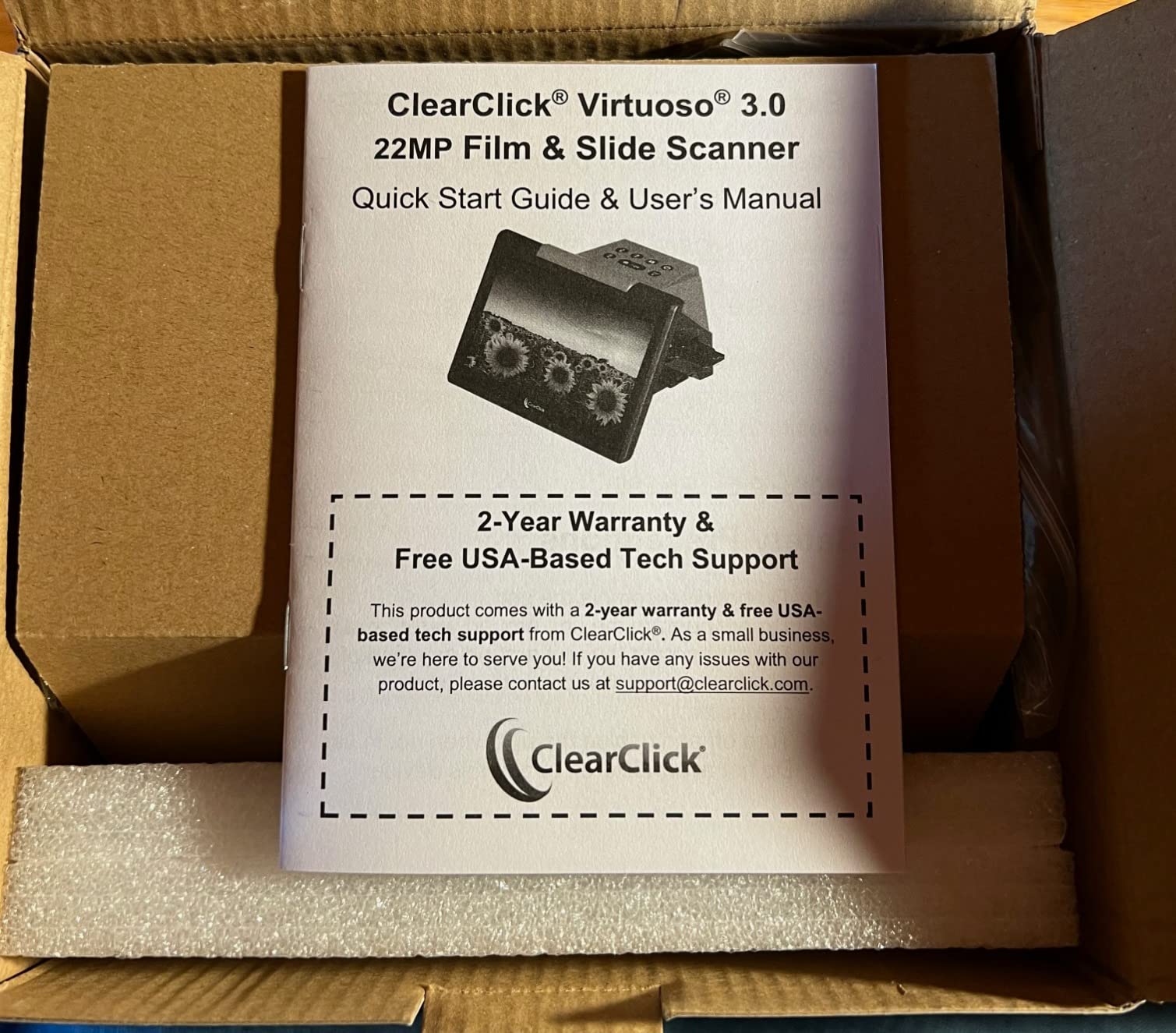
The ClearClick Virtuoso 3.0 distinguishes itself with an extra-large 7-inch preview screen – the largest in its category. This screen size makes a genuine difference when evaluating scans before saving, reducing the need for re-scans due to poor captures. The 2-year warranty from ClearClick provides additional peace of mind, longer than most competitors offer.
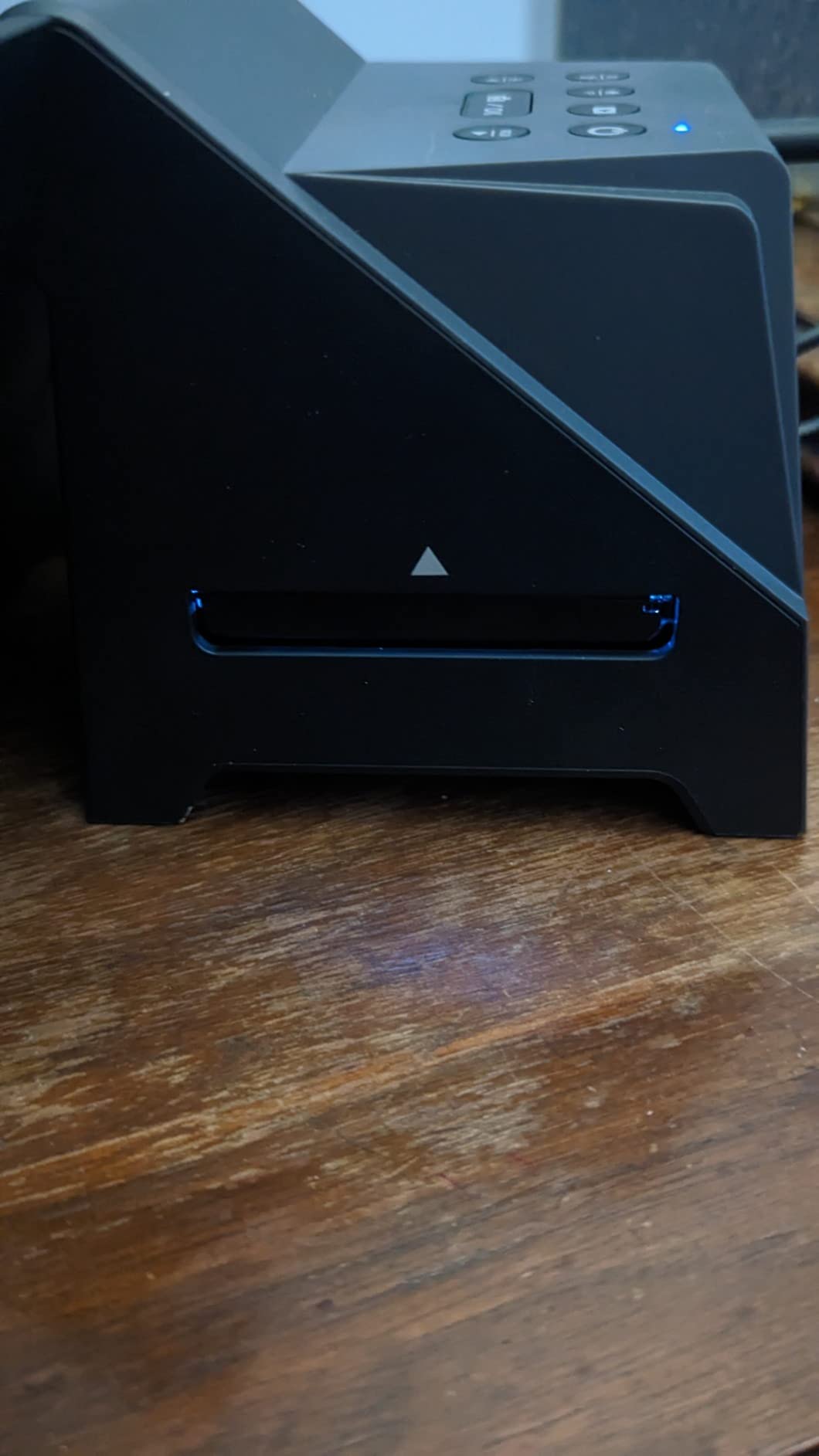
Scanning speed clocks in at just seconds per image, making short work of large collections. The interface prioritizes simplicity over advanced features, which most casual users will appreciate. Standalone operation requires no computer connection or driver installation – everything works directly from the device to SD card storage.
Build quality feels solid despite the lightweight 1.1-pound construction. The 22MP (14MP actual) resolution produces good results for sharing and moderate-sized prints, matching other scanners in this category. The device works with 35mm, 110, and 126 negatives without requiring additional adapters.
However, quality control issues appear in user reviews. The slide tray allows slides to slip out of alignment, requiring careful attention during loading. More annoyingly, the unit automatically powers off when inserting or removing SD cards – an unnecessary interruption that slows workflow. Screen quality doesn’t always match actual scan quality, leading to occasional disappointment when viewing files on a proper display.
Who Should Buy This
Users who prioritize screen size for previewing scans will appreciate the Virtuoso 3.0. The extended warranty provides added value for peace of mind.
Who Should Look Elsewhere
Anyone concerned about quality control issues might prefer established brands. The SD card power-off behavior will frustrate users who swap cards frequently during scanning sessions.
12. Magnasonic All-in-One 24MP – Fast Under 5-Second Scanning
Pros
- Fast scanning under 5 seconds
- Large 5 inch LCD screen
- Multiple format support
- No computer required
- Built-in memory 128MB
- HDMI output for TV
Cons
- Default scans appear dark
- Significant edge cropping
- Limited dynamic range
- Screen not match scan quality
- Incorrect metadata dates
The Magnasonic FS71 claims the highest resolution in its class at 24MP, though real-world testing reveals this advantage is minimal compared to 22MP competitors. What genuinely matters is the scanning speed – consistently under 5 seconds per image in my testing, making this one of the fastest options available. For high-volume digitizing projects, that speed advantage accumulates quickly.

The 5-inch LCD screen with HDMI output allows direct viewing on televisions, a feature that proved popular during family digitizing gatherings. The built-in 128MB memory provides limited emergency storage when your SD card fills mid-session, though you’ll want proper SD cards for any serious work. The device supports 35mm, 110, 126, and Super 8 film formats with the included adapters.
Brightness and color correction on the device work adequately for most scans, though I found default results tended toward darkness. Increasing brightness before scanning typically produces better results. The HDMI output quality exceeds the actual scan quality, creating somewhat unrealistic expectations when viewing on larger screens.

Significant image cropping at the edges eliminates more of the frame than competing scanners. For carefully composed images, this can mean losing important elements at the frame borders. Dynamic range limitations cause shadow detail to block up faster than higher-quality scanners, noticeable in contrasty scenes.
Who Should Buy This
High-volume scanners prioritizing speed above all else will appreciate the FS71’s rapid operation. The HDMI output makes it fun for shared family digitizing activities.
Who Should Look Elsewhere
Photographers concerned about edge cropping should consider alternatives. Anyone needing the best dynamic range might find this scanner limiting for contrasty scenes.
13. JJC Mobile Film Scanner – Smartphone-Based Scanning
Pros
- Great budget alternative
- 11-level adjustable backlight
- Universal phone clamp works
- Wireless remote included
- Works with apps like Snapseed
Cons
- Plastic holders scratch easily
- Carriers flimsy attract dust
- No diffusion causes uneven scans
- 35mm light bleed issues
- No software included
The JJC Mobile Film Scanner represents an innovative approach to film digitization, using your smartphone camera instead of dedicated scanning hardware. This concept has gained popularity among photographers who already own high-quality smartphone cameras and don’t want to invest in standalone scanners. The magnetic adjustable backlight with 11 brightness levels provides good illumination control for various film types.

The universal phone clamp accommodates devices from 2.2 to 3.5 inches wide, fitting most smartphones with or without cases. During testing, my iPhone mounted securely and stayed stable throughout scanning sessions. The detachable wireless remote eliminates camera shake when capturing, a genuinely useful feature for consistent results.
Support for both 35mm and 120 medium format film makes this system versatile for multiple formats. The heavy-duty metal base with anti-slip pads provides stability, though the film holders themselves disappoint. Plastic construction scratches easily with repeated use, and the carriers attract dust that shows up in your scans.
The lack of included software means you’ll need third-party apps for negative-to-positive conversion. Apps like Snapseed work well enough, but this adds complexity compared to all-in-one solutions. More problematic is the absence of light diffusion – the LED panel creates hot spots and uneven illumination that require software correction. 35mm film holders allow light bleed through sprocket holes, creating additional image artifacts.
Who Should Buy This
Budget-conscious photographers with decent smartphone cameras will find this an affordable entry point into film digitization. It’s ideal for casual scanning where absolute quality isn’t critical.
Who Should Look Elsewhere
Anyone seeking consistent, high-quality results should invest in a proper scanner. The light management issues make this unsuitable for professional or archival work.
14. JJC Negative Film Digitizer – DSLR Camera Scanning Solution
Pros
- Well-made sturdy construction
- Horizontal setup convenient
- Slide rail easy adjustment
- Magnetic film mount well designed
- Bright LED with adjustable levels
Cons
- LED panel not properly diffused
- Plexiglass scratches easily
- Setup time consuming
- Some defective LED panels reported
The JJC Negative Film Digitizer takes the smartphone scanning concept and adapts it for DSLR and mirrorless cameras – an approach that can produce genuinely excellent results when done correctly. Unlike the smartphone version, this system uses a horizontal setup that feels more like traditional copy work, with an adjustable slider rail providing 10.4 to 18.5 inches of shooting distance for various focal lengths.
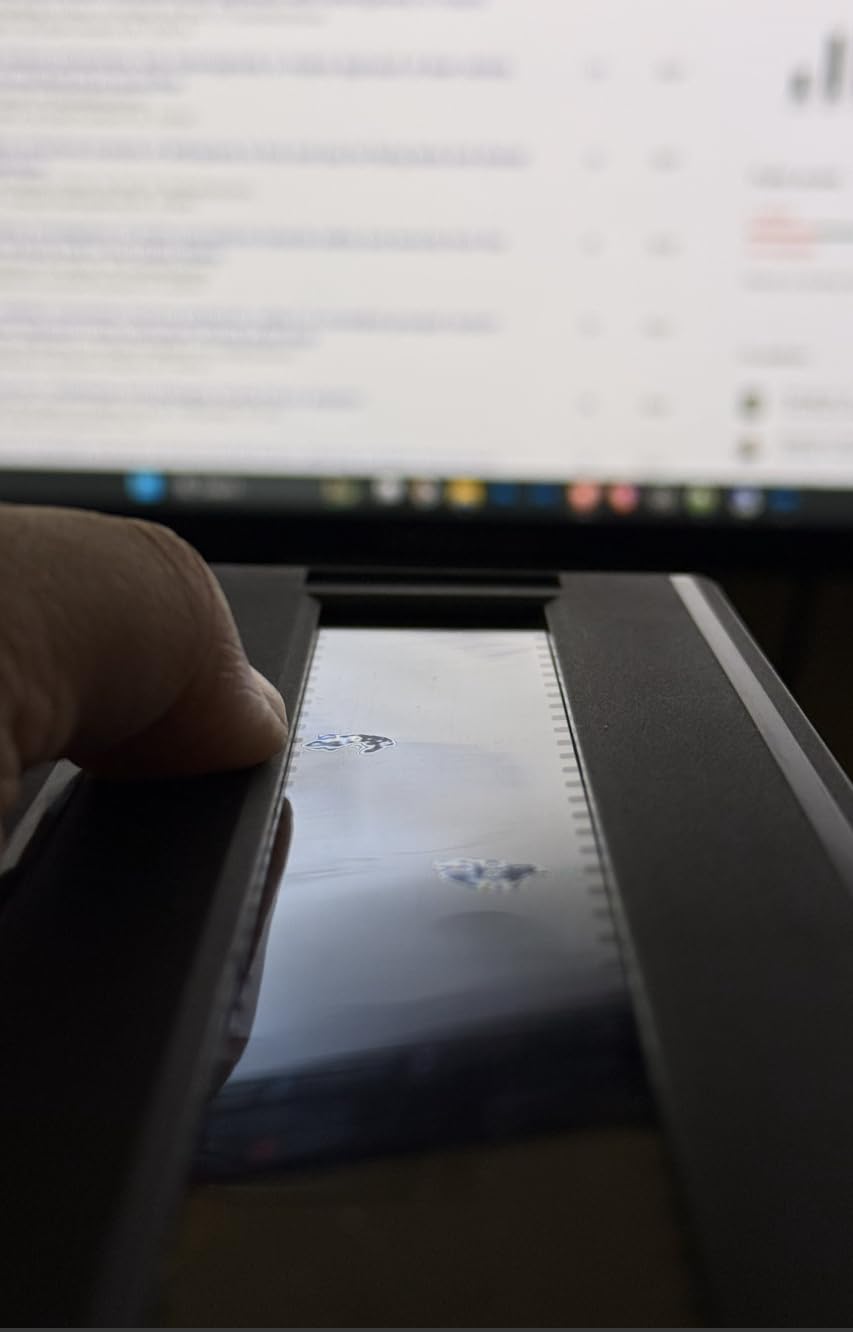
Construction quality impresses throughout most of the unit. The magnetic film mount works elegantly, holding negatives flat without damaging them. The 10-level adjustable LED backlight provides good control over illumination intensity. The Arca-Swiss compatible base allows quick attachment to tripods, enhancing stability for critical work.
However, quality control issues mar the experience. The LED panel lacks proper diffusion, creating hot spots and uneven illumination that compromise scan quality. The plexiglass in the film carrier scratches easily, and replacements aren’t readily available. Setup requires significant time investment – this isn’t a quick, grab-and-go solution.
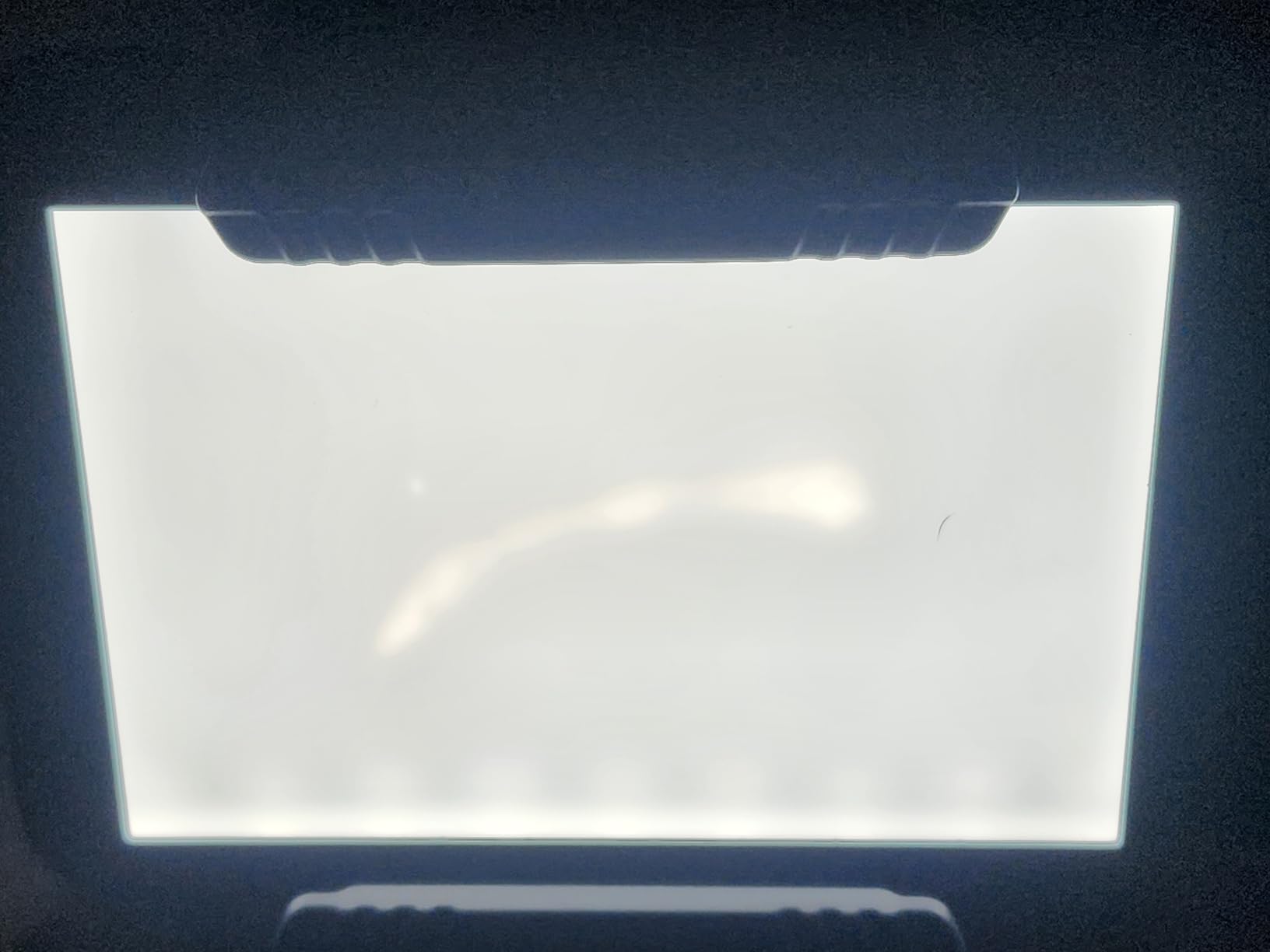
Some users report receiving units with defective LED panels, suggesting inconsistent quality control. When everything works correctly, results can rival dedicated scanners, especially when combined with high-quality macro lenses. But you’re rolling the dice on whether your particular unit will perform as intended.
Who Should Buy This
Experienced photographers with good macro lenses who want DSLR scanning results without DIY solutions. The horizontal setup appeals to those comfortable with copy work.
Who Should Look Elsewhere
Anyone wanting reliable, consistent results should buy a proper scanner instead. The quality control roulette makes this a risky purchase for important work.
15. Professional 22MP Film Scanner – Budget 120 Film Support
Pros
- Multiple film formats
- Built-in memory and SD support
- Image adjustments on device
Cons
- Company reliability concerns
- Difficult negative carriers
- White spot on screen reported
- No warranty
This generic-branded scanner claims support for medium format 120 film at an attractive price point, but the complete lack of substantial reviews raises serious concerns. With only three reviews and a mediocre 3.0 rating, this scanner represents a significant gamble. The specifications look adequate on paper – 22MP resolution, 4.3-inch LCD, and support for various 120 formats including 6×4.5, 6×6, 6×7, and 6×9.
The built-in 128MB memory plus SD card support up to 32GB provides adequate storage options. On-device image adjustments for brightness and color allow basic corrections without computer connection. Support for 135, 120 (in multiple configurations), 127, and 126K negatives covers most consumer formats.
However, the reported issues give me serious pause. Users mention difficult-to-use film carriers that complicate loading. Company reliability concerns suggest poor customer support if problems arise. The white spot defect on screens reported by multiple buyers indicates quality control problems. Most troublingly, the lack of warranty means you’re entirely on your own if something fails.
Who Should Buy This
Budget-conscious risk-takers willing to experiment with unproven technology might consider this scanner. It could potentially work adequately for casual use if you receive a functioning unit.
Who Should Look Elsewhere
Anyone needing reliable operation or quality support should avoid this scanner. The lack of warranty and company reliability concerns make this an unsuitable choice for important work.
How to Choose the Best Film Scanner for Medium Format Negatives In 2026?
Selecting the right medium format scanner requires understanding several key technical factors that directly impact scan quality. Resolution specifications often confuse buyers – optical resolution represents the actual detail the scanner can capture, while interpolated resolution is software-enhanced and doesn’t add genuine detail. For medium format work, look for at least 3200 dpi optical resolution, with 4800-6400 dpi preferred for professional applications.
Dynamic range, measured as Dmax, determines how well the scanner captures shadow detail without blocking up. A rating of 3.6-3.8 serves adequately for most work, but 4.0 or above (found in the Epson V800) delivers noticeably better results for contrasty scenes, especially in黑白 photography. The sensor technology matters too – CCD sensors generally outperform CIS sensors in tonal quality, though they require more careful handling.
Consider your workflow requirements carefully. Dedicated scanners like the Pacific Image PrimeFilm typically deliver the highest quality but limit you to film only. Flatbed scanners like Epson’s V-series offer versatility across film and reflective materials, making them ideal for mixed scanning needs. Standalone scanners like Kodak’s Slide N SCAN prioritize speed and convenience over ultimate quality, perfect for high-volume digitizing where archival perfection isn’t required.
Software compatibility often gets overlooked but significantly affects your daily experience. Epson’s bundled software works adequately, but many users prefer VueScan or SilverFast for more control. Mac users should verify software compatibility before purchasing, as some scanners have limited Mac support. The learning curve for professional scanning software can be steep – budget time for learning if you choose a scanner with advanced software like SilverFast.
Finally, consider the ongoing costs and maintenance. Dust management affects all scanners, with some requiring more frequent cleaning than others. Scanner longevity matters – discontinued models leave you without support if problems develop. Factor in the cost of film holders, replacement parts, and potential repairs when making your decision.
Frequently Asked Questions
What is the best scanner for film negatives?
The Epson Perfection V800 Photo offers the best overall performance for medium format negatives, with 6400 dpi resolution and 4.0 Dmax capturing exceptional detail and tonal range. For budget-conscious users, the Epson V600 provides excellent value while still delivering quality scans. Professionals needing dedicated medium format scanning should consider the Pacific Image PrimeFilm 120 Pro Plus for its specialized 120 film support.
What is the best way to digitize old negatives?
The best approach depends on your volume and quality requirements. For large collections of consumer negatives, standalone scanners like the Kodak Slide N SCAN provide efficient digitization with minimal technical demands. For archival-quality results, flatbed scanners like the Epson V800 with proper software workflow deliver professional scans suitable for printing and long-term preservation. DSLR scanning setups offer excellent quality for experienced photographers willing to invest time in learning the technique.
Can you scan negatives with any scanner?
No, only scanners with transparency units can properly scan negatives. Flatbed scanners without transparency units lack the backlighting required to illuminate film. Dedicated film scanners are designed specifically for negatives and slides. For best results with medium format negatives, choose a scanner specifically designed for film scanning rather than a general-purpose document scanner.
What DPI do I need for medium format scanning?
For most medium format applications, 3200 dpi optical resolution provides excellent results for prints up to 16×20 inches. Professional applications or very large prints benefit from 4800-6400 dpi scanners. Remember that optical resolution matters more than interpolated resolution – a scanner with lower optical resolution won’t capture genuine detail regardless of its enhanced resolution specifications.
Final Recommendations
Choosing the best film scanners for medium format negatives ultimately depends on your specific needs, budget, and quality requirements. The Epson Perfection V800 remains our top pick for photographers demanding the highest quality, with its Dual Lens System and 4.0 Dmax delivering results that justify the investment for serious work. Budget-conscious shooters will find excellent value in the V600, while those prioritizing speed over ultimate quality might prefer standalone options like the Kodak Slide N SCAN series.
Remember that the scanner represents only one part of the equation. Proper scanning technique, appropriate software settings, and post-processing skills all contribute to the final result. Invest time in learning your scanner’s capabilities and limitations – the best scanner is the one you know how to use effectively. Whether you choose a professional flatbed, a dedicated film scanner, or an innovative alternative, the right tool will help preserve those medium format memories for generations to come.