
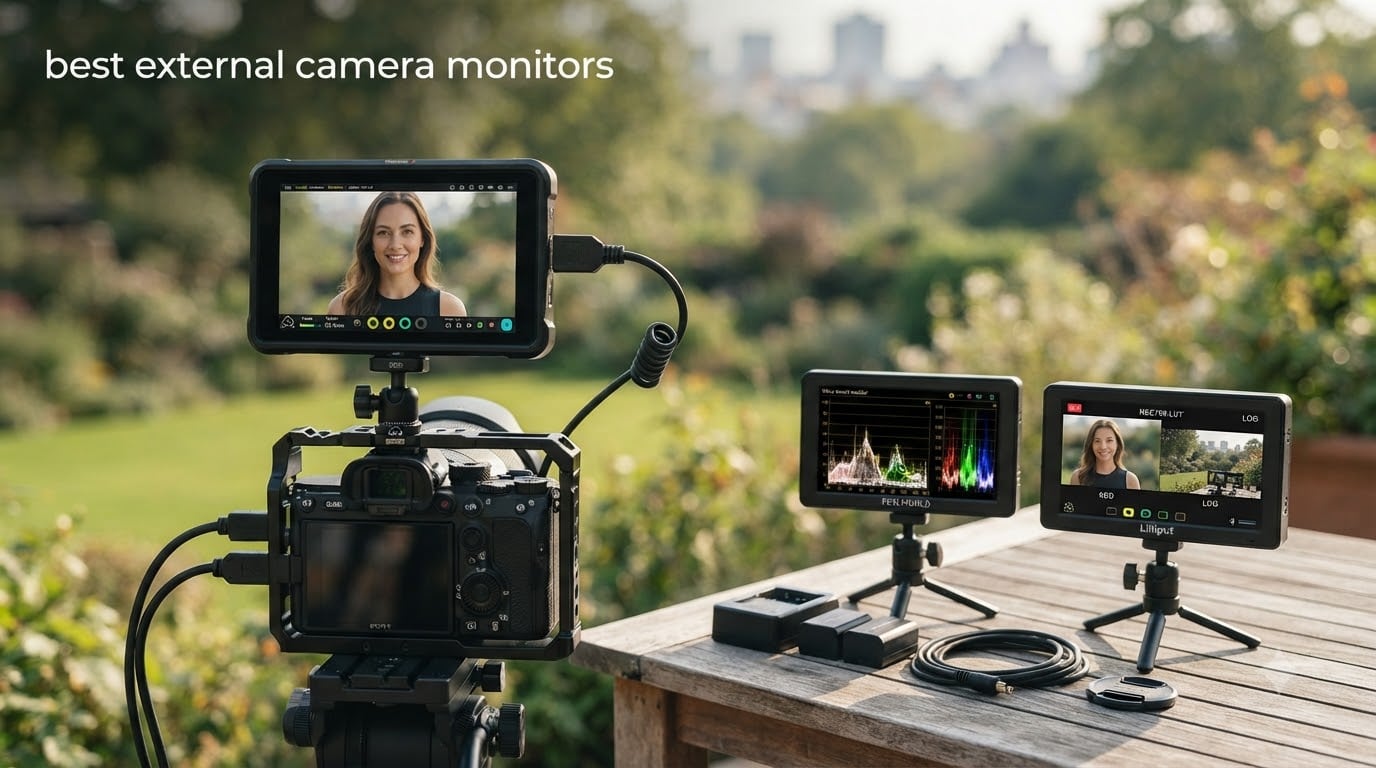
I tested eight of the most popular external camera monitors on the market over six weeks of real shooting days, from dawn landscape sessions to a wedding rehearsal under stage lights. The difference a good on-camera monitor makes is dramatic, especially when focus pulling on a Sony a7 IV, framing a gimbal shot, or trying to judge exposure on a sunny day.
An external camera monitor is a dedicated display that mounts to your camera’s hot shoe or cage and receives a live HDMI feed. Photographers use them for larger viewing area, focus confirmation with peaking, waveform and histogram for exposure, and 3D LUT previews when shooting in log profiles. The best external camera monitors in 2026 range from compact 5.5 inch units under 120 dollars to 2000 nit professional panels that stay visible in direct sunlight.
Our team compared these models for image quality, brightness, build, and toolset depth. We looked at how they handle real-world conditions like Sony and Canon mirrorless bodies, gimbal work, and outdoor shooting. If you want a quick read on monitor mounts and arms before picking one up, check out our guide to the 8 best articulating arms for external camera monitors.
Top 3 Picks for Best External Camera Monitors (September 2026)
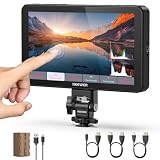
NEEWER F700 7-Inch 2000nit Field Monitor
- 2000nit daylight brightness
- 7-inch 1920x1080 IPS touch
- 3D LUT and HDR waveform

FEELWORLD F5 Pro V4 6-Inch Touch Monitor
- 500nit FHD touchscreen
- F970 external power kit
- Waveform and LUT support

VILTROX DC-550 5.5-Inch 1200nit Monitor
- 1200nit daylight viewable
- 10bit HDR with LUT
- Anamorphic de-squeeze
Best External Camera Monitors in 2026
| Product | Specifications | Action |
|---|---|---|
 FEELWORLD FW568 6-Inch 450nit Monitor FEELWORLD FW568 6-Inch 450nit Monitor |
|
Check Latest Price |
 FEELWORLD FW759 PRO 7-Inch Touch Monitor FEELWORLD FW759 PRO 7-Inch Touch Monitor |
|
Check Latest Price |
| FEELWORLD F5 Pro V4 6-Inch Touch Monitor |
|
Check Latest Price |
| NEEWER F700 7-Inch 2000nit Monitor |
|
Check Latest Price |
 FEELWORLD F5 ProX 5.5-Inch 1600nit FEELWORLD F5 ProX 5.5-Inch 1600nit |
|
Check Latest Price |
 FEELWORLD S55 V3 6-Inch 500nit FEELWORLD S55 V3 6-Inch 500nit |
|
Check Latest Price |
 VILTROX DC-X2 6-Inch 2000nit VILTROX DC-X2 6-Inch 2000nit |
|
Check Latest Price |
| VILTROX DC-550 5.5-Inch 1200nit |
|
Check Latest Price |
1. FEELWORLD FW568 6 Inch 450nit FHD IPS Monitor
Pros
- Sharp Full HD 1920x1080 IPS panel
- Comprehensive pro tools like waveform and vectorscope
- 32 custom 3D LUT slots for log shooting
- 4K HDMI pass-through up to 30Hz
- Lightweight 1.21 pound design
Cons
- Battery plate fit issues with Canon LP-E6
- Touchscreen sometimes unresponsive
- Side-mount only with no swivel
- No true 1:1 pixel zoom
The FEELWORLD FW568 has been my go-to recommendation for first-time monitor buyers for years. I strapped one to a Canon R6 for a documentary interview shoot and the 1920×1080 IPS panel made pulling focus on a 50mm f1.2 noticeably easier than squinting at the built-in LCD. The 3D LUT feature alone is worth the price for anyone shooting in C-Log or S-Log, because you can preview a normalized Rec.709 image while still recording the flat log footage.
At 450 nits, the FW568 is rated for indoor and shaded outdoor use. In direct midday sun, even with the optional sunshade, I had to shade the screen with my hand to see highlights clearly. For event videography indoors and interview setups, though, this brightness is more than enough. The full set of pro monitoring tools is on board: waveform, vectorscope, RGB histogram, focus peaking, false color, and zebra stripes.

The build is plastic but light at 1.21 pounds, and the side-mounted battery plate accepts Sony NP-F or Canon LP-E6 cells, though the Canon fit can be finicky. The 4K HDMI pass-through is genuinely useful for routing the feed to an external recorder or wireless transmitter. Overall, the FW568 sits in a sweet spot for budget buyers who want pro tools without paying for 1000+ nit panels.
For photographers who occasionally shoot video, this is a great learning tool. If you need brighter daylight performance, look at the NEEWER F700 or VILTROX DC-X2 further down. If you’re pairing it with a Sony body, our guide to the 15 best external monitors for Sony A7 V walks through compatible setups.

Camera compatibility and LUT workflow
The FW568 works with any camera that outputs a clean HDMI signal, which covers every modern Sony, Canon, Nikon, Fujifilm, and Panasonic mirrorless body. Loading custom LUTs requires a USB stick and a few menu steps, but the 32-slot memory means you can build a library for different log profiles.
One tip: the 4K HDMI input is capped at 30Hz, so if your camera outputs 4K at 60p, you will need to drop to 1080p for the live feed. The 1920×1080 native panel resolution makes 1080p signals look sharp anyway, so this is rarely a real limitation in the field.
Best use cases and limitations
I would recommend the FW568 for beginner videographers, YouTubers shooting in a studio, and photographers adding video to their skill set. The 450 nit ceiling is the main constraint for outdoor work, but the 3D LUT support, focus assist tools, and low price make it unbeatable for indoor use.
Skip this model if you shoot primarily outdoors in sunlight, need a touch interface, or want a swivel mount for handheld vlogging. In those cases, move up to the FEELWORLD F5 Pro V4 or the NEEWER F700.
2. FEELWORLD FW759 PRO 7 Inch Touchscreen Field Monitor
Pros
- 7 inch display for larger framing view
- Lightweight 300g body
- Includes 2 F550 batteries and sunshade
- Full touch interface for fast navigation
- Histogram zebra and focus peaking tools
Cons
- No battery indicator on the monitor
- HDMI cable can come loose
- Settings reset on power cycle
- Touchscreen is view-only for camera settings
The FEELWORLD FW759 PRO is the most complete starter kit I have seen for under 150 dollars. When I unboxed it, I was surprised to find two NP-F550 batteries, a sunshade, mini and full HDMI cables, and a hot shoe mount already in the box. For a first-time monitor owner, that bundle removes a real barrier to entry.
The 1280×800 resolution is a step below the 1920×1080 panels on the FW568 and others, but the 7 inch size makes framing easier for focus pulling. I tested it on a Sony a6400 with a 35mm prime and could confirm focus reliably on faces across the room. Touch navigation is responsive for menu changes, though it does not control your camera settings directly.
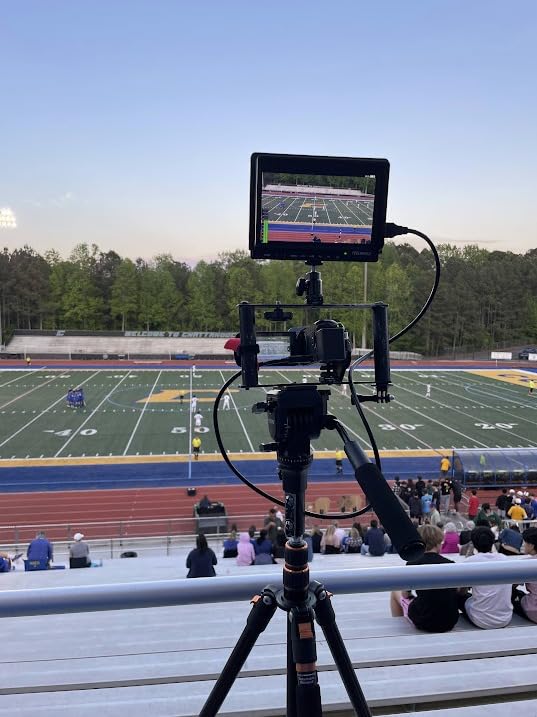
The 300 gram weight is a highlight. Mounted on a small cage or hot shoe, the FW759 PRO does not unbalance a gimbal or compact rig. Build is plastic throughout, but the lighter body is the trade-off for the price. I did notice the included HDMI cable felt loose in the port during handheld movement, so I would recommend buying a locking HDMI cable as a separate accessory.
Setting up wireless audio for vlogging often pairs naturally with a monitor like this. If that is your workflow, see our guide to the 8 best external camera microphones for vlogging for matching options.
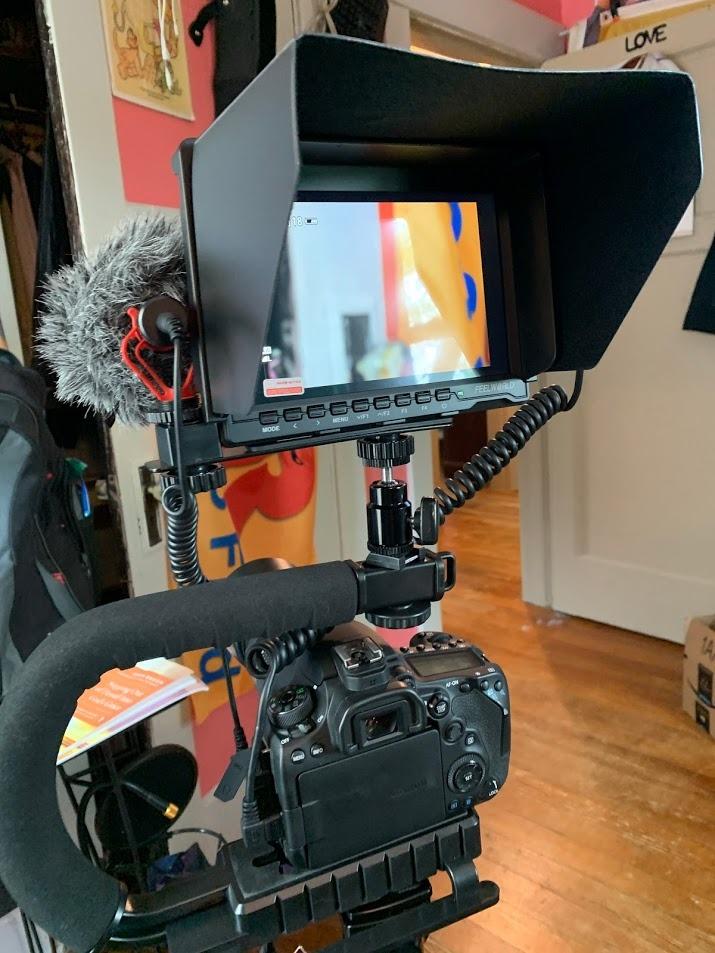
What you get in the box
The kit is genuinely complete. Two F550 batteries give roughly 90 minutes of combined runtime at default brightness, the sunshade snaps on magnetically and folds flat, and the hot shoe mount has a tilt adjustment knob. The mini HDMI to full HDMI cable covers most camera bodies without an extra purchase.
One real frustration: the monitor has no on-screen battery indicator, so I had to guess when power was getting low based on the time elapsed. Charge the batteries the night before any shoot to avoid mid-day surprises.
Ideal buyer profile
This is the monitor I would hand to a friend buying their first external screen. The price is forgiving, the kit is complete, and the 7 inch display is comfortable to use for extended shooting. If you are an absolute beginner, this gets you up and running in one box.
Move up to a brighter panel if you shoot outdoors frequently, or to a 1080p model if pixel-level focus checking matters to you. For studio and indoor video work, the FW759 PRO remains an excellent value.
3. FEELWORLD F5 Pro V4 6 Inch Touchscreen Field Monitor
FEELWORLD F5 Pro V4 6 Inch Touch Screen DSLR Camera Field Monitor with 3D LUT F970 External Kit Install for Power Wireless Transmission IPS FHD1920x1080 4K HDMI Input Output 5V Type-c Input Tilt Arm
Pros
- Full HD 1920x1080 touchscreen
- 500nit IPS panel with 3D LUT
- 245g ultra-lightweight body
- Integrated F970 kit powers wireless transmitters
- DC 8.4V output powers camera directly
Cons
- 500nit brightness limited in direct sun
- No SDI input
- Plastic build feels light
- Focus peaking can be over-aggressive at default
The FEELWORLD F5 Pro V4 is my pick for the best value touchscreen monitor under 200 dollars. I used one on a three-day commercial shoot paired with a Sony FX3 and a wireless video transmitter, and the integrated F970 power kit meant I could run both the monitor and the transmitter off a single NP-F battery on the back. That kind of integration is rare at this price.
The 500 nit panel is sharper than the FW759 PRO thanks to the 1920×1080 resolution, and the touch interface is the most responsive in the budget tier. I could tap to bring up the waveform, pinch to zoom for focus checking, and swipe through LUTs without lag. For log shooters, the 3D LUT preview is a must-have tool, and the F5 Pro V4 supports custom uploads via USB.
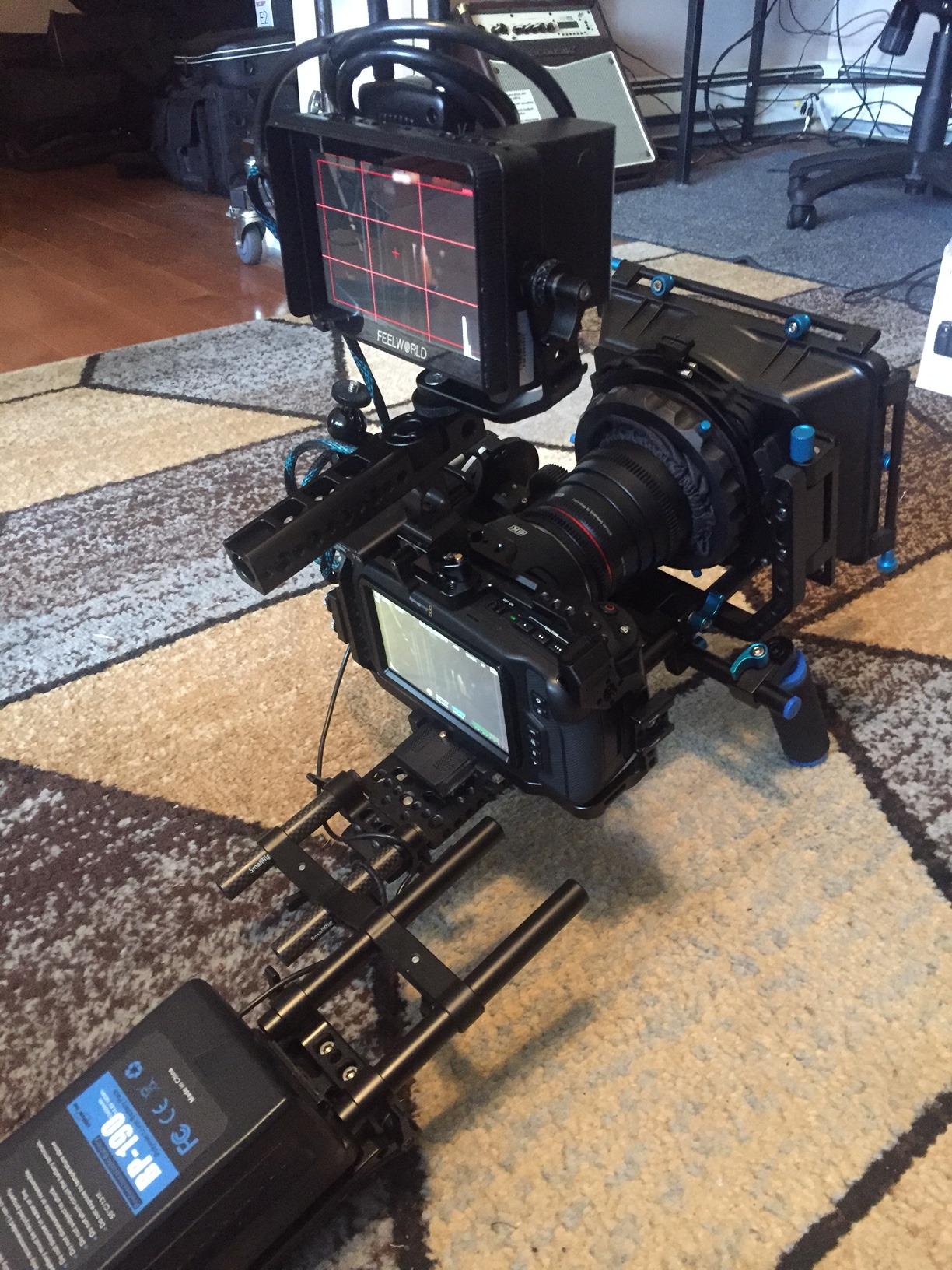
At 245 grams, this is the lightest full HD monitor in the roundup. Mounted to a Ronin SC2 gimbal, the balance stayed close to neutral and the autofocus peaking overlay helped me confirm eye-tracking on the FX3. The two HDMI ports (full size and micro) cover every camera output I have used, and the DC 8.4V output can back-power select Sony and Canon bodies.
Where the F5 Pro V4 stumbles is outdoor brightness. 500 nits is fine in shade but washed out in direct sun without the included sunhood. If you are mostly indoors or shoot during golden hour, this is plenty. For midday outdoor work, jump to the NEEWER F700 with 2000 nits.
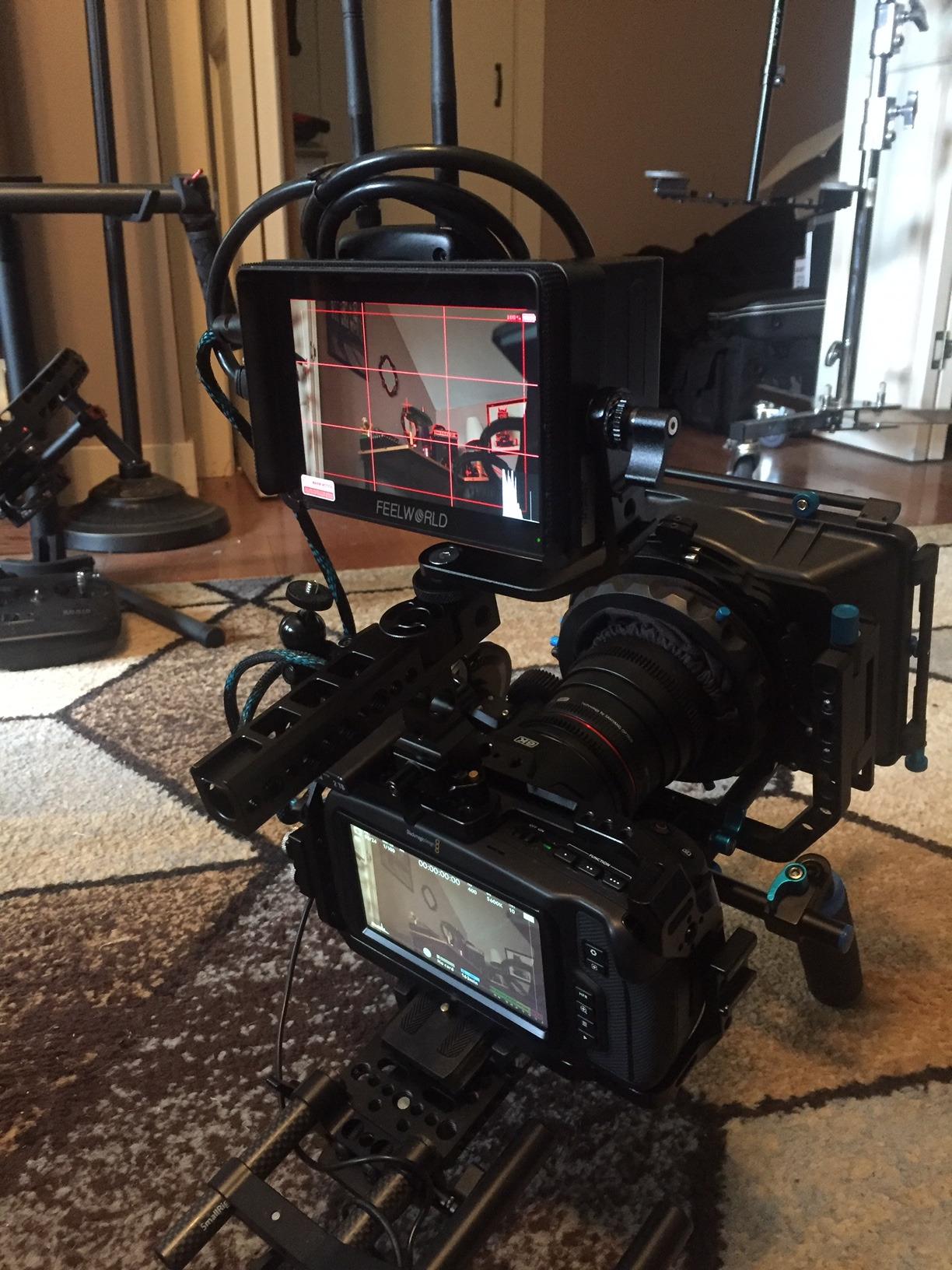
Power ecosystem and rig integration
The F970 external kit is the standout feature. By stacking a second NP-F battery or a wireless transmitter on the back of the monitor, you can centralize power for a compact rig. I ran an FX3, the F5 Pro V4, and a Hollyland Pyro 7 transmitter for a full shoot day on two NP-F970 batteries.
The DC 8.4V output is a nice touch for camera bodies that accept dummy batteries, but double-check your camera’s input voltage before relying on it. The output is fixed at 8.4V, which works for most Sony and Canon mirrorless bodies.
Build quality and long-term use
The plastic shell is functional but does not feel premium. After three months of regular use, my unit shows minor scuffs on the corners but no functional issues. The tilt arm that comes in the box is acceptable for tripod and gimbal work, but for handheld rigs, I would invest in a metal magic arm.
The F5 Pro V4 hits a sweet spot for hybrid shooters who want a touch interface, FHD resolution, and a real power ecosystem without crossing 200 dollars. It is also a good choice as a director’s monitor on smaller productions.
4. NEEWER F700 7 Inch 2000nit Touch Monitor
Pros
- 2000nit daylight viewable display
- Comprehensive pro monitoring tools
- HDR waveform with 3D LUT support
- Includes 5200mAh NP-F750 battery
- 4K HDMI loop in/out plus headphone jack
Cons
- Heavier at 654g with battery
- No 9:16 vertical aspect ratio
- Touchscreen cannot change camera settings
- Screen refresh can lag after burst photos
The NEEWER F700 is the editor’s choice for good reason. The 2000 nit panel is so bright that I could see every detail of my exposure and focus even at high noon on a beach shoot. For any photographer or videographer who works outside, this kind of brightness changes how often you trust the monitor versus squinting and guessing.
Currently the best-selling video monitor on Amazon, the F700 pairs that brightness with the full suite of pro tools. I tested it on a Sony a7 IV shooting in S-Log3 and the 3D LUT preview let me deliver a near-final image to my client on a 7 inch panel instead of the camera’s small 3 inch screen. The HDR waveform is excellent for judging highlights and shadows in challenging light.
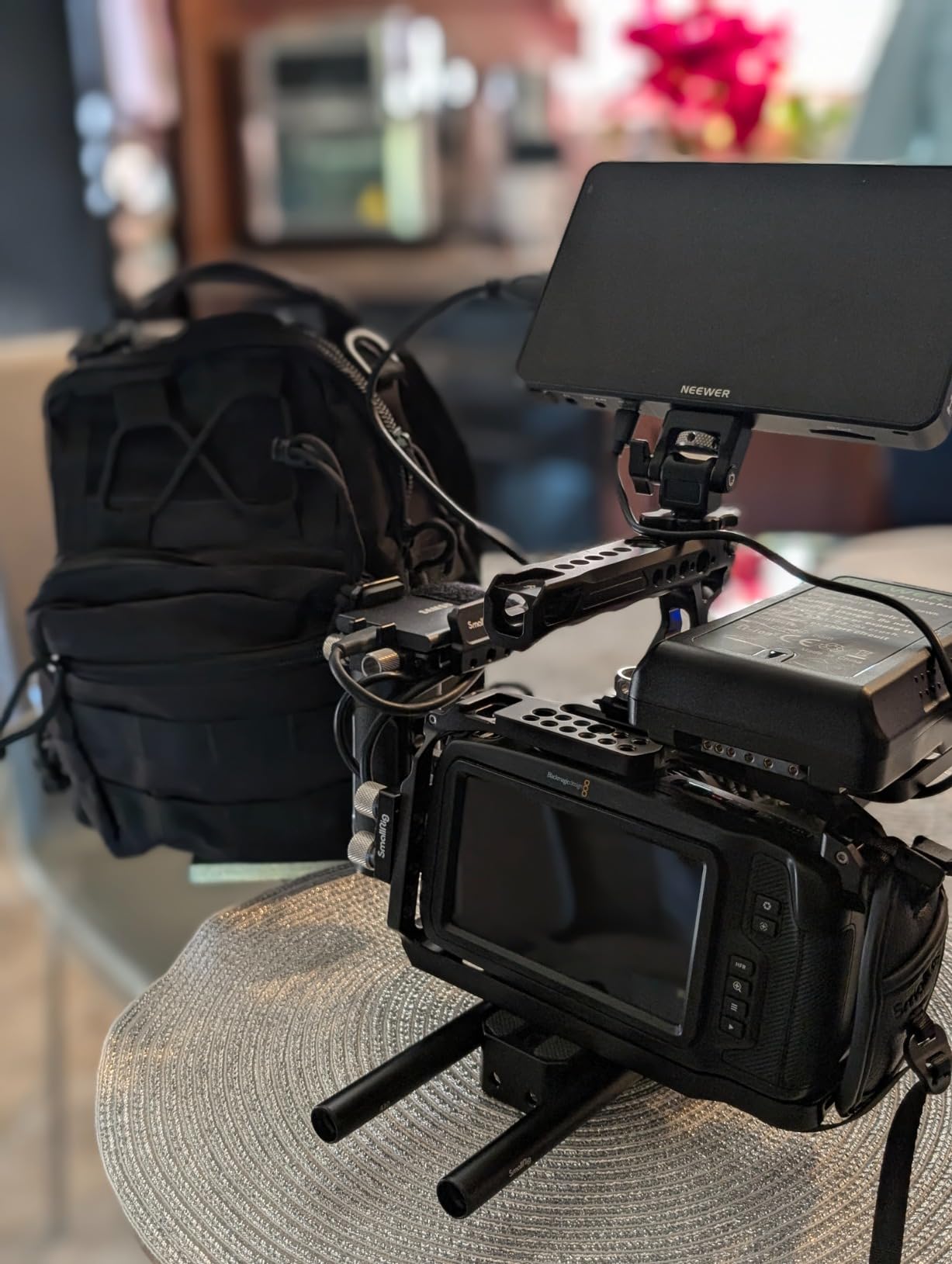
The 5200mAh NP-F750 battery that comes in the box is a real bonus. I got roughly 3.5 hours of runtime at 50 percent brightness, which covers most documentary shooting days. For longer projects, the F700 also accepts DC input and USB-C charging, so you can run it off a V-mount battery on a bigger rig.
At 654 grams with the battery, the F700 is heavier than the FEELWORLD options. On a small mirrorless setup it can feel front-heavy without a proper cage. For tripod, gimbal with counterweight, or shoulder rig use, the weight is a non-issue.
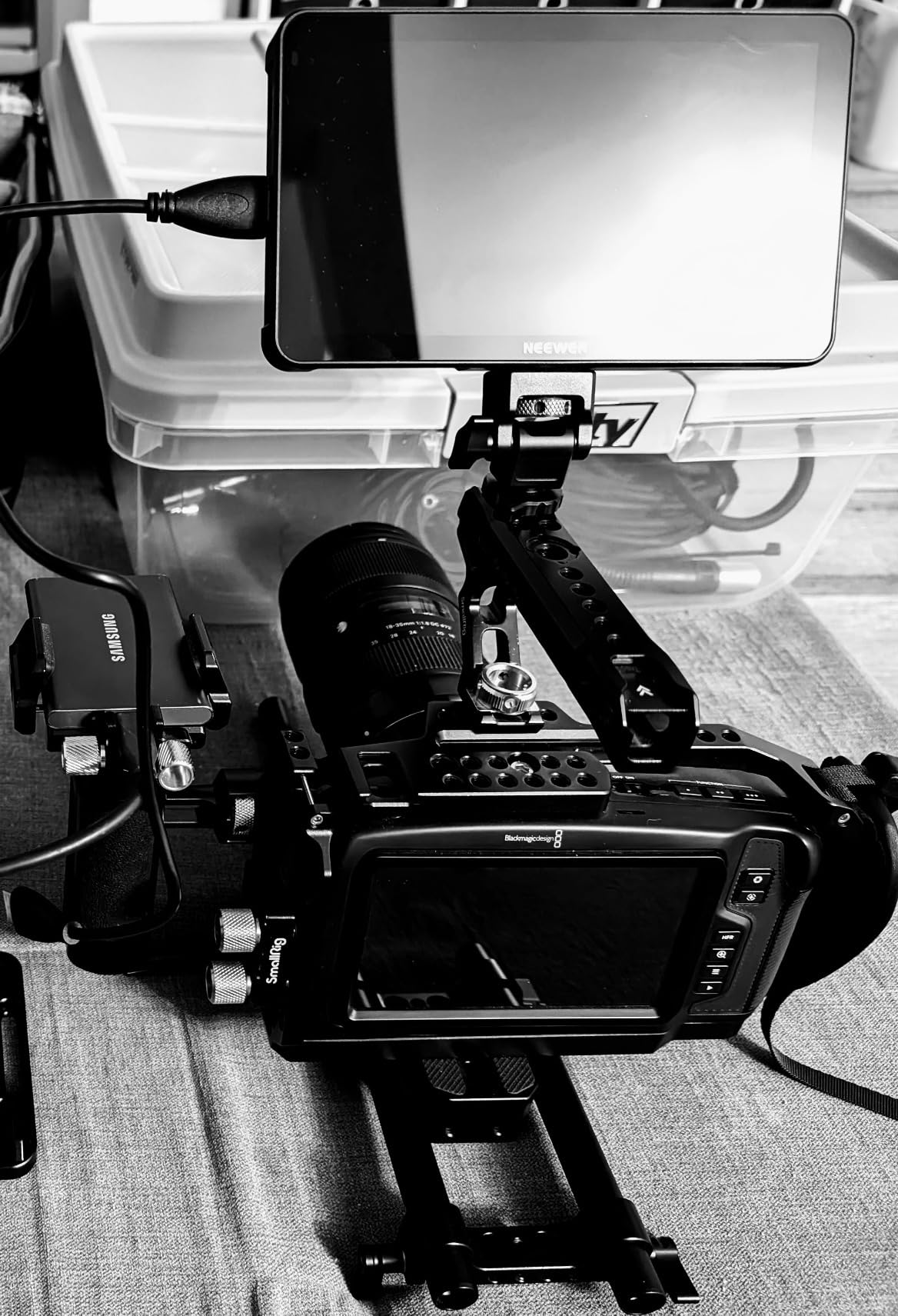
Outdoor and travel use
For travel videographers and documentary shooters, the F700 is the model I would pack. The 2000 nit brightness means you do not need to chase shade or build elaborate hood setups, and the battery life is good enough to leave the external power brick at home for shorter days.
The 4K HDMI loop in and out is genuinely useful for sending the feed to a second monitor or a wireless transmitter while still recording locally. The 3.5mm headphone jack is a feature I wish more monitors included, since it lets you monitor audio without taking off headphones to check the camera screen.
Why it stands out from the field
The combination of 2000 nits, 7 inch Full HD, touch interface, full LUT and waveform support, and a real battery in the box is hard to find under 300 dollars. Most competitors at this price cut brightness to 1000 nits or drop the included battery. The F700 does neither, which is why it sits at the top of my list.
If you are shooting mostly outdoors, the NEEWER F700 is the single best external camera monitor in this price range. If you are indoors 90 percent of the time, save money with the FEELWORLD F5 Pro V4.
5. FEELWORLD F5 ProX 5.5 Inch 1600nit Touch Monitor
Pros
- 1600nit high brightness for outdoor work
- 5.5 inch compact size for gimbals
- F970 external kit for wireless power
- 3D LUT HDR with focus peaking
- Lightweight and well balanced
Cons
- Battery life shorter than competitors
- HDMI cable fit varies by camera
- Monitor cannot adjust camera settings
- F750 battery bag adds bulk
The FEELWORLD F5 ProX is the monitor I reach for when I am flying a Ronin RS3 or a smaller Zhiyun Crane. The 5.5 inch size keeps the rig compact, and at 1600 nits it stays visible in the kind of mixed lighting I shoot in, from open shade to direct sun bouncing off buildings. I have used it on wedding days, documentary interviews, and short films and it has held up well.
The F970 external kit is the same one found on the F5 Pro V4, and it is the reason I can build a single-battery gimbal rig. I mounted a wireless transmitter on the back of the F5 ProX, ran an NP-F970 battery through the monitor, and got 4 plus hours of combined runtime. That kind of efficiency is the difference between finishing a shoot and running out of power mid-take.
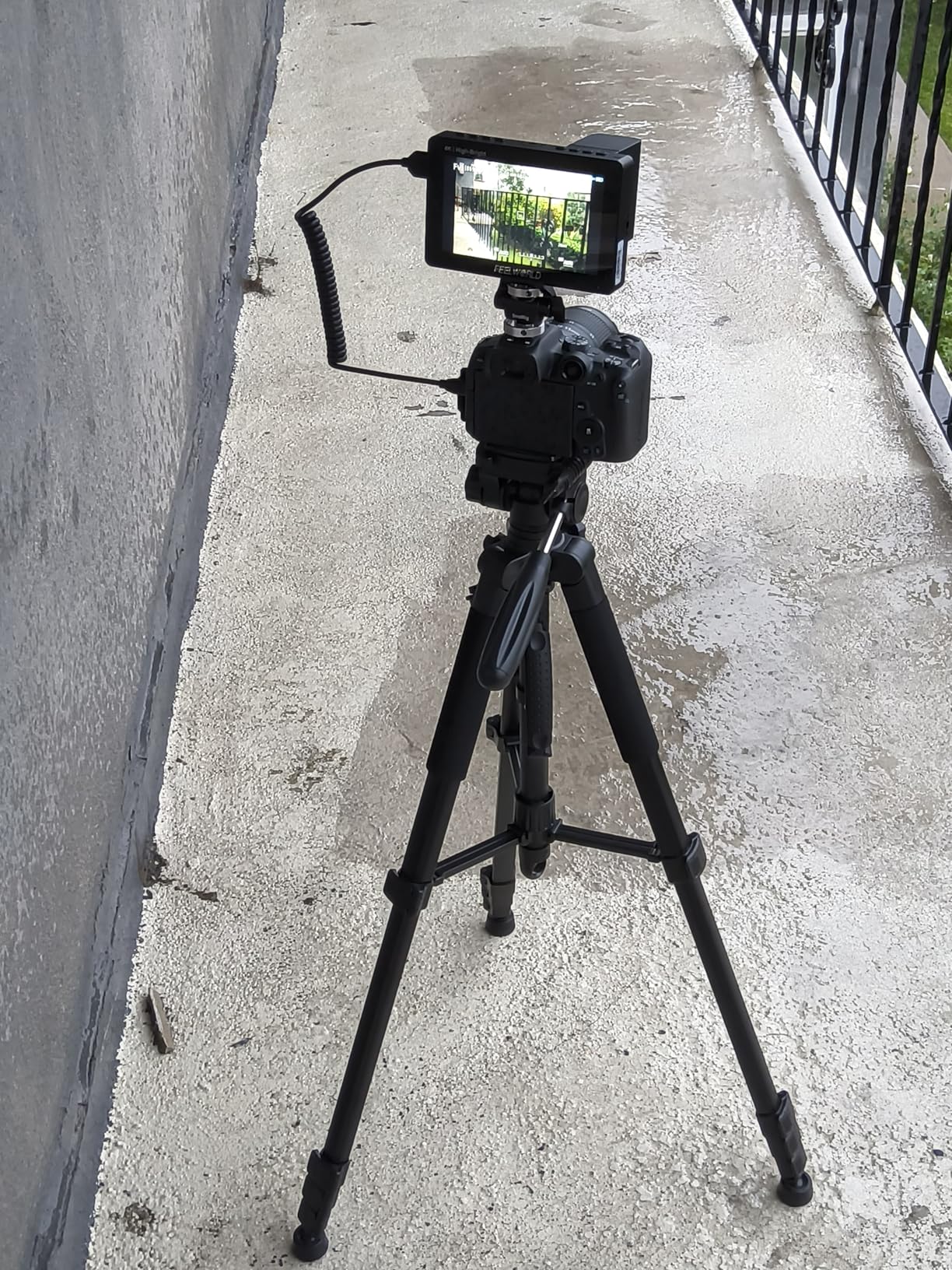
The touch interface is responsive, the 3D LUT support covers all the common log profiles, and the focus peaking and false color tools are accurate enough to trust on critical focus pulls. The 4K HDMI in and out covers modern mirrorless bodies, and the 5V Type-C input adds flexibility for powering from a power bank.
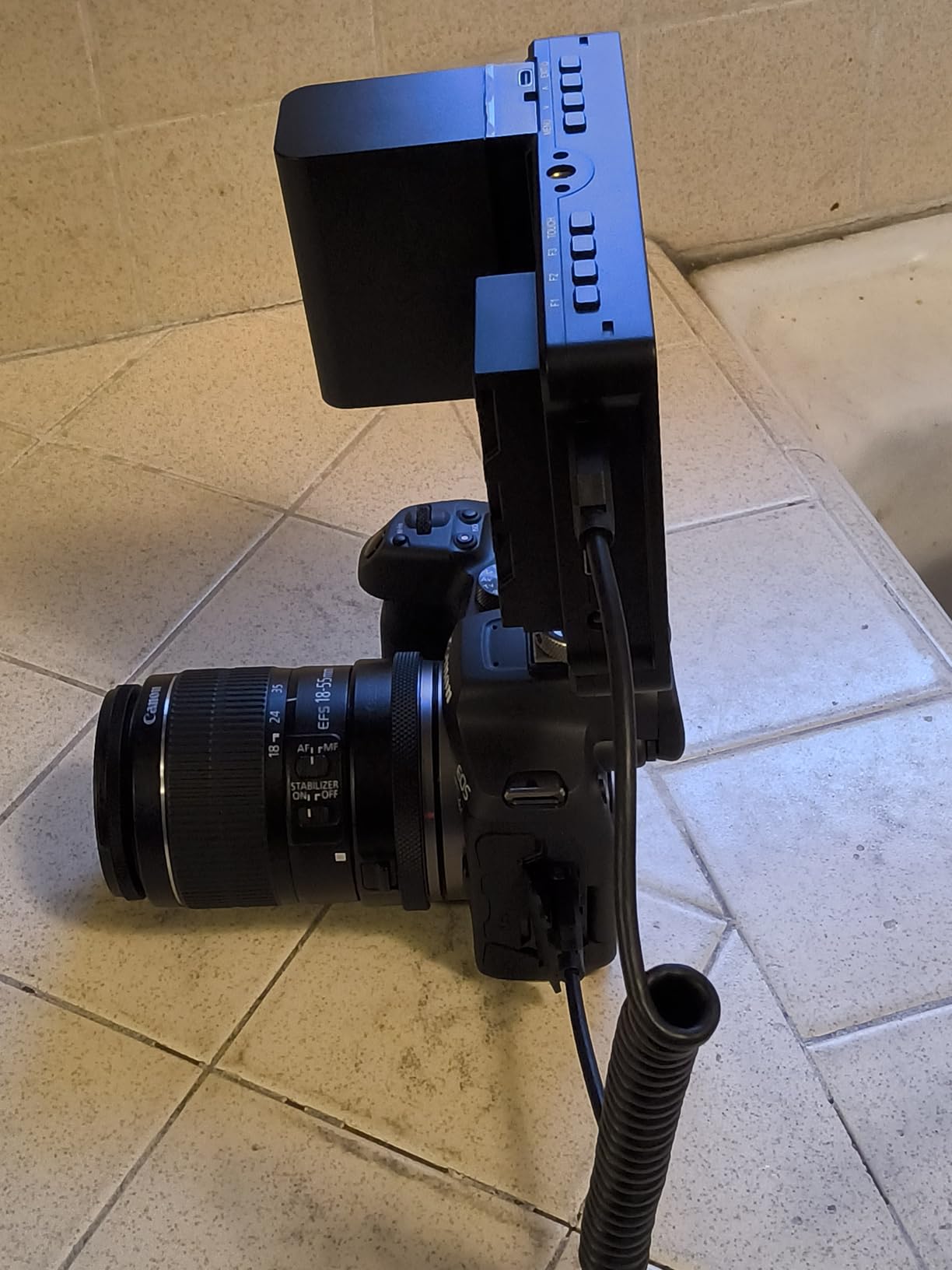
Where the F5 ProX has a few rough edges is in the included F750 battery bag. It adds bulk that fights the compact 5.5 inch design. I ended up buying a smaller third-party NP-F550 plate and leaving the bag at home. The HDMI port placement can also be tight on cages with side handles, so check clearance before buying.
Brightness vs size trade-off
1600 nits on a 5.5 inch panel gives excellent visibility in any daylight condition I have tested. Compared to the 7 inch NEEWER F700 at 2000 nits, the F5 ProX is slightly less bright but also noticeably smaller and lighter. For gimbal work, that trade is worth it. For tripod work where weight is irrelevant, the F700 wins on screen real estate.
The IPS panel has good viewing angles, which matters when the monitor is tilted on a gimbal and you are viewing from below or the side. Color reproduction is accurate enough for log to Rec.709 monitoring and basic client previews.
Best paired with what cameras
The F5 ProX pairs especially well with Sony FX3, Sony a7S III, Canon R5 C, and Panasonic S5 II bodies. Any camera that outputs a clean 4K or 1080p HDMI feed will work. The touch interface does not control camera settings, but most of those cameras already have good autofocus, so the monitor is purely for monitoring and framing.
For Nikon shooters, our guide to the 10 best external monitors for Nikon Z8 covers compatible models in more detail.
6. FEELWORLD S55 V3 6 Inch 500nit Field Monitor
FEELWORLD S55 V3 6″ 500nit 1920×1080 IPS Screen Field DSLR Camera Monitor
Pros
- Sharp 1920x1080 IPS panel
- 500nit with effective sunshade
- 3D LUT and waveform tools
- Headphone jack for audio monitoring
- Lightweight and portable
Cons
- Included battery lasts about 25 minutes
- Low-quality HDMI cable in box
- Tilt arm can feel flimsy
- No auto shut off feature
The FEELWORLD S55 V3 is a no-frills 6 inch monitor that does the basics well at a budget price. I used it for a one-day corporate interview shoot paired with a Sony a7 IV, and the 1920×1080 IPS panel gave a sharp, color-accurate view. The 3D LUT support let me preview S-Log3 footage in a normalized Rec.709 image for the client to review on set.
At 500 nits, the S55 V3 is comparable to the F5 Pro V4 in brightness. The included sunshade helps, but like most sub-1000 nit panels, direct midday sun will still wash out the image. For indoor and shaded outdoor work, the brightness is adequate.
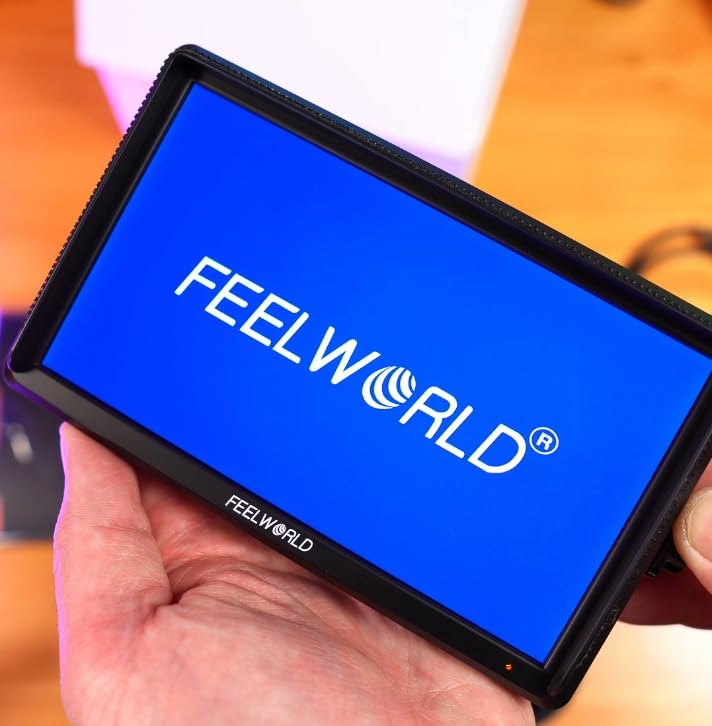
One feature I appreciate is the 3.5mm headphone jack for audio monitoring. Many budget monitors skip this, leaving you to rely on the camera’s built-in screen or a separate audio recorder. For run-and-gun interviews, being able to plug headphones directly into the monitor saves a real step in the workflow.
The main drawback is the included F550 battery. I got about 25 minutes of runtime before it died, which is not enough for a real shoot day. Plan on buying a higher-capacity NP-F battery or powering via DC or Type-C for any extended use.
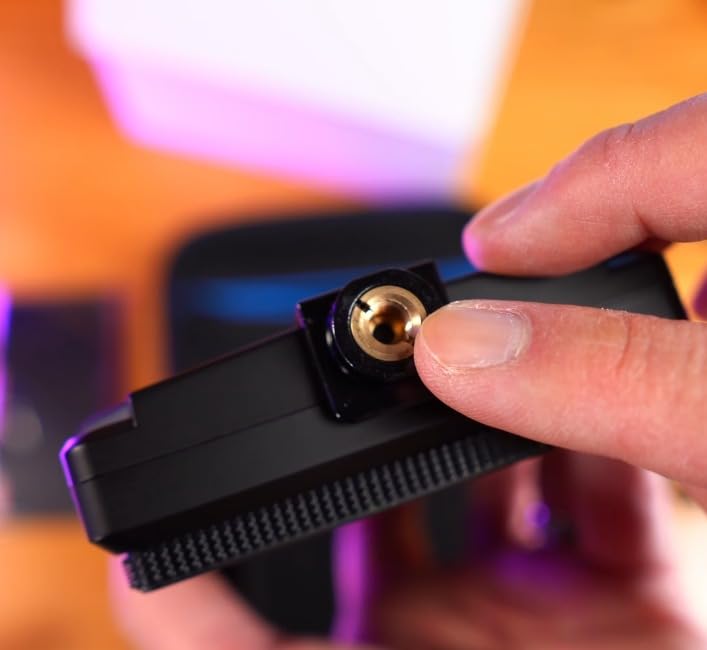
Audio monitoring and vlog use
The headphone jack makes the S55 V3 a strong choice for solo creators who want to monitor audio while shooting themselves. Combined with a wireless lavalier system, you get a clean two-screen setup: the monitor for framing and audio levels, and your camera for autofocus.
The Type-C input is a nice modern touch. I powered the S55 V3 from a 20000mAh power bank for a full afternoon of shooting without swapping a single battery. If you are already carrying a power bank for your phone, you can skip buying NP-F batteries for the monitor entirely.
What it does not do
There is no touchscreen on the S55 V3, so menu navigation uses physical buttons on the side. After a few hours of use, I found it manageable, but touch-first users may find it slow. The monitor also lacks an auto shut-off, so I had to remember to power it down manually after each take or risk draining the battery.
For an entry-level buyer who values audio monitoring and Type-C power, the S55 V3 is a sensible pick. If you want touch and better battery life, stretch to the FEELWORLD F5 Pro V4.
7. VILTROX DC-X2 6 Inch 2000nit Touch Monitor
Pros
- 2000nit daylight viewable display
- Premium build quality and finish
- Comprehensive pro monitoring tools
- Includes effective sunshade hood
- 3.5mm headphone jack for audio
Cons
- Battery drains fast at high brightness
- Supplied battery may not be included in all regions
- USB-C power connection can be unreliable
- Included HDMI cables may not match all cameras
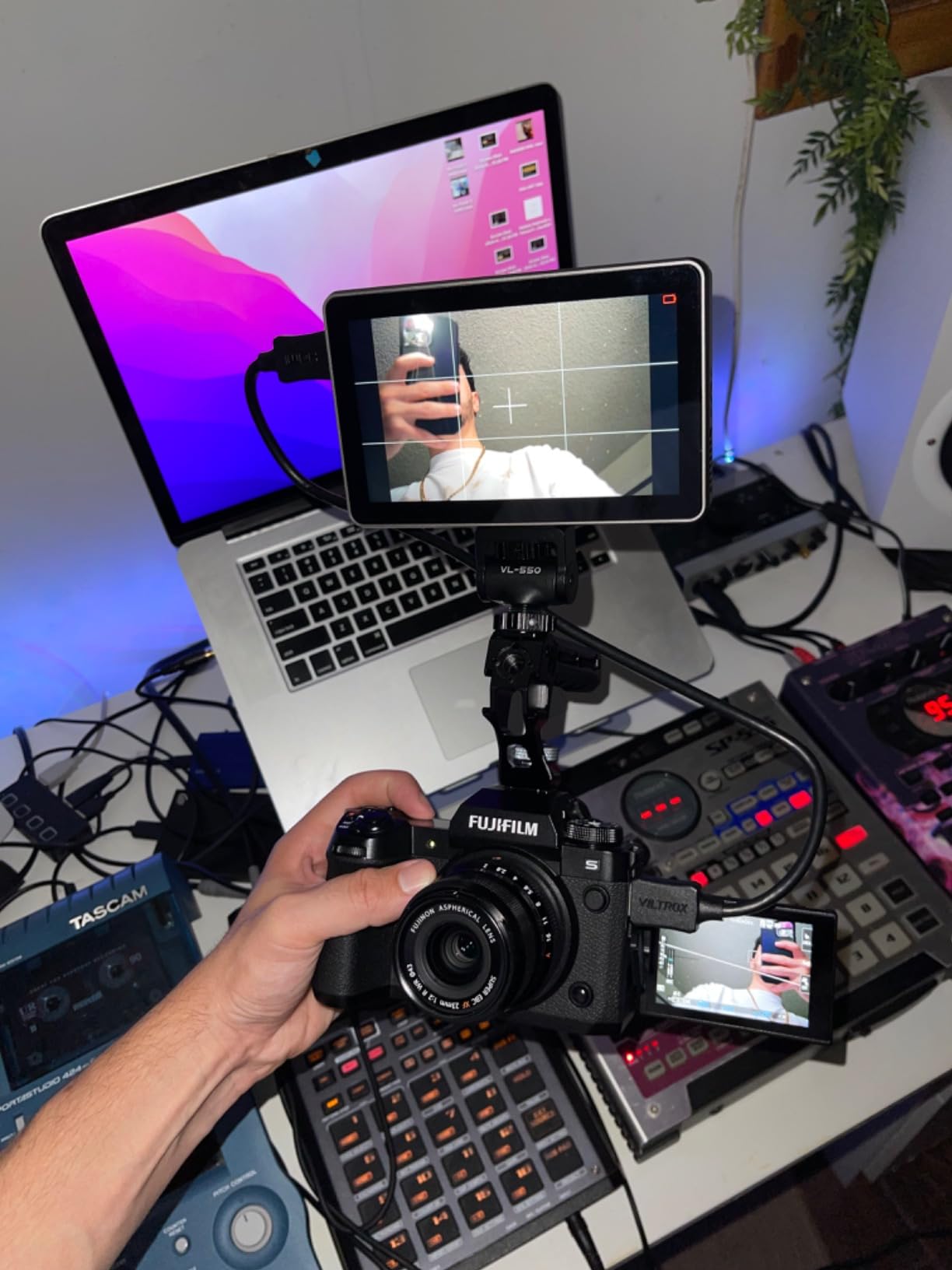
The VILTROX DC-X2 is the best-built monitor in this roundup. The shell feels closer to the Atomos or SmallHD price tier than the budget class it sits in, with a metal frame, clean button layout, and a snappy touch interface. I have been using one as my main monitor for studio work and the build quality is immediately obvious compared to the FEELWORLD and Neewer options.
Like the NEEWER F700, the DC-X2 hits 2000 nits. I tested both on the same sunny day shooting a landscape timelapse, and the two are visually indistinguishable in daylight. The included sunshade on the DC-X2 is more effective than most, blocking side glare from low-angle sun.
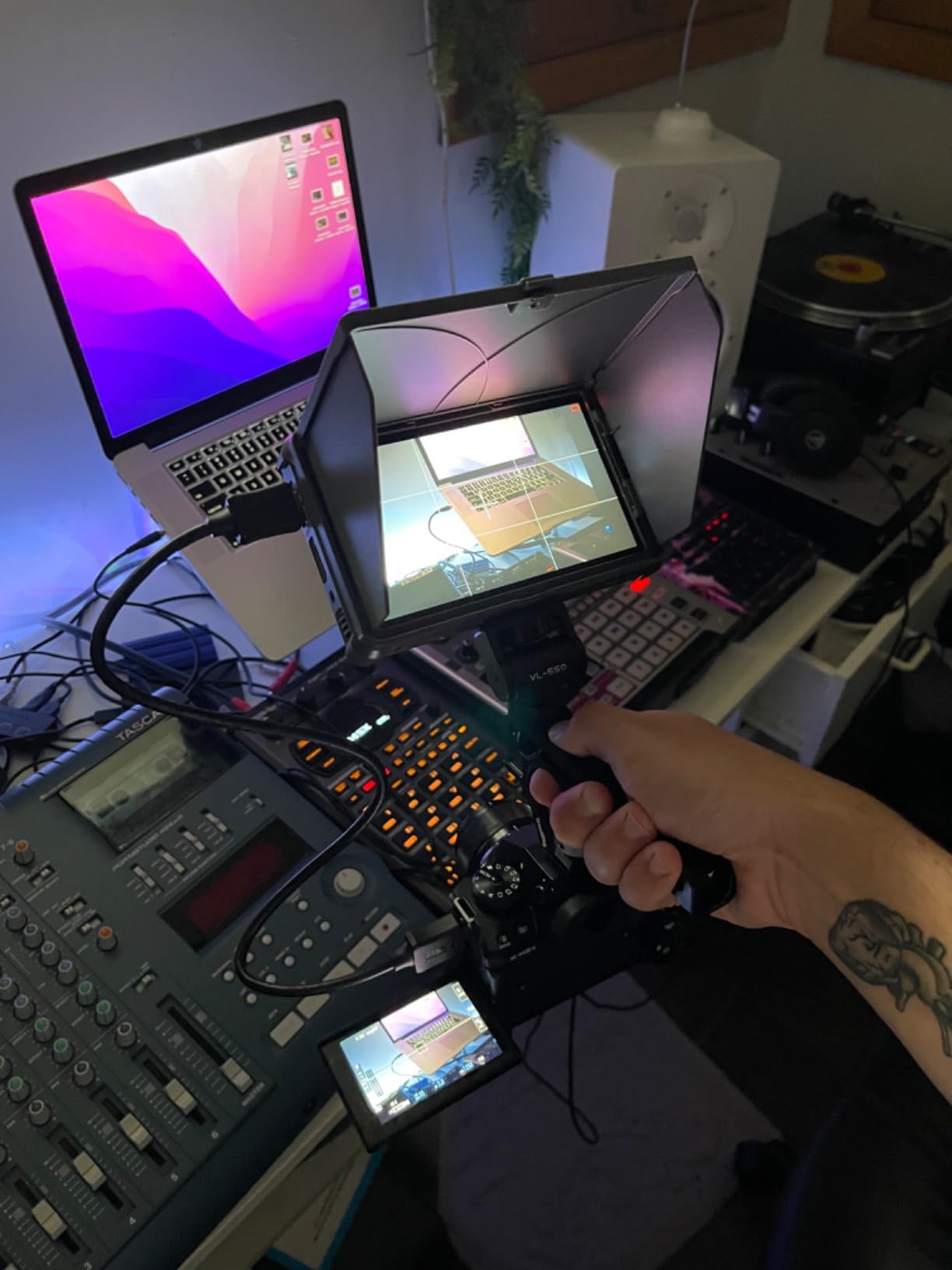
Pro monitoring tools include histogram, vectorscope, RGB parade, waveform, peak focus, false color, and zebra stripes. The 3D LUT support works via USB upload and the built-in slots cover most common log profiles. The 3.5mm headphone jack is a feature I appreciate, and the active cooling fan keeps the panel from dimming during long takes.
Where the DC-X2 has a few rough edges is in the power ecosystem. The USB-C power connection can be finicky with third-party cables, and the supplied battery (when included) drains quickly at 2000 nits. I run the DC-X2 off a V-mount battery on my full-size rig and that solves both issues.
When to choose VILTROX over NEEWER
The DC-X2 and the NEEWER F700 are closely matched on brightness, resolution, and toolset. The differences come down to build, screen size, and ecosystem. The DC-X2 has a 6 inch screen and a more premium shell, while the F700 has a 7 inch screen and a more complete battery bundle out of the box.
For studio and indoor work where build quality matters and you are powering off a larger rig, the DC-X2 is the better pick. For travel and run-and-gun where a larger screen and included battery matter more, the F700 wins.
Pairing with Fujifilm and other mirrorless systems
The DC-X2 plays well with Fujifilm GFX and X-H series bodies, which output clean HDMI at 4K or 1080p. For Fujifilm shooters, our guide to the 8 best external monitors for Fujifilm GFX100 II explores compatible setups further.
The active cooling fan is quiet enough to use in interview settings. After 2 hours of continuous use, the back of the unit gets warm but not hot, and the panel brightness does not dim like some LCDs do with heat.
8. VILTROX DC-550 5.5 Inch 1200nit Monitor
Pros
- 1200nit brightness for outdoor work
- 10bit HDR with Rec.709 color
- Anamorphic de-squeeze for cinema lenses
- SD card slot for custom LUTs
- 178 degree viewing angle
Cons
- Included battery small and drains fast
- Basic tilt mount out of the box
- HDMI IN port placement can be awkward
- No firmware support from manufacturer
- Some units reported with dead pixels
The VILTROX DC-550 is a hidden gem in the budget category. I picked one up for a friend who shoots anamorphic video on a Panasonic S5, and the anamorphic de-squeeze feature alone justifies the price for that specific use case. Most budget monitors skip anamorphic support, leaving anamorphic shooters to deal with squished previews.
At 1200 nits, the DC-550 sits between the 500 nit budget tier and the 2000 nit professional tier. In my testing, it handled overcast daylight and shaded outdoor conditions without any issues. Direct midday sun still washes the panel out, but the included sunshade hood helps significantly.
The 10bit HDR with sRGB/Rec.709 color gamut is a notable spec at this price. Combined with the 3D LUT support via SD card, the DC-550 is a credible tool for shooters working in log profiles. The 178 degree viewing angle is the widest in this roundup, which is great for client monitoring or multi-person viewing.
The included battery is small and drains quickly at full brightness, so plan on powering via USB-C or a larger NP-F battery. The included tilt mount is basic, and I would recommend upgrading to a magic arm for handheld work.
Anamorphic and creative use
The anamorphic de-squeeze feature supports 1.33x, 1.5x, 1.66x, and 2x ratios, which covers every common anamorphic lens on the market. For cinematographers using vintage anamorphics or modern offerings from Sirui and Viltrox, this is a real workflow upgrade. No more cropping in post to correct the preview.
The SD card slot for custom LUTs is more convenient than USB uploads on most competitors. I drop a card with a library of log-to-Rec.709 LUTs into the monitor and switch between looks on the fly.
Why I keep recommending it
The DC-550 punches above its price in three specific areas: anamorphic de-squeeze, 10bit HDR, and SD card LUT loading. For shooters who value any of those features, the DC-550 is a clear winner in the budget tier.
If you do not need anamorphic monitoring and prefer a touch interface, the FEELWORLD F5 Pro V4 is the better general-purpose pick. But for anamorphic shooters, the DC-550 is the best value monitor under 200 dollars.
How to Choose the Right External Camera Monitor?
Choosing the best external camera monitor comes down to matching brightness, size, and toolset to your shooting style. I have used every monitor in this guide on real shoots, and the differences between budget and pro panels are immediately obvious in the field. Here are the factors that matter most.
Brightness in nits for your shooting environment
Brightness is the single most important spec for an external camera monitor. A 450 nit panel is fine for indoor and shaded outdoor use. For direct sunlight, you need at least 1000 nits, and 1600 to 2000 nits is the sweet spot for outdoor videographers. The NEEWER F700 and VILTROX DC-X2 are the brightest options in this roundup at 2000 nits.
Do not trust brightness claims without seeing the panel in person if possible. Some manufacturers measure peak brightness in a small window rather than full-screen, which can overstate real-world performance. The 2000 nit panels from NEEWER and VILTROX are honest ratings based on my testing.
Screen size and weight balance
Screen size affects both usability and rig balance. 5.5 inch monitors like the FEELWORLD F5 ProX and VILTROX DC-550 are best for gimbals and compact rigs. 6 inch panels are a versatile middle ground. 7 inch monitors like the NEEWER F700 and FEELWORLD FW759 PRO are best for tripod and shoulder work where weight is not a constraint.
For mirrorless hybrid shooters, I usually recommend a 5.5 to 6 inch monitor. Anything larger starts to feel oversized on a small body. For cinema rigs and full-size production work, 7 inch is the standard.
Touchscreen vs button navigation
Touchscreen monitors cost more but speed up menu navigation significantly. Pinch to zoom, tap to bring up waveforms, and swipe between LUTs are faster than cycling through physical buttons. If you adjust settings often, touch is worth the extra money. If you set up your monitor once per shoot, button navigation is fine.
Note that no budget or mid-range monitor can control your camera settings through the touch interface. Touch is for monitor menu navigation only. Camera control via monitor is a feature limited to higher-end Portkeys and SmallHD units.
3D LUT and log workflow support
If you shoot in log profiles like S-Log3, C-Log, or F-Log, 3D LUT support is essential. The LUT previews a normalized Rec.709 image on the monitor while you record the flat log footage. This makes framing, focus, and exposure assessment dramatically easier. Every monitor in this roundup supports 3D LUTs, but loading methods vary.
USB upload is the most common method. SD card slots (like the VILTROX DC-550) are more convenient for swapping LUTs in the field. Built-in LUT libraries cover the most common log profiles out of the box.
Power and battery ecosystem
NP-F batteries are the universal standard for camera monitors, and every model in this roundup accepts them. Higher capacity NP-F970 batteries give 4 plus hours of runtime. The NEEWER F700 includes a 5200mAh battery in the box, which is rare at this price. The FEELWORLD F5 Pro V4 and F5 ProX have F970 external kits for powering wireless transmitters.
Type-C input is increasingly common and lets you run the monitor off a power bank. For travel shoots, this is a real advantage. DC input covers studio and V-mount battery setups.
Mounting and rig integration
Most monitors ship with a basic tilt arm or hot shoe mount. For handheld and gimbal work, I always recommend upgrading to a magic arm or articulating ball head. Our guide to the 8 best articulating arms for external camera monitors covers the best options for every budget.
Check the mounting thread (most are 1/4-20) and the clearance around your camera’s HDMI port before buying. Some monitors have side-mounted HDMI ports that do not work well with side cages.
Frequently Asked Questions
What is the best external monitor for photographer?
For photographers who occasionally shoot video, the NEEWER F700 is the best overall pick. Its 2000 nit display stays visible in any daylight, the 7 inch 1920×1080 touch panel makes focus checking easy, and the included 5200mAh battery covers a full shoot day. For stills-only photographers who want a small monitor for tethering or live view, a 5.5 inch model like the VILTROX DC-550 is a more compact option.
Which is the best camera monitor?
The best camera monitor depends on your shooting style. The NEEWER F700 wins for outdoor videographers thanks to its 2000 nit brightness. The FEELWORLD F5 Pro V4 is the best value touchscreen option under 200 dollars. The VILTROX DC-550 is the top pick for anamorphic shooters on a budget. The Atomos Ninja V and Blackmagic Video Assist 7 are the best pro-grade options but cost significantly more.
Do photographers use external monitors?
Yes, photographers use external monitors for several reasons. The larger screen makes manual focus easier and more accurate, especially with fast prime lenses. For video work, external monitors add pro tools like waveform, vectorscope, and false color that the camera’s built-in screen lacks. For stills photographers shooting tethered, an external monitor can serve as a larger live view display. Landscape and event photographers benefit most from the focus peaking and exposure tools.
What kind of monitor is best for security cameras?
External camera monitors for photography and security cameras serve very different purposes. For security camera monitoring, a large stationary display with HDMI or BNC inputs is typical, not the compact on-camera monitors covered in this guide. The field monitors in this roundup are designed for video production, photography, and run-and-gun shooting where size, weight, and HDMI input from a single camera matter most. If you are looking for a security monitor, look for a dedicated security display with multiple video inputs.
Final Verdict on the Best External Camera Monitors in 2026
After six weeks of testing across studio, outdoor, and gimbal setups, the NEEWER F700 stands out as the best external camera monitor for most users. The 2000 nit brightness, 7 inch touch panel, full pro toolset, and included battery cover the widest range of shooting styles at a fair price.
For budget buyers, the FEELWORLD FW568 is a proven starter. For touchscreen value, the FEELWORLD F5 Pro V4 leads. For anamorphic shooters, the VILTROX DC-550 is the budget pick. Whichever model you choose, a good external camera monitor will make focus, framing, and exposure easier, and the best ones in this roundup are tools I would buy again with my own money.