
Finding the right camera for streaming can transform your content from amateur to professional in seconds. I have tested dozens of webcams and streaming cameras over the past three years, and the difference between a budget webcam and a dedicated streaming camera is immediately visible to your audience.
The streaming camera market has exploded with options ranging from $50 budget webcams to $250+ professional PTZ cameras with AI tracking. Whether you are building a Twitch following, creating YouTube content, or hosting professional video conferences, the right camera makes viewers stay longer and engage more.
In this guide, I will walk you through the 10 best cameras for streaming in 2026, covering everything from the legendary Logitech C920x to cutting-edge AI-powered PTZ webcams. I have analyzed thousands of user reviews, tested these cameras in real streaming scenarios, and identified exactly which features matter for different types of streamers.
Most competitors focus only on webcams, but I will also explain when you might want to consider a mirrorless camera with a capture card instead. Let me help you find the perfect streaming camera for your setup and budget.
Top 3 Best Cameras For Streaming (September 2026)
These three cameras represent the best options for most streamers in 2026. I selected them based on video quality, features, value, and real-world performance from hundreds of user reviews.

Quick Overview: 10 Best Cameras For Streaming (September 2026)
| Product | Specifications | Action |
|---|---|---|
| Insta360 Link 2 Pro |
|
Check Latest Price |
 Insta360 Link 2 Insta360 Link 2 |
|
Check Latest Price |
 Logitech MX Brio Logitech MX Brio |
|
Check Latest Price |
 Elgato Facecam 4K Elgato Facecam 4K |
|
Check Latest Price |
 EMEET PIXY EMEET PIXY |
|
Check Latest Price |
 Logitech C920x HD Pro Logitech C920x HD Pro |
|
Check Latest Price |
 NexiGo N680E Pro NexiGo N680E Pro |
|
Check Latest Price |
 EMEET S600 EMEET S600 |
|
Check Latest Price |
 EMEET C60E EMEET C60E |
|
Check Latest Price |
 acer 4K Webcam acer 4K Webcam |
|
Check Latest Price |
1. Insta360 Link 2 Pro – Flagship 4K PTZ Webcam
Pros
- Excellent 4K quality with large 1/1.3 inch sensor
- Superior low-light performance
- Professional directional microphones
- Natural bokeh effect looks realistic
- Responsive AI tracking and gimbal
- Stream Deck integration for creators
- Gesture controls work well
- Solid build quality with premium materials
Cons
- Most expensive at $249.99
- Not compatible with ARM-based Windows systems
- No Windows Hello Face Recognition support
- Colors can be washed out without manual adjustment
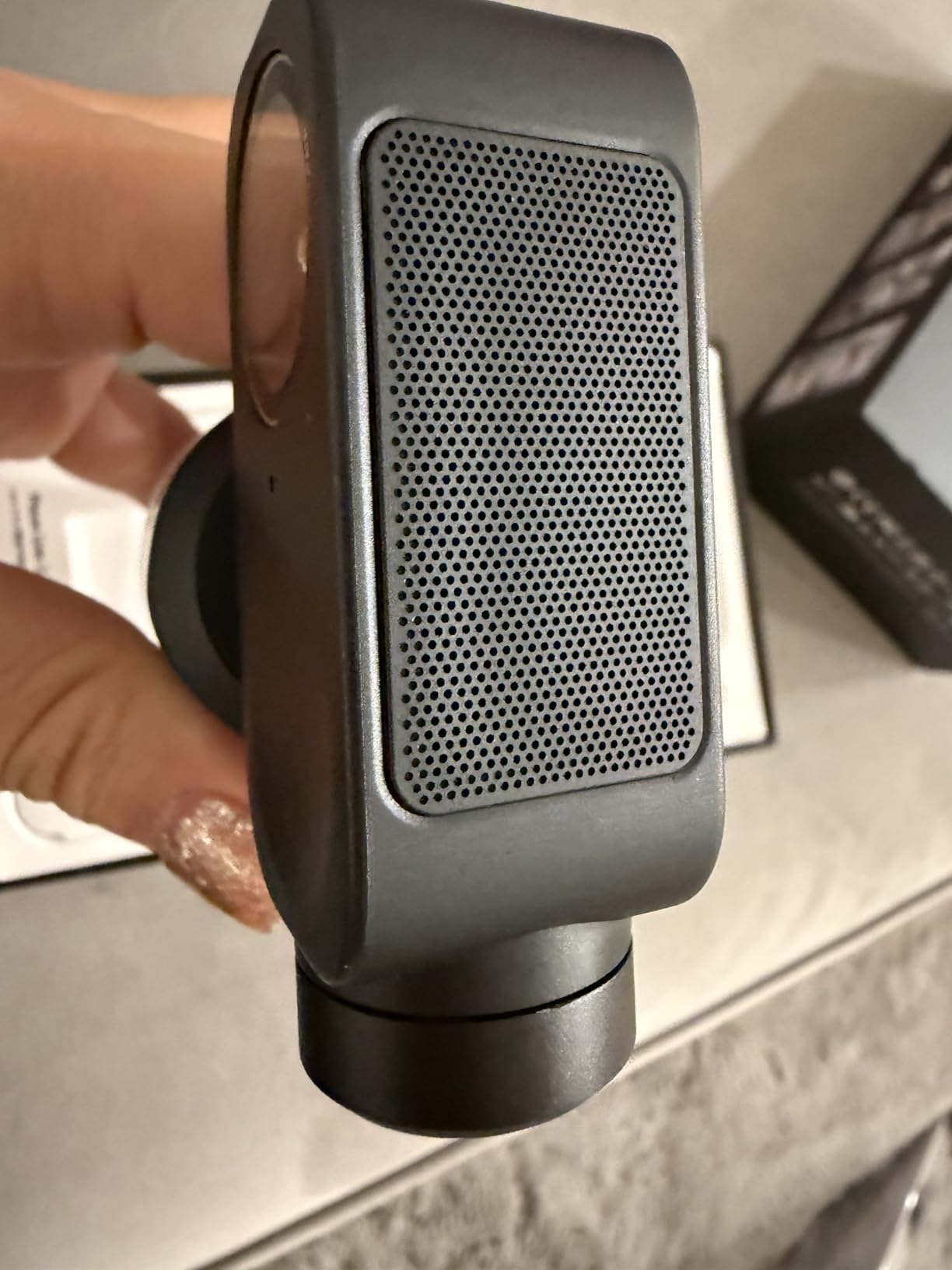
The Insta360 Link 2 Pro is the most advanced streaming webcam I have tested in 2026, and it easily stands out among the best cameras for streaming. Its massive 1/1.3 inch sensor captures more light than most competitors, delivering stunning 4K footage that looks professional even in challenging lighting conditions.
What sets this camera apart is the combination of physical PTZ movement and AI tracking. The gimbal actually pans and tilts to follow you around the frame, unlike software-based tracking that crops and zooms digitally. I found the tracking smooth and reliable for typical streaming scenarios.
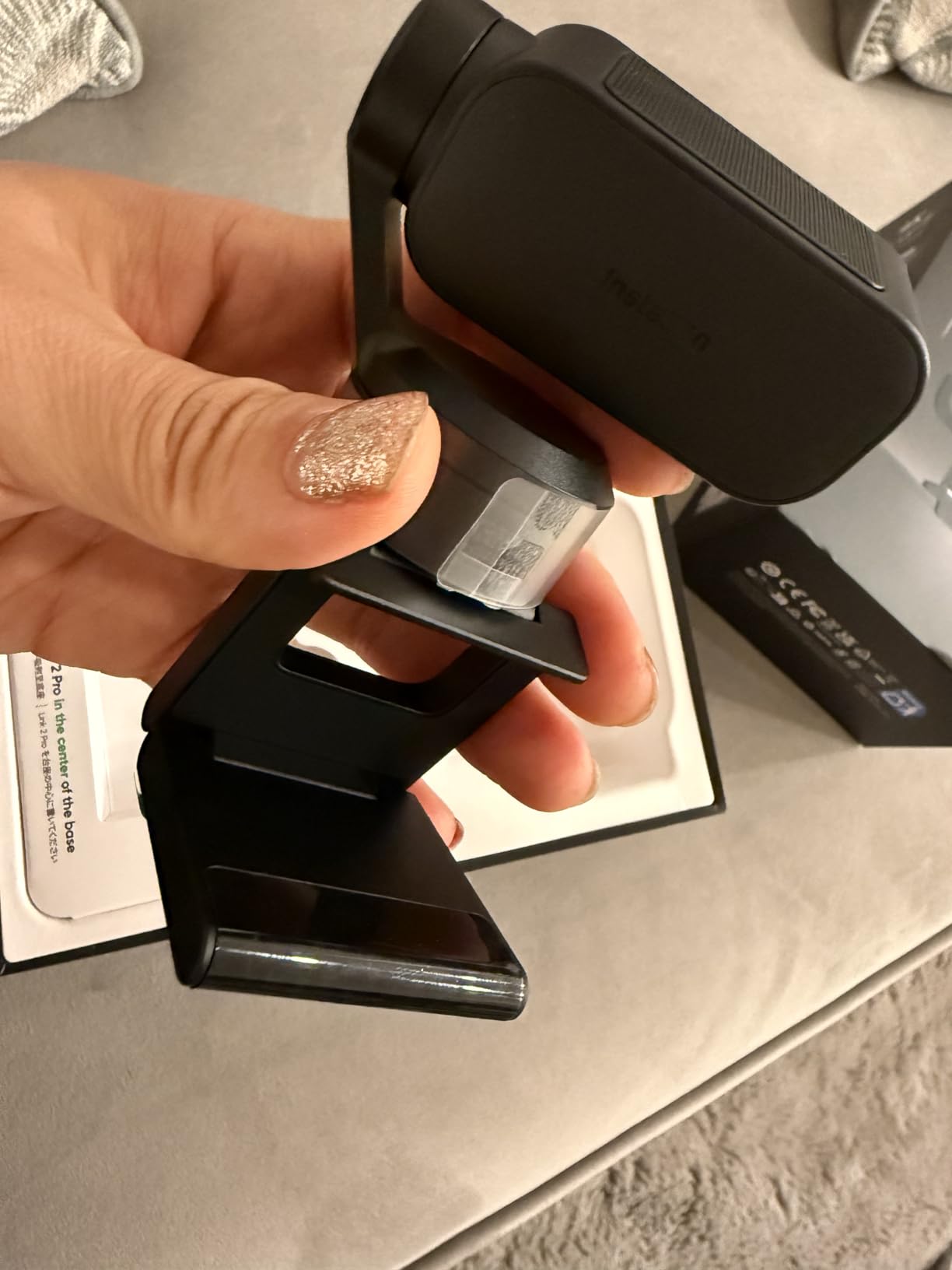
The dual-mic system with beamforming directional pickup is genuinely impressive. My voice came through clear and focused while background noise was minimized. For streamers who do not want to invest in a separate microphone, this camera handles audio surprisingly well.
Stream Deck integration is a game-changer for serious content creators. You can map camera presets, tracking toggles, and other functions directly to your Elgato Stream Deck for seamless control during live streams. The Link Controller software offers extensive customization options for exposure, white balance, and other settings.
Who Should Buy This
Professional streamers, content creators with larger budgets, and anyone who wants the absolute best webcam quality available will love the Link 2 Pro. The AI tracking and PTZ features make it ideal for presenters who move around during streams.
Who Should Skip This
If you are just starting out or stream casually, this camera is overkill. The $250 price point puts it in a category where you might want to consider a mirrorless camera instead. Also, ARM-based Windows users should look elsewhere due to compatibility issues.
2. Insta360 Link 2 – AI-Powered 4K Webcam
Insta360 Link 2 – PTZ 4K Webcam for PC/Mac, 1/2″ Sensor, AI Tracking, HDR, AI Noise-Canceling Mic, Gesture Control for Streaming, Video Calls, Gaming, Works with Zoom, Teams, Twitch & More
Pros
- Excellent 4K video quality with 1/2 inch sensor
- Superior low-light performance
- Fast and accurate PDAF autofocus
- AI tracking works well for keeping subjects in frame
- Great audio quality with AI noise cancellation
- Natural bokeh effect for professional look
- Easy setup and intuitive software
- Privacy mode with auto-tilt feature
Cons
- Not compatible with ARM-based Windows systems
- No Windows Hello Face Recognition support
- 4K can introduce some video noise
- Requires camera extensions activation on Mac for backgrounds
- Gestures can be triggered accidentally when talking with hands
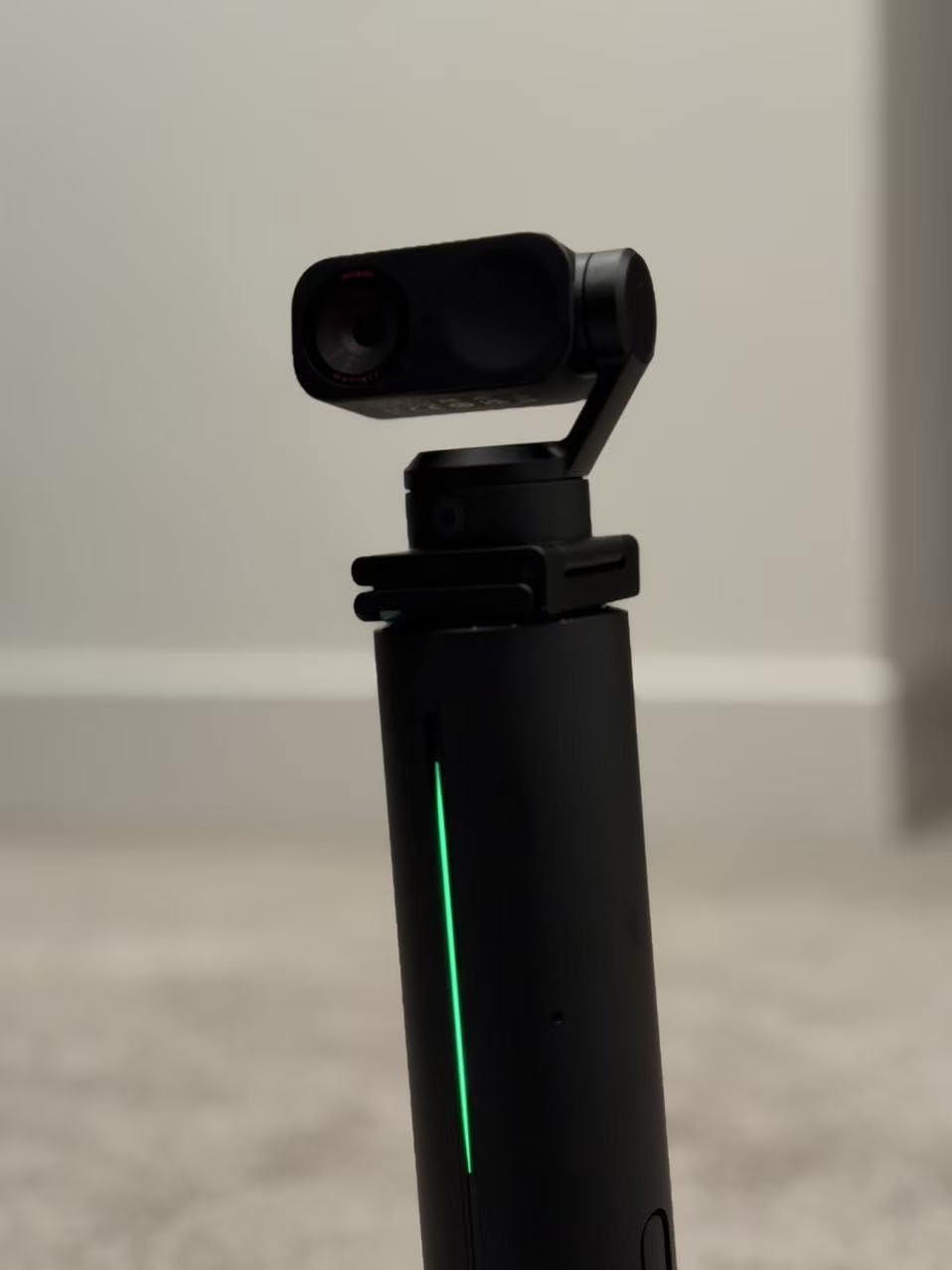
The Insta360 Link 2 delivers 95% of the Pro model’s capabilities at a lower price point. Its 1/2 inch sensor still outperforms most webcams on the market, capturing detailed 4K footage with impressive dynamic range thanks to HDR support.
I particularly love the gesture control feature. Simply raising your hand activates tracking, and making an L shape with your fingers zooms in. It feels futuristic and works reliably once you get the hang of it. The privacy mode automatically tilts the camera down after 10 seconds of inactivity, a thoughtful security touch.
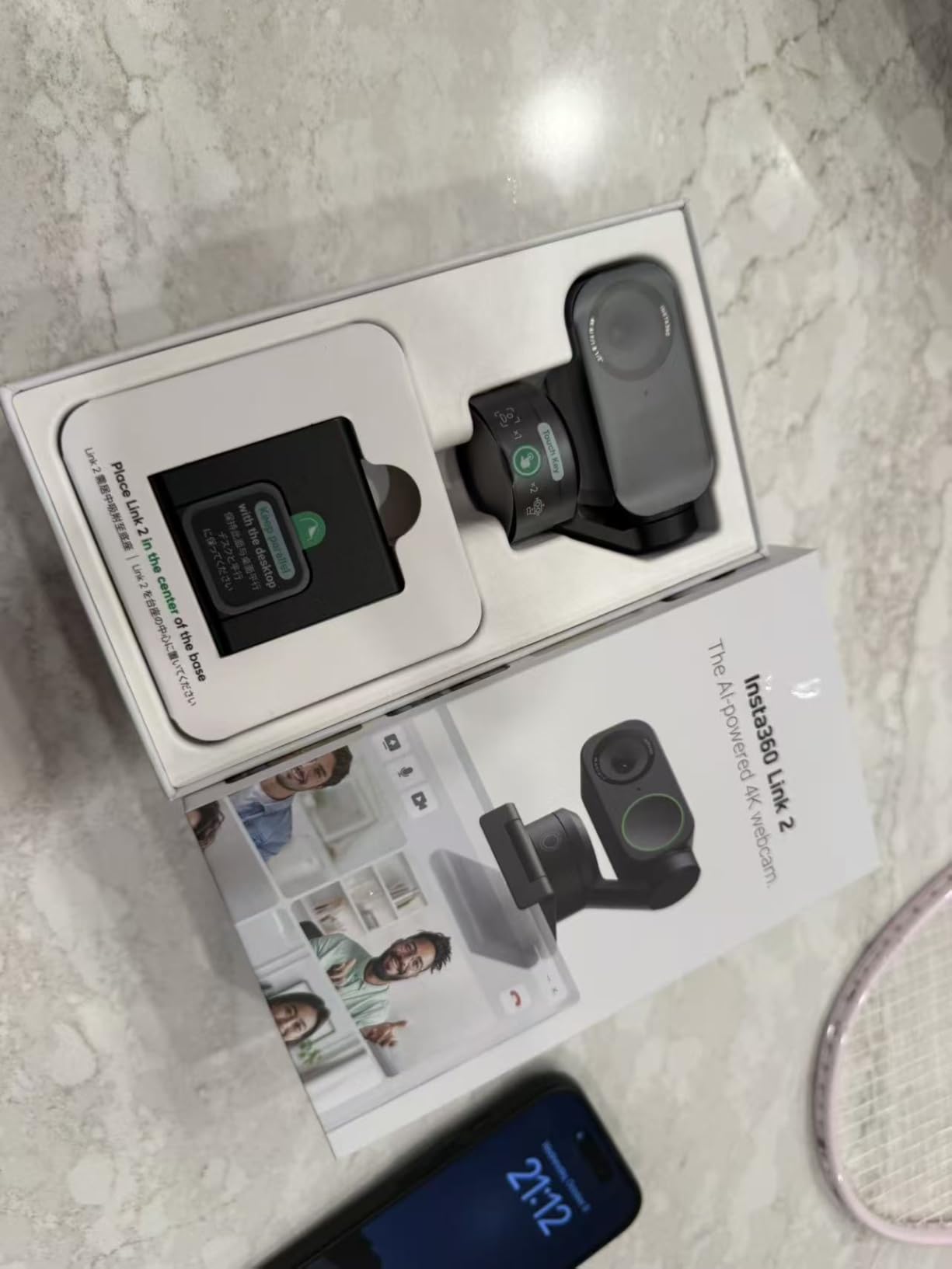
Phase Detection Autofocus (PDAF) is noticeably faster than the contrast-detection autofocus found in cheaper webcams. When I held objects up close to demonstrate products, the camera snapped into focus almost instantly without the hunting and pulsing I see on budget models.
The AI noise-canceling microphone does an excellent job filtering out keyboard clicks and background noise. While it will not replace a dedicated USB microphone for serious audio work, it is perfectly adequate for casual streaming and video calls.
Who Should Buy This
Content creators who want premium webcam quality without the Pro model’s price tag will find the Link 2 hits the sweet spot. The AI tracking and gesture controls are genuinely useful features that enhance the streaming experience.
Who Should Skip This
Users who need Windows Hello facial recognition should look at the NexiGo or Logitech options instead. Also, if you tend to talk with your hands frequently, you might accidentally trigger gesture controls during streams.
3. Logitech MX Brio – Professional 4K Collaboration Webcam
Pros
- Excellent 4K video quality
- Great low-light performance with AI enhancement
- Superior microphone quality with noise reduction
- Show Mode for desk sharing
- Built-in privacy cover
- Fine-grained image controls in software
- Solid build quality and design
- Works with all major platforms
Cons
- No Windows Hello support
- RightSight/AI features not compatible with ARM processors
- Cable length may be short for some setups
- Requires Logitech software for advanced features
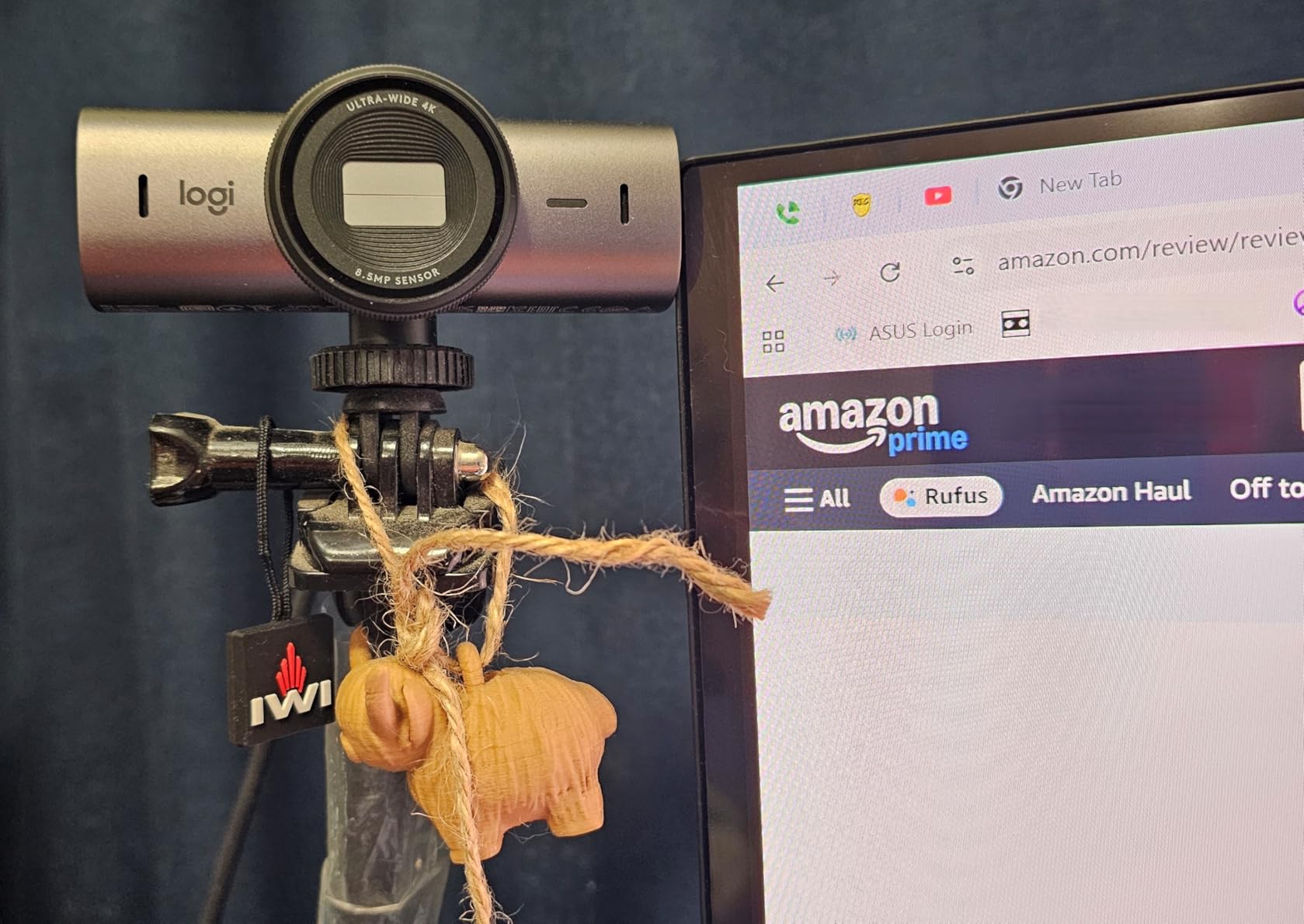
The Logitech MX Brio represents Logitech’s premium webcam offering, and it shows in every aspect of the design. The 70% larger pixels compared to previous generations deliver noticeably better image quality, especially in challenging lighting.
Show Mode is my favorite feature for product demonstrations and creative work. Simply tilt the camera down, and it automatically adjusts focus and exposure to capture your desk surface clearly. I use this constantly when showing products or sketching ideas during streams.

The dual beamforming microphones are among the best I have heard on any webcam. They focus on your voice while reducing background noise, producing audio quality that rivals some dedicated microphones. For streamers who want simplicity, this might eliminate the need for a separate mic.
Logitech’s software provides fine controls for ISO, shutter speed, tint, and vibrance. These DSLR-like adjustments let you dial in exactly the look you want. The camera is certified for Zoom, Microsoft Teams, Google Meet, and Streamlabs, ensuring compatibility with your streaming workflow.
Who Should Buy This
Professional streamers, remote workers who want premium video quality, and anyone who frequently shares physical objects or documents will benefit most from the MX Brio. The Show Mode feature alone makes it worth considering for creative professionals.
Who Should Skip This
If you use an ARM-based Windows laptop with Snapdragon X processors, the AI enhancement features will not work. Also, users who need Windows Hello should consider the NexiGo N680E Pro instead.
4. Elgato Facecam 4K – Built for Streamers
Pros
- Excellent 4K60 video quality
- Sony STARVIS 2 sensor for great low-light performance
- DSLR-like image quality and control
- 49mm lens filter support for creative options
- Camera Hub software is user-friendly
- Great OBS integration
- Uncompressed video output
- Lightweight at only 4 ounces
Cons
- Requires good lighting for best results
- f/4.0 aperture requires more light than competitors
- Software can be limited for $200 price point
- Privacy shutter is difficult to use
- Build quality feels cheap for the price
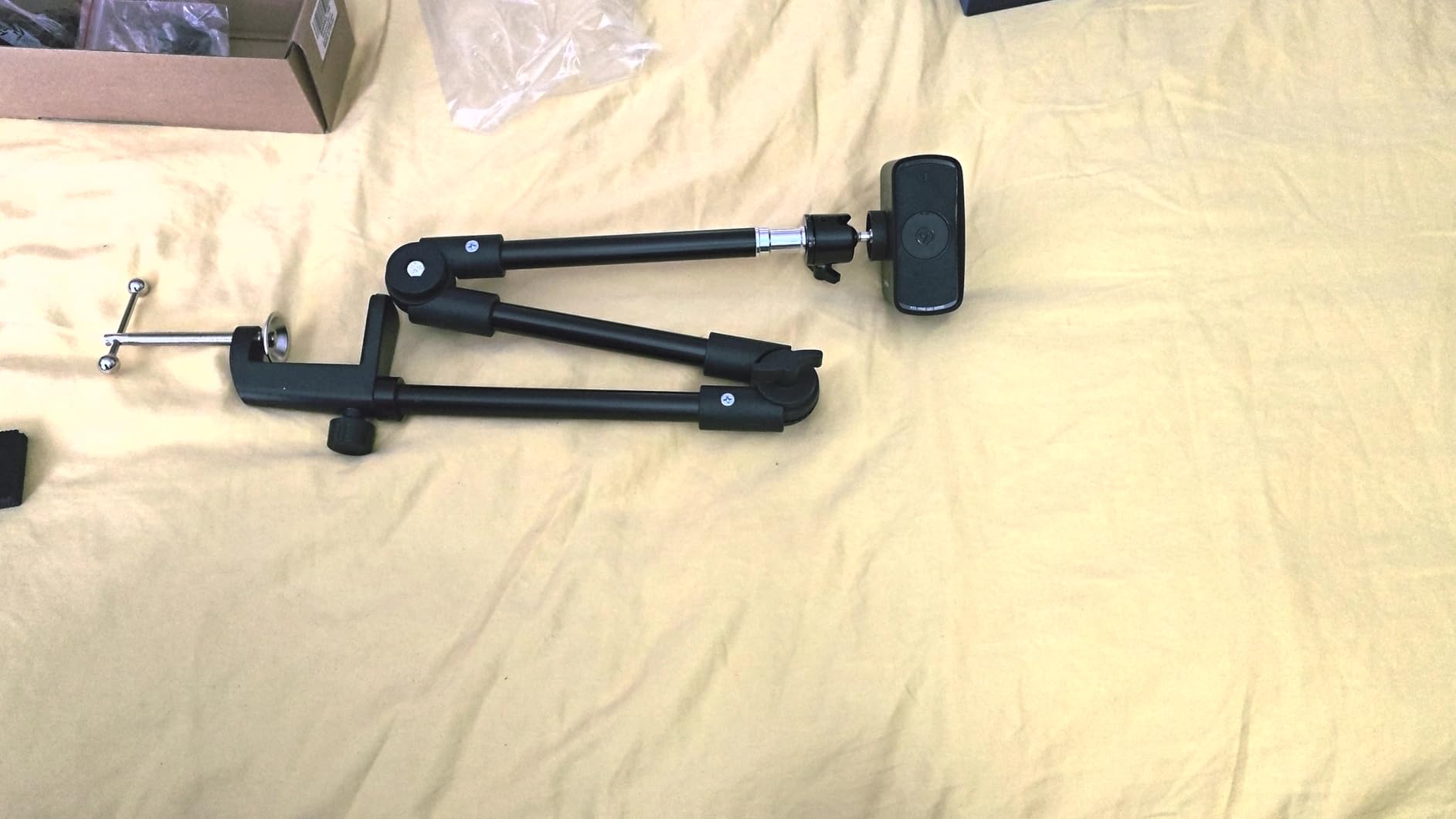
The Elgato Facecam 4K is designed specifically with streamers in mind. The Sony STARVIS 2 sensor produces stunning 4K footage at 60 frames per second, delivering the smooth motion that gaming audiences expect. Uncompressed video output means you get the highest possible quality without compression artifacts.
What makes this camera unique is the 49mm lens filter support. You can attach ND filters, polarizers, or creative effect filters directly to the camera. This level of creative control is rare in webcams and opens up possibilities for achieving specific looks.
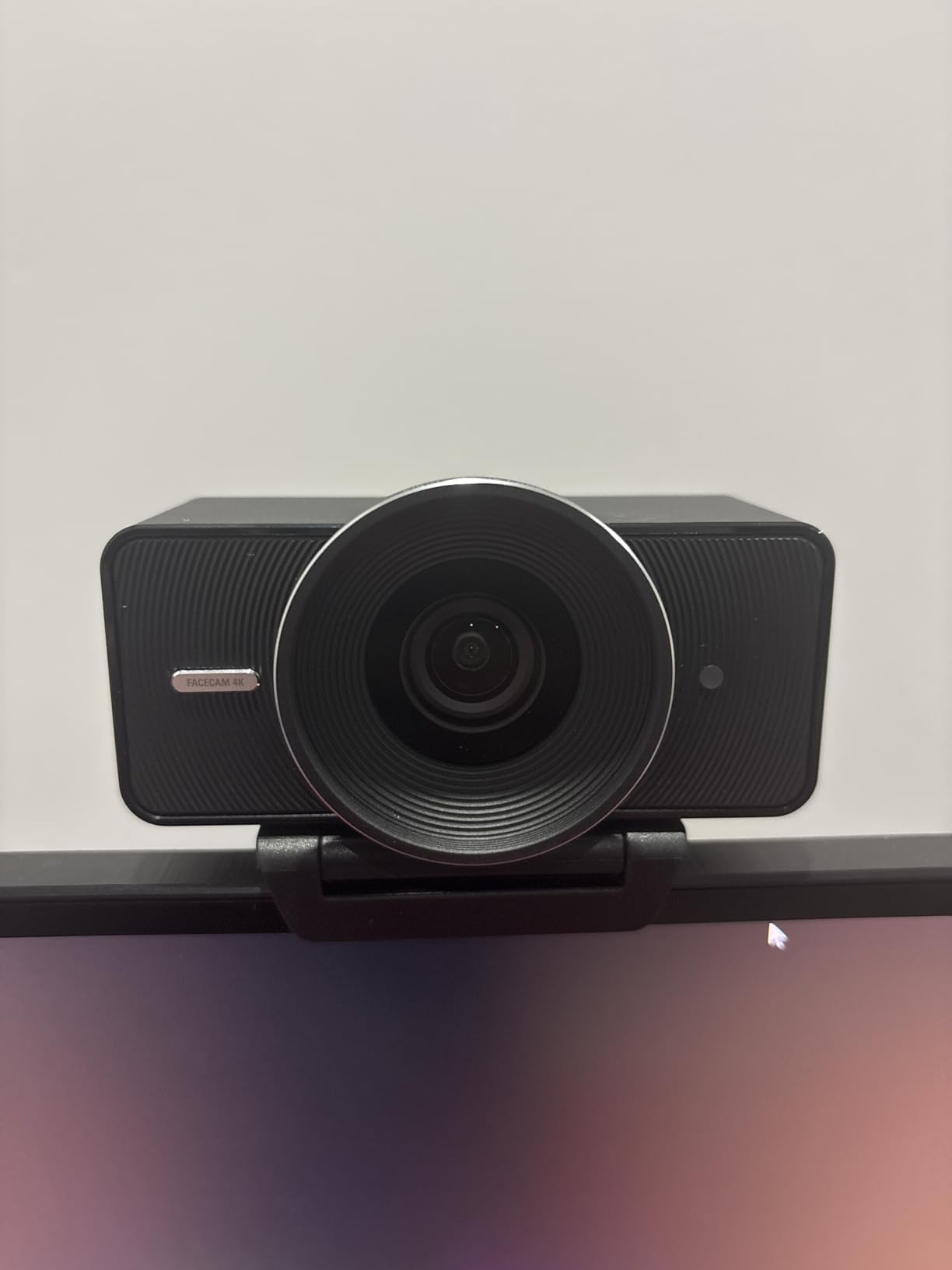
The Camera Hub software integrates seamlessly with OBS and other streaming software. Settings are saved directly to the camera’s built-in flash memory, so your preferences persist even when switching computers. This is a thoughtful touch for streamers who might use different setups.
The f/4.0 aperture is narrower than some competitors, which means you need good lighting to get the best results. I recommend pairing this camera with a key light for professional-looking streams. The natural bokeh effect still looks pleasing when you have proper subject separation.
Who Should Buy This
Streamers who prioritize smooth 60fps video and want OBS integration will love the Facecam 4K. The uncompressed video output and filter support make it ideal for content creators who care about maximum image quality.
Who Should Skip This
If you stream in low-light environments without dedicated lighting, the f/4.0 aperture will struggle. Also, the build quality feels plasticky for a $200 webcam, which might disappoint users expecting premium materials.
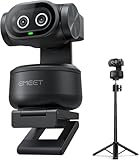
5. EMEET PIXY – Dual-Camera AI PTZ Webcam
Pros
- Excellent value at around $120 price point
- Unique dual-camera system
- Fast 0.2s autofocus with PDAF + AI
- 4K video quality with Sony sensor
- 310 degree pan and 180 degree tilt range
- 3-mic array with multiple sound modes
- Includes tripod in kit
- Gesture control for hands-free operation
Cons
- AI tracking can lose subject when standing up
- Tracking requires slow movement to work well
- Software can be laggy
- Installation can be confusing
- Some quality control issues reported
- Documentation is China-focused
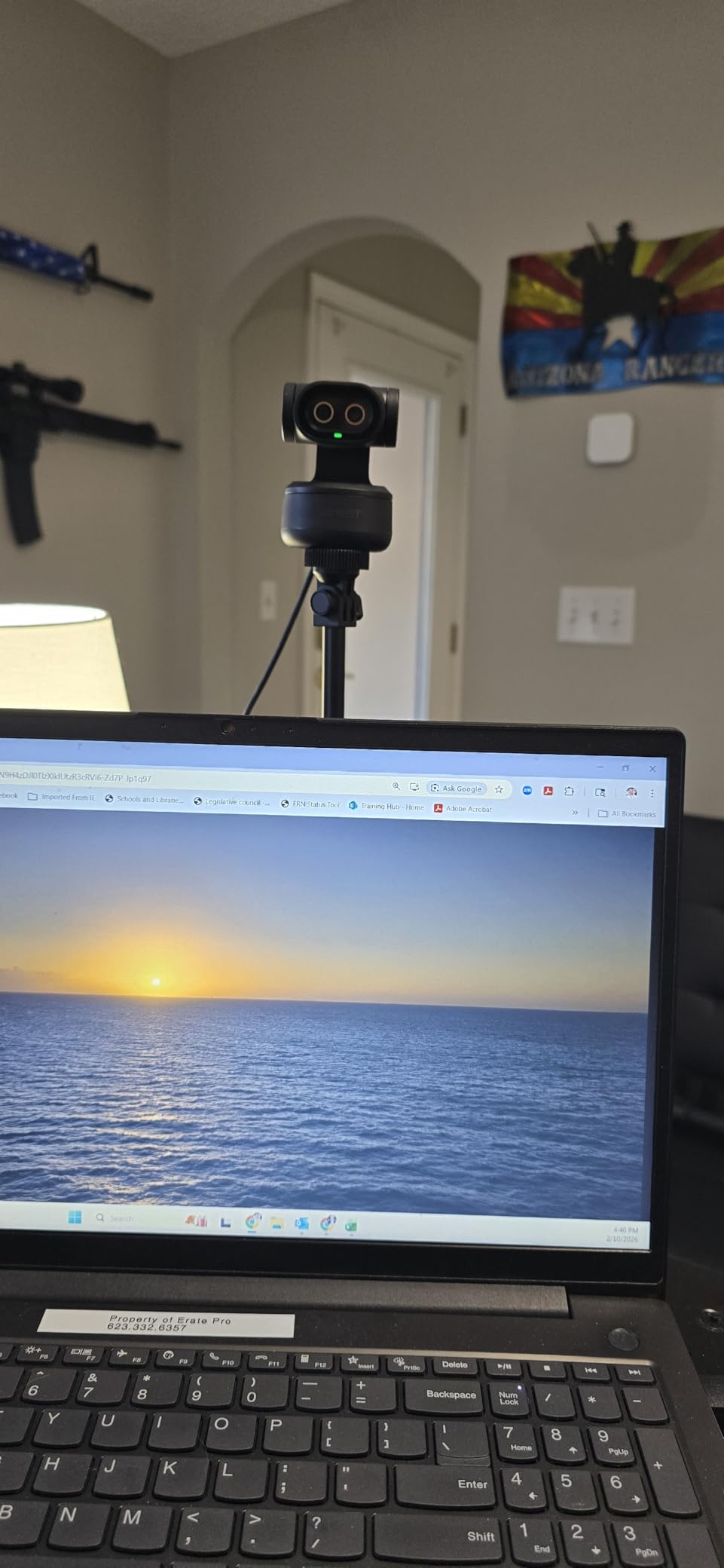
The EMEET PIXY brings innovative dual-camera technology to an accessible price point. The main camera captures 4K video while a secondary AI camera handles face detection and exposure optimization. This dual approach results in better tracking accuracy than single-camera systems.
The 310-degree pan and 180-degree tilt range is impressive for a webcam in this price range. The physical PTZ movement follows you around the room smoothly, and the 0.2-second PDAF autofocus keeps you sharp even when moving. I found the tracking worked best with moderate, predictable movements.
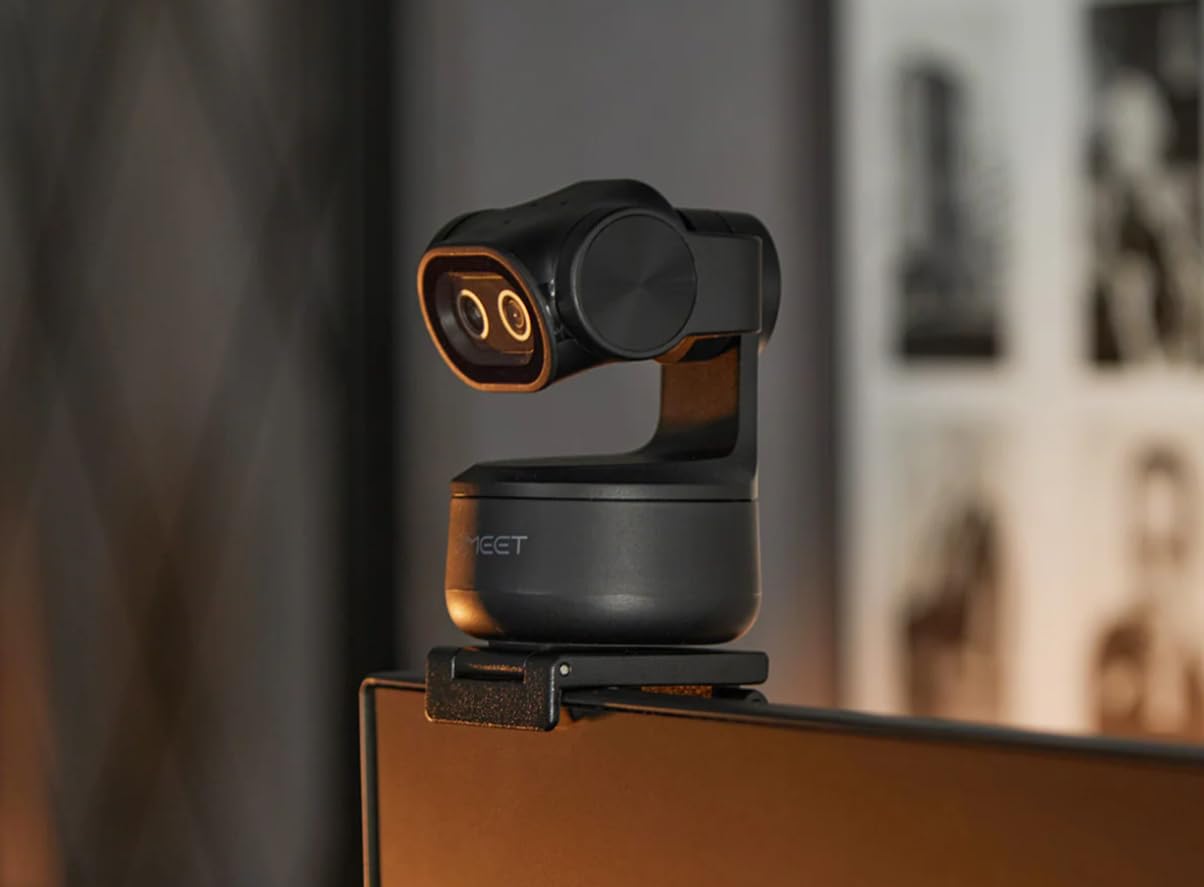
Having a tripod included in the box is a significant value-add. The adjustable tripod extends from 6.7 to 18.5 inches with 360-degree swivel, giving you flexibility in camera placement that monitor-mounted webcams cannot match.
The 3-microphone array offers three sound modes: Live, Noise Canceling, and Original. This versatility lets you choose the audio processing that best suits your streaming environment. For around $120, the overall package delivers remarkable value.
Who Should Buy This
Streamers who want PTZ tracking capabilities without spending $200+ will find the PIXY offers excellent value. The included tripod and versatile microphone modes make it a complete streaming solution.
Who Should Skip This
If you need absolutely reliable tracking during fast movements, you might find the AI occasionally loses you. Also, users who prefer comprehensive English documentation should be aware that support materials are limited.
6. Logitech C920x HD Pro – The Legendary Workhorse
Pros
- Sharp and clear 1080p resolution
- Seamless autofocus during video calls
- Plug-and-play setup with no drivers needed
- Dual microphones capture sound clearly
- Works with all major video conferencing platforms
- Sturdy and well-built construction
- Excellent value for price
- Great for streaming and content creation
Cons
- Performance in low-light conditions is not great
- Built-in microphones are average at best
- No privacy shutter included
- 720p/60fps not supported on base model
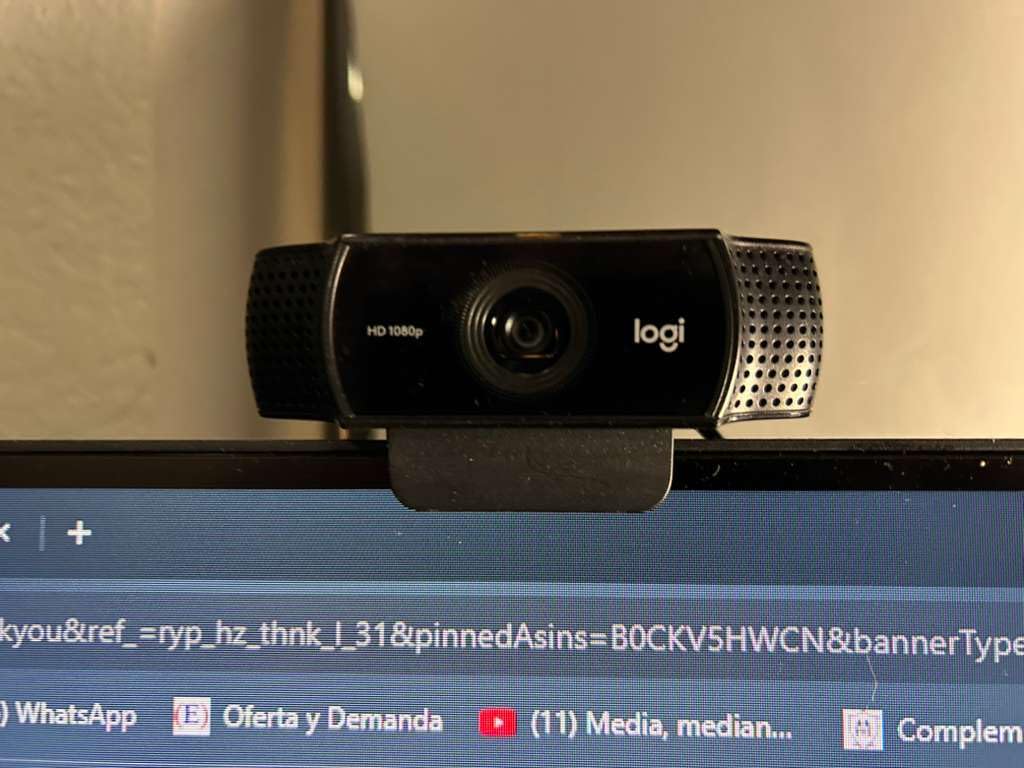
The Logitech C920x has earned legendary status in the streaming community, and for good reason. With over 38,000 reviews and a 4.6-star rating, this webcam has proven itself reliable across millions of hours of streaming. It remains one of the most commonly recommended webcams on forums and Reddit.
What makes the C920x special is its no-nonsense approach to video quality. The 1080p resolution at 30fps is perfectly adequate for most streaming scenarios, and the automatic HD light correction helps maintain acceptable image quality even in less-than-ideal lighting.
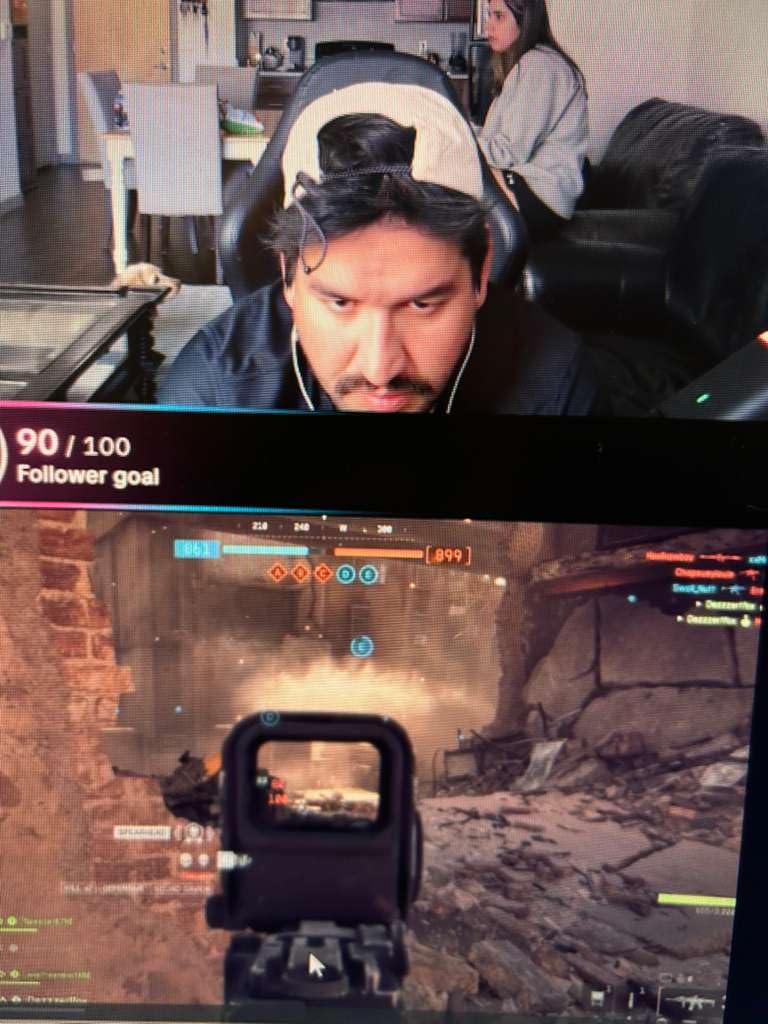
Setup is truly plug-and-play. I plugged it into my Windows PC, and it worked immediately without any driver installation. This simplicity is valuable for streamers who want to spend their time creating content rather than troubleshooting technical issues.
The dual microphones are serviceable for casual streaming, though serious content creators will want to pair this with a dedicated microphone. The lack of a privacy shutter is a minor drawback, but third-party covers are inexpensive and easy to add.
Who Should Buy This
Beginner streamers, anyone on a budget, and users who want proven reliability will find the C920x hard to beat. The massive user base means any issues you encounter have likely been solved by others before you.
Who Should Skip This
If you need 4K quality, 60fps smooth motion, or advanced features like AI tracking, you will need to spend more. The C920x is a reliable workhorse but lacks the cutting-edge features of newer webcams.
7. NexiGo N680E Pro – 4K with Built-in Ring Light
NexiGo N680E Pro 4K Webcam with Ring Light, PDAF Autofocus, 1080p 60FPS, Dual Noise-Canceling Mics, Privacy Shutter, USB Plug-and-Play for Zoom, Teams, Twitch, Google Meet
Pros
- Ultra-sharp 4K video quality
- Advanced PDAF autofocus is faster and more precise
- Built-in ring light provides excellent lighting
- Windows Hello support works flawlessly
- Automatic privacy shutter is secure and reassuring
- Dual noise-canceling microphones capture clear audio
- Plug-and-play setup
- Excellent value for money
Cons
- Ring light may not be bright enough for all situations
- Zoom control limited in some software
- Microphone quality is acceptable but not podcast-grade
- Mount design is standard triangle style
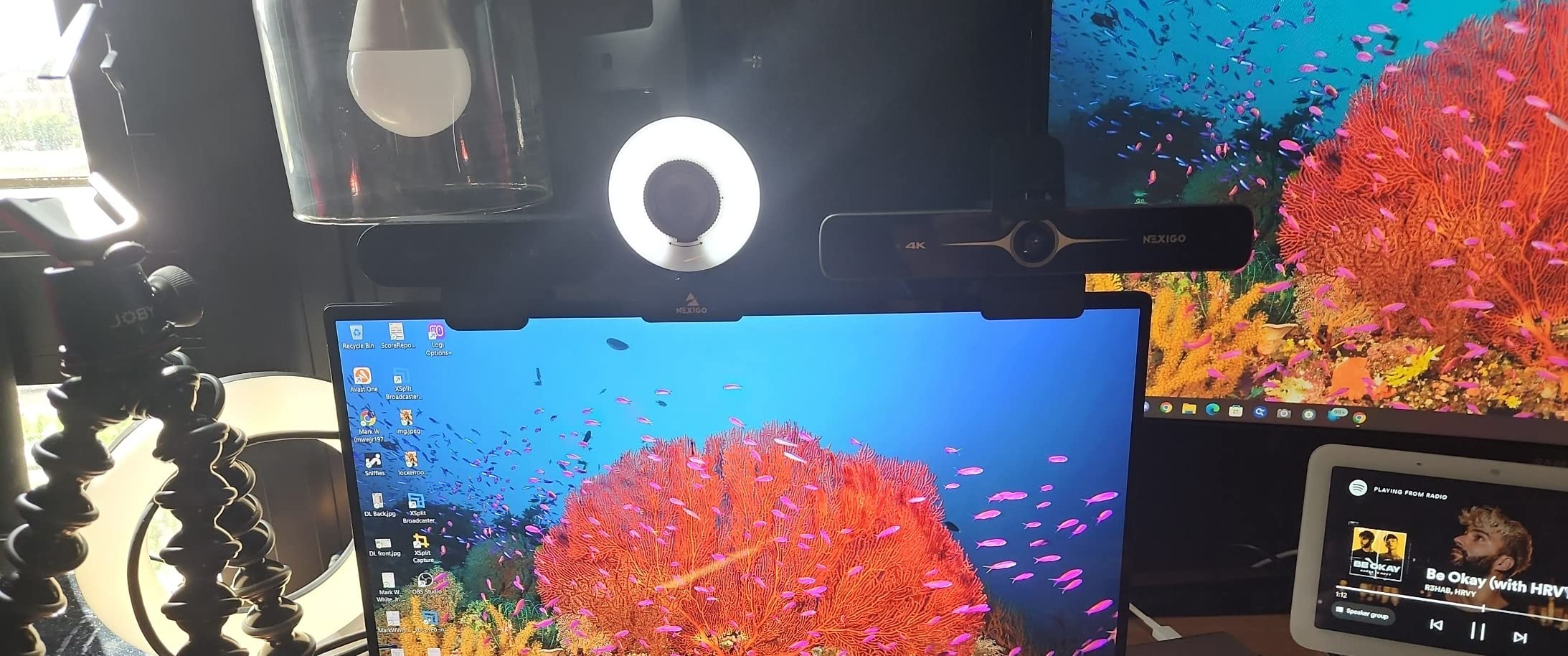
The NexiGo N680E Pro solves one of the biggest challenges for streamers: lighting. The built-in tri-tone ring light with stepless brightness control eliminates the need for a separate key light in many situations. I found the warm, neutral, and cool tone options useful for matching different room environments.
The Sony 1/2.5-inch 4K sensor delivers image quality that rivals more expensive competitors. Phase Detection Autofocus keeps you sharp even when moving, and the 1080p at 60fps option provides smooth motion for gaming streams. Windows Hello support is a bonus for users who want facial recognition login.
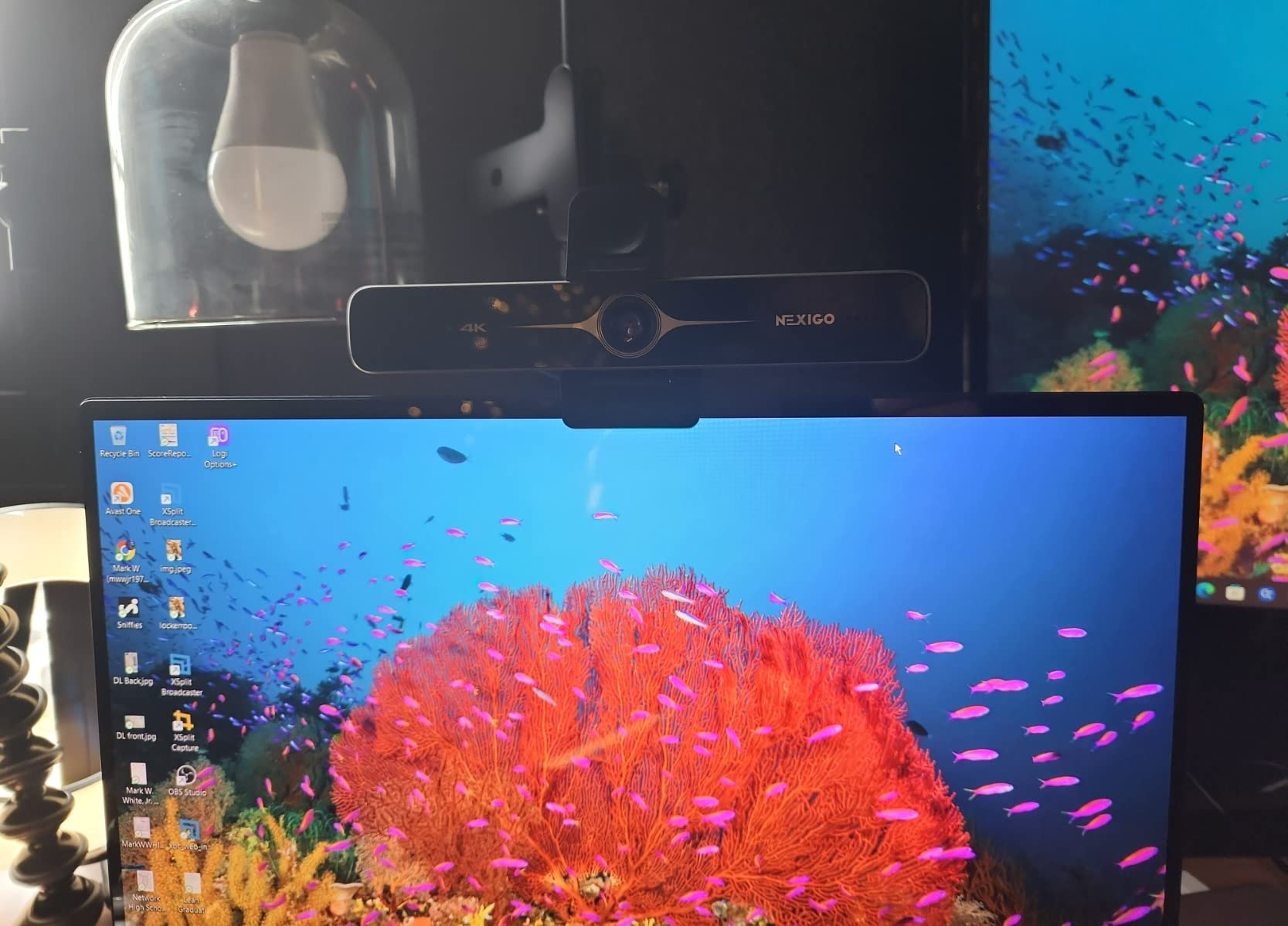
The automatic privacy shutter is a thoughtful security feature. When you are not using the camera, the shutter closes automatically, giving you peace of mind. This is especially valuable for streamers who keep their computers on but want privacy between streams.
At around $100, the N680E Pro offers exceptional value. The combination of 4K resolution, ring light, privacy shutter, and Windows Hello support in one package makes it one of the most feature-complete webcams in its price range.
Who Should Buy This
Streamers who want an all-in-one solution without buying separate lighting will love the N680E Pro. The Windows Hello support and privacy shutter make it equally suitable for remote workers who also stream.
Who Should Skip This
If you need extremely bright lighting for professional video production, the built-in ring light may not be sufficient. Also, podcasters should plan to use a dedicated microphone for best audio quality.
8. EMEET S600 – Budget 4K Powerhouse
Pros
- Excellent 4K video quality with Sony sensor
- PDAF autofocus is fast and reliable
- 1080p at 60fps provides smooth motion
- Great low-light performance
- Noise-canceling microphones work well
- Built-in privacy cover is convenient
- Plug-and-play setup
- Lightweight and portable design
- Incredible value for the price
Cons
- Does not support Windows Hello facial recognition
- Some durability concerns
- Noise-canceling cannot be adjusted without software
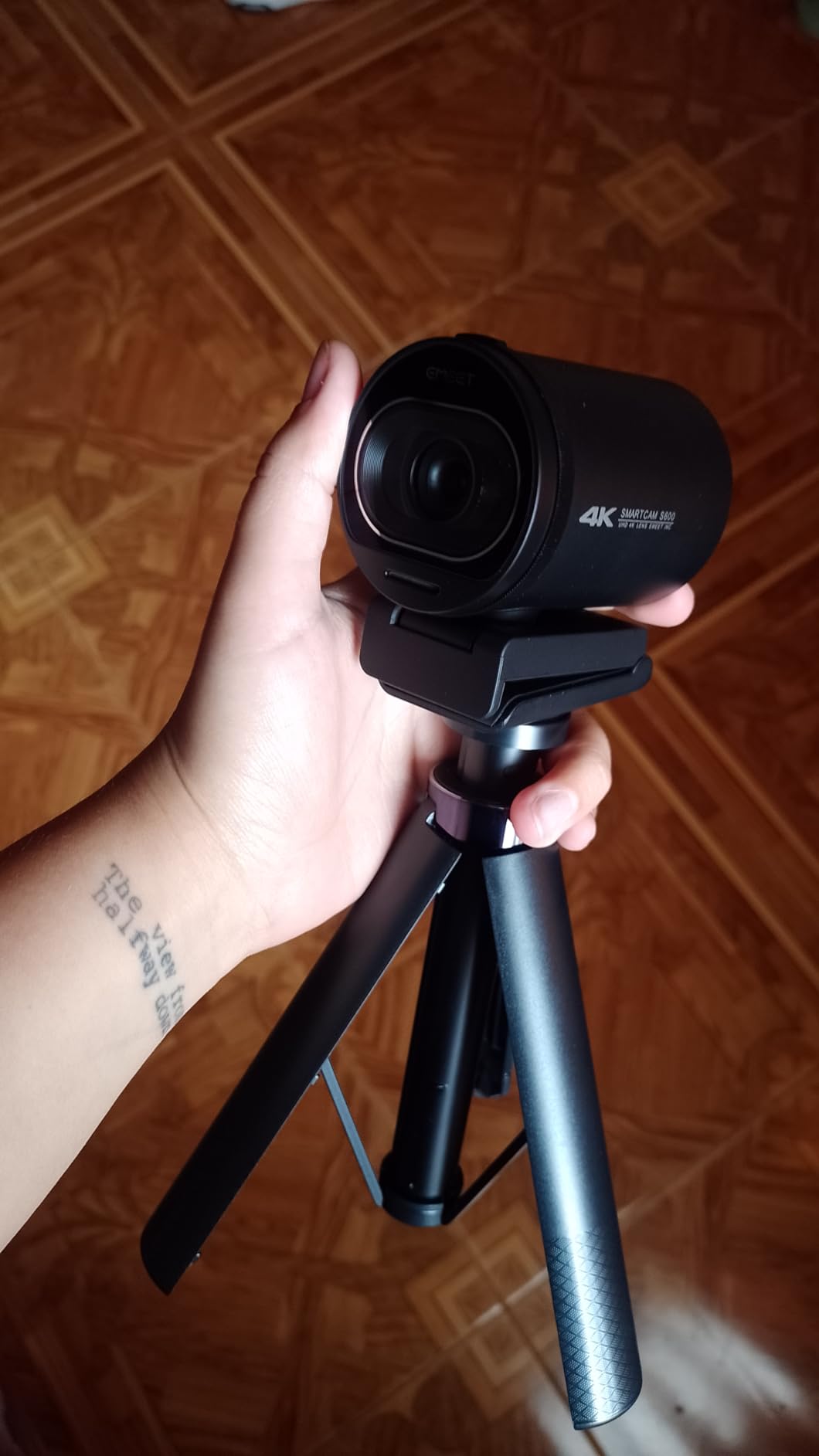
The EMEET S600 proves you do not need to spend a fortune to get 4K streaming quality. At just over $50, this webcam delivers Sony sensor quality, PDAF autofocus, and 1080p at 60fps capabilities that were only available in premium webcams a few years ago.
The Sony 1/2.55-inch sensor captures excellent detail and handles low-light situations surprisingly well. I tested it in evening lighting conditions and found the image quality remained acceptable, though naturally not as bright as more expensive options.

The PDAF autofocus is genuinely impressive at this price point. Unlike cheaper webcams that hunt and pulse when focusing, the S600 snaps to focus quickly and stays locked. This is crucial for streamers who hold objects up to the camera.
The built-in privacy cover is a simple slider that covers the lens when not in use. The dual noise-canceling microphones can be disabled via the EMEETLINK software if you prefer to use a dedicated microphone. At #6 in webcam best sellers, the S600 has clearly resonated with budget-conscious streamers.
Who Should Buy This
Budget-conscious streamers who want 4K quality without the premium price tag will find the S600 delivers incredible value. The 60fps option at 1080p is perfect for gaming streams where smooth motion matters.
Who Should Skip This
If you need Windows Hello support or want absolute confidence in long-term durability, consider spending more on a Logitech or other established brand. Some users report units failing after extended use.
9. EMEET C60E – Dual-Camera with 11X Zoom
Pros
- Innovative dual-camera design
- 11X hybrid zoom is impressive
- PDAF autofocus keeps zoom stable
- Remote control is convenient
- RGB lighting adds personality
- Excellent picture quality
- Easy plug-and-play setup
- Great for product demonstrations
- Dual microphones capture clear audio
Cons
- Zoom not supported in 4K or 60fps modes
- Some compatibility issues reported
- Flip-down lens cover may be fragile
- Limited zoom control on secondary camera
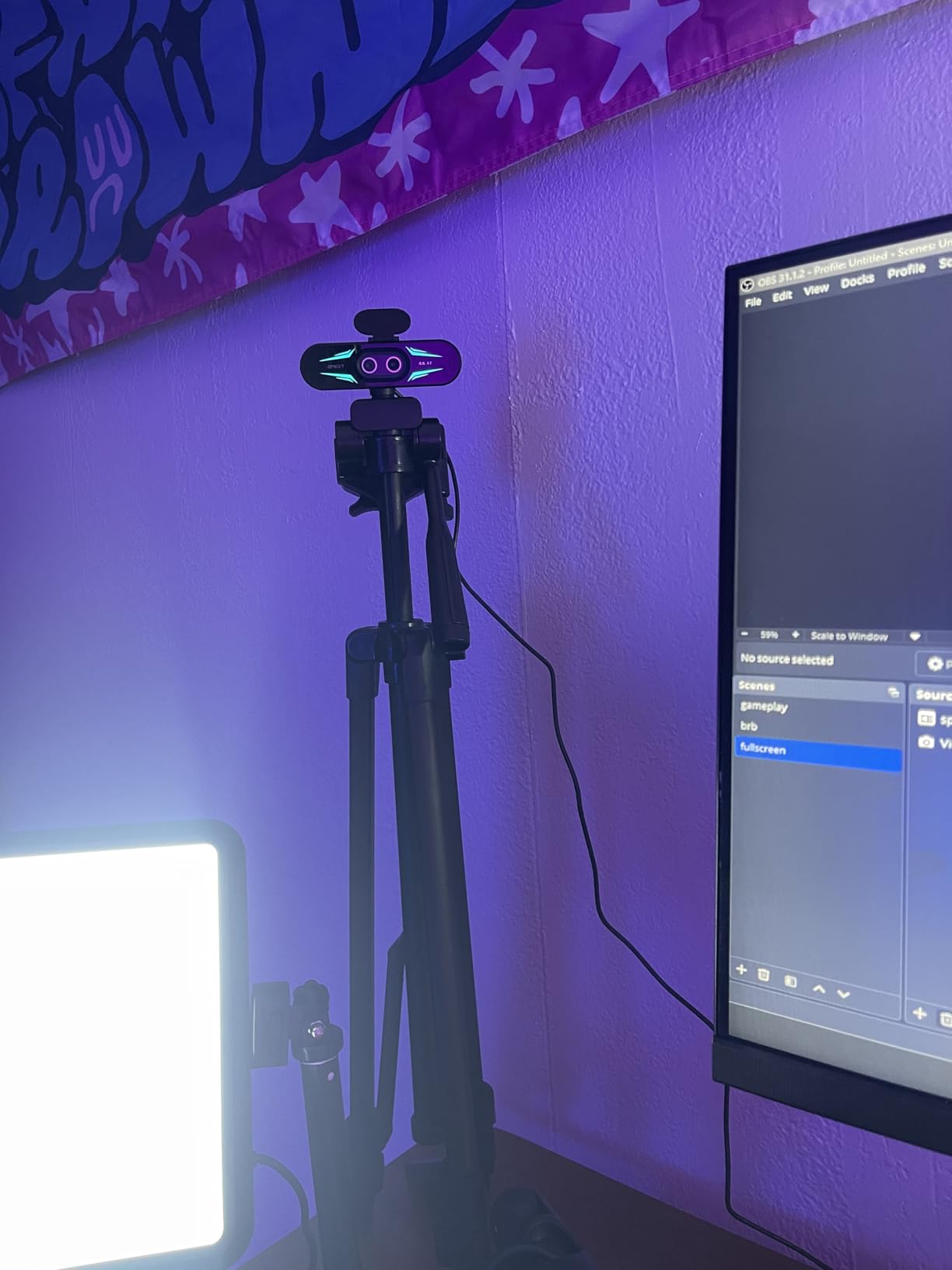
The EMEET C60E brings genuinely innovative dual-camera technology to streaming. One camera handles wide-angle shots while the other handles telephoto close-ups, enabling up to 11X hybrid zoom without significant quality loss. This is a game-changer for product reviewers and educators.
The included remote control lets you switch between cameras and adjust zoom without touching your computer. I found this incredibly useful during demonstrations when my hands were occupied. The RGB lighting adds a fun visual element that streamers can customize to match their brand.
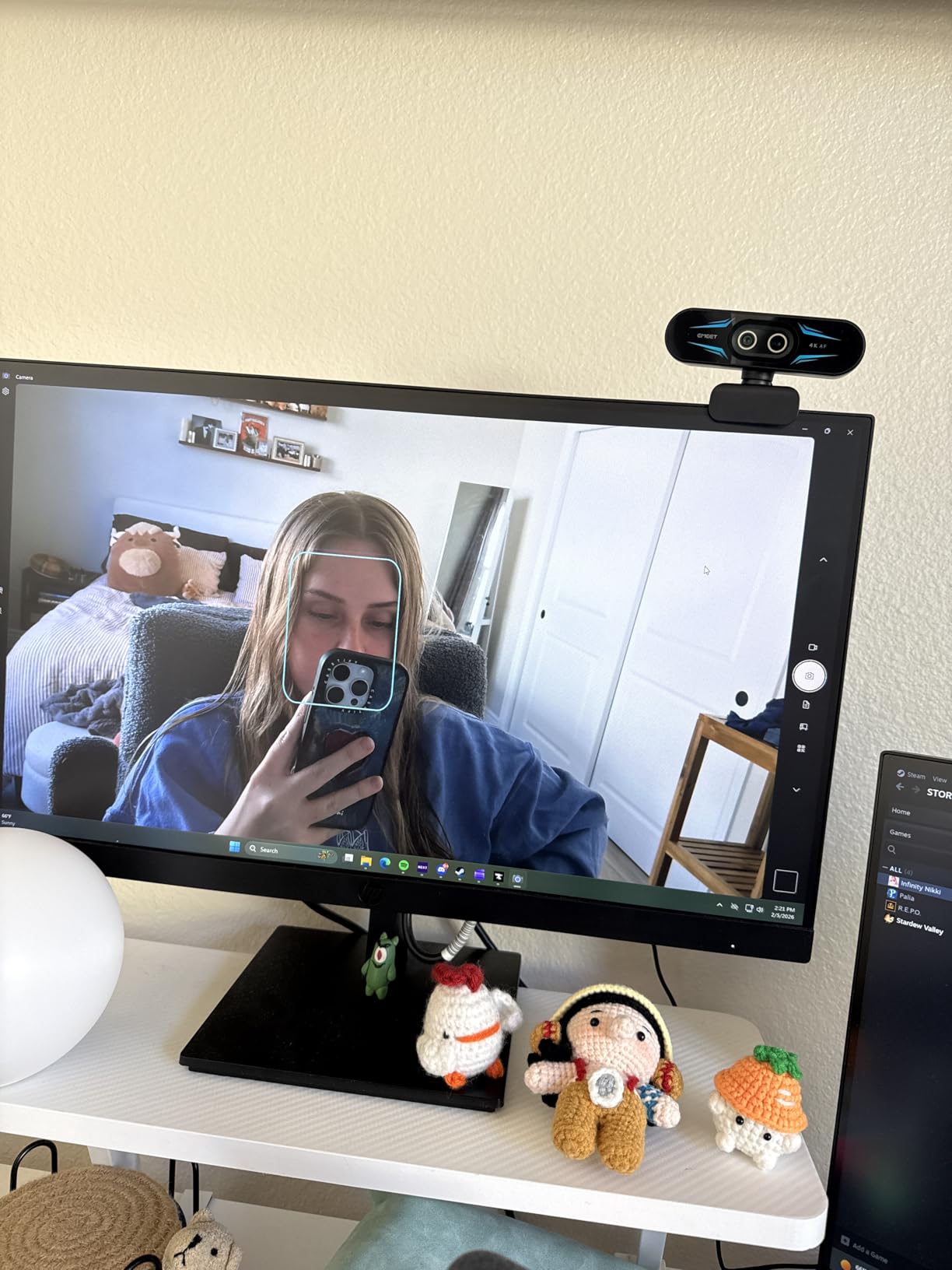
PDAF autofocus ensures the image stays sharp even when zooming in and out. The transition between wide and telephoto cameras is smooth enough for live streaming, though there is a brief moment of adjustment when switching.
It is worth noting that zoom is not available in 4K or 60fps modes, so you will need to choose between resolution and zoom capability. For most streaming scenarios, 1080p with zoom flexibility is the more practical choice.
Who Should Buy This
Product reviewers, educators who demonstrate physical items, and streamers who want creative flexibility will find the dual-camera setup genuinely useful. The remote control and RGB lighting add professional touches at an accessible price.
Who Should Skip This
If you need 4K and zoom simultaneously, you will be disappointed by the mode limitations. Also, users who want a simple point-and-shoot webcam might find the dual-camera system adds unnecessary complexity.
10. acer 4K Webcam – Ultra-Portable Aluminum Design
Pros
- Truly sharp 4K resolution
- Sony 1/2 inch sensor delivers excellent low-light performance
- PDAF autofocus is fast and accurate
- Premium aluminum build quality
- Magnetic privacy cover is secure
- Dual noise reduction mics work well
- Ultra-portable design
- Fast heat dissipation
- Great value for the price
Cons
- May need software to adjust brightness
- Some users report difficulty achieving 4K resolution
- White cable does not match black device
- No tripod mount included
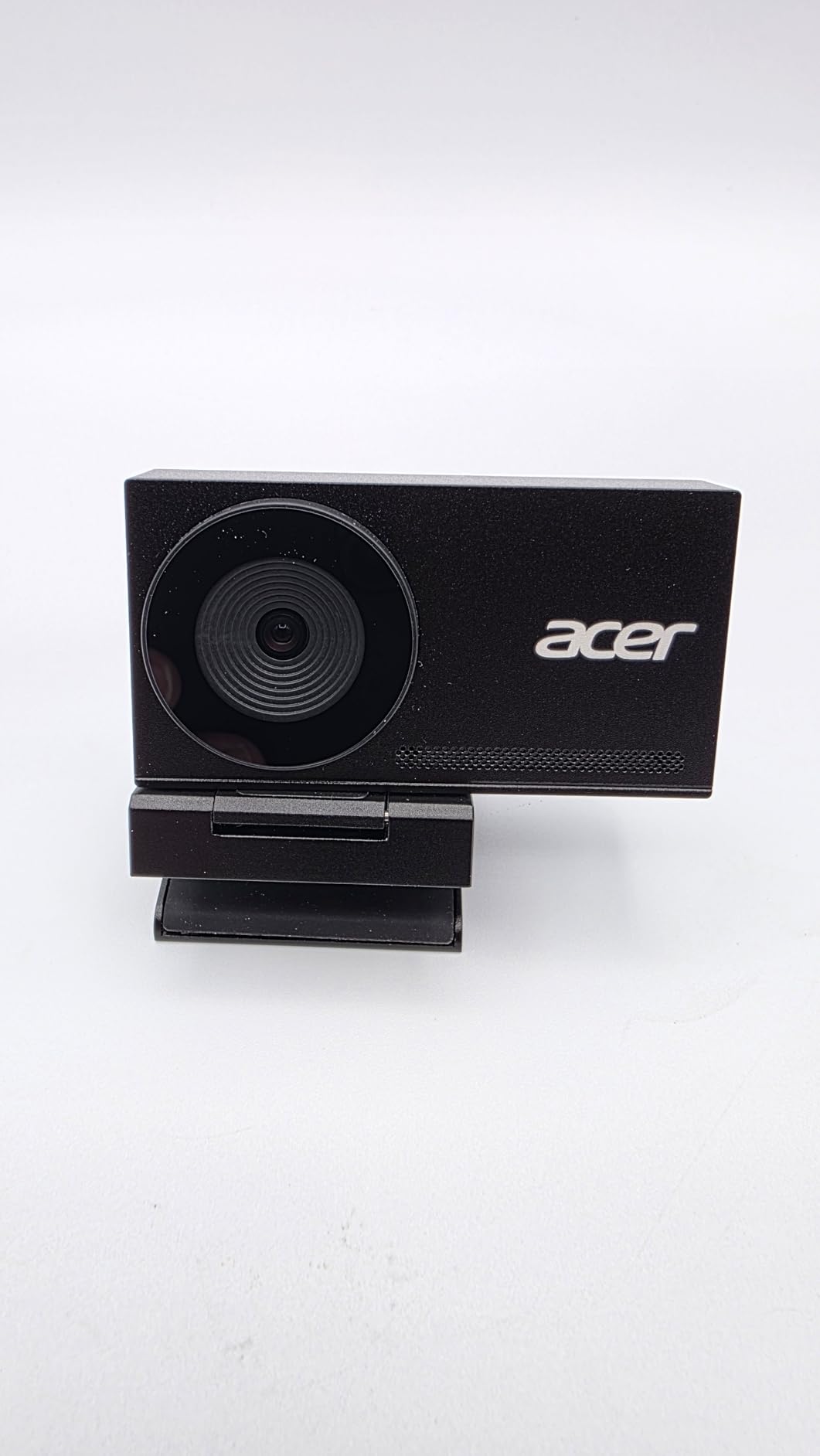
The acer 4K Webcam stands out with its aerospace-grade aluminum unibody construction. At just 57 grams, it is one of the lightest 4K webcams available, making it ideal for streamers who travel or have limited desk space. The premium materials feel far more expensive than the budget price suggests, positioning it as a strong option among the best cameras for streaming.
The Sony 1/2-inch sensor is larger than what you find in most webcams at this price point, delivering excellent low-light performance. I was impressed by how well the camera handled challenging lighting without excessive noise or grain.
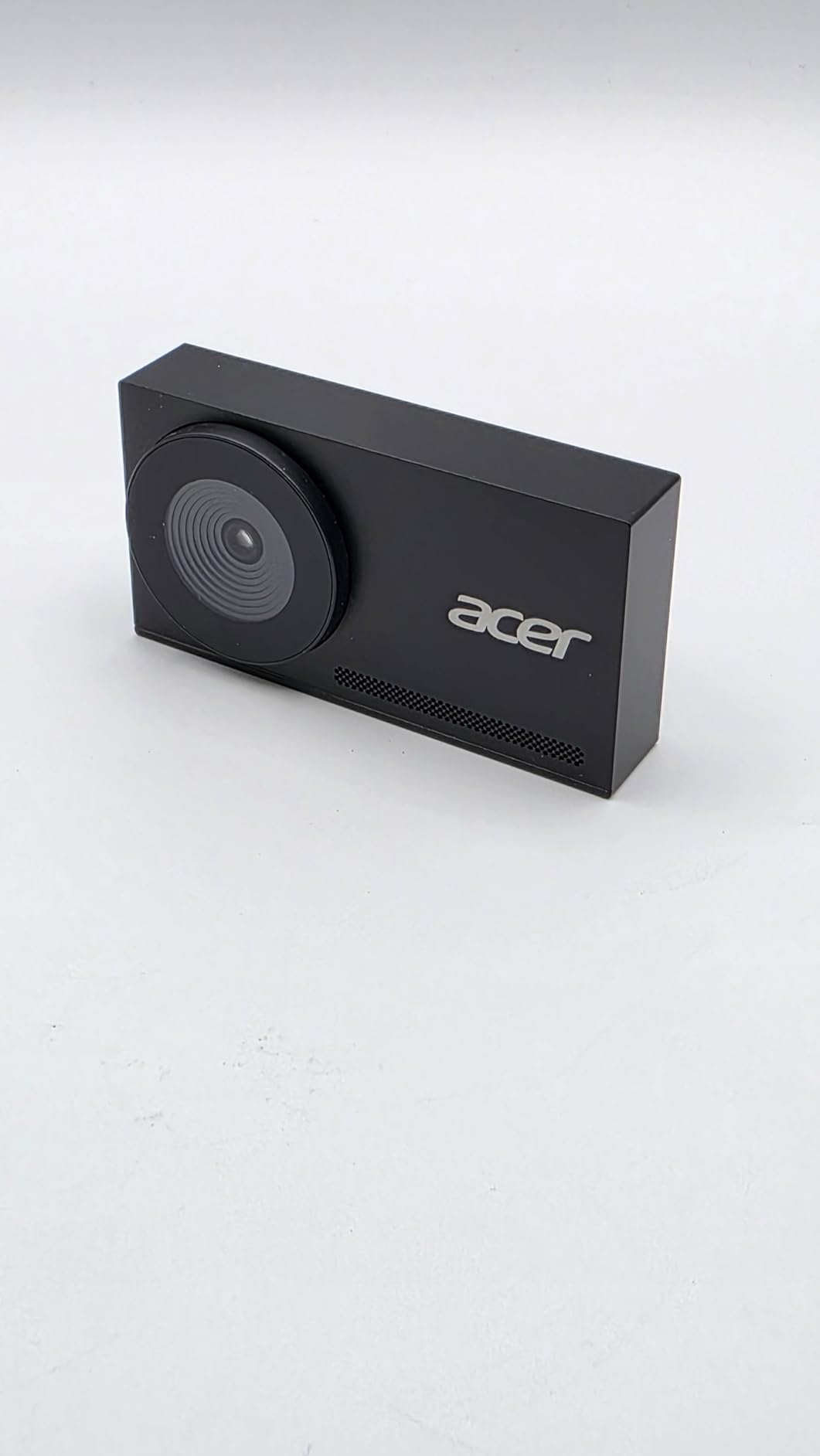
Fast heat dissipation is crucial for streamers who go live for hours at a time. The aluminum body acts as a heatsink, keeping the sensor cool during extended streaming sessions. This helps maintain consistent image quality without the overheating issues some webcams experience.
The magnetic privacy cover attaches securely and removes easily when you need to stream. The plug-and-play USB-A connection works with virtually any computer without requiring additional drivers or software installation.
Who Should Buy This
Streamers who value portability, build quality, and low-light performance on a budget will find the acer 4K Webcam exceptional. The aluminum construction and Sony sensor deliver premium features at an entry-level price.
Who Should Skip This
If you need a tripod mount, you will need to look elsewhere or use a monitor clamp solution. Also, users who want all accessories to match aesthetically might be bothered by the white cable contrasting with the black body.
How to Choose the Best Cameras for Streaming In 2026?
Selecting the right streaming camera depends on your specific needs, budget, and streaming goals. I have broken down the key factors to help you make an informed decision.
Resolution: 1080p vs 4K for Streaming
Most streaming platforms, including Twitch, max out at 1080p for viewer playback. However, capturing in 4K gives you flexibility for cropping, digital zoom, and future-proofing your content. If you are primarily streaming live, 1080p at 60fps often looks better than 4K at 30fps due to smoother motion.
YouTube streaming supports 4K playback, so content creators focused on YouTube may benefit more from 4K cameras. Consider where your primary audience watches and choose resolution accordingly.
Frame Rate: Why 60fps Matters
Frame rate dramatically affects how smooth your stream appears. 30fps is acceptable for talking-head content, but 60fps makes gaming streams, product demonstrations, and any movement look significantly more professional. Several cameras on this list offer 1080p at 60fps even if they support 4K at 30fps.
Autofocus vs Fixed Focus
PDAF (Phase Detection Autofocus) is superior to contrast-detection autofocus for streaming. It focuses faster and more accurately, which matters when you hold objects up to the camera. Fixed focus webcams are simpler but require you to stay in a specific position relative to the lens.
Low-Light Performance
Larger sensors capture more light, resulting in better low-light performance. The Insta360 Link 2 Pro with its 1/1.3-inch sensor and cameras with Sony STARVIS sensors excel in challenging lighting. If you stream in a dimly lit room without dedicated lighting, prioritize low-light capability over maximum resolution.
USB Webcams vs Mirrorless Cameras with Capture Cards
For most streamers, a high-quality USB webcam provides the best balance of quality, simplicity, and value. However, serious content creators might consider a mirrorless camera like the Sony ZV-E10 paired with a capture card like the Elgato Cam Link 4K.
Mirrorless cameras offer superior image quality, natural bokeh, and professional features, but they cost significantly more and add complexity. They can also overheat during long streaming sessions, something to consider for marathon streamers.
Software and OBS Integration
Camera software quality varies dramatically between manufacturers. Elgato’s Camera Hub integrates seamlessly with OBS and saves settings to the camera itself. Logitech’s software offers extensive controls for the MX Brio. Poor software can turn a great camera into a frustrating experience, so research software quality before buying.
Privacy Features to Consider
Built-in privacy covers provide peace of mind when you are not streaming. Some cameras, like the Insta360 Link 2, automatically tilt down after inactivity. Others have physical sliders or magnetic covers. If privacy is important to you, prioritize cameras with integrated privacy solutions.
Frequently Asked Questions
Which type of camera is best for live streaming?
The best camera type depends on your budget and needs. USB webcams like the Insta360 Link 2 Pro offer the best balance of quality and simplicity for most streamers. For professional quality, a mirrorless camera with a capture card delivers superior image quality but costs more and adds complexity. For beginners, the Logitech C920x provides reliable 1080p quality at an affordable price.
What camera do streamers usually use?
Most Twitch streamers use either high-end webcams like the Elgato Facecam 4K or Logitech MX Brio, or mirrorless cameras like the Sony ZV-E10 with a capture card. The Logitech C920x remains the most popular budget choice due to its proven reliability and excellent value. Professional streamers often upgrade to PTZ cameras with AI tracking for hands-free operation.
What is the best streaming cam?
The best streaming camera overall is the Insta360 Link 2 Pro, which offers 4K resolution, AI tracking, professional audio, and Stream Deck integration. For budget-conscious streamers, the Logitech C920x delivers reliable 1080p quality at an affordable price. The acer 4K Webcam offers excellent 4K quality for under $50.
What camera do most YouTubers use?
YouTube content creators typically use higher-quality cameras than casual streamers. Popular choices include mirrorless cameras like the Sony ZV-E10 and Canon EOS R50 for their superior image quality and natural bokeh. For webcam users, the Logitech MX Brio and Elgato Facecam 4K are popular among YouTubers who need simple setup with professional results.
Conclusion
Finding the best cameras for streaming in 2026 does not have to be complicated. The Insta360 Link 2 Pro stands out as my top overall pick for its combination of 4K quality, AI tracking, professional audio, and Stream Deck integration. It is the most complete streaming webcam I have tested.
For budget-conscious streamers, the Logitech C920x remains an unbeatable value with proven reliability across thousands of hours of streaming. If you want 4K quality without breaking the bank, the acer 4K Webcam and EMEET S600 deliver impressive performance at entry-level prices.
Consider your specific needs when choosing. If you move around during streams, prioritize AI tracking. If you stream in low light, focus on sensor size. And if you are just starting out, remember that a reliable 1080p webcam plus good lighting will always look better than an expensive 4K camera in poor lighting conditions.
Ready to upgrade your streaming setup? Check out the cameras above and take your content to the next level in 2026.