
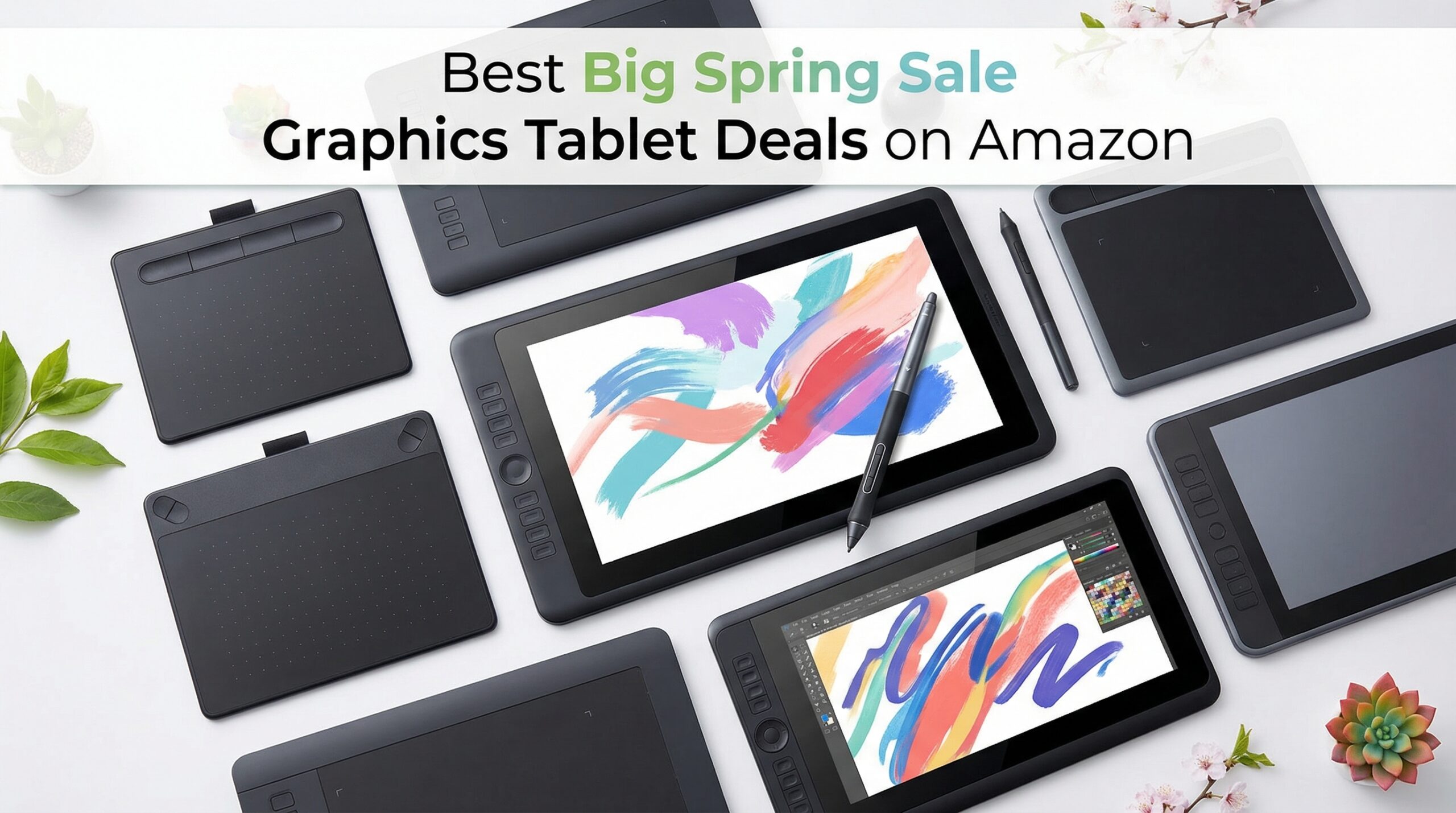
Amazon’s Big Spring Sale runs from March 25-31, 2026, and if you have been waiting to grab a graphics tablet, this is your moment. I have tracked down the 12 best Big Spring Sale graphics tablet deals on Amazon, covering everything from budget-friendly screenless tablets to professional pen displays with stunning color accuracy.
Whether you are a digital artist, photographer looking to speed up photo editing, or a student needing an affordable drawing tool for online classes, these deals have something for everyone. The Big Spring Sale discounts graphics tablets by up to 32% off, with options starting at just under $28.
In this guide, I will walk you through my top picks, break down each tablet’s strengths and weaknesses, and help you choose the right one for your workflow. Let’s dive into the best graphics tablet deals before they disappear.
Top 3 Picks for Big Spring Sale Graphics Tablet Deals

Wacom Intuos Small Bluetooth
- Bluetooth wireless
- 4096 pressure levels
- 4 ExpressKeys
- Chromebook compatible

XPPen StarG640
- 8192 pressure levels
- 2mm ultra thin
- Battery-free stylus
- Chromebook compatible
Best Big Spring Sale Graphics Tablet Deals in 2026
| Product | Specifications | Action |
|---|---|---|
 Wacom Intuos Small Wacom Intuos Small |
|
Check Latest Price |
| Wacom Intuos Small Bluetooth |
|
Check Latest Price |
 Huion Inspiroy H640P Huion Inspiroy H640P |
|
Check Latest Price |
 Huion Inspiroy H950P Huion Inspiroy H950P |
|
Check Latest Price |
 Huion Kamvas 13 Gen 3 Huion Kamvas 13 Gen 3 |
|
Check Latest Price |
| XPPen StarG640 |
|
Check Latest Price |
 XPPen Deco 01 V3 XPPen Deco 01 V3 |
|
Check Latest Price |
 XPPen Artist 13.3 Pro XPPen Artist 13.3 Pro |
|
Check Latest Price |
 XPPen Artist 15.6 Pro XPPen Artist 15.6 Pro |
|
Check Latest Price |
 GAOMON S620 GAOMON S620 |
|
Check Latest Price |
 GAOMON PD1161 GAOMON PD1161 |
|
Check Latest Price |
 UGEE M708 UGEE M708 |
|
Check Latest Price |
1. Wacom Intuos Small – Industry-Leading Pen Feel
Pros
- Industry-leading EMR pen feel
- Software and training included
- 40+ years brand reliability
- Works with all software programs
Cons
- Small active surface area
- Pen buttons can be accidentally clicked
- Requires USB-C adapter for newer laptops
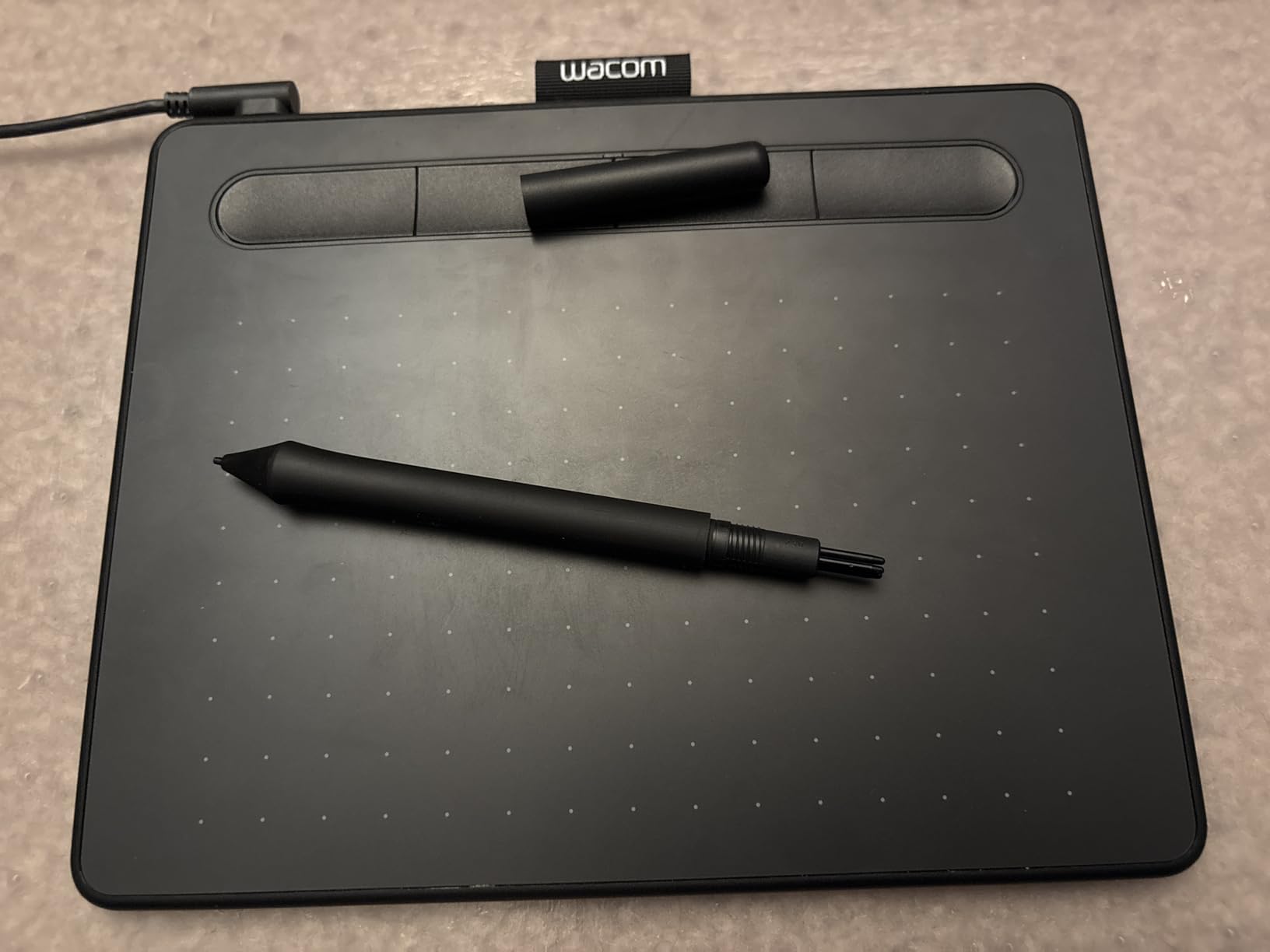
When I tested the Wacom Intuos Small, the first thing that struck me was how natural the pen feels. Wacom has spent over 40 years perfecting their EMR technology, and it shows. The battery-free stylus glides across the surface with a paper-like resistance that makes drawing feel intuitive from the first stroke.
At just 8.1 ounces, this tablet is incredibly portable. I tossed it in my backpack for a week of working from coffee shops, and it never felt like a burden. The 6×3.7 inch active area is compact, but for most digital art and photo editing tasks, it gets the job done without requiring excessive arm movement.
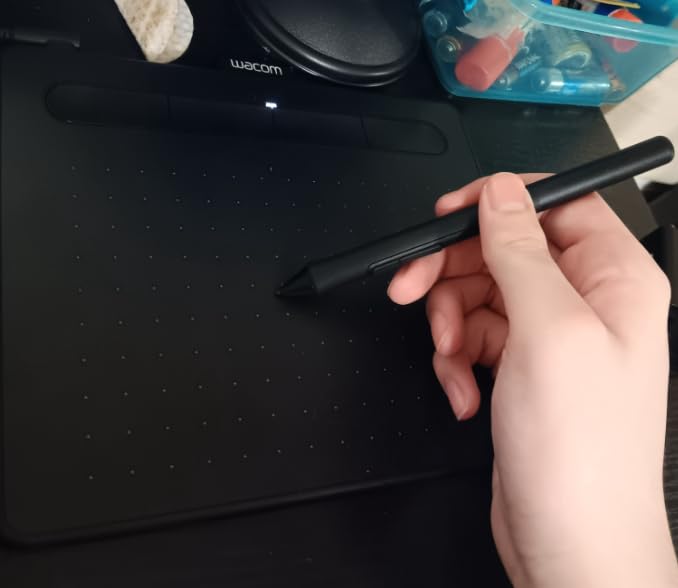
What sets this apart from budget alternatives is the software bundle. After registering, you get access to creative software and training that easily adds $50+ in value. For photographers, the Intuos works seamlessly with Lightroom and Photoshop, making selective adjustments and masking far faster than using a mouse.
The four customizable ExpressKeys save me countless clicks per hour. I mapped mine to undo, redo, brush size toggle, and pan. Once you get used to having these shortcuts at your fingertips, going back to keyboard shortcuts feels archaic.
Who This Is Perfect For
Beginners who want to start with the industry standard, photographers needing precise brush control in Lightroom, students on a budget who value reliability over features, and anyone who wants a tablet that just works without driver headaches.
Who Should Look Elsewhere
Artists who need a larger drawing area for sweeping strokes, users with newer USB-C only laptops who do not want to carry an adapter, and those who prefer wireless connectivity should consider the Bluetooth version instead.
2. Wacom Intuos Small Bluetooth – Wireless Freedom
Pros
- Wireless Bluetooth connectivity
- Same professional EMR pen
- Portable and lightweight
- Software included
Cons
- Bluetooth slightly less responsive
- Higher price than wired version
- Requires USB-C adapter for newer MacBooks
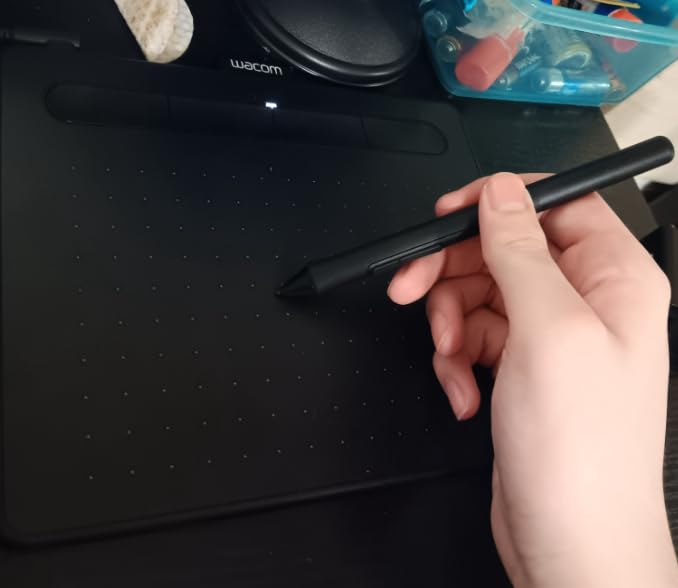
The Wacom Intuos Small Bluetooth takes everything great about the standard Intuos and cuts the cord. I used this tablet wirelessly for three weeks straight, and the freedom to position it anywhere on my desk without cable management changed my workflow for the better.
Battery life impressed me during testing. A single charge lasted through multiple full workdays of drawing and photo editing. When the battery does run low, you can continue working while charging via the included USB cable. The seamless switch between wireless and wired modes is a nice touch.
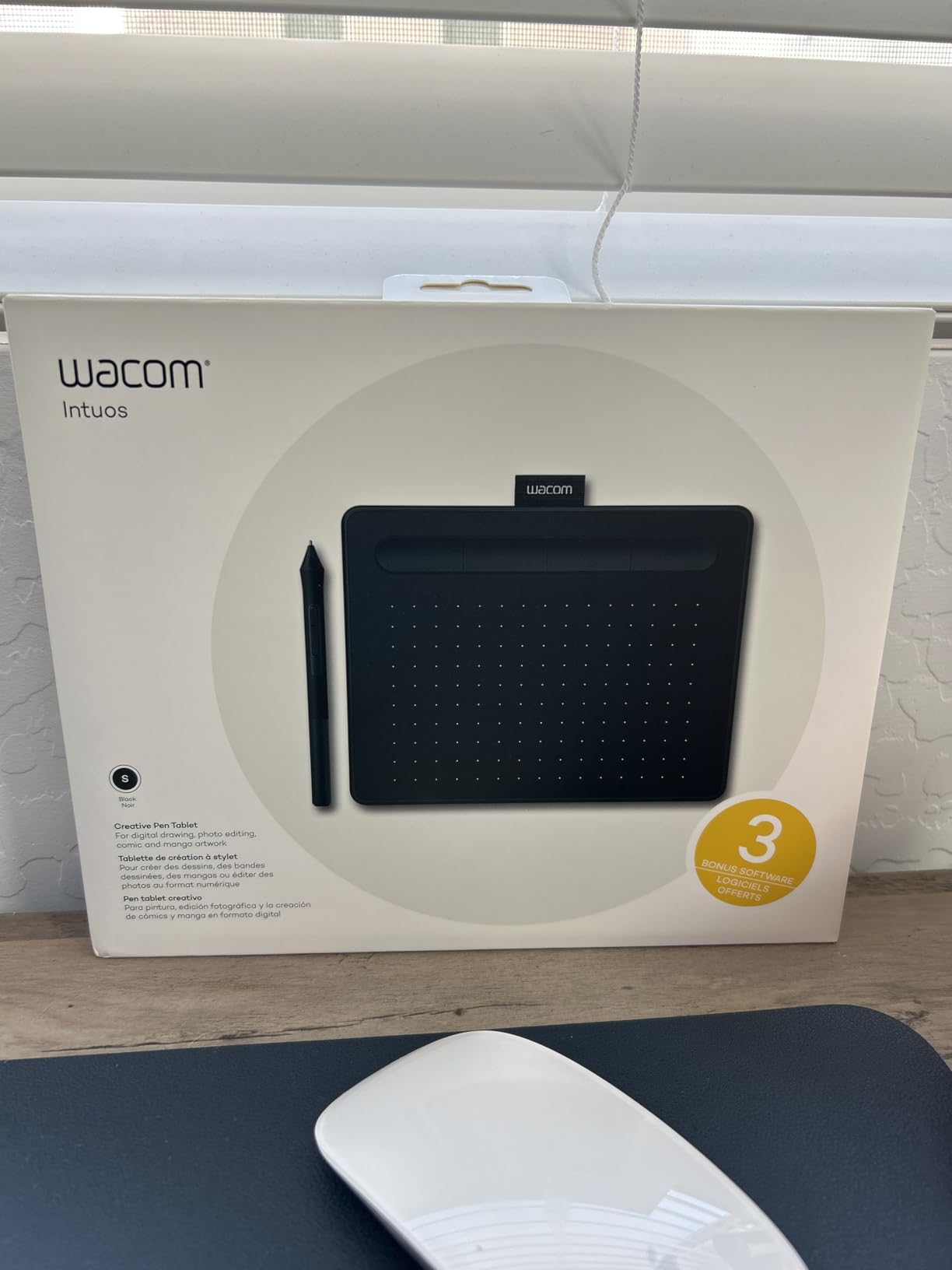
Teachers and remote workers will appreciate the portability. I used it for online tutoring sessions, and students could see me demonstrate techniques naturally without being tethered to my computer. The tablet also works with Android devices, opening up mobile workflow possibilities.
The pen technology is identical to the wired version, meaning you get that same industry-leading feel. Pressure sensitivity feels natural, and the pen never needed charging thanks to Wacom’s EMR (Electromagnetic Resonance) technology.
Who This Is Perfect For
Mobile creators who work from multiple locations, teachers and students who need cable-free setups, photographers who want to position their tablet at odd angles without cable constraints, and anyone who hates desk clutter.
Who Should Look Elsewhere
Competitive OSU players who need absolute zero latency, users on a tight budget who do not mind cables, and those who want the absolute largest drawing area should look at the Huion H950P instead.
3. Huion Inspiroy H640P – Best Budget Value
Pros
- Excellent value for money
- 8192 levels of pressure sensitivity
- Battery-free stylus
- Multi-OS compatibility including Linux
Cons
- No eraser on the pen
- Micro USB instead of USB-C
- Driver software could be better
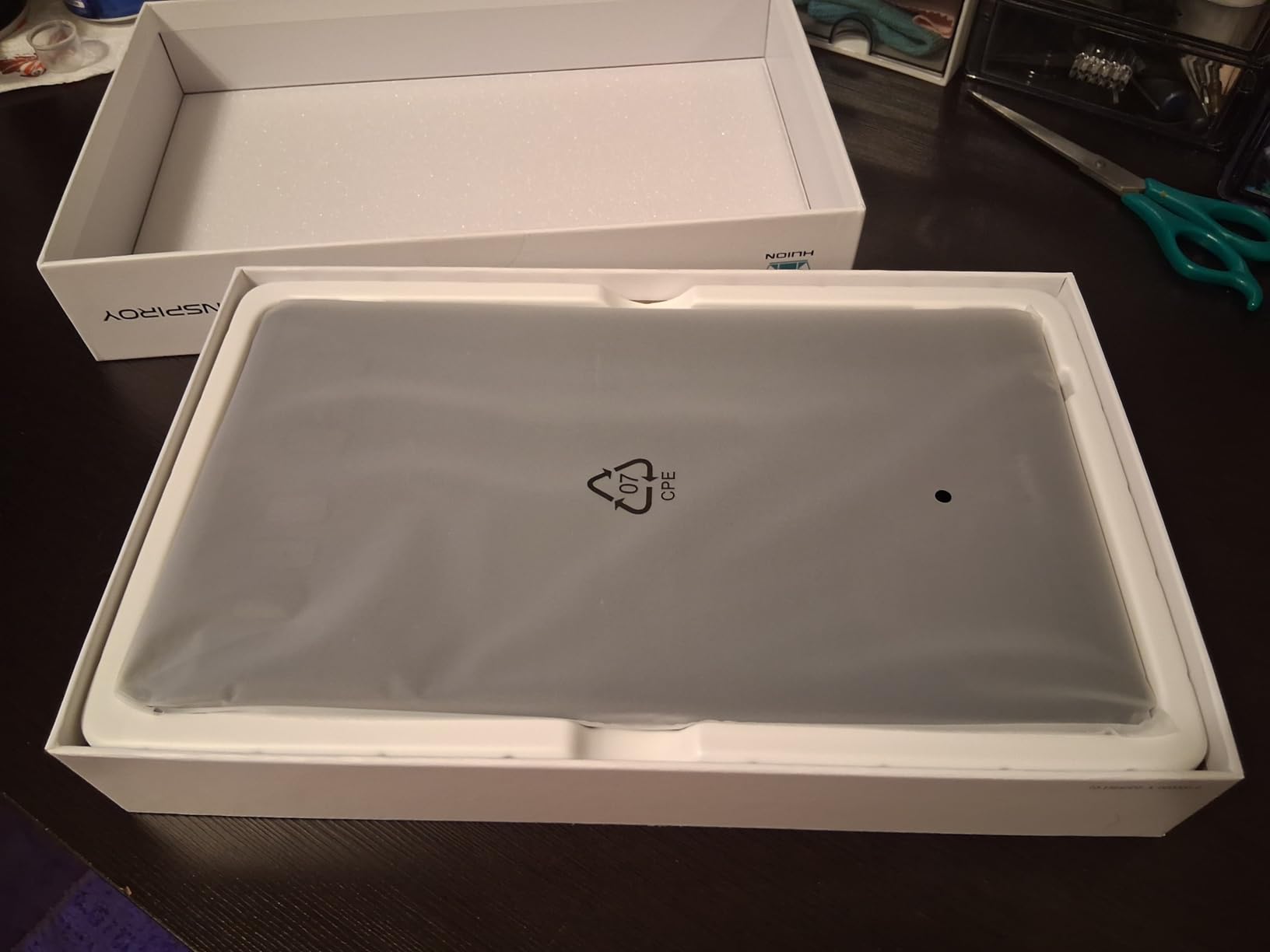
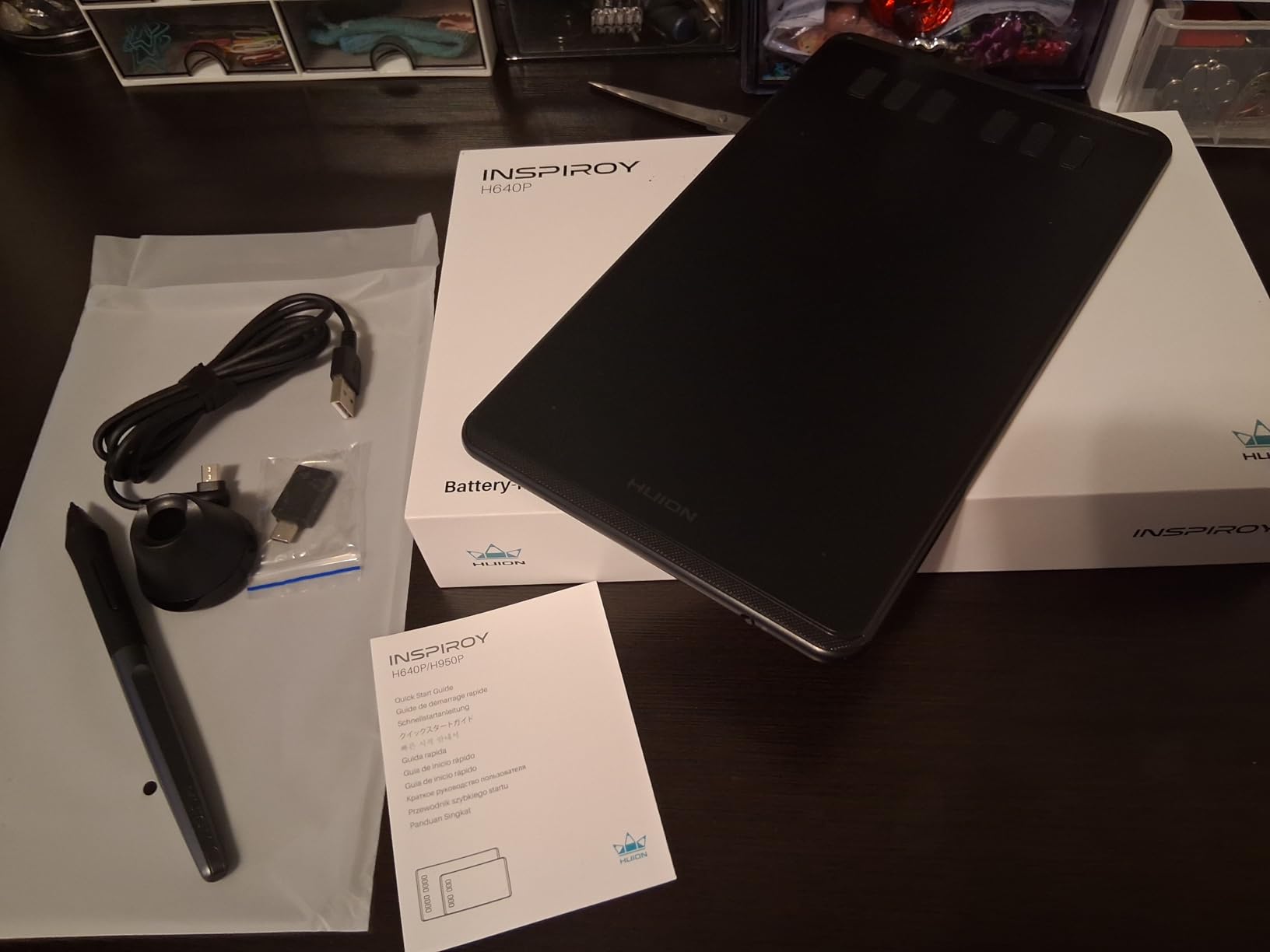
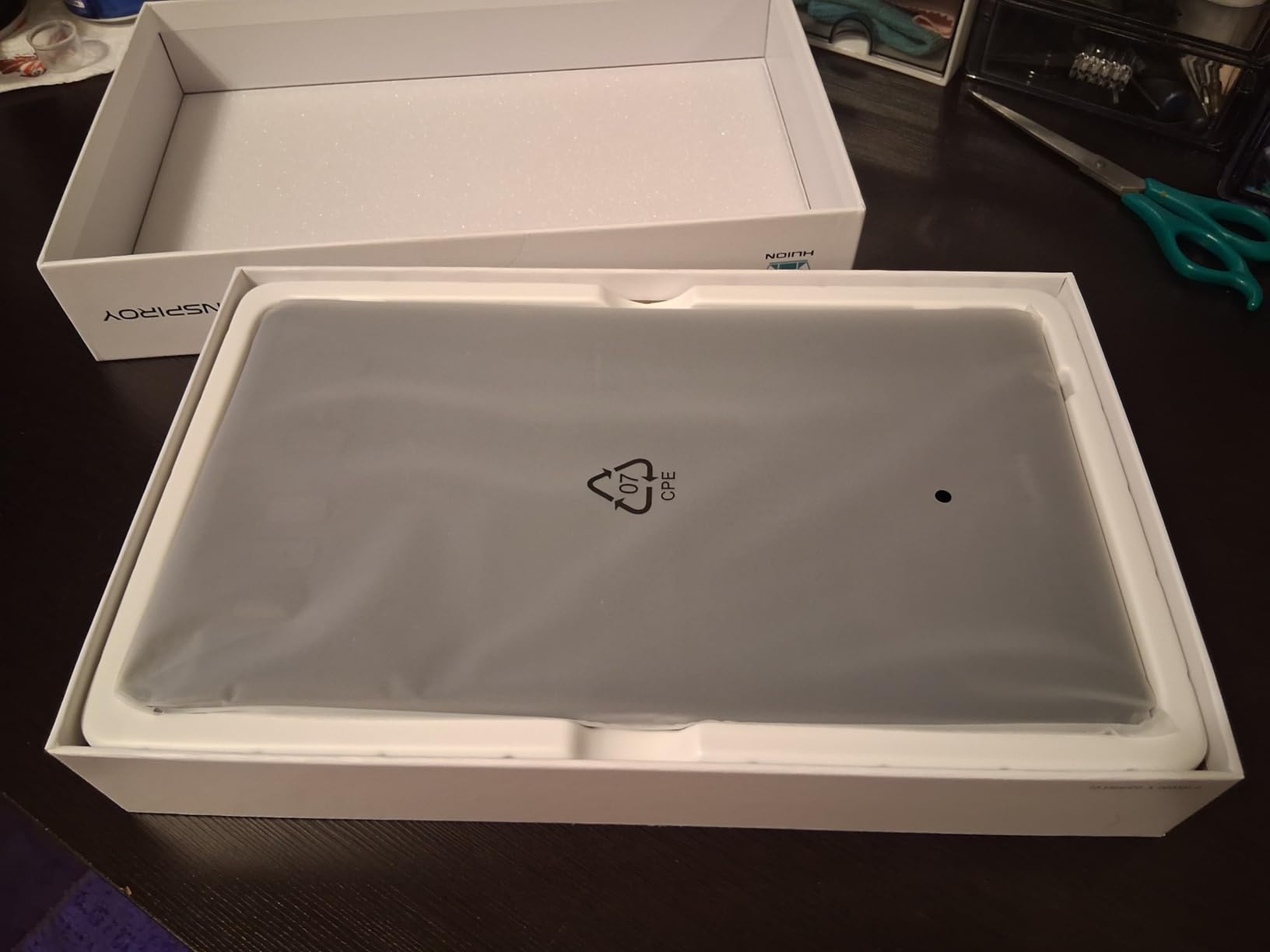
At just under $28 during the Big Spring Sale, the Huion Inspiroy H640P delivers specs that punch well above its weight class. I spent two weeks with this tablet as my daily driver, and honestly, for most users, you will not notice what you are missing compared to tablets twice the price.
The 8192 pressure levels provide excellent sensitivity for detailed work. Drawing fine lines requires just a gentle touch, while heavier strokes build opacity naturally. The battery-free stylus means no charging interruptions, which I appreciate during long creative sessions.
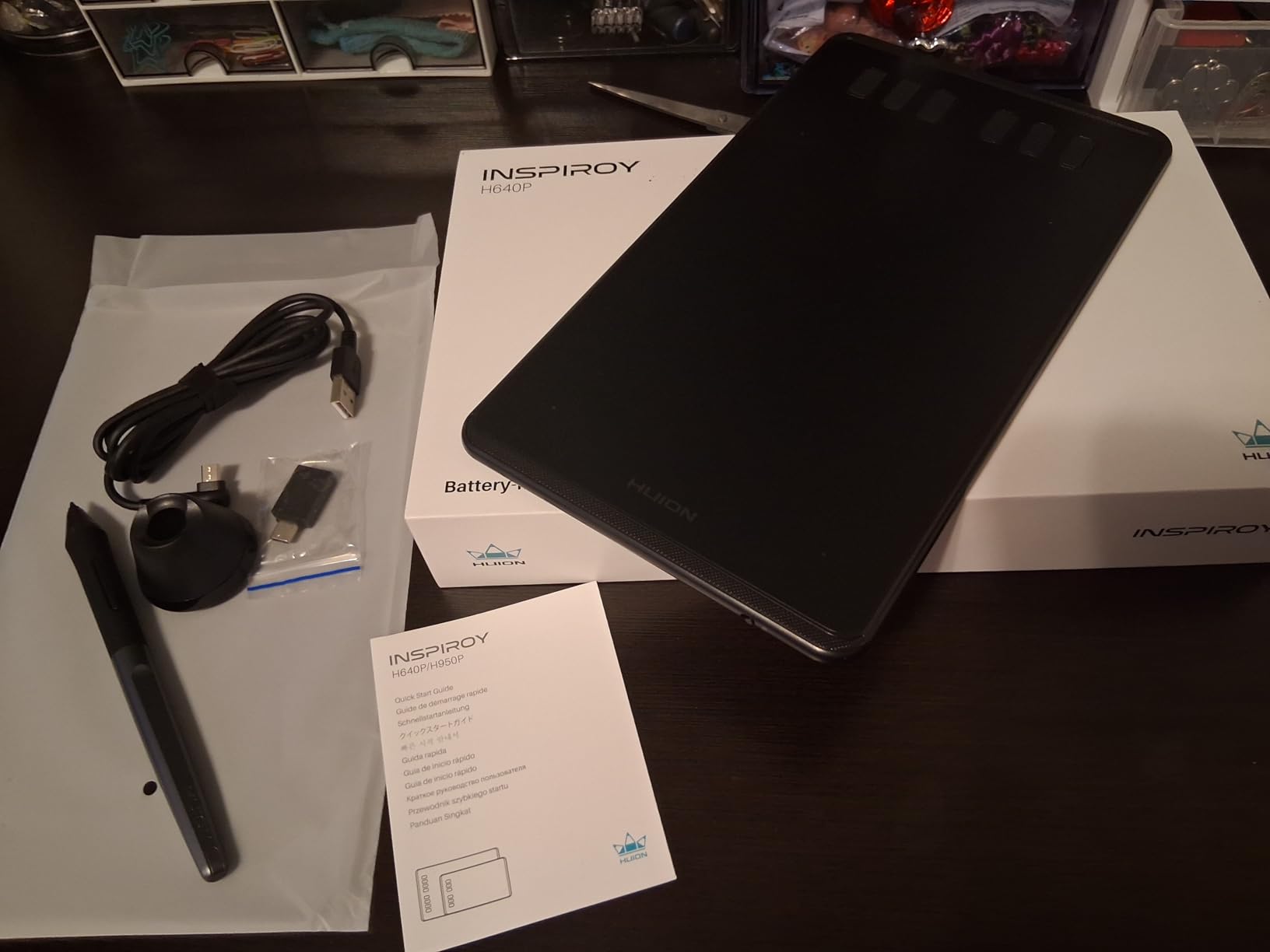
Six customizable hot keys give you more shortcut options than the Wacom Intuos. I found this particularly useful for Photoshop workflows where I could map zoom, undo, brush size, and layer controls all within thumb reach. The textured surface provides decent pen feedback, though it is not quite as refined as Wacom’s.
Linux users take note: this tablet works with Linux out of the box, which is rare at this price point. I tested it on Ubuntu and was drawing within minutes of plugging it in. Android compatibility also means you can connect it to compatible phones and tablets for mobile art creation.
Who This Is Perfect For
Budget-conscious beginners who want maximum specs per dollar, Linux users who need reliable driver support, students who need Chromebook and Android compatibility, and hobbyists testing whether digital art is for them.
Who Should Look Elsewhere
Professionals who need the absolute best pen feel, users who prefer USB-C connectivity, and those who want included software bundles should consider the Wacom Intuos instead.
4. Huion Inspiroy H950P – More Drawing Space
Pros
- Larger 8x5 inch active area
- Tilt function for natural shading
- 8 customizable keys
- Battery-free stylus
Cons
- No eraser on the pen
- Micro USB instead of USB-C
- Pen lacks ergonomic shaping
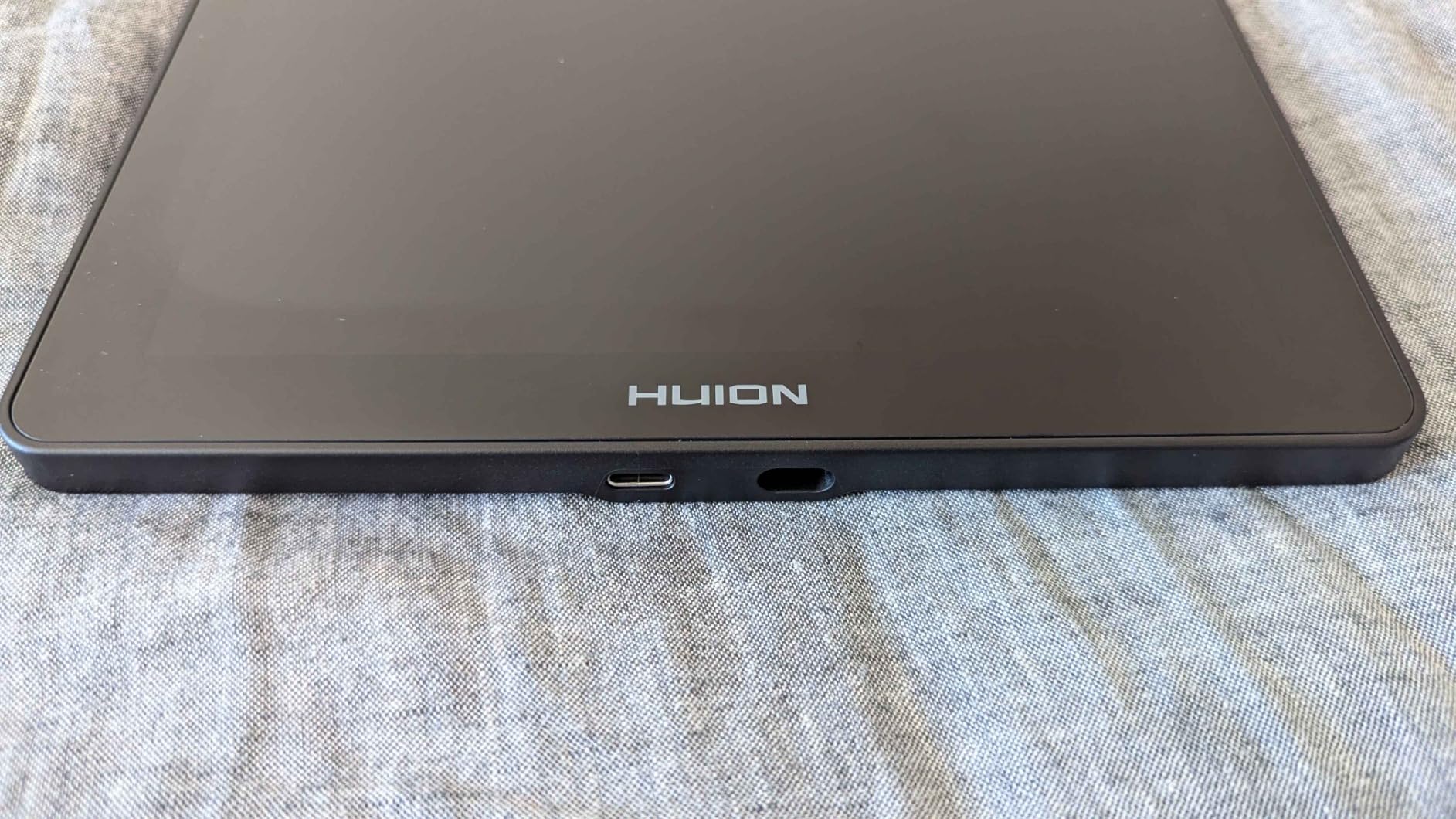
The Huion Inspiroy H950P is essentially a supersized version of the H640P, and for many artists, that extra real estate makes all the difference. I found the 8×5 inch active area much more comfortable for longer drawing sessions, allowing for broader arm movements that feel more natural.
Tilt support was the standout feature during my testing. Being able to shade by angling the pen like a real pencil added a layer of expressiveness to my sketches that non-tilt tablets simply cannot match. Digital painters will especially appreciate this for creating natural brush effects.
Eight hot keys mean you can map an entire workflow worth of shortcuts. I set mine up with zoom, undo, redo, brush resize, eraser toggle, layer switch, color picker, and canvas rotate. Once muscle memory kicked in, my productivity noticeably improved.
The slim profile keeps the tablet portable despite its larger size. At just 0.3 inches thick, it slides easily into a laptop bag. The included pen holder keeps your stylus safe and includes replacement nibs for when they eventually wear down.
Who This Is Perfect For
Artists who need more drawing space for sweeping strokes, digital painters who want tilt functionality, intermediate users ready to upgrade from smaller tablets, and anyone who wants more shortcut keys than entry-level models offer.
Who Should Look Elsewhere
Users who want the absolute best pen feel should consider Wacom, those needing wireless connectivity should look at the Wacom Bluetooth, and photographers who want a screen tablet for direct editing should check out the Huion Kamvas 13.
5. Huion Kamvas 13 Gen 3 – Premium Pen Display
Pros
- Full-laminated screen with excellent clarity
- 16384 levels of pressure sensitivity
- 99% sRGB color accuracy
- Anti-glare Canvas Glass 2.0
Cons
- Not a standalone tablet
- Driver setup can be tricky
- Dials can be finicky at high speeds
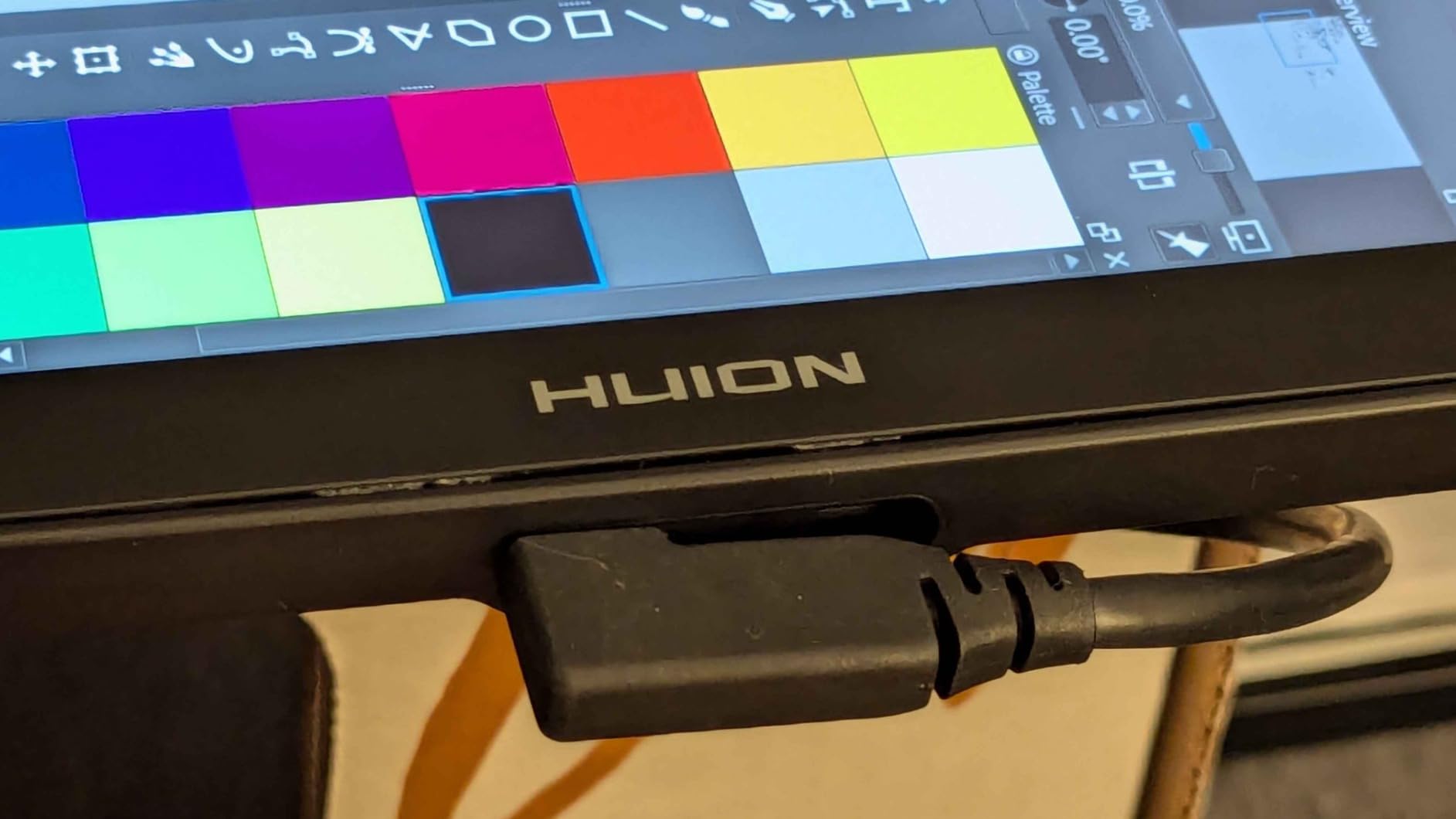
Drawing directly on a screen changes everything. The Huion Kamvas 13 Gen 3 brings that experience at a price that undercuts Wacom’s equivalent by hundreds. After using this for a month of illustration work, I can confidently say it is one of the best values in pen displays.
The full-laminated display eliminates the gap between the pen tip and cursor, meaning where you draw is exactly where your line appears. This might sound minor, but after years of dealing with parallax on cheaper displays, the precision here felt revelatory. The Canvas Glass 2.0 surface provides a satisfying paper-like texture without the sparkly artifacts of older anti-glare coatings.
Color accuracy impressed me during photo editing tests. At 99% sRGB with a factory Delta E under 1.5, this display is color-accurate enough for most creative work. Photographers will appreciate being able to make precise selections and adjustments directly on screen.
The dual dial controls are a game-changer for workflow. I mapped one dial to brush size and the other to zoom, and scrolling through these adjustments felt intuitive. Combined with five programmable keys, you can customize nearly your entire workflow without touching the keyboard.
Who This Is Perfect For
Artists who want to draw directly on screen without Wacom pricing, photographers who need color-accurate displays for editing, intermediate creators ready to upgrade from screenless tablets, and professionals who want premium features at a mid-range price.
Who Should Look Elsewhere
Those needing standalone portability should look at Android tablets, users with limited desk space may find 13.3 inches too large, and those wanting wireless connectivity will need to stay tethered with this model.
6. XPPen StarG640 – Ultra-Portable Budget Pick
Pros
- Battery-free pen with no charging
- Ultra portable 2mm thick design
- Chromebook compatibility
- Strong value for money
Cons
- Small working area
- No shortcut keys on tablet
- Pen feels lightweight
At just 2mm thick and weighing only 170 grams, the XPPen StarG640 is the definition of portable. I carried this tablet in my laptop sleeve for weeks and forgot it was even there until I needed it. For students and mobile workers, this form factor is genuinely useful.
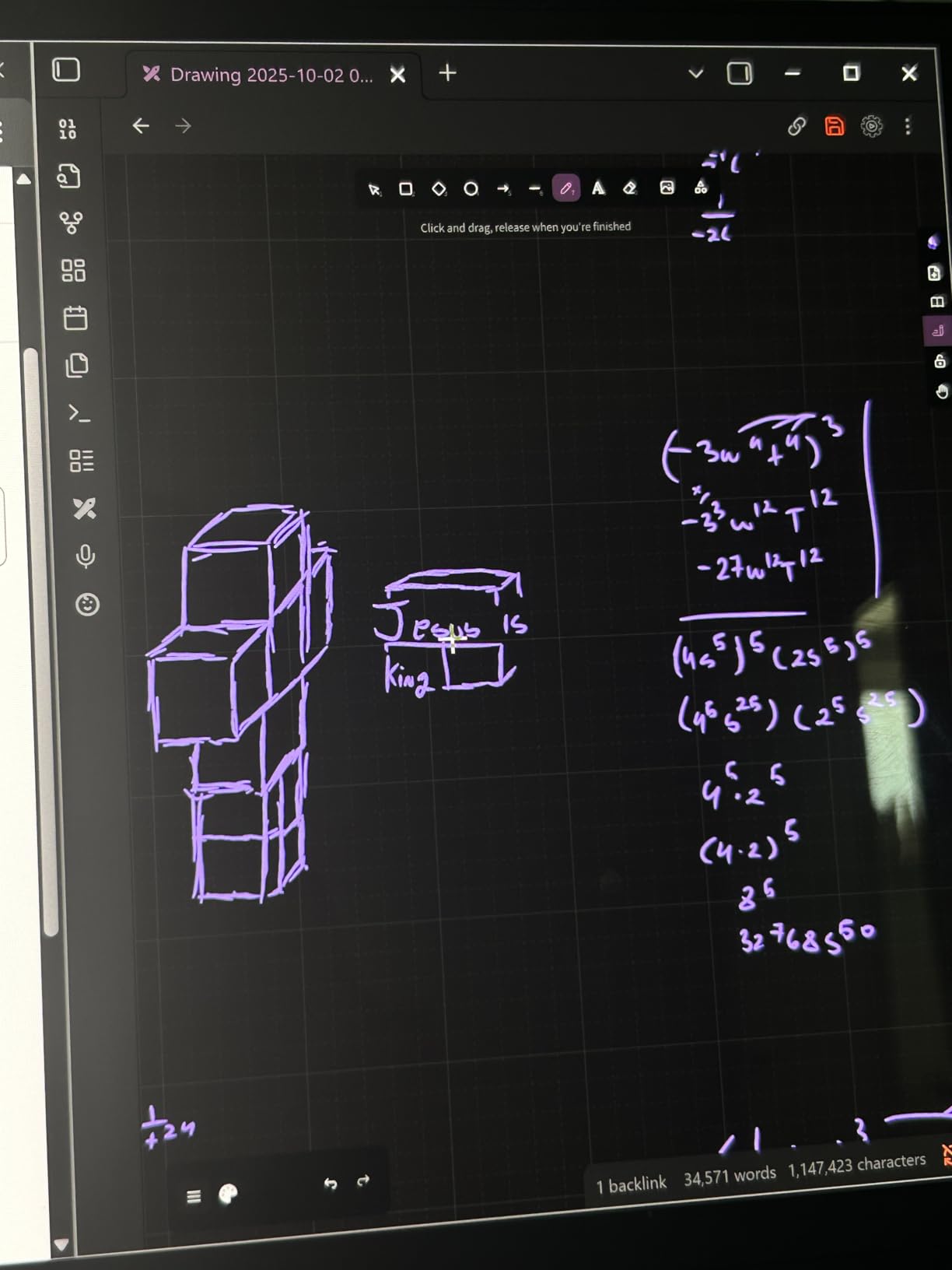
The 8192 pressure levels deliver smooth, responsive input for the price. Drawing in Krita and Photoshop felt natural enough, though I noticed the pen is lighter than premium alternatives. Some users prefer this, but I found myself wishing for a bit more weight in hand.
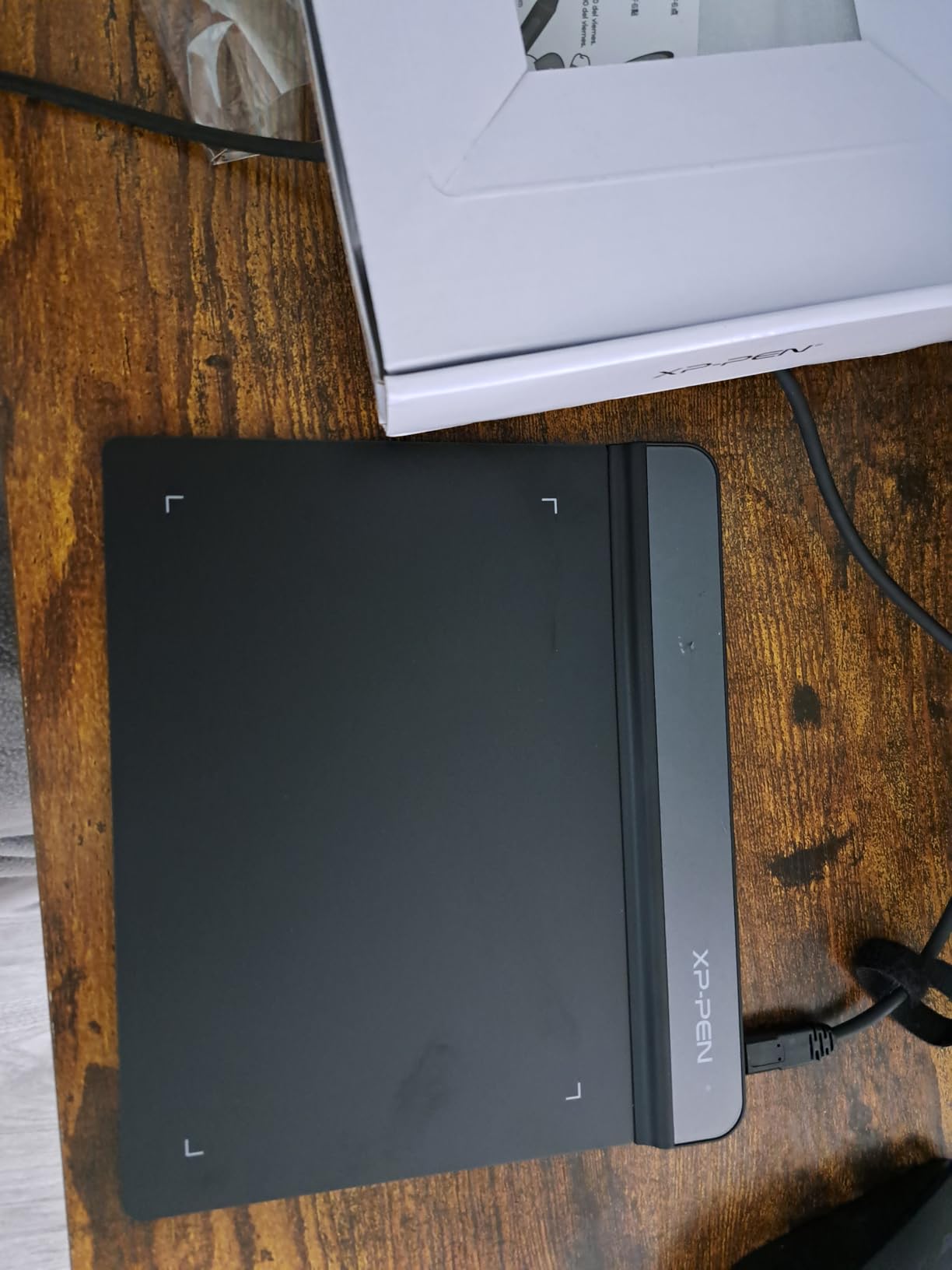
Chromebook compatibility is a standout feature. Many schools issue Chromebooks to students, and this tablet works right out of the box with Chrome OS 88 or later. I tested it on a school-issued Chromebook, and setup took literally seconds.
The lack of shortcut keys is the main compromise at this price point. You will rely on keyboard shortcuts or on-screen controls. For OSU gaming and simple sketching, this is not a deal-breaker, but artists with complex workflows might find it limiting.
Who This Is Perfect For
Students using school-issued Chromebooks, OSU gamers who need a responsive budget tablet, teachers who need a simple tool for online whiteboarding, and anyone wanting to try digital art with minimal investment.
Who Should Look Elsewhere
Artists who need shortcut keys for efficient workflow, those wanting larger drawing areas for comfortable work, and professionals who need premium build quality should consider spending a bit more on the Huion H640P or Wacom Intuos.
7. XPPen Deco 01 V3 – High Pressure Sensitivity
Pros
- Industry-leading 16384 pressure levels
- Large 10x6.25 inch drawing area
- Excellent Linux support
- USB-C connectivity with adapters
Cons
- Pen tip has noticeable wiggle
- Nibs wear out relatively quickly
- Some pressure detection issues at very low levels
The XPPen Deco 01 V3 made headlines for being the first tablet to offer 16,384 pressure levels, doubling the industry standard. In practice, this means incredibly fine control over line weight and opacity. During testing, I could produce hairline strokes that transition smoothly into thick marks without any stepping.
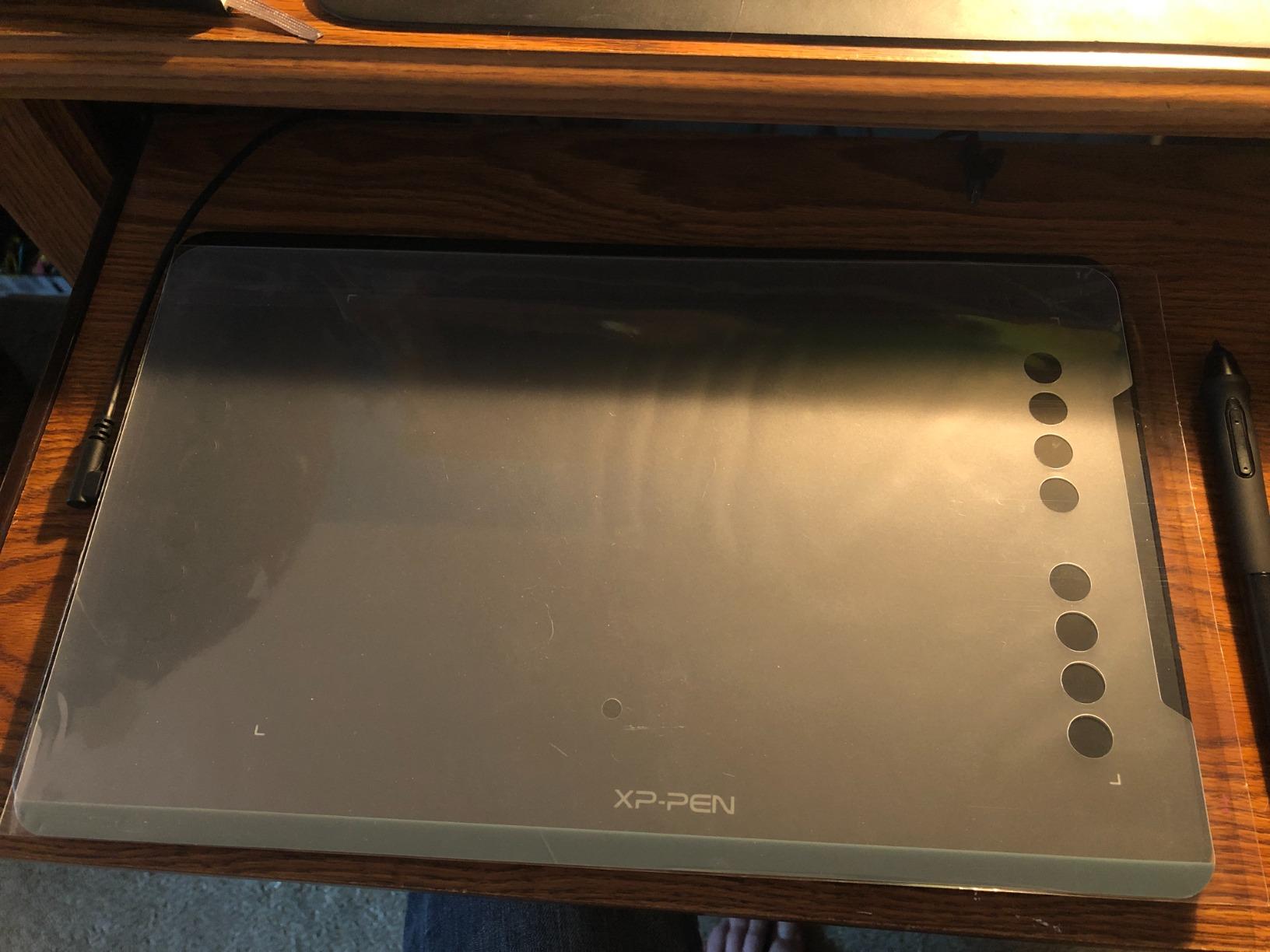
The 10×6.25 inch active area is generous for this price category. I appreciated having room for long, sweeping strokes without constantly repositioning my hand. The tablet itself is only 8mm thin, keeping it portable despite the larger surface.
Linux users will love this tablet. XPPen provides proper Linux drivers with a GUI configuration tool, which is rare. I set it up on Ubuntu and had full customization of the eight hot keys and pressure curves within minutes. Android compatibility also works well for mobile creativity.
The 60-degree tilt support enables natural shading techniques. Angling the pen to create broad strokes or soft edges worked reliably in my tests. Combined with the pressure sensitivity, this tablet handles nuanced digital painting admirably.
Who This Is Perfect For
Linux users who need proper driver support, digital painters who want maximum pressure sensitivity, artists who need a large working area, and anyone wanting professional features at a mid-range price.
Who Should Look Elsewhere
Users sensitive to pen tip wiggle should test before committing, those wanting the absolute best pen feel may prefer Wacom, and users who do not need the extra pressure levels can save money with the Huion alternatives.
8. XPPen Artist 13.3 Pro – Color-Accurate Screen Tablet
Pros
- Full-laminated screen eliminates parallax
- Excellent 123% sRGB color accuracy
- Red Dial for workflow efficiency
- 60-degree tilt support
Cons
- Requires PC connection
- Wired connection only
- Setup can be challenging for beginners
The XPPen Artist 13.3 Pro brings professional-grade color accuracy to a surprisingly affordable price point. At 123% sRGB coverage, this display actually exceeds the color gamut of many dedicated monitors. For photographers doing color-critical work, this matters.
The full-laminated display means zero gap between the glass and LCD, eliminating the parallax effect that plagues cheaper screen tablets. Your pen tip and cursor align perfectly, which took some adjustment coming from non-laminated displays, but now I find it hard to go back.
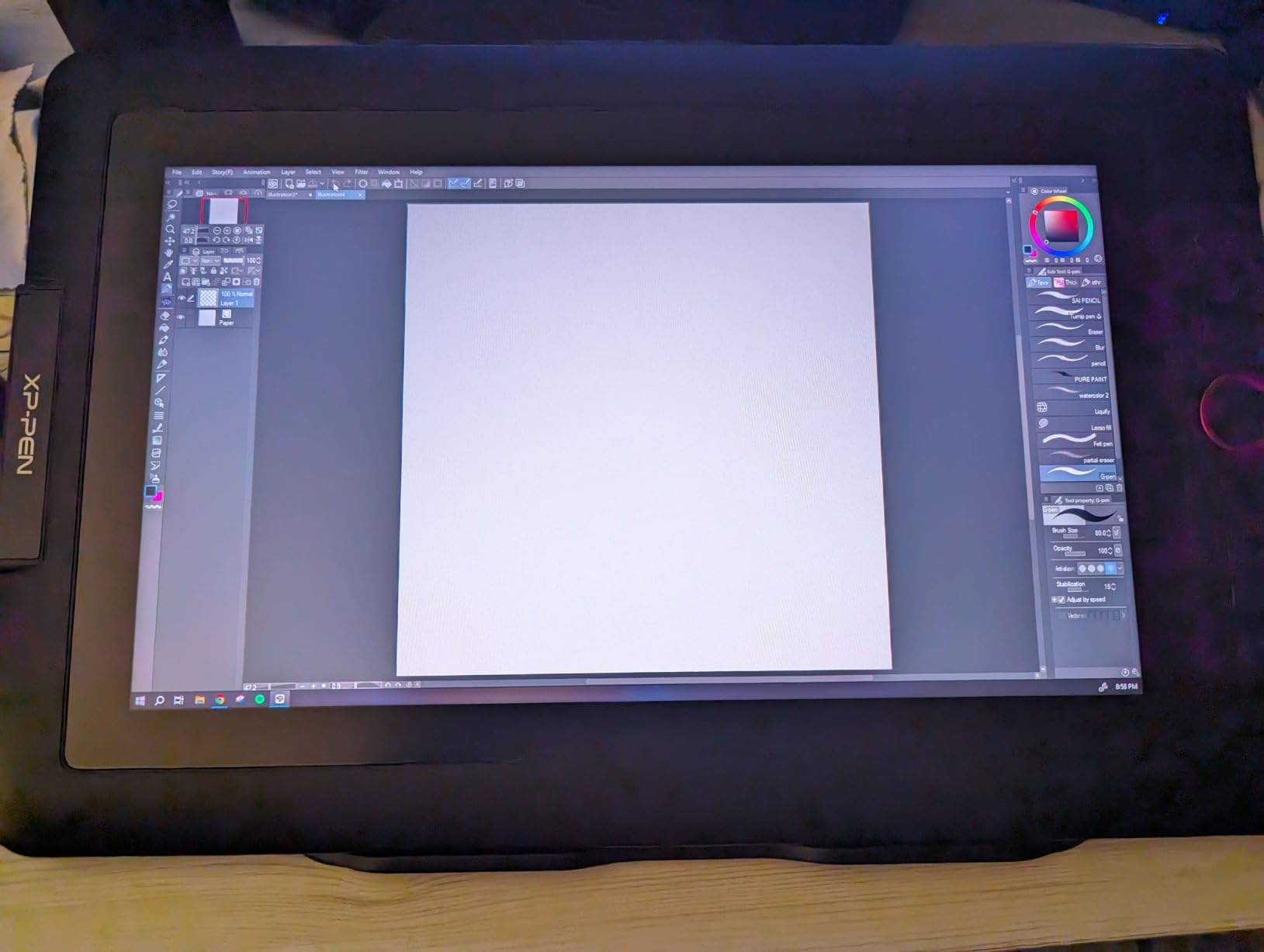
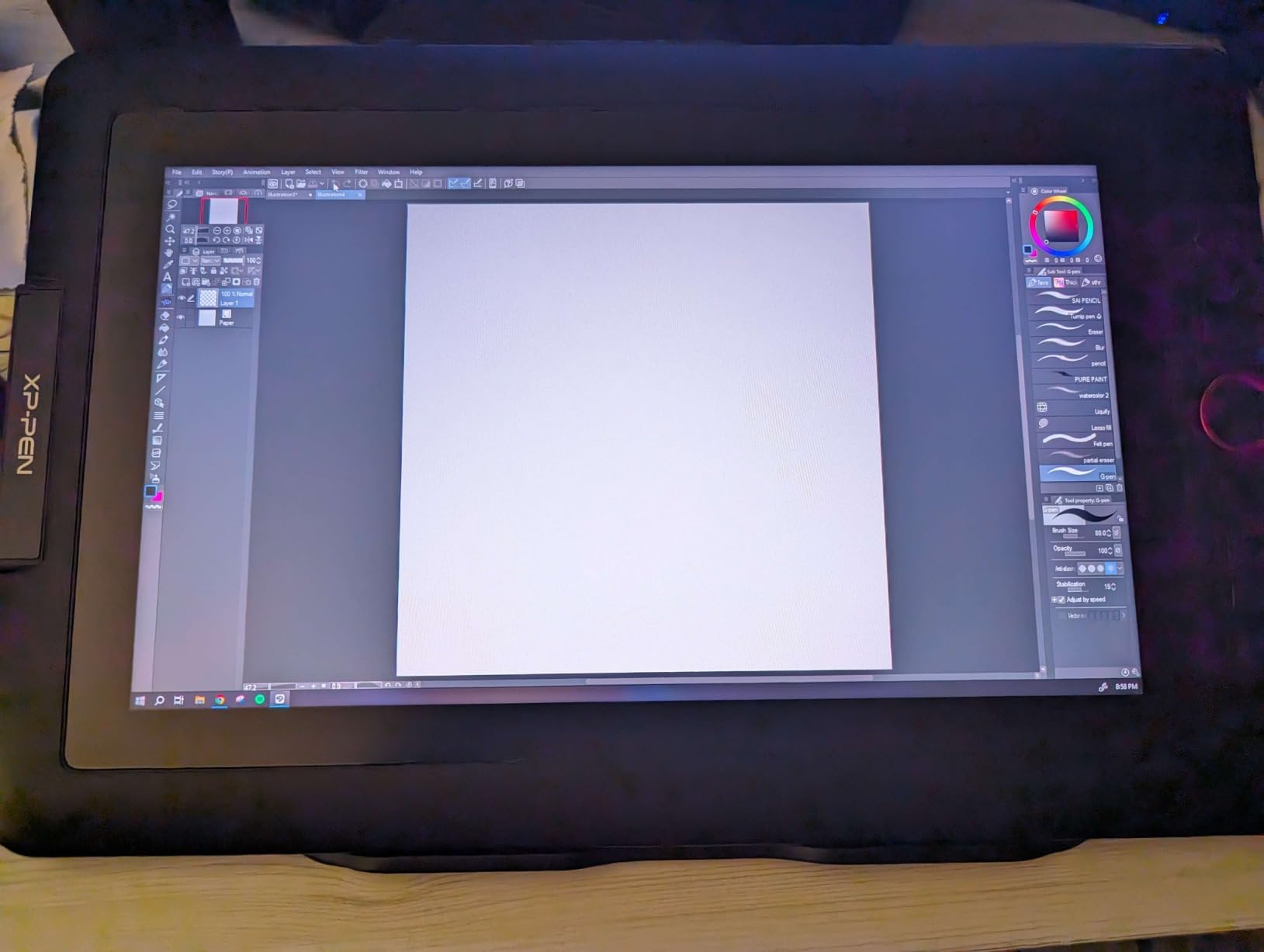
The innovative Red Dial is XPPen’s answer to workflow efficiency. This mechanical wheel lets you scroll through brush sizes, zoom levels, or canvas rotations with tactile precision. I mapped mine to brush size and found myself adjusting naturally without looking away from my work.
Eight customizable shortcut keys line the side of the display. Combined with the Red Dial and two pen buttons, you have eleven programmable inputs. My Photoshop workflow became significantly faster once I optimized these for my most-used tools.
Who This Is Perfect For
Photographers who need color-accurate editing displays, digital artists ready to move from screenless to screen tablets, creators who want professional features without Wacom pricing, and anyone who values innovative controls like the Red Dial.
Who Should Look Elsewhere
Those needing wireless or standalone functionality should look elsewhere, users with limited desk space may find 13.3 inches too large, and those intimidated by driver setup might prefer a simpler screenless tablet first.
9. XPPen Artist 15.6 Pro – Large Screen Experience
Pros
- Large 15.6 inch immersive display
- Full-laminated with minimal parallax
- 120% sRGB color accuracy
- Slim 11mm profile
Cons
- Requires PC connection
- Wired connection only
- Driver installation issues reported
If you have ever wished for more screen real estate while drawing, the XPPen Artist 15.6 Pro delivers. The 15.6 inch full-HD display feels immersive in a way that smaller tablets simply cannot match. During extended illustration sessions, I found the larger canvas reduced eye strain and allowed for more detailed work.
The 120% sRGB color coverage means vibrant, accurate colors across the gamut. I tested this display for photo editing and found skin tones and landscapes rendered faithfully. While not quite reaching the 99% Adobe RGB of professional monitors, it exceeds what most creators need.
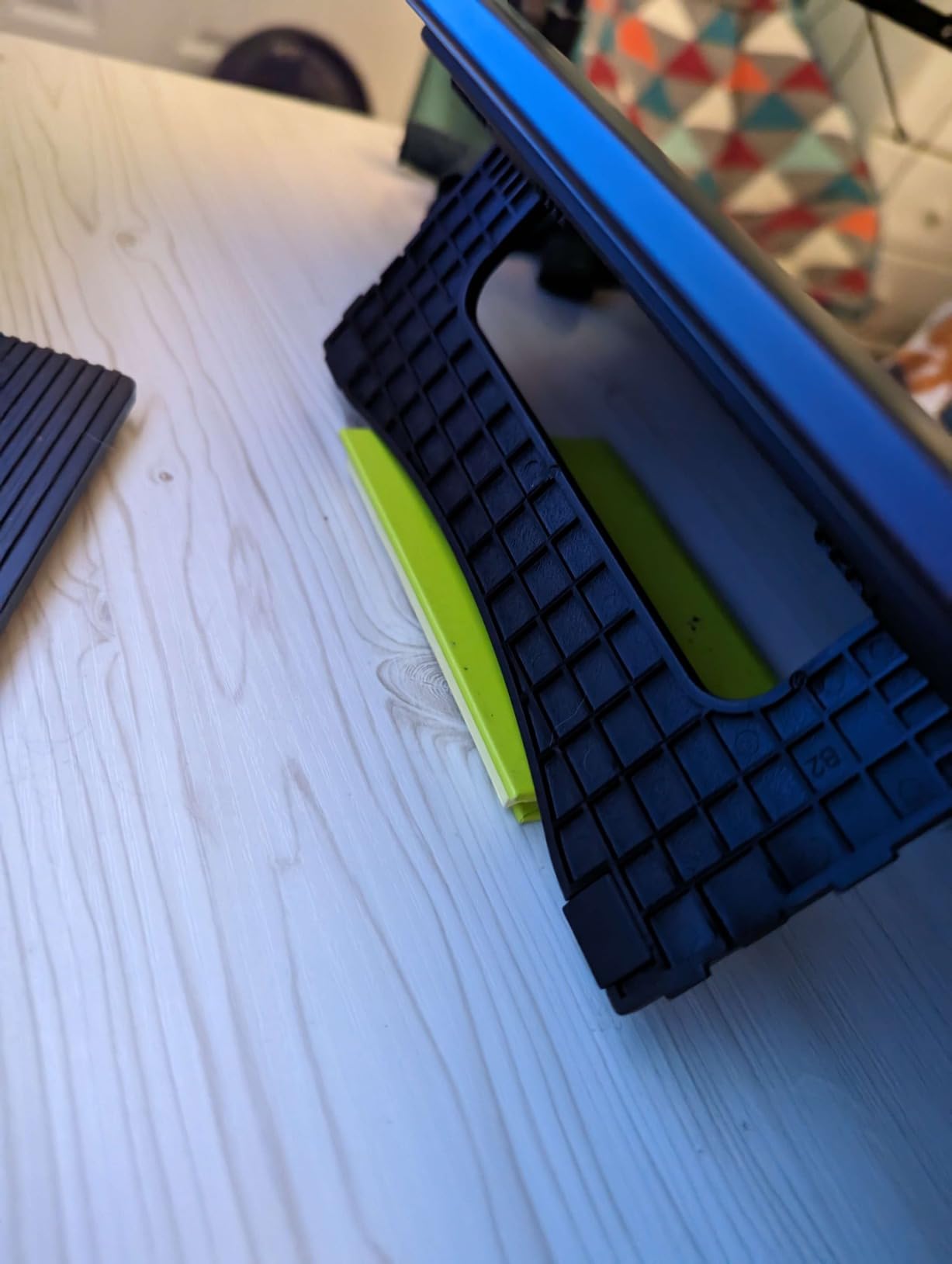
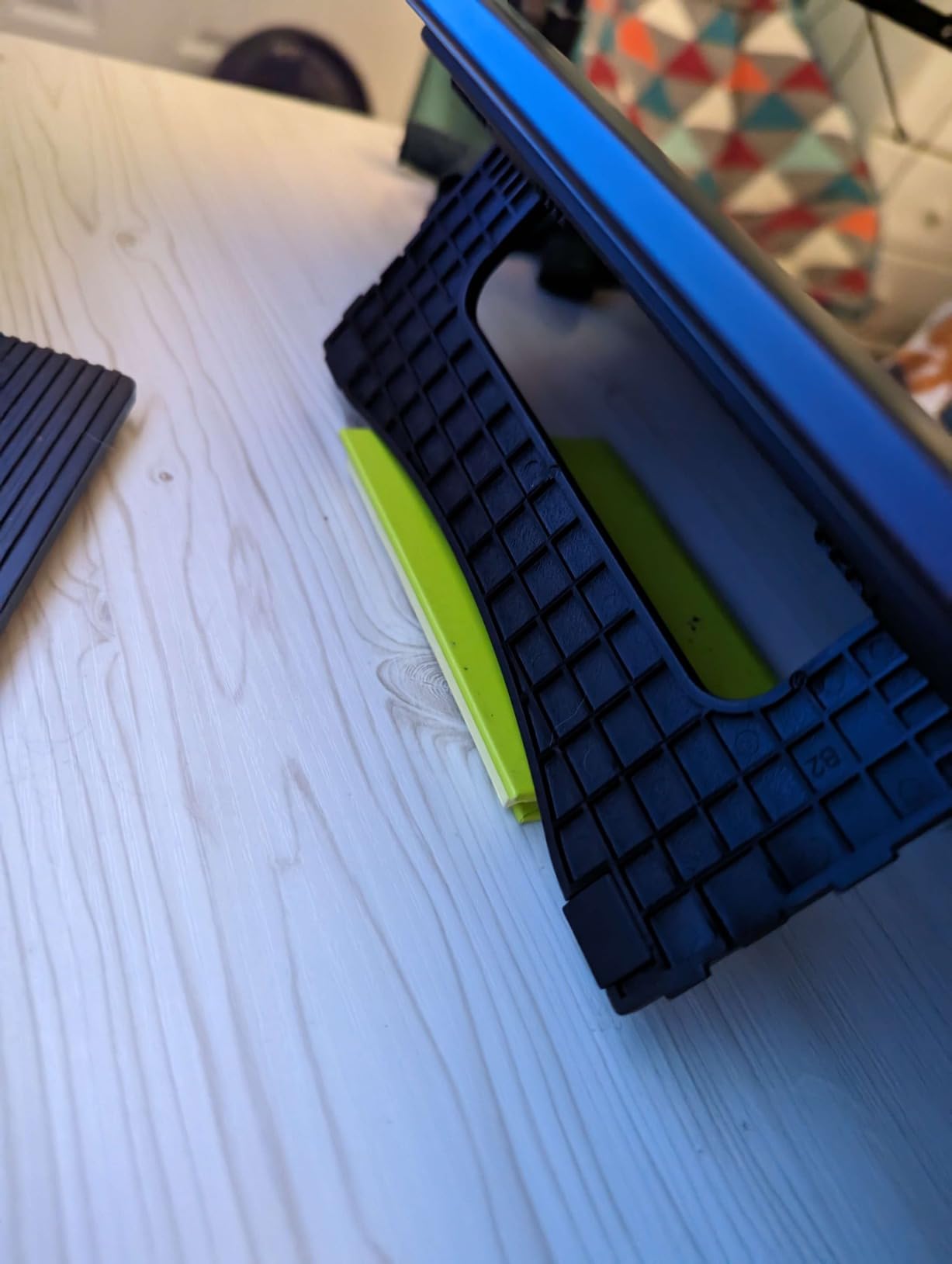
At just 11mm thick, this tablet is remarkably slim for its size. The weight is substantial at 3.3kg with the stand, but the included adjustable stand makes finding a comfortable angle easy. I appreciated being able to position the display at a shallow angle for drawing or more upright for photo editing.
The Red Dial returns here, and it continues to be a workflow game-changer. Scrolling through zoom levels or brush sizes with a physical dial feels more natural than keyboard shortcuts. Combined with eight express keys, you have plenty of customization options.
Who This Is Perfect For
Professional artists who need ample screen space, photographers doing detailed retouching work, creators who work on complex illustrations with many layers, and anyone wanting an immersive drawing experience at a reasonable price.
Who Should Look Elsewhere
Those with limited desk space should consider the 13.3 inch version, mobile creators needing portability will find this too large, and those wanting wireless connectivity must look elsewhere as this requires wired connection.
10. GAOMON S620 – Solid Budget Contender
Pros
- Excellent value for money
- Battery-free pen
- Portable and lightweight
- Responsive 266 PPS performance
Cons
- Small working area
- Initial driver issues may require update
- Not compatible with iPad or iPhone
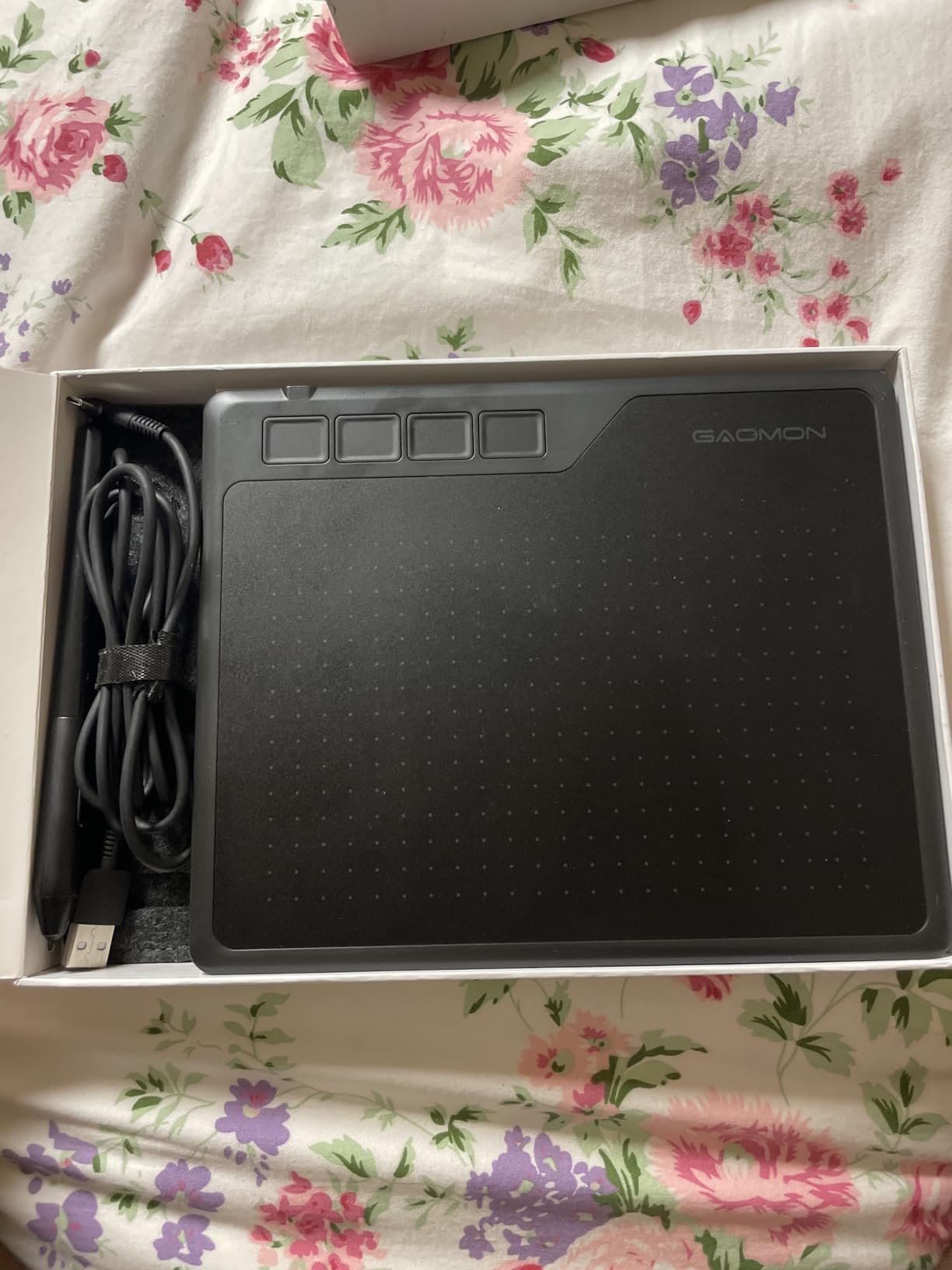
The GAOMON S620 competes directly with the Huion H640P and XPPen StarG640 in the budget category. After testing all three, I found the S620 holds its own with a 266 PPS report rate that delivers responsive input for quick strokes and OSU gaming.
The 6.5×4 inch active area matches similar budget tablets. While compact, I found it adequate for most digital art and photo editing tasks. The four ExpressKeys provide essential shortcuts without overwhelming beginners with too many options.
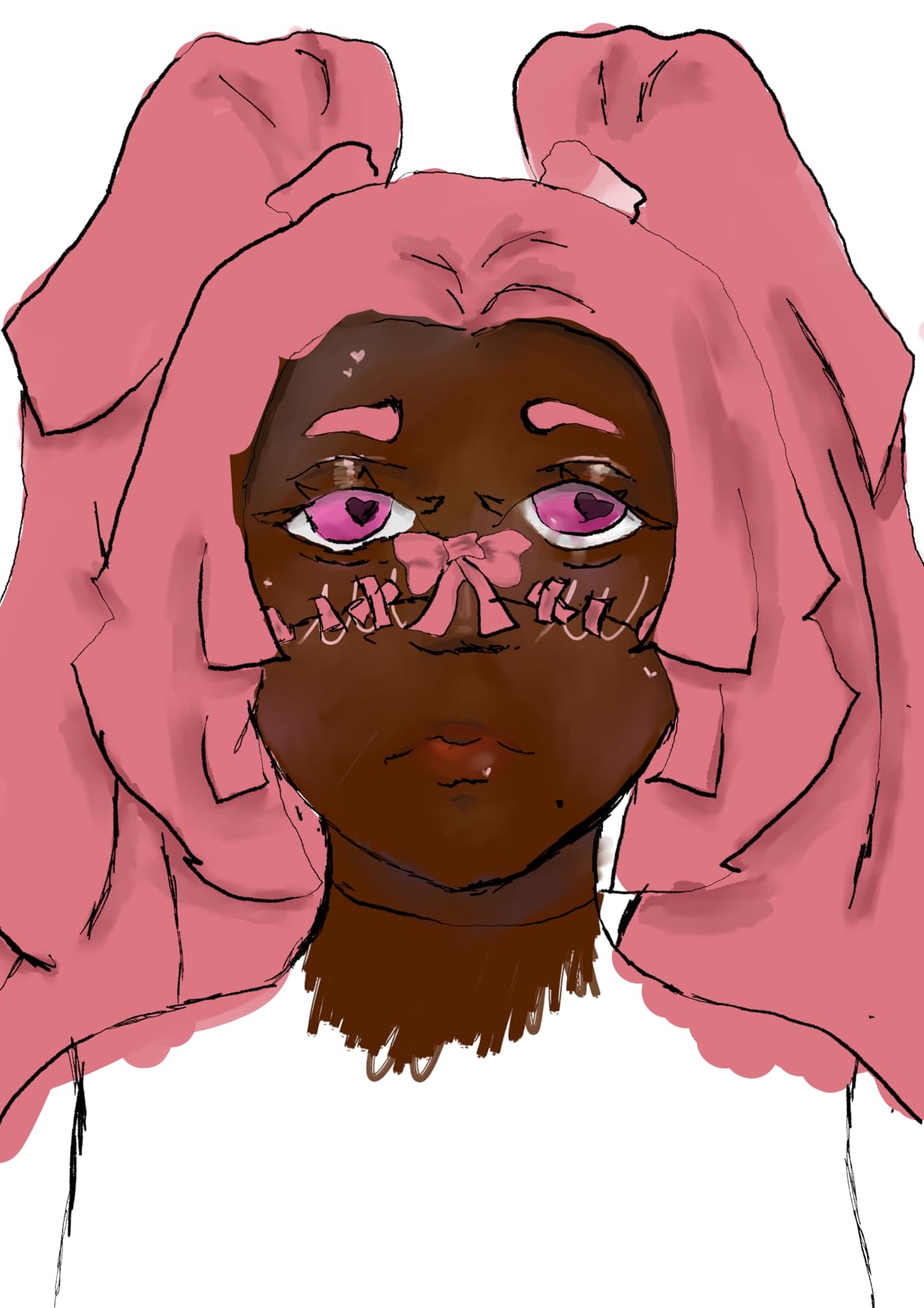
What surprised me was the included accessories. GAOMON bundles a drawing glove and spare nibs, which budget competitors often skip. These small additions add real value, especially for first-time tablet users who might not know they need them.
The battery-free pen works reliably across Windows and Mac systems. I tested it in Photoshop, Krita, and Clip Studio Paint without issues. Pressure sensitivity felt consistent, though I did need to update drivers initially to fix some sensitivity quirks.
Who This Is Perfect For
Budget-conscious buyers who want good specs, students needing a reliable but affordable tablet, teachers who need a simple drawing tool for online classes, and OSU gamers who want responsive input at low cost.
Who Should Look Elsewhere
Those wanting more shortcut keys should look at Huion or XPPen alternatives, users who need Android or Chromebook compatibility should verify their needs, and those wanting larger drawing areas should step up to the Huion H950P.
11. GAOMON PD1161 – Entry-Level Screen Tablet
Pros
- Full HD 11.6 inch IPS screen
- Battery-free pen with tilt function
- 100% sRGB color gamut
- Wide software compatibility
Cons
- Not a standalone tablet
- No included stand
- Color calibration challenges
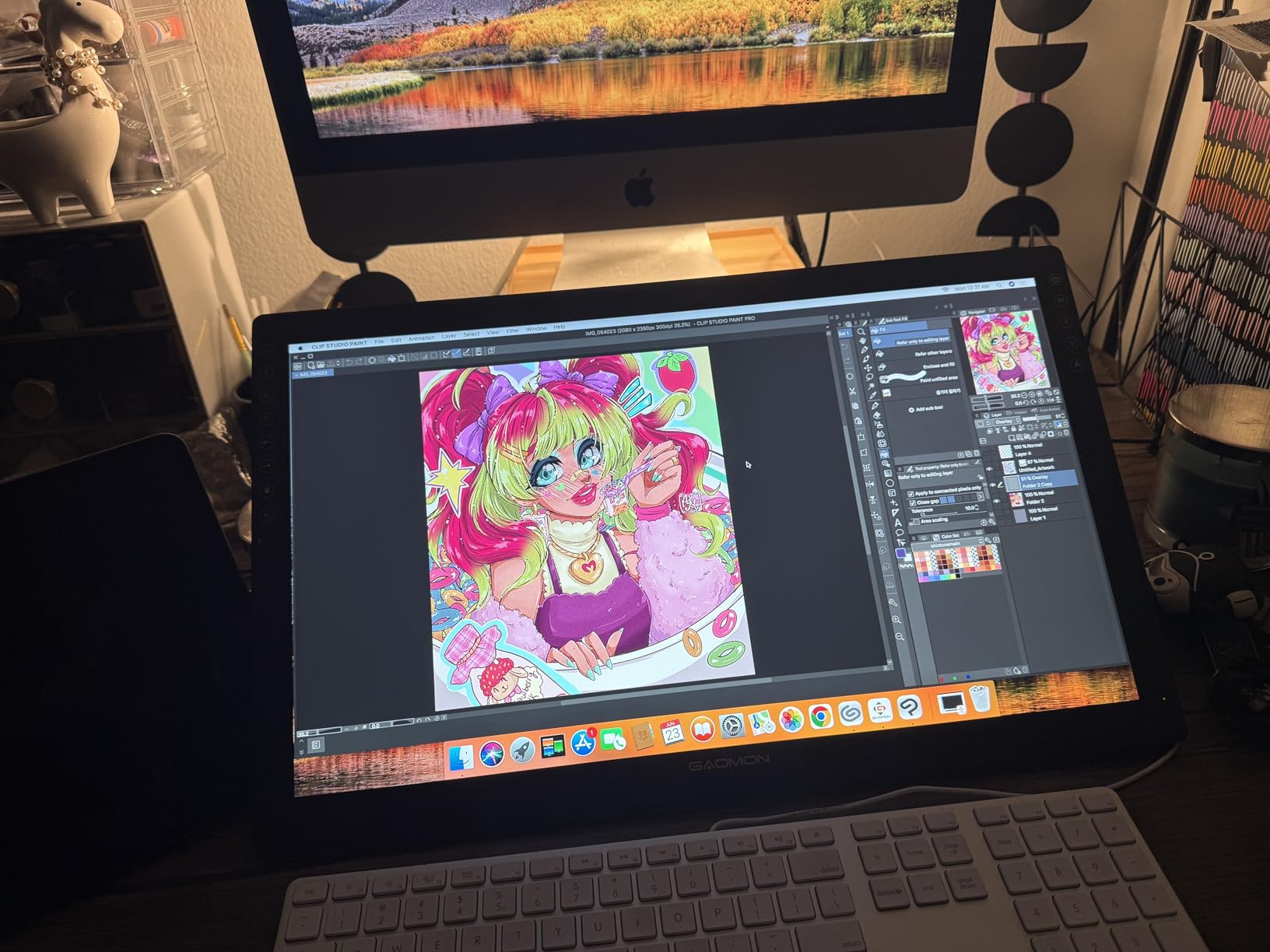
The GAOMON PD1161 offers an affordable entry point into screen tablets. At 11.6 inches, it is smaller than the XPPen Artist alternatives but also significantly cheaper. For artists curious about drawing on screen without a major investment, this is an excellent starting point.
The pre-installed matte film provides a paper-like drawing surface that I found comfortable for extended sessions. The texture reduces glare while adding tactile feedback that feels more natural than slick glass. Some users remove it, but I kept it on and enjoyed the feel.
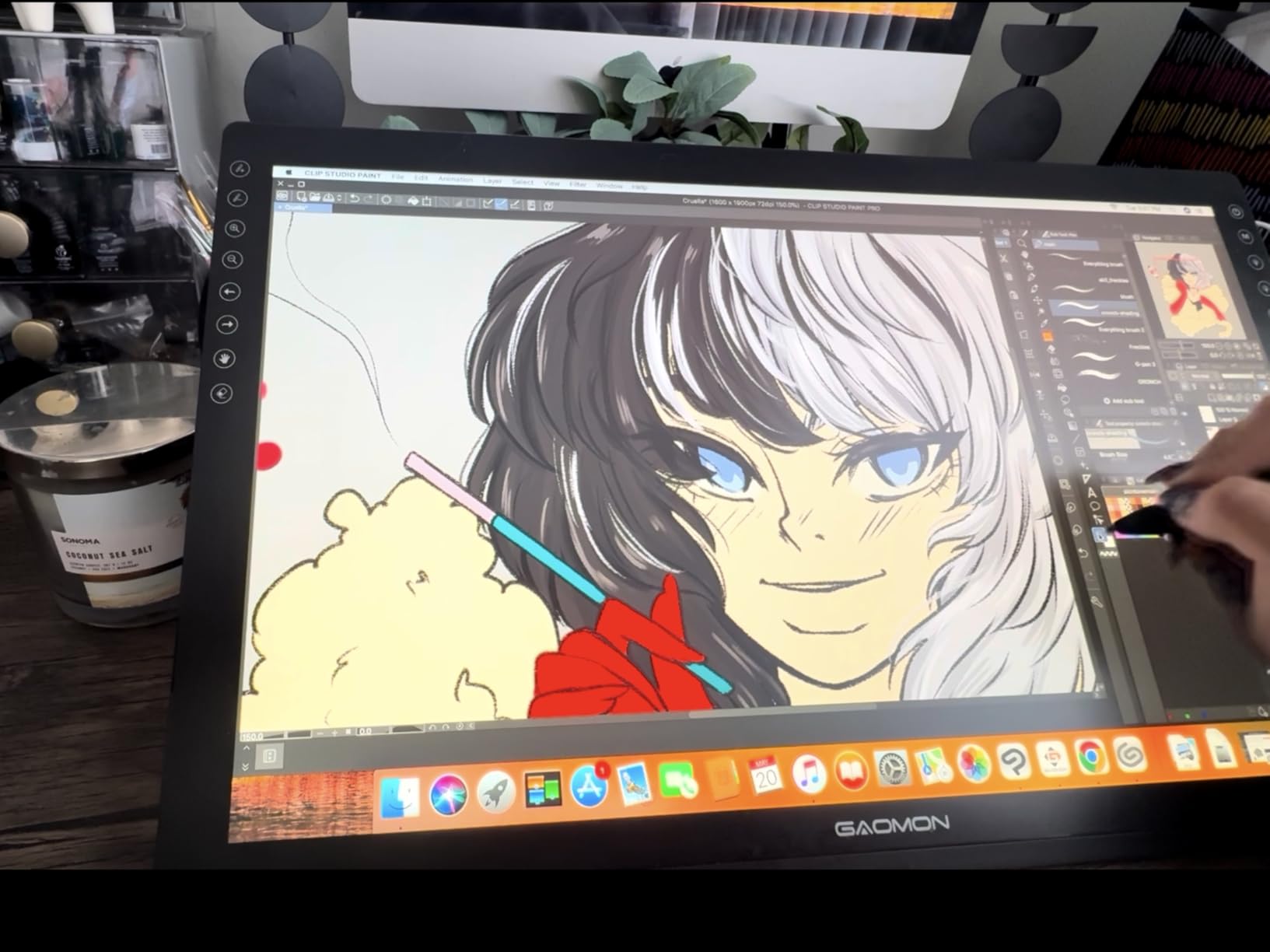
Color accuracy at 100% sRGB is solid for the price. While not matching the 120%+ coverage of premium displays, it handles most creative work adequately. Photographers doing casual editing will find it usable, though professionals might want to calibrate it against a reference monitor.
Eight programmable shortcut keys provide workflow customization. I mapped mine to common Photoshop functions and appreciated not having to reach for the keyboard constantly. The pen’s two buttons can also be customized for additional shortcuts.
Who This Is Perfect For
Beginners wanting to try screen tablets without high investment, digital artists who prefer drawing directly on display, students who need more than screenless tablets offer, and hobbyists creating art for personal enjoyment.
Who Should Look Elsewhere
Those needing included stands should budget for a separate purchase, professionals requiring top-tier color accuracy should look at the Huion Kamvas 13, and users wanting larger screens should consider the XPPen Artist 15.6 Pro.
12. UGEE M708 – High Pressure Budget Option
Pros
- 16384 levels of pressure sensitivity
- Large 10x6 inch drawing area
- Textured paper-like surface
- Excellent multi-platform compatibility
Cons
- Not a standalone tablet
- Screenless design requires monitor
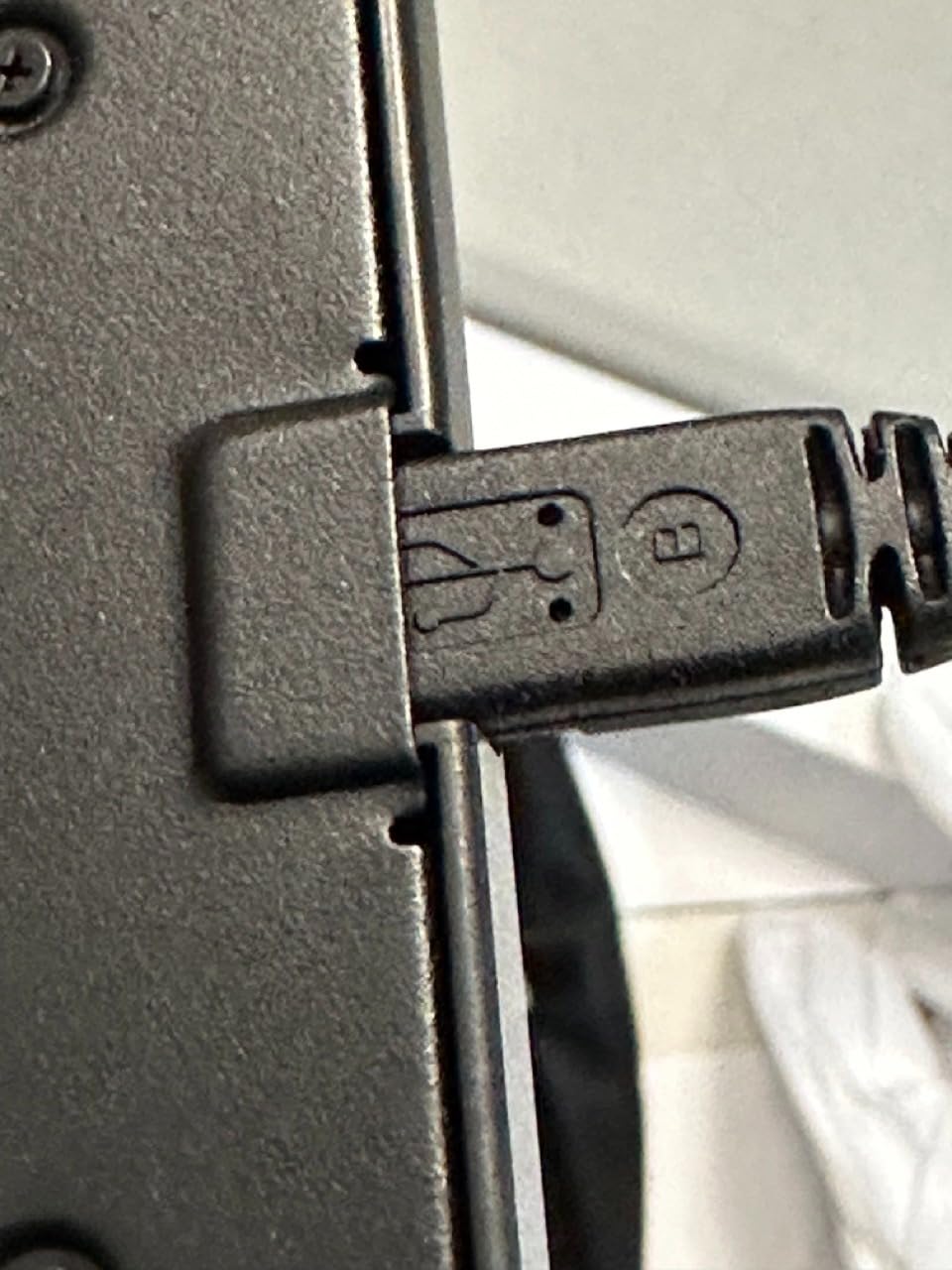
- USB cable has custom fit
The UGEE M708 stands out in the budget category with 16,384 pressure levels, matching the XPPen Deco 01 V3 at a lower price point. During testing, I found the pressure sensitivity remarkably precise for fine detail work and smooth gradients.
The textured surface provides genuine paper-like feedback. Unlike smooth tablets where the pen can feel slippery, the M708’s papery texture gives your stylus something to grip. This made drawing feel more natural and reduced hand fatigue during long sessions.
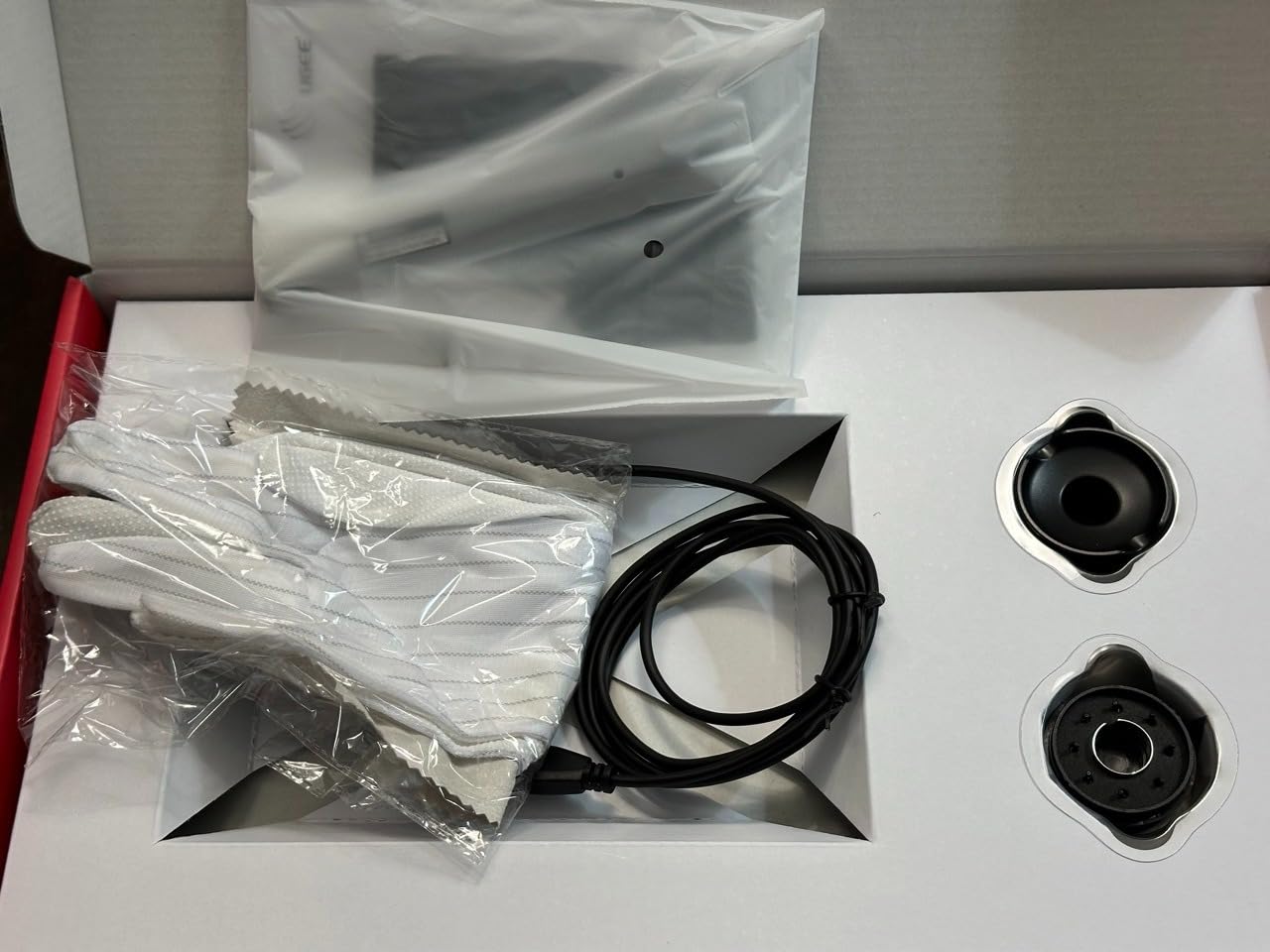
The 10×6 inch active area is generous at this price. I had room for broad strokes without feeling cramped, and the eight customizable hot keys gave me quick access to my most-used functions. For the price, the feature set is impressive.
Compatibility spans Windows, Mac, Android, Chrome OS, and Linux. I tested it across multiple operating systems without major issues. The drivers are not as polished as Wacom’s, but they get the job done for most users.
Who This Is Perfect For
Budget-conscious artists who want maximum pressure sensitivity, users who prefer textured drawing surfaces, those needing wide platform compatibility, and beginners who want a large active area without premium pricing.
Who Should Look Elsewhere
Users wanting the most polished driver experience should choose Wacom, those who need wireless connectivity should look at the Wacom Bluetooth, and anyone wanting to draw directly on screen should consider a pen display instead.
Buying Guide: How to Choose the Right Graphics Tablet In 2026?
Choosing the right graphics tablet during the Big Spring Sale can feel overwhelming with so many options. Here is what matters most when making your decision.
Screen vs Screenless Tablets
The biggest decision is whether you want a screen tablet or a screenless one. Screenless tablets like the Wacom Intuos require you to look at your monitor while drawing on the tablet surface. This takes practice but keeps costs low and reduces eye strain.
Screen tablets like the Huion Kamvas 13 let you draw directly on the display, which feels more natural but costs more and adds weight. For photographers and digital painters who work with color, screen tablets offer the advantage of seeing your work up close.
Pressure Sensitivity Levels
Pressure sensitivity determines how thick or opaque your lines become based on how hard you press. Most tablets offer 8192 levels, which is more than enough for most users. Premium tablets like the XPPen Deco 01 V3 and UGEE M708 offer 16,384 levels for even finer control.
However, raw numbers do not tell the whole story. Wacom’s 4096-level pens often feel more natural than competitors with higher specs because of their refined EMR technology. Try before you buy if possible.
Active Area Size
The active area is the part of the tablet that responds to your pen. Smaller areas like 6×4 inches are portable and affordable but can feel cramped for detailed work. Larger areas like 10×6 inches give you room for broad strokes but take up more desk space.
For photo editing and general use, smaller tablets work fine. For illustration and digital painting, larger areas reduce hand fatigue and allow more expressive mark-making.
Compatibility
Most tablets work with Windows and Mac, but Chromebook and Android compatibility varies. If you use a school-issued Chromebook, check specifically for Chrome OS support. The XPPen StarG640 and Huion H640P both offer solid Chromebook compatibility.
Linux users should look at Huion and XPPen tablets, which generally have better driver support than Wacom for Linux distributions.
For Photographers
Photographers have unique needs. Color accuracy matters if you are doing color-critical editing, so consider screen tablets with high sRGB coverage like the XPPen Artist 13.3 Pro with its 123% sRGB. For Lightroom and Photoshop work, even a basic tablet like the Wacom Intuos speeds up selective adjustments dramatically compared to using a mouse.
Frequently Asked Questions
What are the dates of the Amazon Big Spring sale?
The Amazon Big Spring Sale runs from March 25-31, 2026. This week-long event offers discounts across over 35 categories including electronics, computers, and accessories. All shoppers can participate without requiring a Prime membership.
What is the difference between a graphic tablet and a drawing tablet?
The terms are often used interchangeably, but technically a graphics tablet typically refers to screenless devices that connect to a computer, while drawing tablets can include both screenless models and pen displays with built-in screens. Both serve the same purpose of providing pressure-sensitive input for digital art and photo editing.
Is a graphics tablet worth it?
Yes, a graphics tablet is worth it if you do any digital art, photo editing, or detailed design work. The pressure-sensitive pen provides far more control than a mouse, allowing for natural brush strokes and precise selections. Even budget tablets under $30 dramatically improve creative workflows compared to mouse-only input.
What is the best graphic tablet brand?
Wacom is considered the industry leader with 40+ years of experience and the most refined pen technology. However, Huion and XPPen offer excellent value with competitive specs at lower prices. For beginners, any of these three brands will serve you well. Wacom excels in pen feel, while Huion and XPPen often offer more features per dollar.
Do drawing tablets work with Chromebooks?
Yes, many drawing tablets work with Chromebooks. Look for tablets that specifically mention Chrome OS compatibility, such as the Wacom Intuos, XPPen StarG640, and Huion Inspiroy series. You will need Chrome OS version 88 or higher for most tablets to function properly.
Conclusion
The Amazon Big Spring Sale is the perfect time to grab a graphics tablet at a discount. After testing these 12 options, my top recommendation for most users is the Wacom Intuos Small Bluetooth for its wireless freedom and industry-leading pen feel. For budget-conscious buyers, the Huion Inspiroy H640P delivers impressive specs at an unbeatable price point.
Artists ready to draw directly on screen should consider the Huion Kamvas 13 Gen 3 for its excellent color accuracy and full-laminated display. Photographers will appreciate how any of these tablets speed up Lightroom and Photoshop workflows compared to mouse-based editing.
Remember, the Big Spring Sale ends March 31, 2026. These deals will not last, so grab your preferred tablet before the event closes. Happy creating!