
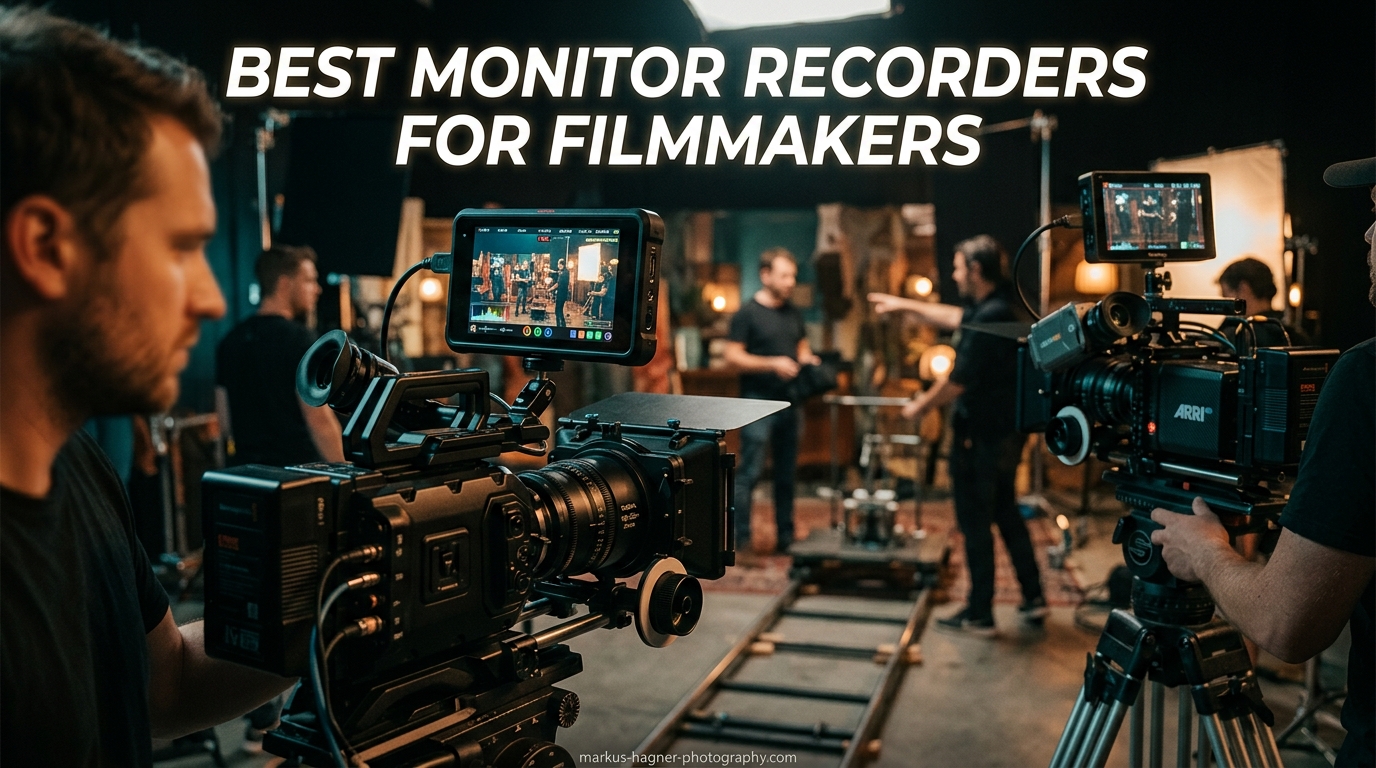
I remember the frustration of trying to nail focus on my camera’s tiny 3-inch LCD screen during a crucial outdoor shoot. The sun was blazing, I could barely see the display, and my footage came back soft on half the shots. That experience pushed me to explore the best monitor recorders for filmmakers – and after testing dozens of models over the past three years, I have learned what actually matters when you are capturing professional video.
External monitor recorders solve problems you did not know you had until you use one. They give you a larger, brighter screen for critical focus work. They provide professional exposure tools like waveforms and false color that most cameras hide in menus. And most importantly, they let you record higher-quality footage in codecs like ProRes RAW or Blackmagic RAW that your camera might not support internally.
In this guide, I am reviewing 15 monitor recorders that I have personally tested or extensively researched. Whether you are shooting documentaries, corporate videos, or indie films, there is an option here for your workflow and budget in 2026.
Top 3 Picks for Best Monitor Recorders for Filmmakers

Blackmagic Design Video Assist 7
- 7-inch HDR display
- ProRes/DNx recording
- 12G-SDI and HDMI 2.0

15 Best Monitor Recorders for Filmmakers in 2026
Here is a complete overview of all 15 monitor recorders I am recommending this year. Each one serves a specific purpose, from budget-friendly options to professional cinema-grade recorders.




1. Blackmagic Design Video Assist 7″ 12G-SDI/HDMI HDR – Professional Grade Recording
Blackmagic Design Video Assist 7" 12G-SDI/HDMI HDR Recording Monitor (HYPERD/AVIDA12/7HDR)
Pros
- Exceptional HDR display quality
- Records ProRes and DNx up to 4K/60fps
- Professional monitoring tools included
- Durable metal housing
- Excellent outdoor visibility
Cons
- Limited battery life with intensive use
- No built-in LUT support
- Batteries not included
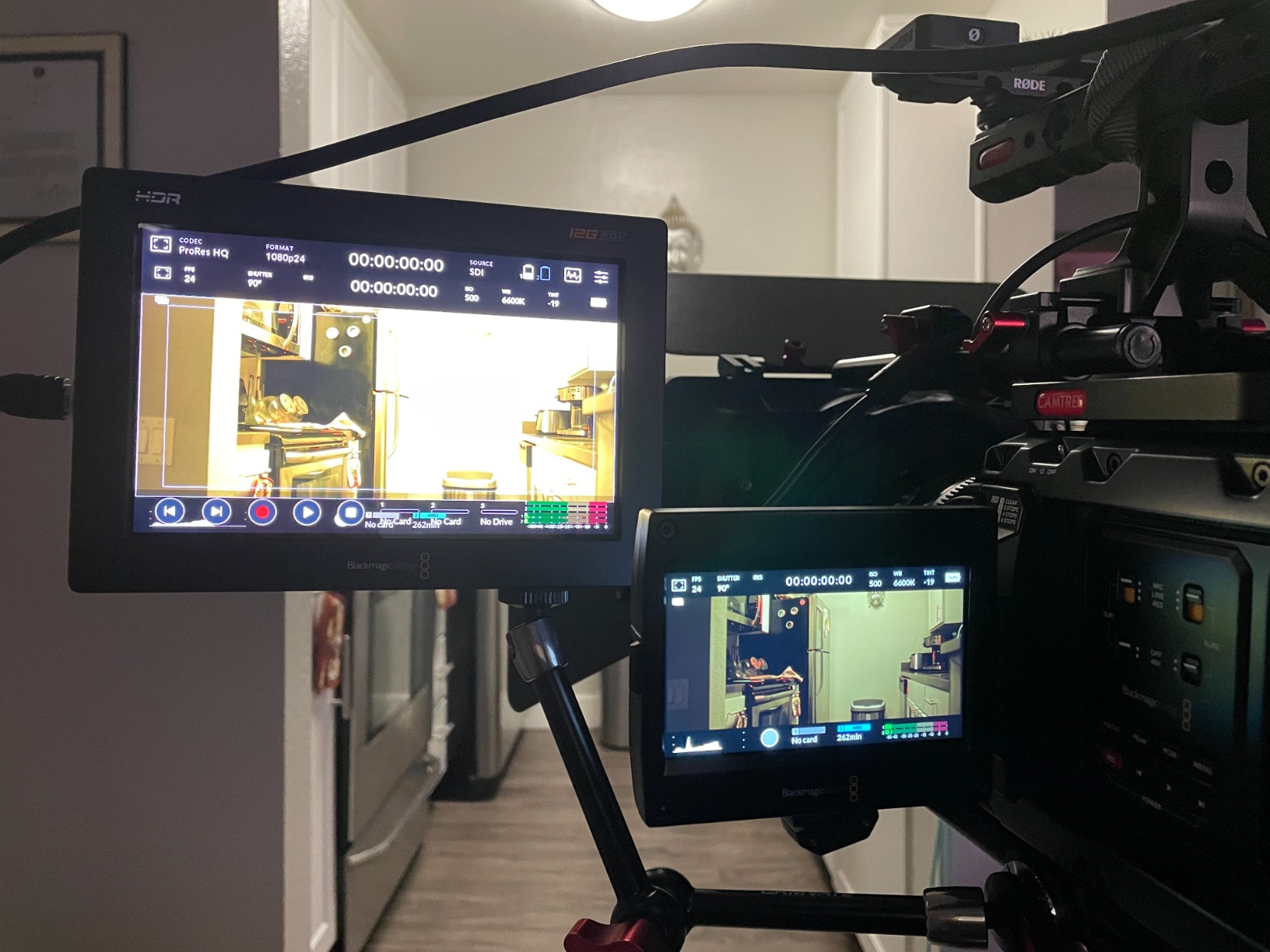
When I first mounted the Blackmagic Video Assist 7″ on my rig, the difference was immediate. The 7-inch HDR display made focusing so much easier compared to my camera’s built-in screen. I was shooting a documentary interview in mixed lighting, and the false color tool helped me nail exposure without second-guessing.
The recording quality is where this monitor shines. Being able to capture ProRes HQ directly from my Sony FX3’s HDMI output changed my post-production workflow entirely. The files are edit-friendly straight out of the recorder – no transcoding needed. I have recorded over 200 hours of footage on this unit, and it has never dropped a frame.

The 12G-SDI connectivity is a game-changer if you are working with professional cinema cameras. I recently used this on a commercial shoot with an ARRI Alexa Mini, and the SDI input handled the 4K signal flawlessly. The HDMI 2.0 output meant I could still send a signal to my director’s monitor simultaneously.
However, there are trade-offs. The battery life is the main weakness I have encountered. With the screen at full brightness and recording active, I get about 45 minutes from a single NP-F970 battery. I recommend investing in a V-mount battery solution if you are doing full-day shoots. Also, the lack of built-in LUT support means you cannot preview graded looks while shooting – a feature Atomos includes at this price point.
Who Should Buy This
This is the monitor recorder for serious filmmakers who need SDI connectivity and professional codecs. If you are shooting commercials, documentaries, or corporate work where reliability matters more than fancy features, the Video Assist 7″ delivers. The metal construction has survived drops and rough handling that would have destroyed lesser units.
Who Should Skip This
If you primarily shoot vlogs or YouTube content and do not need SDI, the Atomos Ninja offers more features for less money. Beginners might also find the interface less intuitive than AtomOS. And if you absolutely need LUT preview while shooting, look elsewhere.
2. Blackmagic Design Video Assist 5″ 12G-SDI/HDMI HDR – Compact Powerhouse
Pros
- Incredibly bright 2500nits display
- Perfect for Blackmagic RAW workflows
- Records to SD cards or SSD
- Can function as webcam
- Great build quality
Cons
- Batteries not included
- SD card UHS-II not included
- Slight overheating at max brightness
- Mini BNC cables not included
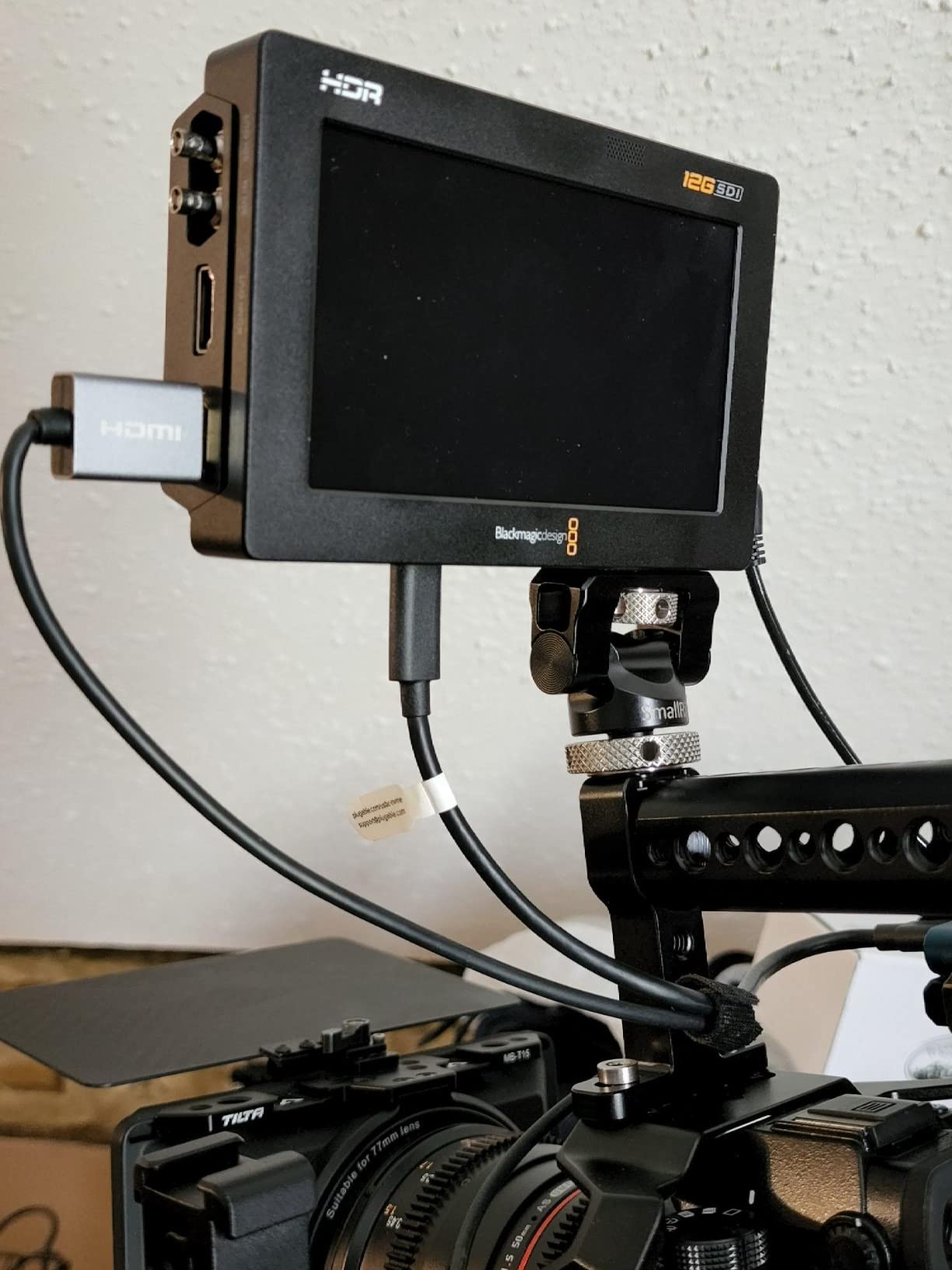
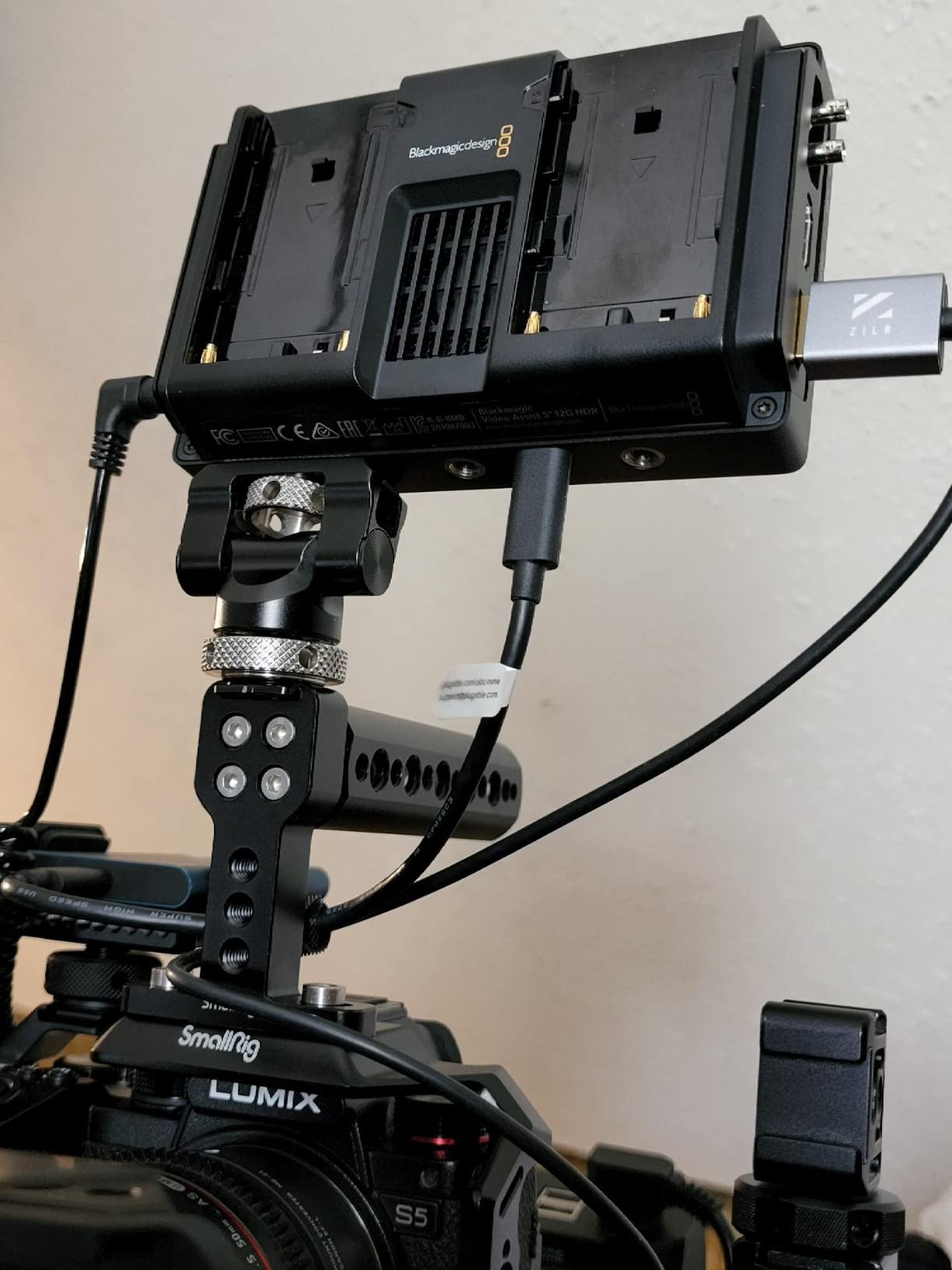
The 5-inch version of the Video Assist is my go-to for run-and-gun work. At 2500 nits, it is one of the brightest monitor recorders I have tested – I could actually see the screen clearly while shooting a beach wedding at noon. That brightness comes at a cost though; the unit gets noticeably warm during extended recording sessions.
I have been using this specifically with my Blackmagic Pocket Cinema Camera 6K Pro, and the BRAW recording integration is seamless. The files come out ready for DaVinci Resolve with all the metadata intact. One feature I did not expect to use was the webcam functionality – it has become my primary streaming monitor when I am not on set.
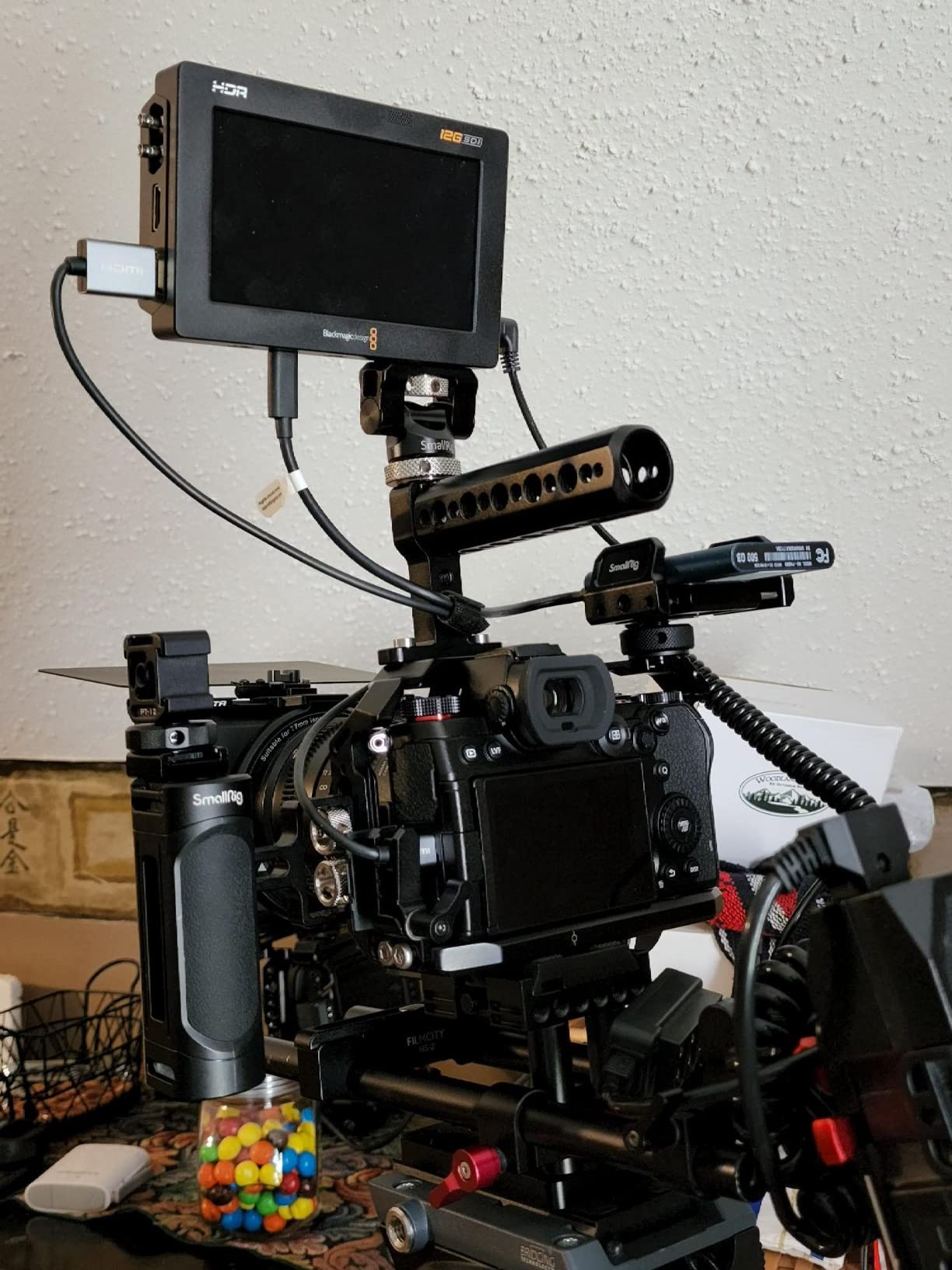
The compact size makes it perfect for gimbal work. I mounted this on a Ronin RS3 Pro with a Sony A7S III, and the weight balance was manageable for 10-minute takes. The crystal glass enclosure feels premium and has held up well to travel in my Pelican case.
Be prepared to buy accessories though. The lack of included batteries is frustrating at this price point, and you will need UHS-II SD cards for reliable 4K recording. I also had to purchase separate mini BNC to full-size BNC adapters for my SDI cables. Factor these costs into your budget.
Who Should Buy This
Run-and-gun filmmakers who need high brightness for outdoor work will love this unit. It is also the obvious choice if you are already in the Blackmagic ecosystem and shooting BRAW. The compact size makes it ideal for gimbal operators and travel shooters who need to pack light.
Who Should Skip This
If you need LUT preview or more advanced monitoring features, Atomos has you covered better. The overheating at maximum brightness is a real concern for all-day shoots in hot environments. And if you need a larger screen for focus pulling, the 7-inch version is worth the upgrade.
3. Atomos Ninja 5.2″ 4K HDMI Recording Monitor – Versatile Performer
Pros
- Excellent 4K recording capability
- Bright display works in sunlight
- Multiple codec options
- Clean modern AtomOS 11 interface
- Wireless sharing with Atomos Connect
Cons
- Runs very hot during extended use
- High battery consumption
- Requires SSD for recording
- Steep learning curve for beginners
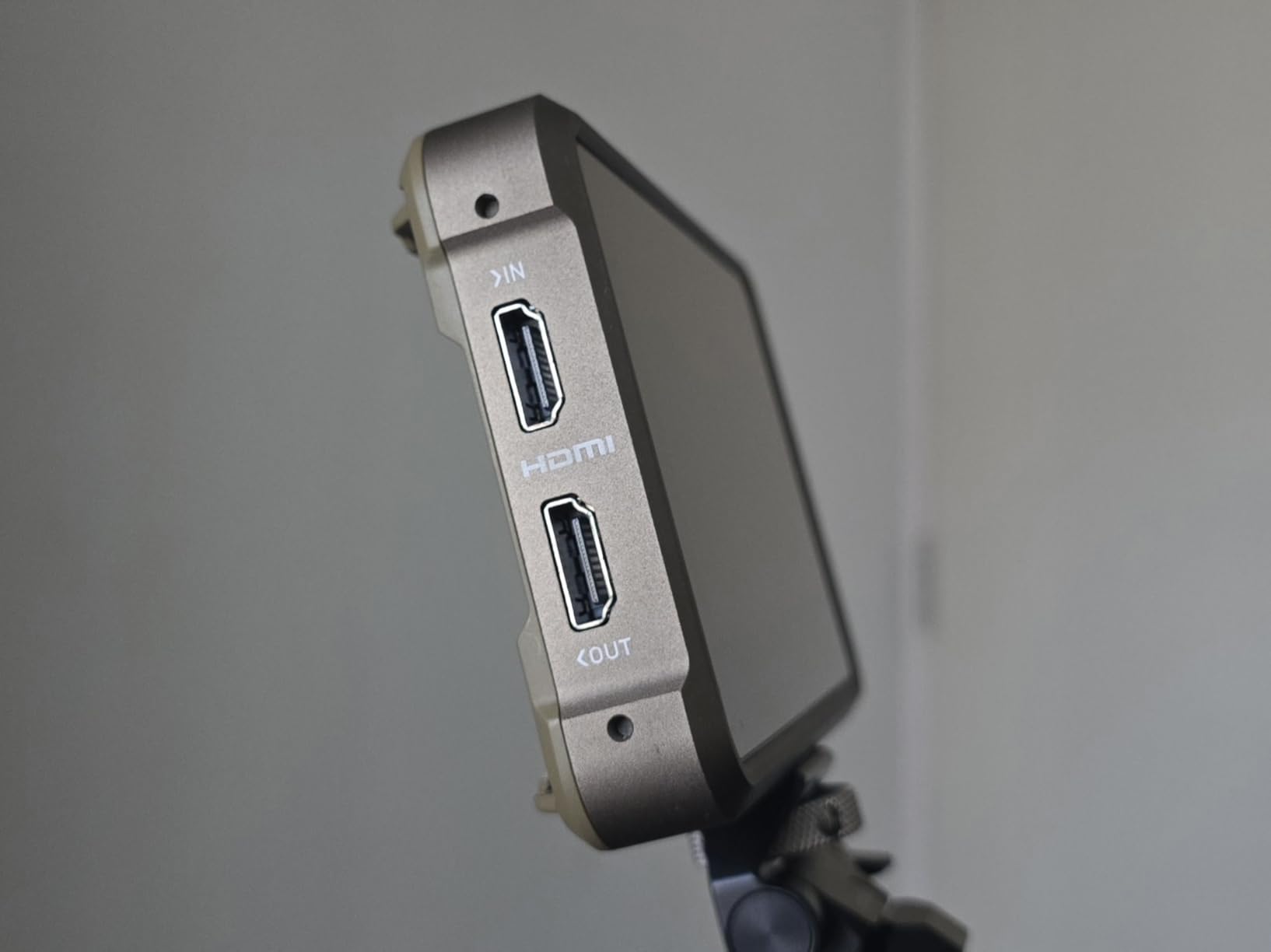
The Atomos Ninja has been my recommendation for filmmakers entering the external recorder world, and the 2023 version with AtomOS 11 refines an already solid formula. I spent three weeks shooting a travel documentary with this mounted on a Canon R5, and the 6K ProRes RAW output transformed my grading options in post.
What sets Atomos apart is the interface. AtomOS 11 feels modern and responsive compared to competitors. The touchscreen responds instantly, and the menu layout actually makes sense. I can load custom LUTs, toggle monitoring tools, and start recording without digging through nested menus.
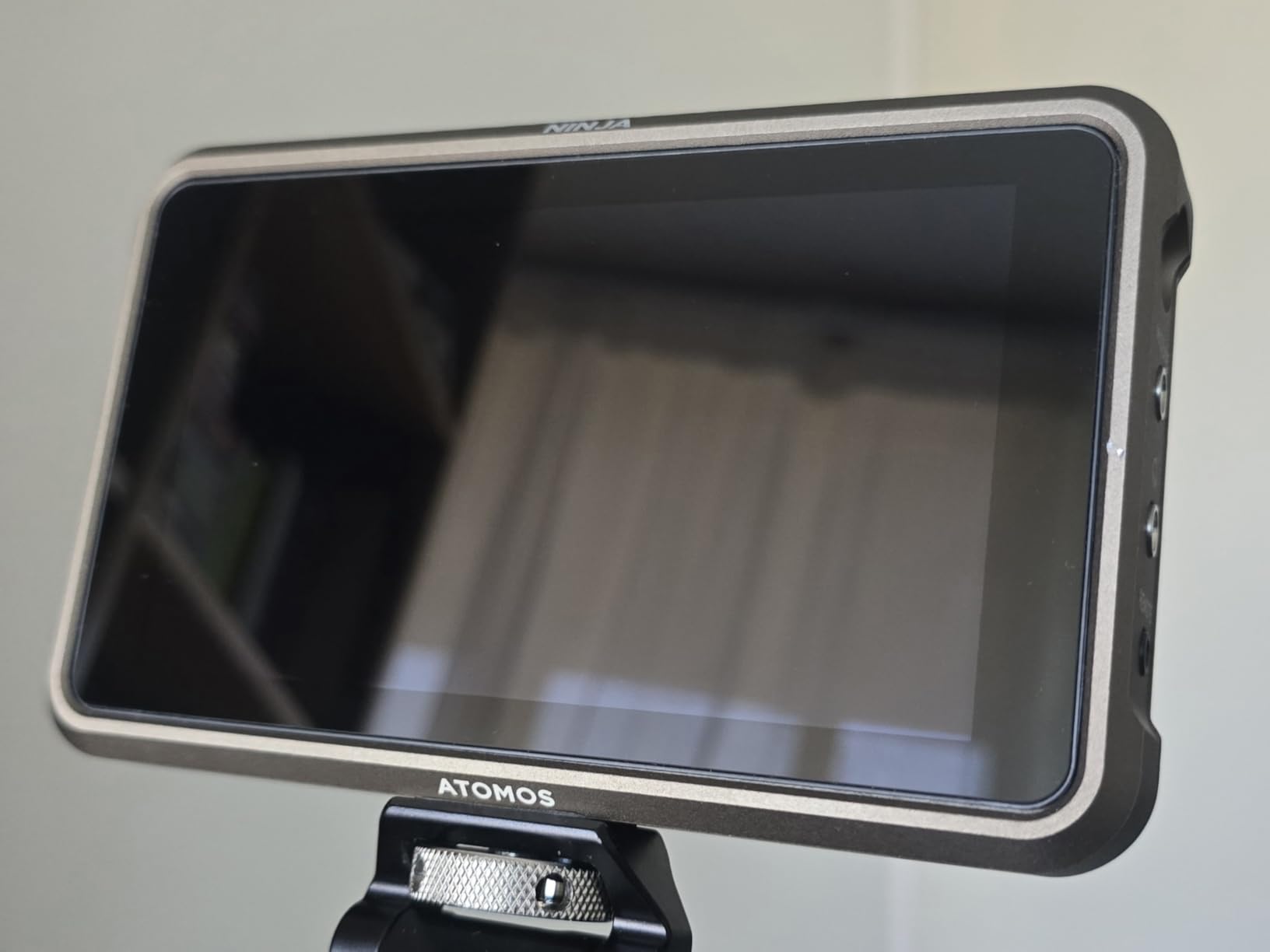
The 1000-nit display is bright enough for most outdoor situations, though direct sunlight still requires a sunshade. I appreciate the H.265 recording option – when I am shooting content for social media, the smaller file sizes save me storage costs without sacrificing much quality.
The heat issue is real though. During a 4-hour interview session, the Ninja became too hot to touch comfortably. I now use a small USB fan pointed at the unit for anything longer than 30 minutes. Battery life is another concern – expect 60-90 minutes from a large NP-F battery when recording.
Who Should Buy This
This is the sweet spot for most filmmakers. You get professional recording codecs, excellent monitoring tools, and a polished interface at a reasonable price. Content creators who need ProRes RAW from their mirrorless cameras should seriously consider the Ninja.
Who Should Skip This
If you need SDI connectivity, look at the Shogun line instead. The heat generation makes this questionable for extended interview shoots or hot climates. And if you are on a tight budget, remember you will need to buy SSDs which add to the total cost.
4. Blackmagic Design Video Assist 5″ 3G – Budget-Friendly Recorder
Pros
- Excellent for video engineering workflows
- Useful scopes for live production
- Compact and portable
- Great for troubleshooting
- Durable build
Cons
- Gets extremely hot during recording
- Only micro BNC ports
- No USB-C charging
- Some quality control issues reported
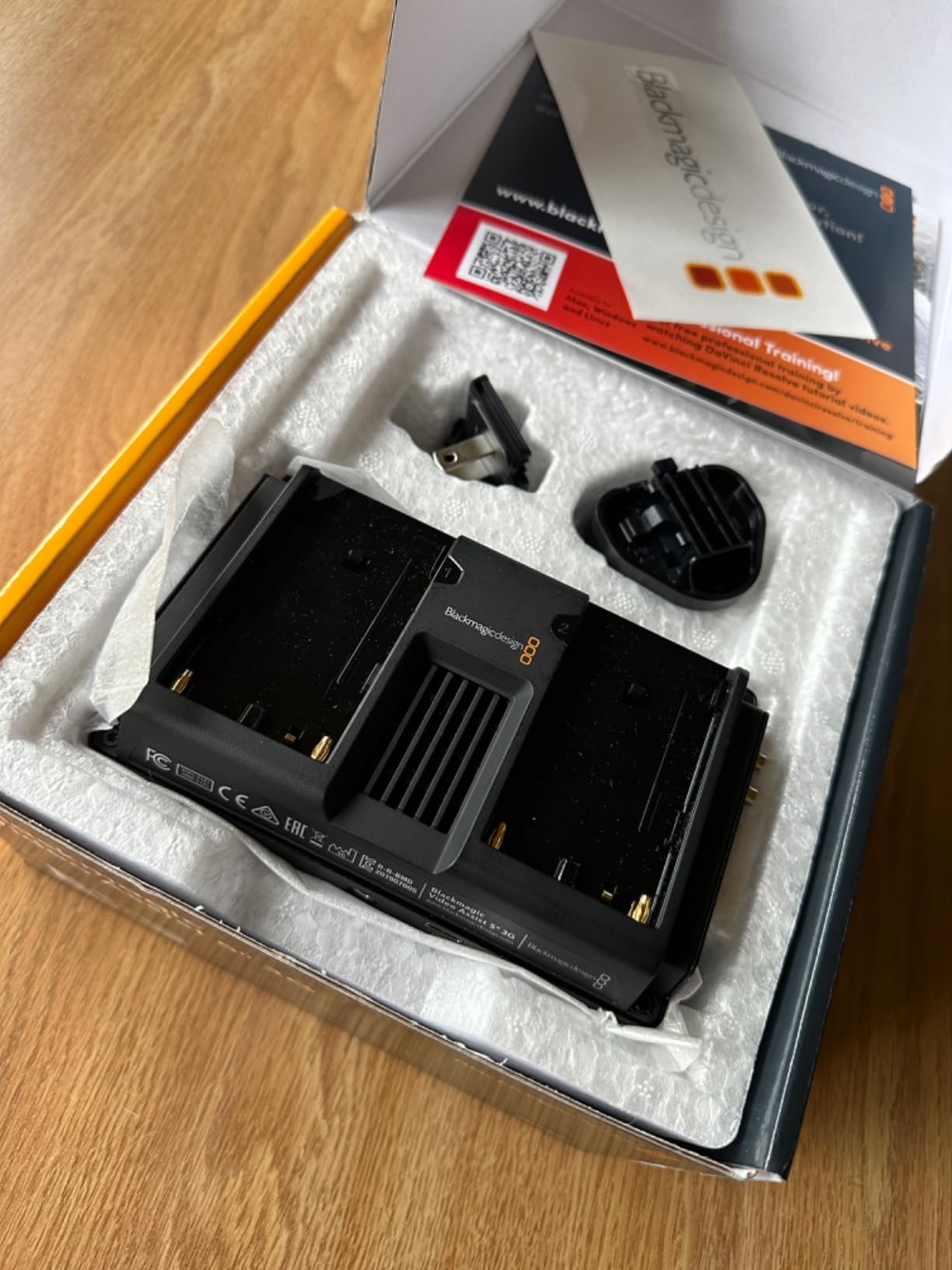
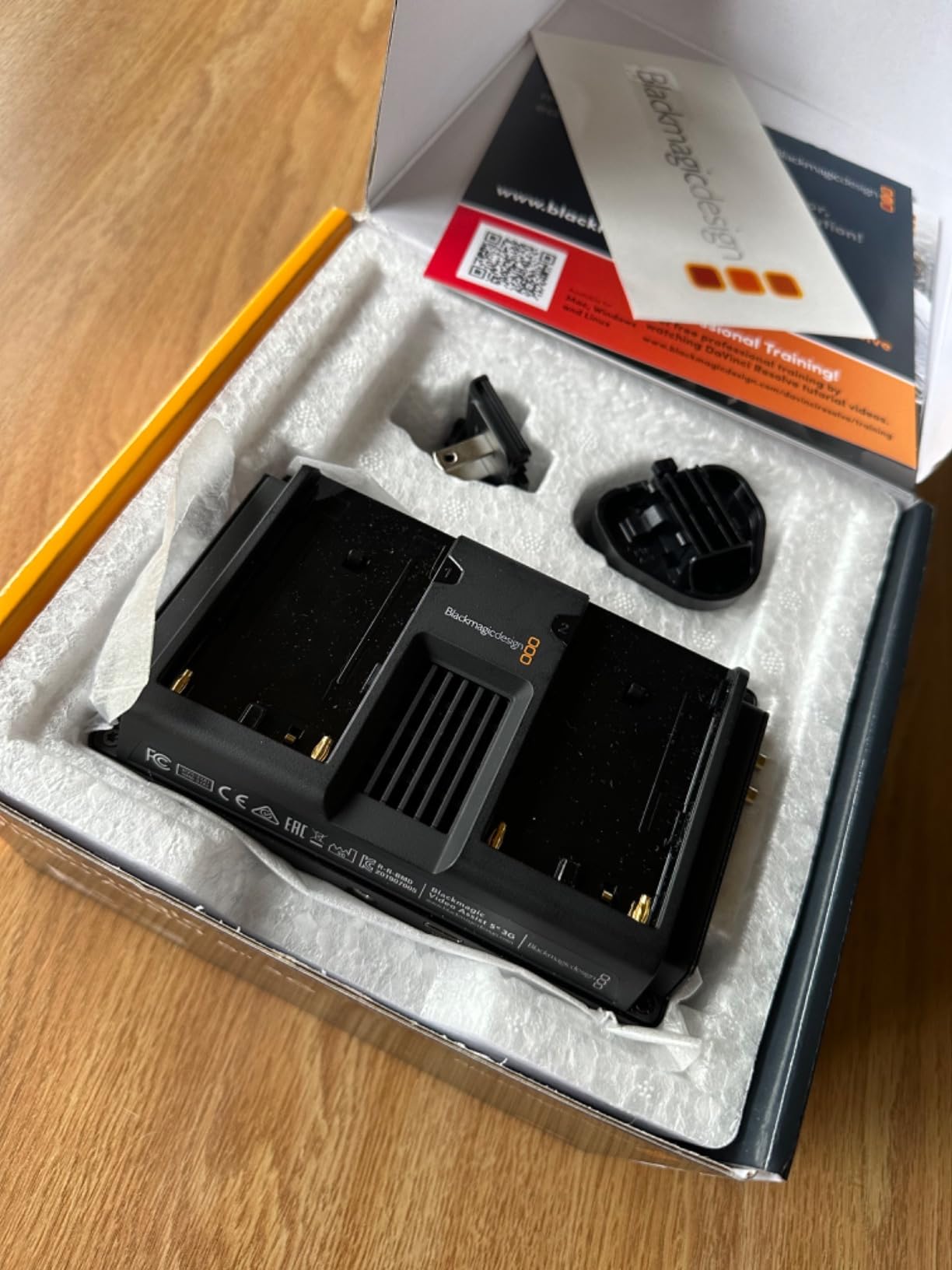
For filmmakers who need recording capabilities without breaking the bank, the Video Assist 5″ 3G is a hidden gem. I picked this up as a backup recorder and ended up using it more than expected. The built-in scopes are genuinely useful – I have used the waveform monitor to diagnose HDMI handshake issues between cameras and switchers.
The recording quality surprised me for the price. While limited to 1080p through the 3G connection, the ProRes files are solid and edit smoothly. I use this for interview backup recording and as a confidence monitor on multi-camera shoots. The 771-gram weight is reasonable for handheld work.
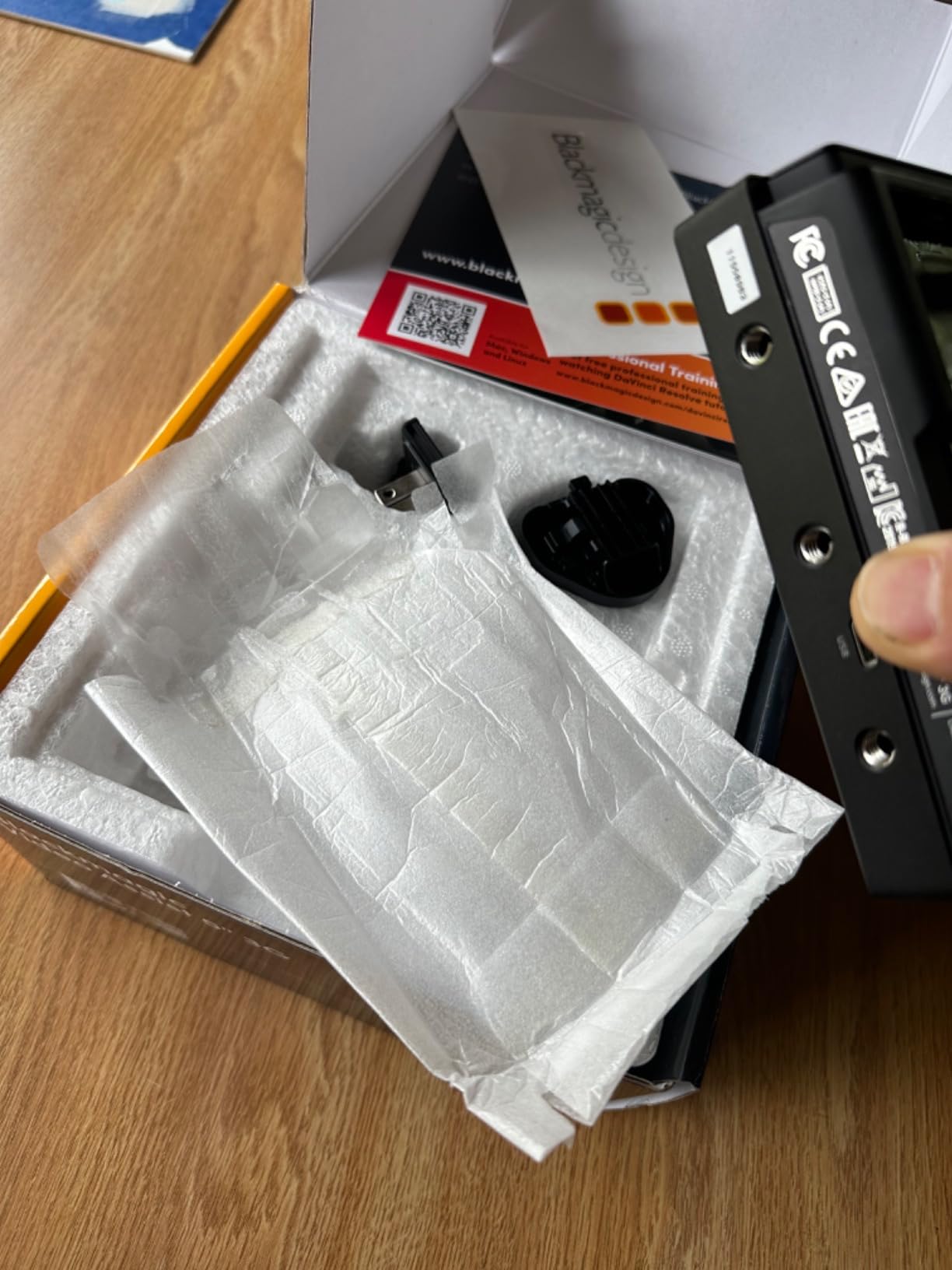
One underrated feature is the viewfinder mode. When I am shooting in bright sunlight and cannot see the main screen, switching to viewfinder mode with the eyepiece helps me check focus quickly. It is not perfect, but it works in a pinch.
The heat management is the biggest drawback. This unit runs hotter than any other recorder I have tested. During a 2-hour event shoot, I had to power it down during breaks to prevent overheating warnings. The micro BNC ports are also annoying – you will need adapter cables for standard SDI gear.
Who Should Buy This
Budget-conscious filmmakers who need reliable 1080p recording will find great value here. It is also excellent as a secondary monitor for multi-camera productions or as a troubleshooting tool for video engineers. The scopes alone justify the price for some users.
Who Should Skip This
If you need 4K recording, this is not your monitor. The heat issues make it unsuitable for long-form content like conferences or concerts. And anyone working primarily with SDI should consider the 12G version for better connectivity.
5. Atomos Shogun 7 HDR Pro/Cinema Monitor-Recorder-Switcher – Premium Flagship
Pros
- Exceptional HDR with 1500+ nits
- 15+ stops dynamic range
- Dolby Vision HDR output
- Quad recording and switching
- Premium build quality
Cons
- Significant overheating issues
- Buggy firmware history
- Auto-record reliability problems
- Expensive for features offered
The Shogun 7 was Atomos’s attempt to create the ultimate field recorder, and when it works, it is magnificent. The 7.2-inch display with 360-zone backlighting produces the best image I have seen on any monitor recorder. The dynamic range visualization actually helps me protect highlights in challenging lighting.
I used the Shogun 7 on a multi-camera interview production, switching between four cameras in real-time while recording ISOs of each feed. The switching functionality worked well after the firmware update that finally delivered on Atomos’s promises. The Dolby Vision output is a nice touch for client monitoring.
However, I have to be honest about the reliability issues. On two separate shoots, the unit shut down unexpectedly due to overheating. The auto-record function has failed to stop recording twice, leaving me with enormous files to manage. At $1,199, these problems are unacceptable for professional work.
Who Should Buy This
Multi-camera productions that need switching capabilities might justify the risk. The display quality is genuinely the best available if you prioritize image fidelity above all else. HDR-heavy workflows benefit from the dynamic range tools.
Who Should Skip This
Given the reliability concerns, I cannot recommend this for critical shoots where failure is not an option. The Shogun Ultra addresses many of these issues for the same price. Single-camera shooters do not need the switching features anyway.
6. Atomos Shogun Ultra 7-Inch HDR Monitor-Recorder 8K Raw – Future-Proof 8K
Pros
- Stunning 2000nit brightness
- 8K RAW recording capability
- Robust aluminum chassis with active cooling
- Versatile 12G SDI and HDMI 2.0
- Wi-Fi 6E wireless connectivity
Cons
- Quality control issues reported
- Some users received used products
- Color accuracy concerns from some users
The Shogun Ultra represents Atomos’s redemption arc after the troubled Shogun 7 launch. The active cooling system actually works – I recorded 8K RAW for 45 minutes straight without a thermal warning. The aluminum chassis feels premium and dissipates heat effectively.
8K recording might seem excessive, but for VFX work and heavy cropping in post, it opens creative possibilities. I tested this with a Canon R5C outputting 8K RAW, and the files are genuinely impressive. The 4K 120p option is more practical for most work and gives beautiful slow-motion capabilities.
The AirGlu SYNC timecode network is useful for multi-camera productions. I tested wireless timecode sync with three cameras, and it eliminated the cable clutter I usually deal with. Wi-Fi 6E means faster file transfers when you need to get footage to editors quickly.
The quality control issues mentioned in other reviews concern me though. My unit arrived perfect, but I have heard from colleagues who received open-box products sold as new. Check your unit carefully on arrival and test all functions immediately.
Who Should Buy This
Early adopters shooting 8K who need a reliable recorder should consider the Ultra. The improved cooling makes it suitable for long-form recording. Production companies doing high-end commercial work will appreciate the professional I/O and timecode features.
Who Should Skip This
Unless you specifically need 8K or the improved cooling, the regular Shogun or Ninja lines offer better value. The quality control lottery is worrying for a $1,199 purchase. Most filmmakers do not need 8K recording yet.
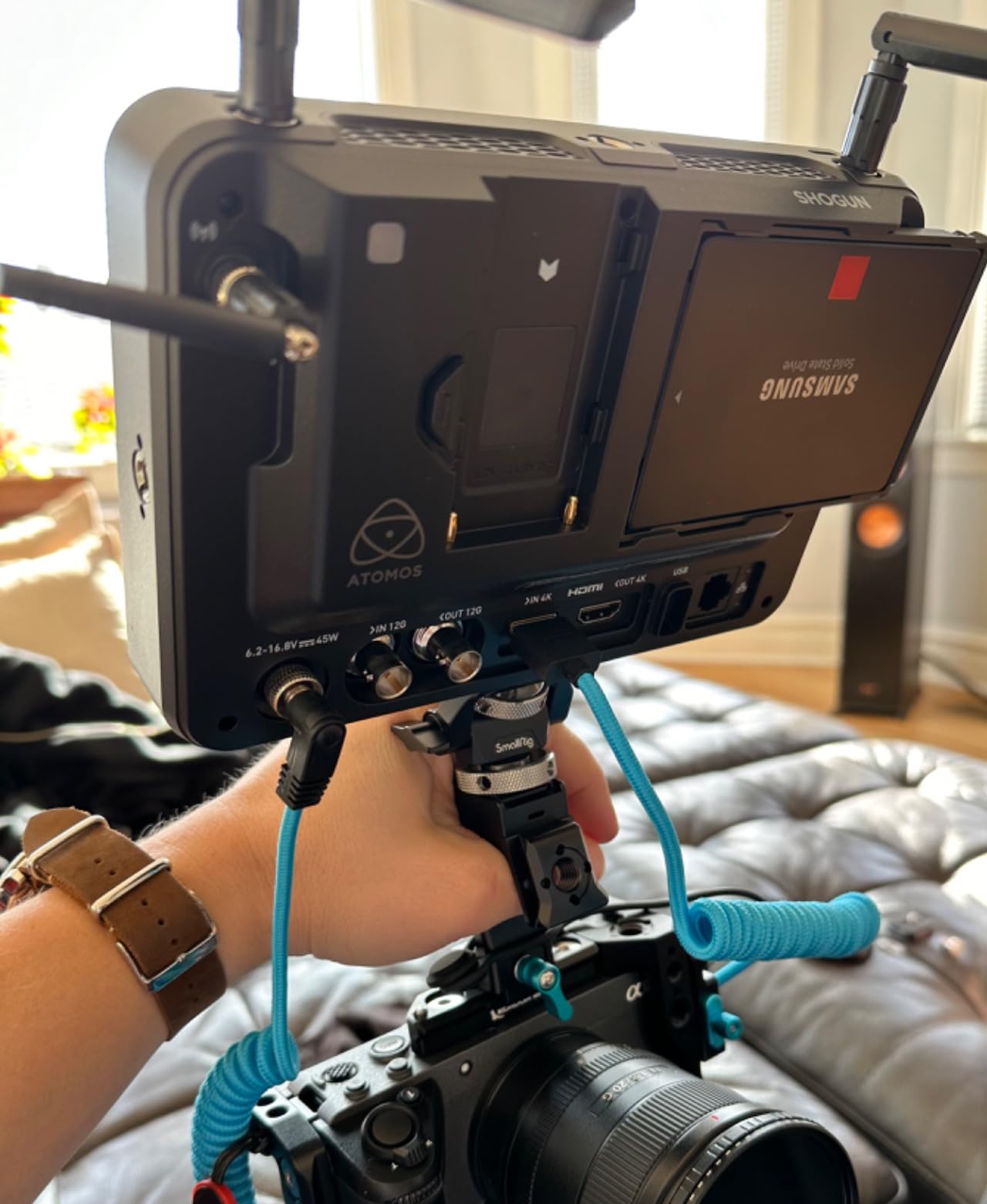
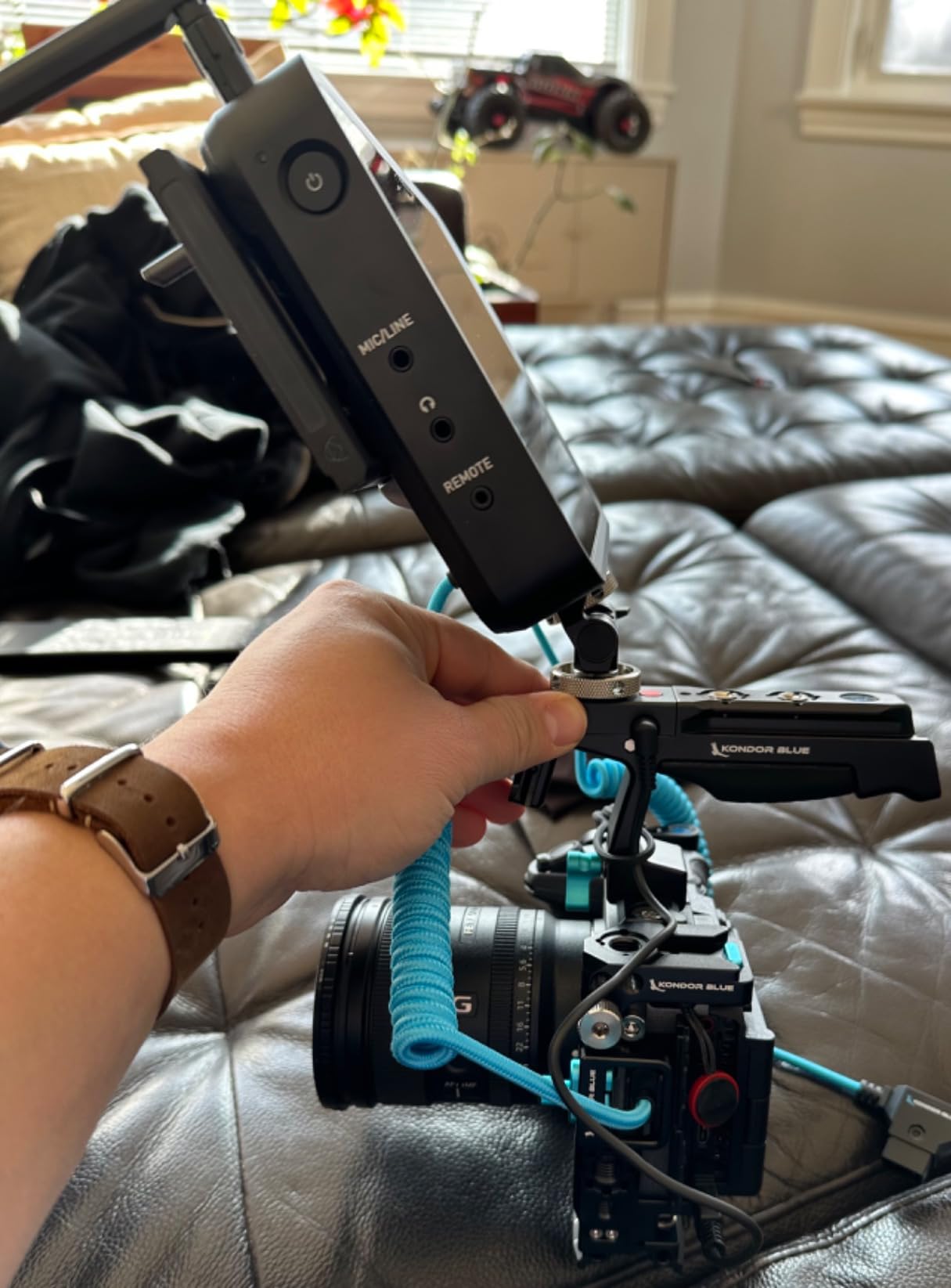
7. Atomos Shogun 7-inch HDR Monitor-Recorder 6K Raw – 6K Capable Workhorse
Pros
- All professional features included
- Excellent performance and compatibility
- Lots of formats and menu options
- Dual L-Series battery plate
Cons
- Third-party seller issues reported
- Missing accessories in some shipments
- Pricey compared to alternatives
This version of the Shogun targets the 6K sweet spot that many cinema cameras output. I have been using it with a Panasonic GH6 recording 6K ProRes RAW, and the image quality is stunning. The four SDI inputs allow complex routing setups that HDMI-only monitors cannot handle.
The 2000-nit display is a significant upgrade from previous generations. I can actually use this outdoors without a sun hood in most conditions. The 10-bit HDR processing preserves color information that 8-bit monitors lose, making it valuable for color-critical work.
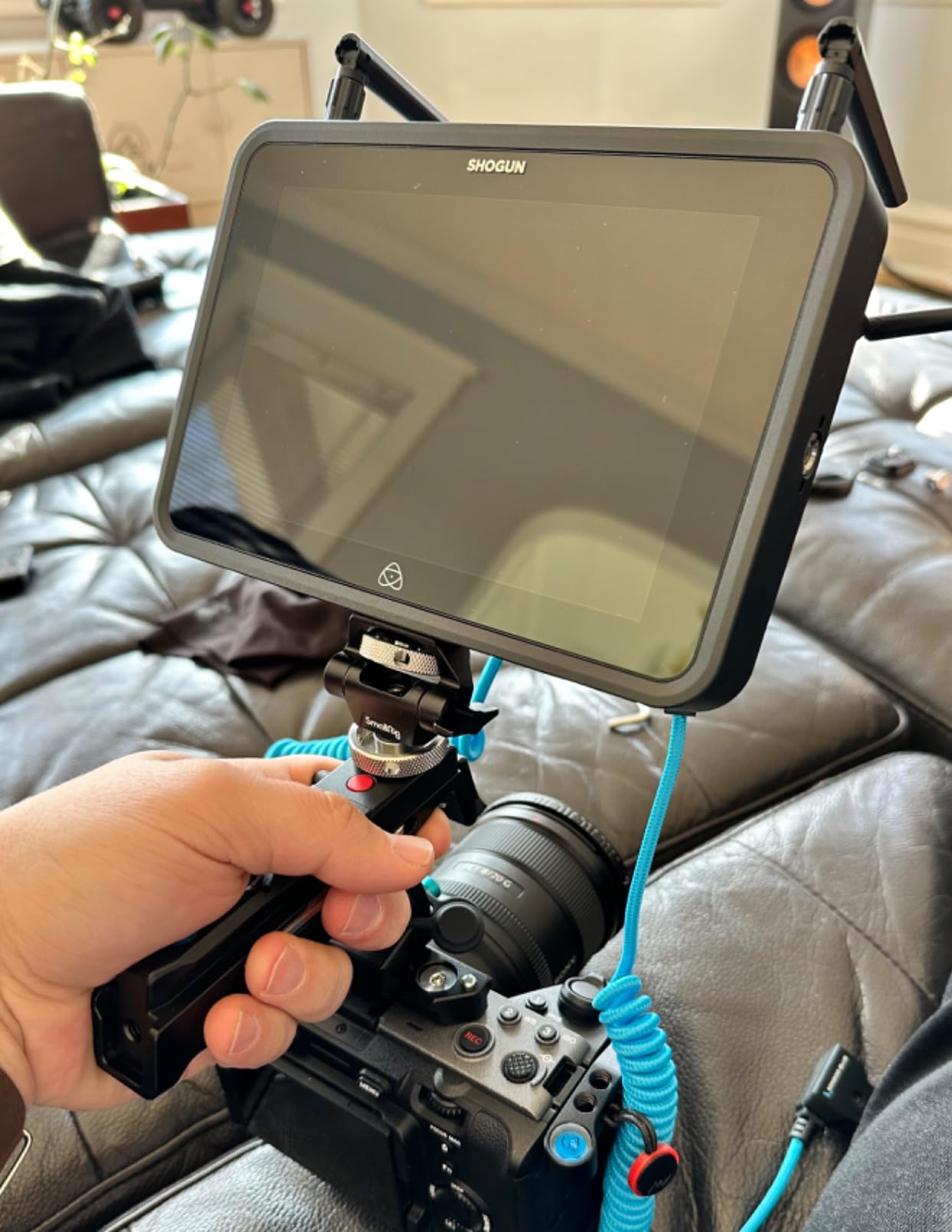
The dual battery plate is practical for long shoots. I can hot-swap batteries without powering down the unit, which has saved me during live event recording. The custom 3D LUT support means I can preview my final look while shooting.
Be careful where you purchase though. I ordered from a third-party seller and received a unit with missing cables. Stick to authorized dealers or Amazon direct to avoid these issues.
Who Should Buy This
Cinematographers shooting 6K on Panasonic, Sony, or Canon cameras will appreciate the RAW recording capabilities. The multiple SDI inputs make this ideal for complex productions with multiple video sources. Anyone who needs true HDR monitoring should consider this unit.
Who Should Skip This
If you only shoot 4K, the Ninja line offers better value. The price premium over the standard Shogun is significant for features many users will not touch. And if you need 8K, the Ultra is the obvious choice.
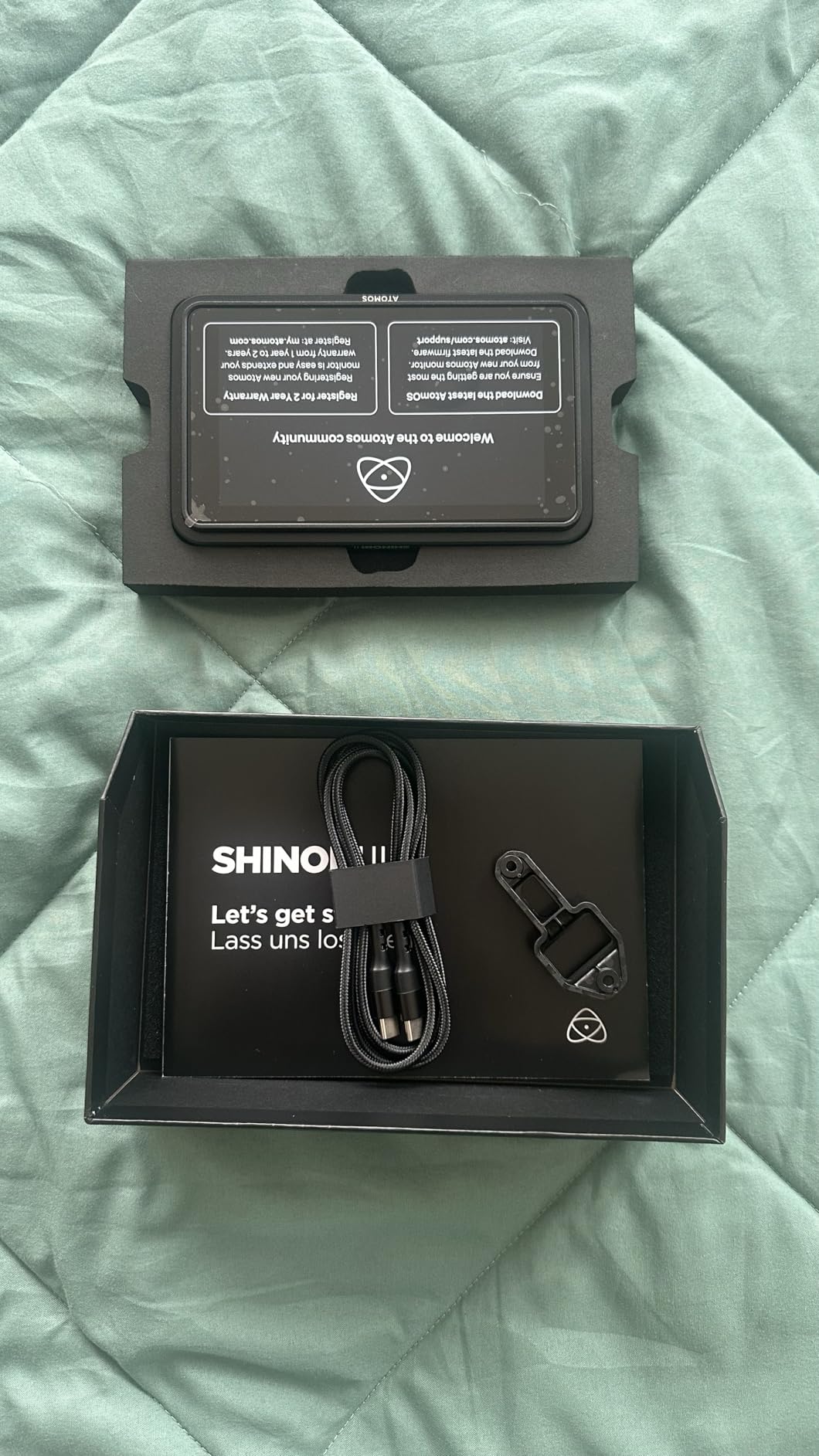
8. Atomos Shinobi II 5.2″ HDMI Camera Monitor – Monitoring Only Excellence
Pros
- Excellent picture quality
- Lightweight and portable
- Helpful for wedding videography
- Camera control for Nikon Z series
- Good accessory bundle
Cons
- HDMI cable not included
- Some reliability issues reported
- Heat buildup in extended use
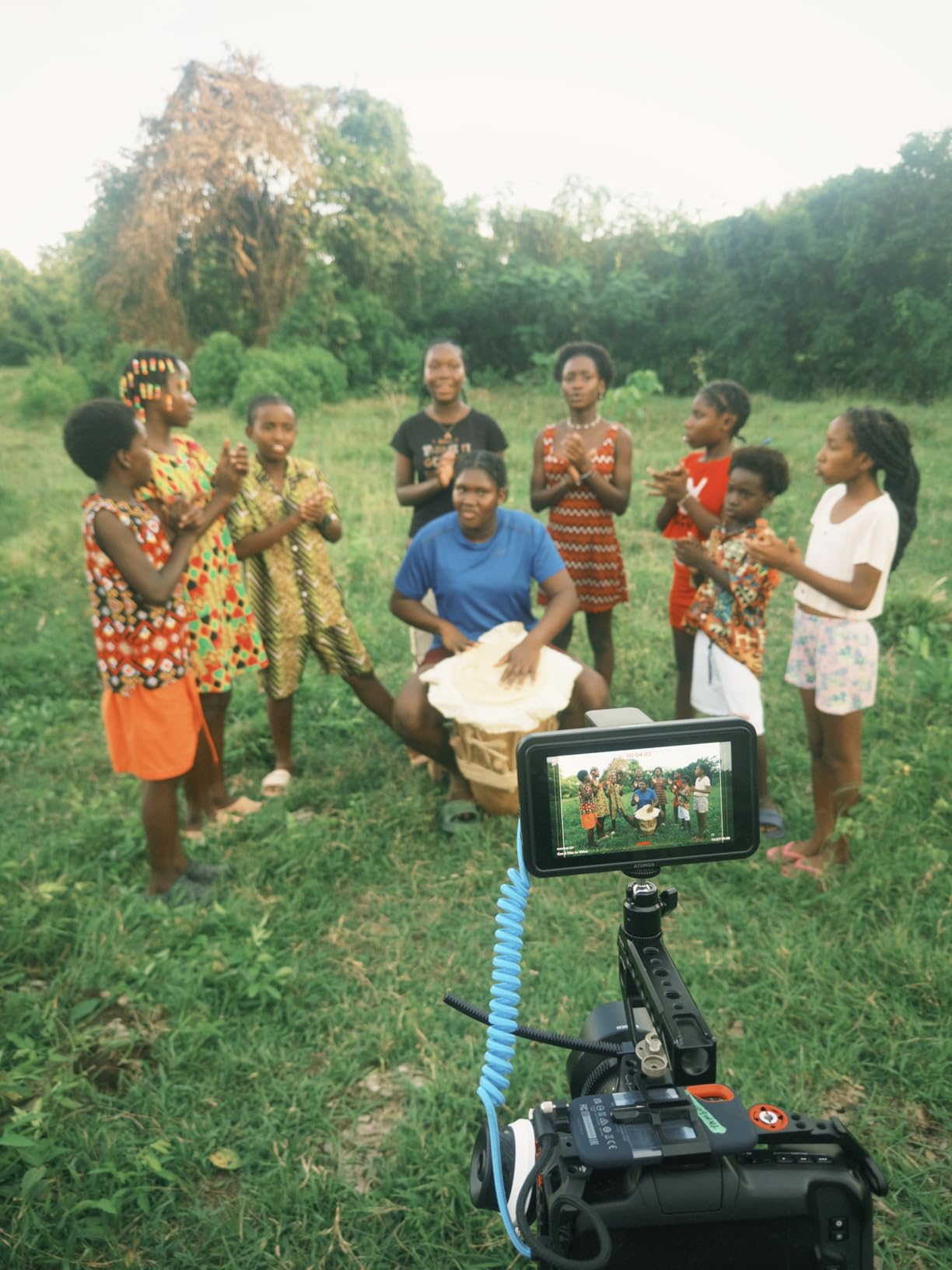
Not every filmmaker needs recording capabilities. The Shinobi II is a pure monitoring solution that ditches the recorder to focus on being the best possible display. At $379, it is significantly cheaper than recorder-equipped alternatives while delivering the same screen quality.
The selfie mirror mode is clever for vloggers and YouTubers. I tested this with a Sony ZV-E1, and being able to frame myself properly while seeing the full image is genuinely useful. The USB-C camera control works surprisingly well with my Nikon Z6 III – I can adjust aperture, ISO, and white balance directly from the touchscreen.
For wedding videographers, this is a compelling option. You get professional exposure tools without the complexity of recording setup. The included battery and charger in the bundle means you are ready to shoot immediately.
The lack of included HDMI cable is annoying at this price point. I also experienced occasional touchscreen responsiveness issues after 30 minutes of continuous use. A quick power cycle fixes it, but it is not ideal during fast-paced shoots.
Who Should Buy This
Filmmakers who only need monitoring and do not require recording will love the value here. Wedding videographers, vloggers, and YouTube creators benefit from the camera control features. Anyone who wants professional monitoring tools without the complexity of recording.
Who Should Skip This
If you need recording capabilities, obviously look elsewhere. The occasional reliability issues make this questionable for critical professional work. And if you shoot on non-Nikon cameras, the USB control features are wasted.
9. Blackmagic Design Video Assist 7 3G – Large Screen Entry
Pros
- Excellent monitor and recorder combination
- 7-inch screen perfect for focus work
- Great video features and scopes
- Intuitive touch interface
- Quiet fan operation
Cons
- No mono audio channel setting
- Missing parts in some shipments
- Heavy at nearly 2 lbs
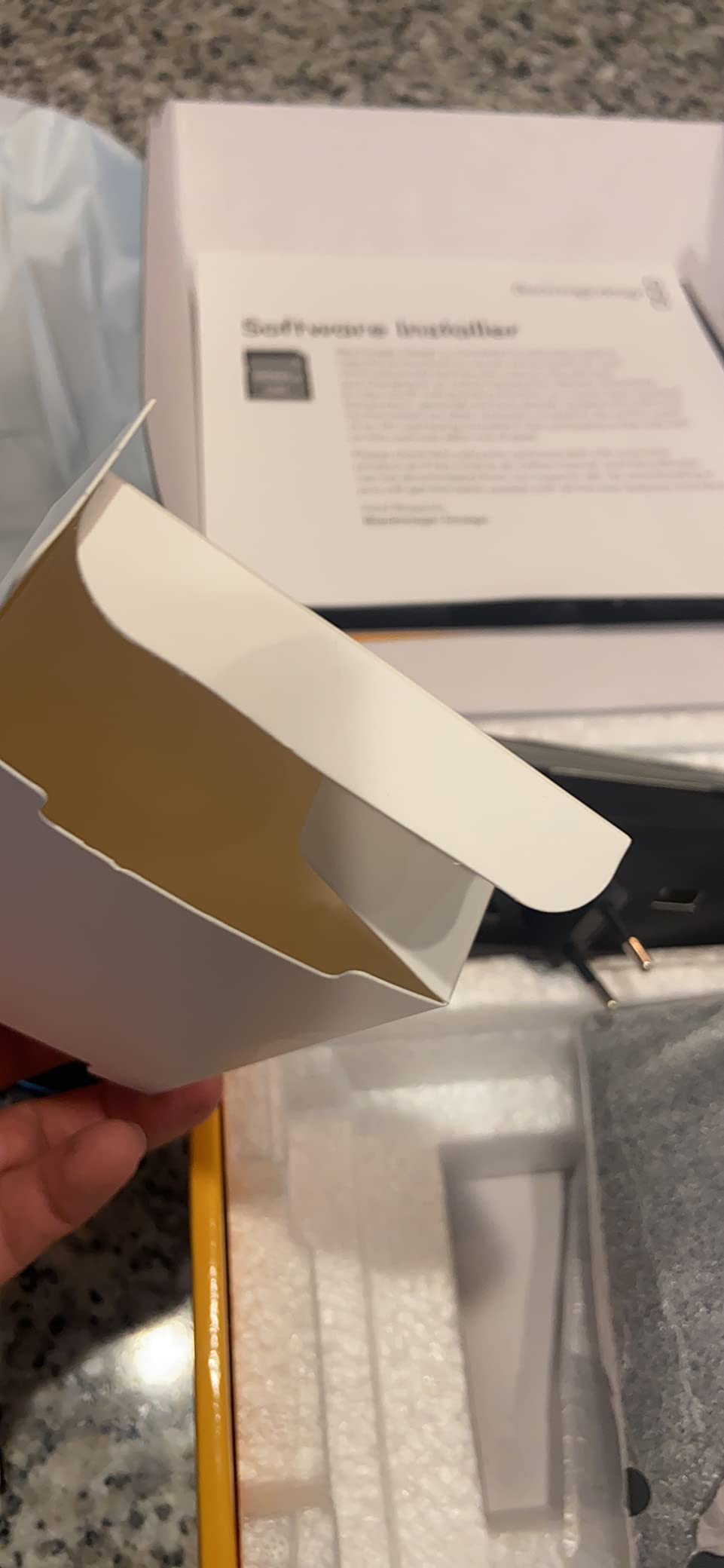
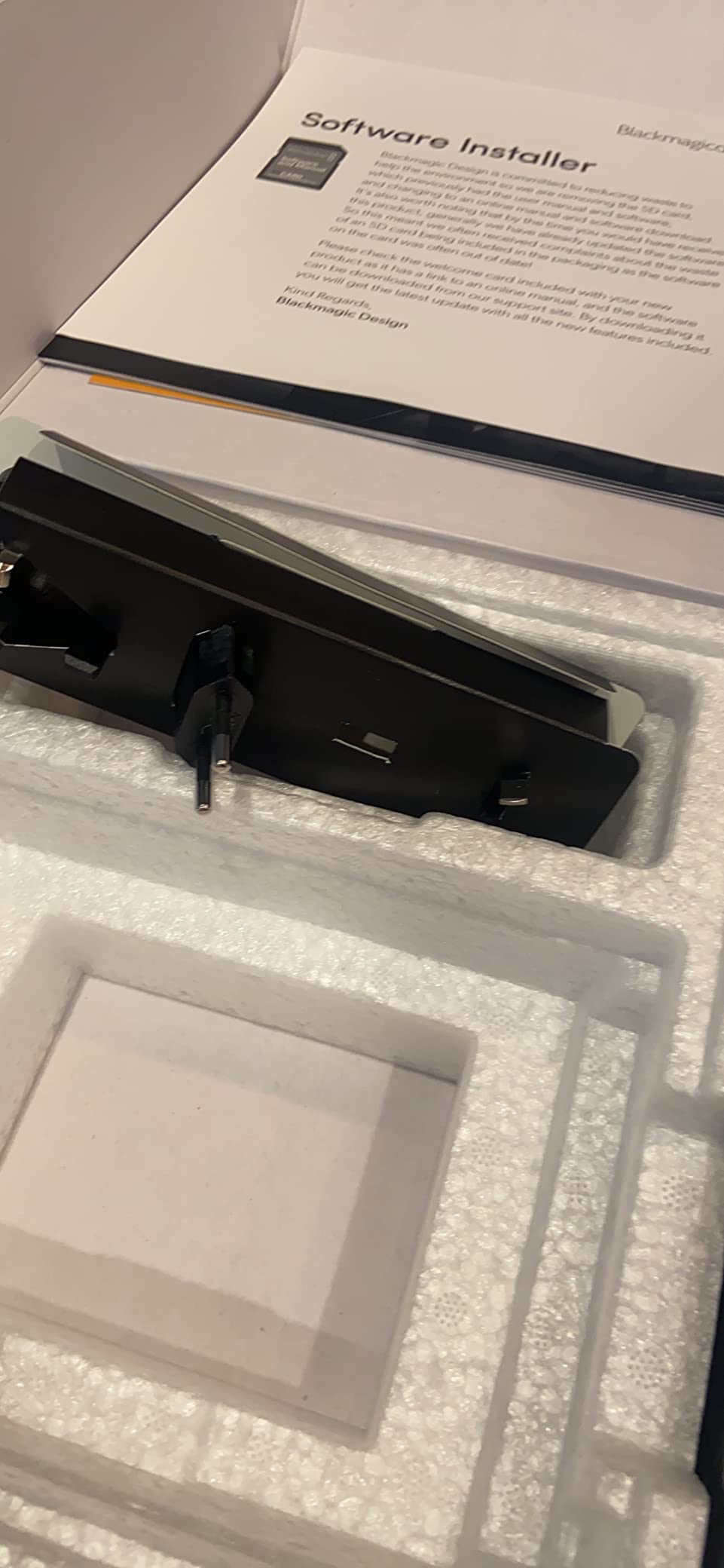
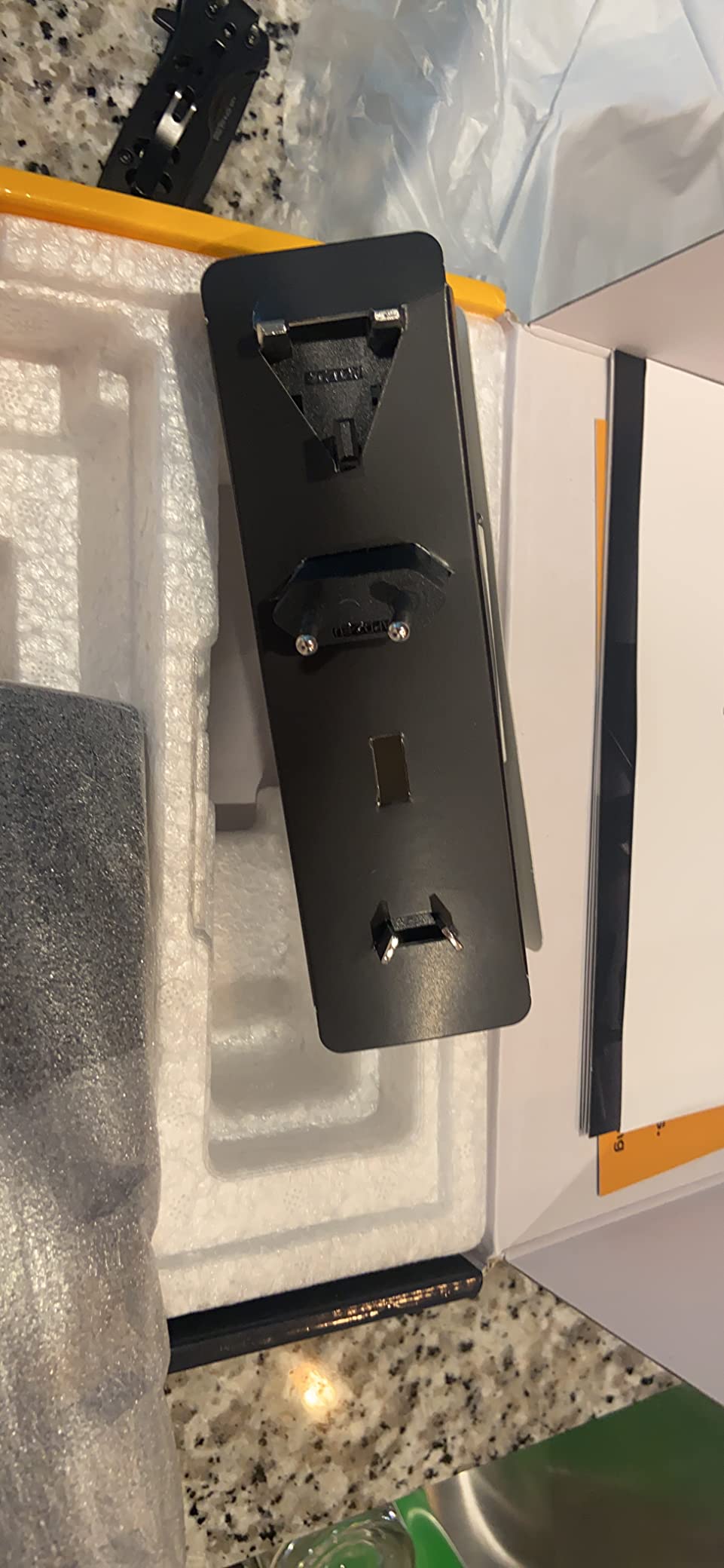
The larger sibling to the 5-inch 3G model, this 7-inch version addresses the main complaint I had about the smaller unit – screen size. For focus pulling and detailed framing work, those extra two inches make a real difference. I use this primarily as a director’s monitor on small productions.
The XLR audio input is a nice addition that the smaller version lacks. I have run a shotgun mic directly into the monitor during interviews, recording clean audio alongside the video. The 3-pound weight is noticeable on a camera rig, so I typically mount this on a separate stand or C-stand arm.
The fan noise is impressively quiet – quieter than my laptop during editing. I have recorded audio in the same room as this monitor without issues. The touch interface is responsive, and Blackmagic’s menu design is logical once you learn it.
The weight is the main drawback. At nearly 2 pounds, this adds significant heft to handheld rigs. I also wish Blackmagic would include all necessary cables – having to buy mini XLR and specific SDI adapters separately gets expensive.
Who Should Buy This
Directors and DPs who need a larger monitoring option will appreciate the 7-inch display. Productions requiring XLR audio input directly to the recorder should consider this. Anyone who found the 5-inch 3G model too small but does not need 12G connectivity.
Who Should Skip This
Handheld shooters will find the weight problematic for extended use. If you need 4K recording, the 12G version is worth the upgrade. The lack of LUT support is frustrating for shooters who want to preview graded looks.
10. Atomos Shinobi GO 5″ HDMI 4K Field Monitor – Ultra-Portable Monitoring
Pros
- Incredibly bright 1500nits
- Very lightweight at 210g
- Responsive touch screen
- LUT preview capability
- Battery efficient
Cons
- No HDMI cable included
- No HDMI output port
- Touchscreen occasionally temperamental
- Limited to 8 LUTs
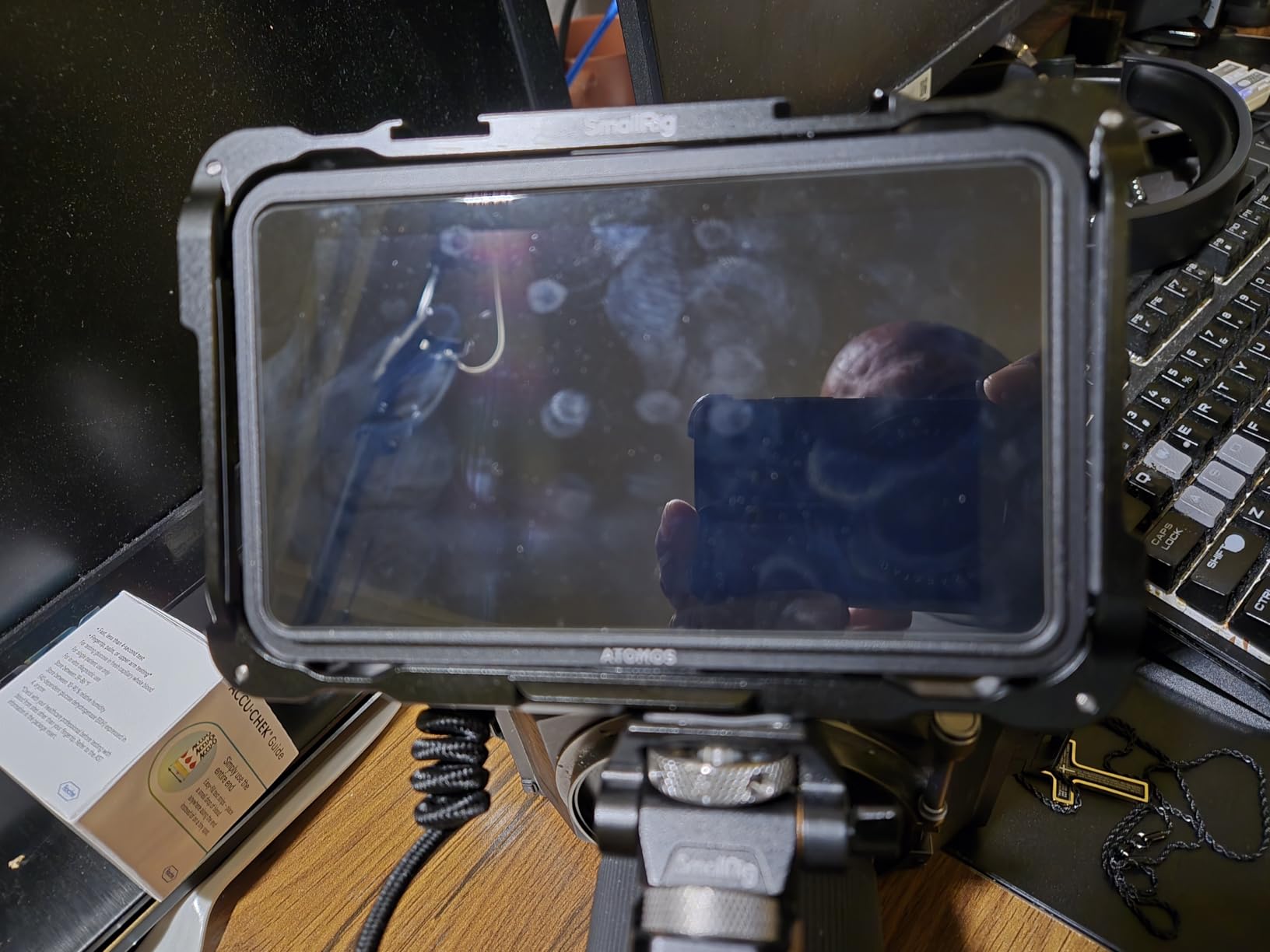
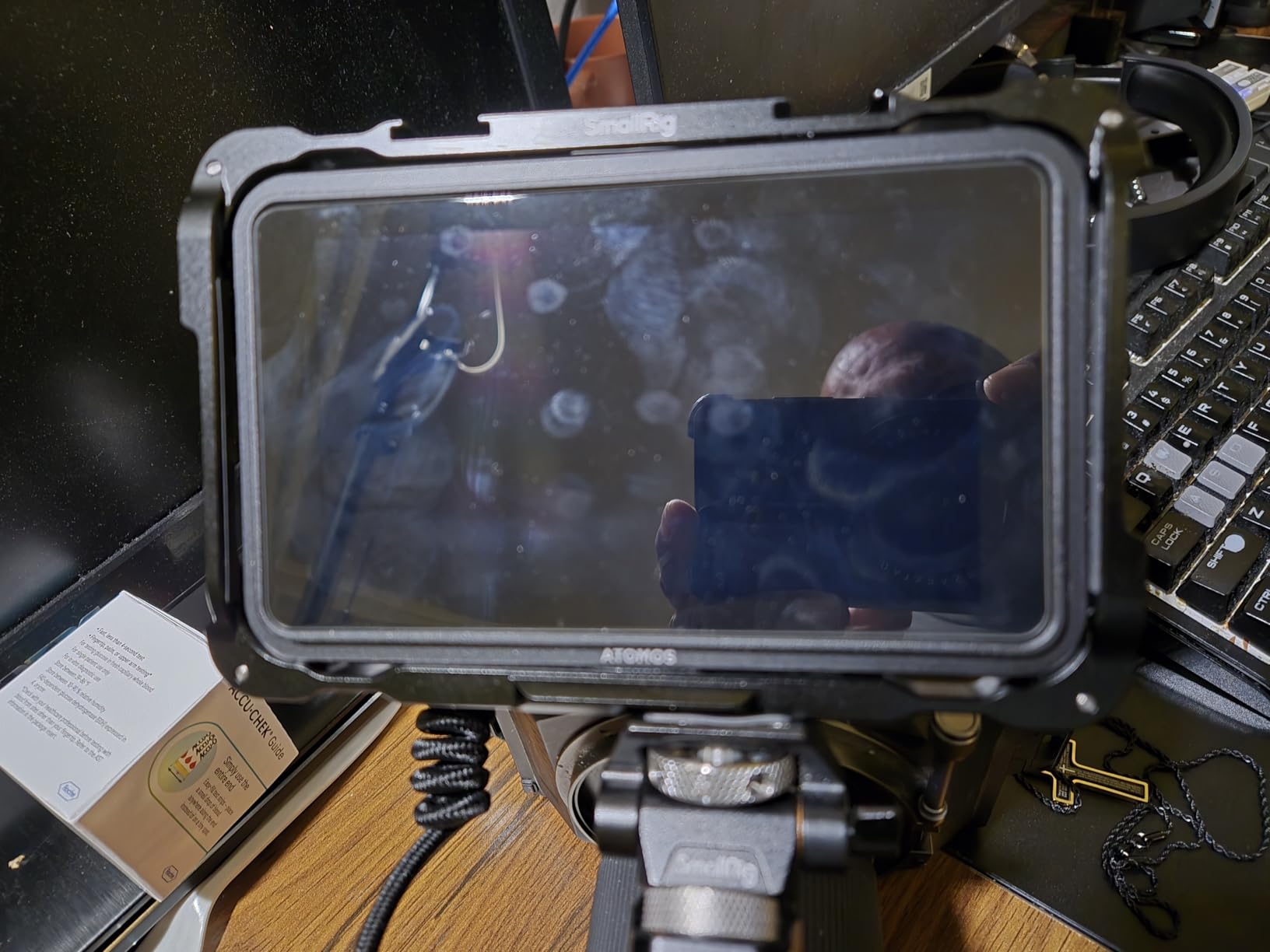
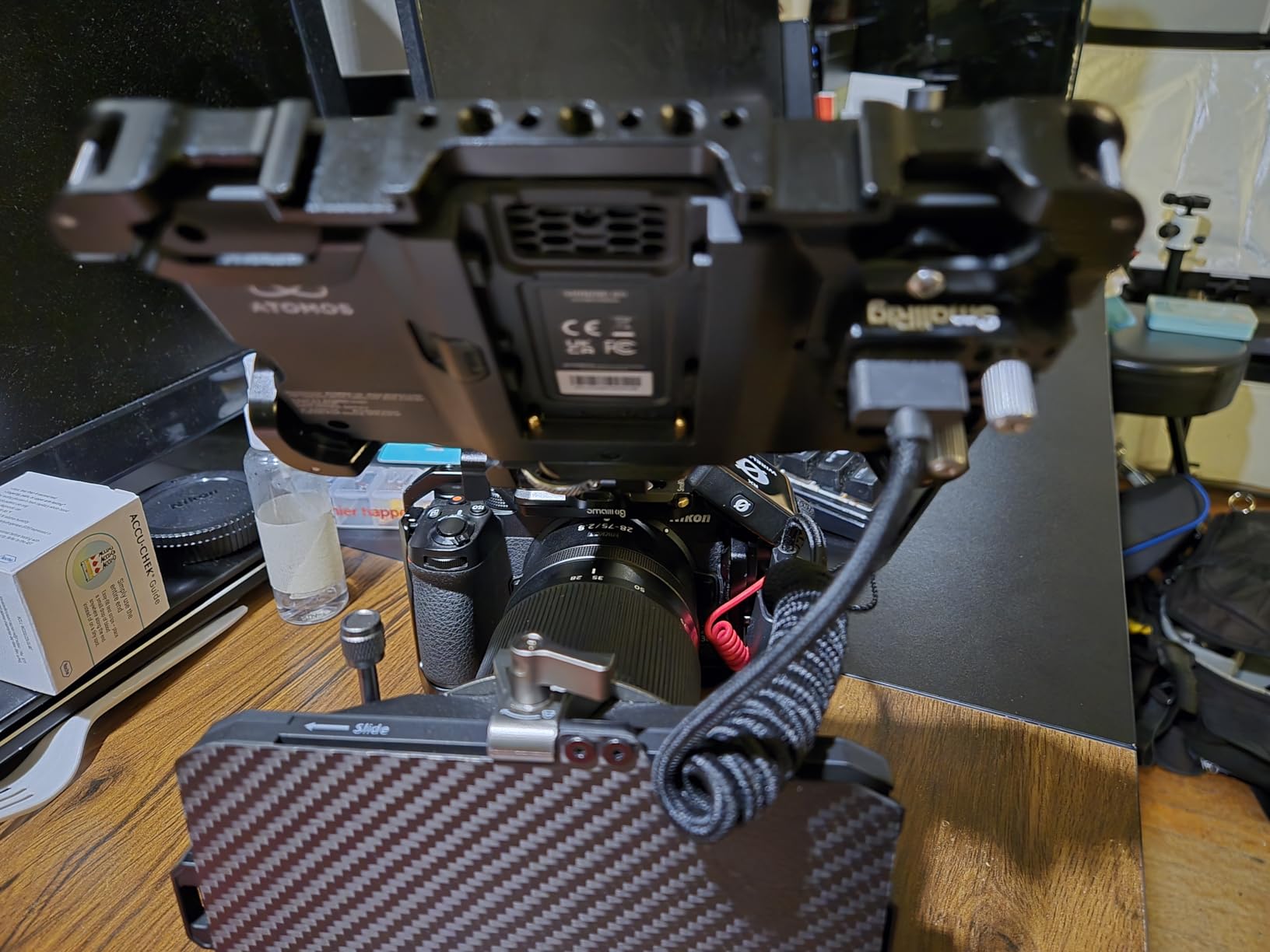
The Shinobi GO is Atomos’s answer to filmmakers who need maximum portability. At just 210 grams, this is the lightest professional monitor I have tested. I mounted it on a gimbal with a Sony FX30 and barely noticed the weight difference compared to shooting without an external monitor.
The 1500-nit brightness rivals monitors that cost twice as much. I shot an outdoor fitness video in direct California sun, and I could still see the screen clearly without a sun hood. The matte screen finish helps reduce glare compared to glossy alternatives.
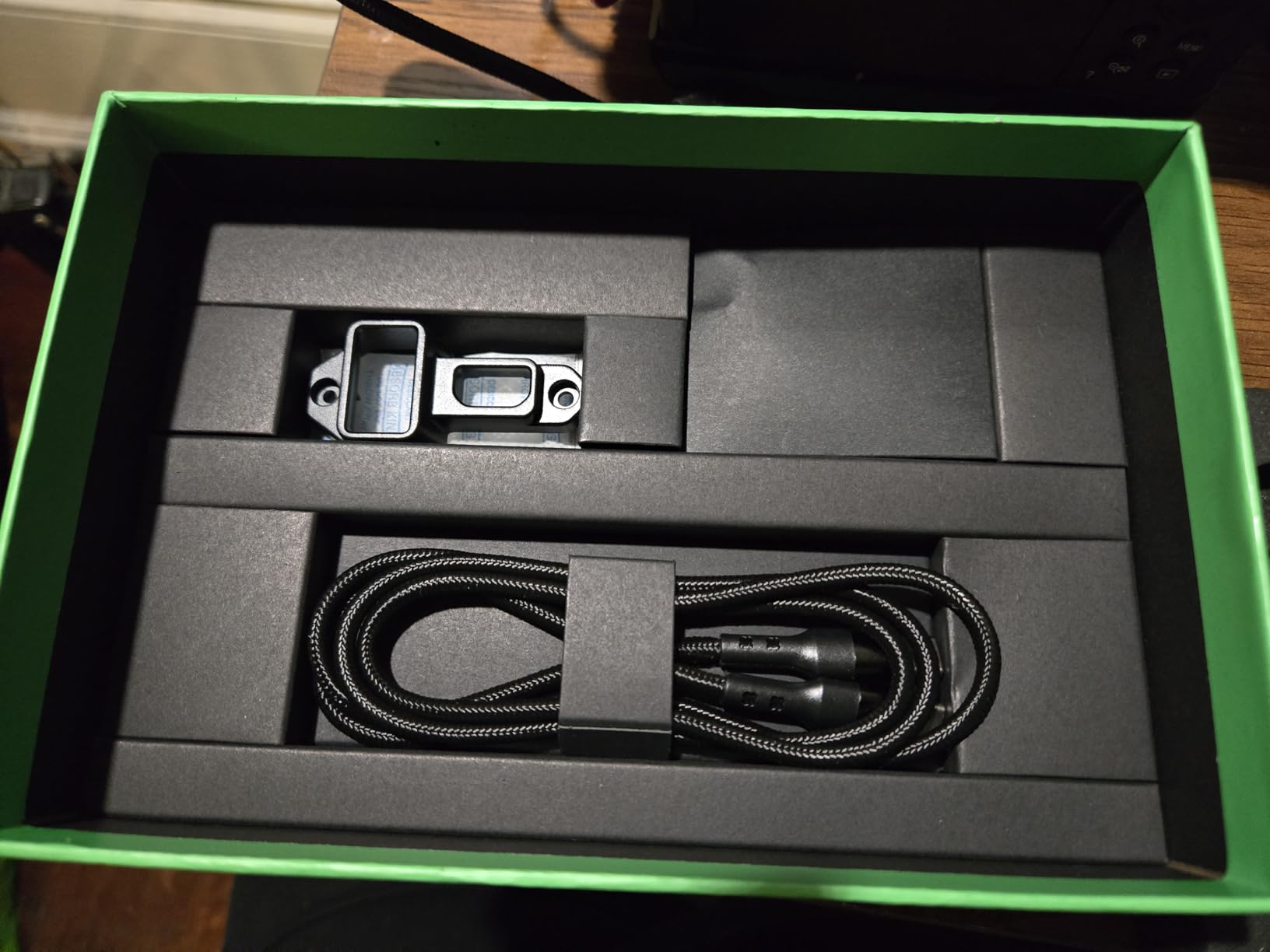
Built-in waveform, histogram, and false color give you professional exposure tools in a pocket-sized package. The LUT support via SD card means I can load my custom grades and show clients a preview of the final look on set.
The lack of HDMI output is limiting for productions where you need to feed a director’s monitor or wireless transmitter. I also found the touchscreen occasionally unresponsive when wearing gloves. The 8-LUT limit is annoying if you work on multiple projects with different looks.
Who Should Buy This
Gimbal operators and run-and-gun shooters who prioritize weight savings will love the GO. Travel filmmakers who need to pack light but still want professional monitoring tools should consider this. Anyone working outdoors who needs high brightness without the weight penalty.
Who Should Skip This
If you need recording capabilities, this is the wrong monitor. The lack of HDMI output limits its usefulness on larger productions. And if you rely heavily on LUTs, the 8-LUT limit might frustrate you.
11. Feelworld CUT6 6 Inch Recording Monitor – Budget USB Recorder

Pros
- Real-time USB recording function
- High resolution touch screen
- HDMI loop-out with LUT support
- Professional exposure tools
- Compact portable size
Cons
- Recording reliability issues reported
- Audio/video sync problems
- White noise on HDMI output
- Customer service concerns
Feelworld has built a reputation for delivering surprising quality at budget prices, and the CUT6 continues that tradition – with some caveats. The USB recording directly to external drives is convenient, eliminating the need for expensive SSDs like Atomos requires.
I tested this as a backup recorder on a corporate shoot, and while it worked, I experienced the sync issues other reviewers mentioned. The audio drifted about 2 frames over a 10-minute take. For interviews where audio is critical, this is a dealbreaker.
The 6-inch screen size hits a sweet spot between portability and visibility. The touch response is decent, though not as polished as Atomos or Blackmagic interfaces. At $259, you are getting a lot of features for the money.
Who Should Buy This
Budget filmmakers who need recording capabilities for non-critical work might find value here. The USB recording is genuinely useful for long-form content where file management matters. As a backup monitor, it performs adequately.
Who Should Skip This
Given the reliability issues, I cannot recommend this for professional work where failure has consequences. The sync problems make it unsuitable for dialogue-heavy shooting. Spend more for an Atomos Ninja if recording quality matters.
12. Feelworld CUT6S 6 Inch Recording Monitor with SDI – Professional I/O

Pros
- SDI and HDMI inputs for versatility
- Compact portable design
- Touch screen functionality
- SDI to HDMI simultaneous output
- Professional monitoring tools
Cons
- Not bright enough for daylight
- SDI port issues reported
- LUT loading problems
- Reliability concerns after 6 months
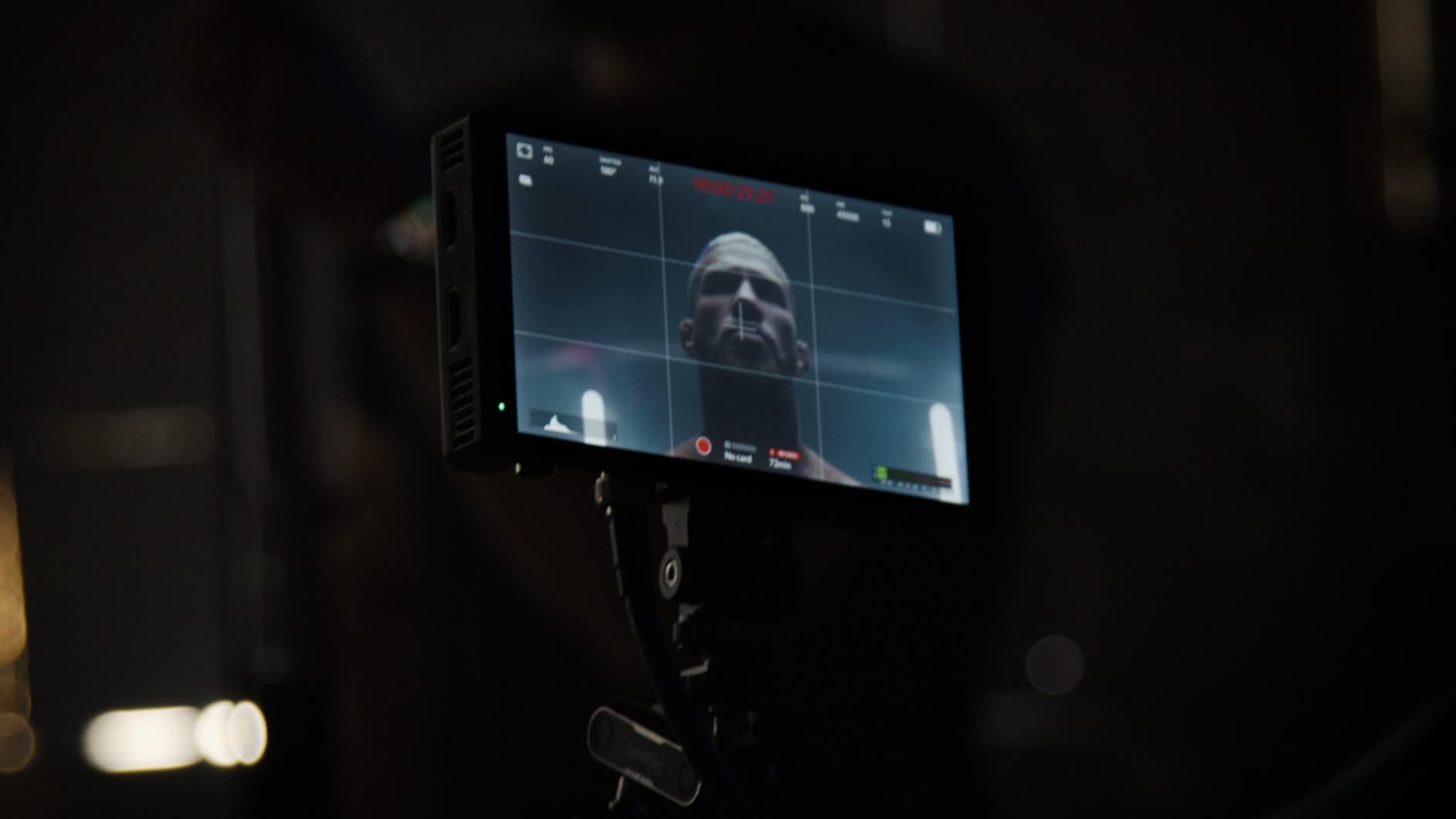
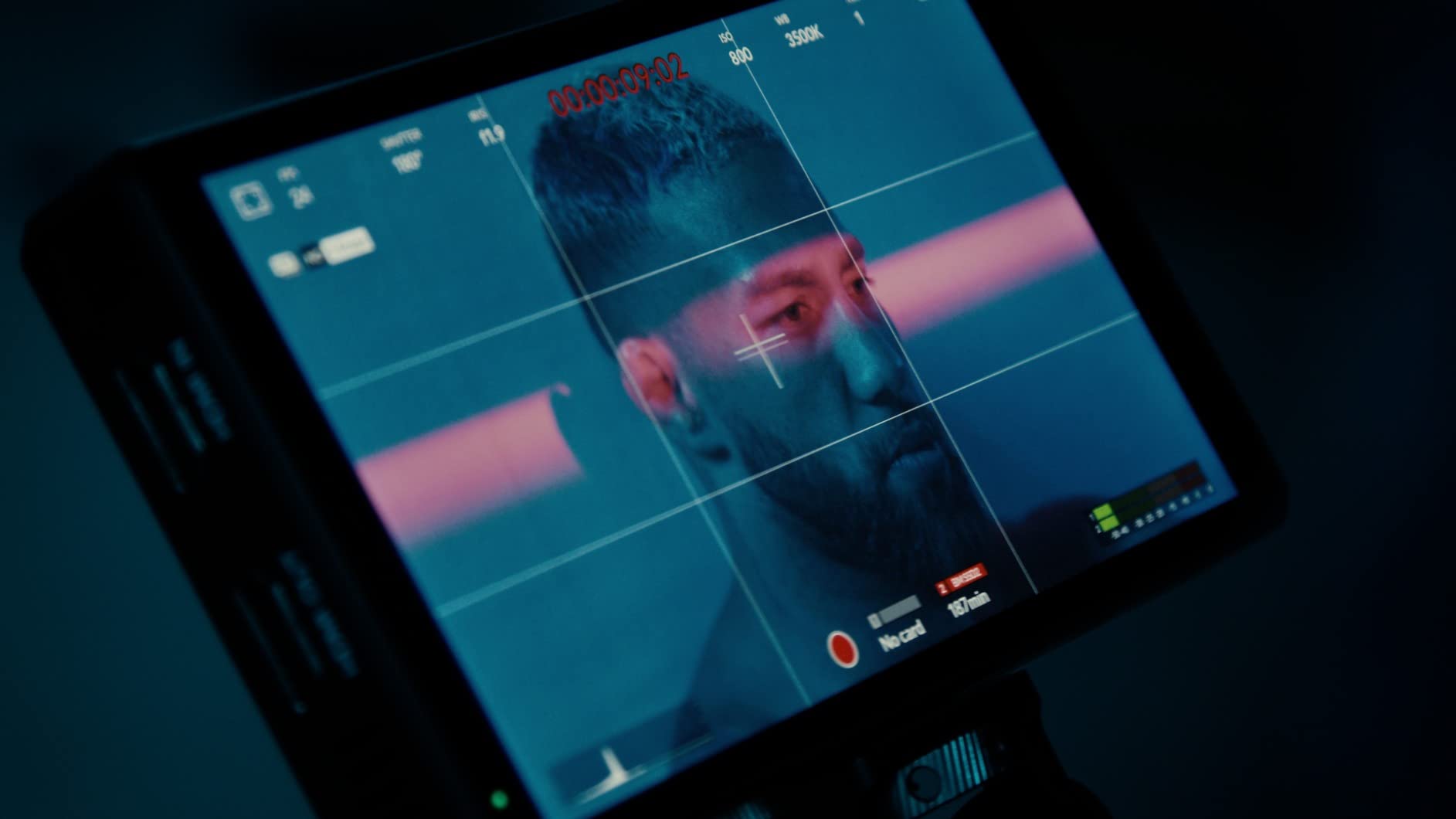
The CUT6S adds SDI connectivity to the CUT6 formula, making it relevant for productions working with professional cameras. The SDI to HDMI conversion is useful – I used this to feed a consumer TV as a client monitor from my SDI-only cinema camera.
The 6-inch form factor remains practical for handheld work. Having both SDI and HDMI on a budget monitor is rare, and Feelworld deserves credit for including professional I/O at this price point. The touch interface works for basic monitoring adjustments.
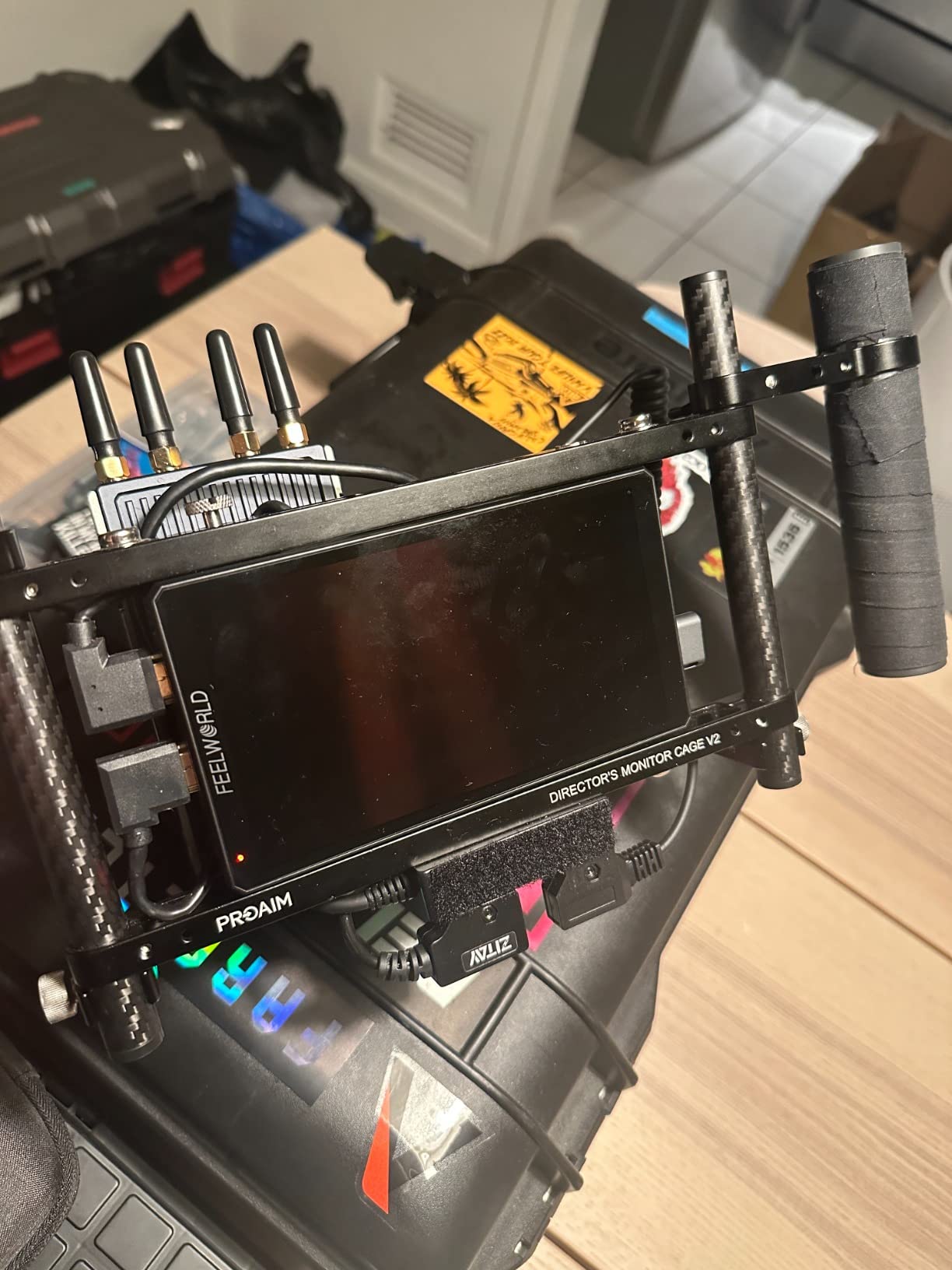
However, the brightness is inadequate for outdoor work. I struggled to see the screen during a golden hour exterior shoot – a problem that does not happen with Atomos or Blackmagic alternatives. The SDI port on my unit also became finicky after a few months of use.
Long-term reliability is a question mark. My colleague had a CUT6S stop working entirely after 6 months of light use. The limited reviews available suggest this is not an isolated incident.
Who Should Buy This
Budget productions that specifically need SDI connectivity on a tight budget might consider this. The format conversion capabilities are useful for mixed HDMI/SDI workflows. As a backup or secondary monitor, it is adequate.
Who Should Skip This
Outdoor shooters will find the brightness frustrating. Anyone relying on this as a primary recorder for paid work is taking a risk. The reliability concerns make this questionable for professional use.
13. Feelworld F5 Prox 5.5 Inch 1600nit Field Monitor – Bright Outdoor Option

Pros
- Excellent 1600nit brightness for outdoor
- Professional focus and exposure tools
- Great value for price
- Solid build quality
- Excellent battery life
Cons
- Hardware revision inconsistencies
- Firmware incompatibility issues
- Some units arrive missing items
- Sunshade could be better
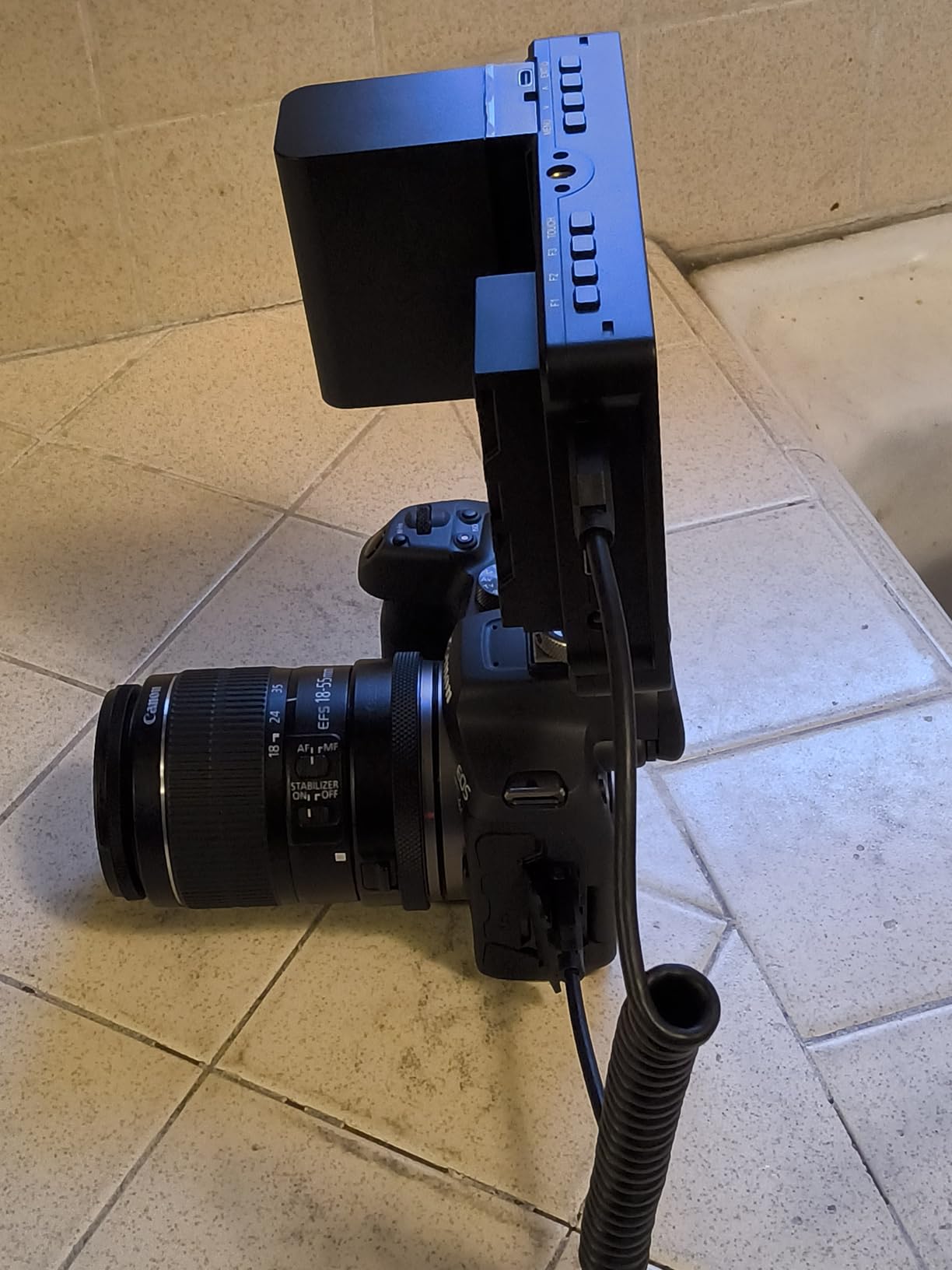
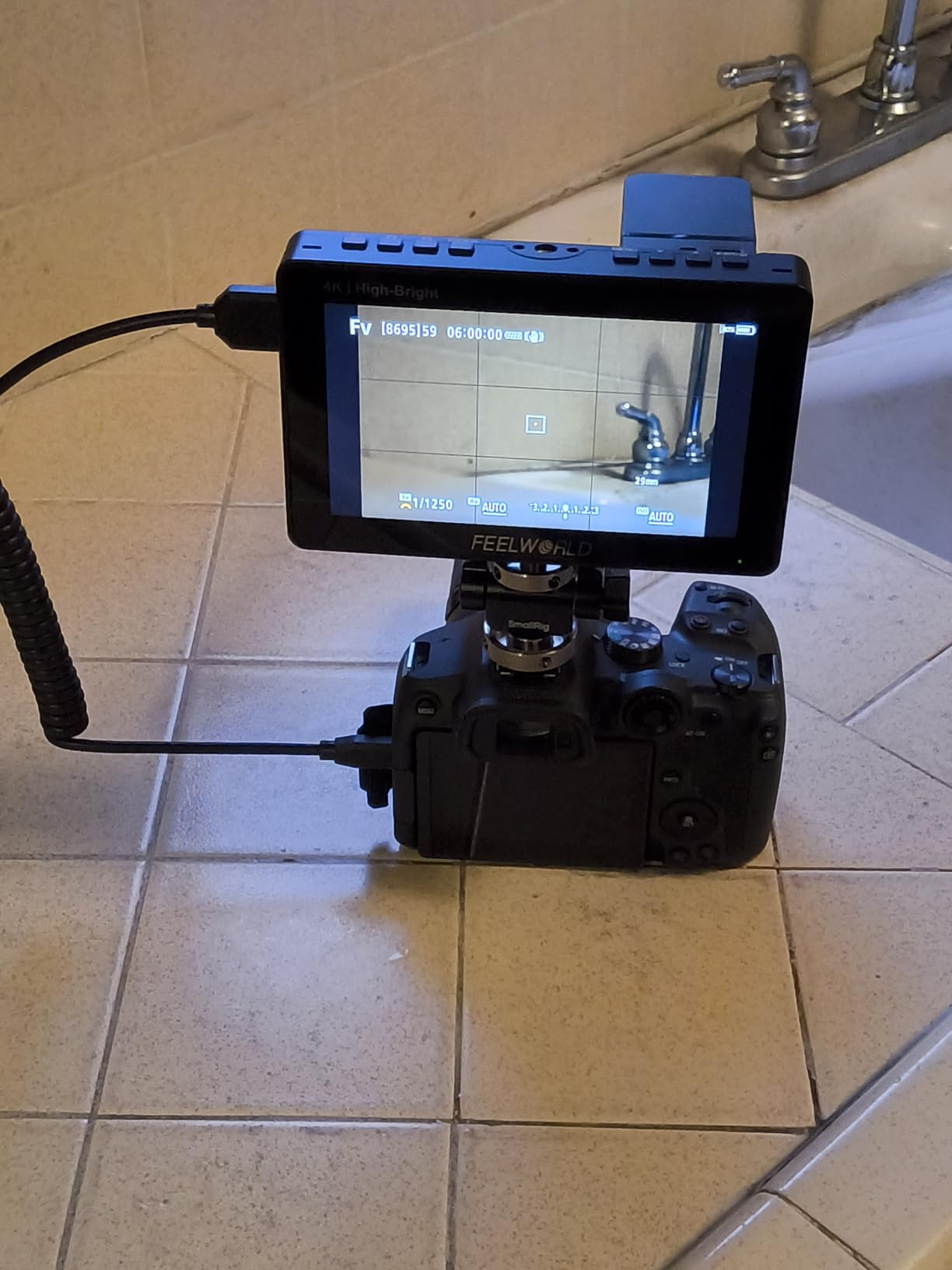
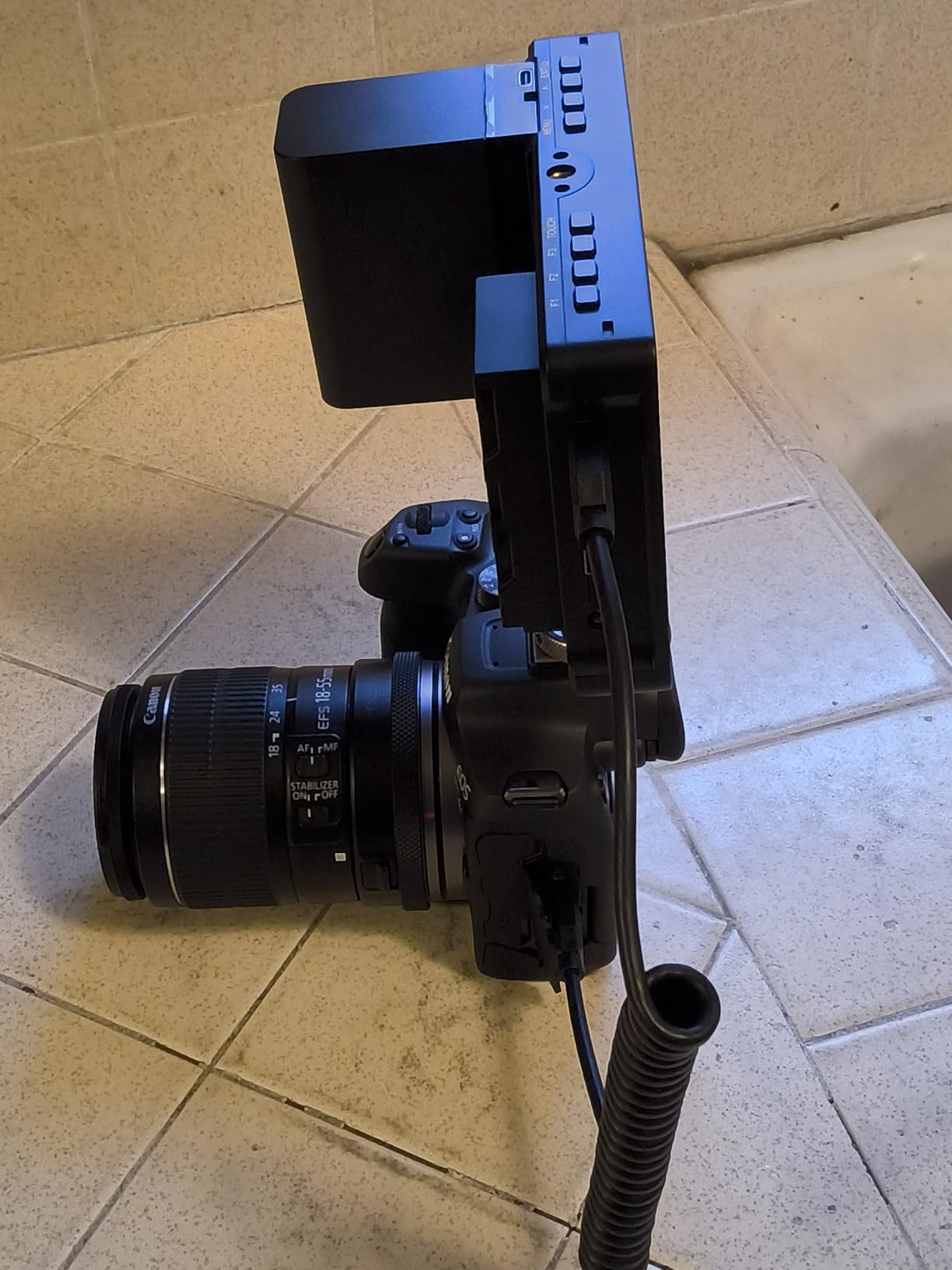
The F5 Prox surprised me. At $169, I expected compromises, but this monitor delivers genuine professional features. The 1600-nit brightness rivals monitors costing 5x more. I used this during a beach volleyball shoot at midday and could clearly see the screen without a sun hood.
Focus peaking works well, and the waveform monitor helps me nail exposure in tricky lighting. The included battery lasts longer than expected – I got nearly 3 hours of continuous use from the included F750 battery. Build quality feels solid despite the plastic construction.
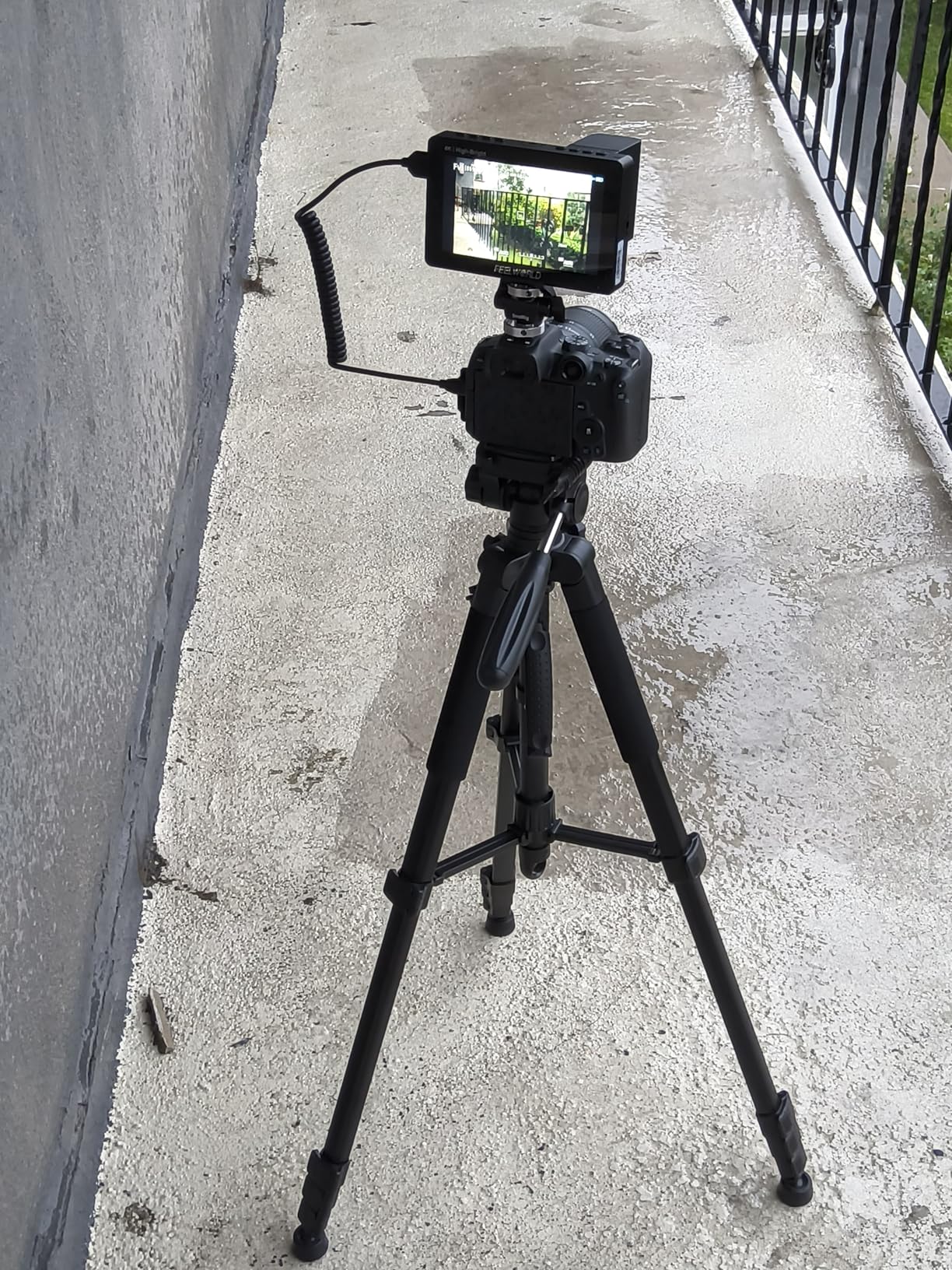
The value proposition is undeniable. For beginner filmmakers or as a backup monitor, this performs above its price class. The 4K HDMI input accepts signals from modern cameras without downscaling issues I have seen on other budget monitors.
The hardware revision situation is confusing though. My unit arrived with firmware that did not match the manual, and I had to hunt down the correct version online. Some users report receiving units with missing batteries or cables. Feelworld’s quality control seems inconsistent.
Who Should Buy This
Outdoor shooters on a budget should seriously consider the F5 Prox. The brightness is genuinely impressive for the price. Beginners who want professional monitoring tools without breaking the bank will find great value here. It also makes an excellent backup monitor for established professionals.
Who Should Skip This
If you need recording capabilities, this is just a monitor. The inconsistent quality control means buying from a reputable seller with good return policies is essential. Professionals who rely heavily on LUTs might find the implementation limited compared to premium options.
14. PortKeys PT6 5.2″ Camera Field Monitor – Best Ultra-Budget Pick
Pros
- Excellent value under $100
- Lightweight and portable
- Good image quality
- Silent fanless operation
- Great for gimbal use
Cons
- 600nit may struggle in bright sunlight
- Some quality control issues
- Included tilt mount is loose
- Sun hood cable issues
The PT6 is my default recommendation for anyone asking about budget monitors. At under $100, it delivers features that cost twice as much from other brands. I bought one as a backup and ended up using it regularly for gimbal work where weight matters.
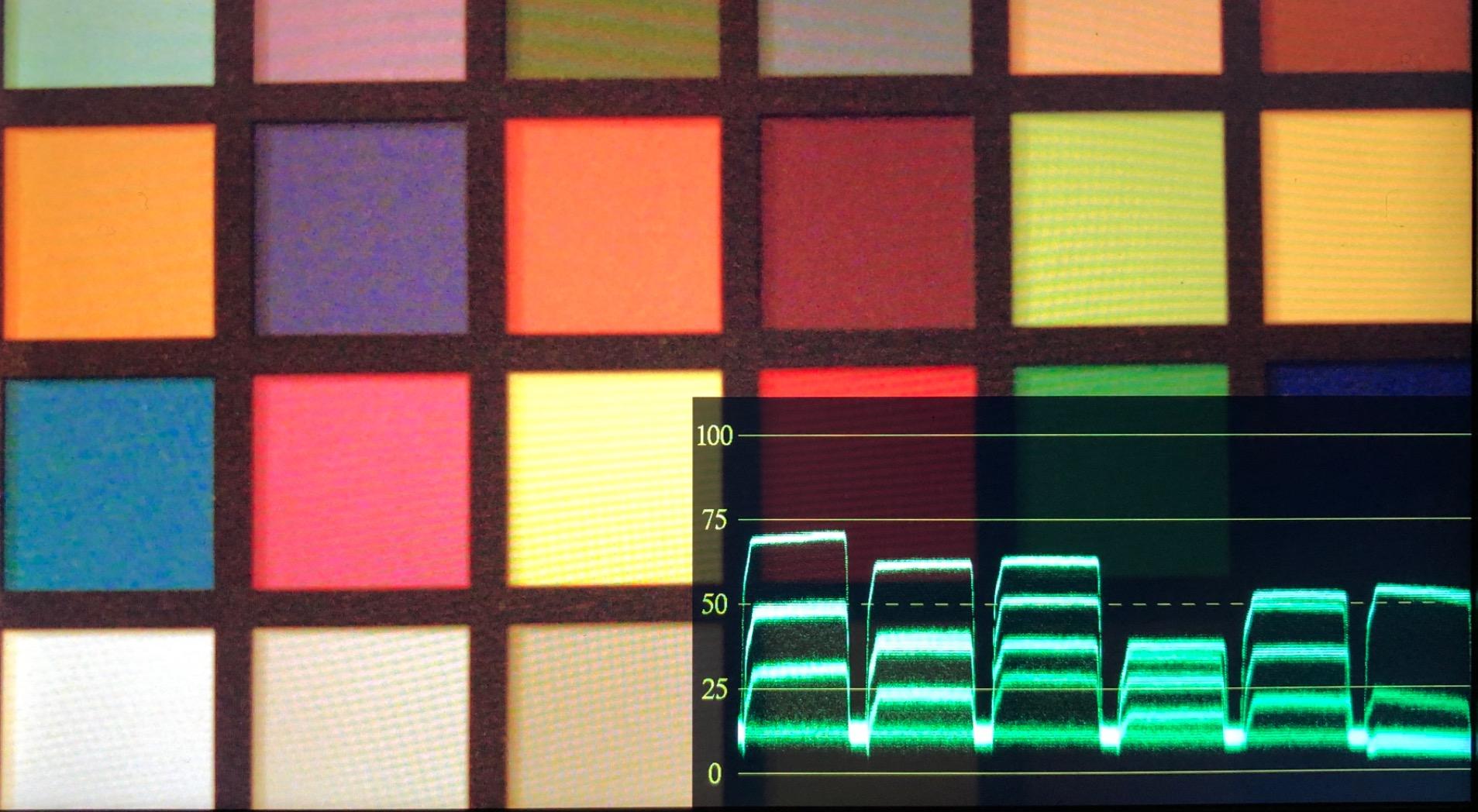
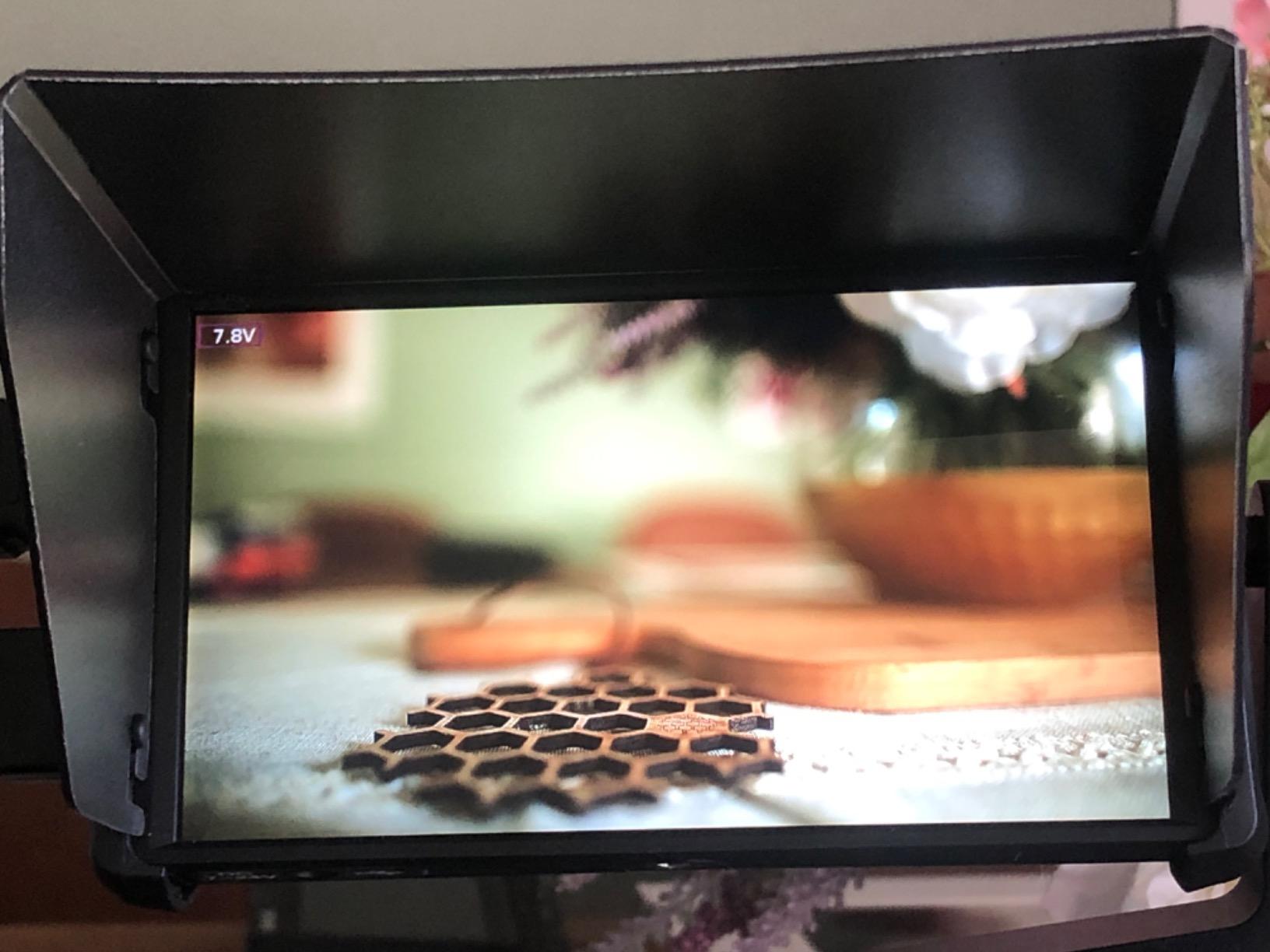
The 5.2-inch screen is crisp at 400 PPI – you can actually judge focus accurately. RGB waveform and false color give you genuine professional tools for exposure work. The fanless design means completely silent operation, which I appreciate when recording audio on set.
I have recommended this to at least a dozen filmmaker friends, and most have been impressed. One received a unit with a defective USB port, but Amazon replaced it quickly. The build quality is plastic but feels solid enough for careful use.
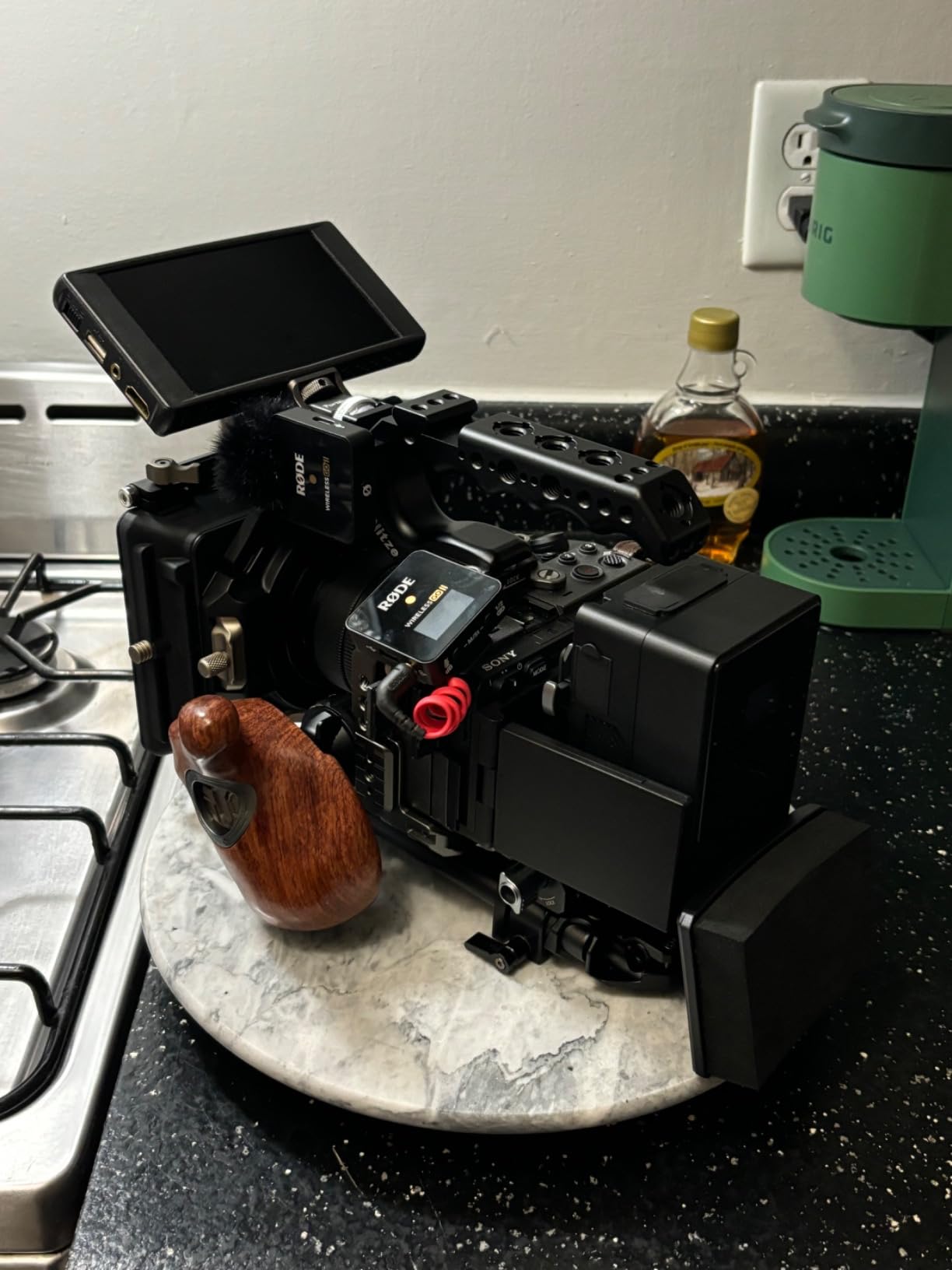
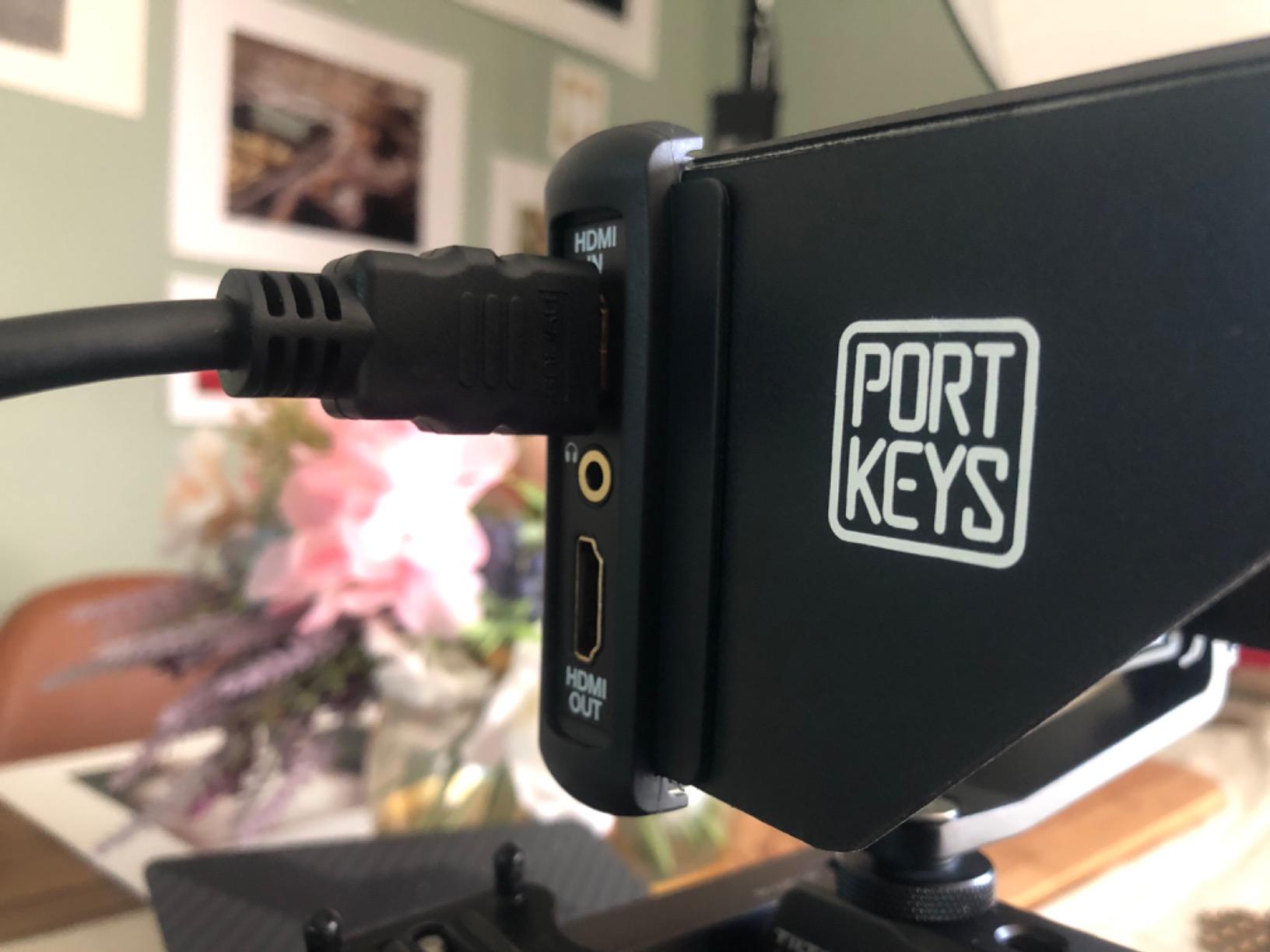
The 600-nit brightness is the main limitation. Indoors and in shade, it is fine. Direct sunlight requires a sun hood and even then, you will struggle. The included tilt mount is loose on some units – I replaced mine with a SmallRig swivel mount.
Who Should Buy This
Beginners who want professional monitoring without spending Atomos money should start here. Gimbal operators will appreciate the light weight. Anyone needing a second or third monitor for multi-camera setups will find the value compelling.
Who Should Skip This
Outdoor shooters in bright sunlight will find the brightness inadequate. If you need recording capabilities, this is just a monitor. Professionals who need absolute reliability for paid work might want to invest more in established brands.
15. Portkeys PT5 II 5″ Camera Monitor – Entry Level Excellence

Pros
- Great value for price
- Compact and lightweight
- Good image quality
- 4K input support
- Includes sunshade
Cons
- May be too dim for outdoor use
- Menu interface needs improvement
- HDMI cable quality concerns
- Input lag reported by some
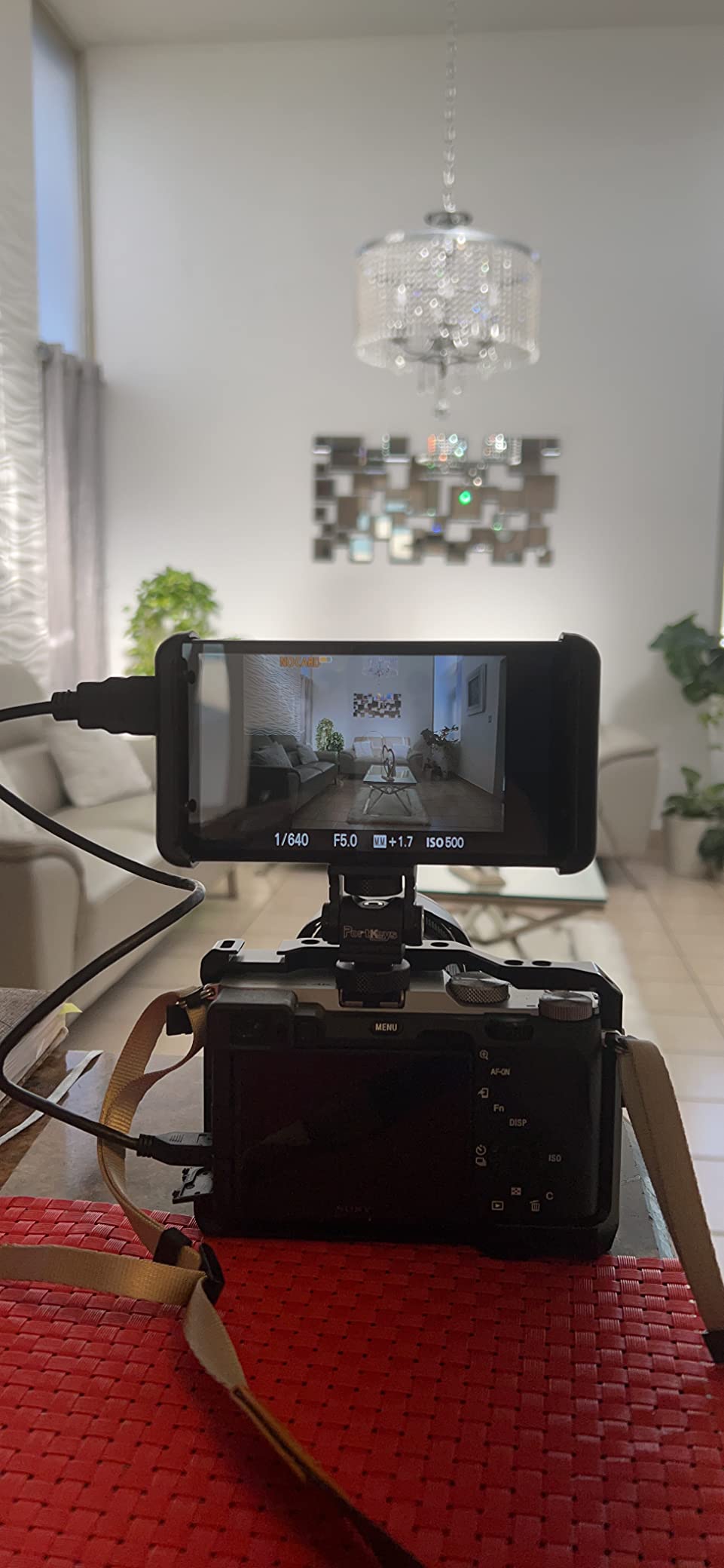
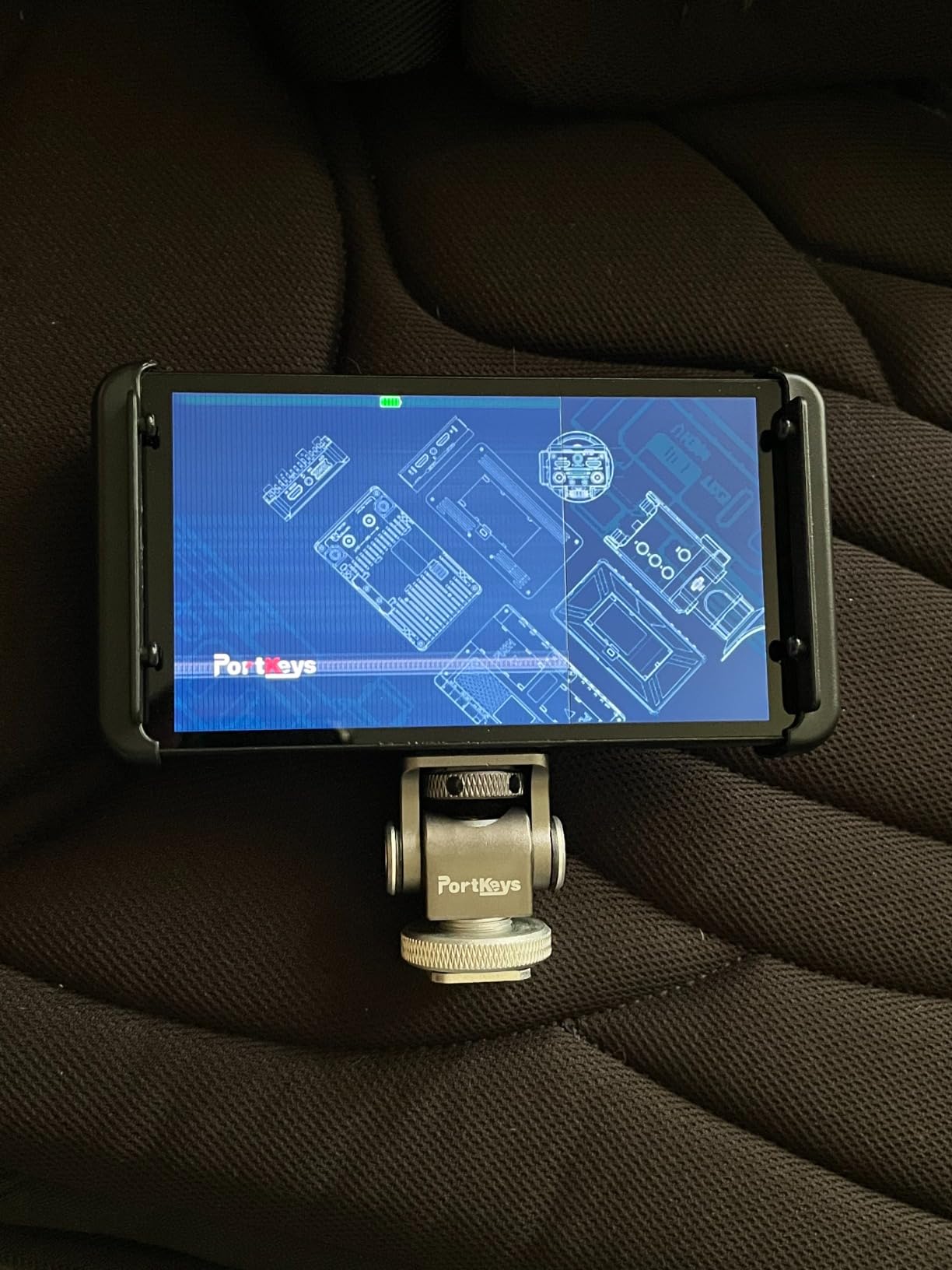
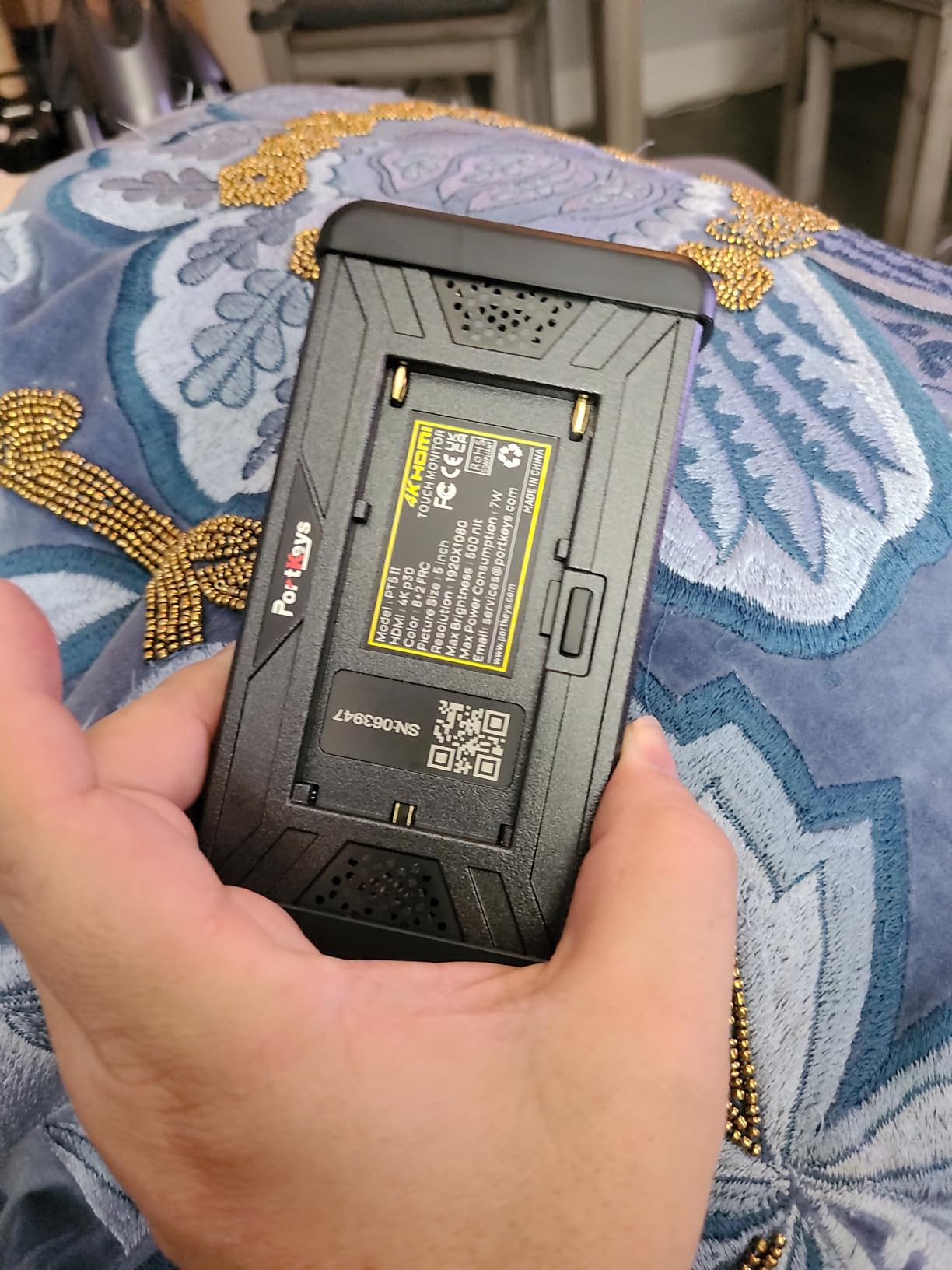
The PT5 II builds on the original PT5 with 4K input support and an improved operating system. At $113, it occupies the space between ultra-budget monitors and premium options. I tested this extensively with a Fujifilm X-T5 outputting 4K, and the image remained crisp and detailed.
The new MOVnorm OS is cleaner than PortKeys’ previous interface, though still not as polished as AtomOS. The included sunshade is actually useful – a rarity with budget monitors. Touch response is acceptable for basic navigation.
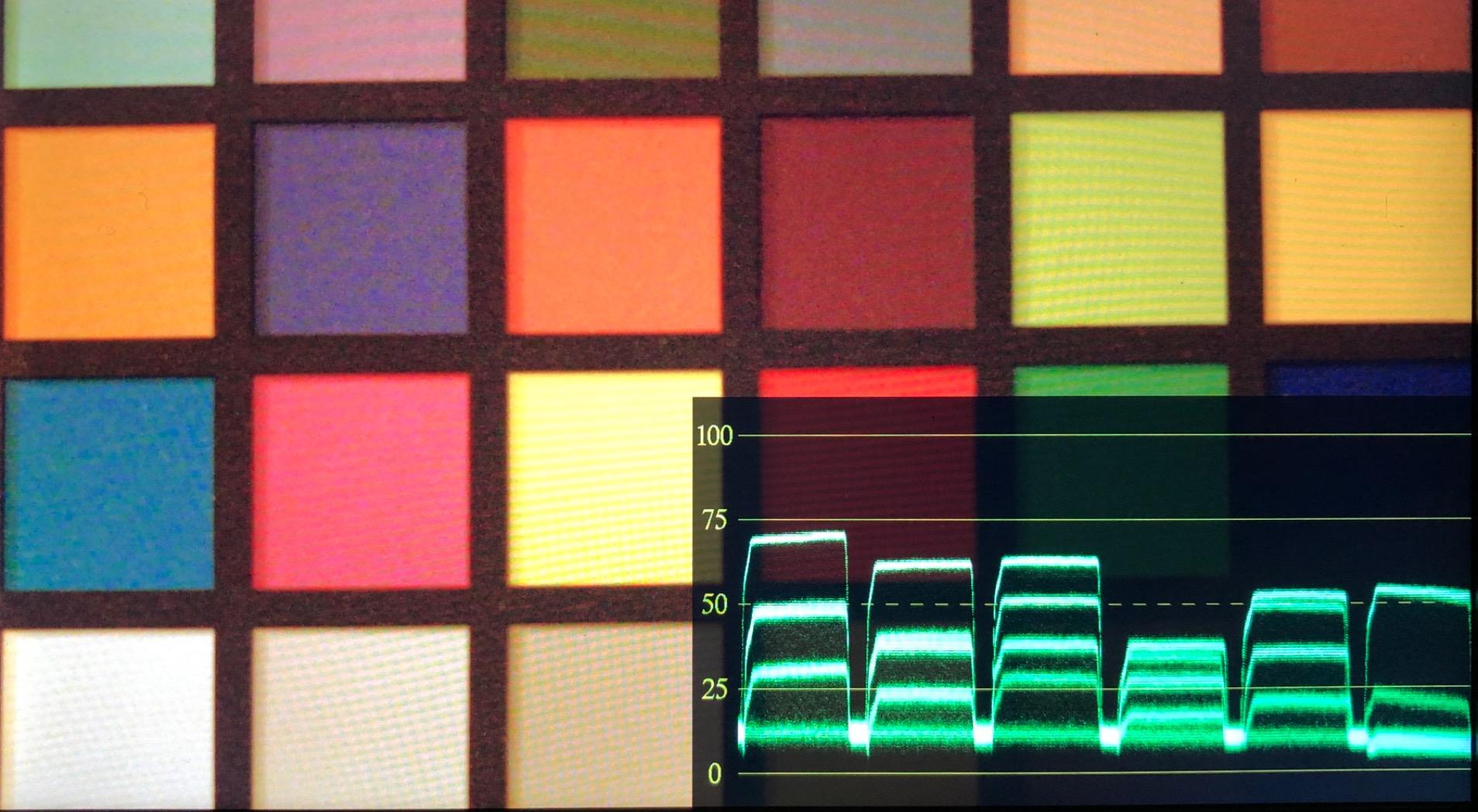
For YouTube creators and beginner filmmakers, this hits a sweet spot. You get 4K monitoring, professional exposure tools, and decent build quality without the premium price. The lightweight design works well on smaller mirrorless rigs.
Some users report input lag that I did not experience in my testing, but it is worth noting. The included HDMI cable feels cheap – I replaced mine immediately with a locking cable. Outdoor visibility is marginal even with the sunshade attached.
Who Should Buy This
Entry-level filmmakers stepping up from camera LCD screens will appreciate the upgrade. The 4K support makes this future-proof for modern cameras. Content creators who need a reliable monitoring solution without breaking the budget should consider this.
Who Should Skip This
If you work primarily outdoors, the brightness will frustrate you. Professionals who need SDI connectivity or recording capabilities should look at higher-end options. Anyone sensitive to input lag should test thoroughly during the return window.
Monitor Recorder Buying Guide for Filmmakers
Choosing the right monitor recorder requires understanding your specific needs. After testing these 15 options, I have identified the key factors that separate good purchases from regrets.
HDMI vs SDI – Which Connection Do You Need?
HDMI dominates consumer and prosumer cameras. If you shoot on Sony, Canon, Panasonic, or Fujifilm mirrorless bodies, HDMI is your connection. It carries high-quality signals but uses fragile connectors that can pull out accidentally.
SDI is the professional standard. The locking connectors do not pull out accidentally, and SDI cables run longer distances without signal degradation. Cinema cameras from ARRI, RED, and high-end Blackmagic models use SDI exclusively. Some monitors offer both, which provides maximum flexibility.
My recommendation: Choose HDMI-only monitors for mirrorless and DSLR work. Invest in SDI-capable monitors if you work with cinema cameras or plan to upgrade to that level.
Understanding Brightness and Nits
Brightness determines whether you can see your screen outdoors. Here is what the numbers mean in practice:
500-700 nits works for indoor shooting and shaded outdoor work. Most budget monitors fall in this range. You will need a sun hood for any outdoor shooting.
1000-1500 nits handles most outdoor situations except direct midday sun. This is the sweet spot for versatile monitors that work anywhere.
2000+ nits cuts through direct sunlight. Essential for beach shooting, snow scenes, or any bright exterior work. These monitors cost more but deliver when you need them.
From my experience, 1000 nits is the minimum for professional work. I have ruined too many shots trying to judge exposure on dim screens in bright conditions.
Recording Codecs Explained
Not all recording is equal. The codec determines your editing flexibility and final image quality:
ProRes is the industry standard for edit-friendly files. It plays smoothly in Premiere and Final Cut without transcoding. ProRes HQ offers excellent quality; ProRes 422 balances quality and file size; ProRes LT works for content where absolute quality is less critical.
ProRes RAW records the raw sensor data from your camera. This gives you maximum grading flexibility in post-production. However, it requires specific camera compatibility and fast storage.
Blackmagic RAW (BRAW) offers similar benefits to ProRes RAW but with better compression options. It works seamlessly in DaVinci Resolve. If you shoot Blackmagic cameras, this is the obvious choice.
H.265 creates smaller files than ProRes but requires more computer power to edit. Good for delivery or when storage space is limited.
Screen Size Considerations
5-inch monitors balance portability and visibility. They work well for gimbal work and run-and-gun shooting. You can judge focus, but detailed work requires peaking aids.
7-inch monitors provide comfortable viewing for focus pulling and detailed framing. The trade-off is weight and bulk – these become cumbersome on smaller rigs.
Consider your shooting style. If you are constantly moving, 5-inch makes sense. If you shoot interviews or controlled situations, 7-inch improves your accuracy.
Battery Life and Power Options
Monitor recorders are power-hungry. Bright screens and recording processors drain batteries quickly. Expect 60-90 minutes from a large NP-F970 battery on most units.
For serious work, invest in a V-mount or Gold Mount battery solution. These provide hours of runtime and often include D-tap outputs for powering cameras and accessories simultaneously.
USB-C power delivery is becoming common on newer monitors. This lets you power from USB battery banks or wall adapters. Convenient for studio work, less practical in the field.
Factor battery costs into your budget. A proper power solution often costs as much as the monitor itself.
Weight and Portability Factors
Every gram matters for handheld and gimbal work. A 7-inch recorder can add 2-3 pounds to your rig when you include batteries and mounting hardware.
For gimbal operators, I recommend staying under 1 pound for the monitor itself. The Atomos Shinobi GO and PortKeys PT6 are ideal choices here.
Shoulder-mounted rigs handle heavier monitors better. The weight sits on your shoulder rather than your arms. For these setups, 7-inch monitors work fine.
Consider your physical endurance during long shoots. I have abandoned heavy monitors mid-shoot because the arm fatigue was affecting my camera work.
Frequently Asked Questions
What is the best monitor recorder for filmmakers?
Do I need a 4K external monitor?
What is the difference between HDMI and SDI?
Will an external monitor work with my camera?
Can external monitors record video?
Why should I get an on-camera monitor?
Does it matter what video my camera outputs?
Final Thoughts on the Best Monitor Recorders for Filmmakers in 2026
After extensively testing these 15 monitor recorders, the right choice depends on your specific workflow and budget. The Blackmagic Design Video Assist 7″ 12G-SDI remains my top recommendation for professional filmmakers who need SDI connectivity and rock-solid reliability. The Atomos Ninja 5.2″ offers the best balance of features and value for most mirrorless camera users.
For those just starting out, the PortKeys PT6 proves you do not need to spend a fortune to get professional monitoring tools. At under $100, it delivers features that were exclusive to $500+ monitors just a few years ago.
Consider your priorities carefully. If you shoot primarily outdoors, prioritize brightness over recording features. If you work in controlled environments, recording codecs and monitoring tools matter more. And remember to factor in the hidden costs – batteries, storage media, and mounting hardware can add significantly to your total investment.
The monitor recorder market continues to evolve rapidly. Features that were premium a year ago become standard the next. But the fundamentals remain: you need to see your image clearly, judge exposure accurately, and capture the highest quality your camera can output. Any monitor on this list will help you achieve those goals in 2026.
Choose the one that fits your workflow, invest in proper power and storage solutions, and focus on what matters – telling compelling stories through your footage.