
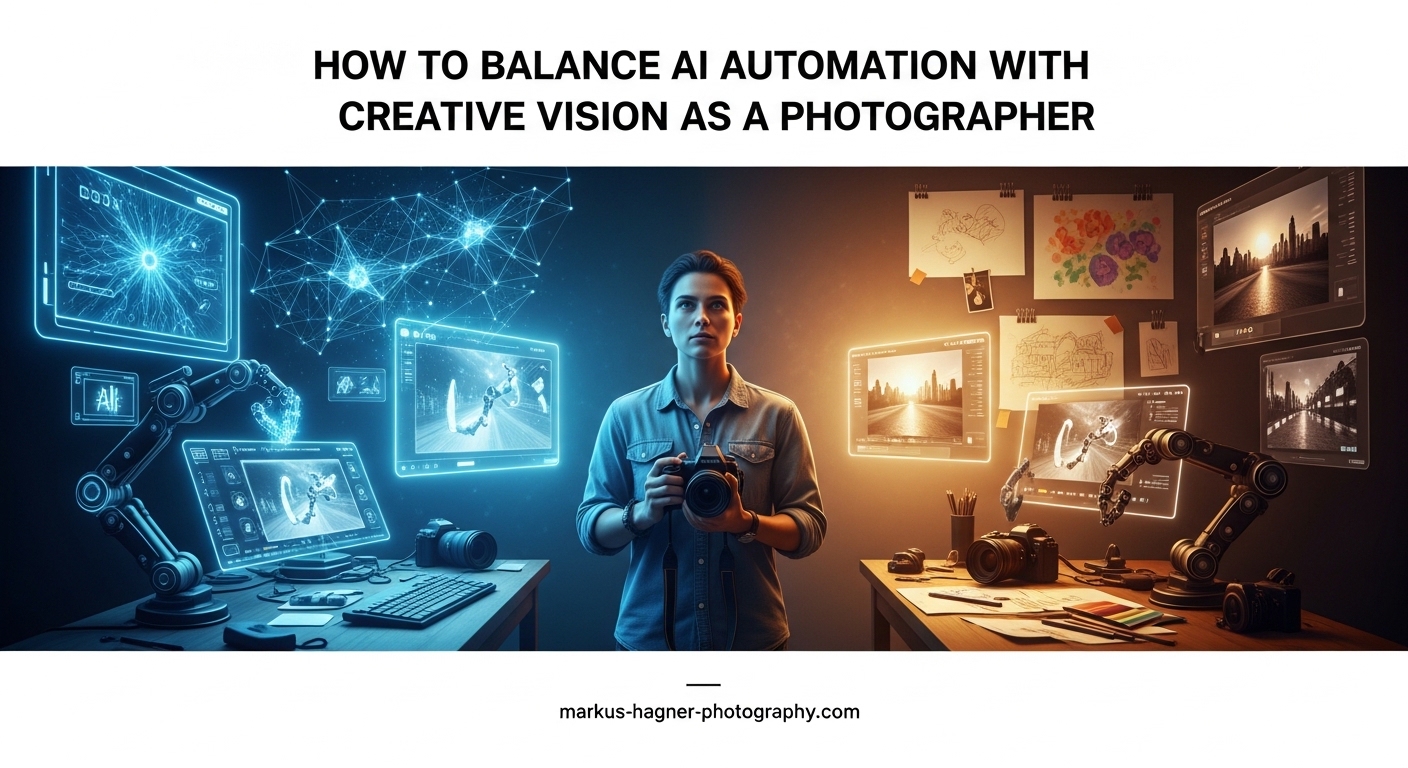
As a photographer in 2026, you face a choice that previous generations never encountered. AI tools promise to save you hours of work, but at what cost to your artistic voice? The good news is that you do not have to choose between efficiency and creativity. You can have both.
Professional photographers who have embraced AI automation report saving over 750 hours annually on tasks like culling and editing. That is time reclaimed for client relationships, creative development, and growing your business. The key lies in knowing exactly where to draw the line between what machines handle well and what requires your human touch.
In this guide, I will show you how to balance AI automation with your creative vision as a photographer. You will learn the 30% rule that keeps your artistic voice intact, discover which tasks benefit most from automation, and walk away with a practical framework you can implement this week.
Understanding the Balance: The 30% AI Rule
The 30% rule for AI is a guiding principle that suggests you should automate roughly 30% of your photography workflow while keeping 70% under human creative control. This percentage represents the repetitive, time-consuming tasks that drain your energy without requiring artistic judgment.
Think of it this way: AI excels at pattern recognition and consistency. It can analyze thousands of images to find the sharpest shot from a burst or apply the same color correction across 500 photos. But AI cannot understand why a slightly imperfect expression captures more emotion than a technically perfect one. That understanding comes from you.
This framework connects to the well-known 20-60-20 rule in photography, which suggests that 20% of your shots will be exceptional, 60% will be usable, and 20% will be unusable. AI can help you identify that bottom 20% faster and enhance the middle 60%, but the top 20% still relies on your creative decisions during the shoot itself.
Will photographers get replaced by AI? The short answer is no. AI lacks the human connection, storytelling ability, and artistic intuition that clients hire you for. What AI can do is eliminate the tedious work that keeps you from focusing on those uniquely human skills.
What Tasks Should You Automate with AI?
The best candidates for AI automation share specific characteristics: they are repetitive, rule-based, and do not require subjective artistic judgment. Here are the tasks where AI delivers the most value.
Photo Culling and Image Selection
Culling through thousands of images from a wedding or event can consume 8 to 10 hours of your time. AI culling tools like AfterShoot and Narrative Select analyze focus, exposure, facial expressions, and composition to identify your best shots. These tools learn your preferences over time, getting smarter with each use.
The key is to treat AI recommendations as a starting point, not a final decision. I typically review the AI-selected images and adjust about 15% of them based on emotional moments or compositions the algorithm missed.
Batch Editing and Color Correction
AI editing tools such as Imagen AI and Lightroom’s adaptive presets can apply consistent adjustments across entire galleries. They analyze your past edits to learn your style, then replicate that look on new images automatically.
This works exceptionally well for exposure correction, white balance, and basic color grading. The time savings add up fast: what once took 30 seconds per image now happens in seconds across hundreds of photos.
Background and Object Removal
Photoshop’s generative fill and similar AI tools can remove distracting elements from your images with remarkable precision. What used to require careful cloning and healing now takes a single selection and click.
This is particularly valuable for real estate photographers removing temporary objects, portrait photographers cleaning up backgrounds, and product photographers isolating subjects.
Email and Client Communication
AI writing assistants can draft follow-up emails, gallery delivery messages, and even initial pricing quotes. You provide the key details, and AI generates professional copy that you can quickly review and personalize.
I use this for routine communications like session reminders, delivery notifications, and thank-you messages. The personal touches still come from me, but the structure and basic wording saves meaningful time.
Pricing and Business Tasks
AI can help calculate quotes based on your rates, draft proposals, and even analyze your pricing strategy against market data. Tools like ChatGPT can generate contract templates, business plans, and marketing copy when given the right prompts.
This administrative work rarely requires creative judgment, making it perfect for automation. You still approve everything before it goes out, but the first draft comes together in minutes instead of hours.
Gallery Delivery and Organization
AI-powered gallery platforms can automatically organize images by person, scene type, or quality rating. Facial recognition helps group photos of the same individual across an event, making it easier for clients to find themselves.
Some platforms even suggest which images to feature in your portfolio based on engagement data from past galleries.
What Tasks Require Your Human Creative Vision?
Not everything belongs in the automated category. Certain aspects of photography fundamentally require human judgment, emotion, and artistic direction. These are the tasks that define your brand and set you apart from competitors.
Creative Direction and Concept Development
The ideas behind your shoots come from you. AI cannot understand the emotional story you want to tell or the specific mood you aim to create. When you plan a conceptual portrait session or design the narrative arc of a wedding day, that creative vision is uniquely human.
Clients hire photographers for their perspective, not just their technical skills. Your ability to translate an abstract idea into a visual reality remains your most valuable asset.
Composition and Storytelling Decisions
While AI can identify technically sound compositions, it struggles with intentional rule-breaking. Sometimes the most powerful image defies conventional guidelines: an off-center subject that creates tension, a silhouette that emphasizes emotion over detail, or a motion blur that conveys energy.
Storytelling through sequencing also requires human judgment. How you arrange images in a gallery or album affects the narrative flow. AI can organize chronologically, but it cannot craft emotional arcs.
Client Relationships and Photo Sessions
The experience you create during a shoot matters as much as the final images. Making subjects feel comfortable, directing genuine expressions, and adapting to unexpected moments all require human intuition and social intelligence.
AI cannot notice when a client seems nervous and needs encouragement. It cannot adjust the energy of a session based on reading the room. These interpersonal skills keep clients coming back and referring friends.
Final Review and Approval
Every image that leaves your studio represents your brand. AI can handle the heavy lifting of initial edits and selections, but you should review everything before delivery. This final quality control catches errors and ensures consistency with your artistic vision.
Think of AI as a skilled assistant who does 80% of the work, leaving you to apply the final 20% that makes images truly yours.
Defining and Maintaining Your Unique Style
Your editing style is your signature. While AI can learn to replicate it, the original creative decisions that define that style came from you. The color palette you prefer, the contrast levels you gravitate toward, and the overall mood you create all reflect your artistic sensibilities.
Periodically revisiting and refining your style keeps your work fresh and aligned with your evolving vision. This creative evolution cannot be automated.
A Practical Framework for Balancing AI and Creativity
Understanding the theory is one thing. Implementing it in your workflow requires a systematic approach. Here is a step-by-step framework you can follow.
Step 1: Audit Your Current Workflow
Start by tracking how you spend your time for one full project. Note each task and how long it takes. Most photographers are surprised to discover how much time disappears on administrative and repetitive work.
Categorize tasks into three groups: creative work that energizes you, necessary business tasks, and repetitive work that drains you. The third category is your automation opportunity.
Step 2: Identify Time-Consuming Repetitive Tasks
Look for tasks that follow consistent rules and happen repeatedly. Culling 2,000 images uses the same criteria whether it is a wedding or corporate event. Basic exposure correction applies similar logic across most images.
These pattern-based tasks are ideal for AI because they do not require subjective judgment about emotion or story.
Step 3: Choose AI Tools That Learn Your Style
Not all AI tools are equal. Look for options that learn from your past work rather than applying generic presets. Imagen AI, for example, trains on your editing history to replicate your specific look.
Start with one tool in one area of your workflow. Master it before adding more. Trying to implement multiple AI solutions simultaneously often leads to frustration and abandonment.
Step 4: Always Maintain Final Review Control
Set up your workflow so AI delivers drafts that you approve, not final outputs that skip your review. This keeps you in the creative driver’s seat while still capturing efficiency gains.
Build in review checkpoints: after culling, after initial edits, and before final delivery. Each checkpoint takes a fraction of the time the full task would require.
Step 5: Measure Your Time Savings and ROI
Track how much time you save after implementing AI tools. Compare your hours per project before and after. Most photographers see 30% to 50% reduction in post-processing time.
Calculate the financial impact: if you save 10 hours per project and value your time at $100 per hour, that is $1,000 in reclaimed productivity per project.
AI Tools and Implementation Tips (2026)
The right tools make all the difference. Here are specific recommendations organized by function.
For AI culling, AfterShoot and Narrative Select lead the market. Both learn your selection preferences and can process thousands of images in minutes. AfterShoot works as a standalone application, while Narrative Select integrates with Lightroom.
For AI editing, Imagen AI creates a custom profile based on your past edits. Lightroom’s built-in AI features include adaptive presets and subject masking. Both options preserve your style while accelerating the technical work.
For business automation, ChatGPT handles email drafts, pricing calculations, and proposal writing. Give it specific details about your services and rates, then review and personalize the output.
For advanced editing, Photoshop’s generative fill removes objects, extends backgrounds, and makes complex selections with remarkable accuracy. The AI understands context and generates content that matches your image.
Be transparent with clients about your AI use. Most appreciate knowing that you use technology to deliver faster while maintaining quality control. Position AI as a tool that helps you focus more time on the creative aspects they hired you for.
Ethical Considerations and Responsible AI Use
With great power comes responsibility. AI in photography raises legitimate ethical questions that deserve thoughtful consideration.
Transparency matters. If a client asks whether you use AI, be honest. Explain what tasks you automate and emphasize that you maintain creative control and final approval. Most clients care more about results than methods.
Privacy concerns arise with facial recognition features. Ensure any AI tool that identifies people has proper consent mechanisms. Some clients may not want their images used to train AI models or shared through facial recognition systems.
Authenticity is worth protecting. While AI can enhance images, be thoughtful about how far you go. Heavily manipulated photos may misrepresent reality in ways that damage trust. Know where to draw your own ethical lines.
Avoid over-reliance on AI. The goal is to enhance your capabilities, not replace your judgment. If you find yourself accepting AI outputs without review, it may be time to reassess your workflow balance.
Frequently Asked Questions
What is the 30% rule for AI?
The 30% rule for AI suggests automating roughly 30% of your workflow while keeping 70% under human creative control. This applies to repetitive, time-consuming tasks that do not require artistic judgment, such as photo culling, batch editing, and email communication. The rule helps photographers capture efficiency gains without sacrificing their unique creative voice.
What is the 20-60-20 rule in photography?
The 20-60-20 rule states that in any photo shoot, roughly 20% of images will be exceptional, 60% will be usable, and 20% will be unusable. This framework helps photographers set realistic expectations and guides editing priorities. AI tools can help identify the bottom 20% faster and enhance the middle 60%, but the top 20% relies on creative decisions made during the shoot.
Will photographers get replaced by AI?
No, photographers will not be replaced by AI. While AI excels at repetitive technical tasks, it lacks human creativity, emotional intelligence, and storytelling ability. Clients hire photographers for their unique artistic vision and the experience they create during shoots. AI serves as a tool that enhances photographer capabilities rather than replacing the need for human photographers entirely.
How do I use AI in photography?
Start by identifying repetitive tasks in your workflow such as culling images, batch editing, or drafting client emails. Choose AI tools that learn your style, like Imagen AI for editing or AfterShoot for culling. Implement one tool at a time, always maintain final review control, and measure your time savings. The key is treating AI as an assistant that handles drafts while you approve final outputs.
What should photographers automate with AI?
Photographers should automate tasks that are repetitive, rule-based, and do not require subjective artistic judgment. Top candidates include photo culling and image selection, batch editing and color correction, background and object removal, email and client communication, pricing and business tasks, and gallery delivery organization. Always maintain final review and approval over automated outputs.
Conclusion
Balancing AI automation with your creative vision as a photographer is not about choosing sides. It is about strategic delegation. Let AI handle the 30% of your work that is repetitive and rule-based. Keep the 70% that requires human creativity, emotion, and judgment firmly in your control.
The photographers who thrive in 2026 and beyond will be those who embrace AI as a powerful assistant while never forgetting that their unique artistic voice is irreplaceable. Start small, measure your results, and adjust your approach as you learn what works for your specific workflow.
Your creative vision is your most valuable asset. AI simply gives you more time to focus on it.