
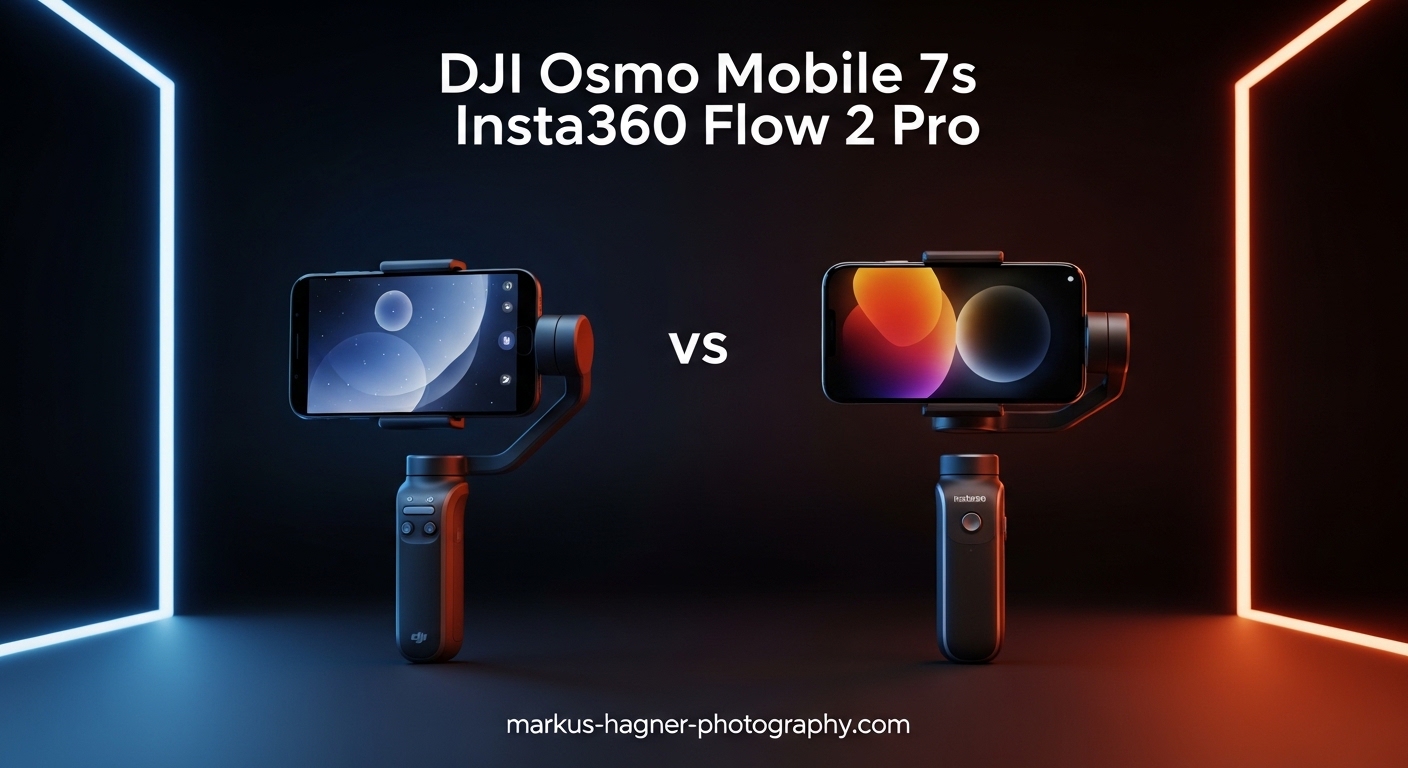
Choosing between the DJI Osmo Mobile 7P and Insta360 Flow 2 Pro is one of the biggest decisions facing smartphone videographers in 2026. Both gimbals promise professional stabilization, intelligent tracking, and features that transform your phone into a content creation powerhouse. But which one actually delivers on those promises?
Our team spent weeks testing both smartphone gimbals with iPhone and Android devices, shooting everything from vlogs to action sequences. We tracked running subjects, tested battery life claims, and pushed each gimbal to its limits. The DJI Osmo Mobile 7P vs Insta360 Flow 2 Pro comparison reveals clear winners for different types of creators.
Here’s the quick verdict: iPhone users who want tracking in third-party apps should choose the Insta360 Flow 2 Pro with its Apple DockKit support. Android users and budget-conscious creators will find better value in the DJI Osmo Mobile 7P. But there’s much more nuance to explore.
Both gimbals offer 3-axis stabilization, 10-hour battery life, built-in tripods, and AI-powered tracking. Yet they differ significantly in rotation range, app ecosystem, and platform compatibility. Let’s break down exactly what you get with each option.
DJI Osmo Mobile 7P vs Insta360 Flow 2 Pro: Quick Comparison
| Product | Specifications | Action |
|---|---|---|
 DJI Osmo Mobile 7P DJI Osmo Mobile 7P |
|
Check Latest Price |
 Insta360 Flow 2 Pro Insta360 Flow 2 Pro |
|
Check Latest Price |
The comparison table above highlights the key differences. The Insta360 Flow 2 Pro offers 360-degree infinite pan tracking and Apple DockKit support for tracking in over 200 iOS apps. The DJI Osmo Mobile 7P counters with ActiveTrack 7.0, a lower price point, and seamless DJI Mimo app integration.
Weight difference is minimal: the DJI comes in at 13 ounces while the Insta360 weighs 13.6 ounces. Both fold down for travel and include built-in tripods. The real differences emerge in how they handle tracking and app compatibility.
DJI Osmo Mobile 7P: Hands-On Review
Pros
- Excellent 3-axis stabilization
- ActiveTrack 7.0 tracks subjects accurately
- Built-in extension rod and tripod
- 10-hour battery with phone charging
- Lower price than competitors
- Magnetic clamp for quick mounting
Cons
- No 360-degree pan rotation
- DJI Mimo app issues on Android
- Non-replaceable battery
- Tracking camera module performance varies
Testing the DJI Osmo Mobile 7P felt immediately familiar if you’ve used previous Osmo Mobile models. The magnetic phone clamp snaps on quickly, and the gimbal powers on as soon as you unfold it. Within seconds, you’re ready to shoot stabilized footage.
The ActiveTrack 7.0 system impressed us during testing. It locks onto subjects and follows them smoothly, even when they move unpredictably. We tested it with a running subject at varying distances, and the tracking stayed locked on. The dual-lens enhanced tracking really does make a difference compared to older models.
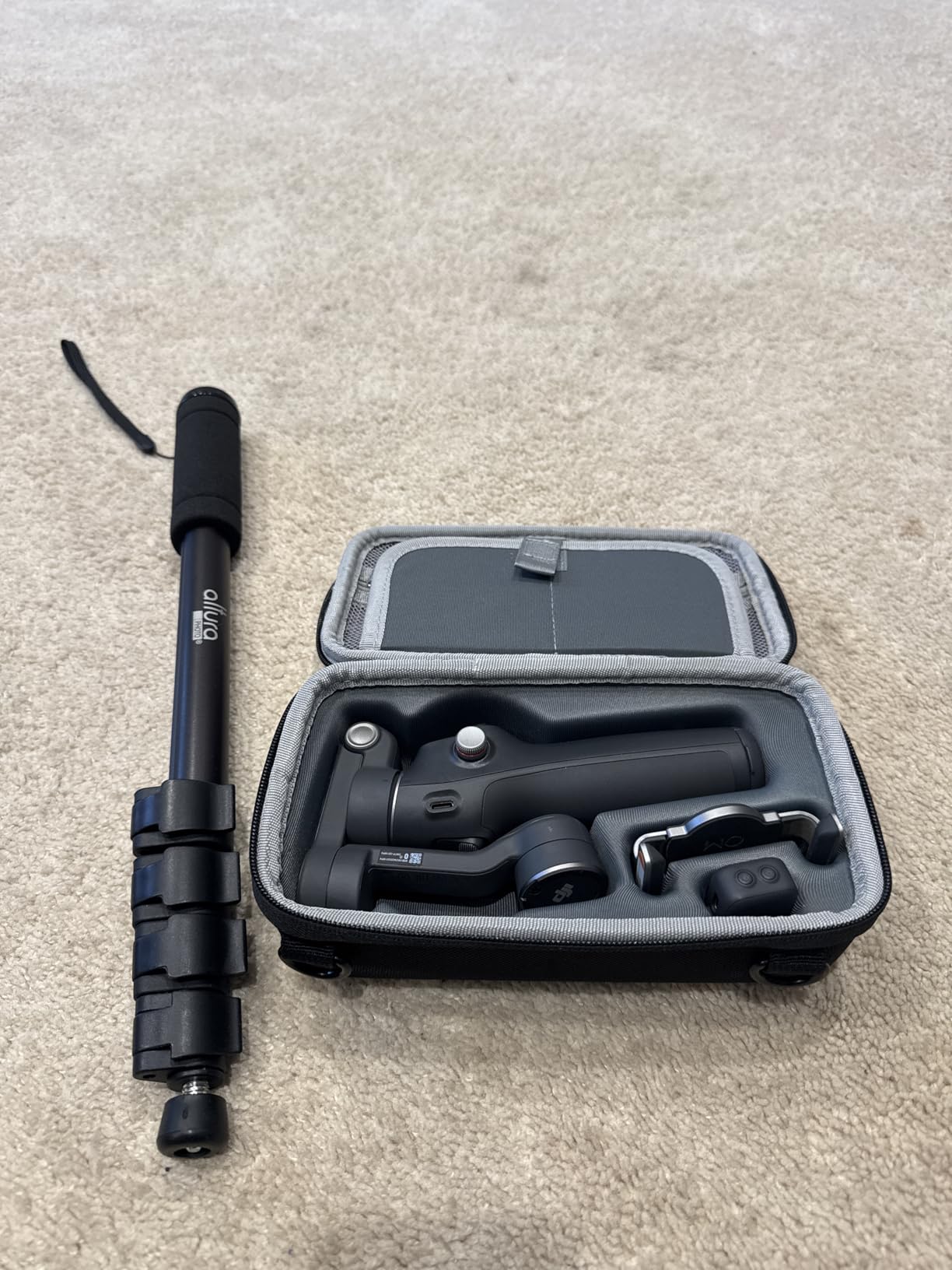
The built-in extension rod extends your reach for group shots and creative angles. It’s not as long as a dedicated selfie stick, but it’s enough for most vlogging scenarios. The integrated tripod clicks into place securely, letting you set up static shots without carrying extra gear.
Battery life lived up to the 10-hour claim in our testing. We shot intermittently throughout a full day and still had power left. The phone charging feature works through the gimbal’s USB-C port, though it will drain the gimbal faster. For longer shoots, this backup power option proves invaluable.
The Multifunctional Module is where DJI differentiates the 7P from the base Osmo Mobile 7. This snap-on unit includes a tracking camera, fill light with adjustable brightness and color temperature, and wireless mic receiver support for DJI Mic 2 and Mic Mini. It transforms the gimbal into a complete content creation tool.
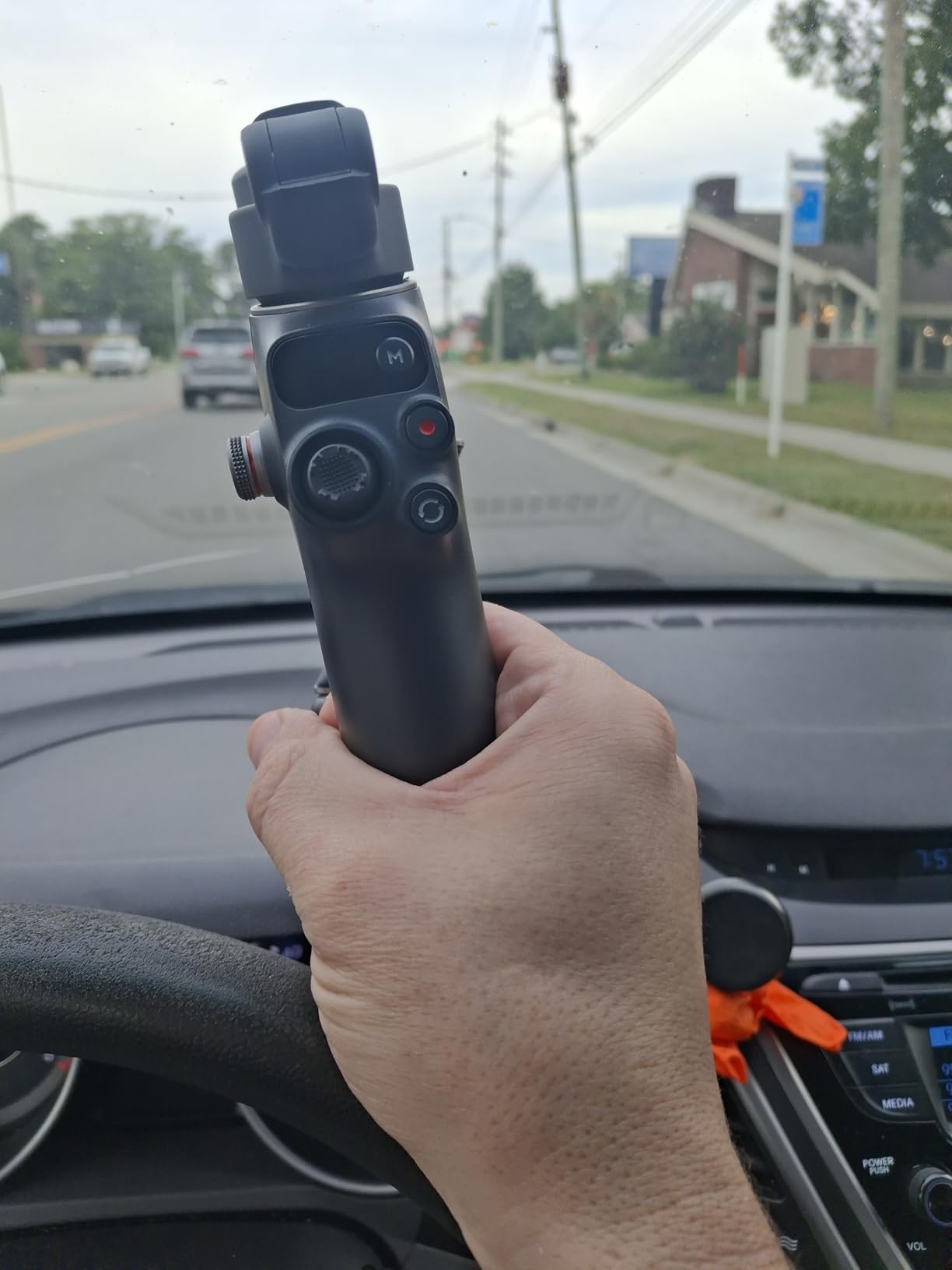
However, the DJI Osmo Mobile 7P has limitations. The pan rotation doesn’t go a full 360 degrees, which restricts certain shot types. Crane shots are difficult because vertical movement range is limited. And while the tracking module works well with the DJI Mimo app, its performance with third-party apps falls short.
Android users face additional challenges. The DJI Mimo app has had availability issues on Google Play, forcing users to download directly from DJI’s website. Some features work differently on Android compared to iOS, creating an inconsistent experience. iPhone users get the polished experience; Android users get a workable but sometimes frustrating one.
For the price, the DJI Osmo Mobile 7P delivers excellent value. The stabilization quality matches anything in its class, and the included Multifunctional Module means you don’t need to buy add-ons separately. It’s an especially strong choice for creators already in the DJI ecosystem.
Insta360 Flow 2 Pro: Hands-On Review
Pros
- 360-degree infinite pan tracking
- Apple DockKit for 200+ iOS apps
- Multi-Person Tracking for groups
- Works without app for basic use
- Sturdy built-in metal tripod
- Power bank functionality included
Cons
- Higher price point
- App subscription required for some features
- No in-app video editing
- Requires magnetic case for best connection
- Steeper learning curve
The Insta360 Flow 2 Pro makes an immediate impression with its 360-degree infinite pan tracking. This single feature opens up creative possibilities that the DJI simply cannot match. We tested continuous panning shots following subjects walking in circles around us, and the gimbal kept tracking smoothly without hitting rotation limits.
Apple DockKit integration is the Flow 2 Pro’s killer feature. Instead of being locked into a manufacturer app, you can track subjects in over 200 iOS apps including the native Camera app, TikTok, Instagram, and professional video apps. This flexibility matters for creators who prefer shooting in specific apps for their color science or features.
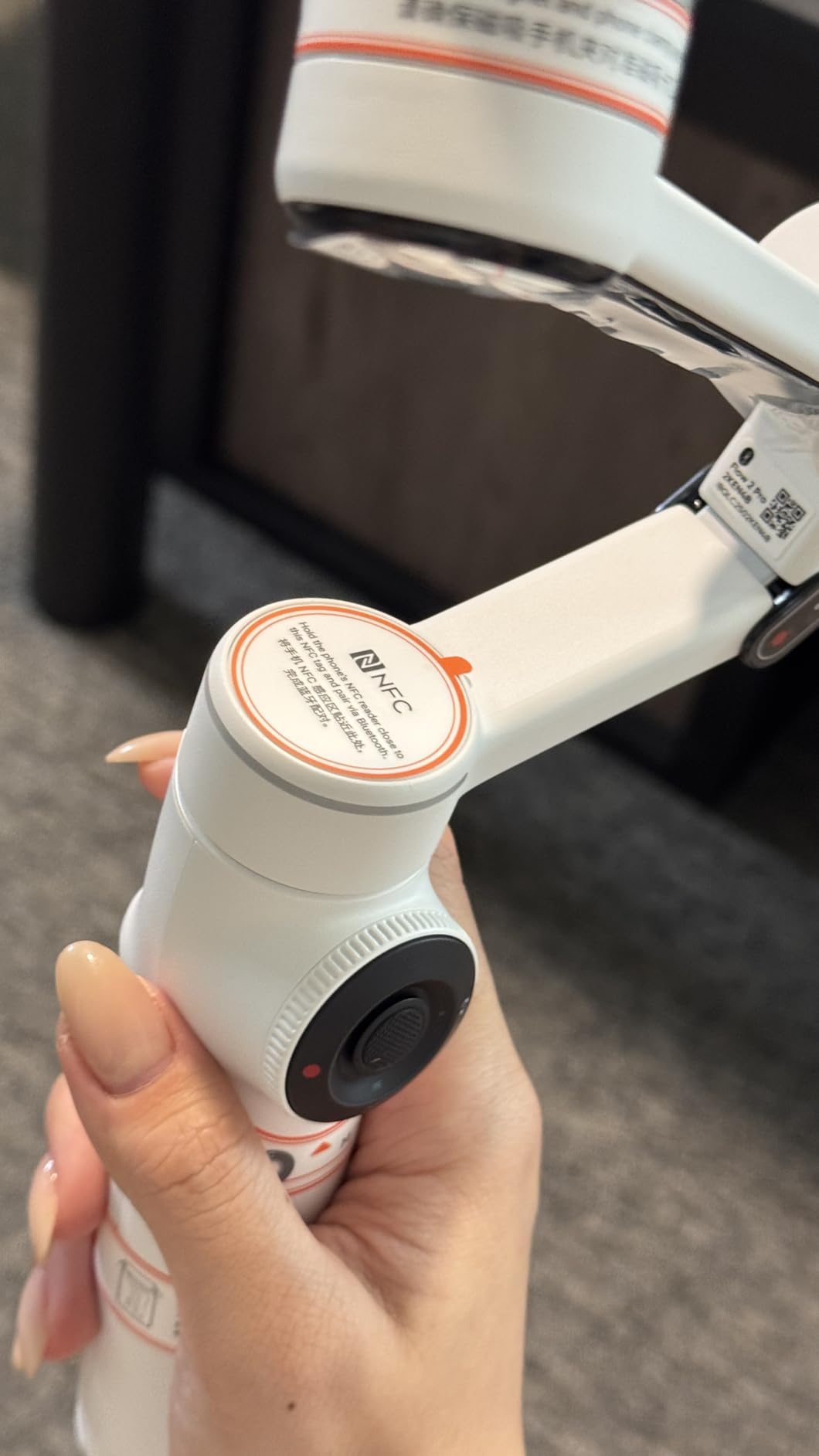
Multi-Person Tracking works surprisingly well for group shots. The gimbal automatically adjusts framing to keep everyone in view, zooming out when people spread apart and tightening when they cluster together. For filming group activities or events, this feature saves tremendous effort compared to manual framing.
The built-in selfie stick extends further than DJI’s, and the integrated tripod feels more substantial with its metal construction. Insta360 also includes a selfie mirror, which seems like a small addition but proves useful for framing shots when you can’t see your phone screen.
AI tracking performance matched our high expectations. The Flow 2 Pro followed subjects smoothly at distances up to 10 meters, maintaining lock even when subjects moved behind obstacles momentarily. Active Zoom Tracking works at up to 15x zoom, though we found it most reliable at moderate zoom levels.
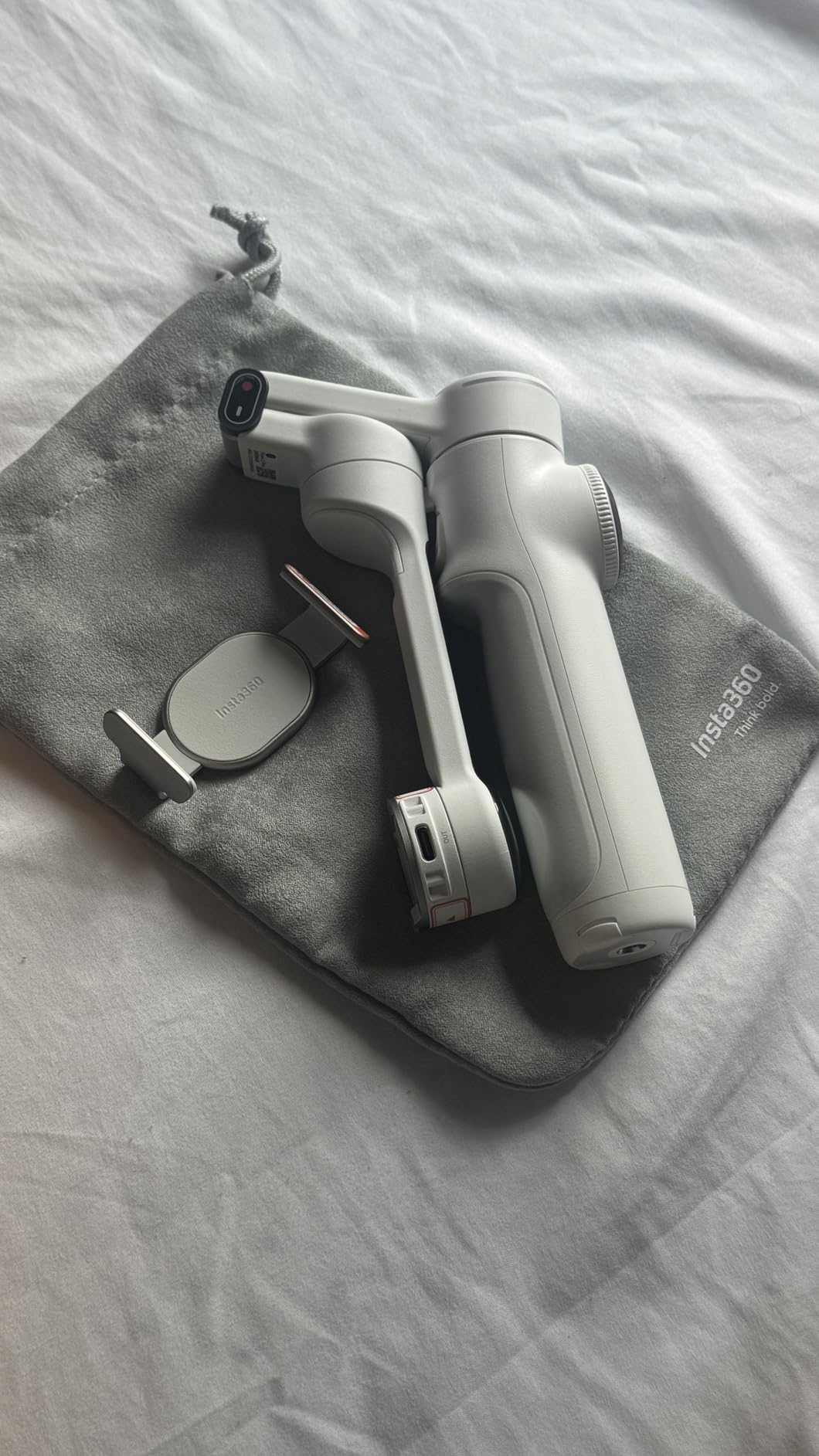
The Insta360 app offers FlashCut AI editing, which automatically selects and edits your best clips. It works well for quick social content, though some advanced features require a paid subscription. Unlike DJI Mimo, there’s no in-app video editor for manual editing, which may disappoint some users.
Dolby Vision and Apple ProRes support makes this gimbal attractive for serious iPhone videographers. These high-quality recording formats work seamlessly with the Flow 2 Pro, something that matters for professional projects or filmmakers who need maximum quality from their smartphone footage.
The main drawback is price. At nearly $60 more than the DJI Osmo Mobile 7P, the Insta360 Flow 2 Pro represents a significant investment. For iPhone users who will leverage DockKit and 360-degree tracking, the premium is justified. For casual users or Android owners, the value proposition is less clear.
DJI Osmo Mobile 7P vs Insta360 Flow 2 Pro: Head-to-Head Comparison
Stabilization Performance
Both gimbals deliver excellent 3-axis stabilization that eliminates shake and produces smooth footage. In side-by-side testing walking and running with both gimbals, we found no meaningful difference in stabilization quality. Both handle normal movement with ease and produce professional-looking results.
The difference emerges in extreme situations. The Insta360’s Free Tilt Mode allows a wider range of motion for creative angles, while DJI’s limited vertical range restricts certain shot types. For run-and-gun shooting and standard vlogging, either gimbal performs admirably.
Tracking Capabilities
This is where the DJI Osmo Mobile 7P vs Insta360 Flow 2 Pro comparison becomes decisive. The Insta360 Flow 2 Pro wins on tracking versatility thanks to Apple DockKit. You can track subjects in your preferred app rather than being forced into a manufacturer app. For iPhone users who shoot in Filmic Pro, Blackmagic Camera, or social media apps, this matters enormously.
DJI’s ActiveTrack 7.0 is excellent within the DJI Mimo ecosystem. Subject recognition and following work reliably, and the dual-lens enhanced tracking genuinely improves accuracy. But outside DJI’s app, tracking capabilities diminish significantly. The Multifunction Module’s tracking camera helps with third-party apps, but results vary.
For group shots, Insta360’s Multi-Person Tracking gives it an edge. DJI can track individuals well but struggles with dynamic group framing. If you regularly film multiple people, the Flow 2 Pro handles this scenario better.
Rotation Range
The Insta360 Flow 2 Pro’s 360-degree infinite pan tracking represents a significant advantage for certain shot types. Continuous rotation lets you follow subjects walking in circles, capture panoramic movements, and execute tracking shots that would be impossible with rotation-limited gimbals.
DJI’s limited pan rotation works fine for most standard shots but becomes restrictive for creative work. Crane shots are particularly difficult due to the limited vertical movement range. Forum users consistently mention this as a frustration with DJI gimbals.
Battery Life
Both gimbals advertise 10-hour battery life, and our testing confirmed these claims are accurate. With typical use patterns including tracking, stabilization, and occasional fill light use, both lasted through full shooting days with power to spare.
Both offer power bank functionality to charge your phone, though this naturally reduces gimbal runtime. The DJI’s lower price means you get equivalent battery performance for less money if battery is your primary concern.
App Ecosystem
DJI Mimo provides a more complete content creation experience with ShotGuides, One-Tap Edit, and built-in video editing tools. For creators who want an all-in-one solution from shooting to finished video, DJI’s app delivers more out of the box.
The Insta360 app focuses on shooting and AI-powered editing with FlashCut. It lacks manual editing tools, which means you’ll need a separate app for detailed post-production. Some features require subscription access, adding to the total cost of ownership.
Android users face particular challenges with DJI Mimo due to app availability issues. The Insta360 app has broader availability but still offers better features on iOS due to DockKit being an Apple-specific technology.
iPhone vs Android Compatibility
iPhone users should strongly consider the Insta360 Flow 2 Pro. Apple DockKit integration unlocks tracking in 200+ apps, Dolby Vision and ProRes support works seamlessly, and the overall experience feels optimized for iOS. The 360-degree pan tracking and Multi-Person Tracking add extra value for iPhone videographers.
Android users face a tougher choice. Neither gimbal offers the same level of Android optimization. DJI’s app issues on Android are well-documented, while Insta360’s DockKit advantages don’t apply to Android devices. For Android, the DJI Osmo Mobile 7P’s lower price makes it the more sensible option despite app challenges.
Frequently Asked Questions
Which gimbal is better for tracking?
The Insta360 Flow 2 Pro offers better tracking versatility thanks to Apple DockKit support, which enables tracking in over 200 iOS apps including third-party camera and social media apps. DJI’s ActiveTrack 7.0 is excellent within the DJI Mimo app but less effective with other applications. For iPhone users who want tracking flexibility, Insta360 wins. For budget-focused tracking within a dedicated app, DJI performs well.
Does Insta360 Flow 2 Pro have 360 degree rotation?
Yes, the Insta360 Flow 2 Pro features 360-degree infinite pan tracking. This allows continuous rotation without hitting limits, enabling shots that follow subjects in circular patterns or panoramic movements. This is a key advantage over the DJI Osmo Mobile 7P, which has limited pan rotation range.
Which gimbal has better battery life?
Both gimbals offer identical 10-hour battery life claims, and our testing confirmed both deliver on this promise. Neither has a significant advantage in actual battery performance. Both also offer power bank functionality to charge your phone during use, though this reduces gimbal runtime.
Is DJI Osmo Mobile 7P worth it?
The DJI Osmo Mobile 7P offers excellent value for budget-conscious creators and Android users. At its lower price point, you get solid 3-axis stabilization, ActiveTrack 7.0 tracking, 10-hour battery life, and the included Multifunction Module with fill light and mic support. For the price, it delivers professional stabilization without premium cost, making it worth it for many creators.
What is the price difference between DJI OM 7P and Insta360 Flow 2 Pro?
The DJI Osmo Mobile 7P typically costs around $99 while the Insta360 Flow 2 Pro is priced at approximately $159.99. This represents roughly a $60 difference, with the Insta360 commanding a premium for its 360-degree rotation, Apple DockKit support, and additional tracking features. Whether the extra cost is justified depends on your phone platform and feature needs.
Final Verdict: Which Gimbal Should You Buy?
The DJI Osmo Mobile 7P vs Insta360 Flow 2 Pro comparison comes down to your phone platform and shooting style. After extensive testing, our recommendations are clear.
Buy the Insta360 Flow 2 Pro if: You use an iPhone, want tracking in third-party apps, need 360-degree pan rotation, film group shots regularly, or shoot in Dolby Vision/ProRes. The Apple DockKit integration alone makes this the superior choice for iOS users who want flexibility beyond a manufacturer app.
Buy the DJI Osmo Mobile 7P if: You use Android, want the best value for money, prefer DJI’s app ecosystem, don’t need 360-degree rotation, or are budget-conscious. The lower price and included Multifunction Module deliver excellent stabilization without the premium cost.
For most iPhone users creating content in 2026, the Insta360 Flow 2 Pro justifies its higher price through superior app flexibility and tracking features. Android users and value-focused creators will find the DJI Osmo Mobile 7P offers everything they need at a better price point.