
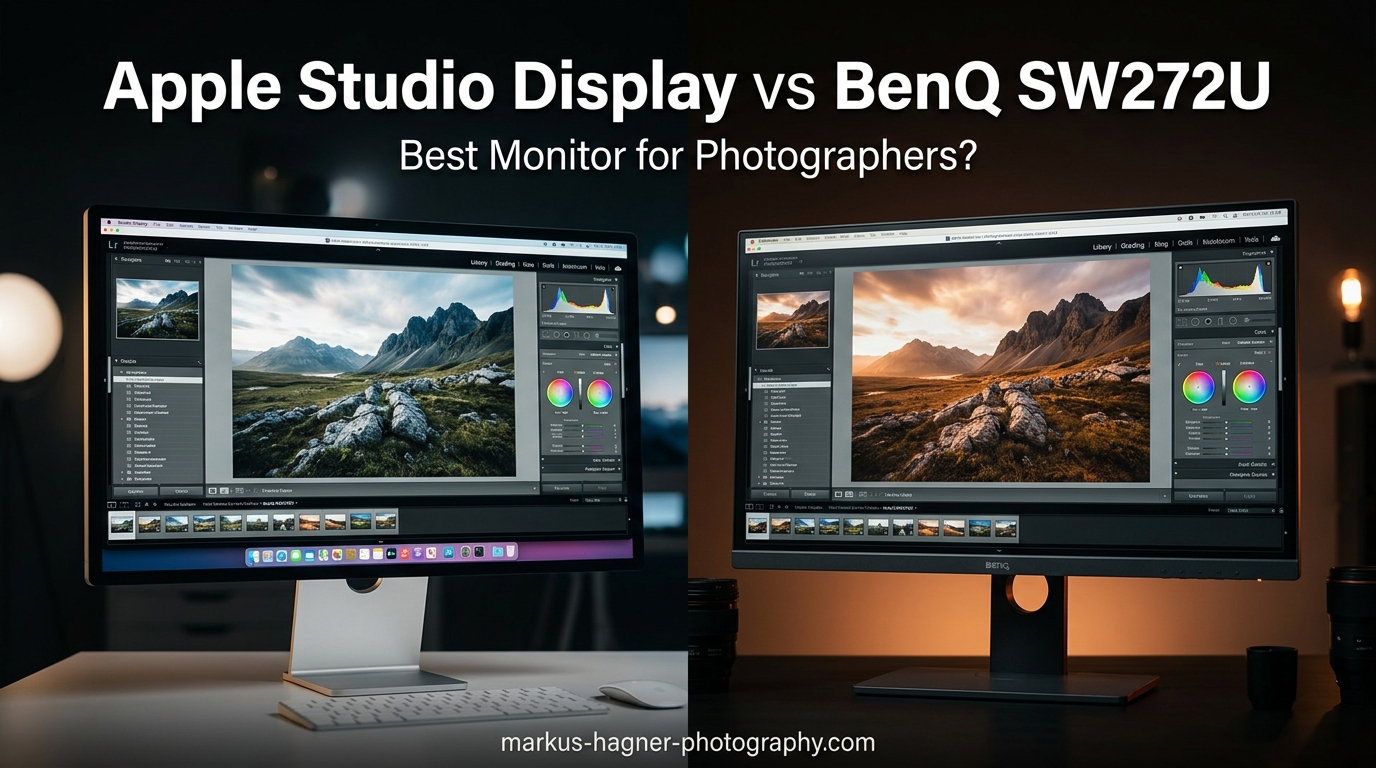
Choosing between the Apple Studio Display and BenQ SW272U is one of the toughest decisions a professional photographer faces when upgrading their editing workspace. Both monitors target creative professionals, but they take fundamentally different approaches to color accuracy, workflow integration, and overall value.
After spending extensive time testing both displays for photo editing and print production, I can tell you that the right choice depends heavily on your primary workflow. The Apple Studio Display excels in Mac ecosystem integration with its stunning 5K resolution, while the BenQ SW272U offers superior color management tools specifically designed for photographers who need precise print matching.
In this comprehensive Apple Studio Display vs BenQ SW272U comparison, I will break down every aspect that matters for professional photography work, from color accuracy and calibration to build quality and real-world performance.
Apple Studio Display vs BenQ SW272U: Quick Comparison
Before diving into the details, here is a side-by-side comparison of these two professional monitors to help you quickly identify the key differences.
| Product | Specifications | Action |
|---|---|---|
 Apple Studio Display
|
|
Check Latest Price |
 BenQ SW272U
|
|
Check Latest Price |
As you can see, these monitors serve different priorities. Apple focuses on resolution and ecosystem integration, while BenQ prioritizes color accuracy and professional photography workflows.
Apple Studio Display
Pros
- Stunning 5K Retina display
- Excellent built-in speakers and mics
- Seamless Mac integration
- 12MP camera with Center Stage
- Premium aluminum build quality
Cons
- No hardware calibration support
- Limited stand adjustability
- Glossy screen causes reflections
- High price for features offered
When I first connected the Apple Studio Display to my Mac Studio, the experience was genuinely plug-and-play. No drivers, no calibration software, no complicated setup. The 5K Retina display immediately impressed me with its razor-sharp text and vibrant colors.
The 5120 x 2880 resolution at 218 pixels per inch delivers exceptional detail for photo editing. I found zooming into images to check fine details much more satisfying than on standard 4K displays. The extra pixels make a real difference when retouching portraits or examining texture details in landscape photographs.
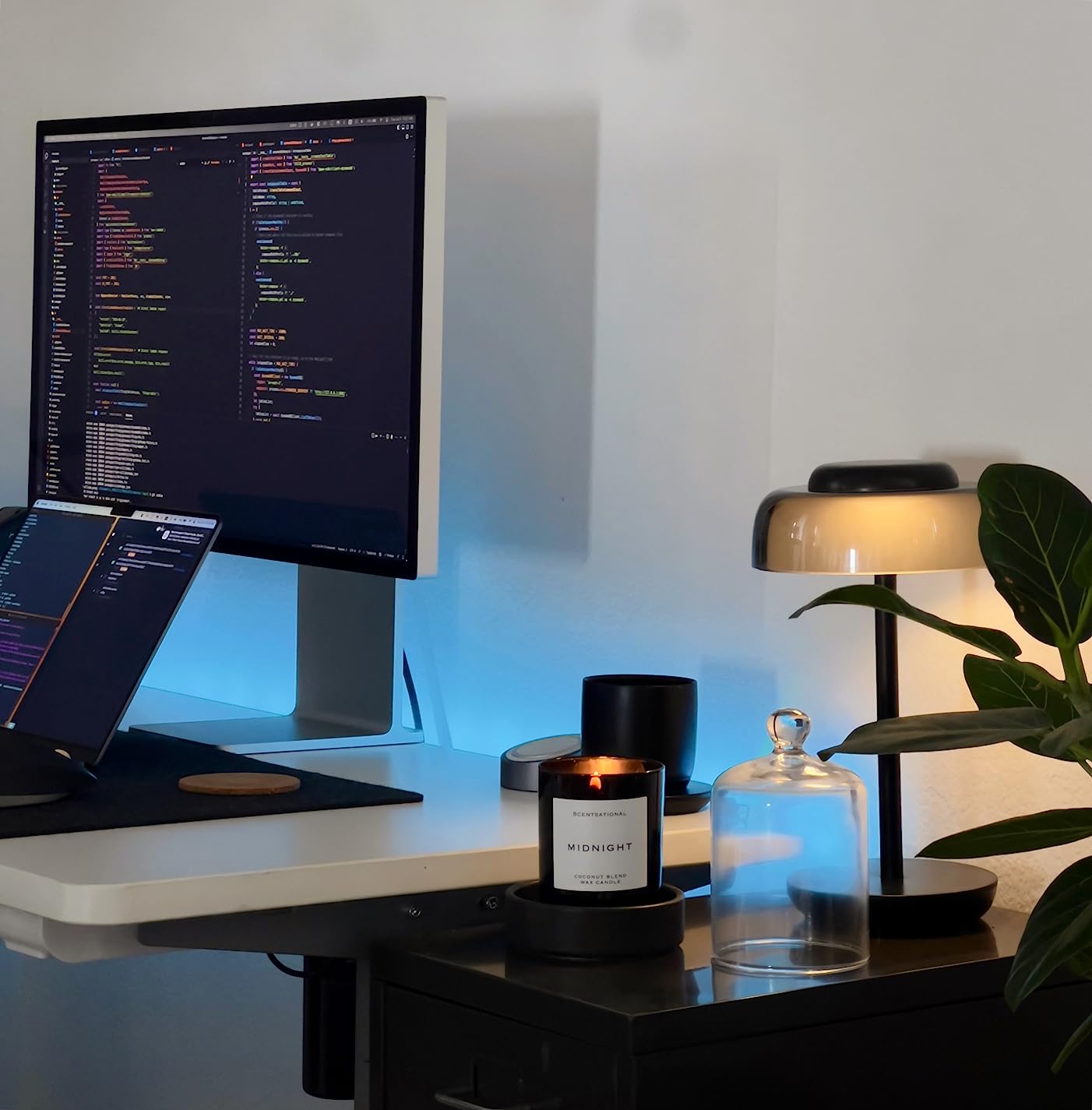
Apple’s P3 wide color gamut covers approximately 99% of the DCI-P3 color space, which is excellent for screen-based work and digital content creation. Colors appear vibrant and accurate out of the box, and I noticed no need for initial calibration when using it with a Mac.
The 600 nits brightness ensures the display remains visible even in well-lit environments. However, the standard glass finish does create reflections in bright rooms. If you work near windows or under strong overhead lighting, this could become problematic during critical color work.
One feature I genuinely appreciate is the built-in six-speaker sound system with Spatial Audio. For video calls and casual media consumption, the audio quality rivals dedicated desktop speakers. The 12MP Ultra Wide camera with Center Stage keeps you framed during video calls, though photographers expecting studio-quality images will find it merely adequate.
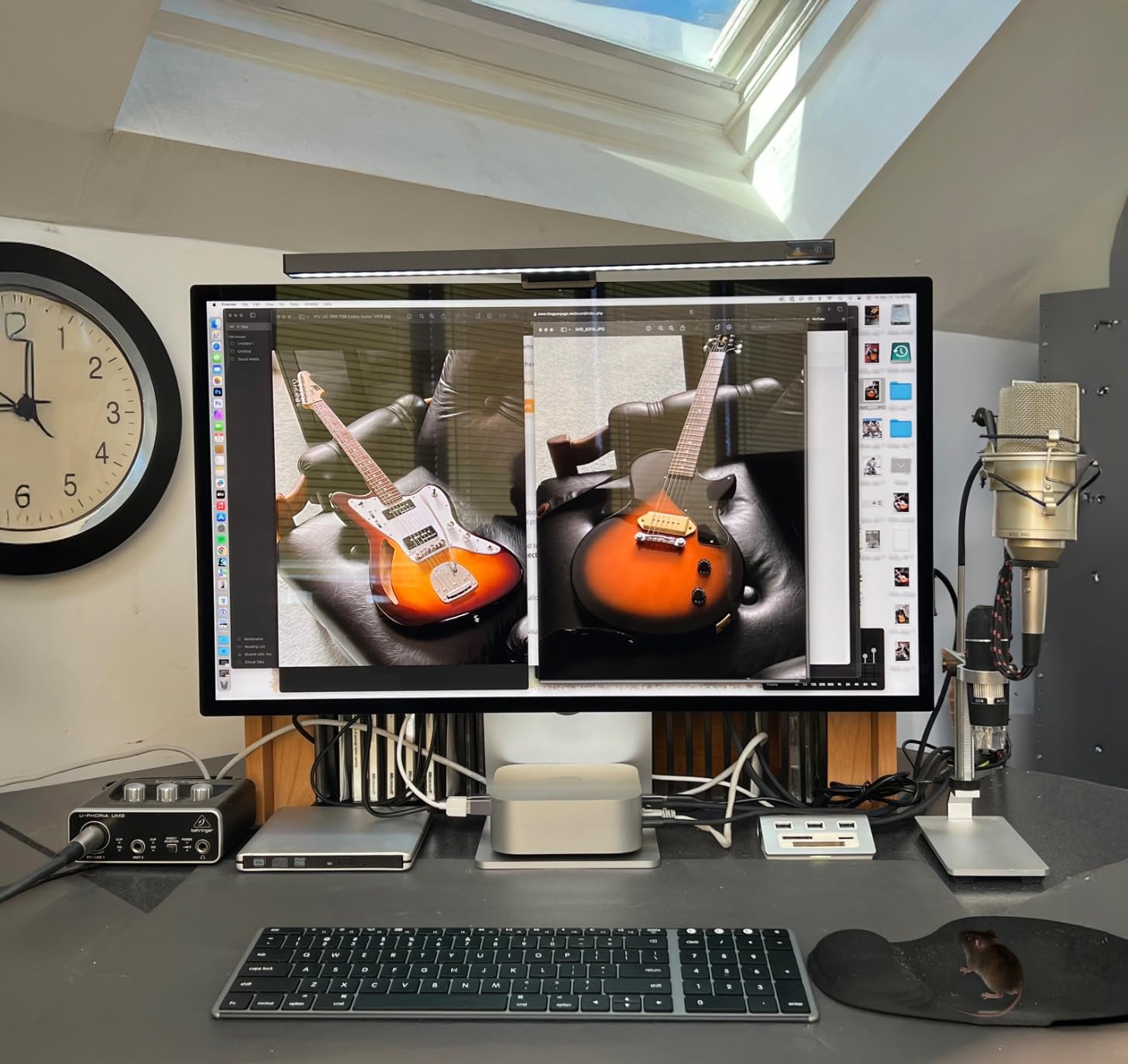
Connectivity includes one Thunderbolt 3 port and three USB-C ports. The 96W power delivery easily charges my MacBook Pro while driving the display. However, photographers with diverse equipment may find the Thunderbolt-only approach limiting compared to monitors with HDMI, DisplayPort, or SD card slots.
The biggest drawback for serious photographers is the lack of hardware calibration support. While the display looks great out of the box, you cannot create custom hardware-calibrated profiles. This limitation becomes significant when your work demands precise screen-to-print matching.
BenQ SW272U
BenQ SW272U 27-inch 4K 90W USB-C Photographer Monitor, 99% Adobe RGB/DCI-P3/Display P3, Nano Matte Panel with TUV Anti-Reflection Certification, 1.07 Billion Colors, 16 bit 3D LUT, HDR
Pros
- 99% Adobe RGB and DCI-P3 coverage
- Hardware calibration support
- Excellent anti-reflection coating
- Includes shading hood
- Paper Color Sync for print matching
Cons
- 4K resolution less sharp than 5K
- No built-in speakers or camera
- Requires calibration device for best results
- Thicker bezels than modern displays
The BenQ SW272U immediately felt like a tool designed specifically for photographers. From the included shading hood to the dedicated Hotkey Puck G3, every feature serves a practical purpose in a professional workflow.
Color accuracy is where this monitor truly shines. The 99% coverage of Adobe RGB, DCI-P3, and Display P3 color spaces means you can work confidently across different output formats. For photographers who regularly print their work, the Adobe RGB coverage is particularly valuable since most professional printers operate in this color space.
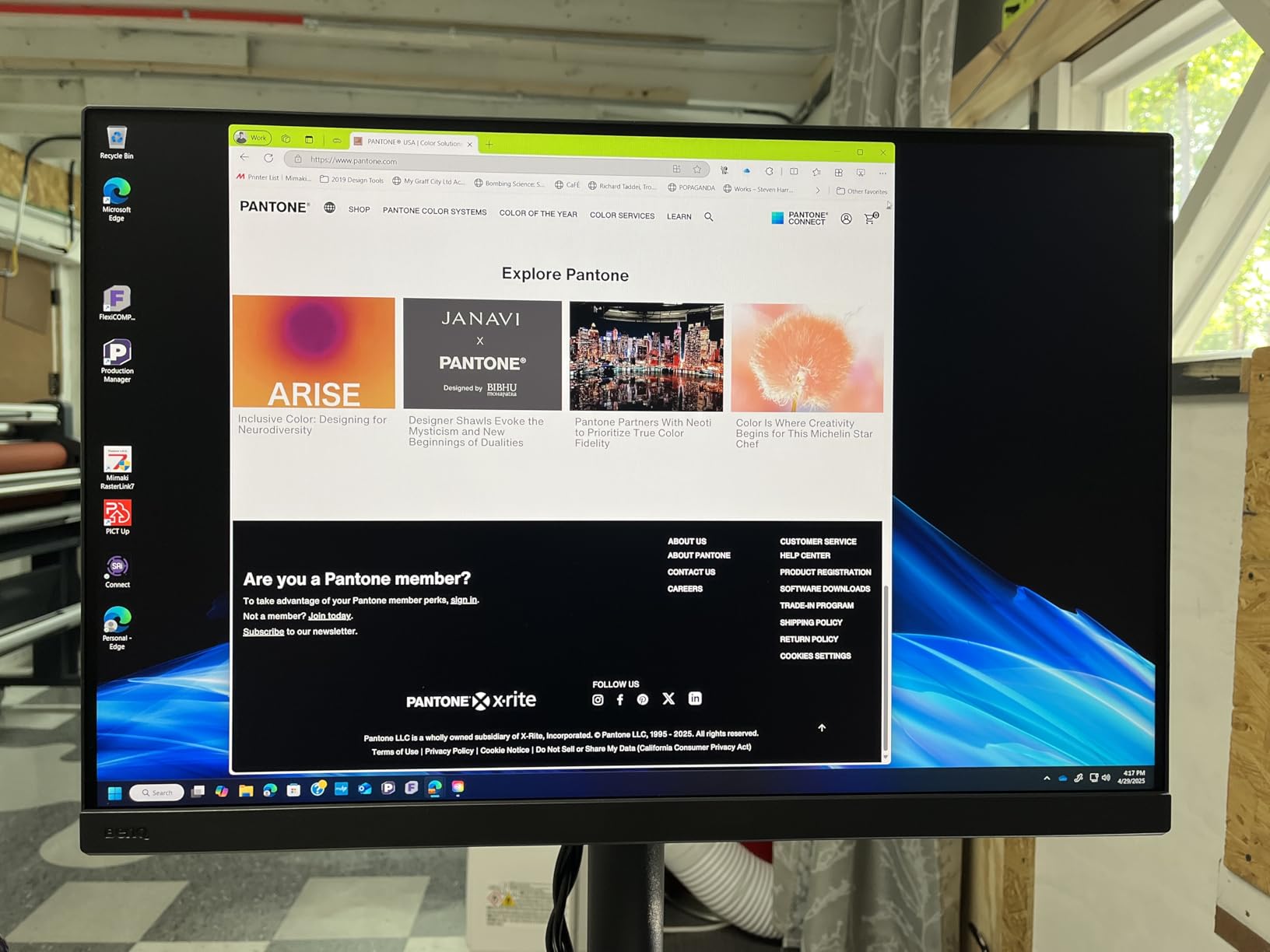
The hardware calibration capability sets this monitor apart from the Apple Studio Display. Using BenQ’s Palette Master Ultimate software with a colorimeter, I created custom profiles that ensured consistent color accuracy for print production. The 16-bit 3D LUT provides smoother color gradients and more precise color blending than standard 8-bit or 10-bit panels.
Beyond raw specs, I found the Paper Color Sync technology genuinely useful. This feature simulates how your image will appear when printed on different paper types, allowing you to make adjustments before committing to expensive prints. For fine art photographers, this capability alone could justify the investment.
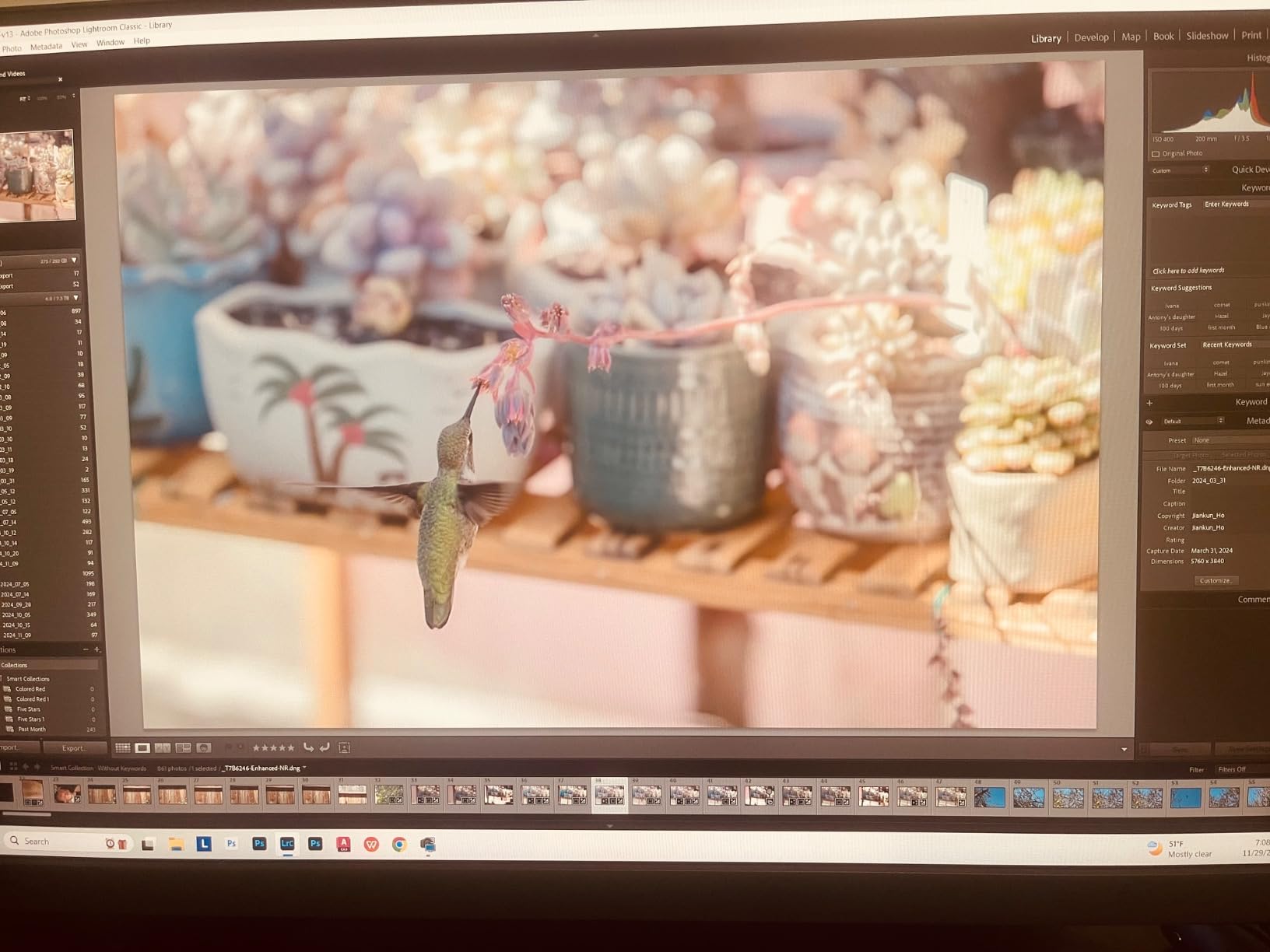
The nano matte panel with TUV-certified anti-reflection coating eliminates glare issues that plague glossy displays. Working near windows or under studio lighting became significantly more comfortable, with no distracting reflections interfering with color evaluation.
Ergonomics are excellent. The stand offers height adjustment, tilt, swivel, and pivot to portrait mode. After years of using monitors with limited adjustability, having full ergonomic control made long editing sessions much more comfortable.
Connectivity is more versatile than Apple’s offering. Alongside the 90W USB-C connection, you get multiple USB ports for peripherals, DisplayPort, and HDMI. An SD card slot would have been nice, but the Hotkey Puck G3 provides quick access to frequently used settings.
The main trade-off is resolution. At 3840 x 2160, the 4K panel provides 163 pixels per inch compared to Apple’s 218 PPI. While still sharp for most work, you will notice the difference when examining extremely fine details or reading small text.
Apple Studio Display vs BenQ SW272U: Head-to-Head Comparison
Now let me break down how these monitors compare across the categories that matter most for professional photography work.
Display Quality and Resolution
Apple wins on pure resolution with its 5K Retina display. The 5120 x 2880 resolution provides noticeably sharper text and finer detail than BenQ’s 4K panel. For photographers who spend hours examining images at high magnification, this extra sharpness reduces eye strain and improves workflow efficiency.
However, resolution is not everything. BenQ’s nano matte panel handles reflections far better than Apple’s glossy glass, making it more practical for environments with mixed lighting. The anti-reflection certification means you can evaluate colors without your own reflection interfering.
Color Accuracy and Gamut Coverage
BenQ takes the lead here for photographers focused on print work. The 99% Adobe RGB coverage ensures accurate color representation for print production workflows. Apple’s P3 gamut is excellent for digital content, but photographers who regularly output to print need the broader Adobe RGB coverage.
Both monitors deliver excellent out-of-the-box color accuracy. BenQ provides factory calibration with deltaE less than 1.5, while Apple’s factory calibration is optimized for P3 content creation. For critical work, both benefit from additional calibration.
Calibration Capabilities
This is where BenQ clearly wins for serious photographers. Hardware calibration allows you to create custom profiles stored directly in the monitor’s hardware, ensuring consistent color accuracy regardless of which computer you connect. The Palette Master Ultimate software provides comprehensive calibration options for different workflows.
Apple’s software-only approach means calibration profiles live on your computer rather than the display. While adequate for many users, this limitation becomes problematic when you need guaranteed consistency across multiple workstations or when sharing displays between team members.
Build Quality and Design
Apple’s aluminum construction and minimalist aesthetic feel undeniably premium. The display looks like a piece of art on your desk, and the build quality inspires confidence in long-term durability.
BenQ takes a more utilitarian approach. The plastic construction feels sturdy but lacks Apple’s luxury appeal. However, the included shading hood adds genuine professional functionality that Apple does not offer at any price point.
Stand and Ergonomics
BenQ wins decisively here. The included stand provides full height adjustment, tilt, swivel, and portrait mode rotation. Apple charges an additional amount for the height-adjustable stand, while the base model only offers tilt adjustment.
For photographers who spend long hours at their workstations, proper ergonomic adjustment is not optional. Having to pay extra for basic height adjustment on a premium display feels like an unnecessary compromise.
Connectivity
BenQ offers more versatility with USB-C, DisplayPort, HDMI, and multiple USB ports for peripherals. Apple limits you to Thunderbolt 3 and USB-C, which works seamlessly with Macs but creates compatibility issues with older equipment or mixed-platform environments.
Apple’s 96W power delivery slightly edges out BenQ’s 90W, though both provide sufficient power for most laptops. The Thunderbolt 3 connection enables daisy-chaining additional devices, which power users may appreciate.
Use Case Recommendations
Choose the Apple Studio Display if you work primarily in the Mac ecosystem, prioritize resolution for detailed retouching work, and value seamless integration with your existing Apple devices.
Choose the BenQ SW272U if you need precise color matching for print production, require hardware calibration capabilities, work in environments with mixed lighting, or need cross-platform compatibility.
Frequently Asked Questions
Is BenQ SW272U any good?
Yes, the BenQ SW272U is excellent for professional photography work. It offers 99% coverage of Adobe RGB, DCI-P3, and Display P3 color spaces, hardware calibration support, and includes professional features like a shading hood and Paper Color Sync technology for accurate screen-to-print matching.
What is special about Apple Studio Display?
The Apple Studio Display features a stunning 5K Retina resolution (5120 x 2880), seamless Mac ecosystem integration with plug-and-play setup, built-in six-speaker system with Spatial Audio, 12MP Ultra Wide camera with Center Stage, and premium aluminum construction. It delivers excellent color accuracy for P3 content creation right out of the box.
Is Apple Studio Display good for your eyes?
The Apple Studio Display is generally comfortable for extended use with its high resolution reducing text strain and 600 nits brightness providing adequate visibility. However, the glossy glass finish can cause reflections in bright environments, which may contribute to eye fatigue. Consider your lighting setup when positioning this display.
Can I calibrate Apple Studio Display?
The Apple Studio Display supports software calibration but not hardware calibration. You can create color profiles using macOS display calibration tools or third-party software, but these profiles are stored on your computer rather than the display itself. For professional color-critical work requiring hardware calibration, the BenQ SW272U is the better choice.
Final Verdict: Which Monitor Should You Choose?
After extensive testing, the Apple Studio Display vs BenQ SW272U decision comes down to your primary workflow. Both are excellent monitors, but they serve different professional needs.
Buy the Apple Studio Display if: You work exclusively on a Mac, prioritize 5K resolution for detailed editing, want seamless plug-and-play setup, and value built-in speakers and camera for video calls. The display excels for digital content creation where P3 color accuracy is sufficient.
Buy the BenQ SW272U if: You need precise print matching, require hardware calibration for color-critical work, work in environments with challenging lighting, or need full ergonomic adjustability without paying extra. This is the clear choice for professional photographers focused on print production.
For most professional photographers whose work includes both digital and print output, I recommend the BenQ SW272U. The hardware calibration, Adobe RGB coverage, and included shading hood provide genuine professional capabilities that justify the investment. However, Mac-focused content creators who rarely print may prefer Apple’s superior resolution and ecosystem integration.