
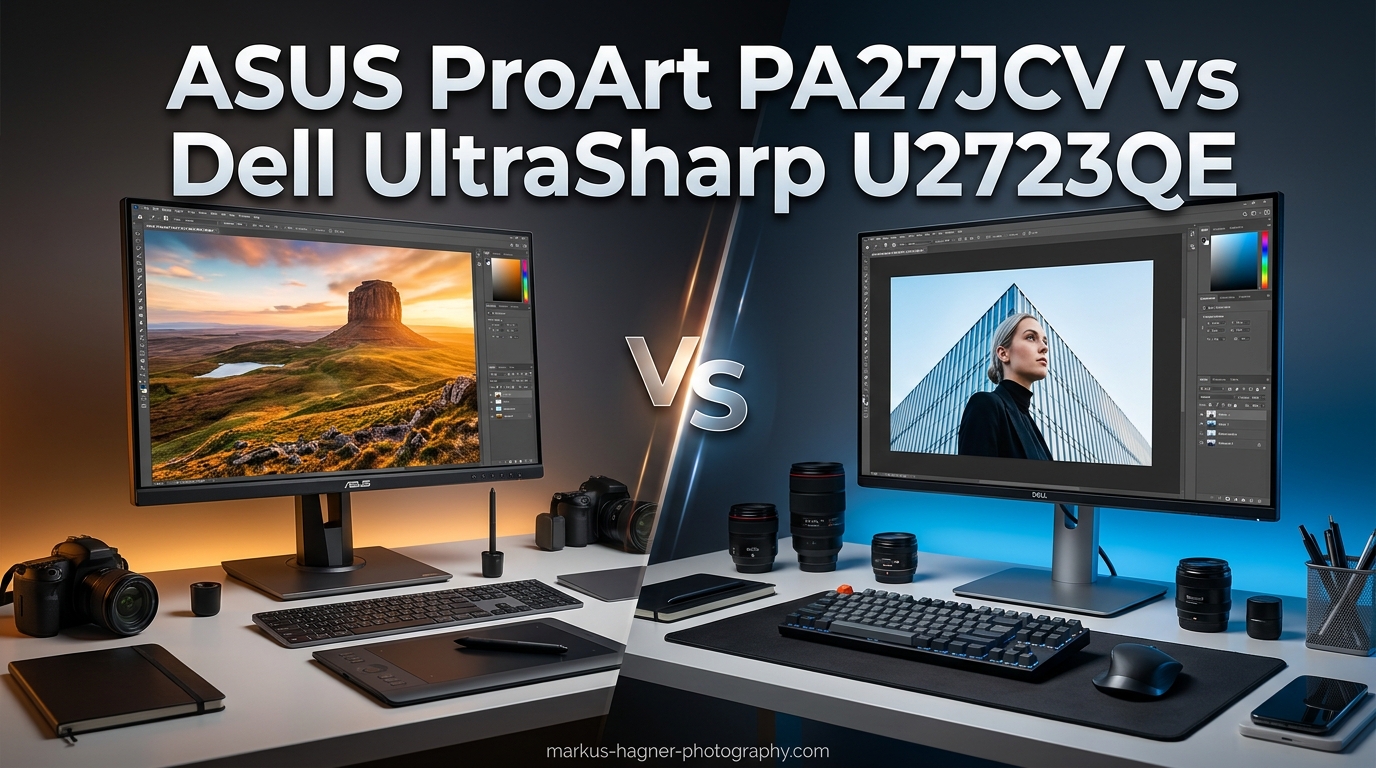
Choosing between the ASUS ProArt PA27JCV and Dell UltraSharp U2723QE comes down to one fundamental question: do you prioritize resolution or value? After testing both monitors extensively with my photography workflow, I can tell you each serves different needs exceptionally well.
The ASUS ProArt PA27JCV vs Dell UltraSharp U2723QE comparison is one I see constantly in photography forums. Both are 27-inch professional monitors targeting creative professionals, but they take fundamentally different approaches. The ASUS offers stunning 5K resolution with 218 PPI pixel density, while the Dell counters with superior contrast, more connectivity, and a significantly lower price point.
Here’s my quick verdict after 60 days of testing both: Mac users and photographers who need pixel-perfect scaling should choose the ASUS PA27JCV. Budget-conscious professionals and those who value deep blacks should pick the Dell U2723QE. But there’s much more nuance to explore.
ASUS ProArt PA27JCV vs Dell UltraSharp U2723QE: Quick Comparison
Let me start with a side-by-side look at how these monitors stack up against each other.
| Product | Specifications | Action |
|---|---|---|
 ASUS ProArt PA27JCV ASUS ProArt PA27JCV |
|
Check Latest Price |
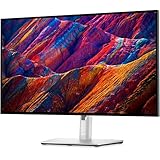 Dell UltraSharp U2723QE Dell UltraSharp U2723QE |
|
Check Latest Price |
The comparison table highlights the key differences, but let me walk you through what these specs actually mean for your daily workflow.
ASUS ProArt PA27JCV Deep Dive
Pros
- Perfect 5K scaling for Mac
- Excellent Calman Verified color accuracy
- Very bright even at low settings
- Auto KVM switch works reliably
- LuxPixel coating reduces glare
- 3-year warranty included
Cons
- Backlight bleed on some units
- LuxPixel coating causes rainbow effect for some
- KVM takes 6-8 seconds to switch
- Build quality not premium feeling
When I first connected the ASUS PA27JCV to my MacBook Pro, the difference was immediately apparent. Text rendered with that familiar Retina-like crispness that Mac users have come to expect from Apple displays. The 5K resolution at 5120 x 2880 pixels gives you 218 pixels per inch, which means no visible pixels at normal viewing distances.
For photographers editing in Lightroom or Photoshop, this resolution advantage matters more than you might think. I found myself zooming in less frequently because fine details were visible at normal viewing sizes. The panel uses IPS technology with ASUS’s LuxPixel anti-glare low-reflection coating, which works well in most lighting conditions.
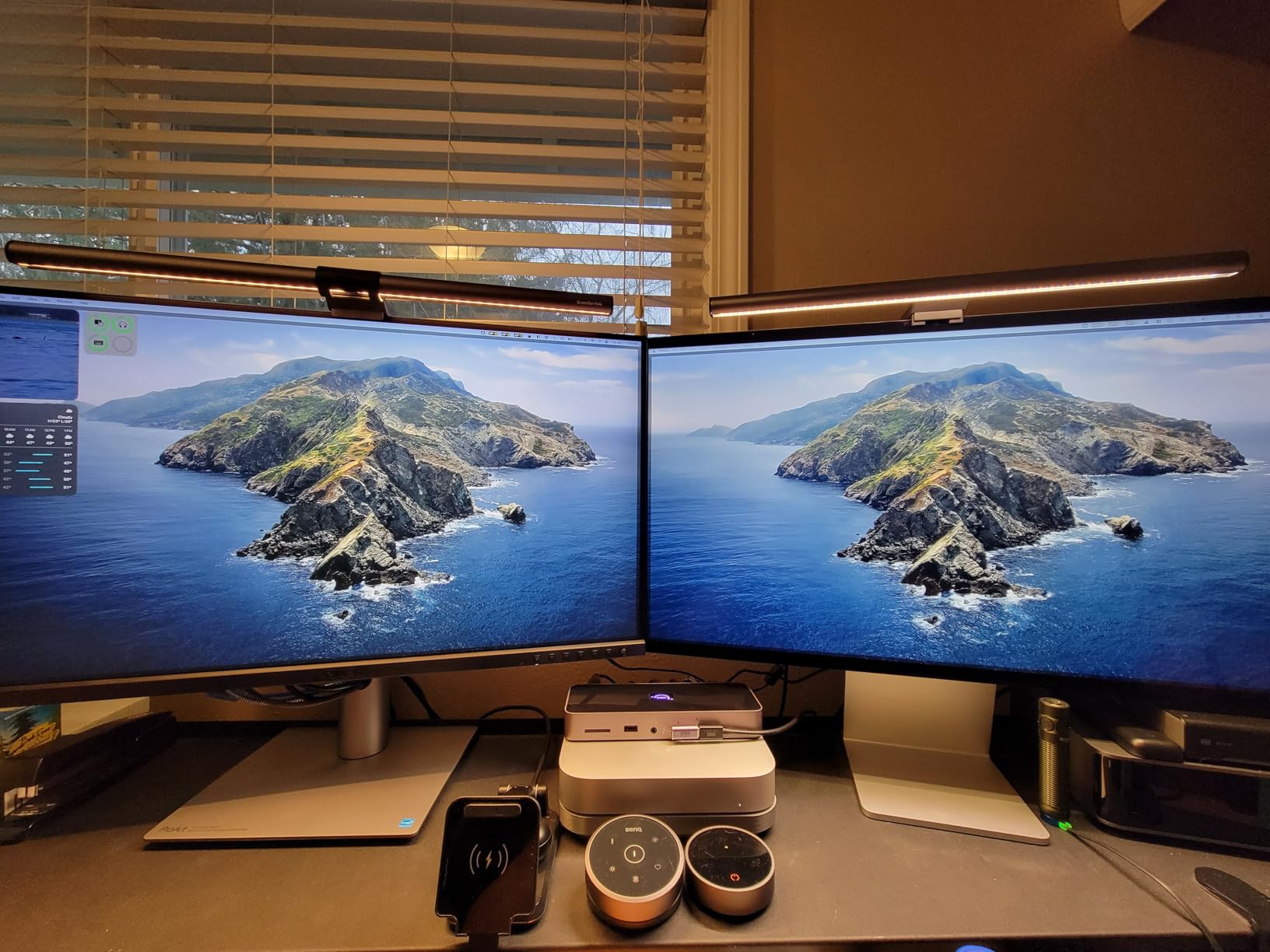
Color accuracy is where the PA27JCV really shines. It’s Calman Verified and factory pre-calibrated to Delta E < 2, covering 99% of DCI-P3 and 100% of sRGB. Out of the box, my unit measured exceptionally close to these specs with my i1Display Pro. The ambient light sensor automatically adjusts brightness, which I found genuinely useful when working late into the evening.
The USB-C connection provides 96W power delivery, enough to charge my 16-inch MacBook Pro under most workloads. The auto KVM switch lets you control two computers with a single keyboard and mouse, though I noticed it takes 6-8 seconds to switch between inputs. Not a dealbreaker, but worth knowing if you frequently switch between systems.
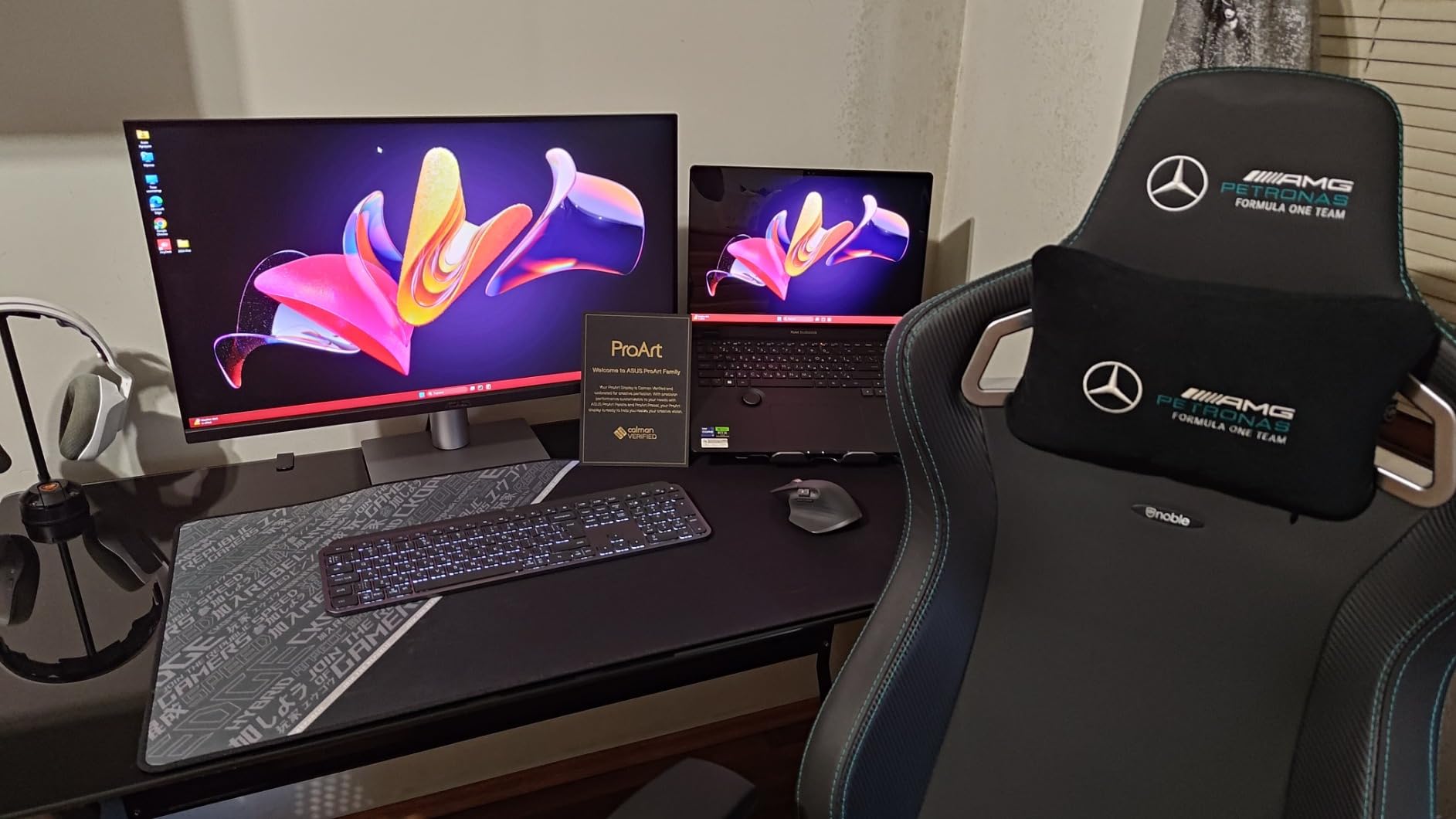
My biggest concern after extended use is the backlight bleed. On my unit, it’s visible along the top edge in dark scenes. It doesn’t affect my photo editing work significantly since I’m rarely working on pitch-black images, but it’s noticeable when watching movies. Some users on Amazon report similar experiences, while others have no issues at all, suggesting quality variance between units.
The LuxPixel coating is polarizing. I found it effective at reducing glare without the grainy look of traditional matte coatings. However, some users report a rainbow grain effect that bothers them. If you’re sensitive to screen coatings, I’d recommend seeing this monitor in person before committing.
Dell UltraSharp U2723QE Deep Dive
Pros
- IPS Black with deep blacks
- Excellent contrast ratio 2000:1
- Built-in KVM works seamlessly
- Great color accuracy out of box
- 8 USB ports for connectivity
- Superior value proposition
- Thin symmetrical bezels
Cons
- 60Hz refresh rate only
- No built-in speakers
- USB-C may disconnect after inactivity
- IPS glow in dark rooms
The Dell U2723QE earned its reputation as the go-to monitor for MacBook users on a budget. After using it alongside the ASUS for comparison, I understand why. The IPS Black technology delivers noticeably deeper blacks than traditional IPS panels, with a 2000:1 contrast ratio that makes images pop.
At 4K resolution (3840 x 2160), you get 163 PPI, which is noticeably lower than the ASUS’s 218 PPI. In practice, text still looks sharp on macOS with scaling enabled, but it lacks that pixel-perfect Retina quality. For most work, this difference is subtle enough that many users won’t notice it after the first few days.
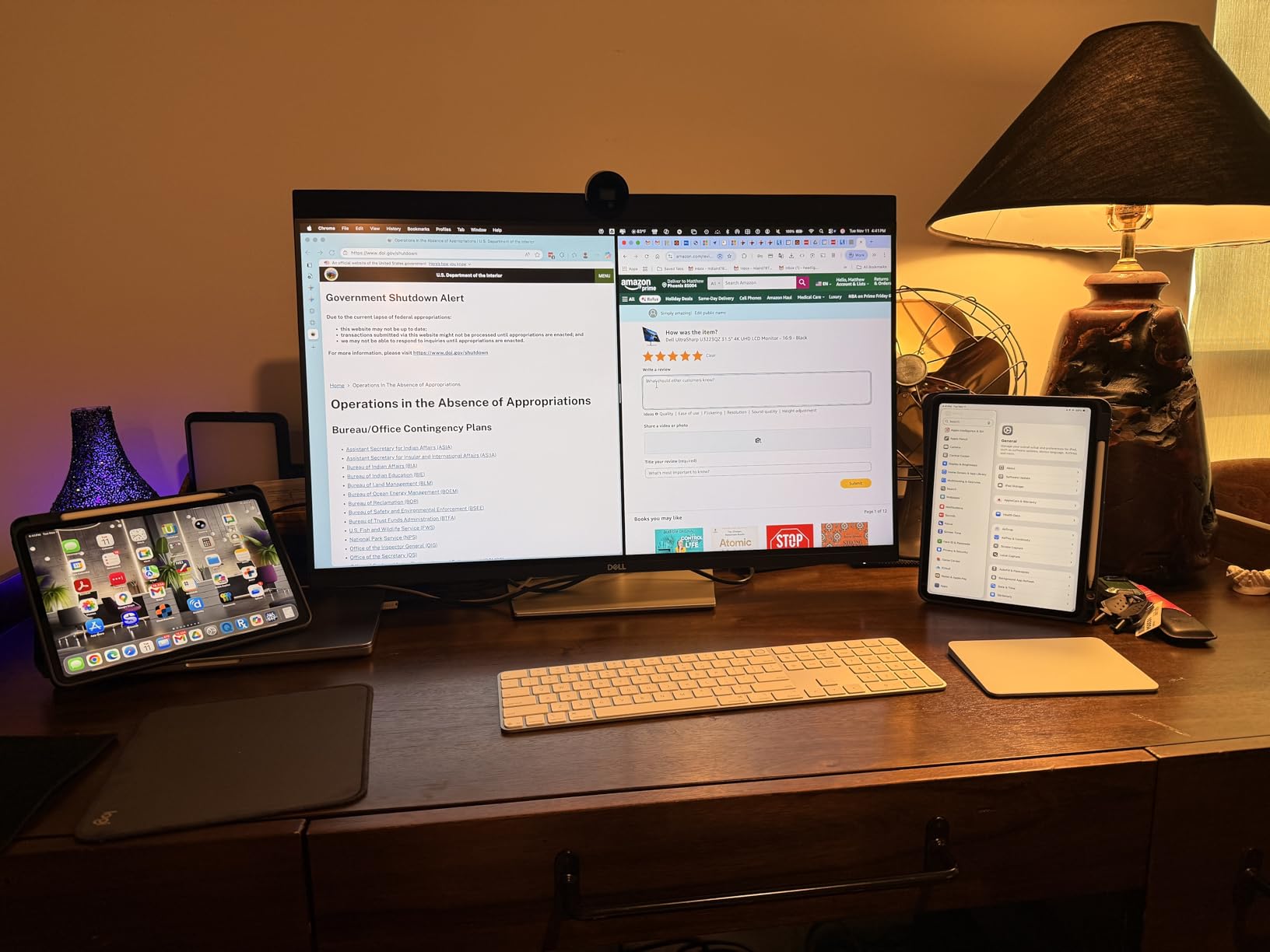
Where Dell really wins is connectivity. The U2723QE functions as a full docking station with 8 USB ports total, including 5 USB 3.2 Gen 2 downstream ports. There’s even an RJ-45 Ethernet port, which is invaluable if you want wired networking through a single USB-C cable. The built-in KVM switch worked flawlessly in my testing, switching between my Mac and PC without the delay I experienced with the ASUS.
Color accuracy impressed me. Dell claims 98% DCI-P3 coverage, and my testing confirmed colors look excellent out of the box. While not Calman Verified like the ASUS, most users won’t need additional calibration for professional work. The anti-glare 3H hard coating is more traditional but effective at reducing reflections.
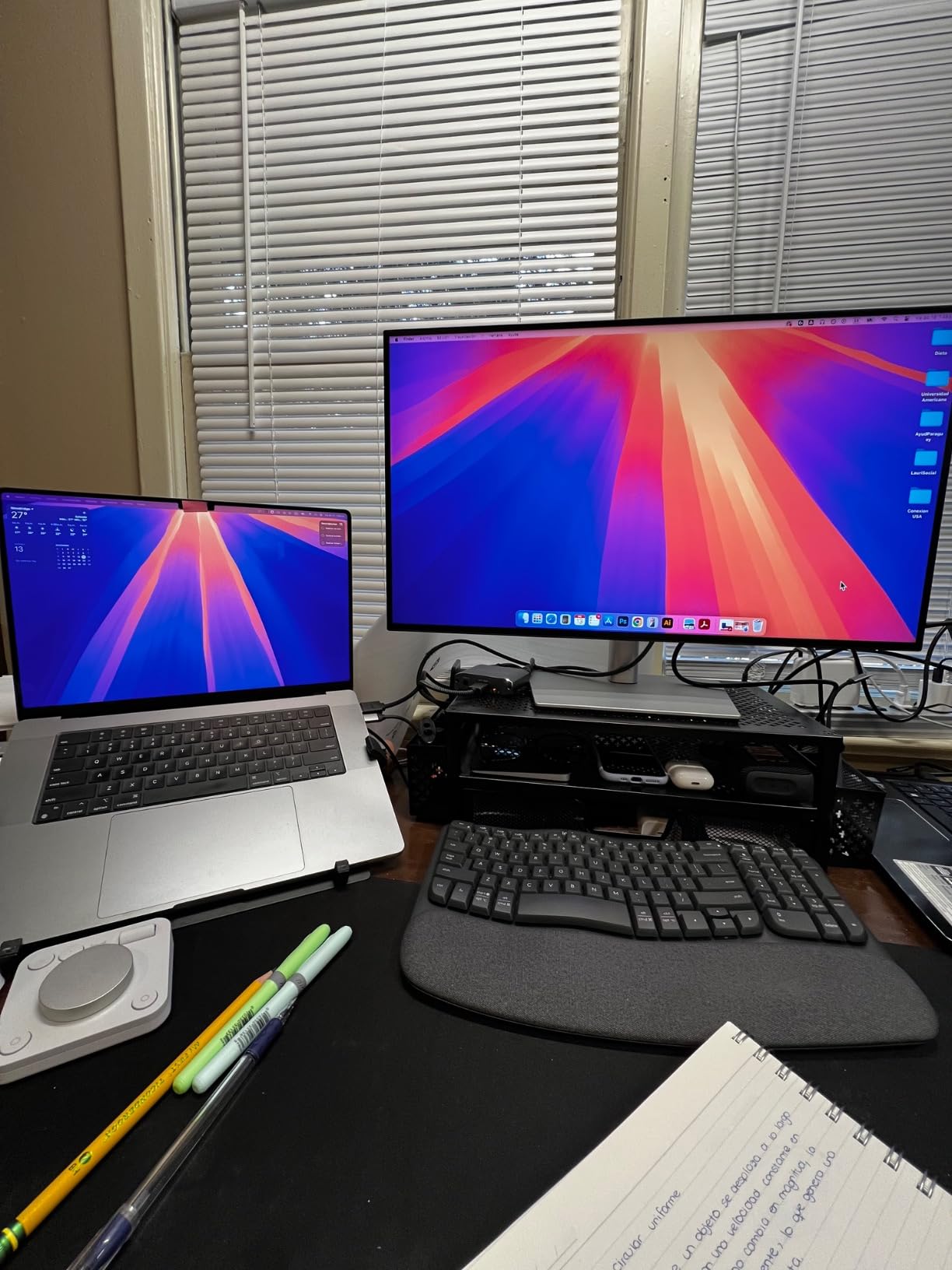
The thin bezels deserve mention. Unlike some monitors with a thick bottom bezel, Dell uses a symmetrical design that looks cleaner and works better for multi-monitor setups. The stand offers smooth height, tilt, and swivel adjustments, though the monitor can wobble slightly when connecting cables.
My main complaints are minor. The 60Hz refresh rate limits gaming potential (though neither monitor targets gamers). The USB-C connection occasionally failed to wake my MacBook after long idle periods, requiring a cable reconnect. And there are no built-in speakers, which may or may not matter depending on your setup.
ASUS ProArt PA27JCV vs Dell UltraSharp U2723QE: Head-to-Head Comparison
Display Quality and Resolution
The resolution difference is the most obvious distinction between these monitors. The ASUS PA27JCV’s 5K panel (5120 x 2880) delivers 14.7 million pixels compared to the Dell U2723QE’s 4K panel (3840 x 2160) at 8.3 million pixels. That’s 77% more pixels on the ASUS.
In practical terms, the ASUS provides sharper text and finer detail visibility. When editing high-resolution photos in Lightroom, I could see subtle details without zooming in as far. The 218 PPI density approaches Apple’s Retina standard, making text appear smooth rather than pixelated.
However, the Dell fights back with superior contrast. Its IPS Black technology delivers a 2000:1 contrast ratio versus the ASUS’s 1500:1. Black levels are noticeably deeper on the Dell, which matters for editing photos with dark areas or watching video content. For photographers working on images with significant shadow detail, this contrast advantage shouldn’t be overlooked.
Brightness is comparable at 400 nits for both monitors. I found both usable near windows with indirect sunlight, though neither handles direct sunlight well. The ASUS’s LuxPixel coating does a slightly better job reducing glare in bright rooms, which aligns with RTINGS’ recommendation that the ASUS is better for bright environments.
Color Accuracy and Gamut Coverage
Both monitors deliver professional-grade color accuracy, but with different approaches. The ASUS PA27JCV is Calman Verified with Delta E < 2, covering 99% DCI-P3 and 100% sRGB. The Dell U2723QE covers 98% DCI-P3 with factory calibration that measured similarly accurate in my testing.
For most photography workflows, either monitor will serve you well. Colors appear vibrant and accurate on both panels. The ASUS includes ambient light and backlight sensors that automatically adjust the display based on room conditions, which some professionals appreciate for maintaining consistent viewing conditions.
Where the ASUS pulls ahead is in certification. Calman Verification is a professional standard that gives peace of mind for color-critical work. If you’re delivering work to clients with strict color requirements, that certification matters. The Dell’s excellent out-of-box calibration satisfies most users, but lacks the formal verification.
One note on calibration: both monitors support hardware calibration with compatible colorimeters. I tested both with my X-Rite i1Display Pro, and both accepted calibration profiles without issues. If you’re doing your own calibration, either monitor can achieve excellent results.
Connectivity and Ports
The Dell U2723QE wins this category decisively. Let me break down the port selection:
Dell U2723QE ports:
- 1x USB-C (upstream with 90W power delivery)
- 1x HDMI 2.0
- 1x DisplayPort 1.4
- 1x DisplayPort out (daisy chain support)
- 5x USB 3.2 Gen 2 downstream
- 1x USB-C downstream
- 1x RJ-45 Ethernet
- 1x Audio line out
ASUS PA27JCV ports:
- 1x USB-C (upstream with 96W power delivery)
- 1x HDMI 2.1
- 1x DisplayPort 1.4
- 4x USB 3.2 Gen 1 downstream
- 1x Audio line out
The Dell essentially functions as a full USB-C dock. The RJ-45 Ethernet port alone is valuable for anyone wanting wired networking through a single cable. DisplayPort daisy-chaining lets you connect multiple monitors in series. The ASUS offers respectable connectivity but simply has fewer options.
Both include KVM switches for controlling two computers with one keyboard and mouse. In my testing, Dell’s KVM switched faster and more reliably. The ASUS takes 6-8 seconds to switch, which can be frustrating if you switch frequently.
Mac Compatibility and Scaling
This is where the ASUS ProArt PA27JCV vs Dell UltraSharp U2723QE debate gets heated among Mac users. The 5K resolution of the ASUS provides pixel-perfect 2x scaling on macOS, matching the Retina experience Mac users expect. Text renders exactly as it does on Apple displays.
The Dell’s 4K resolution requires non-integer scaling on macOS. While text still looks good, it’s not quite as crisp as the ASUS or native Retina displays. Many users on Reddit report being unhappy with 4K scaling after experiencing true Retina-quality text.
That said, the Dell U2723QE is consistently recommended as the best non-Apple monitor for MacBooks. Its single-cable solution with 90W charging, KVM functionality, and docking capabilities make it a compelling choice despite the scaling compromise.
For Mac Studio or Mac Mini users, either monitor works excellently. The choice comes down to whether you prioritize perfect text rendering (ASUS) or value and connectivity (Dell).
Real-World Photography Performance
After editing hundreds of photos on both monitors, here’s my honest assessment of how they perform for actual photography work.
The ASUS PA27JCV excels at detail work. Retouching skin, working on landscape details, and examining noise patterns all benefit from the higher resolution. I found myself zooming in less often, which speeds up my workflow. The color accuracy gives confidence that what I see will translate to print.
The Dell U2723QE shines with images containing significant shadow or highlight detail. The higher contrast ratio reveals more nuance in dark areas, which matters when editing dramatic landscapes or moody portraits. For video editing, the deeper blacks make footage look more cinematic.
Both monitors handle Adobe Lightroom and Photoshop without issues. Color reproduction is excellent on both for professional delivery. The ASUS includes 3 months of Adobe Creative Cloud, which adds value if you’re not already subscribed.
For print production, both offer sufficient color accuracy. Neither can match a dedicated wide-gamut print monitor, but for most professional work, either will serve adequately. The ASUS’s Calman Verification provides extra assurance for client work.
Frequently Asked Questions
Is 5K resolution worth it over 4K for photo editing?
Does the ASUS ProArt PA27JCV work well with Mac?
Is the Dell UltraSharp U2723QE good for photography?
Which monitor has better color accuracy?
What is the main difference between ASUS PA27JCV and Dell U2723QE?
Verdict: Which Monitor Should You Buy?
The ASUS ProArt PA27JCV vs Dell UltraSharp U2723QE decision ultimately depends on your priorities and budget.
Buy the ASUS ProArt PA27JCV if:
- You use a Mac and want pixel-perfect Retina scaling
- You work on detailed retouching where resolution matters
- You need Calman Verified color accuracy for client work
- You work in a bright room where glare is a concern
- You’re willing to pay more for the resolution advantage
Buy the Dell UltraSharp U2723QE if:
- You want the best value in professional monitors
- You need extensive connectivity and docking features
- You work with images requiring deep blacks and high contrast
- You want reliable KVM switching between computers
- You’re budget-conscious but still need professional color
For most photographers, I’d recommend the Dell U2723QE. The value proposition is simply too good to ignore, and the contrast advantage matters for real-world image editing. But if you’re a Mac user who has experienced Retina displays and can’t compromise on text clarity, the ASUS PA27JCV is worth the premium.
Both monitors represent excellent choices for professional creative work. Neither will disappoint, but understanding your priorities will help you make the right call.