
Choosing between ProRes RAW and Blackmagic RAW can make or break your post-production workflow. I have spent months testing both formats on real projects, and the differences go far beyond simple file size comparisons.
ProRes RAW vs Blackmagic RAW represents one of the most debated topics in modern filmmaking. Both formats promise the flexibility of RAW video with manageable file sizes, but they take fundamentally different approaches to achieving that goal.
The core difference comes down to philosophy. ProRes RAW preserves unprocessed sensor data, giving you maximum flexibility but requiring more from your editing hardware. Blackmagic RAW applies partial in-camera processing, including some debayering and noise reduction, resulting in smaller files and smoother playback.
For most filmmakers, Blackmagic RAW wins on workflow efficiency and ease of use. However, if you need maximum control over noise reduction and detail preservation, ProRes RAW remains the purer choice.
ProRes RAW vs Blackmagic RAW: Quick Comparison
| Product | Specifications | Action |
|---|---|---|
 Panasonic LUMIX S5IIX
|
|
Check Latest Price |
 BMPCC 6K G2
|
|
Check Latest Price |
ProRes RAW – Apple’s Professional Codec
Panasonic LUMIX S5IIX Mirrorless Camera, 24.2MP Full Frame with Phase Hybrid AF, New Active I.S. Technology, 5.8K Pro-Res, RAW Over HDMI, IP Streaming - DC-S5M2XBODY Black
Pros
- True RAW sensor data
- Excellent detail in noise
- Native Final Cut Pro support
- No baked-in processing
- 5.8K internal ProRes
Cons
- No highlight recovery
- Limited DaVinci support
- Larger file sizes
- Requires Apple ecosystem
Testing the Panasonic LUMIX S5IIX with ProRes RAW opened my eyes to what “true RAW” really means. The format captures completely unprocessed sensor data, leaving every decision for post-production.
What struck me most was the noise character. ProRes RAW footage appears noisier at first glance, but that noise contains actual detail. When I pushed exposure in post, I could recover information that simply was not there in other formats. The trade-off is managing that noise yourself rather than having the camera do it for you.
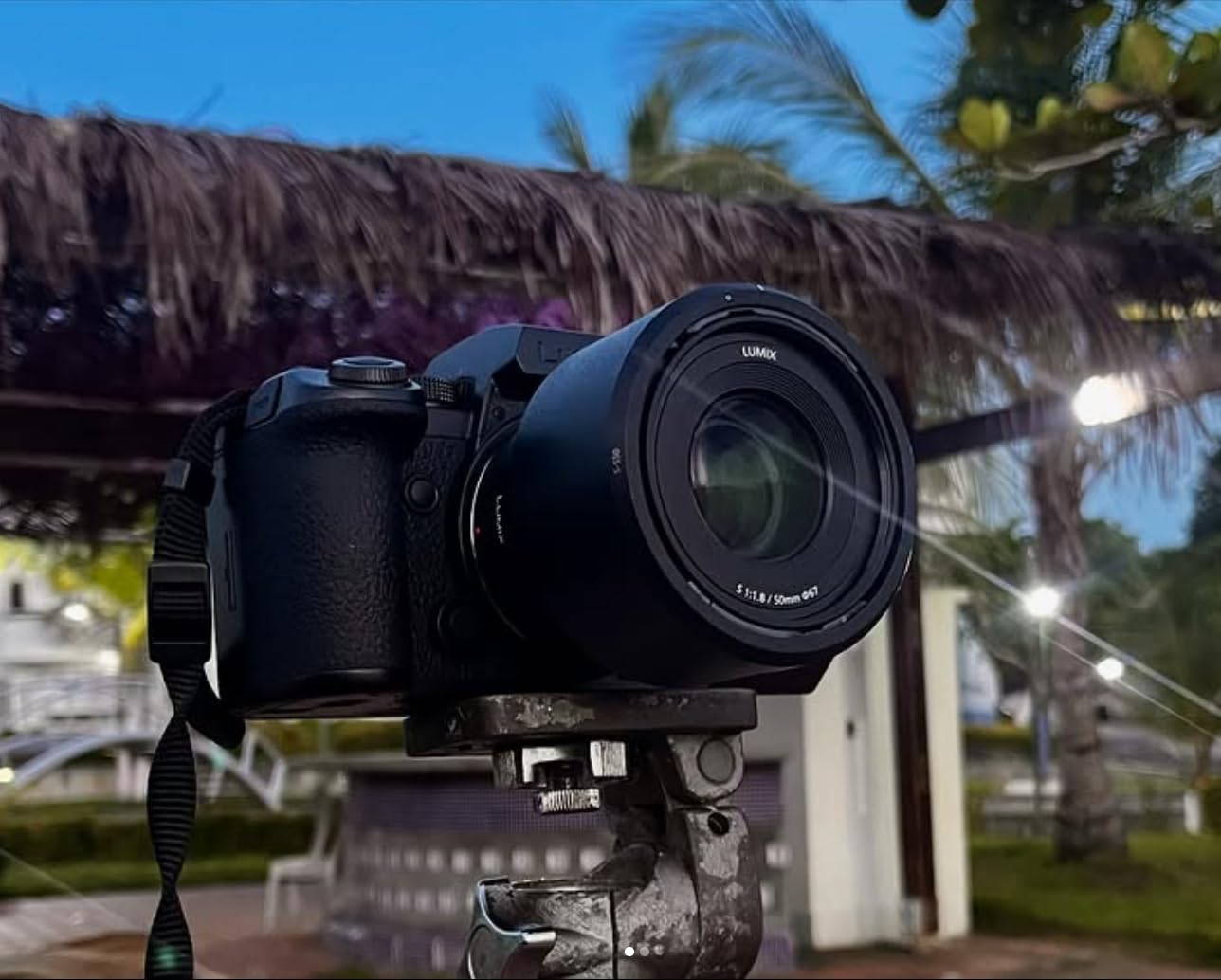
The S5IIX records 5.8K ProRes internally and outputs ProRes RAW over HDMI to compatible external recorders. This gives you flexibility in how you capture, though true ProRes RAW requires that external recorder investment.
Phase Hybrid Autofocus with 779 points makes this camera genuinely usable for run-and-gun work. Previous Panasonic cameras struggled with autofocus, but the S5IIX finally competes with Sony and Canon in this department.
Where ProRes RAW shines is white balance and ISO flexibility. Because the format stores metadata rather than baked-in adjustments, you can completely rethink your color temperature in post without quality loss. This saved several shots where I had forgotten to adjust white balance during location changes.
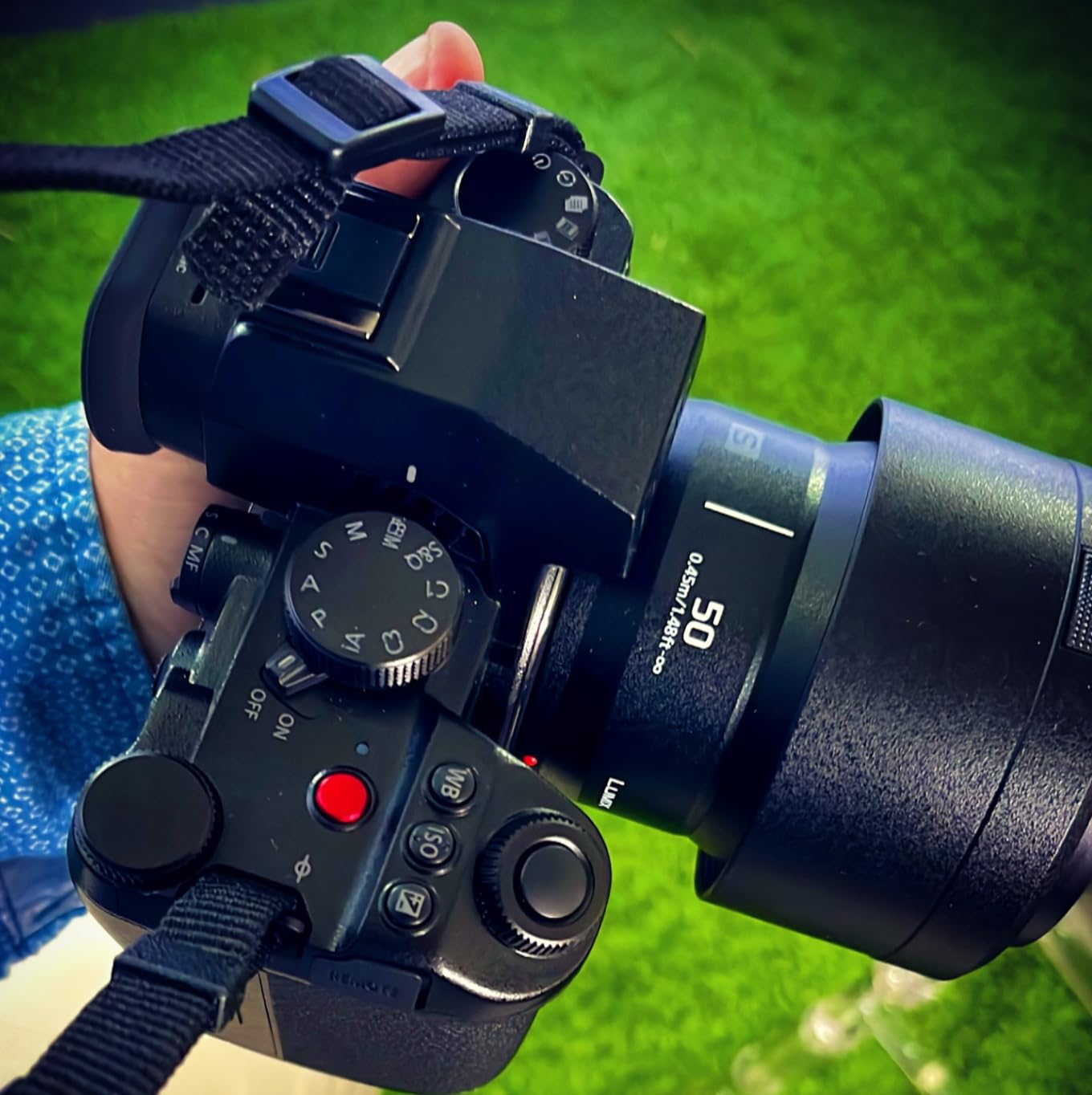
The 14+ stop dynamic range with V-Log/V-Gamut gives serious latitude for color grading. I found the footage took LUTs beautifully and responded well to aggressive grading without falling apart.
Heat management impressed me during long interview sessions. The unlimited recording capability with proper heat dispersion meant I never had to worry about the camera shutting down mid-take.
Blackmagic RAW – The Filmmaker’s Choice
Pros
- Highlight recovery built-in
- Seamless DaVinci integration
- Smaller file sizes
- Excellent low-light ISO
- Includes Resolve Studio
Cons
- Baked-in noise reduction
- Manual focus only
- Poor battery life
- Requires rig for pro use
The Blackmagic Pocket Cinema Camera 6K G2 delivers something special: cinematic images straight out of camera. BRAW footage has a distinctive look that many filmmakers describe as “ready to use” with minimal grading.
Shooting with this camera taught me why so many indie filmmakers choose Blackmagic. The 6K Super 35 sensor produces images that punch far above the price point. Even ProRes footage (not RAW) looks genuinely cinematic without heavy post-processing.
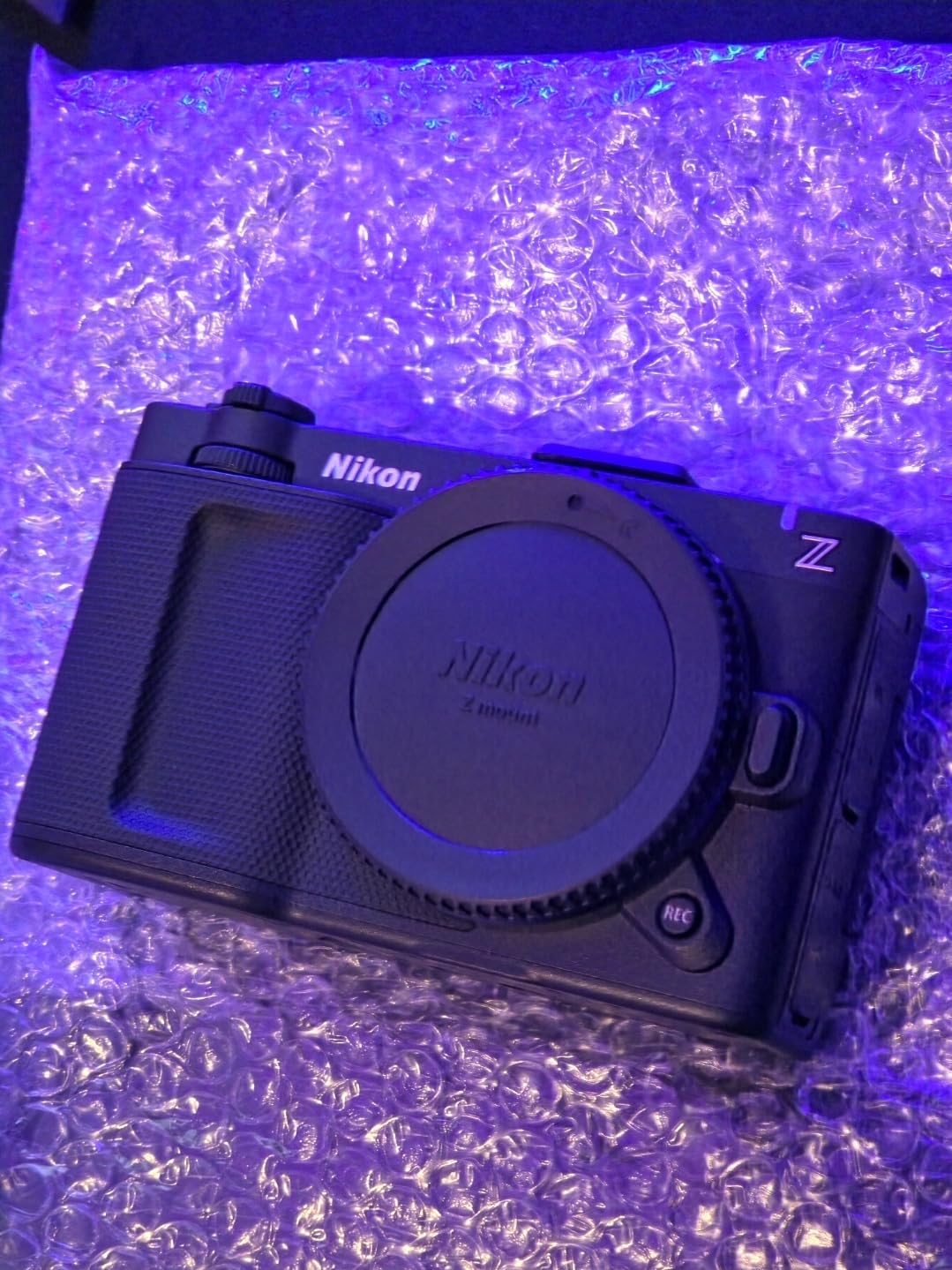
The headline feature for BRAW is highlight recovery. Unlike ProRes RAW, Blackmagic’s format can reconstruct clipped highlights using data from other color channels. This has saved numerous outdoor shoots where I accidentally overexposed bright areas.
Dual gain ISO up to 25,600 means this camera performs exceptionally in low light. I shot interior scenes at ISO 3200 that looked clean and usable, something that would have required noise reduction on other cameras.
However, BRAW applies some processing in-camera. The partial debayering and noise reduction mean you are not getting “pure” sensor data. Some cinematographers prefer this; others want complete control. Your preference determines which format suits your workflow.
The EF mount opens access to Canon’s extensive lens ecosystem. I used everything from vintage manual focus lenses to modern L-series glass without adapter issues. This flexibility is a significant advantage for filmmakers with existing Canon glass.
Davinci Resolve Studio comes included with the camera. This represents significant value, as the software alone costs several hundred dollars. BRAW integrates seamlessly with Resolve, providing real-time playback even on modest hardware.
Battery life remains the biggest weakness. The included NP-F570 gives roughly 40 minutes, and you will want NP-F550 spares or a v-mount solution for serious work. Budget for power when planning your rig.
ProRes RAW vs Blackmagic RAW: Head-to-Head Comparison
Image Quality and Detail Preservation
ProRes RAW preserves more fine detail because it skips in-camera processing. When examining blue channel noise patterns, ProRes RAW shows actual sensor noise rather than processed output. This gives you more to work with in post.
BRAW appears cleaner initially but has noise reduction baked in. You cannot remove this processing later. For most productions, this matters little. For maximum flexibility, ProRes RAW wins on purity.
Highlight Recovery
This is where BRAW dominates. Blackmagic’s highlight recovery feature can reconstruct clipped highlights using adjacent pixel data. ProRes RAW has no equivalent feature in any current software.
For outdoor shooting with high contrast, highlight recovery can salvage otherwise unusable footage. This single feature has converted many ProRes users to BRAW.
White Balance Flexibility
Both formats store white balance as metadata. However, external BRAW recording (via HDMI to Atomos) can introduce white balance inaccuracies compared to internal BRAW from Blackmagic cameras.
ProRes RAW maintains white balance flexibility regardless of recording method. If you use external recorders exclusively, ProRes RAW may offer more consistent results.
Workflow and Software Compatibility
BRAW works beautifully in DaVinci Resolve with excellent performance on modest hardware. The integration is seamless because Blackmagic controls both format and software.
ProRes RAW shines in Final Cut Pro on Mac. Apple optimizes the format for their ecosystem, delivering smooth playback and efficient rendering. DaVinci Resolve support exists but is limited, particularly on Windows.
Premiere Pro supports both formats reasonably well, though performance varies by hardware configuration.
File Size Comparison
BRAW typically produces smaller files than ProRes RAW at equivalent quality levels. The in-camera processing allows more efficient compression without visible quality loss.
ProRes RAW files run larger because they contain more unprocessed data. This affects storage costs and backup time on larger productions.
Camera Compatibility Matrix
ProRes RAW is available on cameras from Sony, Nikon, Panasonic, and others via external recorders like Atomos Ninja. Internal ProRes RAW remains limited primarily to Canon and Sony cinema cameras.
BRAW works natively on Blackmagic cameras only. This creates ecosystem lock-in, though the format’s quality and DaVinci integration make that lock-in acceptable for many filmmakers.
Hardware Requirements
Editing ProRes RAW demands powerful hardware. The unprocessed data requires significant CPU and GPU resources to debayer in real-time. Expect to invest in a capable editing machine.
BRAW plays back smoothly on older computers thanks to partial in-camera processing. This accessibility makes BRAW attractive for filmmakers on tighter hardware budgets.
Which Format Should You Choose?
The ProRes RAW vs Blackmagic RAW decision comes down to workflow priorities and ecosystem preference.
Choose ProRes RAW If:
You work primarily in Final Cut Pro on Mac. The integration is unmatched, with smooth playback and efficient rendering built into Apple’s ecosystem.
You want maximum control over noise reduction and detail. ProRes RAW gives you unprocessed sensor data, letting you decide exactly how much noise reduction to apply.
You need external recording flexibility. ProRes RAW works across multiple camera brands with Atomos recorders, giving you format consistency across different cameras.
Choose Blackmagic RAW If:
DaVinci Resolve is your primary editor. The format integrates perfectly with Resolve, offering excellent performance and professional color tools.
Highlight recovery matters to your work. BRAW’s ability to reconstruct clipped highlights has saved countless outdoor and high-contrast shots.
You want smaller files without quality compromise. BRAW’s compression efficiency means less storage overhead and faster backup times.
You shoot on Blackmagic cameras. Native BRAW from Blackmagic cameras outperforms external BRAW in white balance accuracy and image consistency.
Frequently Asked Questions
Is Blackmagic RAW better than ProRes RAW?
Neither format is universally better. BRAW offers highlight recovery, smaller files, and seamless DaVinci integration. ProRes RAW provides pure sensor data, excellent detail preservation, and optimal Final Cut Pro performance. Your choice depends on your editing software and workflow priorities.
Can DaVinci Resolve handle ProRes RAW?
Yes, DaVinci Resolve supports ProRes RAW, but with limitations compared to Final Cut Pro. Windows users face additional codec restrictions. Performance varies by hardware, and some advanced ProRes RAW features work better in Apple’s ecosystem.
Is ProRes RAW better than RAW?
ProRes RAW is a type of compressed RAW that preserves sensor data while keeping file sizes manageable. Compared to uncompressed RAW, ProRes RAW offers similar flexibility with much smaller files. Compared to baked-in formats, ProRes RAW provides far more post-production control.
Is it better to record in ProRes?
Recording in ProRes or ProRes RAW makes sense when you need maximum flexibility in post-production. For quick turnaround projects where color grading will be minimal, standard codecs may suffice. For commercial work, documentaries, or any project requiring extensive grading, ProRes formats provide the latitude professionals need.
Final Recommendation
For most indie filmmakers and documentarians, Blackmagic RAW offers the better balance of quality, workflow, and value. The highlight recovery alone justifies the choice for unpredictable shooting conditions.
For studio work and commercial productions with controlled lighting, ProRes RAW provides maximum flexibility for colorists who want complete control over the image.
Both formats deliver professional results. Your choice should align with your editing software, camera investment, and specific project requirements.