
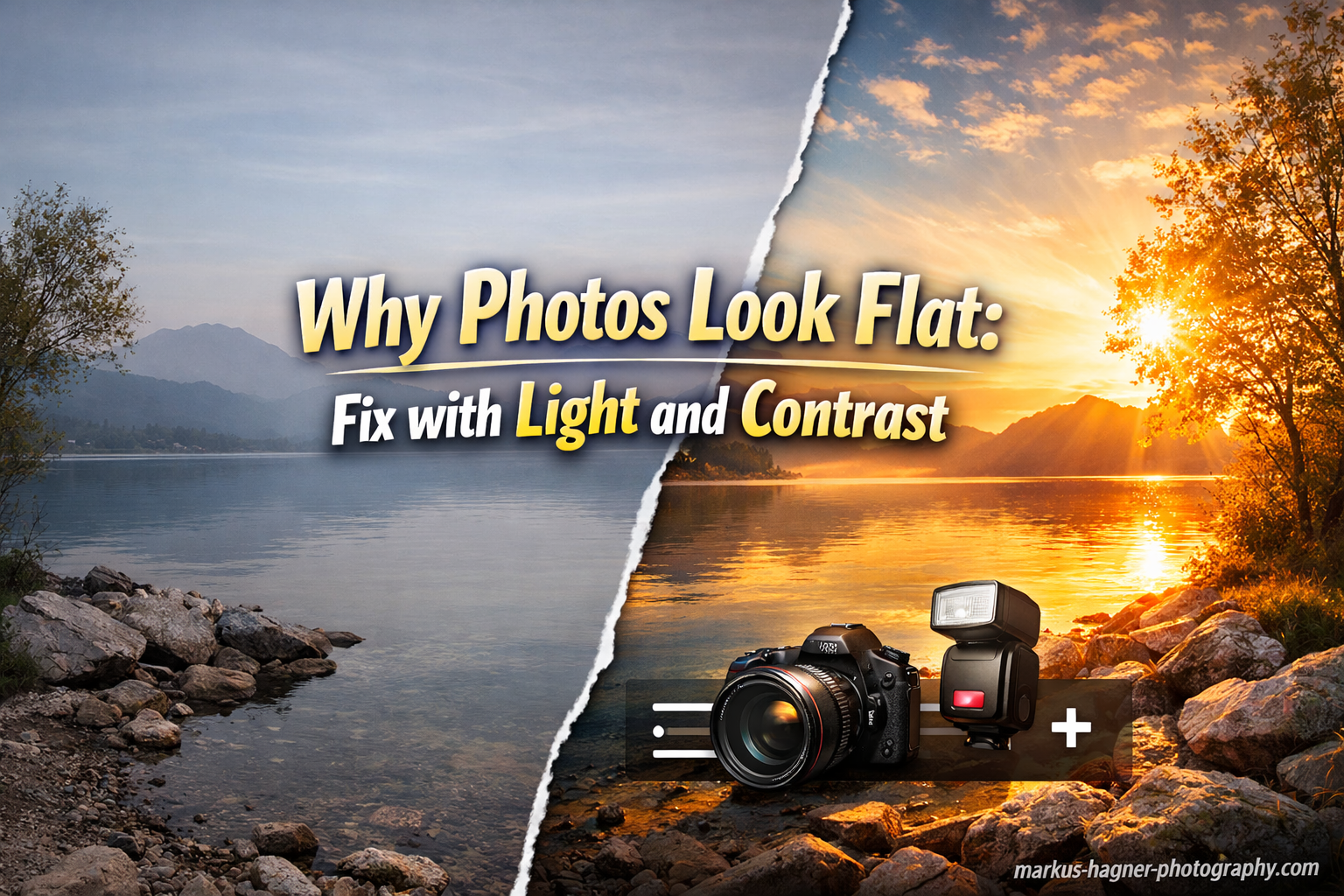
You snap a photo that looks beautiful in person, but when you view it on your screen, something feels off. The image looks dull, lifeless, and two-dimensional. If you have ever wondered why your photos look flat, you are not alone. This is one of the most common frustrations for photographers at every skill level.
Flat photos lack depth, dimension, and visual interest. They fail to capture the sense of space and volume that our eyes perceive in the real world. The good news is that fixing flat photos does not require expensive gear or complex software. The solution comes down to understanding two fundamental elements: light and contrast.
In this guide, I will explain exactly what causes photos to look flat and give you practical techniques to add depth and dimension to your images. Whether you shoot with a professional camera or your smartphone, these principles will transform your photography.
What Makes Photos Look Flat?
Flat photos usually suffer from three core problems. Understanding these causes is the first step toward fixing them.
Flat Lighting Conditions
Flat lighting occurs when light hits your subject from the front with no clear direction. Overcast days create flat lighting because clouds diffuse sunlight evenly across the scene. On-camera flash produces the same effect, blasting light straight at your subject and eliminating shadows.
Shadows give objects shape and form. When light comes from every direction at once, shadows disappear. Without shadows, faces look featureless, landscapes look like paintings, and objects lose their three-dimensional quality.
Lack of Contrast
Contrast is the difference between light and dark areas in your image. Low contrast means your photo consists mostly of midtones, gray areas without strong blacks or bright whites. The image appears muddy and washed out.
Our brains use contrast cues to perceive depth. When all tones blend together, the image feels compressed and lifeless. Adding contrast creates separation between elements and makes photos pop.
Poor Composition Choices
Centering your subject, shooting from eye level, and including busy backgrounds all contribute to flat-looking images. These choices eliminate visual hierarchy and fail to create layers that lead the viewer’s eye through the scene.
Fix Flat Photos with Better Light Direction
Light direction is the single most important factor in creating dimensional photos. Changing where light comes from transforms flat images into dynamic ones.
Side Lighting for Texture and Form
Move your light source or your subject so light strikes from the side rather than the front. Side lighting creates shadows on one side of your subject while illuminating the other. This reveals texture, shape, and depth.
For portraits, position your subject near a window with light coming from the side. The shadow side of the face creates contrast and sculpts features. For landscapes, shoot when the sun is low and angled across the terrain to emphasize texture.
Window Light for Indoor Photography
Window light is one of the best free lighting tools available. It is naturally directional and creates soft, flattering shadows. Place your subject at a 45-degree angle to the window for beautiful, dimensional lighting.
If the shadows are too dark, use a white reflector or foam board on the shadow side to bounce light back. This fills in harsh shadows while maintaining depth.
Golden Hour Timing
The hour after sunrise and the hour before sunset provide the most beautiful directional light. The sun sits low in the sky, creating long shadows and warm tones. Photos taken during golden hour naturally have more depth and dimension than midday shots.
When shooting during midday, look for open shade or use objects to block direct overhead light. This prevents the flat, overhead lighting that eliminates shadows.
Backlighting for Separation
Position your light source behind your subject to create a rim of light around the edges. This separates the subject from the background and adds a sense of depth. Backlighting works beautifully for portraits, nature shots, and translucent subjects like leaves or flowers.
Use exposure compensation or spot metering to avoid underexposing your subject when shooting against a bright background.
Understanding Lighting Hierarchy for Depth
Professional photographers think about light in layers. Lighting hierarchy means creating different brightness levels for the foreground, middle ground, and background of your image.
Foreground, Middle Ground, Background
Divide your scene into three zones. The foreground sits closest to your camera. The middle ground contains your main subject. The background appears farthest away. When all three zones receive equal light, the image looks flat.
Create depth by ensuring each zone has a different brightness level. The foreground might be in shadow while the middle ground catches direct light. Or the background could be brighter than your subject, creating separation.
Light Type and Direction by Zone
Pay attention to how light falls across these zones. Side light on your subject with a darker background creates depth. Backlight that highlights the background while your subject stays in partial shadow adds drama.
When scouting locations, look for scenes where natural light creates these hierarchies automatically. Urban environments often have pockets of light between buildings that illuminate one zone while leaving others in shadow.
Urban Pockets of Light
Cities provide excellent opportunities for lighting hierarchy. Alleyways, doorways, and gaps between buildings create natural vignettes. Position your subject in a patch of sunlight while the surrounding areas remain in shadow.
These pockets of light add depth without requiring any equipment. They create natural frames and draw the viewer’s eye to your subject.
The Negative Fill Technique
Negative fill is an advanced technique that adds contrast by removing light rather than adding it. This concept comes from professional portrait photography but works for any genre.
How Negative Fill Works
When shooting near a window or other large light source, the surrounding walls and ceiling often bounce light back onto the shadow side of your subject. This fill light reduces contrast and makes the image look flatter.
Negative fill uses a black surface, flag, or even dark clothing on the shadow side to absorb light instead of reflecting it. The black surface soaks up stray light, deepening the shadows and increasing contrast.
Creating Negative Fill
You can use a black foam board, a dark jacket, or even your body positioned on the shadow side. Move the black surface close to your subject without appearing in the frame. The closer the black surface, the darker the shadows become.
This technique costs nothing but dramatically improves the dimensionality of your photos. It is especially effective for portraits and product photography.
Composition Techniques That Add Depth
How you compose your shot affects how viewers perceive depth. Small changes in positioning and framing create big differences in dimensionality.
Rule of Thirds Placement
Placing your subject dead center creates a static, flat composition. Instead, use the rule of thirds. Position your subject at one of the intersection points on a 3×3 grid. This creates visual tension and leads the eye through the frame.
Leave space in front of moving subjects. This gives them room to move into the frame and creates a sense of depth and direction.
Leading Lines
Incorporate lines that lead from the foreground into the background. Roads, fences, rivers, and architectural elements all work as leading lines. These lines create perspective and draw the viewer’s eye deep into the image.
Position yourself so leading lines converge toward your main subject. This creates layers and emphasizes the three-dimensional space.
Camera Height Variations
Shooting everything from eye level produces consistent but often flat results. Lower your camera to create dramatic foreground elements that lead into the scene. Raise your camera to show more of the ground plane and create a sense of looking down into the image.
Even small changes in height, like crouching down or standing on a step, create noticeably different perspectives.
Scale and Position
Include objects of known size in your foreground to establish scale. A person standing near the camera emphasizes distance to background elements. A flower in the lower corner shows the vastness of a landscape behind it.
Position closer objects to overlap with distant ones. Overlapping elements clearly communicate which objects sit in front and which sit behind.
Background Separation and Depth of Field
Your background plays a crucial role in creating depth. A busy background competes with your subject and flattens the image. Proper background management adds separation and dimension.
Aperture for Background Blur
Use a wide aperture (low f-number like f/2.8 or lower) to create shallow depth of field. This blurs the background while keeping your subject sharp. The contrast between sharp subject and soft background adds depth.
Move your subject farther from the background to increase the blur effect. Distance between subject and background is just as important as aperture choice.
Background Selection
Look for clean, simple backgrounds that do not compete with your subject. Solid colors, distant landscapes, or out-of-focus areas work best. Avoid backgrounds with bright colors, busy patterns, or distracting elements.
When possible, position your subject against a background that is darker or lighter than they are. Tonal separation creates depth even without shallow depth of field.
How to Fix Flat Photos in Editing
Even well-shot photos often need editing adjustments to reach their full potential. Here is a step-by-step workflow for adding depth in post-processing.
Step 1: Adjust Exposure
Start by getting the overall exposure right. Check your histogram to ensure you have information across the full tonal range. Avoid clipping highlights or crushing shadows completely, unless doing so intentionally for effect.
Step 2: Boost Contrast
Increase the contrast slider to expand the distance between lights and darks. Be careful not to overdo it. Too much contrast creates harsh, unrealistic images. Aim for natural-looking depth that mimics what you saw in person.
Step 3: Refine with Tone Curve
The tone curve gives precise control over contrast. Lift the shadows slightly for a softer look, or create an S-curve for more punch. The S-curve brightens highlights and darkens shadows simultaneously, increasing overall contrast.
Step 4: Adjust Shadows and Highlights
Use dedicated shadow and highlight sliders to recover detail. Brighten shadows to reveal detail without making them gray. Darken highlights to add depth to bright areas. These tools let you shape light after the fact.
Step 5: Add Clarity and Texture
The clarity slider increases midtone contrast, adding punch to edges and details. Texture enhances fine details without affecting larger tonal areas. Use these tools sparingly to avoid artificial-looking results.
Step 6: Sharpen Appropriately
Sharpening adds the appearance of depth through edge definition. Apply sharpening to the in-focus areas of your image. Mask out blurred backgrounds to avoid adding noise and artifacts to smooth areas.
Step 7: Enhance with Local Adjustments
Use gradient filters, radial filters, or adjustment brushes to add light and shadow selectively. Darken corners slightly to draw attention to the center. Brighten your subject to make them pop. These local adjustments mimic the lighting hierarchy you created during shooting.
5 Quick Fixes for Flat Photos
When you need fast results, these five techniques provide immediate improvement:
1. Turn your subject slightly. Ask portrait subjects to angle their bodies 45 degrees toward the light. This creates natural modeling and shadow on one side of the face.
2. Shoot during golden hour. Schedule photo sessions for the hour after sunrise or before sunset. The directional light automatically adds depth.
3. Increase contrast in editing. A small boost to the contrast slider often transforms flat images. Start with +10 to +20 and adjust to taste.
4. Use a wide aperture. Set your lens to its widest aperture (lowest f-number) to blur backgrounds and separate your subject.
5. Apply the rule of thirds. Move your subject off-center using your camera’s grid overlay. This simple compositional change adds visual interest.
Frequently Asked Questions
How to make a photo look less flat?
To make a photo look less flat, add directional light by positioning your subject near a window or shooting during golden hour. Increase contrast in editing using the contrast slider or tone curve. Use a wide aperture to blur the background and create separation. Apply the rule of thirds for better composition. Add depth through side lighting that creates shadows and reveals texture.
How to fix a flat image?
Fix a flat image in editing by boosting contrast first, then refining with the tone curve to create an S-curve that brightens highlights and darkens shadows. Adjust shadows and highlights sliders to recover detail while maintaining depth. Add clarity for midtone contrast. Use local adjustments to brighten your subject and darken the background. Crop to apply the rule of thirds if needed.
Why do my photos look flat?
Photos look flat due to three main causes: flat lighting with no directional light source that eliminates shadows, low contrast between light and dark areas creating muddy midtones, and poor composition choices like centering subjects or shooting from eye level without visual hierarchy.
What causes flat lighting in photography?
Flat lighting occurs when light hits the subject evenly from all directions with no clear source. Common causes include overcast weather that diffuses sunlight, on-camera flash pointed directly at the subject, or shooting in open shade without directional light. Front lighting eliminates shadows that give objects shape and form.
How do I get my pictures back to normal on my iPhone?
On iPhone, open the Photos app and select the image. Tap Edit, then adjust the settings. Increase Contrast to add depth. Adjust Shadows and Highlights to recover detail. Use the Brilliance slider for quick improvements. If you want to start over, tap Revert to restore the original photo.
How to fix low light film photos?
Fix low light film photos by scanning at high resolution and editing digitally. Increase exposure carefully while watching for grain. Boost contrast to add dimension lost in the shadows. Use noise reduction sparingly to preserve detail. Adjust the black point to set a true black and avoid gray, muddy shadows.
Conclusion
Flat photos look that way because of flat lighting, low contrast, and composition choices that eliminate depth. Fixing them requires understanding how light direction, contrast, and framing work together to create dimension.
Start by seeking directional light from windows, golden hour sun, or side lighting. Use composition techniques like the rule of thirds and leading lines to create visual depth. In editing, boost contrast and use local adjustments to shape light selectively.
The techniques in this guide will transform your flat photos into dynamic, dimensional images. Practice them consistently, and you will see immediate improvement in your photography.